|
// Tour Easy Fairing Flashlight Mount |
|
// Ed Nisley KE4ZNU – July 2017 |
|
|
|
/* [Build Options] */ |
|
|
|
FlashName = "AnkerLC40"; // [AnkerLC40,AnkerLC90,J5TactV2,InnovaX5] |
|
|
|
Component = "Mount"; // [Ball, BallClamp, Mount, Plates, Bracket] |
|
|
|
Layout = "Show"; // [Build, Show] |
|
|
|
Support = false; |
|
|
|
MountSupport = true; |
|
|
|
/* [Extrusion] */ |
|
|
|
ThreadThick = 0.25; // [0.20, 0.25] |
|
ThreadWidth = 0.40; // [0.40] |
|
|
|
function IntegerMultiple(Size,Unit) = Unit * ceil(Size / Unit); |
|
|
|
Protrusion = 0.01; // [0.01, 0.1] |
|
|
|
HoleWindage = 0.2; |
|
|
|
/* [Fairing Mount] */ |
|
|
|
ToeIn = 0; // inward from ahead |
|
Tilt = 20; // upward from forward |
|
Roll = 0; // outward from top |
|
|
|
Shift = -5; // realign to plate center |
|
|
|
//- Screws *c |
|
|
|
/* [Hidden] */ |
|
|
|
ID = 0; |
|
OD = 1; |
|
LENGTH = 2; |
|
|
|
/* [Screws and Inserts] */ |
|
|
|
BallInsert = [2.0,3.5,4.0]; |
|
BallScrew = [2.0,3.5,2.0]; |
|
|
|
ClampInsert = [3.0,4.2,8.0]; |
|
ClampScrew = [3.0,5.9,50.0]; // thread dia, head OD, screw length |
|
ClampScrewWasher = [3.0,6.75,0.5]; |
|
ClampScrewNut = [3.0,6.1,4.0]; // nyloc nut |
|
|
|
/* [Hidden] */ |
|
|
|
F_NAME = 0; |
|
F_GRIPOD = 1; |
|
F_GRIPLEN = 2; |
|
|
|
LightBodies = [ |
|
["AnkerLC90",26.6,48.0], |
|
["AnkerLC40",26.6,55.0], |
|
["J5TactV2",25.0,30.0], |
|
["InnovaX5",22.0,55.0] |
|
]; |
|
|
|
NumSides = 8*4; |
|
|
|
echo(str("Flashlight: ",FlashName)); |
|
|
|
FlashIndex = search([FlashName],LightBodies,1,0)[F_NAME]; |
|
|
|
BallThick = IntegerMultiple(5.0,ThreadWidth); // thickness of ball wall |
|
echo(str("Ball wall: ",BallThick)); |
|
|
|
BallOD = max(45,IntegerMultiple(LightBodies[FlashIndex][F_GRIPOD] + 2*(BallThick + BallInsert[OD]),2.0)); |
|
echo(str(" OD: ",BallOD)); |
|
|
|
BallScrewOC = BallOD – BallThick – BallInsert[OD]; // from OD to allow different body diameters |
|
echo(str(" screw OC: ",BallScrewOC)); |
|
|
|
BallLength = min(sqrt(pow(BallOD,2) – pow(LightBodies[FlashIndex][F_GRIPOD],2)), |
|
LightBodies[FlashIndex][F_GRIPLEN]); |
|
echo(str(" hole len: ",BallLength)); |
|
|
|
ClampThick = 2*ClampInsert[OD]; |
|
echo(str("Clamp wall: ",ClampThick)); |
|
|
|
ClampOD = BallOD + 2*ClampThick; |
|
echo(str(" OD: ",ClampOD)); |
|
|
|
ClampScrewOC = BallOD + 2*ClampInsert[OD]; |
|
echo(str(" screw OC: ",ClampScrewOC)); |
|
|
|
ClampLength = 0.70 * BallLength; |
|
echo(str(" length: ",ClampLength)); |
|
|
|
//- Adjust hole diameter to make the size come out right |
|
|
|
module PolyCyl(Dia,Height,ForceSides=0) { // based on nophead's polyholes |
|
Sides = (ForceSides != 0) ? ForceSides : (ceil(Dia) + 2); |
|
FixDia = Dia / cos(180/Sides); |
|
cylinder(r=(FixDia + HoleWindage)/2,h=Height,$fn=Sides); |
|
} |
|
|
|
//- Ball around flashlight |
|
// Must print two! |
|
|
|
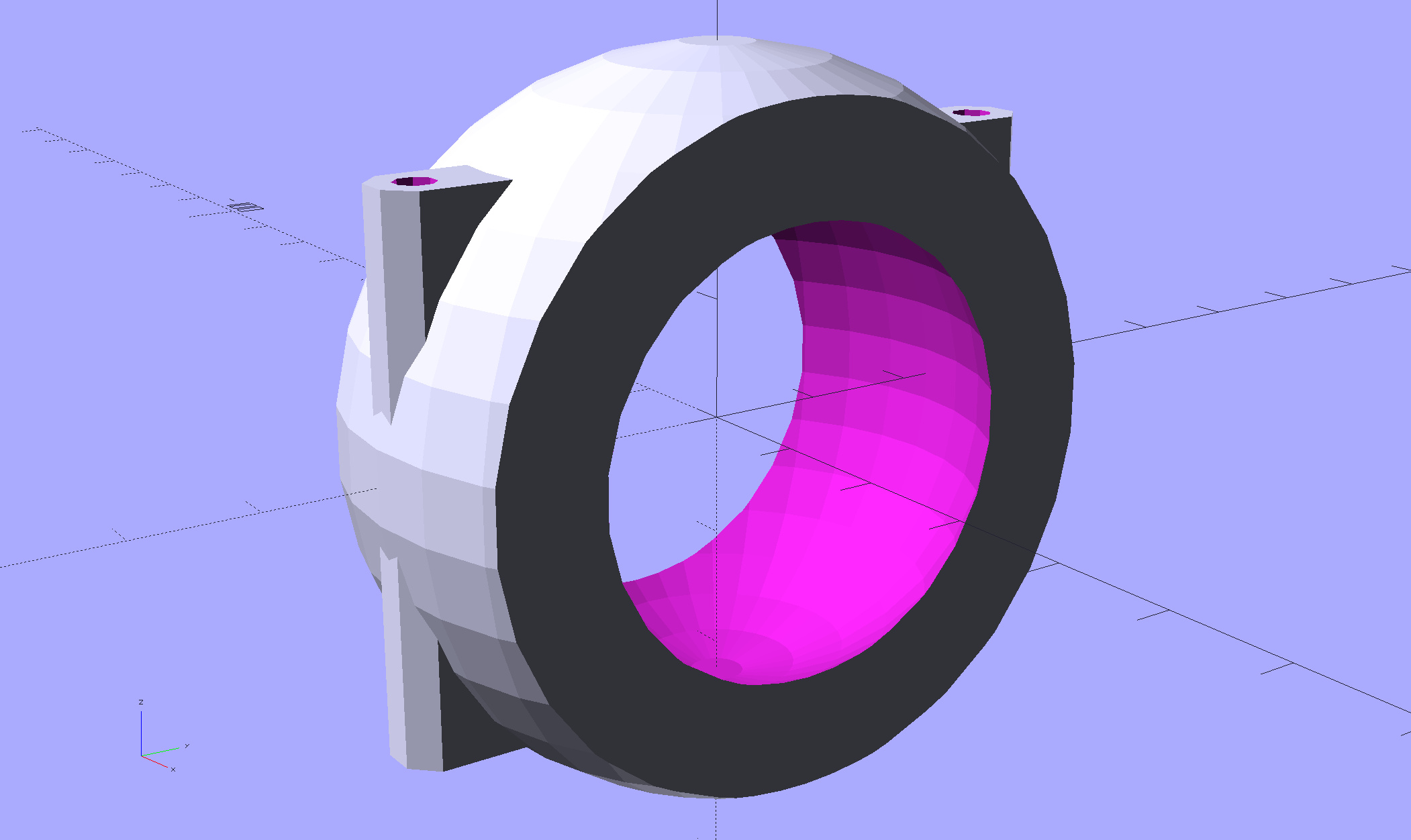
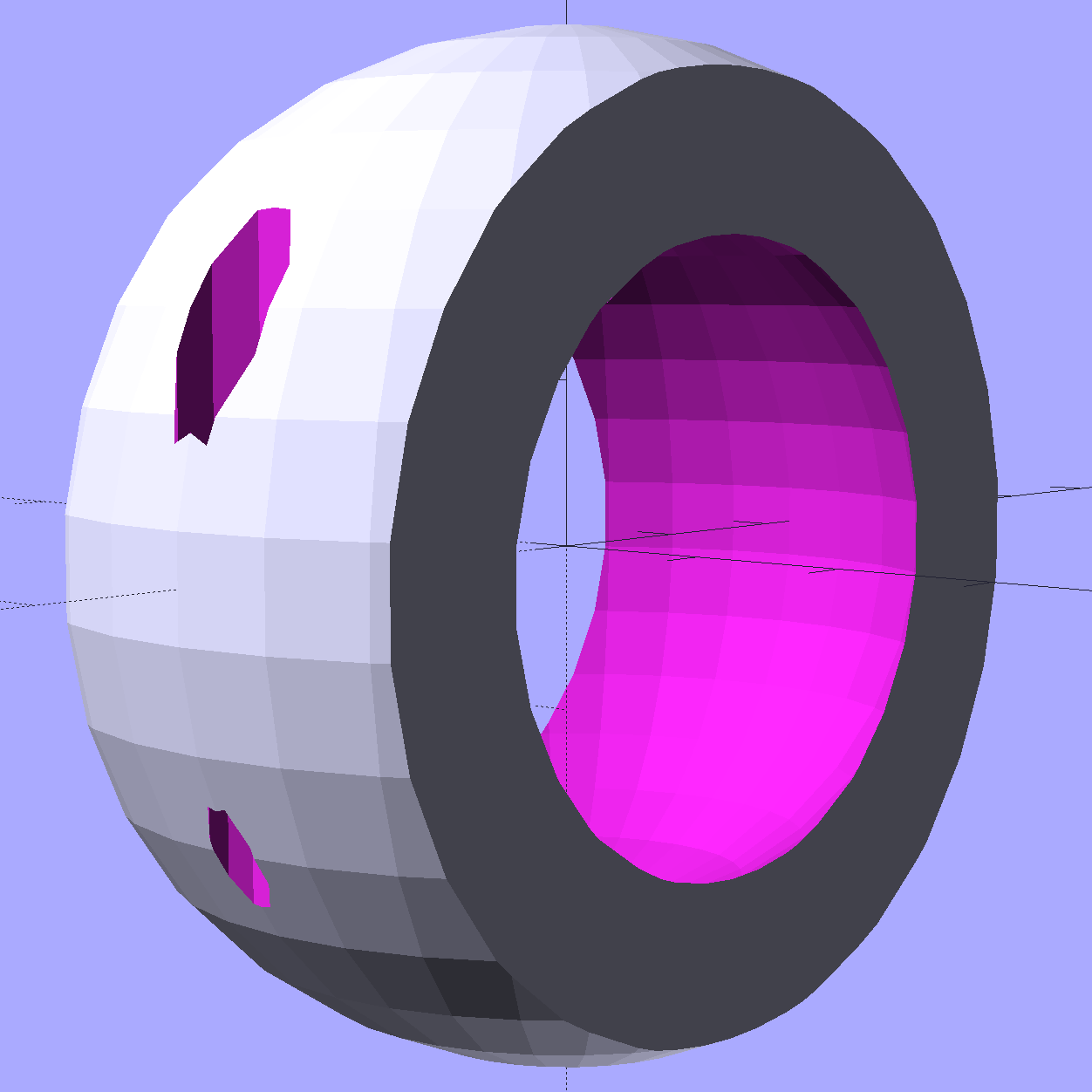
module BodyBall() { |
|
|
|
difference() { |
|
intersection() { |
|
sphere(d=BallOD,$fn=2*NumSides); // basic ball |
|
cube([BallLength,2*BallOD,2*BallOD],center=true); // max of flashlight grip length |
|
} |
|
translate([-LightBodies[FlashIndex][F_GRIPOD],0,0]) |
|
rotate([0,90,0]) rotate(180/NumSides) |
|
PolyCyl(LightBodies[FlashIndex][F_GRIPOD],2*BallOD,NumSides); // flashlight body |
|
for (j=[-1,1]) |
|
translate([0,j*BallScrewOC/2,0]) // commmon screw offset |
|
translate([0,0,-BallOD]) |
|
PolyCyl(BallInsert[ID],2*BallOD,6); // punch screw shaft through everything |
|
translate([0,BallScrewOC/2,-Protrusion]) |
|
PolyCyl(BallInsert[OD],(BallInsert[LENGTH] + 3*ThreadThick + Protrusion),6); // threaded insert |
|
translate([0,-BallScrewOC/2,BallThick]) |
|
PolyCyl(BallScrew[OD],BallOD,6); // screw head clearance |
|
|
|
translate([0,0,-BallOD/2]) // remove bottom half |
|
cube(BallOD,center=true); |
|
translate([0,0,BallOD – BallThick/2]) // slice off top = bottom for E-Z build |
|
cube(BallOD,center=true); |
|
} |
|
|
|
if (Support) { |
|
NumRibs = 24; |
|
RibHeight = (BallOD – LightBodies[FlashIndex][F_GRIPOD]/cos(180/NumSides) – BallThick) / 2; |
|
ChordC = 2*sqrt(BallThick*BallOD/2 – pow(BallThick/2,2)); |
|
intersection() { |
|
cube([BallLength,2*BallOD,2*BallOD],center=true); // max of flashlight grip length |
|
translate([0,0,BallOD/2 – BallThick/2]) |
|
for (i=[0:NumRibs – 1]) |
|
rotate(i*360/NumRibs + 180/NumRibs) // avoid screw holes |
|
translate([ChordC/2 + BallOD/8,0,-RibHeight/2]) |
|
cube([BallOD/4,2*ThreadWidth,RibHeight],center=true); |
|
} |
|
} |
|
} |
|
|
|
//- Fairing Bracket |
|
// Magic numbers taken from the actual fairing mount |
|
// Centered on screw hole |
|
|
|
/* [Hidden] */ |
|
|
|
inch = 25.4; |
|
|
|
BracketHoleOD = 0.25 * inch; // 1/4-20 bolt holes |
|
|
|
BracketHoleOC = 1.0 * inch; // fairing hole spacing |
|
// usually 1 inch, but 15/16 on one fairing |
|
|
|
Bracket = [48.0,16.3,3.6 – 0.6]; // fairing bracket end plate overall size |
|
BracketHoleOffset = (3/8) * inch; // end to hole center |
|
|
|
BracketM = 3.0; // endcap arc height |
|
BracketR = (pow(BracketM,2) + pow(Bracket[1],2)/4) / (2*BracketM); // … radius |
|
|
|
module Bracket() { |
|
|
|
linear_extrude(height=Bracket[2],convexity=2) |
|
difference() { |
|
translate([(Bracket[0]/2 – BracketHoleOffset),0,0]) |
|
offset(delta=ThreadWidth) |
|
intersection() { |
|
square([Bracket[0],Bracket[1]],center=true); |
|
union() { |
|
for (i=[-1,0,1]) // middle circle fills gap |
|
translate([i*(Bracket[0]/2 – BracketR),0]) |
|
circle(r=BracketR); |
|
} |
|
} |
|
circle(d=BracketHoleOD/cos(180/8),$fn=8); // dead center at the origin |
|
} |
|
|
|
} |
|
|
|
//- General plate shape |
|
// Centered on the hole for the fairing bracket |
|
|
|
Plate = [100.0,30.0,6*ThreadThick + Bracket[2]]; |
|
PlateRad = Plate[1]/4; |
|
|
|
echo(str("Base plate thick: ",Plate[2])); |
|
|
|
module PlateBlank() { |
|
|
|
difference() { |
|
translate([BracketHoleOC,0,0]) |
|
intersection() { |
|
translate([0,0,Plate[2]/2]) // select upper half of spheres |
|
cube(Plate,center=true); |
|
hull() |
|
for (i=[-1,1], j=[-1,1]) |
|
translate([i*(Plate[0]/2 – PlateRad),j*(Plate[1]/2 – PlateRad),0]) |
|
resize([2*PlateRad,2*PlateRad,2*Plate[2]]) |
|
sphere(r=PlateRad); // nice rounded corners! |
|
} |
|
translate([2*BracketHoleOC,0,-Protrusion]) // screw holes |
|
PolyCyl(BracketHoleOD,2*Plate[2],8); |
|
translate([0,0,-Protrusion]) |
|
PolyCyl(BracketHoleOD,2*Plate[2],8); |
|
} |
|
} |
|
|
|
//- Inner plate |
|
|
|
module InnerPlate() { |
|
|
|
difference() { |
|
PlateBlank(); |
|
translate([0,0,Plate[2] – Bracket[2] + Protrusion]) // punch out fairing bracket |
|
Bracket(); |
|
} |
|
} |
|
|
|
//- Clamp around flashlight ball |
|
|
|
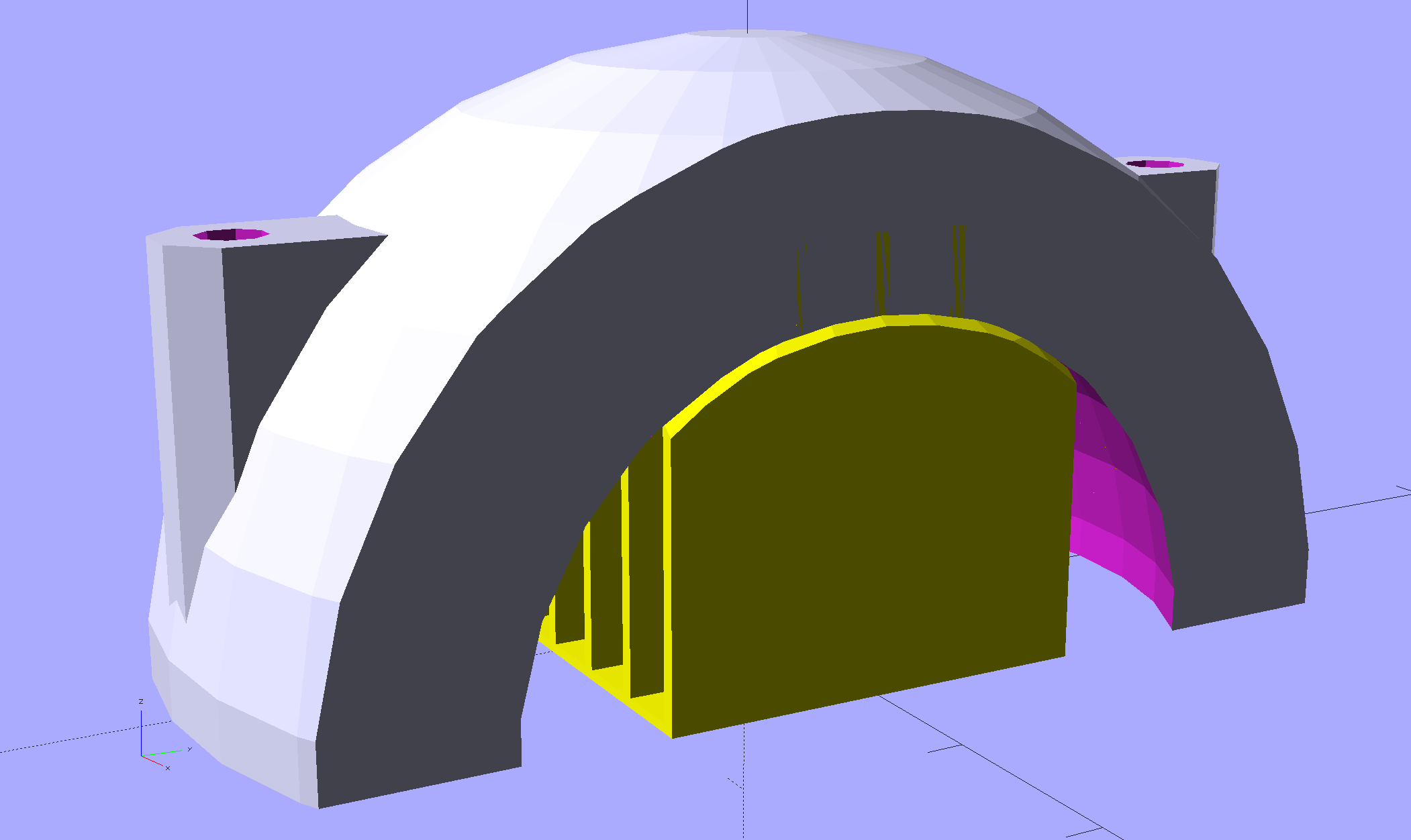
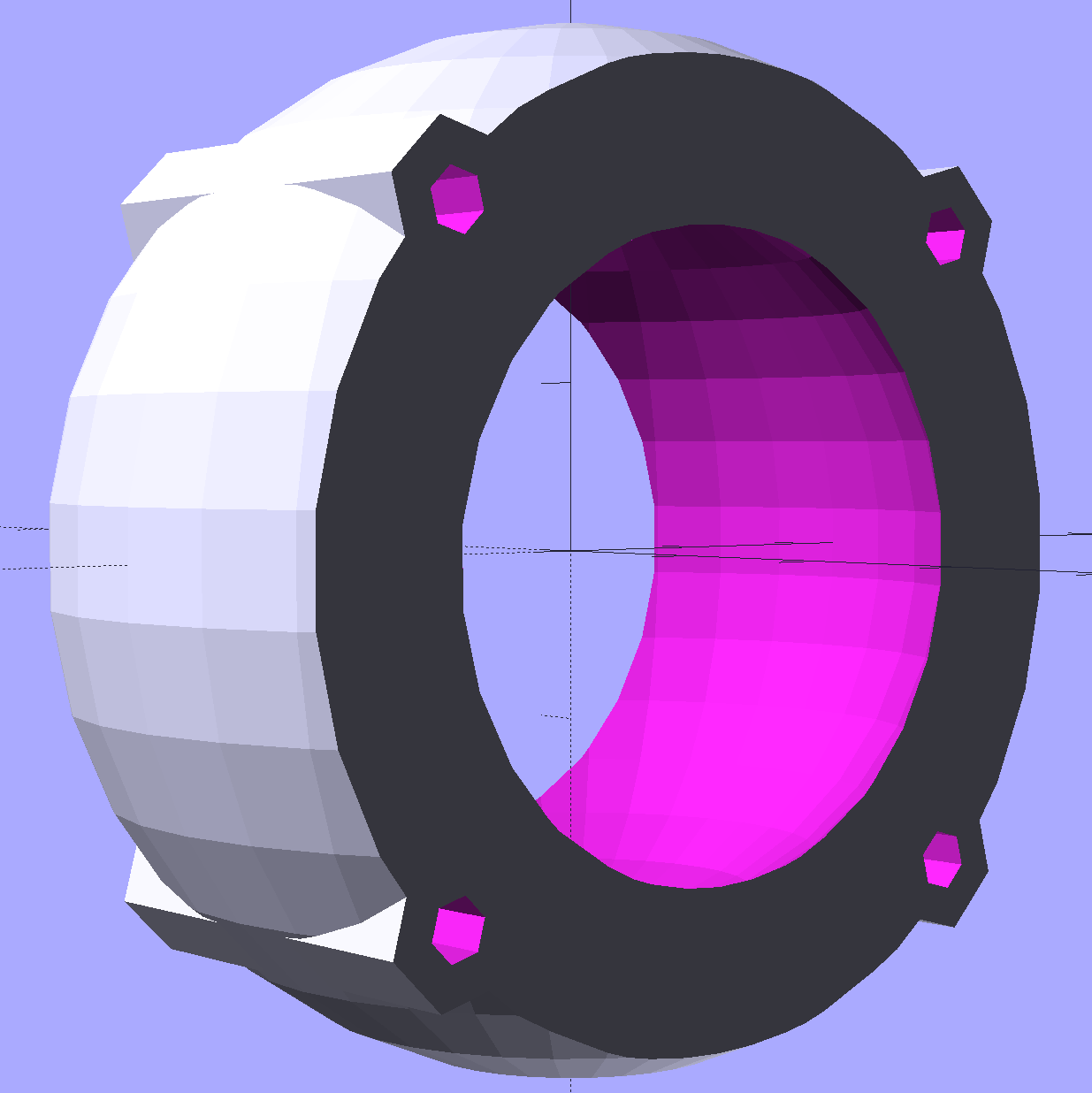
module BallClamp() { |
|
|
|
BossLength = ClampScrew[LENGTH] – ClampScrewNut[LENGTH] – 2*ClampScrewWasher[LENGTH] – 4*ThreadThick; |
|
|
|
difference() { |
|
union() { |
|
intersection() { |
|
sphere(d=ClampOD,$fn=NumSides); // exterior ball blamp |
|
cube([ClampLength,2*ClampOD,2*ClampOD],center=true); // aiming allowance |
|
} |
|
for (i=[0]) |
|
hull() { |
|
for (j=[-1,1]) |
|
translate([i*(ClampLength/2 – ClampScrew[OD]),j*ClampScrewOC/2,-BossLength/2]) |
|
rotate(180/8) |
|
cylinder(d=(ClampScrewWasher[OD] + 2*ThreadWidth),h=BossLength,$fn=8); |
|
} |
|
} |
|
|
|
sphere(d=(BallOD + 1*ThreadThick),$fn=NumSides); // interior ball |
|
|
|
for (i=[0] , j=[-1,1]) { |
|
translate([i*(ClampLength/2 – ClampScrew[OD]),j*ClampScrewOC/2,-ClampOD]) // screw clearance |
|
rotate(180/8) |
|
PolyCyl(ClampScrew[ID],2*ClampOD,8); |
|
} |
|
|
|
} |
|
|
|
|
|
color("Yellow") |
|
if (Support) { // ad-hoc supports for top half |
|
NumRibs = 6; |
|
RibLength = 0.5 * BallOD; |
|
RibWidth = 1.9*ThreadWidth; |
|
SupportOC = ClampLength / NumRibs; |
|
|
|
cube([ClampLength,RibLength,4*ThreadThick],center=true); // base plate for adhesion |
|
|
|
intersection() { |
|
sphere(d=BallOD – 0*ThreadWidth); // cut at inner sphere OD |
|
cube([ClampLength + 2*ThreadWidth,RibLength,BallOD],center=true); |
|
union() { // ribs for E-Z build |
|
for (j=[-1,0,1]) |
|
translate([0,j*SupportOC,0]) |
|
cube([ClampLength,RibWidth,1.0*BallOD],center=true); |
|
for (i=[0:NumRibs]) // allow +1 to fill the far end |
|
translate([i*SupportOC – ClampLength/2,0,0]) |
|
rotate([0,90,0]) |
|
cylinder(d=BallOD – 2*ThreadThick, |
|
h=RibWidth,$fn=NumSides,center=true); |
|
} |
|
} |
|
} |
|
} |
|
|
|
//- Mount between fairing plate and flashlight ball |
|
|
|
module Mount() { |
|
|
|
translate([-BracketHoleOC,0,0]) |
|
PlateBlank(); |
|
|
|
translate([Shift,0,ClampOD/2]) |
|
rotate([-Roll,ToeIn,Tilt]) |
|
intersection() { |
|
translate([0,0,-ClampOD/2]) |
|
cube([2*ClampOD,2*ClampOD,ClampOD],center=true); |
|
BallClamp(); |
|
} |
|
|
|
if (MountSupport) { // anchor outer corners during worst overhang |
|
RibWidth = 1.9*ThreadWidth; |
|
SupportOC = 0.1 * ClampLength; |
|
difference() { |
|
rotate([0,0,Tilt]) |
|
translate([Shift + 0.3,0,0]) |
|
for (i=[-4.5,-2.5,0,2.0,4.5]) |
|
translate([i*SupportOC – 0.0,0,(ClampThick + Plate[2])/2]) |
|
cube([RibWidth,0.8*ClampOD,(ClampThick + Plate[2])],center=true); |
|
# translate([Shift,0,ClampOD/2]) |
|
rotate([-Roll,ToeIn,Tilt]) |
|
sphere(d=ClampOD – 2*ThreadWidth,$fn=NumSides); |
|
} |
|
} |
|
} |
|
|
|
//- Build things |
|
|
|
if (Component == "Ball") |
|
if (Layout == "Show") |
|
BodyBall(); |
|
else if (Layout == "Build") { |
|
translate([0,+1*(BallOD/2 + BallThick/2),0]) |
|
translate([0,0,BallOD/2 – BallThick/2]) |
|
rotate([180,0,0]) |
|
BodyBall(); |
|
translate([0,-1*(BallOD/2 + BallThick/2),0]) |
|
translate([0,0,BallOD/2 – BallThick/2]) |
|
rotate([180,0,0]) |
|
BodyBall(); |
|
} |
|
|
|
if (Component == "BallClamp") |
|
if (Layout == "Show") |
|
BallClamp(); |
|
else if (Layout == "Build") { |
|
Both = false; |
|
difference() { |
|
union() { |
|
translate([Both ? ClampLength : 0,0,0]) |
|
BallClamp(); |
|
if (Both) |
|
translate([-ClampLength,0,0]) |
|
rotate([180,0,0]) |
|
BallClamp(); |
|
} |
|
translate([0,0,-ClampOD/2]) |
|
cube([2*ClampOD,2*ClampOD,ClampOD],center=true); |
|
} |
|
} |
|
|
|
if (Component == "Mount") |
|
Mount(); |
|
|
|
if (Component == "Plates") { |
|
translate([0,0.7*Plate[1],0]) |
|
InnerPlate(); |
|
translate([0,-0.7*Plate[1],0]) |
|
PlateBlank(); |
|
} |
|
|
|
if (Component == "Bracket") |
|
Bracket(); |






 The Smell of Molten Projects in the Morning