Ed Nisley's Blog: Shop notes, electronics, firmware, machinery, 3D printing, laser cuttery, and curiosities. Contents: 100% human thinking, 0% AI slop.
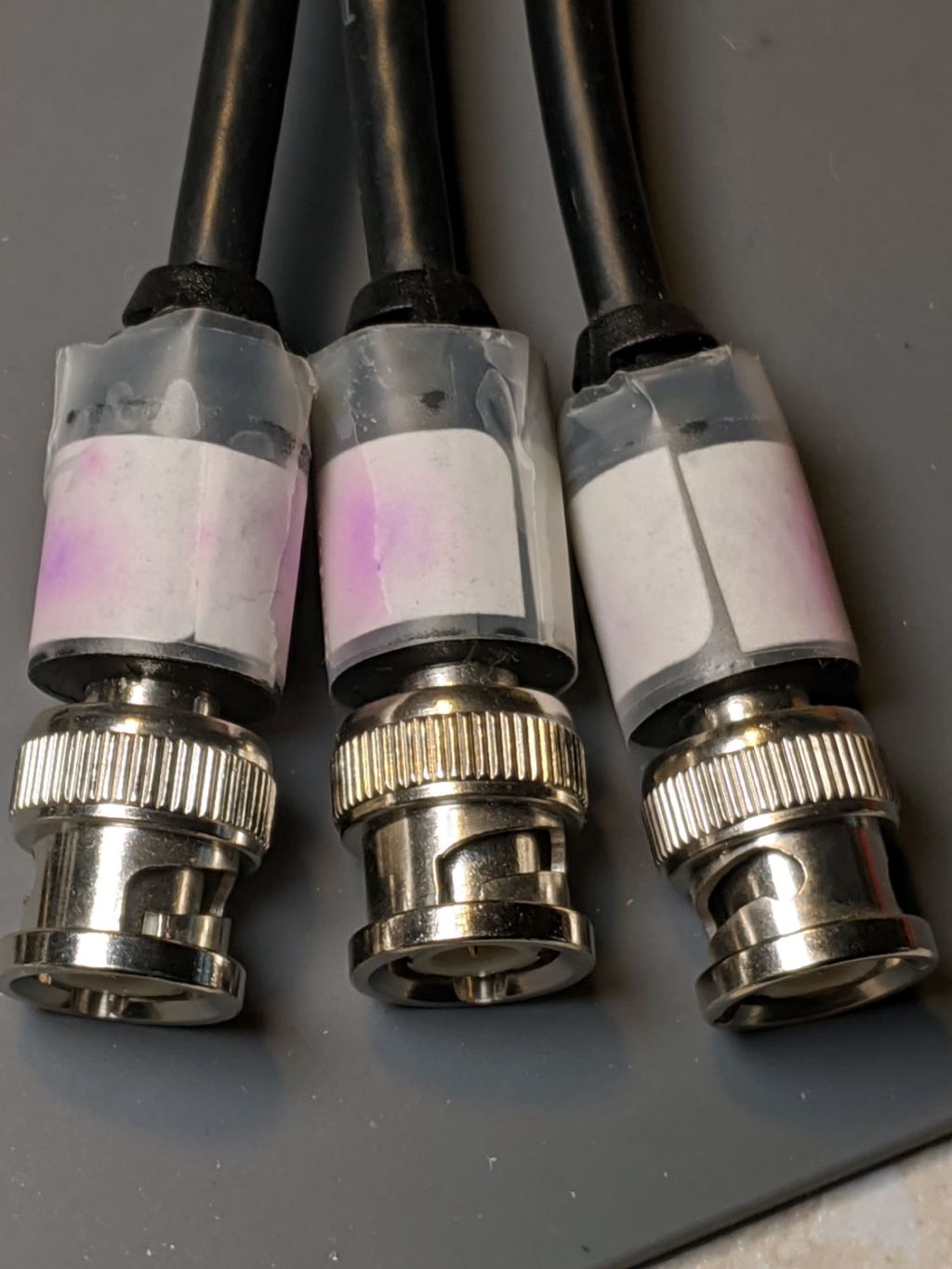
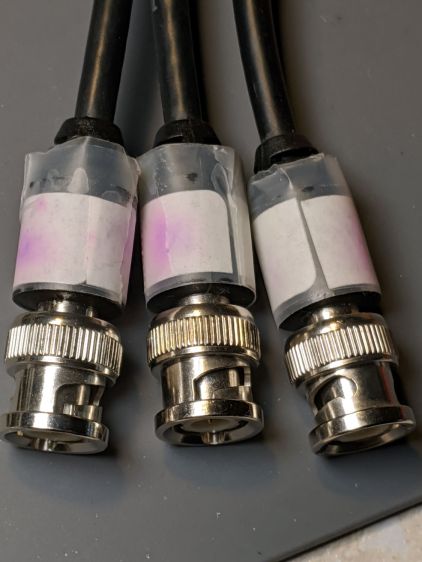
These appeared while I was extricating the 3-axis positioner from an old project:
Migrated felt-tip pen labels
I’m reasonably sure those labels started with blue ink from my all-time favorite Ultra-Fine-Point Sharpie markers on address labels covered with ordinary matte tape. Fourteen years on, the X, Y, and Drive legends are pretty much indistinguishable.
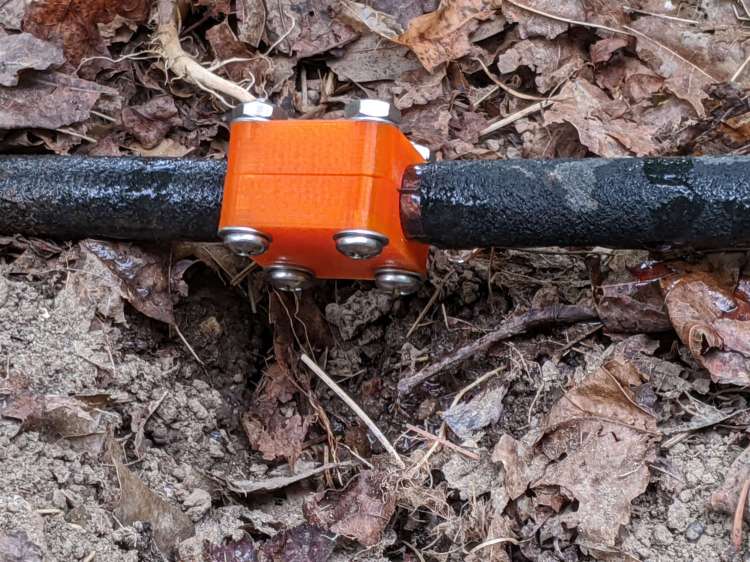
An aging round soaker hose sprang a leak large enough to gouge a crater under a tomato plant, so I conjured a short clamp from the longer round hose splints:
Soaker Hose Clamp – round – installed
The shiny stuff is the plastic backing on strips of silicone tape intended to prevent the high-pressure water from squirting through the porous 3D printed plastic. The fat drop hanging from the hose shows some leakage around the tape; an occasional drop is perfectly OK.
The leak faces the round side of the bottom half of the clamp, which probably doesn’t make any difference.
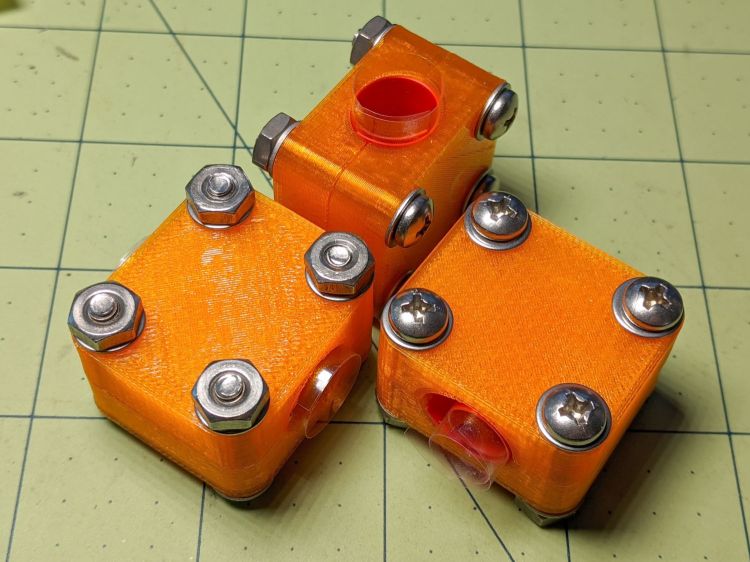
I hope the washers occupy enough of the minimal surface to render aluminum backing plates superfluous:
Soaker Hose Clamp – round – kitted
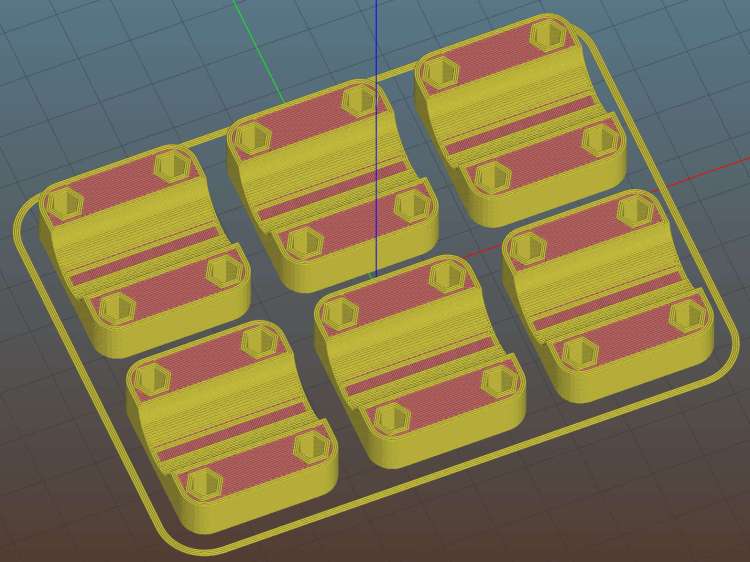
Creating the 3D model required nothing more than shortening the original splint to 30 mm with two screws along each side. While I was at it, I had Slic3r make three clamps to put two in the Garden Dedicated Hydraulic Repair Kit for later use:
Round Soaker Hose Splice – 30mm – Slic3r
Change two lines in the OpenSCAD code and it’s done.
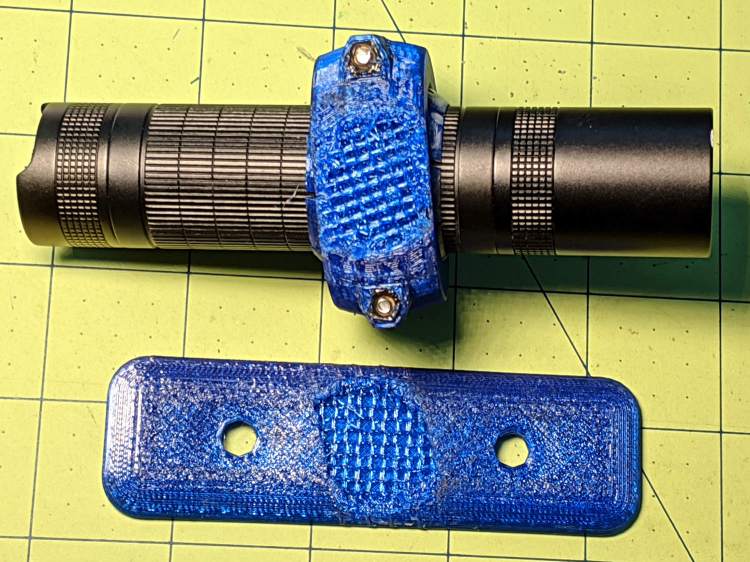
While clearing some overhanging brush along the rail trail, I probably wedged a branch between the LC40 flashlight and the fairing:
Fairing Flashlight Mount – brush clearing
Aaaand twisted it enough to fracture the mount:
Fairing Flashlight Mount – another fracture
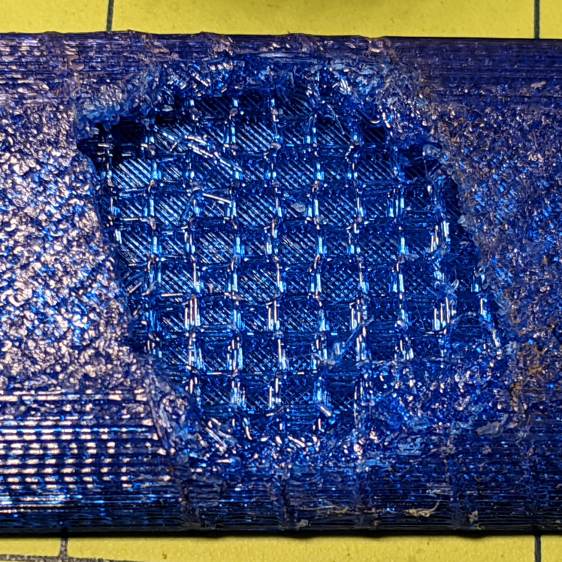
A closer look shows the infill just ripped apart:
Fairing Flashlight Mount – another failure – detail
I can’t be sure that’s what happened, because the mount actually failed several miles later, after I hit one of the potholes along Raymond Avenue. Fortunately, I saw it swinging away from the fairing, hanging by its last few threads, and managed to grab it before it vanished.
Fairing Flashlight Mount – Catch a Falling Mount
I set Slic3r for 30% infill on the replacement, but the running light been riding my fairing for three years and seems strong enough under normal use.
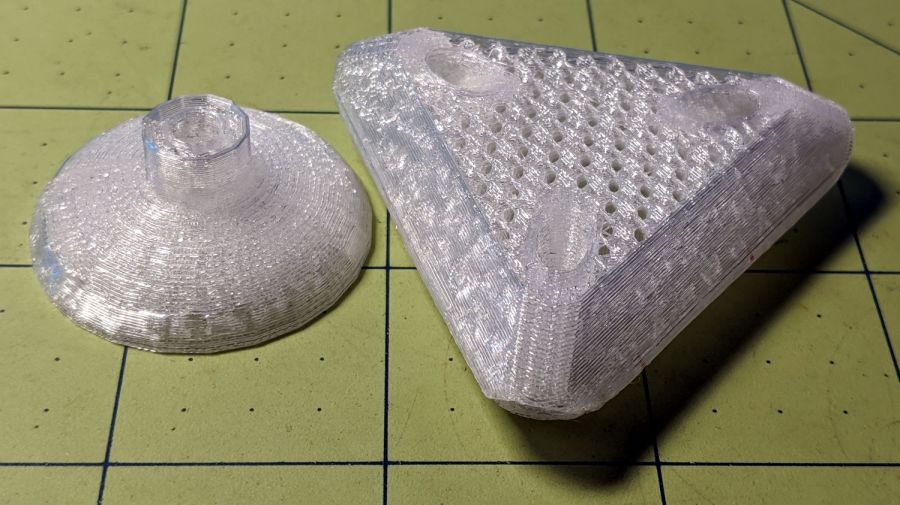
The test pieces for the Mesh Screen Frame came out a bit short:
Extruder Clog – failed print
Which turned out to be the M2’s first extruder clog in a long, long time. The printer shut down normally, with no error messages, and the objects look fine as far as they go, making the diagnosis fairly simple.
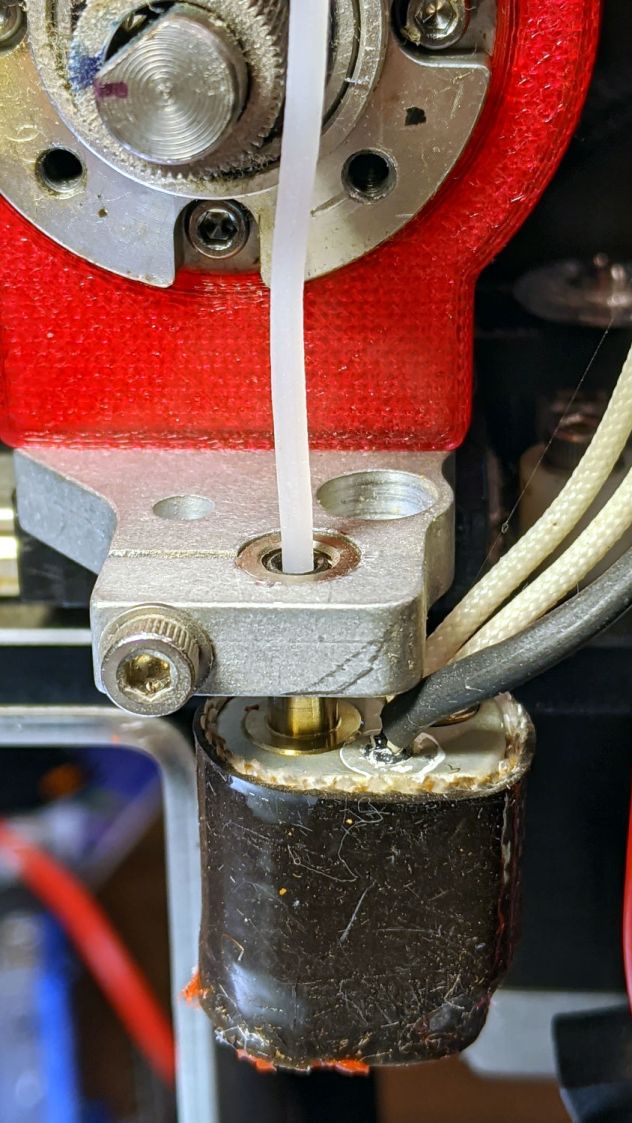
The filament still didn’t feed with the drive gear turning
It’s worth noting I use only PETG plastic from a single supplier, so Slic3r uses set-and-forget temperature and speed values, and I manually change colors only on those rare occasions when color matters. Most clogs occur after switching from a higher- to a lower-temperature plastic (PETG to PLA), where a chunk of soft-but-not-molten plastic jams in the nozzle; not the situation here.
Undo the various screws holding the block to the drive gear housing and pull it off. The drive block looked fine, with a clear round hole along the entire filament path, so that’s not the problem.
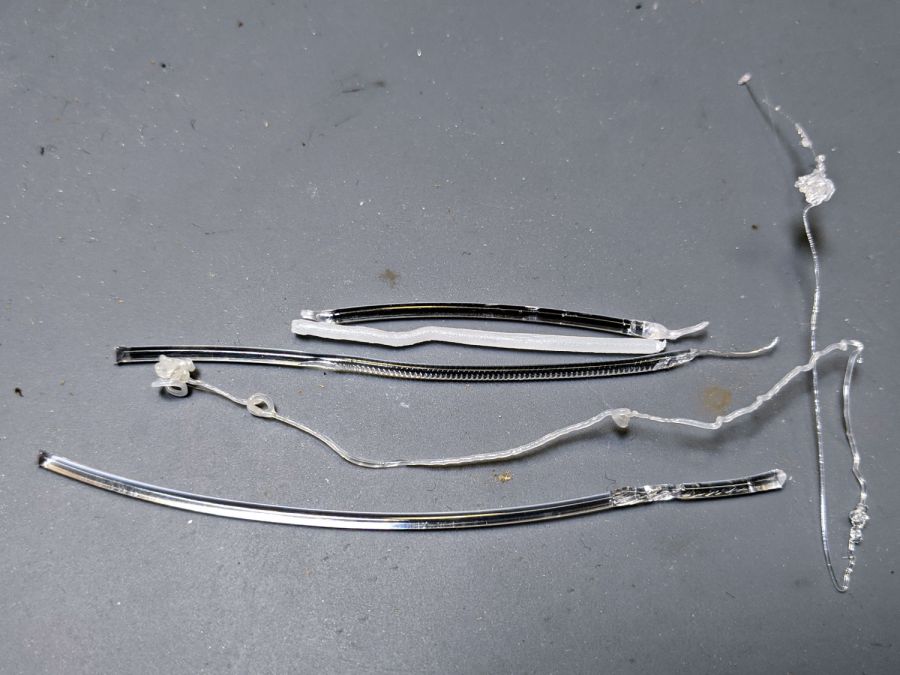
The filament snippet sticking up out of the hot end also looked fine, apart from the expected drive gear gouge, with nice serrations below that point into the hot end. It’s the third filament from the top in this group photo:
Extruder Clog – filament snippets
Although it’s called a “cold pull“, you can’t yank a solid hunk of plastic out of the hot end. Warming the PETG to around 200 °C and pulling the snippet out produced the long tapered end shown above.
I rammed another snippet into the hot end to bond with whatever was inside:
Extruder Clog – PETG pull
Which produced the top snippet above, with no particular trouble found.
Repeating the process with some nylon (?) cleaning filament:
Extruder Clog – cleaner pull
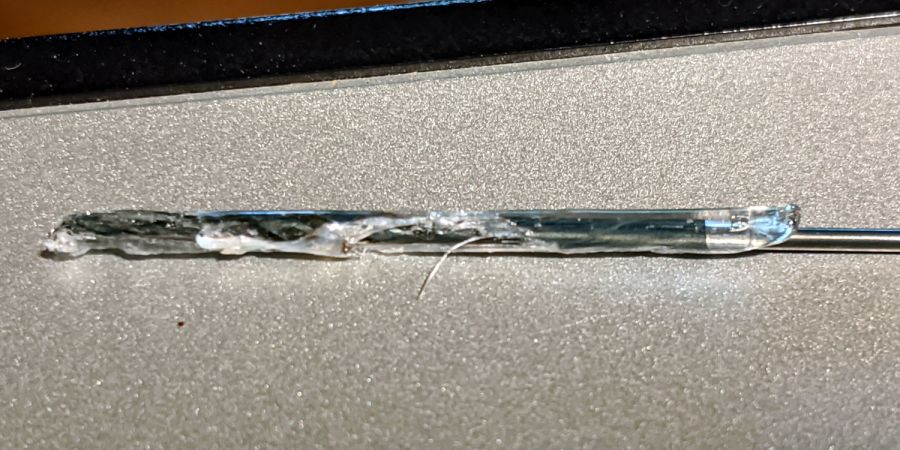
In need of more traction, I sank a #60 twist drill into the molten plastic:
Extruder Clog – drill bit insertion
Let things cool a bit, haul it out (it’s halfway in the picture above), and we’re making progress:
Extruder Clog – drill bit extraction
I warmed the PETG-encrusted bit over a butane flame, wiped it on a shop rag to get most of the plastic off, then drilled a few holes in a hardwood block.
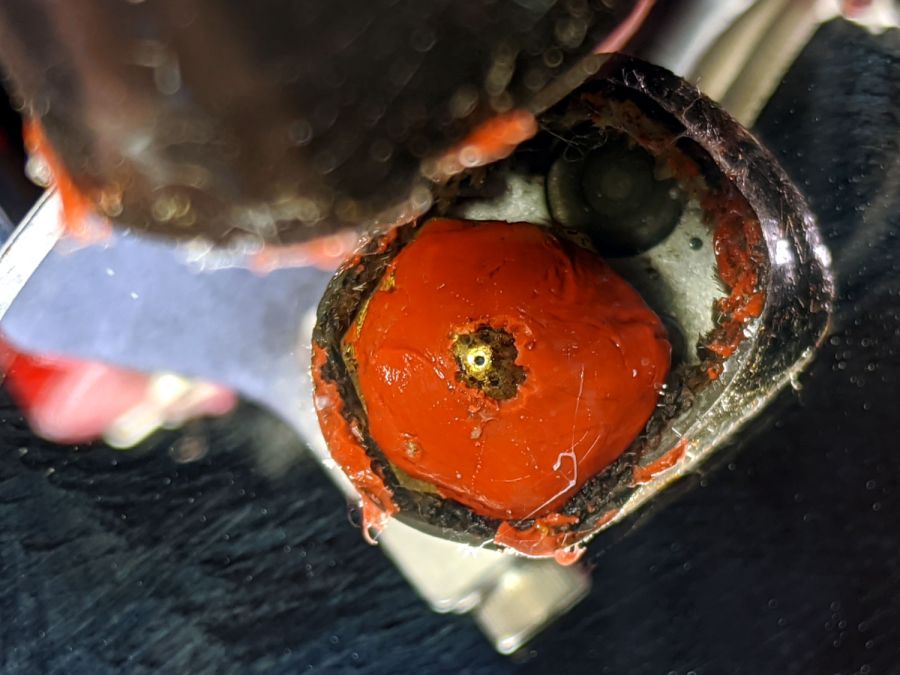
Note that a #60 drill (40 mil = 1 mm) is much much much larger than the nozzle hole:
Extruder Clog – nozzle view
The vertiginous view looks downward into a small hand-held mirror.
Although some folks swear by 0.3 mm carbide drills for nozzle cleaning, I doubt I could avoid wrecking that nice round 0.35 mm hole. The new red silicone coat has chipped from around the nozzle over the last few sessions, so it’s no longer wiping the top layer.
During all this flailing, something that might have been a glass fiber emerged from the nozzle while shoving one of those PETG snippets into the hot end. Of course, when I pried it out of the goo with tweezers, it snapped away into the clutter, never to be seen again. Despite being covered in PETG, it was a rigid sliver, rather than the gooey extruded thread. Perhaps the whisker extending from the PETG surrounding the drill bit was a similar fiber, but I didn’t notice it at the time.
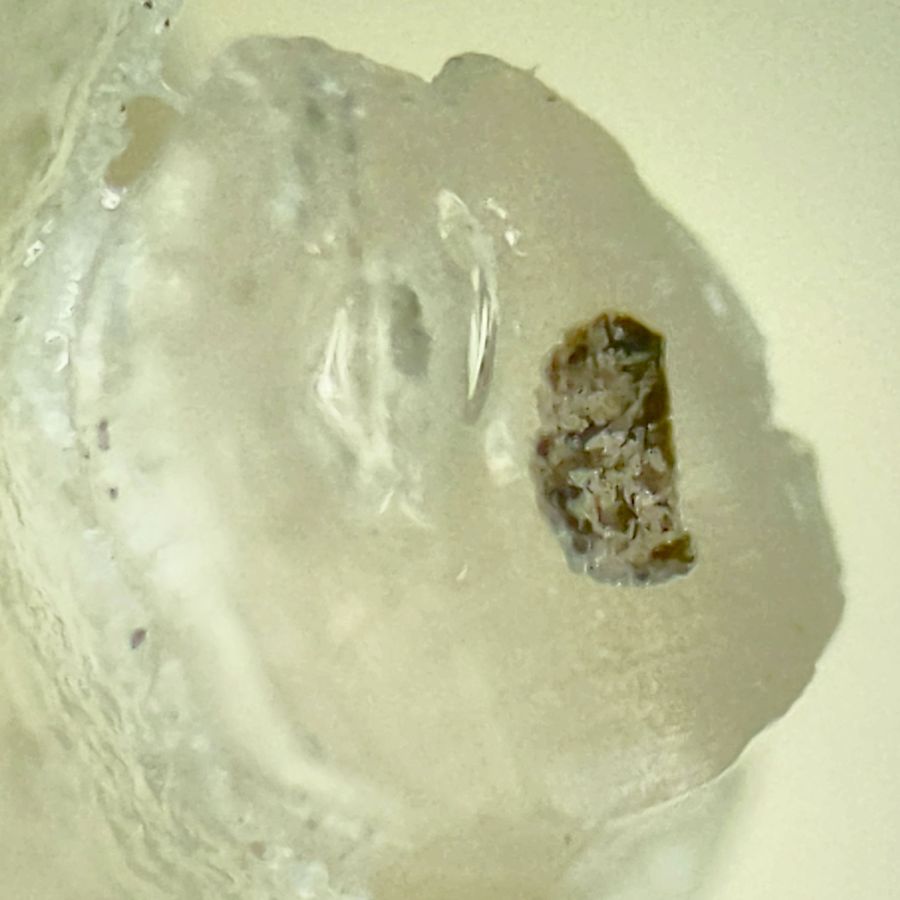
One of the PETG cold warm pulls contained two brownish lumps:
Extruder Clog – PETG inclusions
This chunk doesn’t appear in the group portrait. It’s obviously been melted, measures a bit under 1.75 mm diameter, and the drive gear tooth marks show it passed through the filament drive block under motor control, most likely retraction.
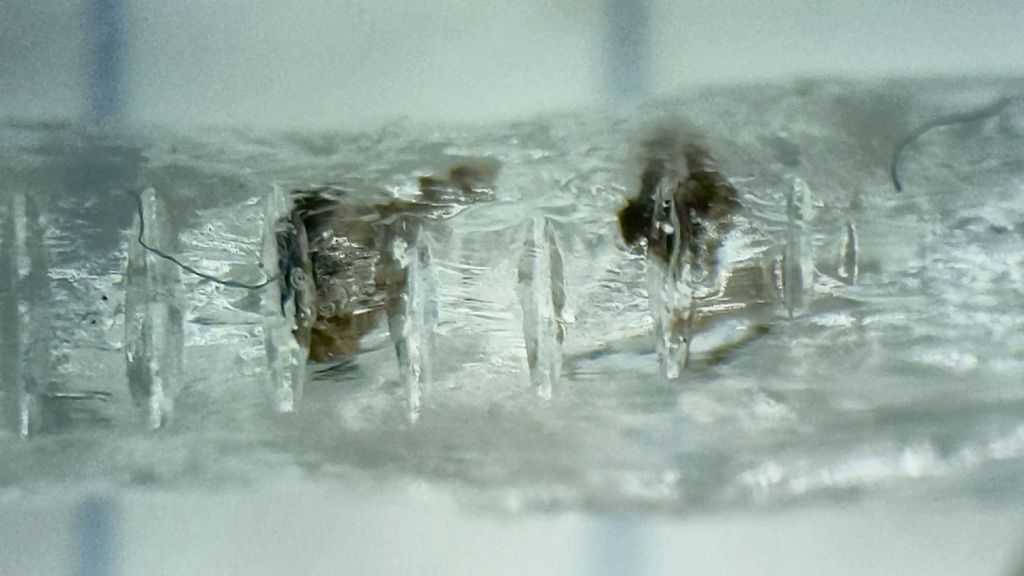
Passing the Xacto Knife of Inquiry through the leftmost lump split it neatly in two. The left section:
Extruder Clog – PETG inclusion – section L
And the right section:
Extruder Clog – PETG inclusion – section R
In person, the sections look like granular / burned residue surrounded by clear PETG. I’d expect anything burned to come from inside the hot end, but I don’t know how those lumps would get surrounded by nice, clear PETG inside a reasonably cylindrical section with drive gear notches.
Anyhow, the clog has now Gone Away™ and the M2 extrudes just fine. I’ll declare victory and move on …
My favorite half-teaspoon measure hit the floor with a surprising sproing:
Half-teaspoon soldering – broken
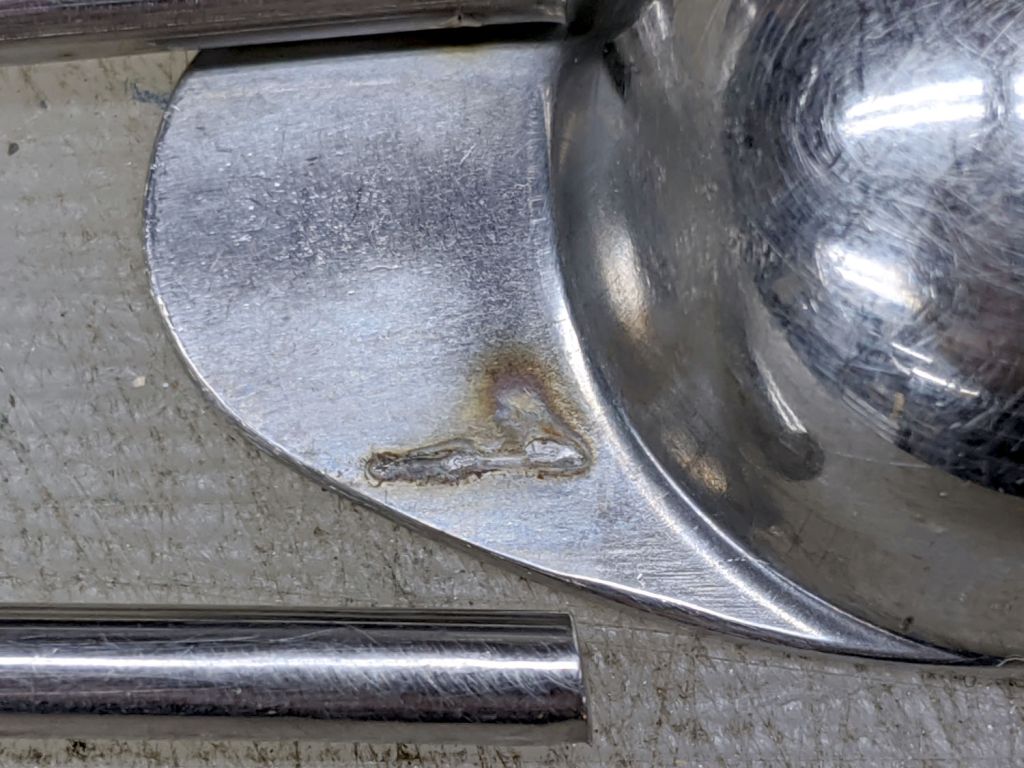
The weld lasted far longer than anyone should own a spoon, I suppose, but it wasn’t much to begin with:
Half-teaspoon soldering – sprung handle
Having had much the same thing happen to a measuring cup from the same set, I cleaned the back of the spoon and the front of the handle with a stainless steel wire brush in the Dremel and gingerly re-bent the handle to remove any inclination it might have to break free again:
Half-teaspoon soldering – cleaned and rebent
Some 60% silver solder (the formula evidently changed in the last few decades), nasty flux, and propane torch work produced a decent fillet:
Half-teaspoon soldering – cooling
It looks a bit worse on the far side, but I’ll never tell.
Rinse off the flux, wire-brush the joint, wash again, and it’s all good.
I thought about excavating the resistance soldering gadget, but the torch was closer to hand and a bigger fillet seemed in order.
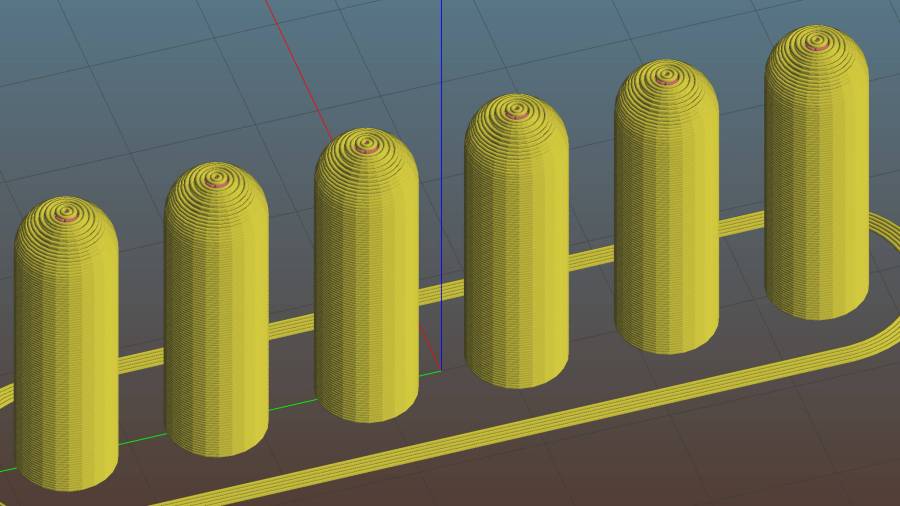
For reasons not relevant here, I made replacement pegs for the Shuttles board game:
Shuttles Game – solid model – Slic3r
Not the most challenging solid model I’ve ever conjured from the vasty digital deep, but 3D printing is really good for stuff like this.
The OEM pegs have a hollow center, most likely to simplify stripping them from the injection mold, which I dutifully duplicated:
Shuttles Game pegs – hollow – solid model
It turns out the additional perimeter length inside the pegs requires 50% more printing time, far offsetting the reduced 10% infill. Given that each solid set takes just under an hour, I decided to lose half an hour of verisimilitude.
I plunked a nice round cap atop the OEM peg’s flat end, but stopped short of printing & installing a round plug for the butt end.
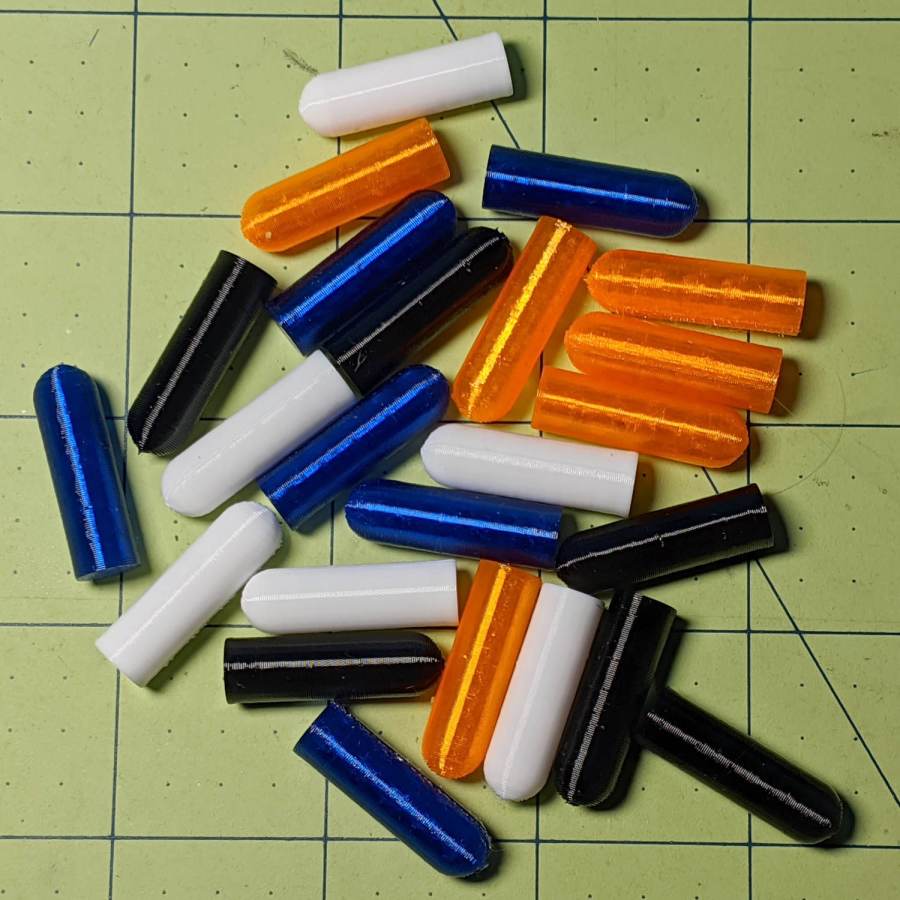
While the 3D printer’s hot, ya may as well make a bunch:
Update: They’re a bit too large, so the Gist now produces tapered pegs.
This file contains hidden or bidirectional Unicode text that may be interpreted or compiled differently than what appears below. To review, open the file in an editor that reveals hidden Unicode characters.
Learn more about bidirectional Unicode characters













 The Smell of Molten Projects in the Morning