The Smell of Molten Projects in the Morning

Ed Nisley's Blog: Shop notes, electronics, firmware, machinery, 3D printing, laser cuttery, and curiosities. Contents: 100% human thinking, 0% AI slop.

Tag: Repairs

If it used to work, it can work again

  • Bathroom Drawer Knob: Whoopsie!

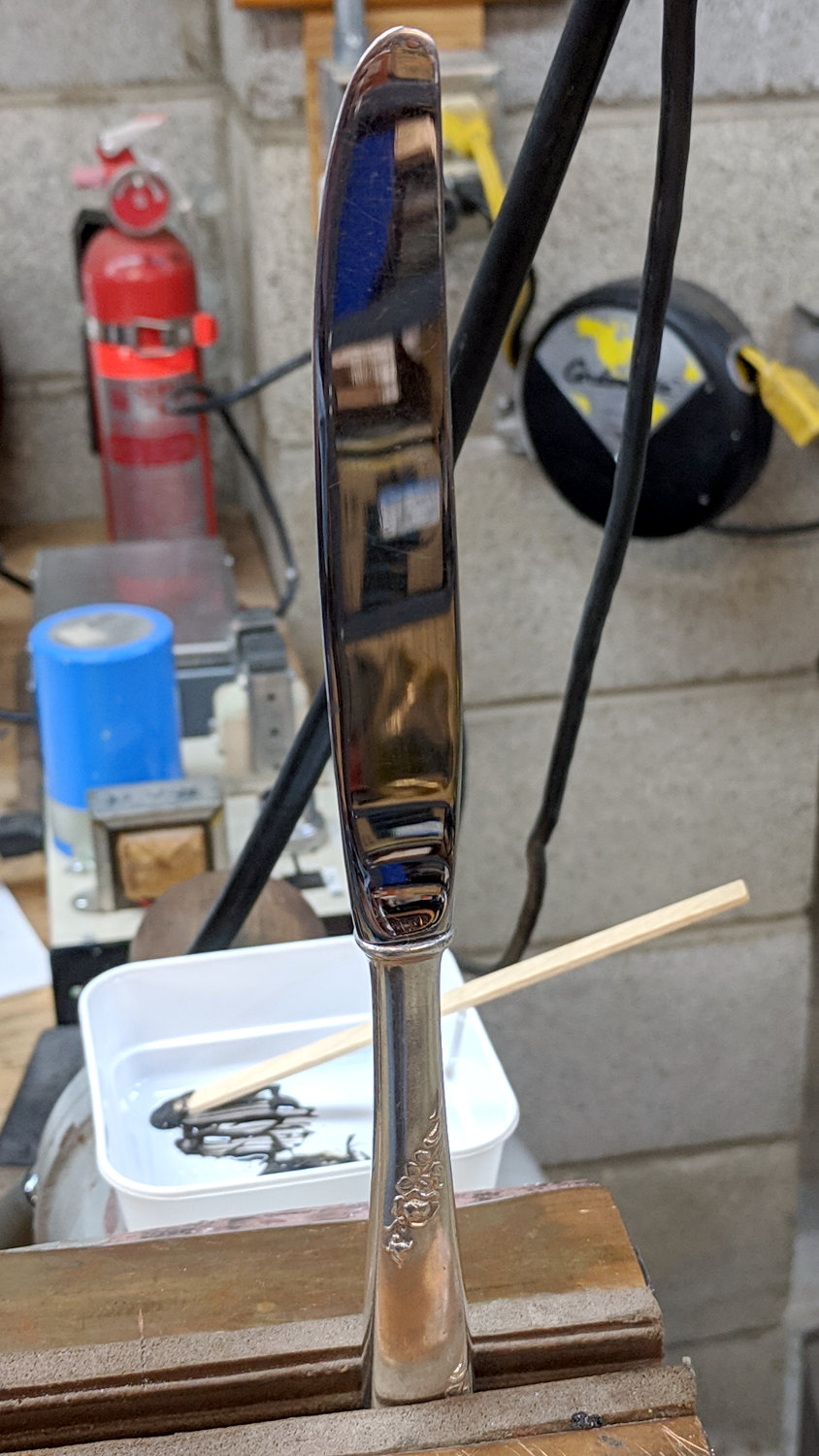
    I managed to snag a cargo pocket on the under-sink drawer knob in the Black Bathroom:

    Bathroom knob - bent screw
    Bathroom knob – bent screw

    Did a job on the pocket, too, although after Mary was done with it, you’d never know.

    With that much of a bend in the screw, the knob left a nasty divot in the drawer front requiring a layer of wood-filled epoxy:

    Bathroom knob - filled divot
    Bathroom knob – filled divot

    I sanded it more-or-less flush with the surface, taking great pains to not scuff the surrounding paint. A similar layer fills the corresponding divot under the screw head inside the front.

    Despite appearances, only about 1/8 inch of the epoxy peeked around the knob, so I painted it black with a Sharpie, ran the knob onto the screw, and declared victory:

    Bathroom knob - restored
    Bathroom knob – restored

    I’ll (try to) (remember to) stand further back from the knob …

  • Troubles in PC Land

    So this happened:

    Dell Optiplex - SSD failure
    Dell Optiplex – SSD failure

    As far as I can tell, the Crucial M5500 SSD in that PC (an off-lease Dell Optiplex 760) stopped being a SATA hard drive, although it seems to work OK when jammed in a USB adapter.

    So I picked up a new-to-me Optiplex 9020 with Windows 8.1 on an SSD, shrank the partition, tried to install Xubuntu 18.04, fat-fingered the UEFI password dance, reinstalled Windows from the SSD’s recovery partition, and got this display after a while (clicky for more dots):

    Dell Optiplex - recovery disk stall
    Dell Optiplex – recovery disk stall

    After letting it stew in its own juices during supper, I forced it off (pushed the power button until it died), restarted, got through the UEFI dance, and it now seems All Good. I made recovery DVDs (remember DVDs?), both before and after the fumbled Xubuntu installation, but didn’t need them.

    I expect we’ll never boot Windows 8.1 again, but it’s there Just In Case.

  • Miniblind Roller Repair

    The rod along the left side of our miniblinds turns a shaft spanning the length of the housing which pulls-and-releases three pairs of cords tilting the blades, with one roller for each pair. The cords loop over, pass under, and are secured to a tab on the roller with metal ferrules, thusly:

    Miniblind roller - intact
    Miniblind roller – intact

    One day, the middle section of all the blades on one miniblind stopped tilting, prompting this discovery:

    Miniblind roller - broken tab
    Miniblind roller – broken tab

    The correct solution is, of course, to replace the entire miniblind, but our 1955 window frames don’t match up well with contemporary miniblind hardware and I was unwilling to reinvent that particular wheel for this occasion.

    So I laid the cords in place, put the broken tab atop them, and held the mess together with a strip of the obligatory Kapton tape:

    Miniblind roller - repositioned tab
    Miniblind roller – repositioned tab

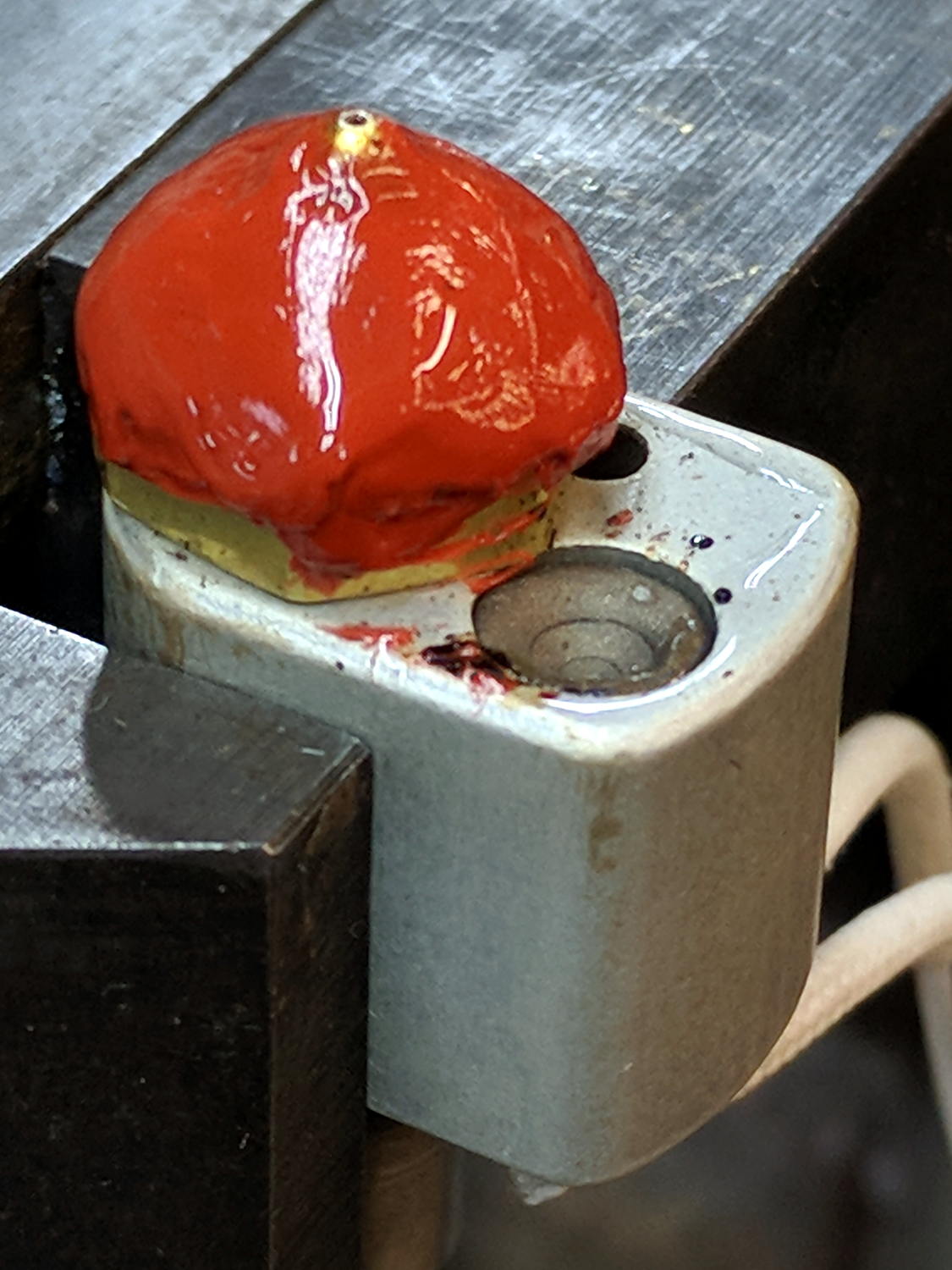
    Easing some epoxy under the tab and soaking the cords atop the tape held everything together in approximately the original layout:

    Miniblind roller - epoxy backfill
    Miniblind roller – epoxy backfill

    Two days after I reinstalled the miniblind, a second roller broke and was restored by a similar treatment. While I had the thing on the bench clamped in the bench vise, I preemptively slobbered epoxy on the intact roller in the hope of reinforcing it.

    So far, so good!

  • Refurbished LED Panels

    A recent Squidwrench meeting produced a treasure trove of discarded LED lighting, including a shoplight-style fixture in a narrow, finned aluminum extrusion. It was in “known-bad” condition, so I extracted the four LED panels, connected each one to a widowmaker cord, and determined I had two good ones, a mostly working one sporting some dead LEDs, and a corpse.

    The working panels showed the power supplies produced about 19 V across two parallel strings of six LEDs, with each string running at 350 mA for a total of 700 mA = 13 W. I wired up a quartet of 6 Ω power resistors to check out the power supplies from the suspect panels:

    LED Panel - power supply test setup
    LED Panel – power supply test setup

    The supply in the background is truly dead. I can’t tell whether it killed the LEDs or the gaggle of failing LEDs dragged it down with them.

    Some multimeter probing revealed enough live LEDs to restore the partially working panel. A rather sweaty interlude at the SqWr hot-air rework station transplanted the good LEDs, whereupon combining it with the live supply gave me a third fully functional panel:

    LED Panel - restored
    LED Panel – restored

    I did the test firing in the Basement Laboratory, because I’m nowhere near crazy enough to deploy a widowmaker line cord on the SqWr Operating Table in public.

    I bandsawed the last working LED from the gutted donor panel:

    LED Panel - single LED test
    LED Panel – single LED test

    The SMD LEDs mount on traces applied to and electrically insulated from the aluminum sheet, so unsoldering them required way more heat than you (well, I) might expect at first glance. A snap-on condenser lens over each LED concentrates the light into a nice cone, producing a narrow sheet of light from each panel.

    The elaborate aluminum extrusion seems much too heavy for the individual panels, but those open-frame supplies definitely need more than casual protection. Now that LEDs are more common than when these panels came off the assembly line, I should probably replace the supplies with enclosed constant-current drivers and be done with it.

  • GIMP Menu Verbiage

    GIMP seems to set up its menu structure during installation, with sensible, if lengthy, hardcoded addresses and menu names for your remote (network) scanner based on its host and USB port location:

    (proc-def "xsane-net-3a-plex760-2e-local-3a-genesys-3a-libusb-3a-002-3a-002" 2
    … snippage …
    (menu-path "<Image>/File/Create/Acquire/XSane/net:plex760.local:genesys:libusb:002:002")
    

    Should you happen to plug the scanner into a different PC or USB port, perhaps while replacing a failed system, then you must change those hideous strings all by yourself.

    So, for example, plugging the aforementioned scanner into a randomly chosen USB port on a new-to-me Dell Optiplex 9020 showing up as plex9020.local on the network produces this identification string:

    [ed@shiitake ~]$ scanimage -L
    device `net:plex9020.local:genesys:libusb:003:003' is a Canon LiDE 120 flatbed scanner
    

    GIMP’s ~/.gimp-2.8/pluginrc file defines the device address:

    (proc-def "xscanimage-net-3a-plex9020-2e-local-3a-genesys-3a-libusb-3a-003-3a-003" 2
    

    The -3a- string seem to be an escape sequence for the colon symbol separating parts of the address. Why we need so many different escape sequence standards mmm escapes me at the moment.

    The menu-path string defines the text appearing in the GIMP UI, so you can use a somewhat more readable generic name:

    (menu-path "<Image>/File/Create/Acquire/xscanimage/Plex9020-scanner")
    

    The ~/.gimp-2.8/menurc file contains GIMP’s keyboard accelerators, which (apparently) must match the revised proc-def strings:

    ; (gtk_accel_path "<Actions>/plug-in/xscanimage-net-3a-plex9020-2e-local-3a-genesys-3a-libusb-3a-003-3a-003" "")
    

    A keyboard accelerator for the scanner wouldn’t save any appreciable amount of time or effort, so (I think) the semicolon marks it as Disabled in the UI.

    It is remarkably easy to make a one-character typo while doing this, particularly if you’re using sed to change All. The. Strings. at once.

    There is, AFAICT, no documentation, which almost certainly means I don’t know where to look.

  • Amazon Product Puzzlement

    Amazon’s top three offerings for American Standard 023529-0070A:

    Amazon - American Standard Faucet Valves
    Amazon – American Standard Faucet Valves

    They’re all “by American Standard”, but you must check each item to discover where it’s coming from:

    • “Ships from and sold by Amazon.com”
    • “Ships from and sold by Gatzies
    • Ships from and sold by moneyworldstore

    Although I’ve done my fair share of repairs to this faucet, I don’t need a cartridge every month and, in any event, signing up for Subscribe & Save doesn’t promise much in the way of savings.

    The second listing has the best price by a small margin. I’m content to pay half a buck more to have Amazon handle the entire transaction, rather than deal with some random Amazon Marketplace vendor.

    The third listing seems to be a bizarre algorithmically priced corner case, a no-stock placeholder, or a money-laundering scheme. Judging from the pricing of other “moneyworldstore” offerings, their business model doesn’t include retail sales.

    So much weirdness from one simple item …

  • LibreOffice 5.3+ vs. Adobe Type 1 Fonts

    LibreOffice from 5.3 onward (Xubuntu 18.04 uses LO 6.0) no longer supports Adobe Type 1 fonts, which comes as a surprise to those of us who actually bought fonts, back in the day, and have been using them ever since. Apparently, Windows dropped Type 1 font support some time ago.

    Based on some hints, I set up the Adobe Font Development Kit for OpenType. It’s a Python thing, preferably running in a virtual environment to avoid screwing up the rest of one’s system with bizarre dependencies. It seems one (“I”) must not update pip using pip after installing python-pip using apt-get; recovering from that mess was good for another hour of flailing.

    The default AFDKO installation spat out an error message about ufolib (I am not making this up) being at 2.1.1, instead of the required 2.3.1. In for a penny, in for a pound, I updated ADFKO with the “prerelease” option:

    pip install -U afdko --pre
    

    Which fetched ufolib 2.3.1, apparently from wherever Python keeps its prerelease stash. I have NFC what’s going on with any of this.

    An Adobe blog post on the AFDKO tx tool suggested it can convert Type 1 fonts to CFF (a.k.a. Adobe Type 2) fonts and some poking around suggested CFF also figures in OTF fonts.

    tx -cff -n -N -A awb_____.pfb
    --- Filename: awb_____.pfb
    --- FontName: ACaslon-Bold
    tx: --- awb_____.pfb
    tx: (cfw) unhinted
    tx: (cfw) unhinted
    tx: (cfw) unhinted
    tx: (cfw) unhinted
    tx: (cfw) unhinted
    tx: (cfw) There are 222 additional reports of 'unhinted'.
    

    The -A option replaces the bizarre Adobe 8.3 file names with actual font information:

    awrg____.pfb ⇒ ACaslon-Bold.cff
    awbi____.pfb ⇒ ACaslon-BoldItalic.cff
    awi_____.pfb ⇒ ACaslon-Italic.cff
    awrg____.pfb ⇒ ACaslon-Regular.cff
    awsb____.pfb ⇒ ACaslon-Semibold.cff
    awsbi___.pfb ⇒ ACaslon-SemiboldItalic.cff
    

    Regrettably, CFF files don’t actually work as fonts, at least as far as LibreOffice 6.0 (or whatever it uses as a font engine) is concerned.

    Although it’s possible to convert fonts locally with fontforge, doing it one-by-one is tedious and the learning curve for its Python scripting feature seems rather steep. I fired the most vital fonts at Convertio, an online converter running fontforge in the background, got a matching pile of OTF fonts, and installed them in /usr/share/fonts/custom/type1 to indicate their heritage.

    Whereupon LO rammed into a problem I’d had before. The solution this time required sorting the various Caslon and American Typewriter fonts into different “font families” and forcing the TTF names to match their new families. The difference between Medium and Regular seems to have Gone Away.

    I should just use Comic Sans and be done with it …