The Smell of Molten Projects in the Morning

Ed Nisley's Blog: Shop notes, electronics, firmware, machinery, 3D printing, laser cuttery, and curiosities. Contents: 100% human thinking, 0% AI slop.

Tag: Repairs

If it used to work, it can work again

  • Raspberry Pi vs. MicroSD-as-Disk Memory

    The MPCNC has bCNC running on a Raspberry Pi, with a Samsung EVO MicroSD card serving as the “hard drive”:

    Sandisk Extreme Plus vs. Samsung EVO MicroSD cards
    Sandisk Extreme Plus vs. Samsung EVO MicroSD cards

    The picture also shows a defunct Sandisk Extreme Plus killed by continuous video recording in my Fly6 bike camera. I later replaced the EVO with a video-rated Samsung card which has been running fine ever since, albeit with the occasional crash-and-reformat expected with “action” cameras.

    With that as background, a different Samsung EVO card from the same batch has been running the MPCNC’s Raspberry Pi for about a year. Over the course of a few days last week, the RPi went from an occasional stall to a complete lockup, although waiting for minutes to hours would sometimes resolve the problem. As I’ve learned by now, it’s not a software crash, it’s the controller inside the card suffering from write amplification while trying to move data from failing sectors.

    Applying f3write to the card shows the problem:

    MPCNC MicroSD - f3write slowdown
    MPCNC MicroSD – f3write slowdown

    The write speed started out absurdly high as the card’s write cache fills, then slowed to to the flash memory’s ability to absorb data, and eventually ran out of steam during the last few files.

    But, as you might not expect, f3read reported the data was fine:

    sudo f3read /mnt/part
    F3 read 7.0
    Copyright (C) 2010 Digirati Internet LTDA.
    This is free software; see the source for copying conditions.
    
                      SECTORS      ok/corrupted/changed/overwritten
    Validating file 1.h2w ... 2097152/        0/      0/      0
    Validating file 2.h2w ... 2097152/        0/      0/      0
    Validating file 3.h2w ... 2097152/        0/      0/      0
    Validating file 4.h2w ... 2097152/        0/      0/      0
    Validating file 5.h2w ... 2097152/        0/      0/      0
    Validating file 6.h2w ... 2097152/        0/      0/      0
    Validating file 7.h2w ... 2097152/        0/      0/      0
    Validating file 8.h2w ... 2097152/        0/      0/      0
    Validating file 9.h2w ... 2097152/        0/      0/      0
    Validating file 10.h2w ... 2097152/        0/      0/      0
    Validating file 11.h2w ... 2097152/        0/      0/      0
    Validating file 12.h2w ... 2097152/        0/      0/      0
    Validating file 13.h2w ... 2097152/        0/      0/      0
    Validating file 14.h2w ... 2097152/        0/      0/      0
    Validating file 15.h2w ... 2097152/        0/      0/      0
    Validating file 16.h2w ... 2097152/        0/      0/      0
    Validating file 17.h2w ... 2097152/        0/      0/      0
    Validating file 18.h2w ... 2097152/        0/      0/      0
    Validating file 19.h2w ... 2097152/        0/      0/      0
    Validating file 20.h2w ... 2097152/        0/      0/      0
    Validating file 21.h2w ... 1322894/        0/      0/      0
    
      Data OK: 20.63 GB (43265934 sectors)
    Data LOST: 0.00 Byte (0 sectors)
    	       Corrupted: 0.00 Byte (0 sectors)
    	Slightly changed: 0.00 Byte (0 sectors)
    	     Overwritten: 0.00 Byte (0 sectors)
    Average reading speed: 43.04 MB/s
    

    Obviously, the card’s read speed isn’t affected by the write problems.

    Assuming the actual data & programs on the card were still good, I slurped the partitions:

    sudo partimage save /dev/sdf1 mpcnc_boot.gz
    sudo partimage save /dev/sdf2 mpcnc_partition.gz
    

    And wrote them back:

    sudo partimage restmbr  mpcnc_boot.gz.000 
    sudo partimage restore /dev/sdf1 mpcnc_boot.gz.000 
    sudo partimage restore /dev/sdf2 mpcnc_partition.gz.000
    

    Unshown: a finger fumble requiring MBR restoration.

    Having forced the card controller to reallocate all the failed sectors, the card works now fine and runs at full speed again. This won’t last long, but it’ll be interesting to see how it plays out.

    While I was at it, I wrote the partitions to a new-ish / unused Samsung EVO Plus card, now tucked under the MPCNC’s monitor in case of emergency.

    An old SFF Optiplex with an SSD may be a better fallback.

  • American Standard Kitchen Faucet: Ceramic Valve Cores

    The  ceramic valve core from our kitchen faucet certainly qualifies for a spot on the bottom flange of the I-beam across our basement serving as a display case / collection area for shop curiosities, mementos, and the like. I am, if nothing else, a creature of fixed habits, because the spot where the core belonged already had one:

    American Standard Ceramic Faucet Valve Cores - old vs new
    American Standard Ceramic Faucet Valve Cores – old vs new

    The core on the left dates back to the 2016 replacement, so they’ve apparently decided plastic will work fine for the handle socket.

    Having the ceramic core fail after two years suggests the manufacturing process needs attention, though. I can still wring the slabs together, though, and they’d need a drop of oil to serve as bearing surfaces.


  • Long-lived CFL Bulb

    This compact fluorescent lamp seems to have survived nearly two decades of use in a desk lamp:

    Desk Lamp - long lived CFL
    Desk Lamp – long lived CFL

    It had plenty of starts, although maybe not so many total hours, as the other CFLs you’ll find mentioned around here.

    I swapped in a similar CFL and we’ll see what happens.

  • Magnifying Desk Lamp Pivot Clamp Repair

    The clamp holding the magnifying lamp (with a fluorescent ring light!) over the Basement Laboratory Desk finally fractured:

    Magnifying Lamp Pivot - broken parts
    Magnifying Lamp Pivot – broken parts

    Gorilla Tape held the broken parts together well enough to determine how it used to work:

    Magnifying Lamp Pivot - hole sizing
    Magnifying Lamp Pivot – hole sizing

    The two parts used to be 11.2 mm thick, but it fit on a random chunk of half-inch aluminium plate so perfectly as to constitute a Good Omen:

    Magnifying Lamp Pivot - stock layout
    Magnifying Lamp Pivot – stock layout

    I decided the saw kerf would make up the difference, because, sheesh, we’re talking pot metal here.

    Lay out the center, use a transfer punch the same diameter as the lamp pivot to get the proper spacing, give it a whack:

    Magnifying Lamp Pivot - hole marking
    Magnifying Lamp Pivot – hole marking

    The alert reader will note I came that close to drilling the hole through the wrong side of the angle.

    And, yes, extrapolating the vertical edge downward suggests the large hole-to-be will intersect the small hole-in-being. This is deliberate: the clamp screw through the smaller hole fits into a recess around the lamp pivot shaft to keep it from sliding to-and-fro. I had to convince myself, but it really did work out OK.

    Pay some attention to clamping it at right angles to the spindle so the big hole goes through more-or-less in the right direction:

    Magnifying Lamp Pivot - drill press alignment
    Magnifying Lamp Pivot – drill press alignment

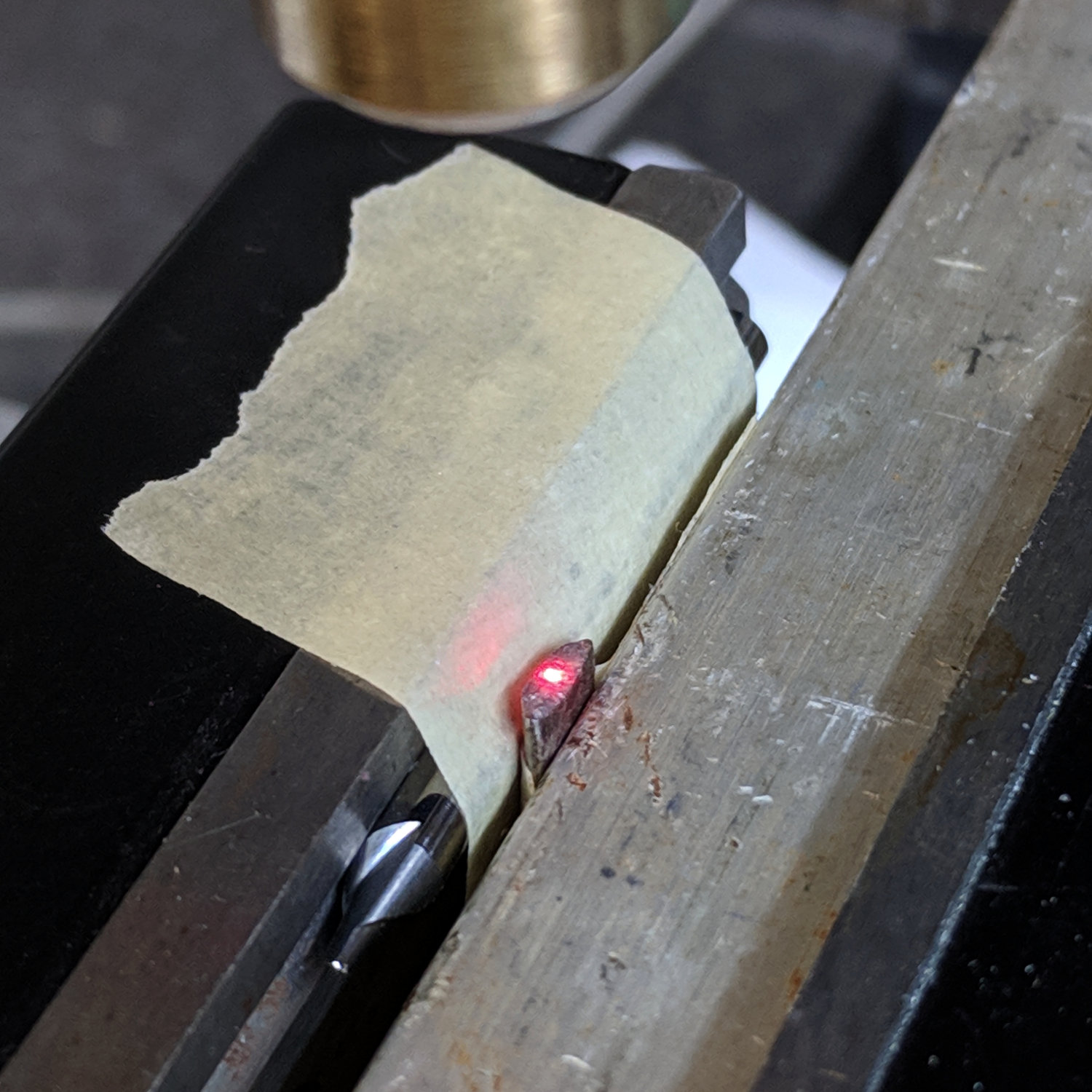
    The masking tape serves as a depth reminder:

    Magnifying Lamp Pivot - drilling
    Magnifying Lamp Pivot – drilling

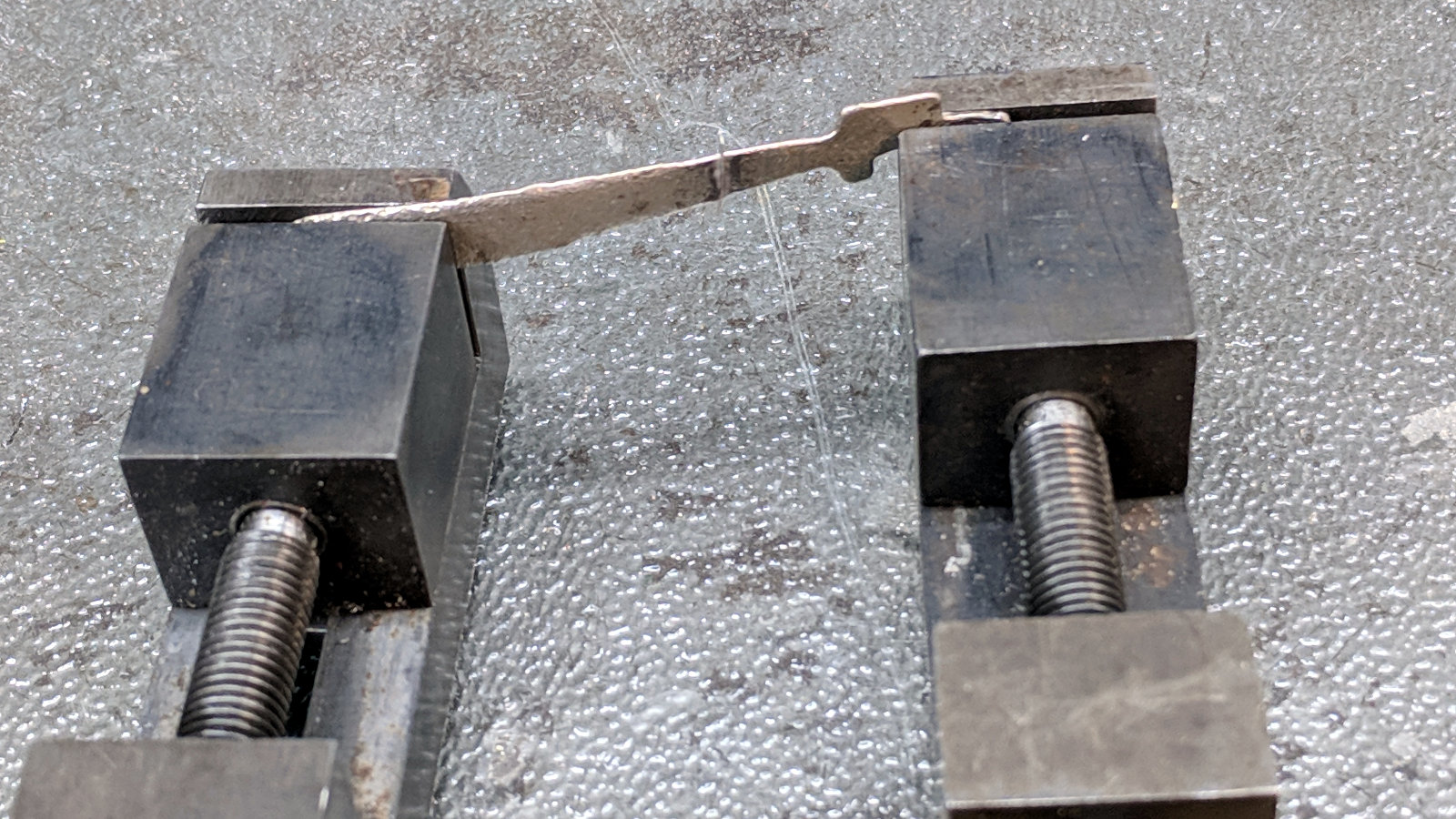
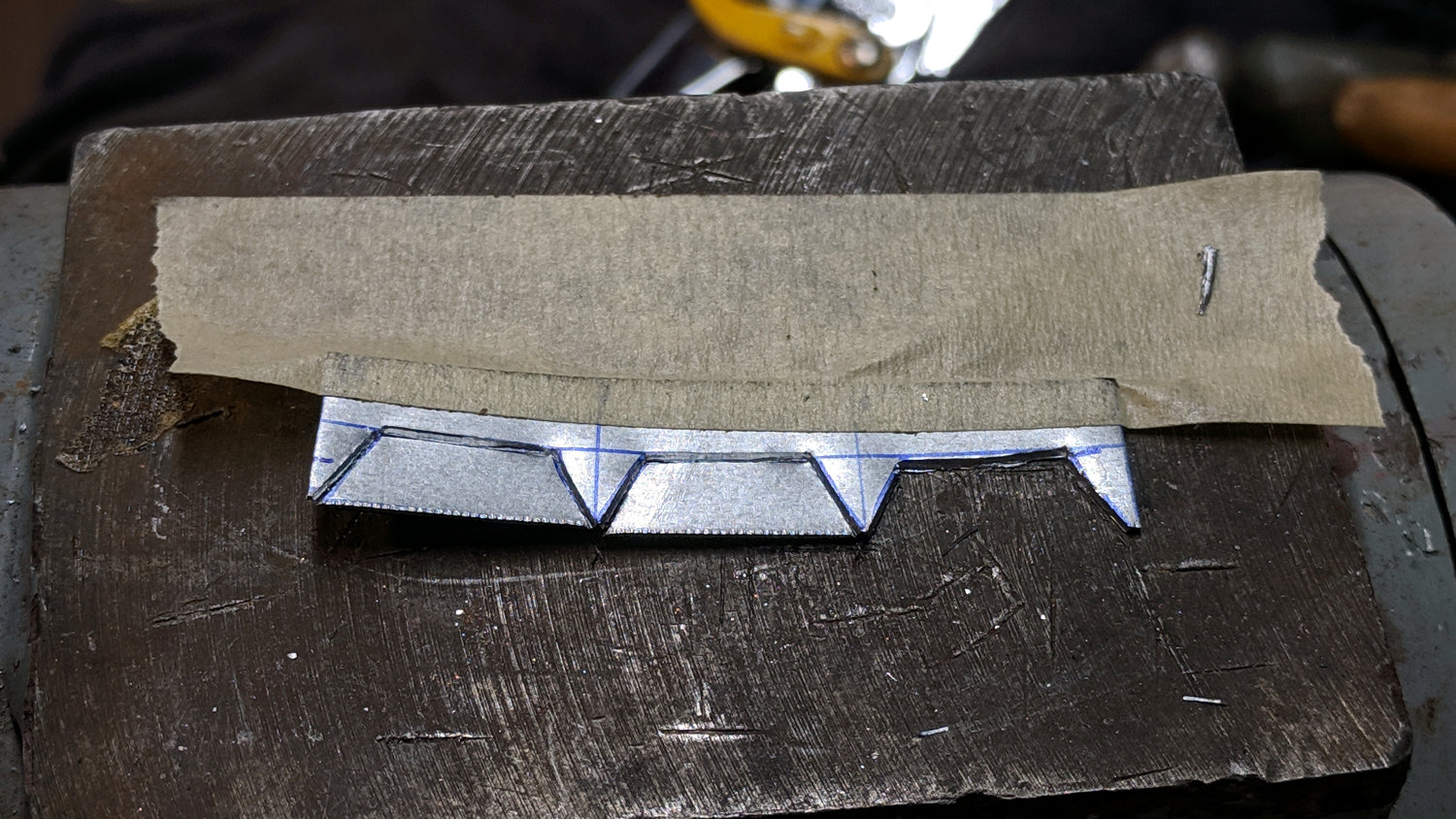
    Set it up in a machinist’s clamp, bandsaw in twain, file the kerf reasonably flat, clamp the halves together, then bandsaw the clearance slot:

    Magnifying Lamp Pivot - clearance slot
    Magnifying Lamp Pivot – clearance slot

    The clearance kerf wasn’t nearly as on-center as I wanted, which doesn’t really matter, but I filed a bit more diligently on the shallow side while clearing up the slot:

    Magnifying Lamp Pivot - clearance filing
    Magnifying Lamp Pivot – clearance filing

    Introducing the new parts to Mr Disk Sander roundified them enough to pass inspection. These angular bits obviously require a bit more attention to detail:

    Magnifying Lamp Pivot - parts
    Magnifying Lamp Pivot – parts

    The lamp originally had a fancy knob on the screw which never worked particularly well, so I replaced it with a nylon locking nut to maintain a reasonable amount of pressure:

    Magnifying Lamp Pivot - installed
    Magnifying Lamp Pivot – installed

    The far end of the screw has a square shaft fitting into a square hole in the lamp arm, making it easy to torque the nut enough to make the pivot grip the shaft  properly; if I ever find my Belleville washer stash again, I’ll add one. I should cut the screw off, too, but that’s definitely in the nature of fine tuning.

    A pleasant morning of Quality Shop Time!

    The obligatory doodle with dimensions, some of which turned out to be completely incorrect:

    Magnifying Lamp Pivot - dimension doodles
    Magnifying Lamp Pivot – dimension doodles


  • Monthly Science: Cheese Slicer Epoxy vs. Water, Continuing

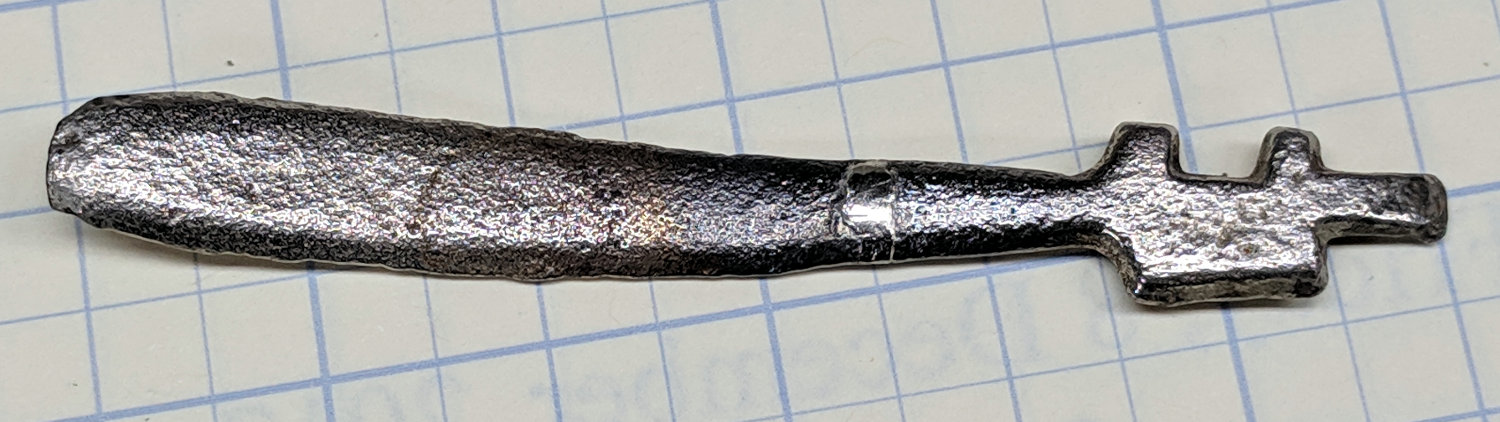
    The epoxy coating on our cheap aluminum (?) cheese slicer continues to corrode (clicky for more dots):

    Cheese slicer - epoxy failure - front
    Cheese slicer – epoxy failure – front

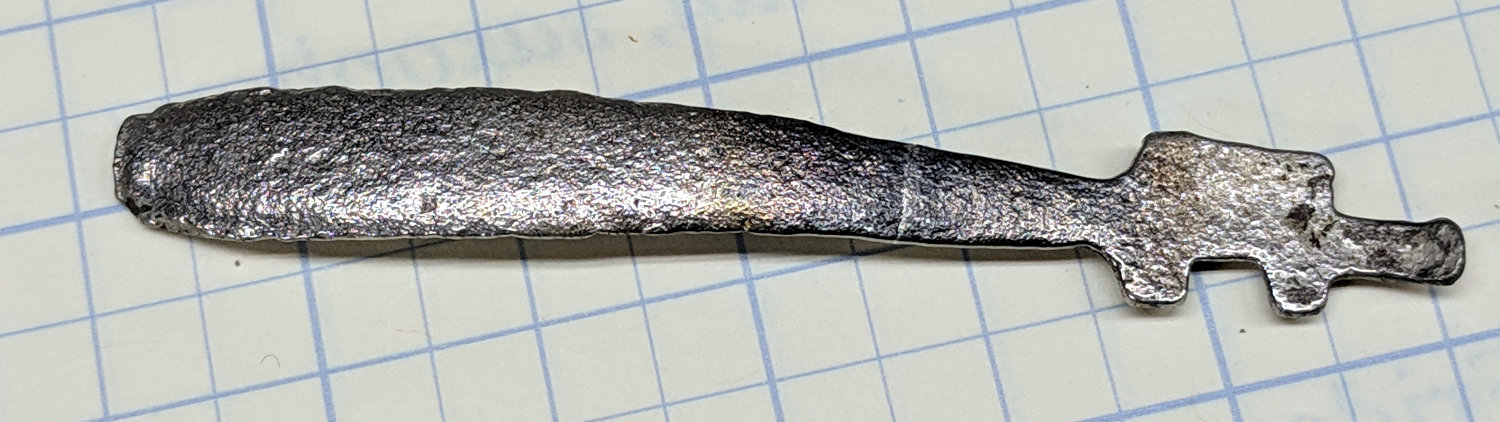
    The back side:

    Cheese slicer - epoxy failure - rear
    Cheese slicer – epoxy failure – rear

    The epoxy coating remains intact, although I expect it’ll break through as the corrosion products swell underneath.

    For whatever it’s worth, I applied the epoxy almost exactly one year ago.

  • Garden Hose Y-Valve Autopsy

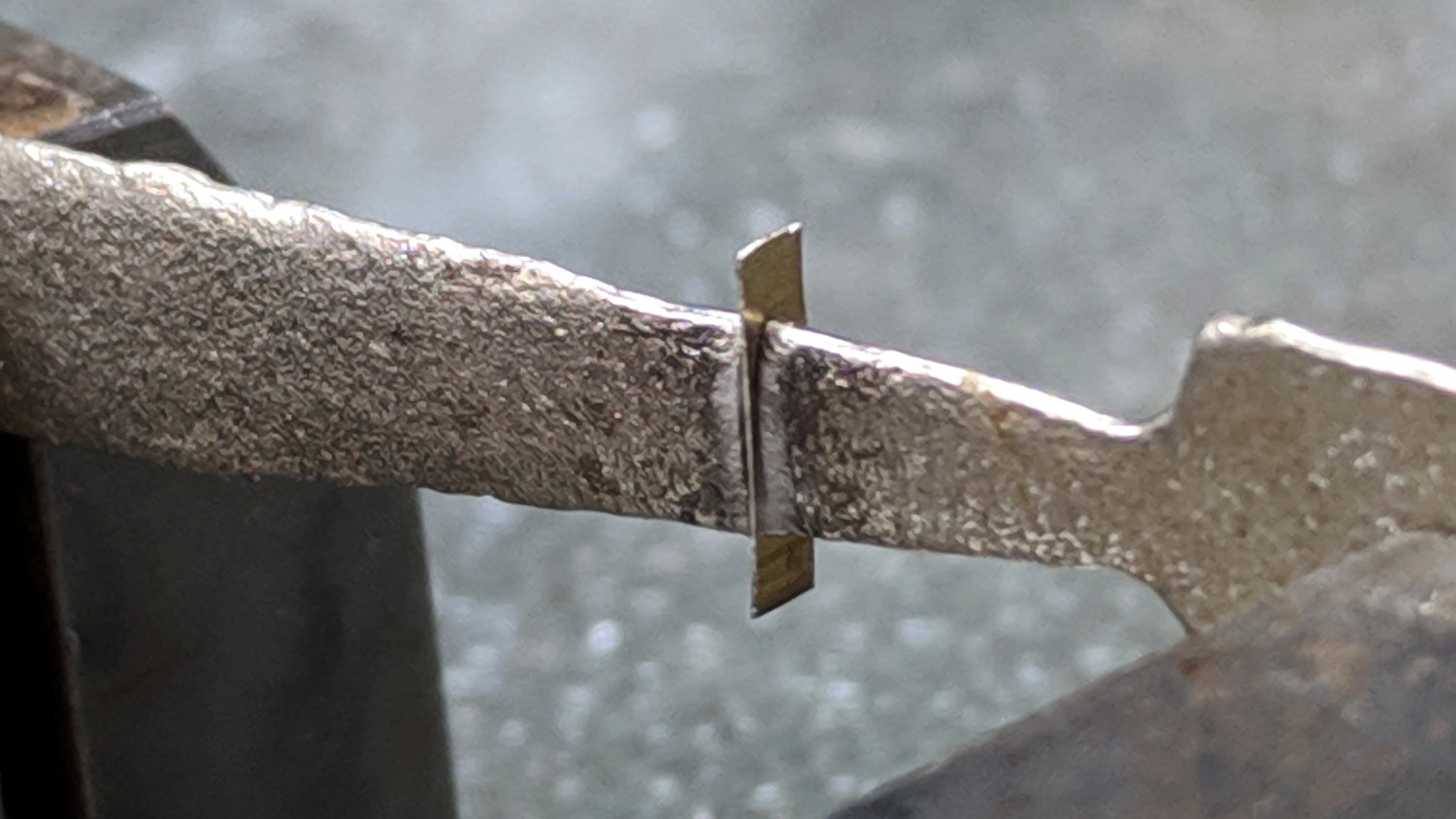
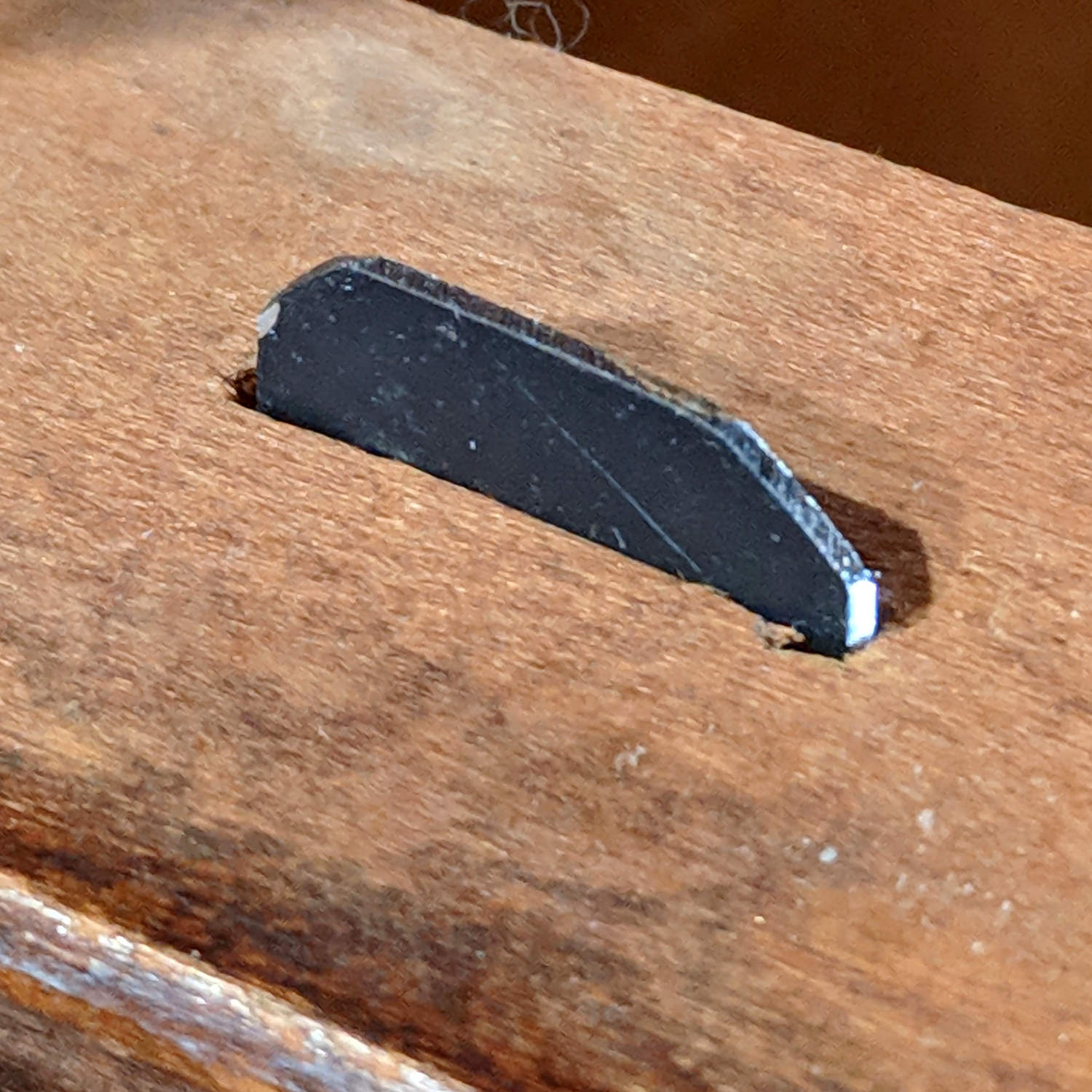
    One of the handles snapped off a Y valve at the garden and I finally got around to an autopsy:

    Garden Y Valve - cross sectioned
    Garden Y Valve – cross sectioned

    That’s using a 24 tpi bandsaw blade, which doesn’t cut nearly as smoothly as a fancy diamond saw, but seems good enough for the purpose. Most of the ripply shading on the cut plane comes from specular reflections; it’s pot metal all the way through and cuts to a high shine.

    A closeup shows more detail around the (now hemispheric) ball valve:

    Garden Y Valve - thread detail
    Garden Y Valve – thread detail

    You can see faint straight lines just inside the hose threads, which gives a hint of what’s to come.

    Pry out the sectioned ball and dislodge the O-ring from the now-obvious insert:

    Garden Y Valve - O-rings
    Garden Y Valve – O-rings

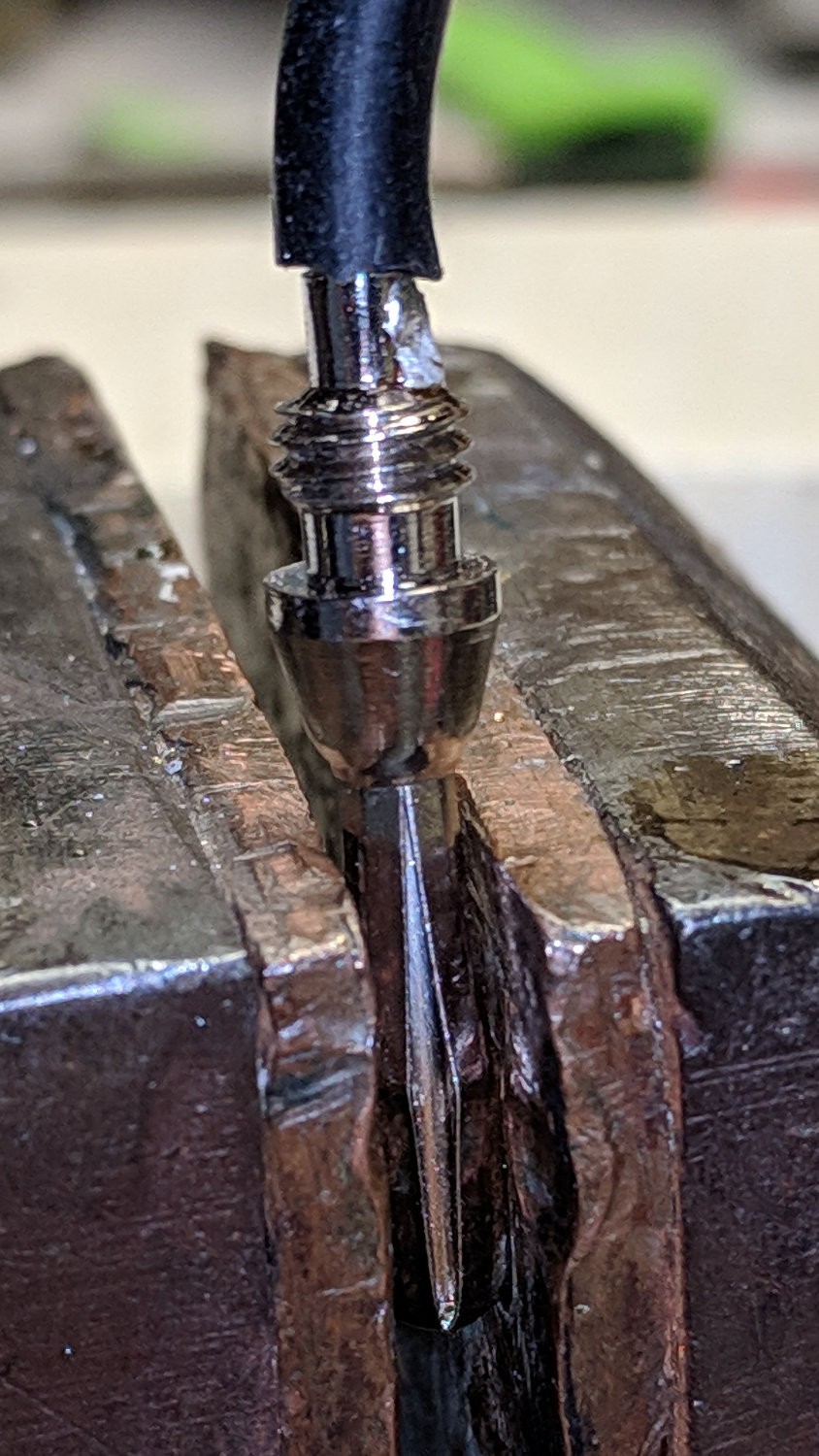
    Gently squish the threads in the bench vise to pop out the insert:

    Garden Y Valve - plug removed
    Garden Y Valve – plug removed

    If lives depended on it, one could dismantle and repair the valve without recourse to a bandsaw, but …

  • Debranded HP w2408 Monitor: Revived

    Three years ago I found a bulgy electrolytic cap inside a failed HP w2408 monitor:

    HP 2408 monitor power supply - HV cap bulge
    HP 2408 monitor power supply – HV cap bulge

    Back then, a 150 µF 450 V cap of the proper size (the 30 mm height being critical) was difficult to find and relatively expensive to purchase in onesies from the usual reliable sources, particularly as the repair advice I could find suggested it probably wasn’t the causing the monitor’s problems. So the monitor sat in pieces in an out-of-the-way corner of the Basement Laboratory while other events transpired.

    As part of a long-delayed Great Cleanup of Small Projects, I discovered the caps are now four bucks delivered from halfway around the planet, so I got one, did the swap, reassembled the pieces, and the monitor works just like new. No pix, but you get the general idea.

    For another few years, anyway.

    For whatever reason, the 3.5 mm audio output seems dead. The monitor has a pair of teeny speakers that don’t do justice to its magnificent HDMI audio, but they’re entirely adequate for my simple needs: pre-SSH Raspberry Pi setup doesn’t call for much.