Ed Nisley's Blog: Shop notes, electronics, firmware, machinery, 3D printing, laser cuttery, and curiosities. Contents: 100% human thinking, 0% AI slop.
Tag: Improvements
Making the world a better place, one piece at a time
I’ve been using YAGV (Yet Another G-Code Viewer) as a quick command-line Guilloché visualizer, even though it’s really intended for 3D printing previews:
YAGV previewer.png
Oddly (for a command-line program), it (seems to) lack any obvious keyboard shortcut to bail out; none of my usual finger macros work.
A quick hack to the main /usr/share/yagv/yagv file makes Ctrl-Q bail out, thusly:
diff yagv /usr/share/yagv/yagv
18a19
> import sys
364a366,367
> if symbol==pyglet.window.key.Q and modifiers & pyglet.window.key.MOD_CTRL:
> sys.exit()
I tacked the code onto an existing issue, but yagv may be a defunct project. Tweaking the source works for me.
The Ubuntu 18.04 LTS repo has what claims to be version 0.4, but the yagv GitHub repository (also claiming to be 0.4) includes code ignoring G-Code comments. Best to build the files from source (which, being Python, they already are), then add my Ctrl-Q hack, because my GCMC Guilloché generator adds plenty of comments.
That’s side-lit against a dark blue background. The long scratch and assorted dirt come from its protracted stay in the scrap pile.
If you look closely, you’ll see a few slightly wider loops, which came from a false start at Z=-0.1 mm.
Engraving at -0.5 mm looked pretty good:
Guilloche 540237875 – engraved at -0.50mm – detail
Despite an angular resolution of 2°, the curves came out entirely smooth enough. The gritty scratchiness resulted in a pile of chaff covering the engraved area; perhaps some oil or lube or whatever would help.
Rescaling the pattern to fit a CD platter worked fine, too:
Guilloche 540237875 – CD engraving
Polycarbonate seems to deform slightly, rather than scratch, leaving the final product with no chaff at all:
In this case, the doubled lines come from the reflection off the aluminized lower surface holding all the data.
The three collet pen holders I got a while ago came with ink cartridges:
Collet pen holder
So I bought three bucks worth of a dozen pens to get pretty colors, whereupon I discovered they didn’t fit into the collet. Turns out the locating flanges aren’t in the same place along the cartridges:
The flanges on the top cartridge have been shaved down perilously close to the ink, but it now fits into the collet.
Bonus: a dozen fairly stiff springs that are sure to come in handy for something!
After nearly four years of dangling a bare millimeter above the nozzle, the lever on the relocated Z-Axis switch finally snagged a stray thread and got bent out of shape. I un-bent it, but finally decided it was time to get more air between the nozzle and the switch actuator.
Prying the ends outward with a thumbnail releases a pair of snaps and the cover pops off to reveal the innards:
M2 Z-Axis – microswitch interior
The spring-loaded innards will launch themselves into the far corners of your shop, so be gentle as you slide the lever out and reinstall the side plate with a pair of clicks.
I filed the screw holes in my homebrew brass angle plate into slots, so as to get some adjustability, remounted the switch on the X-axis gantry, and tuned for best clearance:
M2 Z-Axis – bare microswitch vs nozzle
It looks a bit more canted than it really is.
There’s about 1.6 mm of Z-axis distance between the nozzle and the switch, which should suffice for another few years.
The view from the front shows a slight angle, too:
M2 Z-Axis – activated
There’s a millimeter or so below the nuts holding the X-axis linear slide in place, because the original 18 mm M3 SHCS are now 16 mm long (having shotgunned the metric SHCS and BHCS situation some time ago) and the washers are gone.
They’re all nylon lock nuts except for the one just to the left of the switch, providing barely enough clearance for the Powerpole connectors on the hotrod platform:
M2 Z-Axis – platform connector clearance
With the nozzle off the platform to the far right side, Z-axis homing proceeded normally. Manually jogging to Z=+5.0 mm left 2.6 mm of air under the nozzle, so I reset the offset in EEPROM to -2.4 = (2.6 – 5.0) mm:
M206 Z-2.4
M500
The first calibration square came out at 2.91 mm, so I changed the offset to -2.3 mm, got a 2.80 mm square with a firmly squished first layer, changed it to -2.5 mm, and got a 3.00 mm square for my efforts.
An array of five squares showed the platform remains level to within +0.05 / -0.07 mm:
M2 Platform Alignment Check – 2019-02-06
I defined it to be Good Enough™ and quit while I was ahead.
The bottom two squares in the left pile have squished first layers. The rest look just fine:
M2 Z-Axis – switch offset calibration squares
The whole set-and-test process required about 45 minutes, most of which was spent waiting for the platform to reach 90 °C in the 14 °C Basement Laboratory.
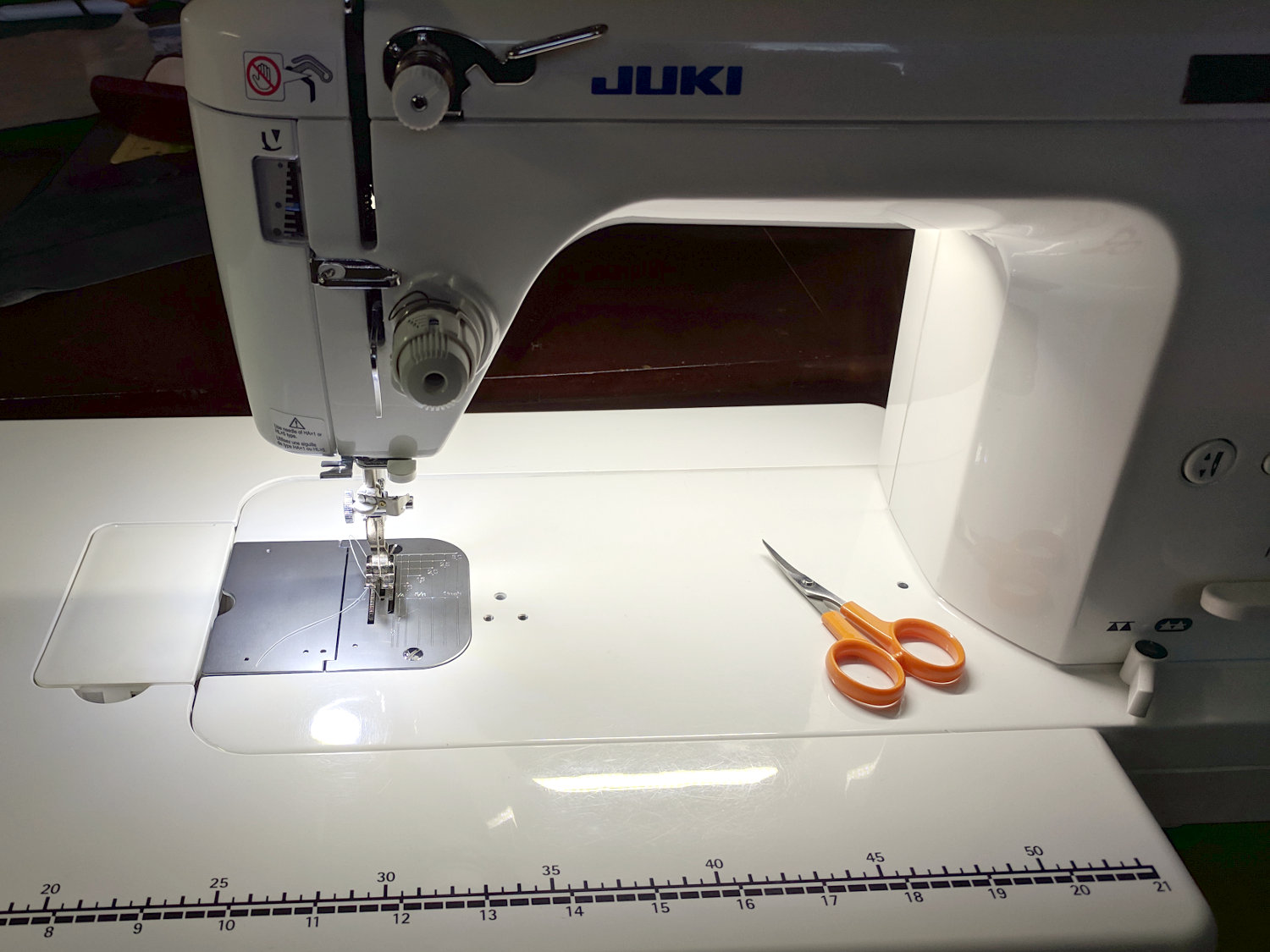
With the Juki TL-2010Q all lit up, it seemed reasonable to apply the same technique to the Kenmore 158 sewing machine a few feet away:
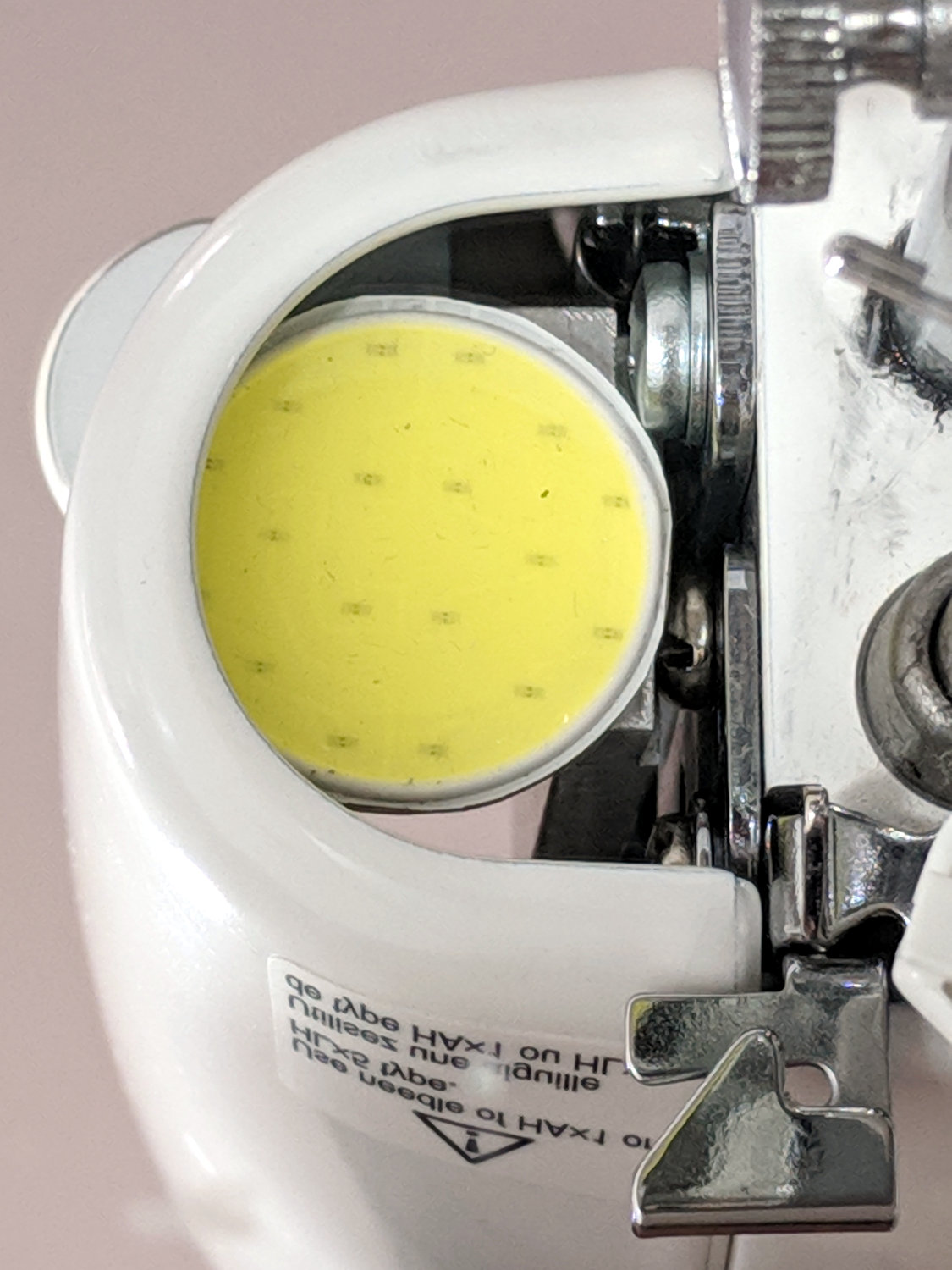
Kenmore 158 COB LED – installed
In an ideal world, I’d match the COB LED module to the opening under the machine’s arm, but module length isn’t a free variable, so it sticks out a bit on both sides.
The 1/4 inch QD connectors on the AC power are marginally OK in this situation, as they’re tucked under the sewing table out of harm’s way. The other end of the AC line cord burrows into the sewing machine’s guts and isn’t easily removed, so this was the least-awful place for a connection.
The LED connector pinout:
Kenmore 158 COB LED – Power supply DE-9 pinout
The black cable comes from my lifetime supply of lovely supple flexible 28-ish AWG 9-conductor serial cables with molded-on male connectors.
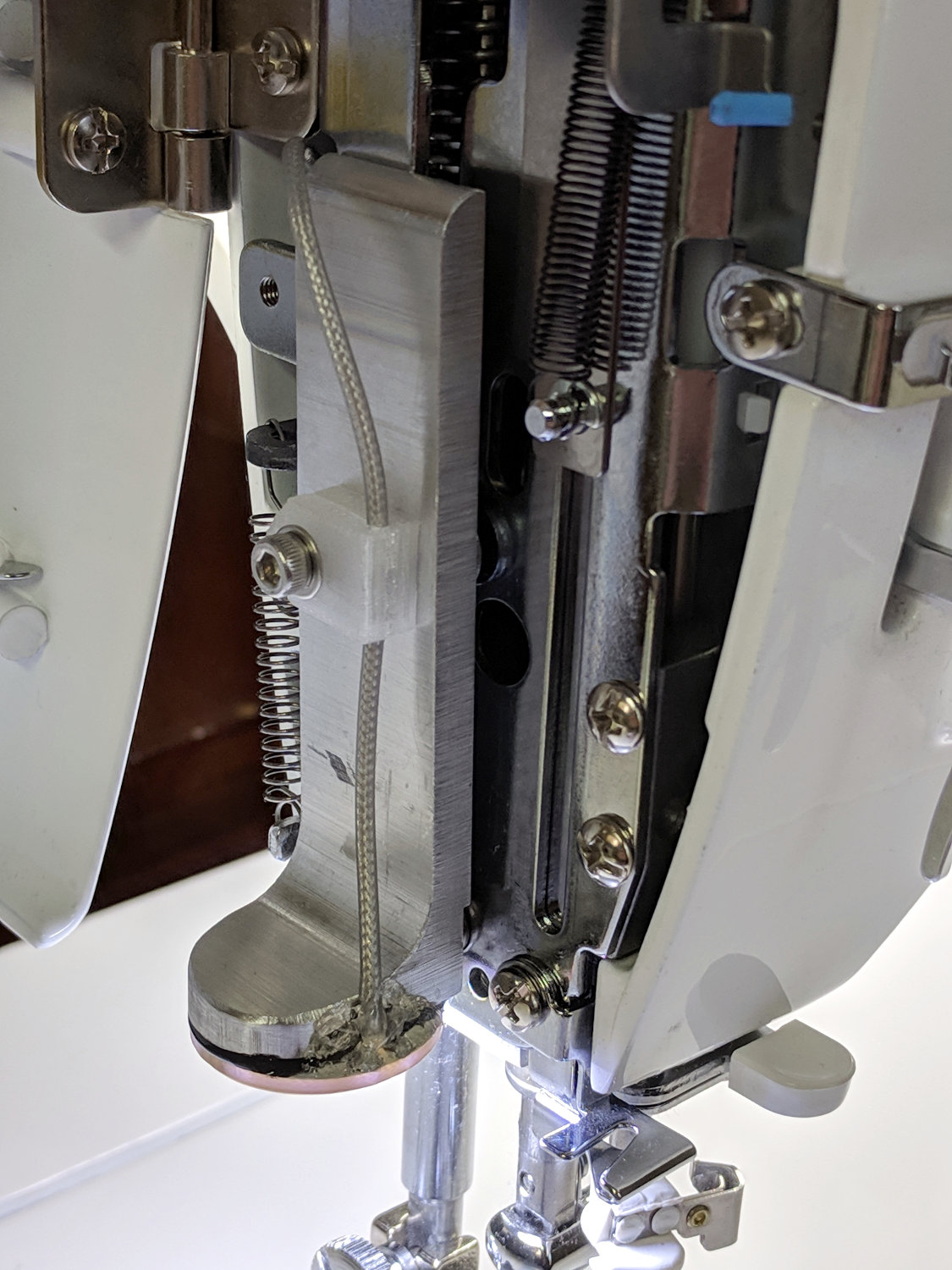
I used some silver-plated / Teflon-insulated coaxial cable for the COB LED wiring. It burrows into the guts of the machine through a gap above the presser foot lift lever, then joins up with similar cables from the other LEDs routed through the (grossly oversized) heatsink fins:
Kenmore 158 COB LED – endcap wire routing
The cables meet the repurposed serial cable inside the arm, following the original route of the 120 VAC wires formerly lighting the glowworm incandescent bulb in the endcap:
Kenmore 158 COB LED – machine assembly
What’s not obvious in that picture: the cables pass under two stamped steel guides and through two stamped steel clamps, each secured to the frame by a cheese head screw in a tapped hole. They definitely don’t make ’em like they used to!
A 2.0 Ω ballast resistor produced the right amount of light, dropping 780 mV to run the LEDs at 390 mA and burning 300 mW. This supply produces 12.0 V at that current, so the COB LEDs run at 11.2 V and dissipate only 4.4 W.
The lower output voltage (compared to the supply on the Juki) is probably the result of the higher load from the SMD LEDs lighting up the area around the needle. We cranked up their voltage to match the COB LEDs, so they’re surely conducting more than the original (guesstimated) 50 mA apiece = 300 mA total. I have no convenient (pronounced “easy”) way to measure either their current or voltage; when the light’s good, it’s all good.
The other Kenmore 158 machines will eventually get the same treatment, but not right now.
The COB LED module claims to run at 12 V and 6 W, so it expects to draw 500 mA. First pass measurements showed 500 mA happened at 11.6 V:
Juki TL-2010Q COB LED – ballast resistor test
The 12 VDC supply actually produced 12.1 V at 500 mA, so a 1 Ω 1/2 W resistor should produce the right current:
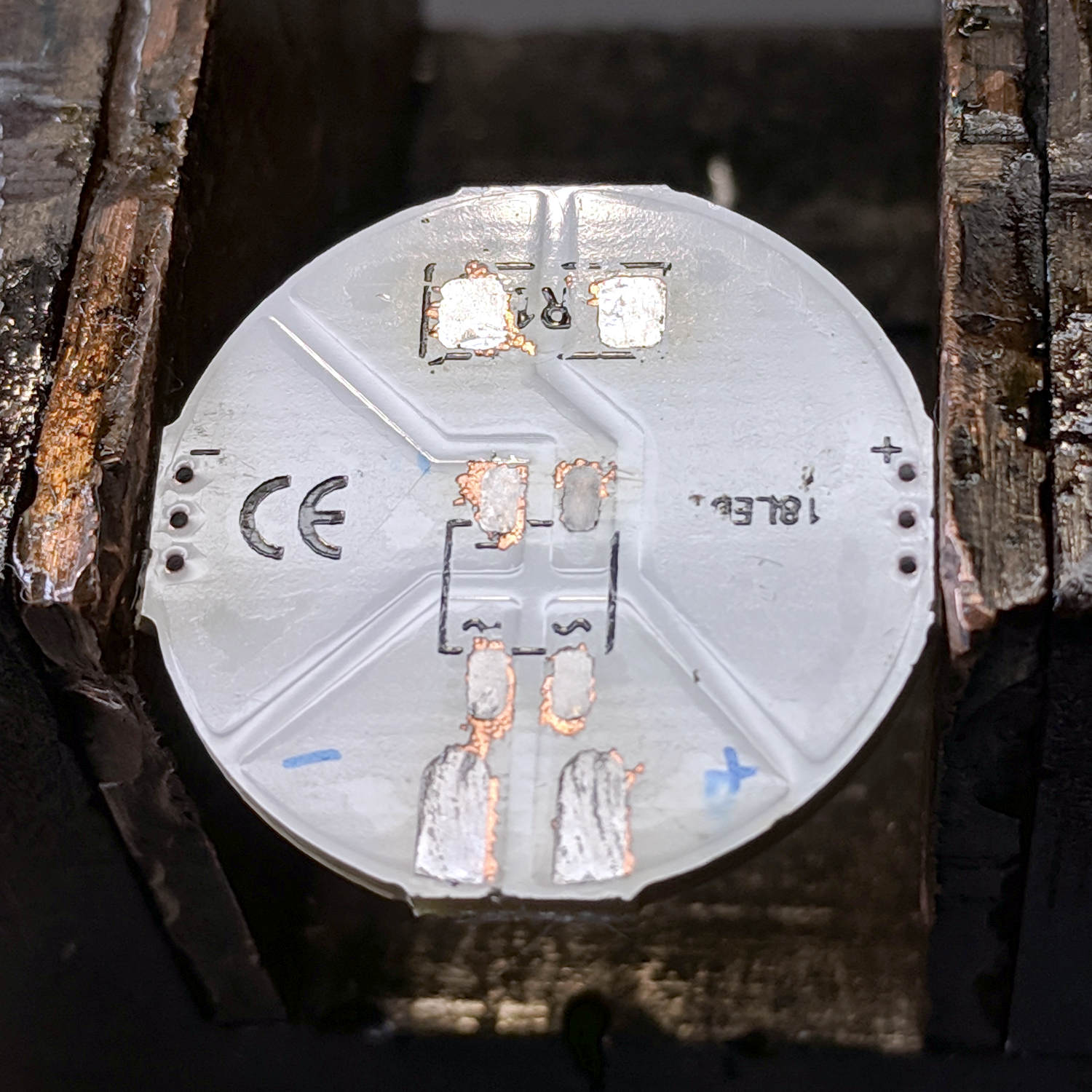
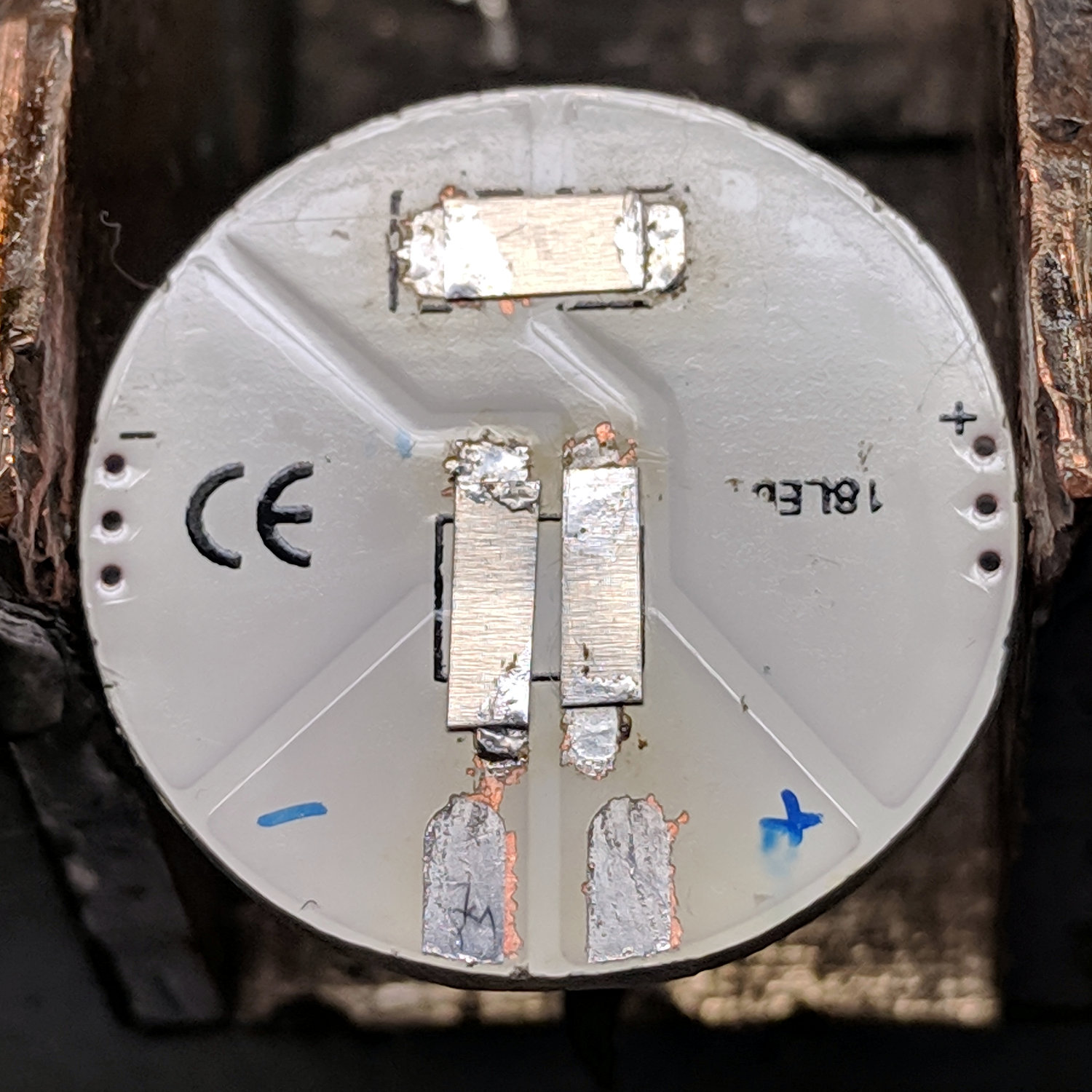
Juki TL-2010Q COB LED – heatsink endcap – internal connections
Which it did, but the Customer Base judged 6 W to be far too much light. A 2.7 Ω resistor seemed too dim, so we settled on 2.2 Ω:
Juki TL-2010Q COB LED – 2.2 ohm header
For the record, a 2.2 Ω resistor drops 980 mV and dissipates 440 mW, probably too close to its 500 mW rating. The supply produces 12.2 VDC at 450 mA, so the LEDs run at 11.2 V and dissipate 5 W; the heatsink remains pleasantly warm to the touch.
The hot melt glue anchoring the pin header won’t win any prizes, but it sticks like glue to the Kapton tape and, in any event, there’s not much to go wrong in there.
A cardboard cover hides the ugly details:
Juki TL-2010Q COB LED – installed
And then It Just Works™:
Juki TL-2010Q COB LED – installed – rear view
As evidenced by the glove fingertips, she does a lot of sewing and I’m glad I can shed some light on the subject …