The Smell of Molten Projects in the Morning

Ed Nisley's Blog: Shop notes, electronics, firmware, machinery, 3D printing, laser cuttery, and curiosities. Contents: 100% human thinking, 0% AI slop.

Category: Electronics Workbench

Electrical & Electronic gadgets

  • Juki TL-2010Q Needle LEDs: Trial Fit

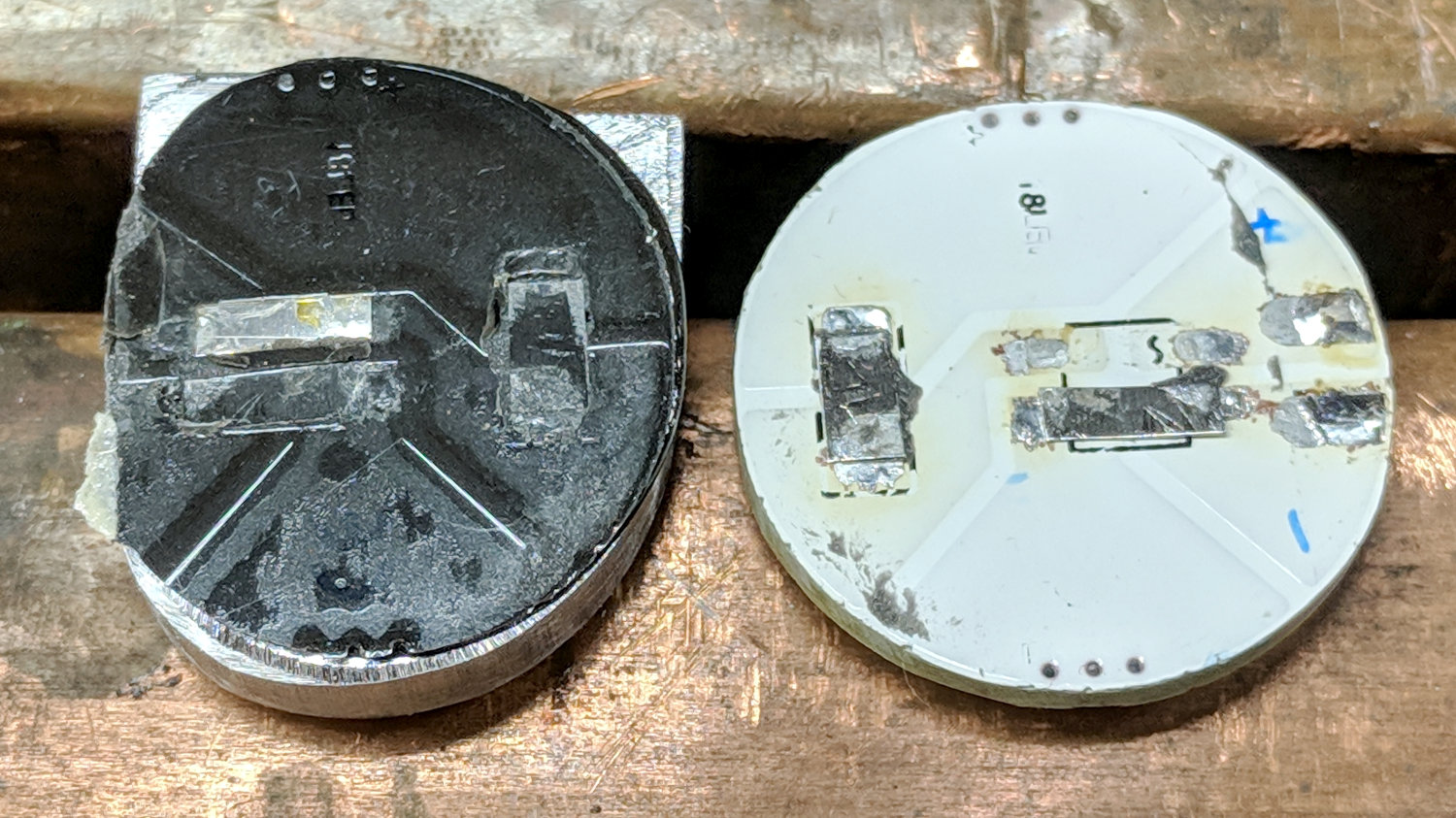
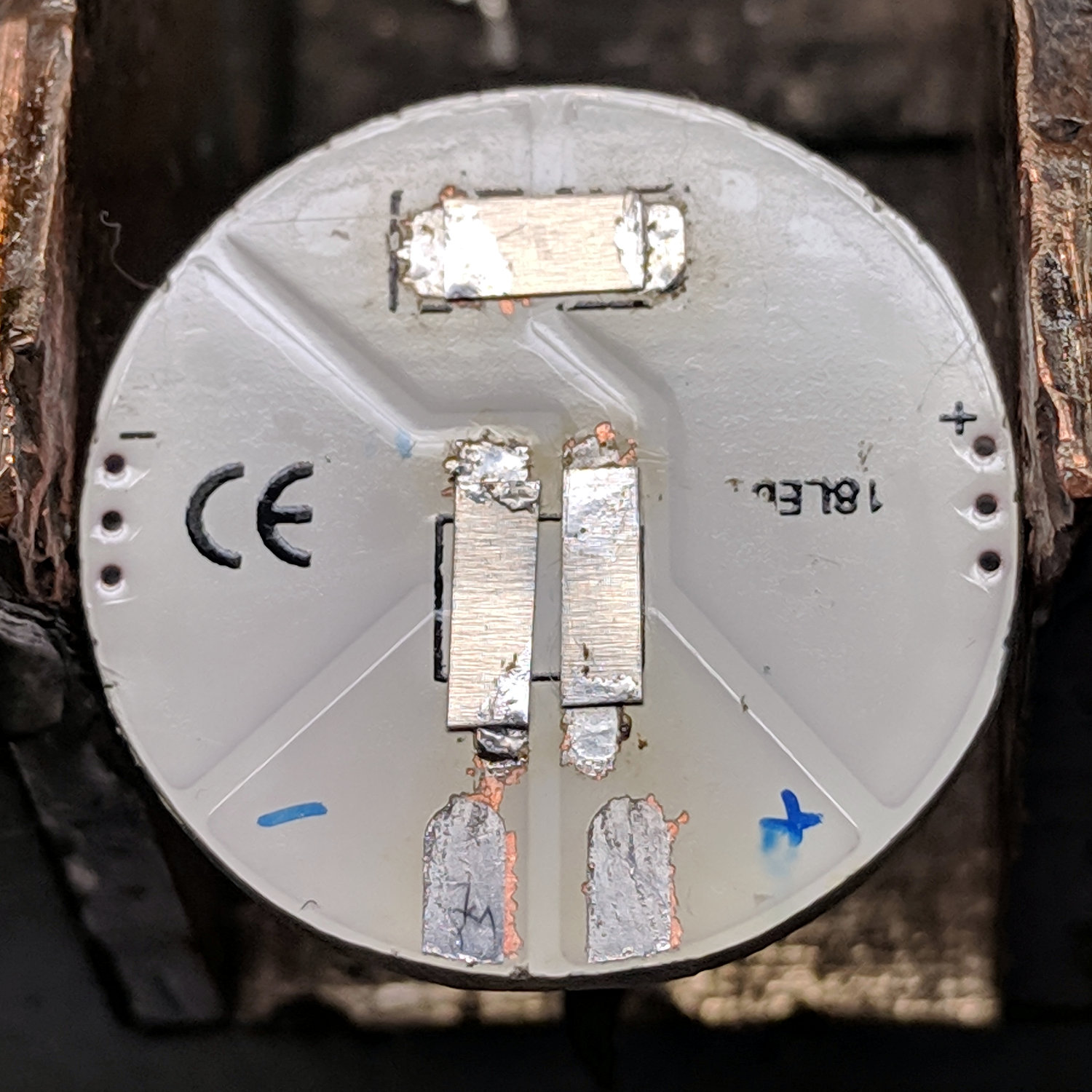
    Stripping the components from the back of a “5 W” COB LED gets it ready for action:

    G4 COB LED PCB - stripped
    G4 COB LED PCB – stripped

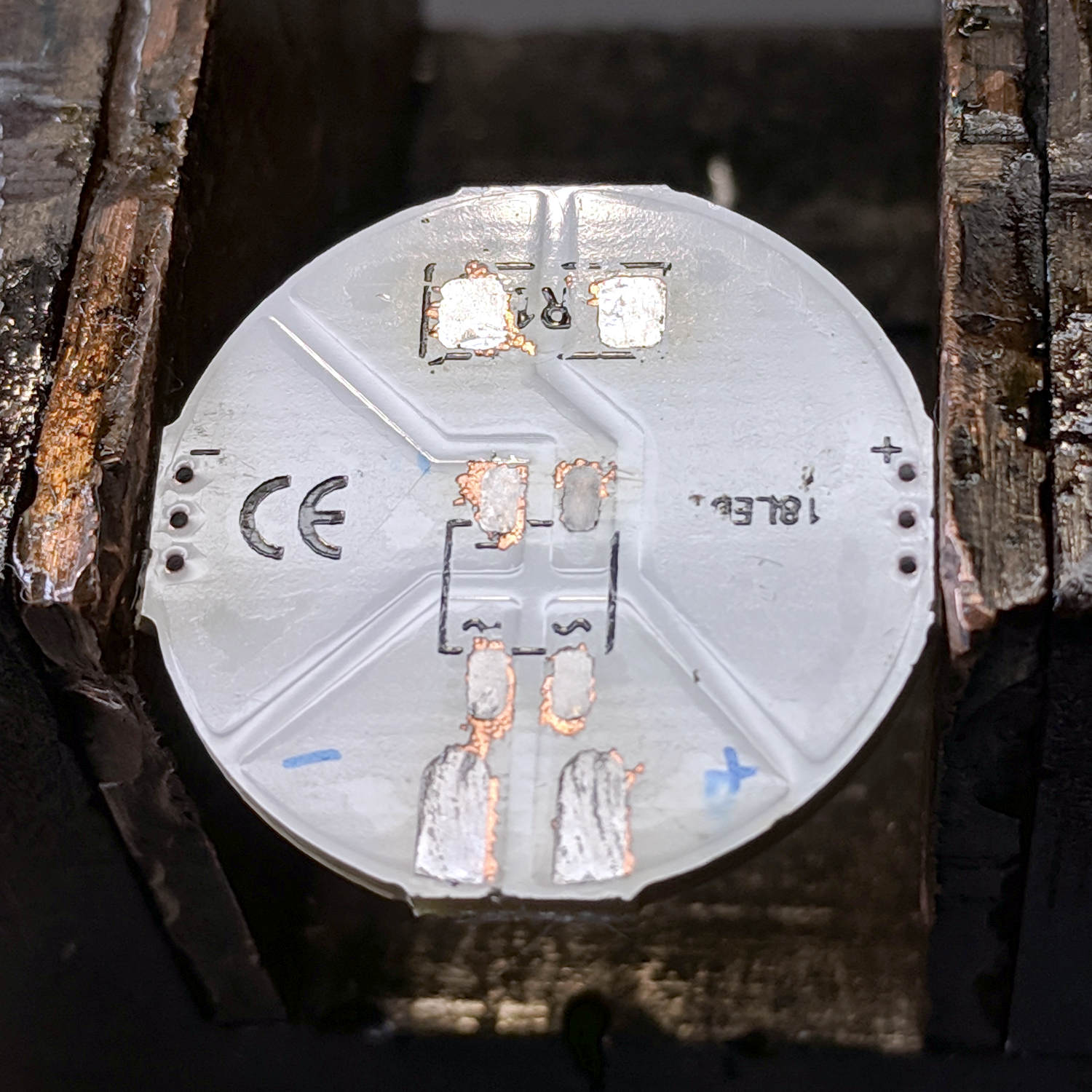
    Jumpering the pads with nickel strips harvested from various NiMH and lithium cells restores the original contact pads to service:

    Juki TL-2010Q Needle LEDs - COB LED jumpers
    Juki TL-2010Q Needle LEDs – COB LED jumpers

    A bit of bandsaw artistry produced a replacement for the OEM LED bracket:

    Juki TL-2010Q Needle LEDs - trial installation
    Juki TL-2010Q Needle LEDs – trial installation

    The epxoy bonding the LED to the heatsink happens a few paragraphs ahead in this story, but the view justifies it. The 2 mm hole just to the right of the 3 mm SHCS aligns the heatsink to a pin in the machine’s frame, ensuring it doesn’t twist around under vibration.

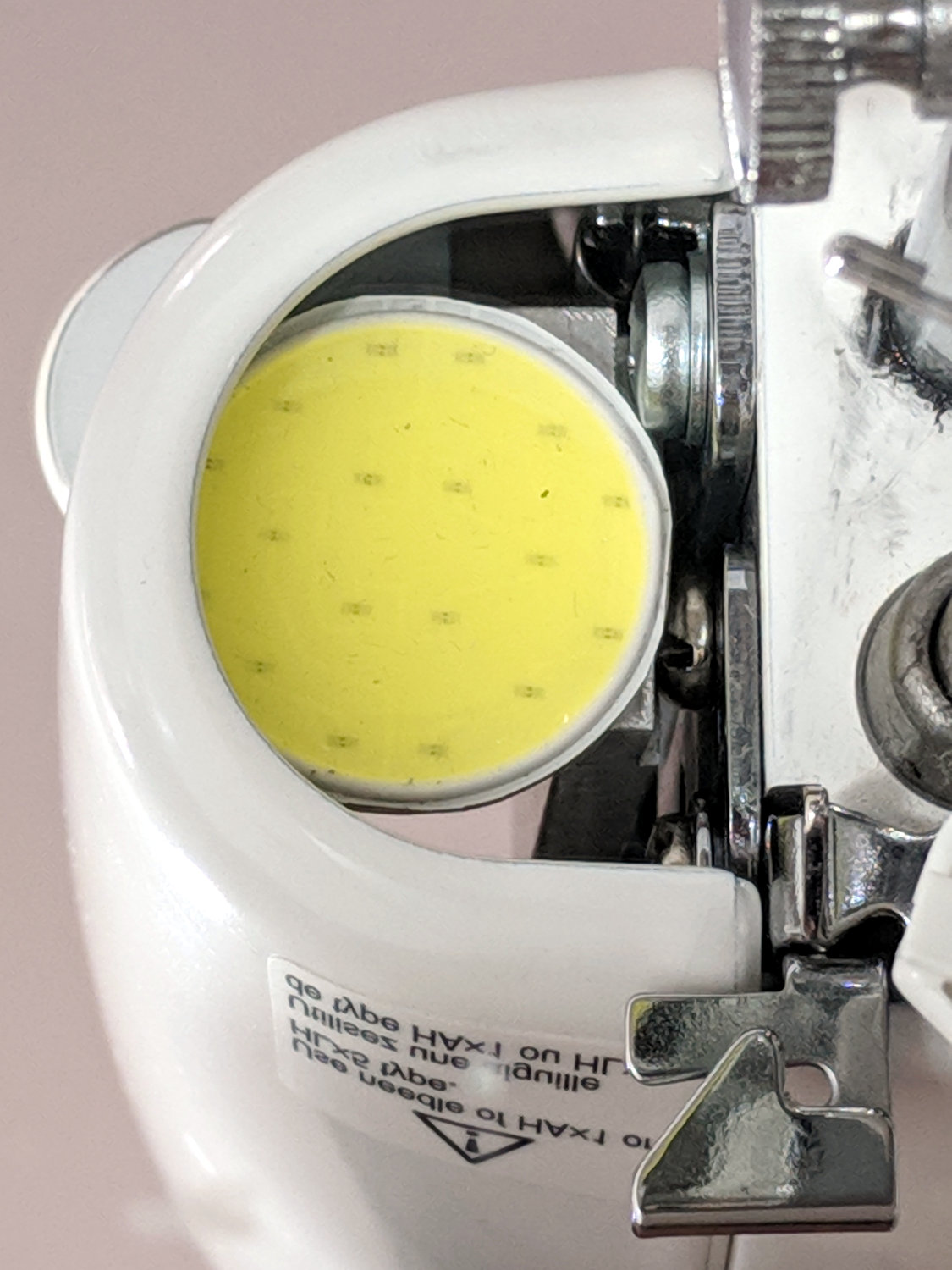
    The view from below (in a mirror on the machine’s bed) shows the COB LED just barely fits in the opening:

    Juki TL-2010Q Needle LEDs - trial fit
    Juki TL-2010Q Needle LEDs – trial fit

    I screwed the bare heatsink into the Juki, applied double-stick tape to the COB LED, aligned LED with opening, and stuck it in place. Back in the shop, I traced around the LED to figure out what part of the heatsink needed removing, introduced it to Mr Disk Sander, and contoured it to match the LED.

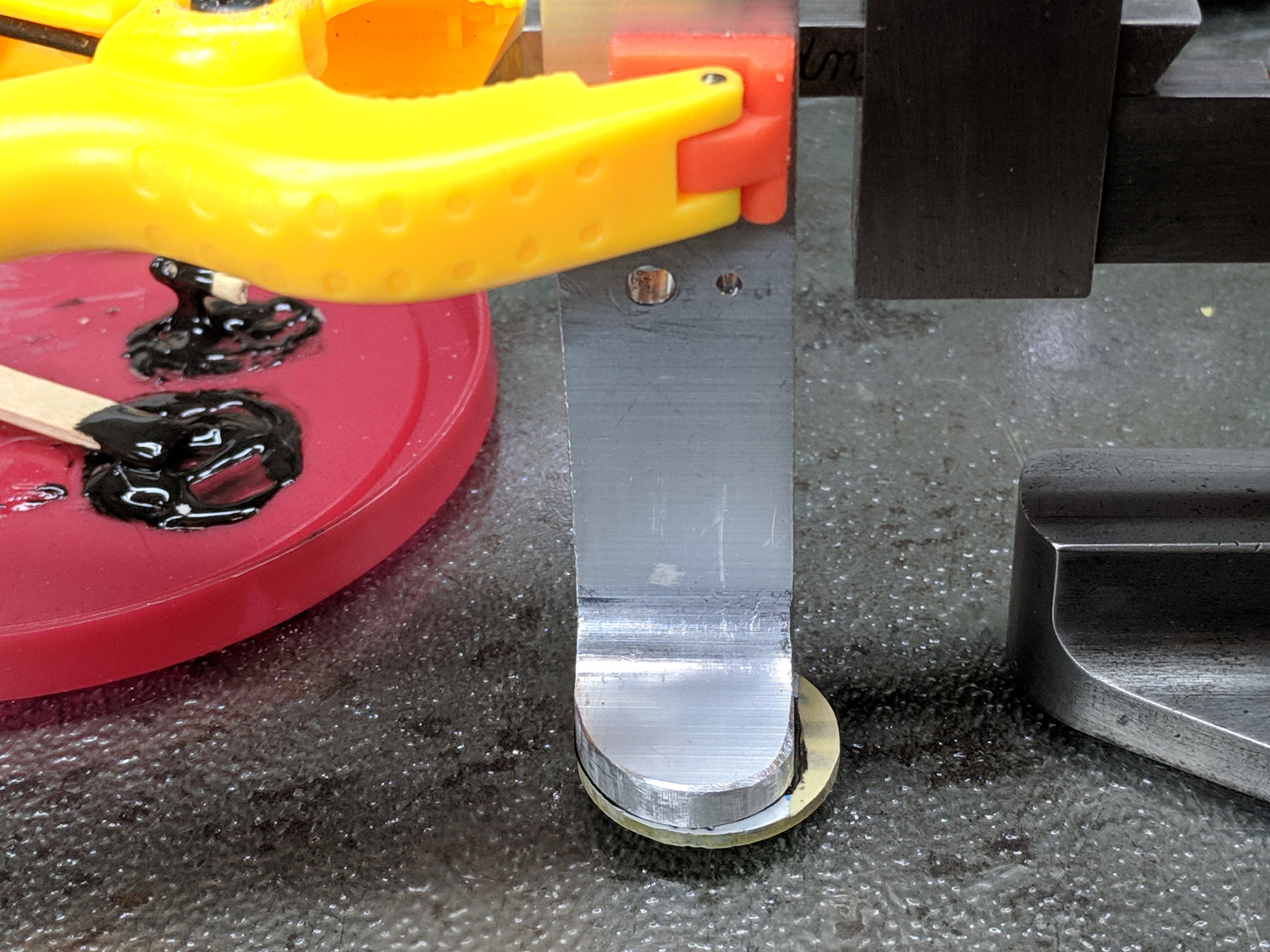
    Clean everything with denatured alcohol, put the heatsink on a glass plate, and clamp it to the height gauge:

    Juki TL-2010Q Needle LEDs - heatsink alignment
    Juki TL-2010Q Needle LEDs – heatsink alignment

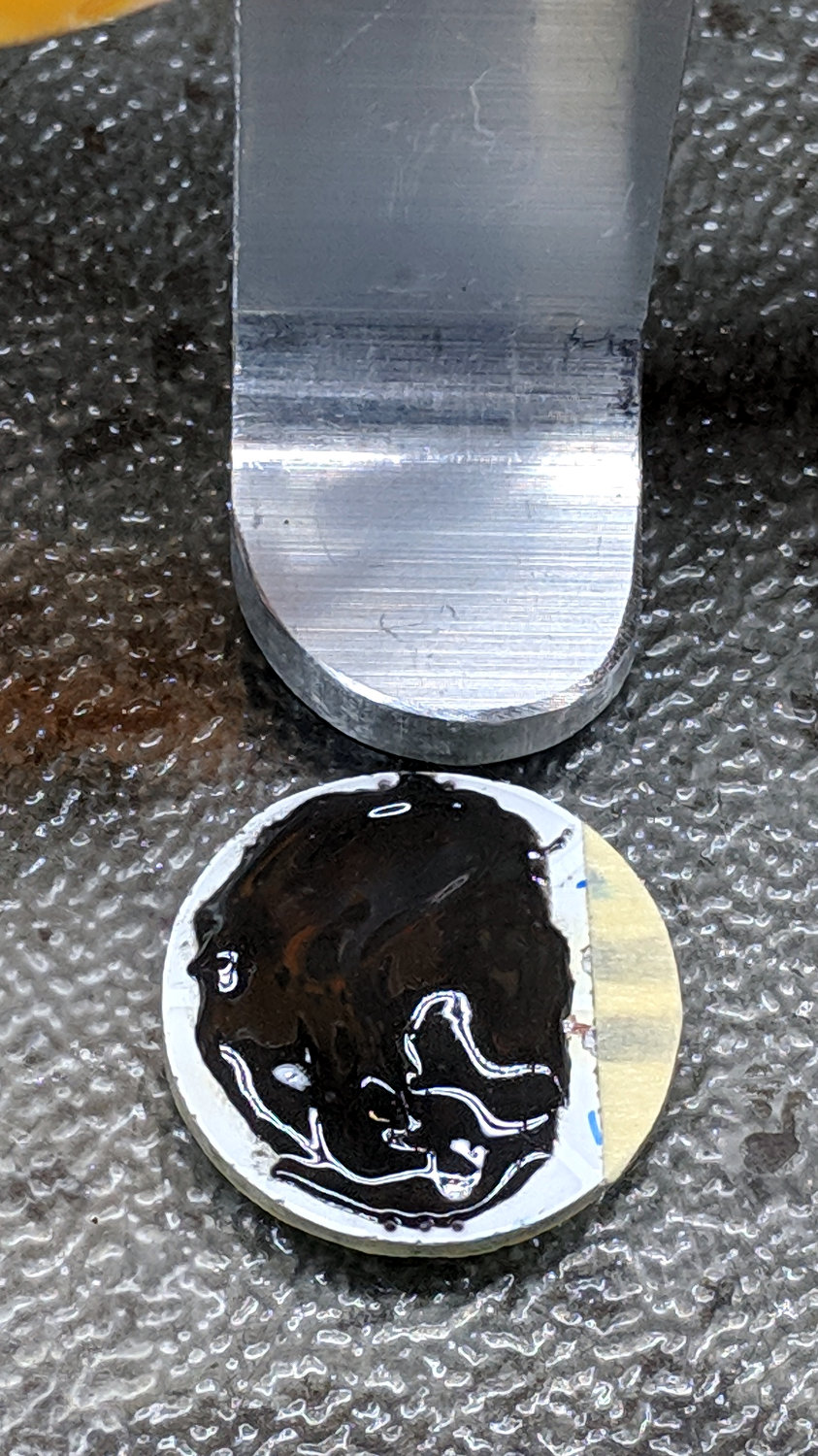
    Butter up the LED PCB with JB Kwik epoxy, having previously masked the contact pads (with masking tape!) to prevent oopsies:

    Juki TL-2010Q Needle LEDs - epoxy on COB LED
    Juki TL-2010Q Needle LEDs – epoxy on COB LED

    Raise the height gauge, align LED & heatsink, lower height gauge to squish epoxy into an even layer, raise slightly to ensure the aluminum heatsink doesn’t short the nickel strips, and fast forward a few hours:

    Juki TL-2010Q Needle LEDs - heatsink curing
    Juki TL-2010Q Needle LEDs – heatsink curing

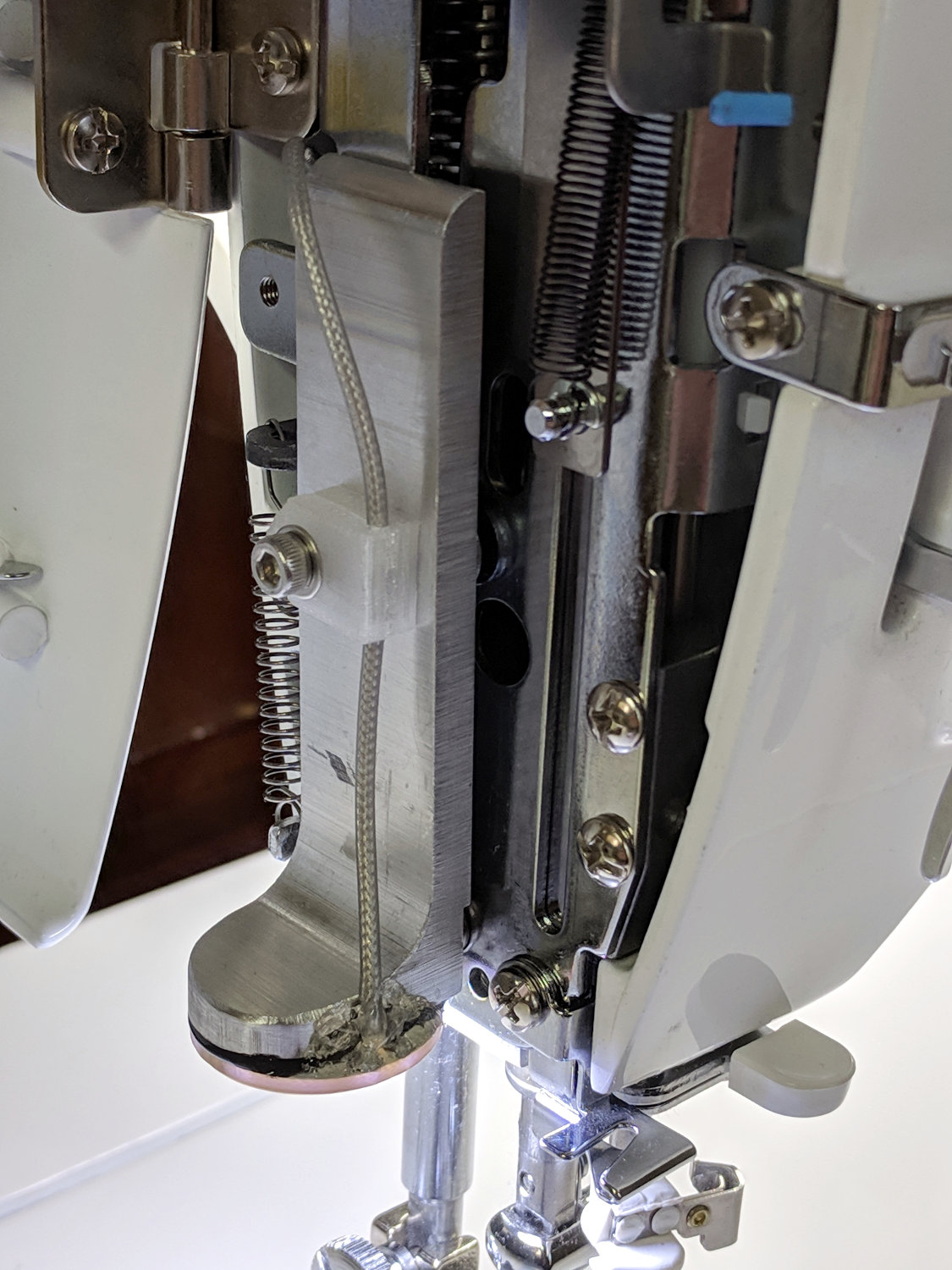
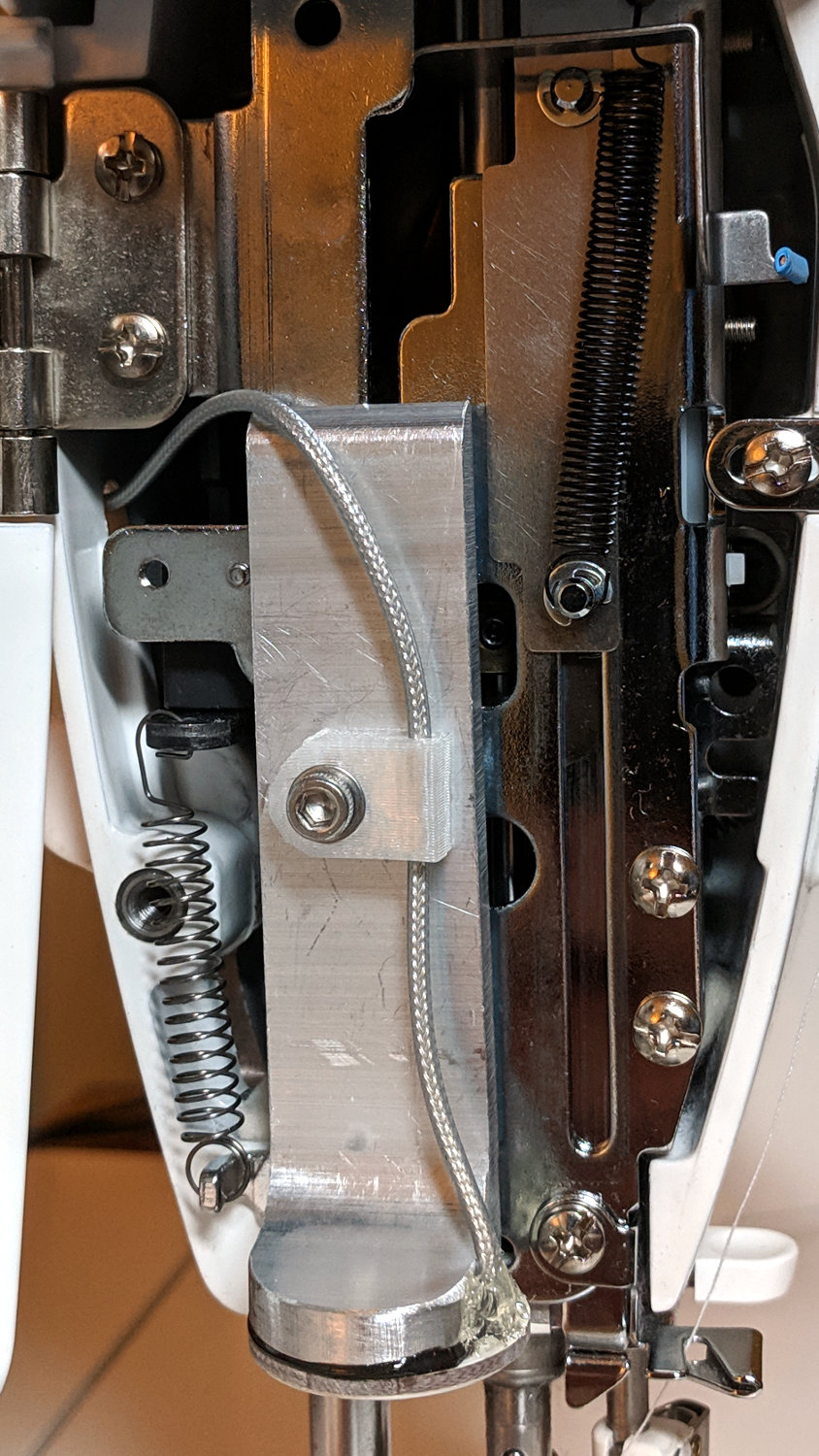
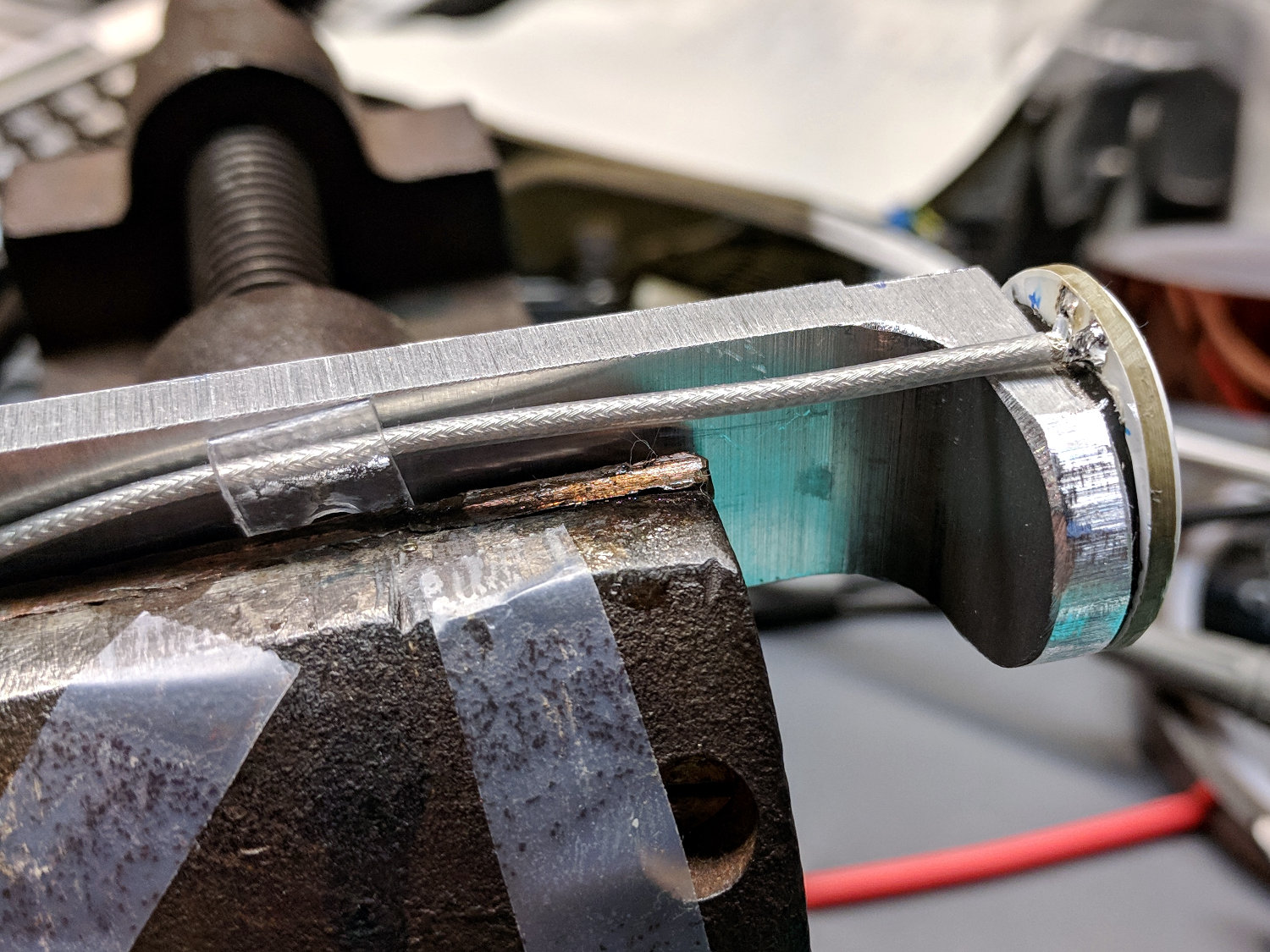
    Peel off the masking tape and solder a cable in place:

    Juki TL-2010Q Needle LEDs - cable installation
    Juki TL-2010Q Needle LEDs – cable installation

    The transparent doodad around the cable is a PET clamp snipped from a consumer electronics clamshell package, then punched and folded to suit. It didn’t work particularly well, so more rummaging will be required.

    Foreshadowing: all this went swimmingly and looks pretty good (in a techie sort of way), but I’ve been running a nasty cold (stipulated: there being no pleasant colds). Building While Stupid is never a good idea, as the part of your brain in charge of telling you you’re about to do something catastrophically wrong is the first thing to go.

    More to come …

  • Astable Multivibrator: DSO150 vs. Fast Blinky

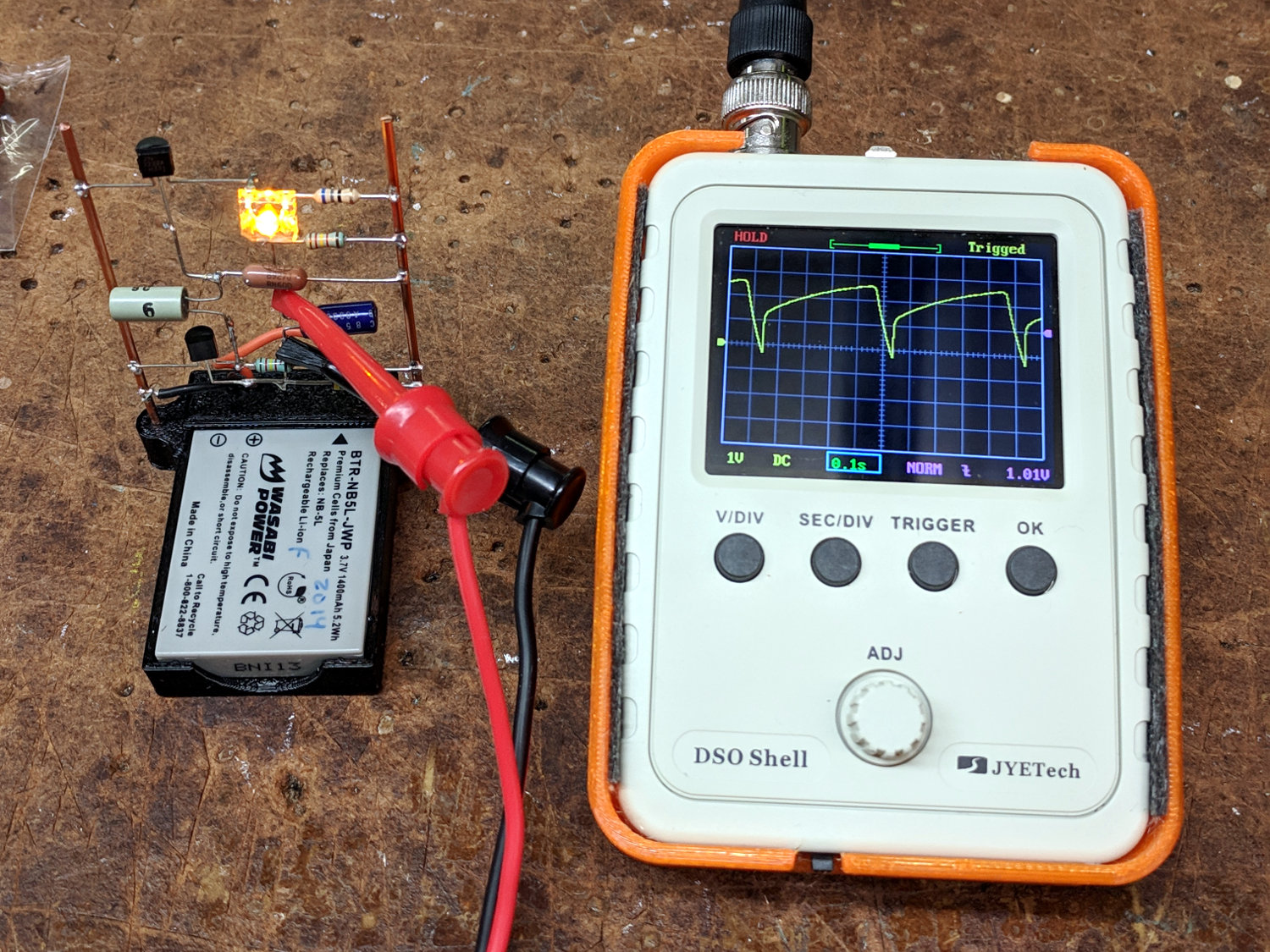
    A bipolar transistor version of the astable multivibrator with a yellow Pirhana LED required absurdly large capacitors for a reasonable blink rate and, seeing as how I need a demo circuit for Show-n-Tells, it seemed a good candidate for a faster blink. I replaced a 100 µF cap with the 22 µF electrolytic cap from the other side, installed a 2 µF cap (which, judging from the lack of polarity indicators, may be a film cap) from the Squidwrench junk heap parts bin in its place, and hitched up the DSO150 because I brought it along:

    DSO150 with fast LED blinky
    DSO150 with fast LED blinky

    Worked the first time and caught it in mid-blink! [grin]

    The DSO150’s triggering remains a mystery, as it seems difficult to get a stable trace from a perfectly reasonable waveform. The scope didn’t trigger well on the astable’s original seconds-long pulses, perhaps due to a DC blocking cap in the triggering circuitry (whatever it may look like), but this waveform should be dead simple.

    Having gained a visceral understanding of why MOSFET astables produce better battery life, this bipolar transistor design is just a milestone along the way.

  • J5 Tactical Flashlight: Tailcap Switch

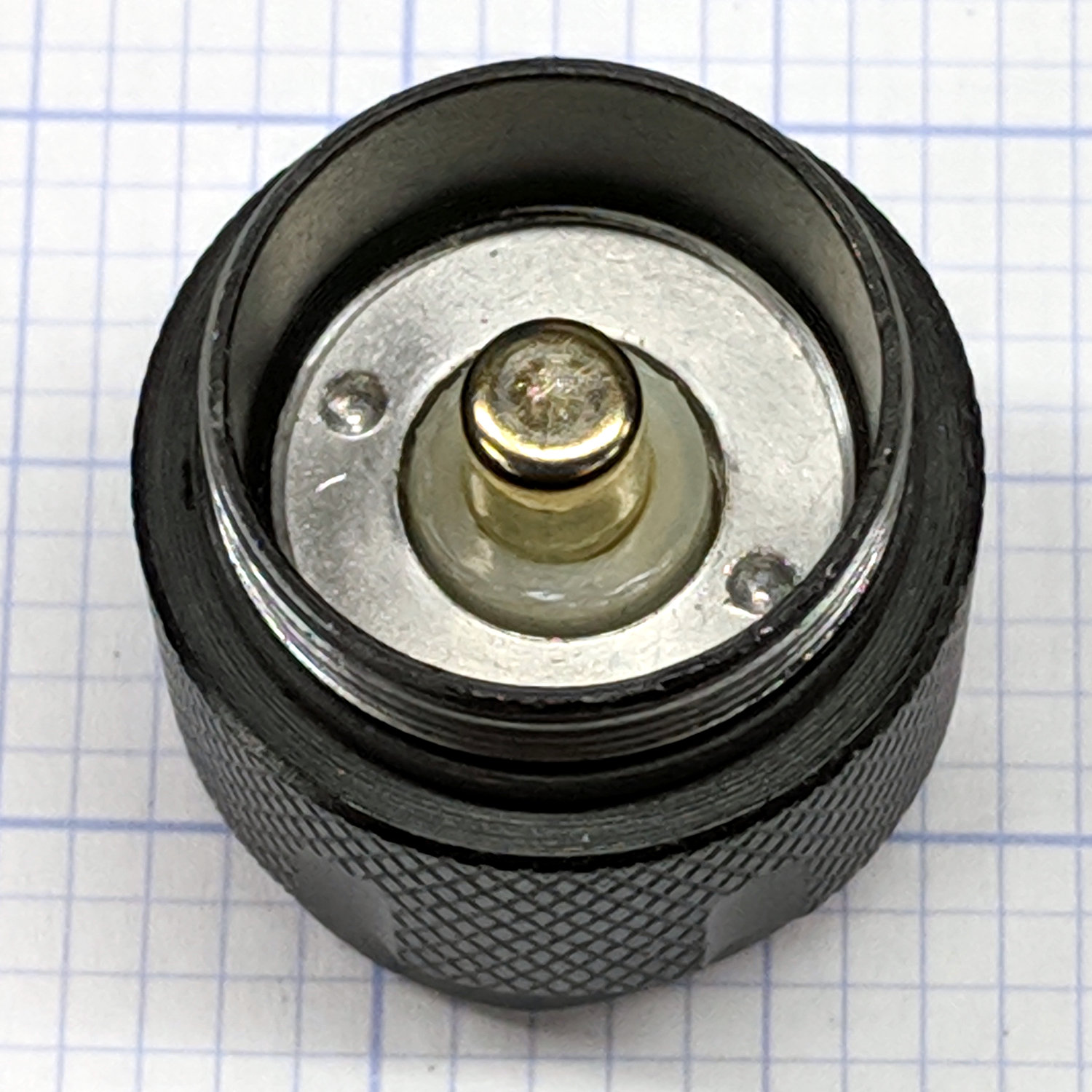
    Mashing the LED PCB into place didn’t entirely solve the weak beam problem, so I unscrewed the tailcap holding the switch on the other end of the body:

    J5 Tactical Flashlight - tailcap
    J5 Tactical Flashlight – tailcap

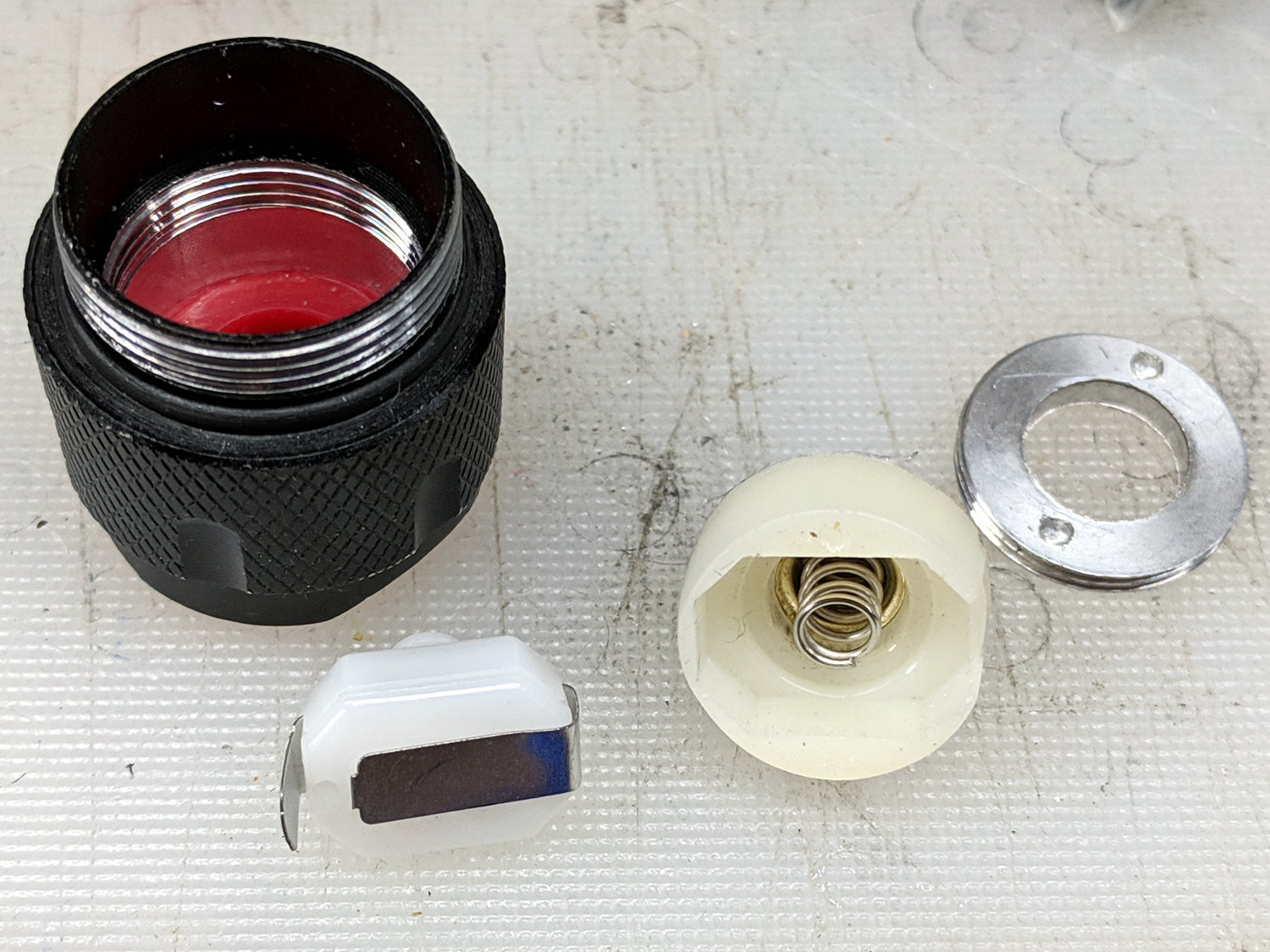
    Unscrewing the lock ring releases the switch assembly:

    J5 Tactical Flashlight - tailcap parts
    J5 Tactical Flashlight – tailcap parts

    I suspect the tab sticking out from the side of the switch doesn’t make / never made good contact with the aluminum tailcap body, but having gone this far there’s no reason to stop. The plastic housing around the spring-loaded brass battery contact pops off to reveal the actual switch:

    J5 Tactical Flashlight - switch contacts
    J5 Tactical Flashlight – switch contacts

    The long tab on the front of the switch sits under the spring, so that’s the negative battery contact. The LED current goes through:

    • battery negative to contact + spring
    • switch tab + moving contact + tab
    • tab to tailcap pressure fit
    • tailcap threads
    • front tube threads
    • LED pill to PCB
    • spring to battery positive

    So. Many. Aluminum. Joints.

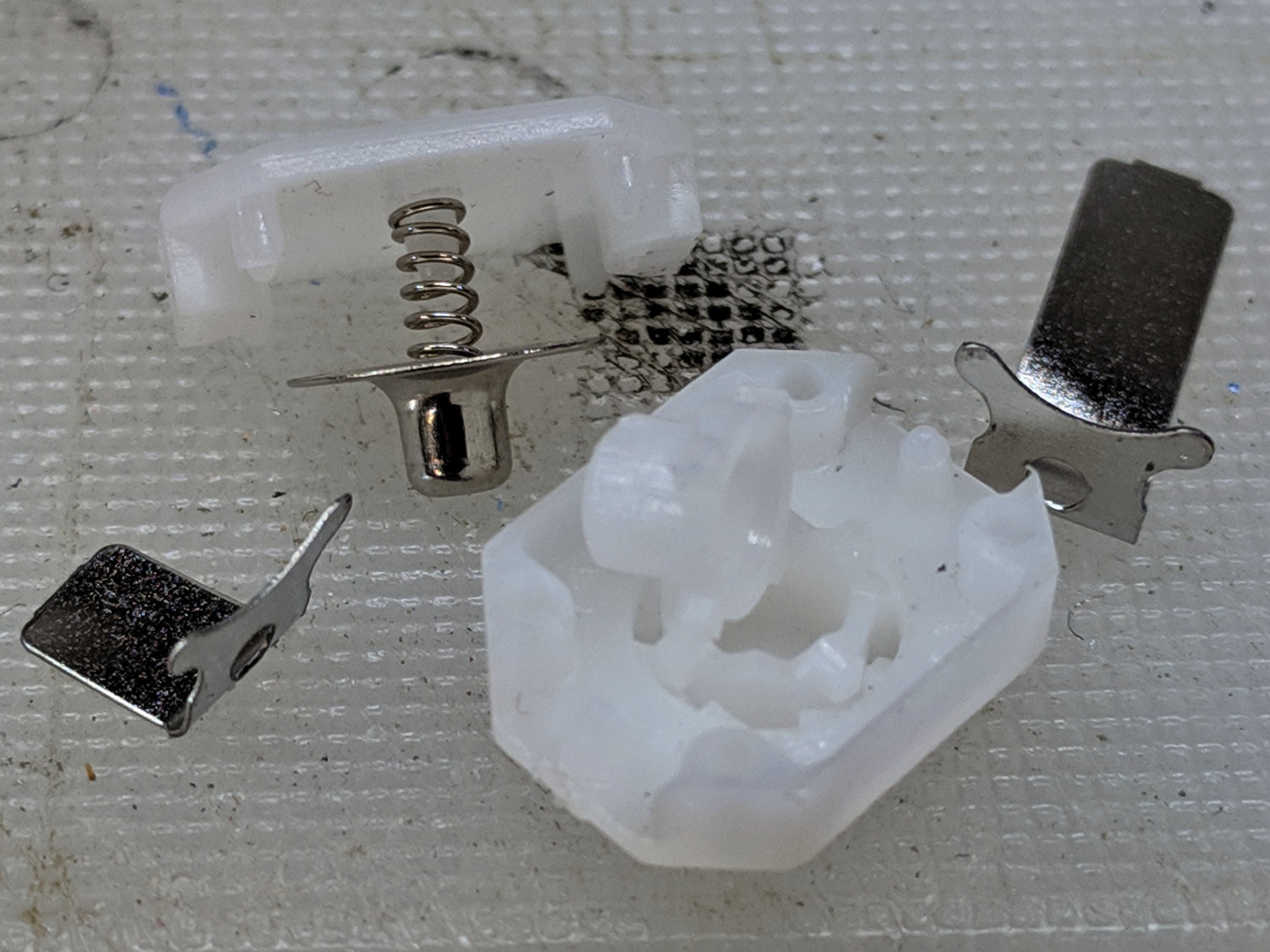
    The switch body snaps apart to disgorge a remarkable number of parts:

    J5 Tactical Flashlight - tailcap switch parts
    J5 Tactical Flashlight – tailcap switch parts

    Nothing looked out of order, so I applied a thin layer of DeoxIT Red to all the contacting parts and reassembled everything.

    For the record, the switch’s internal parts have many plausible assembly sequences; the workable one goes a little something like this:

    J5 Tactical Flashlight - tailcap switch contacts
    J5 Tactical Flashlight – tailcap switch contacts

    Contrary to what you (well, I) might think, the switch is off when the central contact is pushed forward, away from the side contacts.

    I bent a slight angle into the tailcap contact (on the right in the picture) to make better / firmer contact with the tailcap body, cleaned all the threads with a cotton swab carrying a dab of DeoxIT, and screwed it all together.

    With everything back together, the beam seems bright and steady again. We’ll see how long it lasts.

  • J5 Tactical Flashlight: Loose PCB

    I’ve been using the J5 Tactical flashlight as a “walking light” on our walks around the neighborhood, because its bright white spot has definitely caused a few drivers to look up from their phones at the last moment and swerve away.

    Of late, however, it turned on with a weak light and operated erratically. Removing the lens and unscrewing the front end revealed one mmmm potential problem:

    J5 Tactical Flashlight - loose LED PCB
    J5 Tactical Flashlight – loose LED PCB

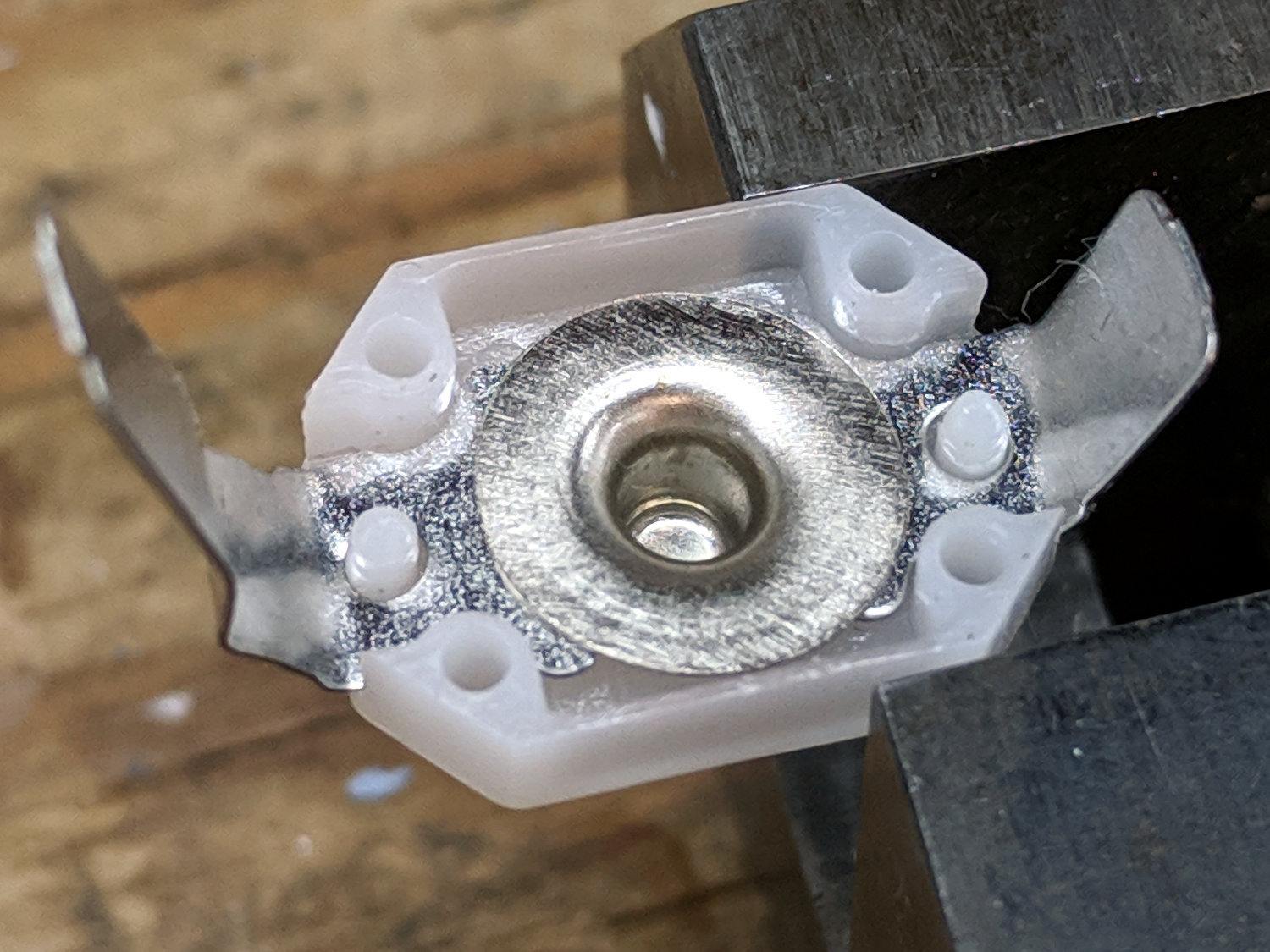
    It looks like they’re depending on the “gold” in cutaway plated-through holes to make electrical contact with the aluminum mount, then through the threads to the case. The PCB joint would work much better with consistent pressure all the way around its perimeter.

    I mashed the PCB into place with a machinists vise, but, given the number of problems I’ve had with J5 flashlights (one a QC reject), they’re on my Non-Preferred Vendor list; if I’m going to get junk, I may as well pay bottom dollar.

  • Juki TL-2010Q LED

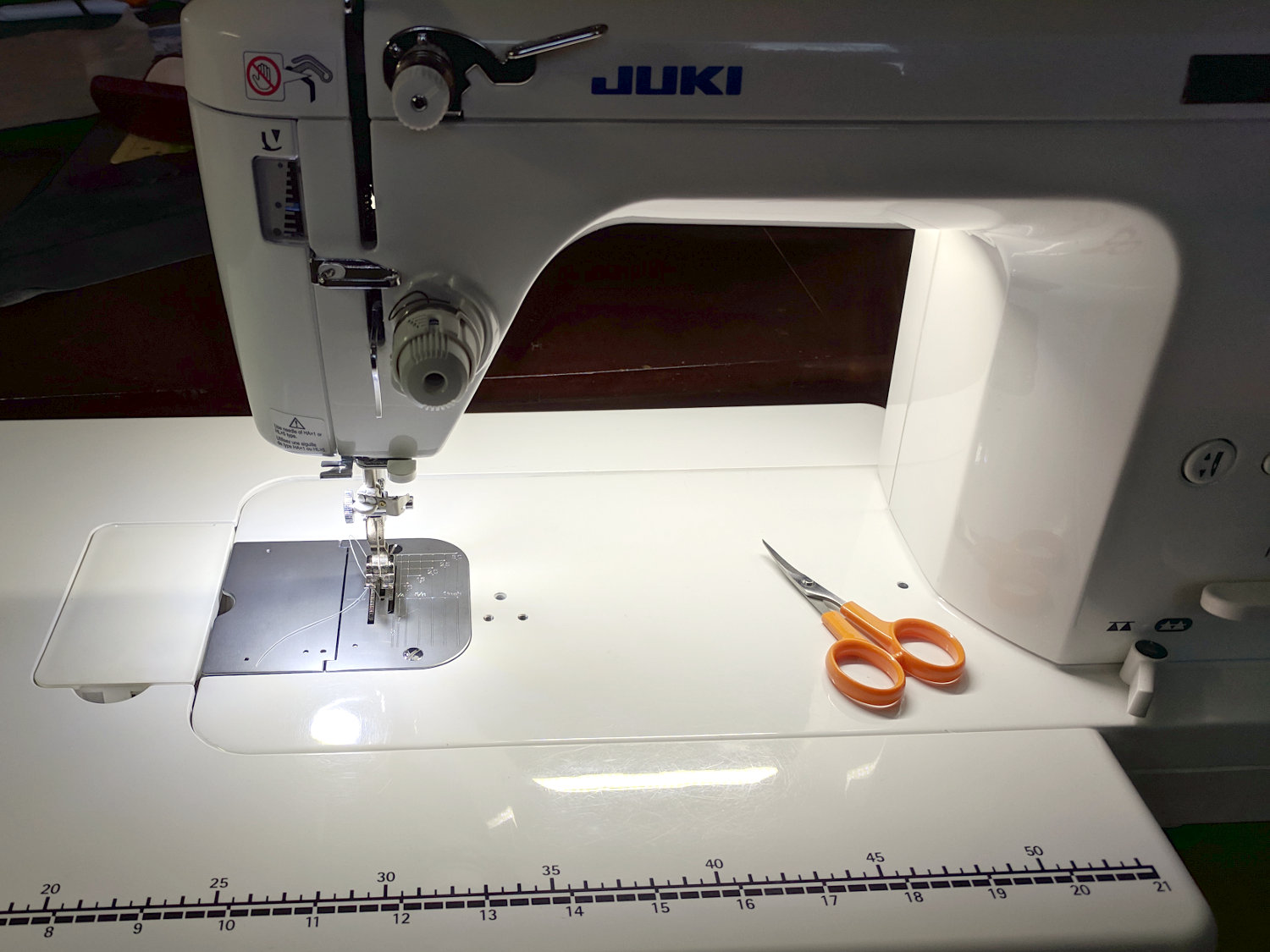
    For the record, Juki thinks this SMD LED provides enough light around the needle of Mary’s TL-2010Q sewing machine:

    Juki TL-2010Q - OEM LED light
    Juki TL-2010Q – OEM LED light

    A detailed look at the active ingredient:

    Juki TL-2010Q - OEM SMD LED
    Juki TL-2010Q – OEM SMD LED

    The 30 Ω resistor drops exactly 2.0 V, so the white LED runs at 67 mA.

    We think it’s a glowworm, compared to the COB LED bar across the back of the arm:

    Juki TL-2010Q COB LED - installed - rear view
    Juki TL-2010Q COB LED – installed – rear view

    I can do better than that, although not with juice from their 5 V power supply.

  • Sony NP-FS11 Battery Rebuild: 2019

    Three years on, it’s time to rebuild some NP-FS11 lithium battery packs for the ancient Sony F505V camera, starting with packs I’ve rebuilt several times before and the last four cells from 2016.

    The final test shows the 2011-F pack may power an LED blinky, but not much else:

    NP-FS11 - 2011-F 2016-GH - 2019-02-19
    NP-FS11 – 2011-F 2016-GH – 2019-02-19

    Although the total capacity is still about 1.3 A·h for the two best batteries, the camera says the weakest two are dead after a few photos.

    For reference while resoldering, the joints at the negative terminals:

    NP-FS11 battery rebuld - negative terminals
    NP-FS11 battery rebuld – negative terminals

    And the protection PCB on the positive end:

    NP-FS11 battery rebuld - positive terminals
    NP-FS11 battery rebuld – positive terminals

    Unsolder the strap in the middle and the B+ positive connection on the right side to remove the cells.

    If cameras used bare cells, rather than glued-shut “proprietary” packs with super-secret unique ID ROMs, they’d be easier to keep running. My Sony DSC-H5 has other problems, but NiMH AA cells are easy to find.

  • Sewing Machine Light Bar Current

    After more use and brightness tweaking, the COB light bars on the Juki TL-2010Q and Kenmore 158 now have 2.2 Ω ballast resistors setting the LED current to 370 mA and 300 mA, respectively:

    Juki TL-2010Q COB LED - 2.2 ohm header
    Juki TL-2010Q COB LED – 2.2 ohm header

    Changing from 2.0 Ω to 2.2 Ω produces a noticeable decrease in light, so 10% steps around 2 Ω seem to be about the right increment. The COB LED strips claim 6 W at 12 V = 500 mA nominal, so they’re running well under the spec.

    Given that cheap 1% metal film resistor assortments use E6 or E12 value steps, at best, we may need two resistors in parallel for the next adjustments.