Ed Nisley's Blog: Shop notes, electronics, firmware, machinery, 3D printing, laser cuttery, and curiosities. Contents: 100% human thinking, 0% AI slop.
After a week of use, Mary decided the single additional graphite disk in each stack produced a too-high initial speed when the sewing machine started up; this being a matter of how it feels injects some of trial-and-error into the repair.
Shaving a graphite disk down from 0.8 to 0.4 mm seemed entirely too messy, so I snipped squares from 0.40 mm = 16 mil brass shim stock, nibbled the edges into a polygon, and filed the resulting vertexes to produce a (rough) circle:
Kenmore 158 Foot Pedal – 0.40 mm brass shims
Each stack looks like this:
1.5 mm graphite disk (double-thick)
0.30 mm brass (original part)
0.79 mm graphite disk
0.40 brass (new part)
The rest of the stack
Protip: dump those shards onto a strip of wide masking tape, fold gently until it’s all corners, and drop in the trash. Otherwise, you’ll pull those things out of your shoes and fingers for months…
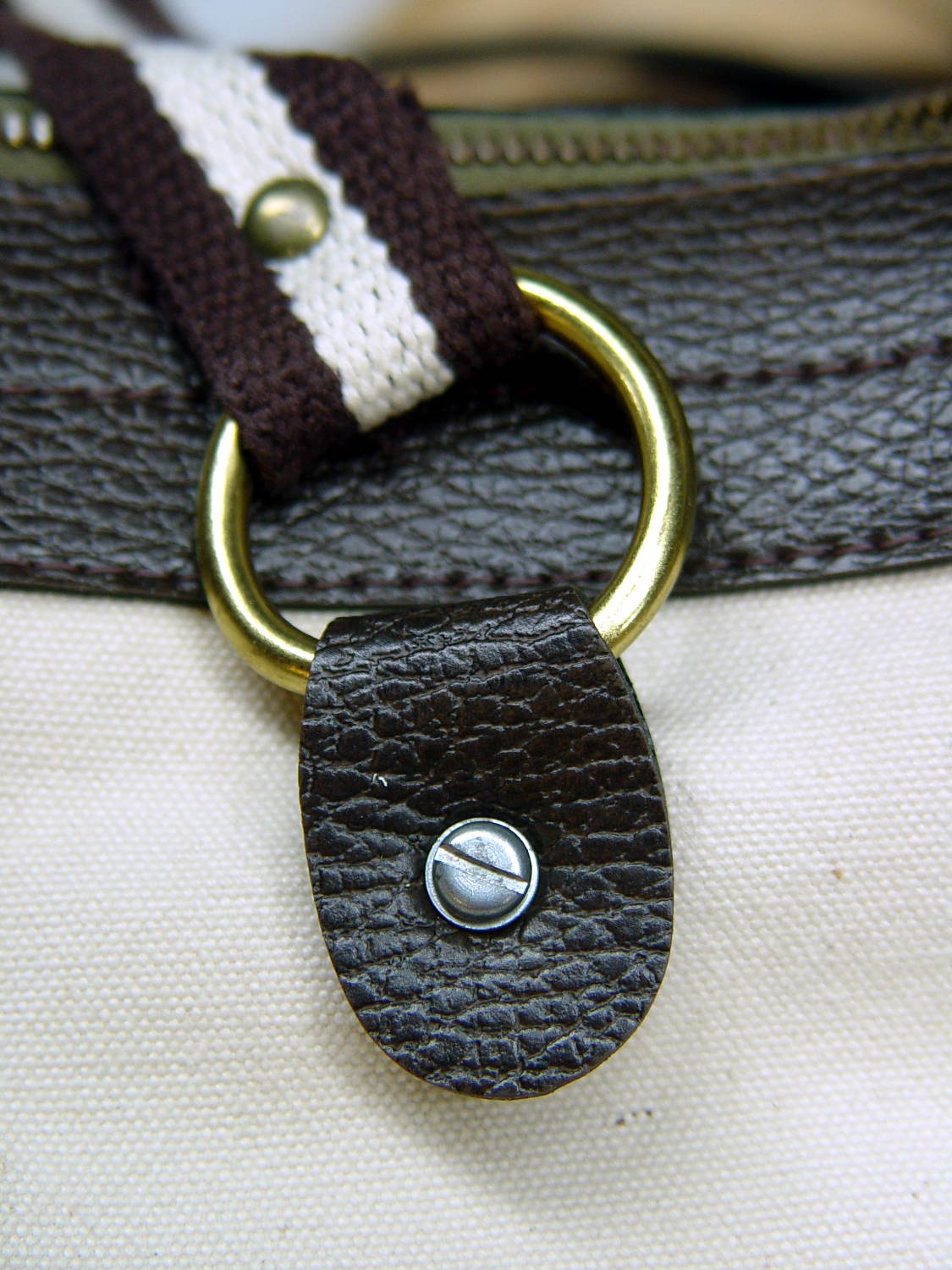
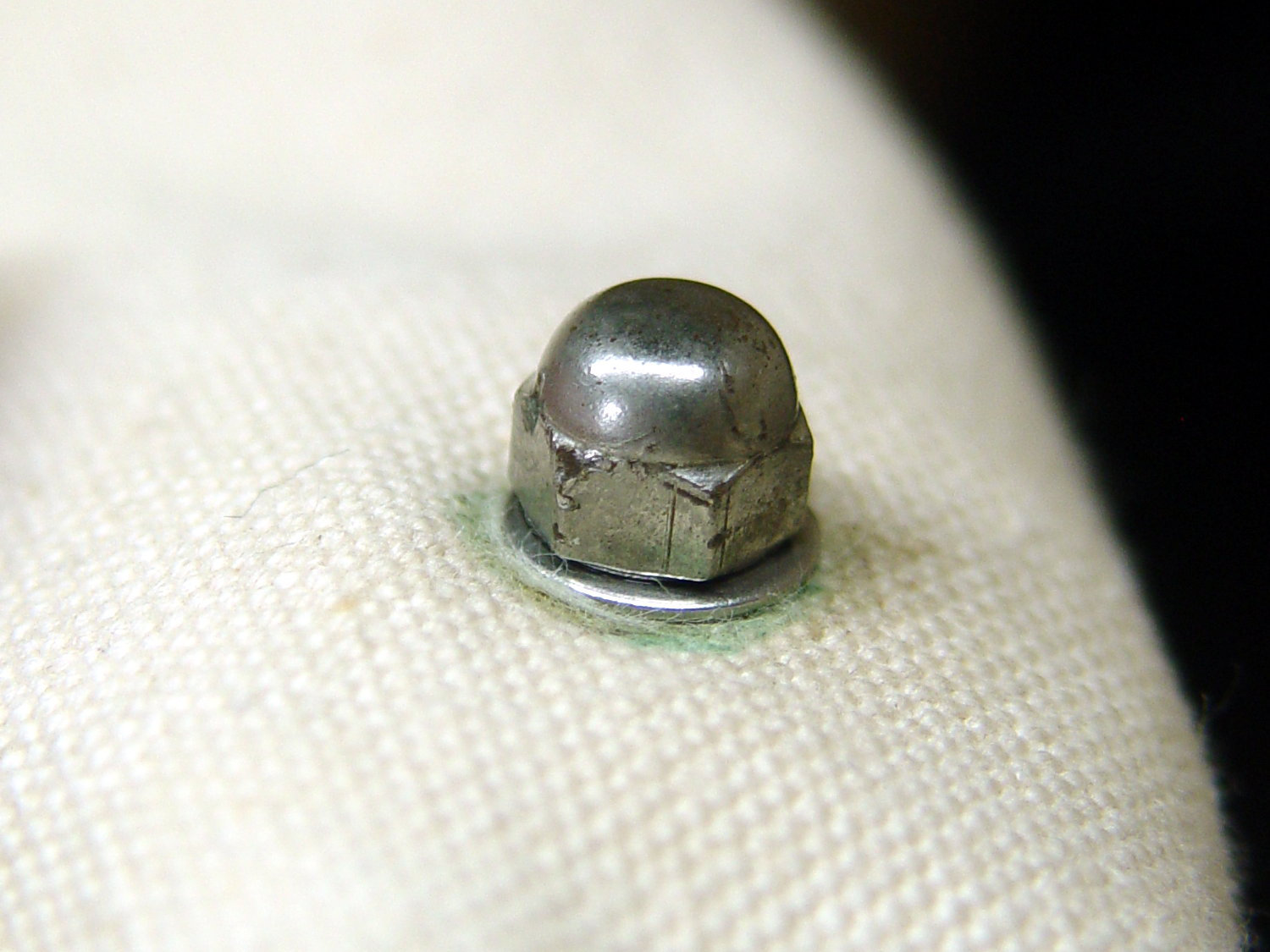
After watching Mary fiddle with the shrunken presser foot screw, I tapered the tip as a guide into the hole:
Presser Foot Screw – tapered tip
A hint-and-tip (which I cannot, alas, find again) suggested making bushings to simplify trimming screws in the lathe. A rim on the bushing aligns it with the front of the jaws, the screw threads into the central hole with a jam nut locking it in place, then you can turn / shape / file the end of the screw just beyond bushing with great support and a total lack of drama.
For the moment, I just aligned the screw in the tailstock drill chuck, crunched the three-jaw spindle chuck on the screw head, backed off the tailstock, took unsupported sissy cuts, and it was all good:
The pedal on Mary’s most recent Kenmore 158 lost its low-speed control, which meant I must add a few more graphite / carbon disks to the stacks:
Kenmore 158 – carbon disks
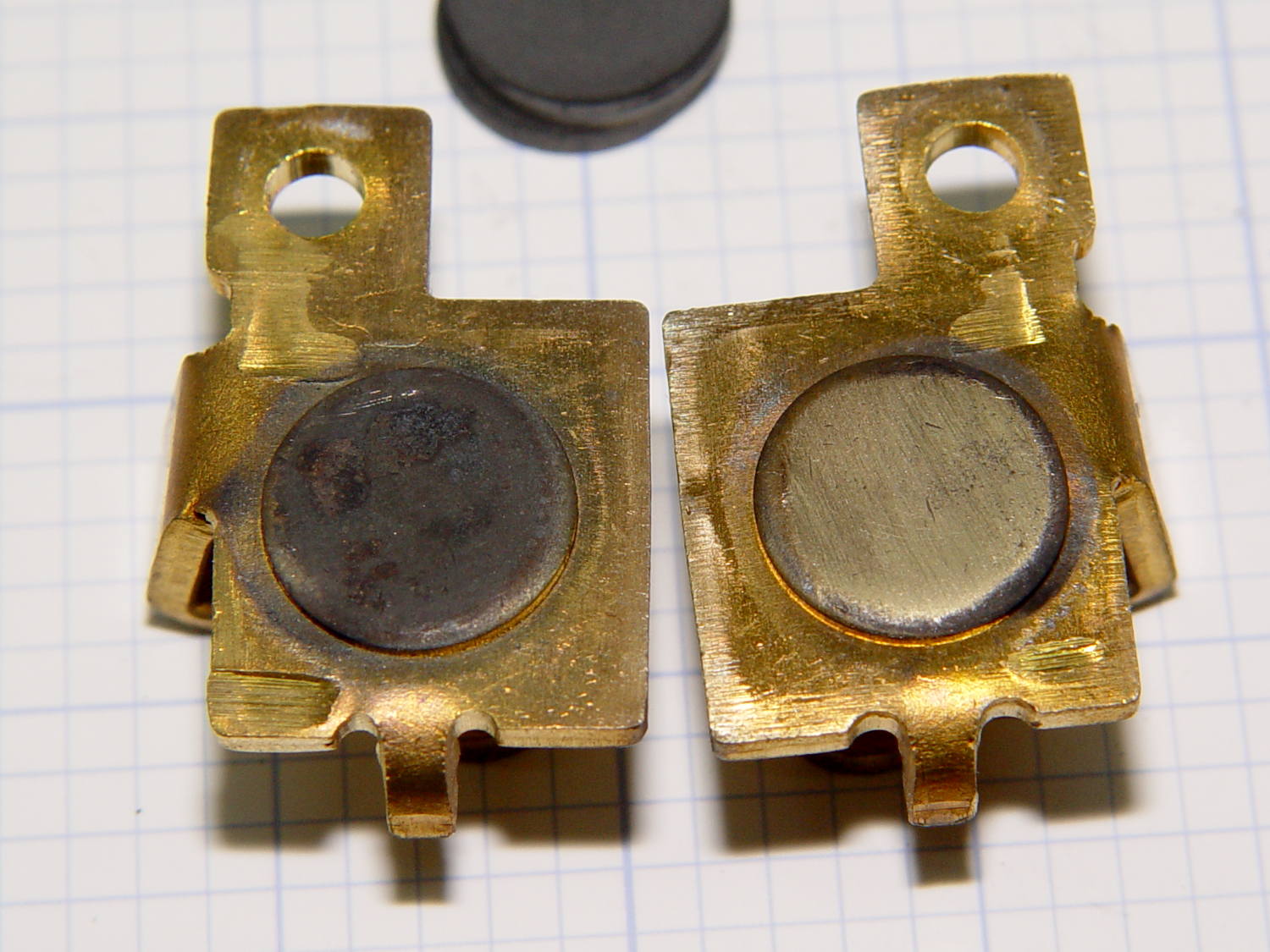
The contacts needed a bit of attention, too:
Kenmore 158 – carbon contact plates – detail
Contrary to what I found in the previousrheostats, these stacks end with a double-thick graphite disk backed up by a disk of brass shimstock, all of which needed cleaning, too. No broken disks, none severely eroded, no debris, just a general shortening of the stacks; I think the disks gradually turn into carbon dioxide.
Each stack has 42 graphite disks that average 0.79 mm thick, the double-thick disks measure 1.5 mm, and the brass shims are 0.30 mm = 12 mil. The punched contacts on those brass plates stand 0.95 mm proud of the surface.
With the big graphite plugs in place, the ceramic housing had 37 mm deep holes for the disk stacks. Subtracting the 0.95 mm contact leaves about 36 mm and, seeing as how the stacks add up to just under 36 mm overall, there’s barely room for one additional disk. I added one to each stack, buttoned the pedal up, and it works perfectly again.
As before, I put the larger spool on the floor under the lathe and let the thread spill straight off the top toward the smaller spool. This time, I didn’t have a twist accumulating in the loose thread between the two spools:
Grab longer lengths of the loose thread
Absolutely no slippage between the fingers!
Put more tension on the thread at the takeup spool
As nearly as I can tell, the thread still has a slight twist coming off the larger spool, but grabbing longer lengths captures the twist and more tension lays it on the smaller spool. After cutting the thread, what was left had maybe three turns of twist, which was no big deal and obviously hadn’t accumulated.
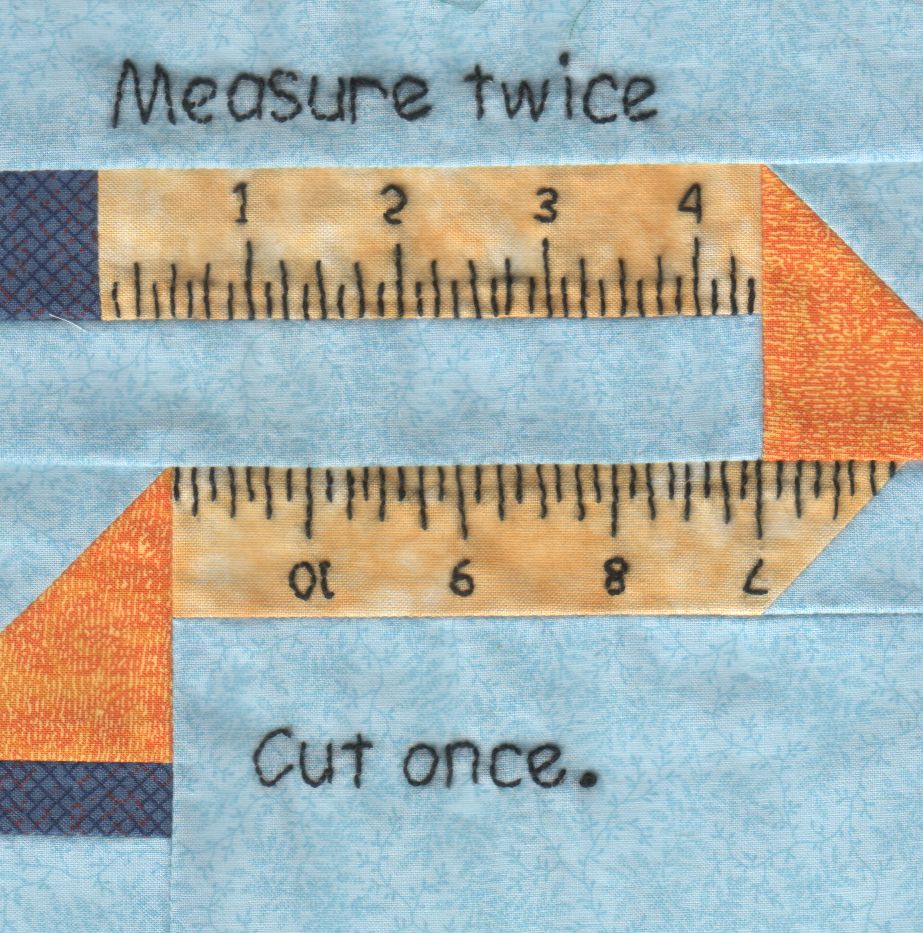
Mary has been working on the Splendid Sampler project, with 56 completed blocks (*) stacked on her sewing table. We agreed that those blocks would make a nice background for our Christmas Letter, but the labor involved to photograph all the fabric squares and turn them into a page seemed daunting.
Turned out it wasn’t all that hard, at least after we eliminated all the photography and hand-editing.
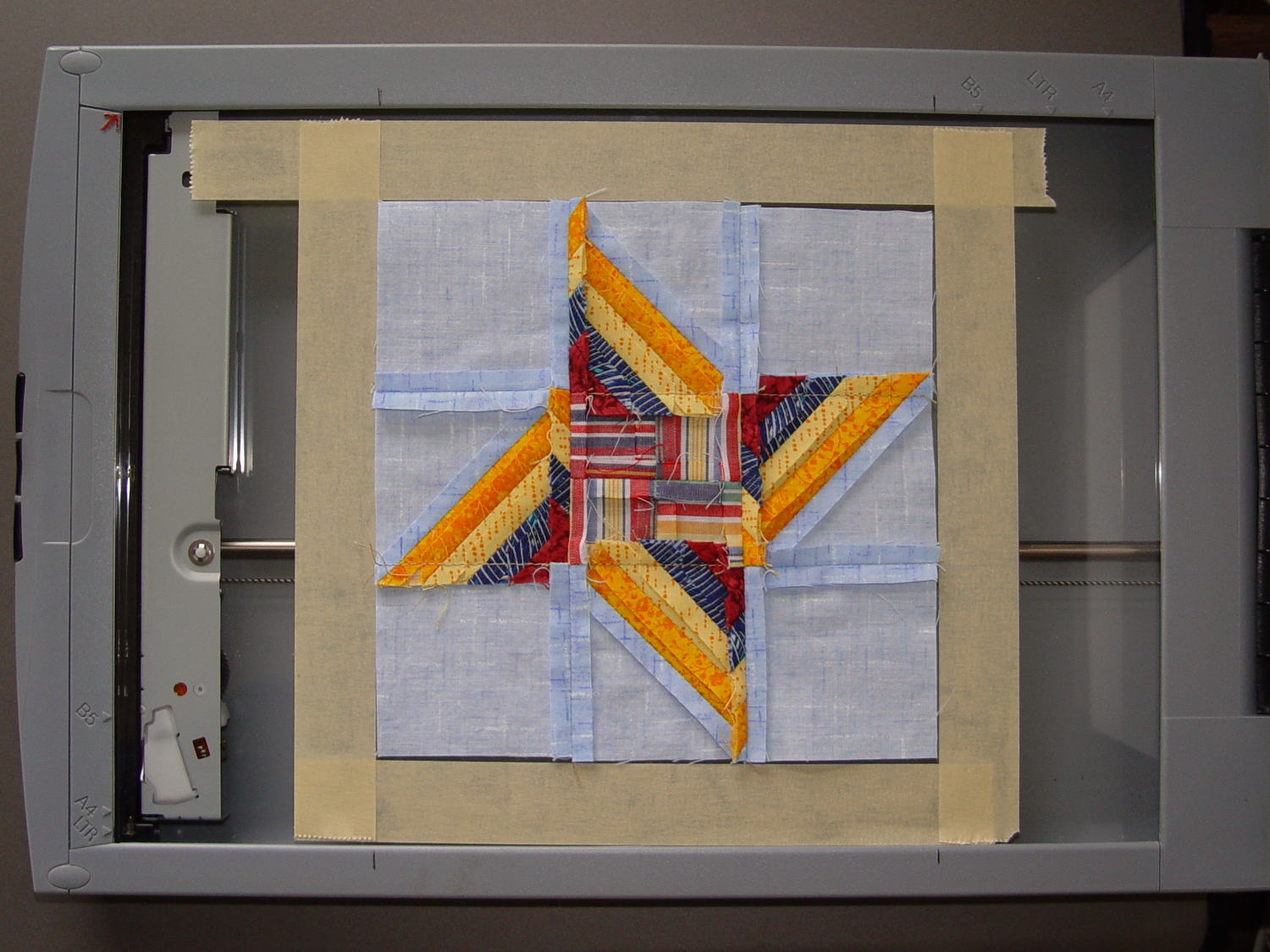
The 6½x6½ inch blocks include a ¼ inch seam allowance on all sides and, Mary being fussy about such things, they’re all just about perfect. I taped a template around one block on the scanner glass:
Quilt block in scanner template
Then set XSane to scan at 150 dpi and save sequentially numbered files, position a square scan area over the middle of the template, and turn off all the image enhancements to preserve a flat color balance.
With “picture taking” reduced to laying each square face-down on the glass, closing the lid, and clicking Scan, the scanner’s throughput became the limiting factor. She scanned the blocks in the order of their release, while tinkering the auto-incremented file number across the (few) gaps in her collection, to produce 56 files with unimaginative auto-generated names along the lines of Block 19.jpg, thusly:
Block 19
The “square” images were 923×933 pixels, just slightly larger than the ideal finished size of 6 inch × 150 dpi = 900 pixel you’d expect, because we allowed a wee bit (call it 1/16 inch) on all sides to avoid cutting away the sharp points and, hey, I didn’t get the scan area exactly square.
With the files in hand, turning them into a single page background image requires a single Imagemagick incantation:
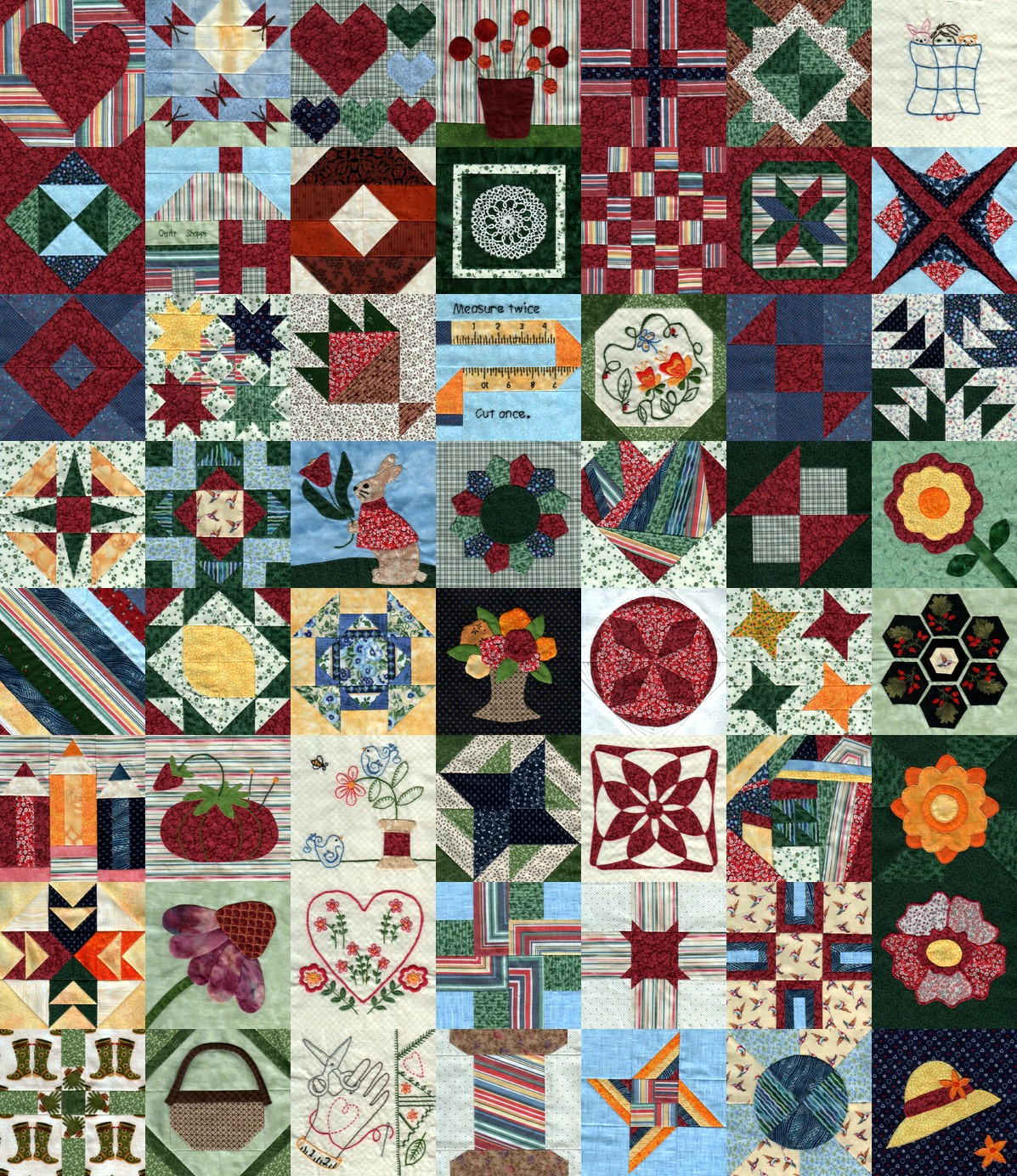
I figured the -geometry value to fill the 8 inch page width at 150 dpi, which is good enough for a subdued background image: 8 inch × 150 dpi / 7 images = 171 pixels. Imagemagick preserves the aspect ratio of the incoming images during the resize, so, because these images are slightly higher than they are wide, the height must be slightly larger to avoid thin white borders in the unused space. With all that figured, you get a 1197×1384 output image.
Bumping the contrast makes the colors pop, even if they’re not quite photo-realistic:
Quilt block montage – contrast
I’ll lighten that image to make the Christmas Letter text (in the foreground, atop the “quilt”) readable, which is all in the nature of fine tuning.
She has 40-odd blocks to go before she can piece them together and begin quilting, with a few other projects remaining to be finished:
Mary quilting
(*) She’s a bit behind the block schedule, having had a year of gardening, bicycling, and other quilting projects, plus whatever else happens around here. Not a problem, as we see it.
Although I’m not the type of guy who thinks twinkly LEDs will enhance his apparel, one of Mary’s quilting thread sources had a closeout deal on their “wearable electronics”, including a large cone of stainless steel thread / yarn:
Stainless steel thread
… CR2032 lithium cells & holders, plus assorted LEDs on small PCBs.
The usual advice for connecting the thread seems to involve knotting it through the PCB holes, then sewing it to the backing fabric. Alas, I’m bad with knots and the stainless steel yarn isn’t all that cohesive:
Emerald LED – Stainless steel thread – knotted
The holder has an even smaller hole, but Mary gave me a needle threader that helped:
CR2032 – Stainless steel thread – knotted
Some advice found on The InterTubes suggests using copper crimp beads (perhaps with solder) to prevent the thread from completely unraveling and keep the thread loop tight around the PCB hole:
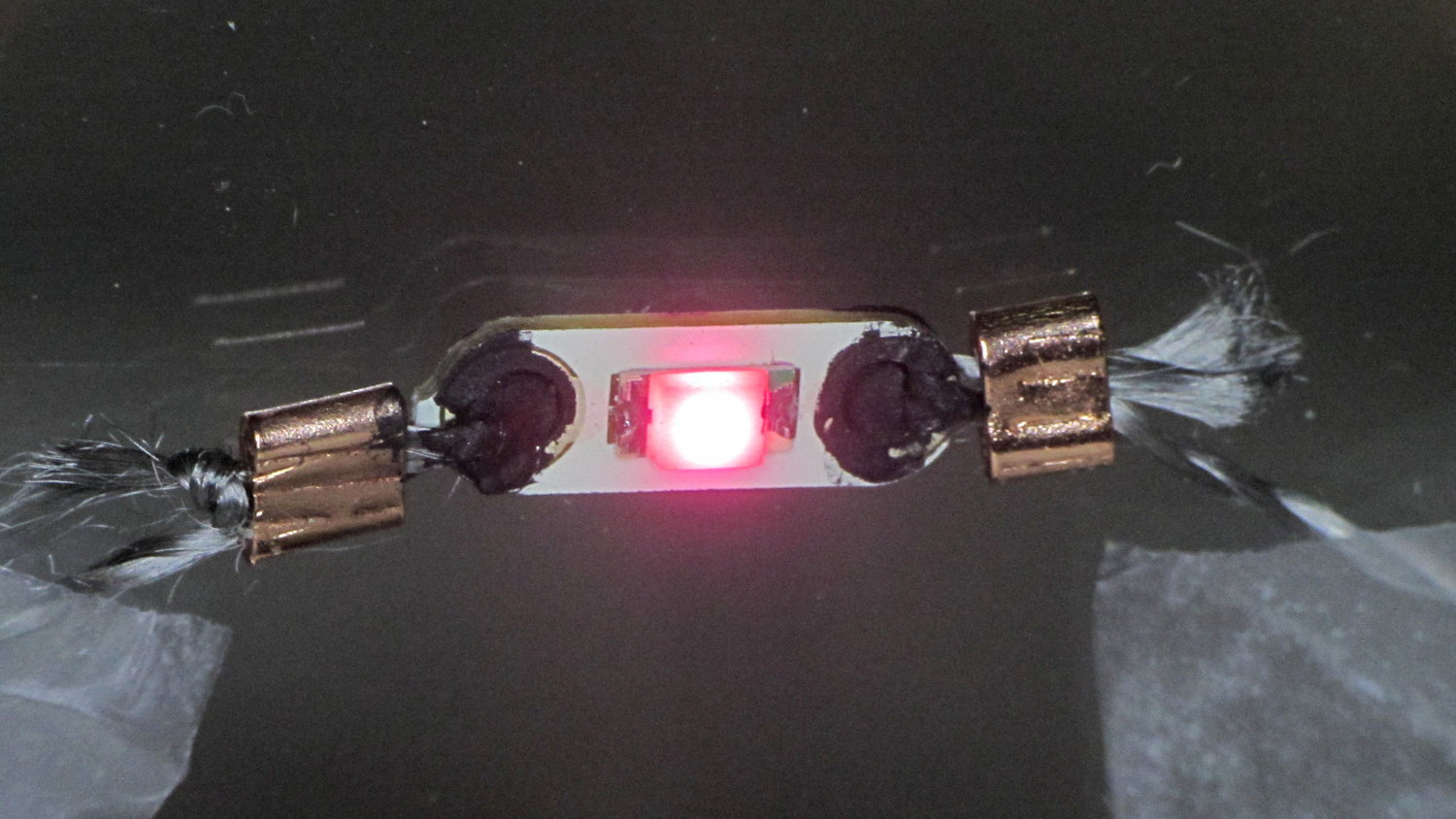
Rose LED – Stainless steel thread – Crimp bead – Wire Glue
Beadworkers use crimping pliers that leave a tidy dent; I mashed the beads with a needlenose pliers and called it good.
The LEDs seem to be white LEDs with filters or, perhaps, blue / violet LEDs with different phosphors: their forward voltages look more blue than red or green. Everybody in this field depends on the minor miracle that lithium cell voltages match blue LED forward drops closely enough that you can get away without a ballast resistor.; the cell’s 20-ish Ω internal resistance doesn’t hurt in the least. An interesting white paper (SWRA349) from TI explores the effect of current on cell capacity and how to size a parallel capacitor that reduces the peak battery current.
The black gunk is Wire Glue, which costs about five bucks for a lifetime supply in a small jar (or nigh onto 15 bucks via Amazon Prime) and is basically carbon powder in a water-based binder. Apply a dab to the connection and the water evaporates to leave the carbon + binder behind.
That works better on joints that don’t move, which is precisely what you don’t have in a wearable electronic situation. You can see the crumbling Wire Glue after the trip back from a Squidwrench meeting:
I also picked up a Permatext Rear Window Defogger repair kit (09117, if you’re looking) that seems to be a staggeringly expensive way to get a tenacious high-current conductive adhesive. More on that later.
The yarn runs 3.5 Ω/ft, much lower than Adafruit’s three-ply yarn (10 Ω /ft), and suggests itself for flexible connections, EMI gaskets, and suchlike.
Those LEDs are taped to the kitchen window, where they cast a cool light over the table, with the battery holders sitting on the sash. I’d just replaced some data logger CR2032 cells, so they’re running from nearly dead lithium batteries.
For future reference: 2.77 V and falling, pushing less than 2 mA through the LEDs.








 The Smell of Molten Projects in the Morning