Ed Nisley's Blog: Shop notes, electronics, firmware, machinery, 3D printing, laser cuttery, and curiosities. Contents: 100% human thinking, 0% AI slop.
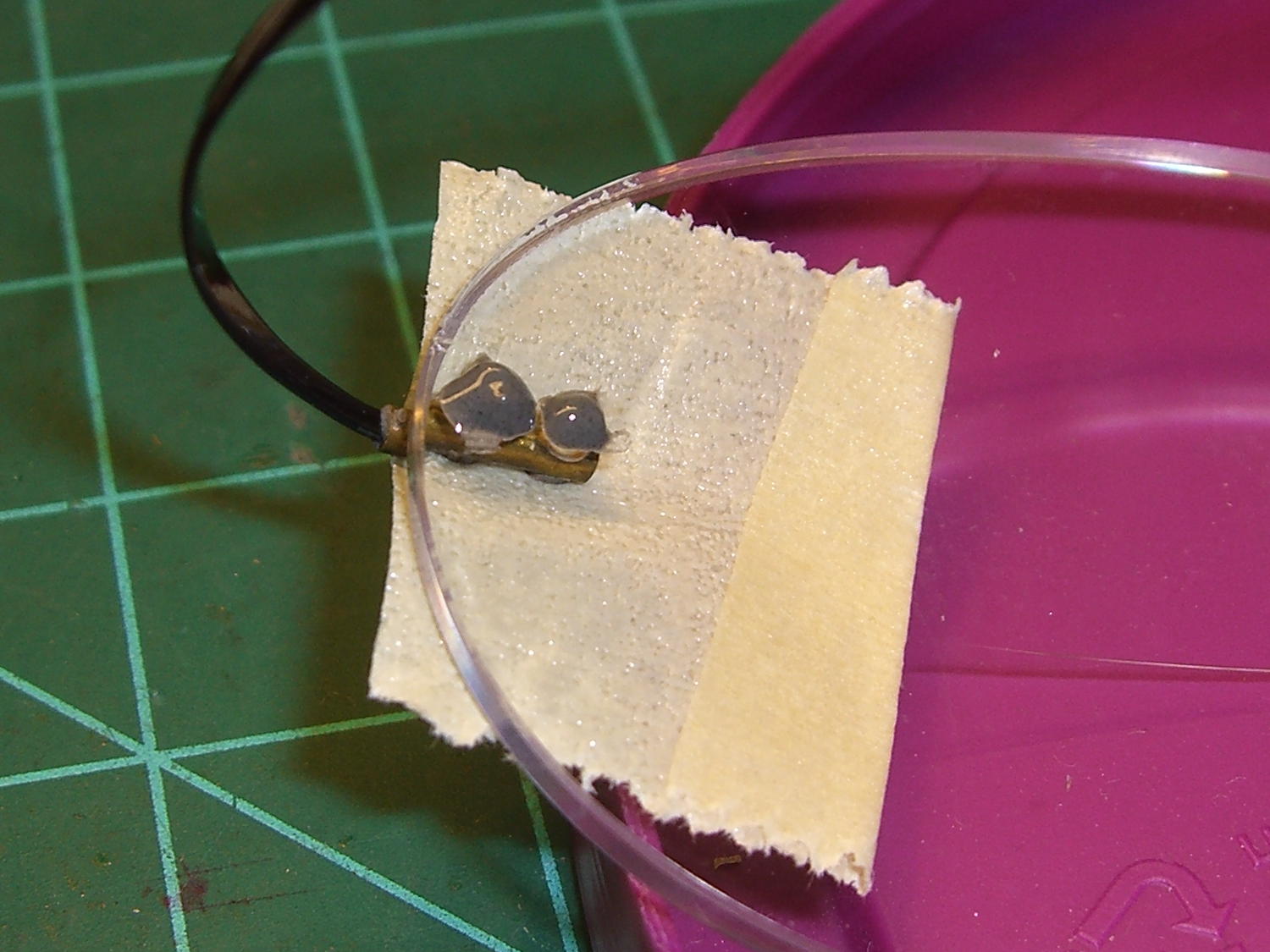
As failures go, that one’s survivable; slightly larger epoxy dots should do the trick:
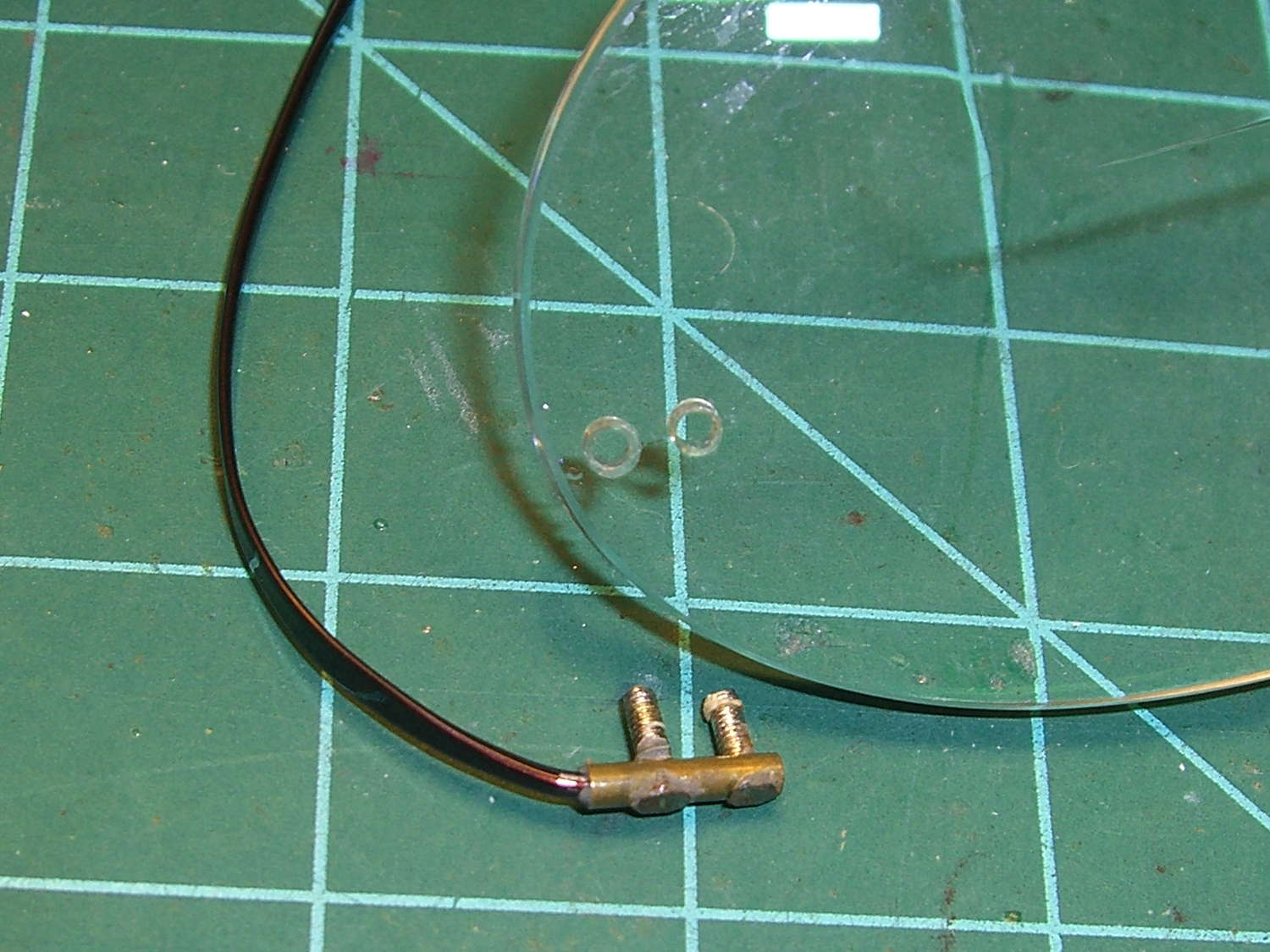
Silhouette temple – re-repair
The other temple worked loose inside the brass tube and rotated freely, so I yanked it out, bashed the tip slightly flatter, and epoxied it back in place, along with overcoating the epoxy dots on the lens to forestall another failure.
This has obviously blown right by the point of absurdity, but …
After about 1 TB of data spread over three months and maybe 100 bike rides, the second Sony SR-64UY 64 GB MicroSDXC card I bought last summer has failed… barely two weeks inside the one year warranty.
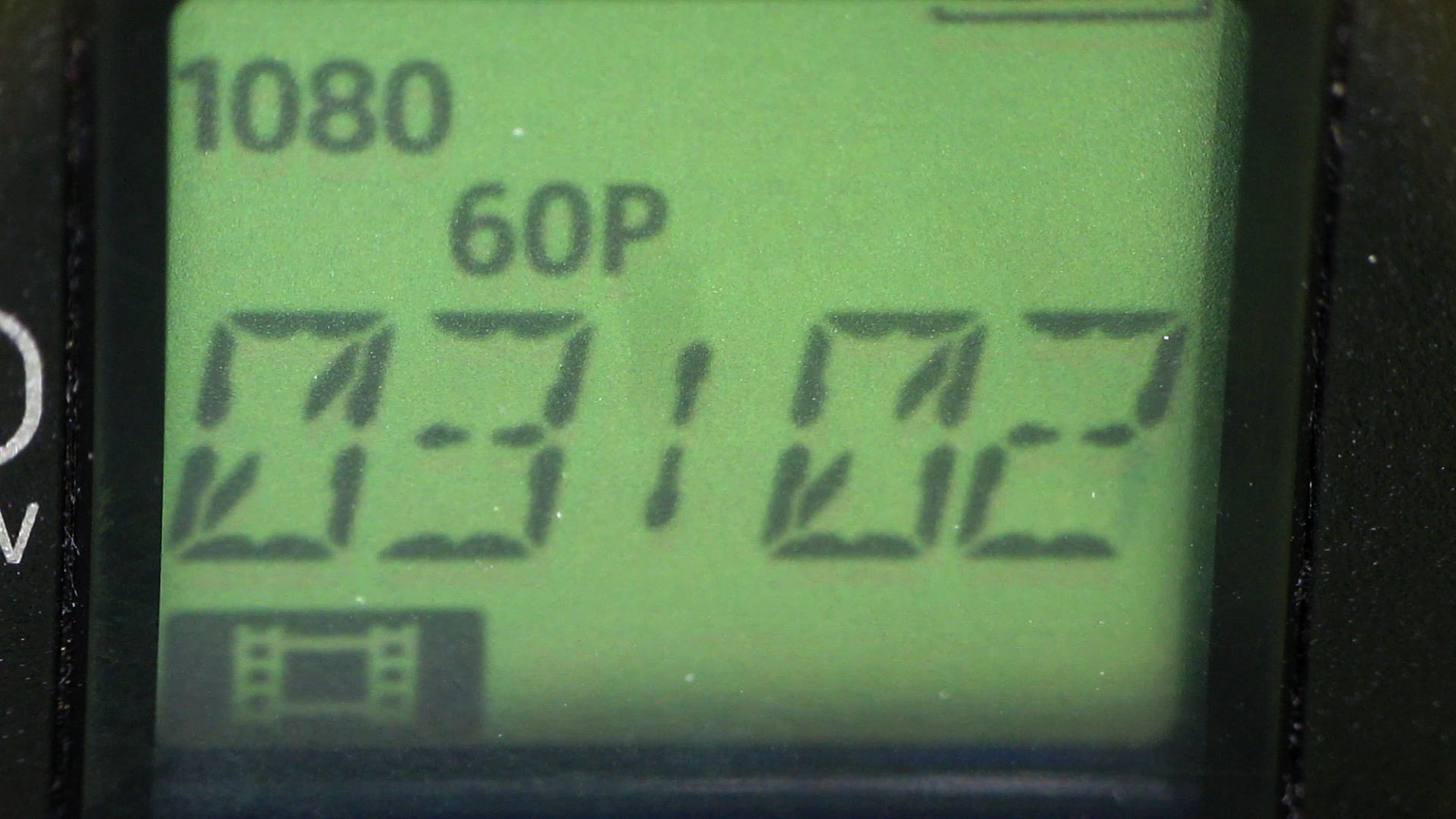
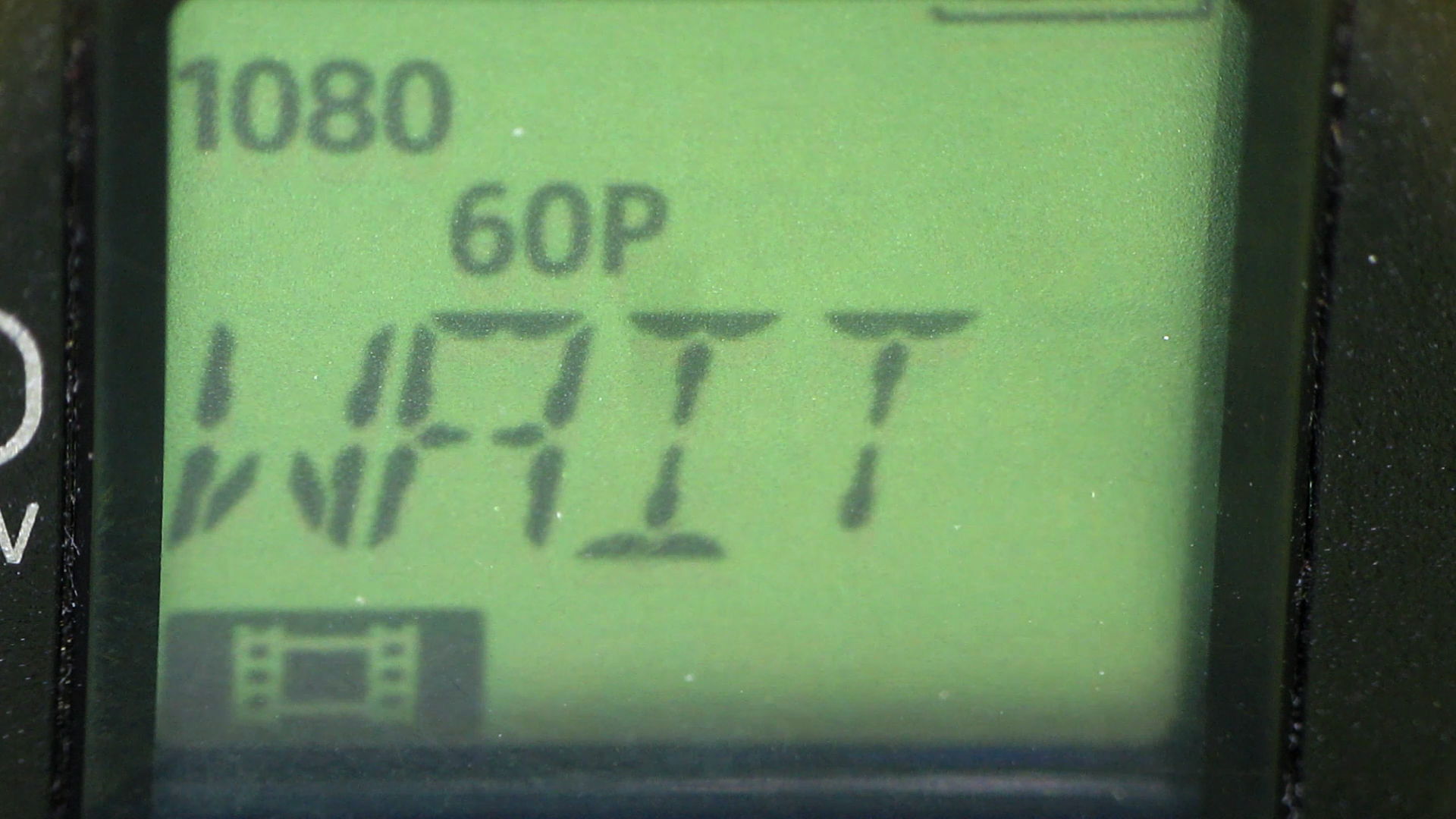
As with the first card, this one works fine except for the speed: it cannot record at 1920x1080p @ 60 fps. The only indication comes from aiming another camera at the display to capture the failure as it happens.
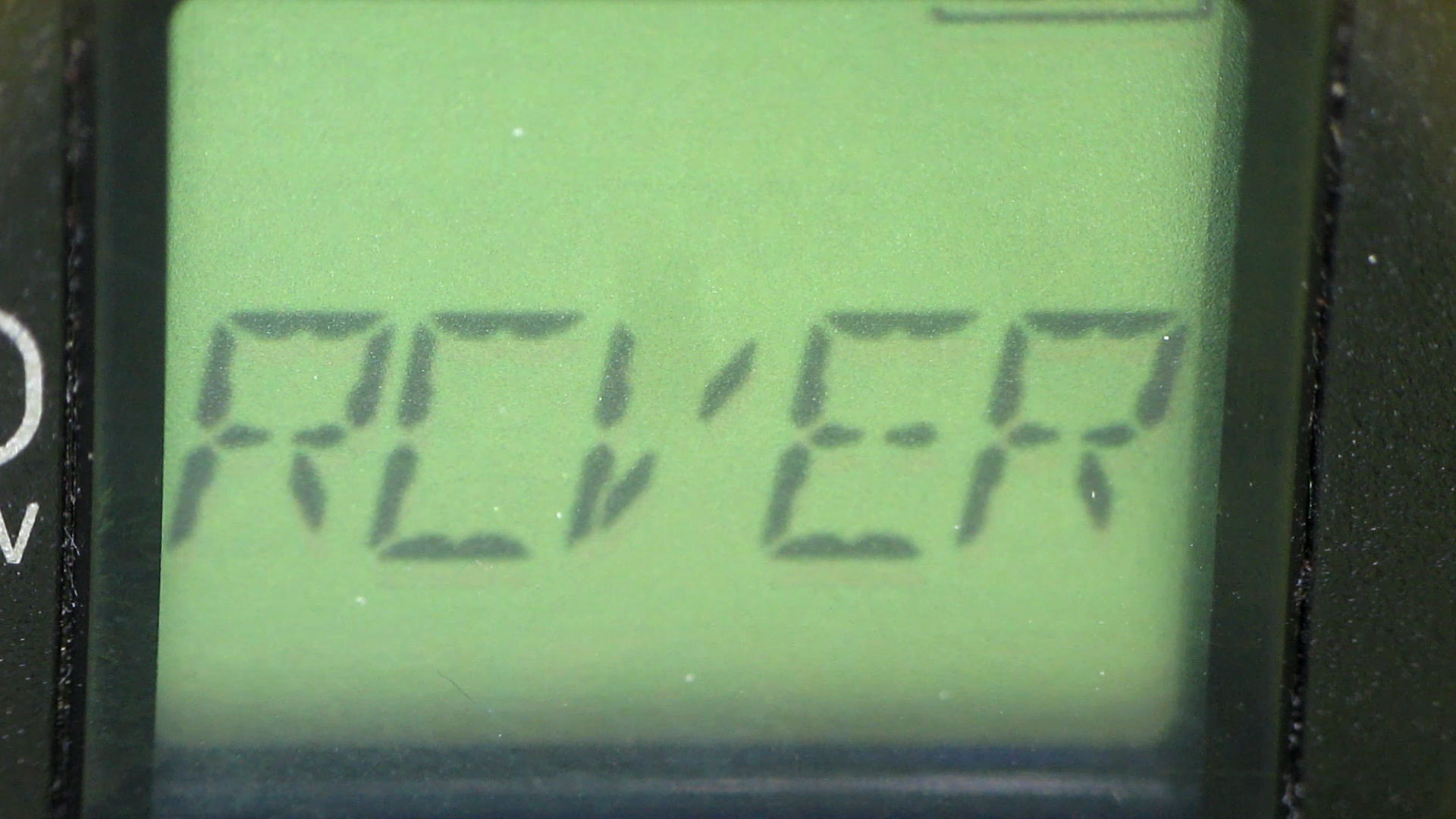
Just before the failure:
HDR-AS30V – MicroSDXC failure – 1
It’s taking stock of the situation:
HDR-AS30V – MicroSDXC failure – 2
Presumably, it’s patching up the abruptly terminated file:
HDR-AS30V – MicroSDXC failure – 3
Another box is on its way to Sony Media Services…
Over the last year, the price of an almost certainly genuine Sony SR-64UY Class 10 UHS-1 MicroSDXC card has dropped by 2.2 dB: $40 to $24. Now, however, the SR-64UY is the “old model”, so you can pay $30 (-1.3 dB) for an SR-64UY2 rated at 70 MB/s transfer speed (up from 40 MB/s), albeit with no change in the card’s speed class.
Huh.
Both cards failed after writing 1 TB of data (give or take maybe 20%) in 4 GB chunks over the course of 100 recording sessions. The cards still work, in the sense that they can store and accurately retrieve data, just not at the Class 4 (not Class 10) speed rating required by the HDR-AS30V at 1920x1080p @ 60 fps.
The table in the Wikipedia Secure Digital article says Class 4 = 4 MB/s, which is slightly faster than the camera produces 4 GB files in 22:43 min:sec = 3 MB/s. A Class 10 card should write at a sustained 10 MB/s, so the SR-64UY write speed has dropped by at least a factor of 3 from the spec. I’d expect the root problem to be the error correction / block remapping / spare pool handling time has grown as the number of failed blocks eats into the card’s overcapacity, but I have no inside information.
When the replacements slow down, I’ll see how they work as Raspberry Pi memory…
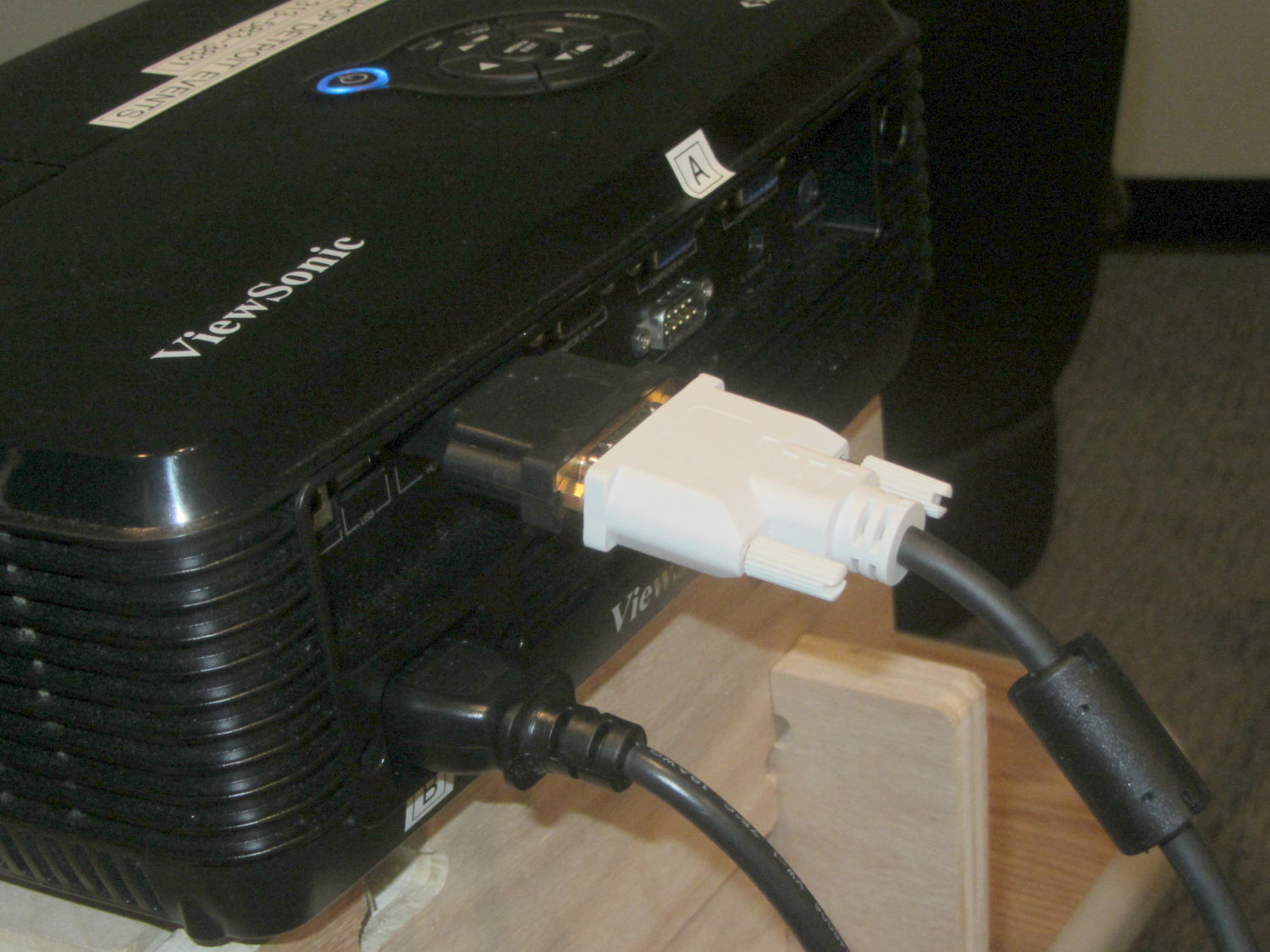
I plugged my trusty Dell Latitude E6410 into the VGA cable connected to a Viewsonic projector at TechShop Detroit to give the OpenSCAD Modeling presentation, but the display showed a surprising amount of ghosting; whether that was due to a bad cable or the usual presentation gremlins, I cannot say. Fortunately, although I didn’t have a VGA cable, I did have a fair assortment of adapters for the laptop’s DisplayPort output…
On the laptop end, DisplayPort to a DVI-D cable:
Latitude vs Viewsonic – DisplayPort to DVI-D
On the Viewsonic end, DVI-D to HDMI:
Latitude vs Viewsonic – DVI-D to HDMI
Worked like a champ!
The projector in the room for the Arduino Survival Guide presentation had a VGA cable, but had been losing sync and turning itself off, so I unplugged that, rebuilt the DisplayPort adapter string, and continued the mission.
I must add a known-good VGA cable and corresponding adapters to the assortment…
Given a hint that the Sienna’s left rear ABS / speed sensor had failed, we took a look:
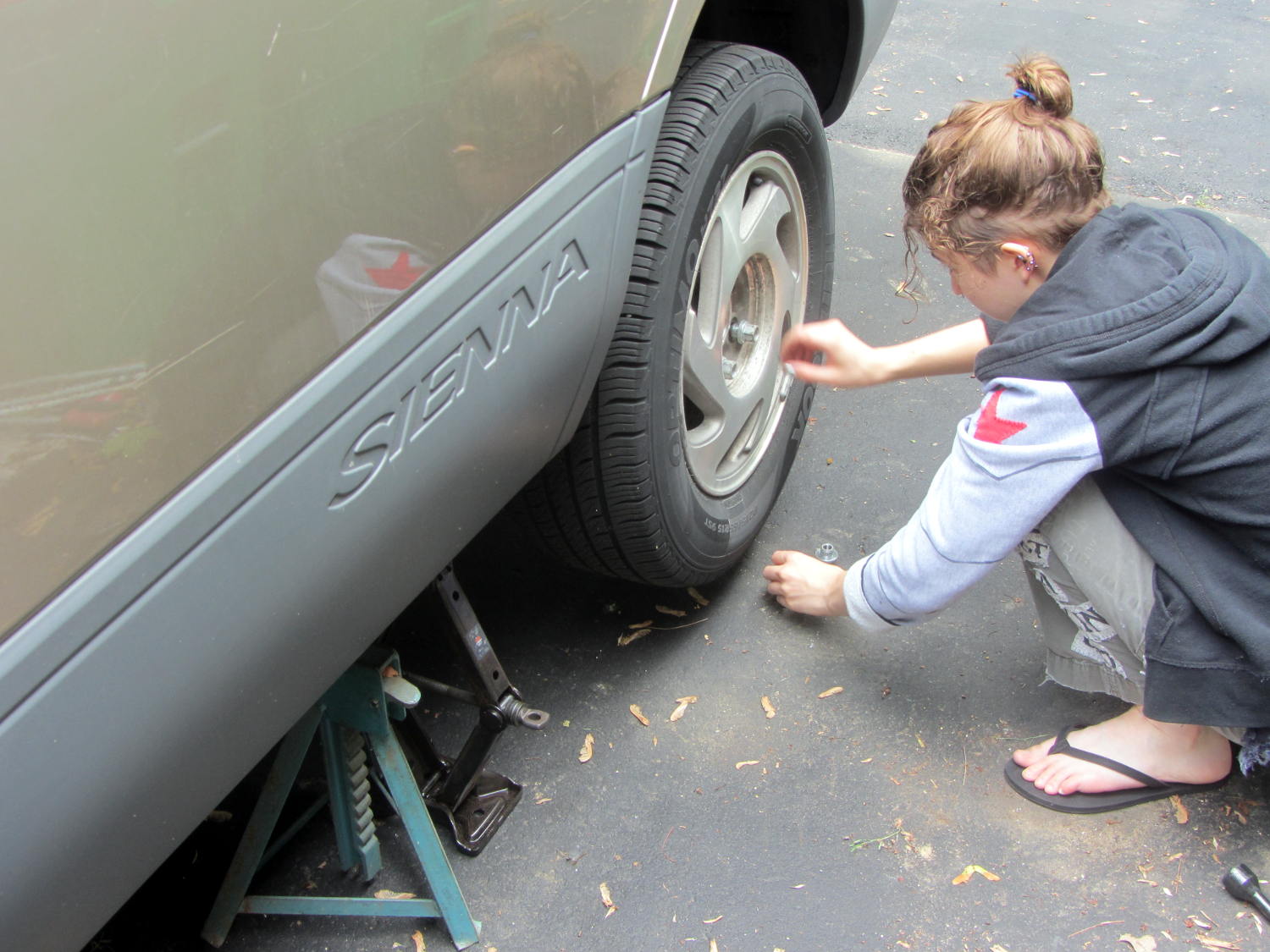
Sienna ABS failure – removing lug nuts
She removed the wheel under field conditions using only in-the-car tools for practice, with the jack stand and wheel chock because we weren’t really beside the road. It turned out that breaking The Last Lug free required bouncing her full weight on the wrench handle, which is what we expected based on previous experience.
Yes, I pointed out the inadequacy of that footwear. Yes, she loosened the lugs before jacking the van.
With the van up, the first look showed the ABS diagnostic blink code was dead on:
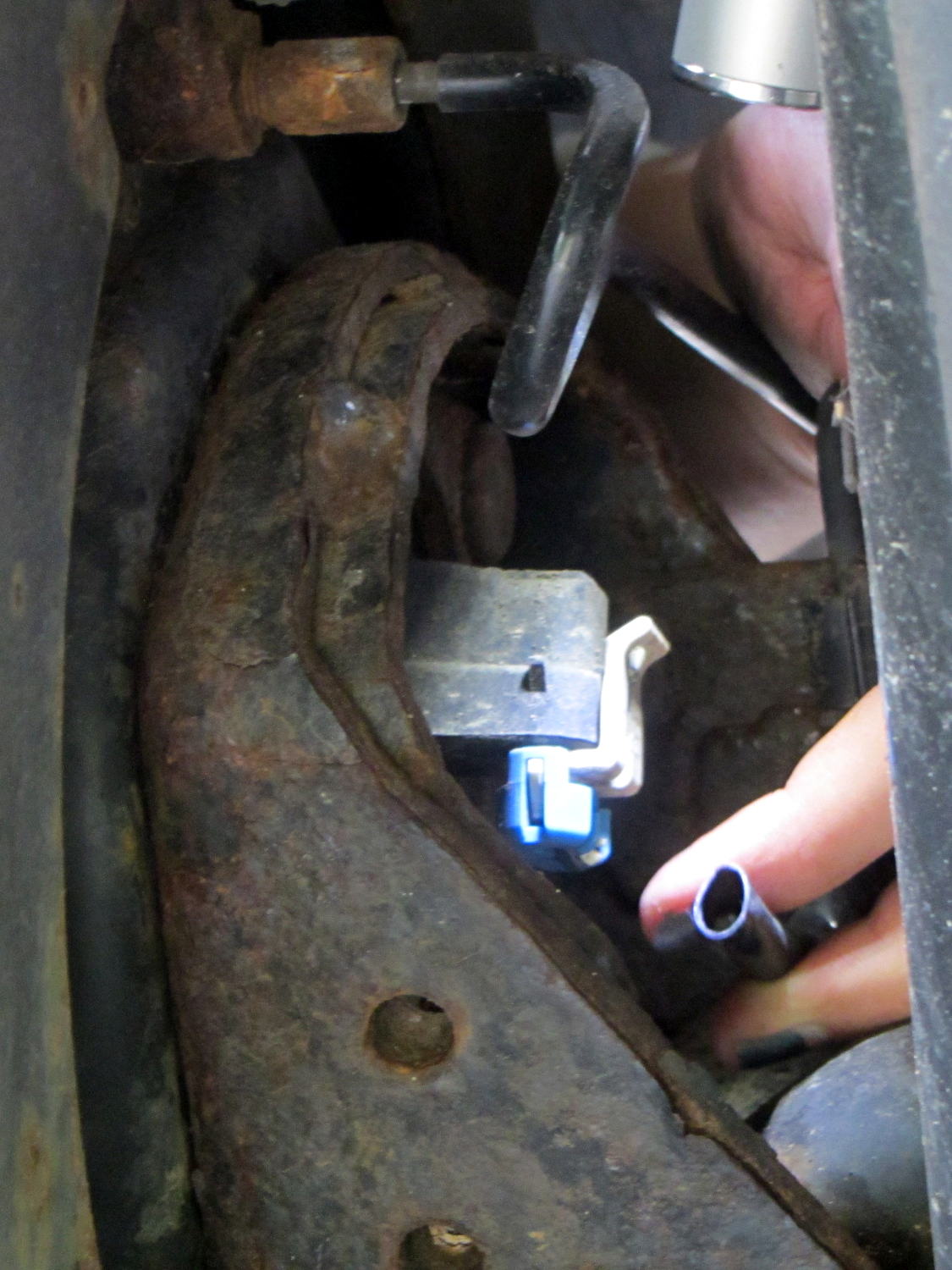
Sienna ABS failure – sensor cable
That bit of tubing in her fingers should contain a pair of wires, which was a bit of a puzzle.
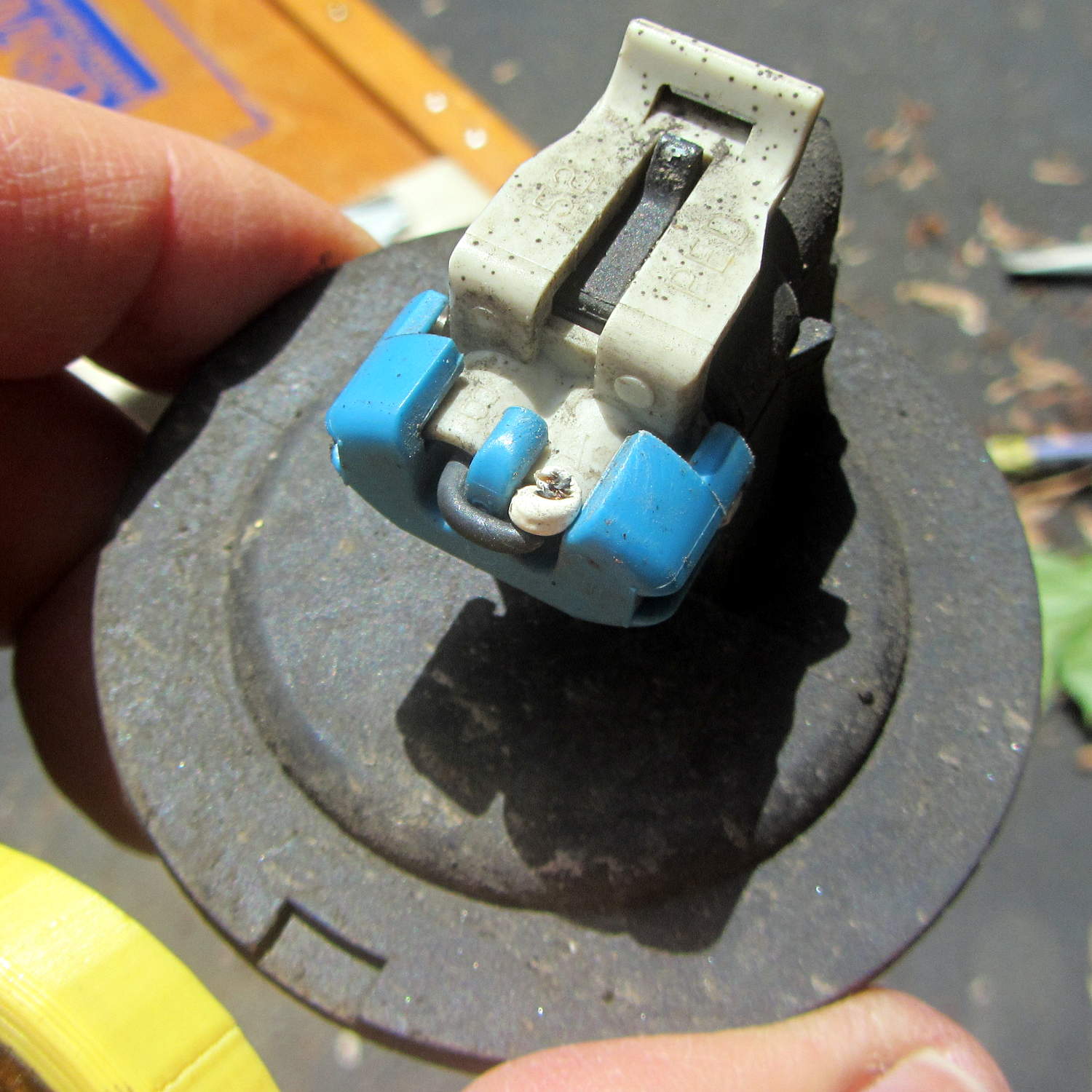
The connector remained snapped onto the sensor head, but the whole affair came out easily enough:
Sienna ABS failure – connector on sensor head
We thought those wires seemed very tightly twisted, too. I guessed that a clip holding the sensor head in place had gone missing, allowing it to rotate in place.
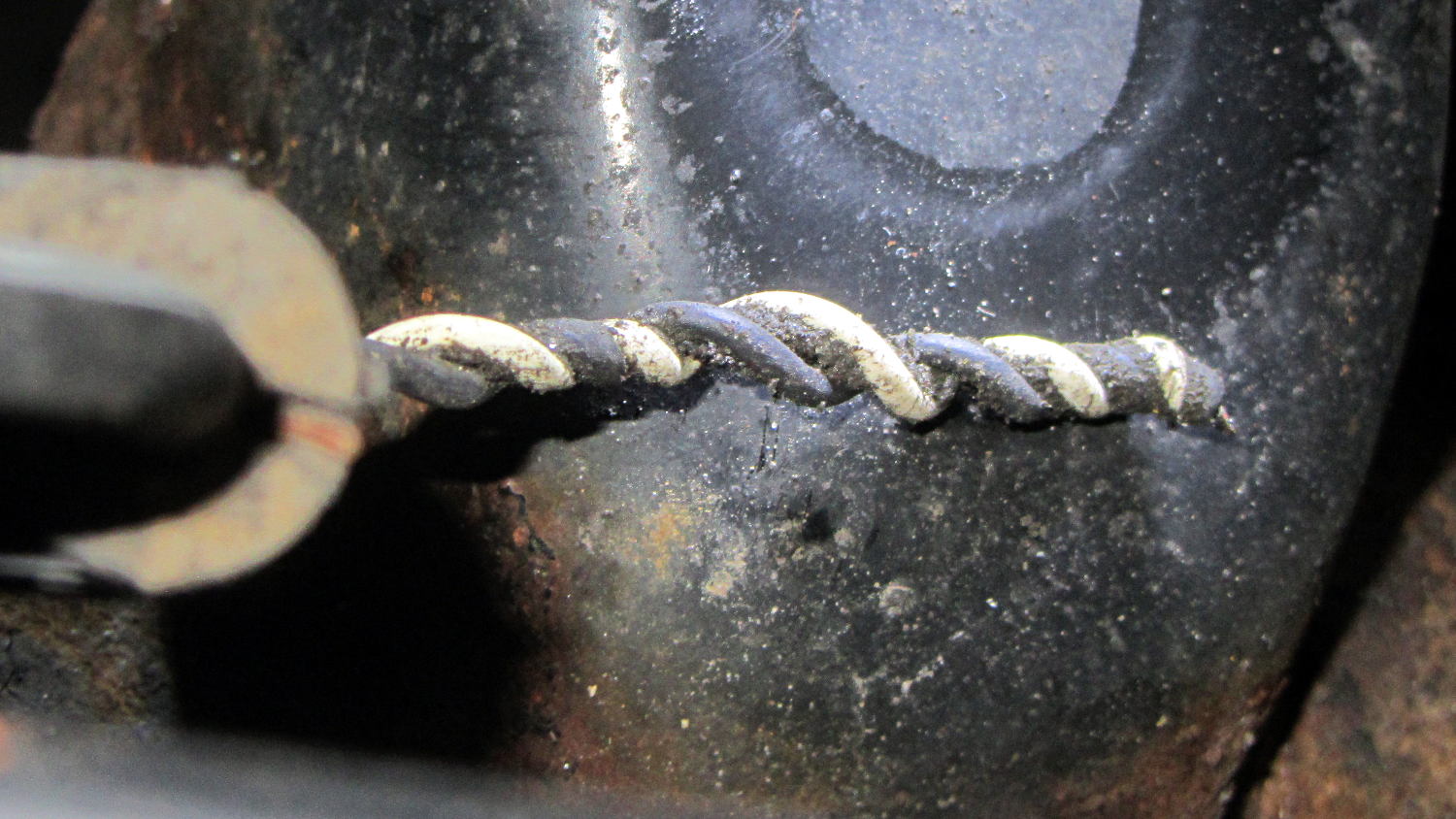
Which was partially true, as the “missing” wires were very very very tightly twisted inside that flexible tubing and, thus, much shorter than they should be:
Sienna ABS failure – hypertwisted sensor cable
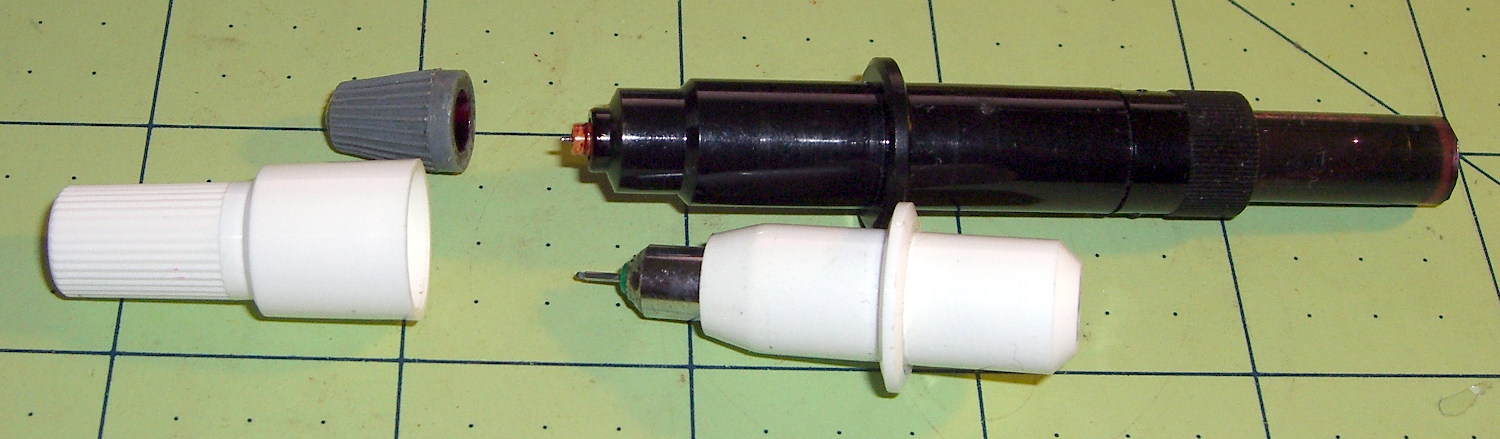
Lining up the removable parts:
Sienna ABS failure – sensor head disassembly
The sensor head should be firmly glued onto the back of the wheel hub, with no clips or screws holding it in place, as we found by comparing it with the right rear wheel. That slightly rough gray ring just outside of the central cylinder was the adhesive…
She soldered longer wires to the pigtails on the connector and applied heatshrink. The hyper-twisted wires under the car got un-twisted a bit, straightened, cleaned up, then rejoined to the connector with pair of gel-filled beanie compression splices and more tubing to ease the strain.
We buttered up the sensor head flange with JB Kwik epoxy, squished it back in place for a good seal, spun the hub to make sure the sensor fingers weren’t hitting anything, then she practiced ten minutes of meditation while holding it in place and awaiting a firm set.
It turns out that the sensor head is not a replaceable part: it’s factory-bonded to the back of the hub and should never, ever come loose. Given that this one had made maybe a dozen orbits and was finger-loose in the back of the hub, with some dust & crud visible inside the hub where it shouldn’t be, replacing the wheel hub is in the plan.
Also, we still don’t know why different versions of “the same cable” have such a huge price difference; despite their sensor attribute, they definitely don’t include the sensor head.
After repairing the cable, she put the wheel back in place, reset the ABS codes, drove the van around the block, found a patch of sand to check out the ABS braking, and reported normal operation.
We’ll replace both the cable and hub, then declare victory.
The Sienna lit up the tire pressure warning light and the ABS trouble light on the trip from Rochester. The pressures were OK, if a bit low, but the early Toyota TPMS used wheel rotation sensors rather than direct pressure sensors, and we suspect a sensor went bad.
The ABS doesn’t report errors through the OBD II interface, requiring a jumper between TC and E1 in the ABS diagnostic interface block under the hood. Our Larval Engineer shows much respect for the engineer who included the pin ID layout under the flip-top lid, eliminating the need for scratch paper.
Despite diligent searching, there seems to be no Official Documentation of the blink codes appearing on the ABS trouble indicator. Fragmentary evidence suggests that a table applying to a Toyota MR2 MKII sports car would be generally applicable, which is hereby ripped to forestall link rot:
Code Number
Diagnosis
11
open circuit in solenoid relay circuit
12
short circuit in solenoid relay circuit
13
open circuit in pump motor relay circuit
14
short circuit in pump motor relay circuit
21
open or short circuit in 3 position solenoid of front right wheel
22
open or short circuit in 3 position solenoid of front left wheel
23
open or short circuit in 3 position solenoid of rear wheels
31
front right wheel speed sensor signal malfunction
32
front left wheel speed sensor signal malfunction
33
rear right wheel speed sensor signal malfunction
34
rear left wheel speed sensor signal malfunction
35
open circuit in front left or rear right wheel speed sensor
36
open circuit in front right or rear left wheel speed sensor
41
abnormal battery voltage ( < 9.5 or > 17 )
51
pump motor of actuator locked or open circuit in pump motor circuit in actuator
ALWAYS ON
computer malfunction
The 3-4 blink code indicates a left rear wheel sensor failure. Such sensors (or their cables) seem to be either $35 or $175 from the usual sources, with no indication of why some are far more expensive than others. The pictures and descriptions are unhelpful, to say the least.
We’ll try cleaning the sensor, which probably won’t improve the situation, and then replace the poor thing.
After a bit of sorting, I had a quartet of “disposable” liquid ink pens with contents ranging from desiccated to gummy. With nothing to lose (and having already cut a clearance slot in the plotter case), I drilled a small hole in the top of each reservoir, squirted some inkjet printer ink into the void, and taped the hole closed.
Surprisingly, a little liquid love restored all but the black pen to working condition, if not perfect heath:
HP7475A disposable liquid pen – refilled
I think the blurred white disk floating in the reservoir sealed the end where you jam the tip in place to activate the pen. The blob of dark gunk shows the reservoir didn’t start with yellow ink, but I had nothing to lose.
The top pen in this picture is another style / brand with a smaller reservoir:
HP7475A pens – disposable liquid and ceramic tip
The white pen in the foreground has a 0.3 mm ceramic tip, contains its original green ink, and works as well as it ever did; it might be refillable, too.
The liquid-ink pens have a serpentine vent in the tip. This is a Genuine New-Old-Stock pen in a four-pen case labeled HP 5061-7566:
HP7475A disposable liquid pen – new
The serpentine path connects the exterior vent opening (facing you) to a tiny hole (on the other side of the blue shaft) into the ink chamber. As it turns out, a new hole drilled in the reservoir admits enough air to drain the (freshly refilled) liquid ink through the serpentine path all over the workbench. Having some experience with refilling inkjet cartridges, I deployed a towel decorated with colorful splotches in anticipation of such an unexpected event, although my fingers looked considerably more cheerful than usual for a few days.
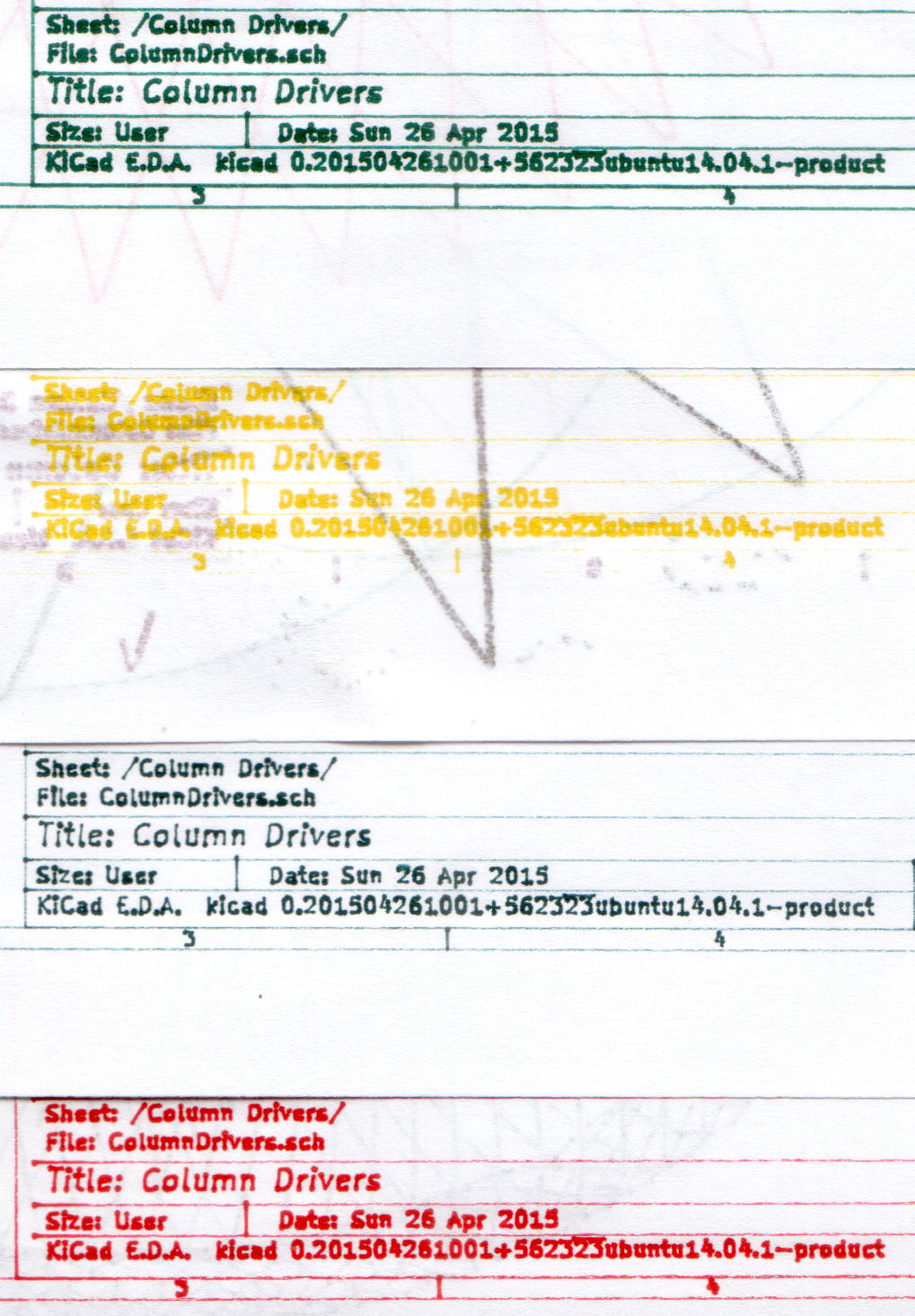
The black pen never worked quite right, but the other three did fine. The ceramic pen is at the top:
HP7475A – KBR to YCM Refilled disposable pens – G ceramic pen
Protip: the blown contrast and rear-surface bleedthrough behind the yellow ink should tell you it isn’t visible in normal room light. I must mix yellow with another color if I ever refill that pen that again.
KiCad uses only one pen for the entire schematic, even when you select “plot in color”, suggesting nobody has sent the “plotter” output stream to an actual plotter in a long, long time.
Despite the charm of watching the plotter crank out an entire schematic page, it’s not a compelling enough user experience to replace an inkjet printer. For an art project, one might be seeking an entirely different user experience and the answer might be different, too.
The parameter order matters: the -ss must come before the -i input file name and the -t must come after it. Otherwise, avconv will copy the entire file before extracting the clip, which can be tedious.
The Fly6 camera produced a video file containing ten minutes of variations on this theme:
Fly6 – 0842001.AVI – Video compression failure
The top of the image looked pretty good, but then the decompression stalls and smears a single, slowly degenerating, line down the rest of the frame. The other files from that trip looked just fine.
As it turned out, extracting a few seconds with avconv or binary-copying the first few megabytes with dd produced playable copies: the original file tripped vlc’s decompression, but the source data was in the file and the copies worked.
Soooo, I could recover the video. Not that it was particularly important, but knowing how might matter some day.
Video is weird.
The Cycliq tech support folks recommend regularly formatting the MicroSD card using the Official SD Association Program (Windows-only, of course), not erasing any video files, and generally letting the camera handle the card. This whole affair seems remarkably fragile.





 The Smell of Molten Projects in the Morning