Ed Nisley's Blog: Shop notes, electronics, firmware, machinery, 3D printing, laser cuttery, and curiosities. Contents: 100% human thinking, 0% AI slop.
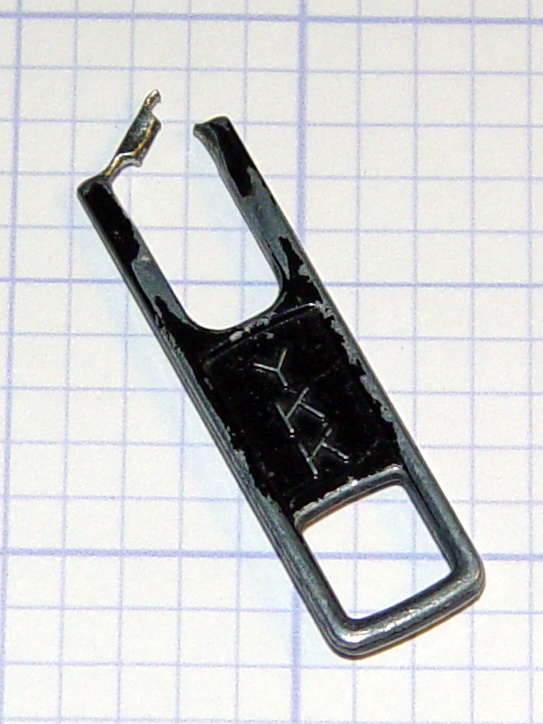
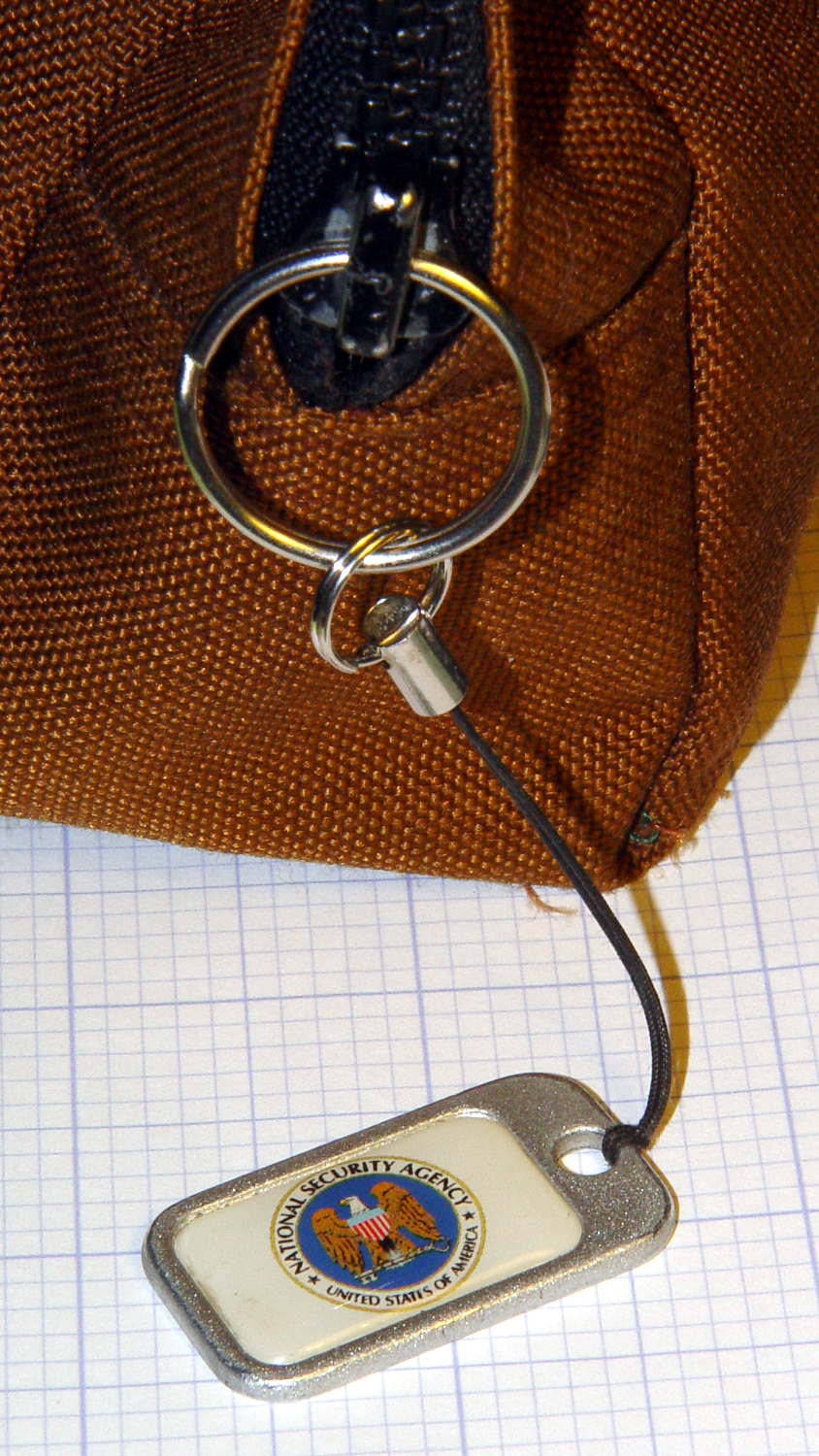
The NSA pull tabwent missing from my belt pack on the way back from a Squidwrench meeting and, despite diligent searching, remained missing for a several weeks. It reappeared from far under the Forester’s front seat, still attached to the severely eroded YKK zipper pull tab:
Eroded YKK Zipper Tab
A stout jump ring from the heap should avoid that problem for the foreseeable future:
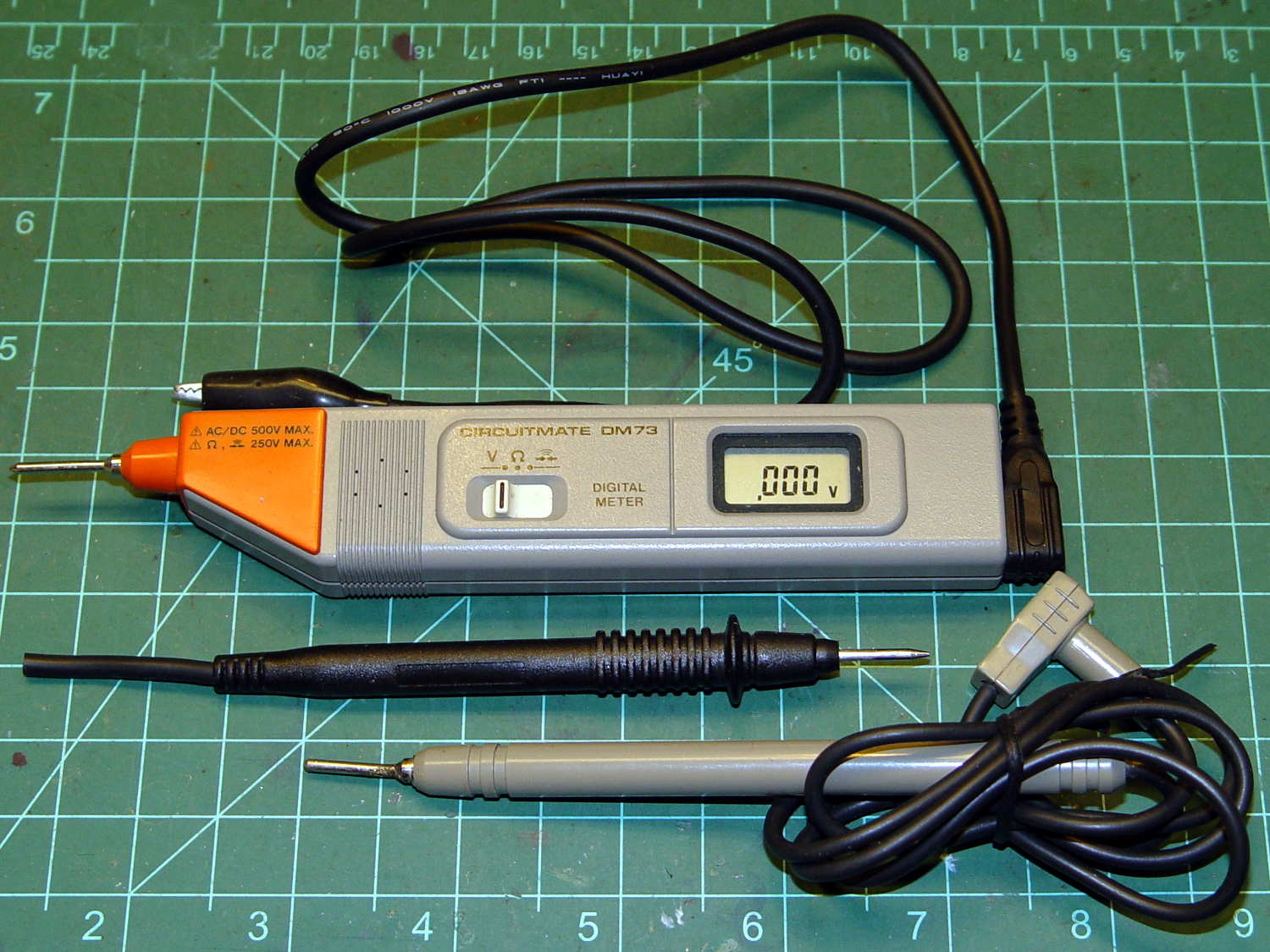
Although it’s rated to 500 V, it violates the fundamental principle of high-voltage electronics debugging:
Always keep one hand in your pocket!
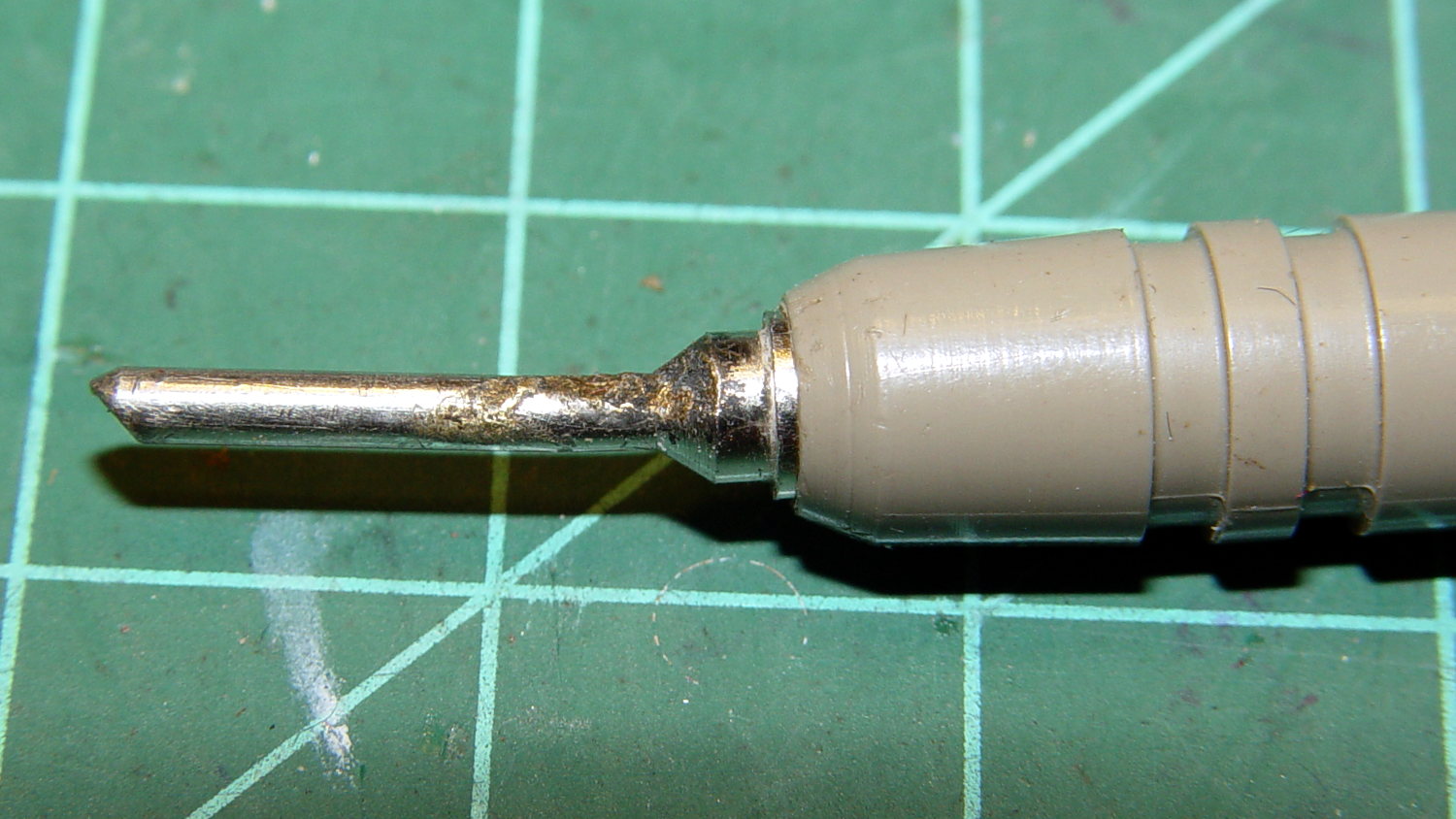
The scorched and truncated probe tip on the “ground wire” shows Phil slipped at least once:
Beckman DM73 – probe tip
After far too long, I sacrificed a black multimeter probe from the heap, soldered an alligator clip on the end, and, henceforth, will use it appropriately. Mostly, I never do any high-voltage work, but you never know.
I suppose I should splice that nice black probe onto the end of the Beckman wire for low-voltage work…
Recently, the eye cups became difficult to pull out. The problem seemed to lie in the seal around the exterior of each tube, rather than with the internal mechanism, so I eased the tiniest possible drop of clock oil into each gap, spun the tubes, cycled them in-and-out, and wiped off essentially all of the oil as it spread over the exterior of the tubes.
The eye cups work fine again!
Frankly, I felt a like a Visigoth upgrading the Large Hadron Collider, but I trusted those old-school Leitz engineers would protect their optics from everything happening outside the sealed tubes.
It took a while, but the owners of Janet Drive did a commendable job of resurfacing the giant potholes that were consuming the parking lot entrance:
Janet Dr at 708 Dutchess Turnpike entrance – 2015-10-05
That patch covers all the holes, has a smooth surface, and neatly joins the adjacent pavement without huge bumps. It’s entirely possible to do good repairs, if you just hire the right contractor.
Which doesn’t happen if you’re NYSDOT, unfortunately, as they regards a few random hand-tamped blobs on a section of Rt 44 (and Bike Rt 44, for whatever that’s worth) as entirely adequate:
Rt 44 – 695 at Quest Diagnostics – 2015-10-05 – no progress
The sinkhole on Rt 376 that we must dodge maybe four times every week continues to grow:
Somebody who should know better suggested the NYSDOT crew just ran out of asphalt after patching all around the sinkhole that I’d reported back in July, but …
The NYSDOT Bicycle and Pedestrian Coordinator (yeah, she exists) assured me the engineers were studying the signal timing and would contact me directly:
Burnett at Rt 55 2015-08-31 – Yellow 8 s after green with cars
That hasn’t happened after four months, so I’d say NYSDOT uses the word “study” to mean “stonewall”.
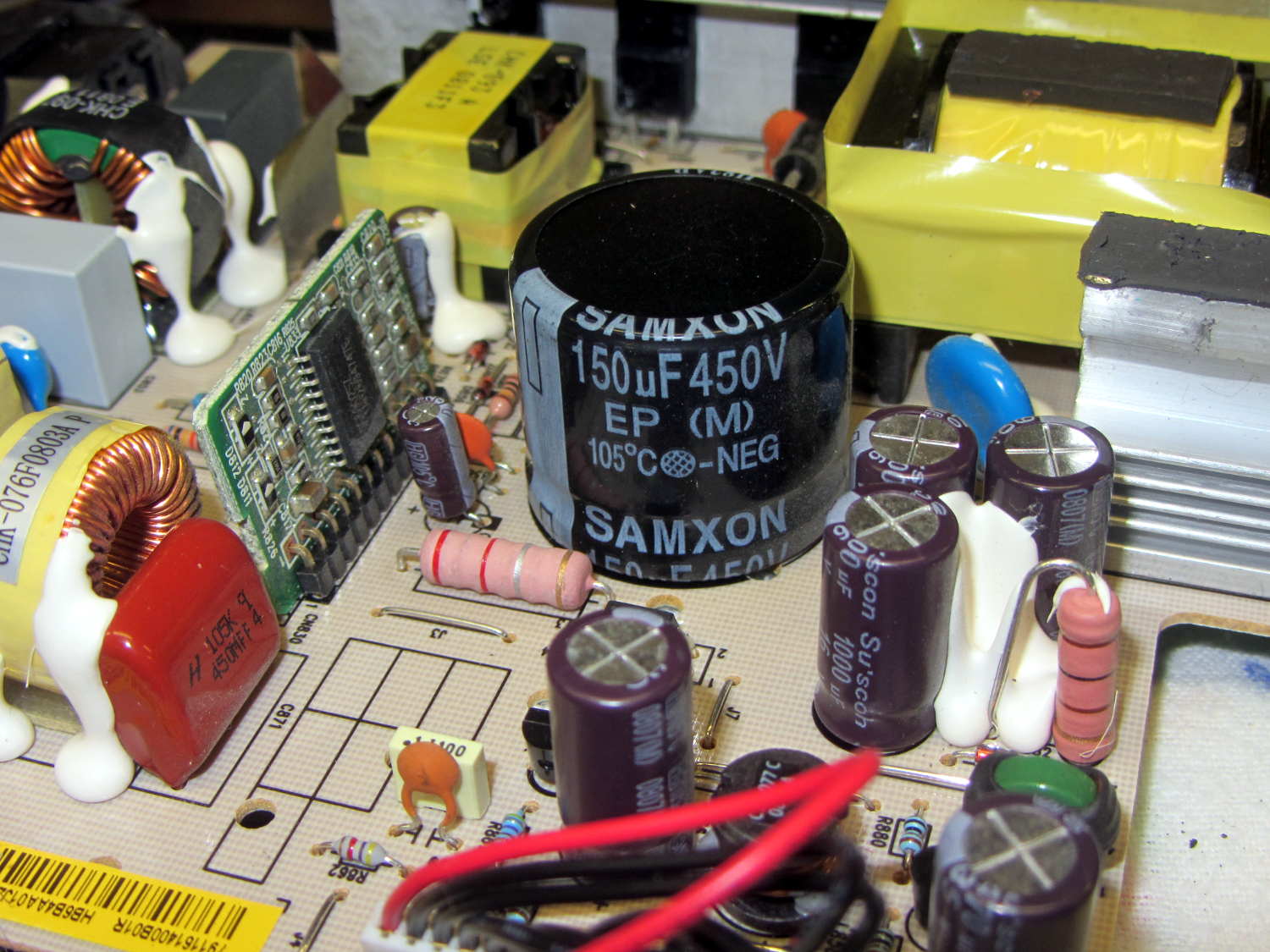
Quite some time ago, I picked up a nice monitor that turned out to be a debranded (all OEM labels removed or covered) HP w2408. It eventually became erratic, refusing to turn on or return from power-save mode, so I took it apart. All the caps looked good and seemed to have low ESR, except for the big one in the middle of the power supply board:
HP 2408 monitor power supply – HV cap
It’s 30 mm in diameter, with 10 mm lead spacing, and stands a squat 26 mm tall, ignoring a millimeter or two of bulge in its should-be-flat black cap:
HP 2408 monitor power supply – HV cap bulge
Having never seen one of that size before, I sent a note and picture to folks who sell re-capping kits for monitors, in the hope that they’ll have a lead.
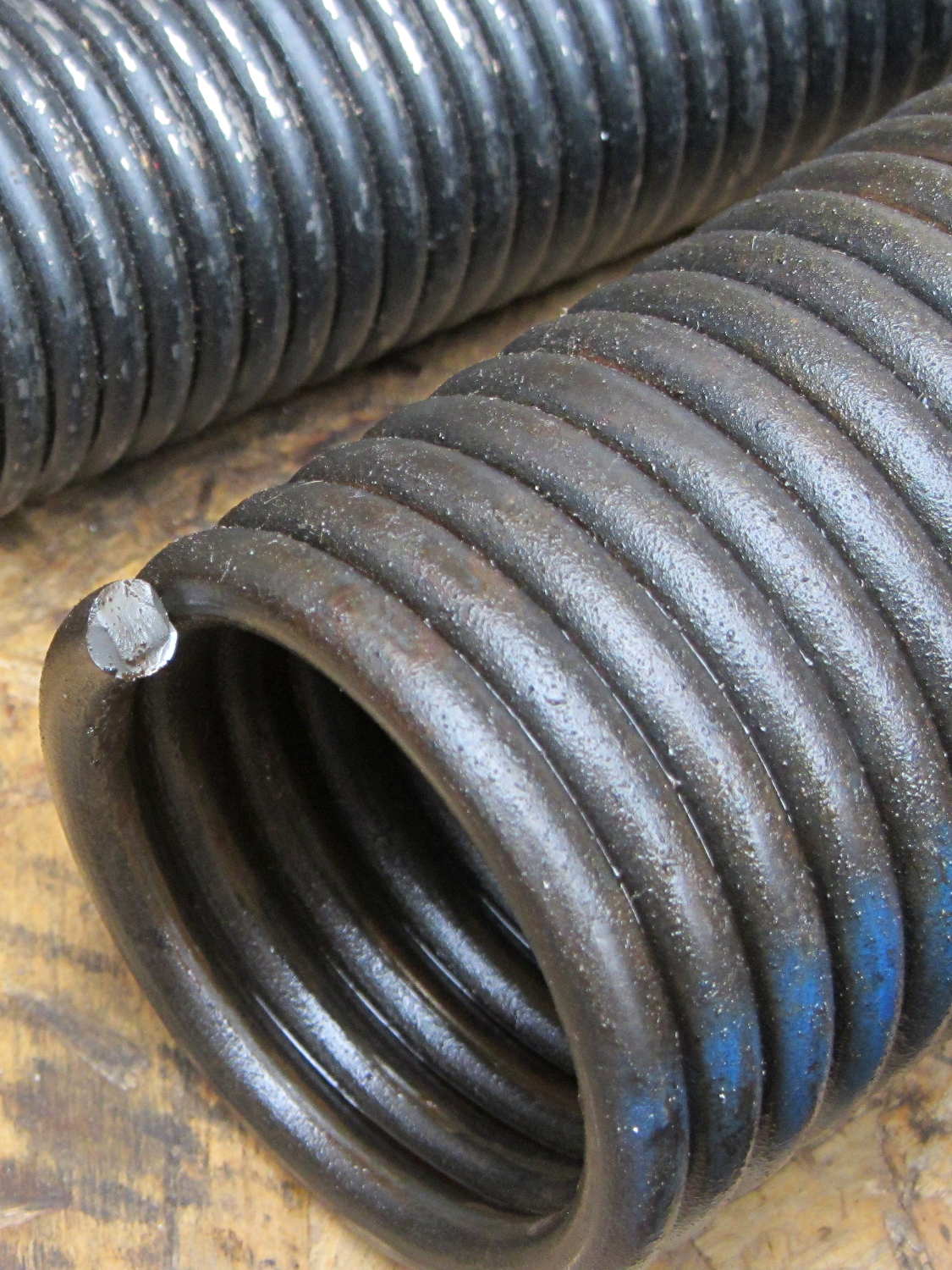
The really good thing about having torsion springs on the garage door is that when one breaks, not much happens:
Garage door torsion spring – broken end
We decided to spray money on the problem and make it go away; the Dutchess Overhead Doors tech was here the morning after I called: quicker than Amazon Prime and he works much faster than I can.
As nearly as I can tell from the checkbook (remember checkbooks?), an original (to us, anyway) spring broke shortly after we moved in. If so, that spring lasted nearly 17 years; at two open-shut cycles per day, let’s call it 12,000 cycles.
For the record, the springs are:
29 inches long
1-3/4 inch ID
0.250 wire
7 foot tall door
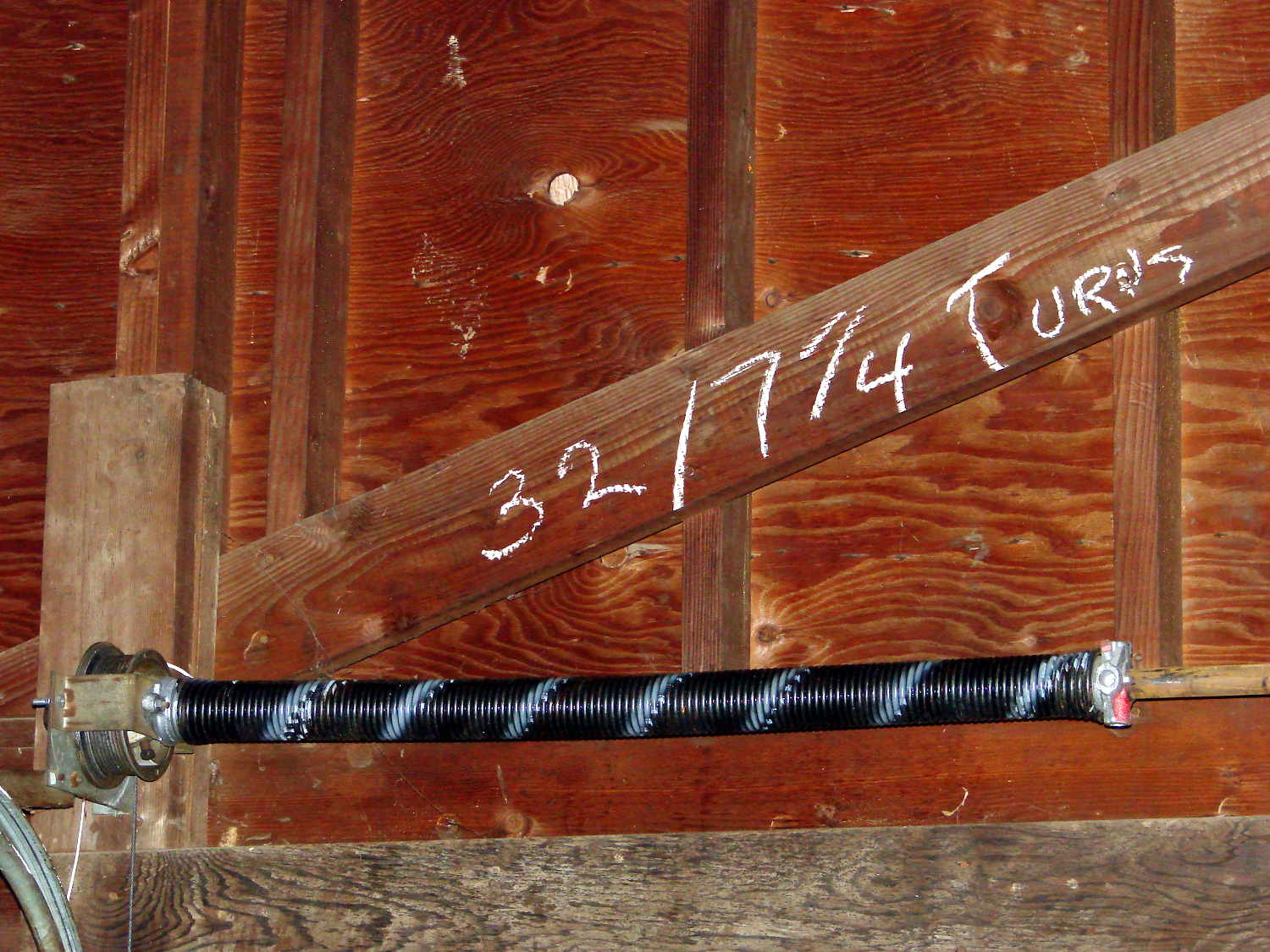
He cranked in seven full turns, corresponding to the “one turn per foot of door height” rule, although the door doesn’t quite balance on its own. I’d have done one more quarter-turn to match the chalk above the door (a good example of write it where you use it), plus maybe another for good measure, but I’m reluctant to mess with success:
Perhaps the 1955 springs were 32 inches long, but the tech replaced what he found both times. It’s a brute of a door, two generous cars wide, with plywood panels in heavy wood framing, plus a few pounds of filler I applied to the rather crazed surface before painting it some years ago.
I’m mildly surprised none of the dimensions changed in the last 60 years: the springs, end caps, pulleys, and hardware directly interchanged.