The Smell of Molten Projects in the Morning

Ed Nisley's Blog: Shop notes, electronics, firmware, machinery, 3D printing, laser cuttery, and curiosities. Contents: 100% human thinking, 0% AI slop.

Category: Machine Shop

Mechanical widgetry

  • Eyelet Punch Reshaping

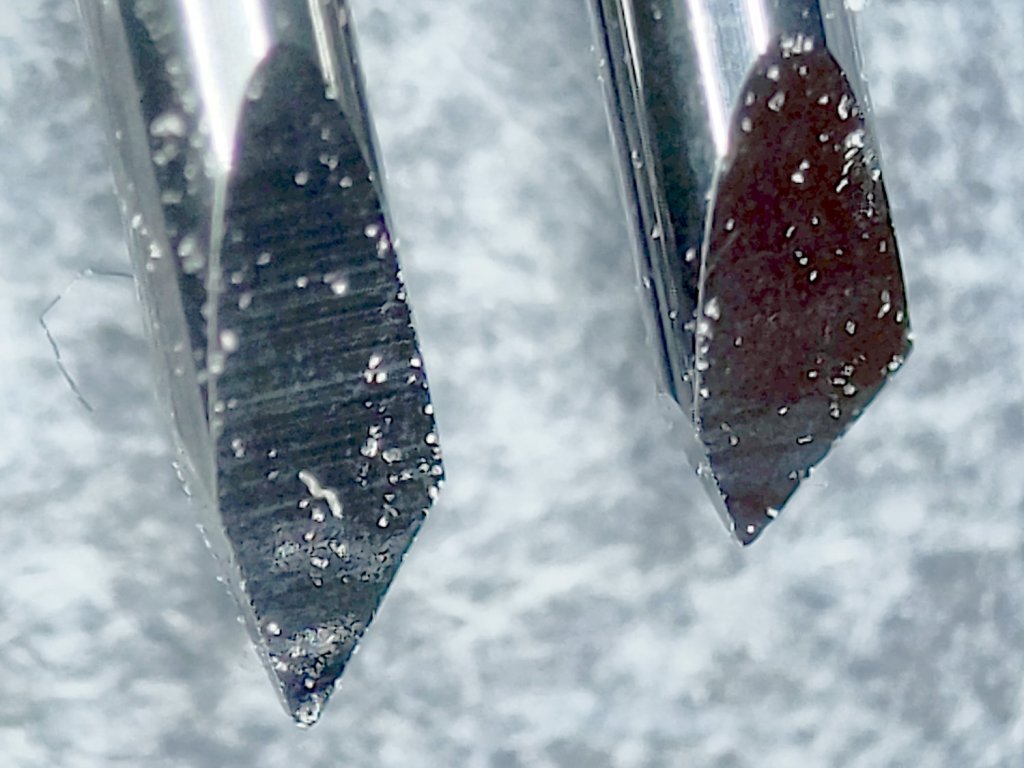
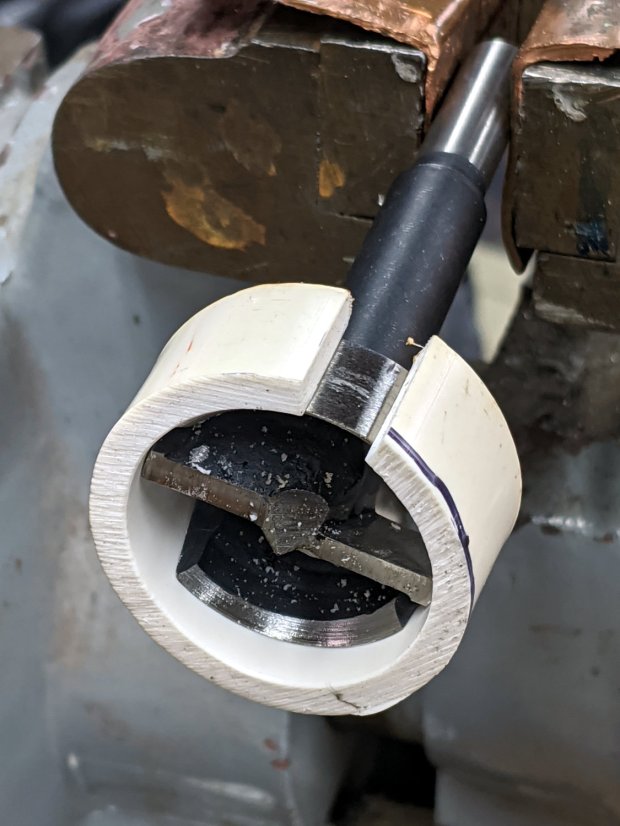
    The hollow punch included with the 5.5 mm eyelet / grommet set had a rather blunt cutting edge:

    Eyelet punch - OEM taper
    Eyelet punch – OEM taper

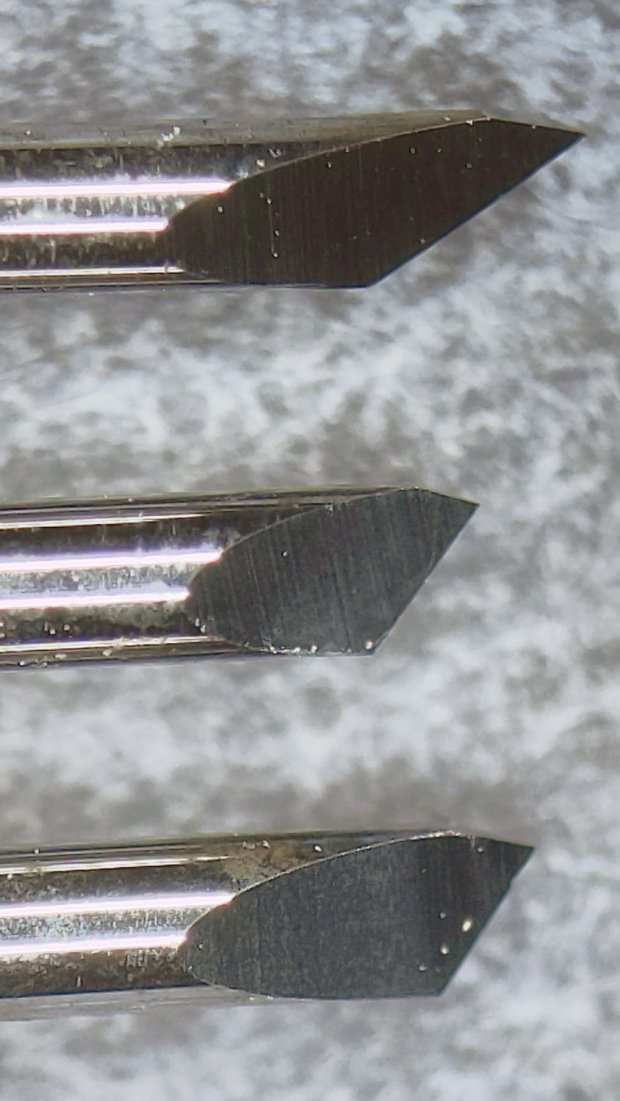
    The rainbow colors along the tapered cut suggested at least token hardening of the edge, so I mounted it in the lathe chuck, deployed a rag over the bed ways to collect the dust, and spun it at a few hundred RPM while freehanding the edge with a Dremel heavy-duty slitting wheel resting on the compound:

    Eyelet punch - reshaped
    Eyelet punch – reshaped

    It’s not what you’d call “hollow ground”, but at least the edge doesn’t force the outside of the cut surface quite so far outward.

    The Tek Circuit Computer decks get their pivot holes cut with a drag knife on the MPCNC, but I won’t be too embarrassed the next time I deploy this thing.

  • Monthly Image: Digital Machinist 14.4 Cover

    I ain’t getting richer, but I did get mah pitcher onna cover of th’ Digital Machinist:

    Digital Machinist Cover DM14.4 - Winter 2019
    Digital Machinist Cover DM14.4 – Winter 2019

    I just caught George Bulliss in a weak moment. [grin]

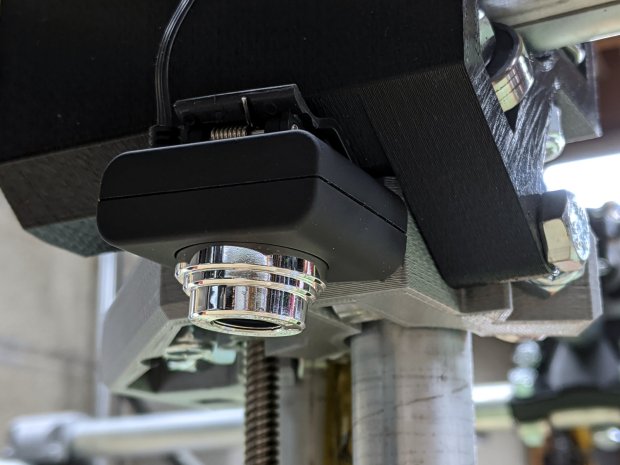
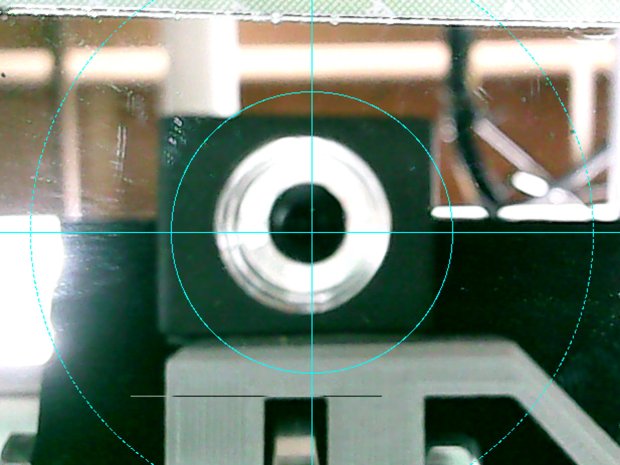
    It’s the diamond drag holder on the CNC 3018-Pro, before the XL axis extension hackage., with the probe camera stuck to the left side.

    You can say you knew me before …

  • Needle Case Repair

    A needle case emerged from the bottom of a drawer in need of repair:

    Needle Case - unglued
    Needle Case – unglued

    The original joint used solvent glue and I suppose I could refresh it with acetone, but two blobs of hot melt glue seemed easier and, IMO, more durable.

    In any event, it’s once more ready for use:

    Needle Case - repaired
    Needle Case – repaired

    Hooray for another zero-dollar repair, although you can see why nobody else does them these days.

  • HP 7475A Plotter: Ceramic Pen Tip Wear

    An upcoming show-n-tell prompted me to make sure the HP 7475A plotter still worked and verify the pen stash. One of the ceramic pens expired during the first test plot and a refill didn’t improve its disposition, so I pulled a new-old-stock pen from its wrapper.

    As expected, the defunct pen’s ink supply core had worn down to the surrounding ceramic nib:

    HP 7475A Ceramic-tip pen - worn core
    HP 7475A Ceramic-tip pen – worn core

    The new pen looks like it has a brush sticking out:

    HP 7475A Ceramic-tip pen - fresh core
    HP 7475A Ceramic-tip pen – fresh core

    The new pen’s core looks slightly larger and, in fact, it’s labeled as 0.4 mm rather than 0.3 mm. The new-old-stock pen stash includes a few 0.2 mm ceramic pens; I should think of something requiring hairline detail.

    It passed the manual scribble test and promptly ran out of ink during its first plot. I injected some blue ink and it’s now plotting happily for the first time in its life.

  • Homage Tektronix Circuit Computer: Colored Scales

    Although the original Tektronix Circuit Computer had relentlessly monochrome scales, a dash of color added a festive holiday look:

    Tek CC - Pilot V5 - color test overview
    Tek CC – Pilot V5 – color test overview

    Well, OK, that’s excessive.

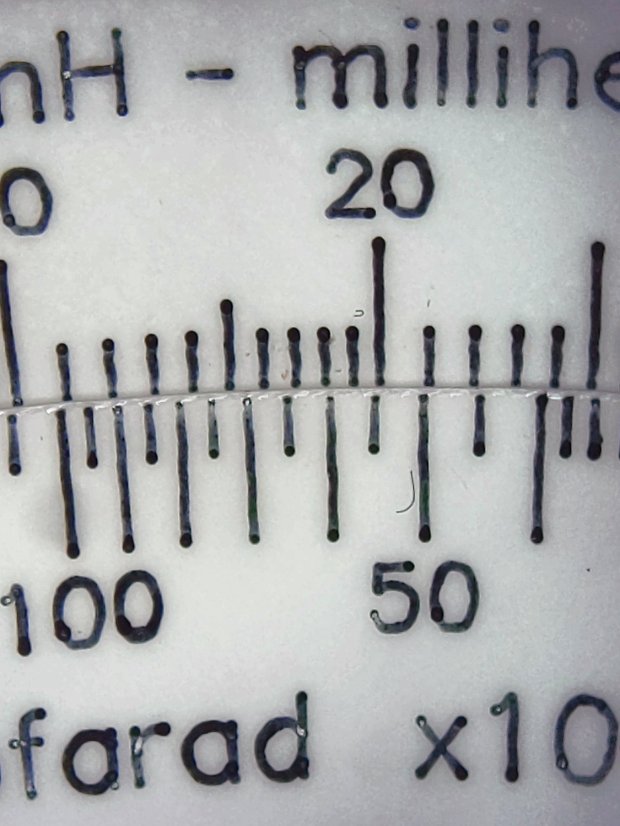
    The intent was to see how the pens behaved, with an eye toward accenting general-purpose circular slide rule scales with a few colored characters.

    The green pen shows how I built the arrows by drawing a line through vertical arrow characters:

    Tek CC - Pilot V5 - plain paper - letters
    Tek CC – Pilot V5 – plain paper – letters

    I like blue ink entirely too much, having used a blue pen as my daily writer for most of my adult life:

    Tek CC - Pilot V5 - plain paper - red blue
    Tek CC – Pilot V5 – plain paper – red blue

    Red ink for “backwards” scales and suchlike would work well, even if it’s too vivid for the tick marks:

    Tek CC - Pilot V5 - plain paper - red green
    Tek CC – Pilot V5 – plain paper – red green

    Those are all on unlaminated plain paper, with plenty of room for improvement.

    Seeing as how I’d be doing all the “tool changes” manually, optimizing the plotting sequence would be mandatory: one pen change per color per deck!

  • CNC 3018XL: Pen Variations

    Cheap 1 mm pens produce scratchy lines:

    CNC 3018 - Cheap pen - plain paper
    CNC 3018 – Cheap pen – plain paper

    More expensive 0.5 mm Pilot Precise V5RT pens produce well-filled lines:

    CNC 3018 - Pilot V5RT - plain paper
    CNC 3018 – Pilot V5RT – plain paper

    Both of those are on plain paper. Better paper would surely improve the results, while moving the cheap pen further into sow’s ear territory.

    For reference, the cheap pens use a collet holder:

    CNC3018 - Collet pen holder - assembled
    CNC3018 – Collet pen holder – assembled

    The Pilot V5RT pens use a custom holder:

    Pilot V5RT holder - installed
    Pilot V5RT holder – installed

    A 3D printer really simplifies making things!

  • Homage Tektronix Circuit Computer: Eyelet Pivot

    Although a sex bolt works as a central pivot, even the shortest one available in a cheap assortment is too long for three paper decks and an acrylic cursor:

    Tek CC - radial text example
    Tek CC – radial text example

    An eyelet / grommet intended for leather crafting works better:

    Tek CC - eyelet pivot - front
    Tek CC – eyelet pivot – front

    That’s the front side, with the stylin’ rounded head, in “gunmetal” gray. The shank is 5 mm ID (the advertised size), 5.5 mm (-ish) OD, 4 mm long beyond the 10 mm OD head. All dimensions vary unpredictably between sellers, so expect nothing in particular and you won’t be disappointed.

    The back side gets the washer:

    Tek CC - eyelet pivot - rear
    Tek CC – eyelet pivot – rear

    The entire stack is 1.7 mm tall: three 0.4 mm laminated decks and the 0.5 mm polypropylene cursor. The 4 mm shank length seems excessive, but works out well in practice, even if I need more practice at smoothly swaging shank over washer. It’s sufficiently good looking in person.

    Note: the washer goes on convex side outward!

    The set includes a hole punch suitable for leather work and slightly too small for paper, plus the swaging punch and die required for the washer.