I have often asserted, in public, in writing, that you can’t change the speed of a fan’s BLDC motor by varying its voltage, because the fan controller generates the waveforms responsible for the motor speed based on its internal timing.
A pair of BLDC blowers recently arrived and a quick test showed I’m pretty much completely wrong:

The data points come from this blower:
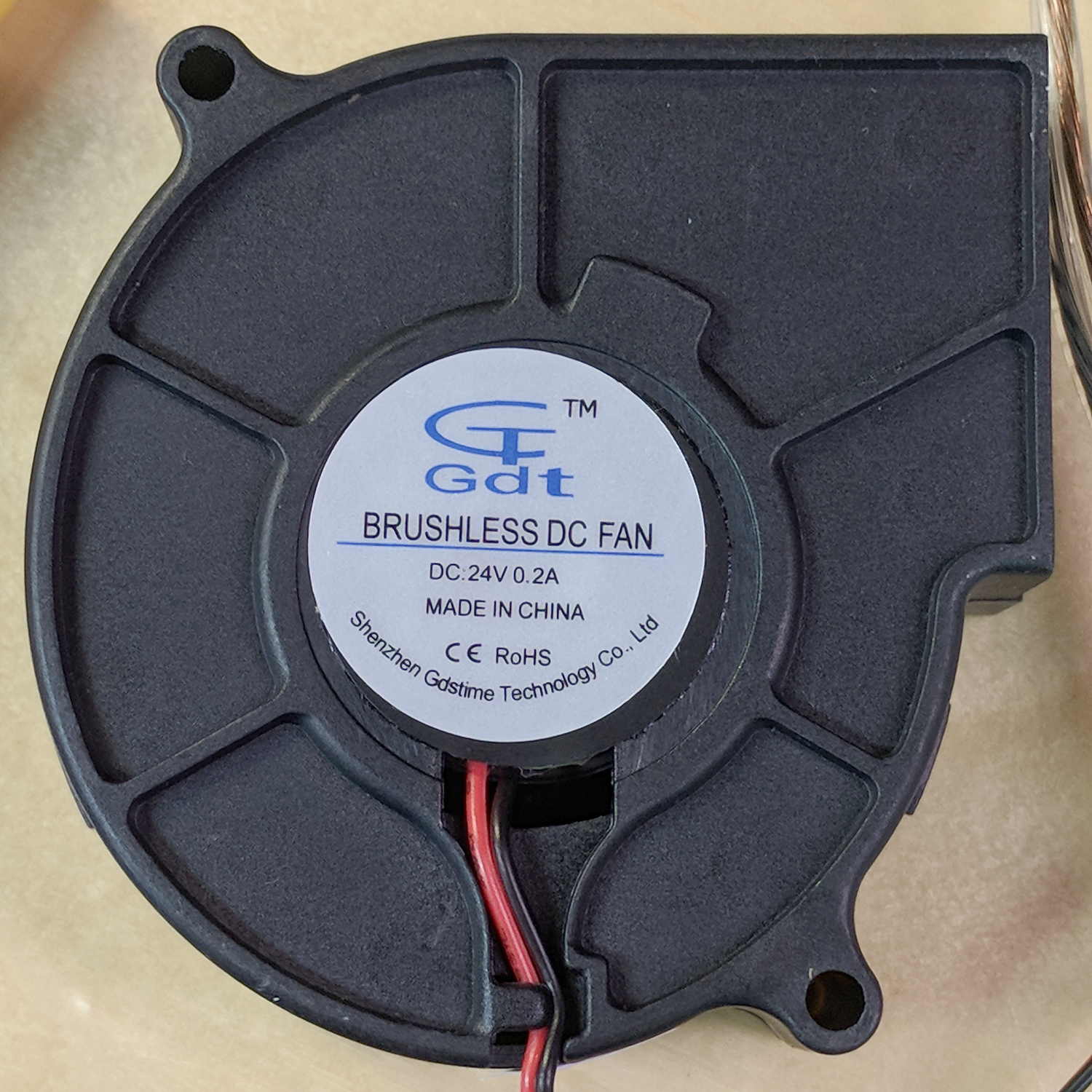
The blower specs from the eBay listing:
75MM 24V Brushless DC Blower Cooling Fan Exhaust Fan
- Dimension:75(L)x75(W)x30(H)mm
- Connector:2Pin-PH2.0
- Rated Voltage: DC24V
- Rated Current: 0.2±10% Amp
- Rated Speed: 3800±10%rpm
- Air flow:1.8CFM
- Noise: 23±10%dBA
- Bearing Type: Sleeve
- Life: 35000 hours
- Cable Lenght: 32cm(12.5in)
- Weight: 75g/pcs
The case is about 75 mm × 75 mm × 30 mm, so the generic part number seems to be 7530, with many variations. However, they all seem to resolve to the same blower with different models drawing different current at specific voltages (clicky for more dots, JPG blurriness in original):

The blower in hand roughly corresponds to the bottom line of the 24 V section:
- 0.21 A
- 4000 RPM
- 16.3 CFM
- 1.1 inch H2O pressure
- 43 dBA
There’s a gross discrepancy between the eBay 1.8 CFM and the chart 16.3 CFM, but the other parameters seem within handwaving distance and, yo, it’s from eBay. ‘Nuff said.
The graph up top shows the results with an unrestricted output opening.
For more realistic results with some resistance to air flow, I taped a small anemometer to the blower output:
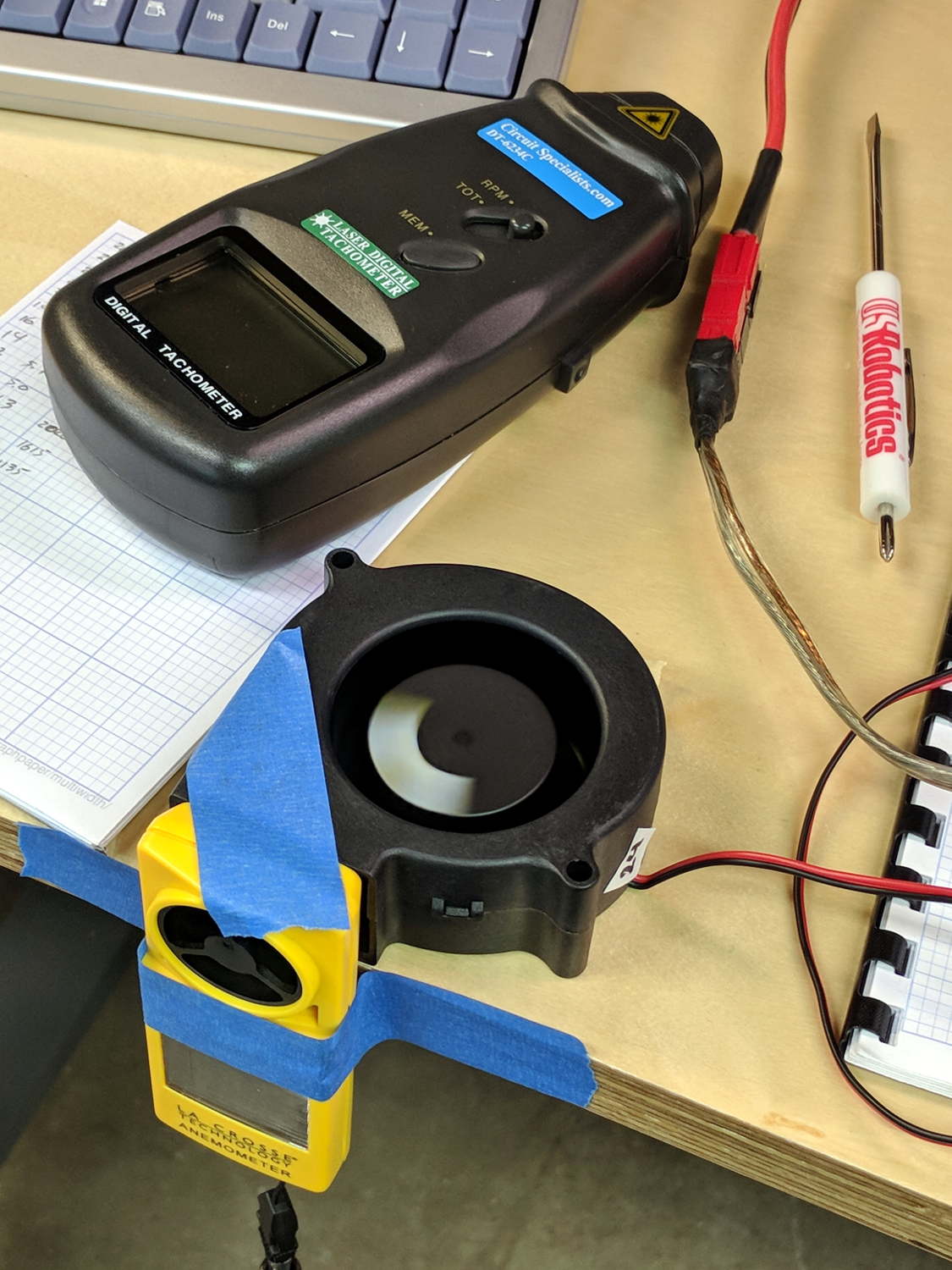
Which produced:

In very round numbers, the anemometer aperture is 400 mm², so the 9 m/s air flow at 24 V works out to 3.6×10⁻³ m3/s = 0.13 CFS = 7.6 CFM. Which is maybe half the 16.3 CFM spec, but they’re surely using a fancier anemometer with much lower back pressure. Close enough, anyway. Fer shure, 1.8 CFM is wrong.
Completely blocking the inlet with a plastic sheet to simulate the blower pulling air from, e.g., a vacuum table:
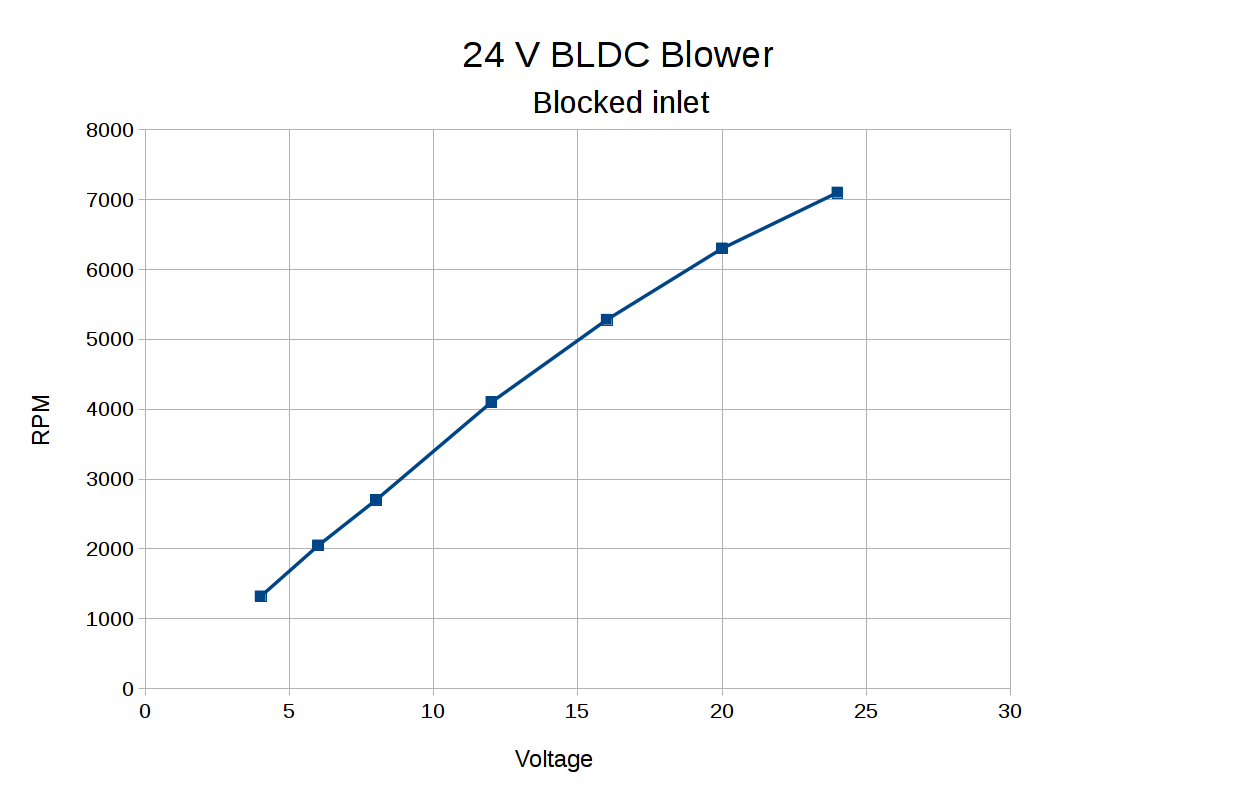
The RPM varies more linearly with voltage when the blower isn’t accelerating any air.
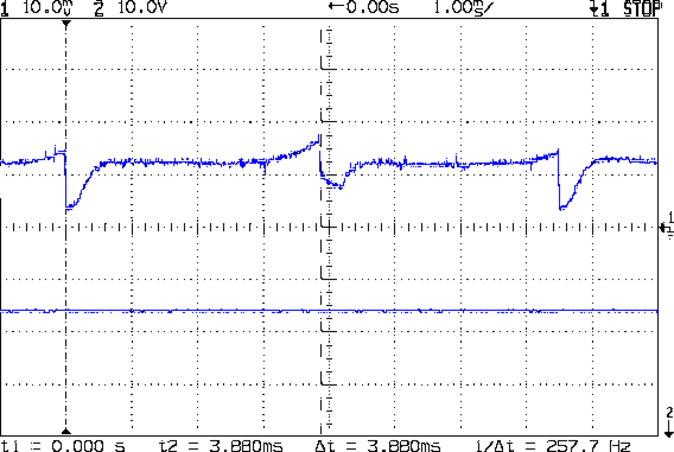
Some current waveform show why you really shouldn’t run fans in series to “split the power supply”, as seems common in 3D printers with 24 VDC power supplies.
From a 24 V supply, the current drops to 50 mA every 75 ms (200 mA/div):
From a 12 V supply, even weirder things happen (50 mA/div):
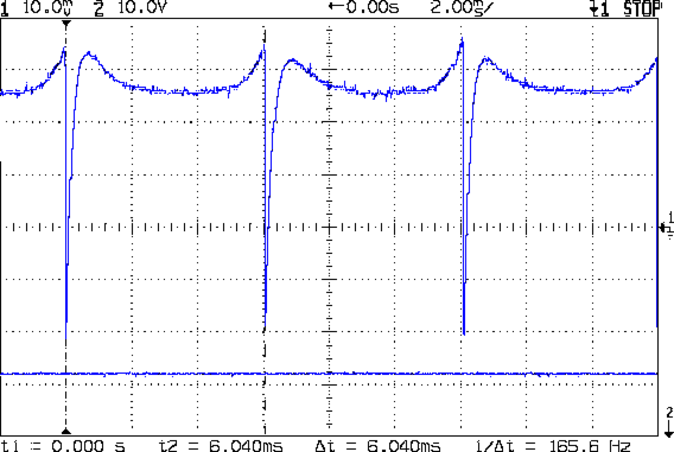
Note that you can’t reduce the fan’s supply voltage by applying PWM to the current, as happens in essentially all 3D printers for “speed control”. Basically, PWM turns the fan off several hundred times every second, which does not modulate the voltage.
I have no way to measure pressure, but if the 1.1 inch H2O number comes close to reality, the blower can produce 1.5 lb of clamping force per square foot. Which isn’t a lot, granted, but it might suffice for paper and vinyl cutting.
The DRV10866 BLDC fan controller doc from TI is completely unrelated to the blower in question, but gives a reasonable introduction to the subject.





 The Smell of Molten Projects in the Morning