Ed Nisley's Blog: Shop notes, electronics, firmware, machinery, 3D printing, laser cuttery, and curiosities. Contents: 100% human thinking, 0% AI slop.
One of the handles snapped off a Y valve at the garden and I finally got around to an autopsy:
Garden Y Valve – cross sectioned
That’s using a 24 tpi bandsaw blade, which doesn’t cut nearly as smoothly as a fancy diamond saw, but seems good enough for the purpose. Most of the ripply shading on the cut plane comes from specular reflections; it’s pot metal all the way through and cuts to a high shine.
A closeup shows more detail around the (now hemispheric) ball valve:
Garden Y Valve – thread detail
You can see faint straight lines just inside the hose threads, which gives a hint of what’s to come.
Pry out the sectioned ball and dislodge the O-ring from the now-obvious insert:
Garden Y Valve – O-rings
Gently squish the threads in the bench vise to pop out the insert:
Garden Y Valve – plug removed
If lives depended on it, one could dismantle and repair the valve without recourse to a bandsaw, but …
Back then, a 150 µF 450 V cap of the proper size (the 30 mm height being critical) was difficult to find and relatively expensive to purchase in onesies from the usual reliable sources, particularly as the repair advice I could find suggested it probably wasn’t the causing the monitor’s problems. So the monitor sat in pieces in an out-of-the-way corner of the Basement Laboratory while other events transpired.
As part of a long-delayed Great Cleanup of Small Projects, I discovered the caps are now four bucks delivered from halfway around the planet, so I got one, did the swap, reassembled the pieces, and the monitor works just like new. No pix, but you get the general idea.
For another few years, anyway.
For whatever reason, the 3.5 mm audio output seems dead. The monitor has a pair of teeny speakers that don’t do justice to its magnificent HDMI audio, but they’re entirely adequate for my simple needs: pre-SSH Raspberry Pi setup doesn’t call for much.
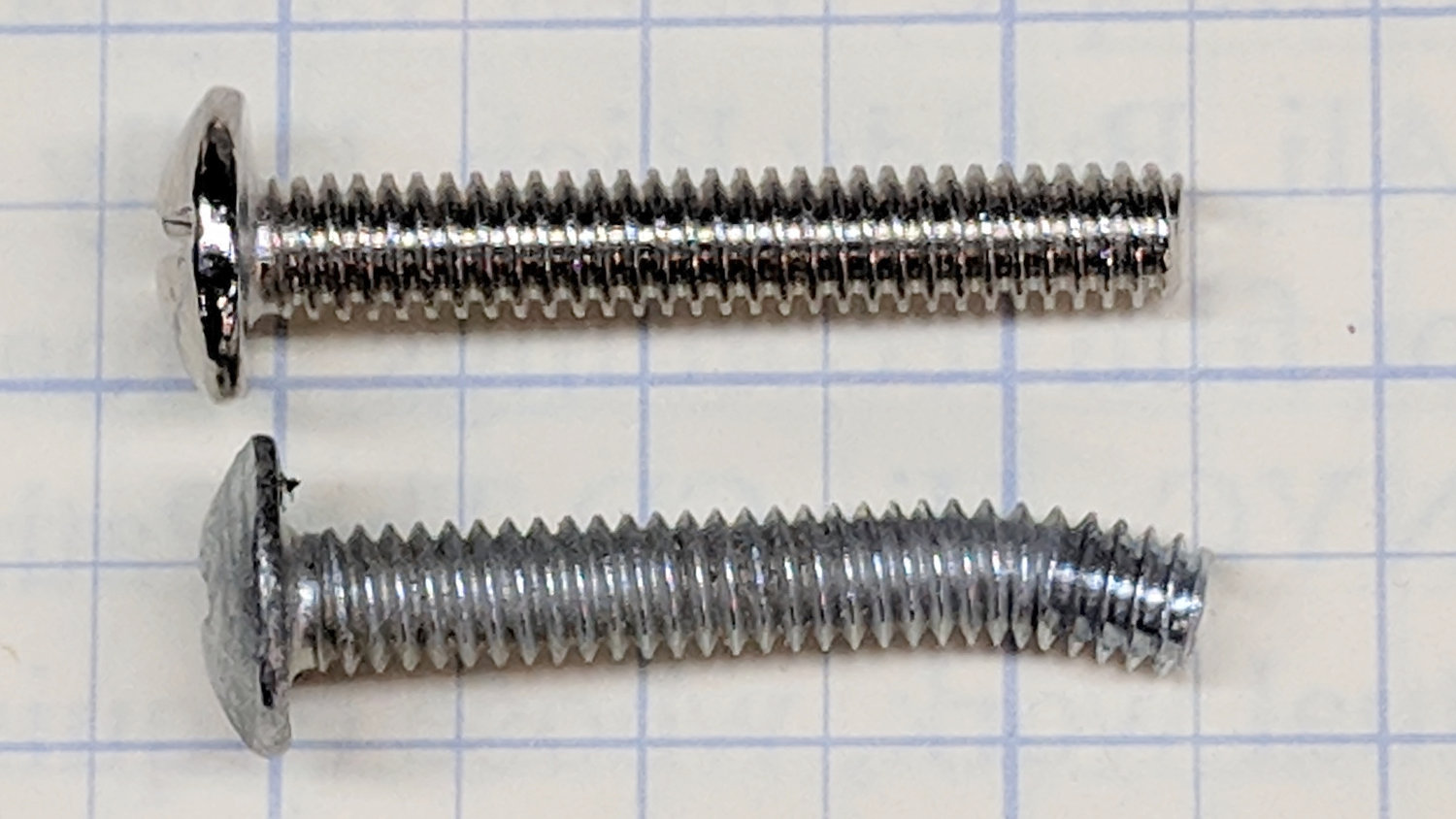
I managed to snag a cargo pocket on the under-sink drawer knob in the Black Bathroom:
Bathroom knob – bent screw
Did a job on the pocket, too, although after Mary was done with it, you’d never know.
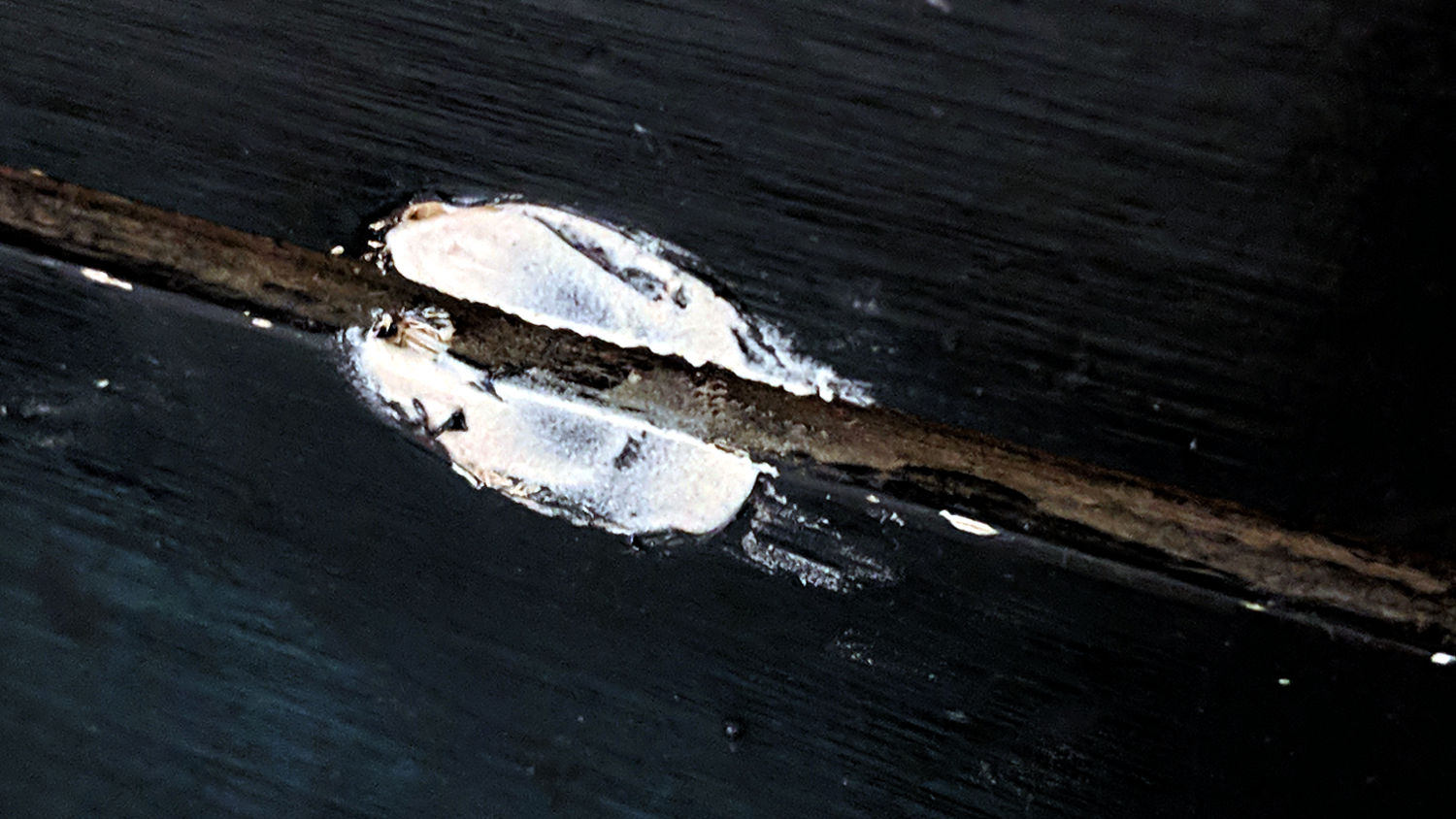
With that much of a bend in the screw, the knob left a nasty divot in the drawer front requiring a layer of wood-filled epoxy:
Bathroom knob – filled divot
I sanded it more-or-less flush with the surface, taking great pains to not scuff the surrounding paint. A similar layer fills the corresponding divot under the screw head inside the front.
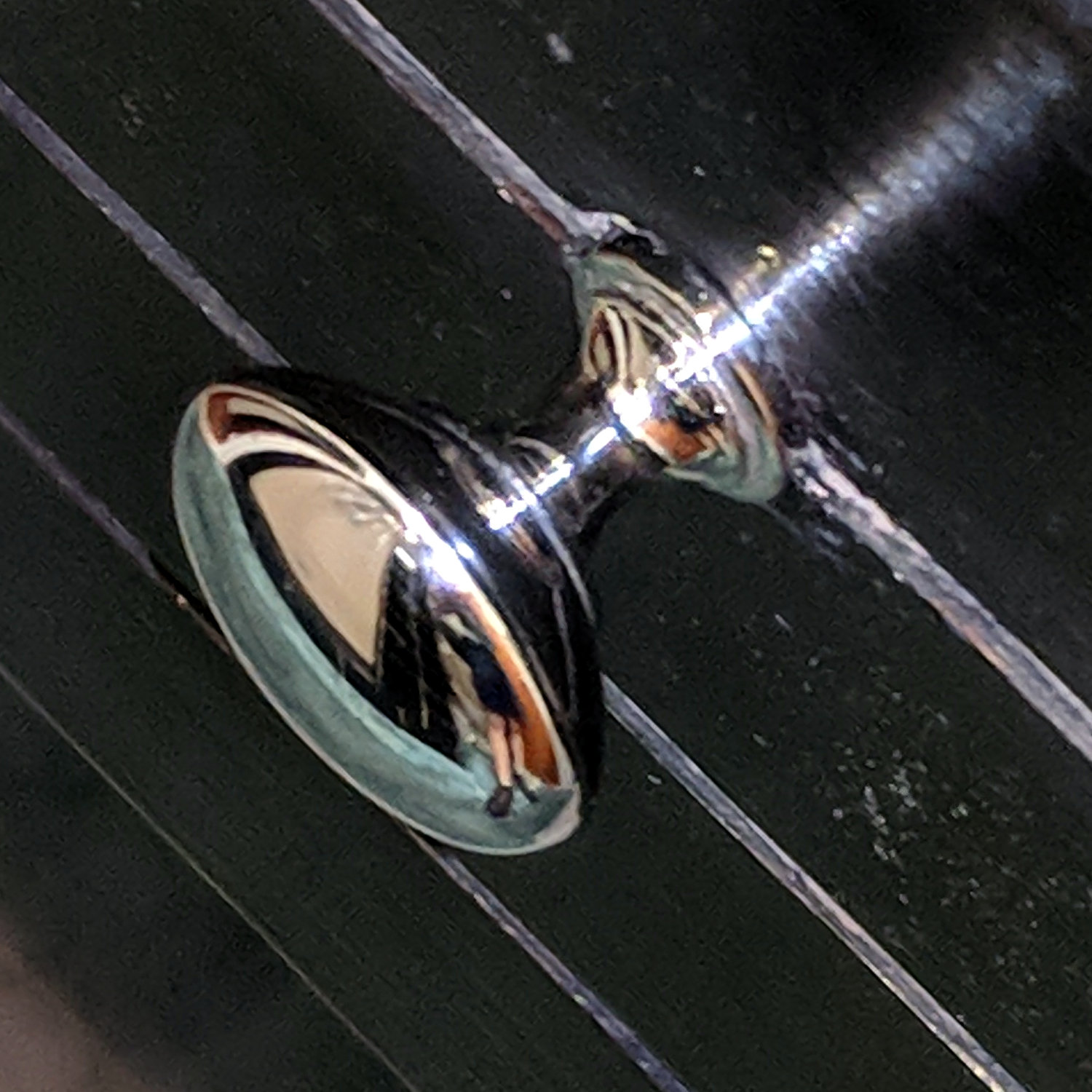
Despite appearances, only about 1/8 inch of the epoxy peeked around the knob, so I painted it black with a Sharpie, ran the knob onto the screw, and declared victory:
Bathroom knob – restored
I’ll (try to) (remember to) stand further back from the knob …
As far as I can tell, the Crucial M5500 SSD in that PC (an off-lease Dell Optiplex 760) stopped being a SATA hard drive, although it seems to work OK when jammed in a USB adapter.
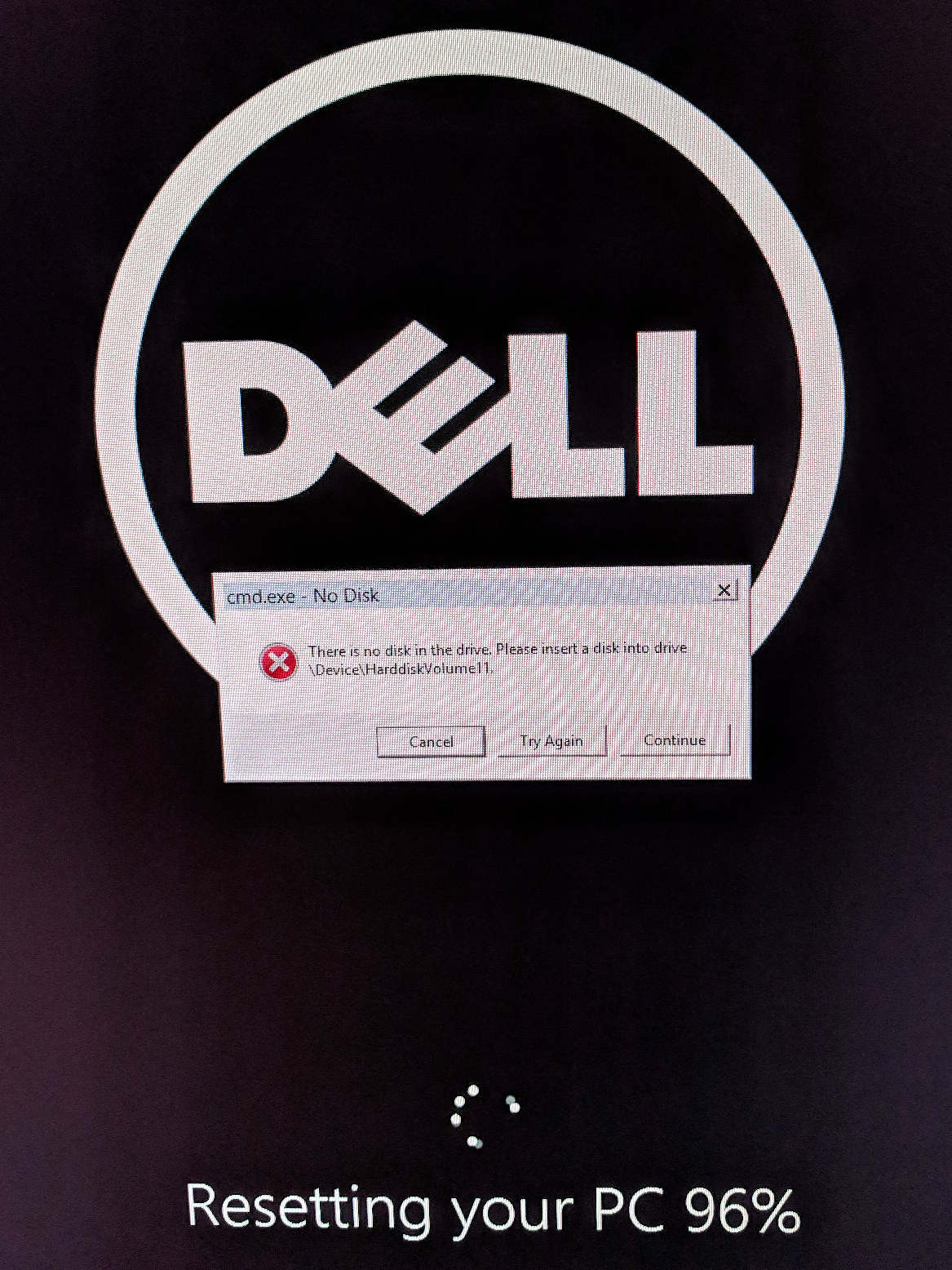
So I picked up a new-to-me Optiplex 9020 with Windows 8.1 on an SSD, shrank the partition, tried to install Xubuntu 18.04, fat-fingered the UEFI password dance, reinstalled Windows from the SSD’s recovery partition, and got this display after a while (clicky for more dots):
Dell Optiplex – recovery disk stall
After letting it stew in its own juices during supper, I forced it off (pushed the power button until it died), restarted, got through the UEFI dance, and it now seems All Good. I made recovery DVDs (remember DVDs?), both before and after the fumbled Xubuntu installation, but didn’t need them.
I expect we’ll never boot Windows 8.1 again, but it’s there Just In Case.
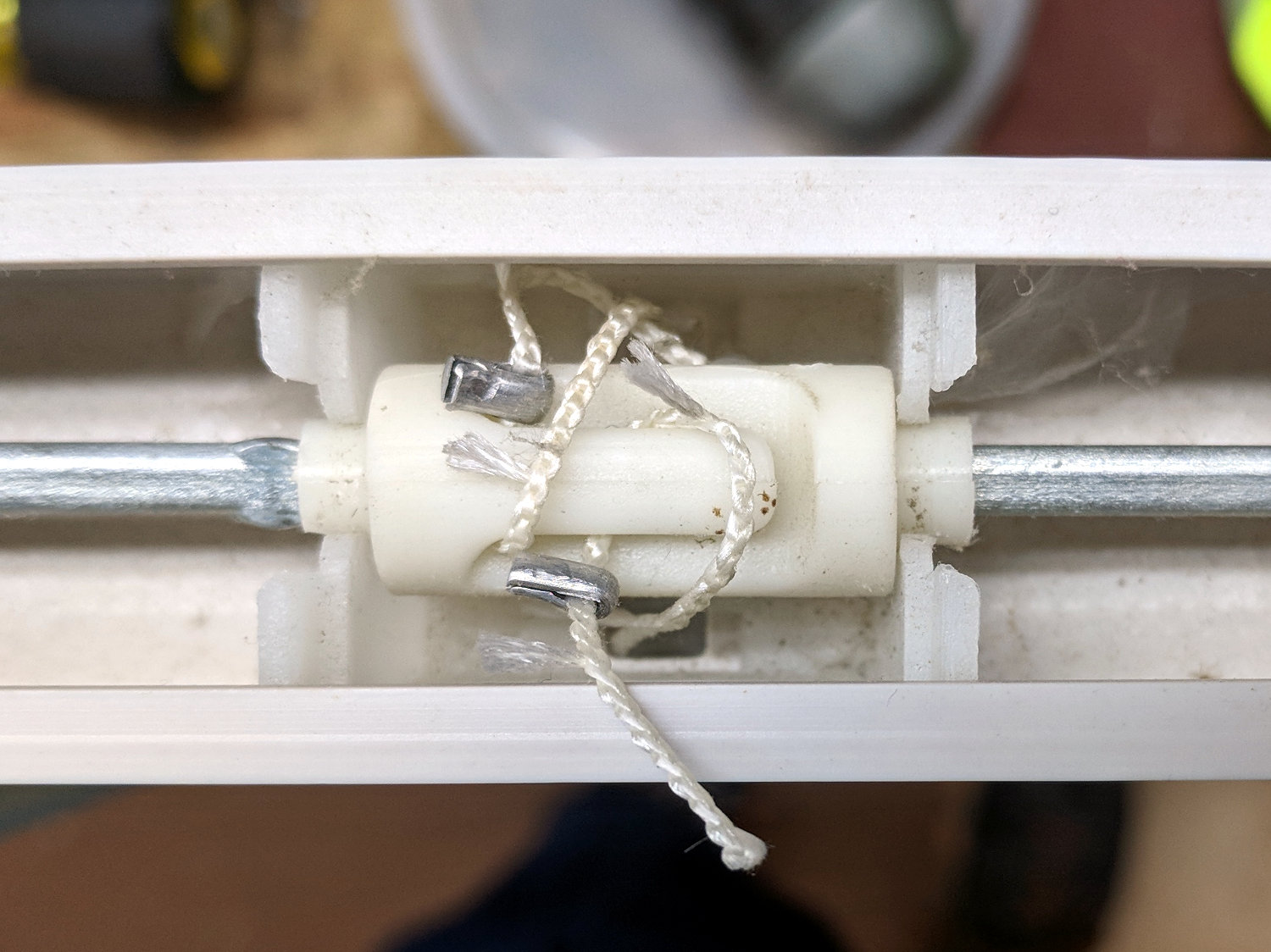
The rod along the left side of our miniblinds turns a shaft spanning the length of the housing which pulls-and-releases three pairs of cords tilting the blades, with one roller for each pair. The cords loop over, pass under, and are secured to a tab on the roller with metal ferrules, thusly:
Miniblind roller – intact
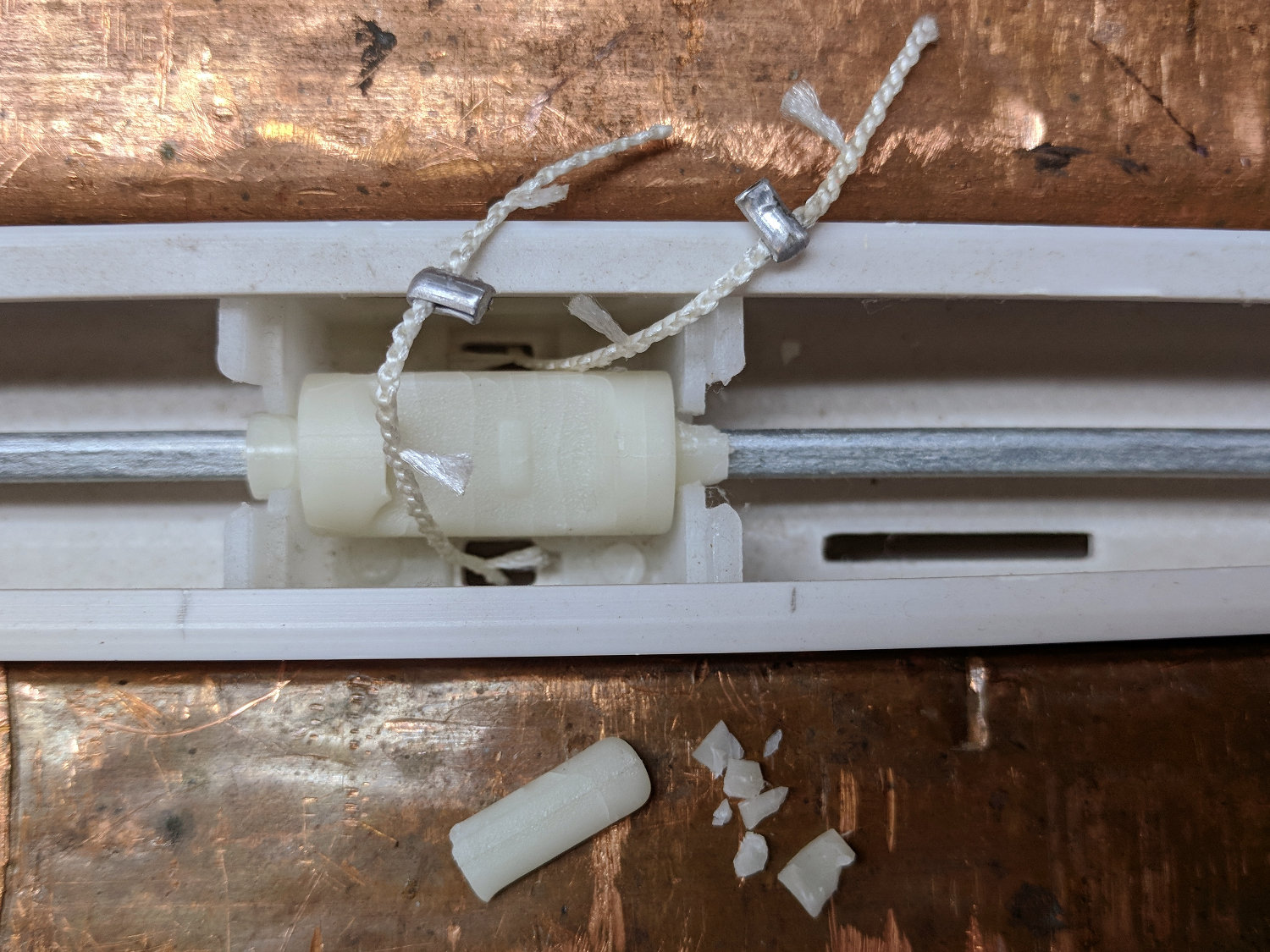
One day, the middle section of all the blades on one miniblind stopped tilting, prompting this discovery:
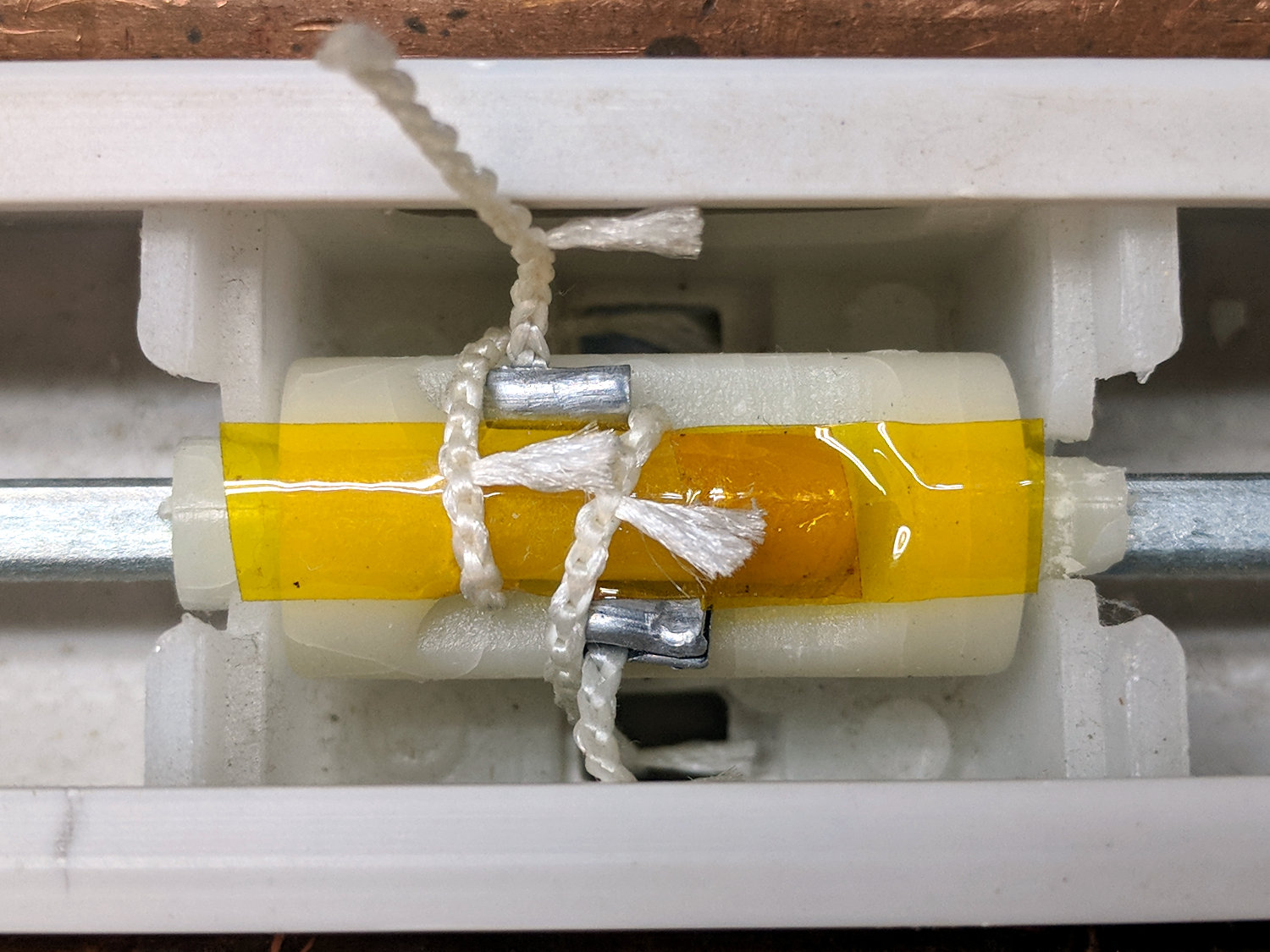
So I laid the cords in place, put the broken tab atop them, and held the mess together with a strip of the obligatory Kapton tape:
Miniblind roller – repositioned tab
Easing some epoxy under the tab and soaking the cords atop the tape held everything together in approximately the original layout:
Miniblind roller – epoxy backfill
Two days after I reinstalled the miniblind, a second roller broke and was restored by a similar treatment. While I had the thing on the bench clamped in the bench vise, I preemptively slobbered epoxy on the intact roller in the hope of reinforcing it.
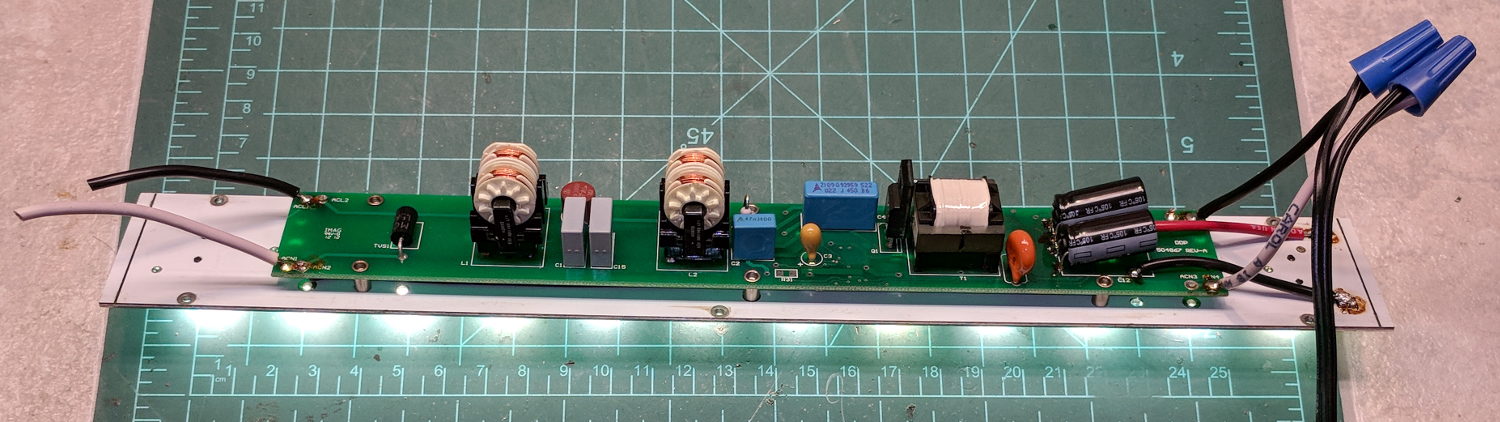
A recent Squidwrench meeting produced a treasure trove of discarded LED lighting, including a shoplight-style fixture in a narrow, finned aluminum extrusion. It was in “known-bad” condition, so I extracted the four LED panels, connected each one to a widowmaker cord, and determined I had two good ones, a mostly working one sporting some dead LEDs, and a corpse.
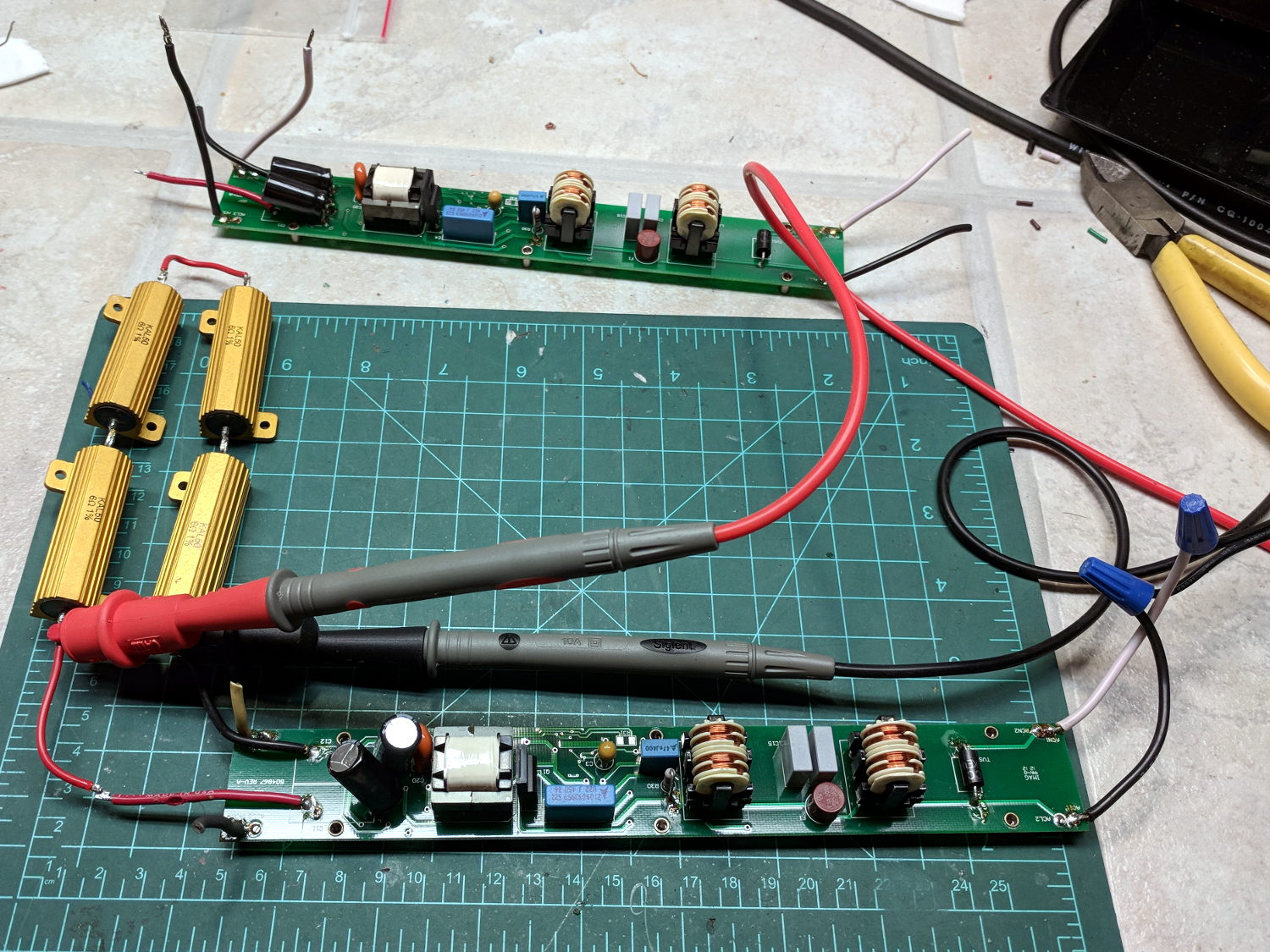
The working panels showed the power supplies produced about 19 V across two parallel strings of six LEDs, with each string running at 350 mA for a total of 700 mA = 13 W. I wired up a quartet of 6 Ω power resistors to check out the power supplies from the suspect panels:
LED Panel – power supply test setup
The supply in the background is truly dead. I can’t tell whether it killed the LEDs or the gaggle of failing LEDs dragged it down with them.
Some multimeter probing revealed enough live LEDs to restore the partially working panel. A rather sweaty interlude at the SqWr hot-air rework station transplanted the good LEDs, whereupon combining it with the live supply gave me a third fully functional panel:
LED Panel – restored
I did the test firing in the Basement Laboratory, because I’m nowhere near crazy enough to deploy a widowmaker line cord on the SqWr Operating Table in public.
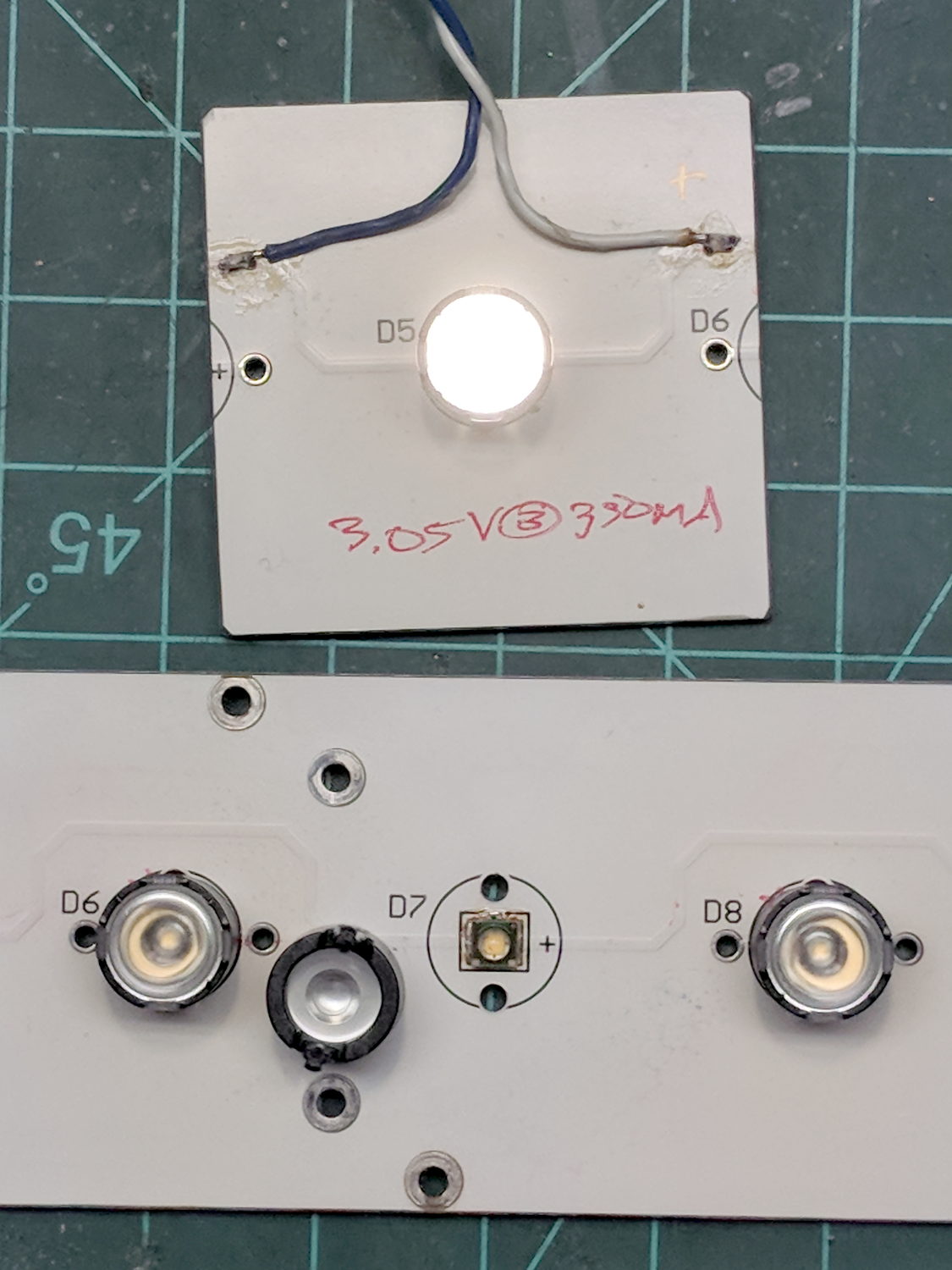
I bandsawed the last working LED from the gutted donor panel:
LED Panel – single LED test
The SMD LEDs mount on traces applied to and electrically insulated from the aluminum sheet, so unsoldering them required way more heat than you (well, I) might expect at first glance. A snap-on condenser lens over each LED concentrates the light into a nice cone, producing a narrow sheet of light from each panel.
The elaborate aluminum extrusion seems much too heavy for the individual panels, but those open-frame supplies definitely need more than casual protection. Now that LEDs are more common than when these panels came off the assembly line, I should probably replace the supplies with enclosed constant-current drivers and be done with it.




 The Smell of Molten Projects in the Morning