The Smell of Molten Projects in the Morning

Ed Nisley's Blog: Shop notes, electronics, firmware, machinery, 3D printing, laser cuttery, and curiosities. Contents: 100% human thinking, 0% AI slop.

Tag: Repairs

If it used to work, it can work again

  • Broken Spoke

    On the drive side, of course:

    Tour Easy - broken rear spoke
    Tour Easy – broken rear spoke

    I’d noticed some brake drag on our last few rides, but forgot to check until I saw the rim wobble while extracting images from the rear camera.

    It’s a lot easier to fix in the Basement Shop than on the road. After nigh onto a decade since replacing the last broken spoke, perhaps this is a harbinger of doom to come.

    Memo to Self: spoke tension is now 20-ish on the drive side, 15-ish on the left.

  • Seam Ripper Cover

    The cover for Mary’s favorite seam ripper cracked long ago, has been repaired several times, and now needs a replacement:

    Seam Ripper cover - overview
    Seam Ripper cover – overview

    The first pass (at the top) matched the interior and exterior shapes, but was entirely too rigid. Unlike the Clover seam ripper, the handle has too much taper for a thick-walled piece of plastic.

    The flexy thinwall cover on the ripper comes from a model of the interior shape:

    Seam Ripper Cover - handle model
    Seam Ripper Cover – handle model

    It’s not conspicuously tapered, but OpenSCAD’s perspective view makes the taper hard to see. The wedge on top helps the slicer bridge the opening; it’s not perfect, just close enough to work.

    A similar model of the outer surface is one thread width wider on all sides, so subtracting the handle model from the interior produces a single-thread shell with a wedge-shaped interior invisible in this Slic3r preview:

    Seam Ripper Cover - exterior - Slic3r preview
    Seam Ripper Cover – exterior – Slic3r preview

    The brim around the bottom improves platform griptivity. The rounded top (because pretty) precludes building it upside-down, but if you could tolerate a square-ish top, that’s the way to go.

    Both models consist of hulls around eight strategically placed spheres, with the wedge on the top of the handle due to the intersection of the hull and a suitable cube. This view shows the situation without the hull:

    Seam Ripper Cover - handle model - cube intersection
    Seam Ripper Cover – handle model – cube intersection

    The spheres overlap, with the top set barely distinguishable, to produce the proper taper. I measured the handle and cover’s wall thicknesses, then guesstimated the cover’s interior dimensions from its outer size.

    The handle’s spheres have a radius matching its curvature. The cover’s spheres have a radius exactly one thread width larger, so the difference produces the one-thread-wide shell.

    Came out pretty nicely, if I do say so myself: the cover seats fully with an easy push-on fit and stays firmly in place. Best of all, should it get lost (despite the retina-burn orange PETG plastic), I can make another with nearly zero effort.

    The Basement Laboratory remains winter-cool, so I taped a paper shield over the platform as insulation from the fan cooling the PETG:

    Seam Ripper Cover - platform insulation
    Seam Ripper Cover – platform insulation

    The shield goes on after the nozzle finishes the first layer. The masking tape adhesive turned into loathesome goo and required acetone to get it off the platform; fortunately, the borosilicate glass didn’t mind.

    The OpenSCAD source code as a GitHub Gist:

    // Cover for old seam ripper
    // Ed Nisley – KE4ZNU
    // 2019-03
    /* [Layout Options] */
    Layout = "Build"; // [Show,Build]
    Part = "Handle"; // [Handle,CoverSolid,Cover]
    /* [Extrusion Parameters] */
    ThreadWidth = 0.40;
    ThreadThick = 0.25;
    HoleWindage = 0.2;
    Protrusion = 0.1;
    //—–
    // Dimensions
    /* [Dimensions] */
    WallThick = 1*ThreadWidth;
    CapInsideLength = 48.0;
    CornerRadius = 2.0; // handle at base
    Base = [11.0,5.5,0.0]; // handle at base
    Tip = [8.2,3.7,CapInsideLength]; // inferred at tip
    HandleOC = [Base – 2*[CornerRadius,CornerRadius,0.0],
    Tip – 2*[CornerRadius,CornerRadius,CornerRadius/2]
    ];
    NumSides = 2*3*4;
    //—–
    // Useful pieces
    // Handle is basically the interior of the cover
    module Handle() {
    intersection() {
    hull()
    for (i=[-1,1], j=[-1,1], k=[0,1])
    translate([i*HandleOC[k].x/2,j*HandleOC[k].y/2,k*HandleOC[k].z])
    sphere(r=CornerRadius,$fn=NumSides);
    translate([0,0,-CornerRadius/2]) // chop tip for better bridging
    rotate([45,0,0])
    cube([2*Base.x,CapInsideLength*sqrt(2),CapInsideLength*sqrt(2)],center=true);
    }
    }
    module CoverSolid() {
    hull()
    for (i=[-1,1], j=[-1,1], k=[0,1])
    translate([i*HandleOC[k].x/2,j*HandleOC[k].y/2,k*HandleOC[k].z])
    sphere(r=CornerRadius + WallThick,$fn=NumSides);
    }
    module Cover() {
    difference() {
    CoverSolid();
    Handle();
    translate([0,0,-CornerRadius])
    cube(2*Base + [0,0,2*CornerRadius],center=true);
    }
    }
    //—–
    // Build things
    if (Layout == "Build") {
    Cover();
    }
    if (Layout == "Show")
    if (Part == "Handle")
    Handle();
    else if (Part == "CoverSolid")
    CoverSolid();
    else if (Part == "Cover")
    Cover();

  • “New” Phone Battery

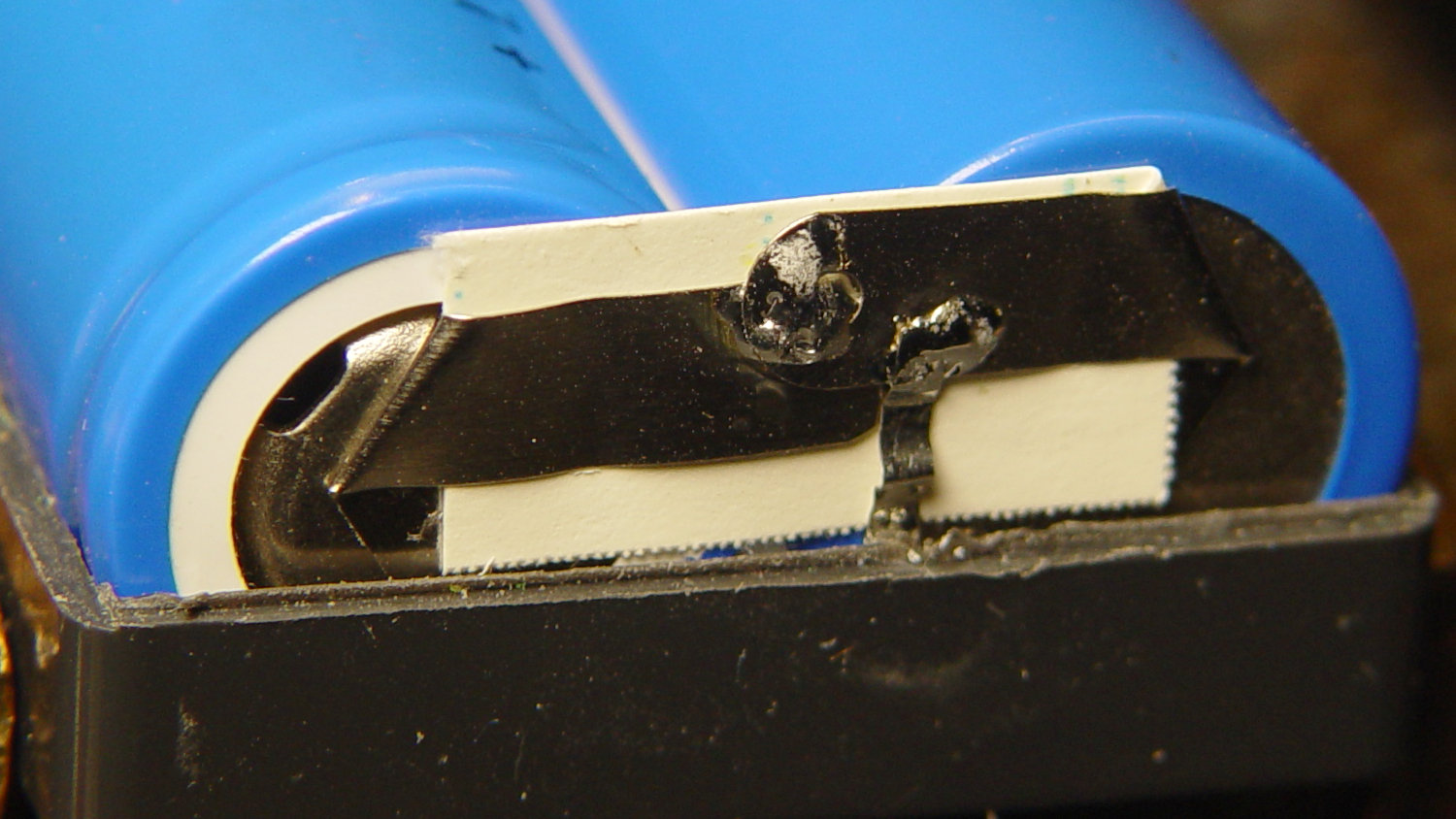
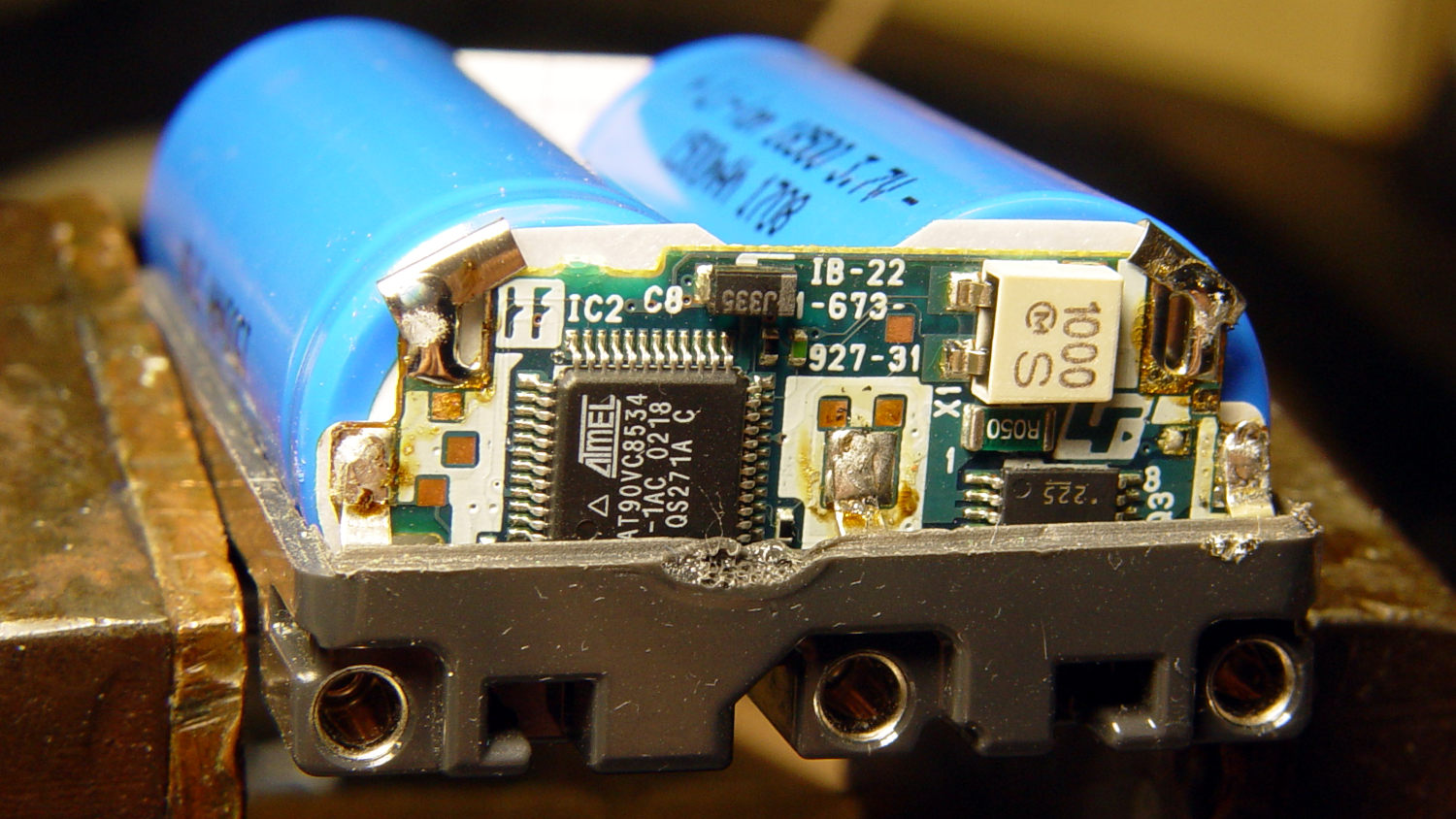
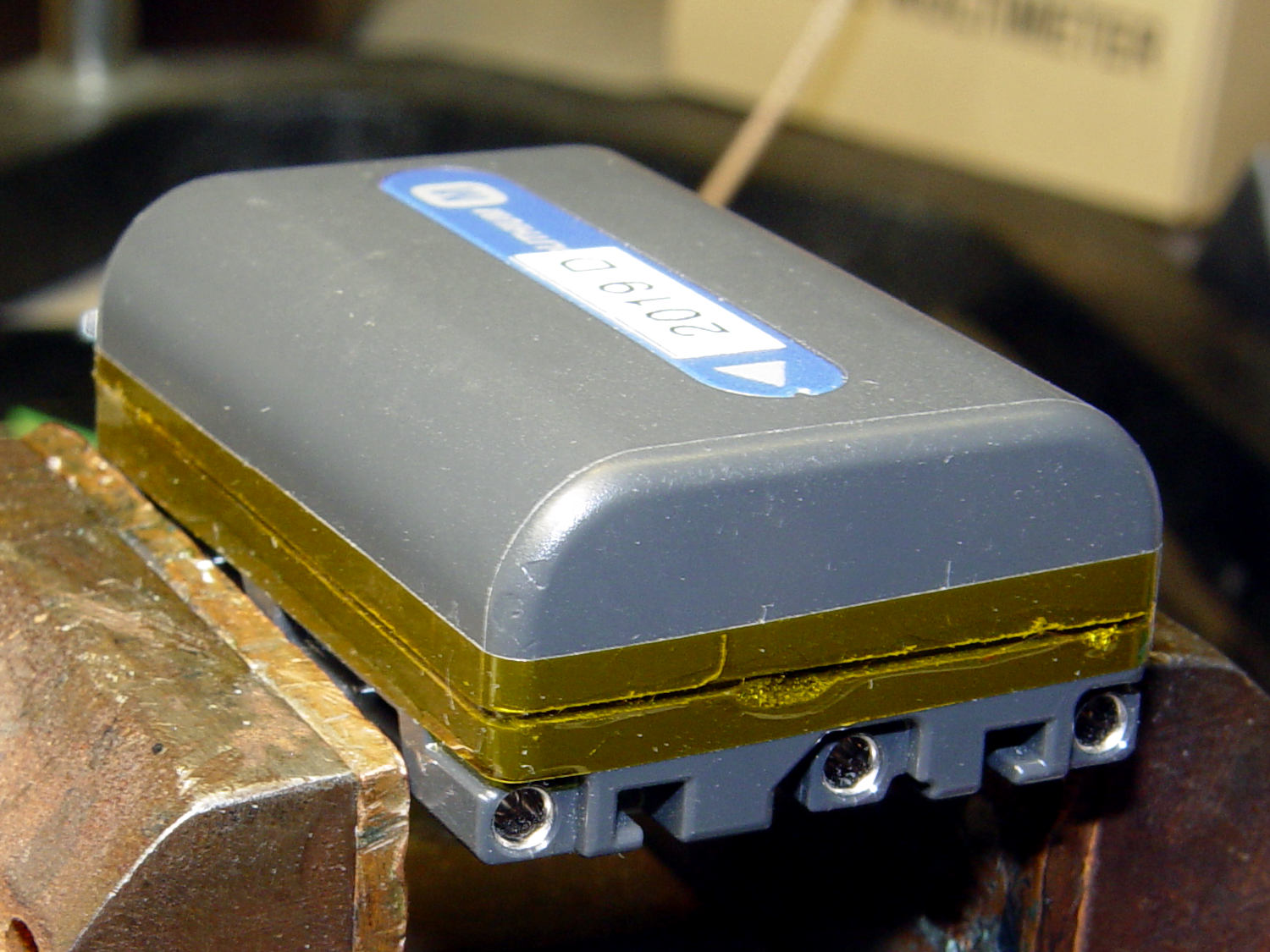
    Having an ancient flip phone in need of a battery, I ordered a Kyocera TXBAT10133 battery from eBay. Described as “new” (which, according to the Ebay listing, means “New: A brand-new, unused, unopened, undamaged item in its original packaging”), I was somewhat surprised to see this emerging from the box:

    Kyocera TXBAT10133 - not really new
    Kyocera TXBAT10133 – not really new

    It obviously led a rather hard life before being harvested from somebody else’s obsolete flip phone and is definitely not “new”.

    Not yet having a deep emotional attachment to the thing, I set it up for a capacity test:

    Kyocera TXBAT10133 - contact clamp
    Kyocera TXBAT10133 – contact clamp

    Given a very light 100 mA load, it shows about the same capacity as the original battery in our phone:

    Kyocera TXBAT10133 - 2019-03-29
    Kyocera TXBAT10133 – 2019-03-29

    Given the precarious contact arrangement, the glitches near the right end aren’t surprising.

    The battery label claims a 900 mA·h rating, so both have nearly their nominal capacity at such a reduced load. In actual use, the phone has a low battery after a few hours of power-on time, far less than when it was new.

    The seller promises a replacement. For all I know, there are no genuinely “new” batteries available for these phones.

  • Monthly Science: Weight

    We’d been eating a “healthy” high-carb / low-fat diet, which produced the more-or-less expected 1 lb/yr weight gain over the course of three decades. Given that we eat about 106 Cal/yr, being off by a mere 0.3% seemed fixable, but we were always hungry while trying to cut out calories.

    In April 2016, we decided our tummies had come between us, so we switched to a mostly ketogenic diet (clicky for more dots):

    Weight Chart 2016 - Ed
    Weight Chart 2016 – Ed

    Having a Master Gardener in the family complicates dietary choices along the ketogenic axis, but Mary raised more green-and-leafy veggies, less squash-and-corn, and we keto-ized our meals reasonably well. Moderation in all things works fine for us, so losing 25 pounds at about 1 lb/week wasn’t particularly stressful.

    Continuing through 2017, you can see how regular bike riding season affects winter bloat:

    Weight Chart 2017 - Ed
    Weight Chart 2017 – Ed

    Our cycling vacation in July 2018 produced a blip, but the rest of the riding season worked as expected:

    Weight Chart 2018 - Ed
    Weight Chart 2018 – Ed

    It’s straightforward to crash-diet two dozen pounds, but maintaining a more-or-less stable weight for the next two years suggests we’ve gotten the annual calorie count about right. FWIW, my bloodwork numbers sit in the Just Fine range, apart from the somewhat elevated cholesterol level typical of a keto-ized diet.

    Starting in late 2018, however, a stressful situation of a non-bloggable nature (at least for a blog such as this) produced an unusually high number of road trips, motel stays, and generally poor dietary choices:

    Weight Chart 2019-03 - Ed
    Weight Chart 2019-03 – Ed

    The situation now being over, our lives / exercise / diet will return to what passes for normal around here and my goal is to lose another 10% of my current body weight, ending at 150 pounds, by the end of the year. In round numbers, that requires losing half a pound = 1700 Cal/week, 250 Cal/day. Not power-noshing an ounce or two of nuts a day should do the trick.

    If it makes you feel more science-y, you can use the NIH Body Weight Planner, but it produces about the same answer: knock off 300 Cal to lose weight, 250 Cal to maintain it, at essentially the same exercise level as before.

    We’ve been recording our weights as dots on graph paper every Saturday evening for the last four decades, so I know for a fact I averaged 148 pounds when I wore a younger man’s clothes. I’ll re-post the 2019 chart, adding four dots every month, during the rest of the year.

    This way, you can help keep me on track … [grin]

  • Vacuum Tube Lights: Triode

    With the wrecked 5U4GB safely in the trash, I popped a smaller, somewhat less stately triode from the Big Box o’ Hollow-State Electronics and wired it up with a pair of SK6812 RGBW LEDs:

    Triode - Purple-green phase
    Triode – Purple-green phase

    The tube’s markings have long since vanished, but, at this late date, all that matters is an intact glass envelope!

    After two years, the ordinary white foam tape holding the knockoff Arduino Nano lost most of its sticktivity and easily popped off the 3D printed base:

    Triode - Nano PCB - white strips
    Triode – Nano PCB – white strips

    Two layers of 3M outdoor-rated foam tape clear the bottom-side components and, based on current evidence, its stickiness should stick forever more:

    Triode - Nano PCB - 3M strips
    Triode – Nano PCB – 3M strips

    The alert reader will notice the mis-soldered 1 kΩ SMT resistor above-and-right of the CH340 USB interface chip. I think those two resistors are the isolators between the 328P microcontroller and the CH340, letting you use the TX and RX lines as ordinary I/O without killing either chip.

    Despite the mis-soldering, it evidently passed their QC and works fine. Seeing as how I didn’t notice it until just now, it’ll remain in place until I must open the lamp base for some other reason, which may never happen.

    The data output is now on pin A5, to match the rest of the glowing widgetry:

    Triode - Nano installed
    Triode – Nano installed

    Blobs of hot melt glue affix the SK6812 and wiring to the socket:

    Triode - socket wiring
    Triode – socket wiring

    The original “plate cap” wiring ran directly through a hole in the hard drive platter, which I embiggened for a 3.5 mm panel-mount headphone jack. The knurled metal plug looms next to this smaller tube, but it looks better (in a techie sense) than the raw hole:

    Triode - plate cap plug
    Triode – plate cap plug

    Octal tubes have an opaque Bakelite base, so I devoted some Quality Shop Time™ to the post:

    Triode - base tip exposed
    Triode – base tip exposed

    Although I’d made a shell drill for 5U4’s base, this base was so crumbly I simply joysticked the spinning cutter around to knock off the rest of the post:

    Triode - finished base
    Triode – finished base

    The shell drill would open the bottom to admit a bit more light. I may do that to see if it makes any visible difference.

    I didn’t expect the serrations in the top mica plate to cast interesting patterns around the platter:

    Triode - cyan-purple phase
    Triode – cyan-purple phase

    Memo to Self: use the shell drill to avoid nicking the evacuation tip!

  • 3D Printed Chain Mail Armor: Failure Analysis

    While dropping some recent 3D printed odds-n-ends into the show-n-tell box, I discovered the large sheet of square chain mail armor had a missing link:

    Chain Mail Armor - the missing link
    Chain Mail Armor – the missing link

    Fortunately, the link fell off in the box and I recovered all the pieces for a failure analysis:

    Chain Mail Armor - failed link - glue spots
    Chain Mail Armor – failed link – glue spots

    I’d glued the PLA together with IPS #4, a hellish mixture of plastic solvents including methylene chloride, one of the few chemicals able to chew into PLA, but there’s not much penetration or bonding going on.

    Let’s try that again with a bit more solvent.

    First, slide the bars into place:

    Chain Mail Armor - failed link - bars in place
    Chain Mail Armor – failed link – bars in place

    I applied four solvent drops in two passes to give it time to work its way in, put four matching drops on the armor cap, squished the cap in place, tweaked the bar alignment, then applied pressure while contemplating the whichness of the why for half a minute while the solvent worked its magic.

    Things look pretty good once more:

    Chain Mail Armor - missing link - repaired
    Chain Mail Armor – missing link – repaired

    There’s no way to determine the repair’s goodness, other than by deliberately trying to snap off a bar, so I’ll just put it back in the box and hope for the best.

  • Frozen Fire Hydrant

    Spotted on a walk around the block:

    Frozen Hydrant - Rt 376 at Sheldon
    Frozen Hydrant – Rt 376 at Sheldon

    Hydrant valves attach directly to the water main, far below the frost line, which means the hydrant itself should be dry when it’s not in use; the ice reveals a nasty valve leak. The corroded paint suggests a longstanding leak, but I admit to not noticing anything before now.

    I uploaded the picture so I could include the URL in an email to the local fire department. I’ll take a look the next time we walk by to see what’s happened.

    It’s definitely not a shapely hydrant!