Ed Nisley's Blog: Shop notes, electronics, firmware, machinery, 3D printing, laser cuttery, and curiosities. Contents: 100% human thinking, 0% AI slop.
You’d hope the original owner would tape a key inside each file cabinet before donating it to charity; ours arrived unlocked and without keys. Fortunately, eBay sellers have All The Keys and I ordered replacement keys for each cabinet.
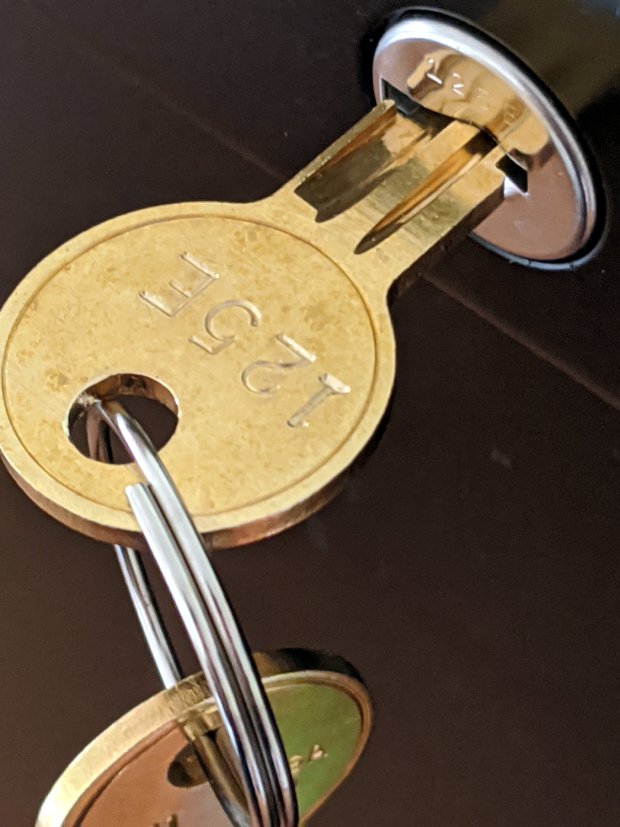
One pair of new keys fit into their lock, but the shoulder didn’t seat properly and the key didn’t turn:
HON Lateral File – 125E key insertion
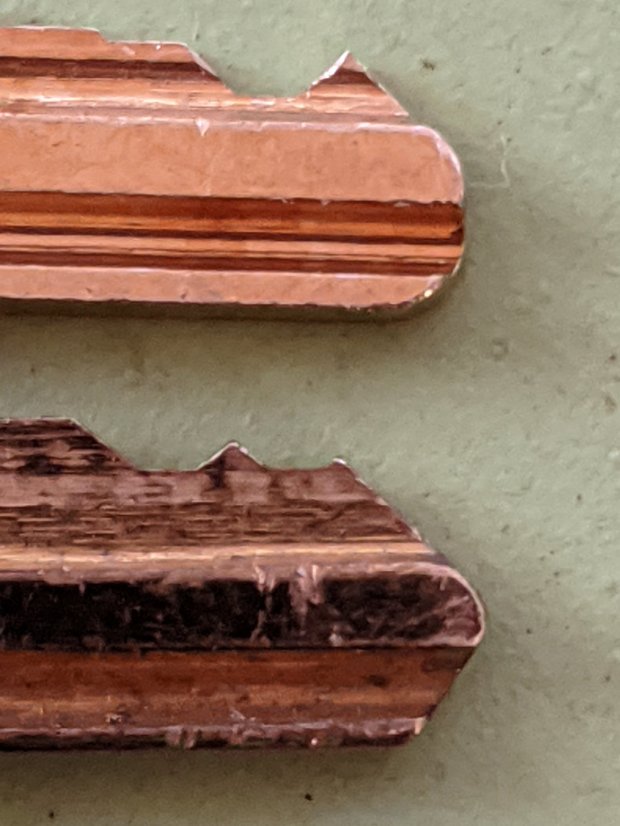
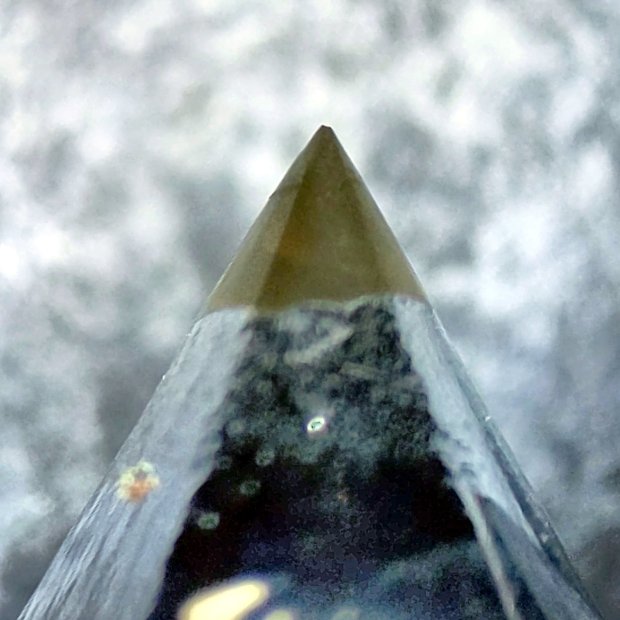
Compared with a key for the other cabinet (on the bottom), it seems the tip profile wasn’t quite the same:
HON Lateral File – 125E key tip
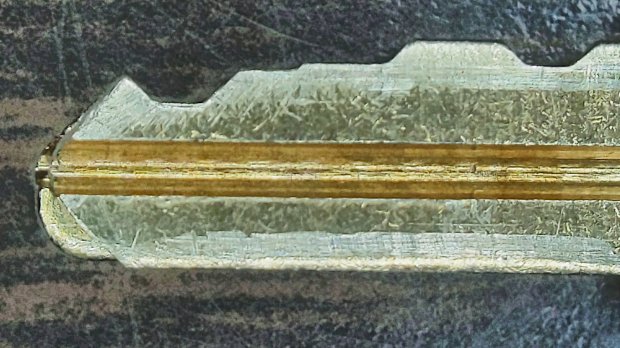
Perhaps the underside of the tip hadn’t been cut? Stacking the two keys makes it even more obvious:
Key 125E tip shaping – vs Key 101E
The eBay seller suggested the lock cores have changed over the years, as other (unaltered) keys fit current cabinet locks. Perhaps HON used fussy high-quality lock cores back in 2004 when they built these cabinets.
I gingerly filed the 125E key’s tip to match the 101E key and, after several iterations, the shoulder seated firmly in the lock and the core turned smoothly. Flushed with success, I marked the other key of the pair, filed to the mark, and it worked on the first try.
Mary doesn’t plan to store any secret fabrics in her new cabinets, but now I can declare victory and move on.
After sliding the HON Lateral File Cabinet shelf into place and installing the bumpers, it seemed rather loose and floppy. Comparing the situation with the other file cabinet showed it had a missing glide button in the rear and two missing slides at the front.
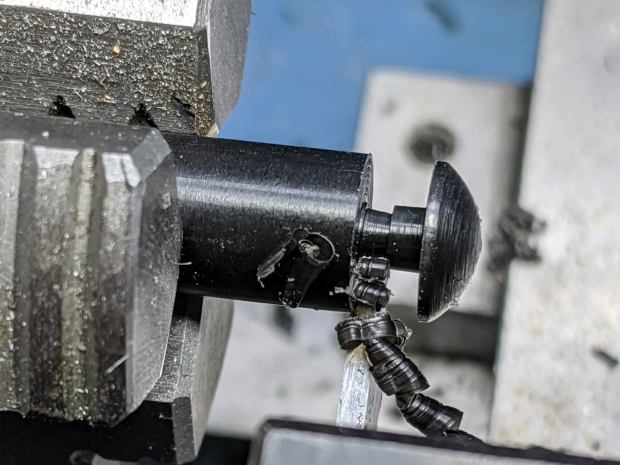
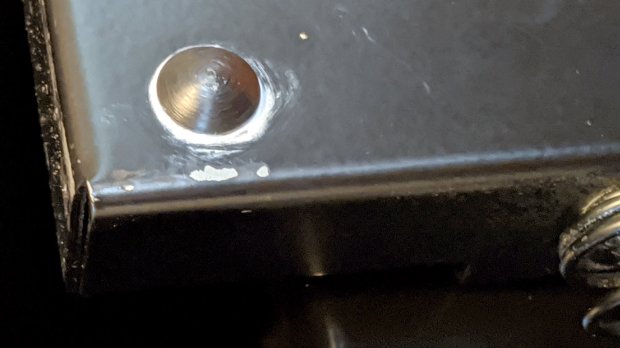
A replacement button emerged from the end of a Delrin rod:
HON Lateral File – shelf button – parting off
The original buttons had an expanding stem, which is easy to do with an injection-molded part. I opted for simple adhesive, with enough of a blob underneath the shelf to (presumably) lock it in place forevermore:
HON Lateral File – shelf button – installed
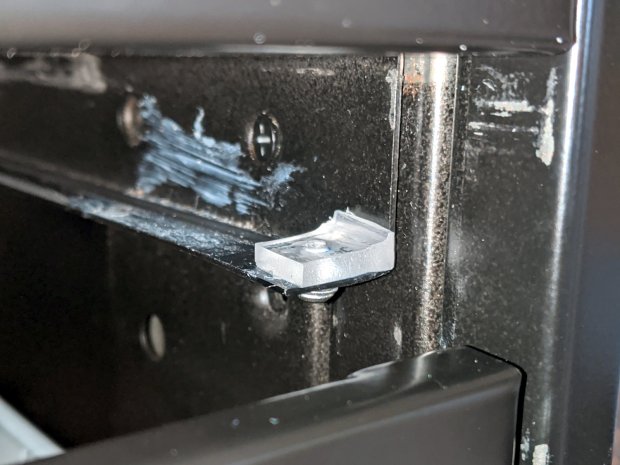
The slides required an iterative design technique (pronounced “fumbling around”), because nothing on either side remained square / plumb / true / unbent. I hacked the first version from scrap acrylic, broke off anything that didn’t fit, and got better measurements from what remained:
HON Lateral File – shelf front guide – size test
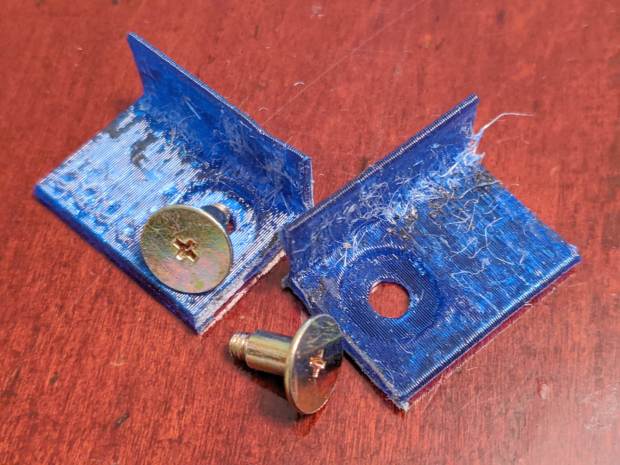
With those measurements in hand, the second version used a pair of weird flat-head shoulder screws (probably from a hard drive) to anchor 3D printed angle brackets into the frame:
HON Lateral File – shelf slides – version 2
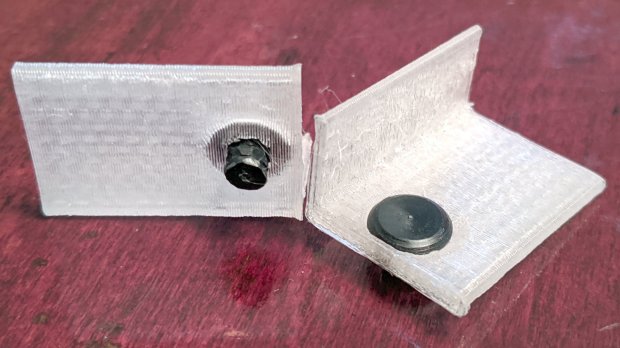
Those worked reasonably well, but PETG doesn’t produce a nice sliding surface, so the final version has flat-head Delrin studs in slightly tweaked brackets:
HON Lateral File – shelf slides – version 3
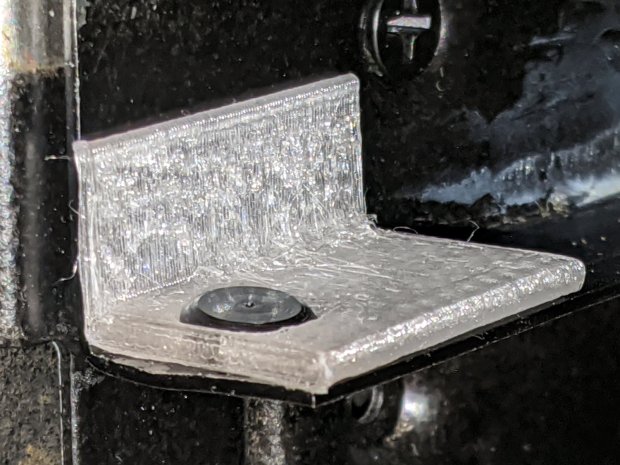
As with the buttons in the back, the original slides had expanding studs holding them in place, but glue works fine here, too:
HON Lateral File – shelf slides – version 3 – installed
The button isn’t quite square to the surface and the slide isn’t quite flush with the bent metal in the frame, but it’s Good Enough™ for a shelf that won’t get lots of mileage.
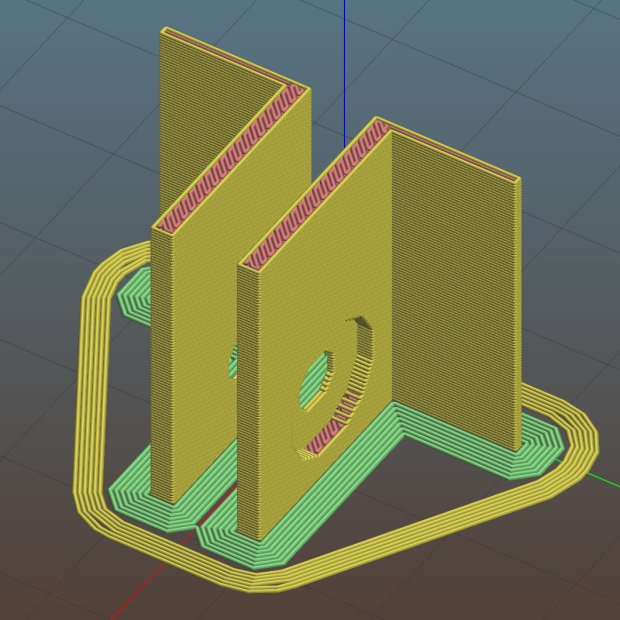
For reference, the brackets should print vertically to wrap the plastic threads around the upright for better strength:
HON Lateral File Shelf Slide – Slic3r
If you did it the obvious way, the upright side would break right off at the first insult from the hulking shelf, although they’re basically a solid chip of plastic, with a little infill inside the bottom slab.
While I was at it, I pulled the springs to make them a bit longer, so they touch the back of the frame when the shelf is half an inch behind the front face of the drawers. A firm push and those Delrin contact points let the shelf pop out an inch or so, with plenty of room for fingers underneath the front edge.
Some drawer slide stops near the back needed attention, too:
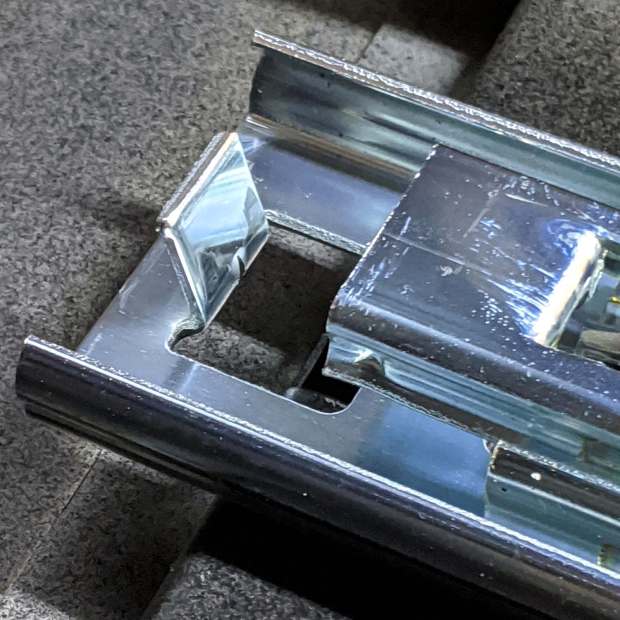
HON Lateral File – slide stop bumper – bent
I cannot imagine how hard somebody slammed the drawers, because bending the stops back to a right angle required a Vise-Grip and some muttering:
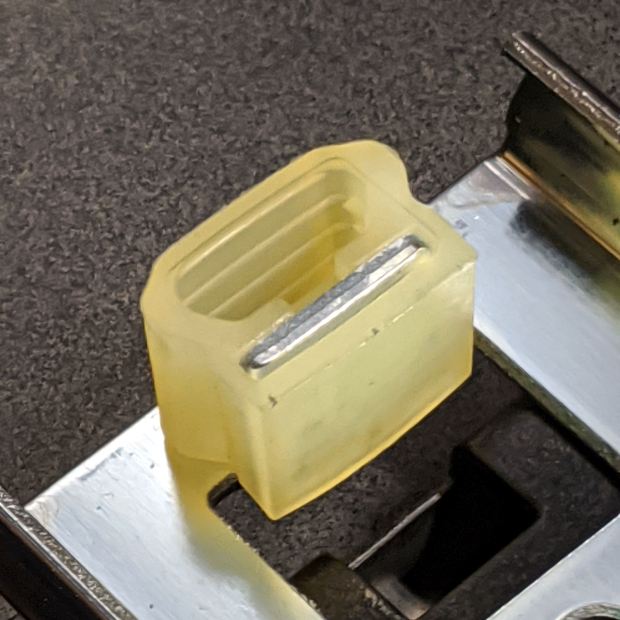
HON Lateral File – slide stop bumper
Oddly, the cushiony hollow side faces away from the drawer, toward the back of the frame, because putting it forward holds the drawer front proud of the front frame face. Maybe HON cost-reduced the steel slides by making them just slightly shorter and using the same bumpers?
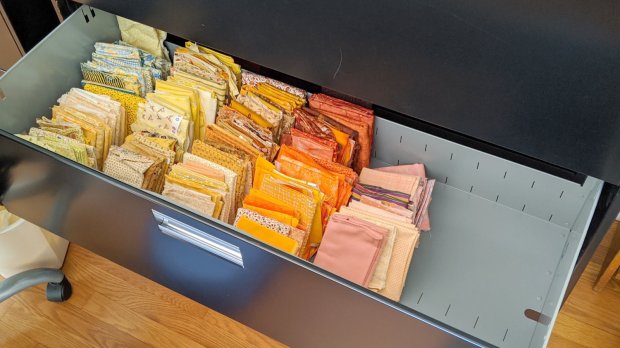
The drawers have begun filling up from boxes scattered around the house:
HON Lateral File – fabric stash
That’s the “orange” part of Mary’s collection, now with plenty of room to grow!
This file contains hidden or bidirectional Unicode text that may be interpreted or compiled differently than what appears below. To review, open the file in an editor that reveals hidden Unicode characters.
Learn more about bidirectional Unicode characters
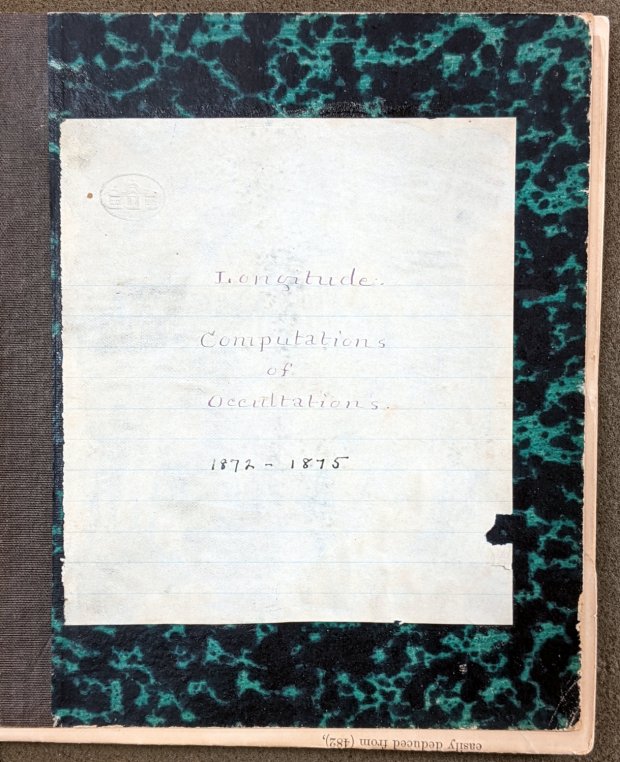
Mitchell 8.6 – Longitude computations of occultations 1872-1875
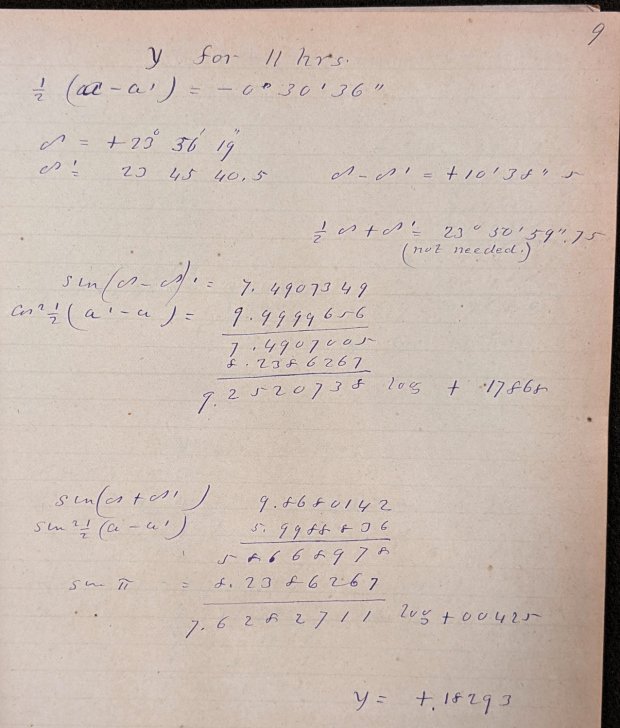
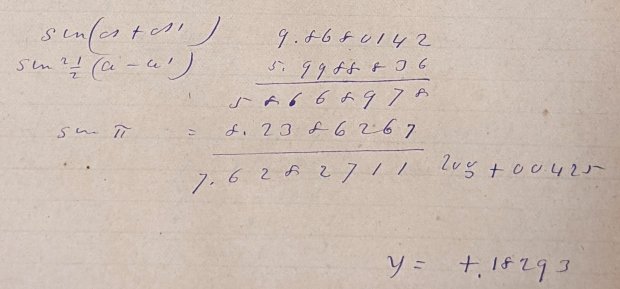
Here’s what “calculations” looked like in 1872:
Mitchell 8.6 p9 – Occultation of 1253 BAC at 11 hrs – calculation
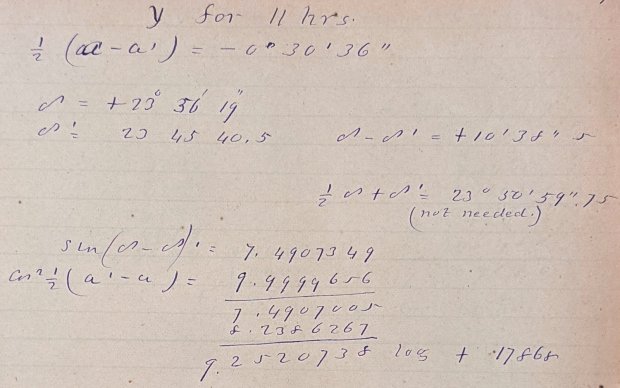
Yeah, grinding out trigonometry by hand using seven-place logarithms:
Mitchell 8.6 p9 – Occultation of 1253 BAC at 11 hrs – calculation detail 1
Not just by hand, but by hand with pen and ink:
Mitchell 8.6 p9 – Occultation of 1253 BAC at 11 hrs – calculation detail 2
Although you’ll find an occasional ink blot, she was probably using a fountain pen, rather than a dip pen, and made very few mistakes along the way. She often recorded direct instrument observations in pencil.
The next time you start pissing & moaning about how hard solid modeling is, suck it up.
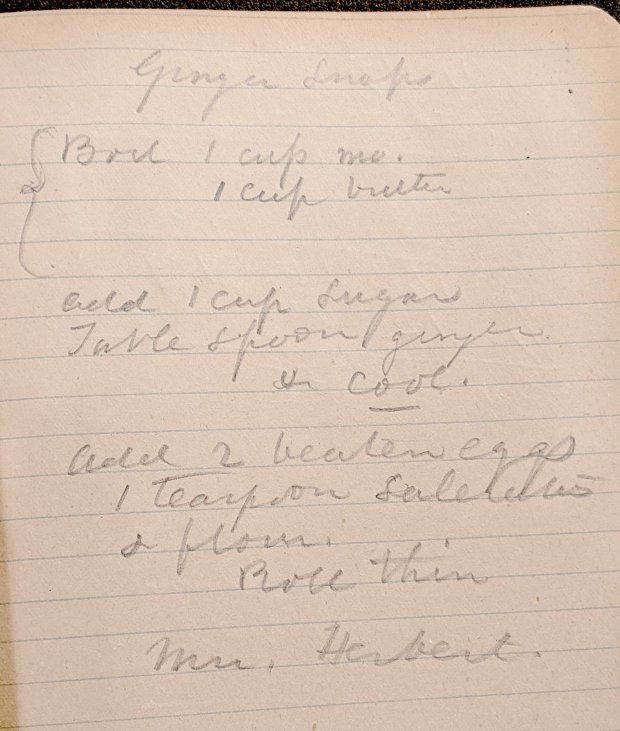
Bonus: a Ginger Snap recipe suggesting it wasn’t all toil & trouble in the observatory:
Mitchell 7.5 – Ginger Snap recipe
The mystery ingredient is saleratus, “aerated salt”, now known as baking soda; they used potassium bicarbonate before today’s sodium bicarbonate.
I fed all three of those G-Code files into bCNC, applied them to the same sheet with the same origin touchoff, and it worked fine.
The tool holder rate of 200 g + 50 g/mm produced downforces of 225, 250, and 300 g. In retrospect, the range wasn’t really broad enough, so Moah Force may be in order.
The diamond produced plenty of swarf:
Diamond on styrene – engraving test – swarf
Wiping the surface with a strip of masking tape clears away the loose rubble:
Diamond on styrene – engraving test – cleaned
The innermost scale comes from the top deck, engraved at 300 g. The long shadows from the plastic pushed up along the tick marks seem to indicate the deepest trenches, although I don’t have any way to measure their depth.
I scribed and snapped the sheet into quarters so I can (mis)treat the engraved patterns in various ways:
Diamond on styrene – engraving test – raw color fill
Somewhat to our surprise, our “new” HON Lateral File Cabinets include a pop-out shelf:
HON Lateral File – shelf – closed
The trick: push the bar inward against fairly stiff spring pressure, release it suddenly, watch it pop out maybe half an inch, get some fingers under the front edge, then pull it outward:
HON Lateral File – shelf – extended
Obviously, opening the drawer above the shelf will sweep whatever you put there onto the floor and opening the drawer below seems futile. I suppose it produced a bullet item on the features list.
Note that the topmost “drawer” is also called a “shelf”, because the front cover slides up-and-inward to reveal the contents. Should you stand eight feet tall, you might be able to look down on that shelf, but we mere mortals barely see its contents at eye level.
Dismantling the cabinets preparatory to deep cleaning revealed a pair of rubber bumpers along the rear edge of the shelf:
HON Lateral File – shelf bumper – installed
The slightly angled front side of the bumper (on the right) collides with a crossbar below the drawer just above it, preventing you from pulling the shelf entirely out of the cabinet.
Remove the bumper by pressing down and rearward (to the left), shoving the protruding lip into the slot with a thumb / screwdriver, then pull it upward through the slot:
HON Lateral File – shelf bumper – removed
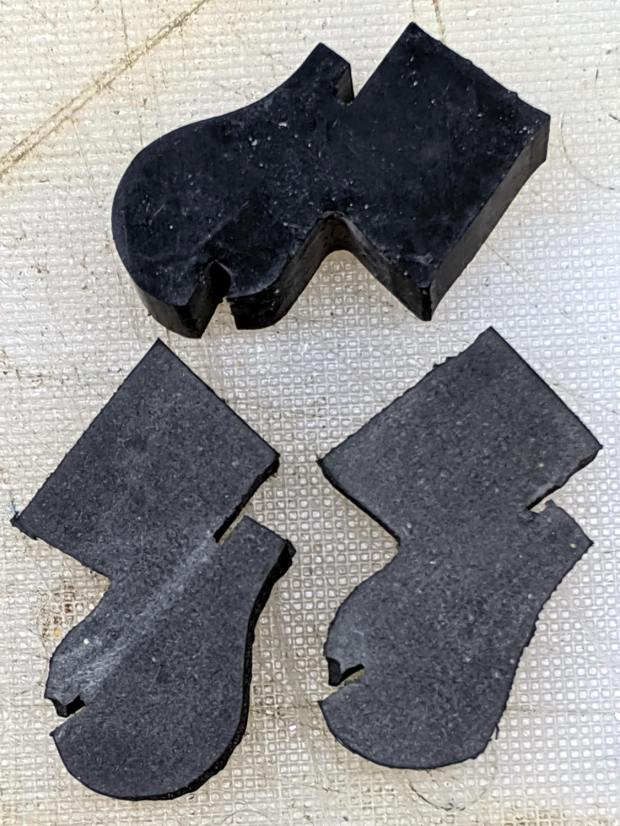
The second cabinet had only one bumper, so I traced it twice onto a rubber sheet half as thick as the OEM bumper, bandsawed the shapes, and introduced them to Mr Belt Sander for cleanup:
HON Lateral File – replacement shelf bumper
Jammed side-by-side into the slot, they’ll serve the purpose:
HON Lateral File – replacement shelf bumper – installed
As with the replacement foot on the first cabinet, they’re not the prettiest things you’ve ever seen, but Mary doesn’t expect to use the shelf and they’ll never actually bump into anything.
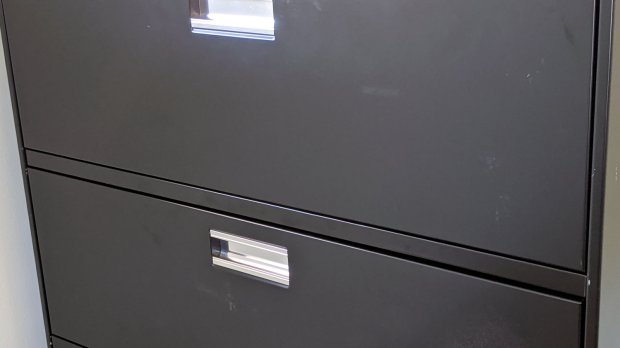
Even the Pixel phone’s HDR image processing has trouble dealing with dark gray objects on a black background in dim light …
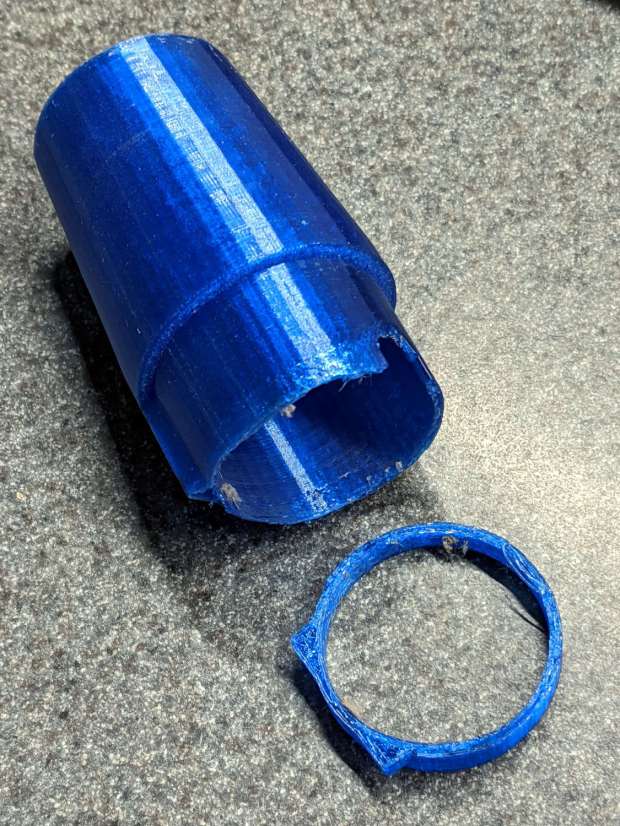
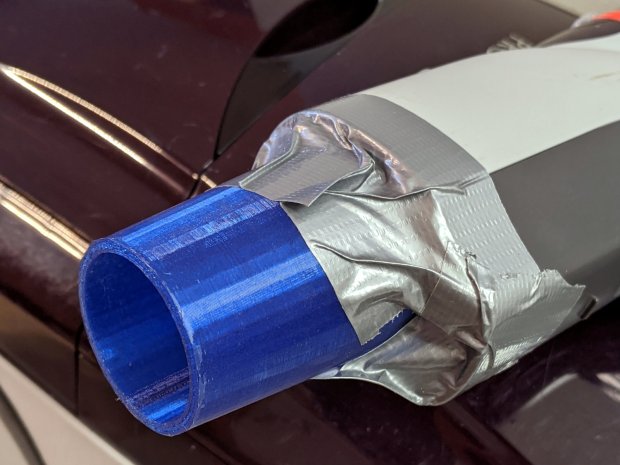
A better fix required a few minutes of OpenSCAD tweakage and a few hours of hands-off build time:
Refrigerator Coil Wand Adapter – Slic3r preview
The fitting ID is now 2 mm smaller, the 3D honeycomb infill is 25%, and (contrary to the picture) it now has 4 perimeter threads. It’s a two-line change from the last time:







 The Smell of Molten Projects in the Morning