So as not to bury the lede, the problem with the M2 turned out to be a failed USB port on the Raspberry Pi running Octopi: plugging the M2’s USB cable into a different USB port made the problem Go Away™.
While I was in the midst of figuring that out, I finally made (on the MK4) stable mounts for the RPi and camera:
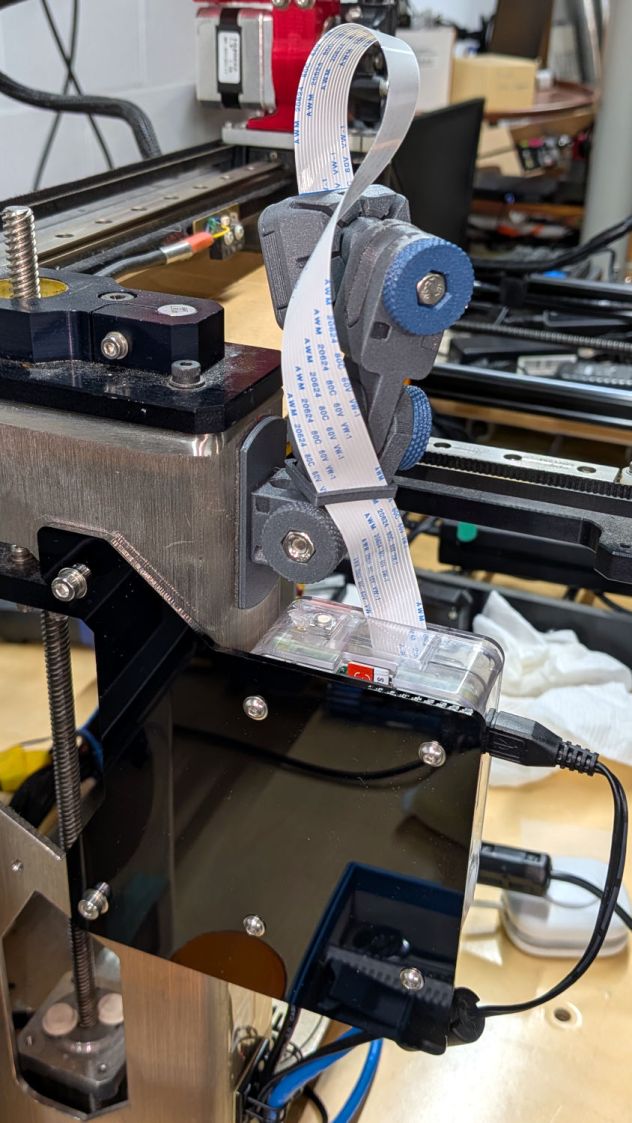
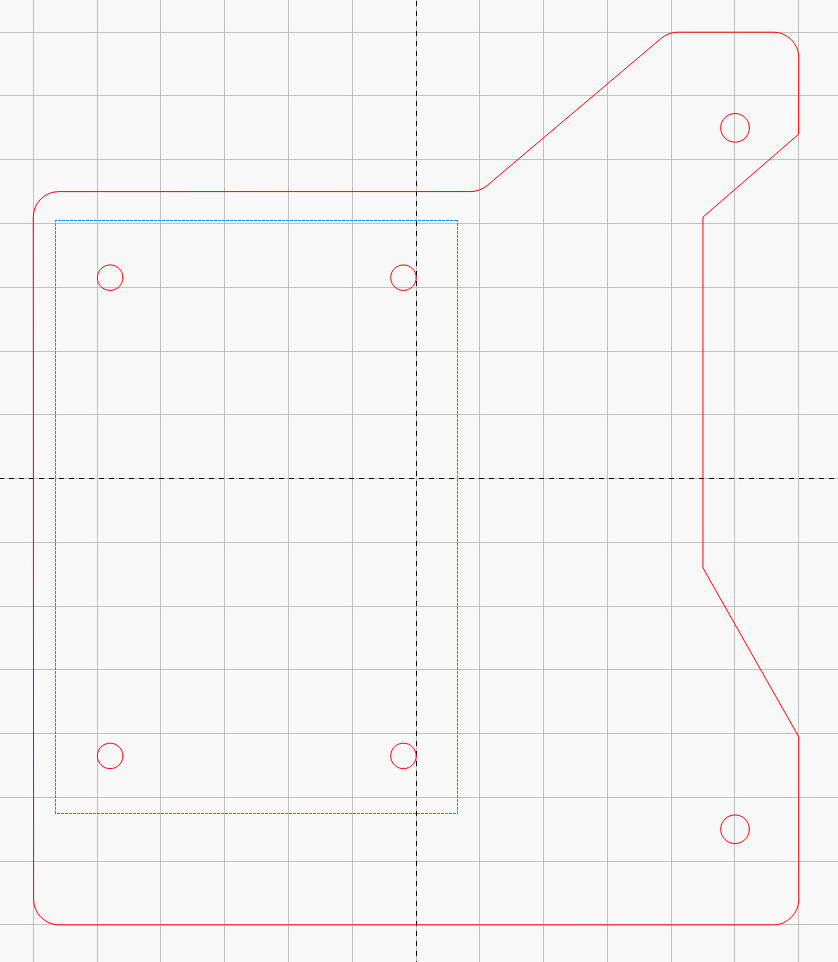
The RPi now sits on 10 mm M3 brass standoffs screwed into a 3 mm sheet of black acrylic fitted to an existing pair of 4 mm holes in the machine frame. You don’t have any of that, but the LightBurn layout should provide enough info for something similar:
The camera mount uses parts from the same collection as the MK4 camera, with a flat-bottom mount trimmed to fit the M2’s frame:
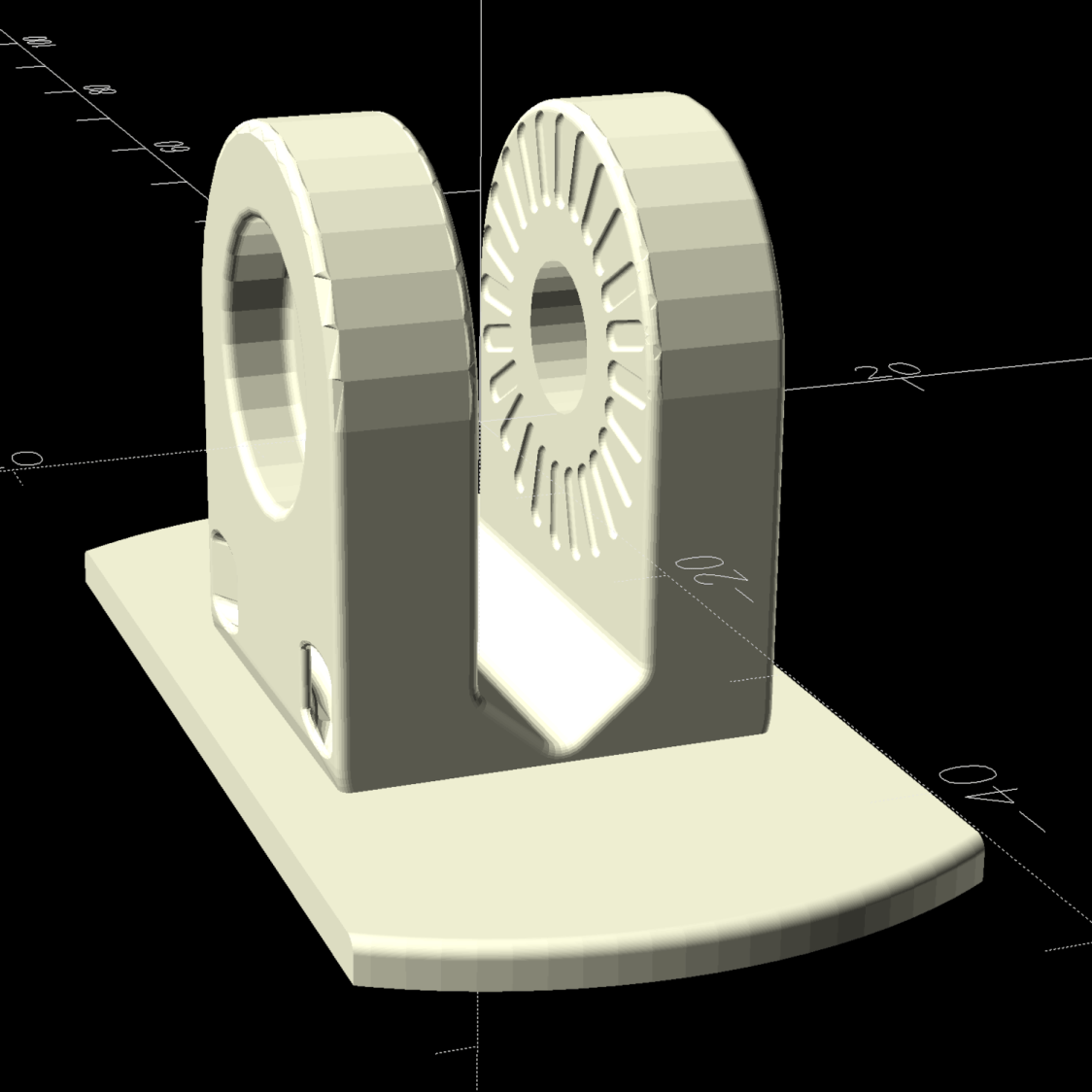
Which comes from a minimal OpenSCAD routine to get the size right and make the layout symmetric:
include <BOSL2/std.scad>

render()
intersection() {
  import("Q base.stl",center=true);
  cuboid([1*INCH,52,30],anchor=CENTER);
}
A view from the right shows off the lashup’s good side:
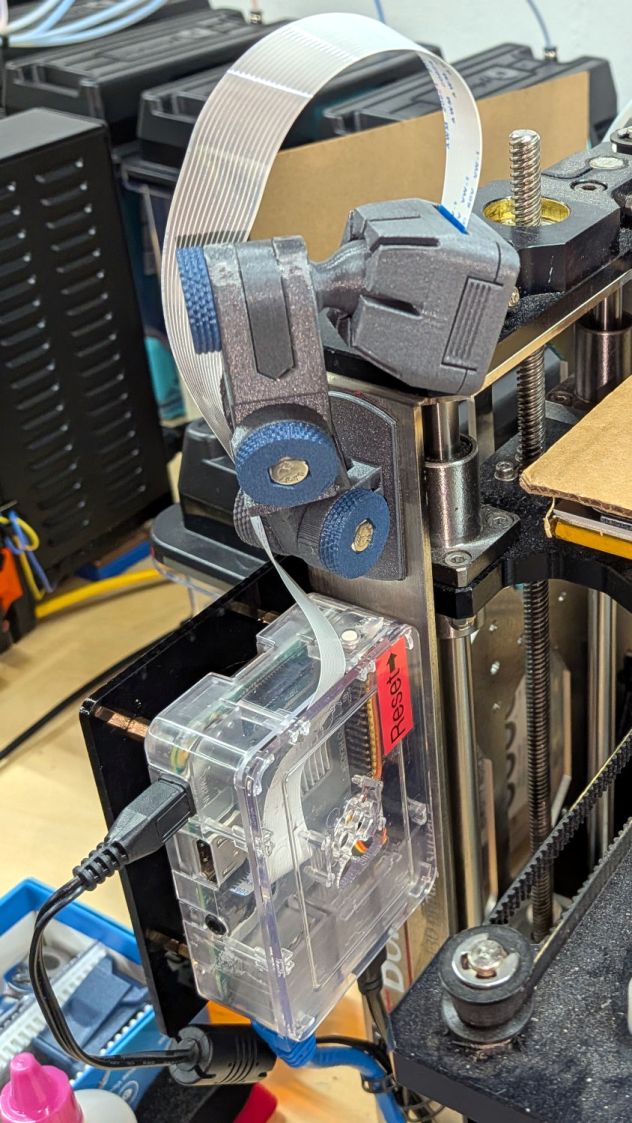
For comparison, the current state of the MK4 camera just out of view on the M2’s left:
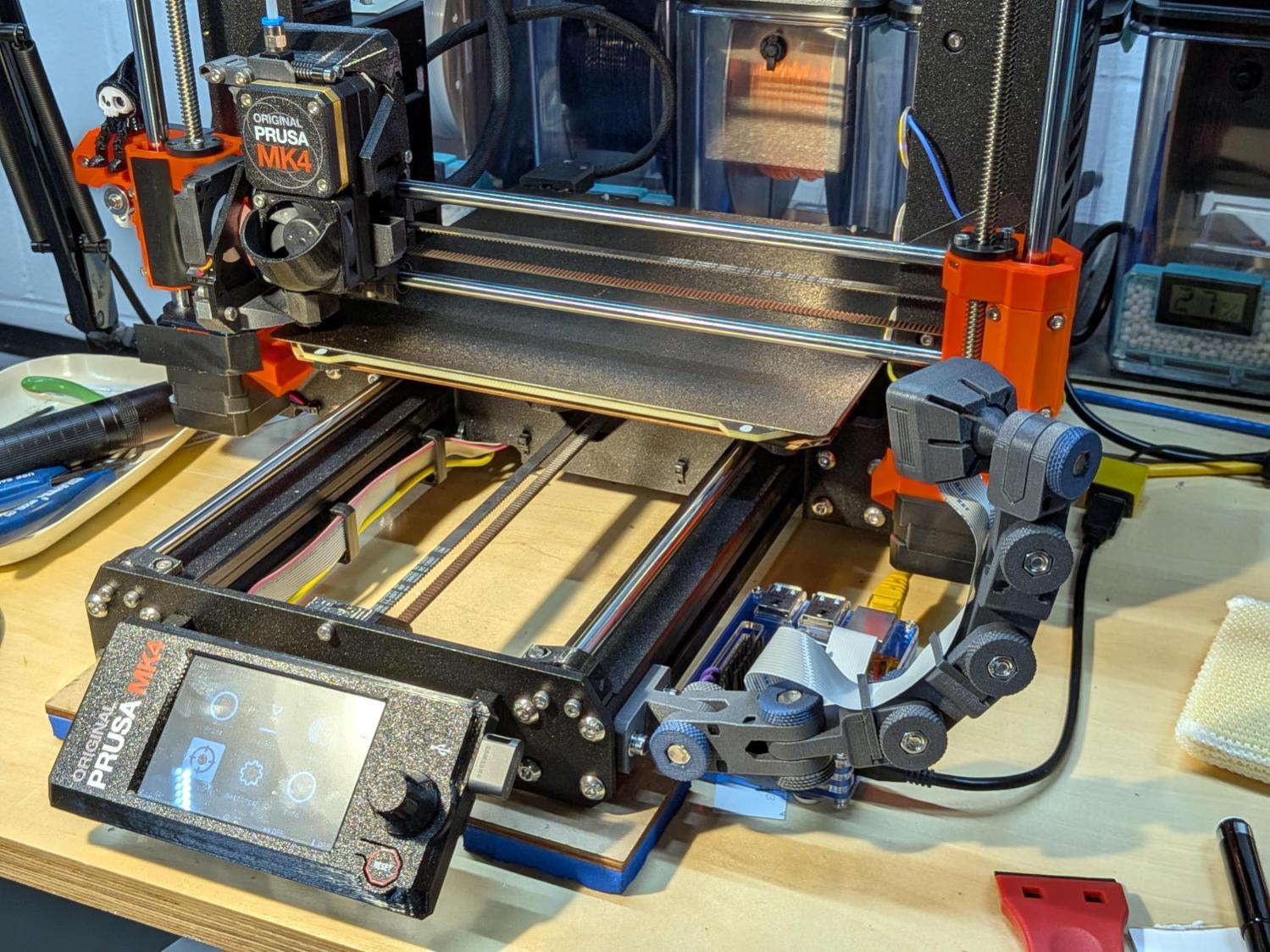
Only techies think such things look attractive.
It’s good to have the M2 back in operation, because the number of 3D printers you should have is one more than you have.


Spam comments get trashed, so don’t bother; you’re not as clever as you think. Comment moderation may cause a delay.