Ed Nisley's Blog: Shop notes, electronics, firmware, machinery, 3D printing, laser cuttery, and curiosities. Contents: 100% human thinking, 0% AI slop.
A day later, most of the boxes were in the 10%RH to 15%RH range, with the filament spools slowly releasing their stored moisture. The PETG Orange meter jumps between 10% and 27%, with the latter more believeable.
Changing the desiccant every month, without thinking too hard, may be the simplest path to dry filament storage.
The vertical bar between the doors of the Samsung French Door refrigerator that Came With The House™ is called a “mullion” and the curvy doodad on top that moves it out of the way when you open the door is called a “mullion flipper”, which I learned while attempting to repair it:
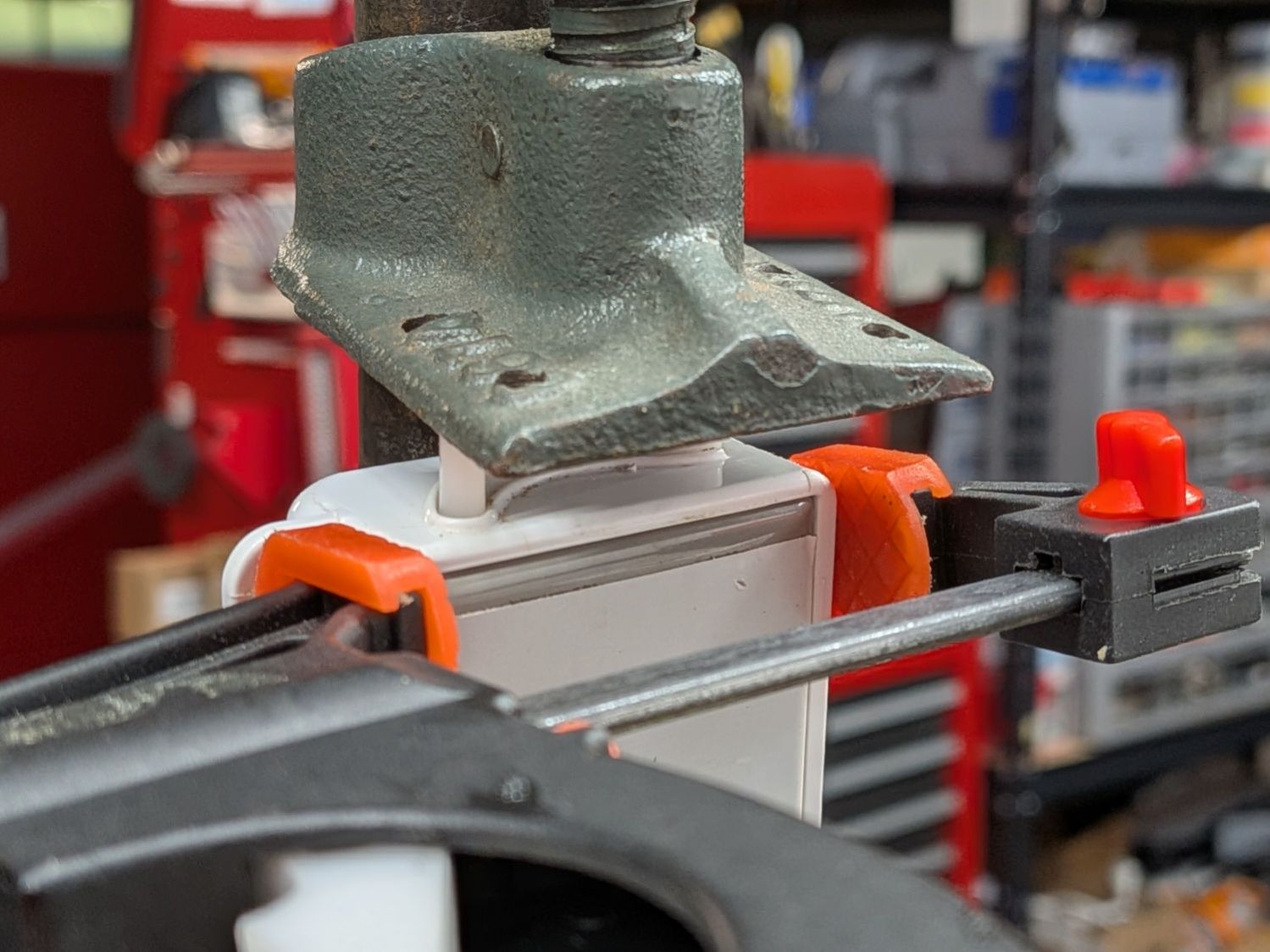
Samsung Refrigerator Mullion Flipper – regluing
The entire top of the mullion broke off and, while a solvent bond can (ideally) be as strong as the original plastic, if the part broke once it will probably break again. Which happened in short order, despite all the clamping.
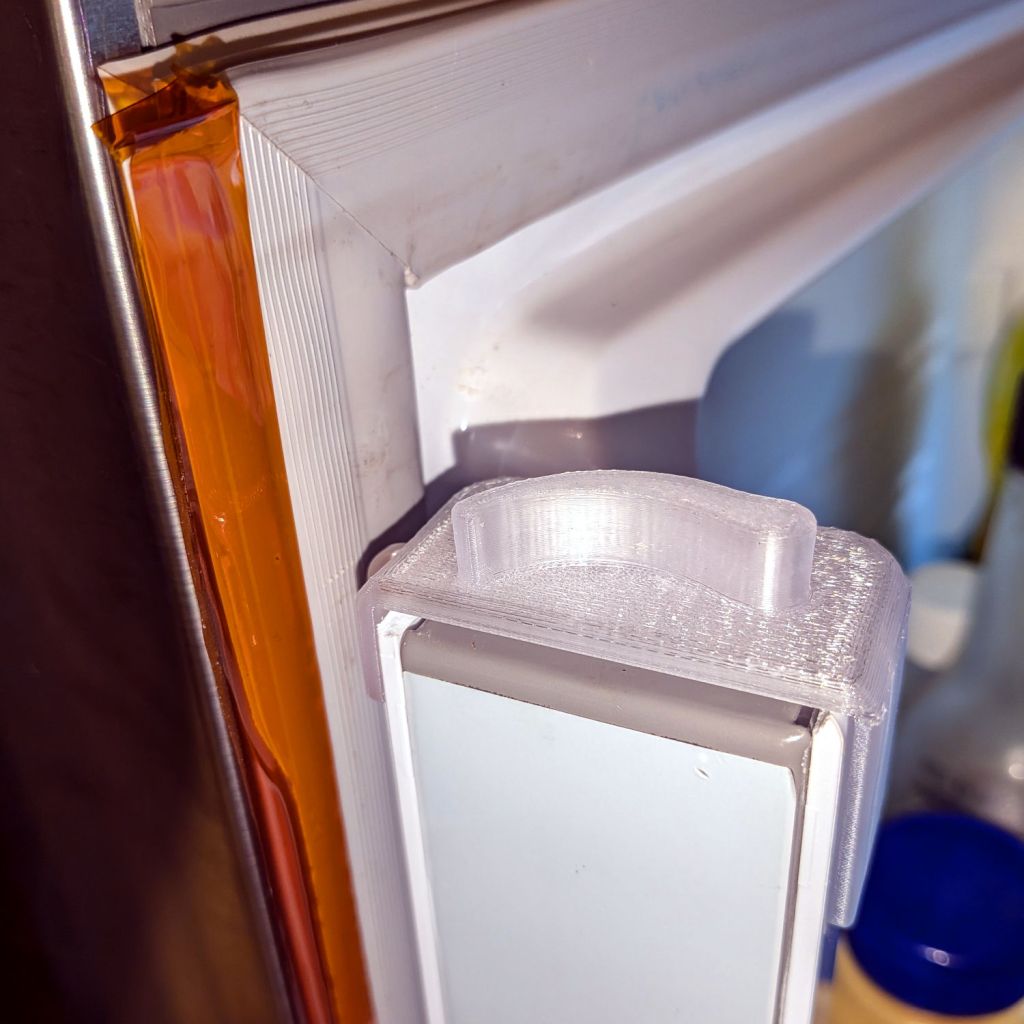
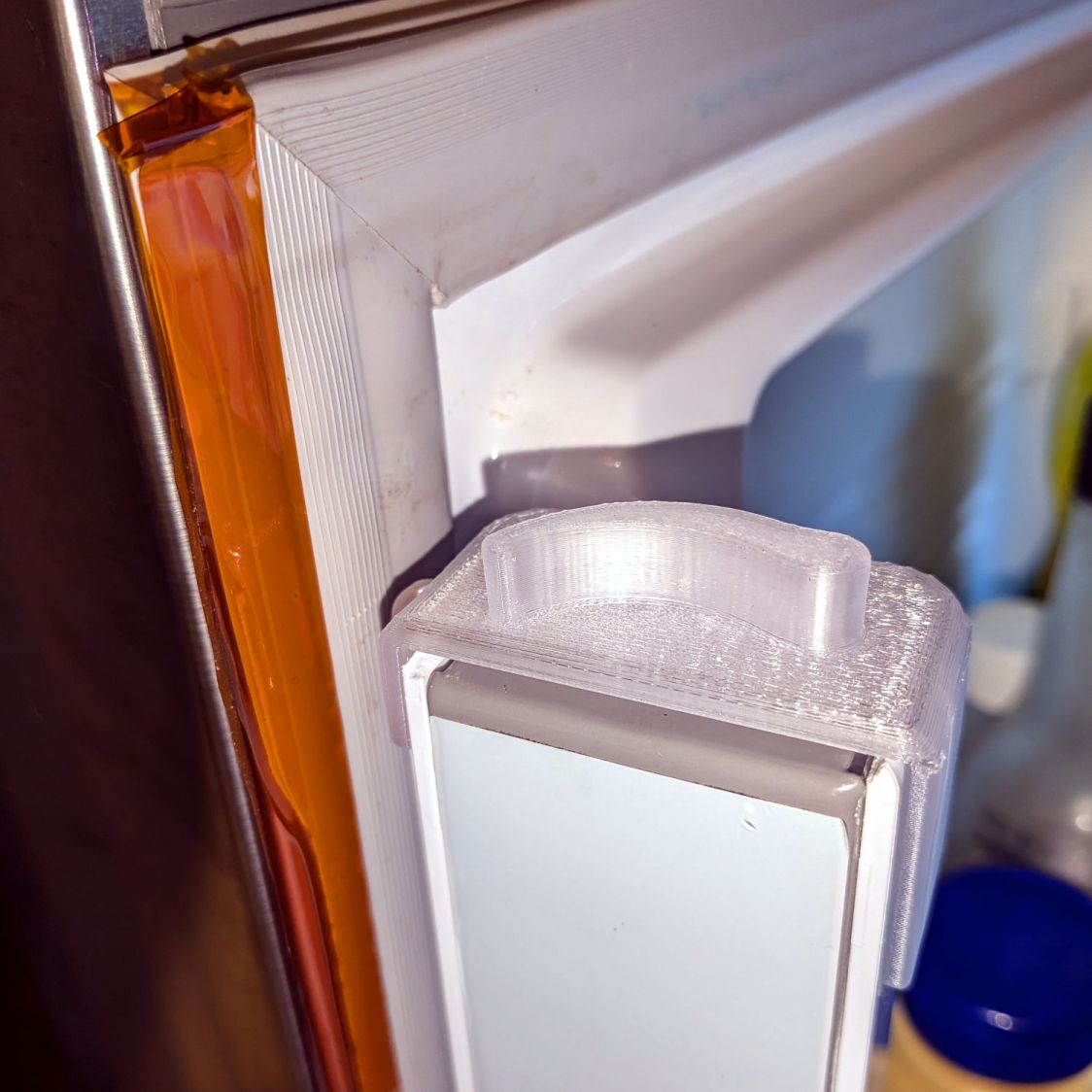
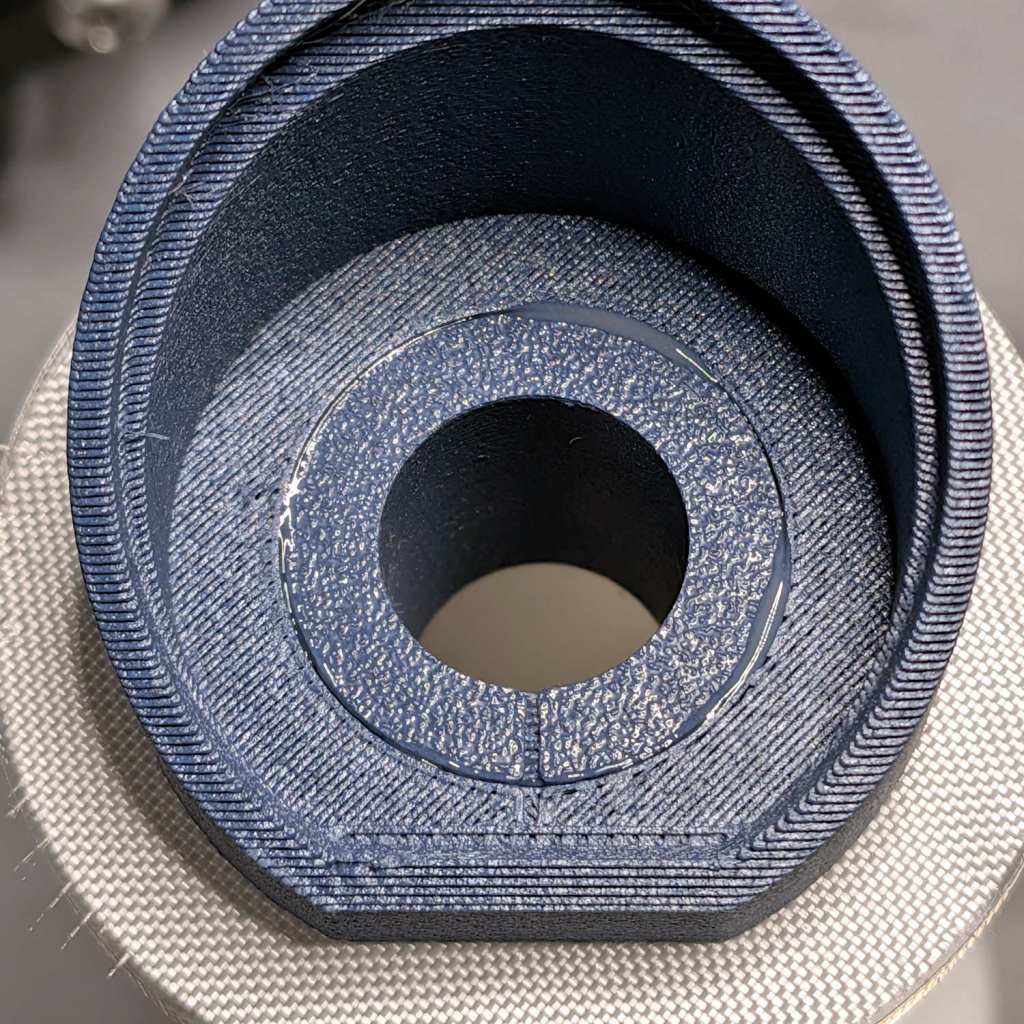
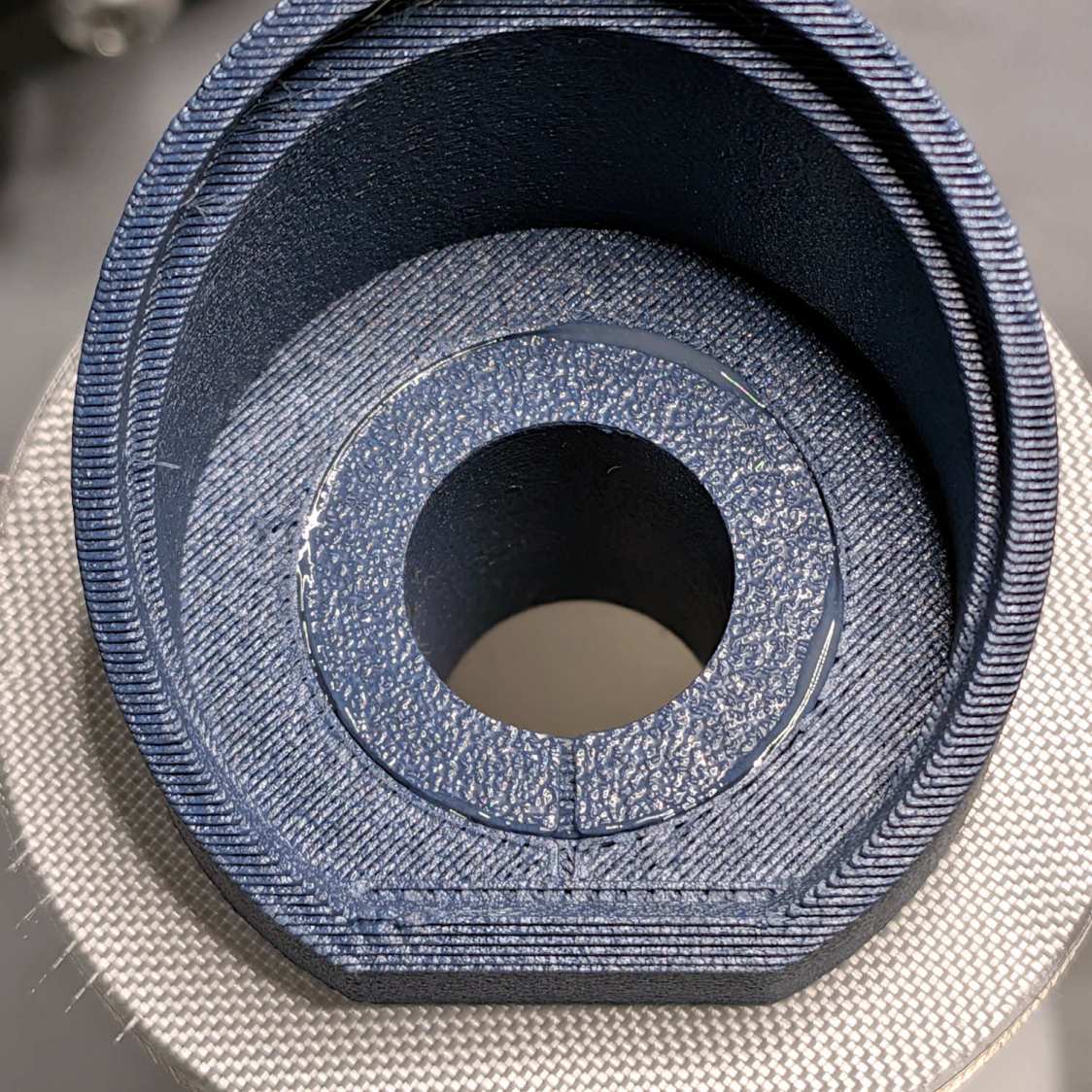
Samsung Refrigerator Mullion Flipper – 3D print top view
It’s printed in clear PETG, which seemed a better match than white, and is held in place with a wrap of double-sided tape around the top, which may not be strictly necessary.
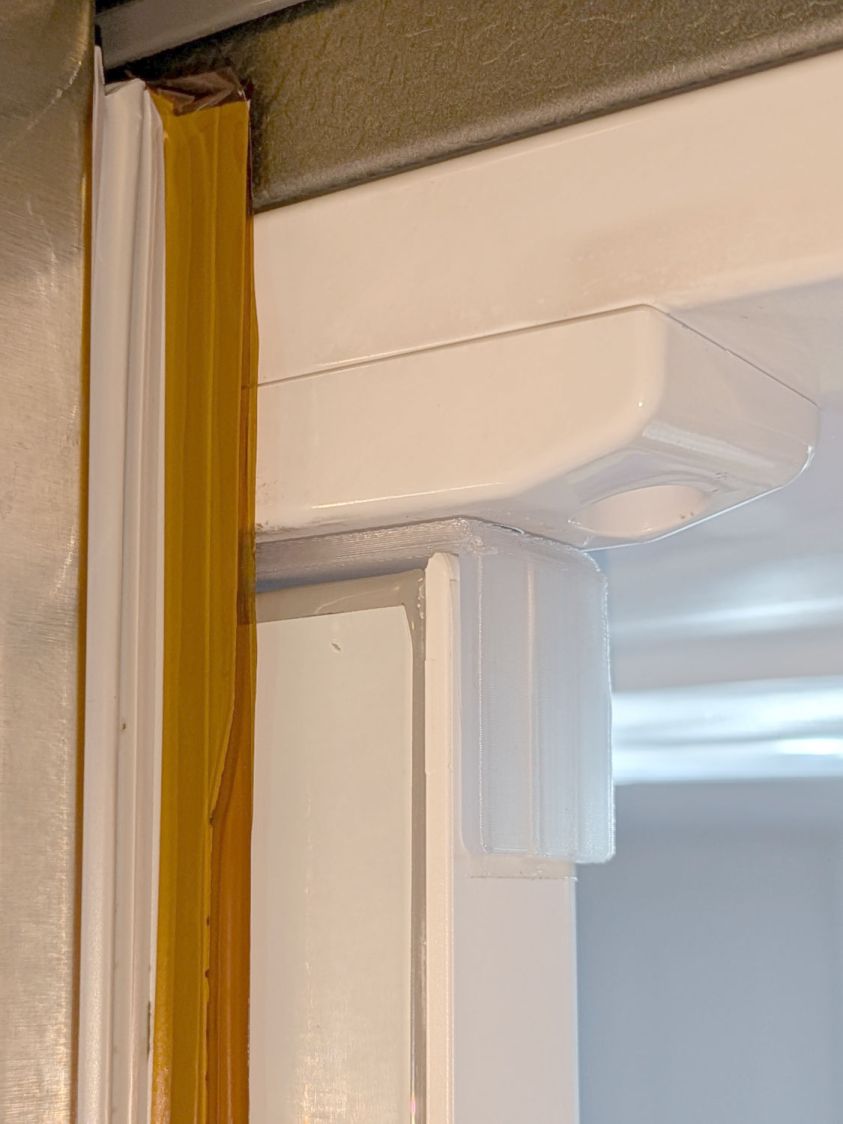
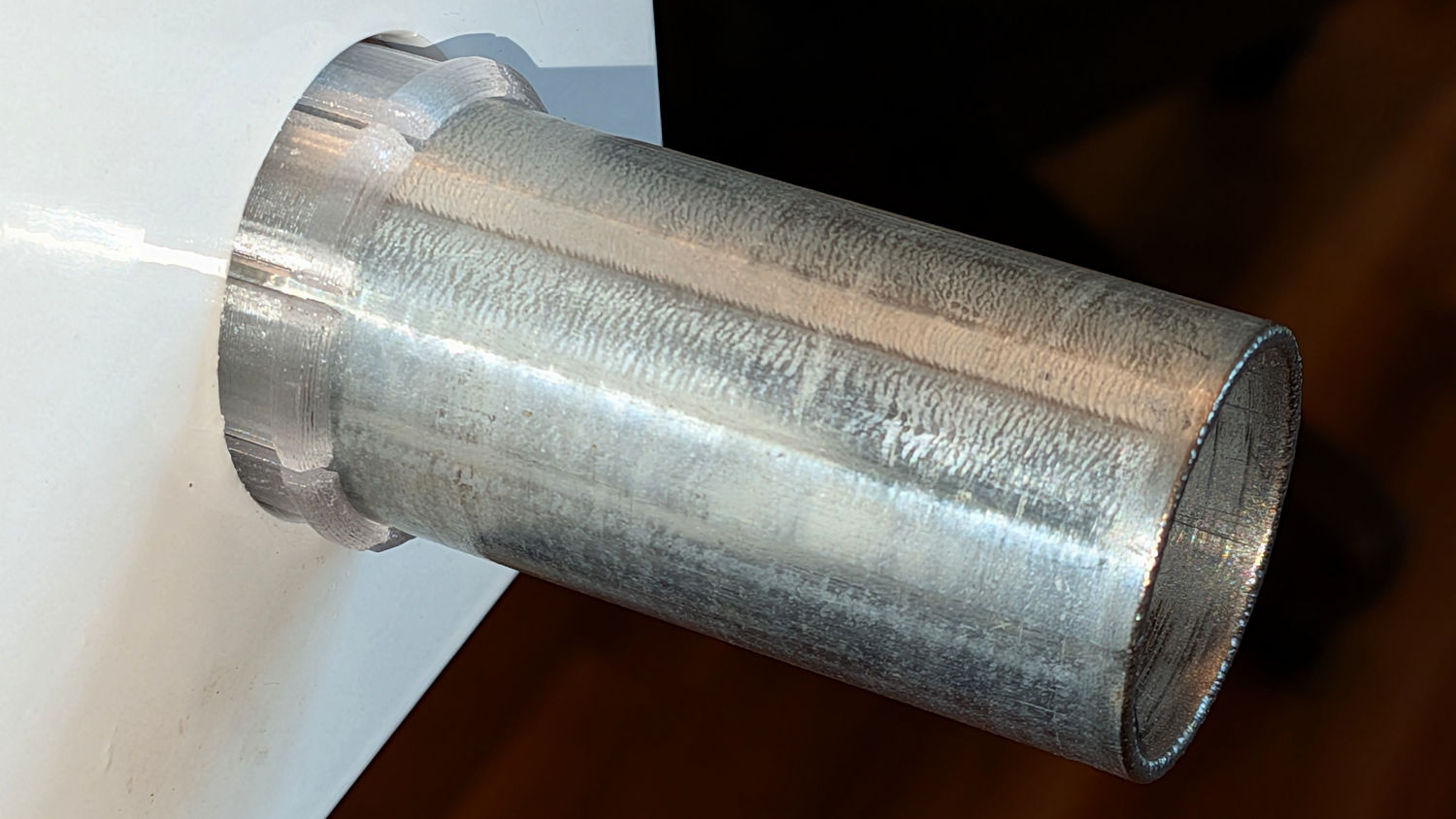
It flips the mullion just like the original:
Samsung Refrigerator Mullion Flipper – 3D print outside view
The yellow strip is 2 mil Kapton tape applied to both sides of the torn flexible seal running the length of the door, which we agreed was less awful than attempting to replace the entire seal on both doors. It must be trimmed slightly narrower than shown to avoid jamming on the other door.
Although adding table shims / leveling blocks dramatically improved the HQ Sixteen’s travel along the table, it still had a tendency to roll away when parked at some locations. The padded shims had compressed enough to throw off the alignment between adjacent sections, so returning to the original rigid blocks seemed prudent.
I removed all the shims to let the middle three sections of the tabletop droop as it did when we got it, put a ten foot saw guide across the entire table, and added 5 mm (!) plates to the stacks already under the high (!) end of the table feet to level the two ends. The floor is not that far out of level, so the table structure itself must be mismatched from one end to the other.
Adding 3 mm (!) plates under the front pair of legs put the table far enough out of level to prevent the machine from rolling front-to-back on its carriage. I think the carriage is slightly bowed downward in the middle, but now the machine is more inclined (so to speak) to remain in one place.
The saw guide showed the table sections on each end, despite being screwed firmly to the table structure, were slightly sloped downward toward the center. Shimming the sections with thin cardboard atop their steel mounting brackets leveled them so the machine no longer wanted to roll away when parked at either end, which was a good start.
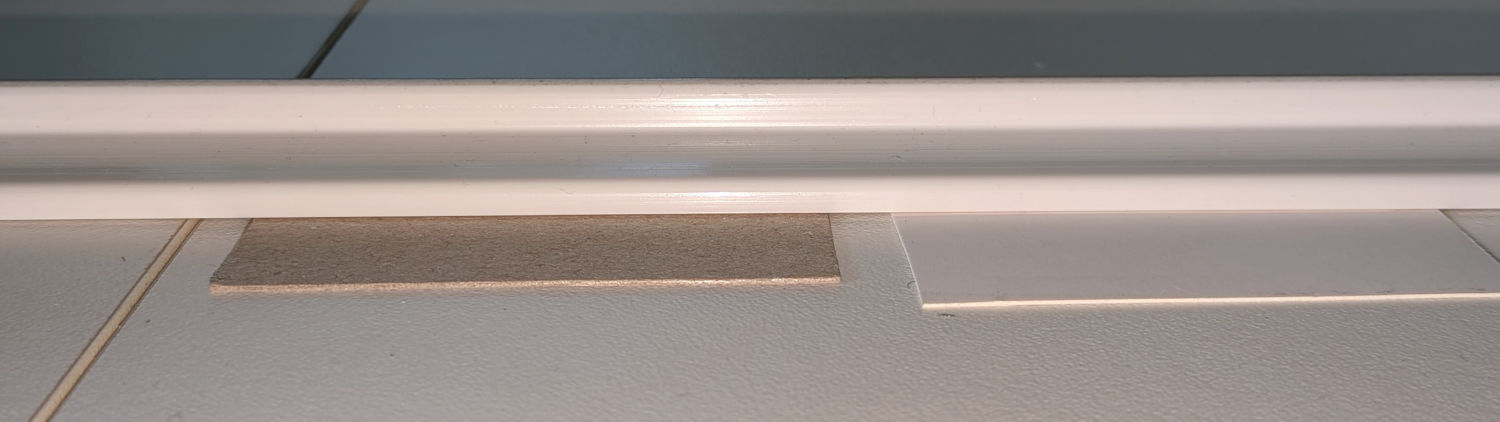
Adjoining table sections have peg-in-hole alignment, with their accuracy leaving something to be desired. Shims under the machine tracks level it across the mismatched joints:
HQ Sixteen – table track shims – detail
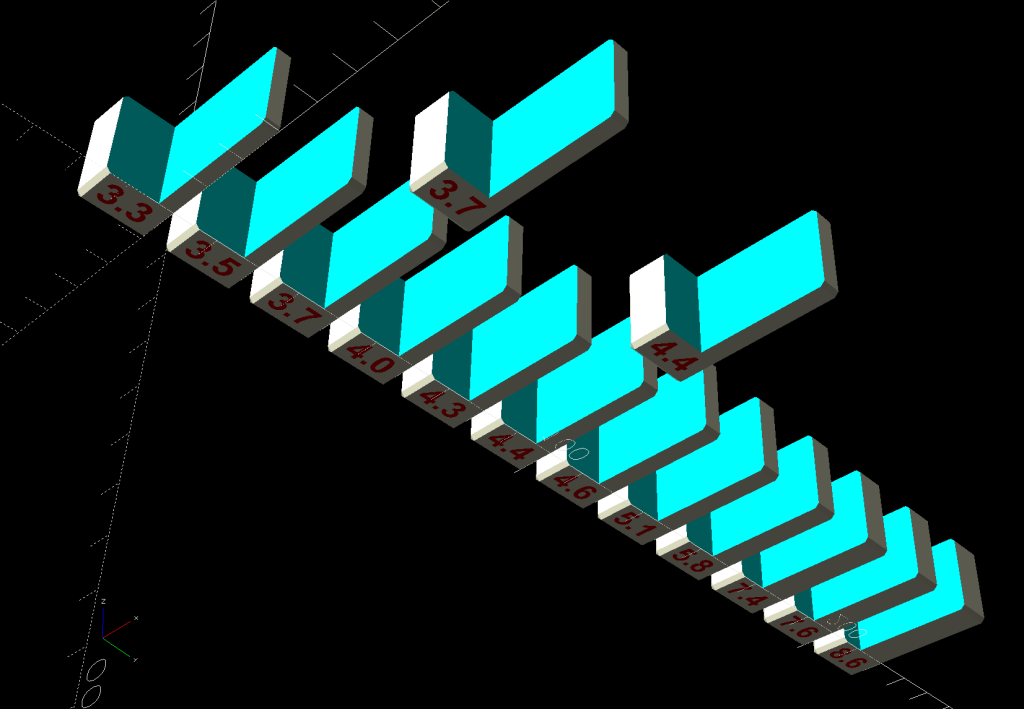
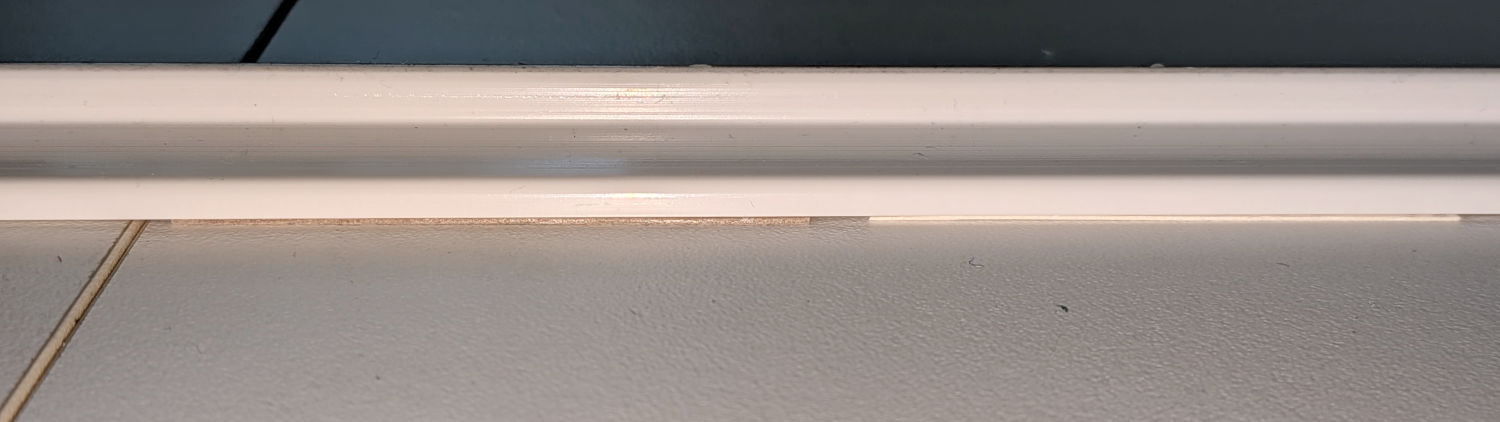
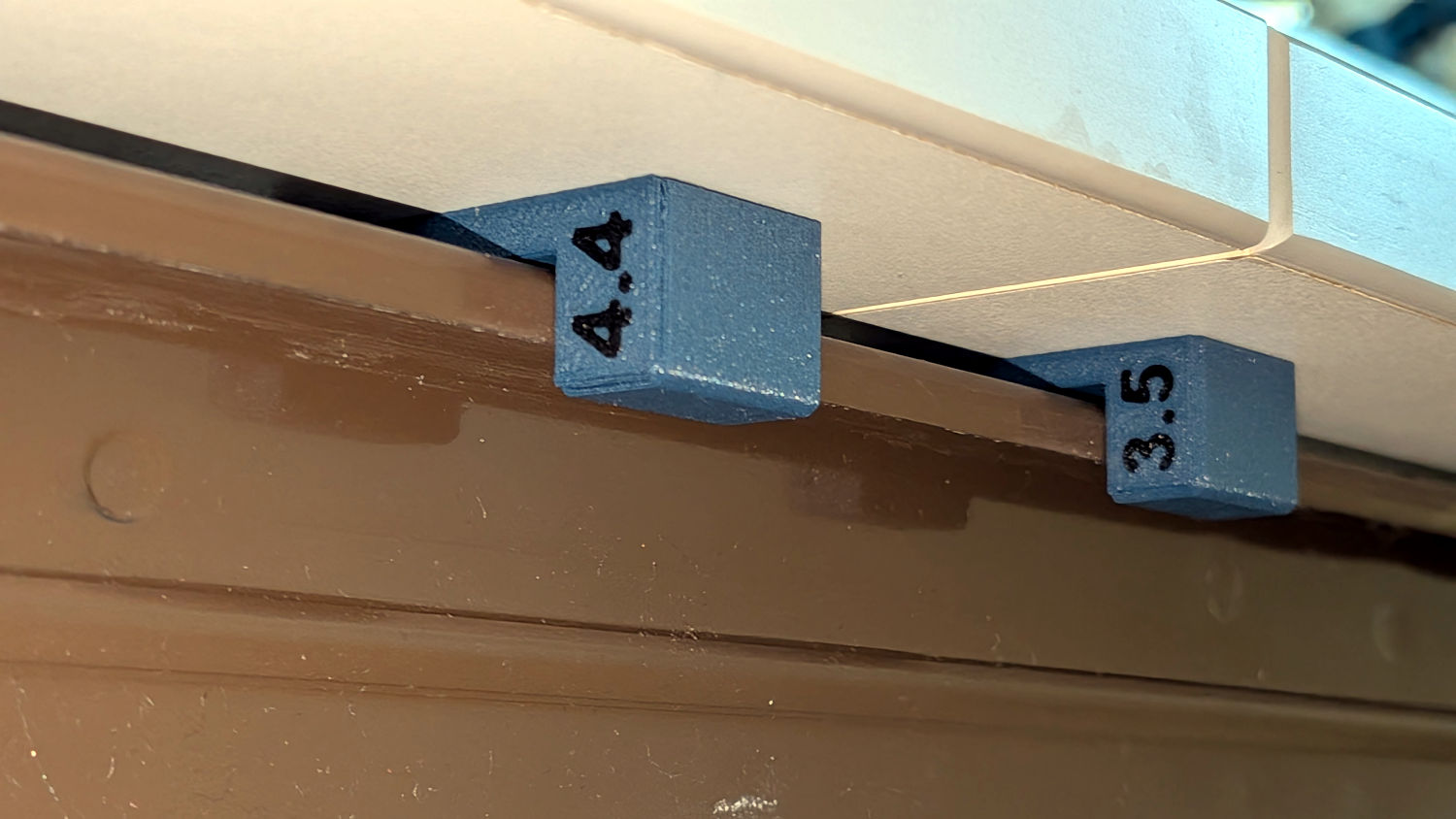
The brown chipboard is 0.7 mm thick and the white cardboard is 0.4 mm, with lengths eyeballometrically matching the misaligned part of the table section. They’re not quite so conspicuous in action:
HQ Sixteen – table track shims
I then inserted wood shims under the tabletop to level the three middle sections. Unlike my previous efforts, each section got four shims to level it both front-to-back and side-to-side. After considerable iteration, the HQ Sixteen would remain where it was parked at (almost) every location across the entire table span.
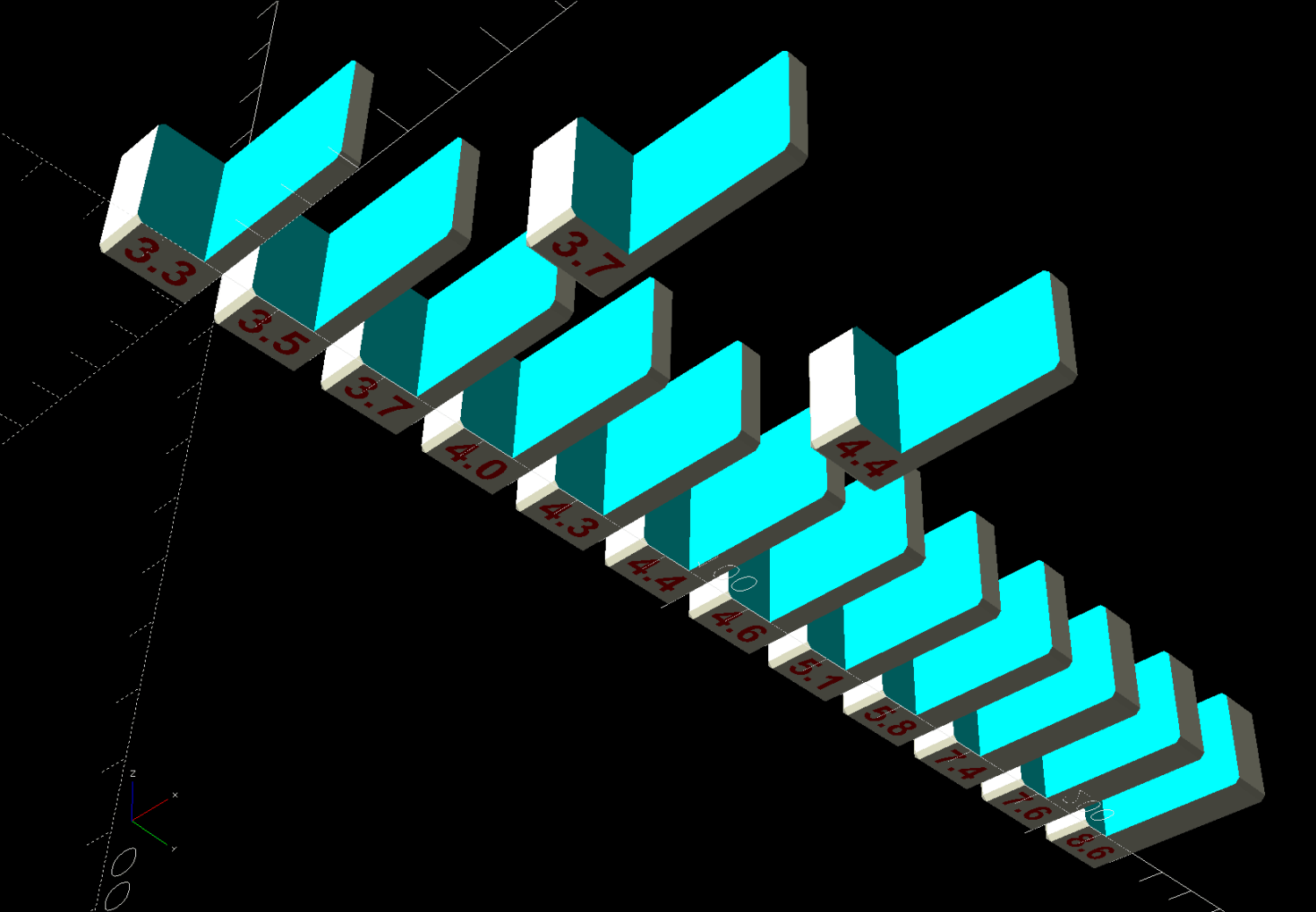
Then I used a set of small hole gauges to measure the distance between the table’s metal structure and the bottom of the tabletop section near each wood shim. I had previously used a taper gauge that measured the clearance on only the near side and it turns out the metal has plenty of irregularities across its bent shapes.
Yes, that’s nearly a 1 mm difference, despite the bottoms of the two table sections being obviously aligned.
Each block now has a narrow strip of craft adhesive sheet holding it to the table top, in the expectation hope the machine’s normal vibration won’t shake them loose.
Initial user response is positive: the improved anchor may remain on the shelf.
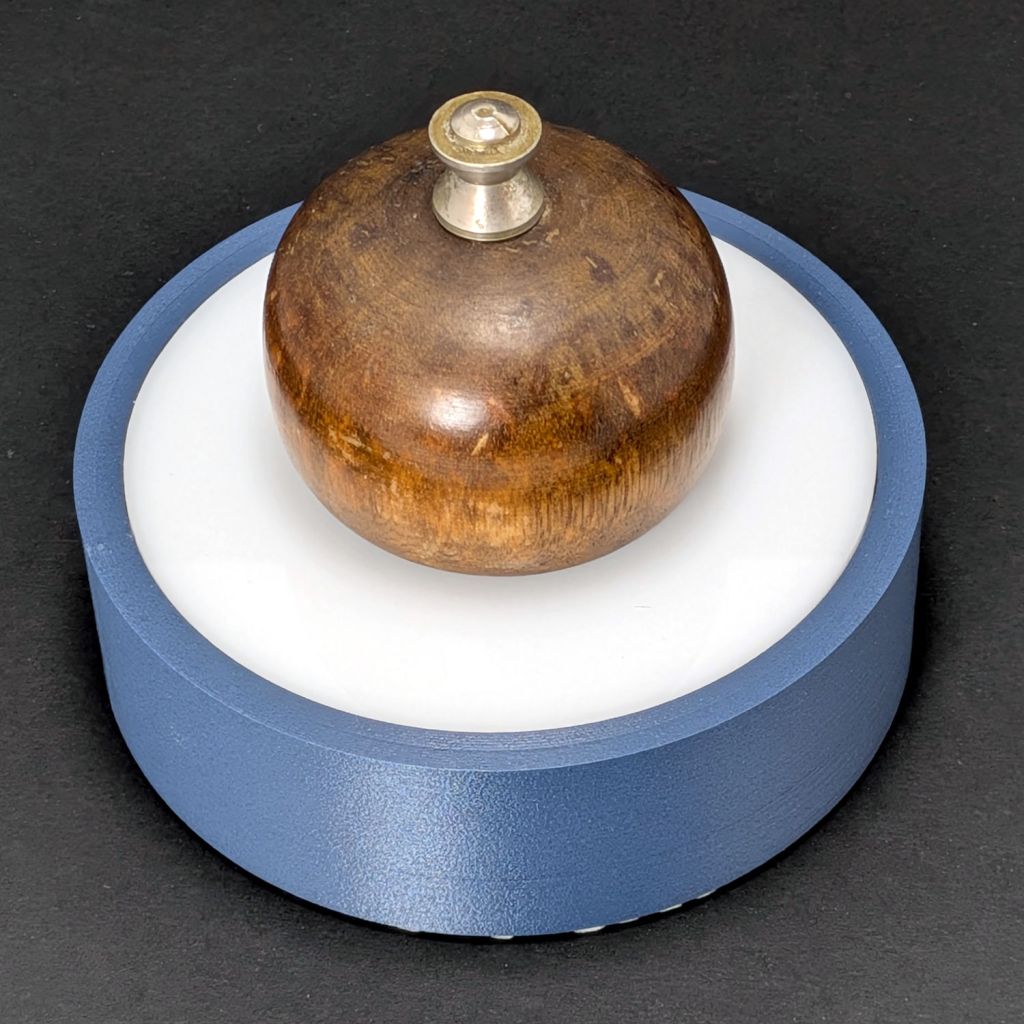
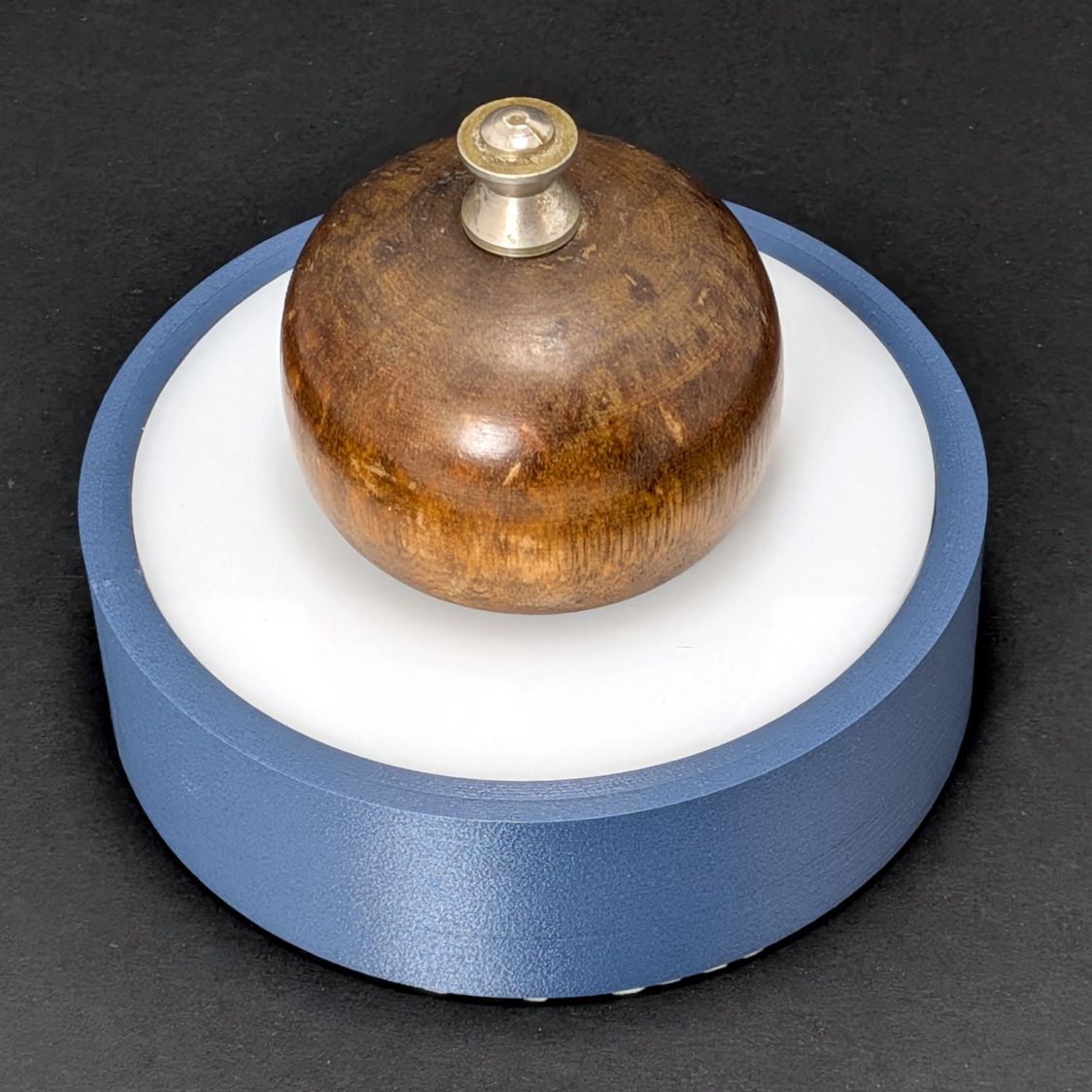
The handle and fancy nut came from the deceased pepper mill, sitting on laser-cut acrylic in a 3D printed base, with a drawer liner disk peeking out from underneath.
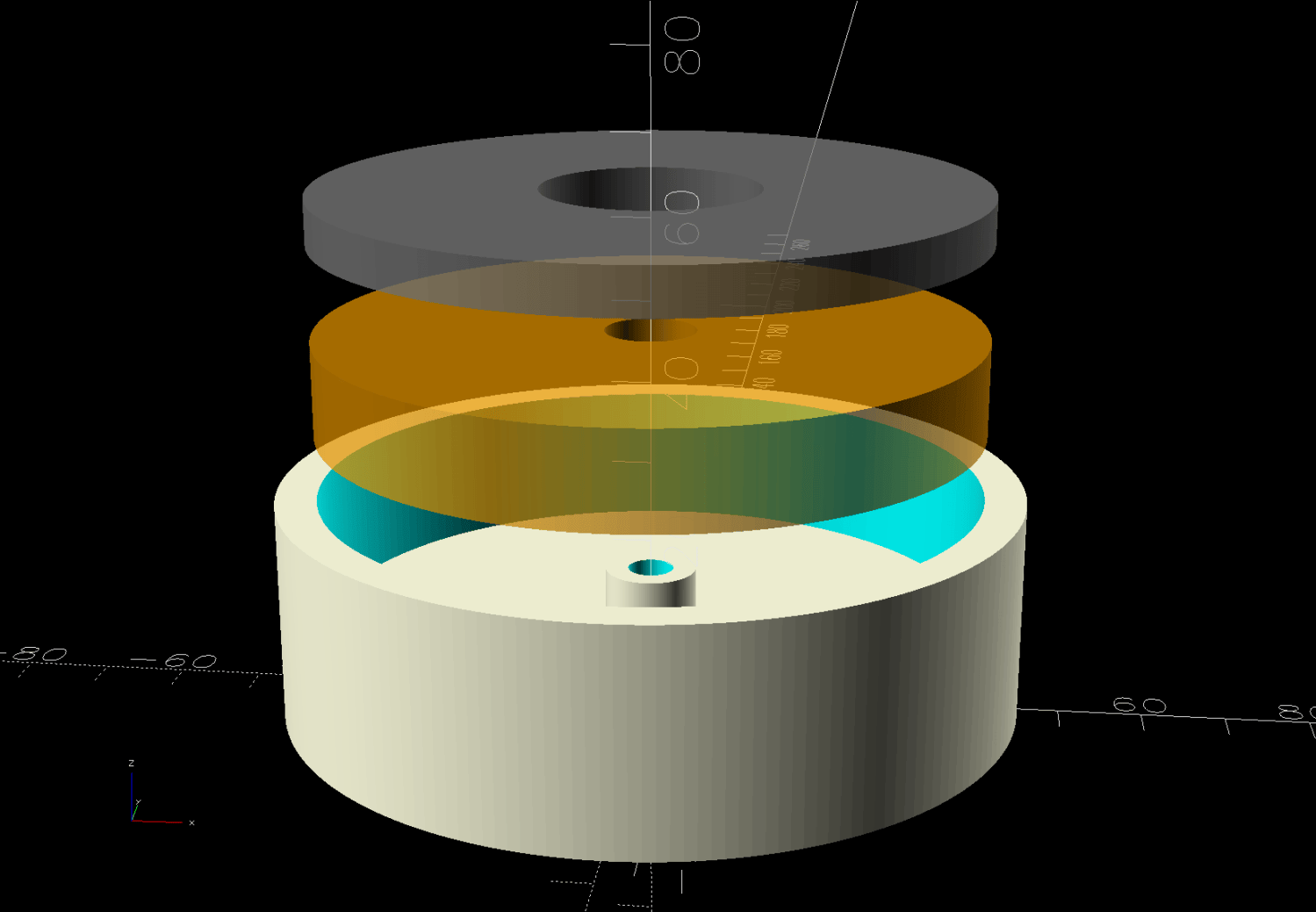
The orange disk in the solid model represents the steel slug harvested from the old anchor:
HQ Sixteen Anchor – solid model – Show view
A ring of hot-melt glue under the weight keeps it from rattling around in there, with the snug-fitting central post encouraging good positioning. I made the acrylic lid sit flush with the top of the base by the simple expedient of running another ring of glue around it, plunking the base + weight atop it on a flat surface, then taking a deep breath while the glue solidified. The nut & screw thus compress a solid stack of acrylic + glue + steel + glue + PETG-CF, rather than just parts flying in formation.
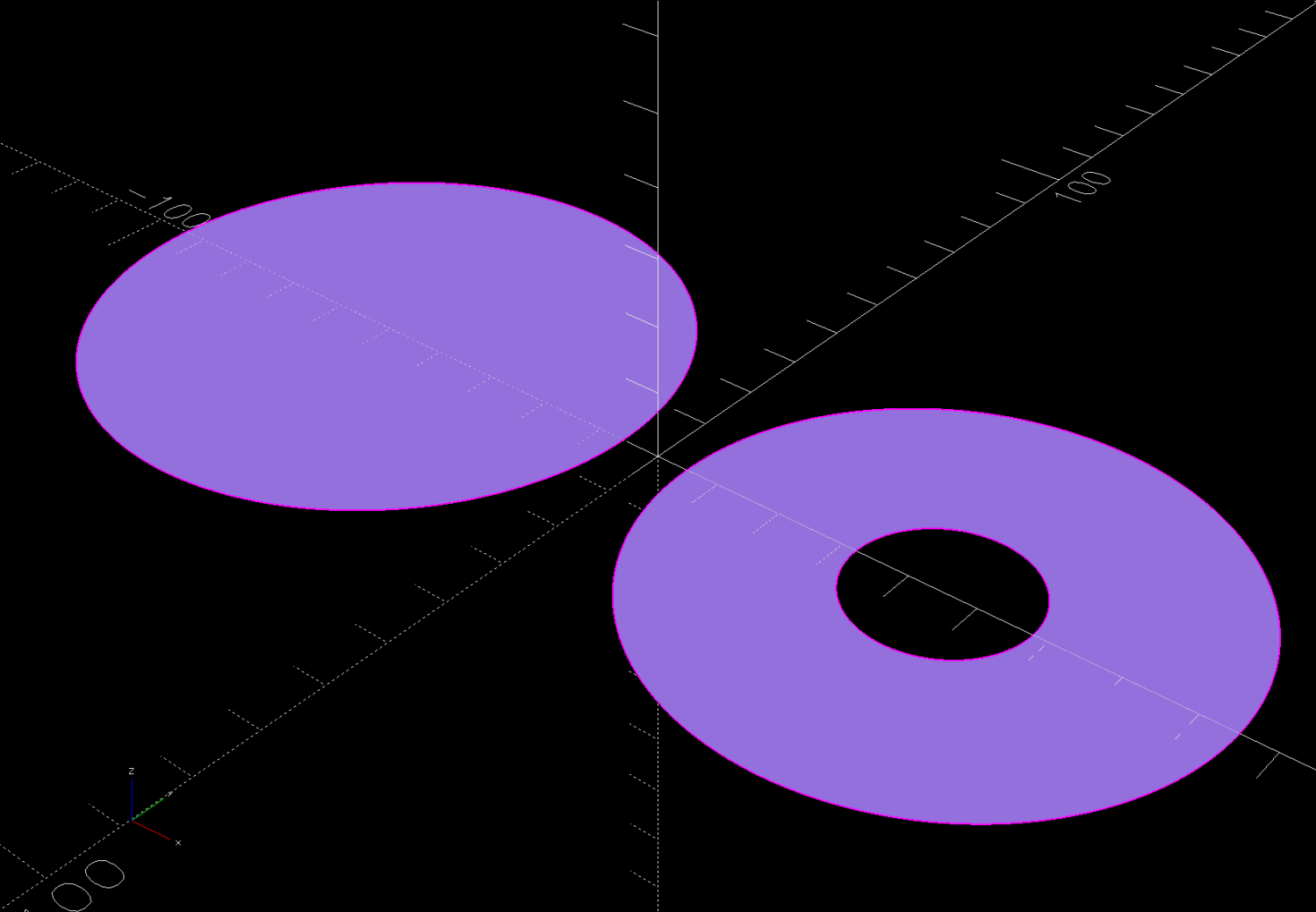
The OpenSCAD source code also produces a pair of outlines for laser-cutting the adhesive sheet and acrylic, suitable for export to an SVG file:
HQ Sixteen Anchor – solid model – cuts
They’re offset inward by amounts appropriate for my CO₂ laser:
This file contains hidden or bidirectional Unicode text that may be interpreted or compiled differently than what appears below. To review, open the file in an editor that reveals hidden Unicode characters.
Learn more about bidirectional Unicode characters
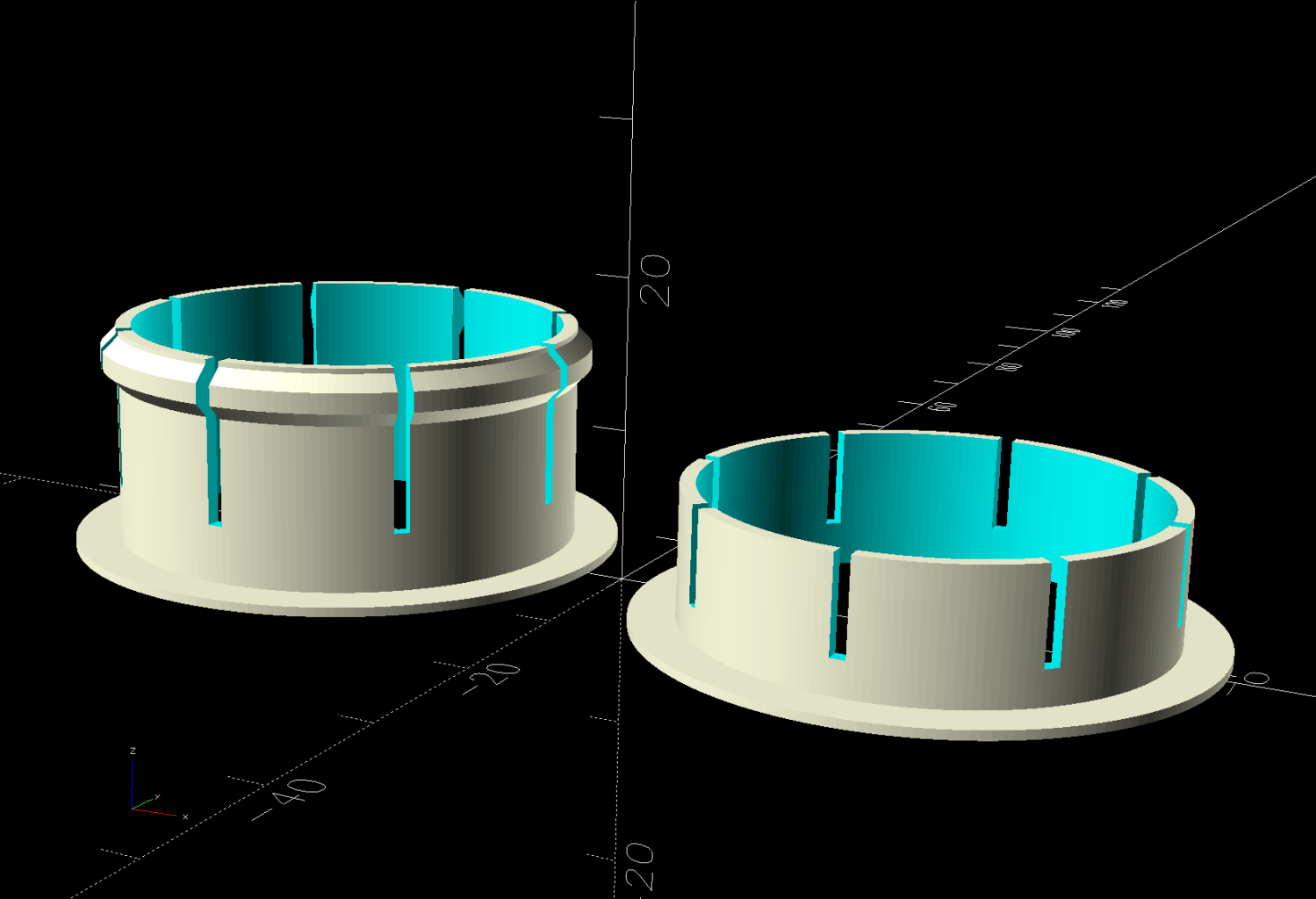
Descending from the previous bearings / sleeves / bushings, I added a rib to hold them in place as the rod slides back and forth while fiddling with fabric:
HQ Sixteen – Rod Bushing – rib retainer – solid model – build view
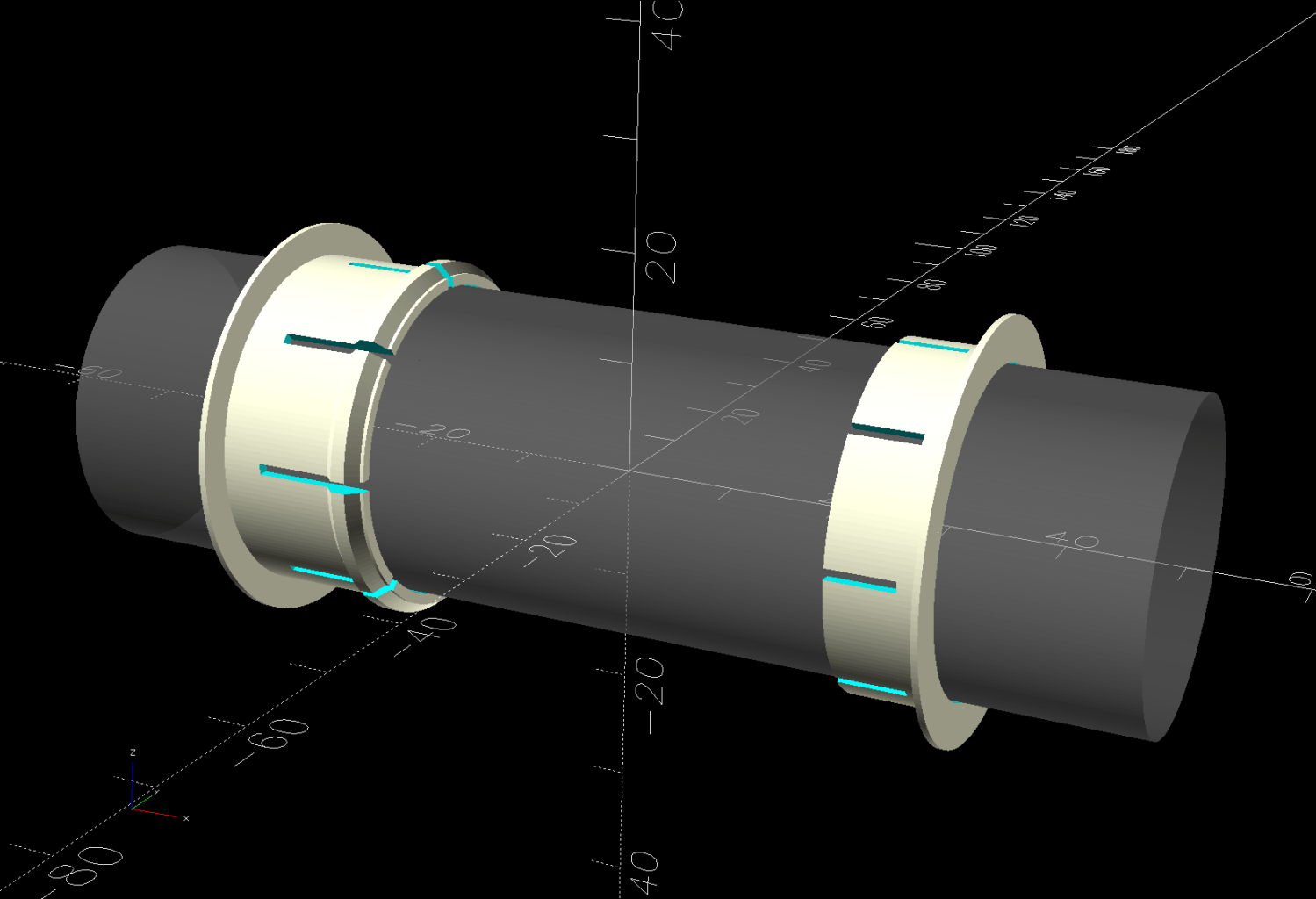
An idealized serving suggestion:
HQ Sixteen – Rod Bushing – rib retainer – solid model – show view
Which might count as the “better design” I expected it would need.
They’re still almost invisible in use:
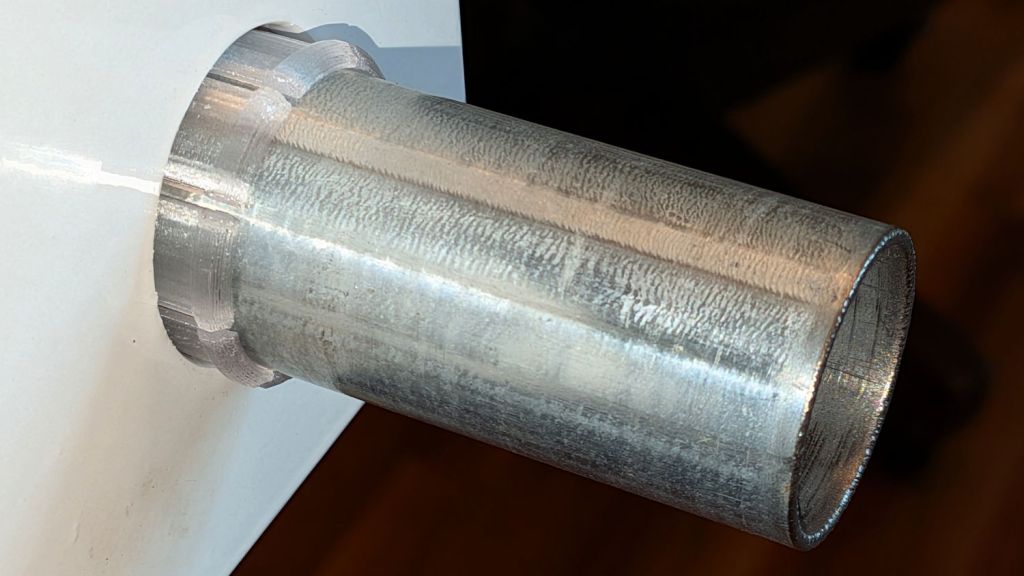
HQ Sixteen – Rod Bushing – rib retainer
Which is as it should be: inconspicuous, no more black dust, and E-Z rotation.
The modified OpenSCAD source code is added to the original GitHub Gist:
This file contains hidden or bidirectional Unicode text that may be interpreted or compiled differently than what appears below. To review, open the file in an editor that reveals hidden Unicode characters.
Learn more about bidirectional Unicode characters
This file contains hidden or bidirectional Unicode text that may be interpreted or compiled differently than what appears below. To review, open the file in an editor that reveals hidden Unicode characters.
Learn more about bidirectional Unicode characters
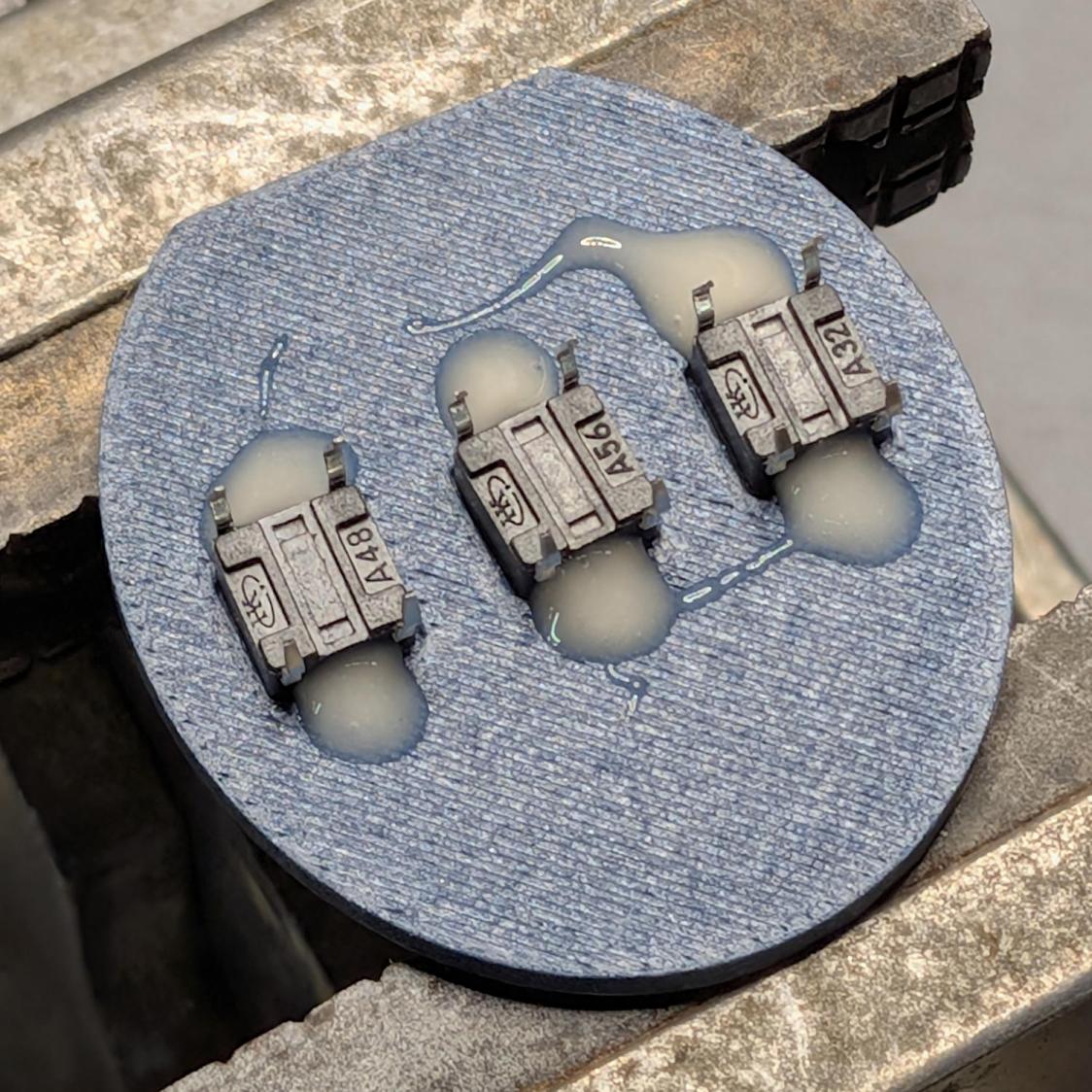
After 3D printing another set of cap parts, glob the switches into place with tan JB Weld Plastic Bonder:
HQ Sixteen grip cap – switch gluing
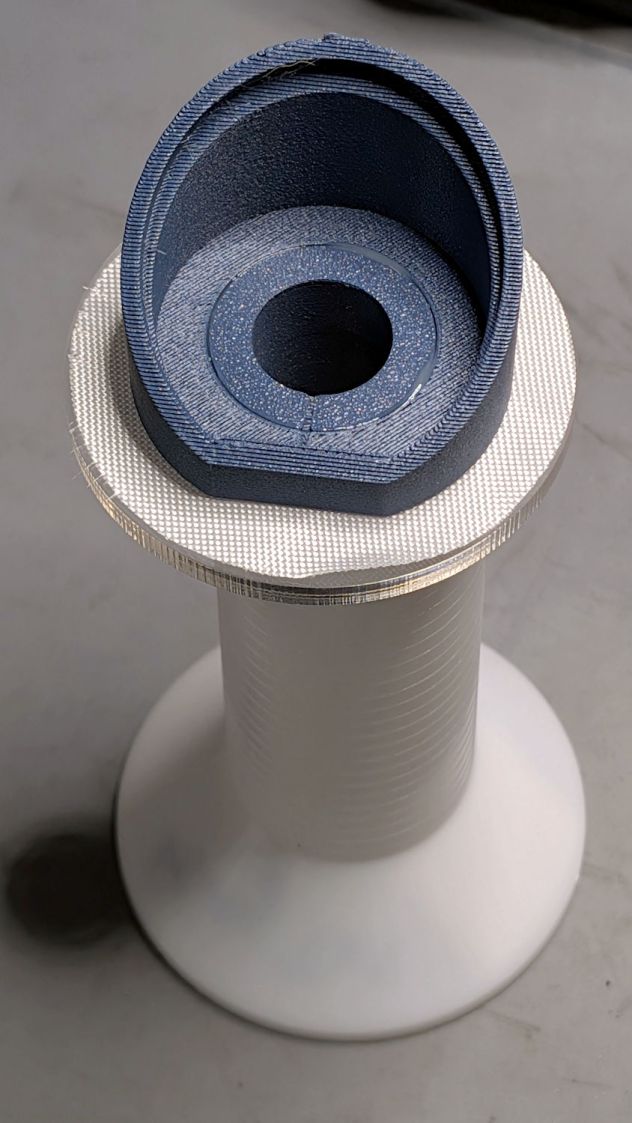
More Plastic Bonder joins the cap body to the plug fitting into the handlebars:
HQ Sixteen grip cap – gluing fixture
I laser-cut an acrylic disk to fit the plug stem and hold the bottom of the plug flush with the bottom of the cap, with the PTFE fabric preventing inadvertent bonding of All The Things. It’s perched atop an empty thread cone to cure: quilting requires a lot of thread and I have a good stock of cones.
The button cap body solid model now includes alignment marks to eliminate the need for the bench block & clamps:
HQ Sixteen grip cap – alignment marks
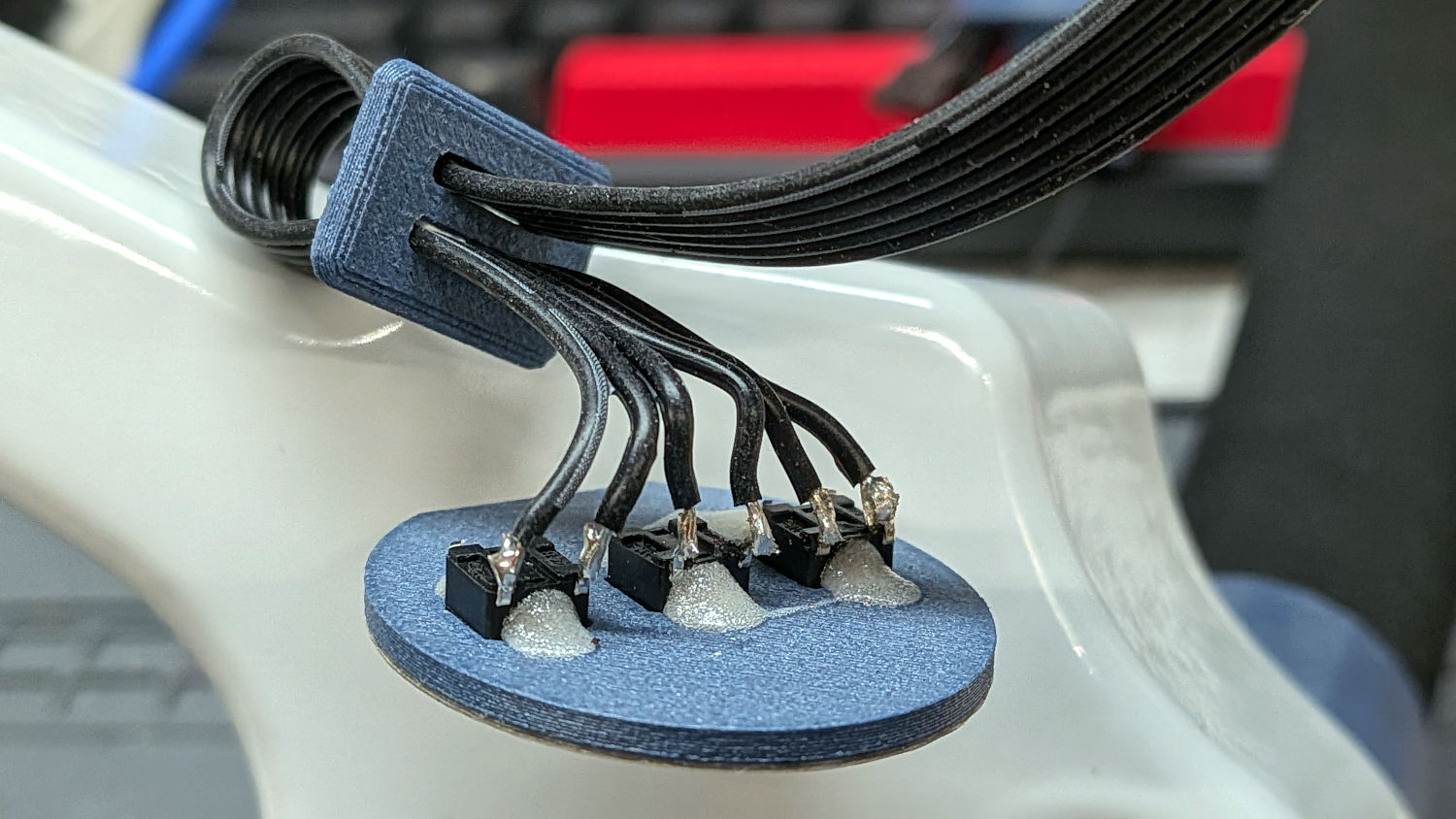
Soldering the cable directly to the switch terminals is déclassé, but the collar prevents the cable from exerting any force on them:
HQ Sixteen grip cap – wiring
This time around, dabs of hot-melt glue hold the faceplate to the cap body.
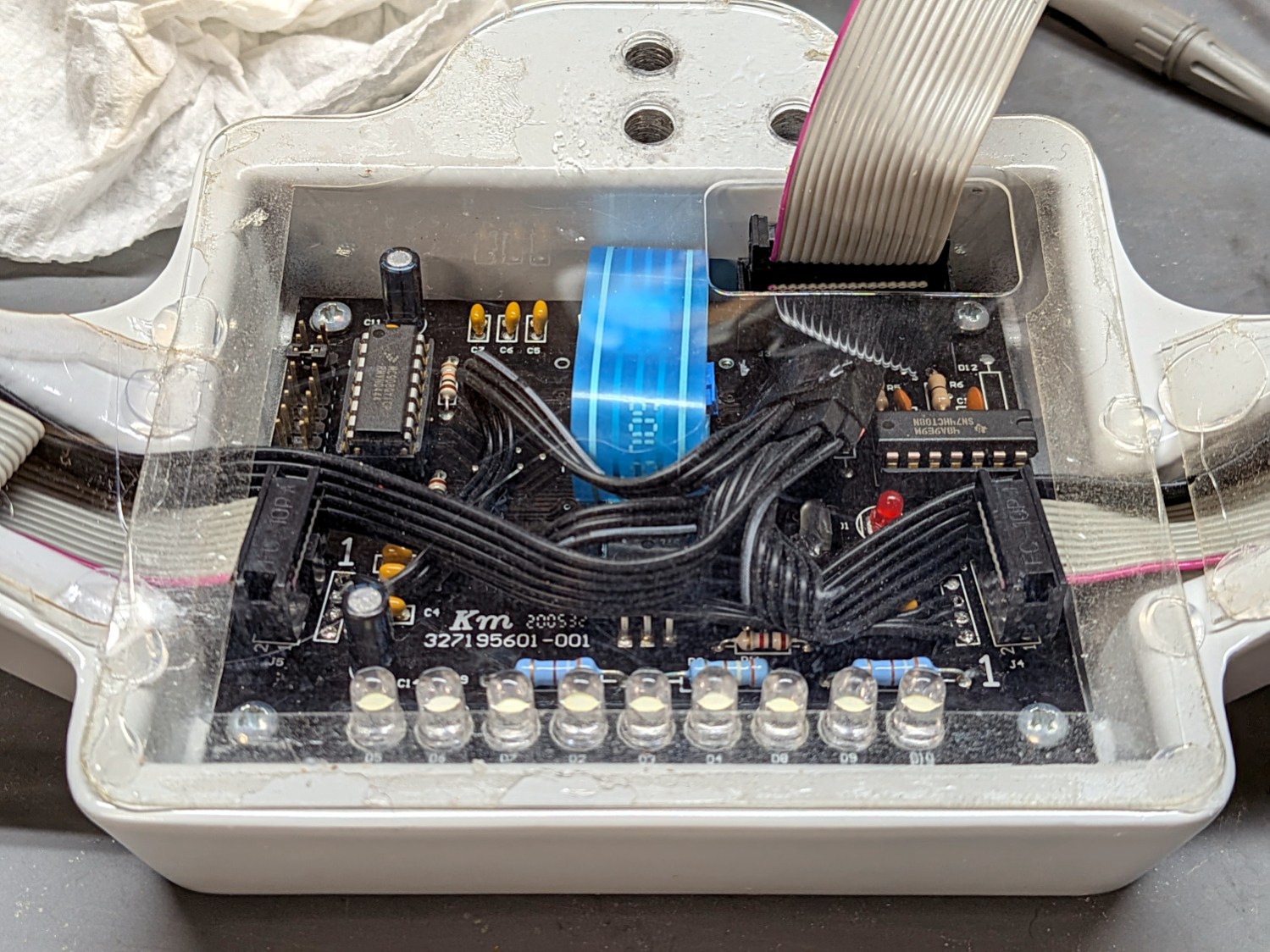
I also used hot-melt glue to stick the transparent cover onto the handlebar body, as the OEM sticky tape was losing its mojo:
HQ Sixteen grip cap – wiring closeout
The rightmost three LEDs went dark a while ago and, while I had everything apart, I tracked the failure to the third LED from the right, replaced it, and it’s all good again. Those LEDs (plus the side groups) still can’t hold a candle to the Nose Ring Lights and Under-arm Lights, but it’s good to have all the lights working.
I managed to break one tiny wire on the header (wrapped in black silicone tape next to the IC on the right) joining the two cables from the control caps, but other than that things went smoothly.
Now I can start on other long-awaited tweaks before the next quilt arrives.
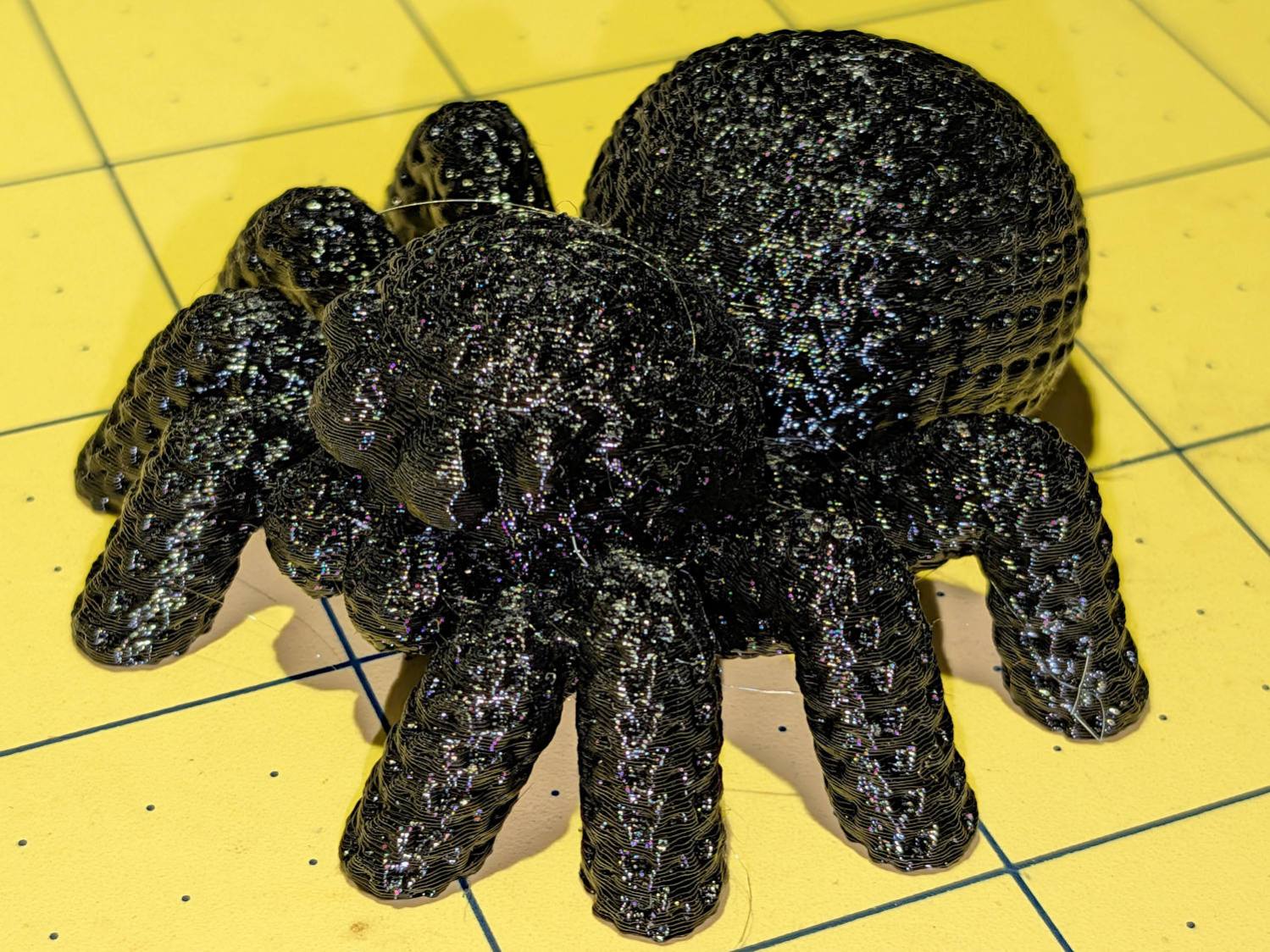
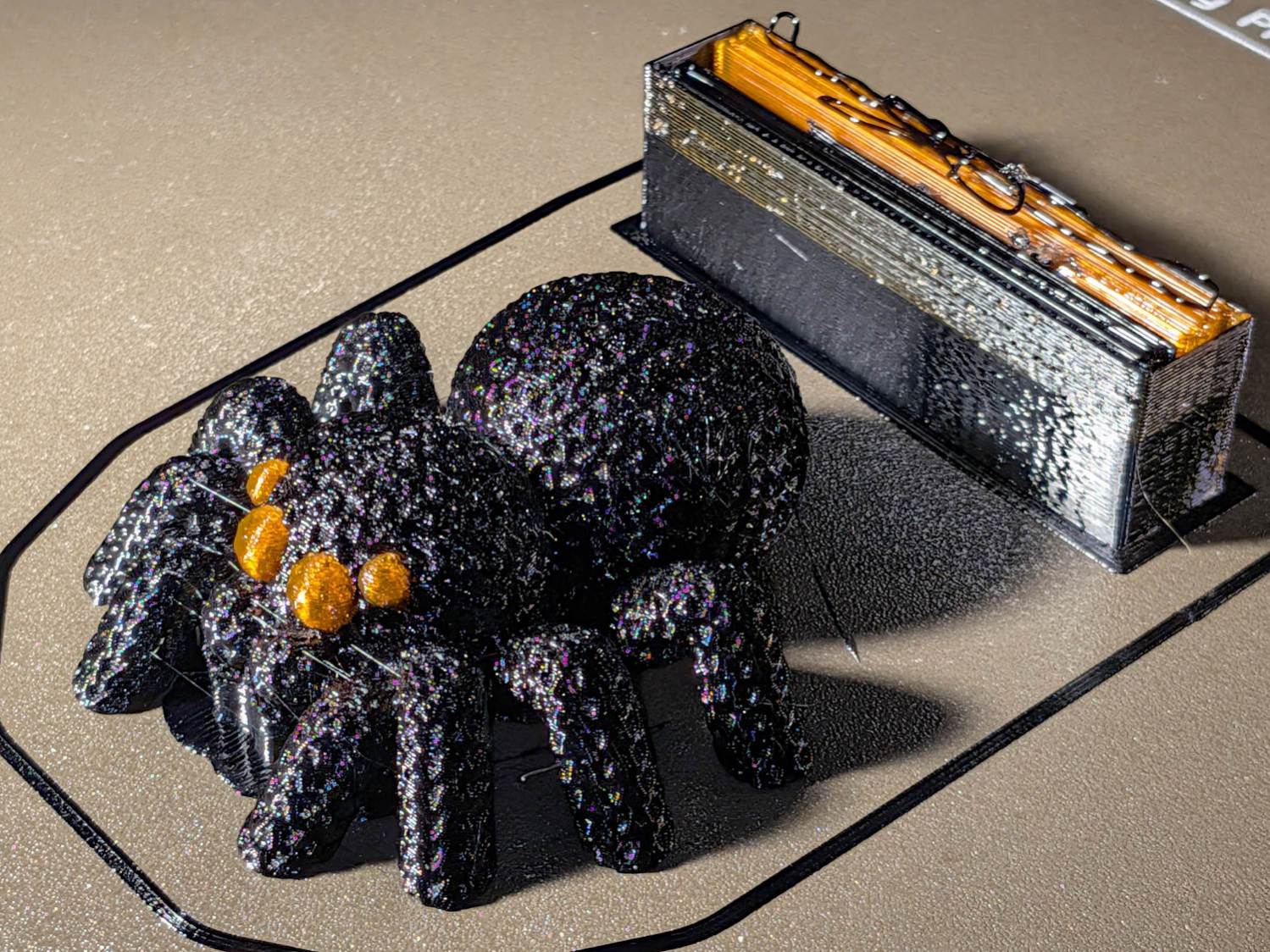
But all-black looked rather somber, even for an All Hallow’s Eve decoration, so I used PrusaSlicer’s Multi-Material Painting to print the eyes in retina-burn orange:
Knitted Spider – orange eyes – wipe tower
The chunky wipe tower shows the cost of switching filaments for a quartet of little eyes. The new Prusa INDX extruder design reduces that waste, but I’m not going there.
You can see the block of painted-on support under the palps, which worked better than overenthusiastic automatic support generation.
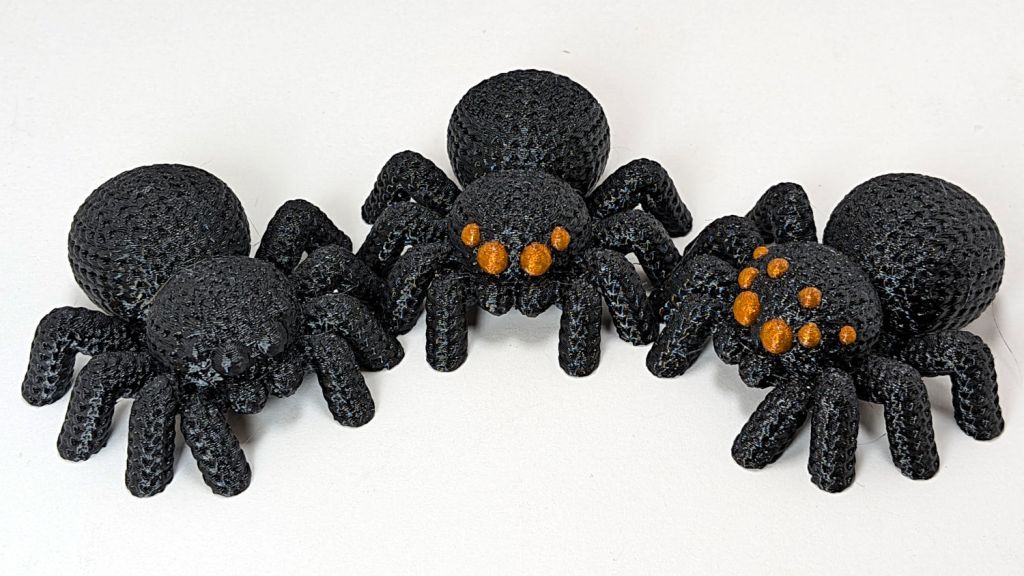
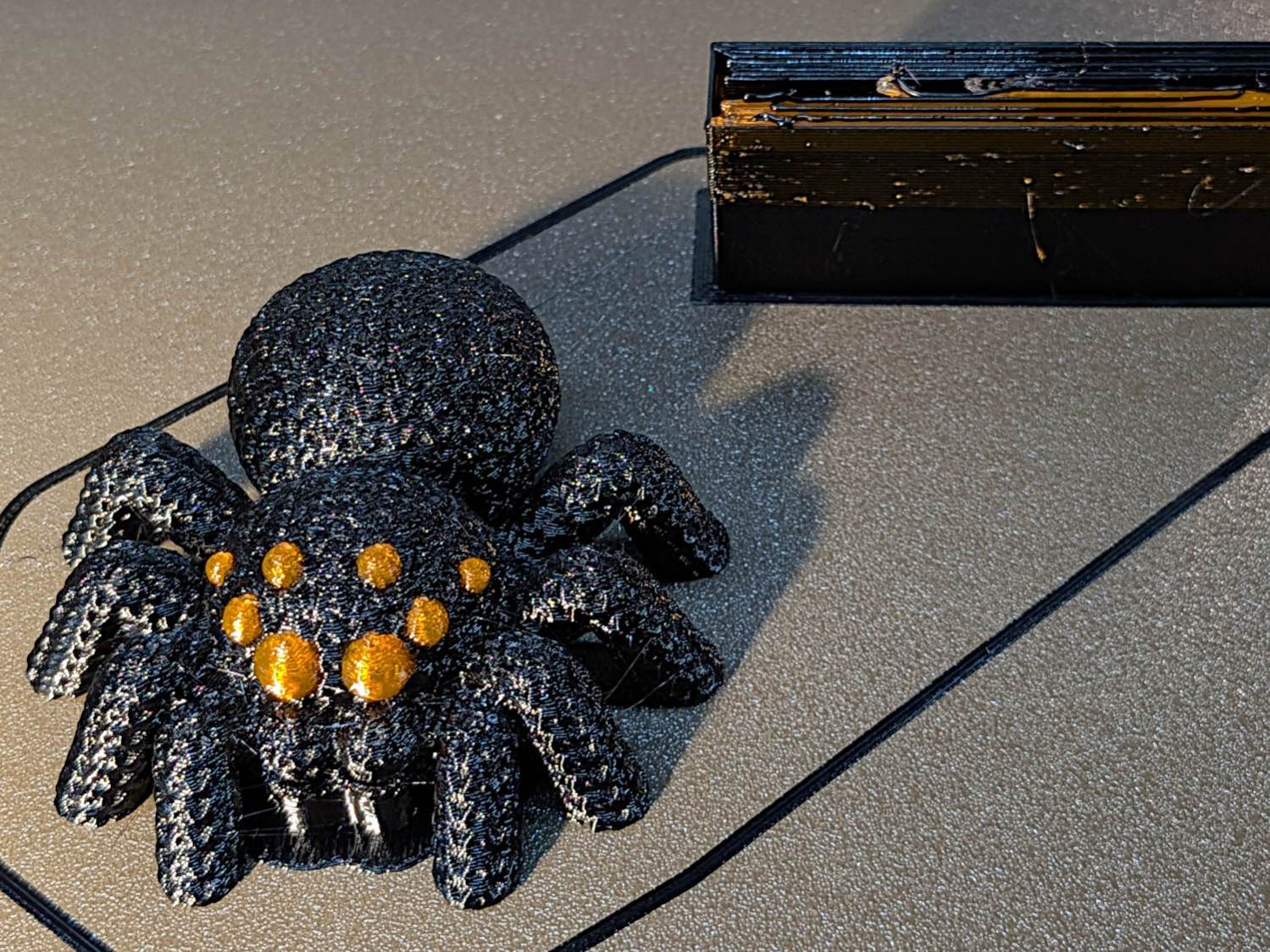
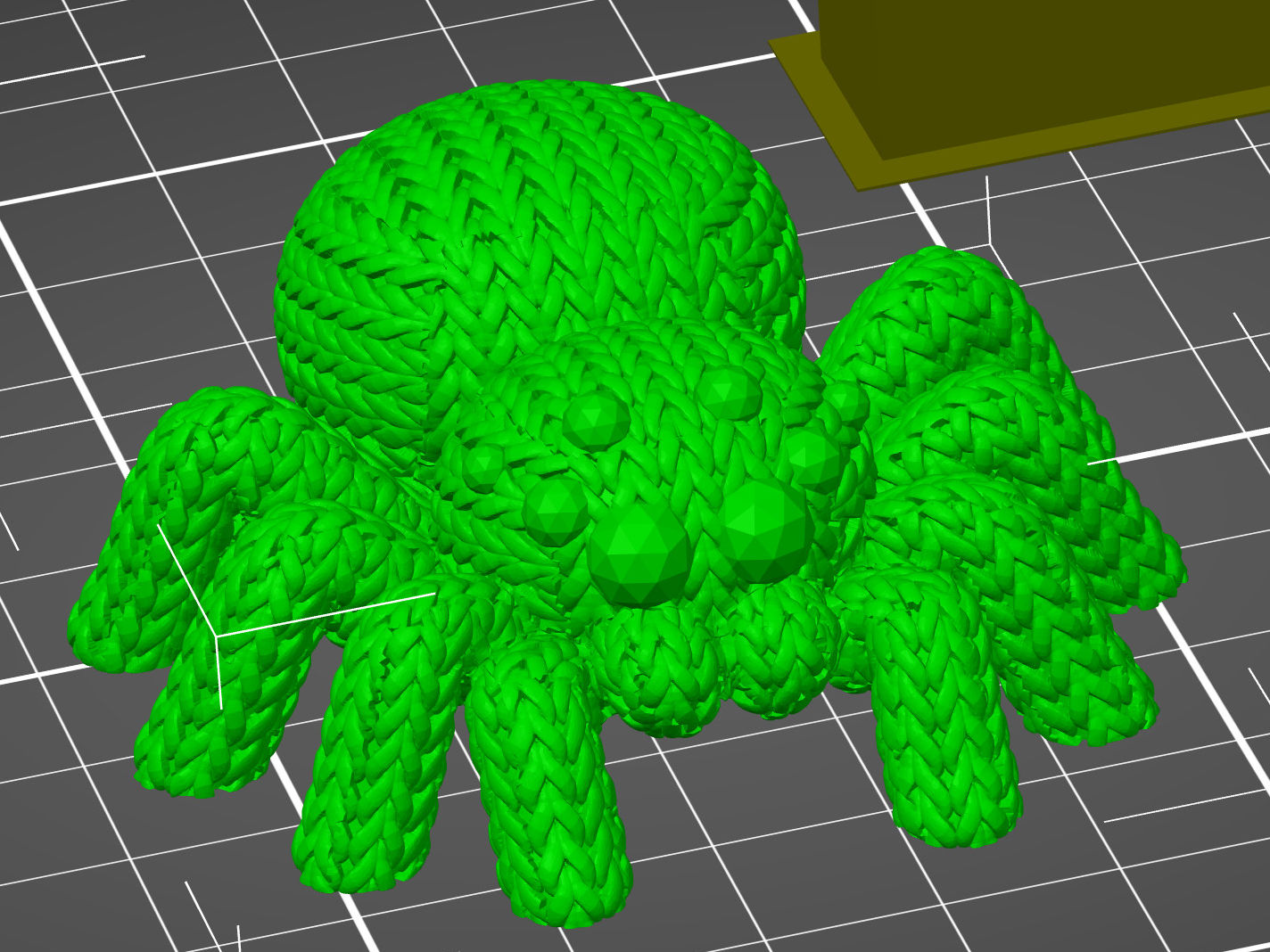
The consensus suggested the spider suffered from insufficient eye, so I upleveled it to maximum spider spec:
Knitted Spider – 8 eyes – on platform
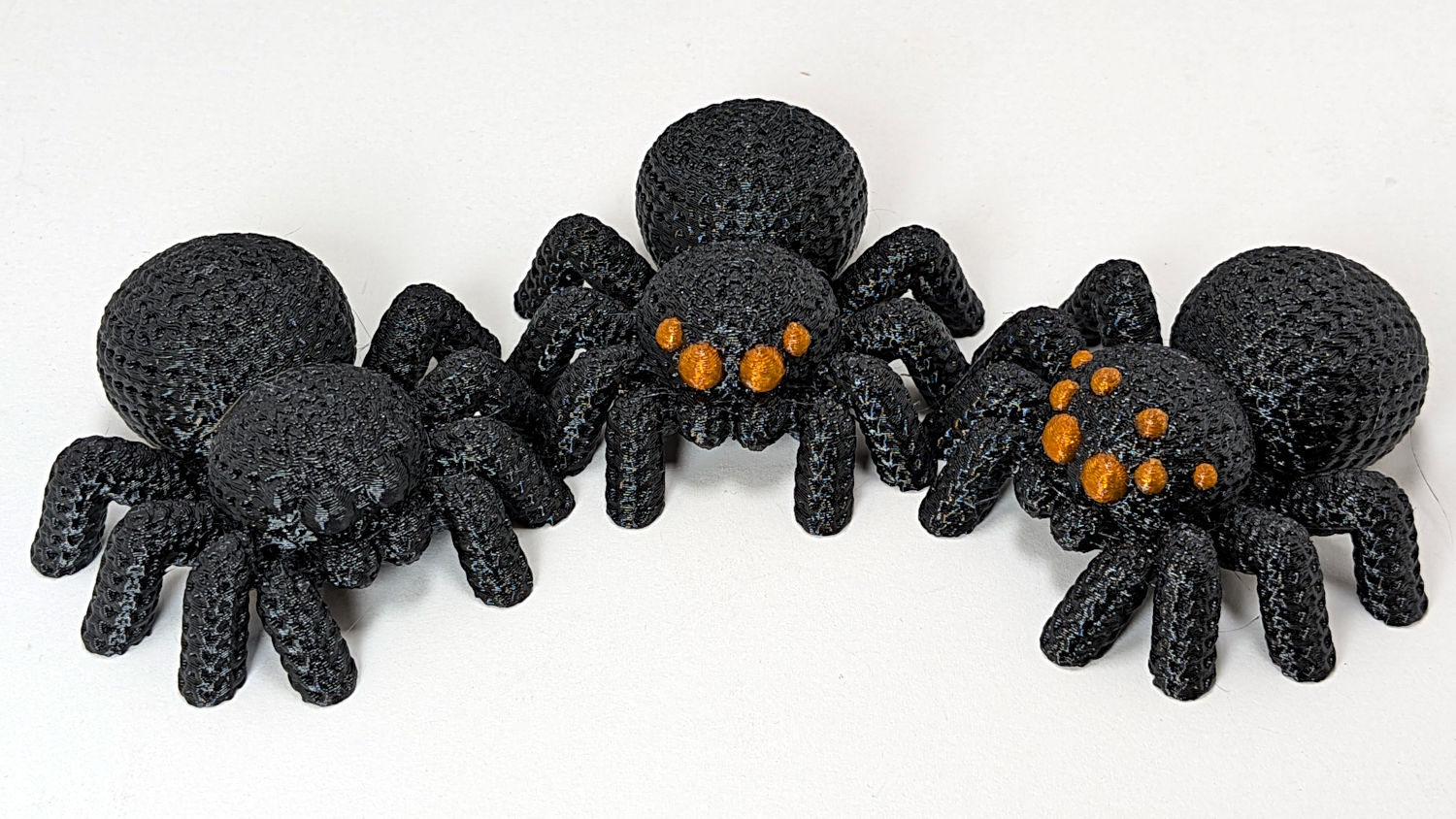
Which looks like evolution in action:
Knitted Spider – iteration
The additional eyes came from a trivial OpenSCAD / BOSL2 sphere:
include <BOSL2/std.scad>
spheroid(d=5.0,style="icosa");
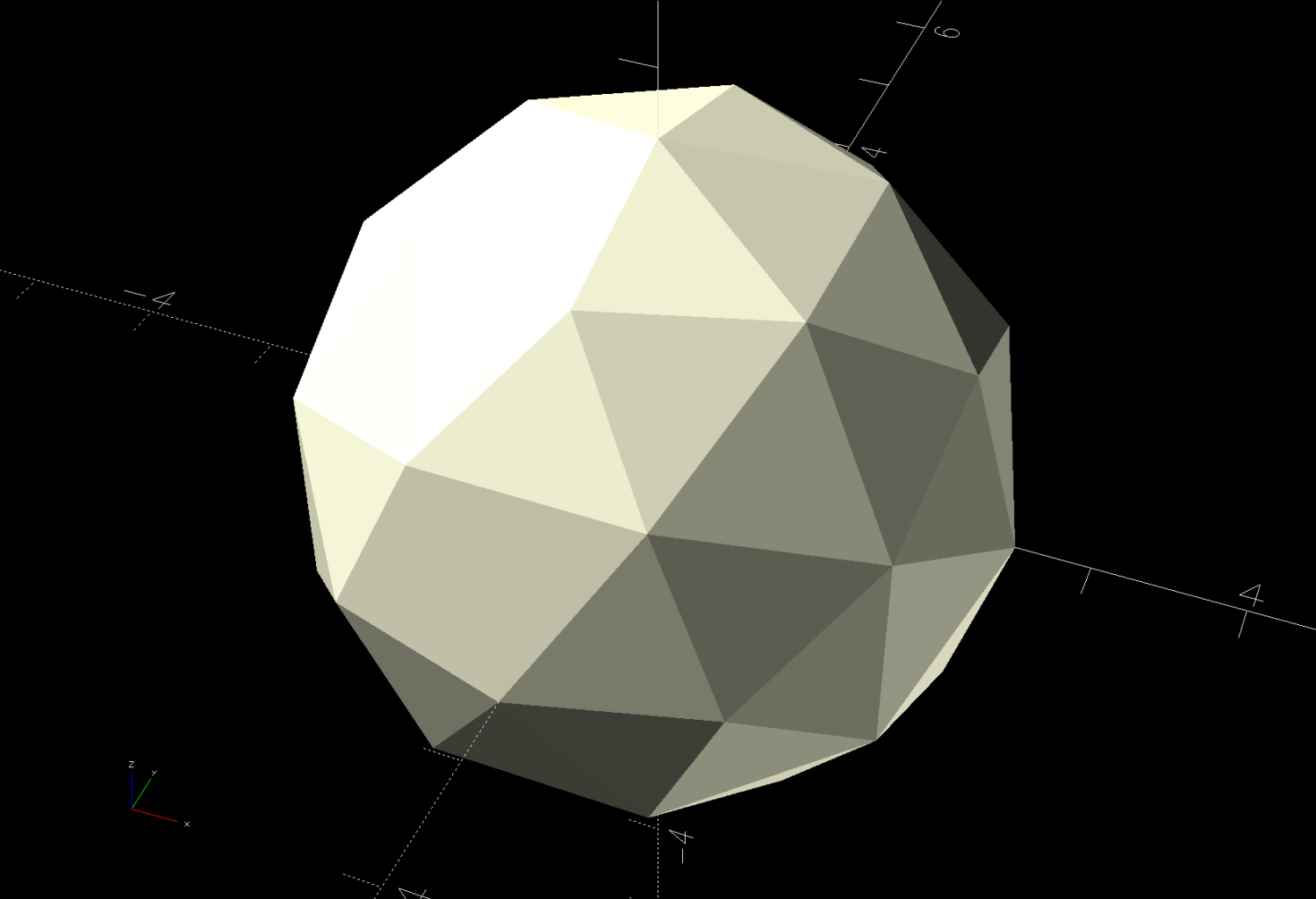
Which is both small and large enough to have a useful number of facets:
Knitted Spider – 5mm icosa sphere eye model
Those facets will come in handy for Multi-Material Painting.
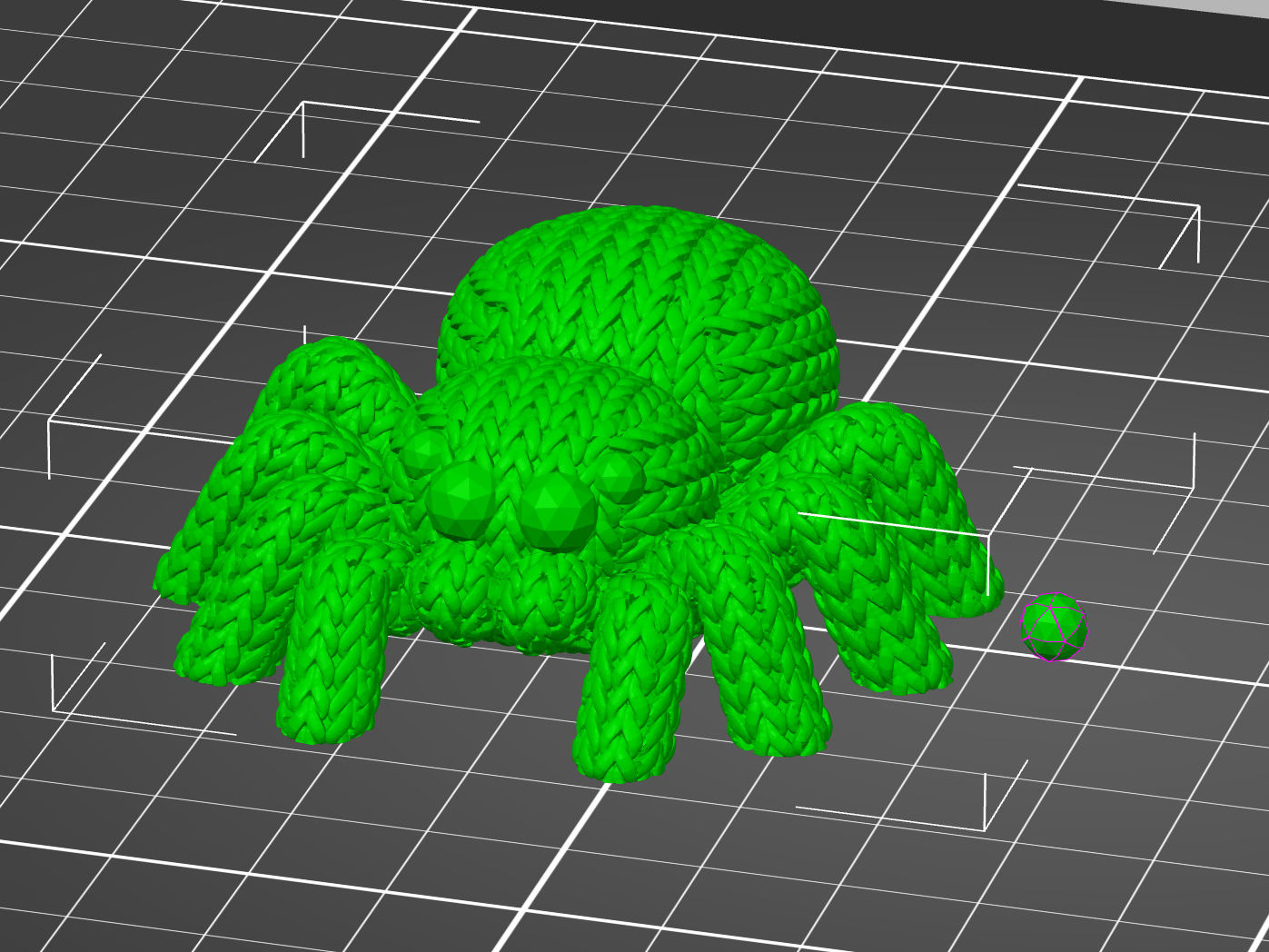
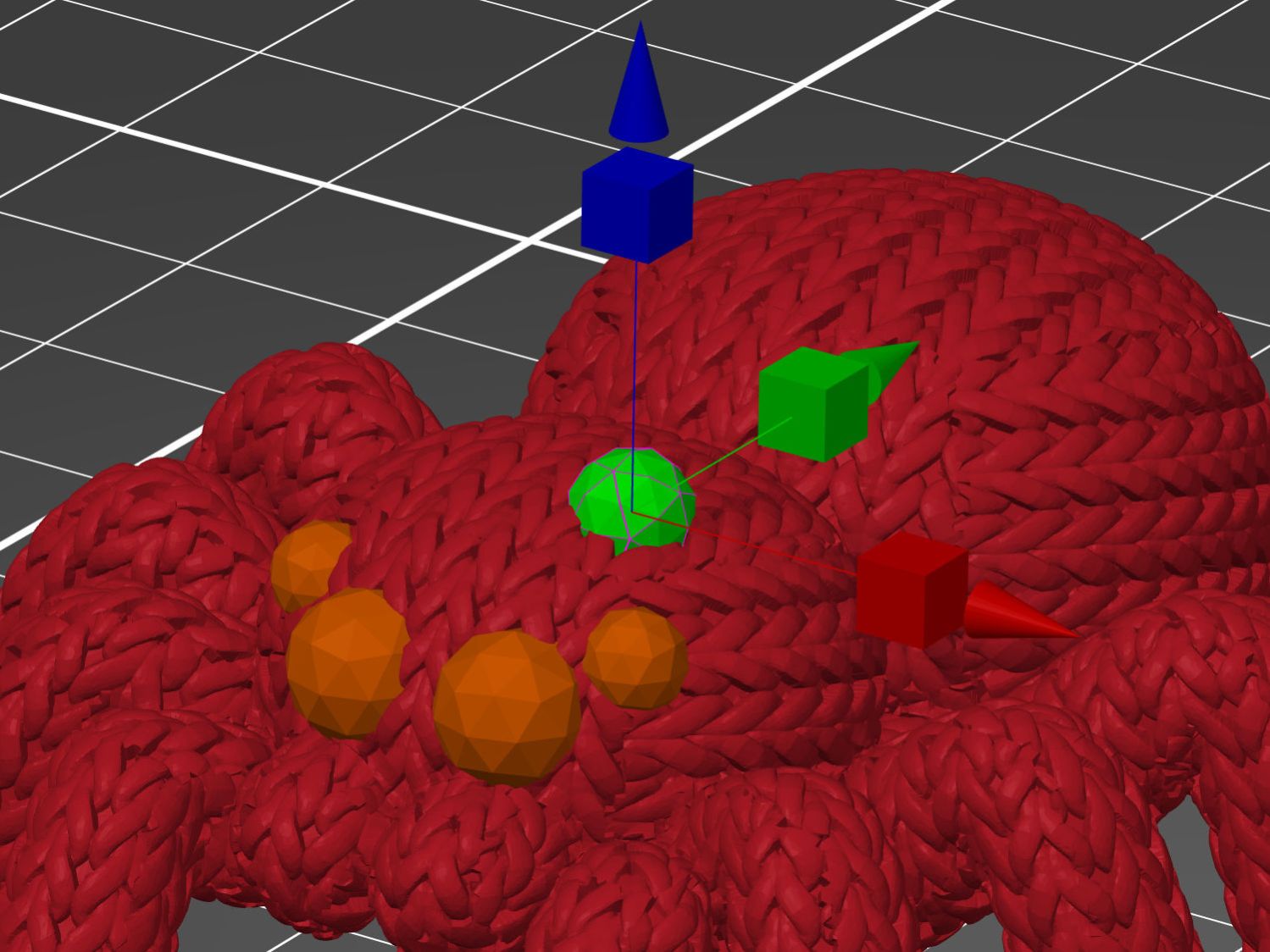
Then you can use the Move tool to haul the sphere into place:
Knitted Spider – eye positioning
Use the Scale tool to reduce it to a suitable size.
With the eye in place, copy-n-paste creates a duplicate Merged sphere at the same coordinates, which you chivvy into its proper spot. Repeat as needed for more eyes!
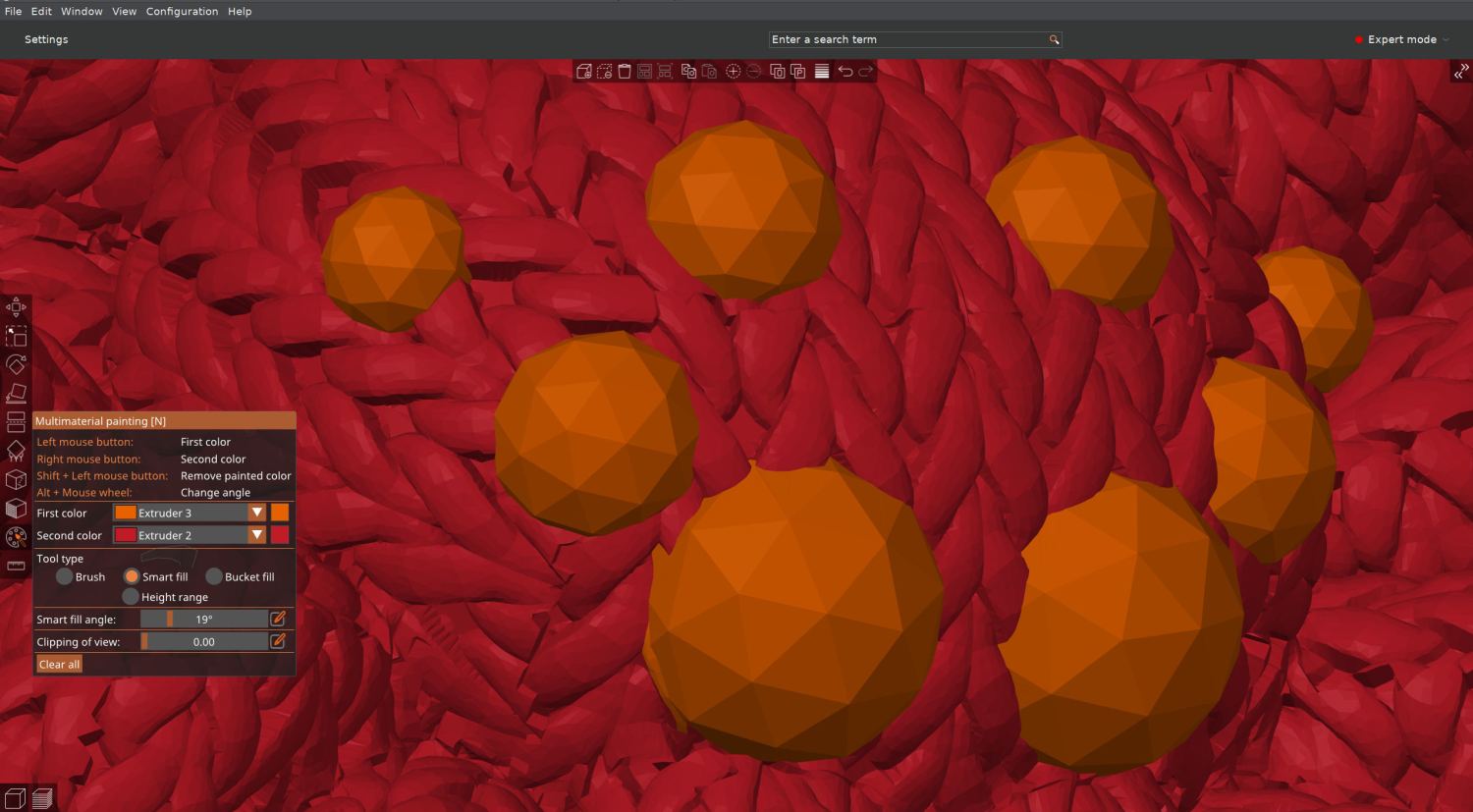
The sphere facets are far below the 0.4 mm nozzle’s resolution, but they simplify painting the eye with “Smart Fill” angle settings:
Knitted Spider – 8 eyes – slicer material painting
I had initially thought to just drop separate spheres in place and assign them to the orange extruder, but the slicer (quite properly) treats them as separate objects and creates balls sitting in sockets.
Instead, the eyes must become part of the spider’s shape, have their exterior surfaces painted, then get sliced. In order to do that, I exported the 8-eyed spider as a new STL file and imported it back for painting & slicing:
Knitted Spider – 8 eyes – slicer model
The original single-color spider prints in an hour and adding any number of eyes doubles the time, so those MMU3 tool changes are expensive. Although the printer is reliable, the auto-retract spools I set up sometimes retract the filament beyond the feed gear inside the MMU3, which the firmware detects and calls for manual intervention. It’s best to be puttering in the basement while the printer buzzes away.