Ed Nisley's Blog: Shop notes, electronics, firmware, machinery, 3D printing, laser cuttery, and curiosities. Contents: 100% human thinking, 0% AI slop.
The clamp holding the magnifying lamp (with a fluorescent ring light!) over the Basement Laboratory Desk finally fractured:
Magnifying Lamp Pivot – broken parts
Gorilla Tape held the broken parts together well enough to determine how it used to work:
Magnifying Lamp Pivot – hole sizing
The two parts used to be 11.2 mm thick, but it fit on a random chunk of half-inch aluminium plate so perfectly as to constitute a Good Omen:
Magnifying Lamp Pivot – stock layout
I decided the saw kerf would make up the difference, because, sheesh, we’re talking pot metal here.
Lay out the center, use a transfer punch the same diameter as the lamp pivot to get the proper spacing, give it a whack:
Magnifying Lamp Pivot – hole marking
The alert reader will note I came that close to drilling the hole through the wrong side of the angle.
And, yes, extrapolating the vertical edge downward suggests the large hole-to-be will intersect the small hole-in-being. This is deliberate: the clamp screw through the smaller hole fits into a recess around the lamp pivot shaft to keep it from sliding to-and-fro. I had to convince myself, but it really did work out OK.
Pay some attention to clamping it at right angles to the spindle so the big hole goes through more-or-less in the right direction:
Magnifying Lamp Pivot – drill press alignment
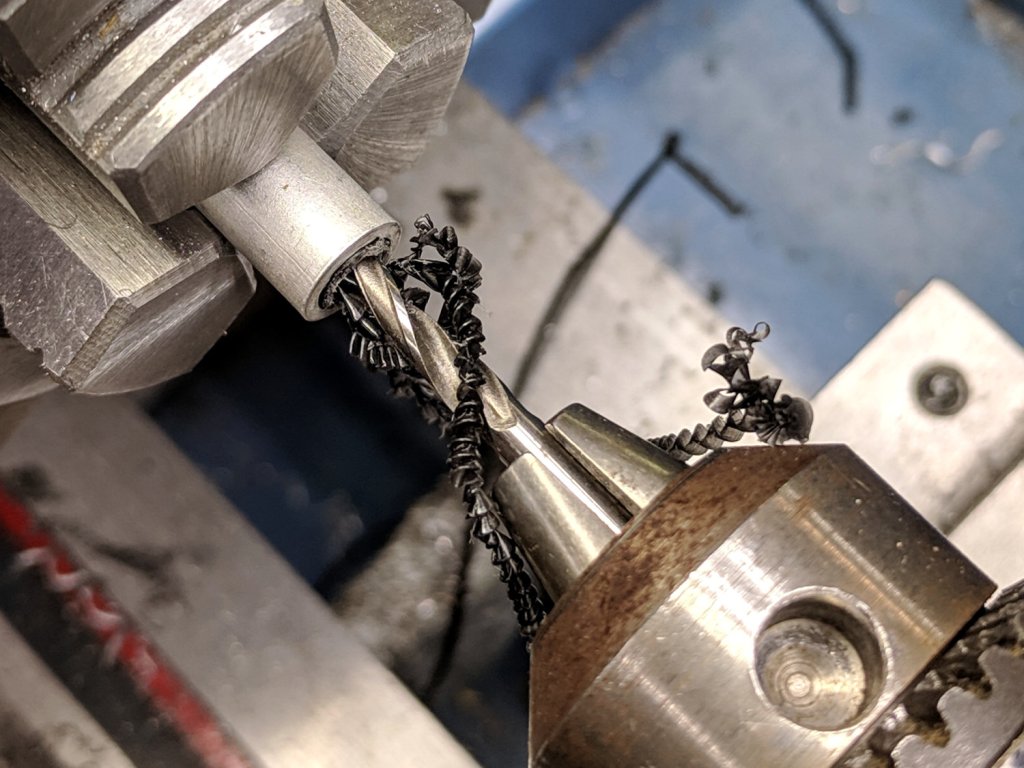
The masking tape serves as a depth reminder:
Magnifying Lamp Pivot – drilling
Set it up in a machinist’s clamp, bandsaw in twain, file the kerf reasonably flat, clamp the halves together, then bandsaw the clearance slot:
Magnifying Lamp Pivot – clearance slot
The clearance kerf wasn’t nearly as on-center as I wanted, which doesn’t really matter, but I filed a bit more diligently on the shallow side while clearing up the slot:
Magnifying Lamp Pivot – clearance filing
Introducing the new parts to Mr Disk Sander roundified them enough to pass inspection. These angular bits obviously require a bit more attention to detail:
Magnifying Lamp Pivot – parts
The lamp originally had a fancy knob on the screw which never worked particularly well, so I replaced it with a nylon locking nut to maintain a reasonable amount of pressure:
Magnifying Lamp Pivot – installed
The far end of the screw has a square shaft fitting into a square hole in the lamp arm, making it easy to torque the nut enough to make the pivot grip the shaft properly; if I ever find my Belleville washer stash again, I’ll add one. I should cut the screw off, too, but that’s definitely in the nature of fine tuning.
A pleasant morning of Quality Shop Time!
The obligatory doodle with dimensions, some of which turned out to be completely incorrect:
One of the handles snapped off a Y valve at the garden and I finally got around to an autopsy:
Garden Y Valve – cross sectioned
That’s using a 24 tpi bandsaw blade, which doesn’t cut nearly as smoothly as a fancy diamond saw, but seems good enough for the purpose. Most of the ripply shading on the cut plane comes from specular reflections; it’s pot metal all the way through and cuts to a high shine.
A closeup shows more detail around the (now hemispheric) ball valve:
Garden Y Valve – thread detail
You can see faint straight lines just inside the hose threads, which gives a hint of what’s to come.
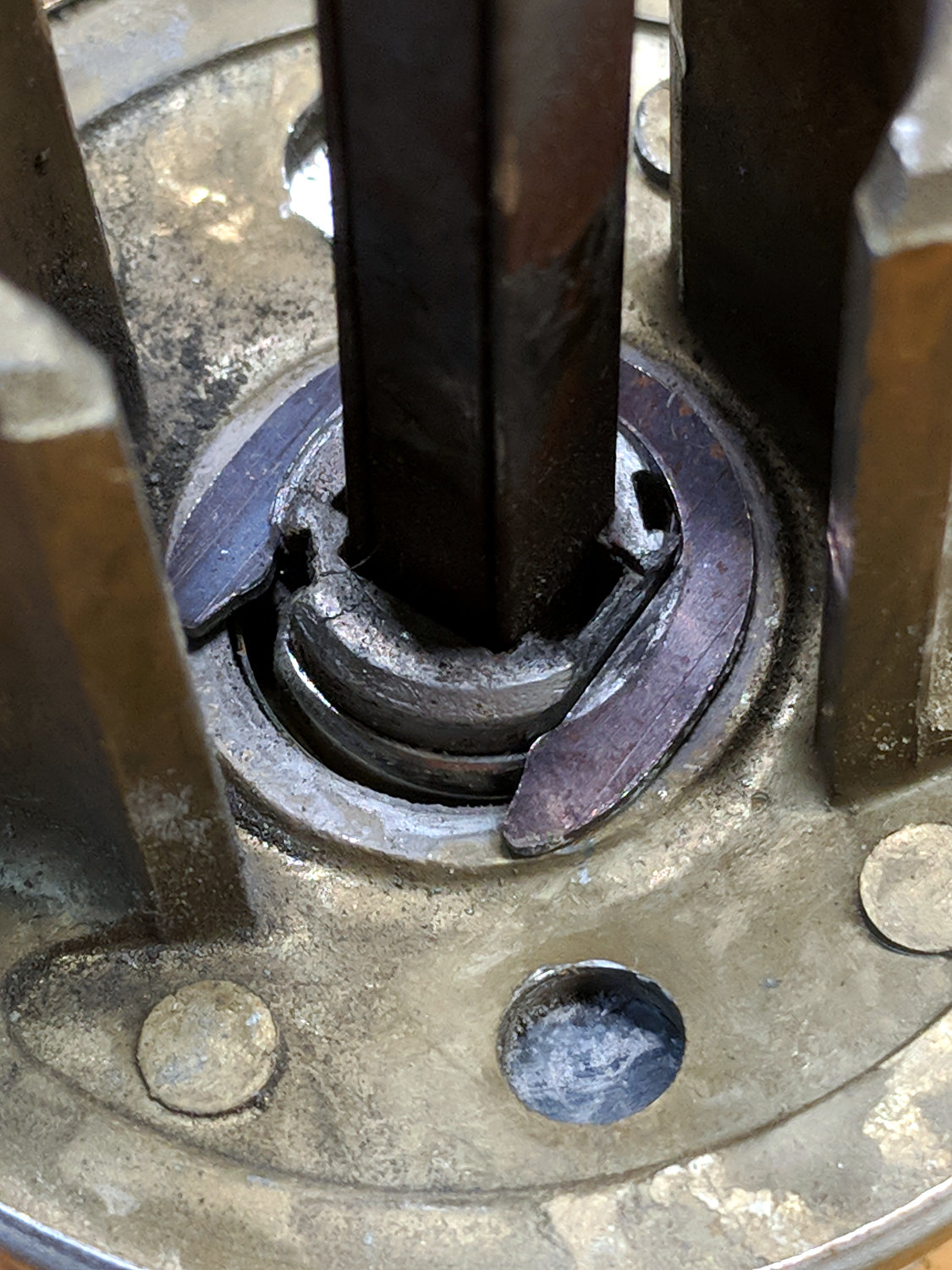
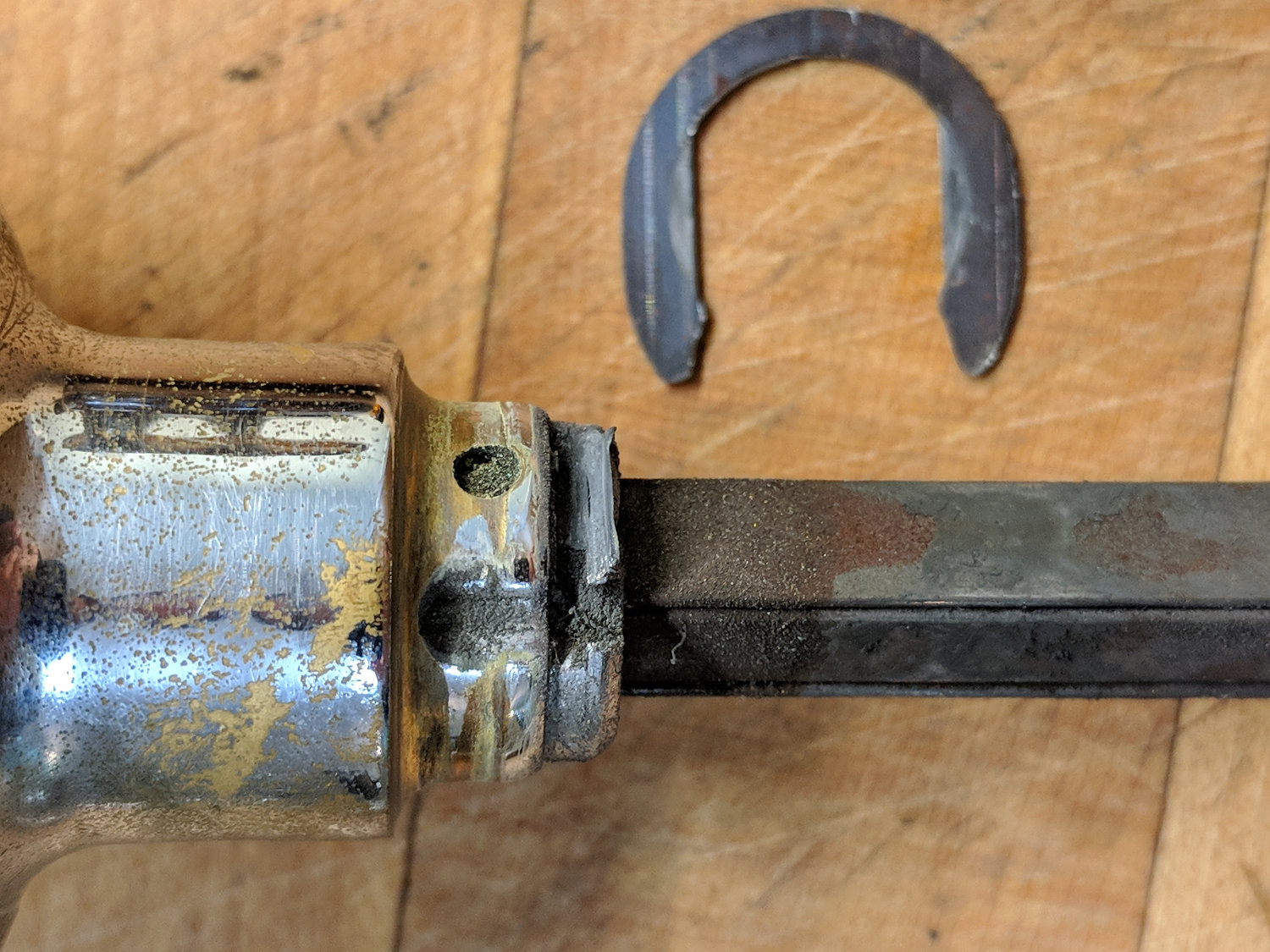
Pry out the sectioned ball and dislodge the O-ring from the now-obvious insert:
Garden Y Valve – O-rings
Gently squish the threads in the bench vise to pop out the insert:
Garden Y Valve – plug removed
If lives depended on it, one could dismantle and repair the valve without recourse to a bandsaw, but …
Back then, a 150 µF 450 V cap of the proper size (the 30 mm height being critical) was difficult to find and relatively expensive to purchase in onesies from the usual reliable sources, particularly as the repair advice I could find suggested it probably wasn’t the causing the monitor’s problems. So the monitor sat in pieces in an out-of-the-way corner of the Basement Laboratory while other events transpired.
As part of a long-delayed Great Cleanup of Small Projects, I discovered the caps are now four bucks delivered from halfway around the planet, so I got one, did the swap, reassembled the pieces, and the monitor works just like new. No pix, but you get the general idea.
For another few years, anyway.
For whatever reason, the 3.5 mm audio output seems dead. The monitor has a pair of teeny speakers that don’t do justice to its magnificent HDMI audio, but they’re entirely adequate for my simple needs: pre-SSH Raspberry Pi setup doesn’t call for much.
I managed to snag a cargo pocket on the under-sink drawer knob in the Black Bathroom:
Bathroom knob – bent screw
Did a job on the pocket, too, although after Mary was done with it, you’d never know.
With that much of a bend in the screw, the knob left a nasty divot in the drawer front requiring a layer of wood-filled epoxy:
Bathroom knob – filled divot
I sanded it more-or-less flush with the surface, taking great pains to not scuff the surrounding paint. A similar layer fills the corresponding divot under the screw head inside the front.
Despite appearances, only about 1/8 inch of the epoxy peeked around the knob, so I painted it black with a Sharpie, ran the knob onto the screw, and declared victory:
Bathroom knob – restored
I’ll (try to) (remember to) stand further back from the knob …
As far as I can tell, the Crucial M5500 SSD in that PC (an off-lease Dell Optiplex 760) stopped being a SATA hard drive, although it seems to work OK when jammed in a USB adapter.
So I picked up a new-to-me Optiplex 9020 with Windows 8.1 on an SSD, shrank the partition, tried to install Xubuntu 18.04, fat-fingered the UEFI password dance, reinstalled Windows from the SSD’s recovery partition, and got this display after a while (clicky for more dots):
Dell Optiplex – recovery disk stall
After letting it stew in its own juices during supper, I forced it off (pushed the power button until it died), restarted, got through the UEFI dance, and it now seems All Good. I made recovery DVDs (remember DVDs?), both before and after the fumbled Xubuntu installation, but didn’t need them.
I expect we’ll never boot Windows 8.1 again, but it’s there Just In Case.