The Smell of Molten Projects in the Morning

Ed Nisley's Blog: Shop notes, electronics, firmware, machinery, 3D printing, laser cuttery, and curiosities. Contents: 100% human thinking, 0% AI slop.

Tag: Repairs

If it used to work, it can work again

  • DC-DC Boost Converter: Another QC FAIL

    Each LED emitter in the Kenmore 158 endcap light contains six chips in series:

    LED mount - lighting test
    LED mount – lighting test

    Even though the current has the usual exponential relationship to the terminal voltage, the slope at 200 mA (100 mA each, assuming they share & share alike) remains low enough that I (think I) can get away with just dialing in a voltage and leaving it at that; changes due to small temperature variations won’t cause meaningful differences in the current.

    That’s easier than building an adjustable current regulator, anyway.

    The heap disgorged two cheap DC-to-DC boost converters from halfway around the planet, with about the right specs:

    • 10 to 32 V DC in
    • 12 to 35 V out
    • 10 A
    • 150 W

    They couldn’t produce their rated output, but a pair of LEDs shouldn’t pose much of a challenge.

    So I wired one up to the bench supply, set it for 12 V, turned it on, and wham it maxed out the supply at 3 A with no load on the converter’s output.

    Huh.

    Adding a suitable load resistor brought the input current down, but the voltage adjustment trimpot didn’t have much effect and the bench supply would still wham hit 3 A with no provocation, so the load resistor didn’t actually make any difference. Eventually, I figured out that simply pressing my finger on the trimpot caused the output to vary wildly.

    Given that fairly broad hint, this became obvious:

    Boost Converter - trimpot pins
    Boost Converter – trimpot pins

    Evidently, I had used the other converter for the previous tests. Huh.

    With that trimpot pin soldered in place, the converter worked fine. Eyeballometrically speaking, the LEDs seem bright enough at 100 mA total (50 mA each) for my purposes, which happens at 18-ish V. Dissipating only 2 W won’t require nearly as much heatsink as they’re presently mounted on, although I should wait for warmer weather before concluding that they’re doing OK while crammed inside the end cap.

    Before declaring victory, I took a closer look at the board and found this mmm oversight:

    Boost Converter - masked 78L09 tab
    Boost Converter – masked 78L09 tab

    Notice the big pad under the 78L09 regulator, with six thermal vias to an expansive copper pour on the other side of the board, completely covered with red solder mask.

    Removing the regulator show the regulator’s footprint didn’t include the tab:

    Boost Converter - 78L09 footprint
    Boost Converter – 78L09 footprint

    Maybe they decided, after a careful analysis, that the regulator couldn’t possibly dissipate enough power to warrant the additional solder required for the entire thermal pad. Heck, pocket a fraction of a yuan on ten million boards and you’re livin’ large.

    Scraping the mask off, fluxing everything in sight, and soldering the regulator down probably won’t make any difference:

    Boost Converter - scraped and soldered
    Boost Converter – scraped and soldered

    Yes, The Bigger The Blob, The Better The Job strikes again. It does make me feel better and that’s all that counts.

  • Sony 64 GB MicroSDXC Card: Speed Reduction Thereof

    So one of my Genuine Sony 64 GB MicroSDXC cards stopped working in my Genuine Sony HDR-AS30V action camera, failing to record video after starting normally.

    For example:

    The RCVER status display doesn’t appear anywhere in the manual, but also occurs when the camera must rebuild its metadata indexes. Or something like that. Anyhow, it’s obviously unhappy about what just happened in the course of recording.

    After several weeks of having Sony ignore my emailed requests (no “email agent” never contacted me after the initial “we’re on it” autoreplies) and after several days of being blown off by their phone menu (800-222-7669 and 800-282-2848 lead to the same tree, after which 5 – 1 – 6 disconnects after one ringy dingy), I got another number by picking a reasonable (to me) option and bulldozing the pleasant voice off-script: 877-440-3453. It turns out that if you’re at the Digital Camera node in the Sony tech support tree, the helpful agent cannot find the model number of the SR-64UY MicroSDXC card in their database, even though I’m looking at the Sony Support web page describing it.

    Anyhow, 877-440-3453 (or the “direct” 956-795-4660) produces a pleasant voice that directs me to their Media Services center in Texas and, after clicking on the Ordering Information menu item (isn’t that obvious?), produces a PDF that one fills in and sends with the failed media for their perusal.

    Being that type of guy, I sent in a somewhat more extensive description than would fit in the tiny space on the form:

    The problem with this SR-64UY MicroSDXC card (serial N73WAXOP) is that it cannot record video at the highest resolution produced by my SONY HDR-AS30V action camera: 1920x1080p @ 60 fps.

    The formatted data capacity seems unchanged at 59 GB, so the problem is not a loss of capacity.

    The camera starts recording and will continue for a few seconds or a few minutes, at which point it stops recording, flashes WAIT, then RCVER (“recover”), then returns to its idle mode. The recorded video is correct up to the failure.

    I have reformatted the card in the camera, which does not correct the problem.

    An identical SR-64UY MicroSDXC card (serial N73WA9JM), bought shortly afterward and not used, continues to operate correctly, so the problem isn’t the fault of the camera.

    The failing card (XOP) has recorded less than 100 sessions since August, while the working card (9JM) has been sitting, unused, on my desk. Recording sessions generally run 45 to 90 minutes and the AS30V produces a 4 GB every 22 minutes, so each session involves 2 to 6 large video files, plus the same number of thumbnails. I transfer the files to a PC and delete them from the card after each session. The card has therefore recorded only 1000 GB of video before failing.

    The XOP card can record video at 1920×1080 @ 30 fps and all lower resolutions. The camera requires a Class 4 speed, which means that the SR-64UY card no longer meets its Class 10 / U 1 speed rating.

    Please replace this card with one that meets its speed rating.

    Thank you…

    The replacement card just arrived, so a speed reduction is a warranty failure.

    I’ll test this one by plugging it into the high-amperage Micro-USB charger for the Kindle, aiming it at a clock, and letting it run until it’s either filled the card with excruciatingly boring high-data-rate video or crashed & burned in the attempt.

  • Eyeglass Temple Re-Repair

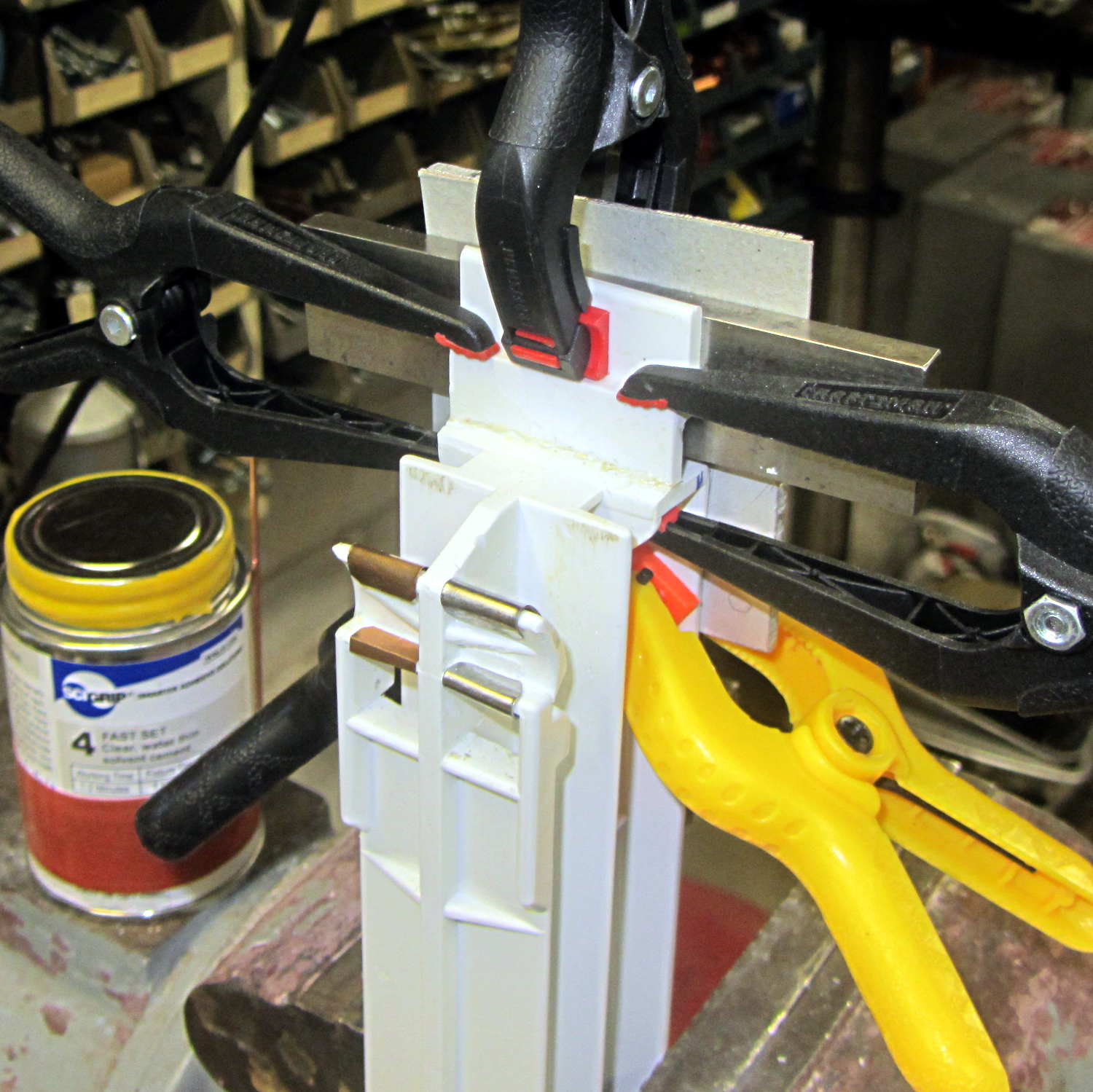
    Unfortunately, the smooth interior of the temple spring pocket and the smooth exterior of the hinge plate didn’t provide enough mechanical lock for the epoxy; the pieces pulled apart after a week.

    So I put a stake in its heart:

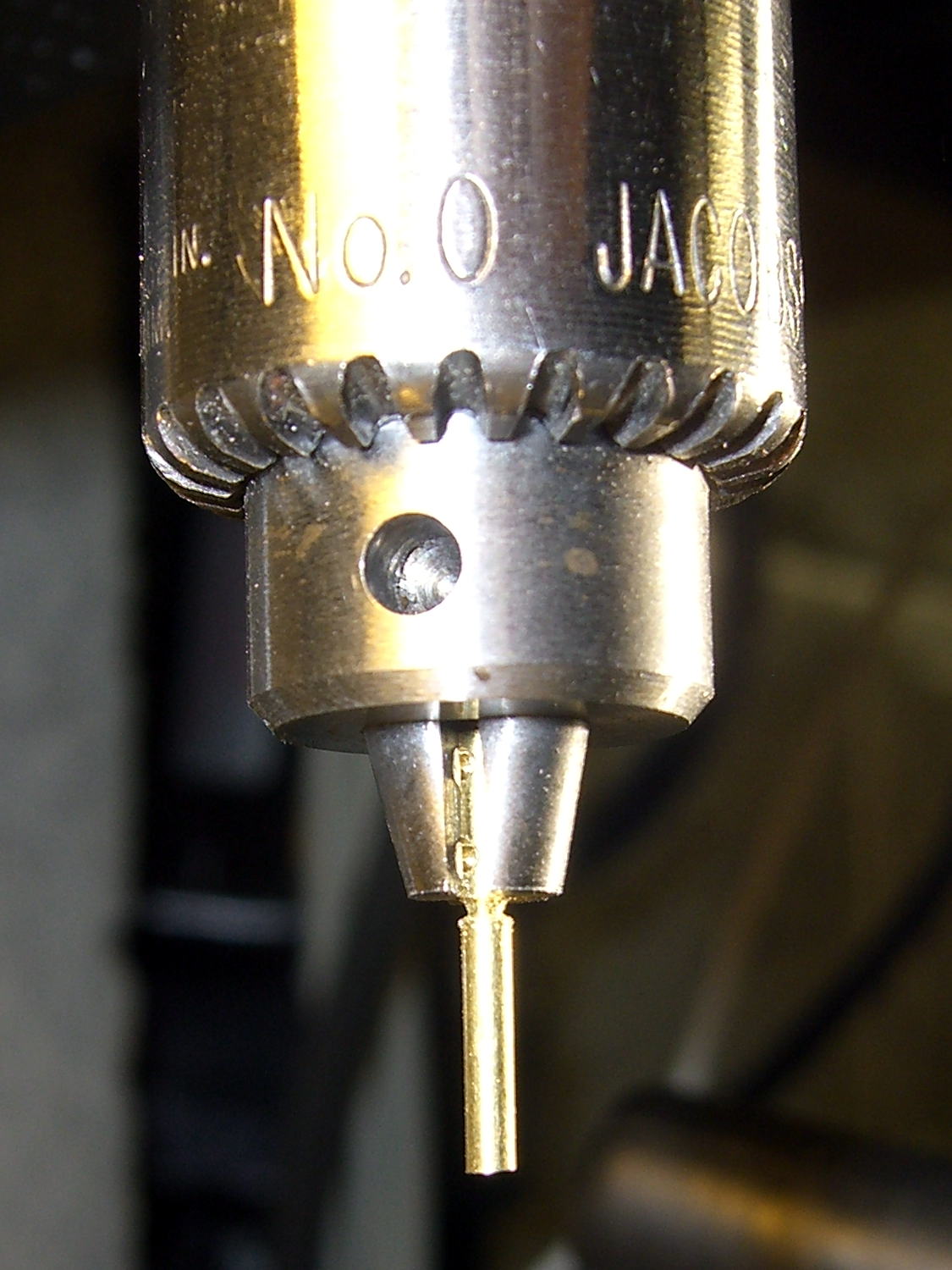
    Eyeglass temple - tapered pin
    Eyeglass temple – tapered pin

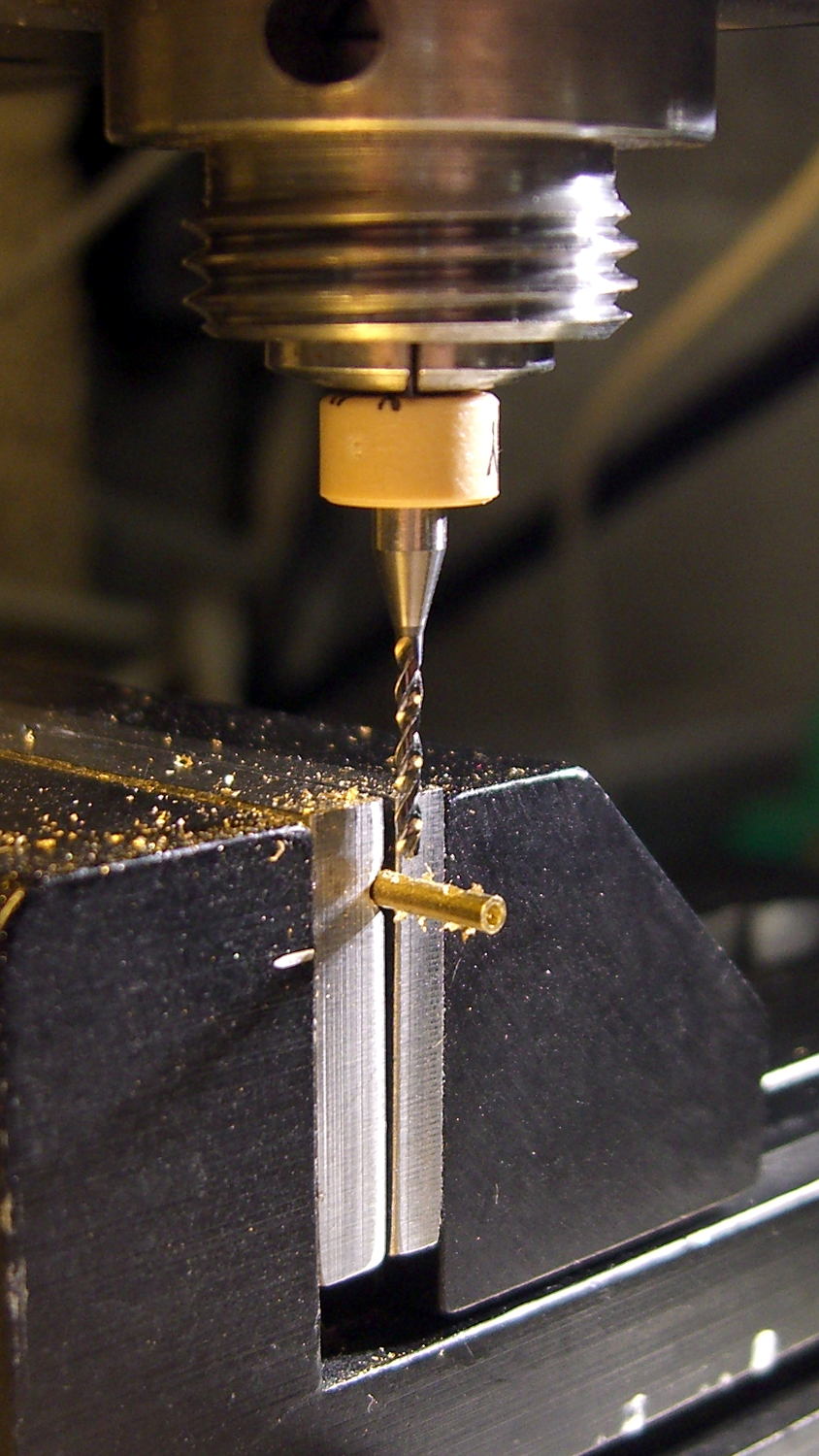
    That’s a tapered brass pin from the Box o’ Clock Parts, buttered up with a dab of epoxy, then shoved firmly into a 41 mil (#59) hole drilled through the pocket and the edge of the hinge plate.

    Fast-forward overnight, apply a Dremel grinding bit, and it looks passable:

    Eyeglass temple - ground tapered pin
    Eyeglass temple – ground tapered pin

    If that doesn’t hold, those glasses are gone.

  • Taylor 1478 Kitchen Thermometer: New Probe

    The replacement probe has a woven metal jacket that’s allegedly more rugged than the original plastic, but I think the main difference comes from the additional strain relief at the end of the probe:

    Kitchen thermometer - new probe
    Kitchen thermometer – new probe

    That still looks abrupt to me, so I wrapped a silicone tape snippet around the joint:

    Kitchen thermometer - new strain relief
    Kitchen thermometer – new strain relief

    Probably not food-safe, definitely butt-ugly, but I don’t want to replace the probe again for a long time.

    FWIW, although the probe description says it’s compatible with Taylor 1970N thermometers and doesn’t mention the 1478 we have, the 2.5 mm plug fits (no suprise there) and the display shows appropriate temperatures; it seems no less accurate than the original probe.

  • Taylor 1478 Kitchen Thermometer: Probe Wire Failure

    We’ve been doing a lot of roasting and bought a not-dirt-cheap Taylor 1478 digital kitchen thermometer with a long probe wire to monitor the meat temperature. As soon as I unpacked it, I knew this would eventually happen:

    Kitchen thermometer - nicked probe wire
    Kitchen thermometer – nicked probe wire

    The cable lasted just long enough to ensure the thermometer warranty expired; it’s a deliberate design flaw if I’ve ever seen one.

    The thermistor inside the probe seems to be 100 kΩ at ordinary temperatures, although I’d be completely unsurprised to find that Taylor uses a slightly nonstandard resistance. Because nonstandard, of course.

    Anyhow, replacement probes (*) are readily available from the usual Amazon suppliers, feature stainless steel braid sheathing and cost about as much as a whole new thermometer (albeit those still have cheap plastic insulation). With a replacement on order, I hauled the failed probe to the shop for an autopsy and possible resurrection…

    Although I hoped that hammering out the crimp would release the thermistor, it was not to be. In retrospect, pulling on the probe wire probably killed it, but I didn’t know that at the time.

    A spring intended to stabilize tubing while bending worked just fine to un-bend the probe:

    Kitchen thermometer - unbending
    Kitchen thermometer – unbending

    But, alas, the thermistor still didn’t emerge from the more-or-less straightened probe.

    Some deft work with a Dremel cutoff wheel sliced enough off the stainless steel tube that I could splice the wires:

    Kitchen thermometer - probe cutting
    Kitchen thermometer – probe cutting

    More cutoff wheel work smoothed the edges of that raw cut end, although the result wasn’t anything to show off.

    The spliced and insulated probe definitely don’t win any awards, either:

    Kitchen thermometer - probe rebuild
    Kitchen thermometer – probe rebuild

    I doubt that the heatshrink tubing or silicone wrap underneath it would be suitable for roasts in the kitchen, but that’s moot: the probe remained intermittent.

    If the new probe is also intermittent, then I’ll suspect the crappy 2.5 mm jack in the side of the thermometer…

    (*) It’s not clear that a replacement probe for a 1470N thermometer will work with a 1478 thermometer. I’m gambling that Taylor wouldn’t be so stupid annoying deliberately obtuse as to use different probe thermistors, but that’s surely a bad bet. There’s no reason to believe Taylor actually makes any of this stuff, which means different models may come from entirely different designers / factories with entirely different supply chains.

  • Incremental Architecture

    The nice countertop and sinks look like obvious replacements since they built this rest area on the NYS Northway up near Saratoga. Unlike the old sinks, however the countertop needed support struts to prevent the backsplash from peeling off the wall when somebody leans on the edge and those struts required planks to make the spacing work out:

    NYS Northway Rest Room - Sink Supports
    NYS Northway Rest Room – Sink Supports

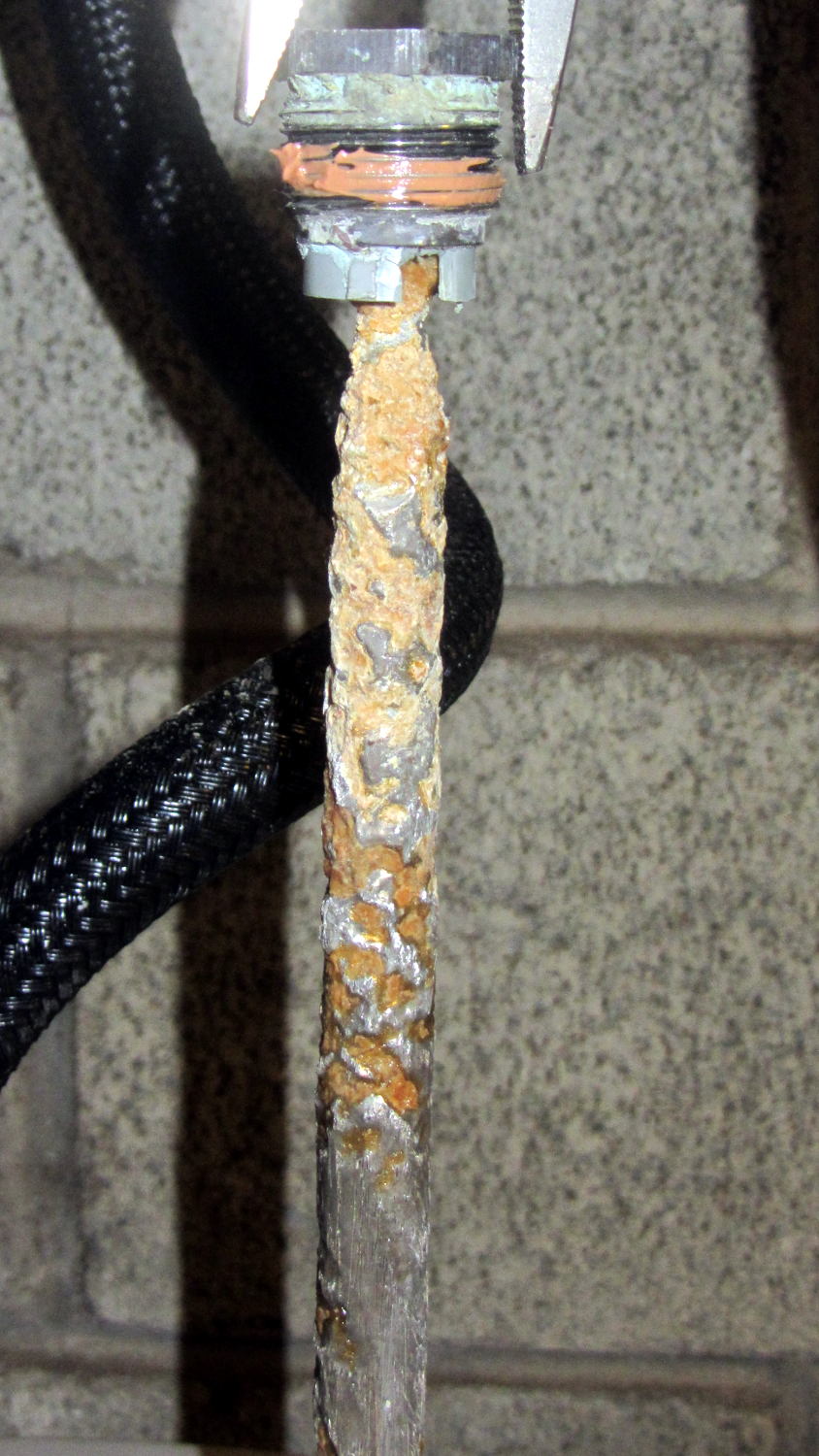
    Too bad about that strut right where the drain cleanout plug emerges from the wall. Also too bad that the elaborate welded square doesn’t rest on the wall, so it’s not really supporting anything. Triply too bad about the trim plate that used to conceal the plug; the one that didn’t fit behind the square.

    Also: why do the sink drains have such a long horizontal run between the drain tailpiece and the trap? Maybe that’s so they can retrieve rings and other valuables that go down the drain? Perhaps the other trap orientation would put the joint too far forward, where it can be dislodged by an errant knee?

    I’ve certainly created incremental monstrosities like that; look no further than the successive APRS interfaces on our bikes

  • Hotrod M2 Platform Support Stud Repair

    The hotrod build platform I’m using with the Makergear M2 consists of a PCB heater bonded to a glass plate, supported by three socket head cap screws soldered into the PCB. The print quality recently took a nosedive that seemed related to the first layer height, with which I fiddled more than usual, and finally the front of the platform became obviously, visibly, no-way-around-it far too high. Peering under the platform showed that the front support stud had pulled out of the solder fillet securing it to the PCB:

    M2 Hotrod Platform - support stud pullout
    M2 Hotrod Platform – support stud pullout

    Those PCB patterns conduct the heater current around the mounting holes: the hotrod platform has better heat distribution than the OEM M2 platform.

    The offending screw didn’t go anywhere:

    M2 Hotrod Platform - support stud in spring
    M2 Hotrod Platform – support stud in spring

    The wavy spring and silicone plug press on the PCB, so the solder fillet had to support all the stress. It seemed as though the solder hadn’t bonded to the stainless SHCS, but, rather than try to fix that, I decided to put a washer on the screw. That way, the spring bears on the washer and the screw head supports the strain, with the solder fillet responsible for holding the PCB and glass plate in position.

    Alas, I didn’t have any washers small enough on the inside (3 mm) and big enough on the outside to support the springs, so I cut some out of a sheet steel scrap by drilling the center hole to the proper diameter, then applying a hole saw without its (far too large) pilot drill:

    M2 Hotrod Platform - hole-sawing washers
    M2 Hotrod Platform – hole-sawing washers

    That’s a lethally bad idea, as the pilot-less saw can grab the sheet and toss it across the shop. Notice the screws holding the sheet down and absorbing the cutting torque, plus the two clamps enforcing the “stay put” edict.

    The other problem with not having a pilot drill in the hole saw is that it’s not guaranteed to cut a cookie that’s concentric with the center hole. Instead of taking the time to make a pilot, I just drilled and cut a few extra washers, then picked the best three of the set for finishing:

    M2 Hotrod Platform - rough-cut washers
    M2 Hotrod Platform – rough-cut washers

    Using a screw as a mandrel, I lathe-turned the OD of the better ones to make them nice and round:

    M2 Hotrod Platform - washer on mandrel
    M2 Hotrod Platform – washer on mandrel

    Two of the three PCB support screws were in the right place (they hadn’t come loose), so I used the M2 as an alignment fixture for the third:

    M2 Hotrod Platform - aligning washers
    M2 Hotrod Platform – aligning washers

    That’s a layer of  good old JB Industro Weld epoxy, rated for much higher temperatures than the platform will ever see, between the big washers and the PCB. I buttered up the head of the errant screw and the inside of the solder fillet, shoved it in, and then stacked everything together. The small washers held the big washers perpendicular to the screws while the epoxy cured.

    After that, I removed the small washers, reinstalled springs + silicone plugs, tightened the nyloc nuts, aligned the platform, ran off a few thinwall hollow boxes, tweaked the alignment, and it was all good:

    M2 Hotrod Platform - thinwall box alignment
    M2 Hotrod Platform – thinwall box alignment

    The rest of the story: that mumble screw pulled loose on the Friday evening before the Mini Maker Faire on Saturday morning. I did all the shop work after supper, then let the epoxy cure overnight with the platform set to 95 °F while I got a good night’s sleep. Reinstalling and realigning the platform took the better part of half an hour around breakfast, after which I tore it all down, packed it all up, and headed off to the Mini Maker Faire.

    In truth, that’s the most trouble I’ve had with the M2 and it’s not Makergear’s fault: it’s not their platform. After reinstalling the platform, the alignment was no big deal and it’s been stable ever since.