Ed Nisley's Blog: Shop notes, electronics, firmware, machinery, 3D printing, laser cuttery, and curiosities. Contents: 100% human thinking, 0% AI slop.
Tag: Improvements
Making the world a better place, one piece at a time
A better fix required a few minutes of OpenSCAD tweakage and a few hours of hands-off build time:
Refrigerator Coil Wand Adapter – Slic3r preview
The fitting ID is now 2 mm smaller, the 3D honeycomb infill is 25%, and (contrary to the picture) it now has 4 perimeter threads. It’s a two-line change from the last time:
Another reducer had gone missing over the years, so I made one from a length of PVC pipe:
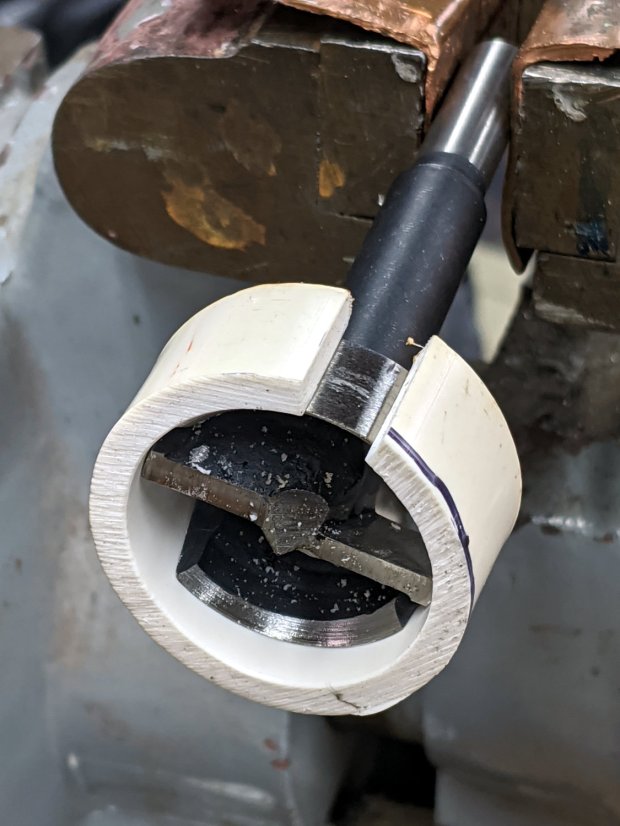
Bird Box – PVC pipe reducer – shaping
It started as 1-½ PVC pipe, 1-⅞ inch actual OD and should fit into a 1-½ hole, so I measured 1.5 × 3.15 around the circumference, bandsawed out the excess, draped it over a 1-½ Forstner bit, toasted it with a heat gun, and squashed it so it’s just a little bit bigger than the (enlarged!) hole in the box.
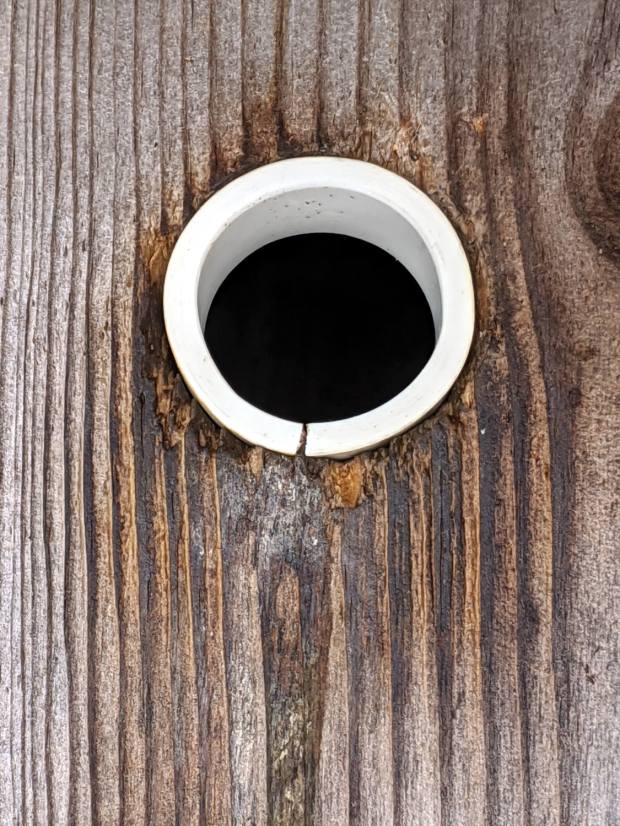
Now the entrance is 1-¼ (-ish), just like it should be:
Bird Box – PVC pipe reducer – installed
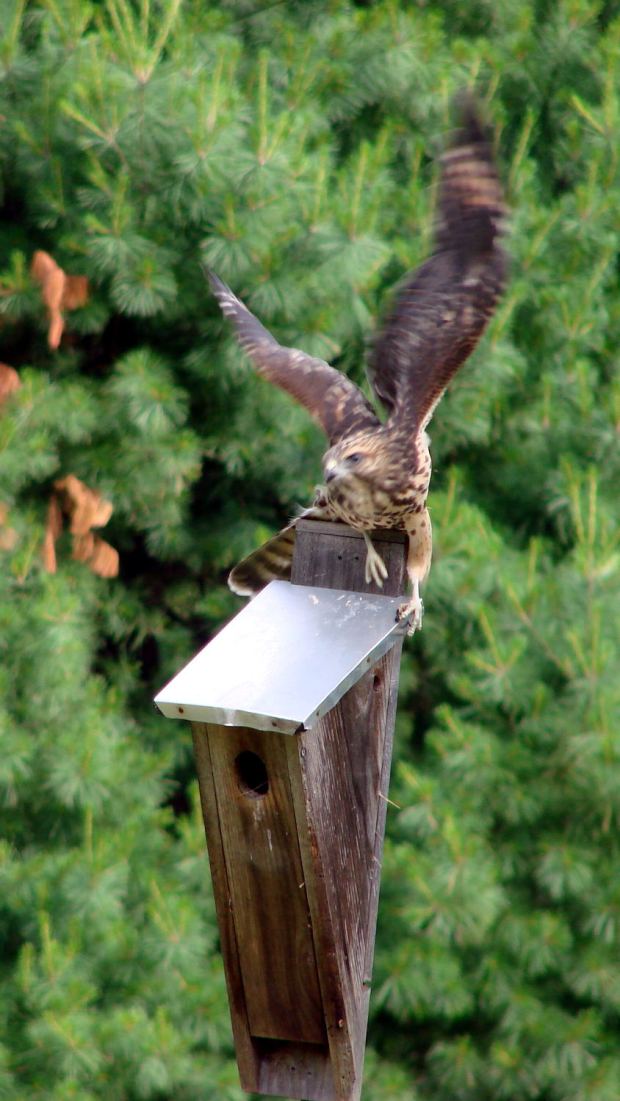
The bird box in the front yard has been attracting starlings, in addition to serving as a hawkperch:
New Coopers Hawks – bird box takeoff whoops
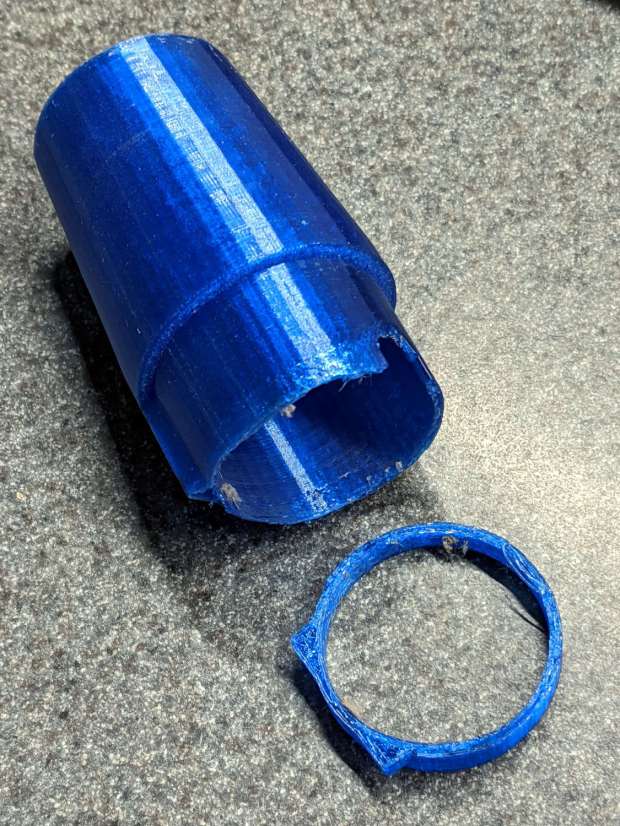
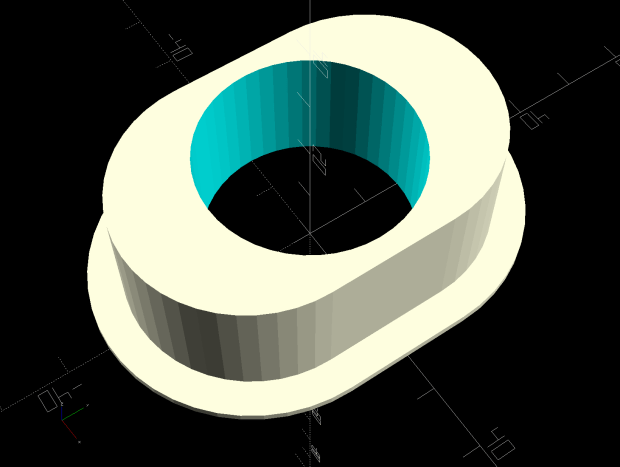
The oblong hole required advanced manufacturing techniques:
Oval Entrance Reducer
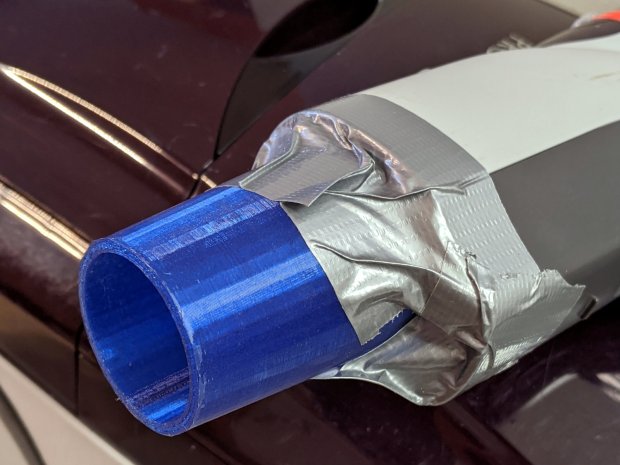
The front face should be too slick for larger birds and the little ones will zip right into the hole:
Bird Box – 3D printed entrance reducer
The two starlings who’d been evaluating the box seem to have moved on; we doubt they’re now homeless.
This file contains hidden or bidirectional Unicode text that may be interpreted or compiled differently than what appears below. To review, open the file in an editor that reveals hidden Unicode characters.
Learn more about bidirectional Unicode characters
The quadrature detector, the black block on the left, is oriented with its lens (and, thus, the actual detectors) pointed away from the IR emitter. I thought it might be an assembly screwup, but it’s actually worse: the PCB layout is wrong.
A note from Tristan in NZ explains the situation:
So I have a later model than yours. It has a 2nd PCB chunk between where the legs normally would be. Just a floating piece with two holes for the legs, holding the legs from the board […] to the main board.It is also pointing the correct way (with the lens towards the three leg emitter).
Kensington scroll wheel revision2
The new quad detector has only three pins and no convex lens, but the active area now faces the emitter across the gap.
Because the interposer PCB occupies the space previously devoted to the emitter & detector leads, Kensington apparently soldered the new parts directly to the top surface without any clearance:
It’s like they failed to put through-vias to the rear or didn’t route them to the bottom another way, hence the solder is under the component
Tristan managed to wreck the detector while attempting to re-solder the intermittent joints, a situation I’m painfully familiar with. He replaced it with a quad detector harvested from a mid-90s optical mouse and it’s back in operation.
So I think the correct “fix” for the old-style PCBs (without the new interposer) is to unsolder the detector, rotate it so the lens faces the emitter, then somehow rewire the pins to the original pads. This won’t be easy and definitely won’t be pretty, but as long as it’s pointed in the right general direction it should work:
mine works off axis quite a bit
Should either of my Expert Mouse trackballs fail, now I know what to do
Many thanks to Tristan for reporting his findings!
In those 29 calendar months (maybe 20 riding months) I’ve ridden 4500-ish miles at perhaps 12 mph, so call it 375 hr = 22.5 k min. The camera fills a 4 GB file every 22.75 min, so it’s recorded 1000 files = 4 TB, which is 62× its capacity. This is better than the defunct Sandisk Extreme Pro card (3 TB & 50×) and much much better than the Sony cards (1 TB & 15×), although I have caught the camera in RCVR mode maybe twice, which means the card or camera occasionally coughs and reformats itself.
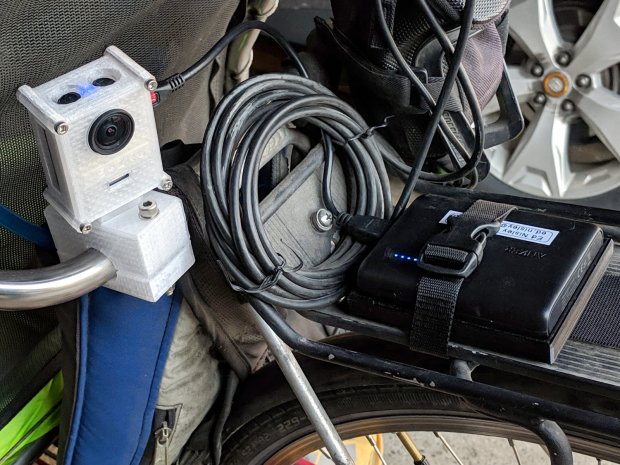
The SJCam M20 rear camera also uses a Sandisk 32 GB high-endurance card and has worked fine since early 2018. An external battery eliminated all the hassle of its feeble internal batteries, although the one that’s been in there has faded to the point of just barely keeping the clock ticking over during winter weeks without rides:
SJCAM M20 Mount – Tour Easy side view
All in all, paying the premium for video-rated MicroSD cards has been worthwhile!
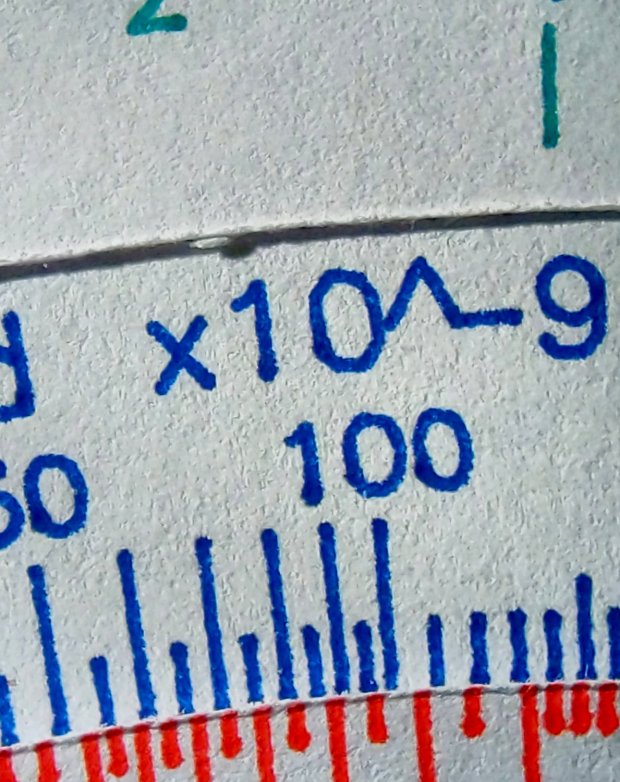
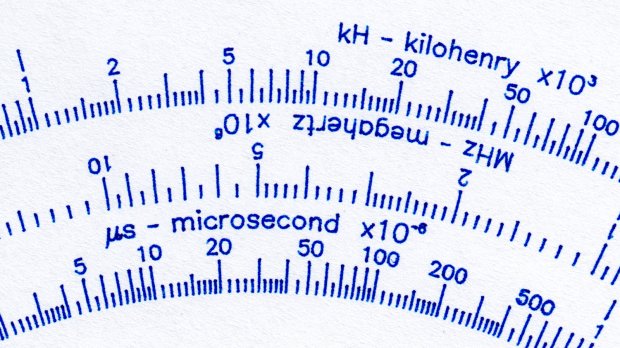
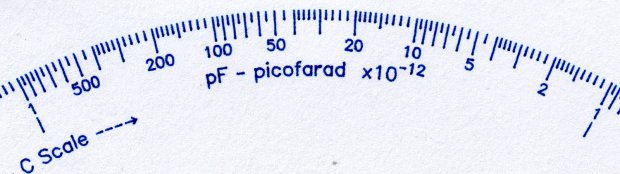
The GCMCtypeset() function converts UTF-8 text into a vector list, with Hershey vector fonts sufficing for most CNC projects. The fonts date back to the late 1960s and lack niceties such as superscripts, so the Homage Tektronix Circuit Computer scale legends have a simpler powers-of-ten notation:
Tek CC – Pilot V5 – plain paper – red blue
Techies understand upward-pointing carets, but … ick.
After thinking it over, poking around in the GCMC source code, and sketching alternatives, I ruled out:
Adding superscript glyphs to the font tables
Writing a text parser with various formatting commands
Doing anything smart
Because I don’t need very many superscripts, a trivial approach seemed feasible. Start by defining the size & position of the superscript characters:
SuperScale = 0.75;                                       // superscript text size ratio
SuperOffset = [0mm,0.75 * LegendTextSize.y];            //  ... baseline offset
Half-size characters came out barely readable with 0.5 mm Pilot pens:
Tek CC – Superscript test – 0.5x
They’re legible and might be OK with a diamond drag point.
They work better at 3/4 scale:
Tek CC – Superscript test – 0.75x
Because superscripts only occur at the end of the scale legends, a truly nasty hack suffices:
function ArcLegendSuper(Text,Super,Radius,Angle,Orient) {

  local tp = scale(typeset(Text,TextFont),LegendTextSize);

  tp += scale(typeset(Super,TextFont),LegendTextSize * SuperScale) + SuperOffset + [tp[-1].x,0mm];

  local tpa = ArcText(tp,[0mm,0mm],Radius,Angle,TEXT_CENTERED,Orient);

  feedrate(TextSpeed);
  engrave(tpa,TravelZ,EngraveZ);
}
The SuperScale constant shrinks the superscript vectorlist, SuperOffset shifts it upward, and adding [tp[-1].x,0mm] glues it to the end of the normal-size vectorlist.
Yup, that nasty.
Creating the legends goes about like you’d expect:
A new spool of retina-burn orange PETG snagged when the takeup guide let the filament fall off the inboard side and the extruder tightened the loops around the spool holder. I carefully unwound the loops without removing the spool to ensure I didn’t introduce a crossover, scraped the bird’s next off the platform, and restarted the print.
After undoing the second snag, I added a crude spool sidewall: