Ed Nisley's Blog: Shop notes, electronics, firmware, machinery, 3D printing, laser cuttery, and curiosities. Contents: 100% human thinking, 0% AI slop.
Alas, the nice slotted cap I put on the driveway drain can’t handle the amount of debris released by the trees next to the house and above the gutters. I’d removed the thumbscrew to simplify clearing the cap whenever I go for the mail, but that just accentuated the problem:
Driveway drain – fountain
The backup must be over a foot of water at the end of the pipe; that fountain emerges from the 1/4 inch hole for the thumbscrew. Fortunately, the slope is large enough that the water (probably) isn’t backing up into the retaining wall footing drain.
When the pine trees toss their dead needles overboard, the cap plugs solid and, minus the screw, blows across the driveway:
Driveway drain – clogged
It usually doesn’t roll very far, although I’ve retrieved it halfway to the street.
I still think the chipmunks will move in without a grate blocking the pipe, but I’m unsure how to proceed…
Got a call from a friend who was having trouble getting BitDefender to accept its new license key, so I drove over; she’s at the top of a killer hill and I’d already biked my two dozen miles for the day. Solving that problem was straightforward, if you happen to know that they use “authorization” and “license” as synonyms and that you access the key entry dialog by clicking on a text field that doesn’t look at all clickable.
I should have declared victory and returned to the Basement Laboratory, but, no, I had to be a nice guy.
BitDefender kvetched that it had been 777 days since its last scan, so I set up some regularly scheduled scans and automagic updates for everything in sight; we agreed she’d just let the thing run overnight on Mondays to get all that done.
BitDefender also suggested a handful of critical Windows XP updates, plus the usual Adobe Flash and Reader updates, plus some nonsense about Windows Live Messenger that seemed to require downloading and installing a metric shitload of Microsoft Bloatware. Rather than leave all that for next Monday’s unattended update, I unleashed the critical ones, did the Flash and Reader updates, and stuffed the Messenger update back under the rug.
Then AOL recommended an urgent update to AOL Desktop 9.7. She has a couple of AOL email addresses, mostly for historic reasons, and I asked if she ever used the AOL Desktop. She wasn’t sure, so I lit up the installed AOL Desktop 9.6: “Oh, that’s how I get all my email!” OK, so we’ll update that, too.
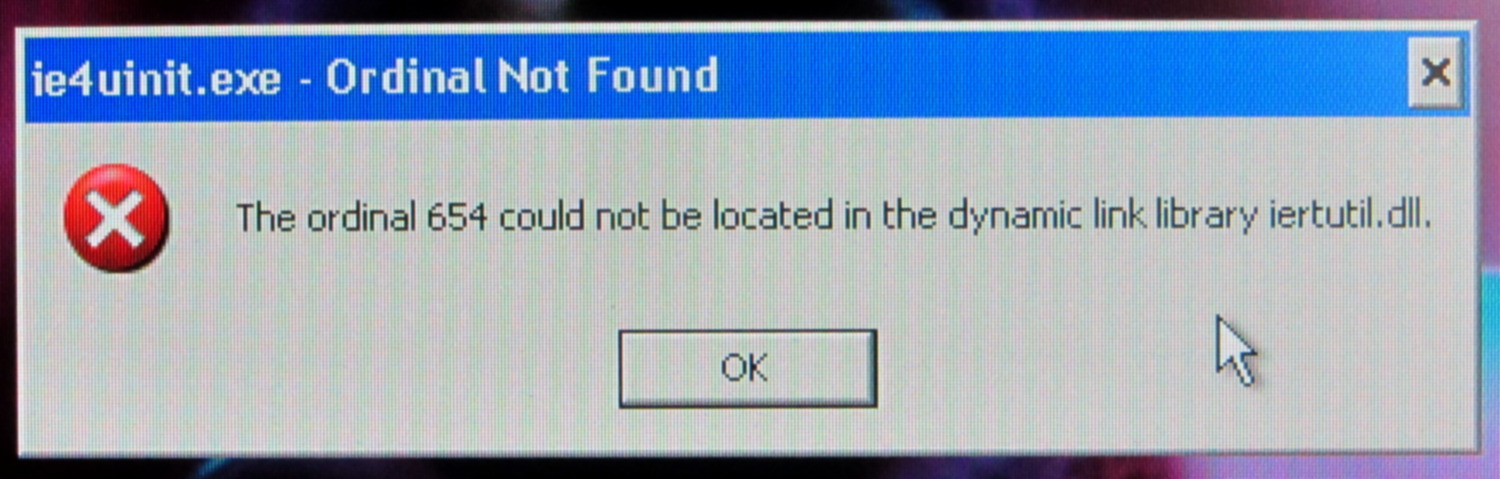
After all the thrashing was done, the system rebooted and presented us with the single most unhelpful error message I’ve ever seen:
Windows Error – Ordinal Not Found
No, you chowderheads, that is not OK…
Searching on the obvious terms indicated this had something to do with Internet Explorer 8 (remember IE 8?) and produced a number of irrelevant suggestions. The least awful seemed to involve running the Microsoft System File Checker utility:
sfc /scannow
Which I did.
It ran for the better part of an hour, then suggested a reboot. During the shutdown, it replaced 29 files at an average of about 5 minutes per file.
After which, Windows restarted and displayed exactly the same error message. Actually, a series of them; various programs couldn’t locate a fairly wide selection of ordinals in several DLLs.
OK. I give up.
We located a tech who does this sort of thing for a living. I’ve offered to split the cost of getting the box up and running again, with the understanding that it may be easier to start with a fresh off-lease Dell box running Windows 7 than to exhume an aging Windows XP installation.
I stopped caring about Windows toward the end of the last millennium and now keep a Token Windows Box only for hardware like the HOBOWare dataloggers and software like TurboTax.
The horrible paint crazing came from “priming” the bare plywood scrap (yes, that’s a stray hole from its previous life) with a specialty white paint intended for plastic lawn furniture; it apparently gets along poorly with the forget-me-not fluorescent red topcoat. Doesn’t matter in this application and uses up more of both rattlecans, so it’s all good.
Of course, after tucking it in the bike’s underseat bag, I spotted the lost plate along the DCRT: now I have a spare!
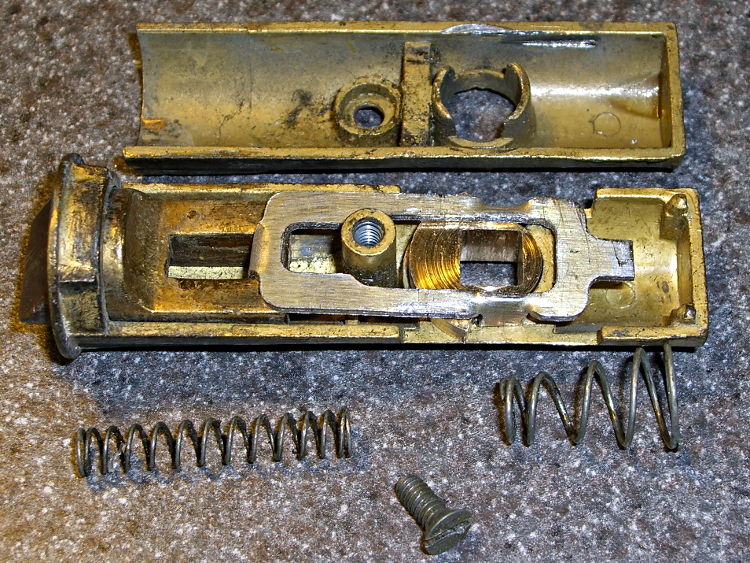
The discussion following that post on getting feature coordinates from an existing part reminded me of an old project that I’d written up for Digital Machinist: making repair parts for the half-century old storm doors on our house. Here’s the whole latch, with a replacement drawbar and cam:
Latch Assembly
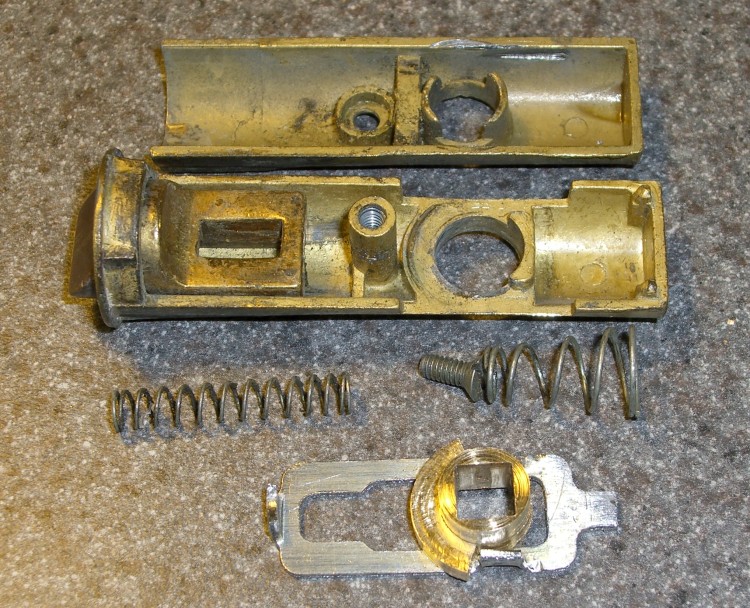
The other side of the drawbar and cam:
Door Latch Parts
An early version of the drawbar that engages the latch strike and gets pulled by cam:
New and Old latch pulls
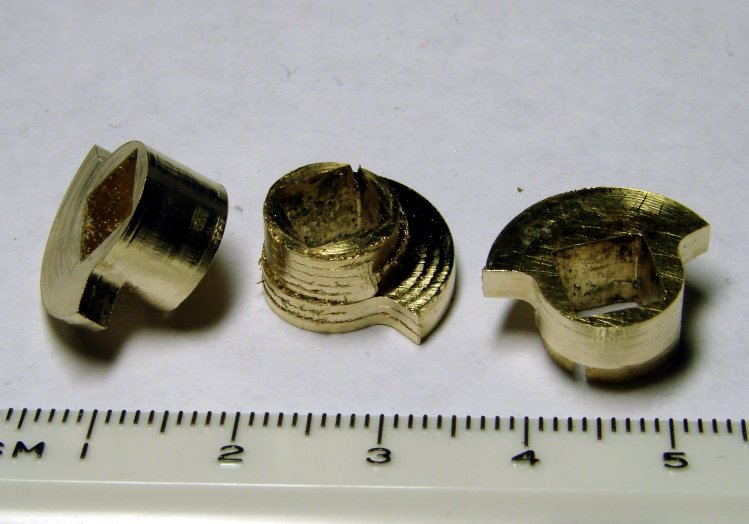
Three iterations on a cam; the messed-up one in the center, IIRC, helped track down an EMC2 bug:
Latch Cams
Now that I look at it again, there’s nowhere near enough meat around that square hole for a 3D printed plastic part… so the notion of printing the complex part of the cam and adding wear bars along those ears just isn’t going to work.
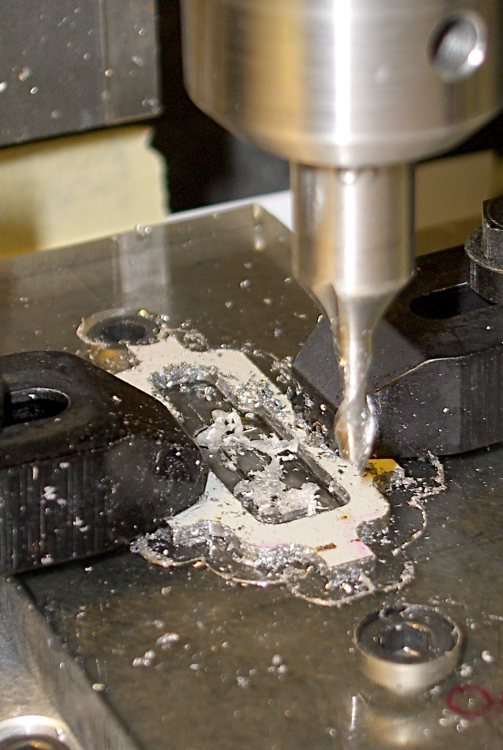
I made a fixture for the Sherline CNC mill to hold the drawbar for inside milling:
Latch pull – Inside milling
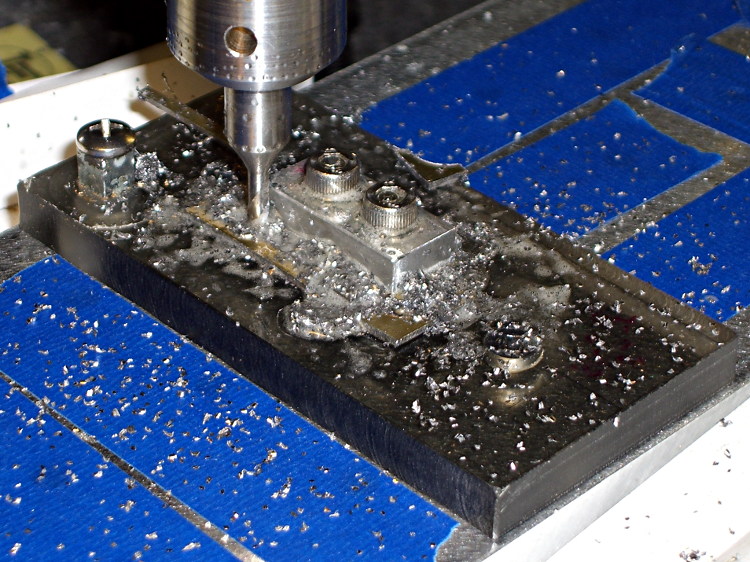
Then a block screwed down in the middle clamps the drawbar in the same place for outside milling:
Latch pull – Outside milling
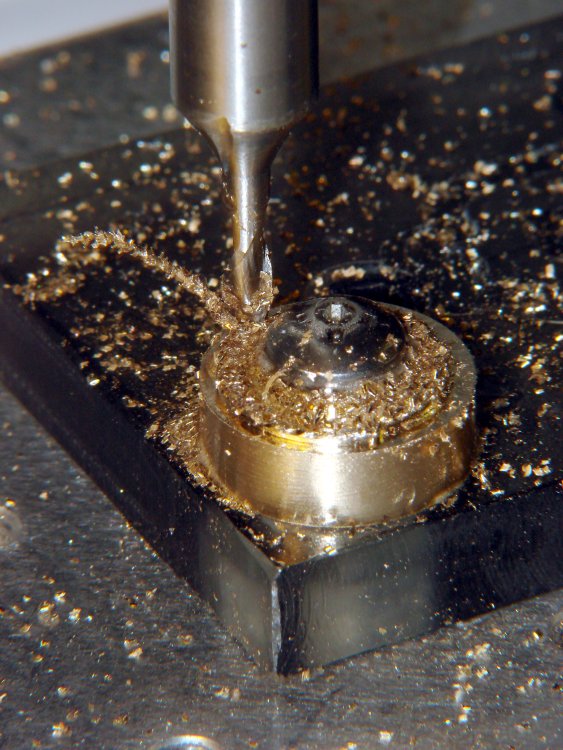
The square post in the left rear corner holds the cam:
Latch Cam – First Attempt
Note that I had to file the square hole before milling the cam shape, which meant that if the CNC process screwed up, all that handwork went into the show-n-tell bin… which I’m not going to show you.
I used an early version of the grid-overlay technique to map out the drawbar coordinates; this was an illustration for the column:
I needed a rail-to-rail op amp in a DIP package to breadboard the amplifier for those toroids and came up dry, so I sawed out a protoboard square, glued a MAX4330 in SOT23-5 atop it in classic dead-bug style, rearranged the leads into the standard DIP pinout, and moved on:
MAX4330 dead-bug style on DIP adapter
The trick to getting the header pins aligned is to stick ’em in a pile of perfboards, which instantly makes them stand up straight and parallel:
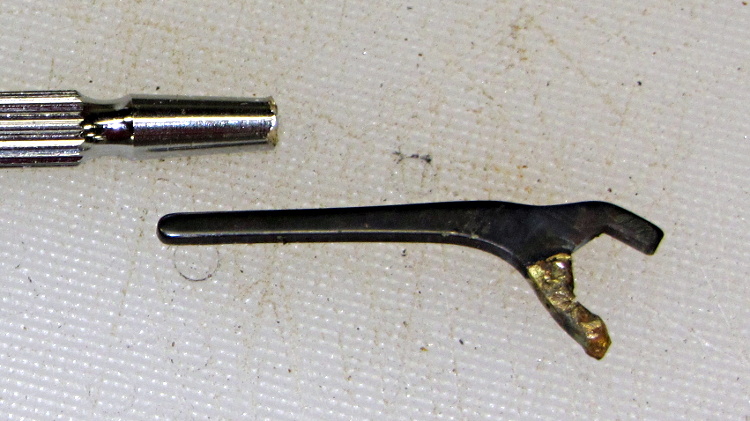
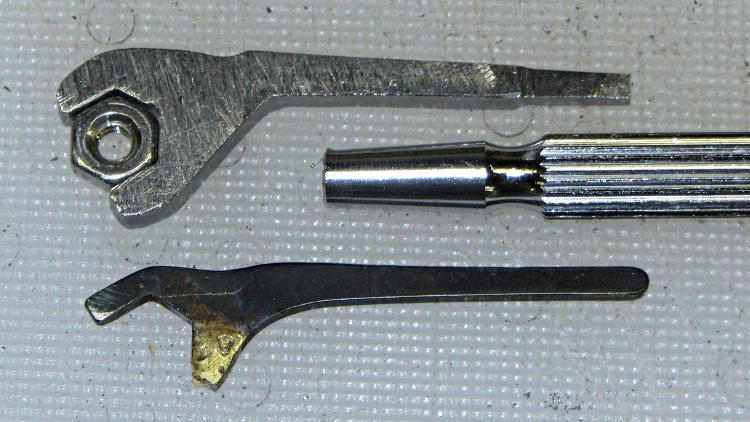
Decades ago, one jaw on my little 1/4 inch wrench that fits 4-40 nuts broke off. I brazed it back on, fully aware that one day it would break off again, because brazing isn’t really a suitable repair technique for a wrench, even one labeled as “Precision” in that time-honored manner of all low-cost tools.
Time passes, I’m tightening screws against 4-40 nuts, and the jaw gives way:
Precision wrench – broken jaw
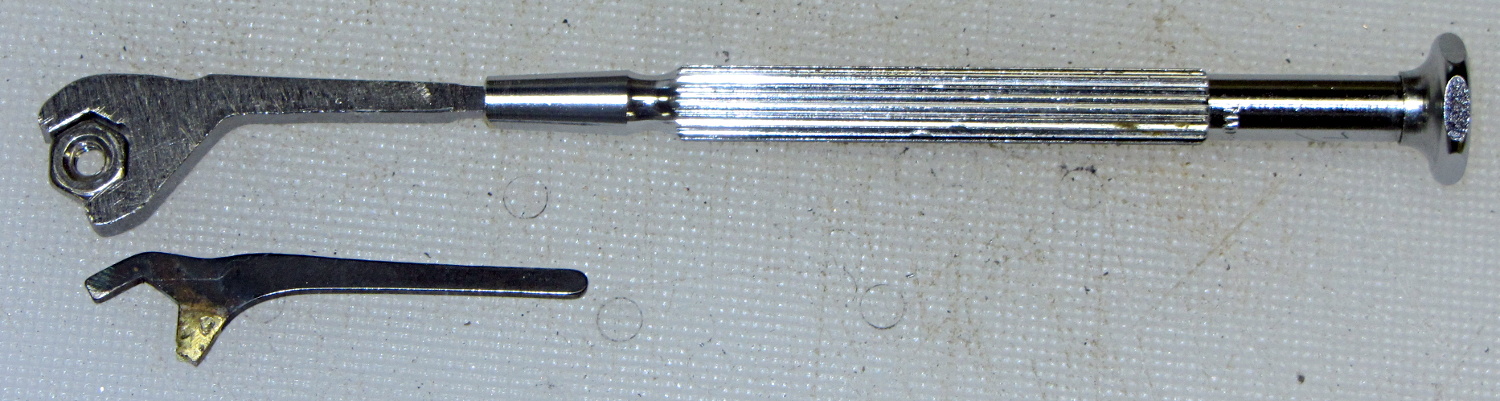
So I sawed off a strip of bedframe steel that fit the nuts better than the original stamped steel, did a bit of hand filing, and came up with a reasonable replacement:
Precision wrench – detail
I rammed it into the handle, just as they’d done with the original stamped steel shape:
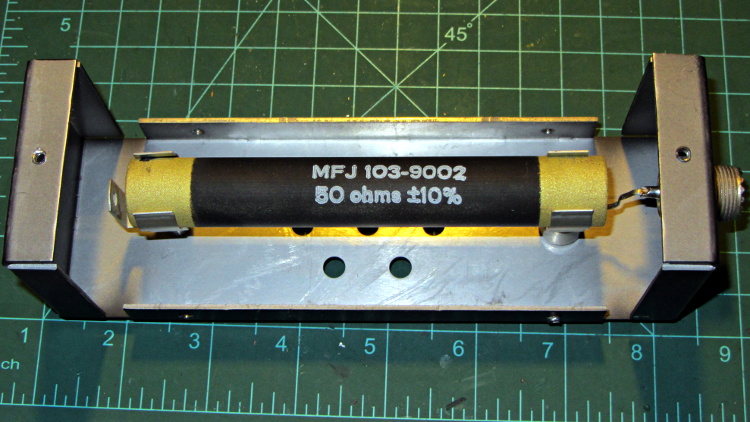
If you happen to own an MFJ-260B dummy load and it’s giving you weird SWR values, take the cover off and roll the power resistor in its mounting clips:
MFJ-260B HF Dummy Load – power resistor
My buddy Aitch discovered that oxide / corrosion / dirt buildup between the resistor and the clips can produce absolutely baffling results, even while passing enough current to warm up the element, far more power than you’d think would burn away any crud.