The Smell of Molten Projects in the Morning

Ed Nisley's Blog: Shop notes, electronics, firmware, machinery, 3D printing, laser cuttery, and curiosities. Contents: 100% human thinking, 0% AI slop.

Tag: MPCNC

Pimping and using a Mostly Printed CNC Machine

  • MPCNC Drag Knife: PETG Linear Bearing

    Having reasonable success using a 12 mm hole bored in a 3D printed mount for the nice drag knife holder on the left, I thought I’d try the same trick for the raw aluminum holder on the right side:
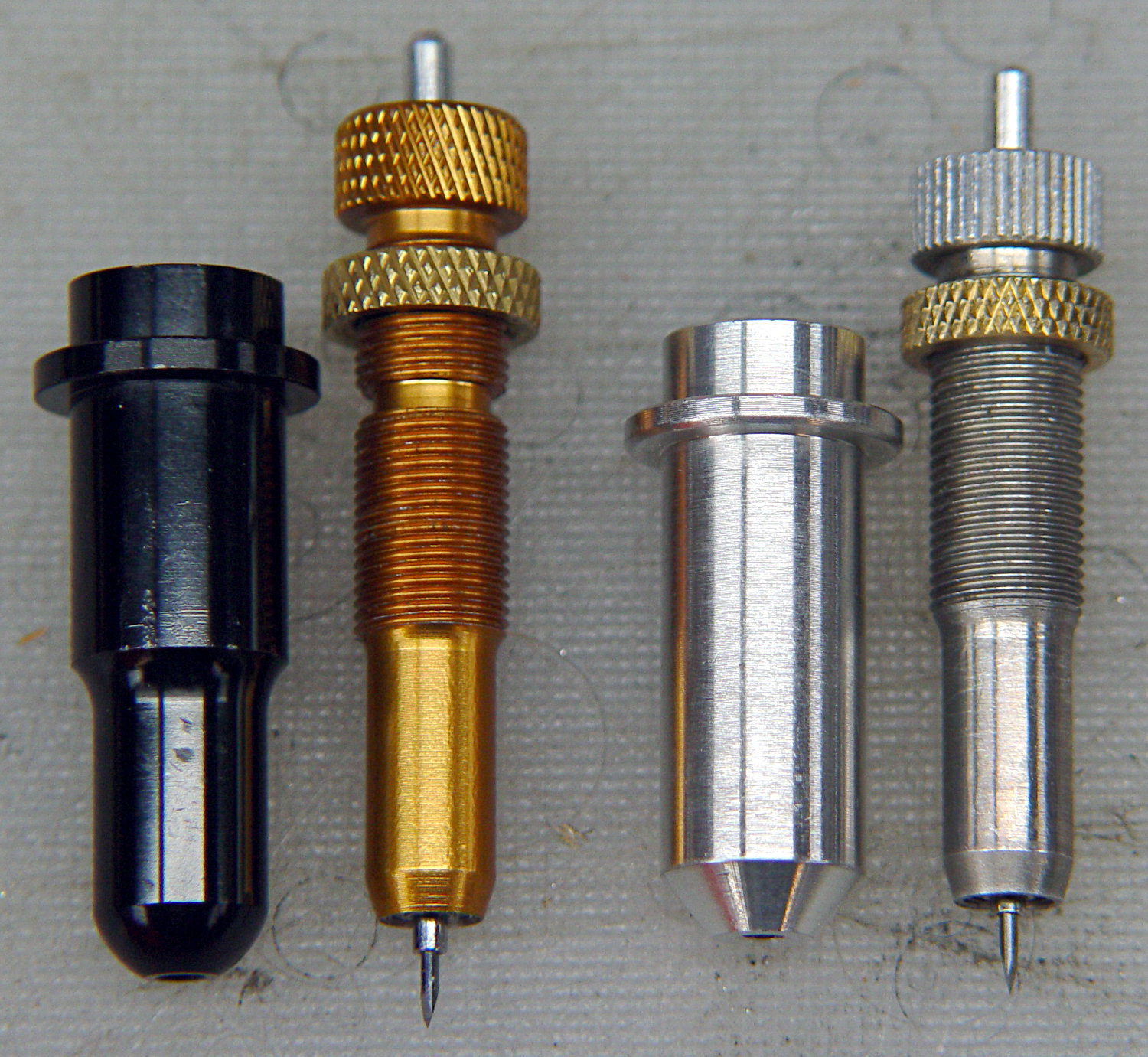
    Drag Knife holders - detail
    Drag Knife holders – detail

    The 11.5 mm body is long enough to justify making a longer holder with more bearing surface:

    Drag Knife Holder - 11.5 mm body - Slic3r preview
    Drag Knife Holder – 11.5 mm body – Slic3r preview

    Slicing with four perimeter threads lays down enough reasonably solid plastic to bore the central hole to a nice sliding fit:
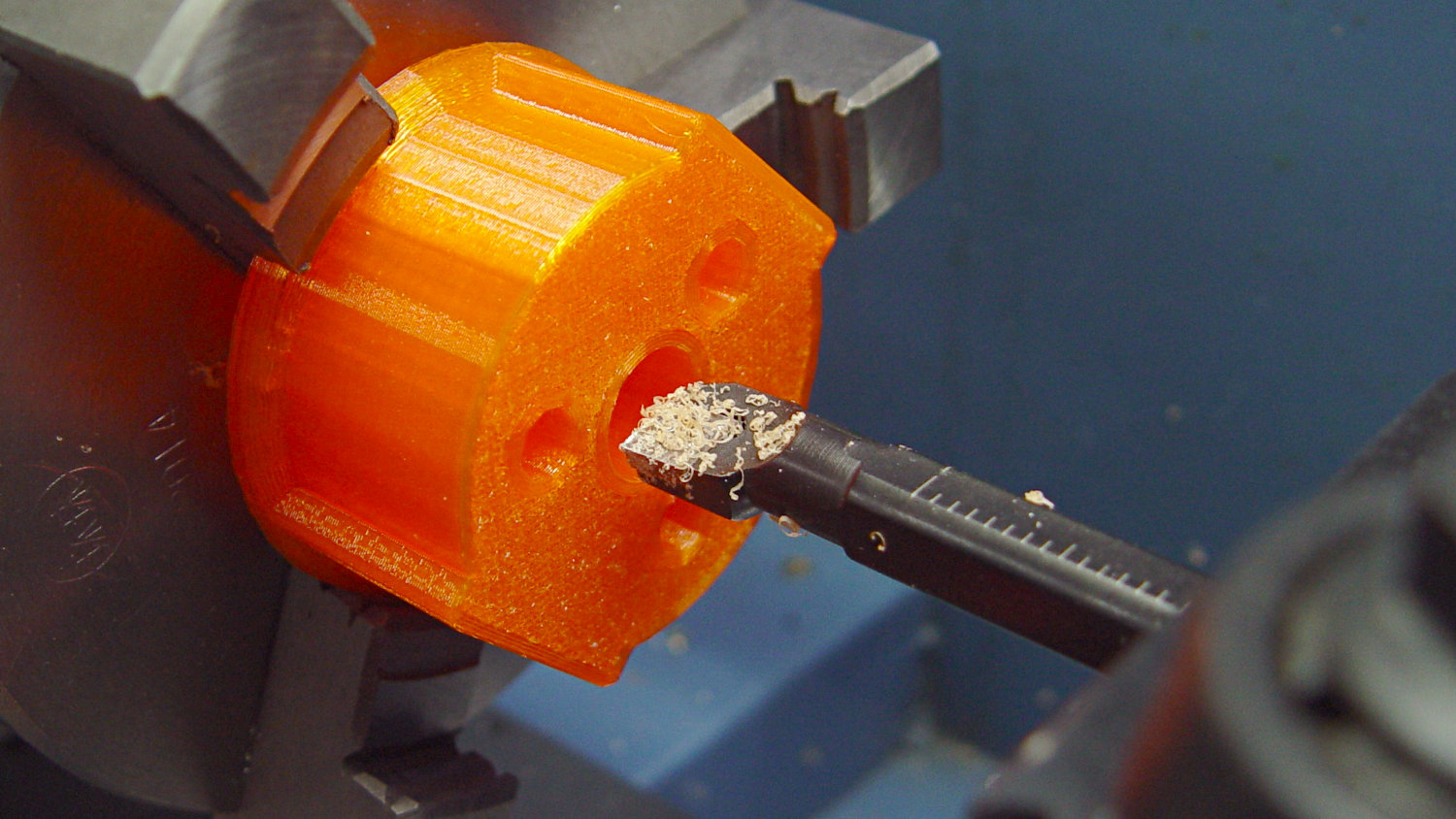
    Drag Knife - 11.5 mm body - boring
    Drag Knife – 11.5 mm body – boring

    The top disk gets bored to a snug press fit around the flange and upper body:
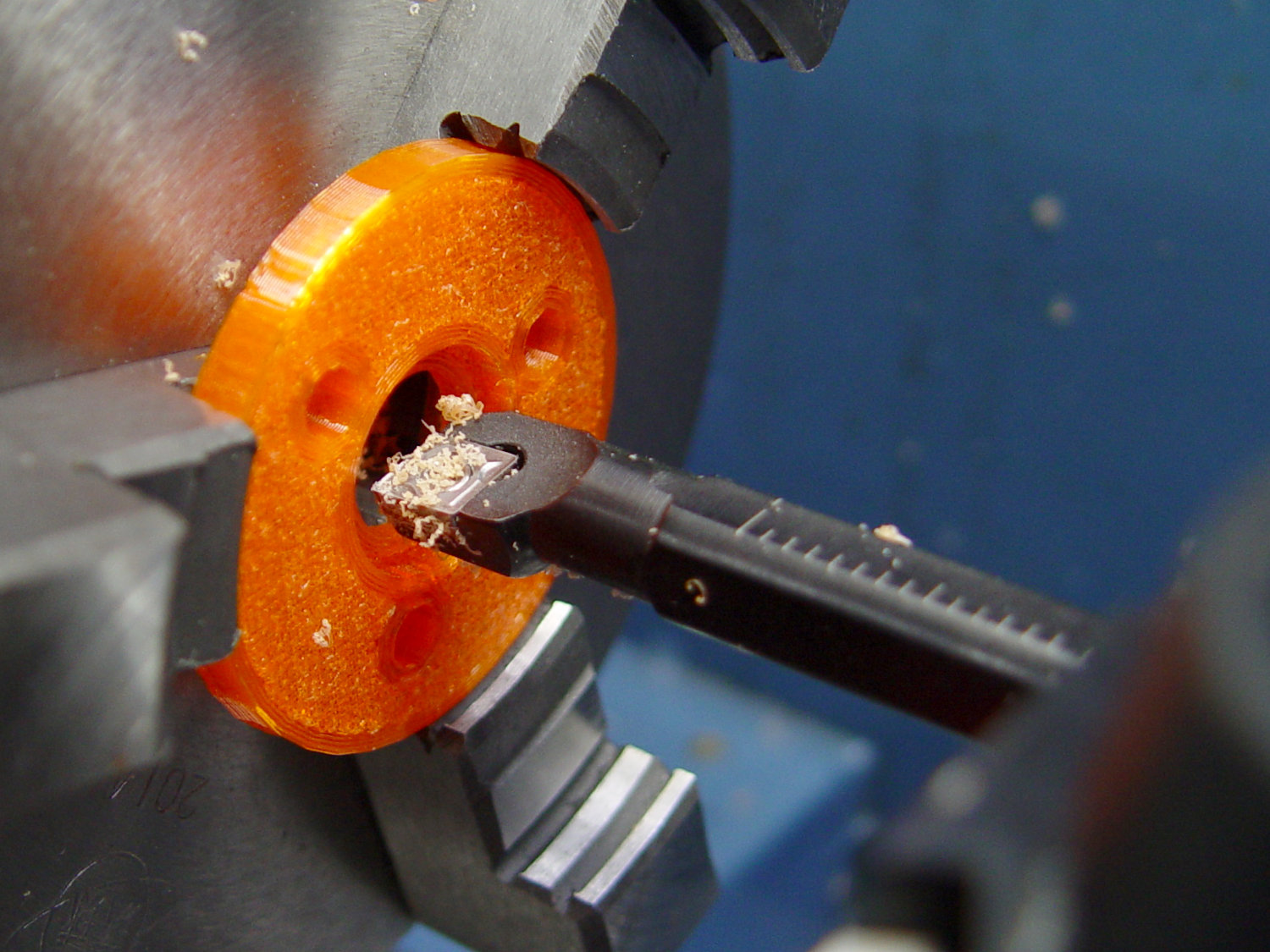
    Drag Knife - 11.5 mm body - flange boring
    Drag Knife – 11.5 mm body – flange boring

    Assemble with springs and it pretty much works:

    Drag Knife - hexagon depth setting
    Drag Knife – hexagon depth setting

    Unfortunately, it doesn’t work particularly well, because the two screws tightening the MPCNC’s DW660 tool holder (the black band) can apply enough force to deform the PETG mount and lock the drag knife body in the bore, while not being quite tight enough to prevent the mount from moving.

    I think the holder for the black knife (on the left) worked better, because:

    • The anodized surface is much smoother & slipperier
    • The body is shorter, so less friction

    In any event, I reached a sufficiently happy compromise for some heavy paper / light cardboard test shapes, but a PETG bearing won’t suffice for dependable drag knife cuttery.

    Back to the laboratory …
  • Engraving Guilloché Patterns

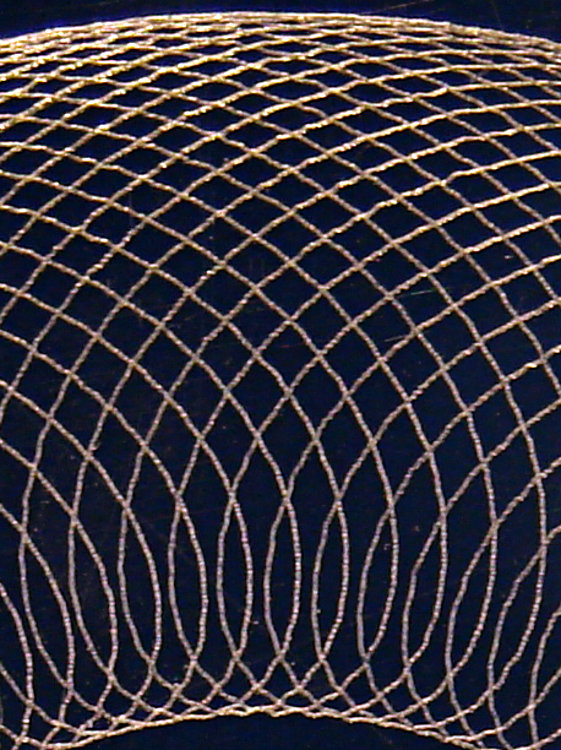
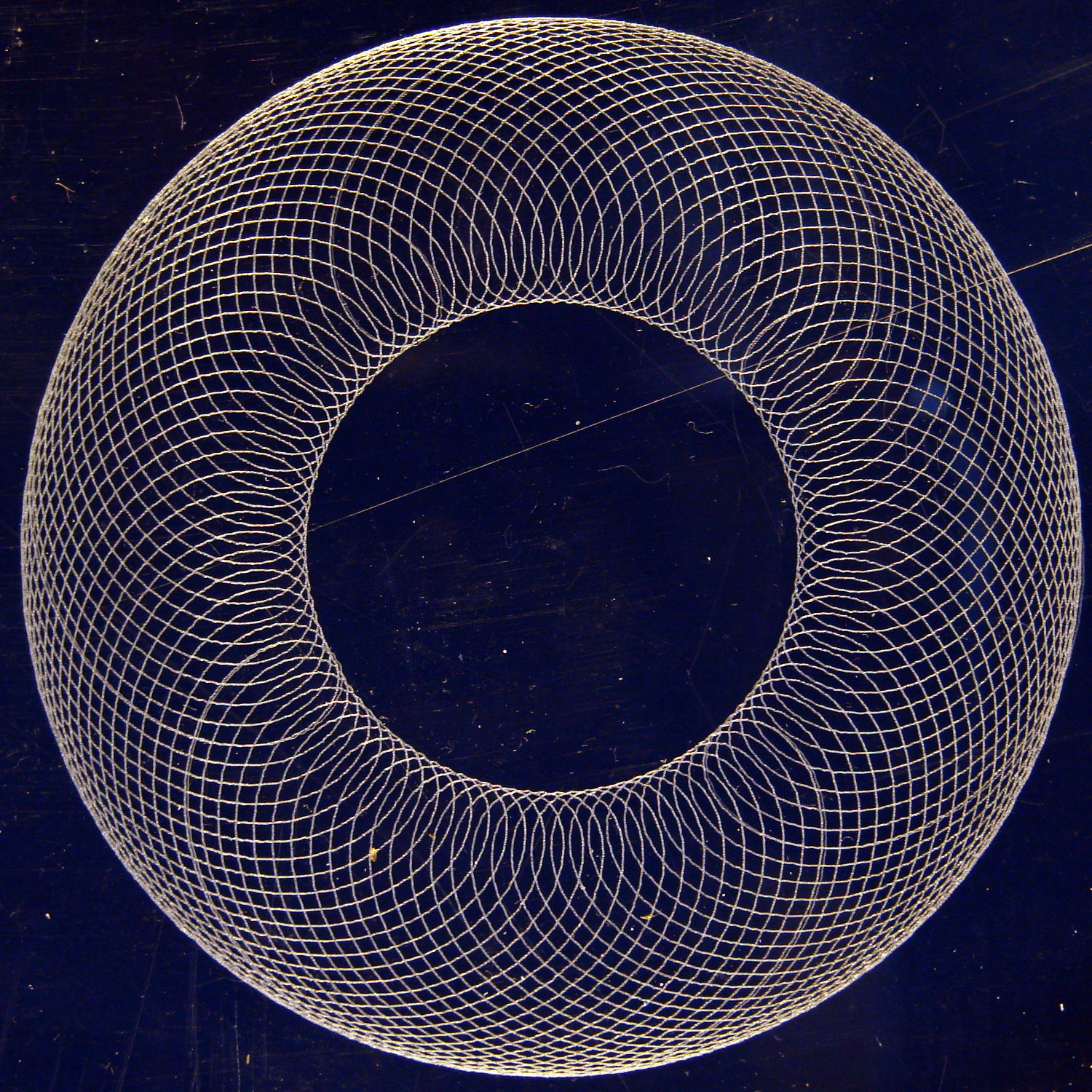
    Flushed with success from engraving a hard drive platter for the 21HB5A tube, I bandsawed an acrylic square from a scrap sheet and unleashed the diamond drag bit on it:

    Guilloche 540237875 - engraved at -0.50mm
    Guilloche 540237875 – engraved at -0.50mm

    That’s side-lit against a dark blue background. The long scratch and assorted dirt come from its protracted stay in the scrap pile.

    If you look closely, you’ll see a few slightly wider loops, which came from a false start at Z=-0.1 mm.

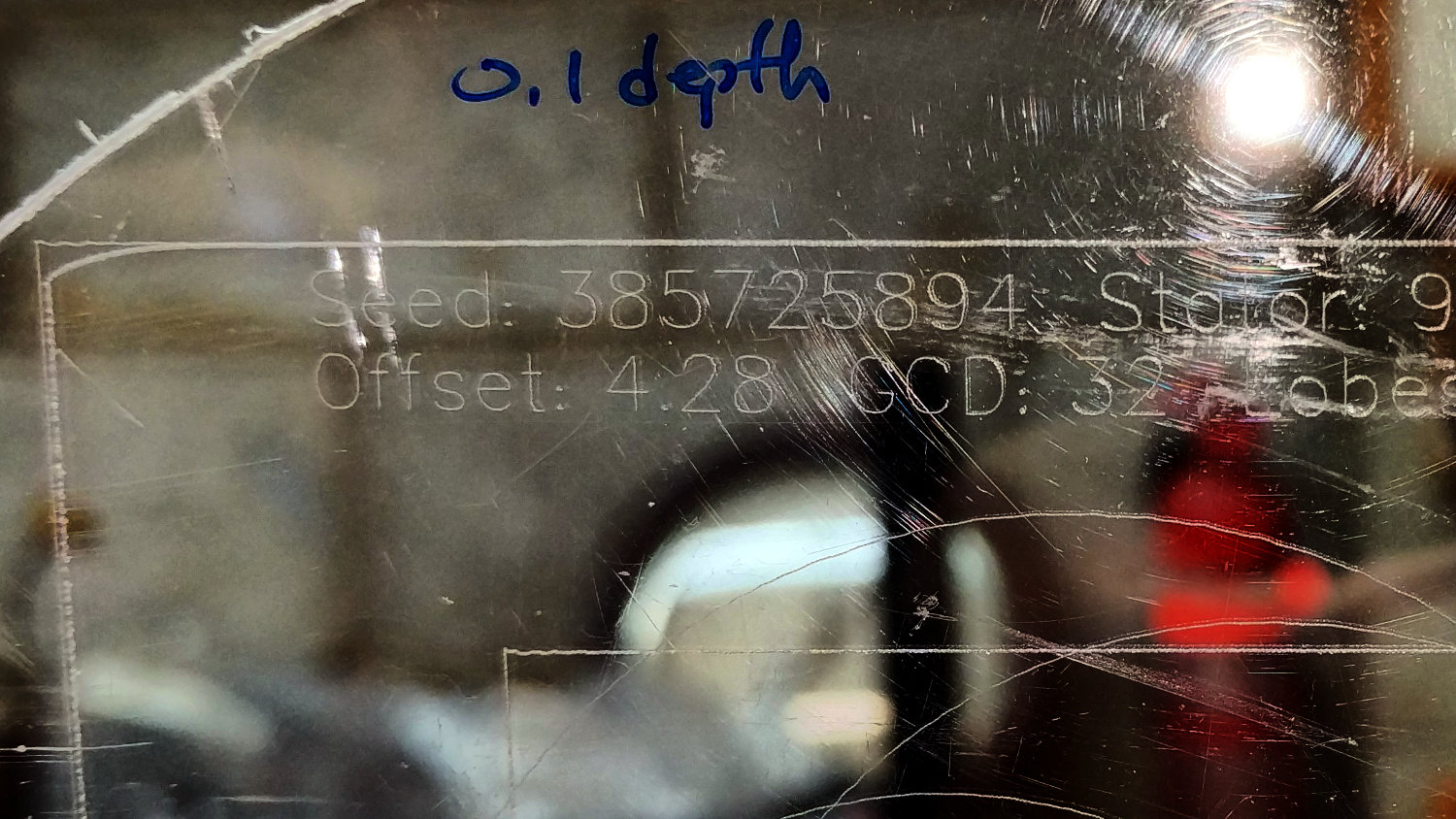
    Engraving at -0.5 mm looked pretty good:

    Guilloche 540237875 - engraved at -0.50mm - detail
    Guilloche 540237875 – engraved at -0.50mm – detail

    Despite an angular resolution of 2°, the curves came out entirely smooth enough. The gritty scratchiness resulted in a pile of chaff covering the engraved area; perhaps some oil or lube or whatever would help.

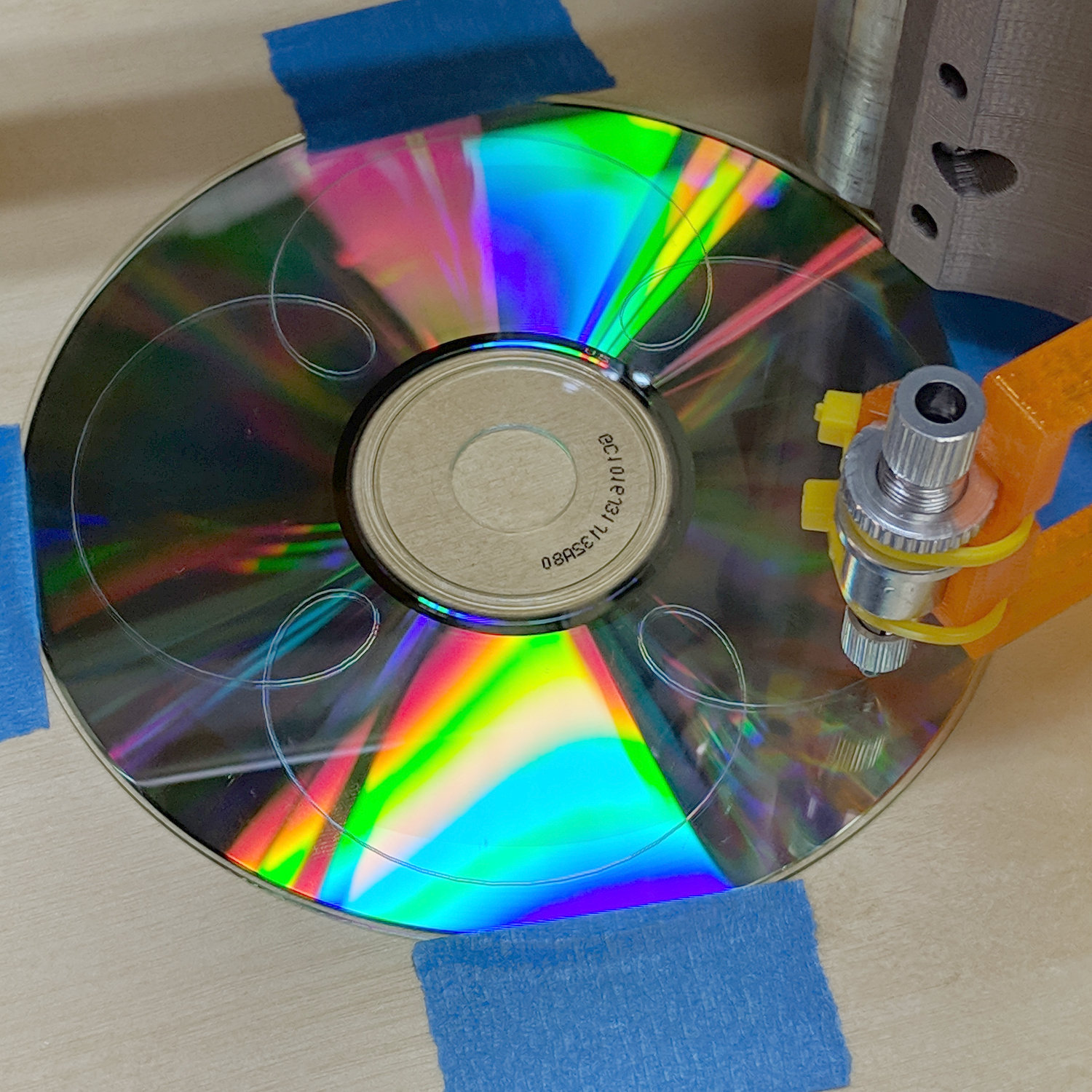
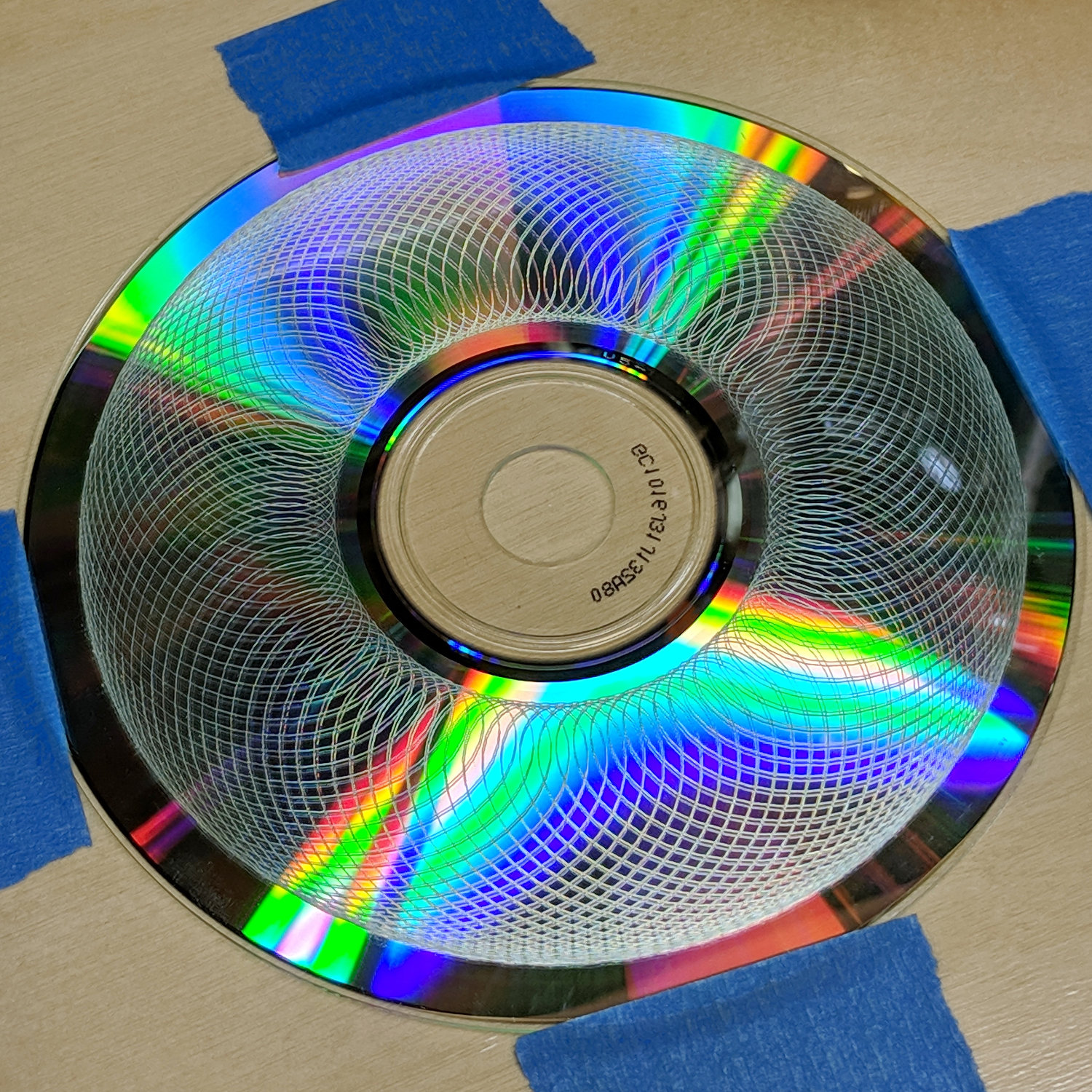
    Rescaling the pattern to fit a CD platter worked fine, too:

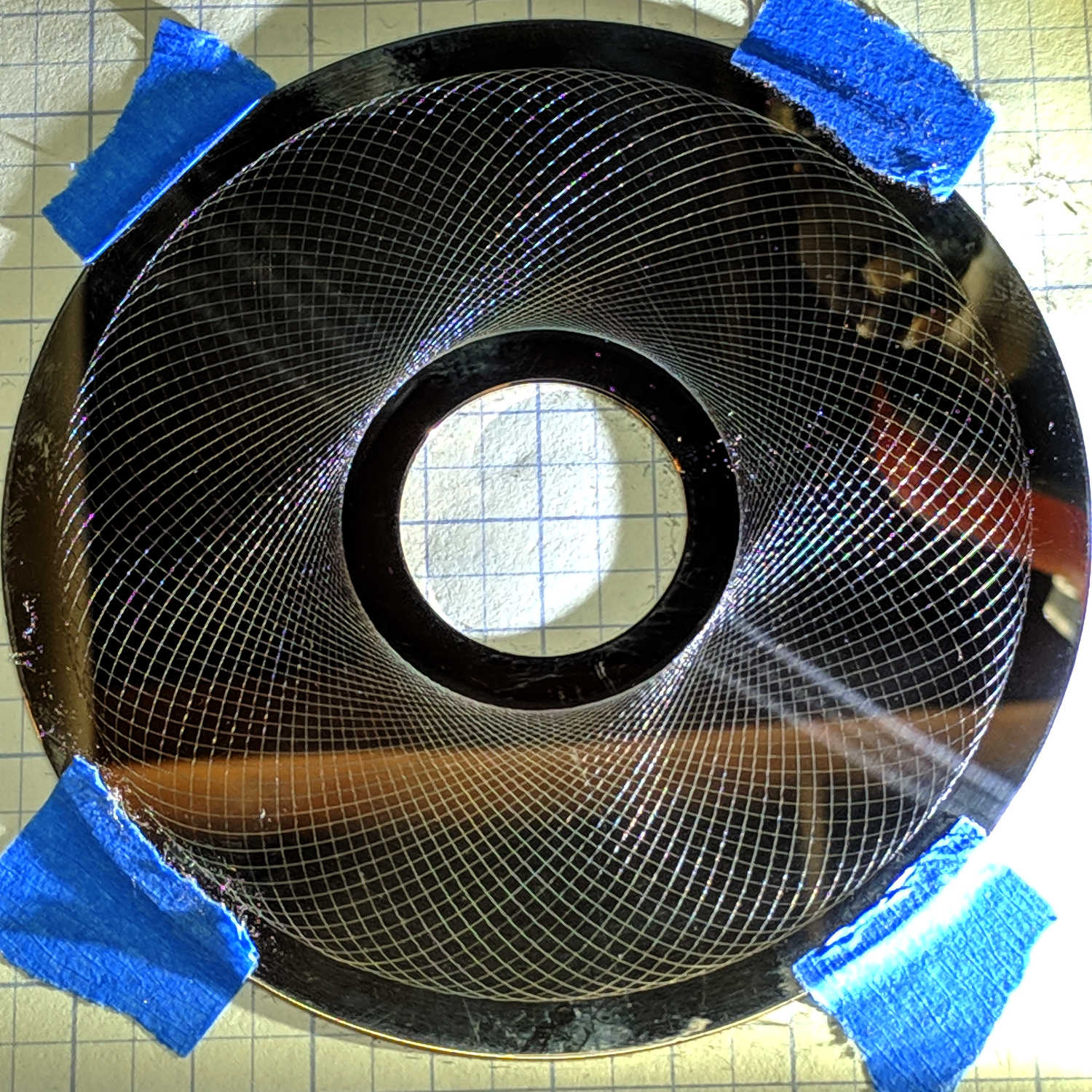
    Guilloche 540237875 - CD engraving
    Guilloche 540237875 – CD engraving

    Polycarbonate seems to deform slightly, rather than scratch, leaving the final product with no chaff at all:

    In this case, the doubled lines come from the reflection off the aluminized lower surface holding all the data.

    That CD should be unreadable by now …

    [Update: Welcome, Adafruit! More on Guilloché pattern generation and engraving them with the MPCNC. ]

  • Collet Pen Holder vs. Cheap Refills

    The three collet pen holders I got a while ago came with ink cartridges:

    Collet pen holder
    Collet pen holder

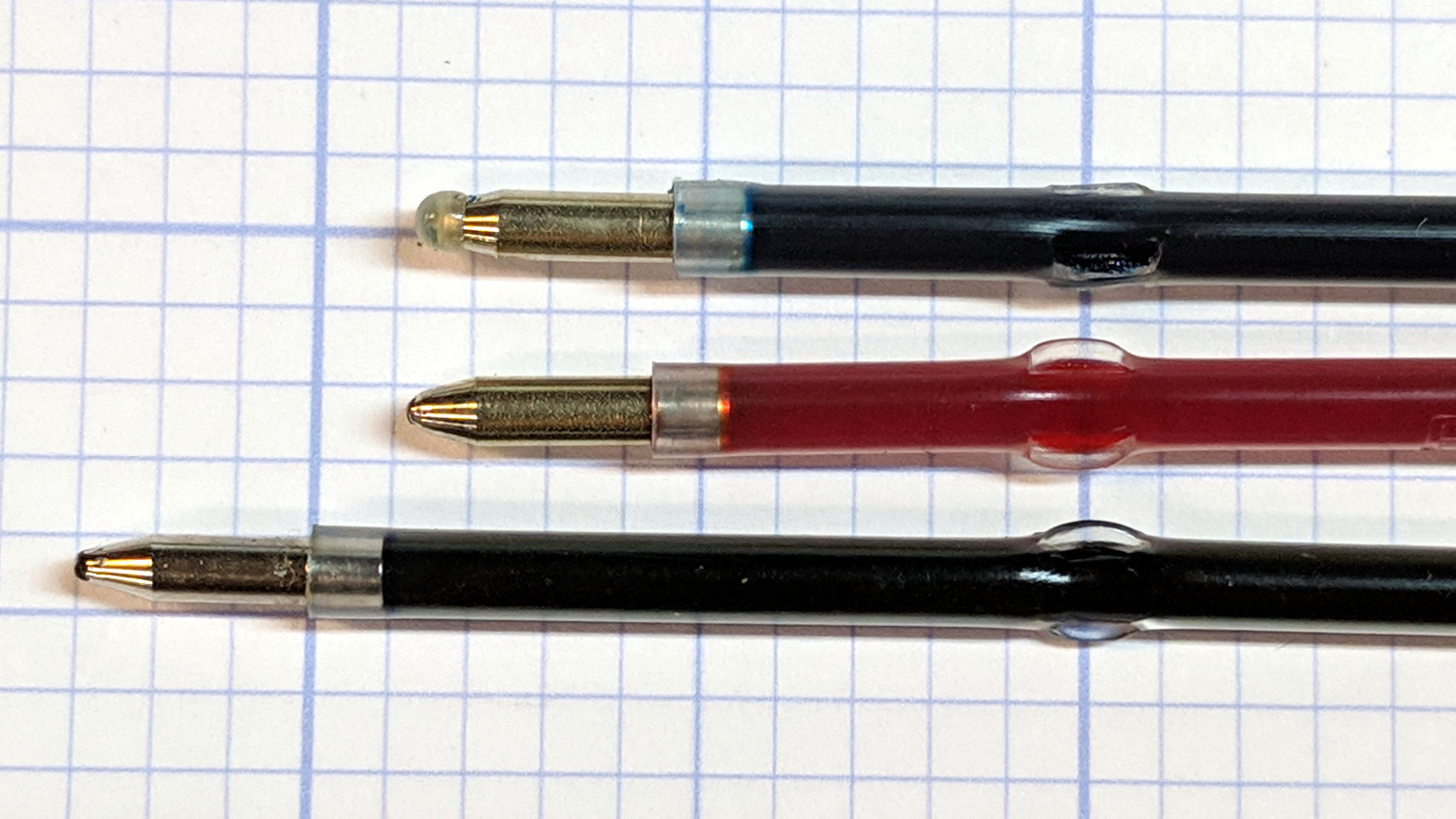
    So I bought three bucks worth of a dozen pens to get pretty colors, whereupon I discovered they didn’t fit into the collet. Turns out the locating flanges aren’t in the same place along the cartridges:

    The flanges on the top cartridge have been shaved down perilously close to the ink, but it now fits into the collet.

    Bonus: a dozen fairly stiff springs that are sure to come in handy for something!

  • MPCNC: Guilloche Engraving First Light

    A diamond point drag engraving bit in the MPCNC scratched a suitable Guilloché pattern into a scrap hard drive platter much much better than I had any reason to expect:

    MPCNC - Guilloche 835242896 - HD plattter - 0.1mm
    MPCNC – Guilloche 835242896 – HD plattter – 0.1mm

    That’s with a 0.1 mm cut depth, sidelit with an LED flashlight.

    Feeding those nine digits into the Guilloché pattern generator script should get you the same pattern; set the paper size to 109 mm and use Pen=0 to suppress the legend.

    The same pattern at 0.3 mm cut depth looks about the same:

    MPCNC - Guilloche 835242896 - HD plattter - 0.3mm
    MPCNC – Guilloche 835242896 – HD plattter – 0.3mm

    It’s slightly more prominent in real life, but not by enough to make a big difference. I should try a graduated series of tests, of course, which will require harvesting a few more platters from dead drives.

    Either side will look great under a 21HB5A tube, although the disks are fingerprint and dust magnets beyond compare.

  • MPCNC: Diamond Drag Engraver vs. Acrylic

    Drawn at Z=-0.1 mm on scrap acrylic with the diamond engraver in the modified collet holder:

    MPCNC - Diamond point - acrylic 0.1mm
    MPCNC – Diamond point – acrylic 0.1mm

    The badly rounded corner comes from a Z touch off in facepalm mode; the poor diamond must have been trying to dig a 2 mm trench through the acrylic.

    Then again at Z=-0.5 mm:

    MPCNC - Diamond point - acrylic 0.5mm
    MPCNC – Diamond point – acrylic 0.5mm

    At half a millimeter, the holder applies well over 100 g of downforce. There’s no way to know how much lateral force the tip applies to the holder, but it’s obvious the parallel beams on the MPCNC drag knife adapter lack lateral stability:

    MPCNC knife adapter mods - OpenSCAD model
    MPCNC knife adapter mods – OpenSCAD model

    Bending beams still seem much better than a linear bearing, though.

  • Modifying a 2.5 mm Collet Pen Holder for a 3 mm Diamond Engraver

    Of course, the diamond engraving points have a 3 mm shaft that doesn’t fit in the 2.5 mm Collet Pen Holder, but making a hole bigger isn’t much of a problem …

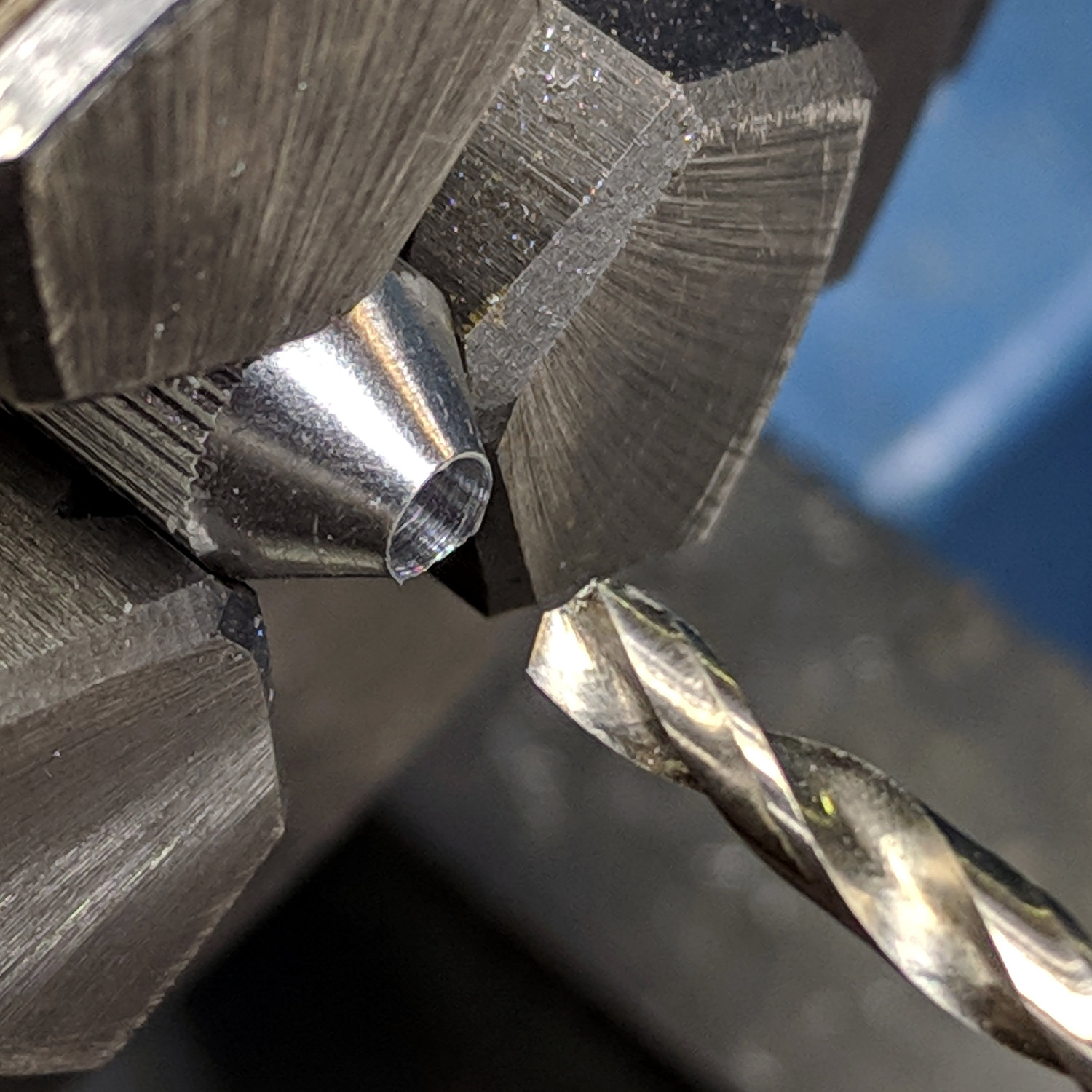
    Commence by drilling out the collet closer nut:

    Collet Holder - closer nut drilling
    Collet Holder – closer nut drilling

    The hole didn’t start out on center and I didn’t improve it in the least. A touch of the lathe bit and a little file work eased off the razor edge around the snout.

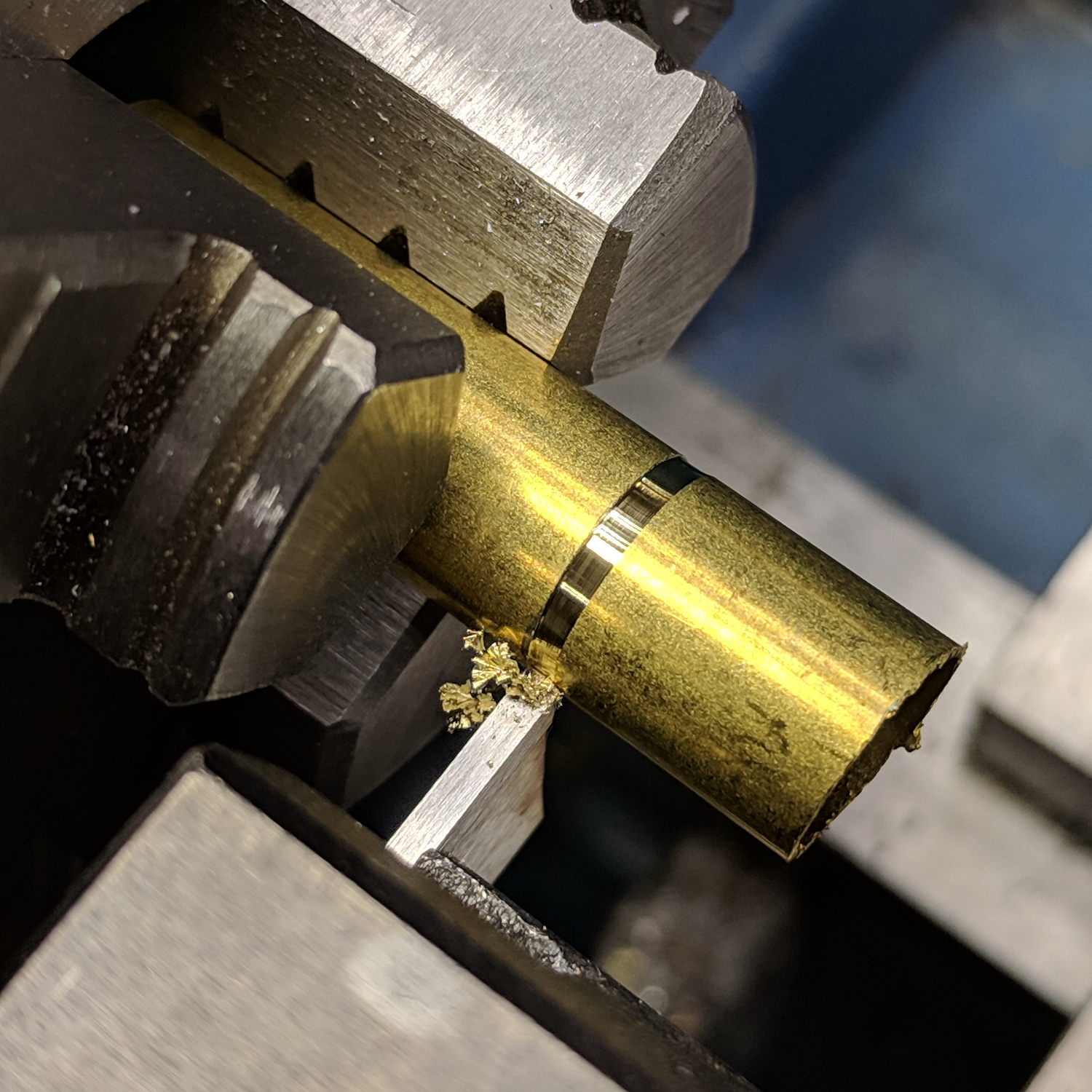
    The knurled ridges at the top are larger than the threaded body, which requires a shim around the threads to fit them into the lathe chuck. Start by cutting a slightly larger ID brass tube to the length of the threaded section:

    Collet Holder - brass shim cutoff
    Collet Holder – brass shim cutoff

    I finally got a Round Tuit and ground opposing angles on the cutoff tool ends, so I can choose which side of the cut goes through first. In this case, the left side cuts cleanly and the scrap end carries the thinned slot into the chip tray.

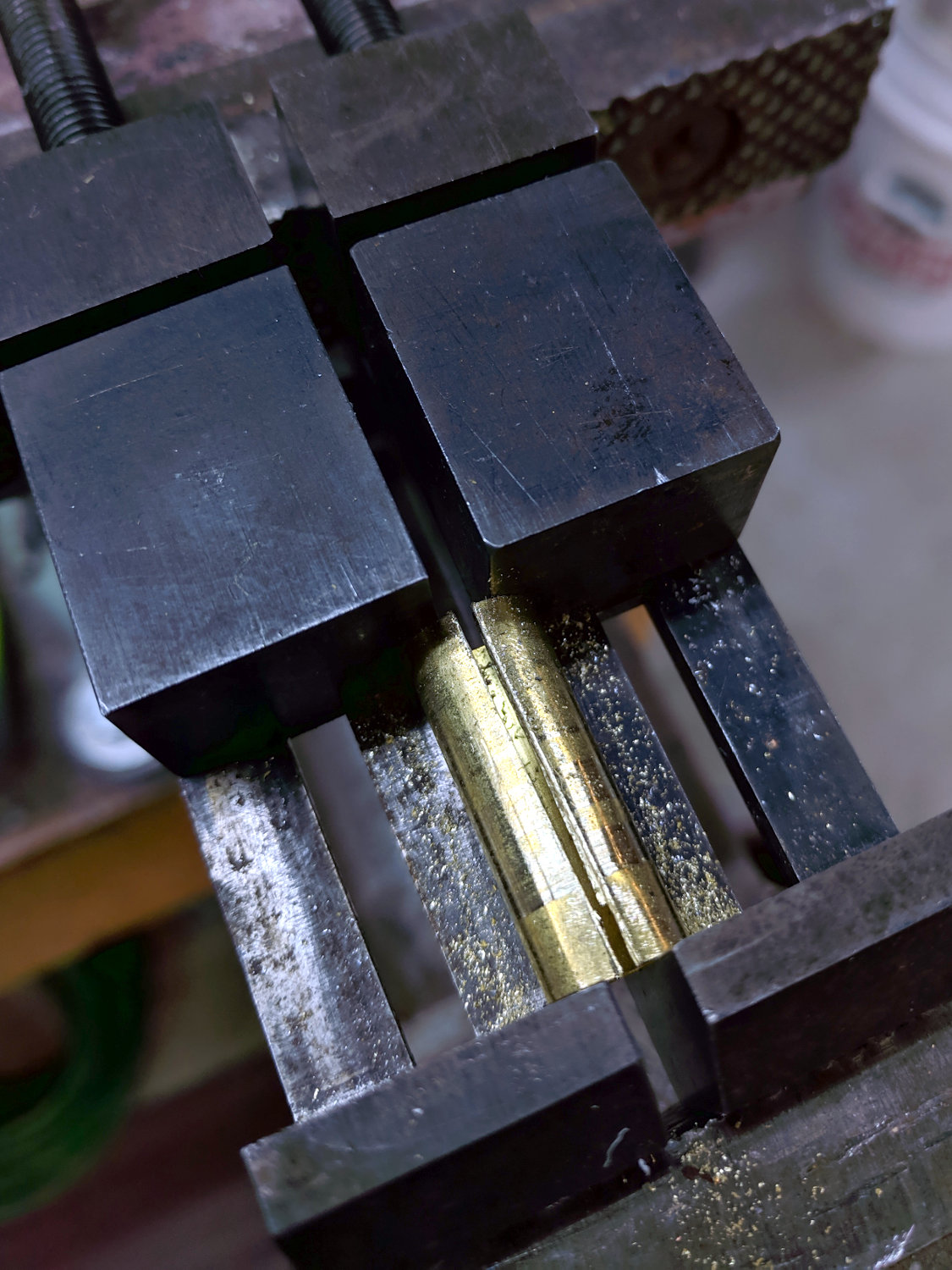
    Grab the tube in a pair of machinist vises and hacksaw a slot:

    Collet Holder - brass shim slitting
    Collet Holder – brass shim slitting

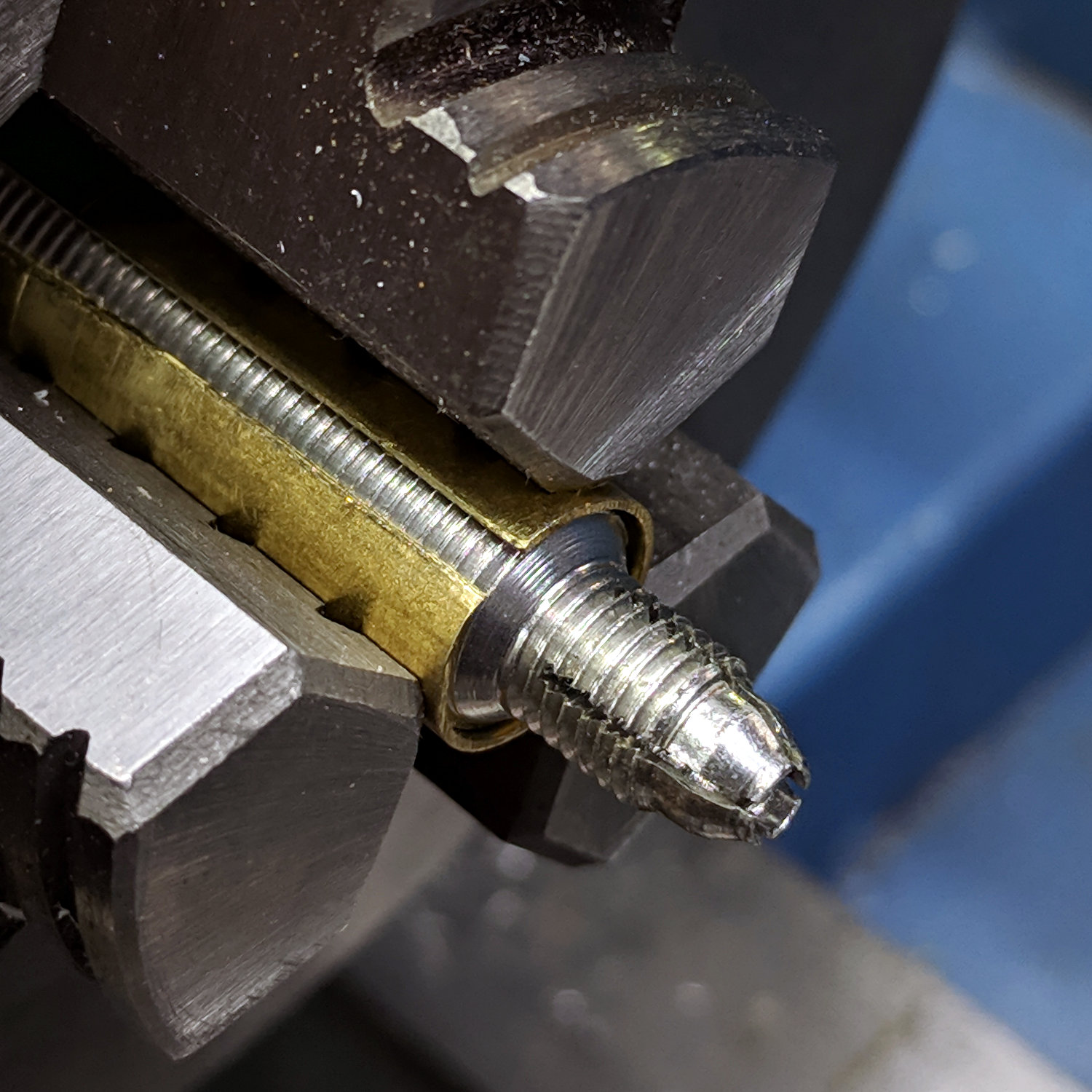
    Apply a nibbler to embiggen the slot enough to leave an opening when it’s squashed around the threads:

    Collet Holder - brass shim around threads
    Collet Holder – brass shim around threads

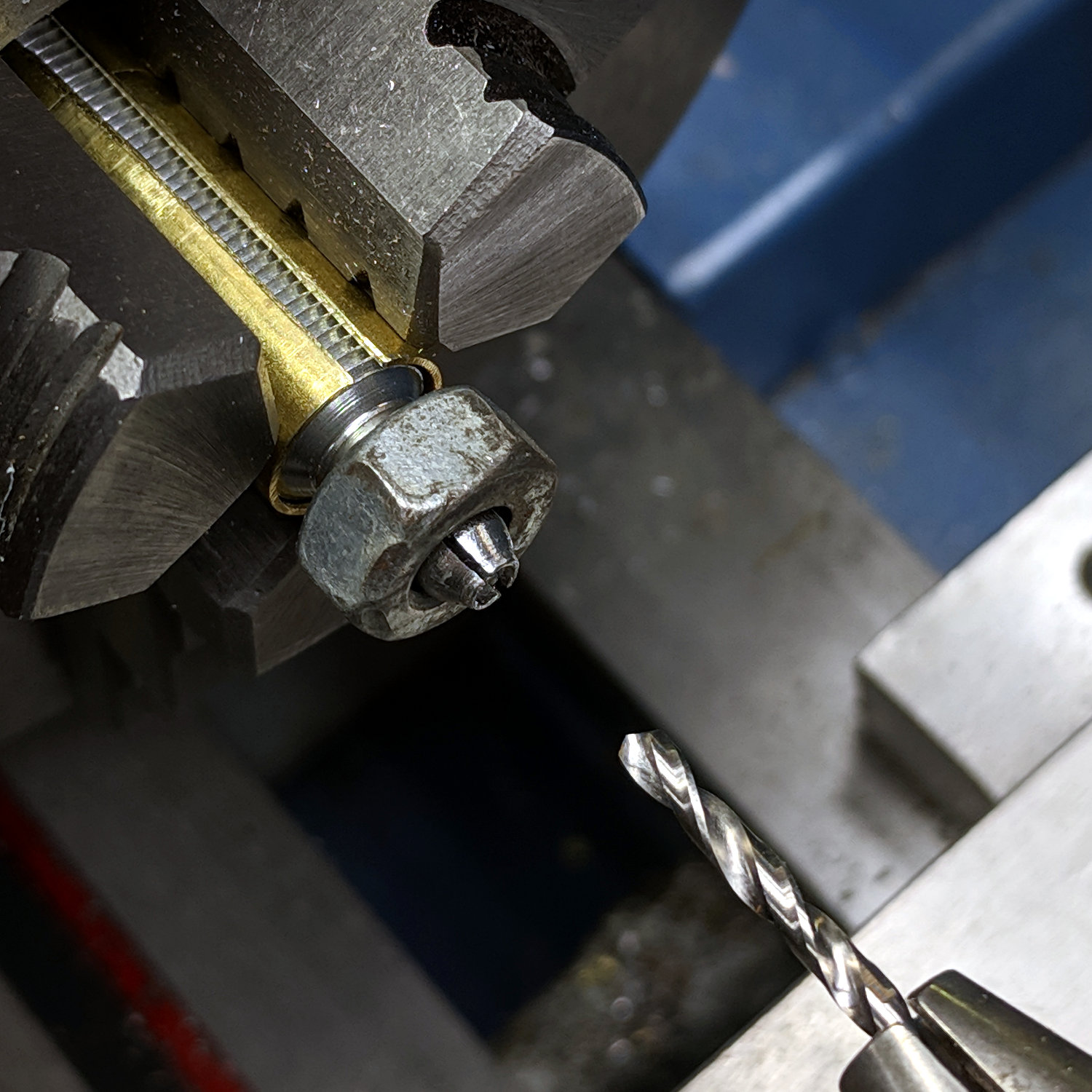
    Put a nut on the collet threads in an attempt to keep them neatly lined up while drilling:

    Collet Holder - collet drilling
    Collet Holder – collet drilling

    Drill the hole to a bit over 3 mm in small steps, because it’s not the most stable setup you’ve ever used. Eventually, the diamond point just slips right in:

    Collet Holder - 3 mm scribe test fit
    Collet Holder – 3 mm scribe test fit

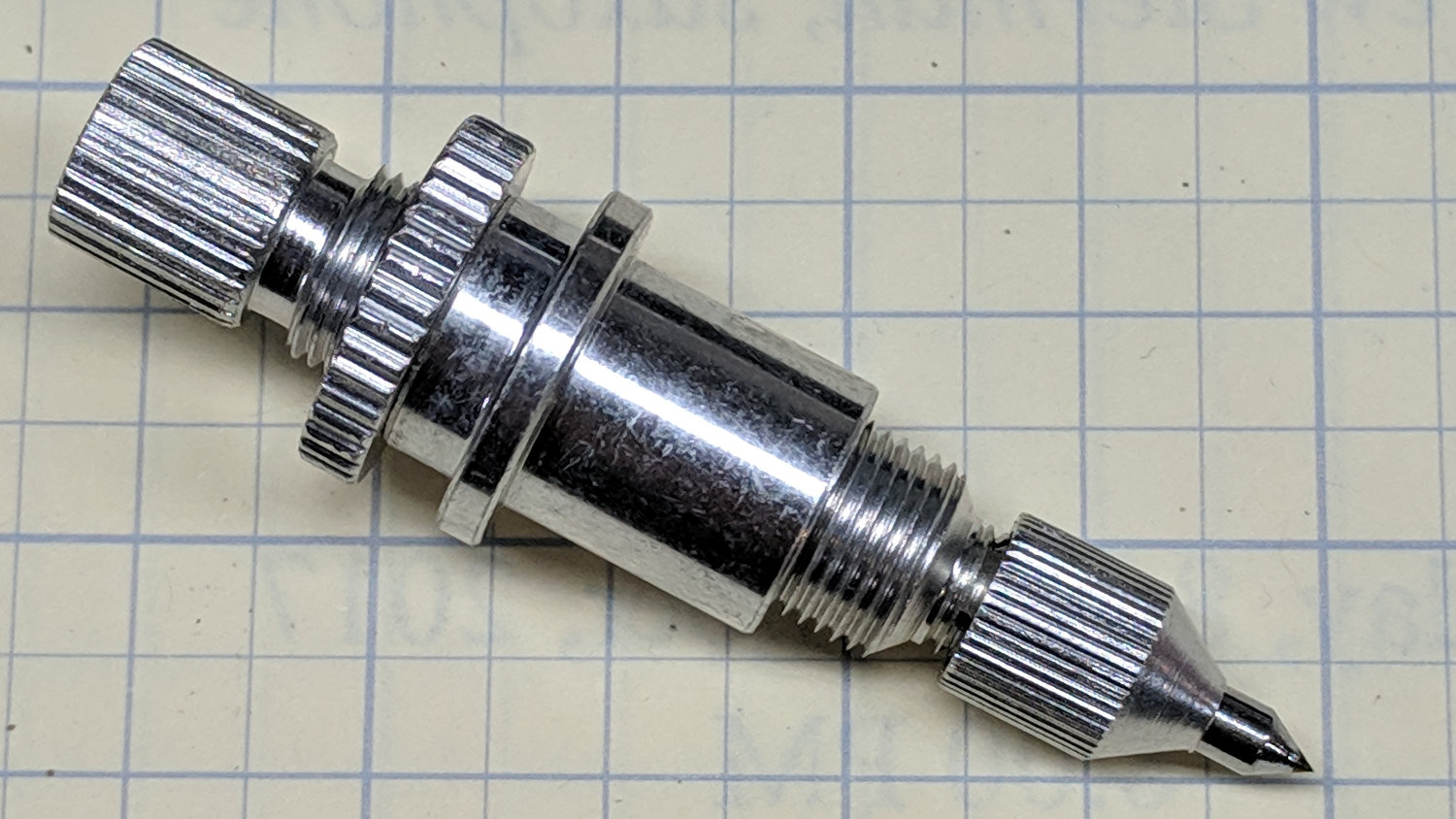
    Reassemble in reverse order and It Just Works:

    Collet Holder - finished
    Collet Holder – finished

    Now, to scratch up some acrylic!

  • MPCNC Vinyl Cutting: Squidwrench Logo

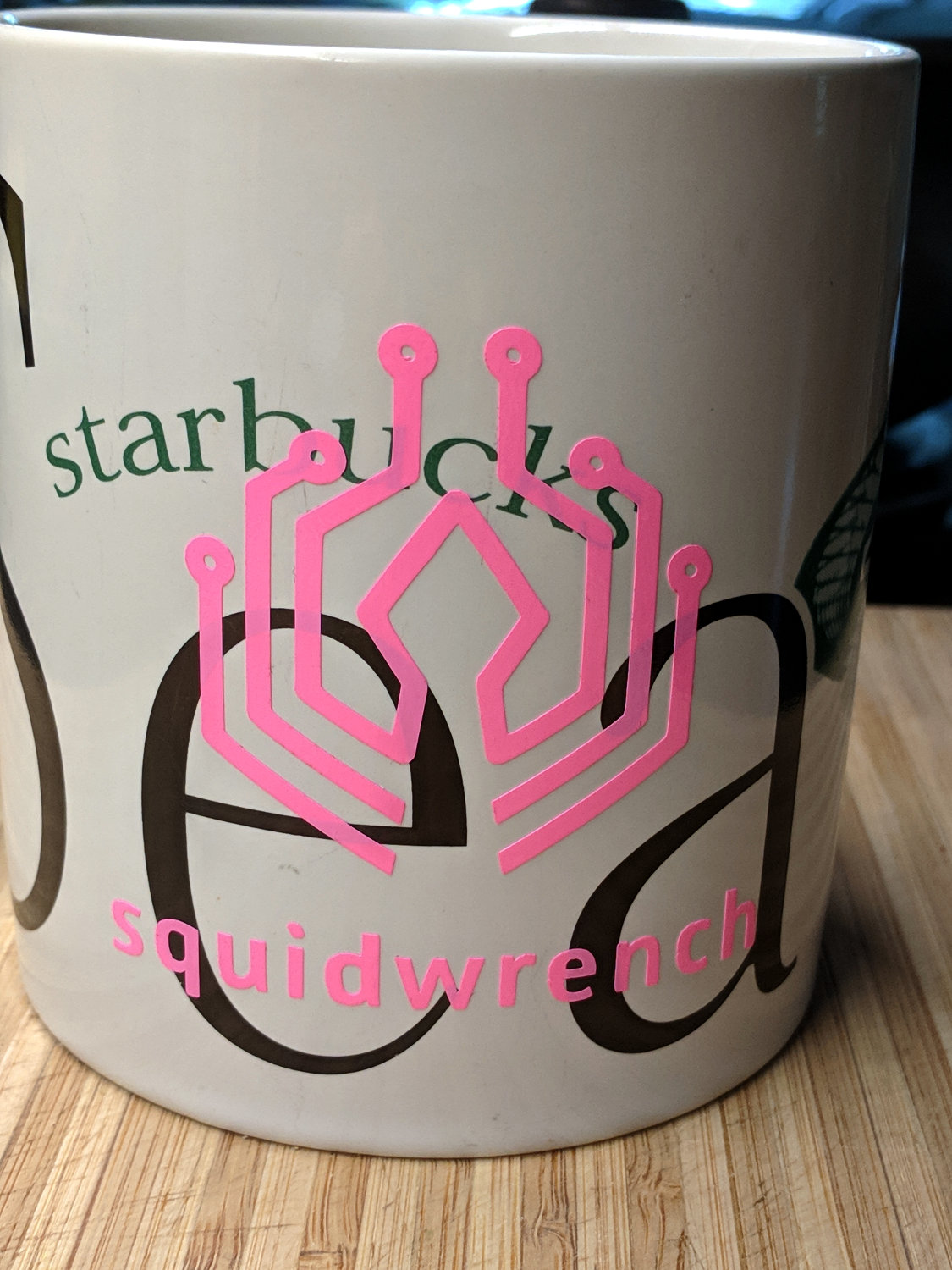
    The Mighty Thor provided the new-ish Squidwrench logo in various digital formats, not including DXF, but dxf2gcode can process PDF files (and a few others), and the cutting / weeding / transfer ended well:

    MPCNC Vinyl Cutting - Squidwrench logo on mug
    MPCNC Vinyl Cutting – Squidwrench logo on mug

    That’s the same 14 mil gold vinyl you saw in the Crown test.

    Alas, I re-covered the pattern with the transfer film when I ran the mug through the dishwasher, in the mistaken belief the film would protect the vinyl. Come to find out the film adheres better to the vinyl than to the mug: it pulled loose during washing and peeled most of the logo off the mug.

    Setting the drag knife to cut hot pink 9 mil = 0.25 mm vinyl film produced another logo:

    SqWr logo - hot pink
    SqWr logo – hot pink

    It’s now survived several trips through the dishwasher with no protection, so I’ll call it a win.

    I set dxf2gcode to use a cutting depth = 1.0 mm for about 400 g of downforce, which seems to work, although the vinyl surface showed some marks from the flat nose around the drag knife blade.

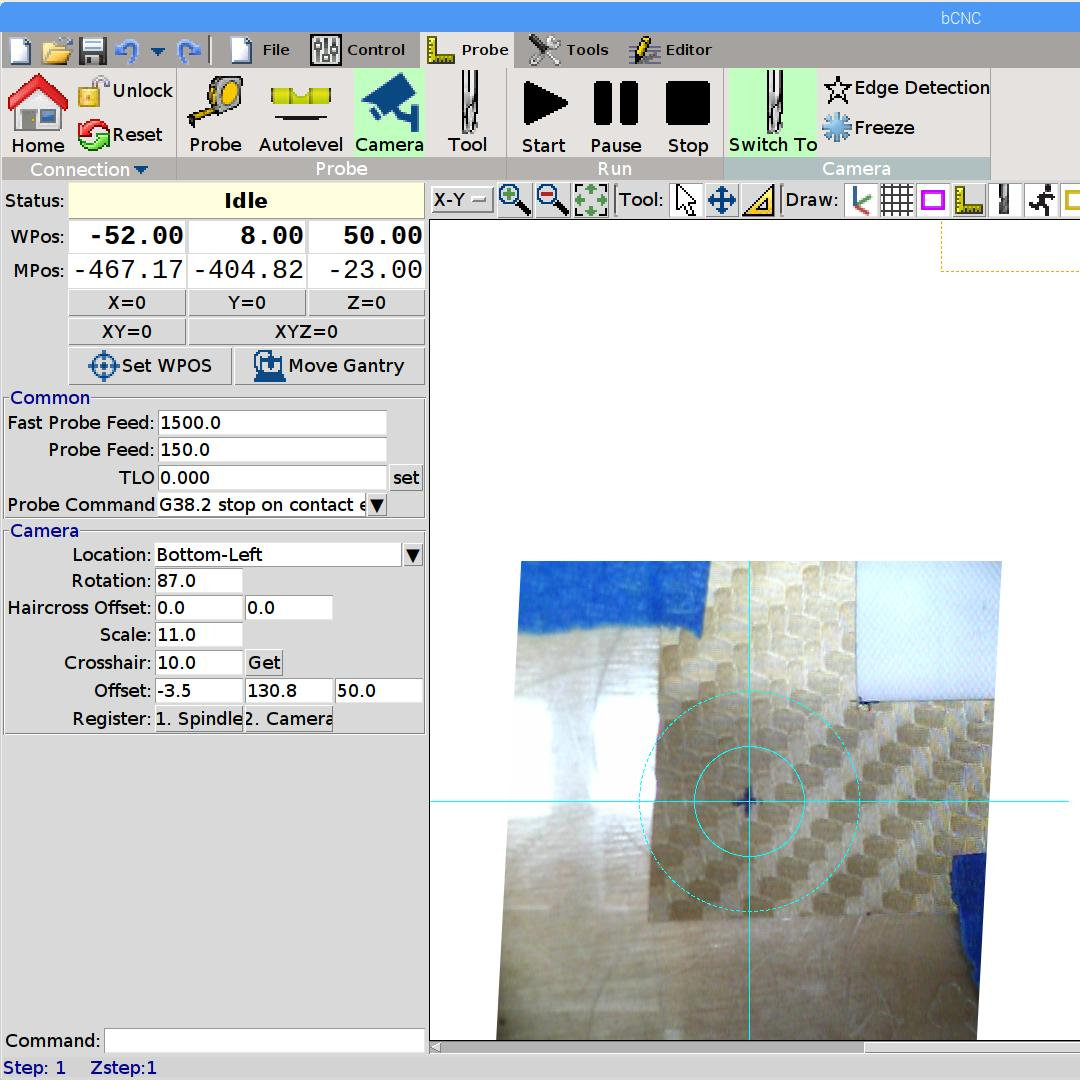
    The USB camera provides a convenient way to set the “workpiece origin” before cutting:

    bCNC - Video align
    bCNC – Video align

    Because the camera sits 130 mm beyond the blade in the +Y direction, it can’t see the swathe along the front of the MPCNC. Hard and soft limits in bCNC / GRBL keep you (well, me) from smashing the gantry into the rails, but it’s a nuisance when you forget to tape the vinyl far enough from the front.