Ed Nisley's Blog: Shop notes, electronics, firmware, machinery, 3D printing, laser cuttery, and curiosities. Contents: 100% human thinking, 0% AI slop.
Tag: Improvements
Making the world a better place, one piece at a time
Mary has been using Styrofoam egg cartons to sprout seeds for this year’s garden veggies:
Egg carton sprouter – hand cut
I looked at those artisanal holes and offered to make sprouters with precisely calibrated laser-cut holes.
After the laughter died down, this happened:
Egg carton sprouter – lid detail
Each egg compartment has a drainage hole in the bottom:
Egg carton sprouter – on platform
The LightBurn layout has four shapes in three virtual arrays:
Drain holes: 3 mm circle, 6×3 array
Top vents: 25×15 mm oval, 2×1 array
Side vents: concentric 3×4 & 2×3 mm ovals, 2×4 array
Which looks like this:
Egg Carton Sprouter – LightBurn layout
Because this isn’t a high-precision operation, I align the patterns to the carton using the camera:
Egg Carton Sprouter – LightBurn camera alignment
The two halves of the unfolded carton aren’t the same height, which means the top and bottom patterns have different focus levels and must be cut in two operations.
The OXO pepper mill replacing our worn-out pepper mill arrived filled with peppercorns and, during the ensuing nine months, we established its finest grind setting produced bigger pepper flakes than we prefer. I figured there had to be a way to get the ceramic stones just a little bit closer, even though it has no user-serviceable components inside.
So, we begin.
After rinsing out most of the pepper flakes (the remainder appearing in the pictures below) and determining the two obvious screws didn’t release the housing, the Jesus clip on the shaft extending through the peppercorn compartment came under consideration:
OXO Pepper Mill – E-clip on shaft
The washer beyond the clip bears on the black plastic spider. It turns out the thickness of that washer determines the distance between the grind stones at the minimum setting: making it thicker reduces the stone gap and produces a finer grind.
Knowing full well it would be impossible to get the clip back on the shaft in that position, I pried it off.
Spoiler: Don’t do that!
The grind adjustment lever turns the chunky black ring inside the gray housing:
OXO Pepper Mill – grind adjustment rings
Three protrusions on that ring step along notched ramps around the perimeter of the black spider in the clear housing on the right.
The shaft slides out to reveal the spring under the inner stone, with a second washer bearing against the bore of the gray plastic housing:
OXO Pepper Mill – upper shaft parts layout
As a result, the spring tries to push the shaft and inner stone out of the housing (toward the left). The protrusions on the grind adjustment control how far the shaft can move, with the washer + clip locking the shaft to the spider.
Gentle persuasion extracts the chunky black ring:
OXO Pepper Mill – grind adjust slider
The outer stone fits into a recess in the gray housing:
OXO Pepper Mill – outer stone
One might 3D print a washer fitting under that stone to close the gap between it and the inner stone, but the two screw holes interrupt the ledge enough to suggest the washer would be in two parts divided. If I didn’t have a mini-lathe, that’d be the best way to go.
But I have a mini-lathe, so I made a steel washer slightly thicker than the OEM washer under the clip:
OXO Pepper Mill – turning new washer
The OEM washer:
ID 6.7 mm
OD 10.2 mm
Thick 0.6 mm
Not knowing the right answer, I made a 1 mm washer, which is visibly thicker:
OXO Pepper Mill – 1mm vs OEM washer
Which let me reassemble the pepper mill in reverse order, only to establish reinstalling the Jesus clip deep down inside the housing is, in fact, impossible.
Taking everything apart again let me contemplate the inner stone on the shaft, leading to the discovery it could slide very slightly on the shaft. More pondering revealed a slight seam in what I had taken as a monolithic black cap:
OXO Pepper Mill – inner stone assembled
Applying gentle suasion between the stone and the cap with a plastic razor blade enlarged the seam into a gap. Much to my surprise, further prying popped the top off the cap:
OXO Pepper Mill – inner stone cap
Happy dance in full effect!
Removing the screw let everything slide off the top of the shaft:
OXO Pepper Mill – inner stone parts
Freeing that end of the shaft meant I could install the clip on the bench, add various parts while sliding the shaft through the housing, then tighten the screw to snug everything down.
As with most activities, it’s trivially easy when you know the trick.
Whereupon I discovered the new 1 mm washer jammed the two stones firmly together at the finest grind setting, so the correct washer will be somewhere between 0.6 and 1.0 mm thick:
Back to the lathe for a 0.8 mm thick washer
Dismantle pepper mill
Swap washers
Reassemble
Verify smooth turning at finest setting
Fill with peppercorns
Give it a twist
A shower of pepper flakes in a cup:
OXO Pepper Mill – finer grind
The mill undergoes a full qualification test tomorrow morning, but those flakes look much better.
Fun fact: the OXO pepper mill holds 2.0 oz of peppercorns, so we use 0.033 oz = 940 mg of pepper every day.
Using different card colors makes it easy to find your program deck in the Comp Center’s output bins:
Punched Cards – paper color vs smoke stains
The smoke stains on the bottom orange card came from the same LightBurn settings used with the purple (violet?) and blue (teal?) cards: 400 mm/s, 35% power, and assist air enabled.
The conventional wisdom is that you *do not* use assist air while engraving, to avoid pushing the smoke / soot down onto the material, and I’ve generally followed that rule. Apparently evaporating holes in the other colors doesn’t generate much smoke and I had no reason to notice the air was enabled.
The upper orange card differs from the lower one only in having the assist air turned off, so I have definitely learned my lesson!
Readers of long memory will recall the dual-path assist air setup that pushes 2 l/m through the nozzle when the LightBurn layer has AIR disabled, specifically to keep smoke out of the nozzle and away from the lens; that gentle breeze doesn’t push smoke into the paper.
FWIW, that’s why I run a set of test cards before I do anything fancy for the first time.
The rods (a.k.a. tubes or poles) holding & guiding the quilt top / batting / backing fabric on Mary’s HQ Sixteen longarm quilting machine span the eleven feet of the table:
HQ Sixteen – table overview
The two end plates are 1/4 inch steel plate with four punched holes for the rods / tubes, which look remarkably like EMT. The machine is two decades old and Mary is (at least) the third owner, so it’s no surprise the rods long ago wore through the white powder-coat paint on the plates and, during the course of a long quilting project, now deposit black dust on the table.
Black dust not being tolerable near a quilt-in-progress, Mary asked for an improvement.
The tube OD is 28.7 mm (so it’s probably 1 inch EMT) and the plate hole ID is 31.2 mm (likely a scant 1-¼ inch punch), leaving barely a millimeter of clearance all around. I wanted to make a bearing from suitably slippery Delrin / acetal, but figured 3D printed PETG would suffice for at least while.
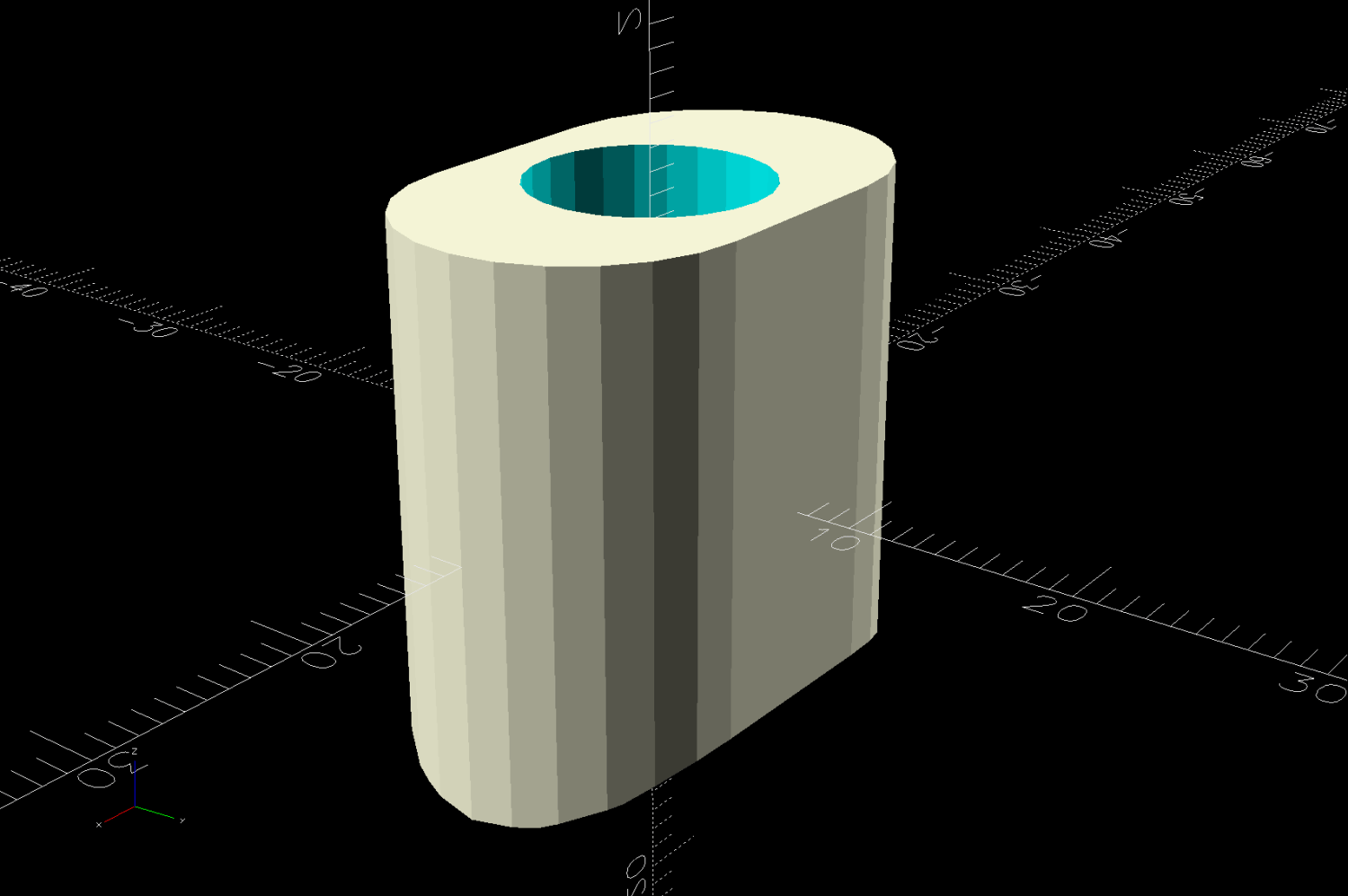
The proper term is “bushing“, because it has no moving parts:
Rod Bearing Sleeve – solid model – show view
On the right side, the bushing rim must fit between the sprockets and the plate:
HQ Sixteen rod – right front
The spring-loaded pin holding the tube in place (visible on the inside bottom) sets the maximum length:
HQ Sixteen rod – right outer
The left side has none of that, so I made the bushings a little longer:
HQ Sixteen rod – left inner
The left-side bushings will need a better design should normal back-and-forth sliding push them out of place.
A touch of silicone grease around the plate holes makes those bushings / bearings turn sooo smooth.
This file contains hidden or bidirectional Unicode text that may be interpreted or compiled differently than what appears below. To review, open the file in an editor that reveals hidden Unicode characters.
Learn more about bidirectional Unicode characters
After considerable faffing, a few of the fifteen layers look like this in GIMP:
Apollo 11 Patch – eagle layers
Each layer is a connected white region defining the cut perimeter, which will expose some part of the layer(s) below it in the stack. The small squares in the corners provide a bounding box to make all the layers snap to the same location.
Put outlines on a cut layer, corner squares on a tool layer
Burn each layer separately
Testing the concept with packing paper looked surprisingly good:
Apollo 11 Eagle – layer test piece
A few key layers on punched cards:
Apollo 11 Eagle – card partial test piece
The changes for each of those iterations required tweaking the original layer images to eliminate obvious-in-retrospect problems, recreating the SVG files, and importing into LightBurn. This is a relentlessly manual process.
Then I ran a full-up test of all fifteen layers on cards punched with the Apollo source code.
Cutting the head layers from face-down cards made them sufficiently white, although it’d be nice to have a different beak color and darker eyes :
Apollo 11 Eagle patch – layer test – head
I must arrange the cards with text to put more holes in the wings, although too many will cause fragile feathers:
Apollo 11 Eagle patch – layer test – wing
The white tail should be also done with face-down cards, more holes, and the three-way joint between the cards shifted under the tail layers to its left:
Apollo 11 Eagle patch – layer test – tail
The feet and olive branch were a total faceplant, as successive layers did not register accurately enough to overlay the leaves:
Apollo 11 Eagle patch – layer test – feet
Not to mention those ug-u-lee claws.
The wing layers need more rounding along their edges, perhaps with some thin cuts to emphasize the feathers.