Ed Nisley's Blog: Shop notes, electronics, firmware, machinery, 3D printing, laser cuttery, and curiosities. Contents: 100% human thinking, 0% AI slop.
Tag: Improvements
Making the world a better place, one piece at a time
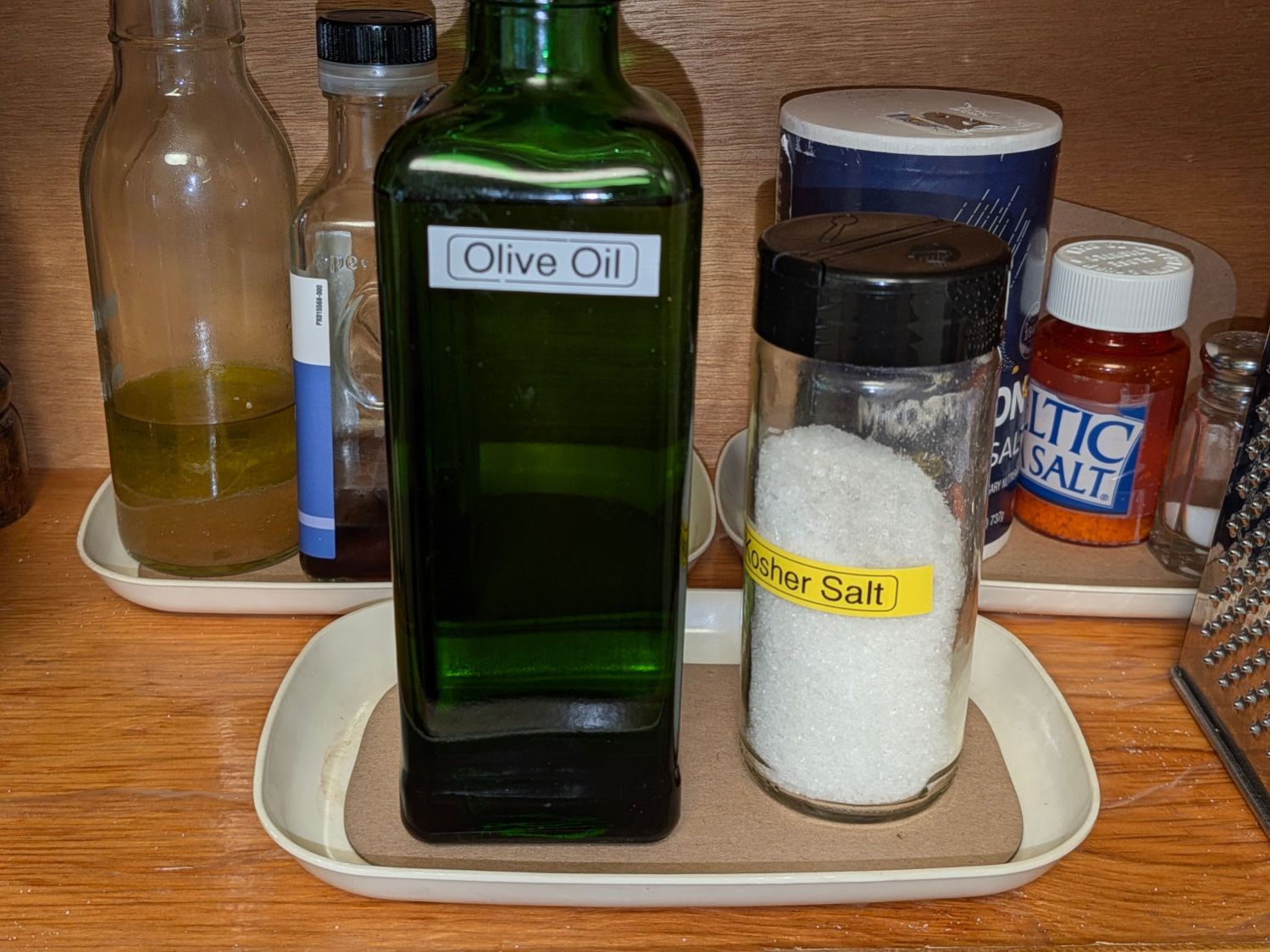
Somewhat absorbent chipboard liners for the small trays / dishes under all the kitchen supplies in daily use:
Cupboard tray liners – installed
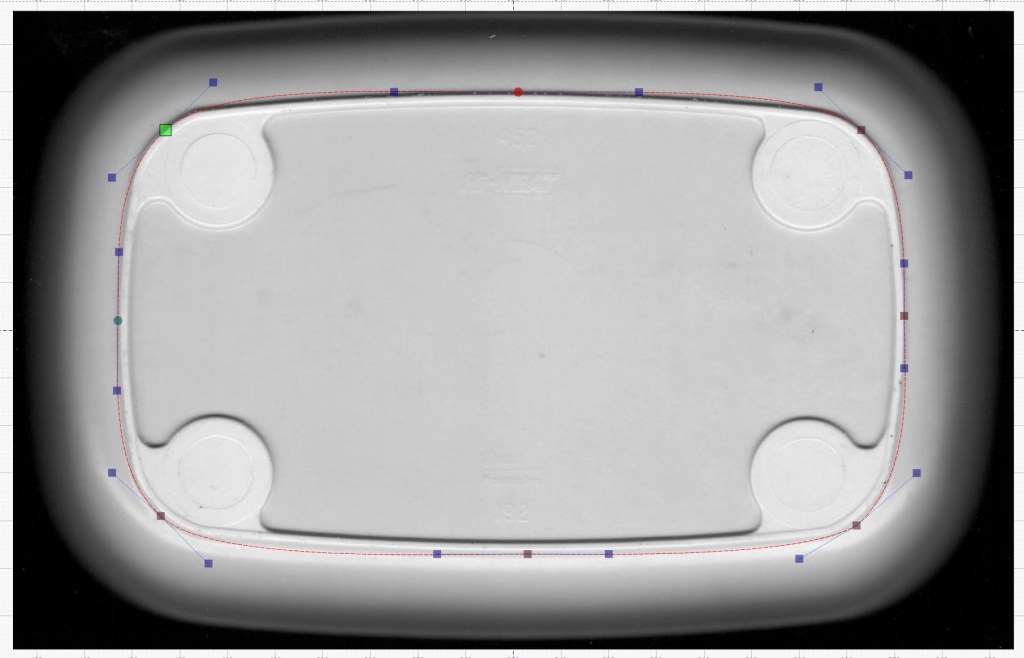
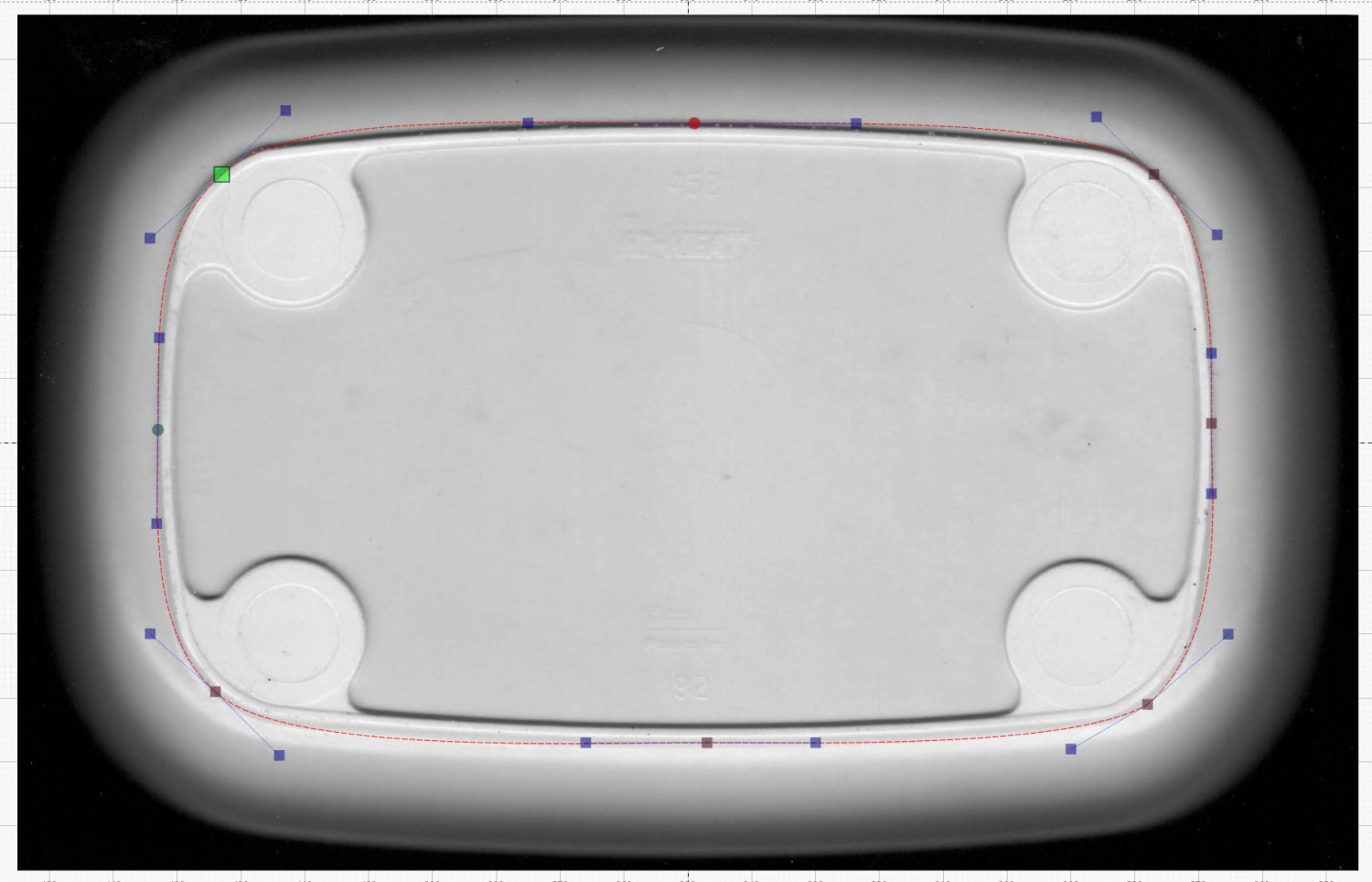
The tray bottom matched the flat surface of the top closely enough to let me lay a curve around the perimeter, with some attention to symmetry:
Cupboard Tray – LightBurn curve fit
Then Fire The Laser and it’s done!
For applications where actual symmetry matters, you’d want to lay a quarter of the curve and duplicate it across the midlines. In this case, however, an eyeballometric fit was entirely Close Enough™.
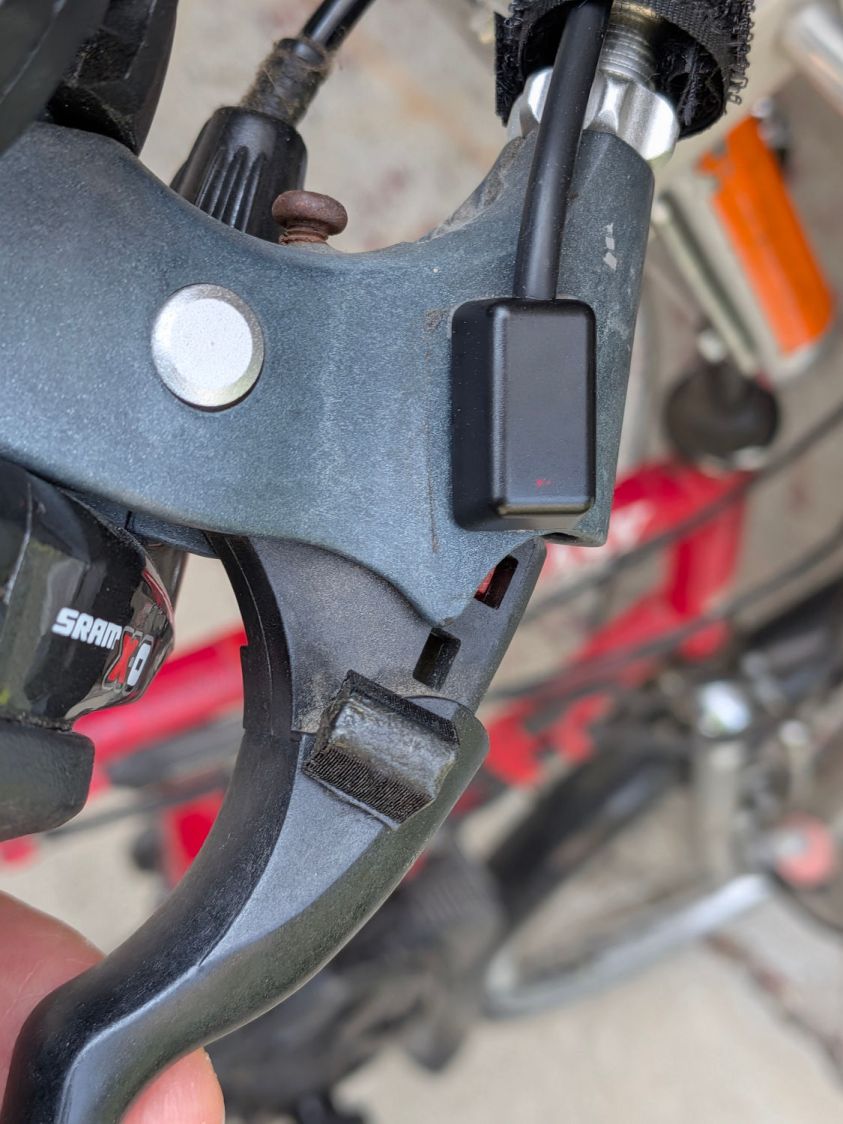
Having verified the brake sensors work and with some idea of their actuation distances, installing them on Mary’s Tour Easy involved no more than:
Remove the fairing
Unwrap three spiral looms from All The Cables
Wrestle the Julet connectors apart
Plug in the new sensors
Stick the sensors in the proper locations
Verify proper brake operation
Rewrap the looms
Install the fairing
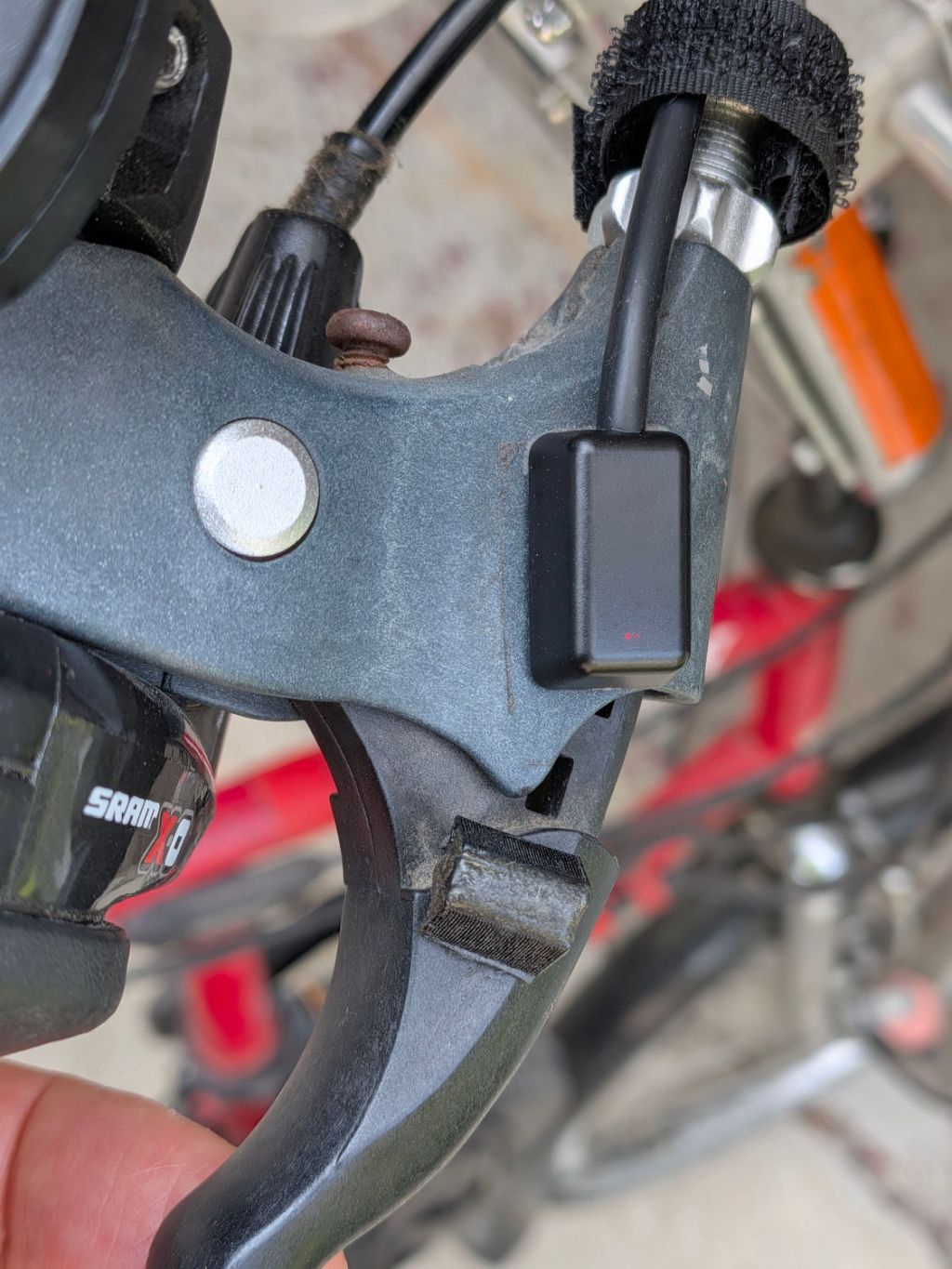
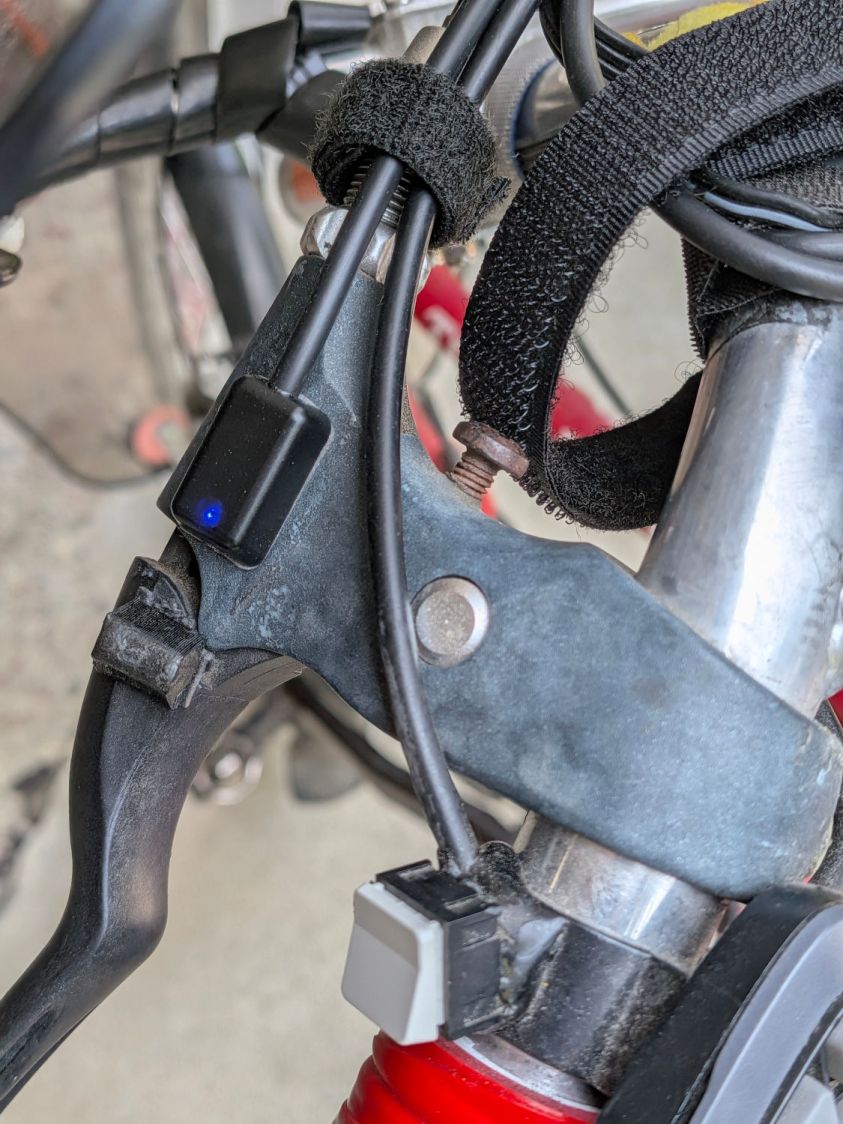
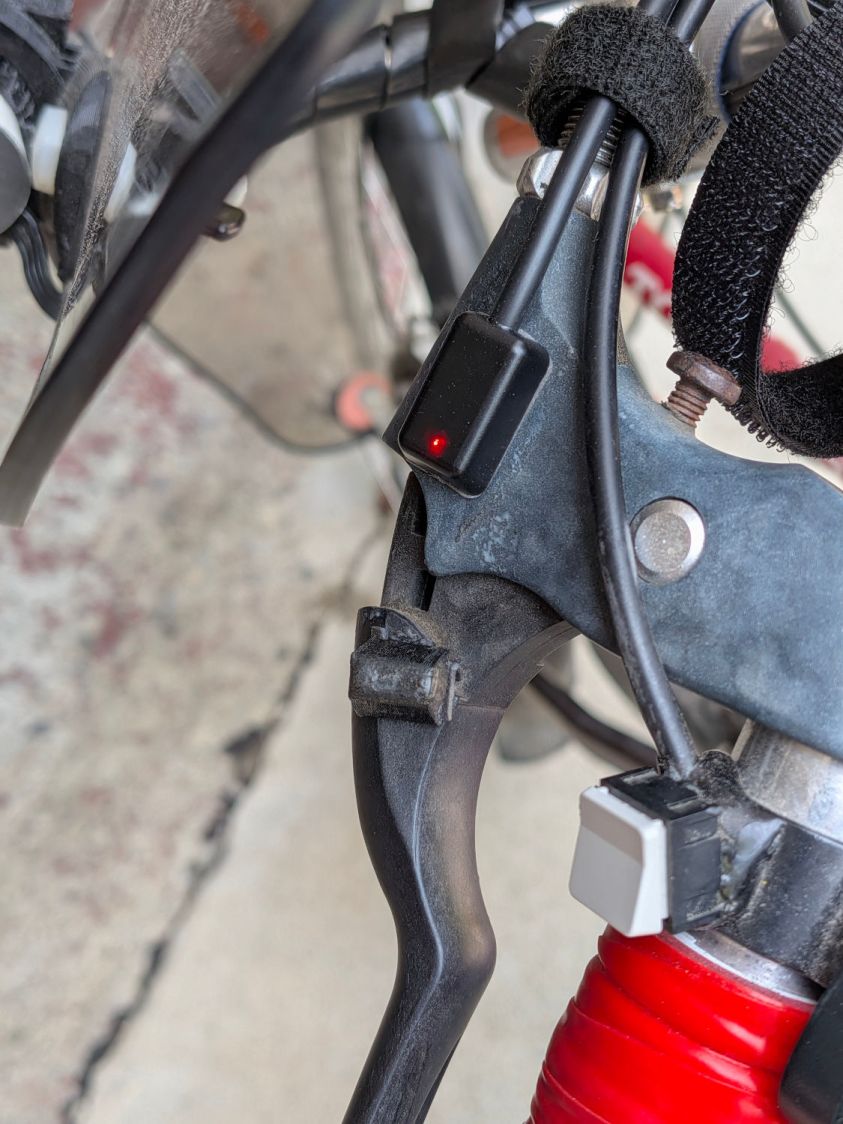
The “proper location” put the actuation point about halfway between the brake lever’s released and pulled positions. Given that the previous sensors lacked indicators, I don’t know where their actuation point might have been, other than likely too close to their released position.
A slideshow of the front brake lever positions:
Tour Easy LED brake sensor – front released
Tour Easy LED brake sensor – front activated
Tour Easy LED brake sensor – front pulled
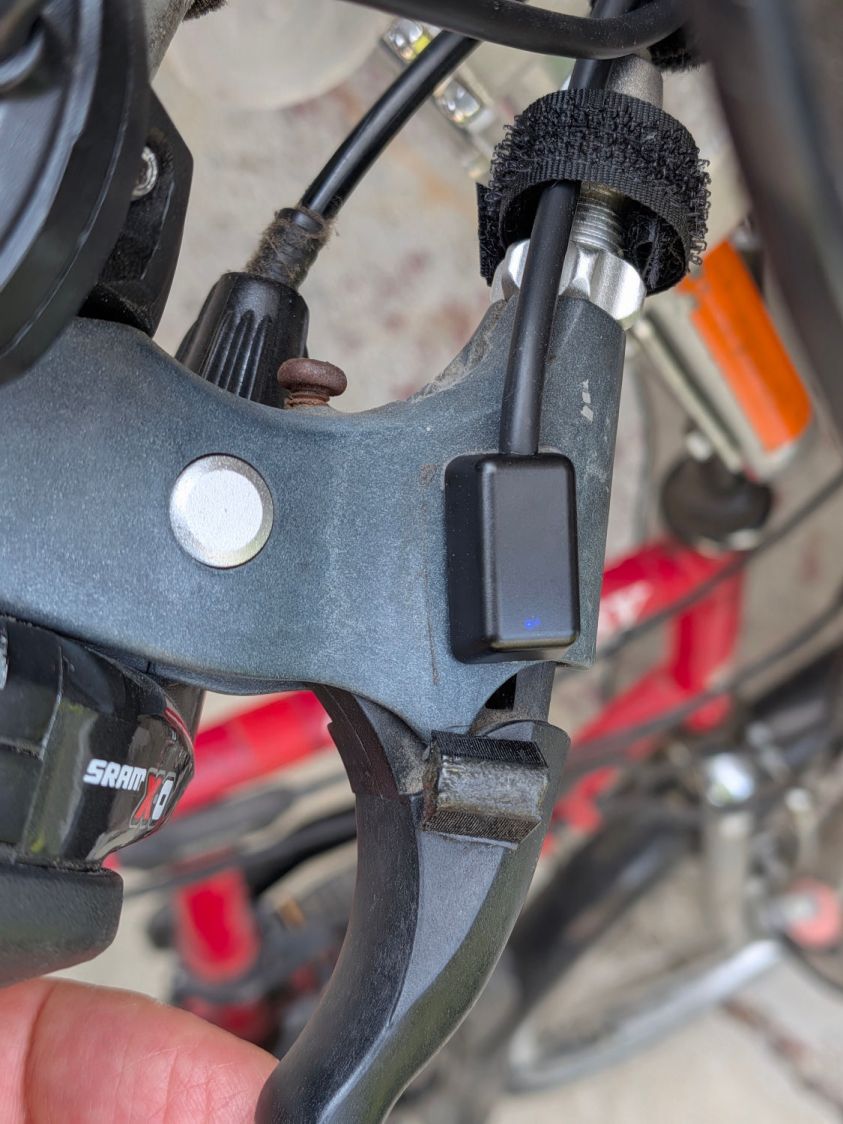
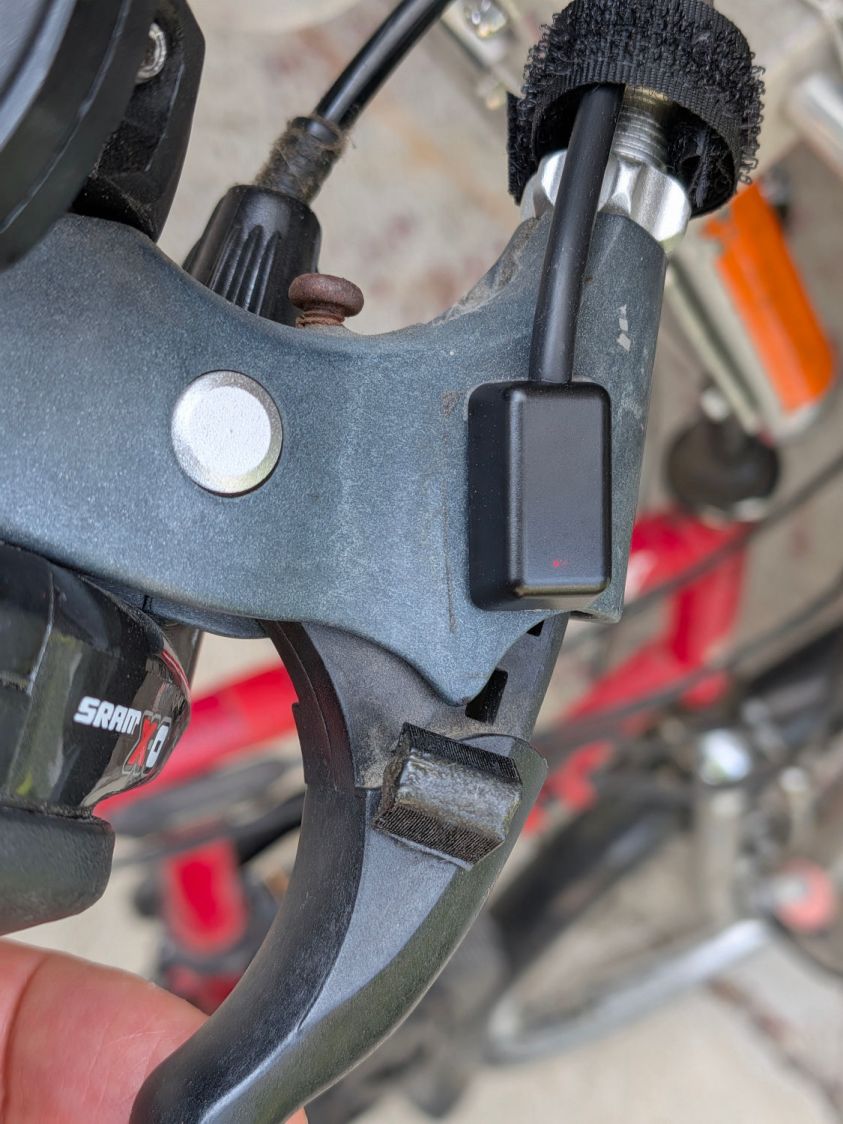
Similarly for the rear brake lever positions:
Tour Easy LED brake sensor – rear released
Tour Easy LED brake sensor – rear activated
Tour Easy LED brake sensor – rear pulled
Obviously, the rear brake lever sensor has the “dim” LEDs.
There’s not much to go wrong and the first ride was uneventful, so we’ll declare victory until the sensors or magnets shift their position, despite the wraps holding their wires to the brake cables.
The magnets come from power toothbrush heads, encased in urethane adhesive in 3D printed mounts.
Stipulated: I sometimes over-do things.
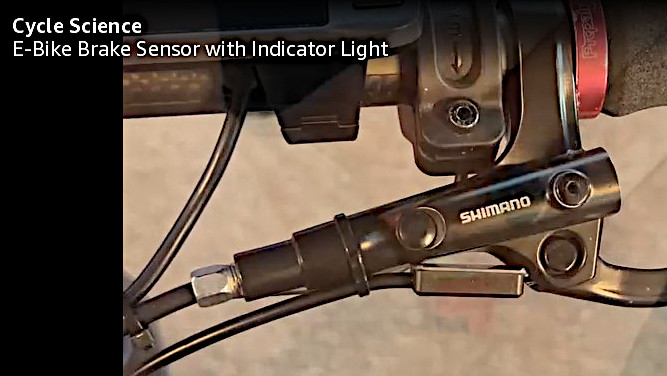
However, I am absolutely not going to back down from saying the lashup shown in this screen grab from the sensor installation video is utterly and completely wrong:
You’ll note the sensor’s signal wire is blue, not white, but red = 5 VDC and black = common on both sides of the splice. This is not to be sniffed at.
With the disk magnet (supplied with the sensors) oriented edgewise to the sensor, so the magnetic field is largely cancelled, the maximum separation allowing the sensor to remain On is about 7 mm:
Tour Easy LED brake sensor – edge – max ON
The minimum distance allowing it to be Off is 8 mm:
Tour Easy LED brake sensor – edge – min OFF
Orienting the disk face-on to the sensor increases the distances, because the magnetic field is not cancelled out in that direction. Similarly, positioning the magnet either above or below the plane of the sensor changes the results.
The maximum On distance is now 20 mm:
Tour Easy LED brake sensor – side – max ON
The minimum Off distance is 22 mm:
Tour Easy LED brake sensor – side – min OFF
The other magnet has a similar field strength and the other sensor responds at nearly the same distances, so they’re reasonably matched.
The LEDs are, however, not well matched: one sensor is much brighter than the other. I only have one connector, so I cannot show both in the same picture. These pictures have the same exposure (1/120 s and f/1.7), with the top sensor appearing in the previous pictures:
E-bike Brake Sensors – LED Brightness comparison
The red LEDs show a similar difference. I’m certain this doesn’t rise to the level of a warranty claim, because, hey, maybe the brighter one should be dimmer.
It being once again time to tweak the mini-lathe’s cross slide and compound backlash …
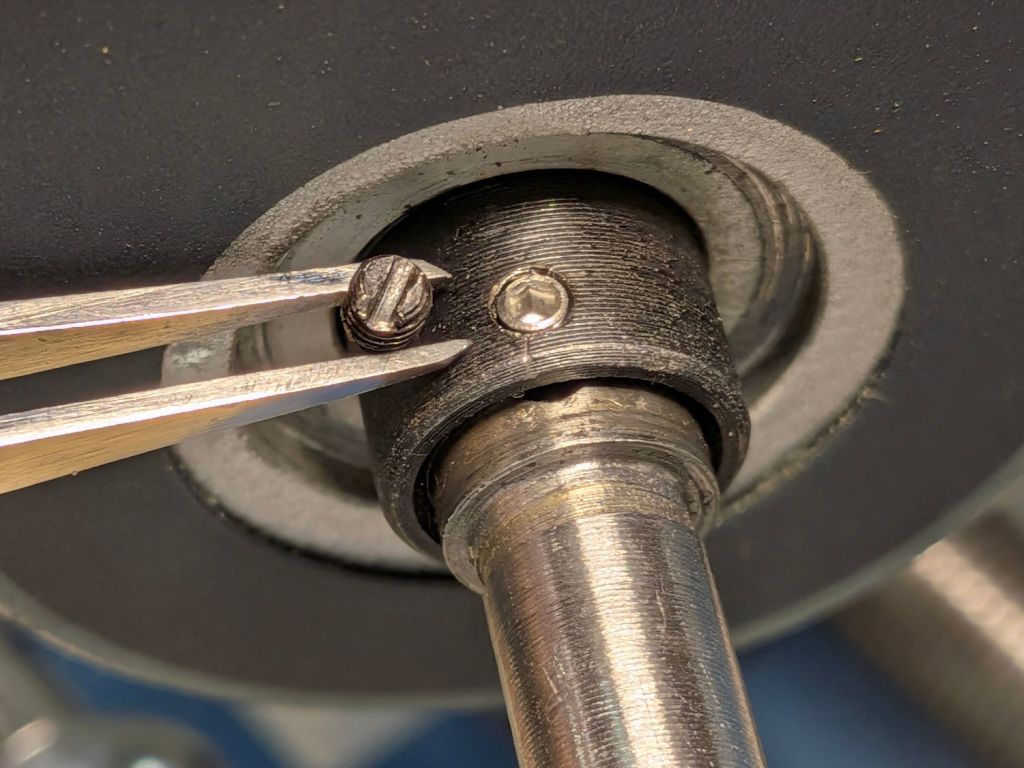
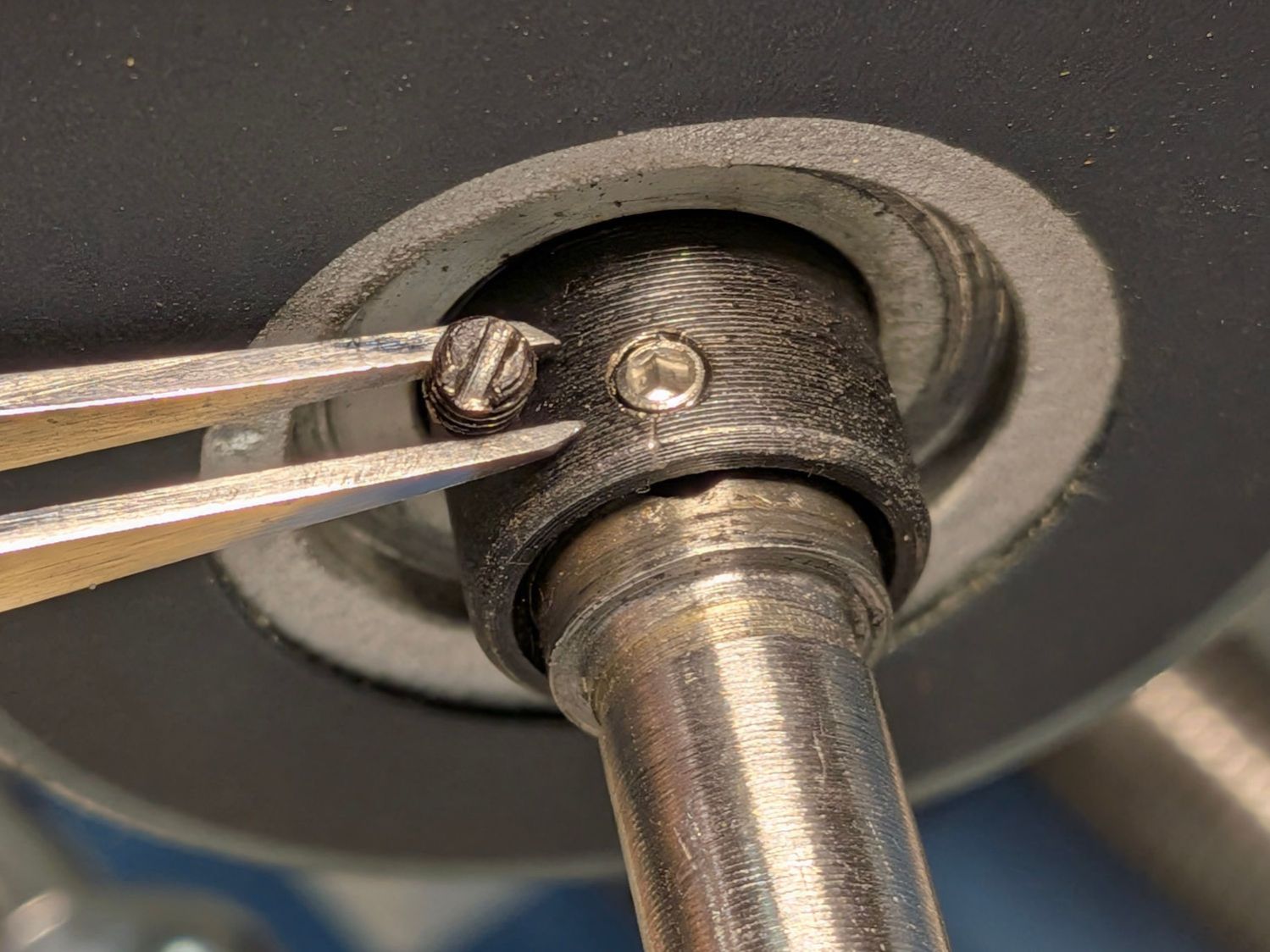
The M3 slotted setscrew locking the cross slide’s DRO collar to the feed screw shaft had come loose:
Mini-lathe – DRO slotted setscrew
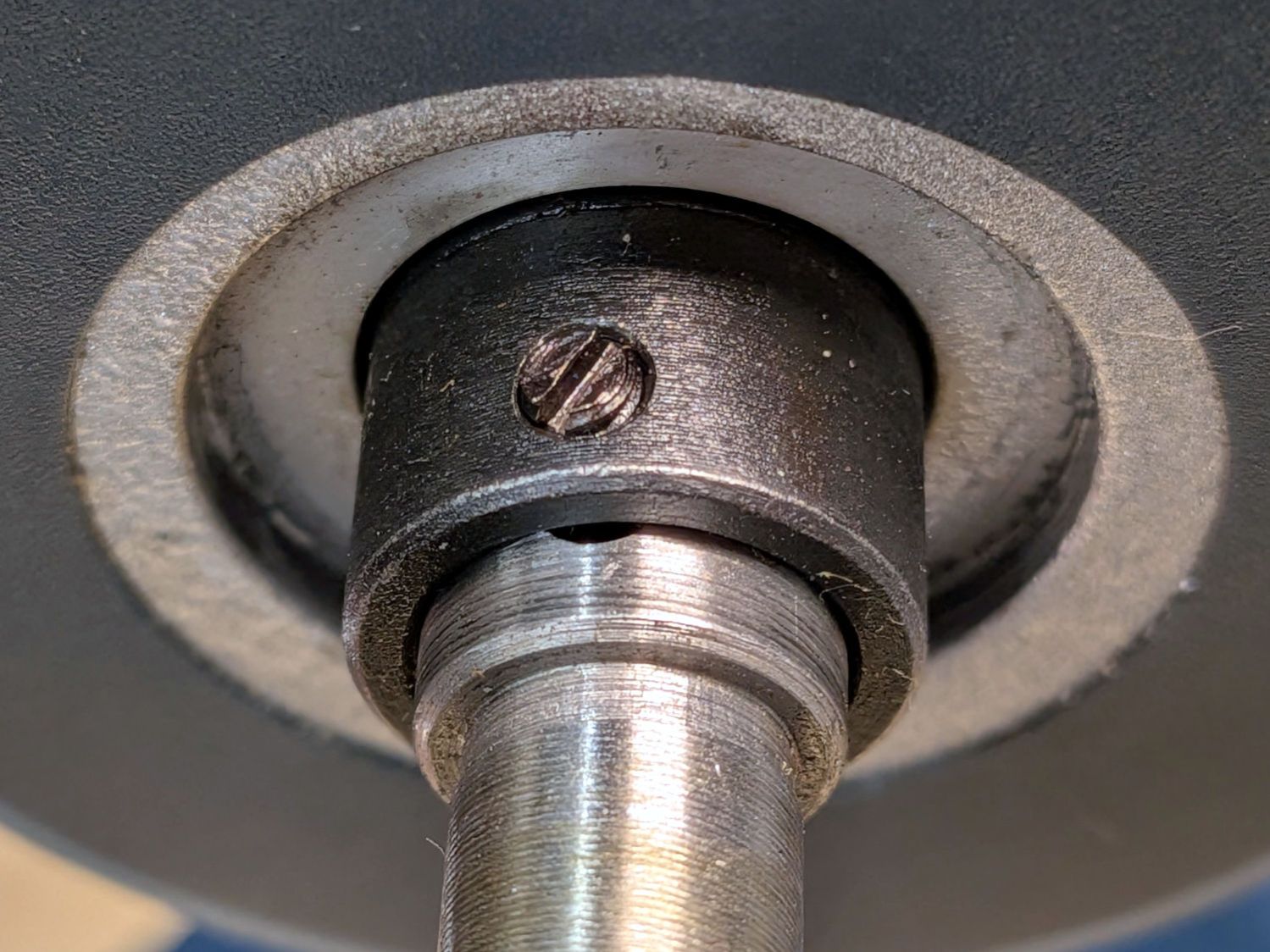
Although it has a cone point, presumably to center the slot in the feed screw, an M3 cup point hex setscrew works just fine:
Mini-lathe – DRO hex setscrew
A hex socket is much easier to tighten securely.
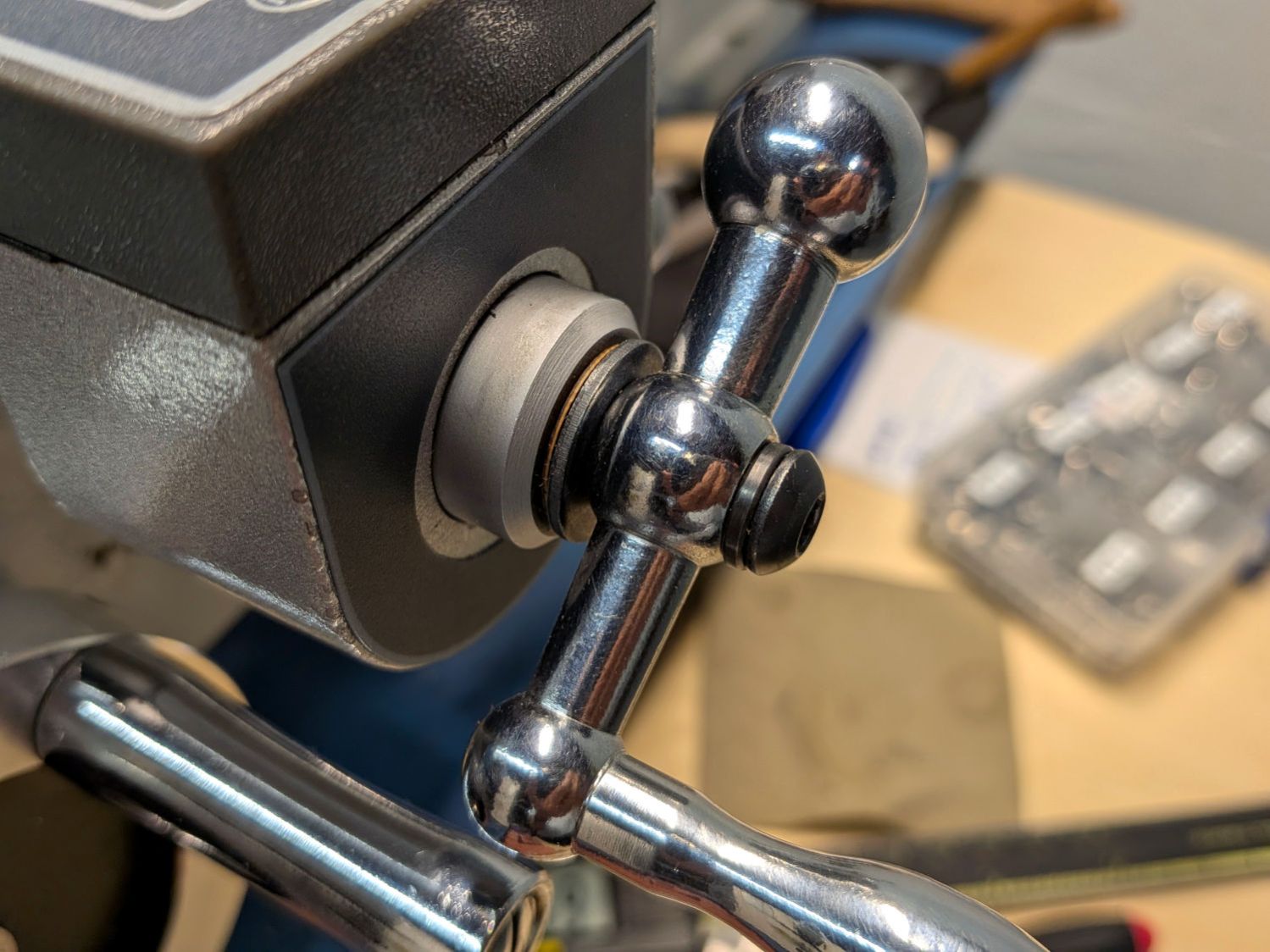
The handle sits against a black washer that looks like it should rest against the aluminum spacer covering the DRO shaft, but it doesn’t. Contrary to what I originally thought, that gap doesn’t contribute to the backlash (given a tight setscrew!), but a filler shim makes it look less like an afterthought:
Mini-lathe – cross slide handle shim
What does contribute to the backlash is a loose adjusting screw holding the follower nut against the feed screw:
Mini-lathe – cross slide backlash screws
The mini-lathe manual (page 17) and online references give the tedious process required to adjust the two cap screws and the setscrew to remove (nearly all of) the backlash. While I had the screws out, I took the opportunity to dribble oil through the cap screw holes onto the feed screw along as much of its length as was reachable.
Adjusting the gib screws is also a good idea, as is renewing the oil along the ways.
With all that done, the cross slide moves easily without slop and the backlash is a tolerable 0.1 mm.
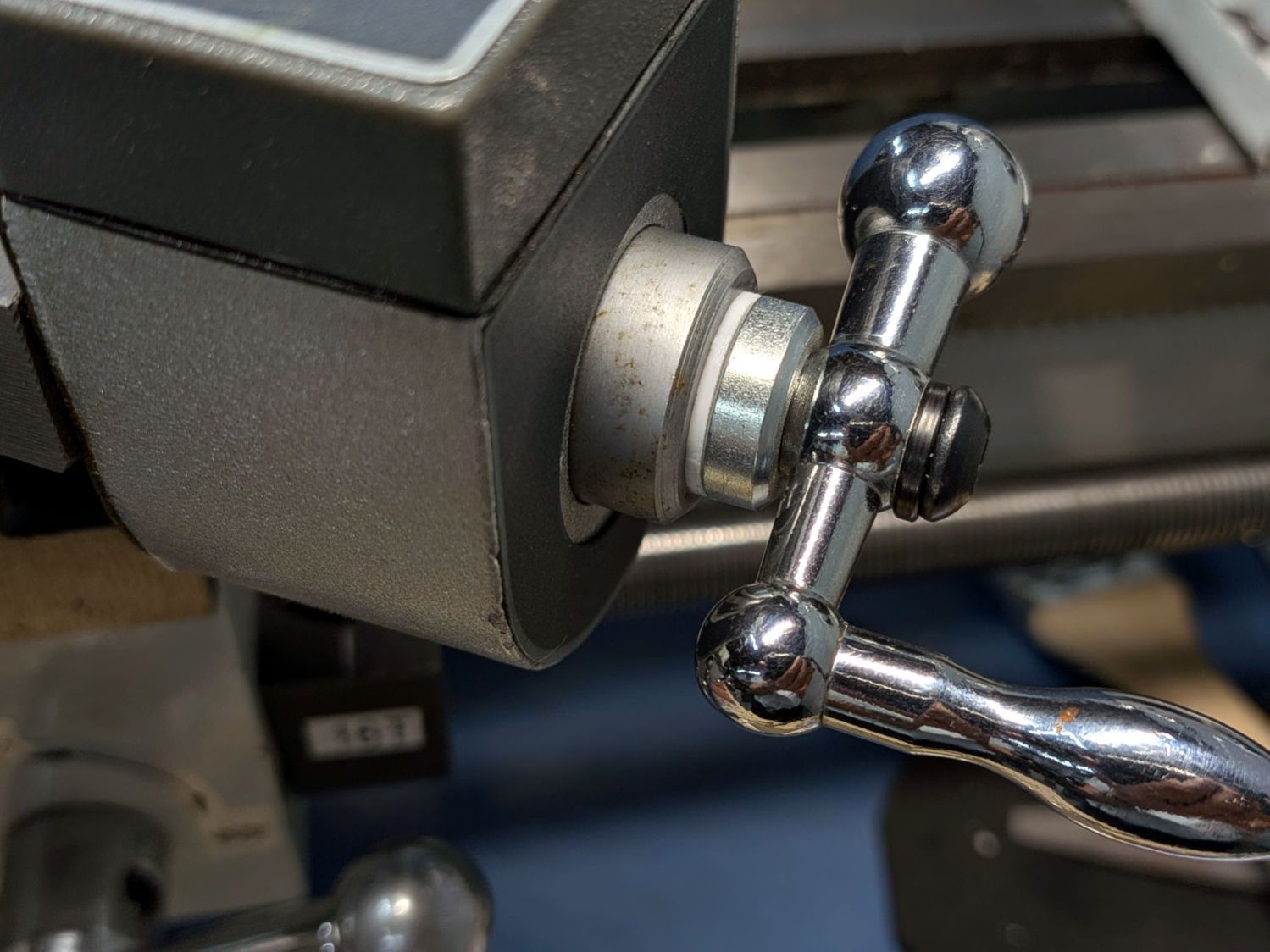
The compound feed screw does not have any backlash adjustment, so fitting a suitable shim between the handle and the DRO spacer is essential:
Mini-lathe – compound handle shim
That one looked nice, but was somewhat too thick.
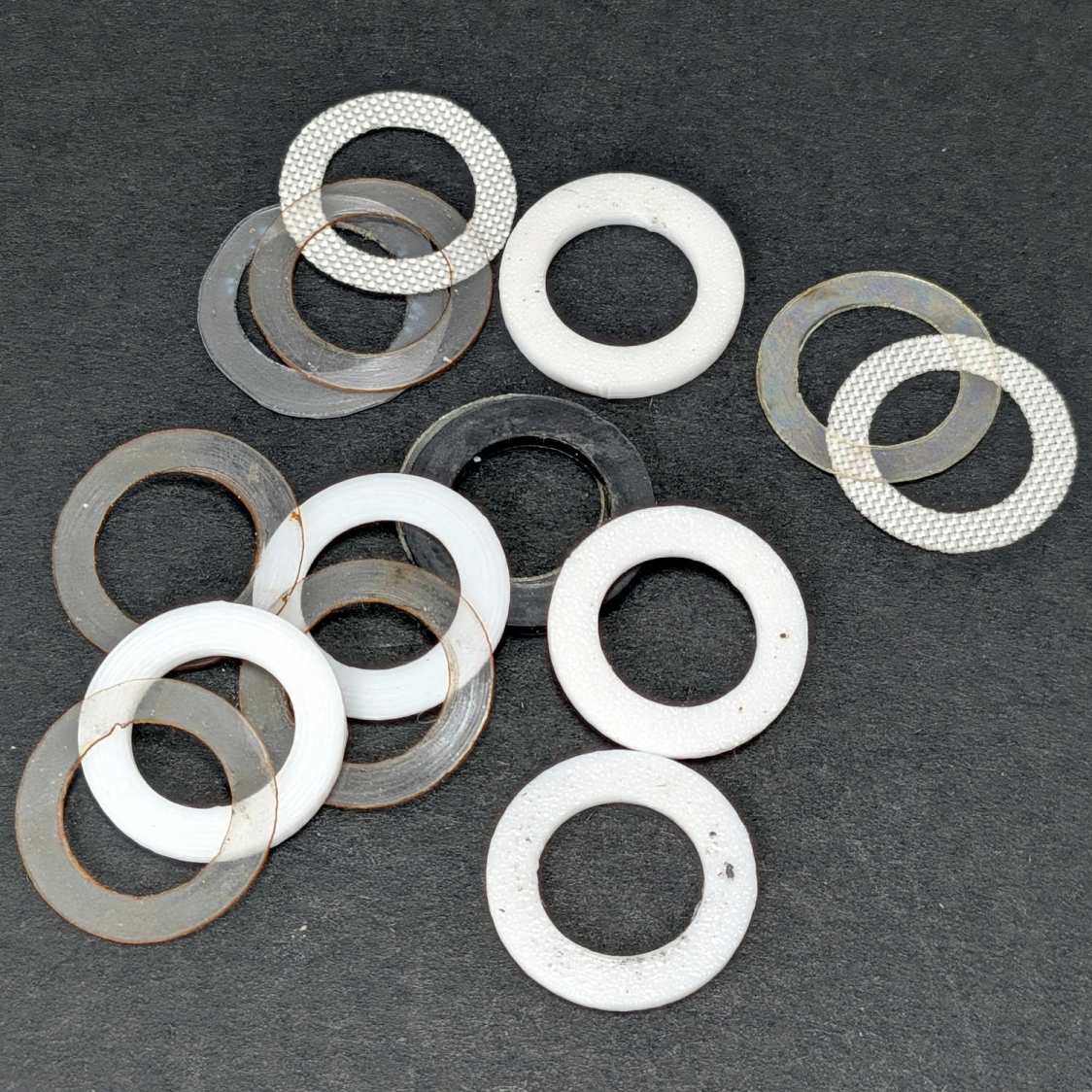
This time around I could laser-cut and 3D print shims (16 mm OD, 10 mm ID) in a variety of thicknesses, some combination of which would surely fill the gap without binding:
Mini-lathe – handle backlash shims
The gnarly clear rings over on the left are the original punched-and-trimmed PETG shims. The fabric-looking ones are PTFE sheets intended for heat-press transfer machines, which Mary has used as a slider sheet to let fabric move easily over her sewing machines. The black one in the middle is 1.5 mm acrylic.
The bright white rings are 3D printed from a few lines of OpenSCAD code:
Washers = [0.5,0.6,0.7,0.8,1.2];

for (i = [0:len(Washers)-1])
  right(i*20.0 - 40.0)
    tube(Washers[i],od=16.0,id=(10.0 + HoleWindage),anchor=BOTTOM);
Print them with 0.1 mm layers in PETG, add a PTFE shim or two, and fiddle about enough to get minimum backlash with reasonable turning force.
The compound feed screw now has 0.16 mm of backlash, which is as good as it’s going to get.
Right now, the only thing preventing the handle from turning on the shaft is the chunky lockwasher gouging both the handle and the cap screw in the end of the shaft, with the side effect of putting far too much pressure on the spacer shims. I want setscrews in the handles bearing on flats filed in the feed screw shafts to put those awful screws + lockwashers out of business, which seems like a good Sherline project.
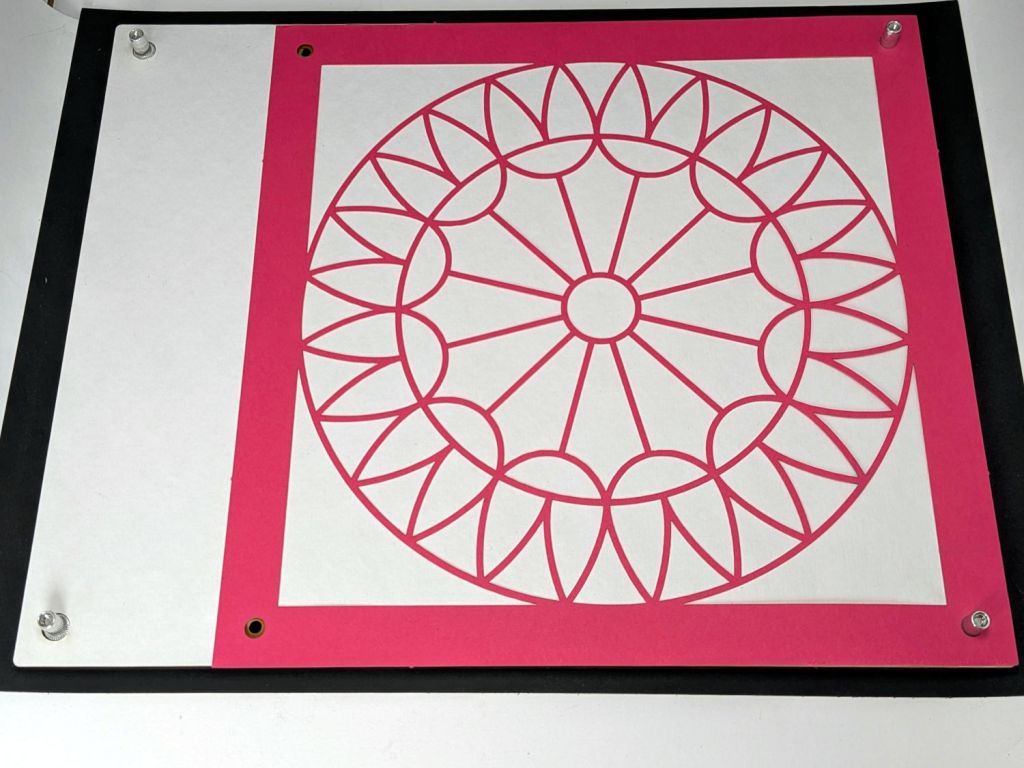
An embiggened version of the 8×8 inch fixture, built with MDF for improved durability & flatness:
Layered Paper 8×10in Gluing Fixture – block
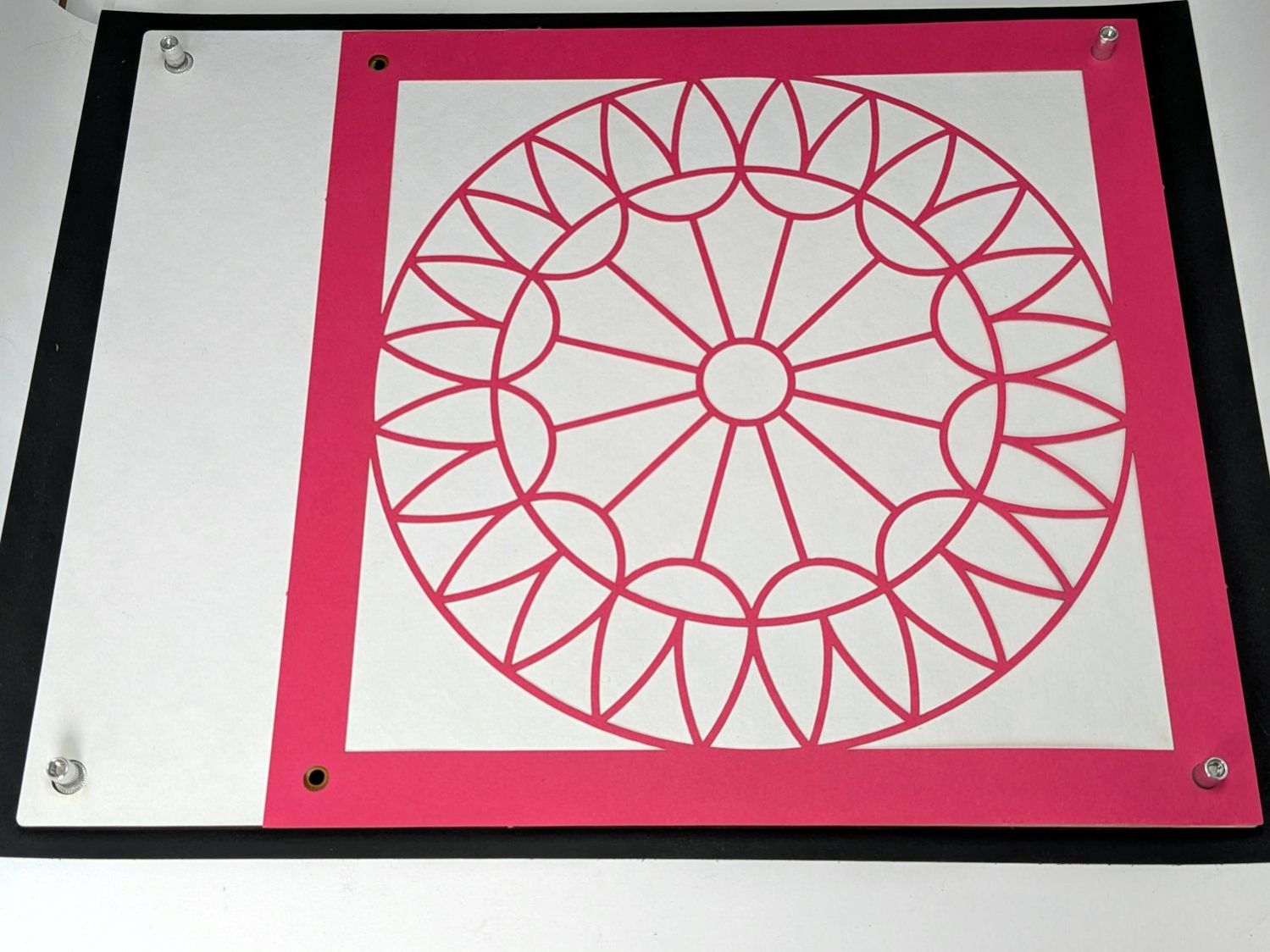
That’s an 8×8 quilt pattern as a quick fit check. Should I cut more of those, I’d install rivnuts in the obvious locations:
Layered Paper 8×10in Gluing Fixture – front overview
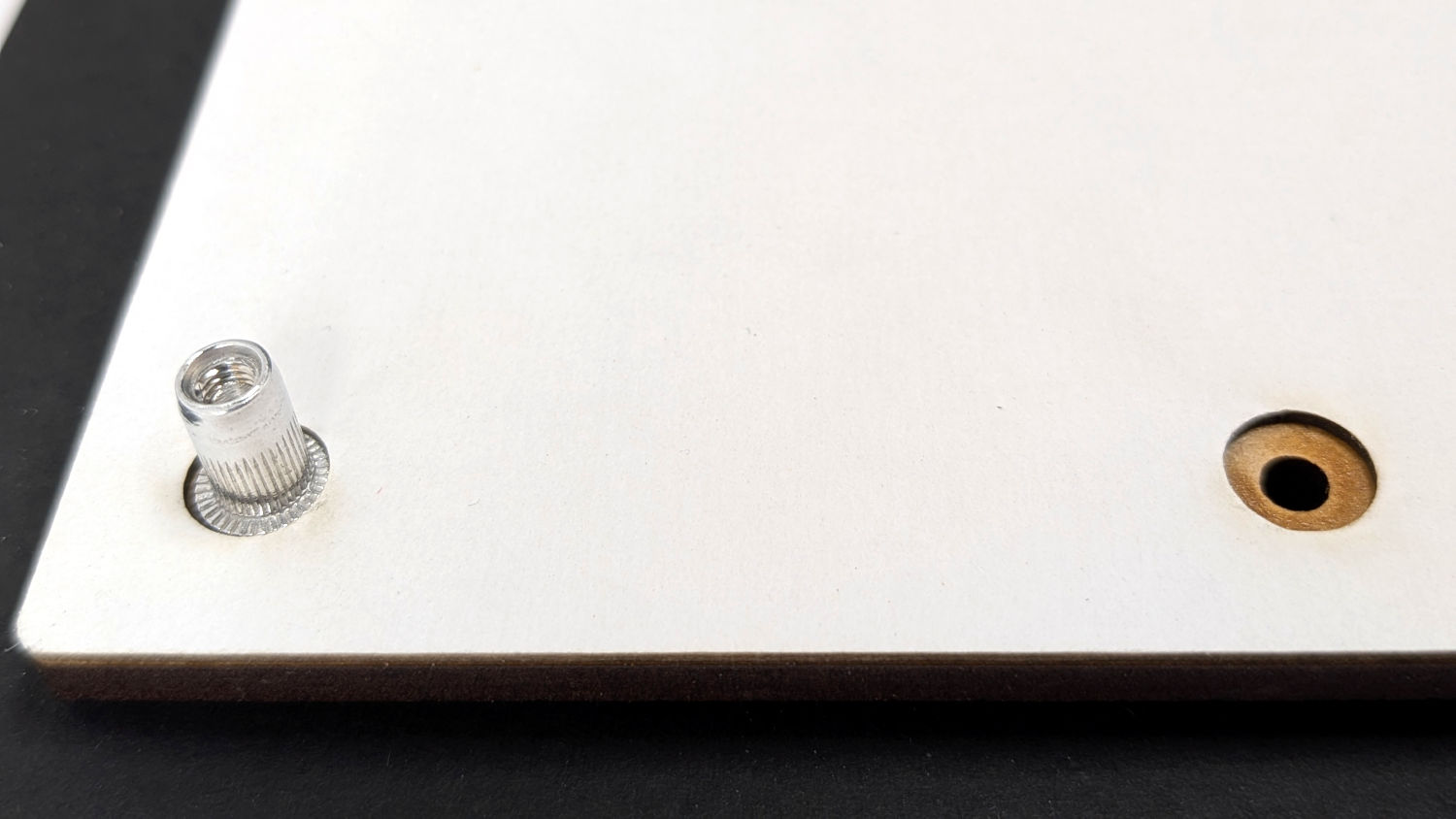
The white layer is 1 mm thick chipboard with the rivnut heads flush at its surface:
Layered Paper 8×10in Gluing Fixture – front detail
The perspective makes the fit look much worse than it is.
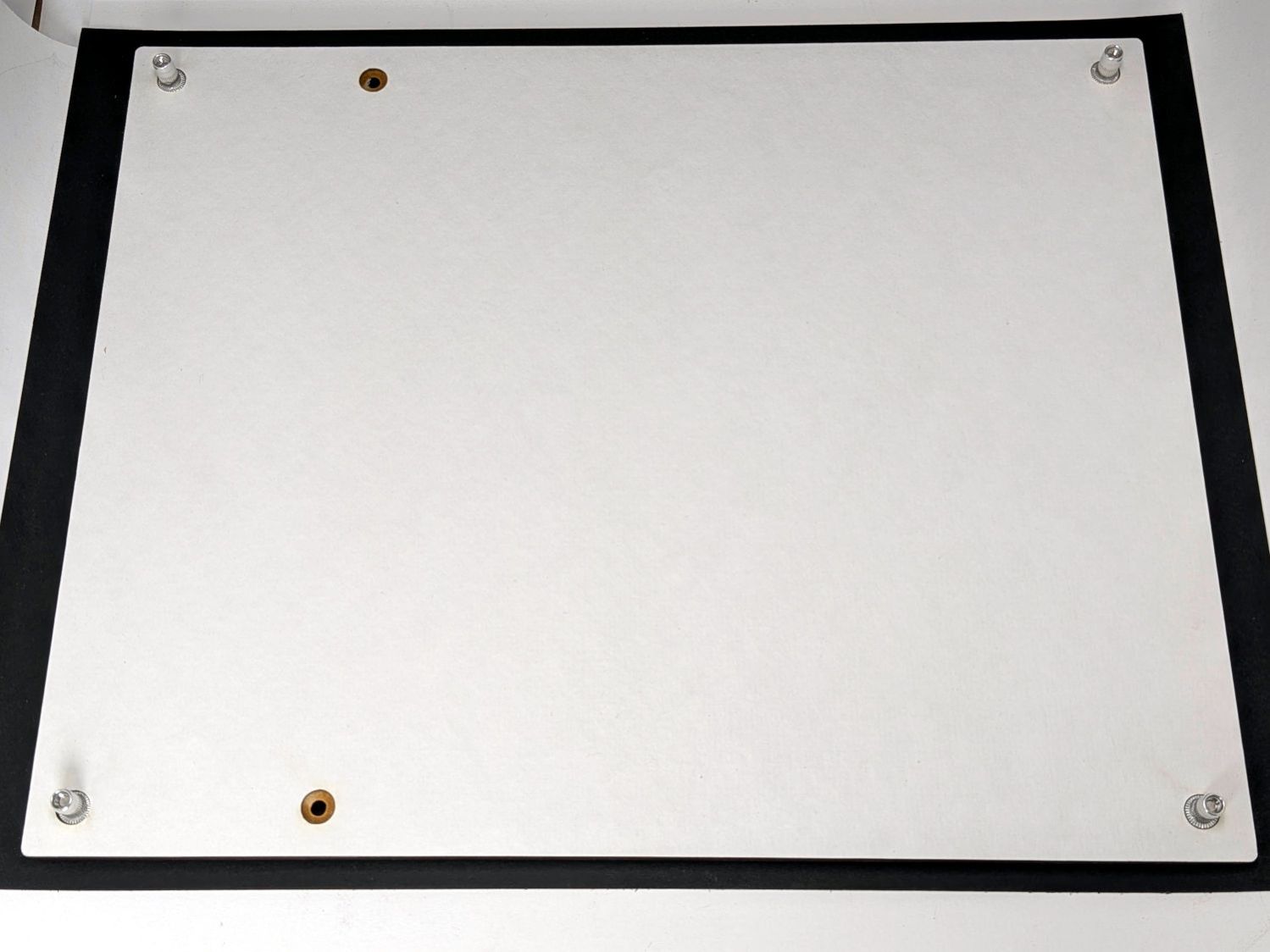
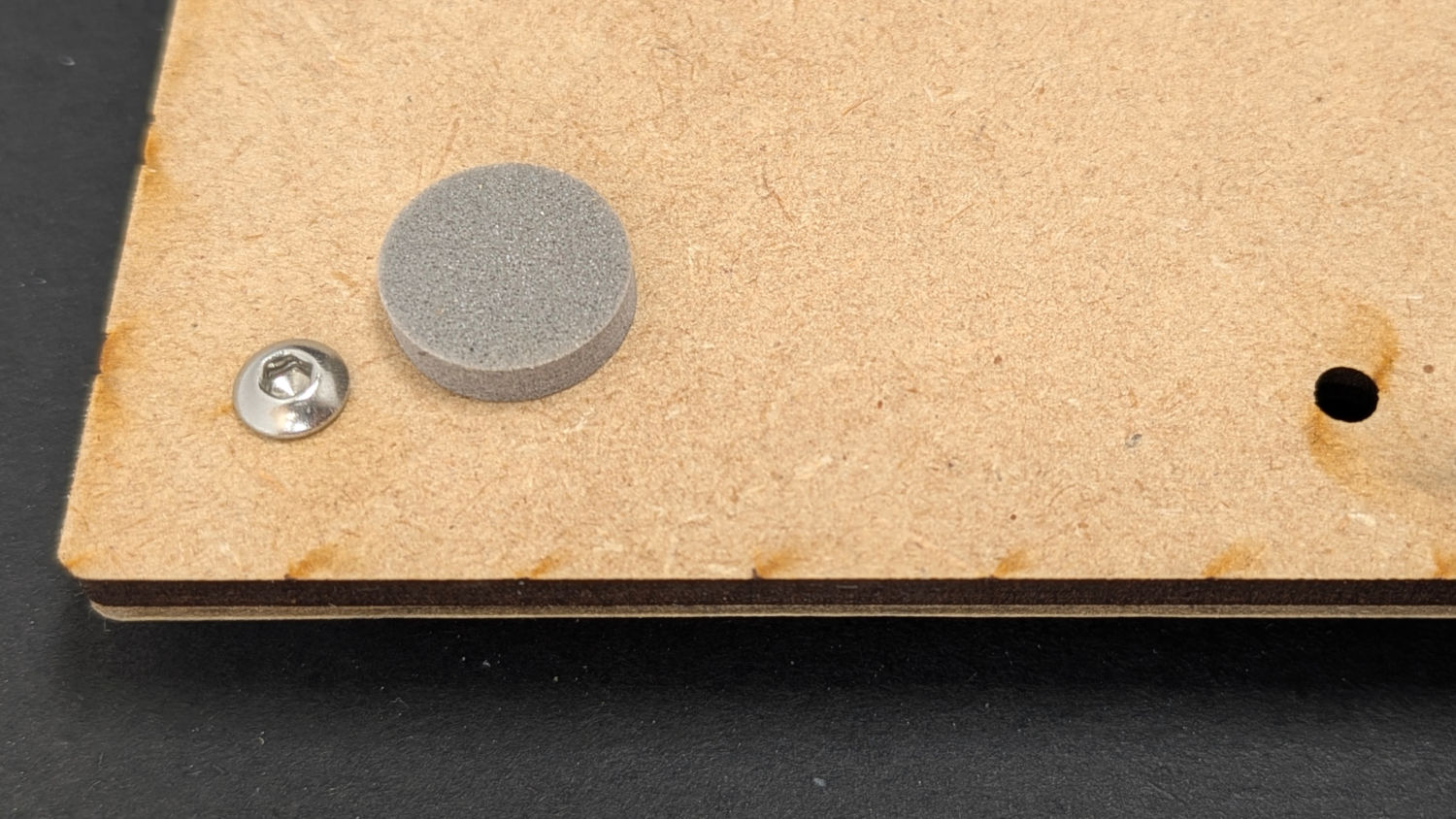
The back side has squishy foam feet keeping the M3 screws off the table:
Layered Paper 8×10in Gluing Fixture – back detail
The large rectangle on the LightBurn tool layer helped align the 8×12 inch MDF stock. The smaller squares show where the 8×8 inch square will fit and confirmed the hole locations:
Gluing Fixture – 200×200-250mm – LightBurn layout
The LightBurn SVG layout is a GitHub Gist, which also includes the template layout for cutting Letter pages to fit the fixture.
The Home Master whole-house water filter setup that Came With The House™ has a sediment filter with a 6 to 12 months lifetime and a “catalytic carbon” filter that need replacing every 95000 gallons. Poughkeepsie City water isn’t particularly challenging and our average use suggests a three-year cycle for the carbon filter, so changing them every 18 months seems reasonable.
The filter headers have fingers to center the cartridges, which works well with the relentlessly cylindrical sediment filter. The header’s outlet orifice produces the indented ring around the central hole:
Sediment water filter – outlet
The water flows downward around the outside of the filter and upward through the central hole.
The carbon filter is about the same diameter, but has a smaller diameter around the outlet that apparently doesn’t engage the centering fingers:
Carbon water filter – off-center outlet
The white crud on the black rubber seal is another example of Nisley’s First Rule of Potable Water Plumbing:
Never ever look inside the pipes supplying your drinking water.
Having seen this happen twice, despite my best efforts to keep the filter housing vertical while tightening its screw threads in the header, I laser-cut four acrylic blocks to hold the filter in the center of the housing:
Carbon water filter – centering blocks
They’re 13 mm wide, 15 mm tall, and 6 mm thick, but the next time around they should be taller to help keep them vertical while sliding them into place.
We’ll know how well they worked in about 18 months.
Which, as always, required the Greatest Ratchet with a foot of extensions getting the 1-1/16 inch socket down to the rod:
Water Heater Powered Anode – socket wrench
Remember to:
Turn off the water heater power
Shut off the inlet and outlet valves
Open the drain valve to relieve the tank pressure
Only then loosen the anode rod
Seeing the first few inches justified extracting the rod:
Water Heater Powered Anode – old rod top
Due to low overhead clearance and inauspicious pipe locations, I had to hacksaw the bottom third off to extract the rod:
Water Heater Powered Anode – old rod overviewWater Heater Powered Anode – old rod bottom
With the rod out, draining a few gallons of water into a pan didn’t produce any notable gravel, so I didn’t do a complete flush. Much to my delight, the drain has a ball valve!
Given that this is a fancy water heater and I no longer regard anode rod maintenance as a fun-filled activity, I installed a Corro-Protec powered anode rod for cathodic protection without all the crud:
Water Heater Powered Anode – Corro-Protec parts
The wall wart proclaims 15 mA with a green LED indicating it’s hard at work:
Water Heater Powered Anode – Corro-Protec wall wart
The data plate on the back reports 24VDC 15mA, but, being me, I poked at it with a handful of resistors:
Corro-Protec power supply measurements
The electronics could be as simple as a 24 VDC wall wart feeding a 425 Ω series resistor and a transistor switch lighting the LED for currents a little over 6 mA.
A quick ohmmeter check shows the powered rod electrode is open-circuit with respect to the tank, as it should be without much applied voltage. Applying +24 VDC from the wall wart drives 15 mA into the water: the rod is hard at work.
I’ll take a look at it in a year or so just to see what’s going on in there …