The Smell of Molten Projects in the Morning

Ed Nisley's Blog: Shop notes, electronics, firmware, machinery, 3D printing, laser cuttery, and curiosities. Contents: 100% human thinking, 0% AI slop.

Tag: Improvements

Making the world a better place, one piece at a time

  • Geek Scratch Paper: Historic Edition

    An embossed sheet of my Geek Scratch Paper carried the valve knob sizes home from the garden, which prompted a comment from Mike about The Good Old Days in sunny California. Because I’ve disabled comments on old posts due to the spam load, here it is:

    Ed has made references to his “geek scratch paper”… which brought back memories.

    Gullivers Restaurant in Orange county, CA has been around since at least 1974. Back then they catered to the moderately expensive out-for-dinner crowd in the evenings and on the weekends, but during lunchtime they had a businessmans luncheon special in the main dining room that was oriented towards a decent meal and in-and-out-in-an-hour. The side rooms were for those that were doing longer lunches or business deals over lunch.

    The key was that Gullivers was smack dab in the middle of Orange County’s tech region and right across the street from the large airport (now called John Wayne Airport). It’s also very close to Interstate 5, Interstate 405, and state highway 55… all 4-lane-each-direction major freeways.

    During those lunch hours it was not unusual to see ID badges from over 20 companies in the main dining room. Several new products and at least one new company were formed over those lunches.

    But the topic was “geek scratch paper”… well… Gullivers lunchtime paper placemats back in the 1970s were printed with graph paper on the back side!!!

    Imagine: Geek scratch paper at every table provided by a thoughtful restaurant!!! And this was forty years ago!!!

    I worked at one of the design houses in the area for over two years. I personally know of at least four new circuit designs, a half dozen new sheet metal designs, a number of circuit board re-designs, several new or modified software routines and at least six Product Change Notices and Engineering Change Orders that were started on the back of a Gullivers place mat (or three, or four…).

    For a long time my resume had a bullet point that read “Able to convert lunchtime scratch paper engineering sketches into formal documentation and engineering change orders”.

    I’ve not been inside Gullivers since 1981 – in over thirty years I’ve not been in that area except to drive on Interstate 5 on the way from Los Angeles to San Diego. The restaurant may be gone or remade itself into something else. But the next time I’m in that part of southern California I’ll make a special stop and check, and if their placemats still have graph paper on the back side, I’ll email you a photo or three.

    On a different but similar topic… At one time the local ham radio club members used to choose which restaurant to migrate to after the monthly meetings by which ones had a blank back side on the place mats…. especially for the planning sessions prior to major events.

    Mike WA6ILQ

  • Cycliq Fly6: Rain-shedding Performance

    Cycliq says “Using the latest nanotechnology, Fly6 is safeguarded against any wet weather nature can throw at you.” That’s not quite the same as saying it’s waterproof, but the plastic lens cover sheds water surprisingly well.

    We were caught in a brief downpour on a recent ride and, not unexpectedly, water covered the rear-facing lens:

    Fly6 - Rain 1
    Fly6 – Rain 1

    A larger drop ran down the left side, merged with the previous drop, and blurred two thirds of the image:

    Fly6 - Rain 2
    Fly6 – Rain 2

    Three seconds and a few major jolts later, the lens was mostly clear:

    Fly6 - Rain 3
    Fly6 – Rain 3

    Half a minute later, it’s looking even better:

    Fly6 - Rain 4
    Fly6 – Rain 4

    The jolts come from the deteriorated paving and poor patches along Rt 376, but at least they shake the water off the lens:

    Fly6 - Rain 5
    Fly6 – Rain 5

    Ten minutes after the first image, both the lens and the sky were almost completely clear:

    Fly6 - Rain 6
    Fly6 – Rain 6

    A pleasant surprise!

    That transverse crack just behind me? Charlie Brown’s First Principle of Puddles applies: you cannot tell how deep a puddle is from the top. That sucker goes down through at least three layers of paving:

    Crack - Red Oaks Mill
    Crack – Red Oaks Mill

    I forgot to put the Sony HDR-AS30V helmet camera in its waterproof housing before we left, so I put it in the (not exactly waterproof, either) underseat pack when the first drops fell. Sony makes no pretense that the bare camera can survive a rainstorm, but the packs are good for our simple needs.

    Ed’s First Principle of Rain Riding: After the first five minutes, you don’t get any wetter.

  • HP 7475A Plotter: Refilling Disposable Liquid Ink Pens

    A while back, Keith Ward sent a Big Box o’ Plotter Pens that:

    • Should suffice for the rest of the plotter’s life… if not mine
    • Obliterate any need for my Sakura pen adapters

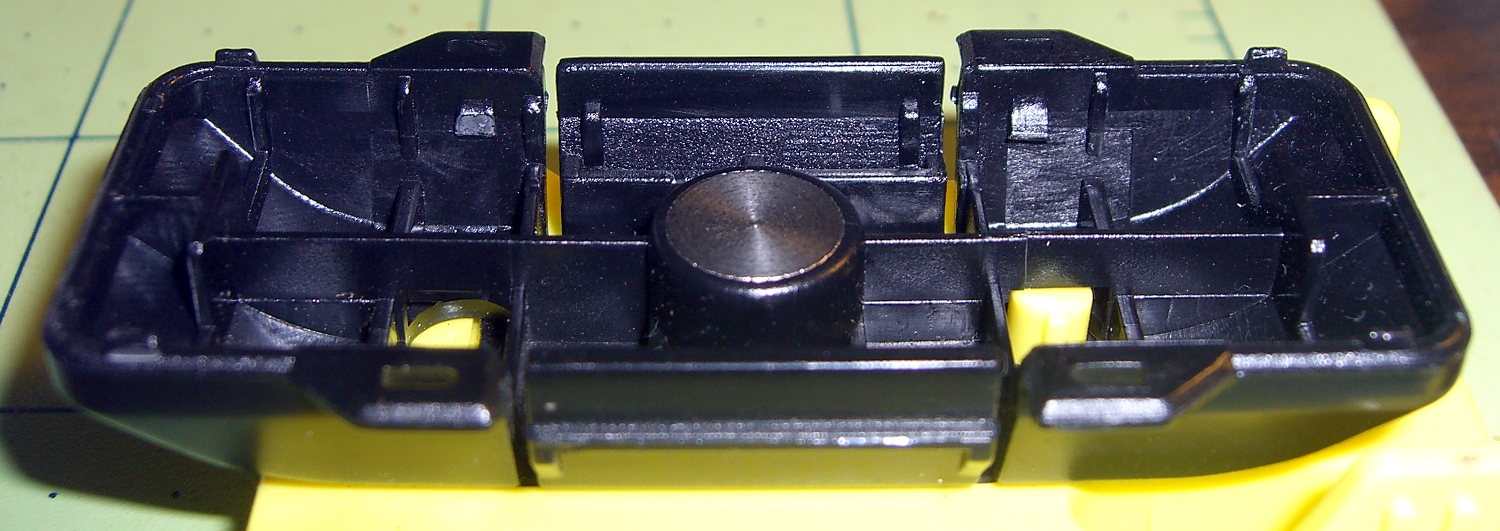
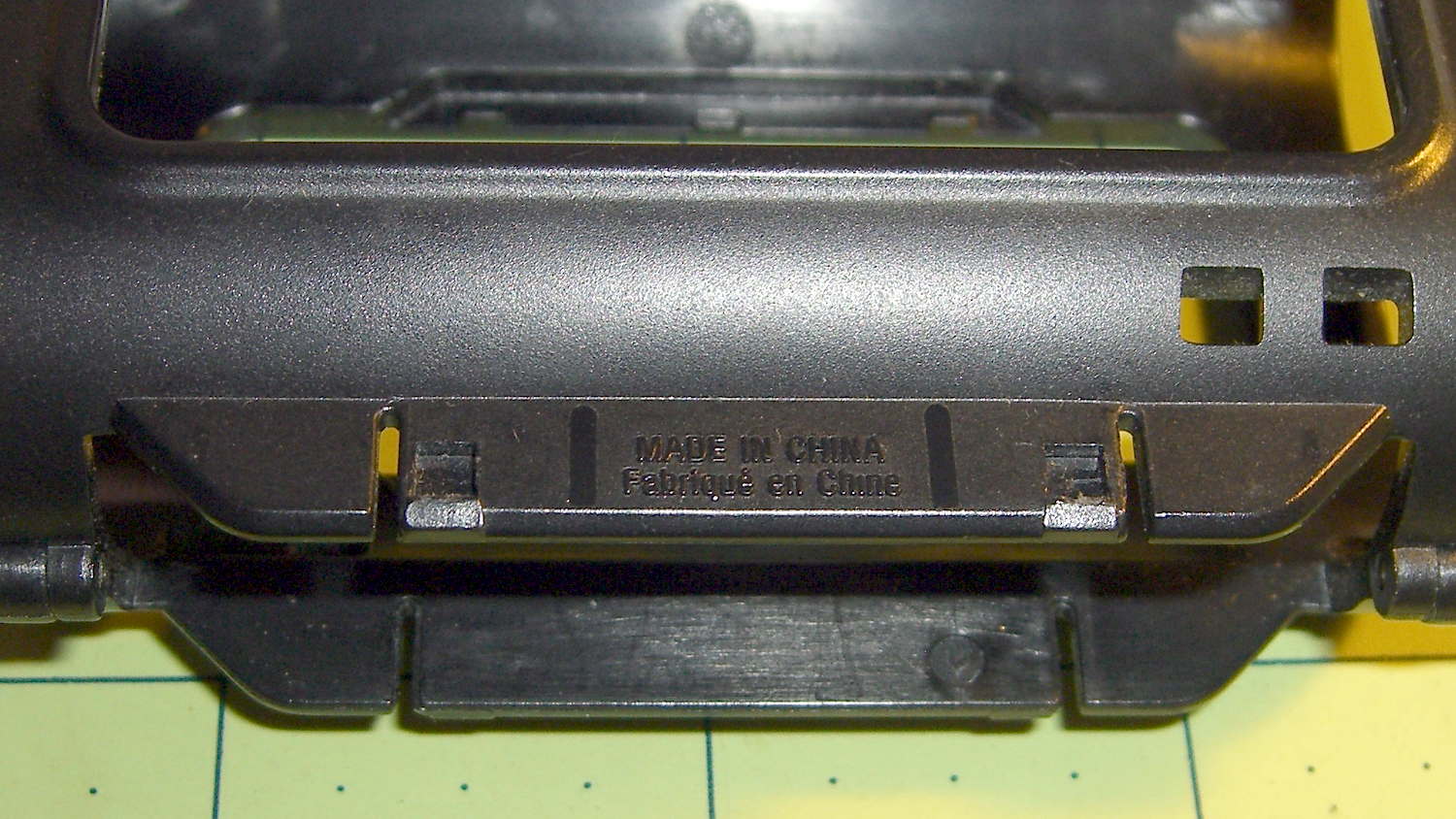
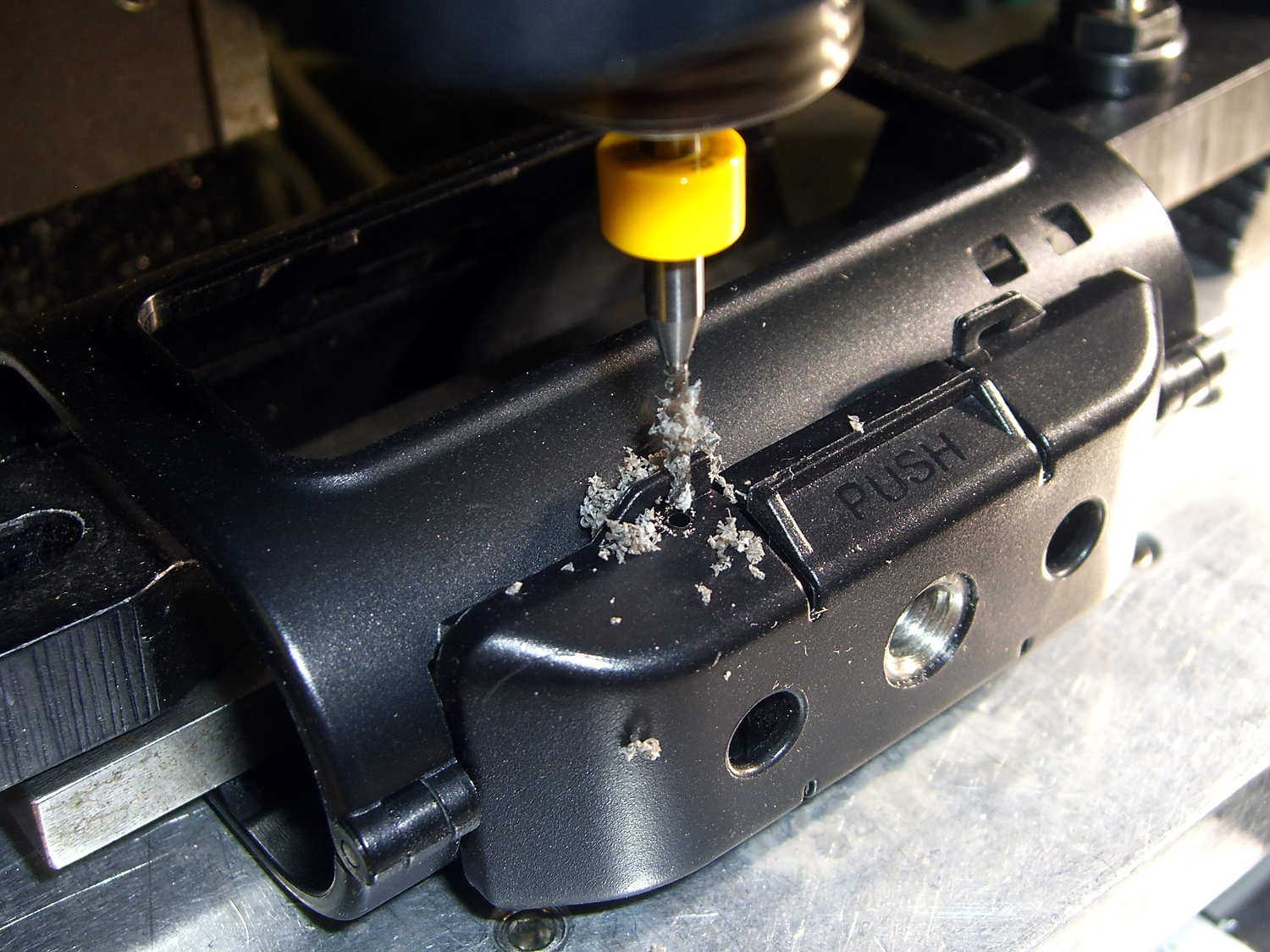
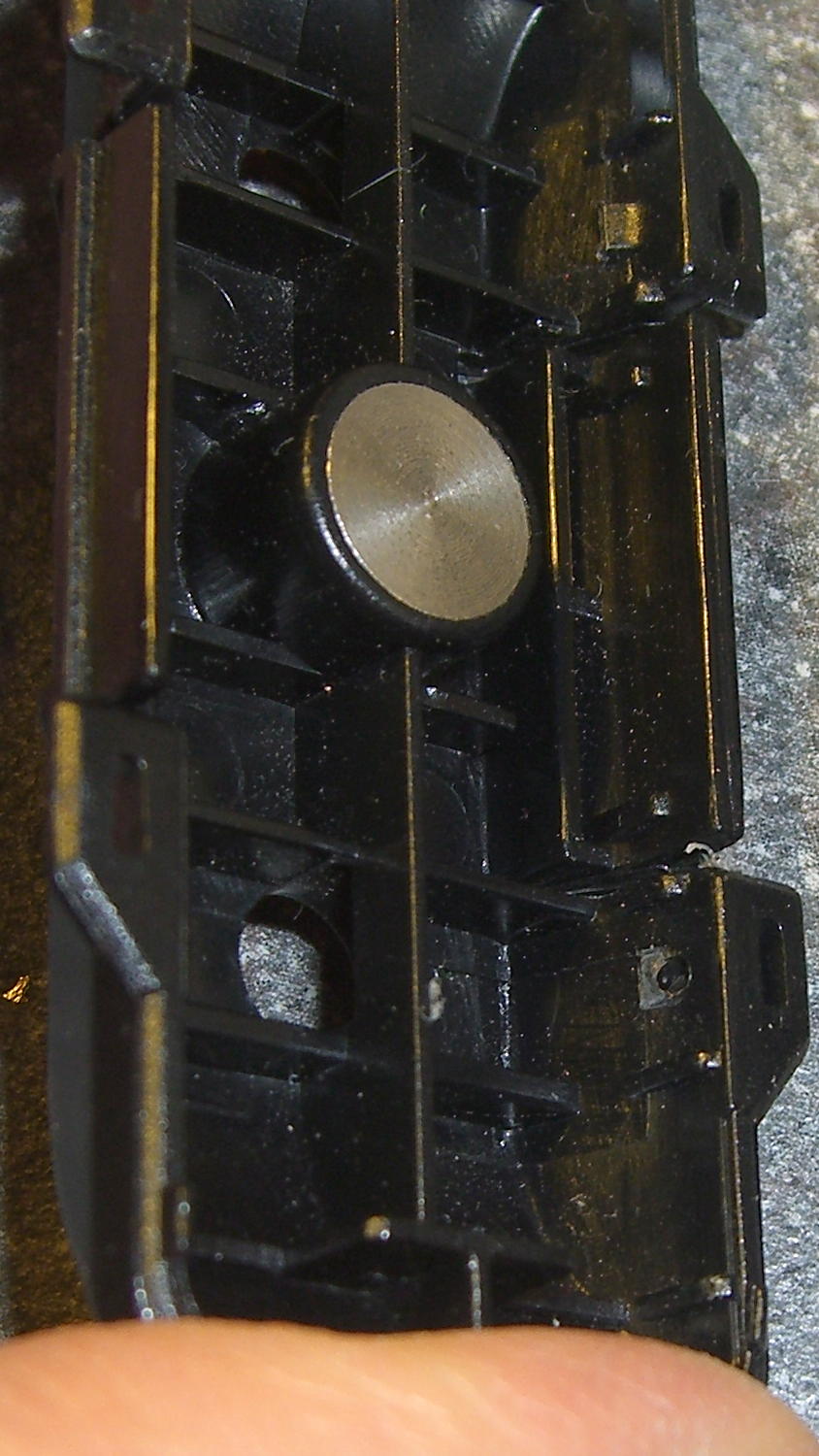
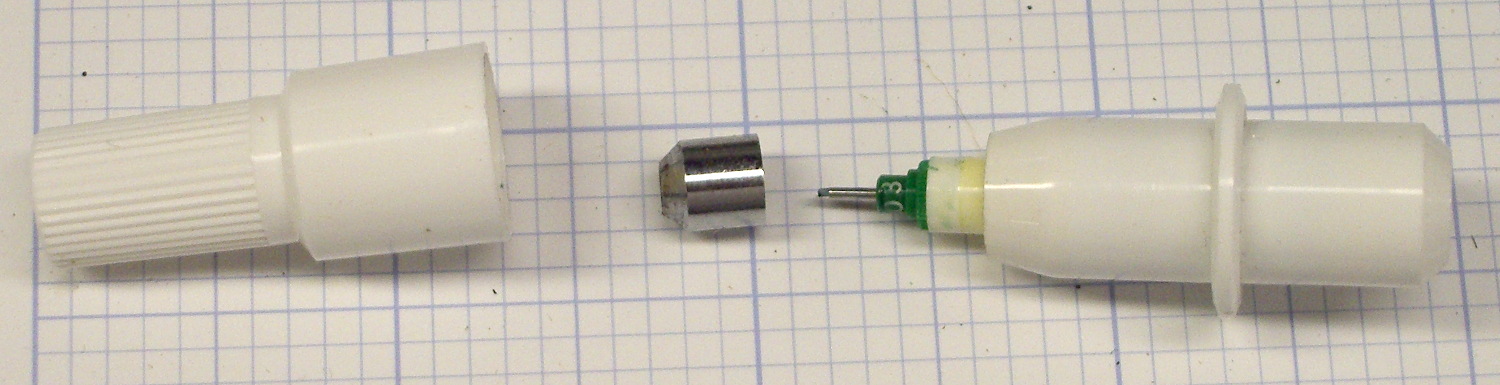
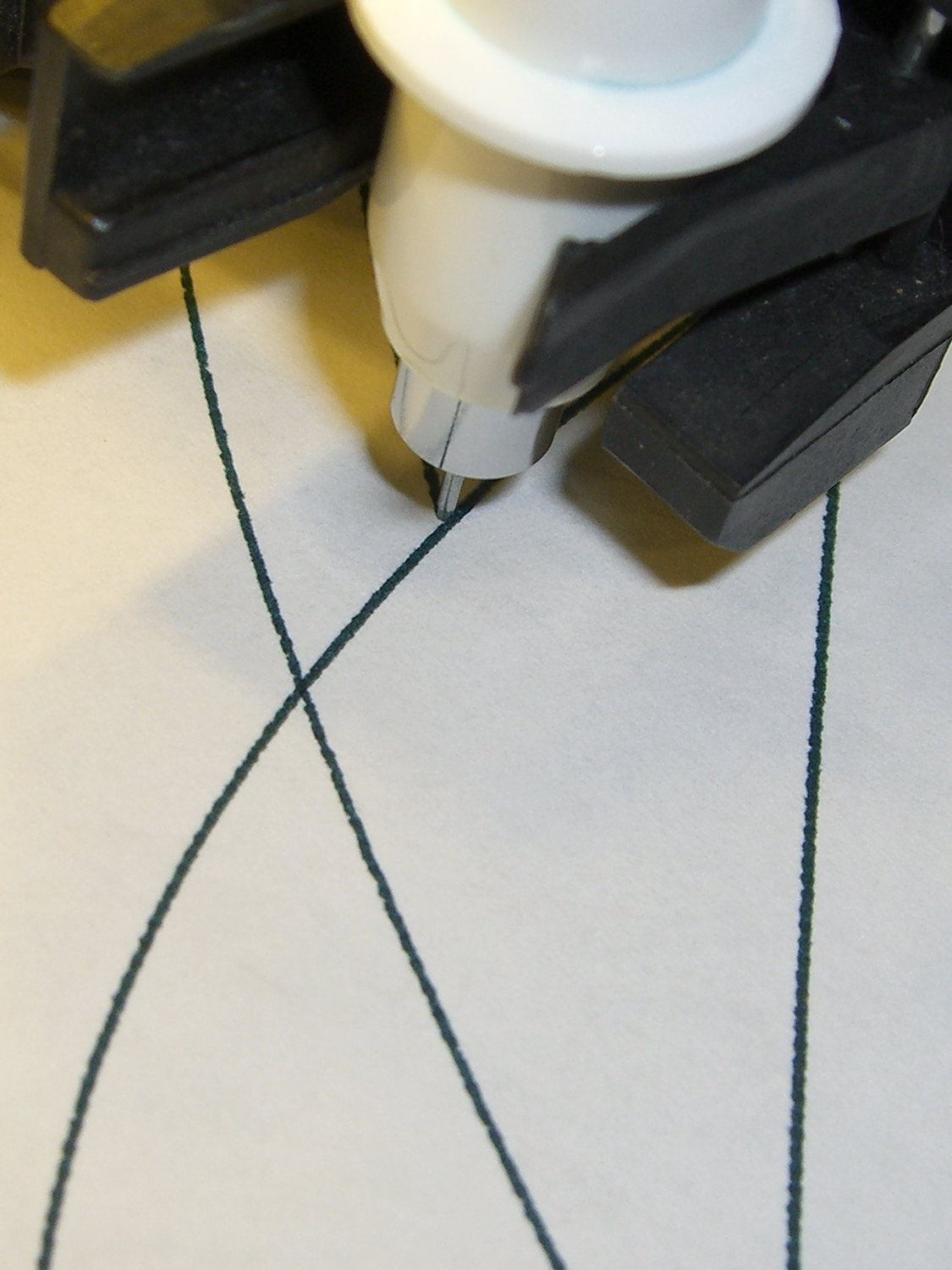
    After a bit of sorting, I had a quartet of “disposable” liquid ink pens with contents ranging from desiccated to gummy. With nothing to lose (and having already cut a clearance slot in the plotter case), I drilled a small hole in the top of each reservoir, squirted some inkjet printer ink into the void, and taped the hole closed.

    Surprisingly, a little liquid love restored all but the black pen to working condition, if not perfect heath:

    HP7475A disposable liquid pen - refilled
    HP7475A disposable liquid pen – refilled

    I think the blurred white disk floating in the reservoir sealed the end where you jam the tip in place to activate the pen. The blob of dark gunk shows the reservoir didn’t start with yellow ink, but I had nothing to lose.

    The top pen in this picture is another style / brand with a smaller reservoir:

    HP7475A pens - disposable liquid  and ceramic tip
    HP7475A pens – disposable liquid and ceramic tip

    The white pen in the foreground has a 0.3 mm ceramic tip, contains its original green ink, and works as well as it ever did; it might be refillable, too.

    The liquid-ink pens have a serpentine vent in the tip. This is a Genuine New-Old-Stock pen in a four-pen case labeled HP 5061-7566:

    HP7475A disposable liquid pen - new
    HP7475A disposable liquid pen – new

    The serpentine path connects the exterior vent opening (facing you) to a tiny hole (on the other side of the blue shaft) into the ink chamber. As it turns out, a new hole drilled in the reservoir admits enough air to drain the (freshly refilled) liquid ink through the serpentine path all over the workbench. Having some experience with refilling inkjet cartridges, I deployed a towel decorated with colorful splotches in anticipation of such an unexpected event, although my fingers looked considerably more cheerful than usual for a few days.

    The black pen never worked quite right, but the other three did fine. The ceramic pen is at the top:

    HP7475A - KBR to YCM Refilled disposable pens - G ceramic pen
    HP7475A – KBR to YCM Refilled disposable pens – G ceramic pen

    Protip: the blown contrast and rear-surface bleedthrough behind the yellow ink should tell you it isn’t visible in normal room light. I must mix yellow with another color if I ever refill that pen that again.

    KiCad uses only one pen for the entire schematic, even when you select “plot in color”, suggesting nobody has sent the “plotter” output stream to an actual plotter in a long, long time.

    Despite the charm of watching the plotter crank out an entire schematic page, it’s not a compelling enough user experience to replace an inkjet printer. For an art project, one might be seeking an entirely different user experience and the answer might be different, too.

    Selah.

  • Garden Hose Valve Knobs: One Wrench To Rule Them

    A sampling of the various Y connectors and manifolds that water Mary’s gardens:

    Those little handles don’t turn nearly as easily as they should and some require far more finger pressure than Mary can exert. Lubrication being unavailing, the solution is to apply torque through a wrench, rather than fingertips, but fiddling around to match the proper wrench with the valve in hand isn’t acceptable.

    The first pass at a Universal Wrench:

    Hose Valve Knob - with measurements
    Hose Valve Knob – with measurements

    The embossed sheet (the back of my Geek Scratch Paper) carried the knob shapes & dimensions from the garden to the desk, where I measured & laid out the wrench:

    Hose Connector Knob - Build layout
    Hose Connector Knob – Build layout

    I filched the knob design from the OXO Can Opener Handle, made it somewhat taller, and applied a scale() operation to mash it into an ellipse aligned with the wrench slot. That huge hexagonal socket in the middle bridged just fine, even though the threads came out as distinct cylinders:

    Hose Connector Knob - bridge layer - Slic3r preview
    Hose Connector Knob – bridge layer – Slic3r preview

    Adding one thread width of clearance around the stem to form the socket produced a slip fit, with a dollop of fast-cure epoxy holding the pieces together.

    The wrench fits the largest valve knob with enough clearance to eliminate fiddling. A cylinder punched into the middle of the slot accommodates those teardrop handles:

    Hose Connector Knob - Show layout - bottom view
    Hose Connector Knob – Show layout – bottom view

    It’s oversized for the smallest “knob”, a vicious triangular stalk that’s murder on the fingers (and not shown here), but fits well enough that, should we deploy any of those, she’ll be ready.

    The stem diameter can’t be any larger, because the knobs on Valve 1 don’t allow any clearance. It could be more circular, but I doubt that buys anything. The open ends of the slot won’t let mulch pack into the recesses.

    I expect a wrench jaw will eventually snap off as the layers delaminate. In that case I’ll either sink a pair of steel pins into each jaw or, more likely, combine the handle & stem into one object, split the whole affair across the jaws, print the two halves, and glue them together so that the threads run in the proper direction to meet the stress.

    Be that as it may, as of right now this is The Best Thing I’ve Ever Built

    The OpenSCAD source code:

    // Hose connector knob
    // Ed Nisley KE4ZNU - June 2015
    
    Layout = "Build";				// Show Build Knob Stem
    
    //- Extrusion parameters - must match reality!
    
    ThreadThick = 0.25;
    ThreadWidth = 0.40;
    
    function IntegerMultiple(Size,Unit) = Unit * ceil(Size / Unit);
    
    Protrusion = 0.1;
    
    HoleWindage = 0.2;
    
    //------
    // Dimensions
    
    StemOD = 30.0;					// max OD for valve-to-valve clearance
    
    BossOD = 16.0;					// single-ended handle boss
    
    SlotWidth = 13.0;
    SlotHeight = 10.0;
    
    StemInset = 10.0;
    StemLength = StemInset + SlotHeight + 25.0;
    StemSides = 2*4;
    
    KnobOD1 = 70;						// maximum dia without chamfer
    KnobOD2 = 60;						// top dia
    
    KnobSides = 4*4;
    
    DomeHeight = 12;					// dome shape above lobes
    
    KnobHeight = DomeHeight + 2*SlotHeight;
    
    DomeOD = KnobOD2 + (KnobOD1 - KnobOD2)*(DomeHeight/KnobHeight);
    
    DomeArcRad = (pow(KnobHeight,2) + pow(DomeOD,2)/4) / (2*DomeHeight);
    
    //- Adjust hole diameter to make the size come out right
    
    module PolyCyl(Dia,Height,ForceSides=0) {			// based on nophead's polyholes
    
      Sides = (ForceSides != 0) ? ForceSides : (ceil(Dia) + 2);
    
      FixDia = Dia / cos(180/Sides);
    
      cylinder(r=(FixDia + HoleWindage)/2,h=Height,$fn=Sides);
    }
    
    //-- Stem for valve handles
    
    module Stem() {
    
    	difference() {
    		rotate(0*180/StemSides)
    			cylinder(d=StemOD,h=StemLength,$fn=StemSides);
    		translate([0,0,SlotHeight/2 - Protrusion/2])
    			cube([2*StemOD,SlotWidth,(SlotHeight + Protrusion)],center=true);
    		translate([0,0,-Protrusion])
    			cylinder(d=BossOD,h=SlotHeight,$fn=2*StemSides);
    	}
    
    }
    
    //-- Hand-friendly knob
    
    module KnobCap() {
    	difference() {
    		scale([1.0,0.75,1.0])
    		intersection() {
    			translate([0,0,(KnobHeight-DomeArcRad)])
    				rotate(180/KnobSides)
    					sphere(r=DomeArcRad,$fa=180/KnobSides);
    				rotate(180/KnobSides)
    					cylinder(r1=KnobOD1/2,r2=KnobOD2/2,h=KnobHeight,$fn=KnobSides);
    				rotate(180/KnobSides)
    					cylinder(r1=KnobOD2/2,r2=KnobOD1/2,h=KnobHeight,$fn=KnobSides);
    		}
    		translate([0,0,-Protrusion])
    			rotate(0*180/StemSides)
    				cylinder(d=(StemOD + 2*ThreadWidth),h=(StemInset + Protrusion),$fn=StemSides);
    	}
    }
    
    //- Build it
    
    if (Layout == "Knob")
    	KnobCap();
    
    if (Layout == "Stem")
    	Stem();
    
    if (Layout == "Build") {
    	translate([-KnobOD1/2,0,0])
    		KnobCap();
    	translate([StemOD/2,0,StemLength])
    		rotate([180,0,0])
    			Stem();
    }
    
    if (Layout == "Show") {
    	translate([0,0,0])
    		Stem();
    	translate([0,0,StemLength - StemInset])
    		KnobCap();
    }
    
  • Fly6 Video Compression: Blur to Sharpen?

    So I stuck a snippet of ordinary “transparent” (it’s actually translucent) adhesive tape across the top of the Cycliq Fly6 camera lens:

    Cycliq Fly6 Camera - blur tape
    Cycliq Fly6 Camera – blur tape

    That smoothly blurs the top third of the frame:

    Fly6 - Tape-blurred frame
    Fly6 – Tape-blurred frame

    The motivation for using translucent tape: it should maintain roughly the same brightness and color balance across the whole image. Opaque tape would burn out the remaining image as the camera desperately tries to maintain an average gray level.

    Fast-forwarding VLC with the video stopped forces it to display the inter-frame compression blocks spanning several seconds of video:

    Fly6 - Forced compression artifacts
    Fly6 – Forced compression artifacts

    The upper third of the frame has big, simple blocks that pegged the files at a uniform 475 MB per ten minute file, somewhat lower than the un-blurred 500 to 700 MB. So the compression definitely isn’t working nearly as hard.

    I hoped that simplifying the uninteresting part of the image would leave more bits for license plates and other interesting details, which might be the case. New York has two main licence plate color schemes (the obsolete high-contrast blue-on-white and the current low-contrast blue-on-orange “Empire Gold”) and both the Fly6 and the Sony AS30V cameras do much better with white plates in full sun.

    Some samples at full size:

    Fly6 - License Plates
    Fly6 – License Plates

    Those were chosen based on:

    • Similar range / angle: just over the center line
    • Same-size crop box: 350 x 197
    • Sun vs. shade

    I think those are somewhat sharper than the plates from un-blurred frames, but it’s not like the camera suddenly woke up smarter and started paying attention to the important stuff.

    Time for more riding, minus the tape…

  • Tour Easy: New Front Fork

    A view from the wheel side shows the crack in my Tour Easy’s fork lug had opened a bit more to the rear, which is about what you’d expect from the forces involved:

    Tour Easy - cracked fork lug
    Tour Easy – cracked fork lug

    Removing the handlebar stem from the fork steerer tube requires removing the fairing, its mounting brackets, the fender, a speed sensor, then snipping cable ties to release all the cables and wires. Minus the prep work, removing the fork from the bike isn’t anything special.

    The lower bearing (a YST 8311N in black) has rollers, not balls. The headset has J.I.S. 1 inch dimensions, captured in a screen grab to forestall link rot:

    YST 8311N headset data
    YST 8311N headset data

    Which means cheap & readily available ISO standard headsets aren’t a drop-in replacement. The incomparable Harris Cyclery has J.I.S. ball-bearing headsets in stock and their Tange Levin CDS HD1002 needs just 1.6 mm of additional washer to match the YST’s 35 mm stack height…

    The front side of the crown got rather graunched over the last 14 years, but I punted the problem by rotating the race half a turn to put the eroded spots toward the rear, where they’ll be under minimal stress:

    Tour Easy crown bearing - damage
    Tour Easy crown bearing – damage

    Re-seating the race brought an ancient Headsetter tool from the drawer:

    Tour Easy fork with Headsetter
    Tour Easy fork with Headsetter

    It’s basically galvanized pipe, chamfered on one end, with a set of nuts & washers on a length of all-thread rod just slightly too short for the occasion: this might be the second time I’ve used the thing and I had to supply my own all-thread & nuts. Ah, well, it probably predates the Tour Easy’s design by a decade.

    The lower headset race looked to be in pretty good shape, so I left it alone. Normally, such bearing damage gives you indexed steering, but Tour Easy handlebars provide so much lever arm that nothing interferes with the bike’s steering.

    The new fork didn’t have a notch for the keyed washer isolating the locknut from the upper bearing race. The usual advice is to file off the key and apply threadlocker, which makes adjusting the two nuts tedious, so I restored the notch in the steerer threads:

    Tour Easy - filed steerer tube key slot
    Tour Easy – filed steerer tube key slot

    Yes, that’s a lethally sharp steel shaving from the not-very-well-reamed ID curling up in the middle of the notch.

    The fender mount bridge on the new fork sits half an inch higher in relation to the brake bosses, putting the fender against the V-brake cable hardware.  Anything touching the V-brake messes up the pad-to-rim alignment, so I conjured a snippet of aluminum to lower the fender just enough to clear the brakes:

    Tour Easy - new fork - fender extender
    Tour Easy – new fork – fender extender

    I think that calls for a nice 3D printed bracket, too, but the snippet got me back on the bike faster. When I preemptively replace the fork on Mary’s bike, then I’ll do a proper bracket for both of us.

    The garish red silicone tape replaces the previous black cable ties. It matches the tube paint surprisingly well and doesn’t look good on the fork, so I’ll replace it with cable ties in due course.

    A few miles of shakedown riding settled the crown race against the fork, another 1/6 turn of the upper race / lock nut snugged up the bearings, and it’s all good again.

    Wow, it’s great to be back on the bike!

    (Due to the vagaries of writing this stuff up ahead of time, there’s actually two weeks of realtime between the post that appeared on Monday and this one.)

  • Kenmore 158: Largest Spool Holder, Now With Eye Protection

    A tip o’ the cycling helmet to Mike for catching this oversight:

    Large spool holder - added bead and guide
    Large spool holder – added bead and guide

    I’d rounded the end of that steel rod, it stands behind the sewing machine, and blah blah blah. He was right: it needed a bead. That’s a fancy one pilfered from our Larval Engineer’s stash, held in place by a blob of fast-cure epoxy.

    Selah.

    The safety pin atop the bobbin on the left spool pin feeds the thread into the machine’s upper thread guide at the proper angle to make it all work; a direct line from the spool holder hook isn’t quite right.