Having occasionally been in need of a lathe chuck stop, I finally cleared that project off the heap:
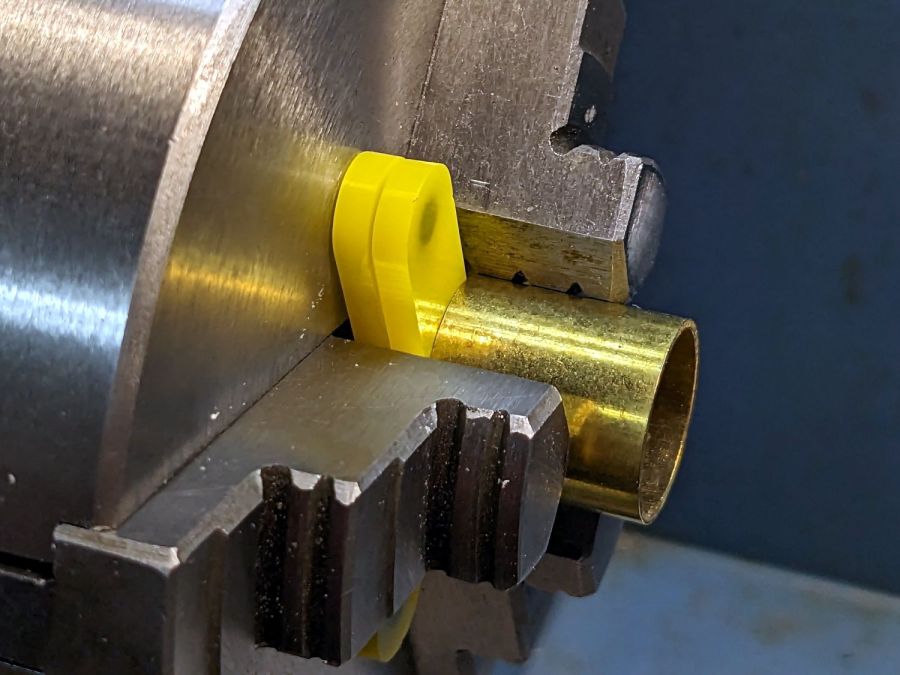
These are definitely not up to commercial standards, but also don’t cost fifty bucks each. A trio of 4×2 mm neodymium disk magnets stick the stop to the chuck (and to each other) with enough force to hold it there, but not enough to make removing it a hassle.
I imported the Z axis orthogonal view of the chuck jaws from the ball fixture for the running lights:
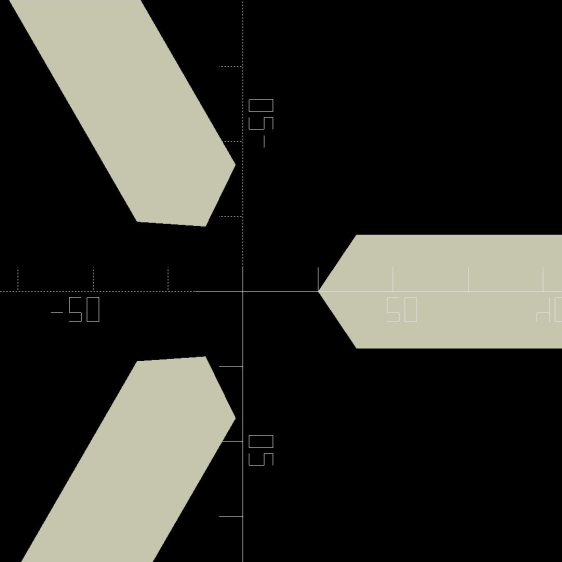
Trace the right-side jaw, clean it up, put the tip a known distance from the origin, make a circular array, and draw a comfort circle the size of the chuck OD.
The stop geometry comes from a hull wrapped around a circle a few millimeters larger than the 4 mm magnet (out 20 mm from the center) and a circle at the center sized so the hull clears the jaws:
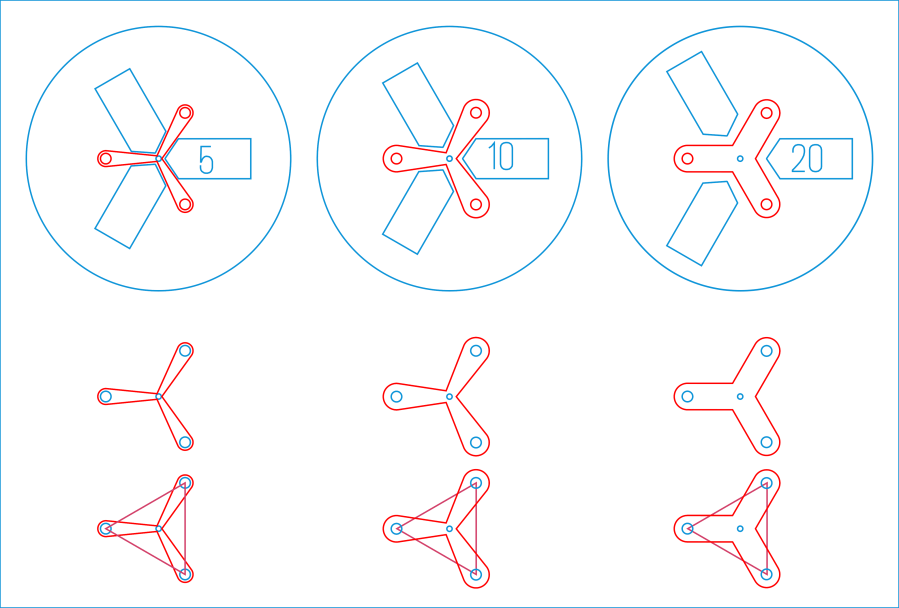
Then a small circle at the center allows me to drop the stop atop a known coordinate and rotate it around the circle, because the XY coordinate center is not at the geometric center.
I cut out a few chipboard samples to verify the sizes, a few more from scrap acrylic to set up the pocketing operation, then half a dozen of each in cheerful kindergarten colors:
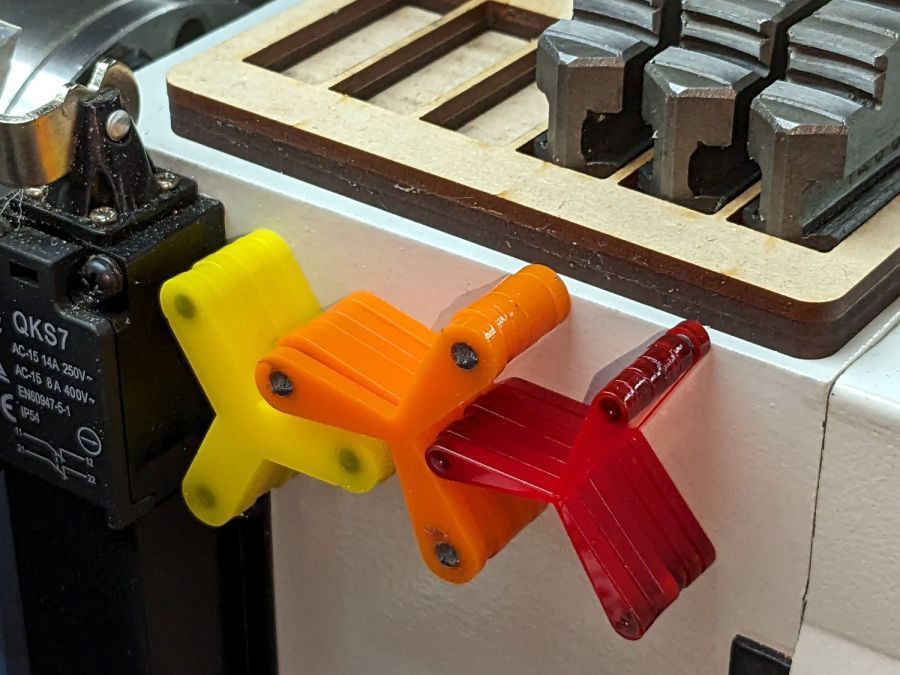
The 5 mm stop is obviously too fragile for commercial success, but I figured it’ll survive long enough around here. Worst case, I can make another handful as needed.
Although I have laser-engraved pockets in plywood, a few experiments in acrylic confirmed the surface finish is terrible and the depth control is iffy, at best. Given that I need a 2.2 mm deep pocket in 3 mm acrylic, a CNC mill seems the right way to poke the pockets:
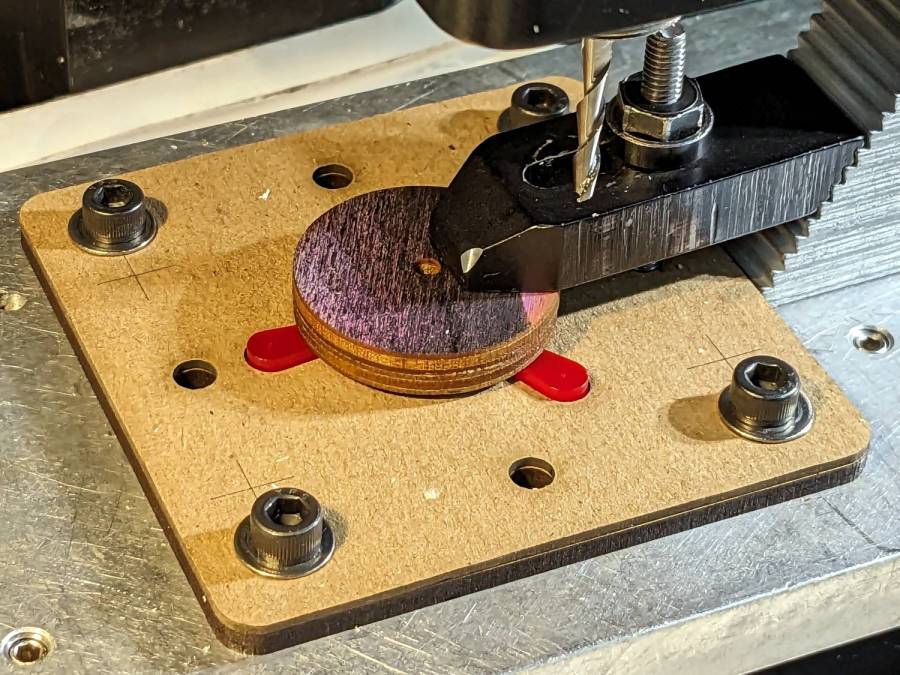
More on that tomorrow.
The LightBurn SVG layout as a GitHub Gist:
 The Smell of Molten Projects in the Morning

Comments
5 responses to “Mini-lathe Chuck Stops”
[…] pockets in the legs of the mini-lathe chuck stop blanks requires a fixture to align them in the Sherline […]
[…] the fixture aligned and the chuck stop blank clamped down, all that’s left is to make three little […]
[…] Basic geometry […]
[…] the 0.3 mm exit wound in 3 mm acrylic, one of the mini-lathe chuck stops, carefully hand-held to align the […]
[…] all the shapes you want nested inside the outline, group them with the outline, and hand them to the Arrange → […]