Ed Nisley's Blog: Shop notes, electronics, firmware, machinery, 3D printing, laser cuttery, and curiosities. Contents: 100% human thinking, 0% AI slop.
A recent OpenSCAD mailing list discussion started with an observation that the dimensions of printed parts were wildly different from the numeric values used in the OpenSCAD program that created the STL. Various folks suggested possible errors, examined the source and STL files to no avail, and were generally baffled.
Finally, a photo conclusively demonstrating the problem arrived:
Caliper – digital vs. analog scale
Note the difference between the digital readout and the analog scale printed on the body.
Turns out it’s his first digital caliper: he simply didn’t realize you must close the jaws and press the ZERO button before making any measurements.
We’ve all been that guy. Right?
FWIW, our Larval Engineer can probably still hear me intoning “Check your zero” every time she picks up a caliper or turns on a multimeter. Perhaps she’ll think fondly of me, some day. [grin]
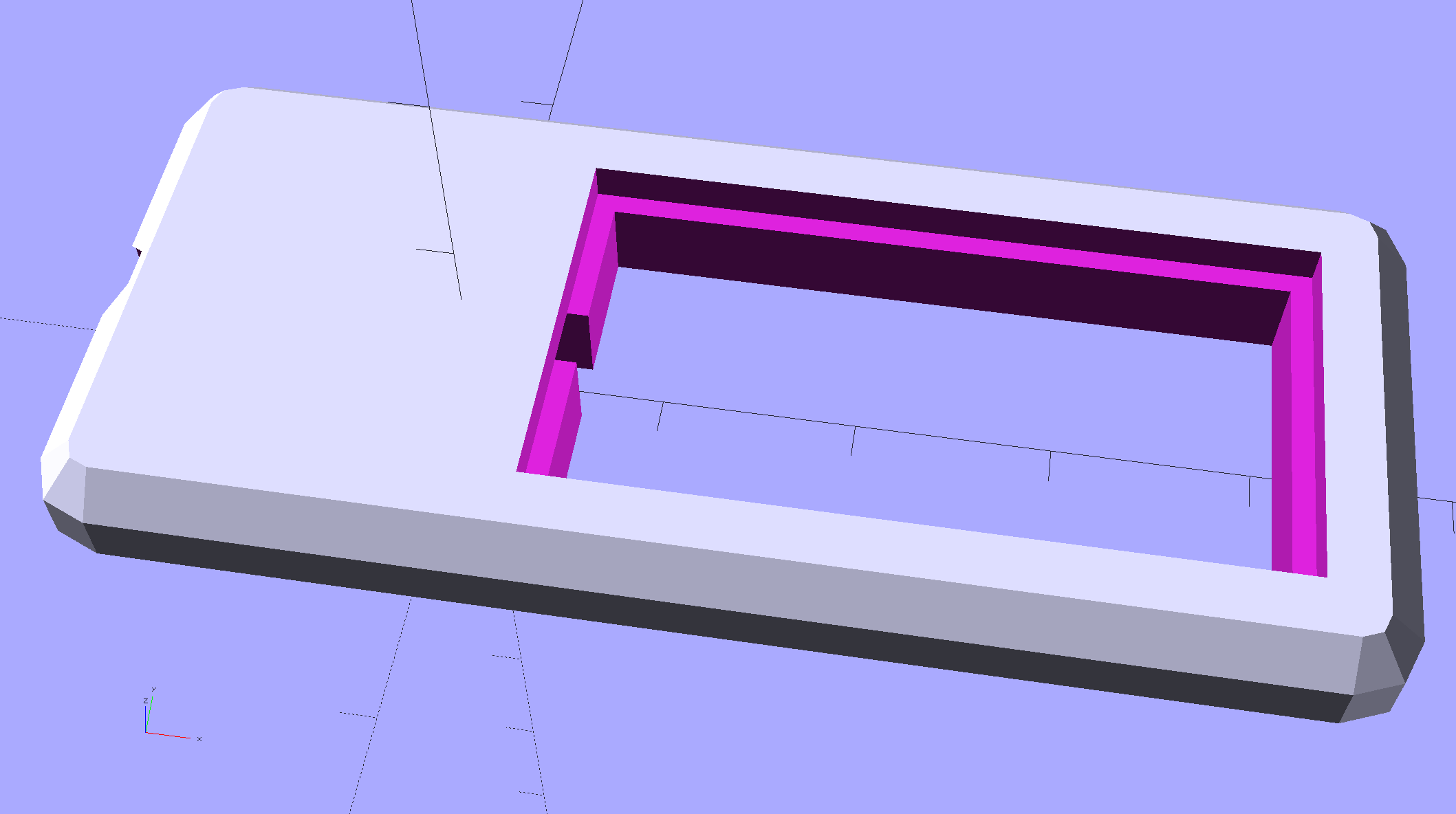
Chip On Board Heatsink Mount – Bandsaw Lamp – solid model
That fits half of a random heatsink, bandsawed just to the far side of the middle fin and milled flat.
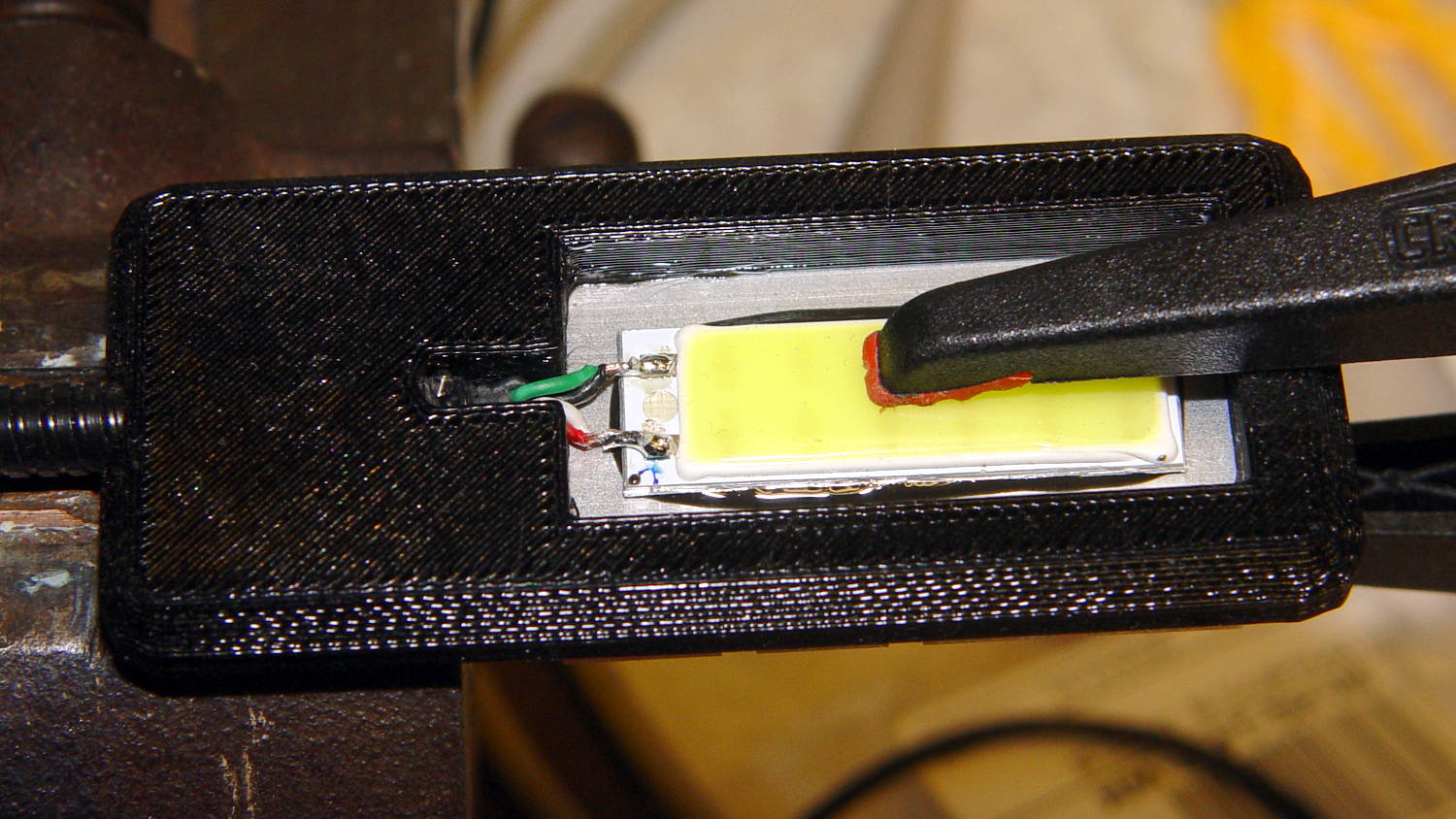
Ream out the 5 mm hole with a #8 drill for a snug fit around the gooseneck, jam gooseneck in place, dab epoxy on the corners of the recess, mash the heatsink in place, solder wires to LED, smear epoxy on the aluminum backplate, clamp while curing:
USB Gooseneck – LED assembly
And it looks pretty good, if I do say so myself:
USB Gooseneck – on bandsaw
The hook-n-loop tape holding the cable to the bandsaw gotta go, but should suffice until I conjure a better mount.
The alert reader may wonder how a 9 V COB LED runs from a 5 V USB cable with nary a trace of a voltage booster to be seen. Well, that’s not really a USB cable any more; I paralleled the red+white and black+green wires for lower resistance, then hacked a 9 VDC power supply into an old USB hub:
Hacked USB hub – PCB mods
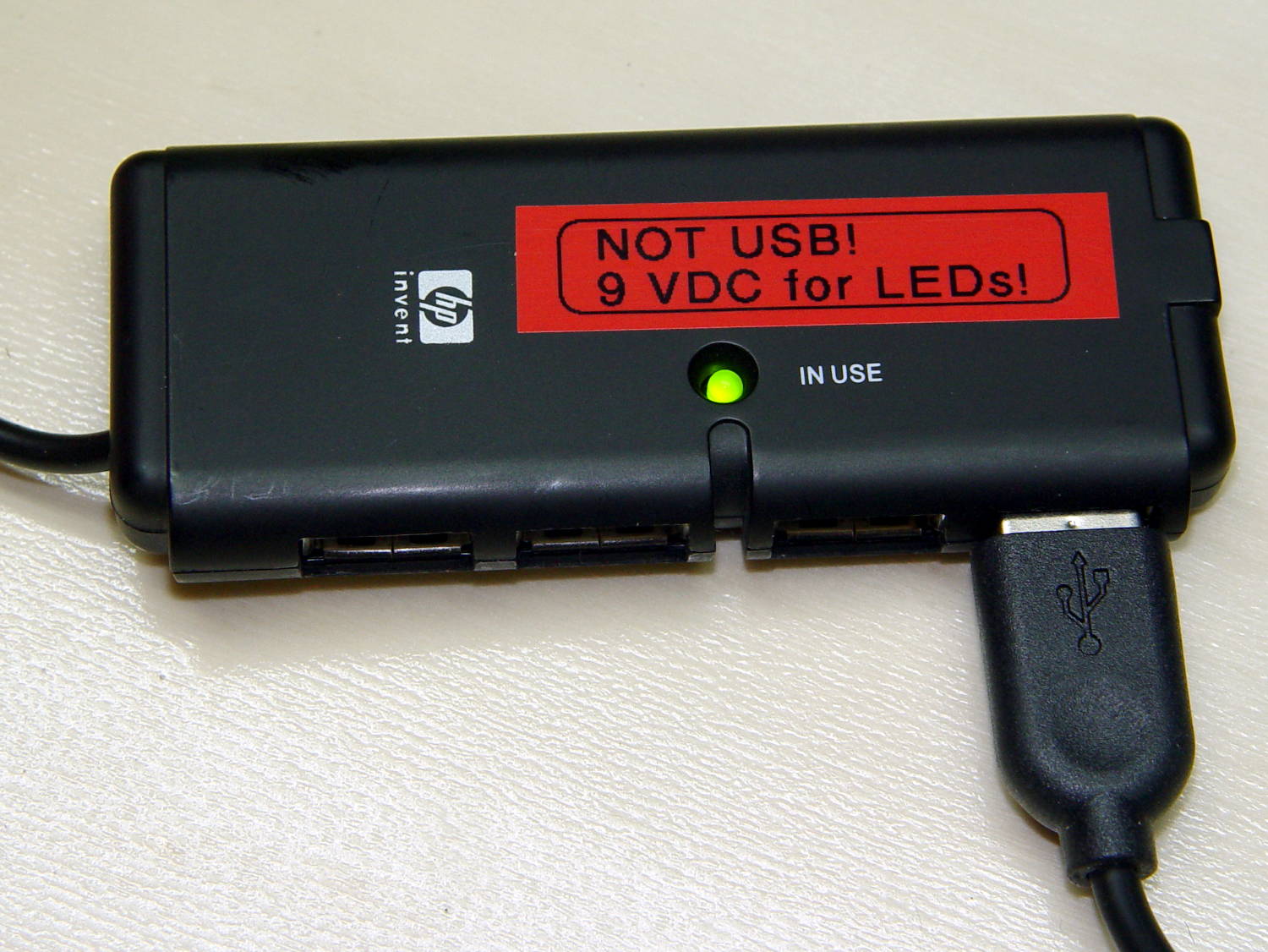
I ripped out the upstream USB plug, hotwired the 9 V supply where the 5 V USB wires used to be, soldered jumpers on the downstream sockets to short the outer two pin pairs together, razor-knifed the power leads going into the epoxy-blobbed USB controller, and declared victory:
Hacked USB hub – in use
Admittedly, that “In Use” LED runs a bit brighter now.
I have a few other tools on that bench in need of LED lights; when I build ’em, they can all plug into this hub. No reason to invent new connectors & cables & all that. It may need a power switch.
This file contains hidden or bidirectional Unicode text that may be interpreted or compiled differently than what appears below. To review, open the file in an editor that reveals hidden Unicode characters.
Learn more about bidirectional Unicode characters
For reasons not relevant here, we (temporarily) have a set of pots with glass lids. One of lids had a remarkable amount of crud between the glass and the trim ring under the knob, which turned out to be corrosion falling off the screw. Trying to remove the screw produced the expected result:
CKC Pot Lid – broken screw in handle
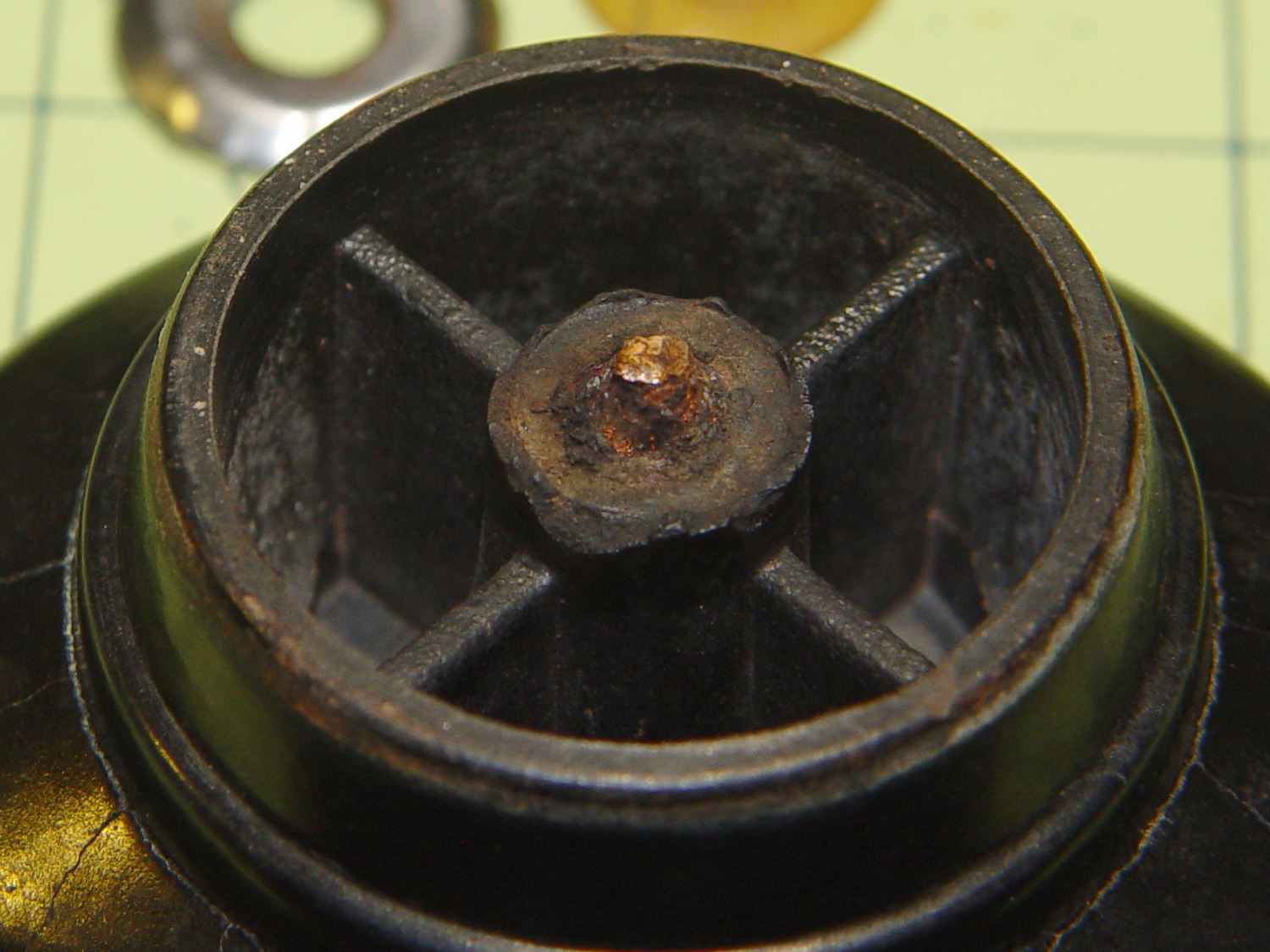
For whatever reason, they used an ordinary, not stainless, steel screw:
CKC Pot Lid – corroded screw
I figured I could mill the stub flat, drill out the remainder, install a new insert, and be done with it. The knob has a convex surface and, even though this looked stupid, I tried clamping it atop a wood pad:
CKC Pot Lid – precarious clamping
Two gentle cutter passes convinced me it was, in fact, a lethally stupid setup.
Soooo, I poured some ShapeLockpellets into a defunct (and very small) loaf pan, melted them in near-boiling water, and pressed the knob into the middle, atop some stretchy film to prevent gluing the knob in place:
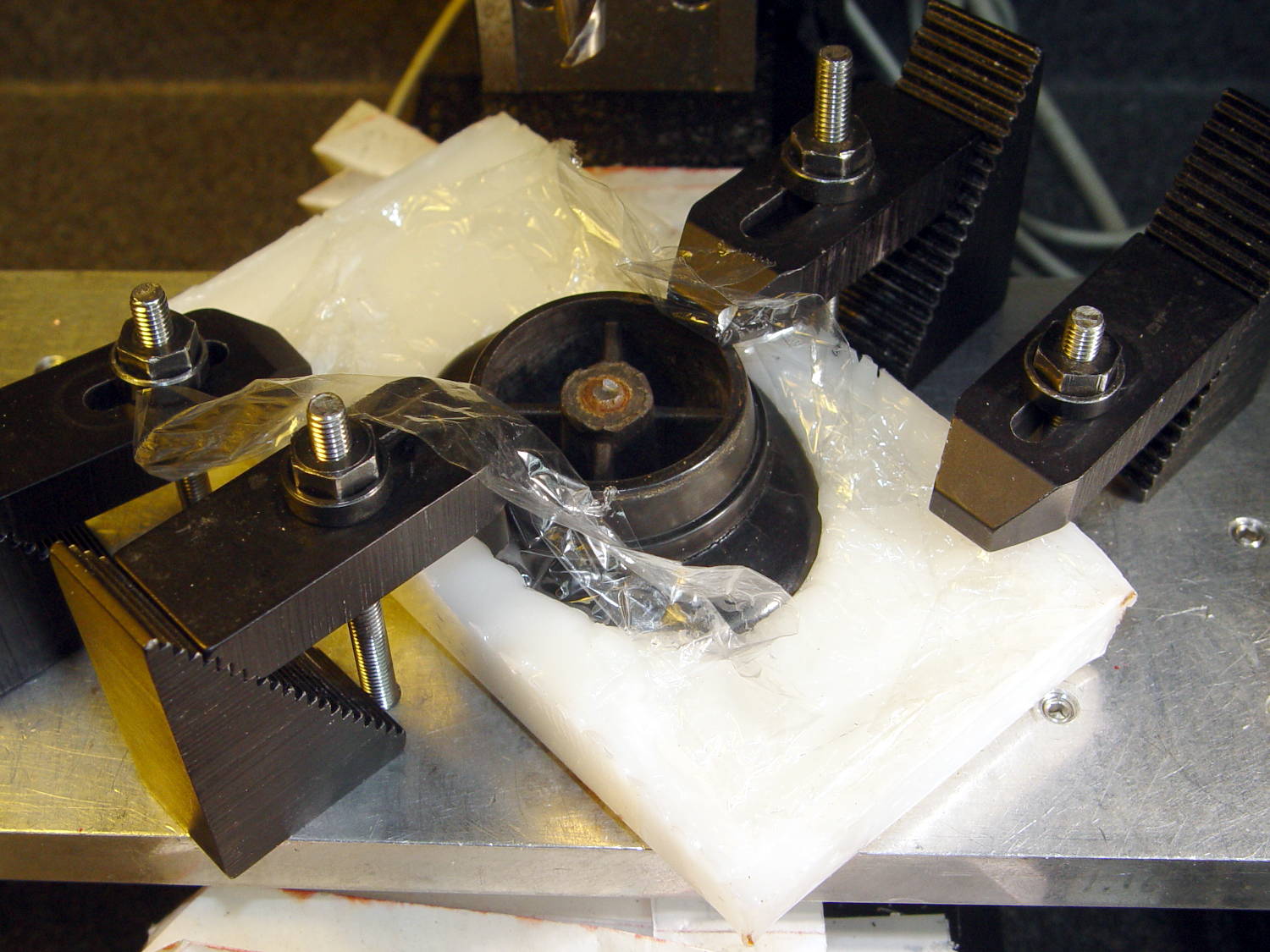
CKC Pot Lid – ShapeLock bedding
That’s eyeballometrically level, which is good enough, and the knob sits mechanically locked into the room-temperature plastic slab. Clamping everything down again makes for a much more secure operation:
CKC Pot Lid – clamped ShapeLock fixture
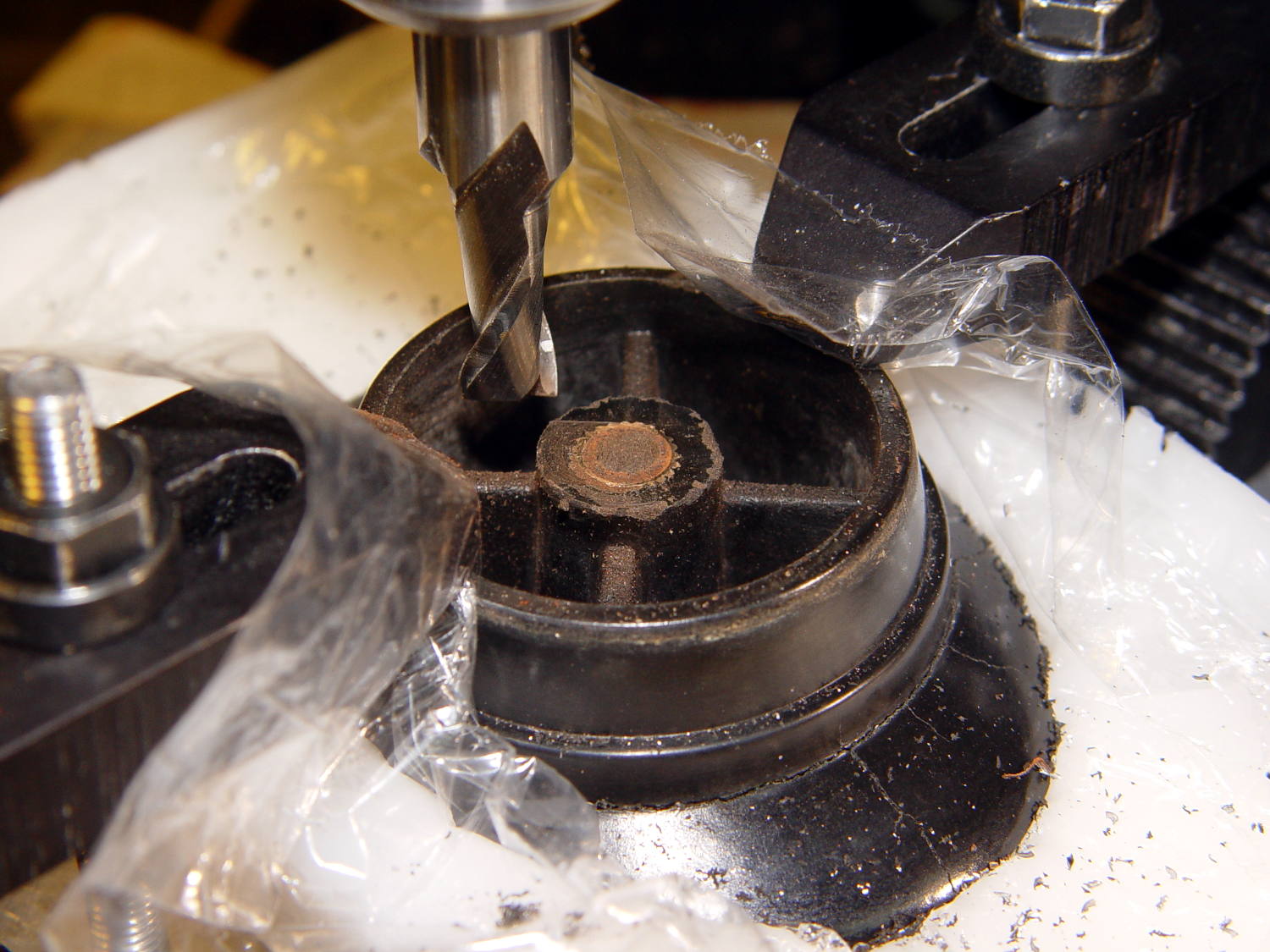
A few minutes of manual milling exposes the original brass insert molded into the knob, with the steel screw firmly corroded in the middle:
CKC Pot Lid – screw stub milled flat
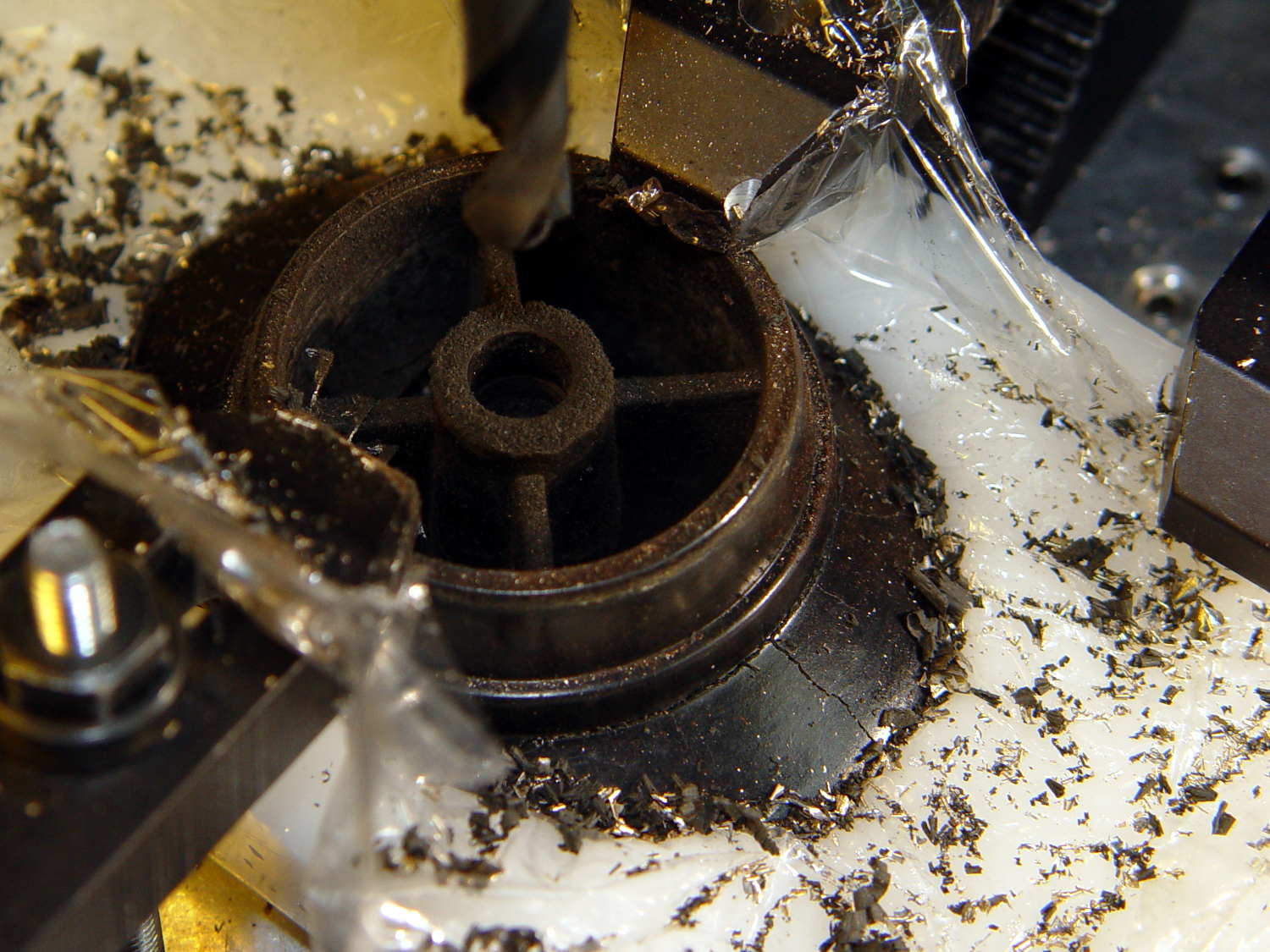
Center-drill, drill small-medium-large, and eventually the entire insert vanishes in a maelstrom of chips and dust:
CKC Pot Lid – OEM insert removed
Run a 10-32 stud into an insert, grab in drill chuck, dab JB Kwik around the knurls, press in place while everything’s still aligned in the Sherline, pause for curing, re-melt the ShapeLock, and the insert looks like it grew there:
CKC Pot Lid – new insert installed
Wonder to tell, a 1 inch 10-32 screw fit perfectly through the pot lid into the knob, with a dab of low-strength Loctite securing it. Reassemble everything in reverse order, and it’s all good:
CKC Pot Lid – repaired knob
Well, apart from those cracks. I decided I will not borrow trouble from the future: we’ll let those problems surface on their own and, if I’m still in the loop, I can fix them.
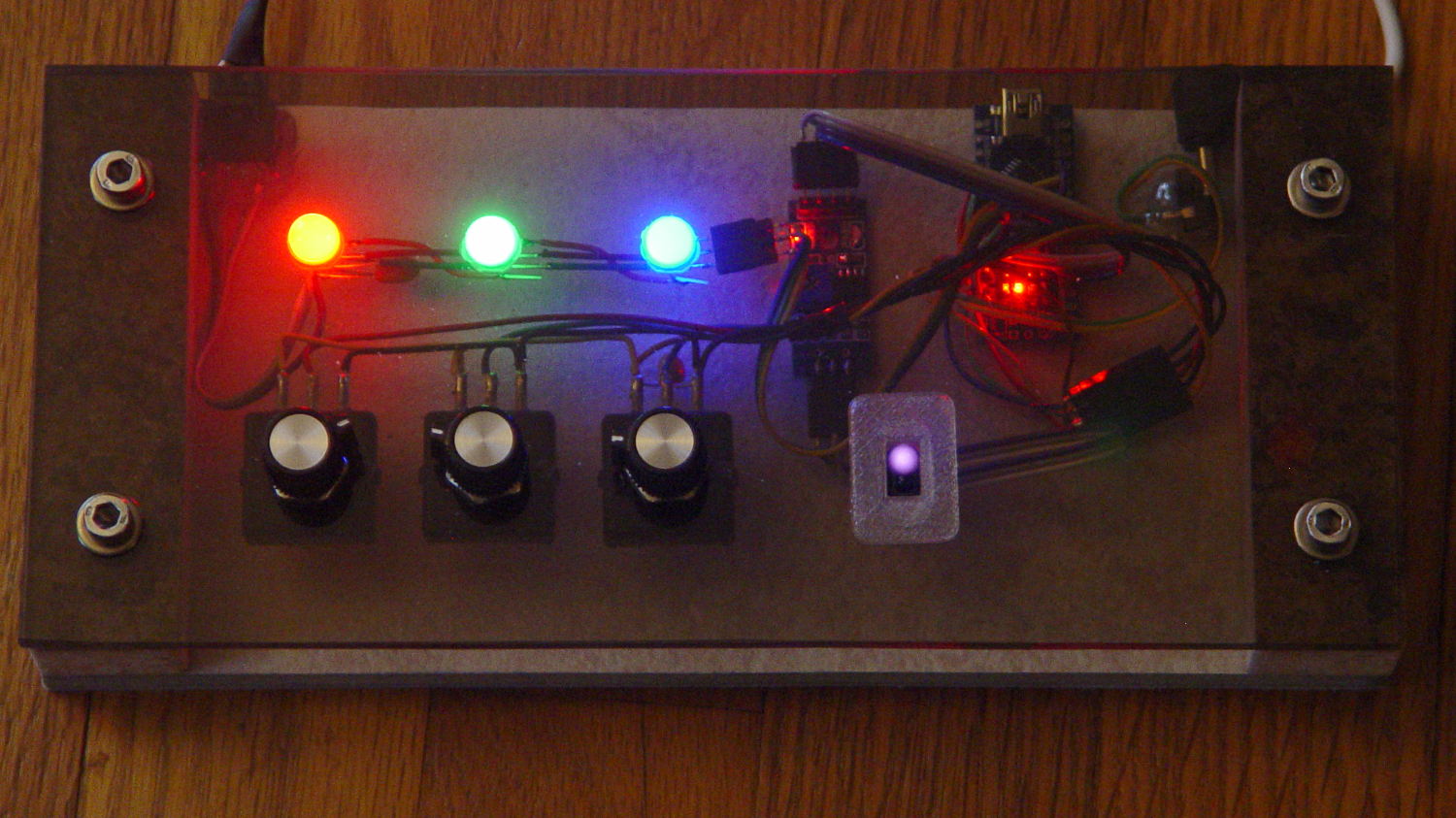
Having a few TCRT5000 proximity sensors lying around, I used one for the Color Mixer so folks could just wave a finger to flip the LED colors, rather than pound relentlessly on the top plate:
Color mixer – controls
The stem fits into a slot made with a 3/8 inch end mill:
Prox Sensor Bezel – Slic3r preview
You move the cutter by the length of the sensor (10.0 mm will work) to make the slot. In practical terms, drill a hole at the midpoint, insert the cutter, then move ±5.0 mm from the center:
Prox sensor panel cut
A bead of epoxy around the stem on the bottom of the panel should hold it in place forevermore.
The rectangular inner hole came out a tight push fit for the TCRT5000 sensor, so I didn’t bother gluing it in place and, surprisingly, it survived the day unscathed!
This file contains hidden or bidirectional Unicode text that may be interpreted or compiled differently than what appears below. To review, open the file in an editor that reveals hidden Unicode characters.
Learn more about bidirectional Unicode characters
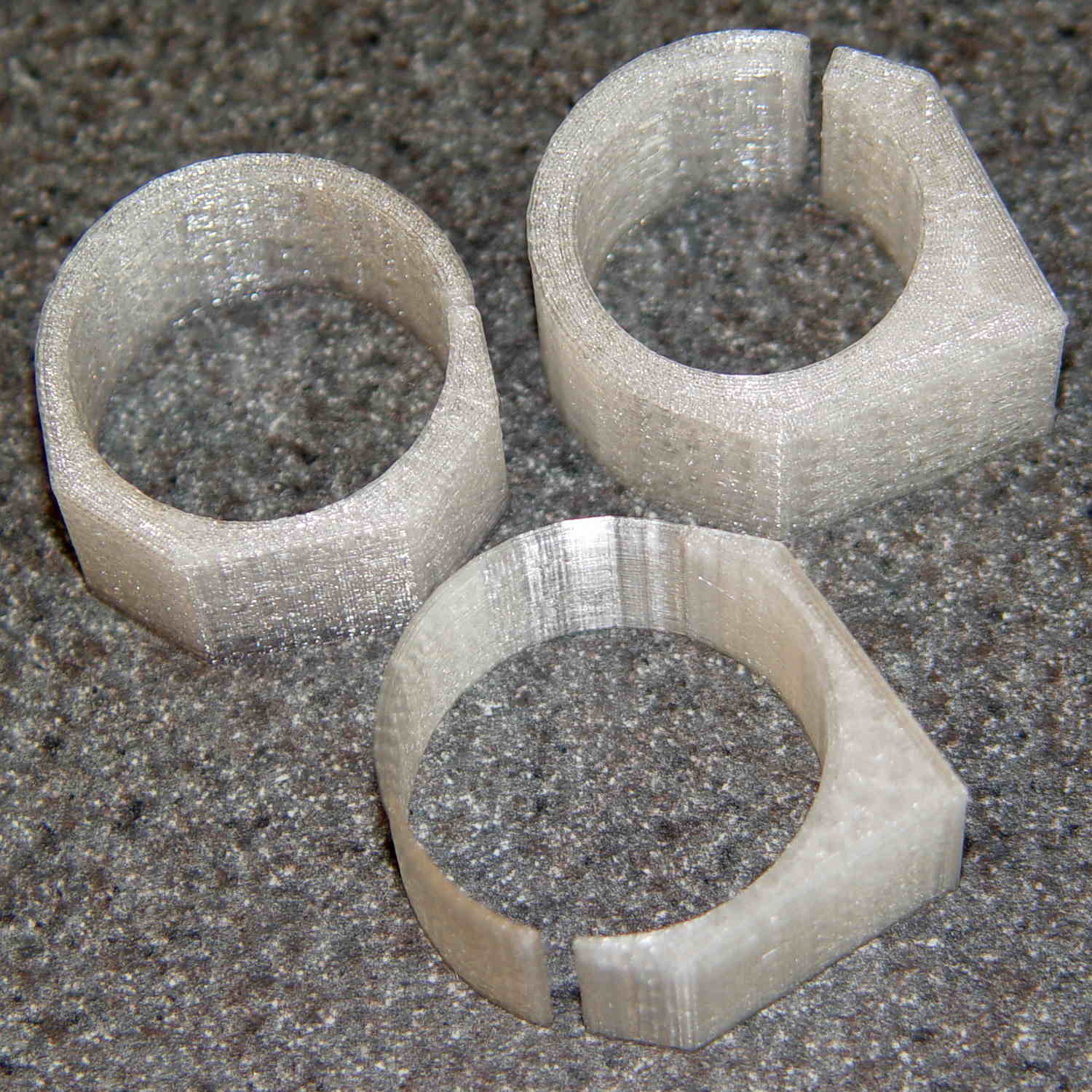
Having accumulated a set of octal tube base clamps, it’s now a matter of selecting the proper clamp for each tube:
Octal tube base V-block clamps
The process of shell-drilling the tube base, drilling the hard drive platter, printing a tube socket and case, wiring up the Arduino and base LED, then assembling the whole thing requires a bit of manual labor, assisted by some moderately exotic shop machinery.
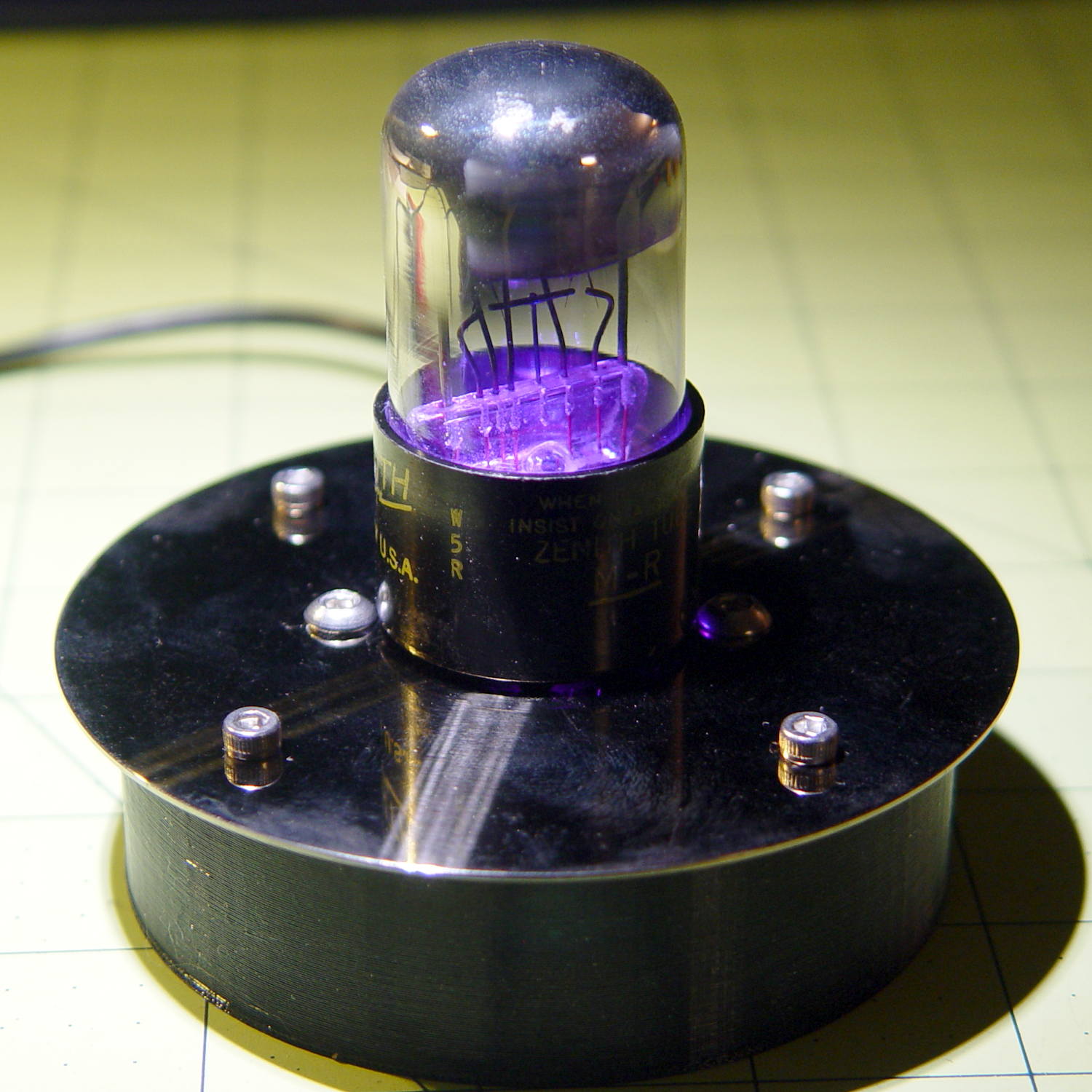
The getter flash atop this small 6H6GT dual diode tube rules out a cap and there’s not enough space for a side light:
6H6GT – on platter
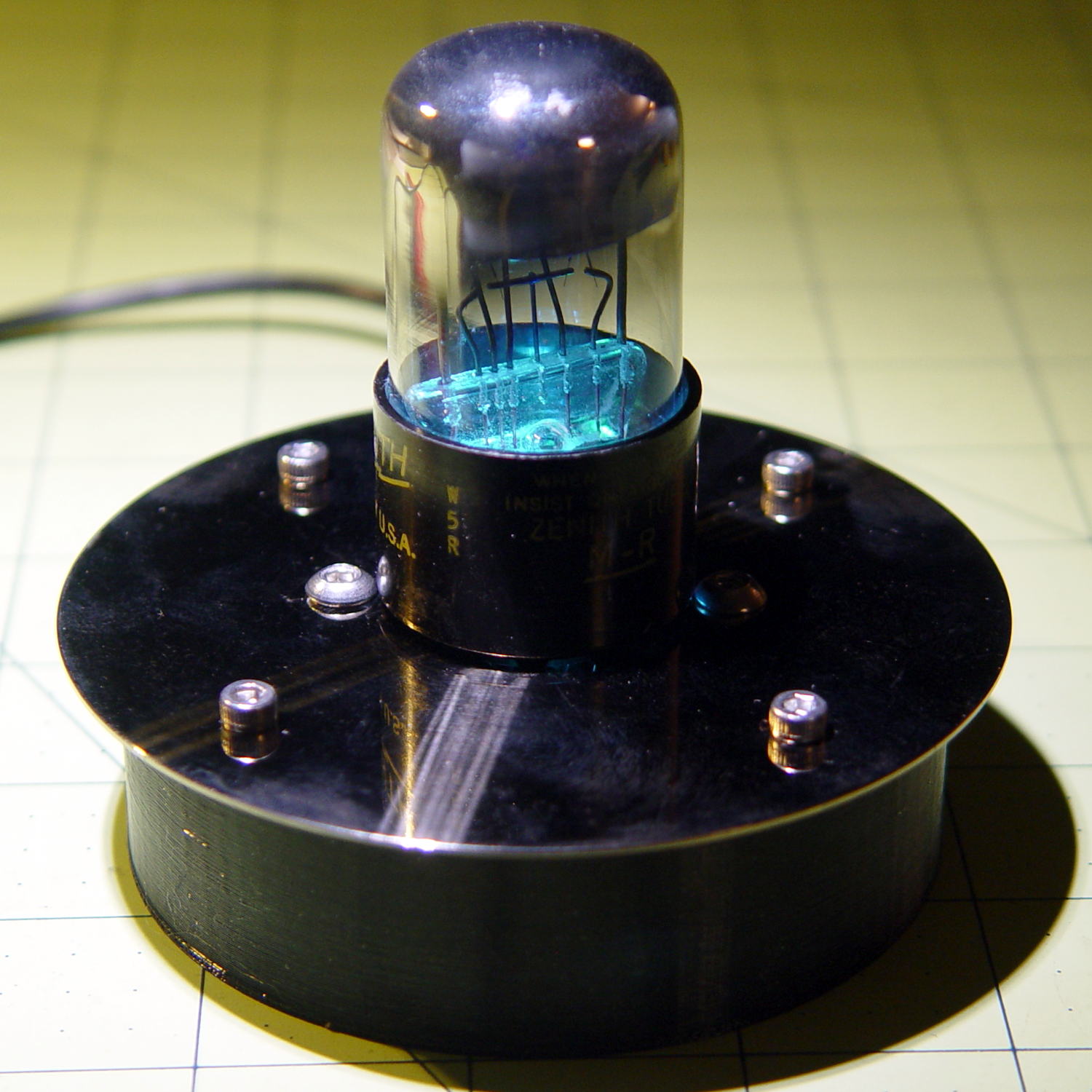
Fortunately, the base LED completely lights the internal glass:
6H6GT – purple phase
The slowly changing color would make a fine night light:
The evacuation tip nearly touched the inside end of the base spigot!
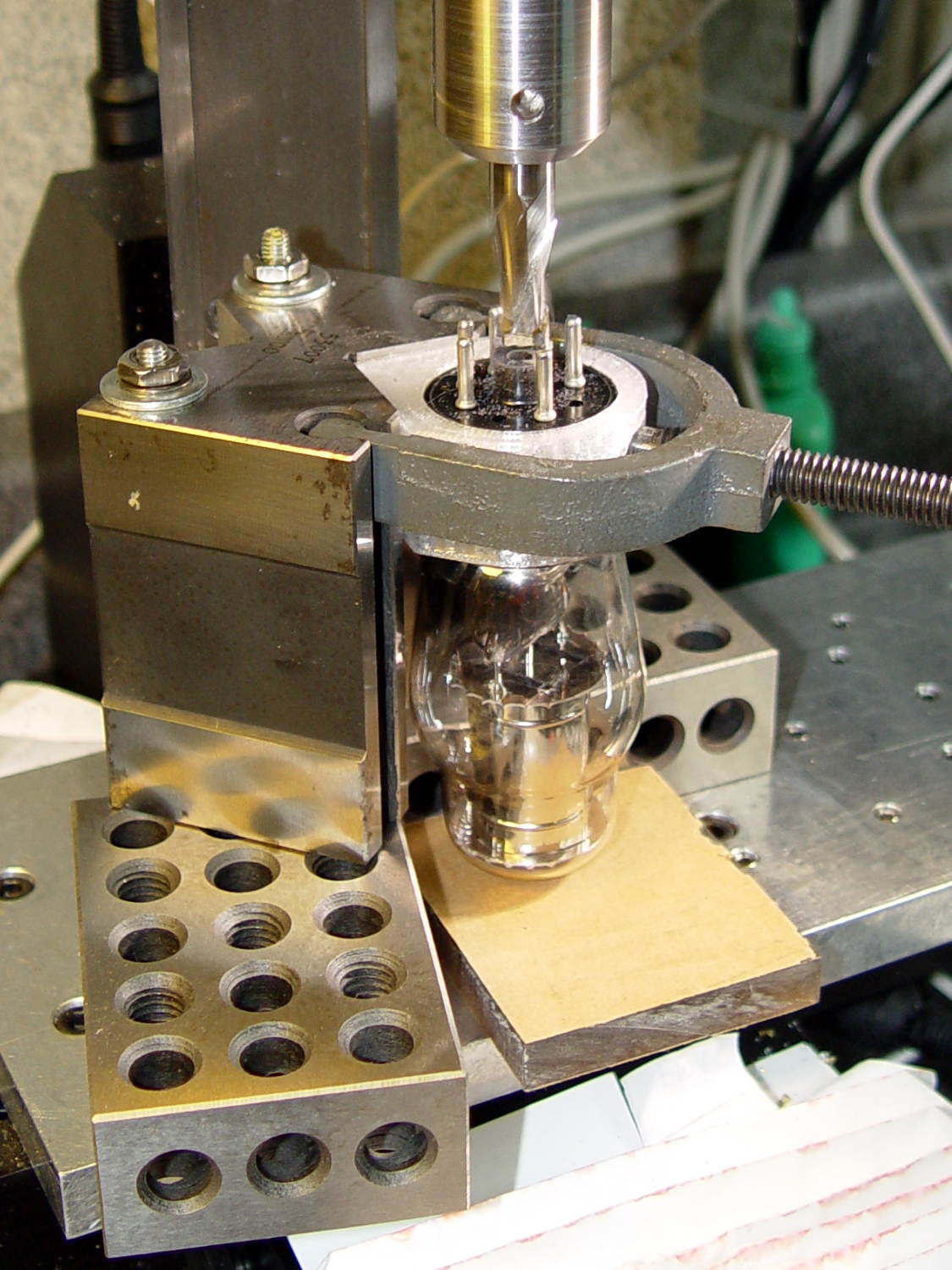
I had to cut the shaft and half the body off the shell drill in order to fit it into the space above the tube base and below the chuck:
5U4GB – base shell drilling
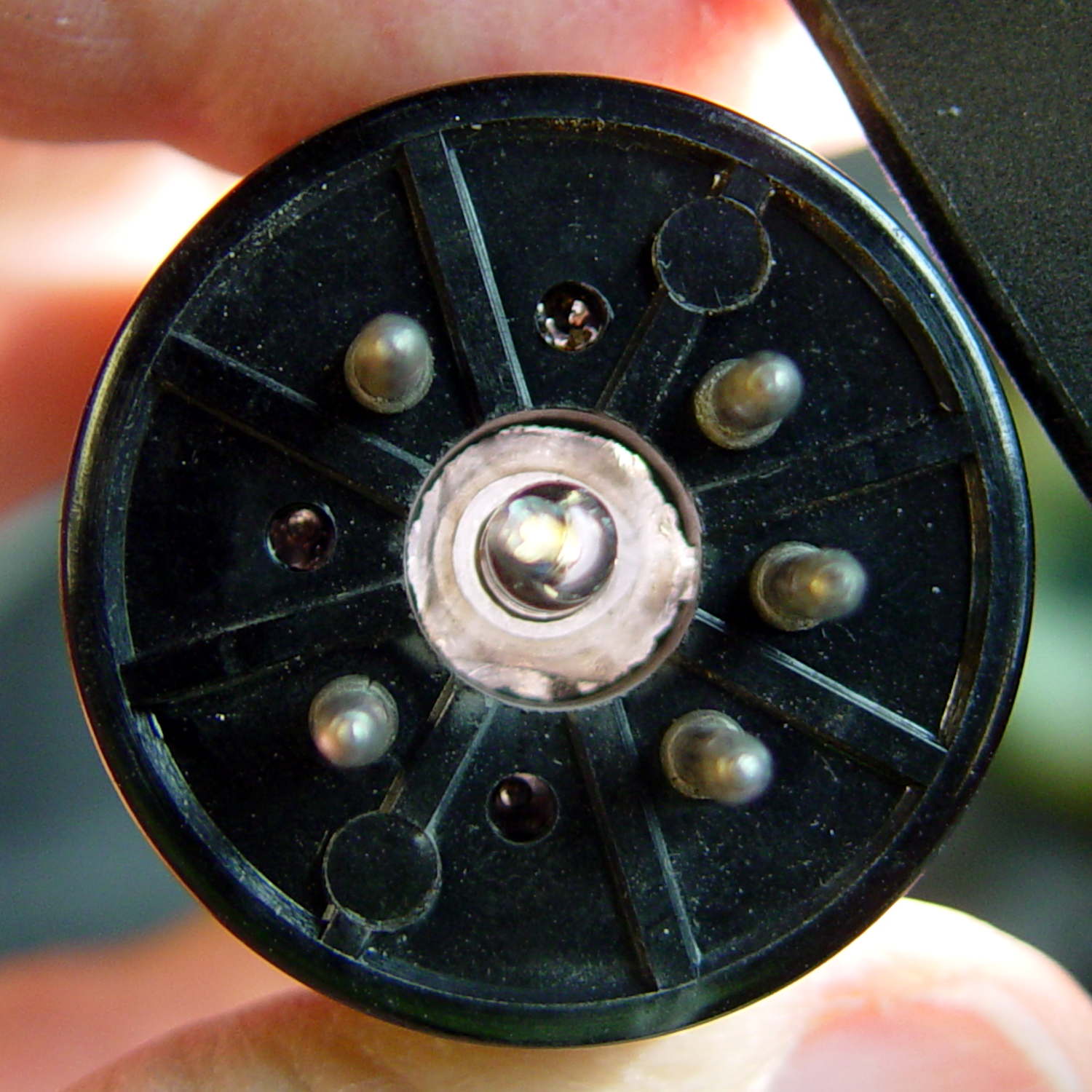
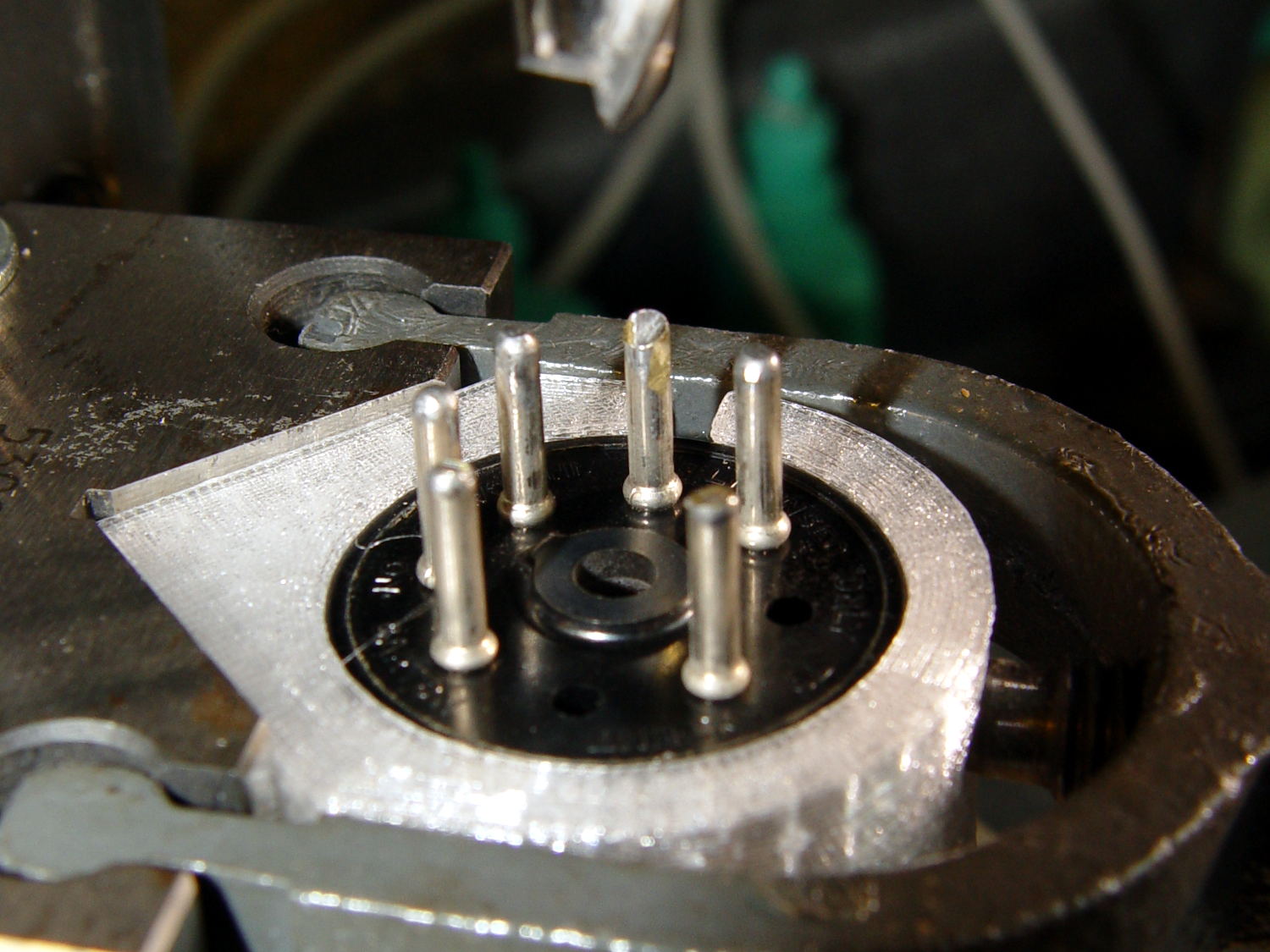
A slightly larger shell drill would still fit within the pin circle, but the maximum possible hole diameter in the base really isn’t all that much larger:
5U4GB – base opening
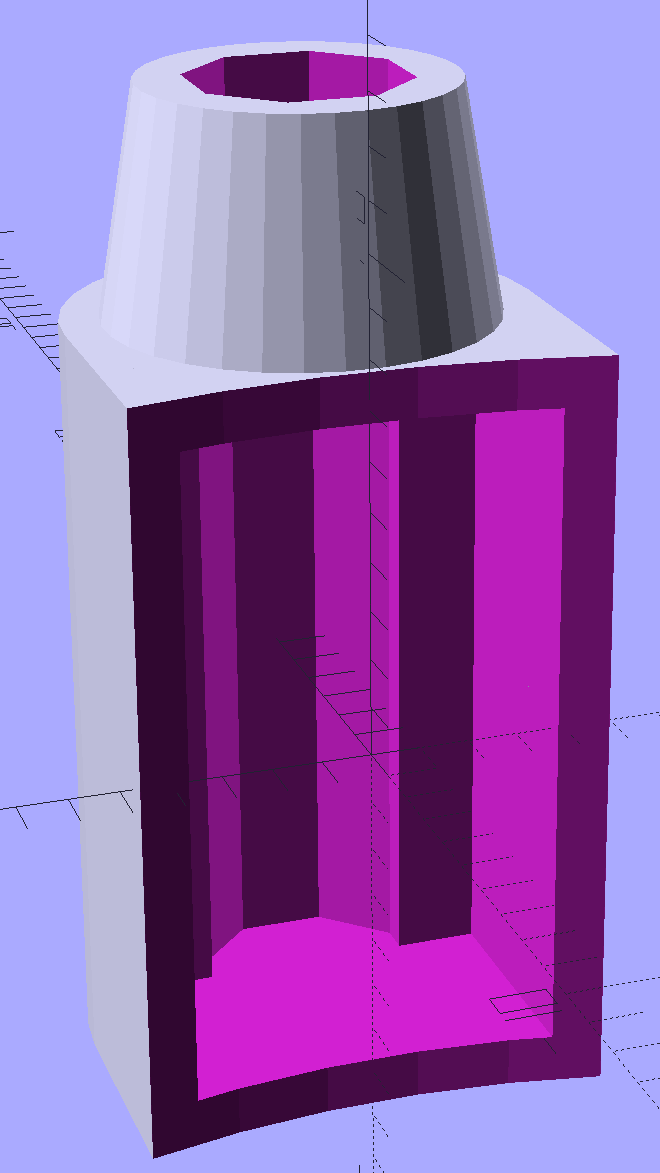
The getter flash covers the entire top of this tube, so I conjured a side light for a rectangular knockoff Neopixel:
Vacuum Tube Lights – side light – solid model
There’s no orientation that doesn’t require support:
Vacuum Tube Lights – side light support – Slic3r preview
A little prying with a small screwdriver and some pulling with a needlenose pliers extracted those blobs. All the visible surfaces remained undamaged and I cleaned up the curved side with a big rat-tail file.
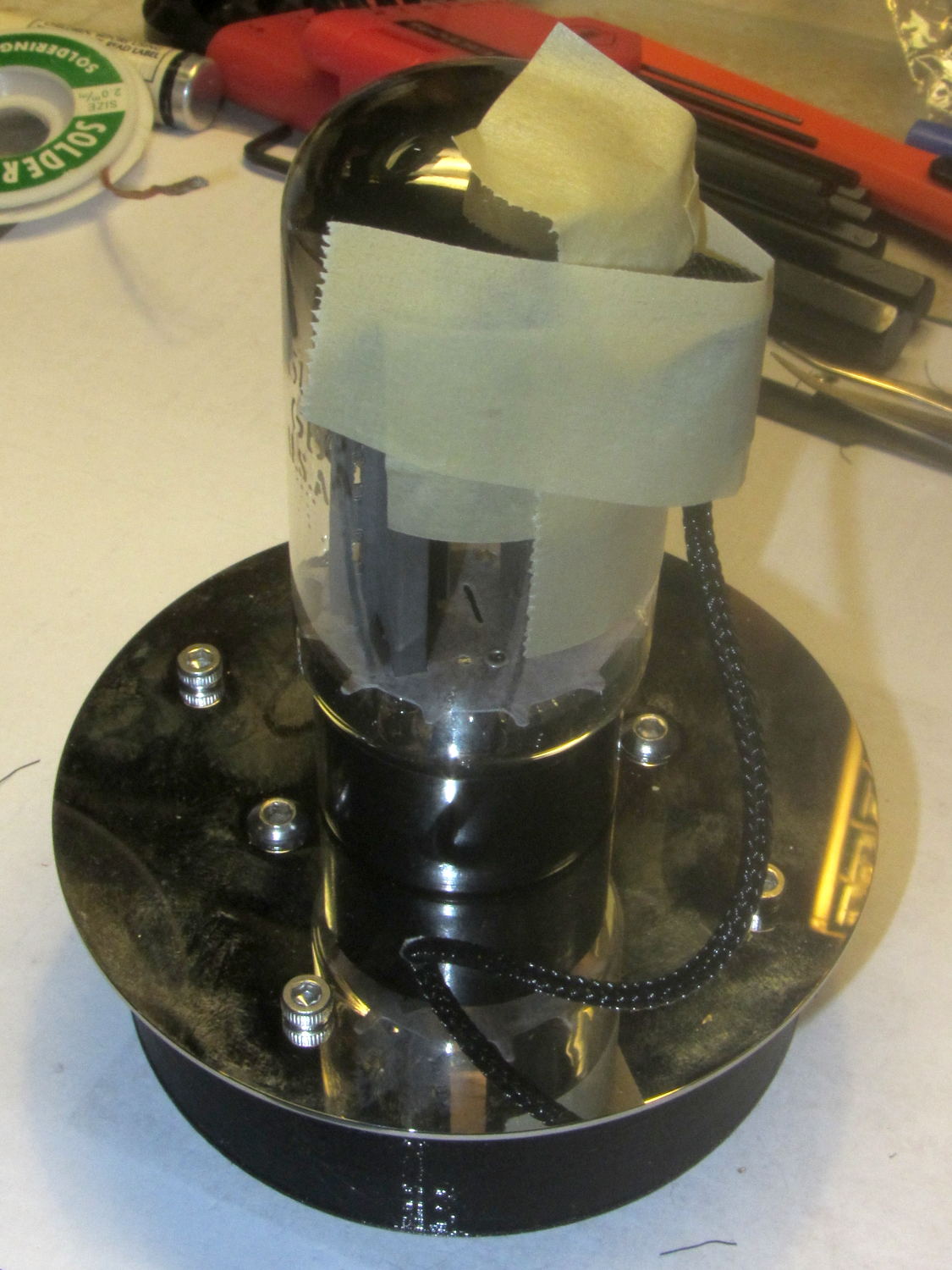
I wired the Arduino and Neopixels, masked a spot on the side of the tube (to improve both alignment and provide protection from slobbered epoxy), applied epoxy, and taped it in place until it cured:
5U4GB – sidelight epoxy curing
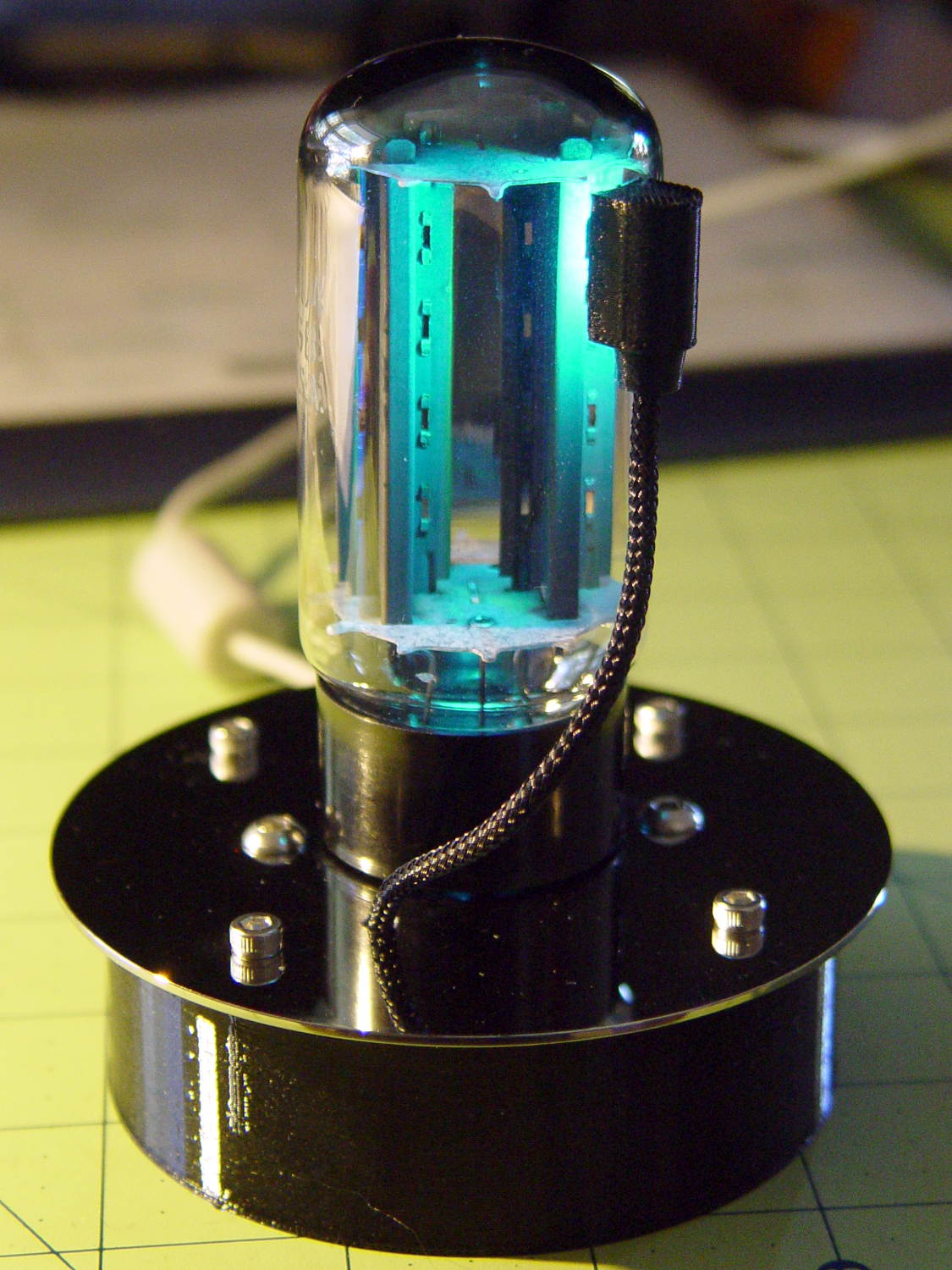
The end result looks great:
5U4GB Full-wave vacuum rectifier – side and base illumination
It currently sends Morse code through the base LED, but it’s much too stately for that.













 The Smell of Molten Projects in the Morning