Ed Nisley's Blog: Shop notes, electronics, firmware, machinery, 3D printing, laser cuttery, and curiosities. Contents: 100% human thinking, 0% AI slop.
The only commonly available PLA adhesive seems to be methylene chloride, which is common only because it’s part of really nasty paint stripper that actually works; I suspect you can’t buy the pure stuff anywhere.
Anyhow, I picked a pair of flat line width test plates from the PLA scrap pile, dabbed paint stripper on each, and clamped them together overnight:
PLA test coupon – clamping
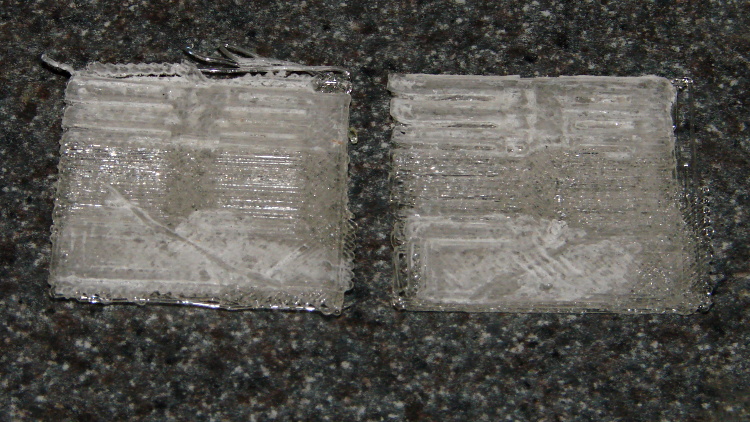
Unlike acetone on ABS, paint stripper doesn’t actually combine the parts into a single fused unit; I could peel the two plates apart with some effort:
PLA test coupon – paint stripper adhesion
That picture shows the results of two glue-and-peel tests, with much the same result along the top and bottom edges. Some solvent damage appears as a thin white line around the edge of the glued joint, but with some care that wouldn’t be too bad.
I think paint stripper makes an acceptable adhesive for PLA, at least for joints that aren’t subject to peeling loads. You must design an interlocking mechanical joint, perhaps filled with epoxy, to withstand peeling loads, which isn’t nearly as good as the ABS option of just fusing the parts together.
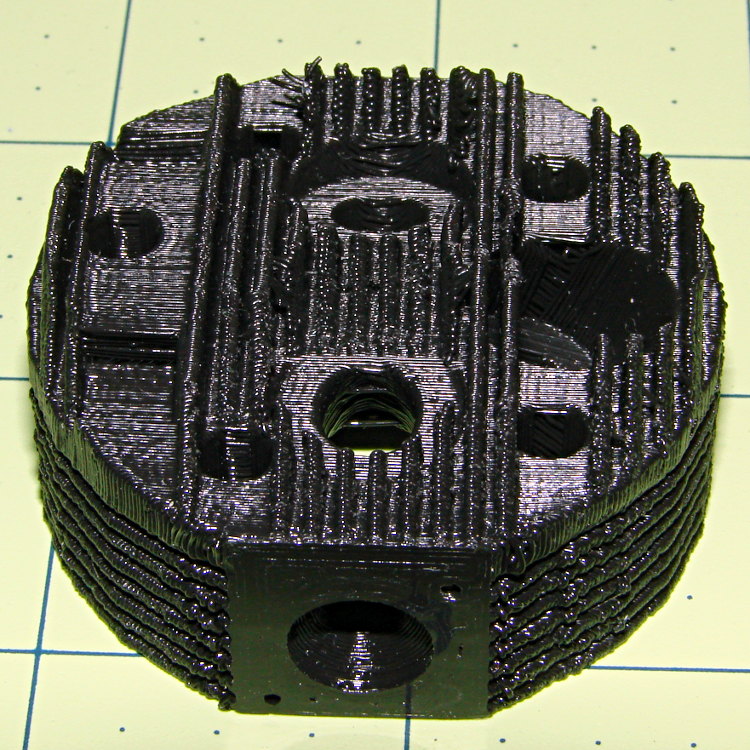
The side fins came out nicely, but the top fins had a few misplaced threads (far side to the left of the valve):
Radial engine cylinder head – intake
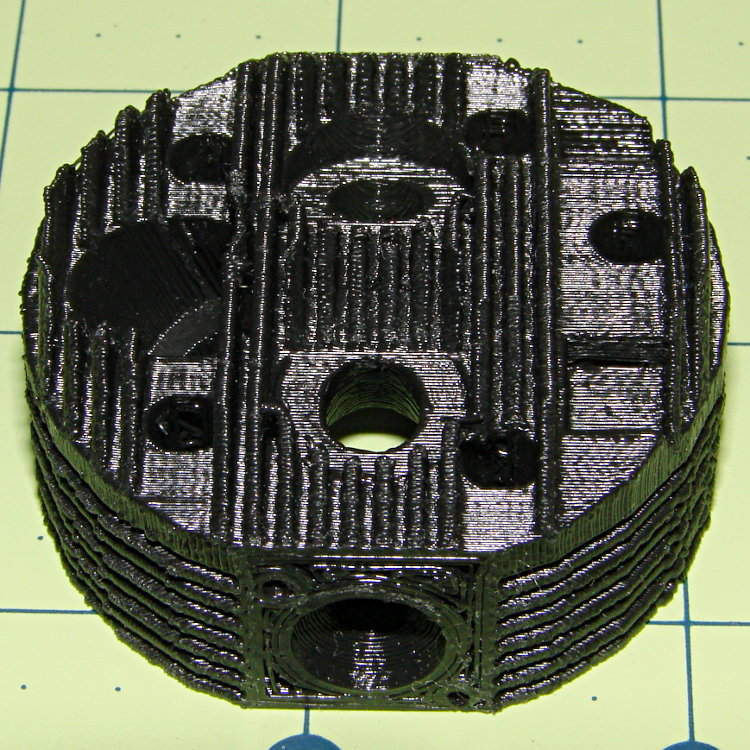
The view from the other port:
Radial engine cylinder head – exhaust
Seen directly from the spark plug side, you can barely make out the impossibly thin fin section arching over the plug hole:
Radial engine cylinder head – plug side
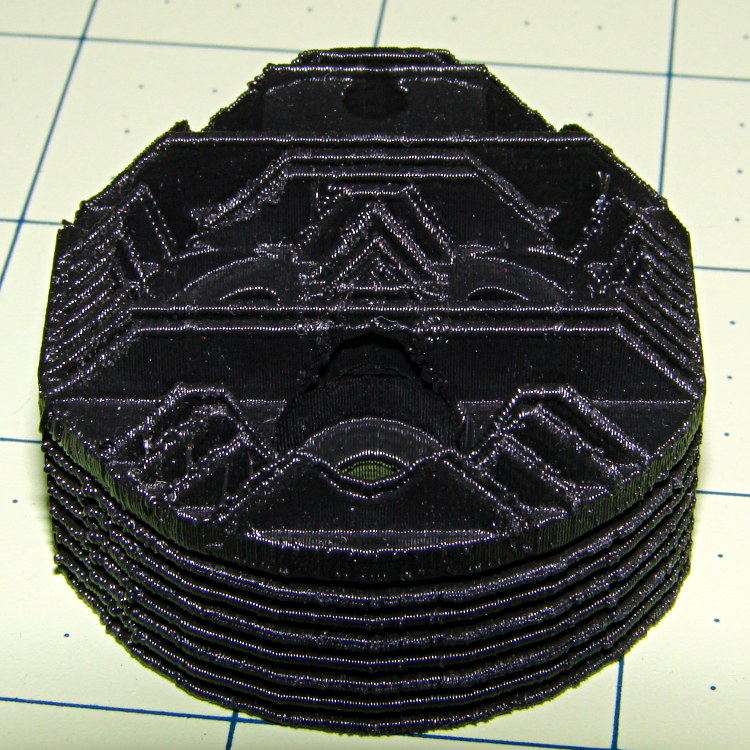
The cylinder side looks OK:
Radial engine cylinder head – bottom
I built it standing on one of the ports with the fins vertical, as shown above, which is probably the only way to do it without soluble support material. If I were doing it for real with non-soluble support, I’d be tempted build it flat on the cylinder side with support under the piston head and thin support blocks inside the side fins. It’d look about the same, but with better finish on the top fins.
The STL file came direct from Thingiverse, riddled with the reversed normals and holes common to solid models generated by Sketchup, but a pass through NetFabb’s cleanup made it printable. The original STL positioned it far, far out on the X axis, so if you don’t see it right away, rummage around a bit.
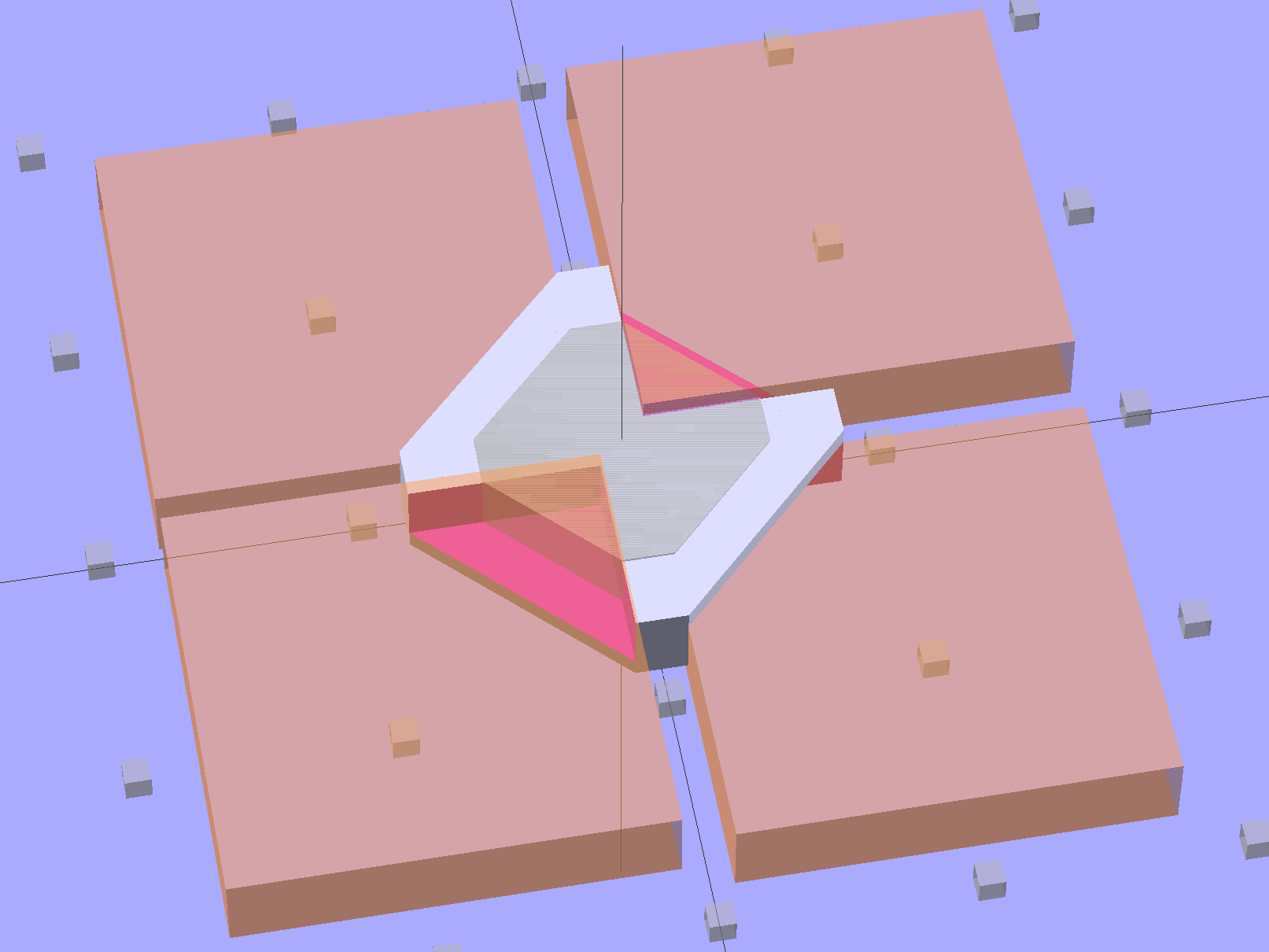
This is a subtractive version of Zomboe’s Chainmail, built by removing chunks from a solid rectangle the size of one link:
Chain Mail Link – Subtractive
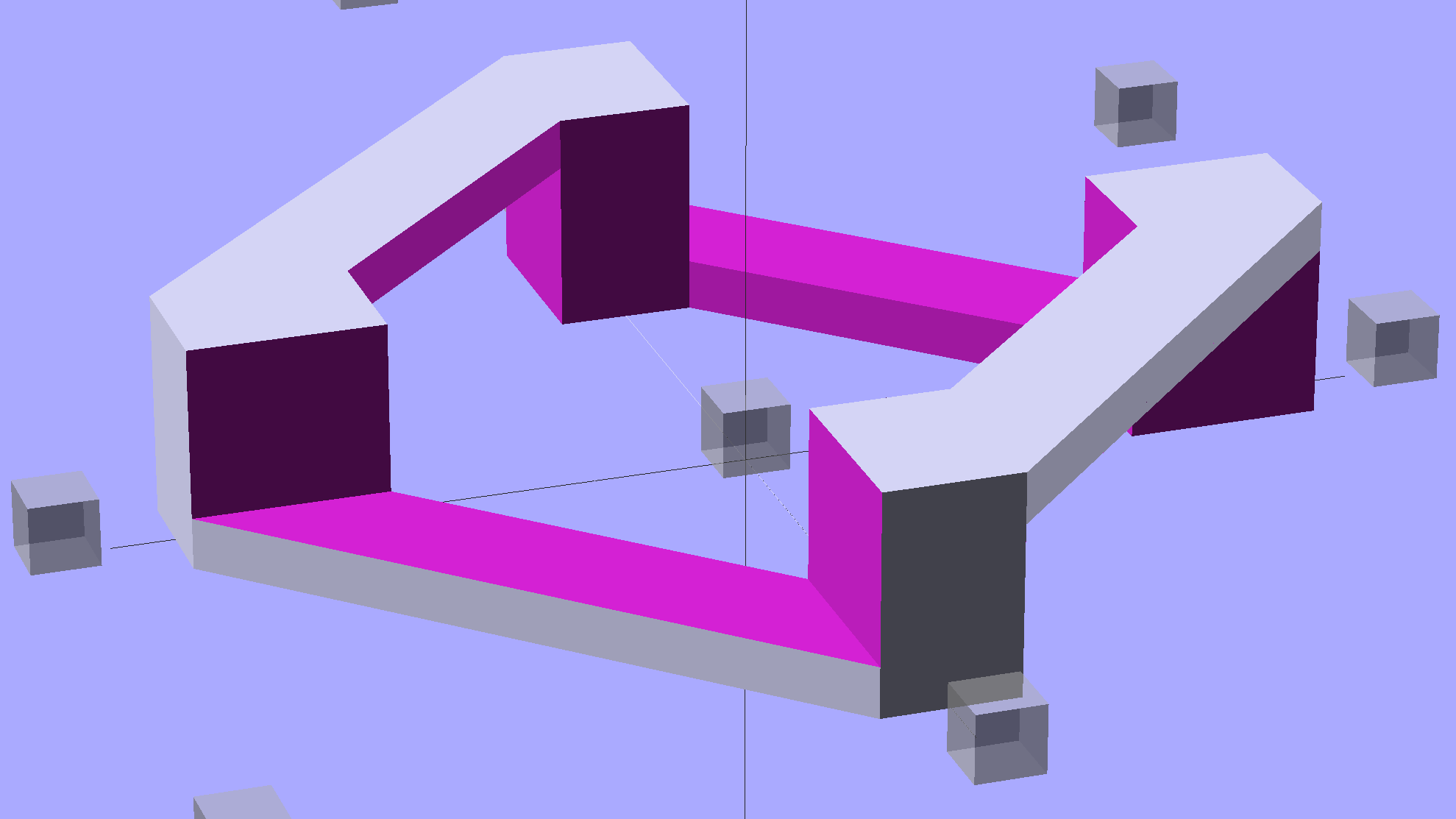
Until what’s left is, indeed, a single link:
Chain Mail Link
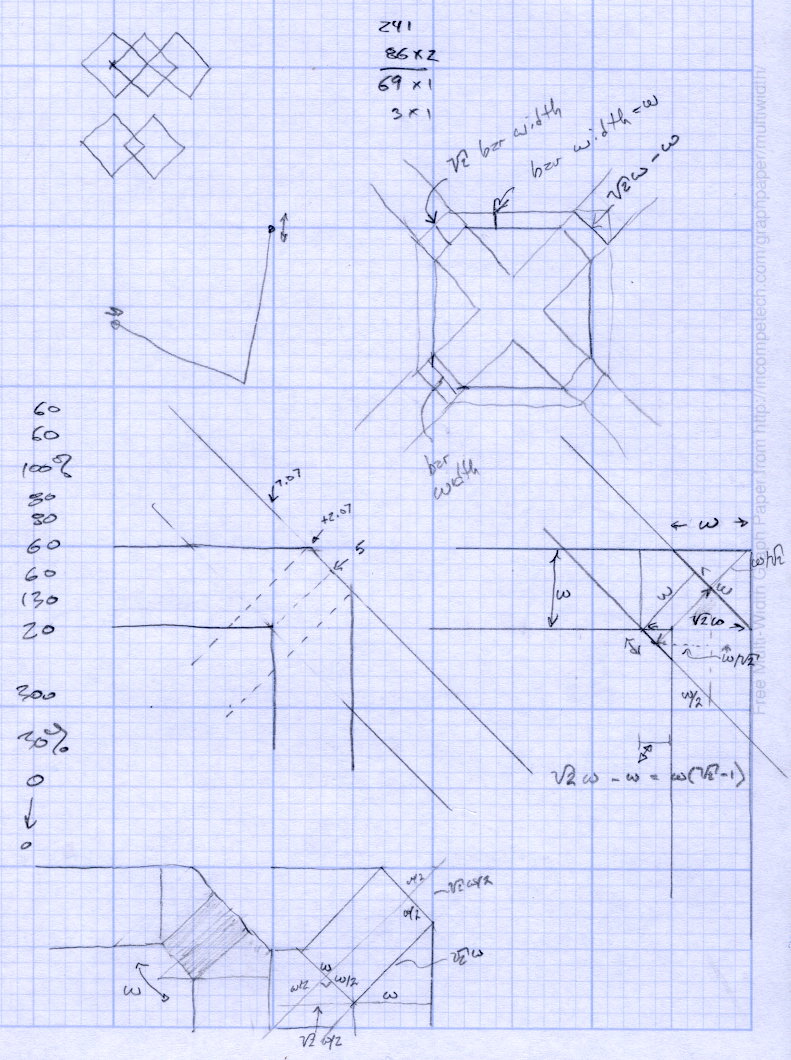
The pillars in the original model weren’t nearly large enough; Slic3r omitted them from the G-Code. They’re now as wide as the bars and √2 times that width long, which means they actually get a bit of fill.
Then a pair of nested loops replicates that link across the entire fabric:
Chain Mail Sheet
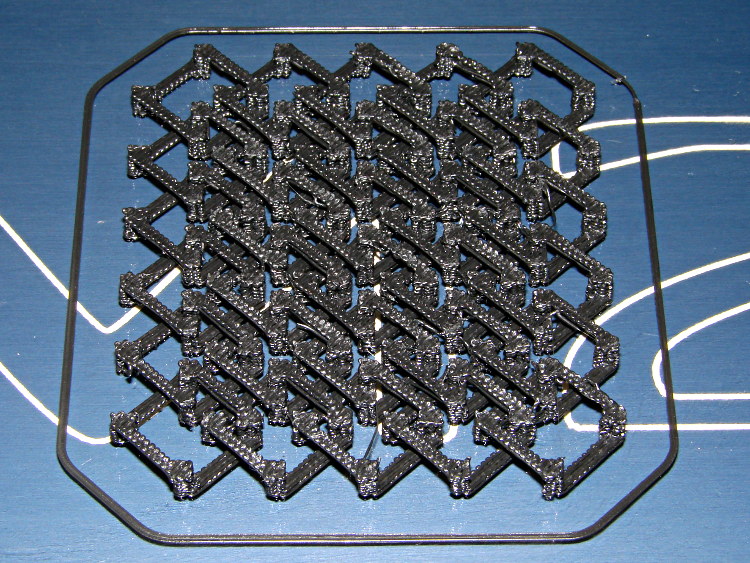
That technique didn’t work with Skeinforge (because it sent the nozzle scampering all over each layer, knocking things loose) and it didn’t work with Slic3r 0.9.8 (because it had problems with bridges), but Slic3r 0.9.10, hot from github, produced good results:
Chain Mail – as built
There were some strings connecting adjacent links, but a few minutes with a flush cutter solved that. Retraction was 1 mm at 80 mm/s = 480 mm/min, which seems to work fine in other contexts, but adjacent links fell inside the 1 mm minimum distance setting I’d been using. That’s now down to 0.5 mm, which should suffice for nearly everything.
The M2 sounded like I was hitting it with a hammer: each of the 480 pillar layers (!) required a quick squirt and a retraction, followed by a 500 mm/s move. Worked fine and didn’t miss a step anywhere along the way.
A view from the bottom shows it really is flexy:
Chain Mail – bottom
I used zero perimeter threads on these tiny links, which means you can see the ripply edges of the second layer that was crosswise to the length of the link bars. Next time, I’ll try one perimeter thread, which should smooth that out.
The links stuck to the glass like they were glued, which, indeed, they were: White Rain Unscented Extra Hold Hairspray in a pump bottle (either they didn’t have Maximum Hold pump spray or I couldn’t see it). I’m not a big fan of aerosol anything and decided to try wiping the stuff across the platform glass, rather than filling the air with a fine mist and getting some on the glass. Seems to work, but more examples are needed…
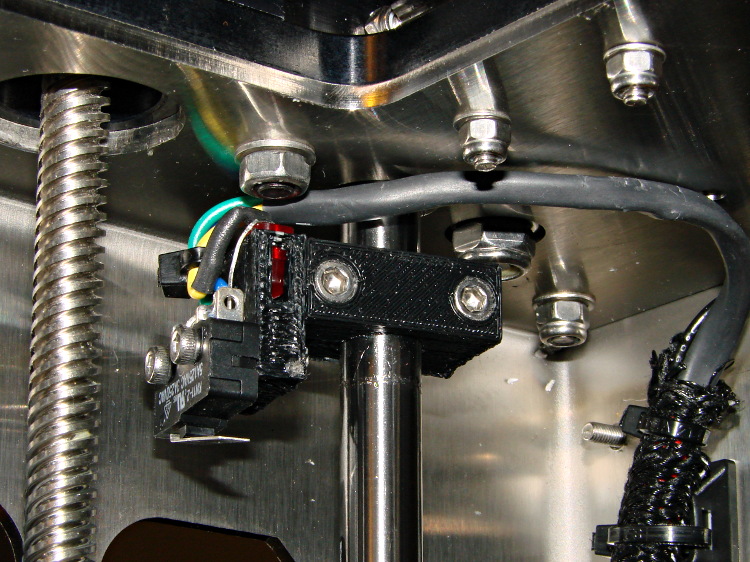
The best orientation for the Z-minimum switch seems to be slightly angled back:
M2 – Z min limit switch
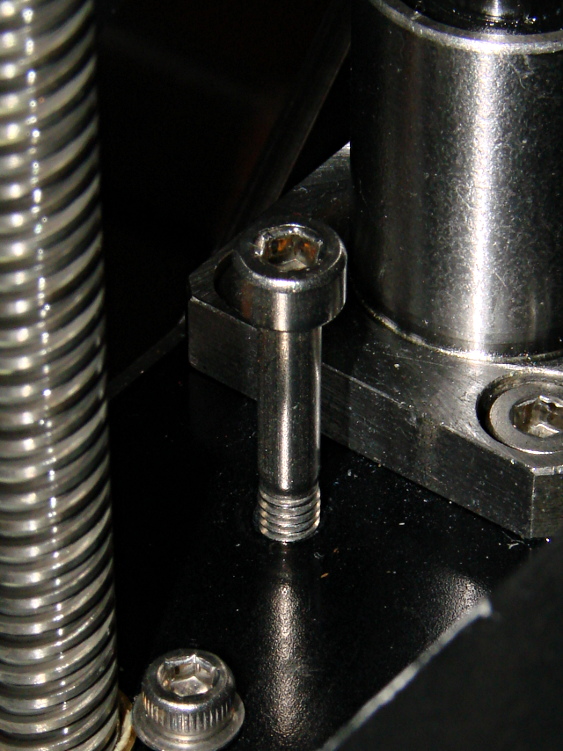
I used an M4x0.7 socket head cap screw for the height adjustment, with a Nylock nut below the stage:
M2 – Z min limit screw
The assembly instructions show a hex head screw, but the item numbers don’t match the BOM listings. The SHCS lets me hold it firmly in position with the ball-end driver provided in the M2 tool kit while adjusting it:
1/4 turn (the handle is square-ish) = 0.7/4 = 0.175 mm
1/6 turn (the shaft is hex) = 0.12 mm
1/12 turn (you can do it!) = 0.06mm
less than that is probably fooling yourself.
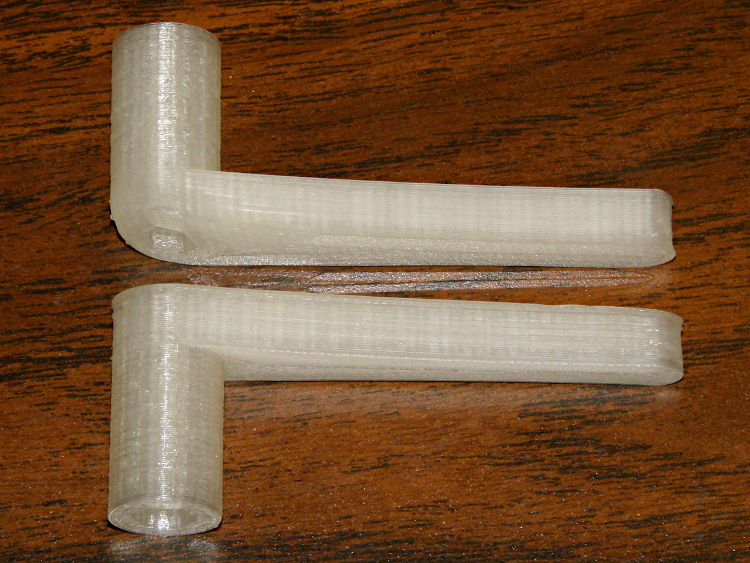
I printed a pair of tomlombardi’s 7 mm wrenches, which work well for adjusting the Nylock nut underneath the Z axis stage:
M2 – 7 mm wrenches
The left end of the top wrench didn’t adhere to the glass plate, but the business end of the wrench came out OK.
I adjusted the screw to trip the switch with the nozzle 1.0 mm above the platform, then feed that offset in using a G92 Z1.0 instruction in my customized Start G-Code.
However, the most accurate way to set the switch height involves measuring the as-printed thickness of the skirt extrusion around the object. The average value should be 0.25 mm (for my current slic3r settings, anyhow) and all sides should be equally thick: adjust the screw to change the average and adjust the platform screws to remove any tilt. You’ll quickly accumulate a pile of skirt threads, but they make good tchotchkes when you give a presentation on your new toy:
M2 skirt extrusions
You could fiddle with the G92 value to make the average thickness come out right, but I favor making the machine as accurate as possible, so that the software begins from a known-good mechanical setting.
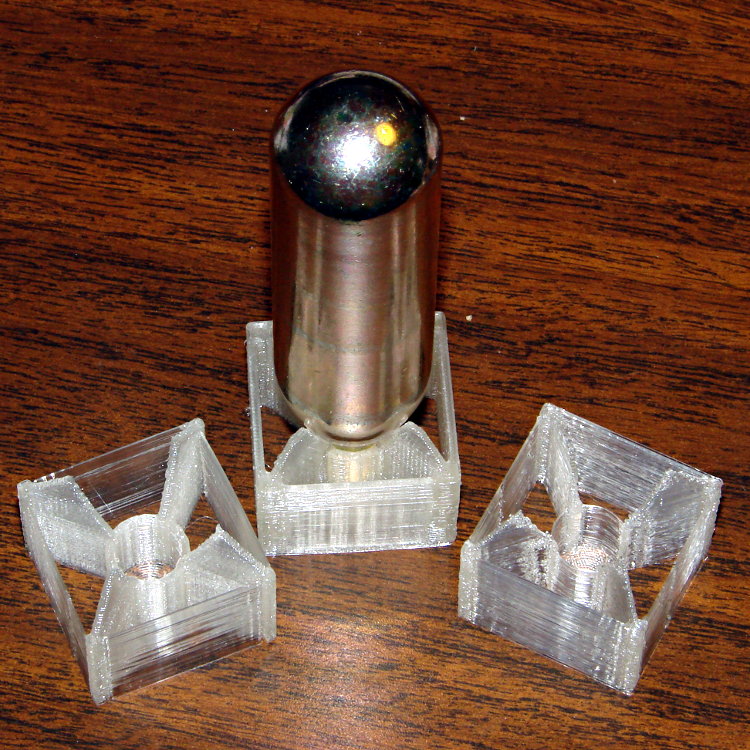
I redesigned those fins to fit 16 gram threaded CO2 cartridges in PLA on the M2:
M2 CO2 capsule fins
The original intent was to have both the square box and the internal X struts be exactly two threads wide, but the two fins on the sides show slic3r had some trouble doing that. I finally made them wide enough for a little fill, which produced the rather chunky version attached to the capsule.
A closer look while printing shows the fin width:
M2 – CO2 Capsule Fins – on platform
It was actually a present to go along with a box of the capsules, so I printed just one in a bit of a hurry. He probably couldn’t get them back across the border, but it’s the thought that counts, right?
While changing to black filament, I measured the force required to pull the (natural PLA) filament through the translucent guide tube arching over the M2’s chassis from the spool to the extruder:
Makergear M2 3D Printer with cardboard on build platform
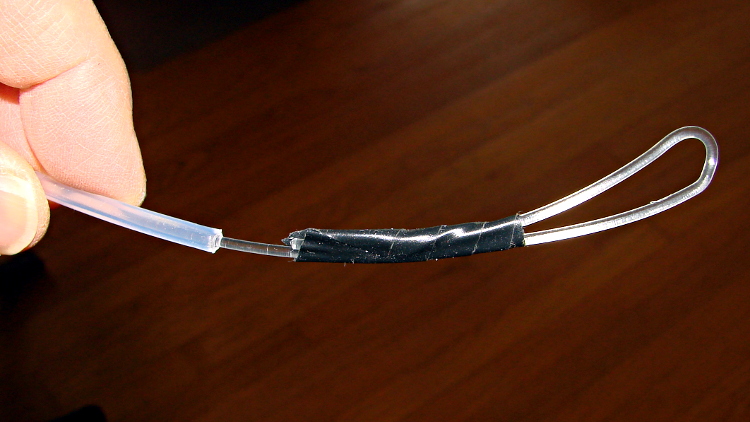
A strike-anywhere kitchen match (bet you can’t buy those any more!) provided more than enough heat to bend the end of the filament into a loop suitable for the pull scale:
M2 – Filament loop for pull test
The results:
Tube reasonably straight: 0.5 lb = 2.2 N
Tube arched to middle of X axis: 1 lb = 4.5 N
Tube sharply bent to X axis nearest spool: 1.5 lb = 6.7 N
The force increases slightly while tugging filament off the spool, as the spool does not rotate freely on the printed arm jutting out from the frame, but those numbers are in the right ballpark.
The effective diameter of the extruder drive gear is about 11.5 mm, so overcoming the tube friction requires somewhere between 10 and 40 mN·m of torque. That’s applied at the one point in the whole system most likely to show the result of uneven loading, because it directly affects the pressure of the molten plastic behind the nozzle.
That’s considerable motivation to get rid of the filament guide tube…
set port /dev/ttyACM0
set baudrate 115200
set build_dimensions 200x240x195-100-120+0
set temperature_abs 200
set last_bed_temperature 70.0
set last_temperature 155.0
set xy_feedrate 30000
set z_feedrate 2500
set e_feedrate 300
set last_file_path /mnt/bulkdata/Project Files/Thing-O-Matic/Calibration
set temperature_pla 165
set preview_grid_step1 10
set preview_grid_step2 20.0
set preview_extrusion_width 0.4
set bedtemp_pla 70
Line 3 sizes the preview and offsets the XY=0 origin to the center of the plot.
The 200 mm X axis dimension is slightly larger than the actual 195 mm buildable area on the platform, but if the object gets that close to the maximum size, this isn’t the place to discover it.
The 240 mm Y axis dimension is slightly shorter than the actual 250 mm buildable area and slightly larger than the distance between the snouts of the bulldog clips holding the glass plate to the heater. In this case, the object can slightly exceed the preview size if it fits between the clips.
Lines 12 and 13 produce a relatively coarse grid that’s both meaningful and easy on the eyes, with the XY dimensions in Line 3 producing a major grid line crossing at the origin where it should be: