Ed Nisley's Blog: Shop notes, electronics, firmware, machinery, 3D printing, laser cuttery, and curiosities. Contents: 100% human thinking, 0% AI slop.
Tag: Improvements
Making the world a better place, one piece at a time
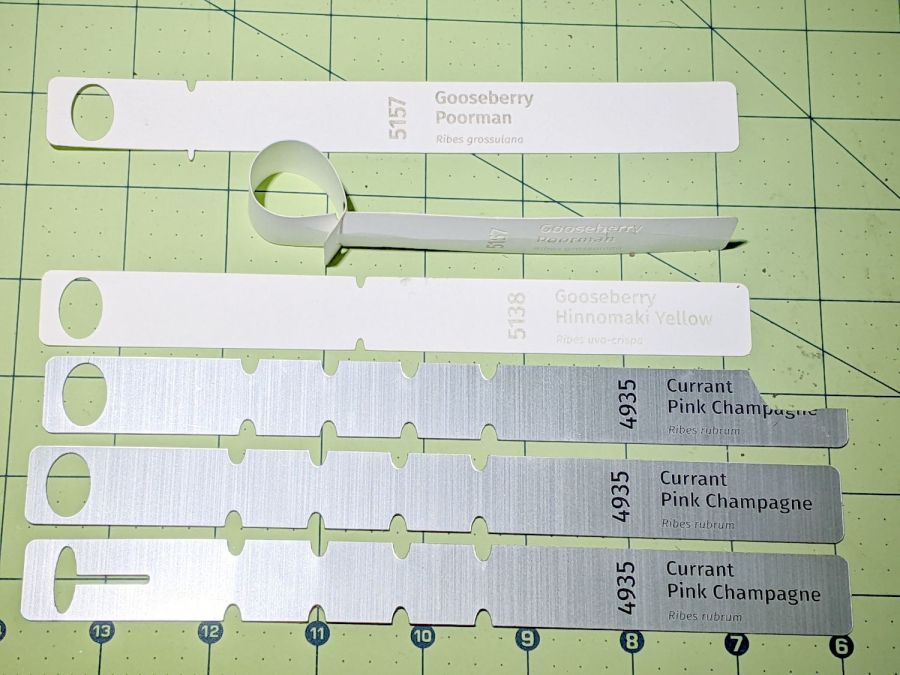
Which turned out to be entirely too stiff, which wasn’t surprising given that Trolase Thin is intended for signage stuck on flat or slightly curved surfaces.
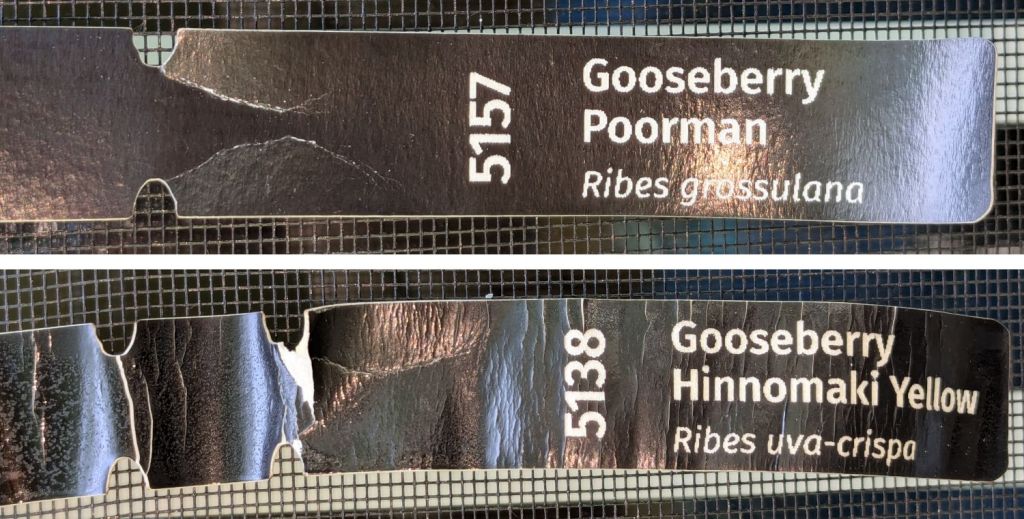
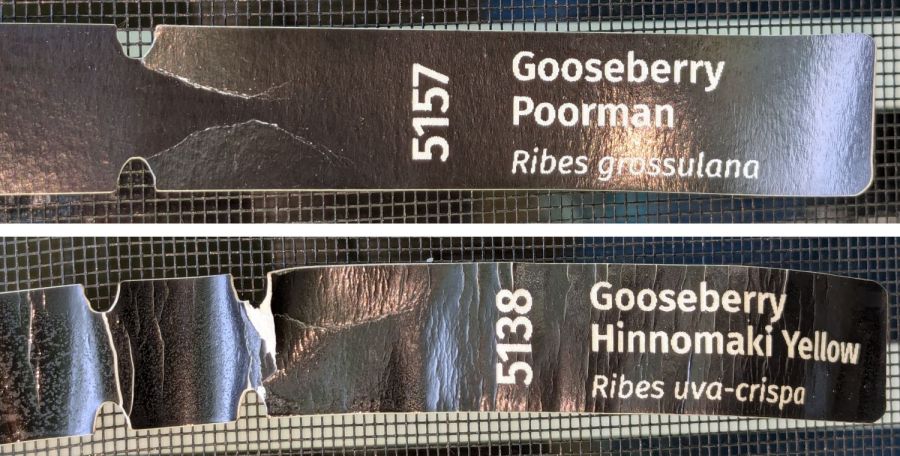
Despite being “paper”, laser testing paper is also too stiff:
Laser test paper – outdoor labels – 2024-06-22
The wrinkles and cracks on the left end of the tags shows the plastic coating makes it basically impossible to shape / bend the paper enough to wrap around a plant stem, then push it through the hole (offscreen to the left). I was not surprised too much by this discovery.
Those two strips now hang outside the kitchen window (left end upward), where they’ll get enough sun and rain to keep a plant happy, and I’ll see how well the engraved / damaged plastic coating stands up to that sort of abuse.
For several decades, a succession of PCs in the basement have served files and shared printers, the former through NFS and the latter through CUPS. When the Epson R380 finally went casters-up, I got an Epson ET-3830 printer with a network interface, leaving only our venerable HP Laserjet 1200 shared through the server.
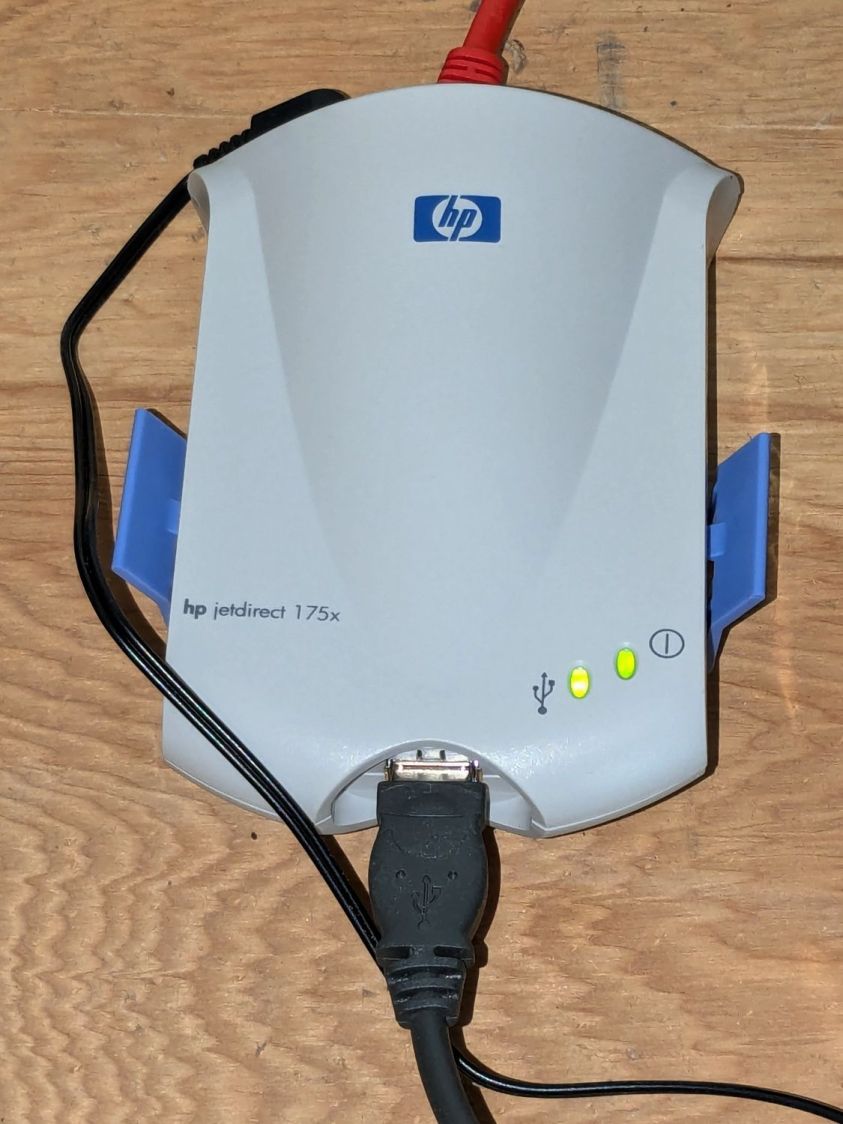
For reasons I do not profess to understand, whatever magic shared the printers rotted away over the last month (or, more likely, software updates), to the extent that we could no longer reliably print to the Laserjet. Various software tinkerings being unavailing, I dropped just under thirteen bucks to make the problem Go Away™:
HP Jetdirect 175x – installed
It’s a new-old-stock HP Jetdirect 175x print server from the turn of the millennium, with an Ethernet jack on the back and a USB 1.0 (yes, one-point-zero) jack on the front. It’s roughly contemporaneous with the Laserjet and designed to work with it.
The thing started up in DHCP mode, so I had to ask the router where it was on the network. Configuration then amounted to putting it in static (“Manual”) IP mode, assigning an address, and restarting it.
Aim the CUPS servers on our desktop PCs at the new address, fire off a test page, It Just Worked™, and we’re once again printing like it’s 1999.
The mounting block under the electronics box for the new UPP battery has a recess for an M5 tee nut:
UPP Battery Mount – Block 5 Show View
As with the Terry frame mounts, I glued the modified tee nut in place with JB Plastic Bonder urethane adhesive, did a test fit on the bike, discovered the whole affair had to sit about 10 mm forward, put the new frame measurement into the OpenSCAD code, and ran off a new block.
Which gave me the opportunity to perch the old block atop the bench vise with the tee nut aimed downward between the open jaws, run an M5 bolt into the nut, and give it a good thwack with a hammer:
UPP Battery Mount – M5 insert adhesive test
Although the urethane adhesive didn’t bond uniformly across the tee nut, it had enough grip to tear the PETG layers apart and pull chunks out of the block.
As with the tee nuts on the Terry bike, this one will be loaded to pull into the block, so it will never endure any force tending to pull things apart, but it’s nice to know how well JB Plastic Bonder works.
I chiseled the PETG and adhesive debris off the tee nut, cleaned it up, slathered more Bonder on the new block, and squished the nut in place. After I get the electronics box sorted out, the whole affair will never come apart again!
A wood desk chair that I’ve known since I was a pup finally got some much-needed attention, although not a restoration. By and large, I’m finally sorting out that corner of the basement and needed to put the chair’s parts back together so I can work on something else.
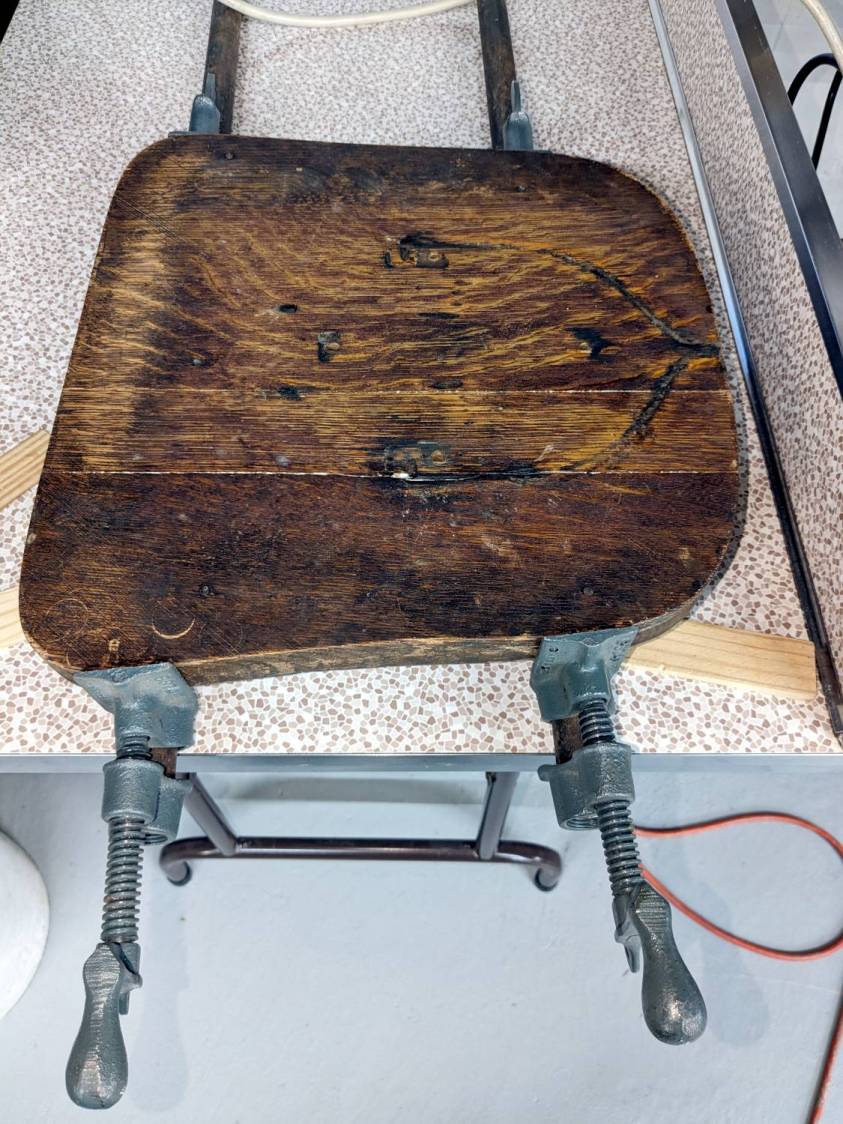
The wood seat consists of several slabs glued along keyed joints, one of which had fractured into a rough mess. Amazingly, the two sides fit perfectly together, albeit with the bottom no longer a planar surface, and glued up just like they should:
Wood desk chair – seat clamping
The chair isn’t up to contemporary office standards, but it has a seat elevation screw, a backrest with adjustable angle & elevation, and even a backrest tension setting:
Wood desk chair – ironwork
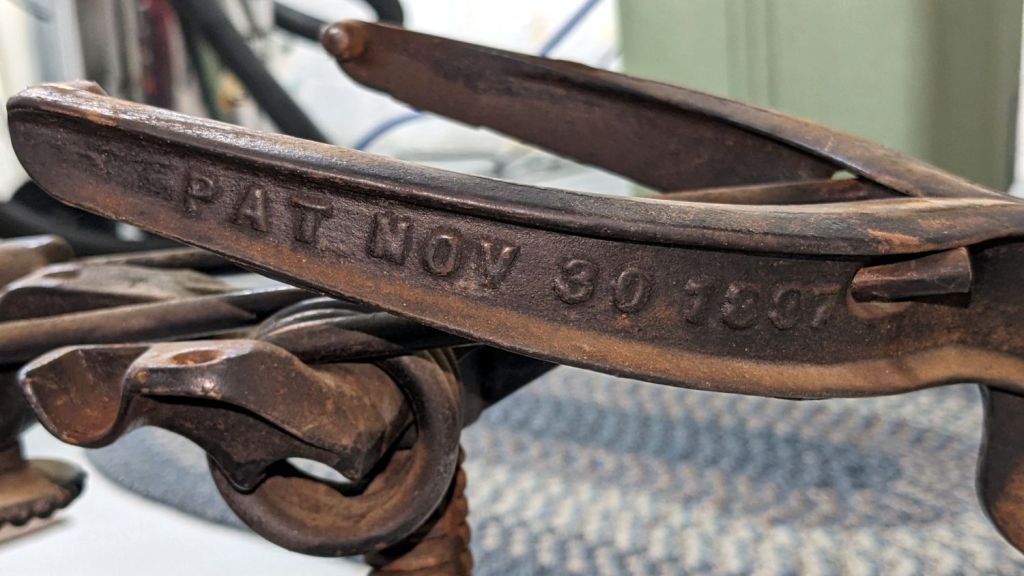
It was the cutting edge of desk chair technology:
Wood desk chair – patented
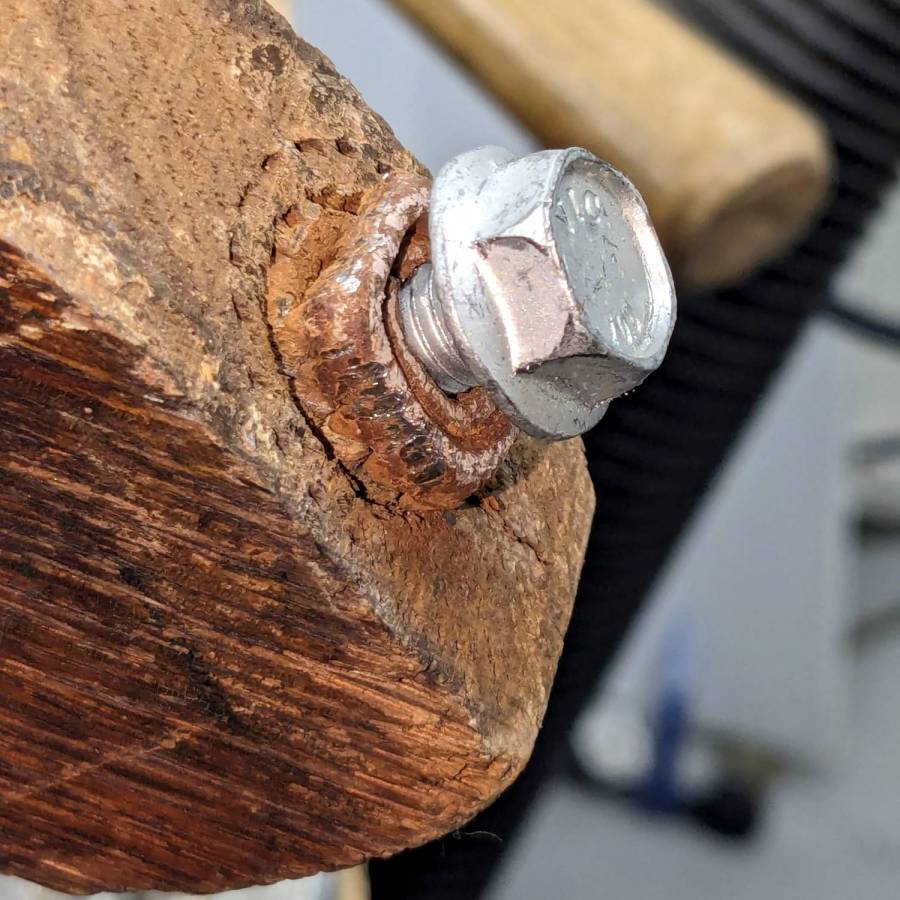
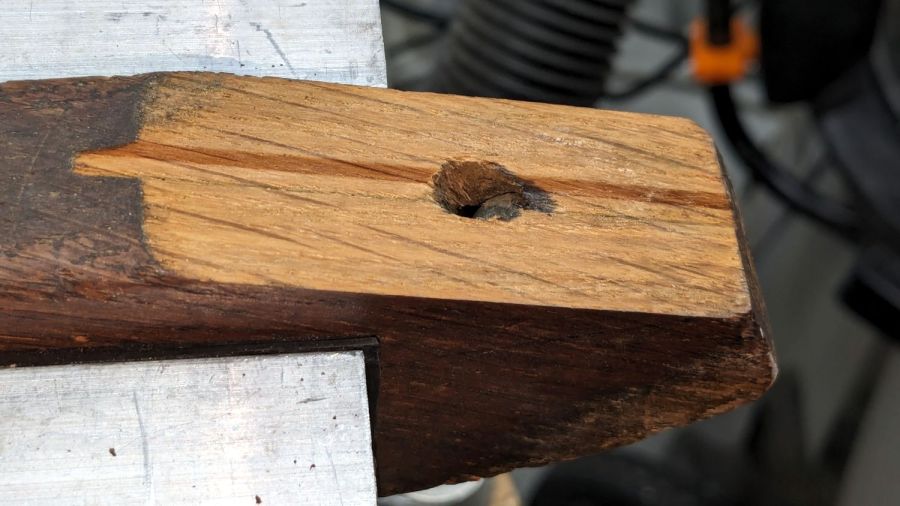
I vaguely recall it rolled on long-vanished steel-wheeled casters. Somewhat less long ago, one of the legs broke enough to lose its caster socket (about which, more later), so I set about yanking the three remaining sockets:
Wood desk chair – caster socket removal
During that struggle, another leg revealed a neat woodwork joint:
Wood desk chair – leg joint
It’s easy to remove a caster socket when you can bash it from the top!
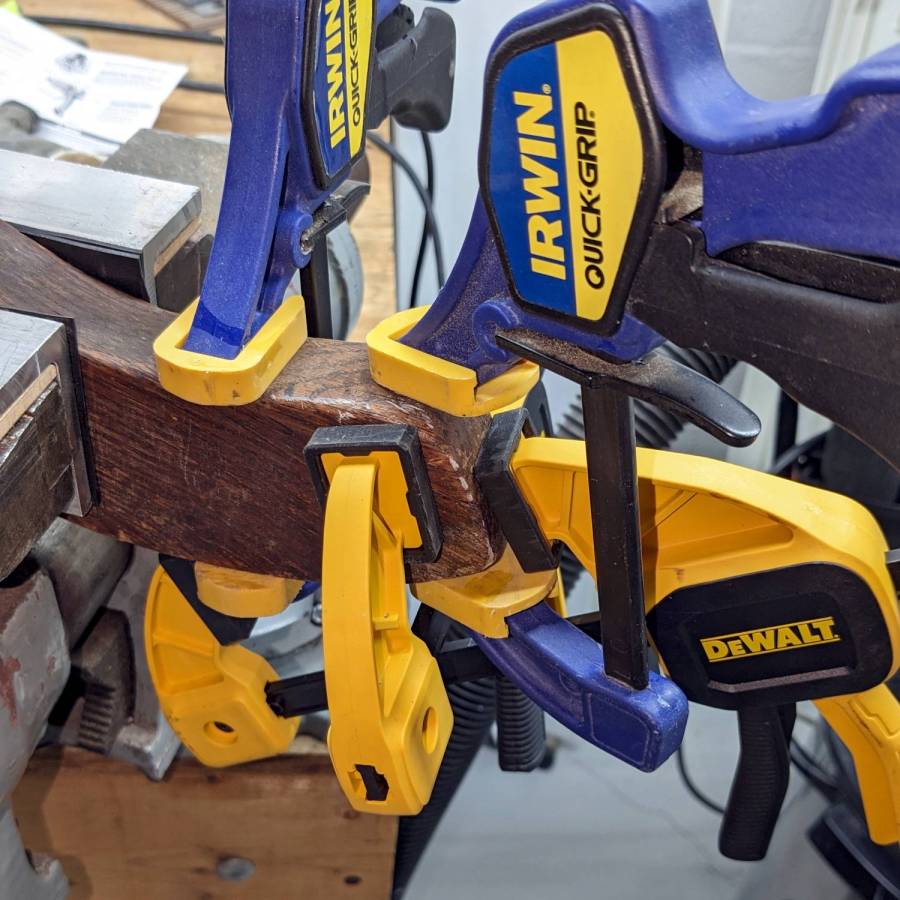
Gluing that piece back in place required Too Many Clamps™ aligning it with the leg:
Wood desk chair – leg clamping
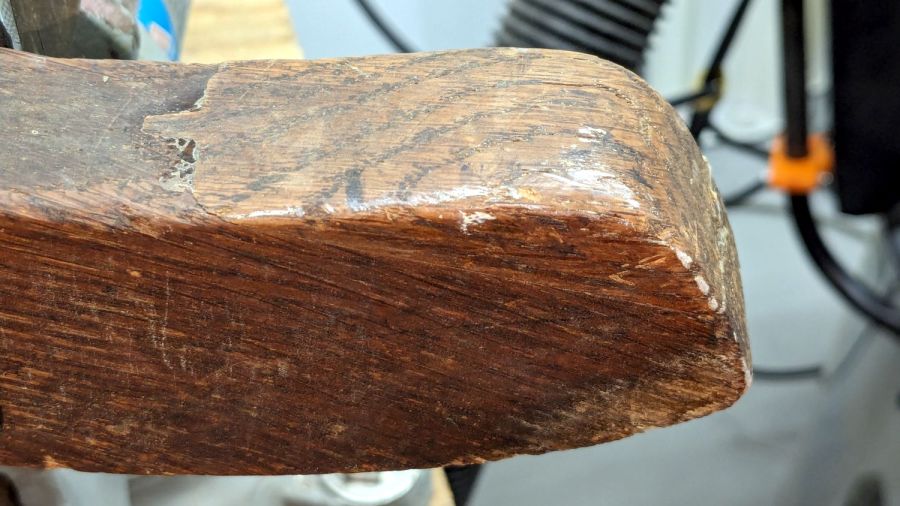
But the end result looks pretty good:
Wood desk chair – leg glued
They did a nice job of matching the wood grain; I hadn’t noticed that joint while attacking the socket.
Pending restoring the broken leg’s socket, the soon-to-arrive new casters will clash horribly with the chair’s woodwork. At least it’ll roll again and its new plastic wheels won’t scar the floors.
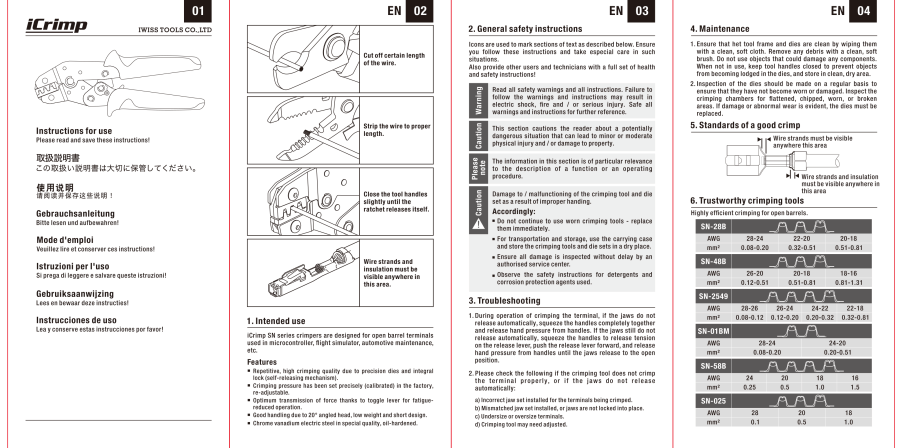
It turns out either of the two middle slots should work, but the crimps look better in the smaller one.
Admittedly, the instructions are thin on technique, but I only wrecked four pins while retraining my crimping hand. The key trick is indexing the insulation fingers on the step inside the jaw, thus putting the socket box or the male pin outside where it won’t get smashed flat. Squishing those fingers from their normal splayed condition into a rectangular shape helps fit them into the jaw against the step.
Living in the future where the right crimping tool doesn’t cost five Benjamins is great …
While setting up to drill holes in the aluminum base for the running light buck converter, I wondered if laser-marking the spots directly from the solid model would work better than my usual fumbling around.
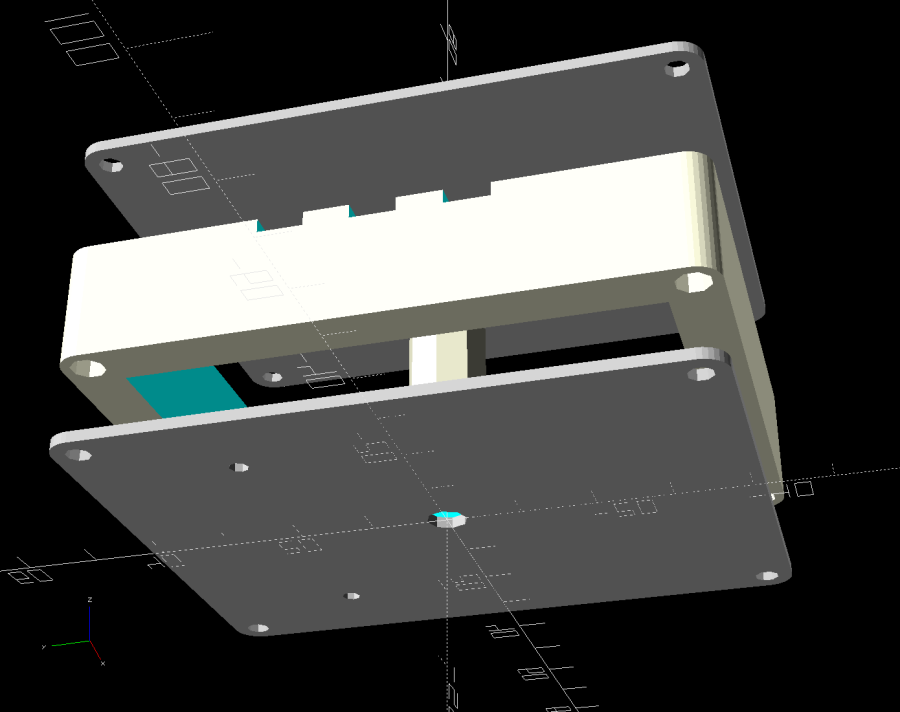
The solid model:
Running Light – power box – bottom view
Export projections of the pieces from OpenSCAD as an SVG file:
Running Light – power box – Projection view
Import into LightBurn, set up for a very fast, very light cut and Fire The Laser:
Laser-marked hole spots – masking tape
That’s in ordinary masking tape on a hard-anodized sheet of aluminum from the pile, which looked better than I expected.
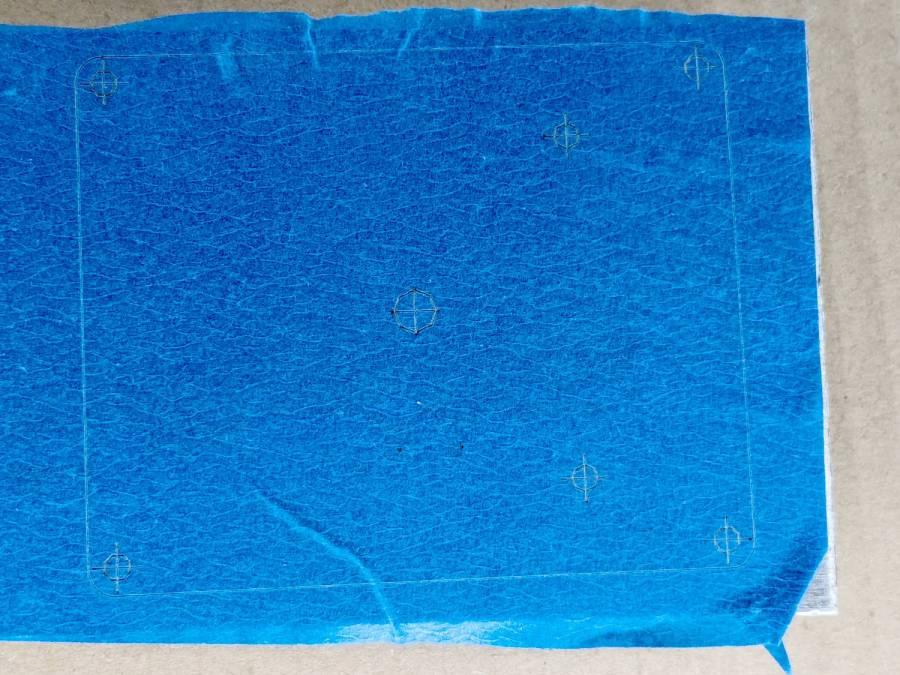
The same aluminum covered with blue tape:
Laser-marked hole spots – blue tape – hard anodize
Which looks much better in person than it does in the photo.
On a soft aluminum sheet from the Basement Warehouse Zone:
Laser-marked hole spots – blue tape – sheet aluminum
The dark outline is a comfort mark hand-drawn around a chipboard test piece to verify the layout fit between random holes drilled in the sheet during its previous life.
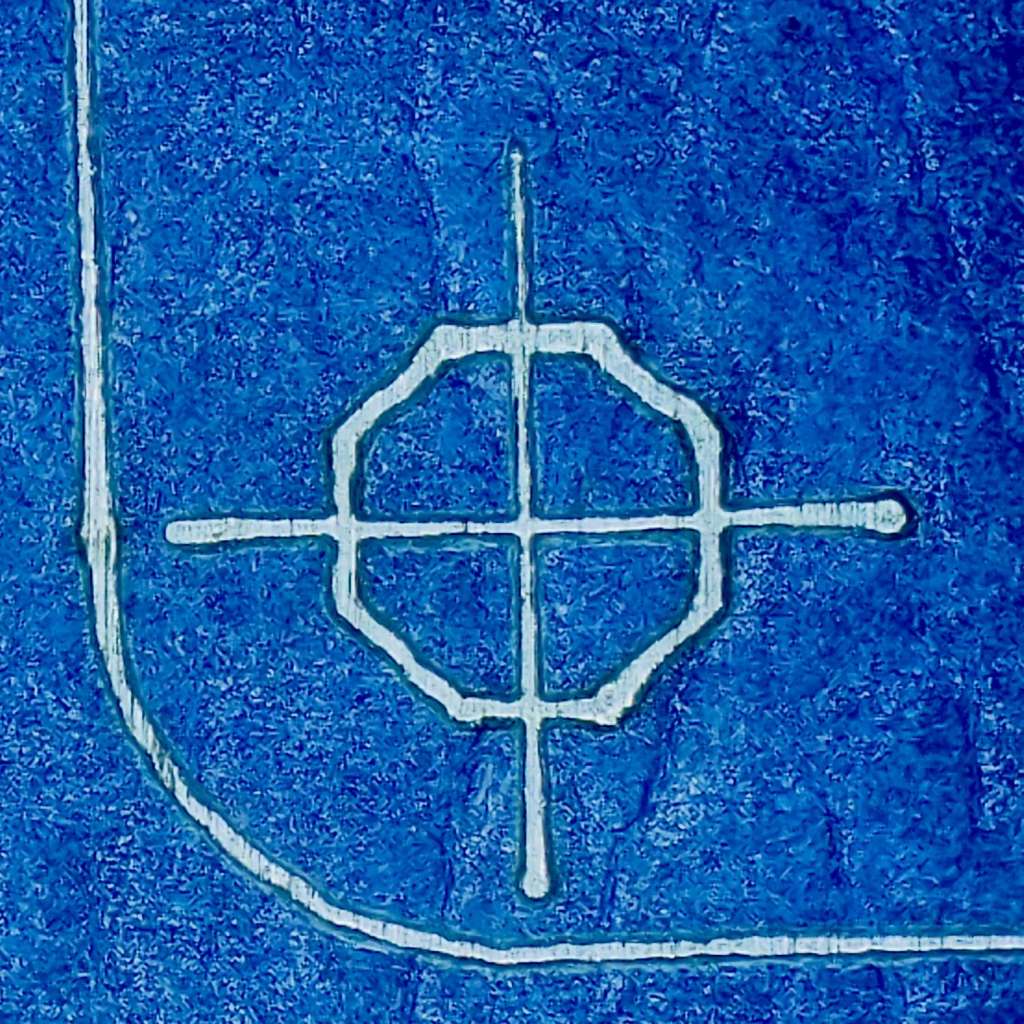
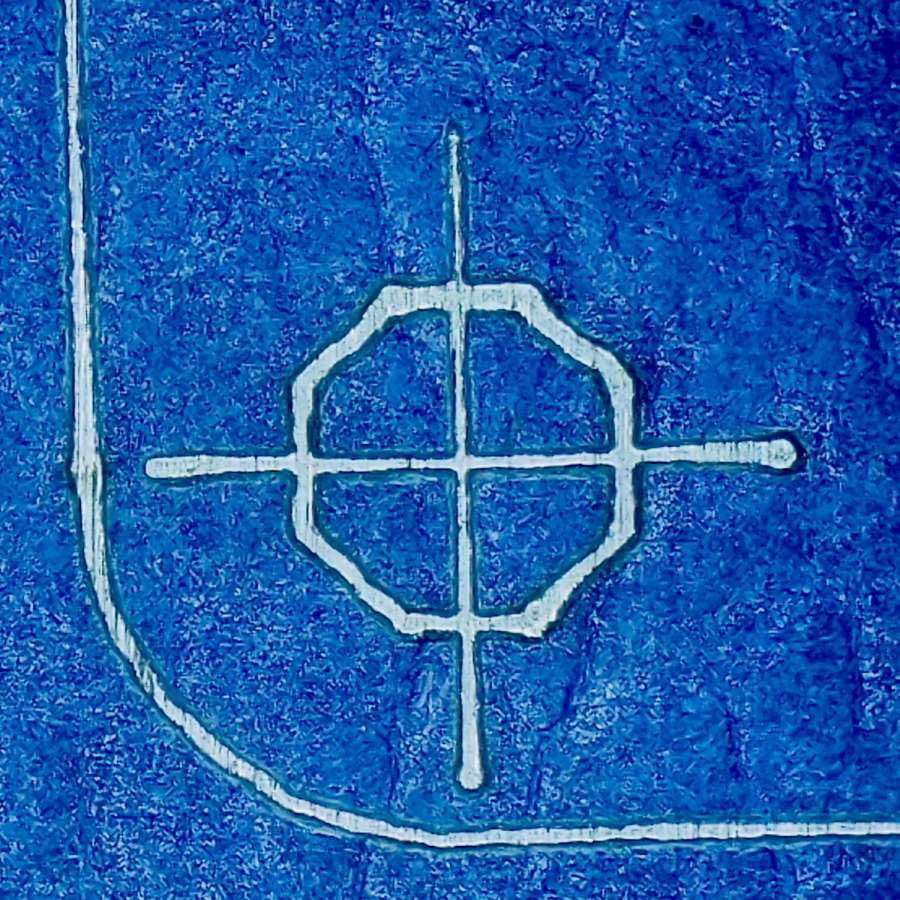
A closer look at a corner hole:
Laser-marked hole spots – blue tape – hard anodize – detail 1
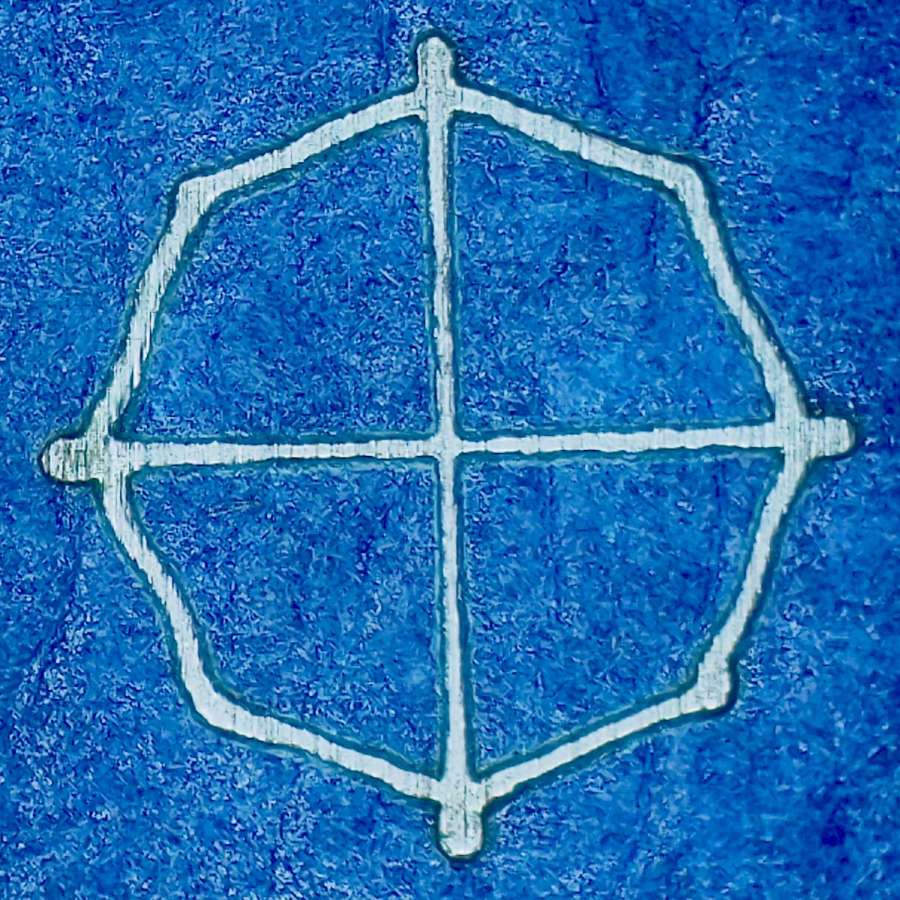
And the center hole:
Laser-marked hole spots – blue tape – hard anodize – detail 2
The holes appeared in the right places after center-punching by eye, but the fragility of those four little tape leaves around the center point must be experienced to be believed.
And, yes, those are deliberately low-polygon approximations to a circle, because I’m a low-poly kind of guy.