Ed Nisley's Blog: Shop notes, electronics, firmware, machinery, 3D printing, laser cuttery, and curiosities. Contents: 100% human thinking, 0% AI slop.
Tag: Improvements
Making the world a better place, one piece at a time
I’ve finally had it beaten into my head: any public exhibition requires paper handouts, if only for younger folks who are too shy to ask questions. Paper may seem obsolete, but it serves as a physical reminder long after the sensory overload of a busy event fades away.
Hence, I made up cards describing my exhibits at the HV Open Mad Science Fair, each sporting a QR code aimed at far more background information than anybody should care about:
Because I planned to take my collection along to HV Open’s Mad Science Fair, I finally used a Round Tuit for some adhesive action.
The general plan was to punch a ring from double-sided tape, thusly:
Astable – Radome adhesive – poor surface
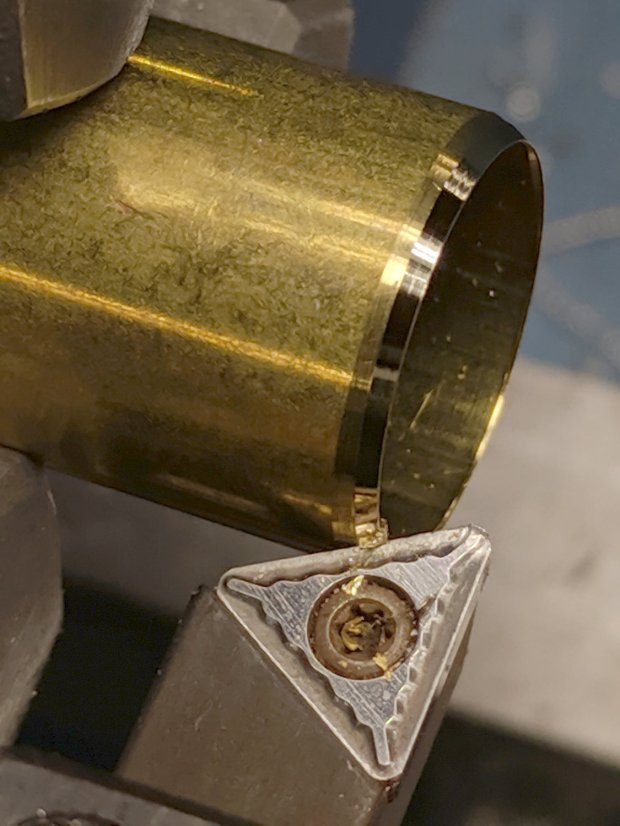
The OD required touching up the edge of a brass tube punch I’d made a while ago:
Astable – Radome adhesive – punch sharpening
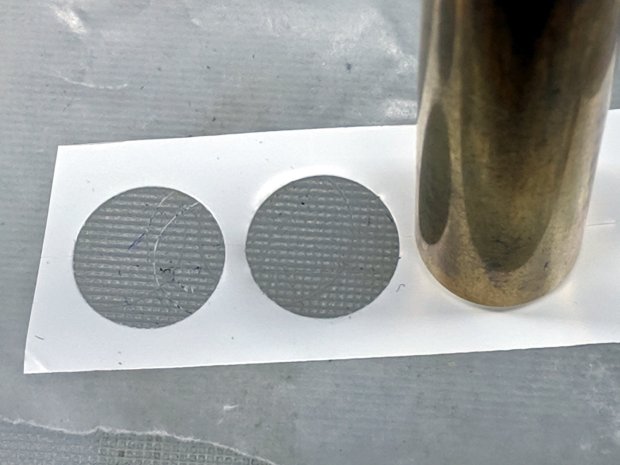
It worked exactly as expected:
Astable – Radome adhesive – punching
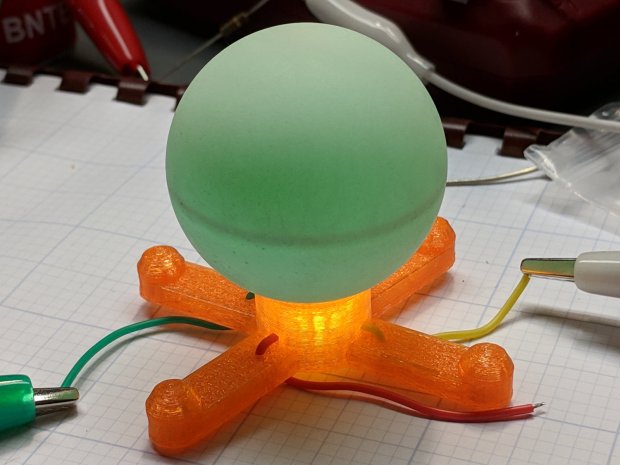
Unfortunately, the 3D printed spider’s “spherical” socket has such a rough surface that the adhesive had too few contact points to hold the ball in place.
My fallback has become 3M outdoor-rated double-stick foam tape, so:
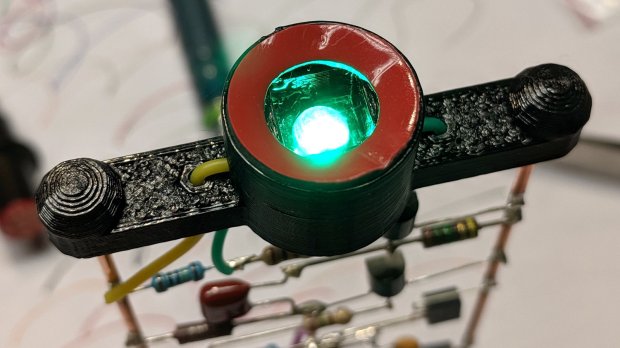
Astable – Radome adhesive – 3M foam tape
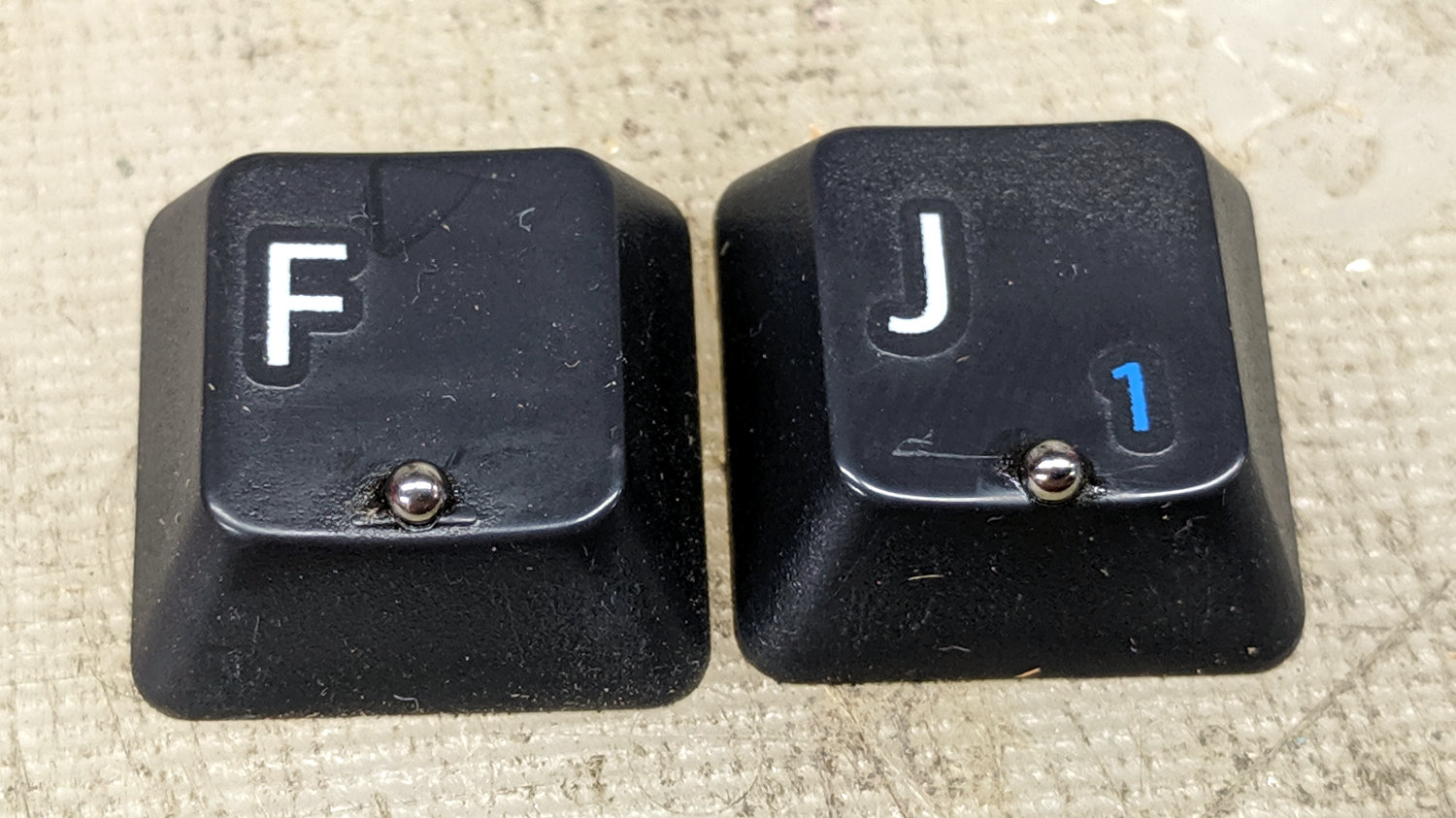
This leaves a small black ring visible between ball and socket. Recessing the foam tape by half its thickness should improve its ahem optics, although it’s probably not worth the effort with black PETG.
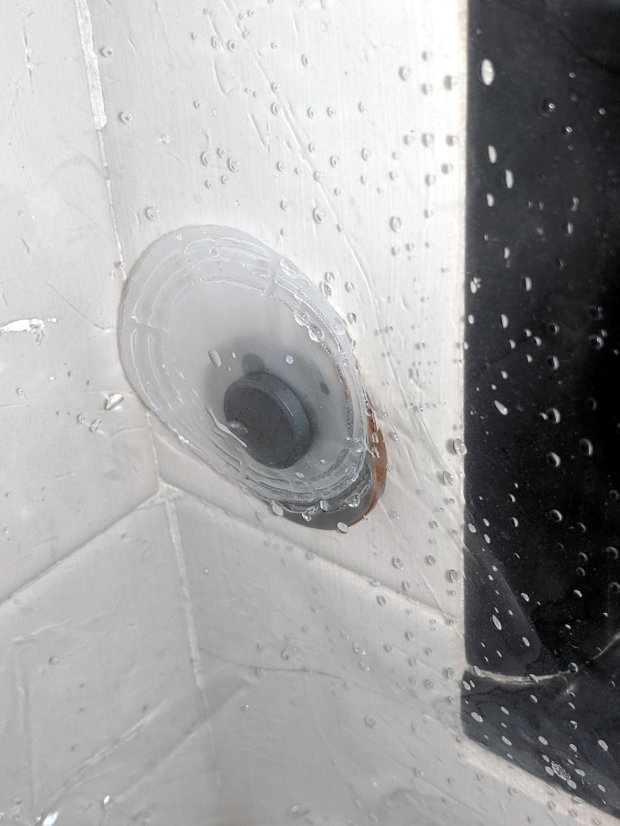
Back in the day, bathtubs had a porcelain coating over a cast-iron carcass, so embedding little magnets in shower curtains worked perfectly to keep the loose ends from billowing out of the tub. Surprisingly, even here in the future, with plastic bathtubs ruling the land, some shower curtains still have magnets. The mud-job tile walls of shower stall in the Black Bathroom have nary a trace of iron, but we though I could add ferrous targets for a new shower curtain, thusly:
Shower Curtain Anchor – installed
The magnet lives inside a heat-sealed disk, so it’s (more-or-less) isolated from the water. As you’d expect, it’s a cheap ceramic magnet, not a high-performance neodymium super magnet, with no more strength than absolutely necessary to work under the most ideal of conditions.
My anchors must also be waterproof, firmly attached, non-marking, easily removable, and no more ugly than absolutely necessary. The general idea is to slice the bottom from a pill bottle, entomb a thin steel disk in epoxy, and attach to the tile with a patch of outdoor-rated foam tape.
So, we begin …
Cutting a narrow ring from a pill bottle requires a collet around the whole circumference, which started life as some sort of stout aluminum pole:
Shower Curtain Anchor – cutting tube stock
Bore out the inside, with a small step to locate the bottle:
Shower Curtain Anchor – boring fixture
Clean up the outside, just for pretty:
Shower Curtain Anchor – turning fixture OD
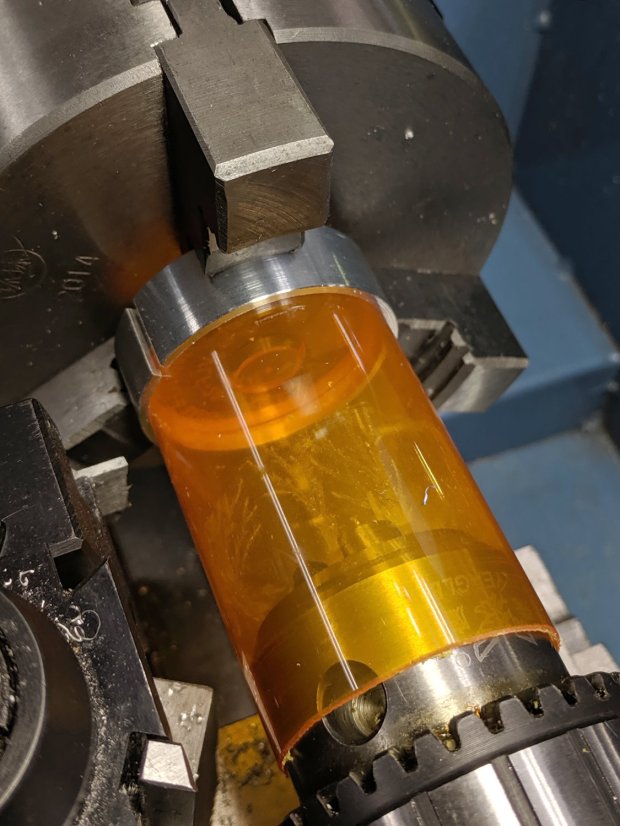
Slit the fixture to let it collapse around the bottle, then chuck up the first victim with support from a conveniently sized drill chuck in the tailstock:
Shower Curtain Anchor – cutting bottle
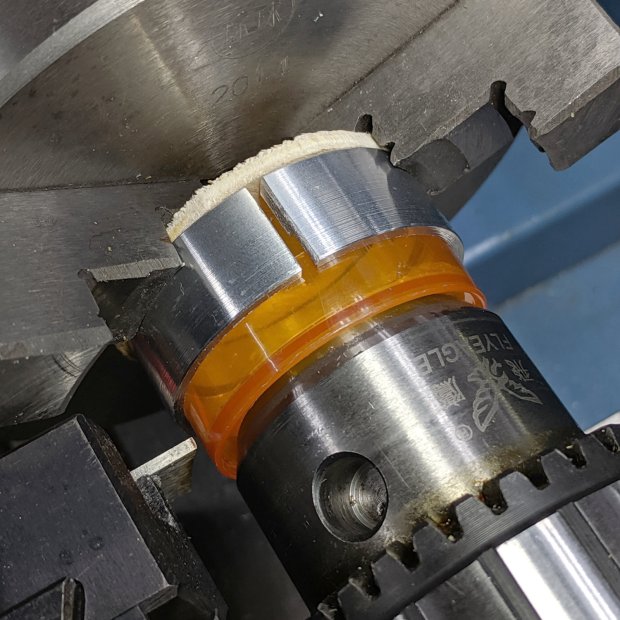
I did a better job of cutting the second bottle to the proper length:
Shower Curtain Anchor – parting base
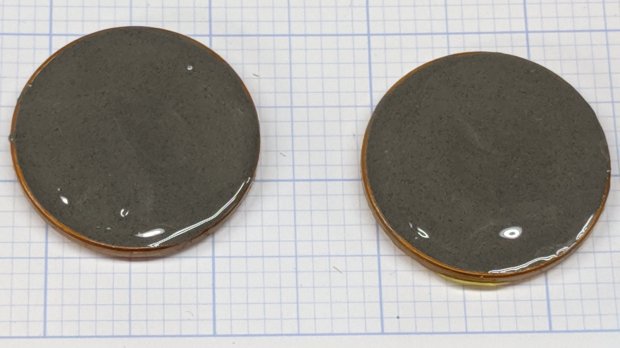
Nibble disks from sheet metal, half-fill the bottle bottoms with steel-filled (and, thus, magnetic!) JB Weld epoxy, insert disks, add sufficient epoxy to cover the evidence:
Shower Curtain Anchor – epoxy curing
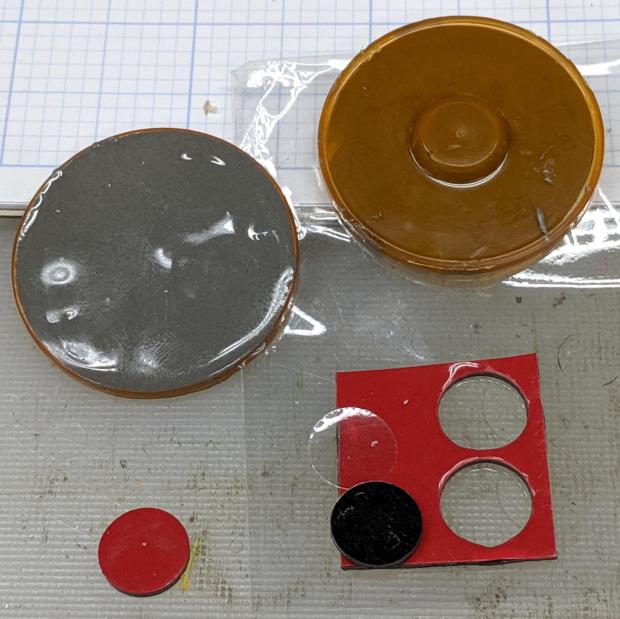
Fast-forward to the next day, punch out two disks of double-sided foam tape:
Shower Curtain Anchor – adhesive foam
Affix, install, and it’s all good.
Actually, it’s not. The ceramic magnets are so weak they don’t hold the curtain nearly well enough to satisfy me. The next anchor iteration should have embedded neodymium magnets to attract the curtain’s crappy ceramic magnets, but this is Good Enough™ for now.
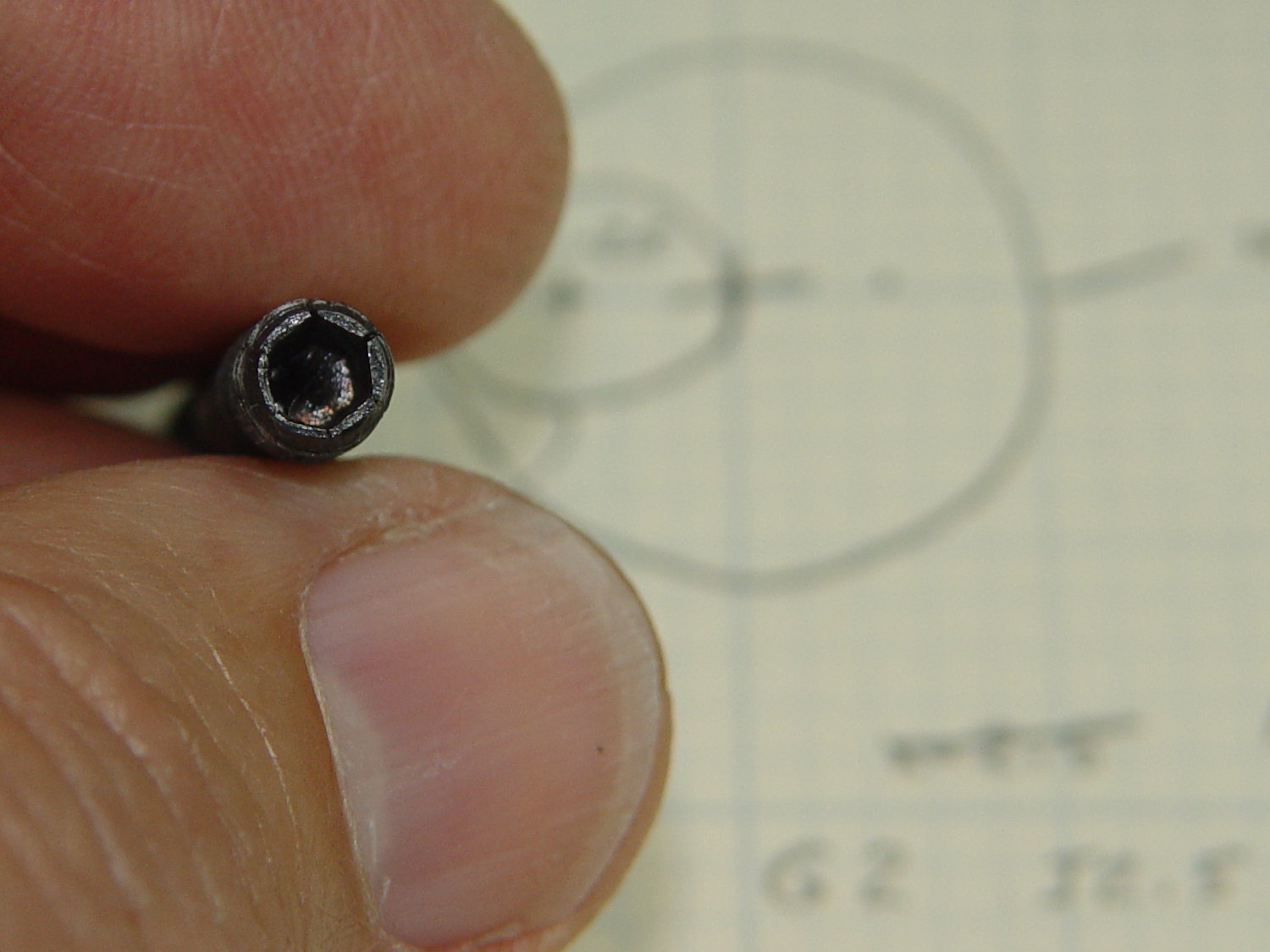
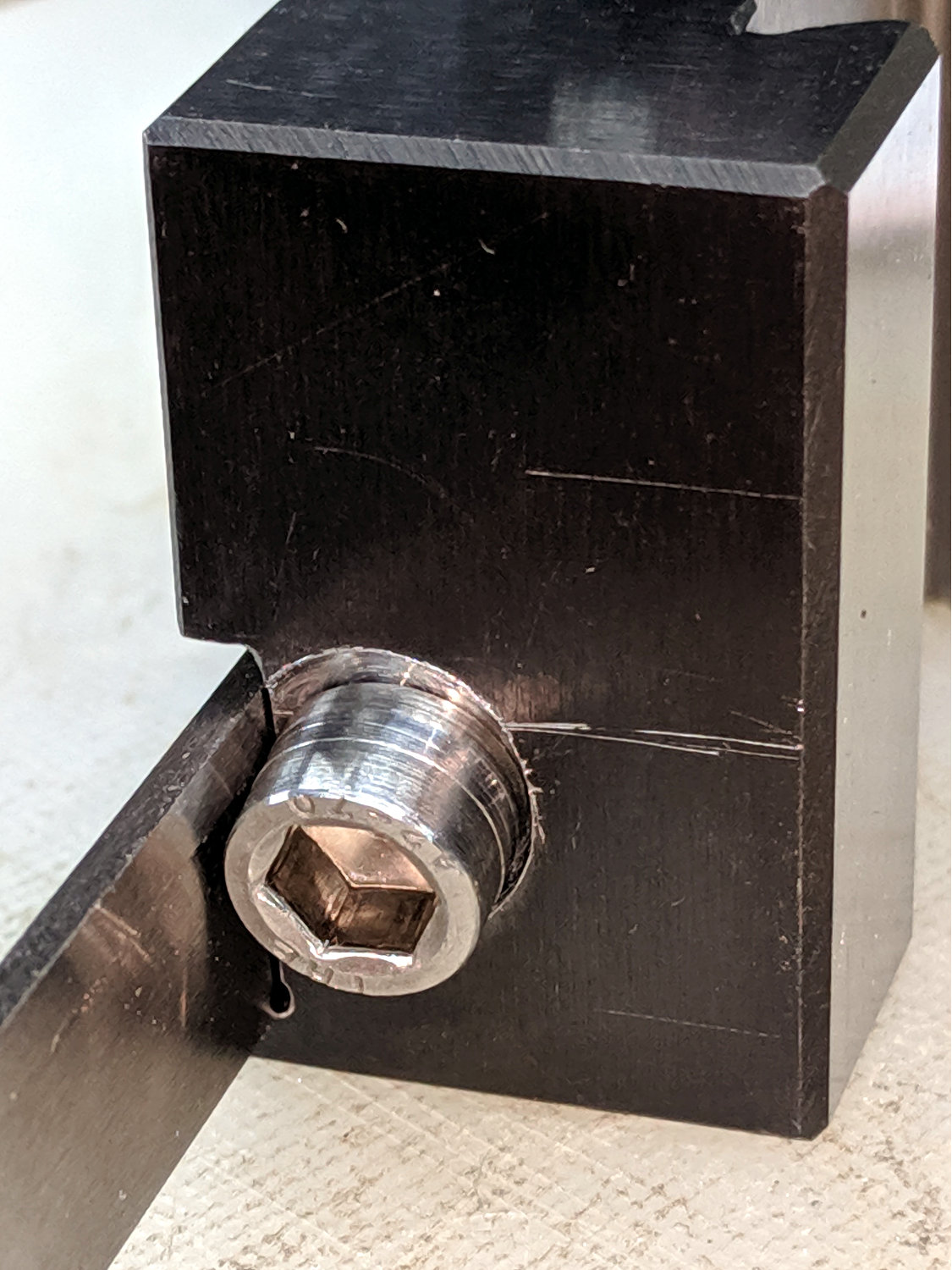
The clamp tightening screw is made from butter-soft Chinese steel with a swaged hex socket. As you’d expect, the hex wrench eventually (as in, after a few dozen adjustments, tops) rips the guts right out of the socket.
The screw has a M6×1.0 mm threads, but the thread around the hex recess is left-handed. While I could, in principle, print a 127 tooth change gear, rebuild the lathe’s banjo to accommodate it, then single-point a backassward M6 thread, it’s easier to just use a standard socket head cap screw:
Lathe Cutoff Tool – rebuilt screw
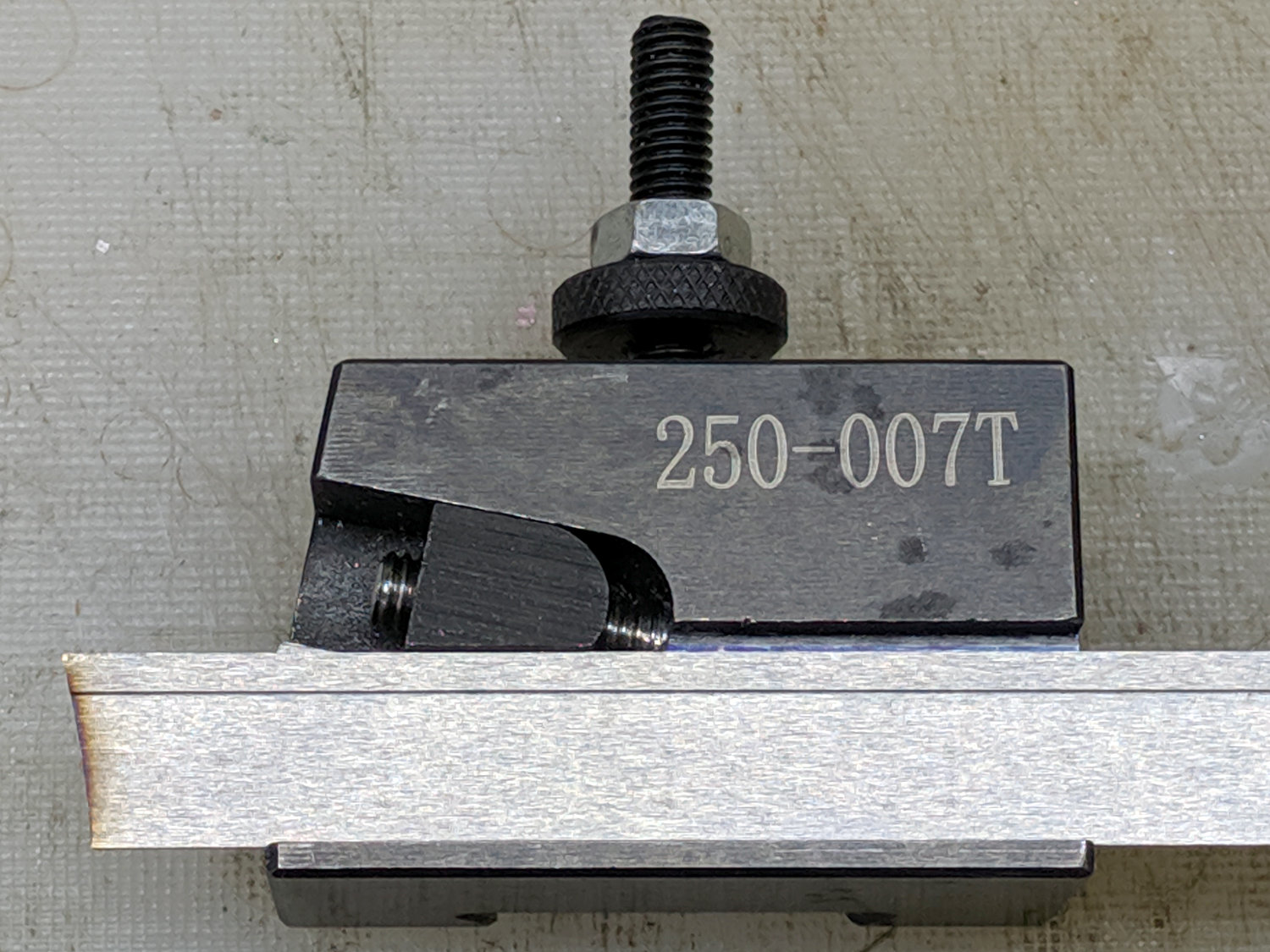
The clamp screw passes through the block at an angle:
Lathe Cutoff Tool – blade view
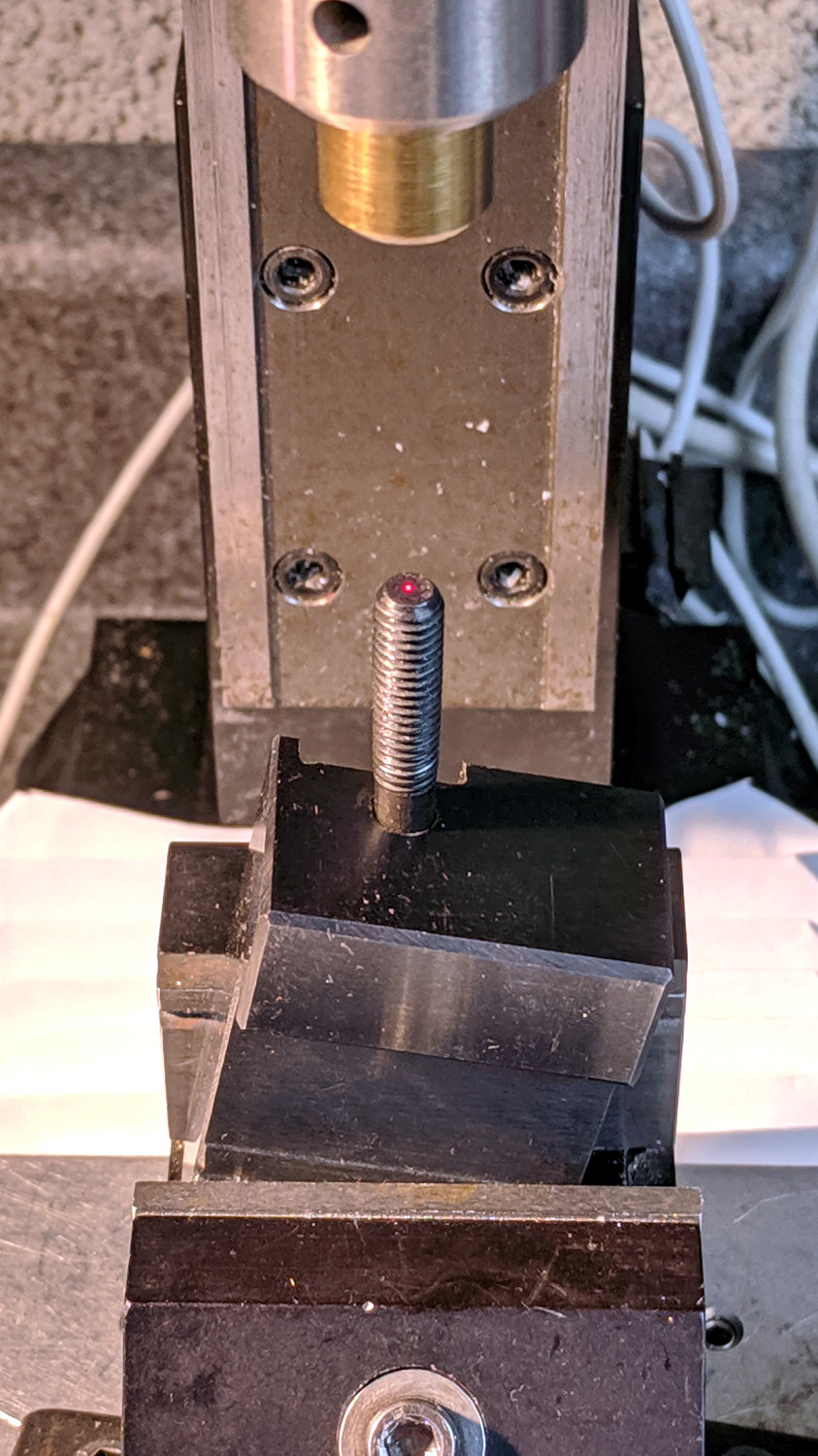
Fortunately, the screw is perpendicular to the angled side over on the left, making it easy to clamp in the Sherline’s vise:
Lathe Cutoff Tool – aligning to screw
Using the laser aligner seemed like a good idea at the time, but the top of the screw wasn’t particularly well-centered on the hole’s axis. I couldn’t screw the left-hand part (with the socket) in from the bottom and center the block near its surface, because then I couldn’t extract the screw before proceeding.
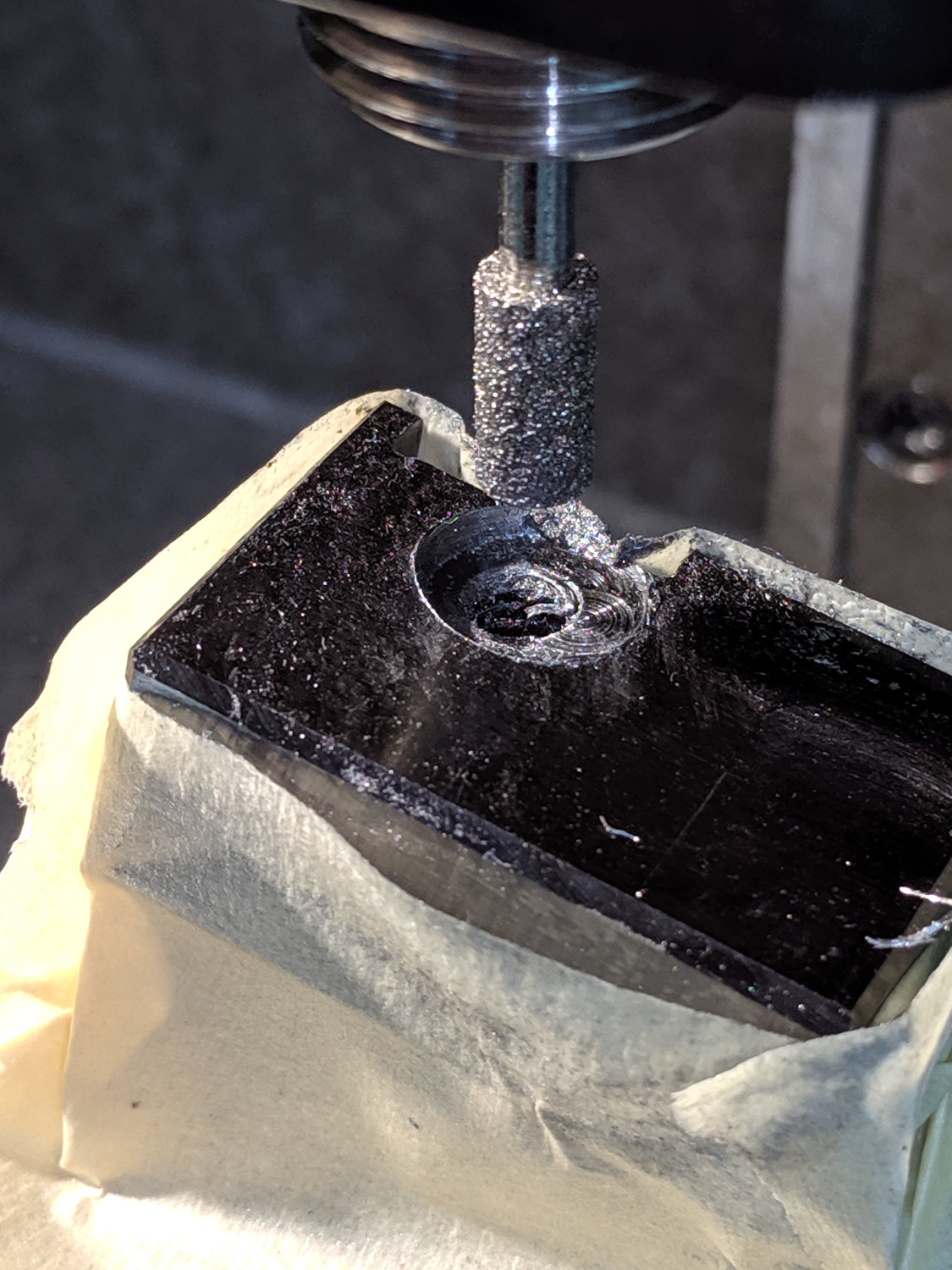
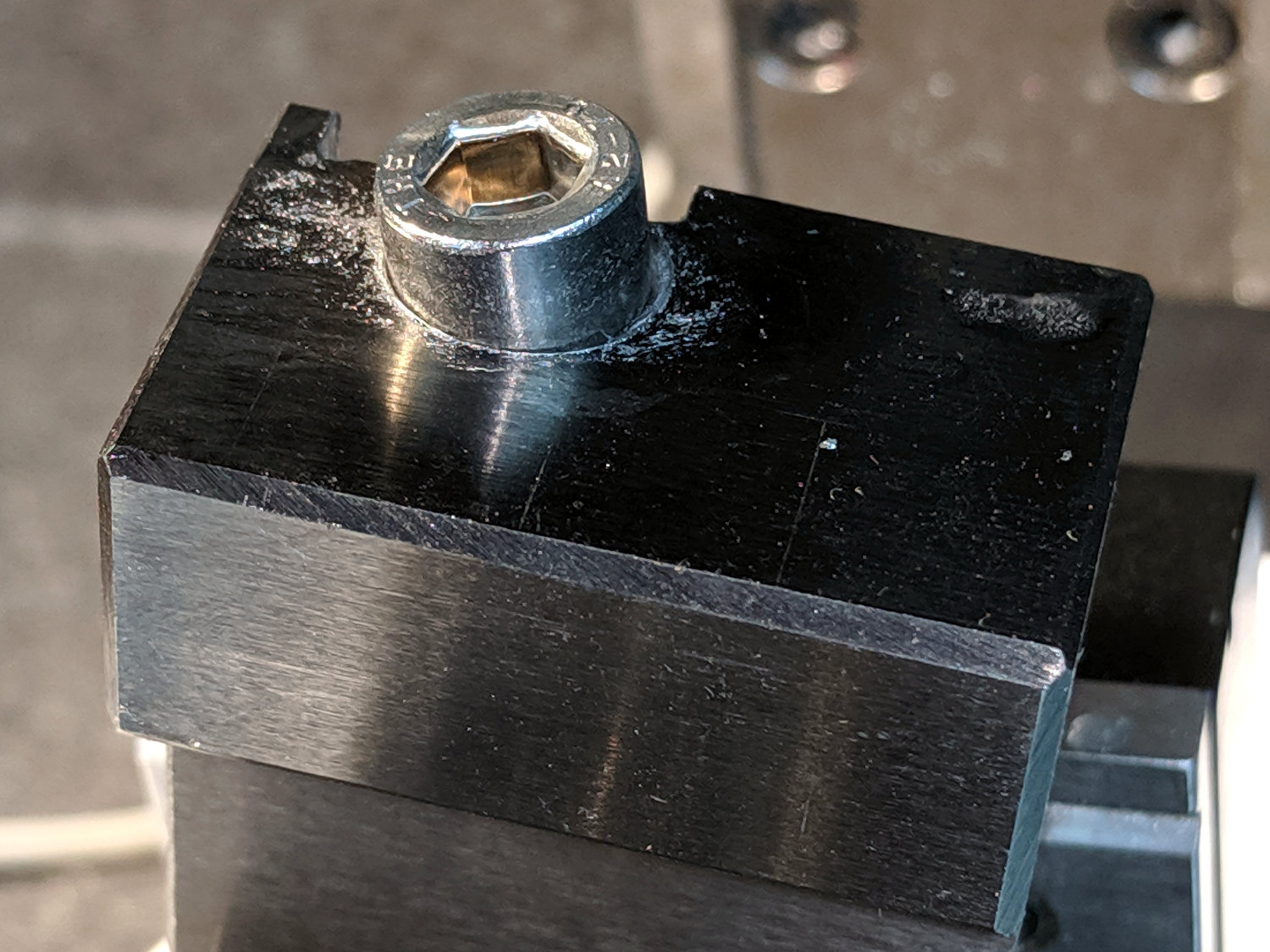
I used a diamond burr to grind out a flat for the screw head:
Lathe Cutoff Tool – clearing screw recess
The flat came from about twenty manual G2 I-2.5 full-circle passes, stepping down through the hard steel block 0.1 mm per pass, at a too-slow 4000 RPM and a too-fast 30 mm/min feed, with plenty of water squirted from one side into a shop vac snout on the other. The doodle in the background of the first picture shows a first pass at the layout, with the burr centered at X=-2.5; I actually did the grinding from X=+2.5 so most of the passes started in thin air.
The screw head started just shy of 10 mm OD and the burr just over 5.2 mm, so the ensuing 5 mm circles created a flat barely large enough. If the flat were perfectly centered on the screw axis, I wouldn’t have had to grind out another millimeter on the left side (toward the bottom of the tool holder body), but it worked out OK:
Lathe Cutoff Tool – 6 mm SHCS test fit
The trial fitting also showed the head stuck out ever so slightly beyond the far side of the block, where it would interfere with the blade, so I turned off 0.4 mm off its OD.
If I had a 50 mm SHCS in hand, I’d have used it. Instead, I extended the threads of a 75 mm screw, then lopped off the end to the proper length. I’ll spare you the ordeal, including the moment when I reached for the cutoff tool to shorten the screw. A bag of such screws will arrive shortly, in preparation for future need.
Now the [deleted] cut-off holder works the way it should have from the beginning.
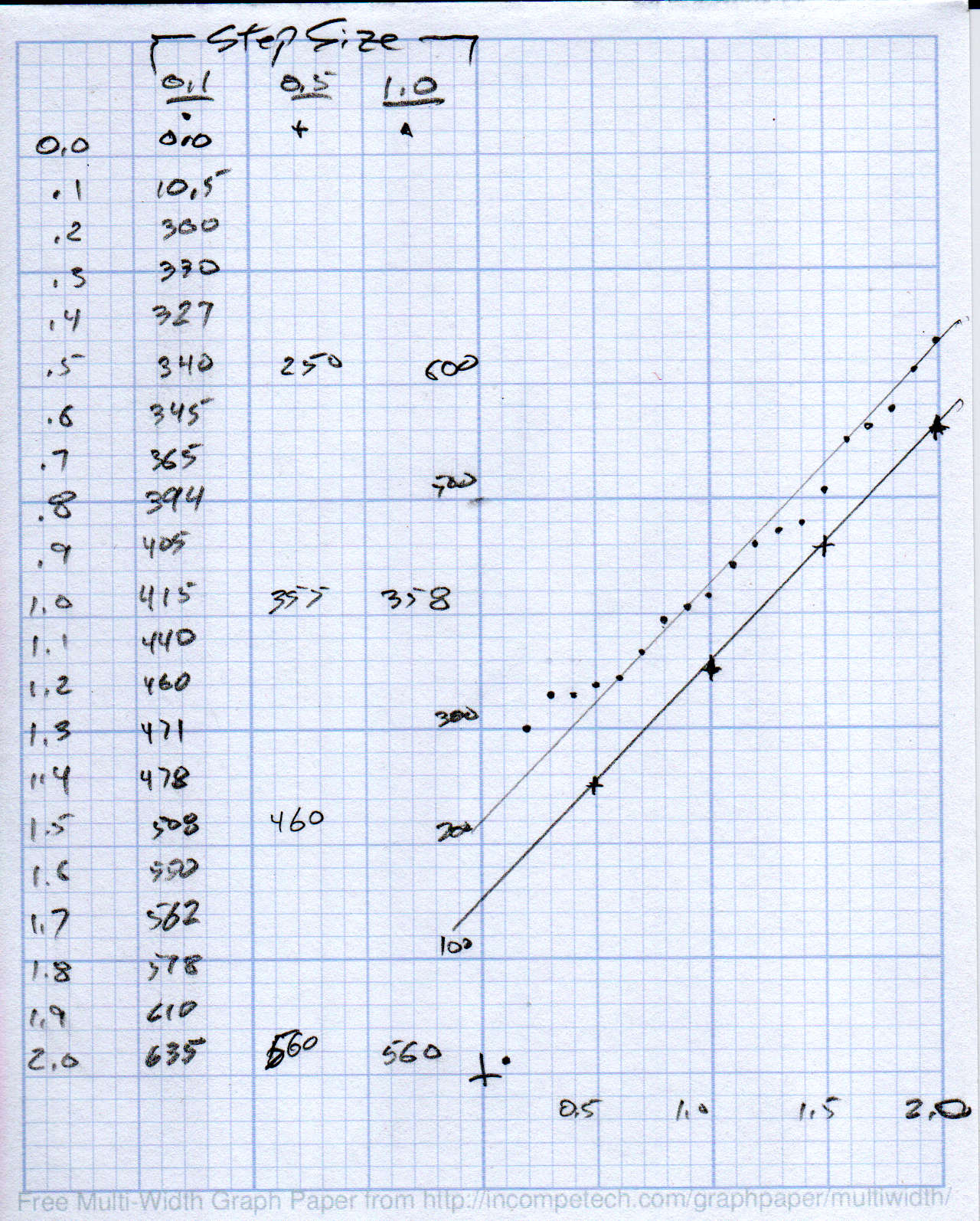
Then plotting the data points and eyeballing a straight-line curve fit:
MPCNC – Drag Knife Holder – spring constant
Doing it on hard mode definitely has a certain old-school charm. The graph highlights mis-measured data and similar problems, because, if you don’t see a pretty nearly straight line, something’s gone awry.
But we live in the future, so there’s an easier way:
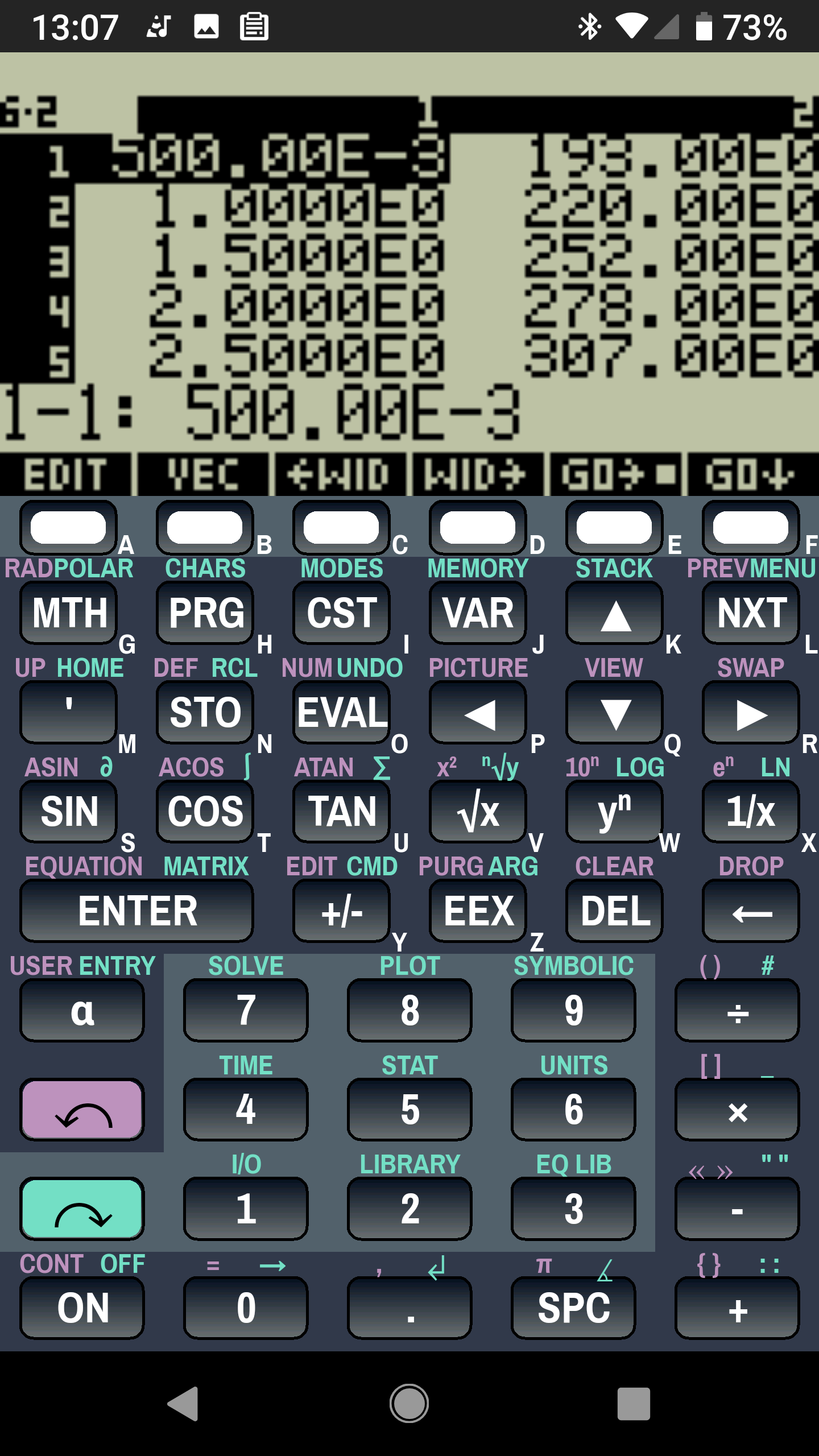
Droid48 – Spring Rate – Linear Fit coefficients
Well, OK, it’s the future as of the early 1990s, when HP introduced its HP 48 calculators. I’m using the Droid48 emulator on my ancient Google Pixel: living in the past, right here in the future.
Start by firing up the STAT library (cyan arrow, then the 5 key), selecting Fit Data … from the dropdown list, then selecting the Linear Fit model:
Droid48 – Spring Rate – Linear Fit screen
Then tap EDIT and enter the data in a tiny spreadsheet:
Droid48 – Spring Rate – Linear Fit data
My default “engineering mode” numeric display format doesn’t show well on the tiny screen. Tapping the WID→ key helps a bit, but shorter numbers would be better.
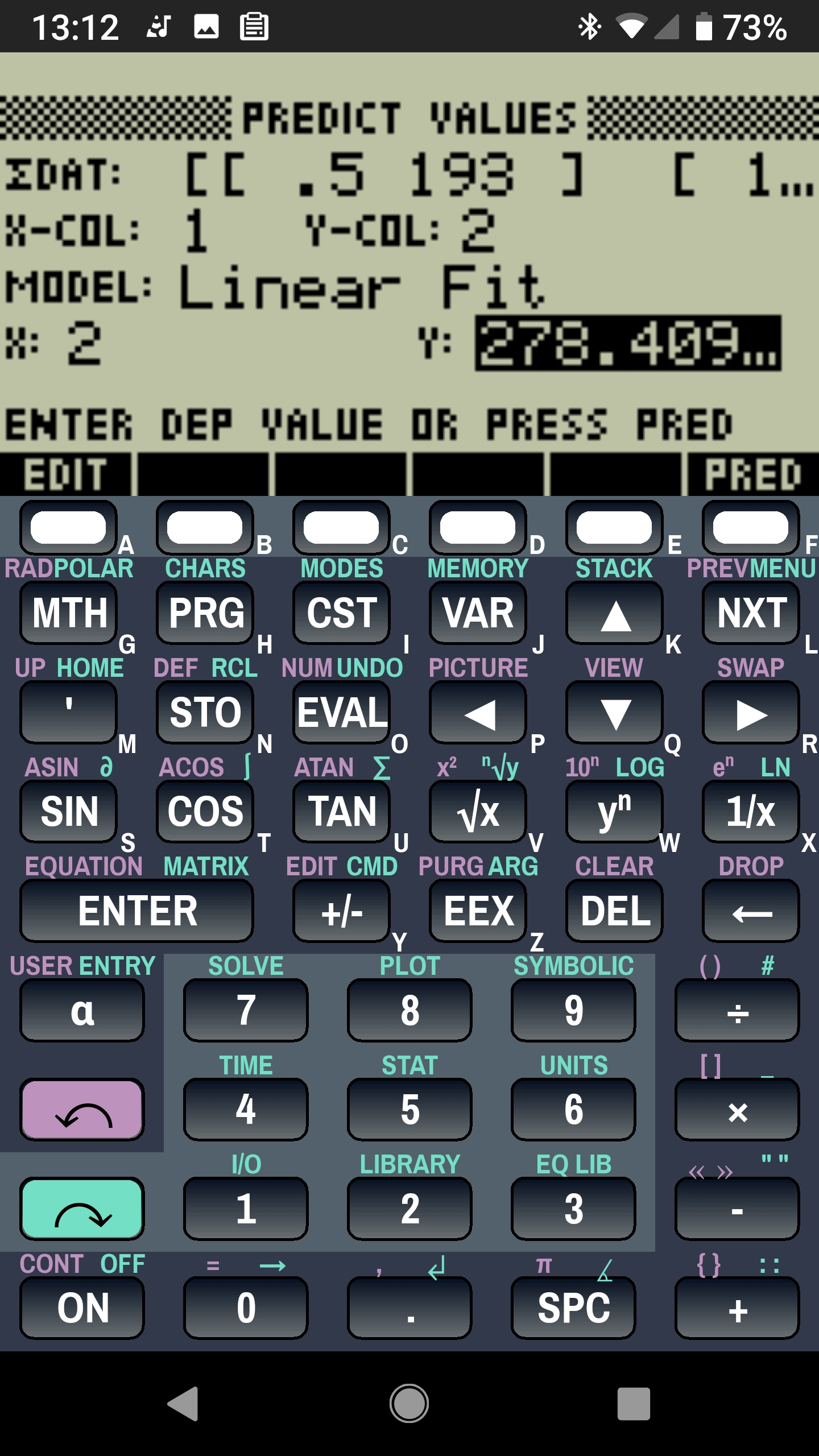
With the data entered, set an X value and tap the PRED key to get the corresponding Y value:
Droid48 – Spring Rate – Linear Fit prediction
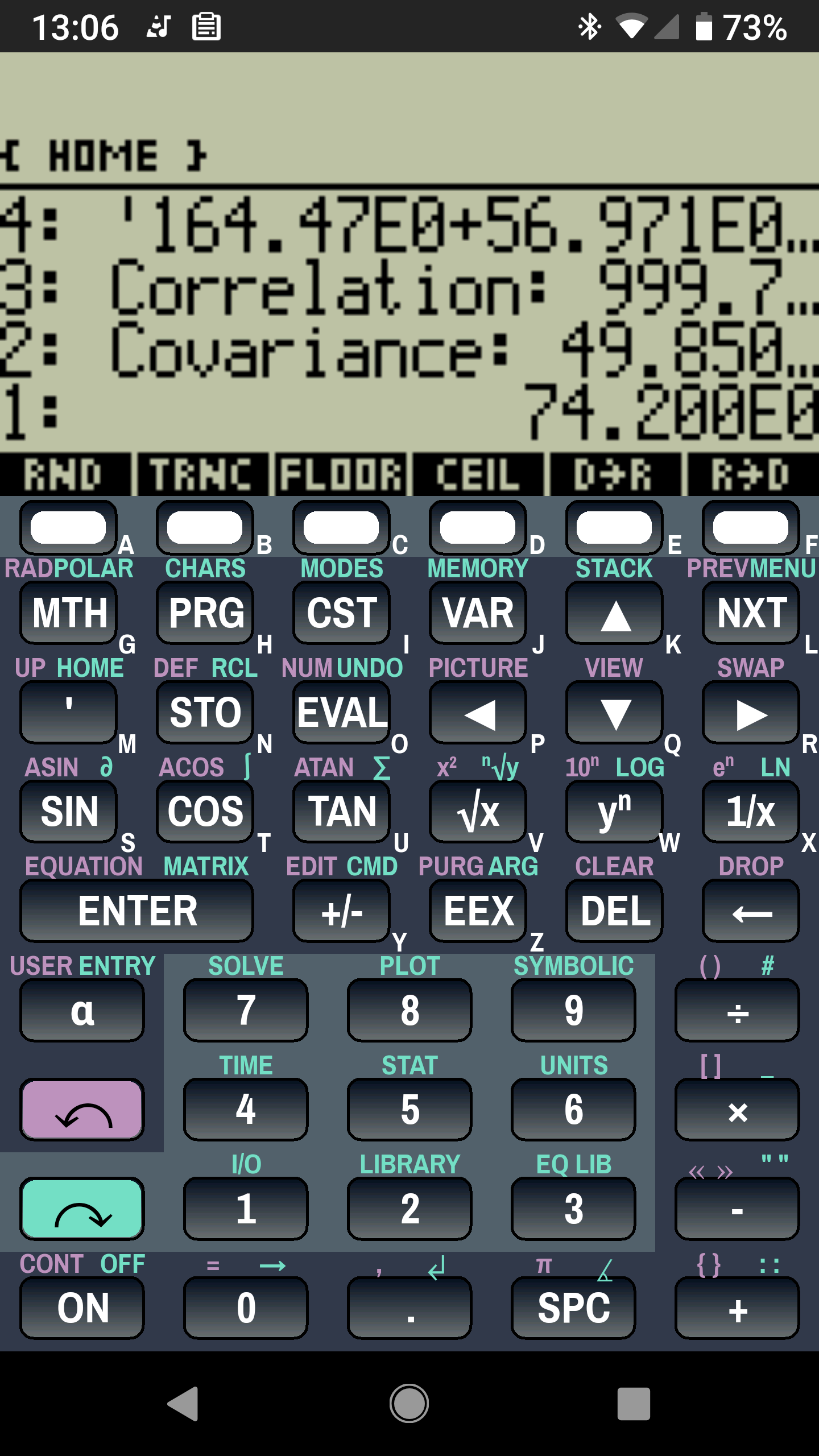
Tapping the OK button puts the line’s coefficients on the stack, as shown in the first picture. Write ’em on a strip of tape, stick to the top of the holder, and it’s all good:
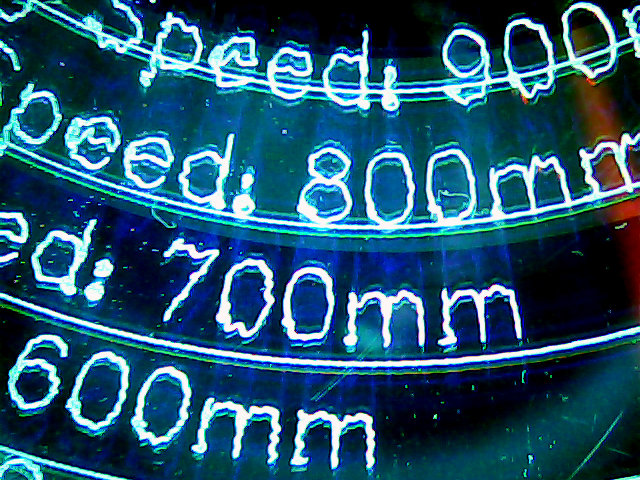
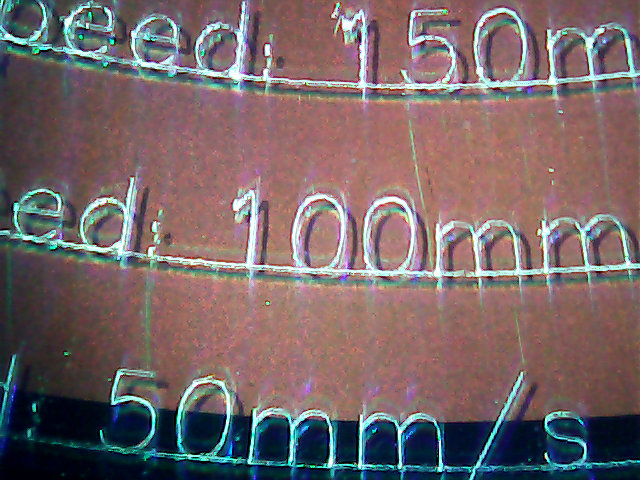
The MPCNC isn’t the most stable of CNC machine tools, given its large masses and 3D printed structure. My early plotting pen tests suggested speeds around 250 mm/min were appropriate:
Those “mm/s” labels are typos; they should read “mm/min”. Plotting at -1.0 mm on scrap CDs and DVDs produces a downforce around 200 g.
Eyeballometrically, 100 mm/min seems fine, but 50 mm/min (I’d likely use 60 for a nice round 1 mm/s) eliminates all the shakes.
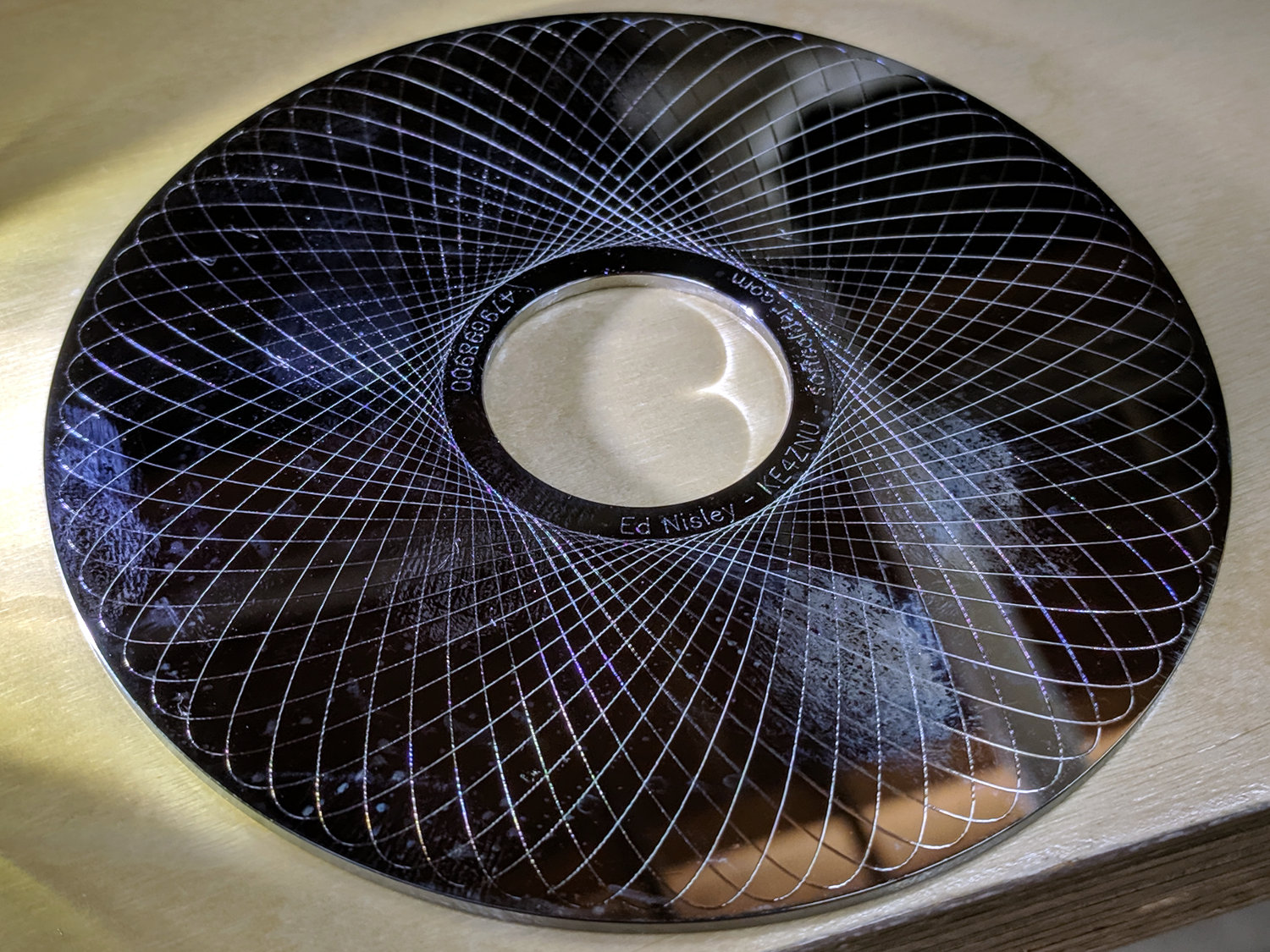
Smooth curves, like Guillloché patterns, can run much faster, because they don’t have abrupt direction changes. This 3-½ inch hard drive platter has text engraved at 100 mm/min and the pattern at 600 mm/min, both at -3.0 mm for 300 g of downforce:
MPCNC Engraving – Guilloche drive platter test
A closer look at the text:
MPCNC Engraving – hard drive platter – detail A
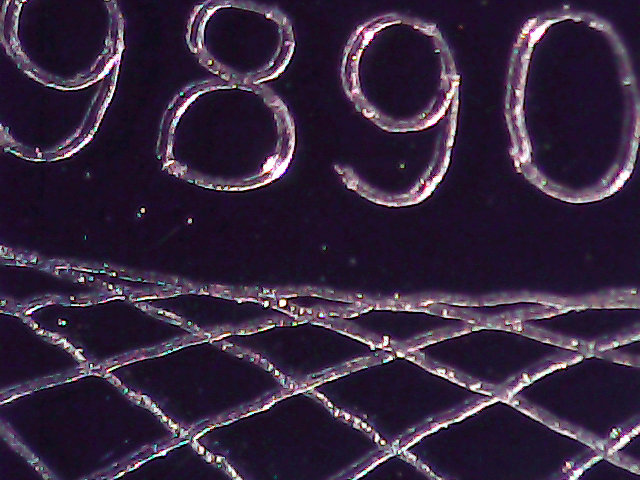
And some digits:
MPCNC Engraving – hard drive platter – detail B
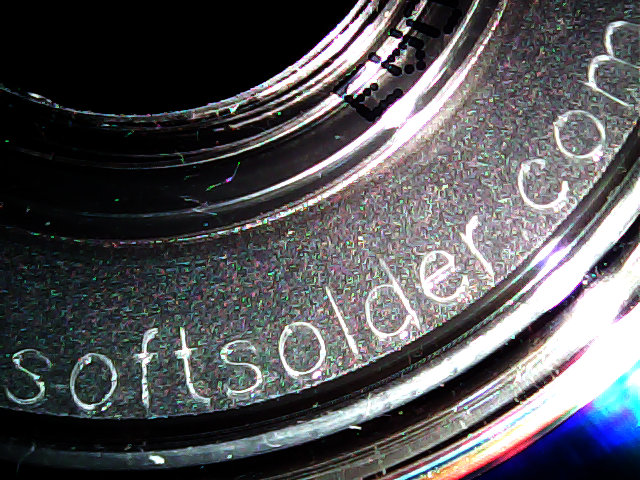
When I want to brand an engraved CD, this will suffice:
MPCNC Engraving – CD attribution text
All in all, the MPCNC engraves much better than I expected!