Ed Nisley's Blog: Shop notes, electronics, firmware, machinery, 3D printing, laser cuttery, and curiosities. Contents: 100% human thinking, 0% AI slop.
Verily, ImageMagick can do nearly anything you want to an image, as long as you know how to ask for it:
for f in *png ; do convert $f -density 300 -define jpeg:extent=200KB ${f%%.*}.jpg ; done
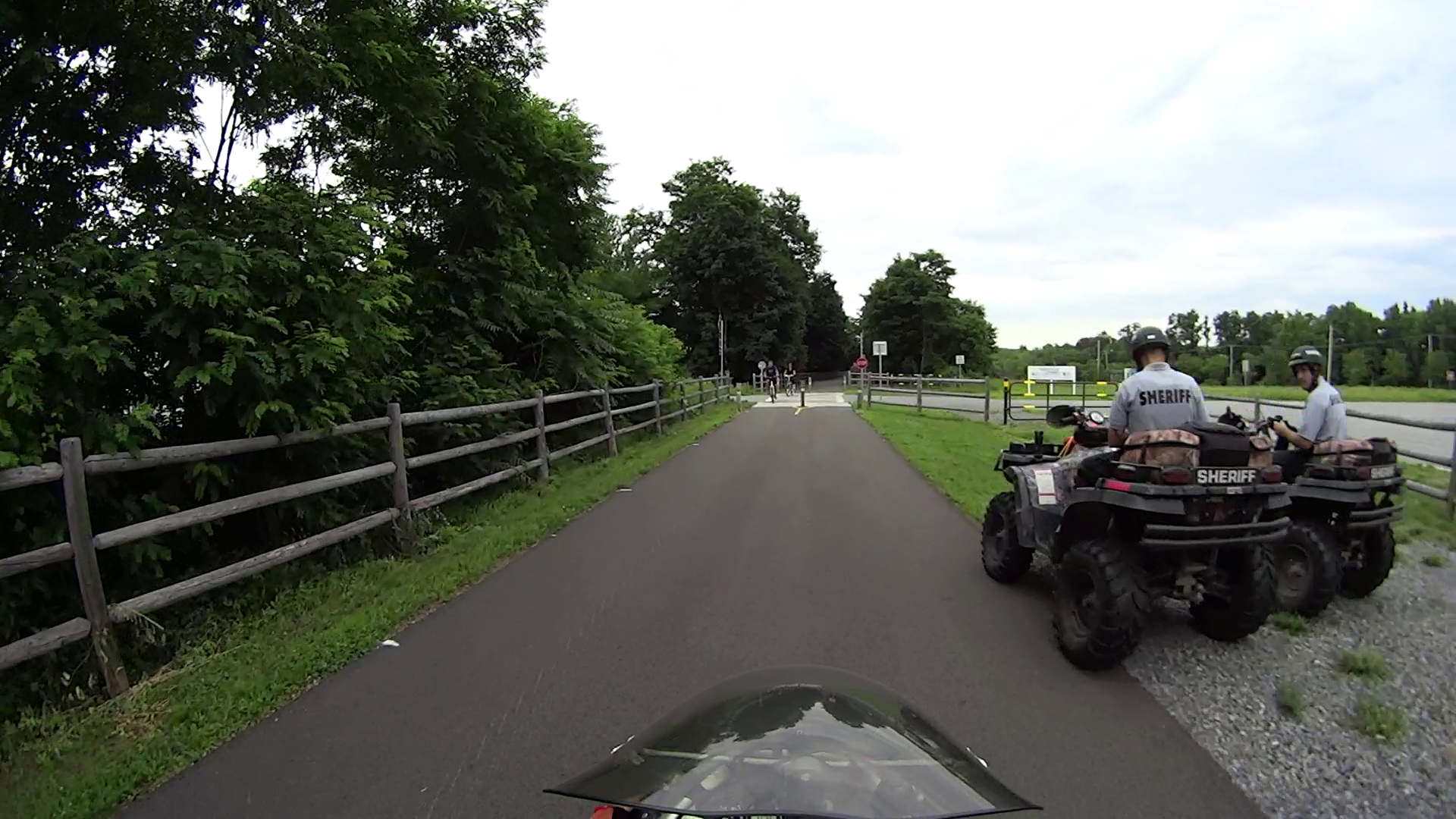
That converts a directory full of VLC’s video snapshot images from PNG format, which require nigh onto 4 MB each, into correspondingly named JPG files under 200 kB. The image quality may not be the greatest, but it’s good enough to document road hazards in emails.
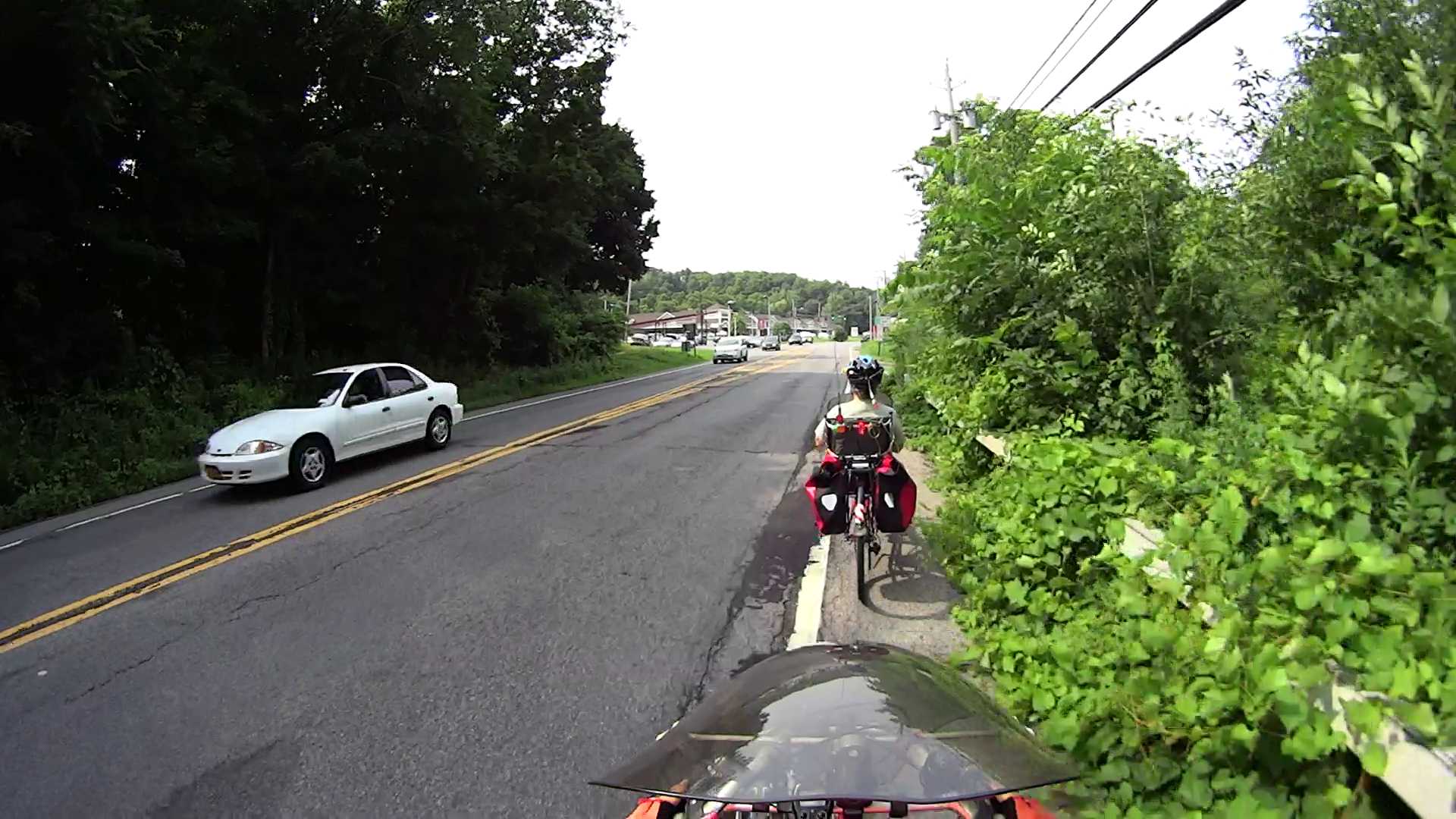
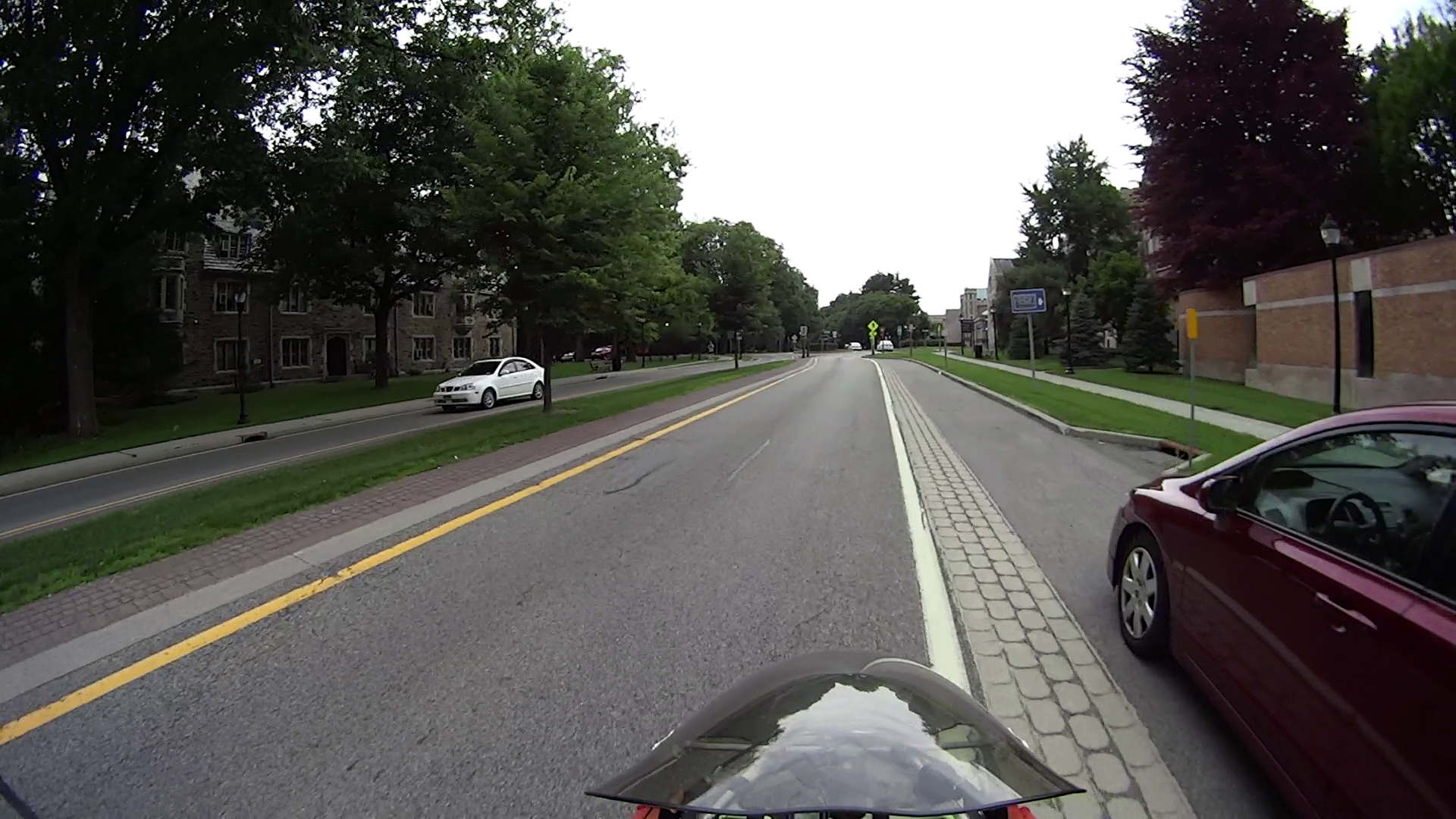
Rt 376 2015-07-06 – Walker to Maloney – 3
The density option overrides VLC’s default 72 dpi, which doesn’t matter until a program attempts to show the image at “actual size”.
I didn’t realize that the define option existed, but it seems to be how you jam specific controls into the various image coders & decoders. Some of the “artifacts”, well, I can’t even pronounce…
VLC’s snapshot file names look like vlcsnap-2015-07-06-12h10m27s10.png, so bulk renaming and resequencing will be in order.
The Sony HDR-AS30V camera takes surprisingly good pictures in low light conditions, at least if you’re not too fussy about details like license plates…
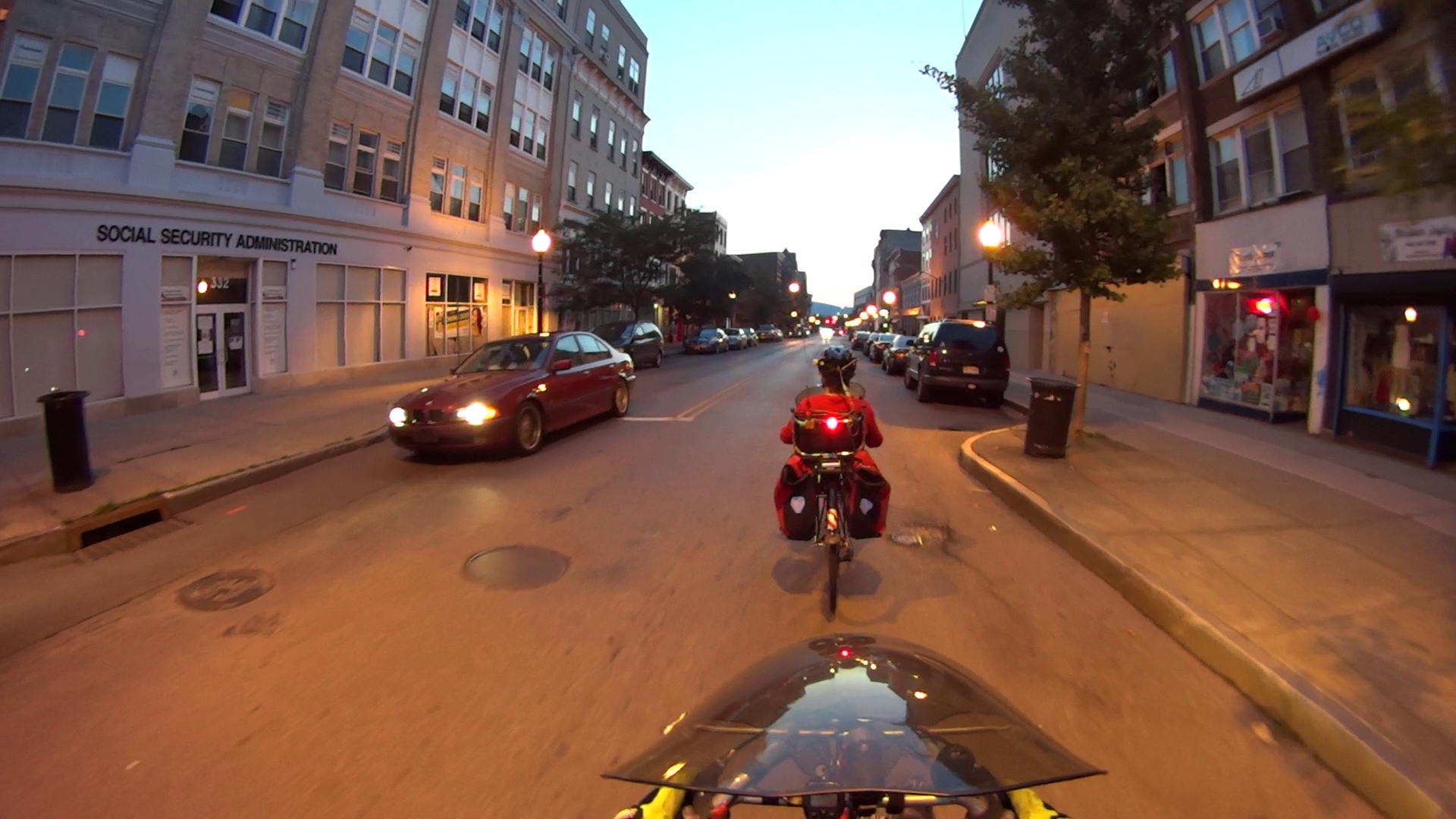
At dusk, on our way to the City of Poughkeepsie’s Independence Day fireworks show:
Night Ride 2015-07-04 – AS30V – 0
Returning in full dark:
Night Ride 2015-07-04 – AS30V – 1
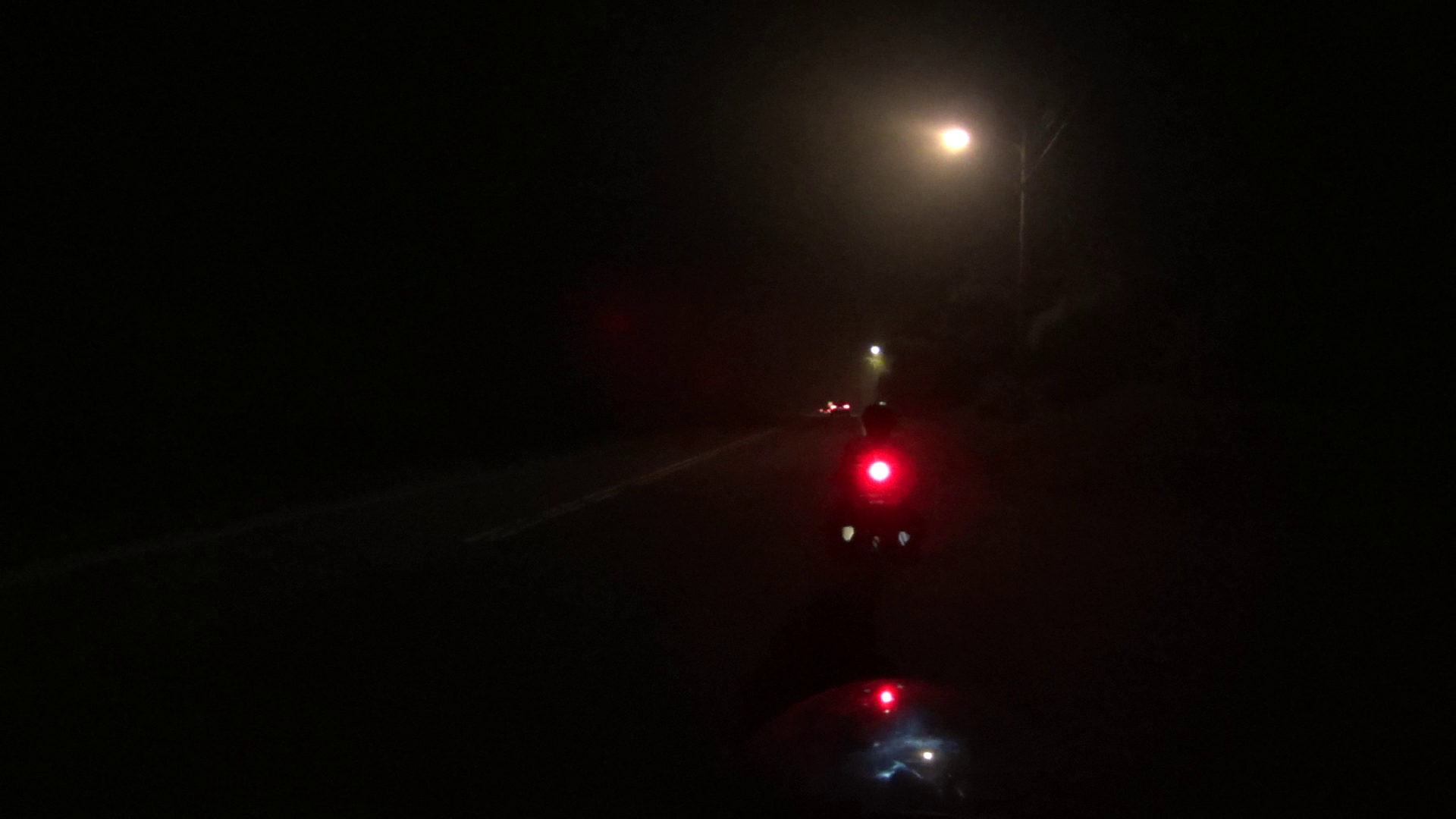
A light fog set in as we got out of the city:
Night Ride 2015-07-04 – AS30V – 2
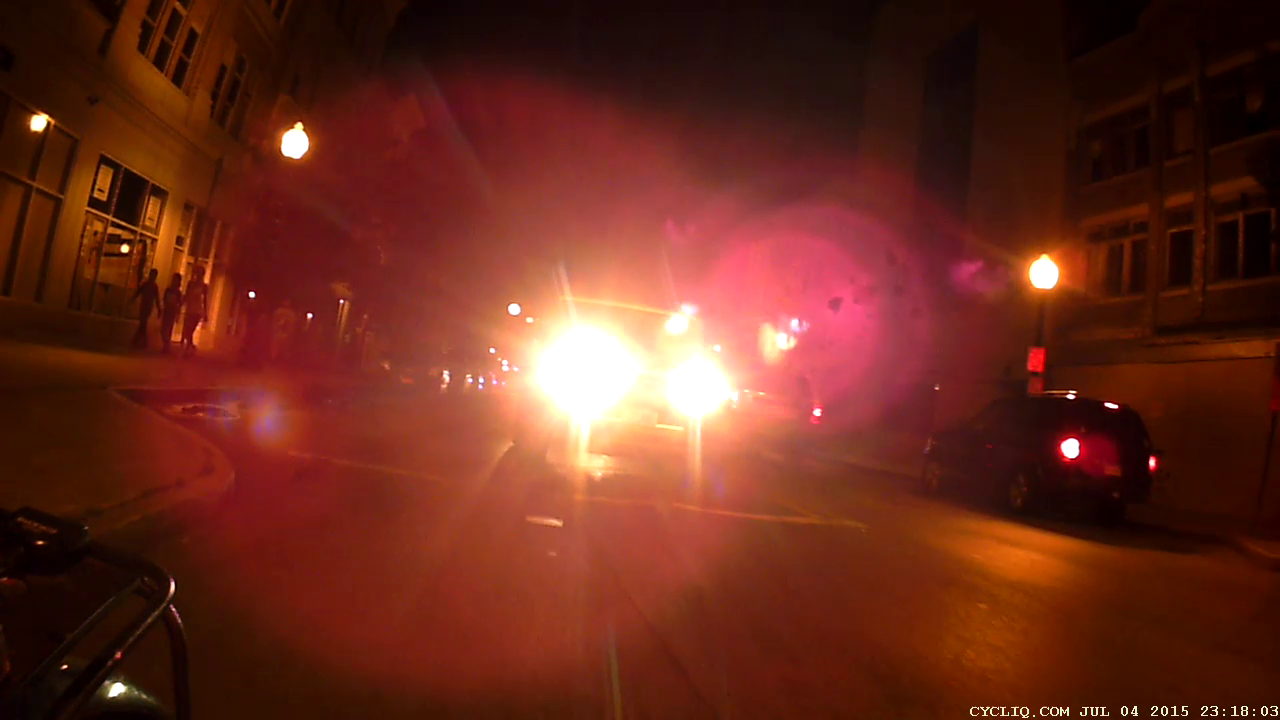
The Cycliq Fly6 faces a major challenge from in-its-face headlights, even with some background streetlighting:
Night Ride 2015-07-04 – Fly6 – 1
In full dark, it’s enough for mood-setting:
Night Ride 2015-07-04 – Fly6 – 2
That ride marks the annual exception to our general Don’t Bike After Dark rule. We set our blinky taillights to the legally required steady mode, although I think a low-power blink mode would be more conspicuous. Perhaps an occulting light (constant bright with dim pulses) would be better, but I’m not sure that’s legal.
A roadie on a fancy bike, riding dark without lights and reflectors, passed us. Watching him dodge a car that entered an intersection without seeing him once again demonstrated that cyclists are, in general, their own worst enemy.
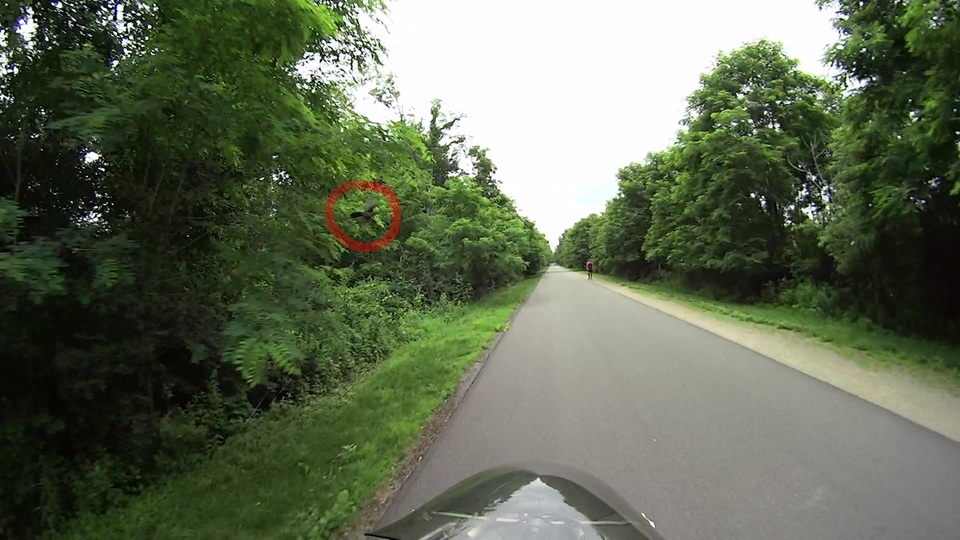
At this instant, neither of us realized the other was present:
Starling-0145
Despite what it looks like, the blackbird (maybe a starling) passed just beyond arm’s reach directly ahead of the bike at eye level:
Starling-0167
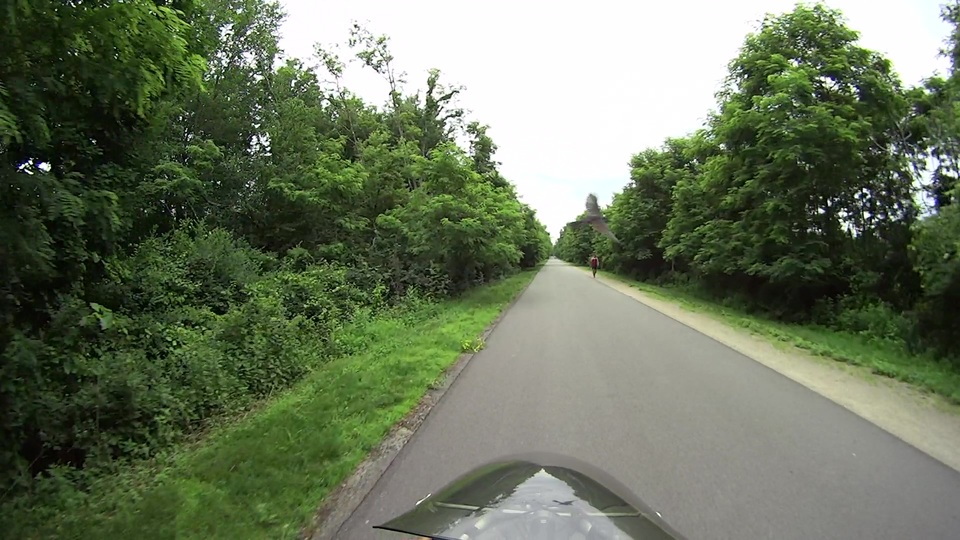
And away!
Starling-0173
At 60 frames per second, that’s 466 ms of elapsed time.
Stepping through the video, frame by frame, the bird’s wings flap at a consistent three frames per stroke = 50 ms/stroke = 20 stroke/s = 1200 stroke/min. A bit of rummaging produces a study suggesting a starling’s normal rate is 10 stroke/s, so the critter had the throttles firewalled at war emergency power.
It makes my pedal pushing seem downright inconsequential…
After about 1 TB of data spread over three months and maybe 100 bike rides, the second Sony SR-64UY 64 GB MicroSDXC card I bought last summer has failed… barely two weeks inside the one year warranty.
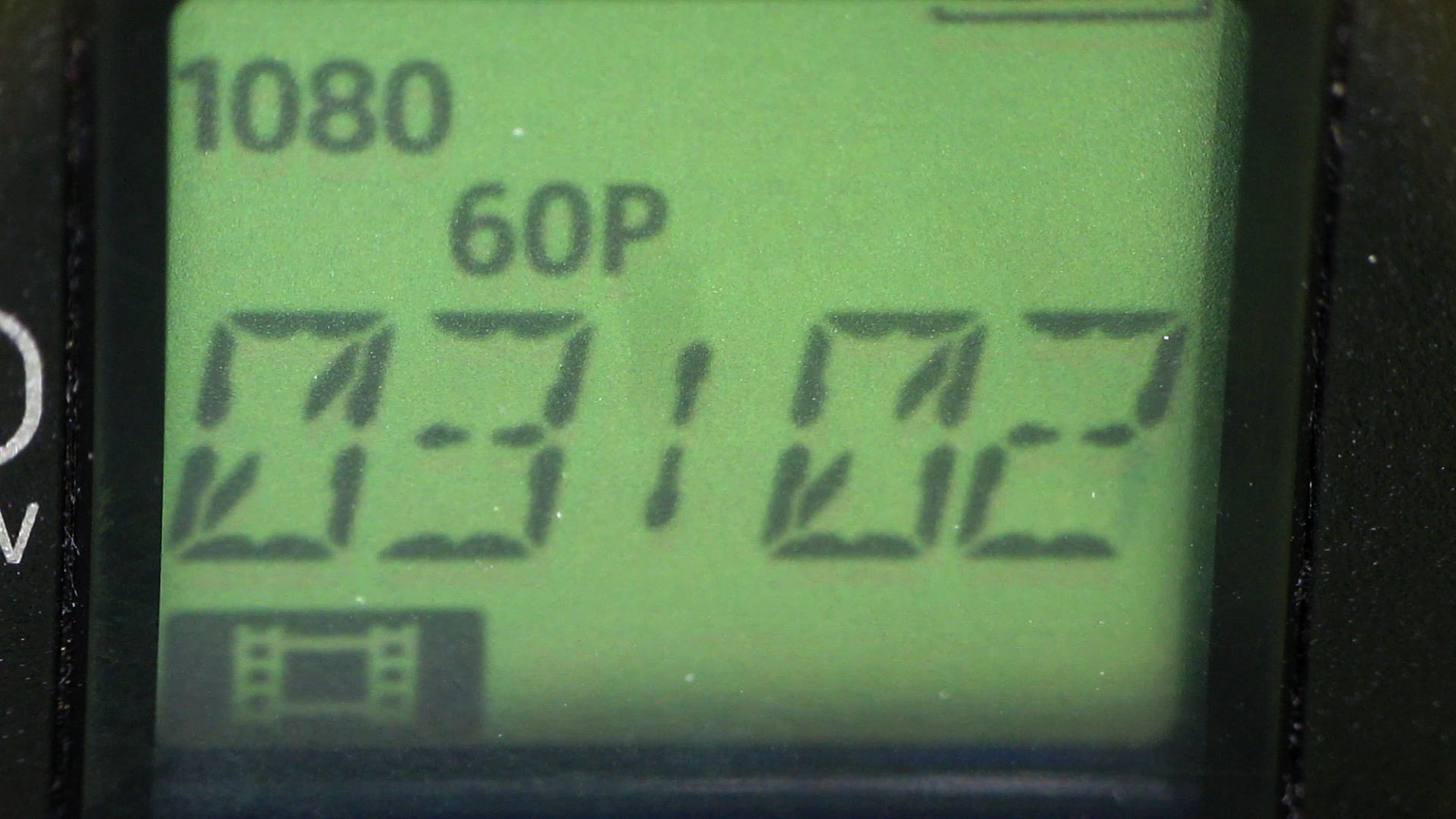
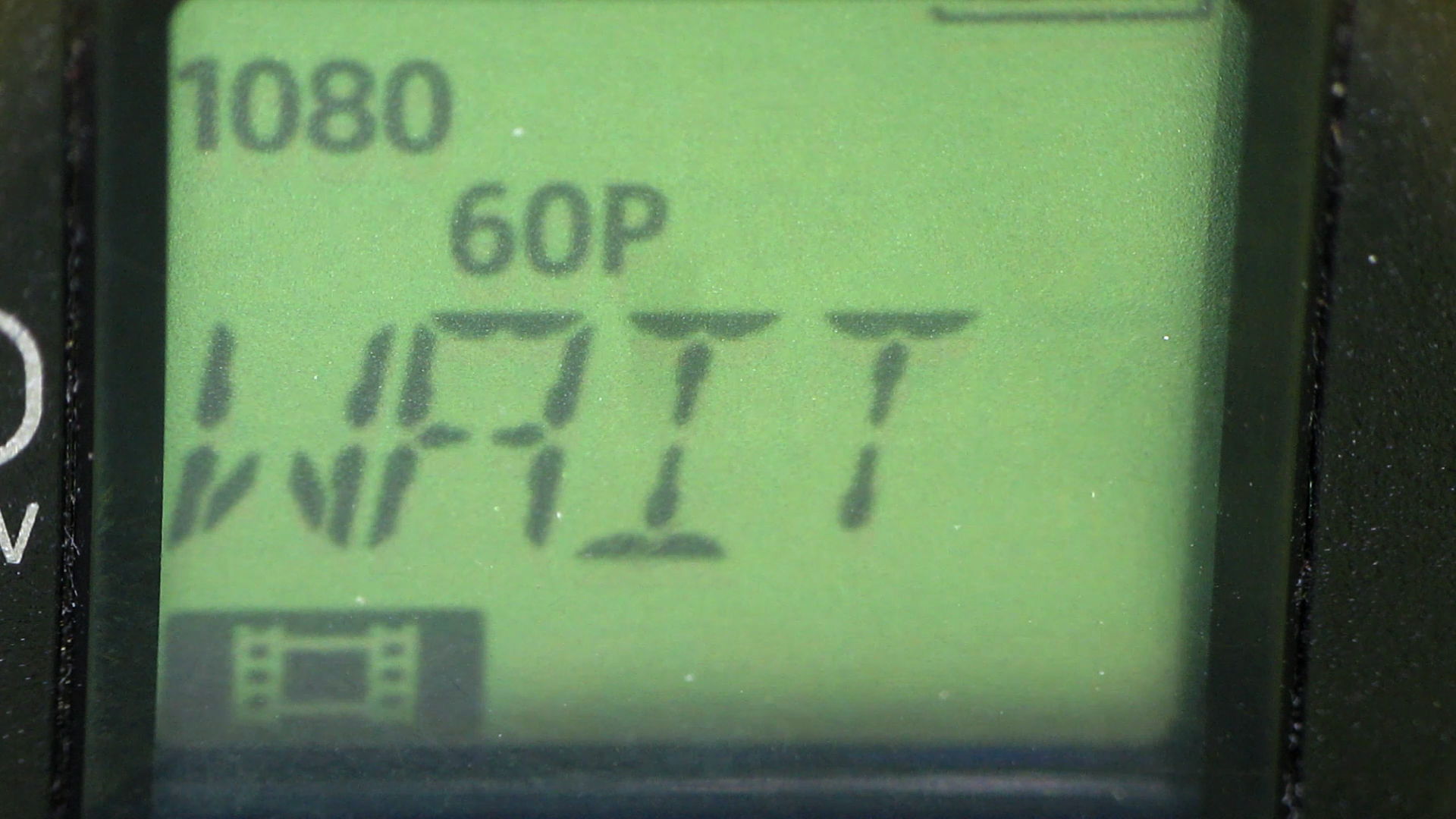
As with the first card, this one works fine except for the speed: it cannot record at 1920x1080p @ 60 fps. The only indication comes from aiming another camera at the display to capture the failure as it happens.
Just before the failure:
HDR-AS30V – MicroSDXC failure – 1
It’s taking stock of the situation:
HDR-AS30V – MicroSDXC failure – 2
Presumably, it’s patching up the abruptly terminated file:
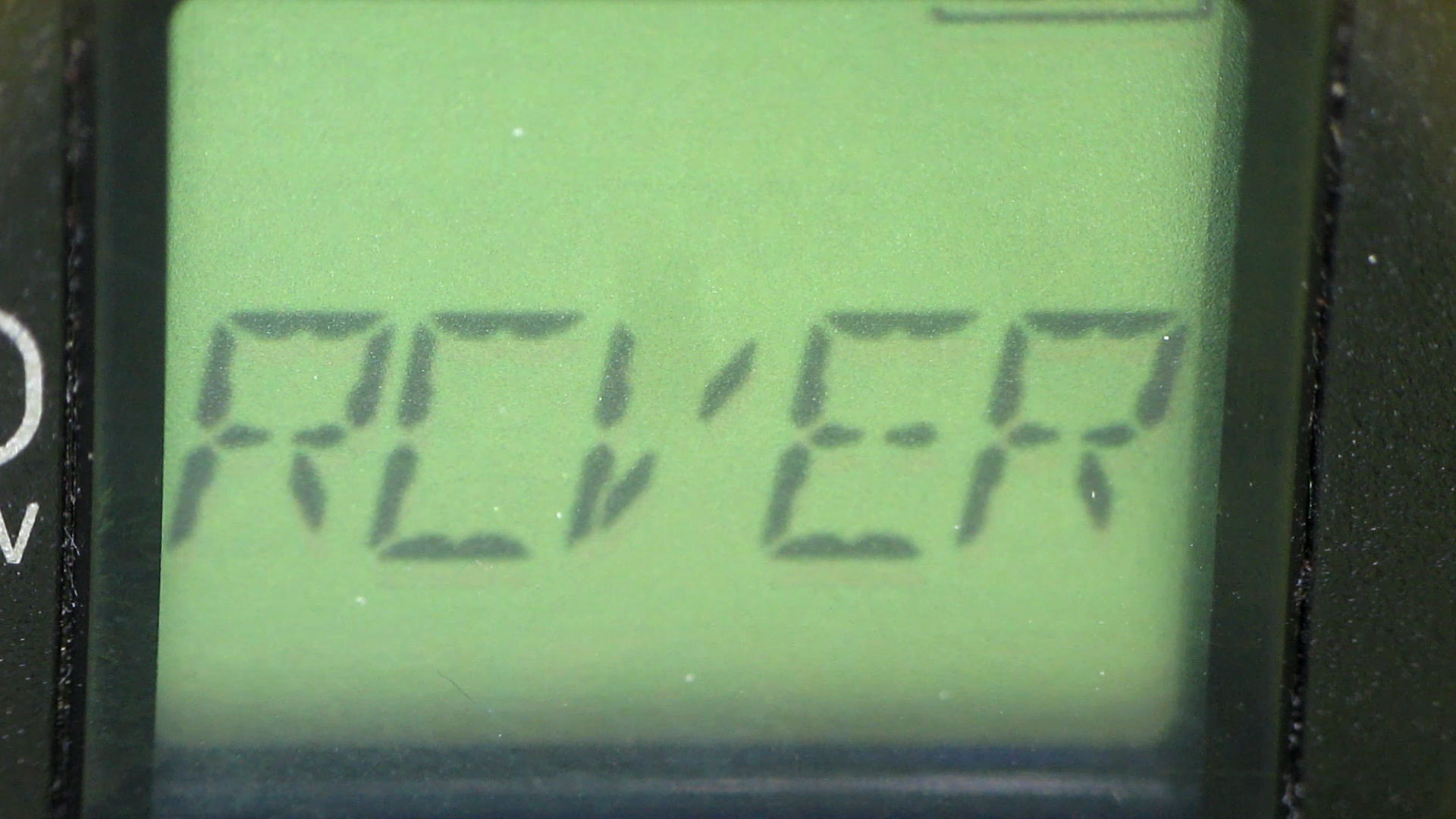
HDR-AS30V – MicroSDXC failure – 3
Another box is on its way to Sony Media Services…
Over the last year, the price of an almost certainly genuine Sony SR-64UY Class 10 UHS-1 MicroSDXC card has dropped by 2.2 dB: $40 to $24. Now, however, the SR-64UY is the “old model”, so you can pay $30 (-1.3 dB) for an SR-64UY2 rated at 70 MB/s transfer speed (up from 40 MB/s), albeit with no change in the card’s speed class.
Huh.
Both cards failed after writing 1 TB of data (give or take maybe 20%) in 4 GB chunks over the course of 100 recording sessions. The cards still work, in the sense that they can store and accurately retrieve data, just not at the Class 4 (not Class 10) speed rating required by the HDR-AS30V at 1920x1080p @ 60 fps.
The table in the Wikipedia Secure Digital article says Class 4 = 4 MB/s, which is slightly faster than the camera produces 4 GB files in 22:43 min:sec = 3 MB/s. A Class 10 card should write at a sustained 10 MB/s, so the SR-64UY write speed has dropped by at least a factor of 3 from the spec. I’d expect the root problem to be the error correction / block remapping / spare pool handling time has grown as the number of failed blocks eats into the card’s overcapacity, but I have no inside information.
When the replacements slow down, I’ll see how they work as Raspberry Pi memory…
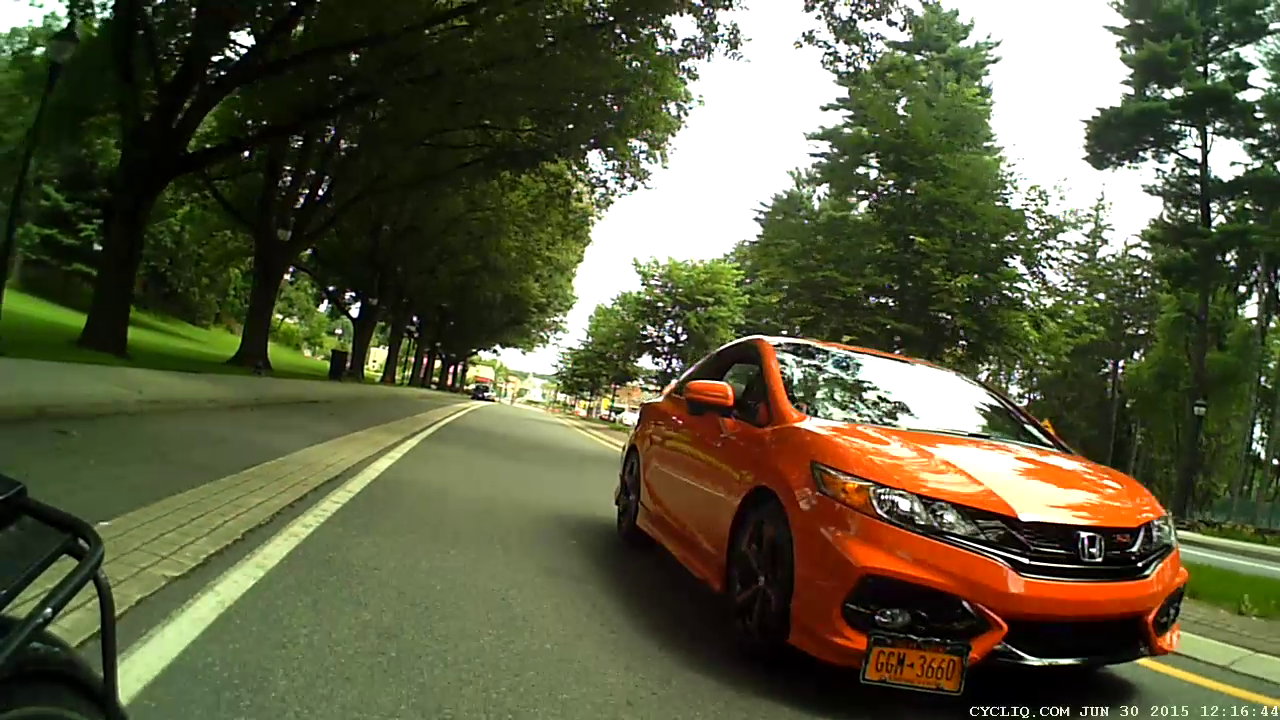
A few days after I didn’t get sideswiped at the Vassar Main Entrance Rotary, we were returning from errands. Traffic is light, but Raymond Avenue doesn’t provide much clearance. This orange car is about as far away as one can expect:
Raymond Ave 2015-06-30 – door opening – 0
Two seconds later, however, there’s a door opening ahead of Mary (clicky for more dots):
Raymond Ave 2015-06-30 – door opening – 1
I’m shouting “DOOR! DOOR! DOOR!” in the hopes that the driver won’t step directly in front of Mary, but most likely the orange car whooshing by three feet away made more difference:
Raymond Ave 2015-06-30 – door opening – 2
Fortunately, there wasn’t any overtaking traffic and, during the four seconds after the orange car passed us, we could move to the left:
Raymond Ave 2015-06-30 – door opening – 3
The driver’s body language suggested that, until we passed her, she remained oblivious to the outside world and, in fact, she was probably annoyed that two cyclists came that close to her.
“Sharing the road” requires two parties. Raymond Avenue’s design doesn’t encourage motorists to share the road and certainly doesn’t provide a fair playing field for the most unprotected party in the transaction.
Broken by design, I’d call Raymond Avenue, and that’s pretty much what NYSDOT’s original planning documents admit.
The “Share the Road” sign tells you how NYSDOT intended that Raymond Avenue should work:
Raymond Ave 2015-06-27 – Vassar Main Entrance – 0
I’m just about to enter the traffic circle /rotary / roundabout in front of the Vassar College main entrance:
Raymond Ave 2015-06-27 – Vassar Main Entrance – 1a
The catch basin recess just in front of the car is 150 feet from the pedestrian zebra stripe at the rotary entrance. I’m pedaling at about 18 mph = 25 ft/s, my usual speed on that section, so the rotary is six seconds away.
Despite the cobbled strip adjacent to the parked car, I’m riding well within the door strike zone, which is pretty much where cyclists must ride on Raymond in order to not impede traffic flow. I was about to signal before taking the lane into the rotary, but a glance in the mirror (copied by the Fly6 aft camera) shows I’m too late:
Raymond Ave 2015-06-27 – Vassar Main Entrance – 1b
As always, motorists plan on squeezing past me and getting through the rotary before I arrive, presumably figuring that I can share the road with them both into and through the rotary. That doesn’t take into account the fact that vehicles must speed up to pass me at more than 18 mph, slow down before the rotary entrance, then veer right around the central island. Given, say, 300 feet, that’s 12 seconds, which isn’t really all that long.
Under ordinary circumstances, I can pass through the rotary by backing off on the pedaling and coasting, without slowing very much at all, occupying the entire lane. If there’s oncoming traffic, then I plan to stop at the Yield sign, an event which often takes motorists by surprise.
Three seconds later, with the entrance barely two car lengths ahead, we’re both braking hard:
Raymond Ave 2015-06-27 – Vassar Main Entrance – 2
The rotary entrance lane squeeze just ahead slows motor vehicles and channels them in the proper direction around the central island, a bike-unsafe design that mashes cyclists right up against the side of improperly passing vehicles.
After another four seconds, we’re both almost stopped, which is a Very Good Thing for me, because I can’t tell if they’re going straight or, hey, about to turn right into the Vassar Main Gate without the formality of signaling:
Raymond Ave 2015-06-27 – Vassar Main Entrance – 3
You can’t hear me shouting “GO! GO! GO!” to encourage them to get the hell out of the rotary. For sure, I am not going to pass them on the right.
As it turned out, the driver continued straight through the rotary, then parked close to the Juliet, along with the car following them, which was a few feet behind me in the last picture. I decided that stopping by the driver’s window and asking if he / she / it understood what just happened would not be a productive use of anyone’s time.
Speaking of time, if seven seconds sounds ample for evasive maneuvering, bring your bike over and let’s do some riding.
There’s nothing like a shot of adrenaline to perk up one’s pedaling…