Verily, ImageMagick can do nearly anything you want to an image, as long as you know how to ask for it:
for f in *png ; do convert $f -density 300 -define jpeg:extent=200KB ${f%%.*}.jpg ; done
That converts a directory full of VLC’s video snapshot images from PNG format, which require nigh onto 4 MB each, into correspondingly named JPG files under 200 kB. The image quality may not be the greatest, but it’s good enough to document road hazards in emails.
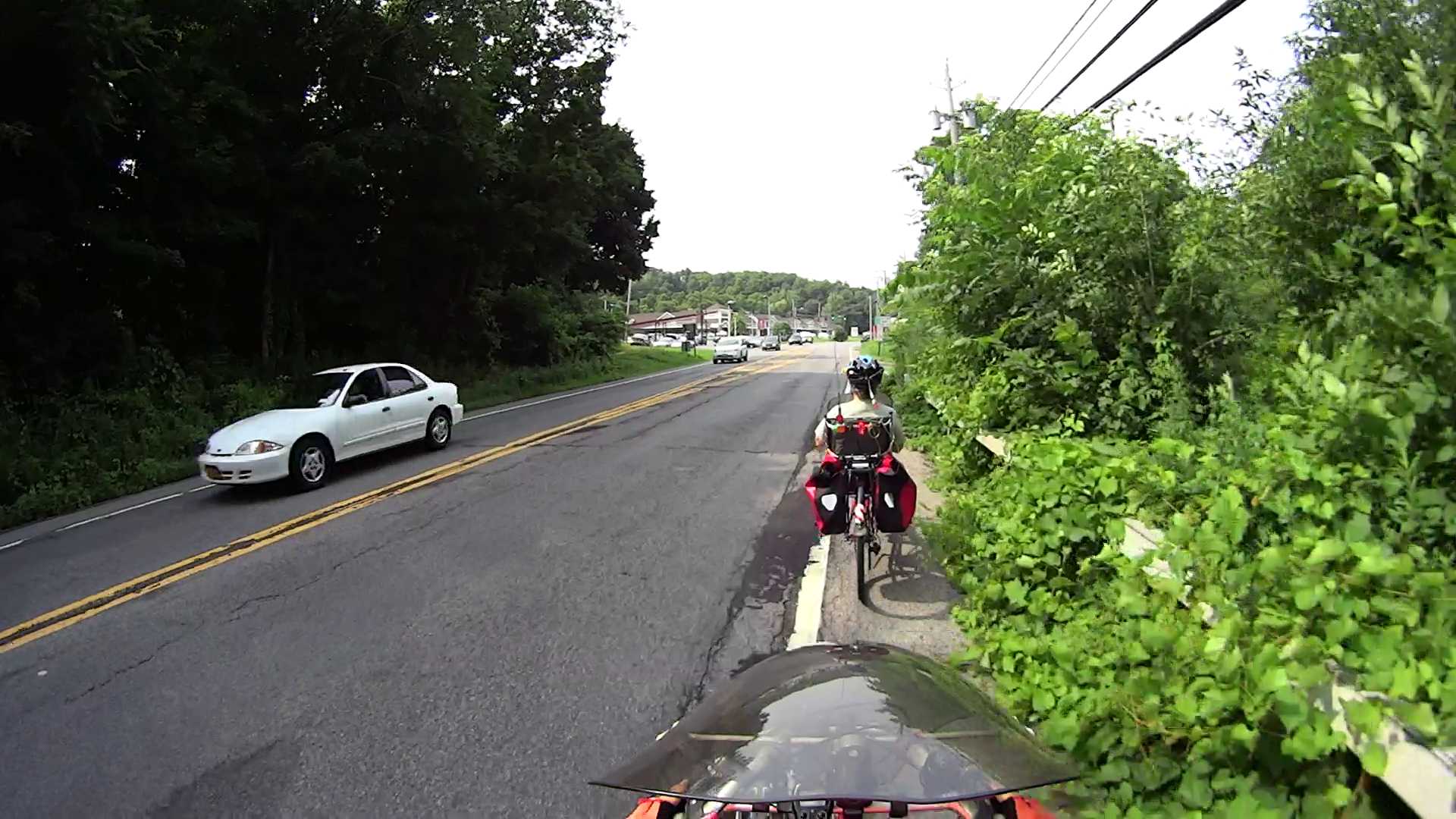
The density option overrides VLC’s default 72 dpi, which doesn’t matter until a program attempts to show the image at “actual size”.
I didn’t realize that the define option existed, but it seems to be how you jam specific controls into the various image coders & decoders. Some of the “artifacts”, well, I can’t even pronounce…
VLC’s snapshot file names look like vlcsnap-2015-07-06-12h10m27s10.png, so bulk renaming and resequencing will be in order.


Comments
2 responses to “ImageMagick: Compressing to a Fixed File Size”
I see where some emails might be in order… On the Left Coast, the ODOT/Caltrans people and other entities ranged from bike friendly to benign neglect. I get the impression you see the other half of the bell curve.
The neglect may be benign, but its effects certainly aren’t…