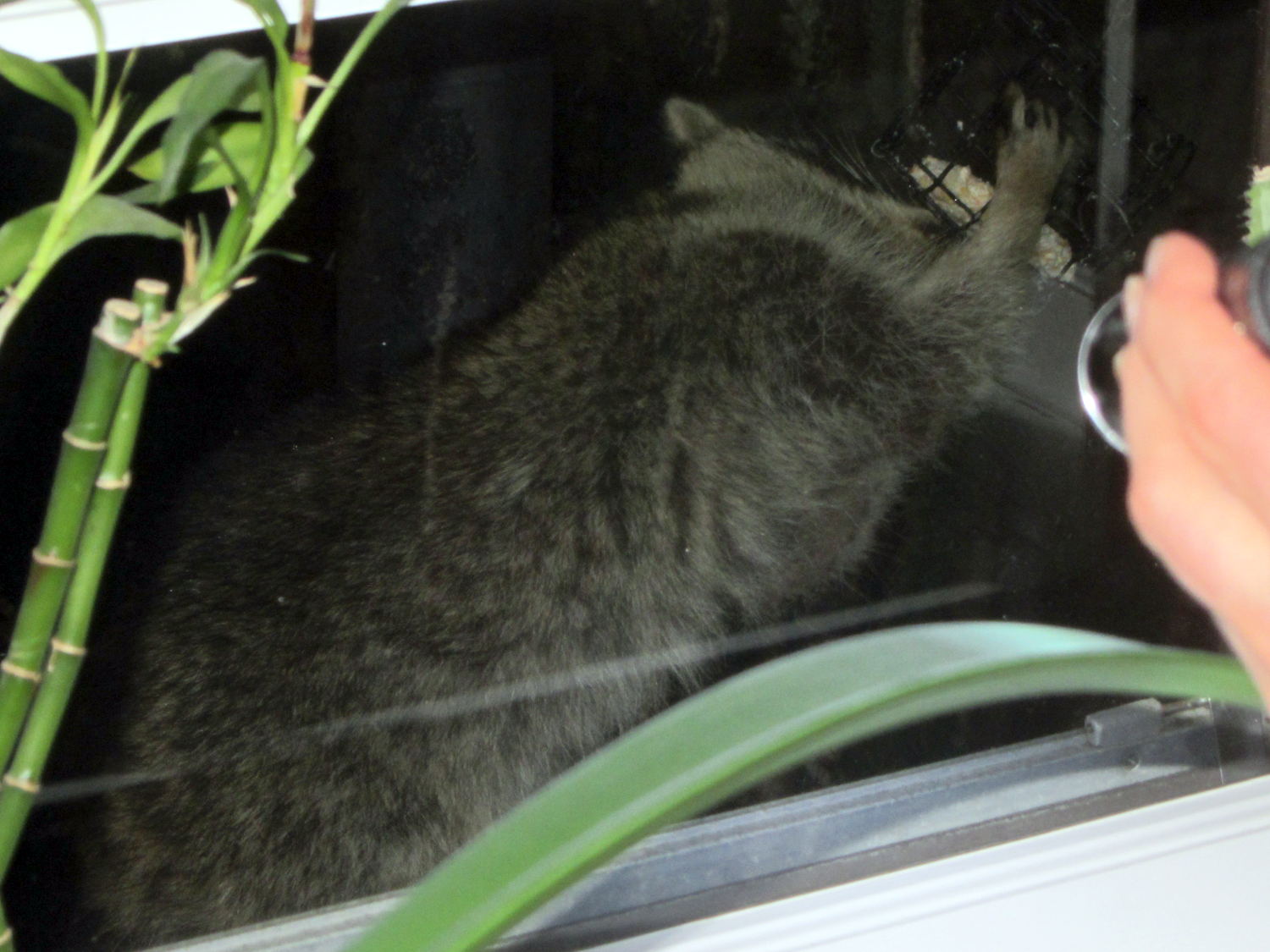
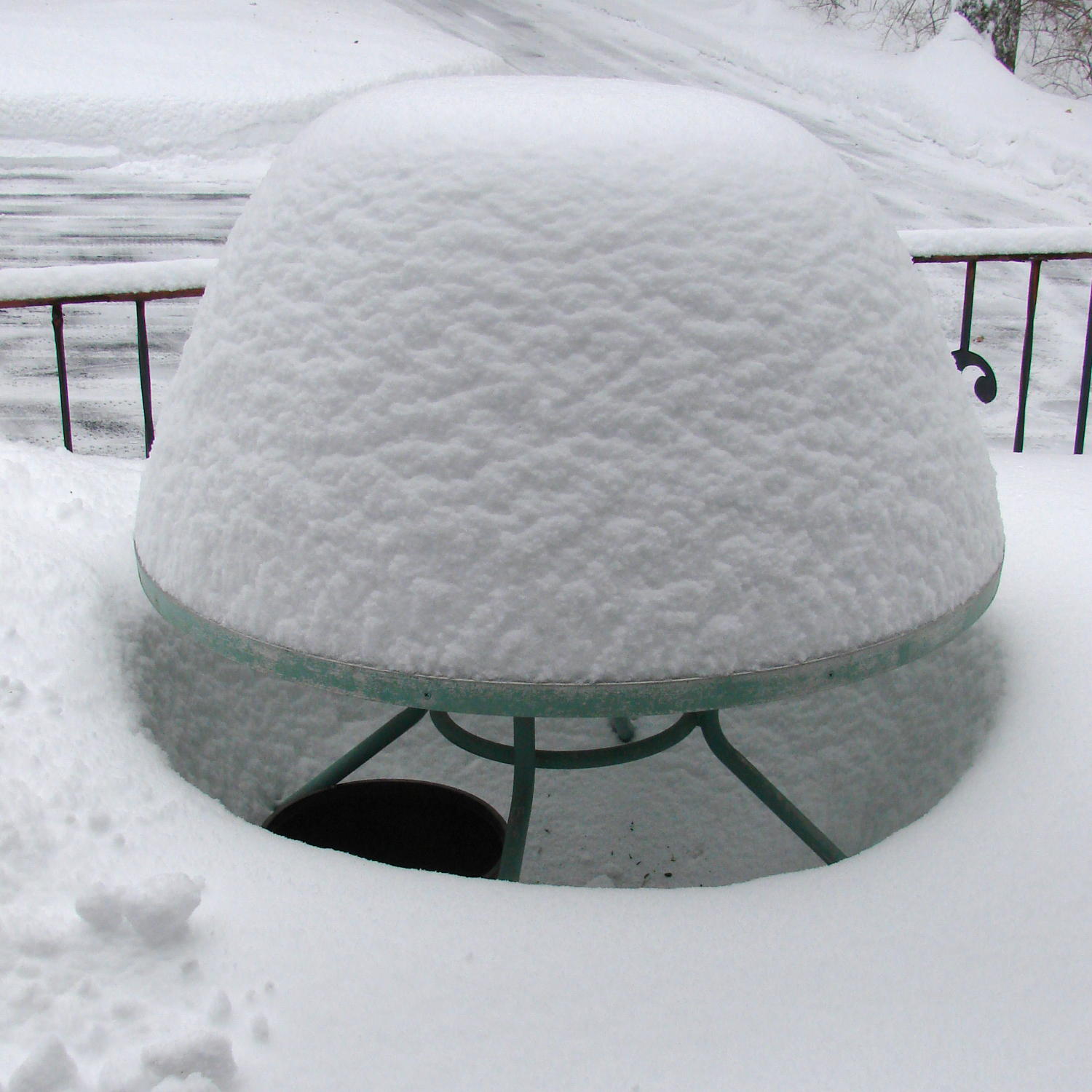
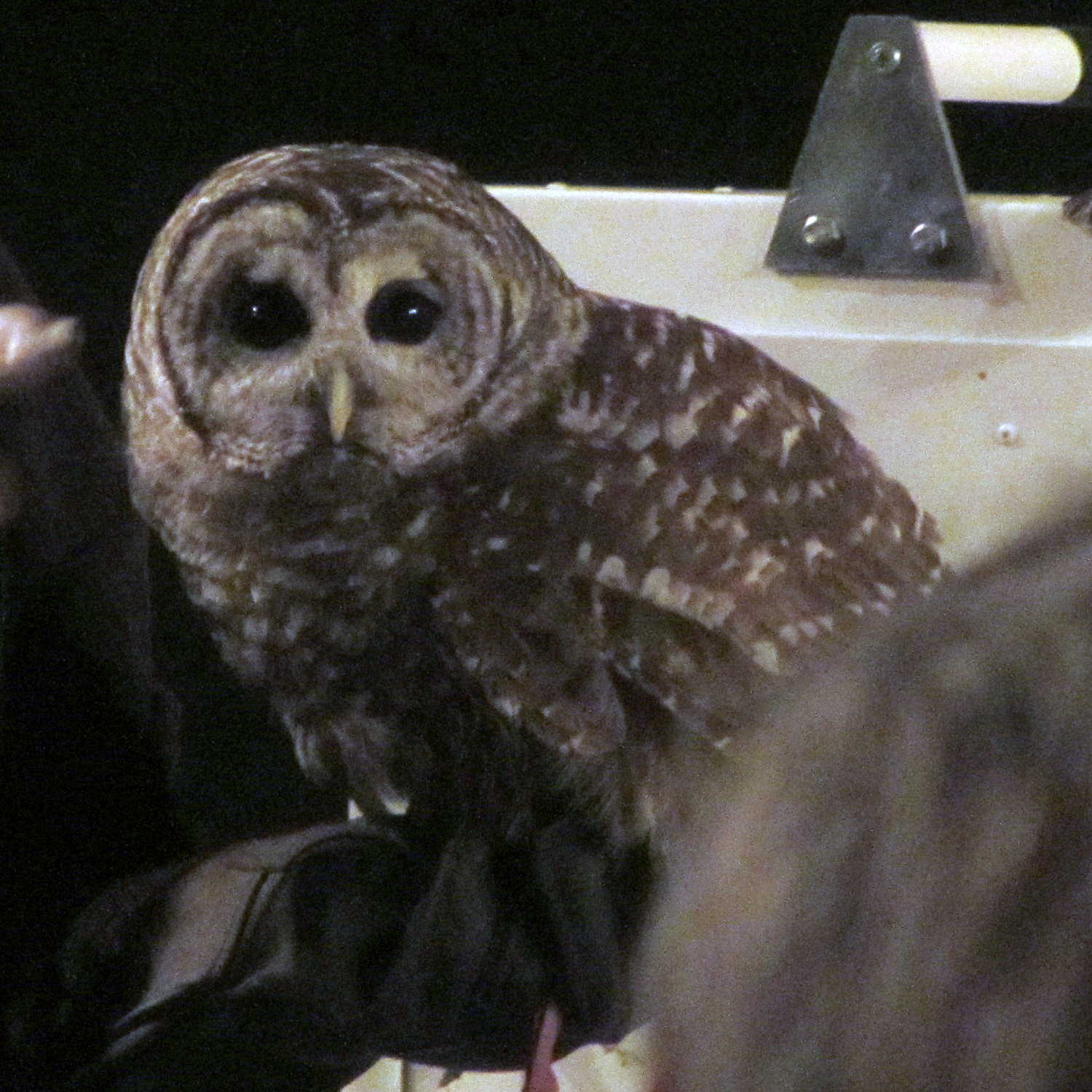
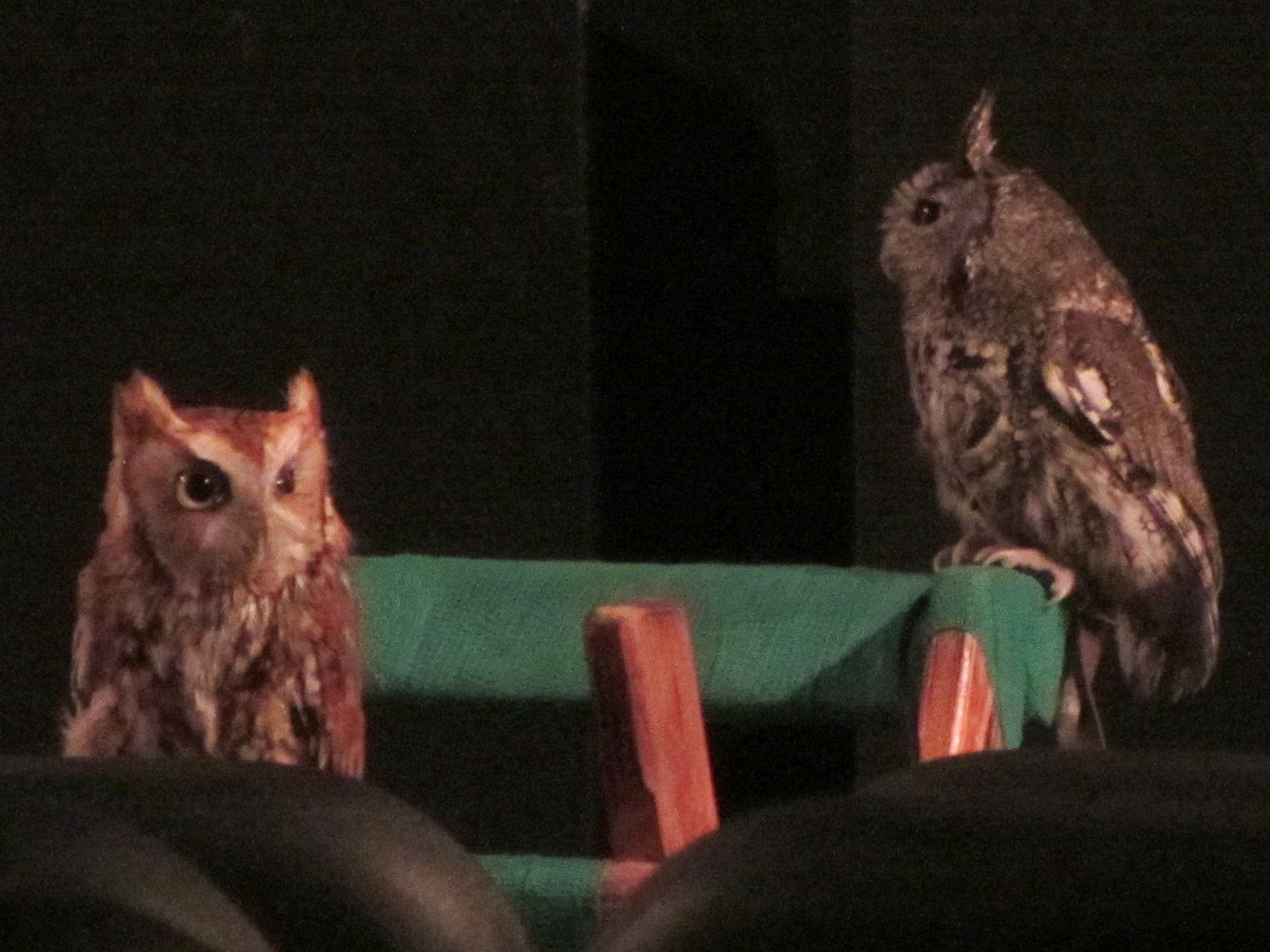
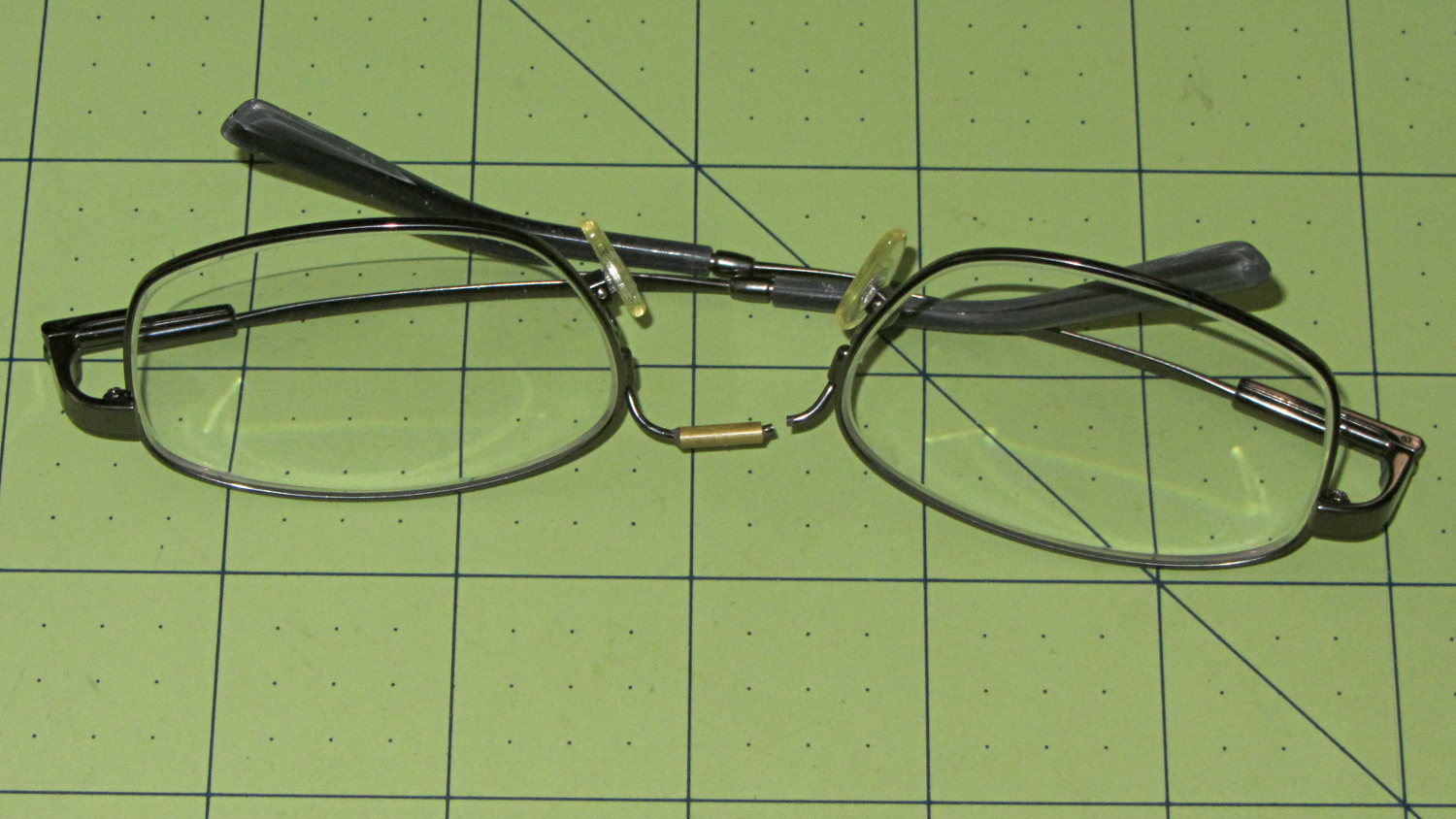
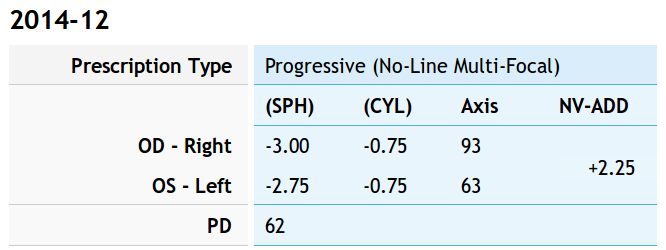
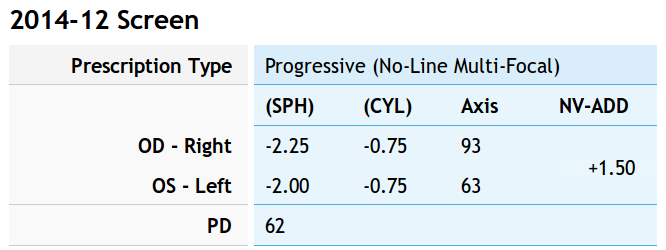
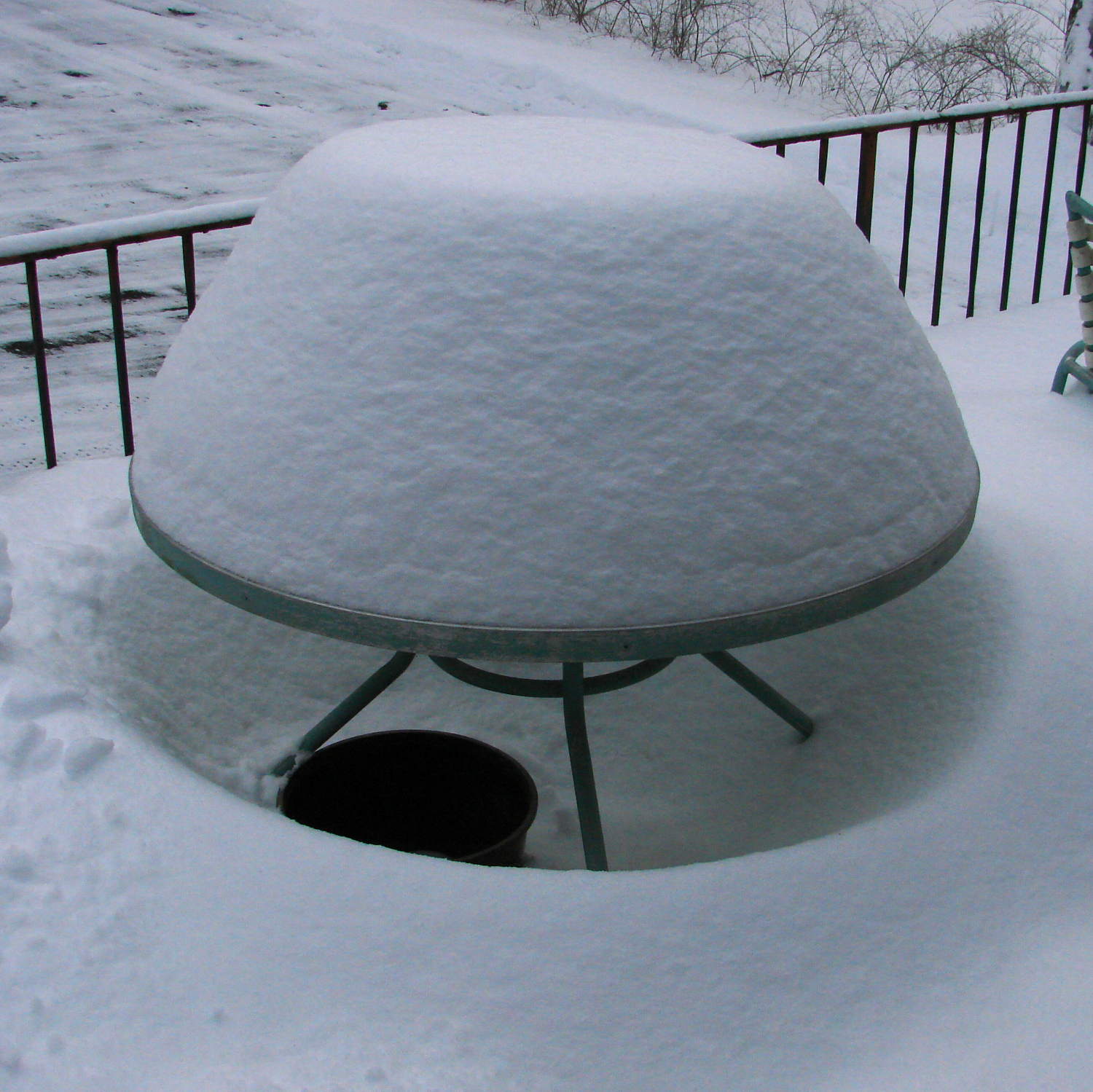
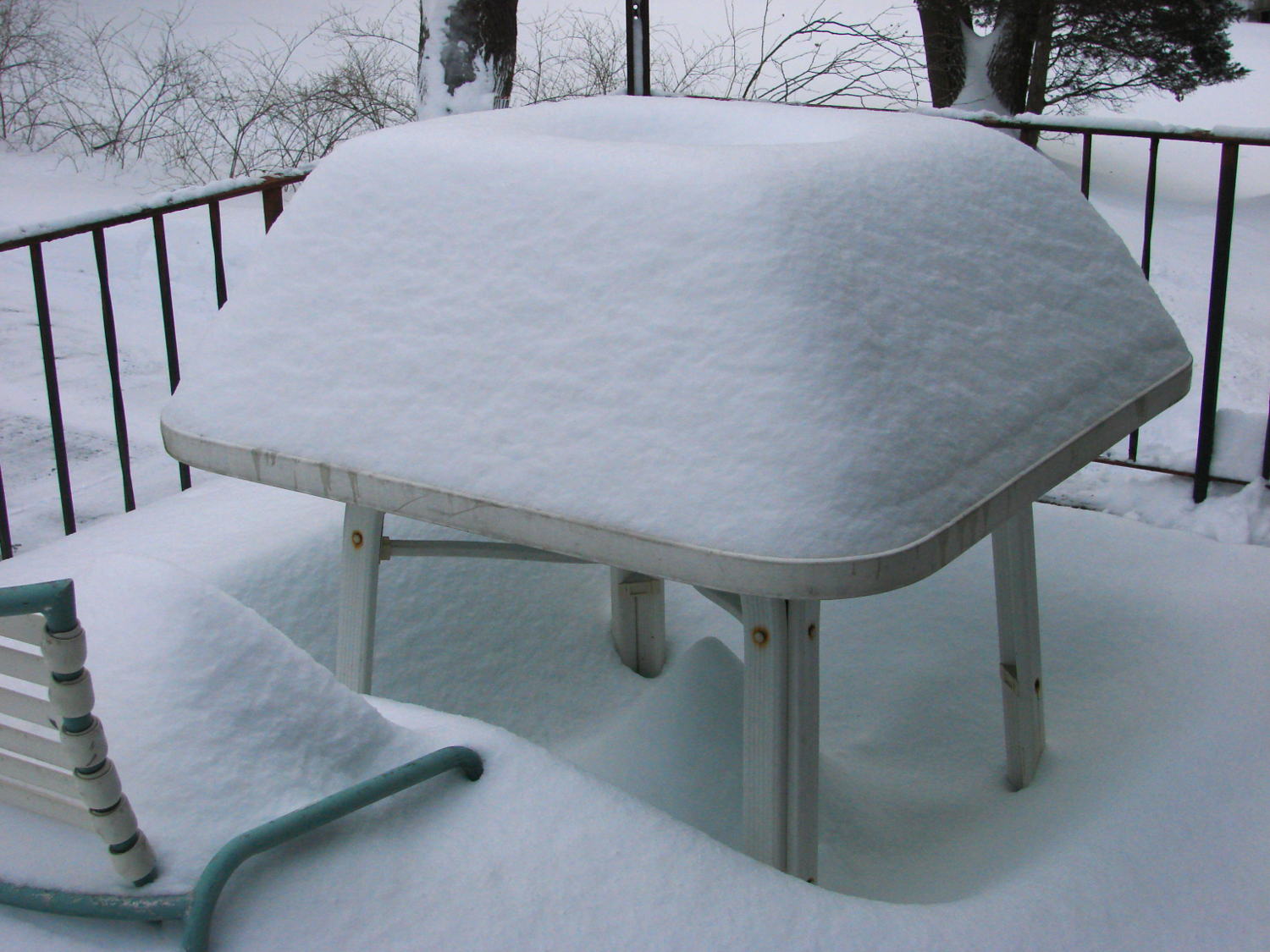
Nah, that can’t possibly be a …

Tell me it’s not a really bad wig …

Gently now …

Whew!
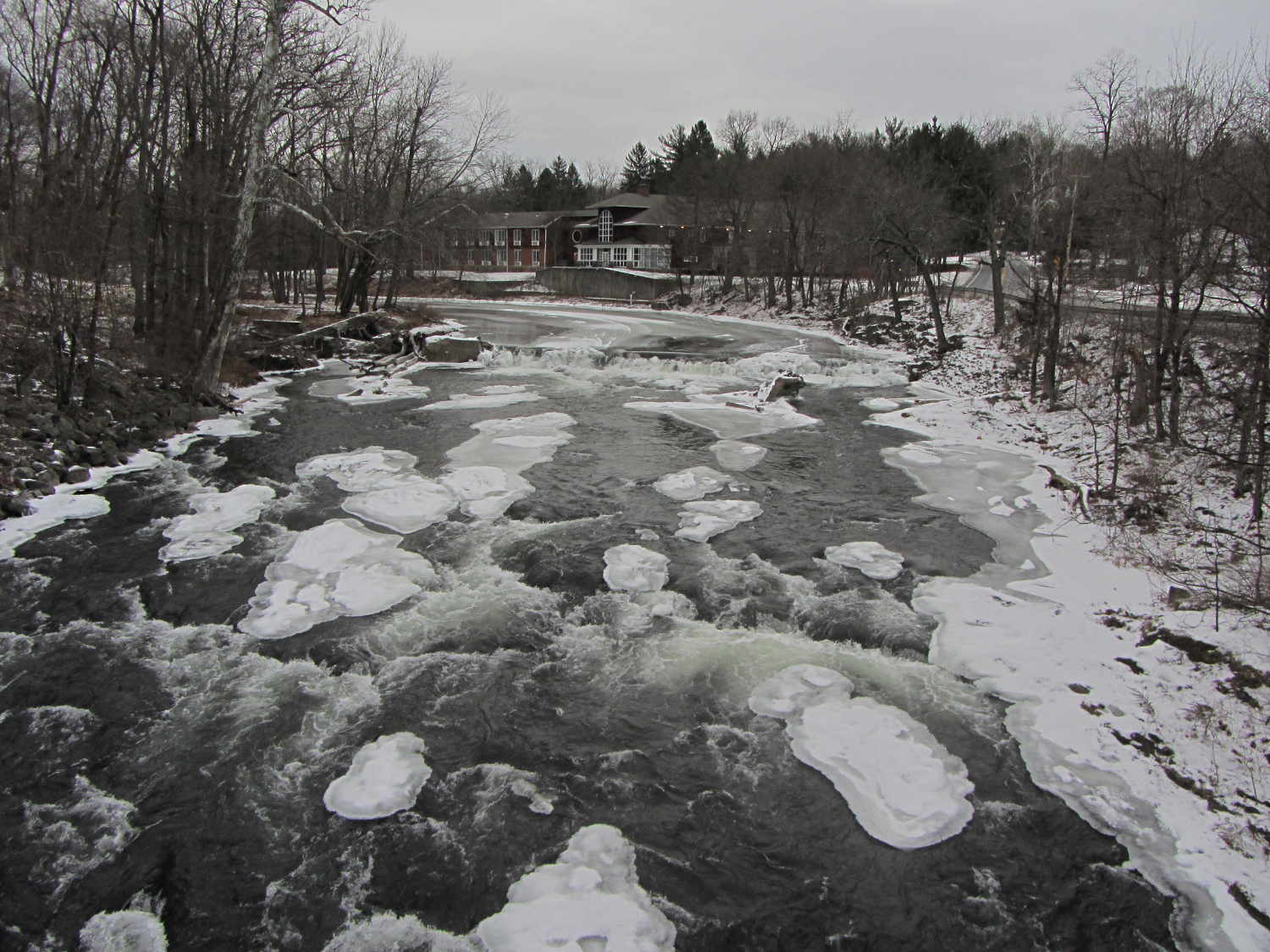
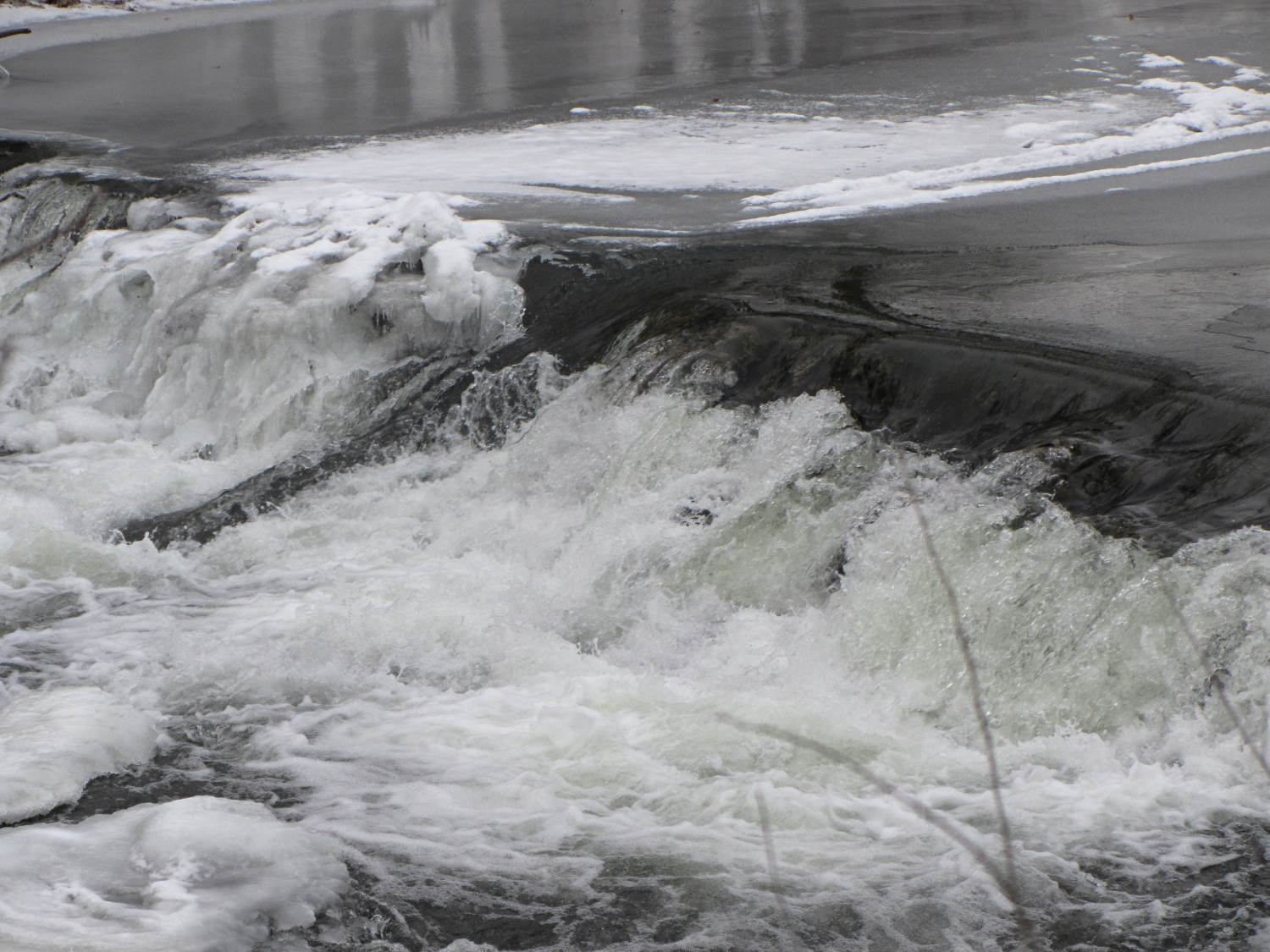
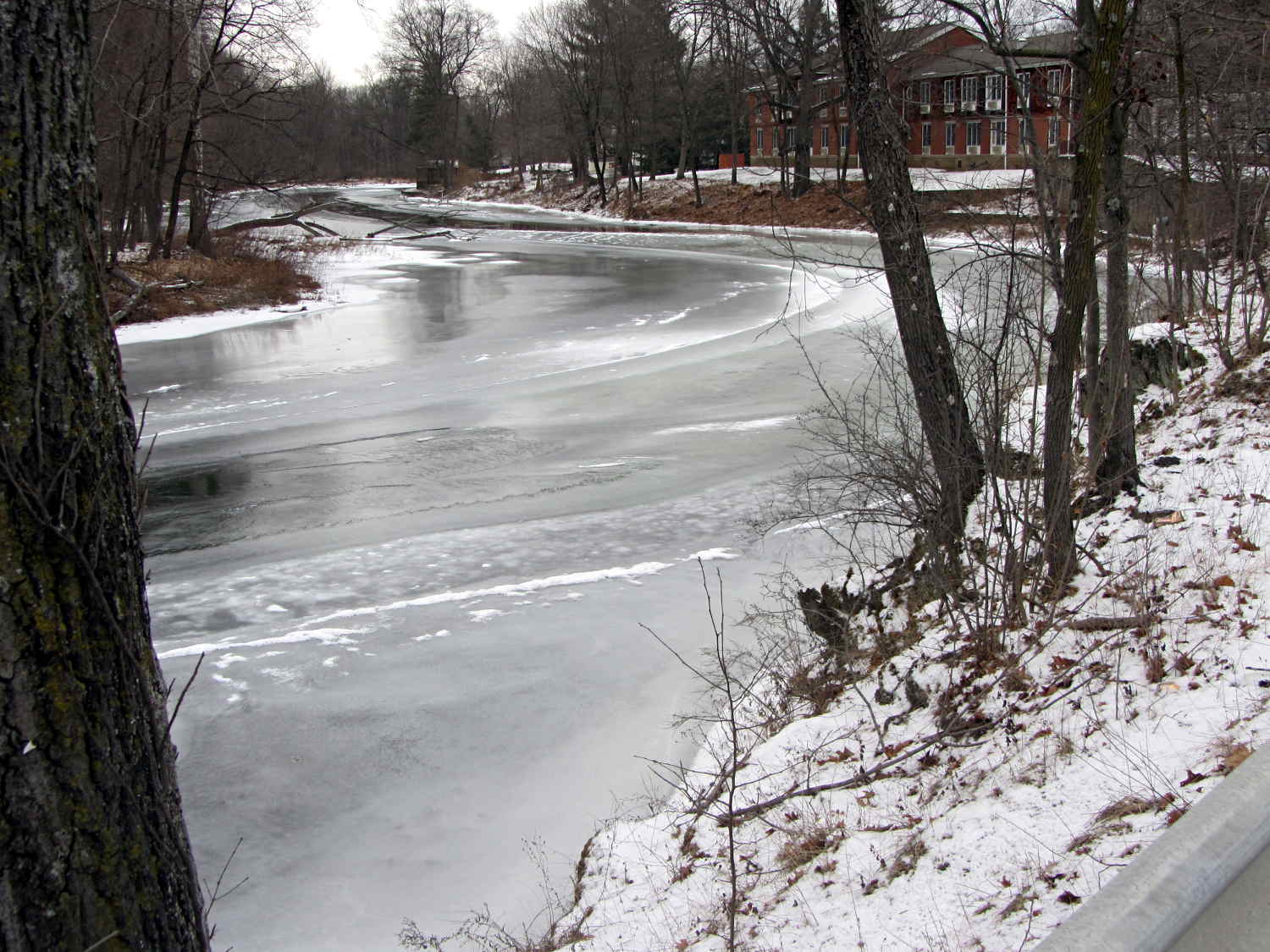
Found on Old Mill Road, just downstream of the Red Oaks Mill dam; the Mighty Wappingers Creek flows on the left.
That’s all I have to say…
The Smell of Molten Projects in the Morning
Ed Nisley's Blog: Shop notes, electronics, firmware, machinery, 3D printing, laser cuttery, and curiosities. Contents: 100% human thinking, 0% AI slop.
Taking & making images.
Nah, that can’t possibly be a …

Tell me it’s not a really bad wig …

Gently now …

Whew!
Found on Old Mill Road, just downstream of the Red Oaks Mill dam; the Mighty Wappingers Creek flows on the left.
That’s all I have to say…
Our Larval Engineer volunteered to convert the lens from a defunct magnifying desk lamp into a hand-held magnifier; there’s more to that story than is relevant here. I bulldozed her into making a solid model of the lens before starting on the hand-holdable design, thus providing a Thing to contemplate while working out the holder details.
That justified excavating a spherometer from the heap to determine the radius of curvature for the lens:

You must know either the average radius / diameter of the pins or the average pin-to-pin distance. We used a quick-and-dirty measurement for the radius, but after things settled down, I used a slightly more rigorous approach. Spotting the pins on carbon paper (!) produced these numbers:

The vertical scale has hard-metric divisions: 1 mm on the post and 0.01 on the dial. You’d therefore expect the pins to be a hard metric distance apart, but the 25.28 mm average radius suggests a crappy hard-inch layout. It was, of course, a long-ago surplus find without provenance.
The 43.91 mm average pin-to-pin distance works out to a 50.7 mm bolt circle diameter = 25.35 mm radius, which is kinda-sorta close to the 25.28 mm average radius. I suppose averaging the averages would slightly improve things, but …
The vertical distance for the lens in question was 0.90 mm, at least for our purposes. That’s the sagitta, which sounds cool enough to justify this whole exercise right there. It’s 100 mm in diameter and the ground edge is 2.8 mm thick, although the latter is subject to some debate.
Using the BCD, the chord equation applies:
Using the pin-to-pin distance, the spherometer equation applies:
Close enough, methinks.
Solving the chord equation for the total height of each convex side above the edge:
So the whole lens should be 2 · 3.5 + 2.8 = 9.8 mm thick. It’s actually 10.15 mm, which says they were probably trying for 10.0 mm and I’m measuring the edge thickness wrong.
She submitted to all this nonsense with good grace and cooked up an OpenSCAD model that prints the “lens” in two halves:

Alas, those thin flanges have too little area on the platform to resist the contraction of the plastic above, so they didn’t fit together very well at all:

We figured a large brim would solve that problem, but then it was time for her to return to the hot, fast core of college life…
So we took an out-and-back walk across the Walkway Over the Hudson, after which I spotted this amusing sight:

The horrible color balance comes from using a preset tuned for the M2’s new LED lights, rather than letting the camera figure things out on its own, then fighting it down after cropping.
Anyhow, we did a bit over two miles of walking with outdoor temperature just over freezing. The camera lives in the left cargo pocket of my pants and the spare NB-5L battery in the camera case faces outward. Neither battery would power the camera at ambient temperature; evidently, being that cold reduced their output voltage below the level that the camera would accept.
With a cold battery, the camera grunted, displayed a message about replacing the battery, and promptly shut itself off. Warming one of the batteries boosted its terminal voltage enough to take the picture, which accounts for not getting the proper color balance: I was fully occupied just getting the camera working.
Back home and warmed up, the camera said both batteries were fully charged. They came from the BNF27 lot that produced low terminal voltages, so I’ll reserve them for warmer weather and use the BNI13 lot during the next few months.
So one of my Genuine Sony 64 GB MicroSDXC cards stopped working in my Genuine Sony HDR-AS30V action camera, failing to record video after starting normally.
For example:
The RCVER status display doesn’t appear anywhere in the manual, but also occurs when the camera must rebuild its metadata indexes. Or something like that. Anyhow, it’s obviously unhappy about what just happened in the course of recording.
After several weeks of having Sony ignore my emailed requests (no “email agent” never contacted me after the initial “we’re on it” autoreplies) and after several days of being blown off by their phone menu (800-222-7669 and 800-282-2848 lead to the same tree, after which 5 – 1 – 6 disconnects after one ringy dingy), I got another number by picking a reasonable (to me) option and bulldozing the pleasant voice off-script: 877-440-3453. It turns out that if you’re at the Digital Camera node in the Sony tech support tree, the helpful agent cannot find the model number of the SR-64UY MicroSDXC card in their database, even though I’m looking at the Sony Support web page describing it.
Anyhow, 877-440-3453 (or the “direct” 956-795-4660) produces a pleasant voice that directs me to their Media Services center in Texas and, after clicking on the Ordering Information menu item (isn’t that obvious?), produces a PDF that one fills in and sends with the failed media for their perusal.
Being that type of guy, I sent in a somewhat more extensive description than would fit in the tiny space on the form:
The problem with this SR-64UY MicroSDXC card (serial N73WAXOP) is that it cannot record video at the highest resolution produced by my SONY HDR-AS30V action camera: 1920x1080p @ 60 fps.
The formatted data capacity seems unchanged at 59 GB, so the problem is not a loss of capacity.
The camera starts recording and will continue for a few seconds or a few minutes, at which point it stops recording, flashes WAIT, then RCVER (“recover”), then returns to its idle mode. The recorded video is correct up to the failure.
I have reformatted the card in the camera, which does not correct the problem.
An identical SR-64UY MicroSDXC card (serial N73WA9JM), bought shortly afterward and not used, continues to operate correctly, so the problem isn’t the fault of the camera.
The failing card (XOP) has recorded less than 100 sessions since August, while the working card (9JM) has been sitting, unused, on my desk. Recording sessions generally run 45 to 90 minutes and the AS30V produces a 4 GB every 22 minutes, so each session involves 2 to 6 large video files, plus the same number of thumbnails. I transfer the files to a PC and delete them from the card after each session. The card has therefore recorded only 1000 GB of video before failing.
The XOP card can record video at 1920×1080 @ 30 fps and all lower resolutions. The camera requires a Class 4 speed, which means that the SR-64UY card no longer meets its Class 10 / U 1 speed rating.
Please replace this card with one that meets its speed rating.
Thank you…
The replacement card just arrived, so a speed reduction is a warranty failure.
I’ll test this one by plugging it into the high-amperage Micro-USB charger for the Kindle, aiming it at a clock, and letting it run until it’s either filled the card with excruciatingly boring high-data-rate video or crashed & burned in the attempt.
I recently exhumed an Iomega 500 GB Home Network Hard Drive (model MDHD-500-N) from the Big Box o’ Drives, with the intent of dumping video files from the Sony HDR-AS30 helmet camera thereupon.
Remember Iomega of ZIP Drive fame? Seems EMC Borged ’em a while back, collided with Lenovo, discarded all the old hardware support, and that’s the end of that story.
Exhuming the setup password from my backup stash wasn’t worth the effort, so I experimentally determined that holding the Reset switch closed while turning the drive on blows away the existing configuration. It woke up, asked for an IP address, got 192.168.1.52 from the DHCP server (you can find that by checking the router’s tables), and popped up the administration console at 192.168.1.52:80 as you’d expect.
The userid will always be admin, but you can change the password from admin to whatever you like; you may safely assume I have done somewhat better than what you see below.
Twiddling the configuration through the IOmega web-based console:
Changing either the IP address or the password requires logging in again, of course.
I reformatted the drive, just to be sure.
Then, after a bit of Googling to remember how all this works…
A line in /etc/hosts (left over from the last time I did this) gives the new static IP address:
192.168.1.10 nasty
Install the cifs-utils package to enable mounting the drive.
Create a mount point:
sudo mkdir /mnt/video
Create a file (/root/.nas-id) holding the super-secret credentials used to gain access to the drive:
domain=WHATSMYNET username=ed password=not-admin
Then restrict the file to the eyes of the root user:
sudo chmod 700 /root/.nas-id
It’s not clear that the username or domain really make any difference in this situation, but there they are.
Define where and how to mount the network drive with a new line at the bottom of /etc/fstab, which refers to the aforementioned super-secret credentials file:
//nasty/PUBLIC /mnt/video cifs noauto,uid=ed,credentials=/root/.nas-id 0 0
Mounting it with my userid gives the shared directories & files proper permissions for me (and nobody else, not that anybody else around here cares).
So the manual mounting process looks like this:
sudo mount /mnt/video
Adding the user mount option would eliminate the sudo, but manual mounting won’t be necessary after a normal boot when the automagic startup script does the deed.
The drive must have the noauto attribute to prevent the upstart Pachinko machine from trying to mount the network drives before the network comes up. Actually mounting the drive at the proper time requires an additional line in /etc/init/local.conf:
description "Stuff that should be in /etc/rc.local" author "Ed Nisley - KE4ZNU" start on (local-filesystems and net-device-up IFACE=em1) stop on shutdown emits nfs-mounted script logger Starting local init... logger Mounting NFS (and CIFS) filesystems mount /mnt/bulkdata mount /mnt/userfiles mount /mnt/diskimages mount /mnt/music mount /mnt/video initctl emit nfs-mounted logger Ending local init end script
The reason the drive wound up in the Big Box o’ Hard Drives was its lethargic transfer speed; copying a 4 GB video file from either the MicroSDXC card (via an SD adapter) or the previous 750 GB USB-attached hard drive to the IOmega NAS trundles along at a little over 6 MB/s. The camera stores 25 Mb/s = 3 MB/s of data in 1080p @ 60 fps, so figure 1/2 hour of copying per hour of riding. The USB drive can write data from the aforementioned MicroSDXC card at 18 MB/s, so the card and USB interface aren’t the limiting factors.
I’m not (generally) in a big hurry while copying files from the camera’s SD card, because that’s now automated:
#!/bin/sh thisdate=$(date --rfc-3339=date) echo Date is [$thisdate] # IOmega NASalready mounted as /mnt/video in fstab mkdir /mnt/video/$thisdate sudo mount -o uid=ed /dev/sdb1 /mnt/part rsync -ahu --progress /mnt/part/MP_ROOT/100ANV01/ /mnt/video/$thisdate if [ $? -eq 0 ] ; then rm /mnt/part/MP_ROOT/100ANV01/* sudo umount /mnt/part fi
I’ve been discarding the oldest month of videos as the USB hard drive fills up, which will happen a bit more often than before: the drive’s 466 GB can hold barely 35 hours of ride video.
Two mornings after a heavy, wet snowfall, the meltwater atop the concrete patio puckered up into ice crystals:

It seems the liquid water collects into the crystals as they freeze, leaving the concrete between the ice patches nearly dry. They seem surprisingly linear, with only a few hexagonal flourishes here and there.
That’s almost as picturesque as the window crystals…
This Cooper’s Hawk (*) kept an eye on us as we walked down the driveway:

We obviously pose no threat, so he let us pass unmolested.
I think the real reason had more to do with the dark brown-red stains on his (?) claws: that hawk just ate a fine meal and wanted time for quiet digestion and contemplation…
Hand-held Canon SX230HS, plenty of zoom, lots of purple fringing, and a cooperative bird.
(*) A juvenile, obviously, who could be either a Cooper’s or a Sharp-Shinned Hawk.