The Smell of Molten Projects in the Morning

Ed Nisley's Blog: Shop notes, electronics, firmware, machinery, 3D printing, laser cuttery, and curiosities. Contents: 100% human thinking, 0% AI slop.

Category: Photography & Images

Taking & making images.

  • SJCAM M20 Dashboard Camera: NP-BX1 Battery Deterioration

    SJCAM M20 Dashboard Camera: NP-BX1 Battery Deterioration

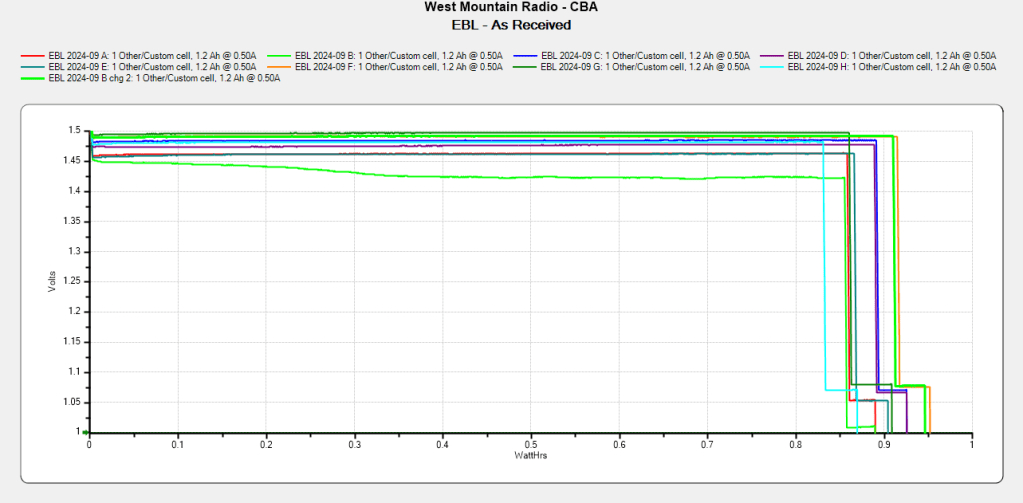
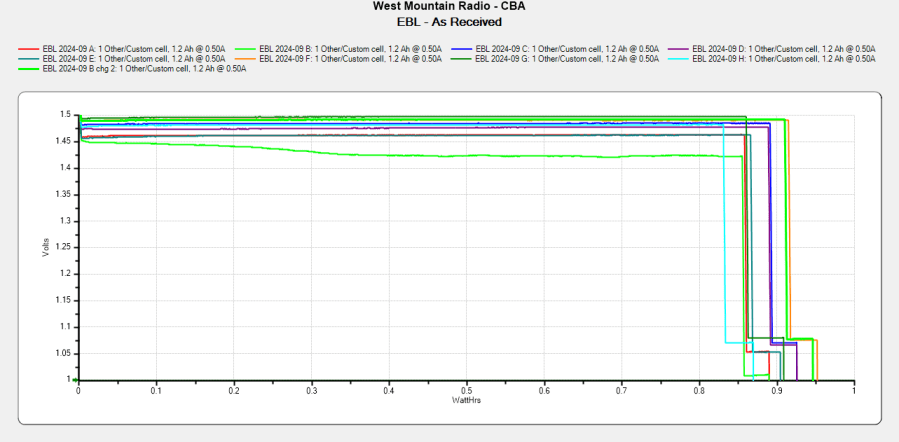
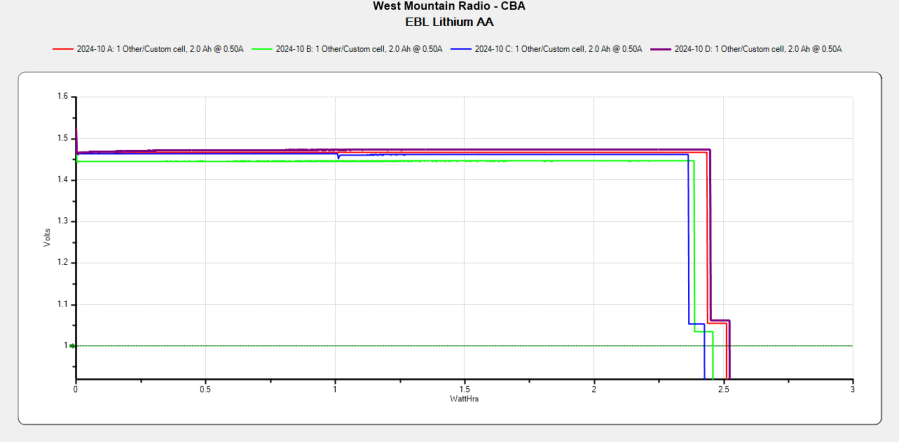
    A year of limited use (a little over 3000 miles) after setting up the SJCAM M20 action camera as a dashcam in the Forester has killed the junk-as-delivered Batmax NP-BX1 battery:

    Batmax NP-BX1 - 2022-H in 2024-11
    Batmax NP-BX1 – 2022-H in 2024-11

    Although the total capacity remains about the same as before, the voltage depression causes the camera (which expects to run from a high-voltage lithium cell) to crash immediately after the car’s USB power jack shuts off, preventing it from properly closing the video file.

    Another Batmax battery from the same batch works fine, so we’ll see if it can survive for another year.

  • Simpleminded Photographic Light Box

    Simpleminded Photographic Light Box

    The general idea of a light box is (wait for it) a uniform background in a box full of bright light:

    Light Box - overview
    Light Box – overview

    Obviously, this is a low-budget light box, but it makes perfect sense if you already have an essentially unlimited supply of moving boxes, 11×17 inch plotter paper, and a couple of photo / video lights lying around.

    A two-layer cardboard ring glued to the top keeps the light from sliding off the box and stiffens the gaping hole letting the light shine through.

    You’d normally use a fabric background to get rid of those ugly gaps around the edges and a larger box would be better, so this is along the lines of a proof-of-concept.

    From the camera’s viewpoint, it looks better than my crusty desktop cutting mat:

    Light Box - gears overview
    Light Box – gears overview

    Those gears would not look out of place in Bowman’s bedroom in 2001: A Space Odyssey.

    In this day and age, you’d normally use a phone camera:

    Light Box - gears overview - DOF
    Light Box – gears overview – DOF

    The lens on my Pixel 6a has a fixed focal length (around 4.4 mm = 27 mm equivalent) and a fixed f/1.8 (-ish) aperture, producing a razor-thin depth of field at the rear of the front gears. Note the fuzzy gears in the background, all of three inches away, and the slightly fuzzy front edge of the front gears. The camera’s digital zoom doesn’t help matters in the least, despite the AI-powered interpolation.

    Keeping things close together helps, although the far end of the wipe towers and the rear of the gears lose detail:

    Light Box - gears stacked
    Light Box – gears stacked

    Looking from above also helps a little, but a top viewing port would reduce the skewed perspective:

    Light Box - gears detail - DOF
    Light Box – gears detail – DOF

    Shallow DOF keeps your attention on the foreground, which is why real photographers use it for portraits:

    Light Box - gears standing - DOF
    Light Box – gears standing – DOF

    The camera, an ancient Sony DSC-H5 with a zoom lens going down to f/8, still does nice work through a 2× macro adapter lens:

    Light Box - gear detail - top light
    Light Box – gear detail – top light

    The DOF is still narrow, but at least the entire front gear is in focus.

    Adding a front light picks out the knurling:

    Light Box - gears detail - front light
    Light Box – gears detail – front light

    The results definitely look better than before, but it’ll take a bit of getting used to traipsing to the Basement Laboratory for every photo …

  • Royal Carting Truck: Squeeze Play

    Royal Carting Truck: Squeeze Play

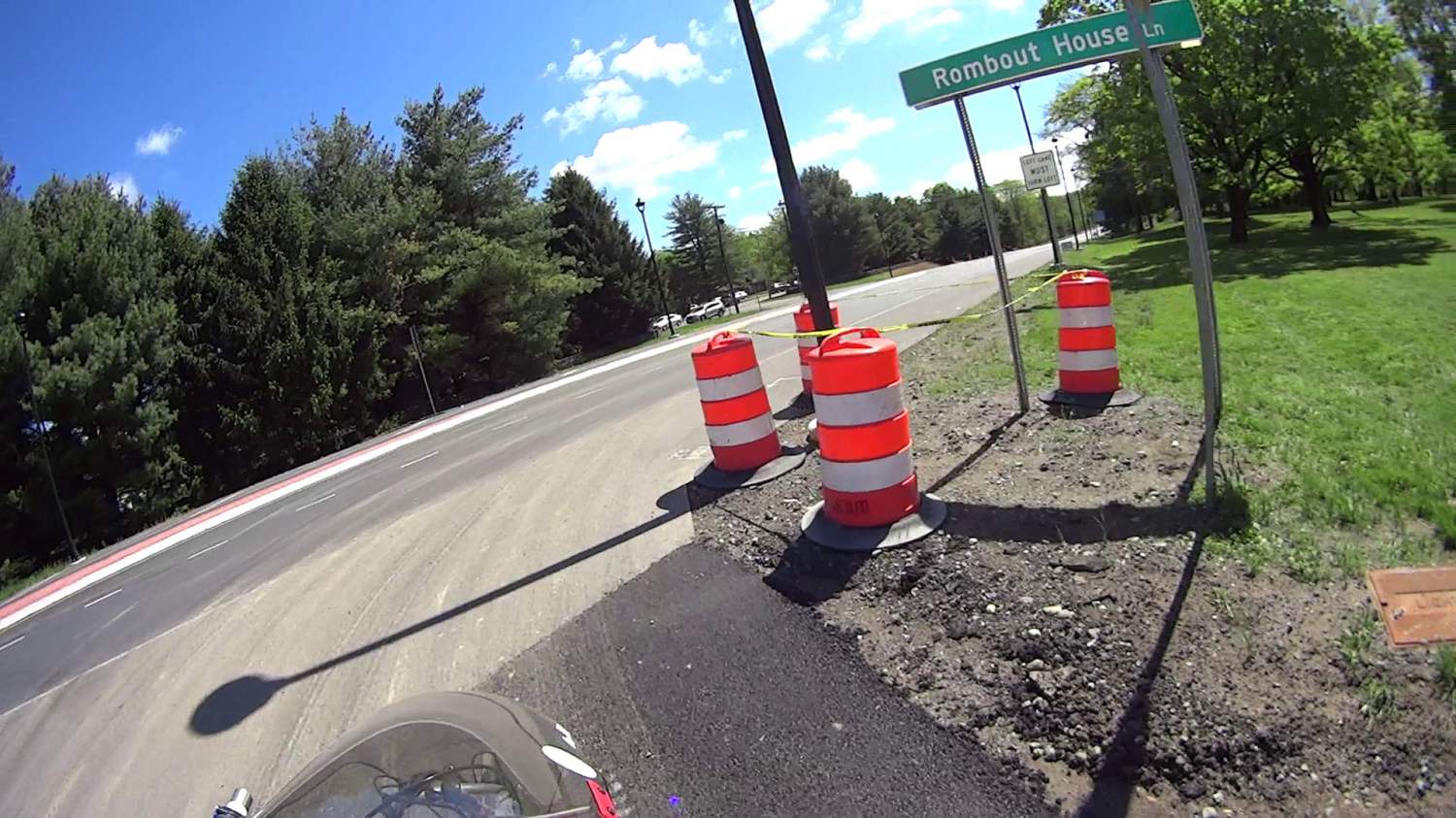
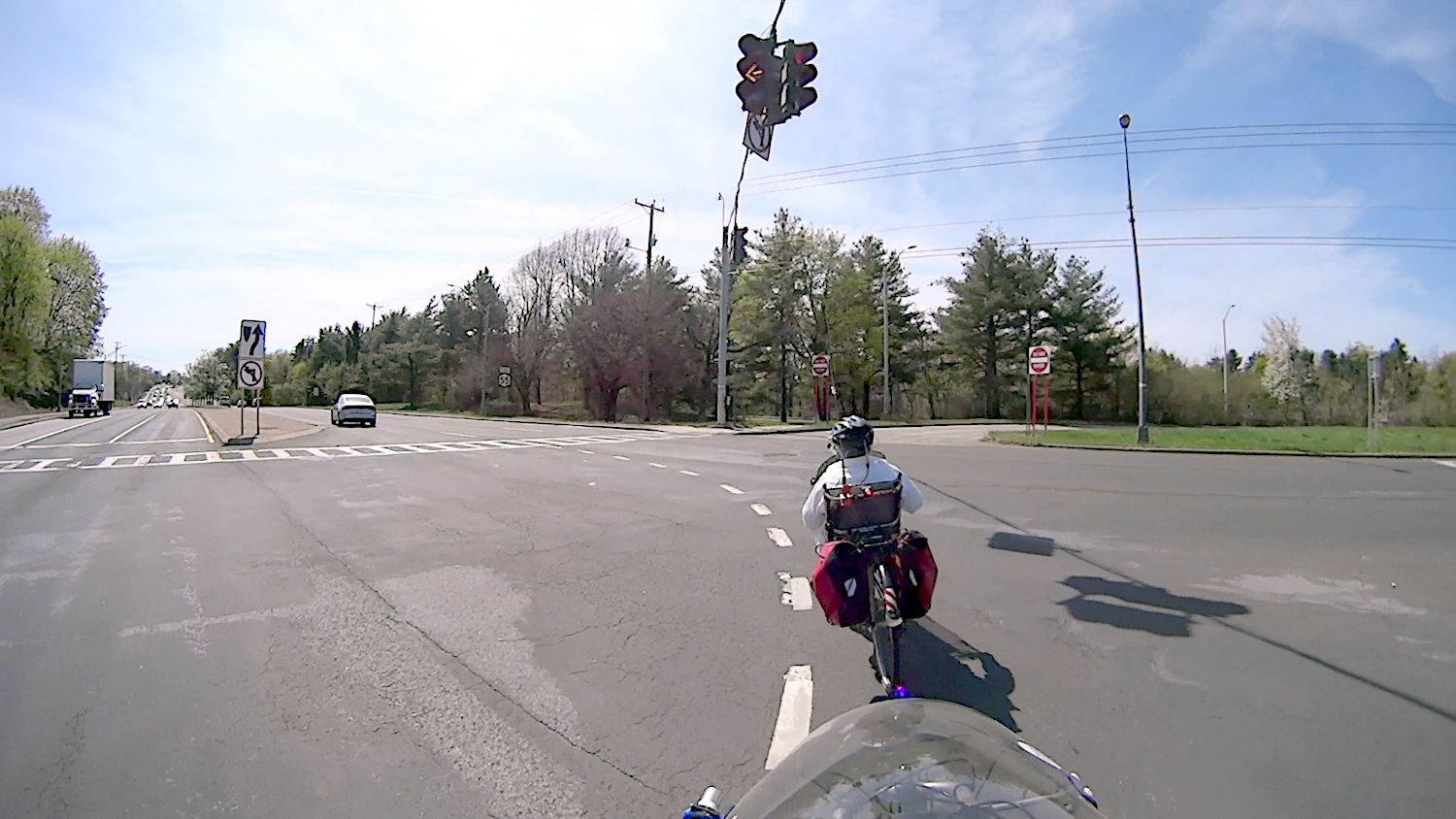
    I’m riding downhill from Red Oaks Mill toward the bridge across the Wappinger Creek, pedaling a bit over 24 mph = 37 feet/sec, far enough into the lane to avoid trash along the curb on the right:

    Royal front 2024-09-13 - 078
    Royal front 2024-09-13 – 078

    Although you can barely see the vehicle passing on my left, I’ve just realized I am in one heap of trouble.

    Half a second later (the frame number in the caption ticks along at 60 fps) I’m caught in the slipstream:

    Royal front 2024-09-13 - 108
    Royal front 2024-09-13 – 108

    Another half second and I’m leaning slightly to the right:

    Royal front 2024-09-13 - 138
    Royal front 2024-09-13 – 138

    Make that wobbling:

    Royal front 2024-09-13 - 158
    Royal front 2024-09-13 – 158

    Well, that’s a relief:

    Royal front 2024-09-13 - 178
    Royal front 2024-09-13 – 178

    The truck is now completely within our lane and I’m further to the right, so our paths really were converging:

    Royal front 2024-09-13 - 208
    Royal front 2024-09-13 – 208

    Elapsed time: 2.2 seconds.

    The view from the rear shows the driver started with reasonable clearance (these frames tick at 30 fps):

    Royal rear 2024-09-13 - 090
    Royal rear 2024-09-13 – 090

    A second later, the dumpster grabber is about even with my handlebars, corresponding to the first helmet camera picture:

    Royal rear 2024-09-13 - 120
    Royal rear 2024-09-13 – 120

    A third of a second later:

    Royal rear 2024-09-13 - 130
    Royal rear 2024-09-13 – 130

    The rear wheels passed much closer:

    Royal rear 2024-09-13 - 180
    Royal rear 2024-09-13 – 180

    In general, Royal’s drivers give us plenty of clearance.

    In this case, I think he badly misjudged how fast I was moving and figured he would be well past by the time he had to be completely in the right lane to avoid vehicles in the left-turn lane on the bridge.

    However, intent wouldn’t make me any less dead after a trip around those tires …

  • Tour Easy: Anker 20K V2 USB Power Bank

    Tour Easy: Anker 20K V2 USB Power Bank

    After five years, it’s time to replace the Anker 13000 mA·hr USB power banks / chargers I used with the M20 cameras and then the C100 cameras:

    SJCAM M20 Mount - Tour Easy side view
    SJCAM M20 Mount – Tour Easy side view

    The Anker 325 20K V2 power bank is considerably chunkier, as befits its 20,000 mA·hr cell capacity (although the fine print says 12,500 mA·hr output):

    Anker 20K V2 Power Bank - installed
    Anker 20K V2 Power Bank – installed

    The white tape stripe on the top marks the USB port on the end to reduce the fumbling involved in an out-of-sight socket. There’s also a USB-C port on that end for both charging the pack and powering other devices.

    The new mounting cradle descends directly from the 13000 cradle:

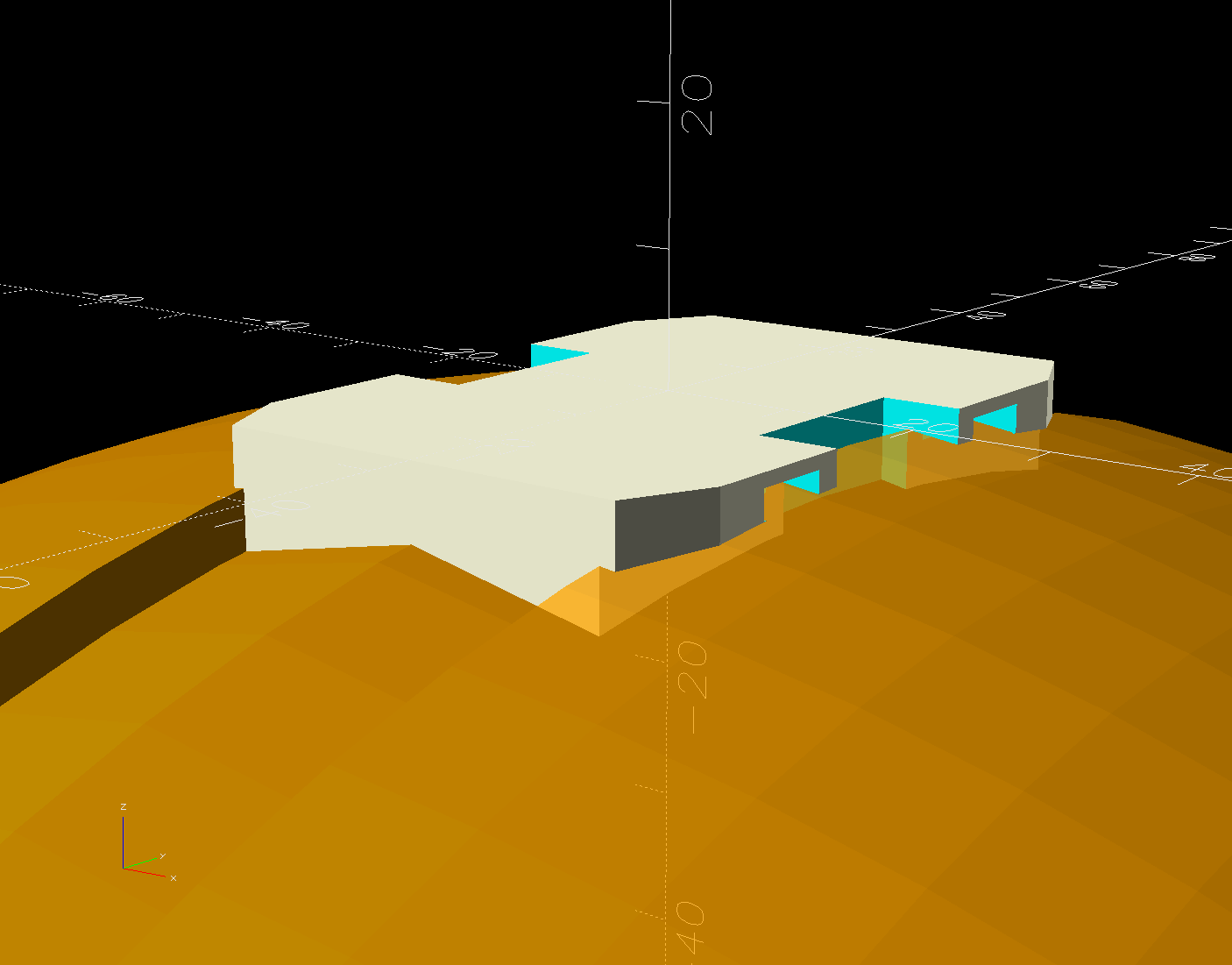
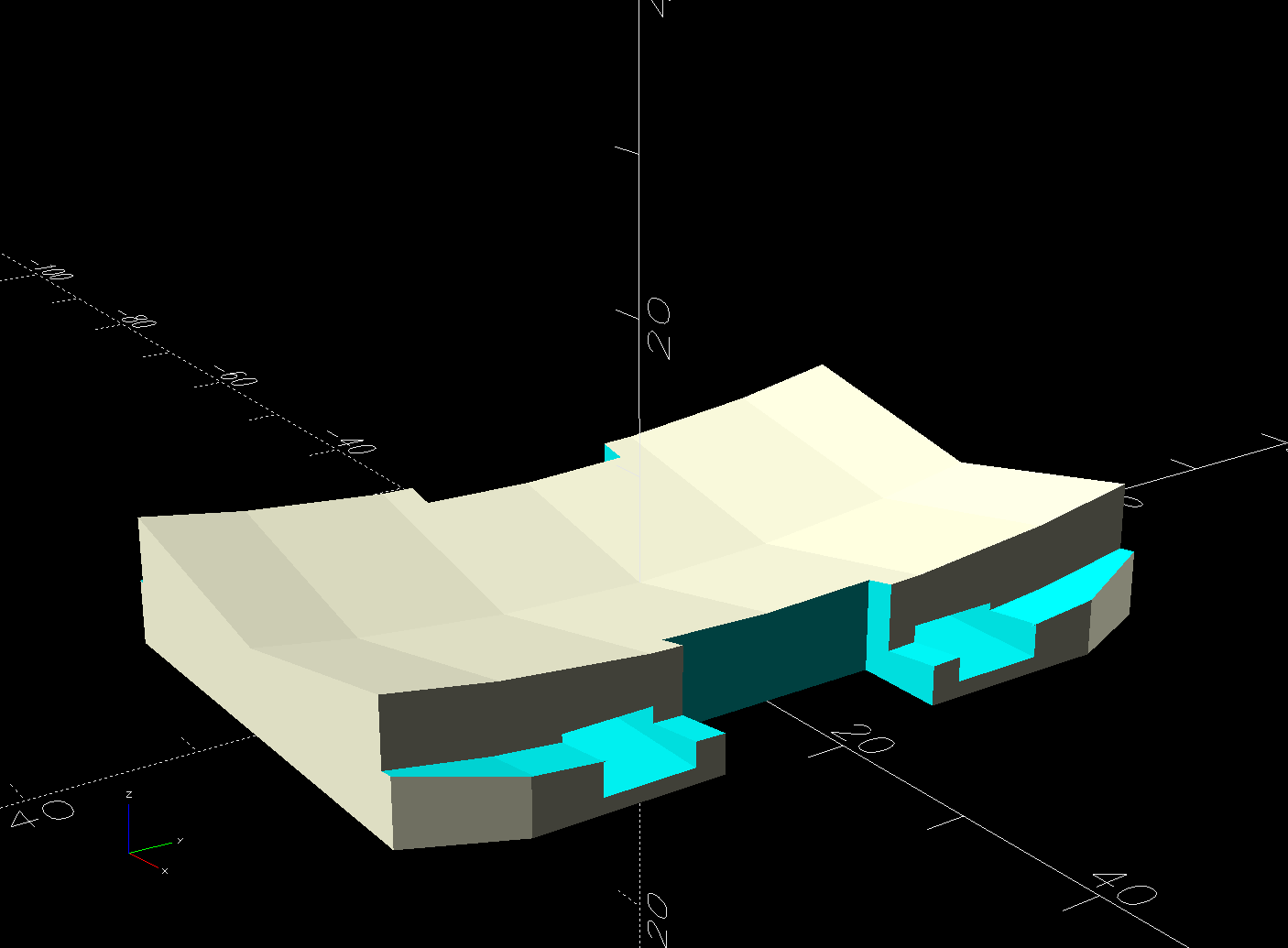
    Anker 325 20KV2 Power Bank - slicer preview
    Anker 325 20KV2 Power Bank – slicer preview

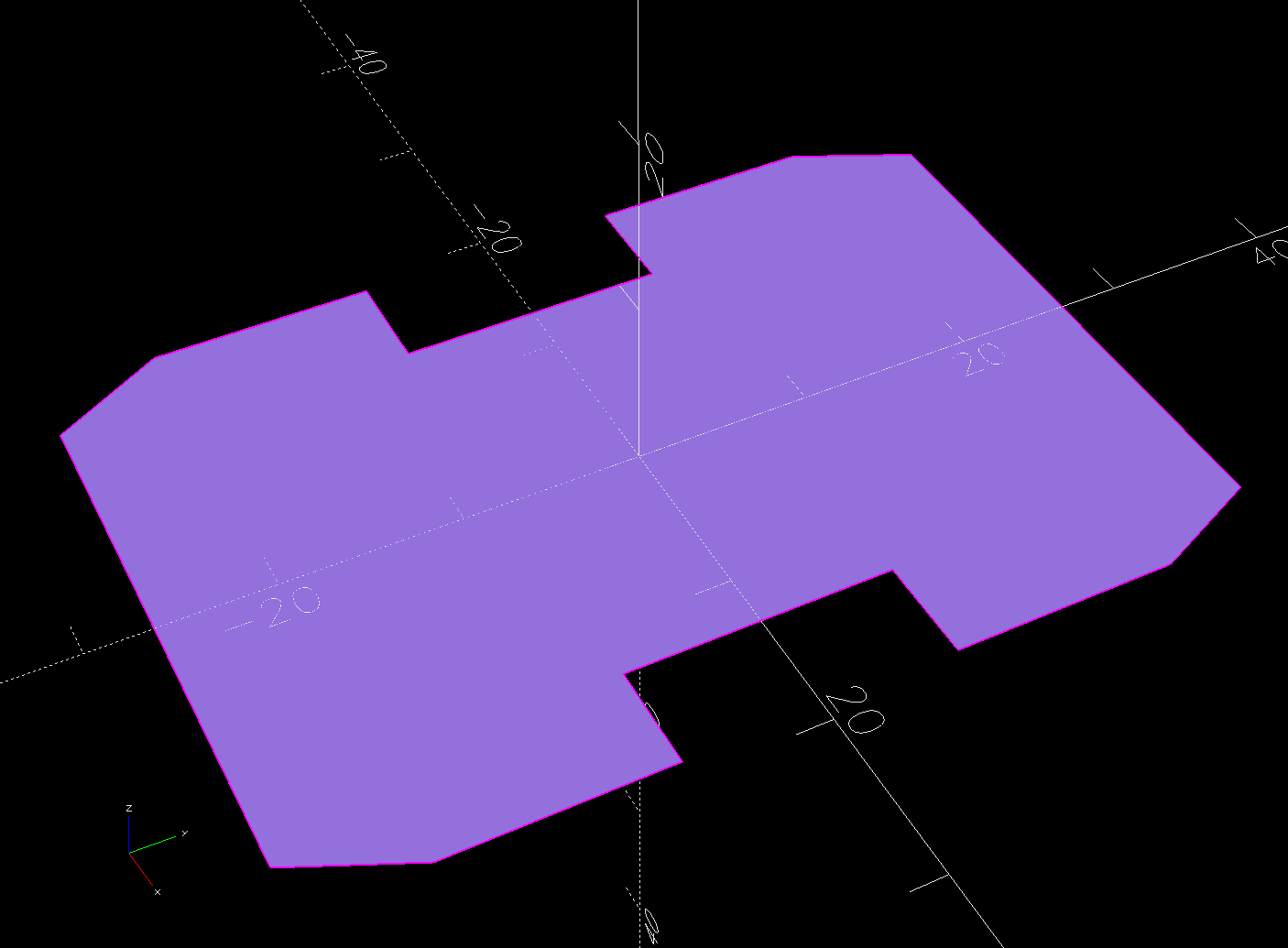
    The model includes a projection of the battery on the XY plane for export to an SVG file suitable for laser-cutting an EVA foam pad to cushion the bumps.

    The OpenSCAD source code as a GitHub Gist:

    // Anker PowerCore 325 20K V2 Power Bank
    // Ed Nisley – KE4ZNU
    // 2024-07
    /* [Layout Options] */
    Layout = "Show"; // [Show,Build]
    Part = "Cradle"; // [Cradle,Battery,Pad]
    /* [Extrusion Parameters] */
    ThreadWidth = 0.40;
    ThreadThick = 0.25;
    HoleWindage = 0.2;
    Protrusion = 0.1;
    //—–
    // Dimensions
    /* [Hidden] */
    ID = 0;
    OD = 1;
    LENGTH = 2;
    EmbossDepth = 2*ThreadThick + Protrusion; // recess depth + Protrusion beyond surface
    DebossHeight = EmbossDepth; // text height + Protrusion into part
    Projection = 10; // stick-out to punch through shell sides & suchlike
    FadeColor = "Green";
    FadeAlpha = 0.25;
    //—–
    // Useful routines
    function IntegerMultiple(Size,Unit) = Unit * ceil(Size / Unit);
    module PolyCyl(Dia,Height,ForceSides=0) { // based on nophead's polyholes
    Sides = (ForceSides != 0) ? ForceSides : (ceil(Dia) + 2);
    FixDia = Dia / cos(180/Sides);
    cylinder(r=(FixDia + HoleWindage)/2,
    h=Height,
    $fn=Sides);
    }
    //—–
    // Battery
    // Based on Anker PowerCore 325, simplified shapes
    // Includes port punchouts
    Battery = [162.0+0.5,81.5+0.5,24.0]; // X=length, Y=max, Z=max
    module BatteryShape(Jacks = true) {
    USB = [[Projection,20,12],[Projection,18,10]]; // clearance around USB output jacks
    USBOffset = [[0,20.0,0],[0,62.5,0]]; // from -Y edge to center of jack, Z centered
    BatteryRad = 7.0; // corner rounding radius
    BatterySides = 2*3*4;
    hull()
    for (i=[-1,1], j=[-1,1])
    translate([i*(Battery.x/2 – BatteryRad),
    j*(Battery.y/2 – BatteryRad),
    0])
    cylinder(r=BatteryRad,h=Battery.z,$fn=BatterySides,center=true);
    if (Jacks)
    for (i=[0,len(USB)-1])
    translate([(Battery.x + USB[i].x)/2 – Protrusion,-Battery.y/2 + USBOffset[i].y,0])
    cube(USB[i],center=true);
    }
    //—–
    // Battery cradle
    RackWidth = 90.0; // flat width between rack rails
    CradleWall = [4.0,4.0,3.0]; // wall thickness
    CradleRadius = 2.0; // corner rounding
    CradlePad = 1.0; // cushion on battery bottom
    BatteryBase = CradleWall.z + CradlePad; // actual bottom surface of battery
    CradleOA = [Battery.x + 2*CradleWall.x,
    min((Battery.y + 2*CradleWall.y),RackWidth),
    BatteryBase + Battery.z/2];
    echo(str("Cradle OA: ",CradleOA));
    module Cradle() {
    difference() {
    hull()
    for (i=[-1,1], j=[-1,1]) { // box with tidy rounded corners
    translate([i*(CradleOA.x/2 – CradleRadius),
    j*(CradleOA.y/2 – CradleRadius),
    1*(CradleOA.z – CradleRadius)])
    sphere(r=CradleRadius,$fn=6);
    translate([i*(CradleOA.x/2 – CradleRadius),
    j*(CradleOA.y/2 – CradleRadius),
    0*(CradleOA.z/2 – CradleRadius)])
    cylinder(r=CradleRadius,h=CradleOA.z/2,$fn=6);
    }
    translate([0,0,Battery.z/2 + BatteryBase]) // minus the battery
    minkowski(convexity=3) { // … slightly embiggened
    BatteryShape();
    cube(2*CradlePad,center=true);
    }
    translate([0,0,CradleWall.z – ThreadThick + Protrusion/2]) // recess top legend
    cube([55,20,EmbossDepth],center=true);
    translate([0,0,(EmbossDepth – Protrusion)/2]) // recess bottom legend
    cube([70,15,EmbossDepth],center=true);
    }
    translate([0,4.0,CradleWall.z – DebossHeight – Protrusion])
    linear_extrude(height=DebossHeight,convexity=20)
    text(text="PowerCore",size=6,spacing=1.20,
    font="Arial:style:Bold",halign="center",valign="center");
    translate([0,-4.0,CradleWall.z – DebossHeight – Protrusion])
    linear_extrude(height=DebossHeight,convexity=20)
    text(text="20K V2",size=6,spacing=1.20,
    font="Arial:style:Bold",halign="center",valign="center");
    linear_extrude(height=DebossHeight,convexity=20)
    mirror([0,1,0])
    text(text="KE4ZNU",size=10,spacing=1.20,
    font="Arial:style:Bold",halign="center",valign="center");
    }
    //—–
    // Build things
    // Layouts for design & tweaking
    if (Layout == "Show")
    if (Part == "Battery")
    BatteryShape();
    else if (Part == "Cradle") {
    Cradle();
    translate([0,0,Battery.z/2 + CradleWall.z])
    color(FadeColor,FadeAlpha)
    BatteryShape();
    }
    else if (Part == "Pad")
    linear_extrude(height=CradlePad)
    projection(cut=true)
    BatteryShape(Jacks = false);
    // Build layouts for top-level parts
    if (Layout == "Build") {
    if (Part == "Cradle")
    Cradle();
    if (Part == "Pad")
    projection(cut=true)
    BatteryShape(Jacks = false);
    }

  • House Finch Nesting Attempts

    House Finch Nesting Attempts

    Earlier this year, a pair of House Finches chose the a pine cone wreath hanging outside our front door for their nest.

    One day a Starling attacked:

    • Starling Attack - IM_00052
    • Starling Attack - IM_00053
    • Starling Attack - IM_00054

    There’s a Youtube video of the action following those pictures:

    Ms. Finch suffered a peck to the head raising a few feathers into a small topknot, but seemed otherwise undamaged. The eggs survived unscathed and a month later they fledged a quartet of new finches:

    House Finch chicks - pre-fledging - 2024-05-18
    House Finch chicks – pre-fledging – 2024-05-18

    Yes, they’re surrounded by a ring of bird crap: finch chicks can aim and fire overboard, but they don’t have much range.

    The same finch pair abandoned their second nest after a Brown-headed Cowbird added an egg and punctured both Finch eggs:

    House Finch nest - Cowbird egg vs punctures
    House Finch nest – Cowbird egg vs punctures

    Their third attempt failed after four eggs when a Cowbird added a fifth:

    House Finch nest - Cowbird egg with 4 finch eggs
    House Finch nest – Cowbird egg with 4 finch eggs

    A few days after that picture, something tore that nest apart and destroyed all the eggs:

    House Finch nest - destruction with feathers
    House Finch nest – destruction with feathers

    The scattered feathers suggest a major battle with severe injuries.

    Three nesting attempts produced only four fledglings: a bad year for those two finches.

  • Daisies Dancing

    Daisies Dancing

    Morning KP provides considerable time to watch the goings-on in the back yard, including the wide variety of pollinators (formerly known as “bees”) in the stand of daisies just off the deck:

    Daisy thumbnail - 348
    Daisy thumbnail – 348

    I wondered if the flower heads tracked the sun or just sort of stood there, so I deployed the trail camera to take one picture every five minutes for a bit over 24 hours. Converting just under 500 images into a movie required this incantation:

    ffmpeg -framerate 4 -start_number 75 -i IM_%05d.jpg -s 1920x1080 Daisies.mp4
    

    The result of which now appears on Youtube:

    Daisies dancing

    The short answer: daisies don’t really track the sun, but they move more than I expected. The stalks carrying unopened flowers writhe all around, occasionally getting stuck on other stems and suddenly snapping free. I was particularly surprised at the number of bees going about their business just around midnight.

    For whatever it’s worth, I had to put the open camera in full sunlight on a table out on the deck to dry out the water left from a recent rainstorm. Whether the water comes from diurnal pumping or a leak through the rim gasket, I cannot say, but it can’t possibly be doing the PCB any good.

    I do not expect the video to go viral …

  • Laser Test Paper

    Laser Test Paper

    A pack of Black Laser Engraving Testing Paper arrived and I put a few snippets to the test:

    Laser test paper - miniature pattern overview
    Laser test paper – miniature pattern overview

    That’s the standard backlash test pattern shrunken down to a little over an inch wide, with the laser power reduced to the bare minimum. Despite that, the numerous holes show where the pattern concentrates enough energy to vaporize the paper.

    The “paper” seems to be laminated between two black plastic sheets that smell terrible when engraved, so they’re probably some form of acrylic. The Amazon product description is, despite all the verbiage- remarkably uncommunicative of the actual materials involved.

    The circular pattern is 10 mm diameter on the outside:

    Laser test paper - miniature pattern detail
    Laser test paper – miniature pattern detail

    Those should be circles around the perimeter, but their distortion shows what happens when you try to move a hulking CO₂ laser head around a 1.5 mm diameter circle at 400 mm/s. Of course, the actual speed is nowhere near that fast along such tiny vectors.

    The traces are about 0.2 mm wide, with obvious scorches where the beam starts and stops, which agrees reasonably well with previous measurements.

    All in all, both the paper and the laser pattern look better than I expected, particularly as the results indicate the machine has no measurable backlash at all.