Ed Nisley's Blog: Shop notes, electronics, firmware, machinery, 3D printing, laser cuttery, and curiosities. Contents: 100% human thinking, 0% AI slop.
After the deck stain cured for a few days, I replaced the dryer vent:
Dryer vent
The alert reader will note it’s held to the siding with four stainless steel 4 mm socket-head cap screws, for which I’m not going to apologize one little bit.
They fit into a quartet of threaded wood inserts driven into the siding, because the previous vent had small steel screws that pulled out many years ago.
I used a 4-¼ inch oscillating hole saw to embiggen the original 4.000 inch hole through the wall that doesn’t fit contemporary “4 inch” dryer vent pipe. The 4.000 inch hole in the interior seal plate also needed embiggening.
We must add a filter bag of some sort, as the dryer really wants to coat the deck in fuzz, but that’s in the nature of fine tuning.
There are no other pictures, as this was a ten minute job that burned an entire afternoon …
The laser-engraved guide lines confused GIMP’s edge detection to no end.
It came from a large sheet of 1 mm acrylic, formerly a poster cover, bearing scars of its long history in the “might be useful someday” stash. I wondered if I could remove enough scratches and scuffs to ease GIMP’s workload.
Stipulated: I am a cheapskate.
Laser-cut a suitable sheet and sand both sides with 220 grit paper to what looked like a uniform surface:
Acrylic polishing – 220
Continue scrubbing with 400, 800, 1000, 1500, and 3000 grit papers:
Acrylic polishing – 3000
Massage it with Novus Polish 3, 2, and 1:
Acrylic polishing – Novus 1
At best, it’s more translucent than transparent and definitely not an optical-quality polishing job:
Acrylic polishing – translucency
Fortunately, I need not care about the edges, because it goes in a square frame with a circular cutout.
Tape it into that cardboard frame, scan it against a black background, and blow out the contrast to show I should have started with 100 grit paper and paid more attention to that “uniform surface” thing:
Acrylic polishing – scratches
In use, though, it doesn’t look all that bad:
Fragment layout – 5in Set B – scan tweaked
Come to find out those glittery cracks between all the cuboids still confuse GIMP’s edge detection, but at least hand-tracing the outline is easier without all the lines.
The entire “polishing” series as a slideshow for your amusement:
For reasons not relevant here, after Having Been Advised to not walk barefoot on our wood floors, I picked up a pair of beach / pool sandals with comfy soles. Although they have a white logo, they’re black and essentially invisible in the dark when I need them most.
Start by taking a photo of the logo on the clamped-flat upper strap:
UnderArmour logo – flattened
Use GIMP to select the white area, clean it up a little, convert the selection into a path, export it as an SVG file, import into LightBurn, scale to match reality, and Fire The Laser:
UnderArmour logo – GITD tape cutting
That’s a roll of glow-in-the-dark tape which is almost certainly a lethal combination of PVC and phosphorescent stuff, so hold your breath while it cuts.
It’s “actually a “kiss cut” through the tape, but not through the backing paper, letting the whole thing hang together after the operation.
Peel-n-stick on the (still flattened) sandals, expose them to light, and It Just Works:
UnderArmour logo – glowing
The fit isn’t perfect, perhaps due to insufficient flattening, but it’s close enough for my simple needs.
Despite freezing the kitchen scraps going into the worm bin since the previous fruit fly infestation, a zillion flies are now in residence. Lacking the peppermint-stick tube of yesteryear, I conjured another fly trap from common household items:
Worm Bin Fly Trap – overview
The gap around the top got a strip of tape after I took the picture.
I was all set to 3D print a threaded adapter to join the two bottles when I realized they already had lids. A few minutes of lathe work added a passageway:
Worm Bin Fly Trap – Bottle caps
They’re held together by a generous ring of hot melt glue:
Worm Bin Fly Trap – lighting detail
The LED strip provides enough light to simultaneously attract the flies and repel the worms.
The laser cuttery looks like this:
Worm Bin Fly Trap – LightBurn parts
The white shape in the black block is a scan of the cut-open jug, with the other shapes in that row being rectangularized versions. The two tiny notches in the Top and Bottom shapes hold the sticky paper.
The two rings at the top adapt the LED-wrapped bottle to the existing fitting on the worm bin from the previous episode. They’re visible as shadows near the bottom of the bottle.
The circle is a laser-cut hole in the gallon jug bottom for the screened plug made for the pepermint-stick tube; the less said about that operation the better.
So far, so good, although previous experience suggests the flies will be breeding ahead of their (considerable) losses for the next few weeks.
Mary got a pair of HOKA shoes in the spring and, after a few months of what we consider light usage, had the upper detach from the sole:
HOKA shoe – failed joint
The oddly shaped holes in the rubberized area are a stylin’ thing, not defects.
The wet-looking stuff is E6000+ adhesive, which then got clamped overnight:
HOKA shoe – clamping
It cured and seems to be holding the pieces together:
HOKA shoe – glued
HOKA shoes came highly recommended by a friend and carry a corresponding price tag. Mary felt expensive shoes should hold together better than that, so (before I undertook the repair) she returned them under warranty. Some weeks later, the shoes reappeared with a note describing the failure as “normal wear and tear” which is not covered by the warranty.
Whereupon I was given permission to have my way with them.
For whatever it’s worth, this also happened:
HOKA site blocking
Mary’s conclusion was they’re nice shoes and fit well, but they’re definitely not worth three times the price of the shoes she’d been wearing.
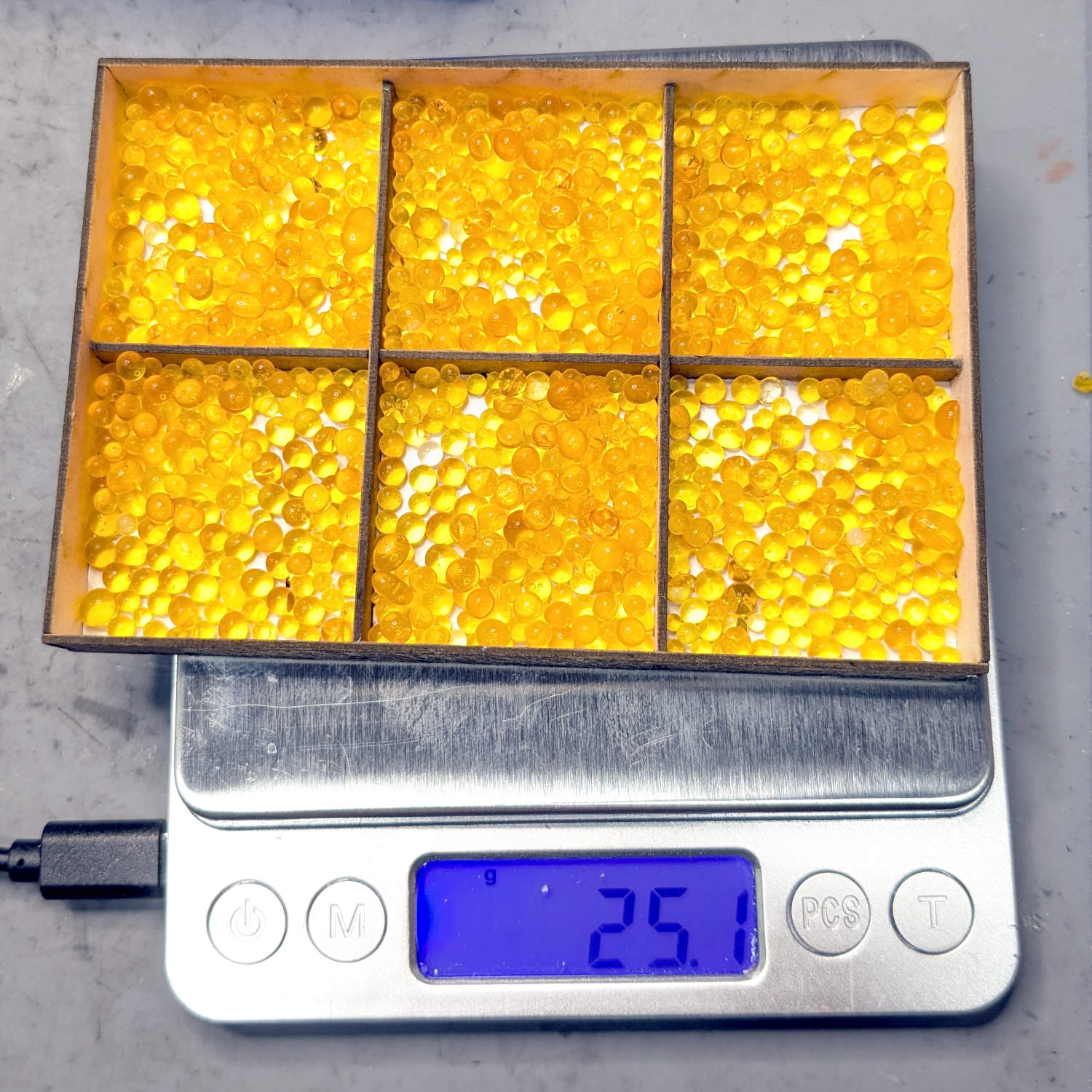
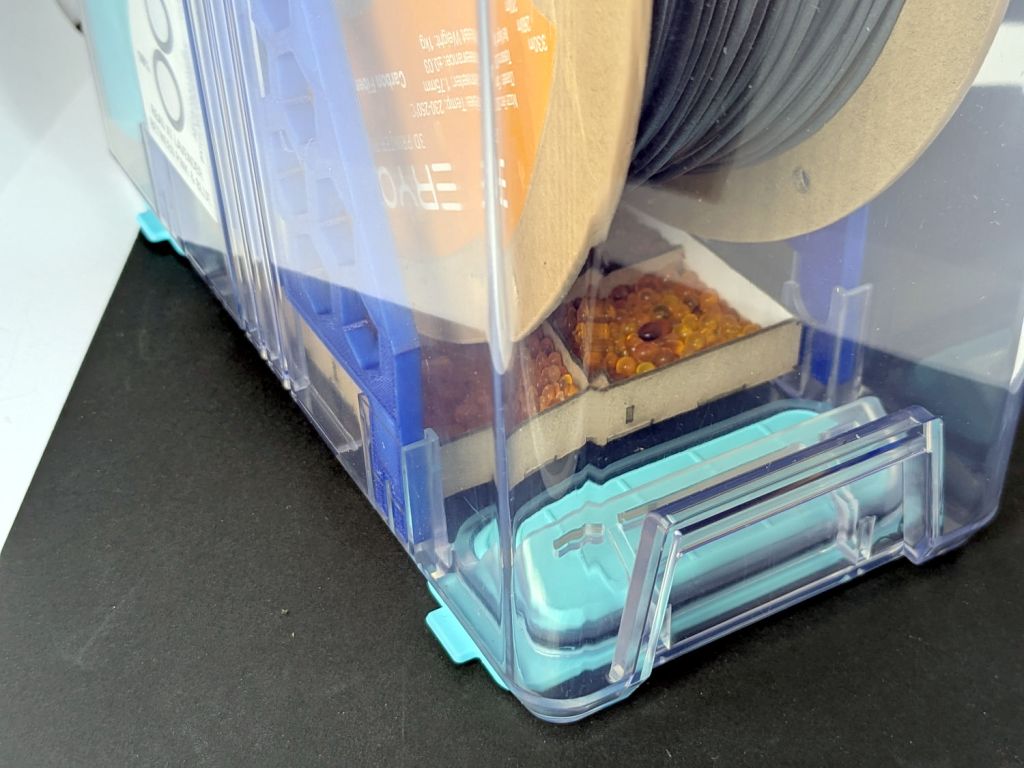
The 25 g of silica gel in each Polydryer box produced these results after a month:
8 Sept 2025
11 Sept
23 Sept
Filament
%RH
Wt – g
Wt gain – g
%RH
%RH
PETG White
25
27.6
2.6
15
21
PETG Black
22
27.3
2.3
15
20
PETG Orange
21
27.2
2.2
21
23
PETG Blue
19
27.3
2.3
14
15
PETG-CF Blue
24
27.4
2.4
21
22
PETG-CF Black
21
27.3
2.3
15
19
PETG-CF Gray
27
27.1
2.1
24
26
TPU
25
27.4
2.4
22
24
Empty 1
51
no gel
n/a
27
30
Empty 2
35
27.9
2.9
19
28
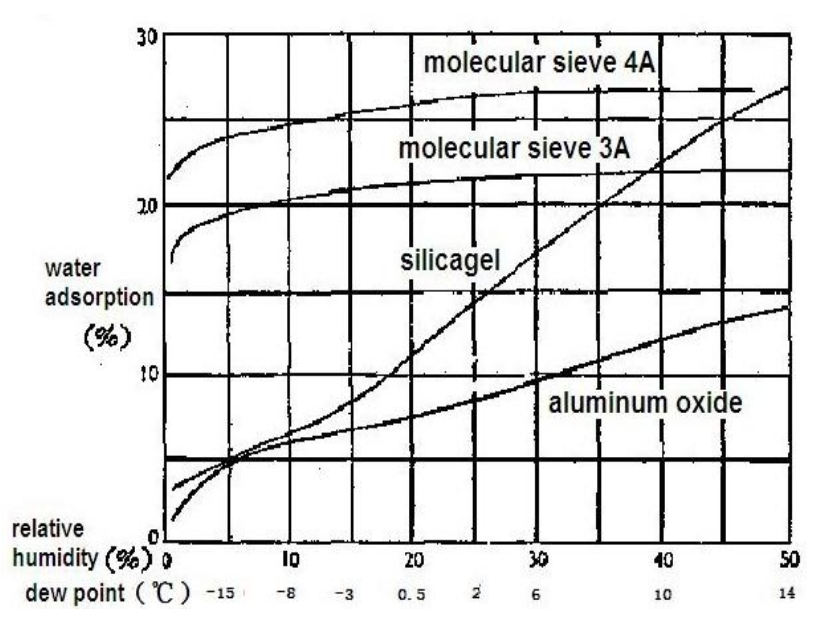
The humidity levels seem higher than before, with a bit under 10% weight gain.
The two “Empty” boxes show the difference between ambient basement humidity and letting 25 g of silica gel work on the box for a month. Comparing the latter’s weight gain with the other boxes shows occupying (much of) the interior with (relatively) dry filament reduces the desiccant’s workload.
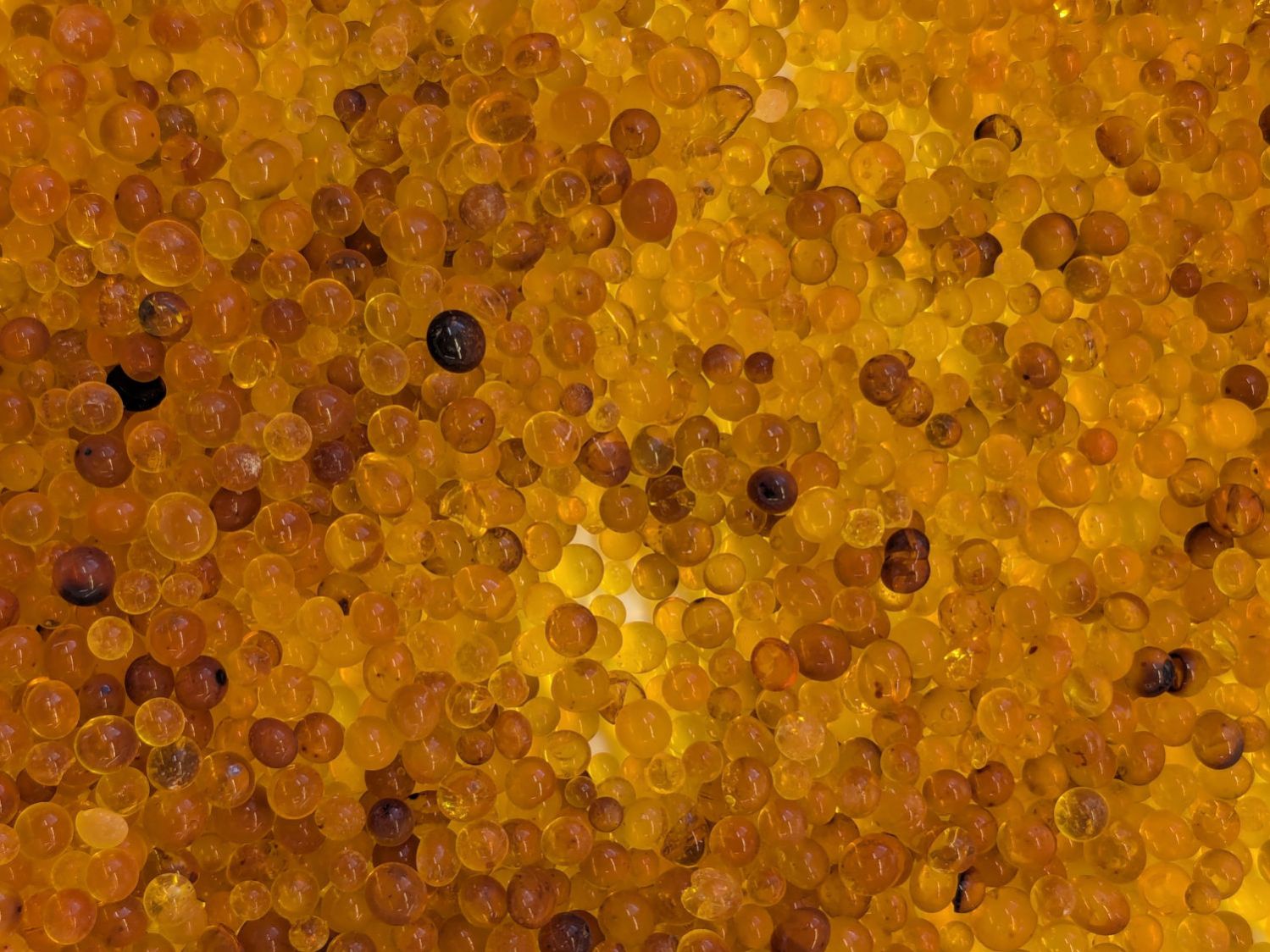
The beads in the “Empty 2” box were definitely darker after soaking up an entire box full of 50 %RH air:
Polydryer – 37%RH meter – empty
The meter reads 37%, rather than 35%, due to being out of the box for a few minutes.
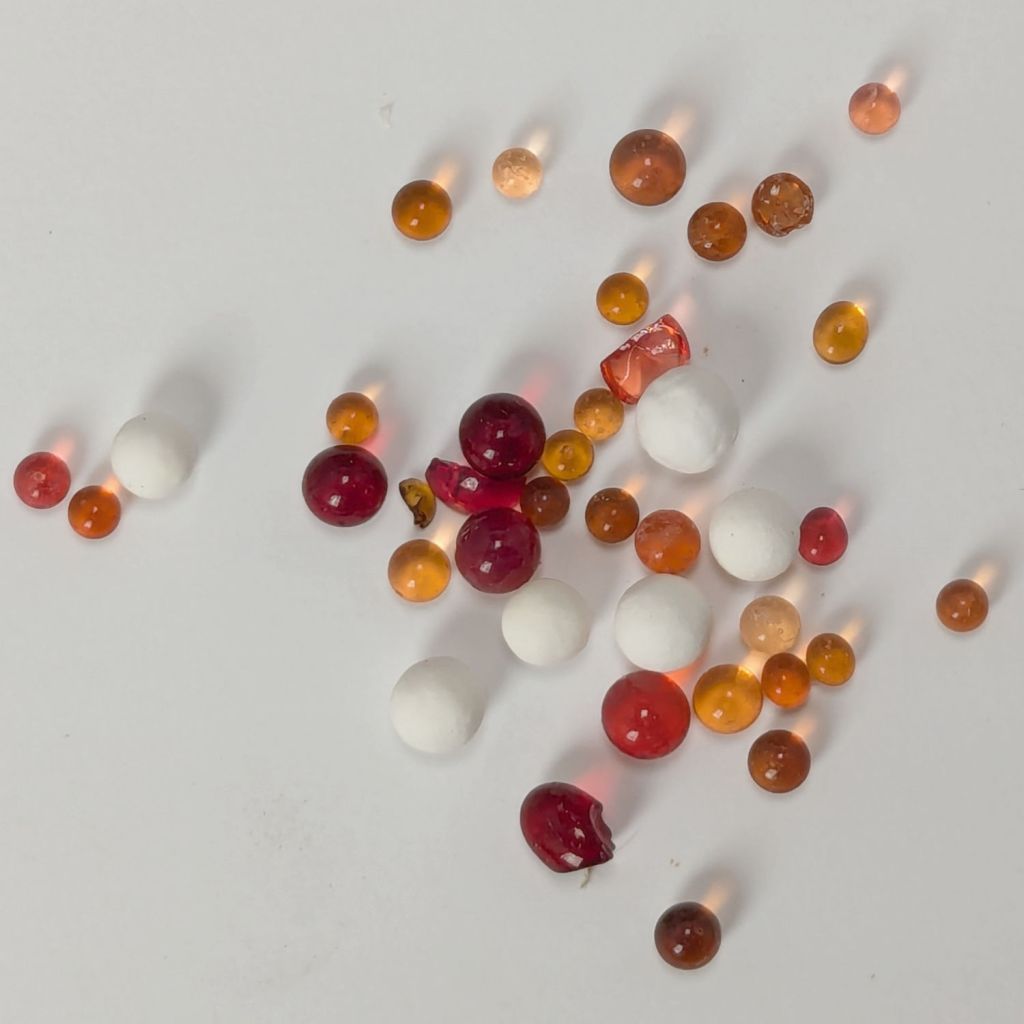
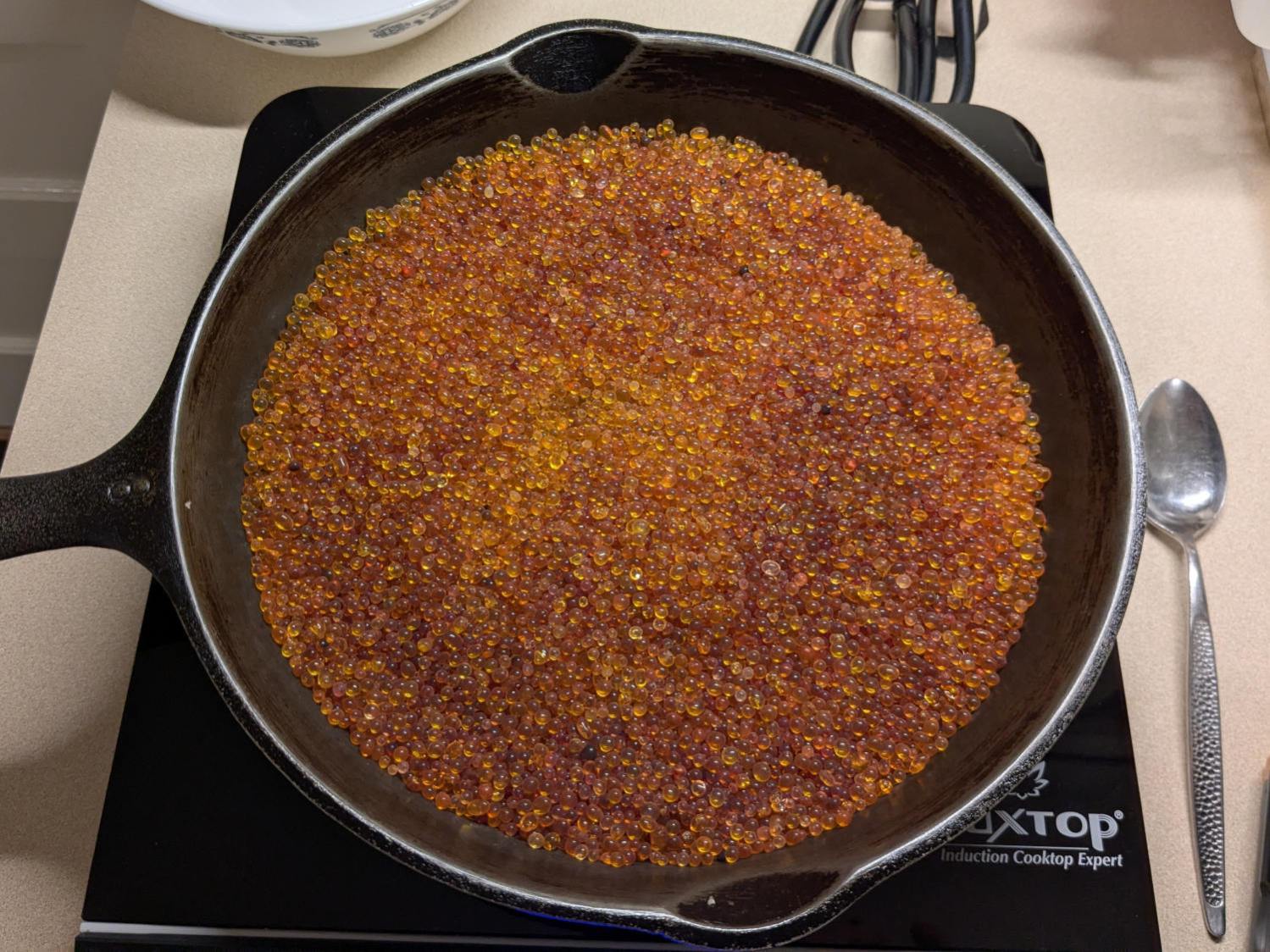
They’re the darker swirl in the pan of beads:
Silica Gel regeneration – starting bead colors
That’s an accumulation of beads from a few months, not just what you see in the table.
I used an induction cooktop to heat the cast-iron pan. Some fiddling with the cooktop’s constant-temperature mode got the beads to 200 °F with a 460 °F setting in about an hour. Setting the cooktop to 50% in constant-power mode worked better, as the beads reached 220 °F in an hour and 230 °F after another hour.
The bead weights at various stages:
Start = 531 g
+1 hr at constant temperature = 491 g
+ 1 hr at 50% constant power = 483 g
+ 1 hr ditto = 480 g
The 41 g weight loss is 8.5% of the dry weight, roughly what you’d expect from the humidity readings.
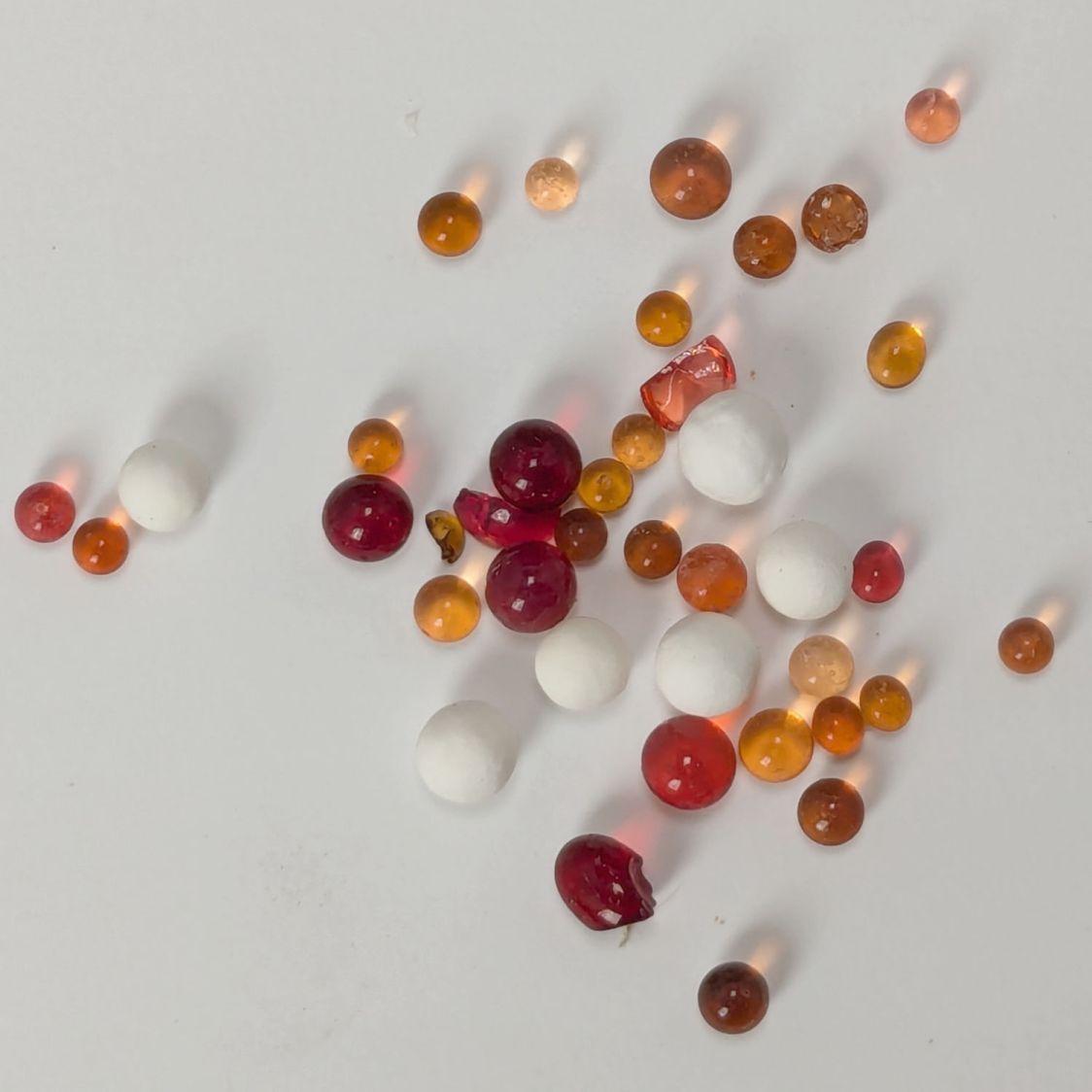
After reloading the meters with 25 g of alumina beads, the 11 Sept humidity readings are slightly lower and the 23 Sept readings are roughly comparable.
My Fitbit Charge 5 has become fussy about its exact position while snapped to its magnetic charger, so I thought elevating it above the usual clutter might improve its disposition:
FitBit Charge 5 stand – installed
The Charge 5 now snaps firmly onto its charger, the two power pins make solid contact, and it charges just like it used to.