Ed Nisley's Blog: Shop notes, electronics, firmware, machinery, 3D printing, laser cuttery, and curiosities. Contents: 100% human thinking, 0% AI slop.
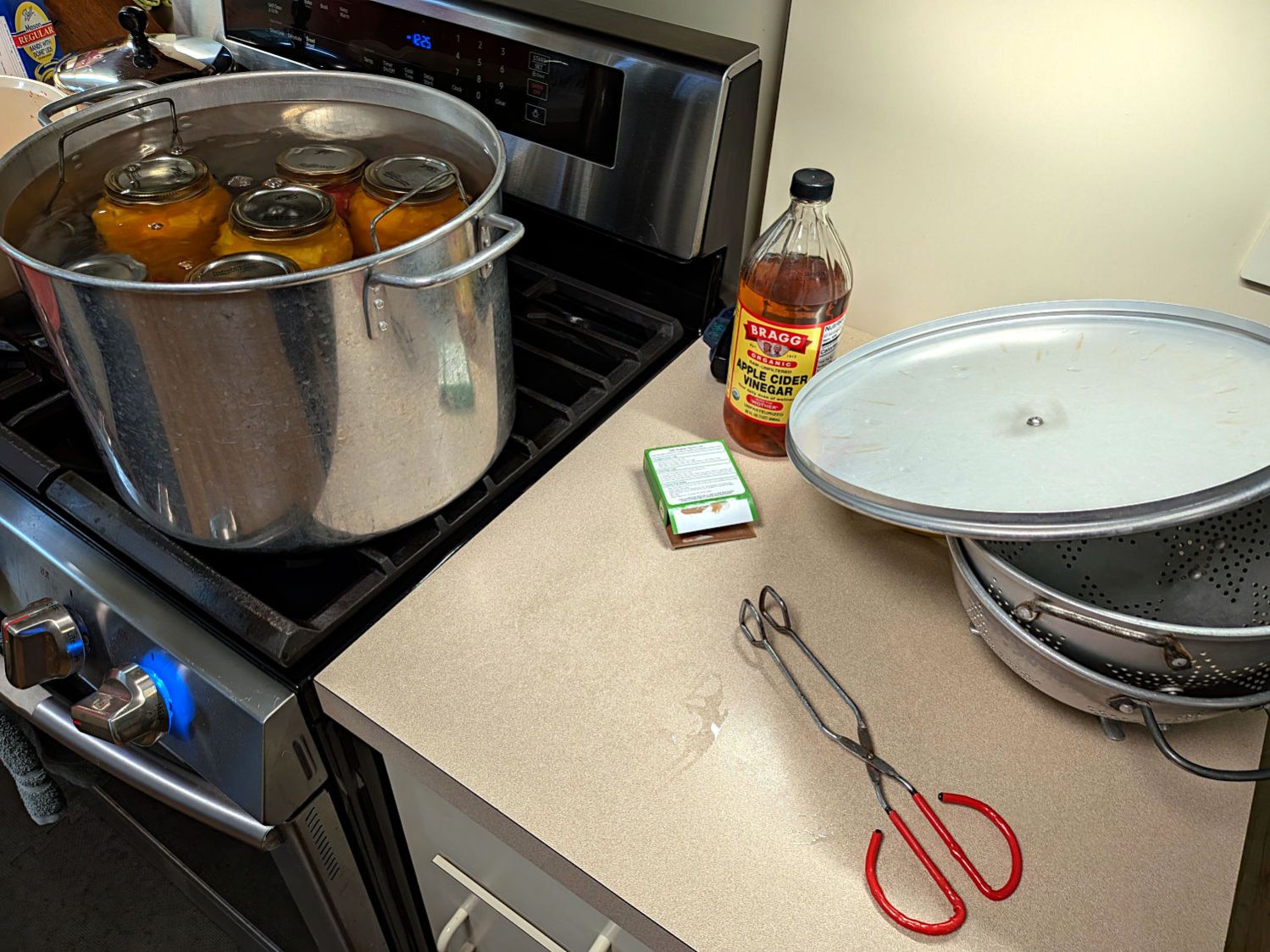
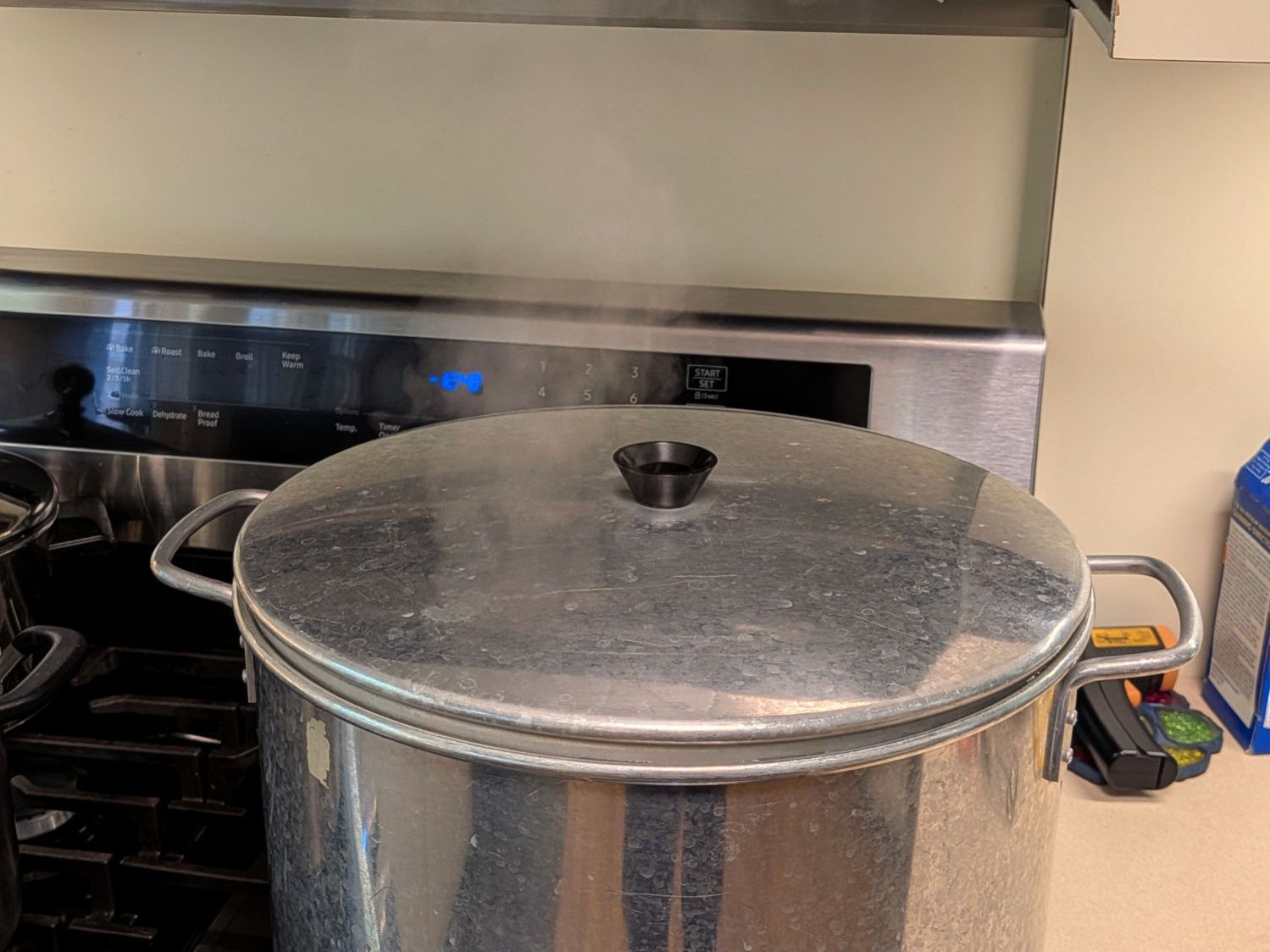
Tomato Canning season has returned and my puny contributions involve maneuvering large pots of boiling water and, this time, cleaning up corrosion under the lid knob.
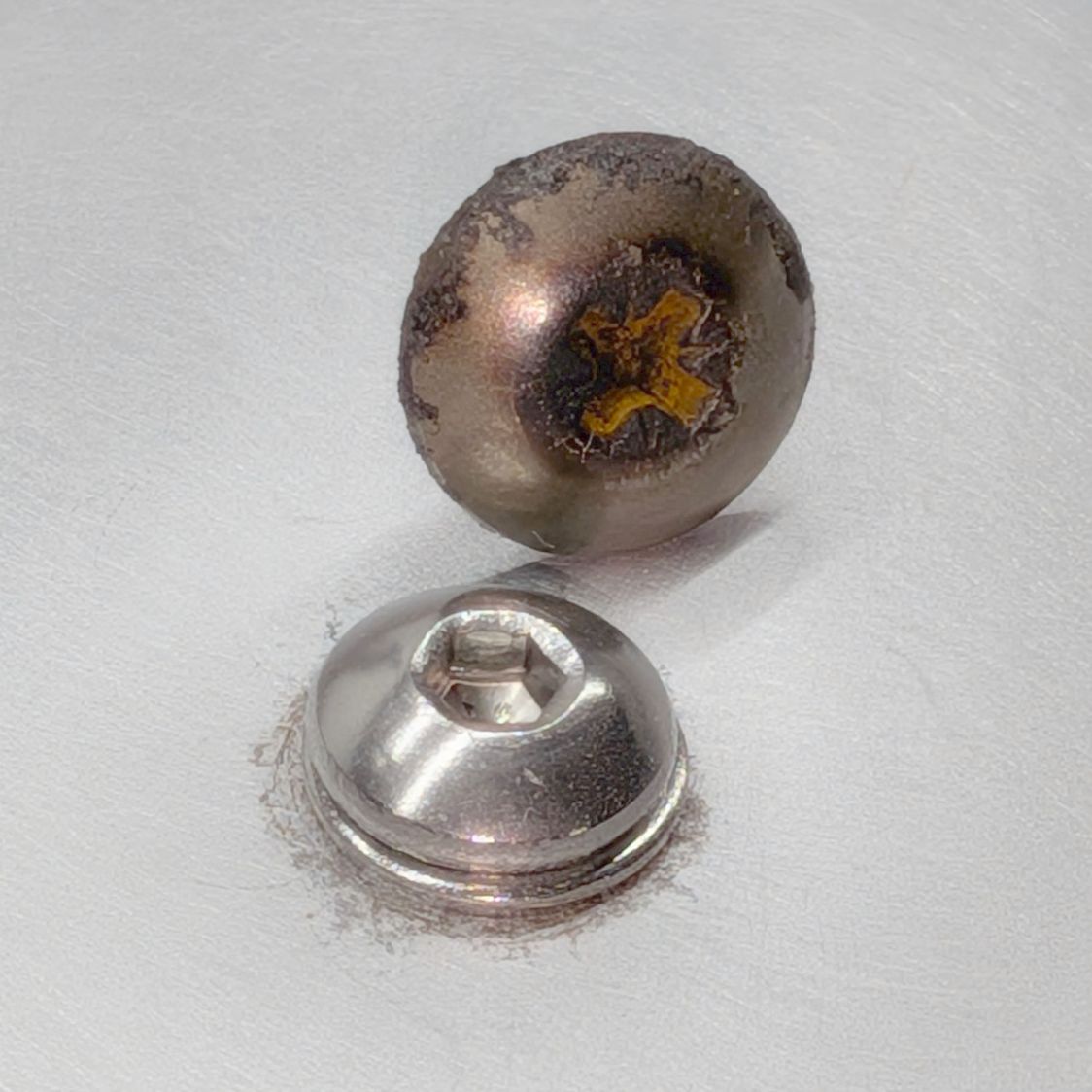
The corroded OEM screw vs. the shiny stainless steel screw:
Canning pot lid knob – OEM vs new screw
The dark rim under the washer remained after hitting the area with sanding pad grits from 320 up through 1200, which seemed sufficient.
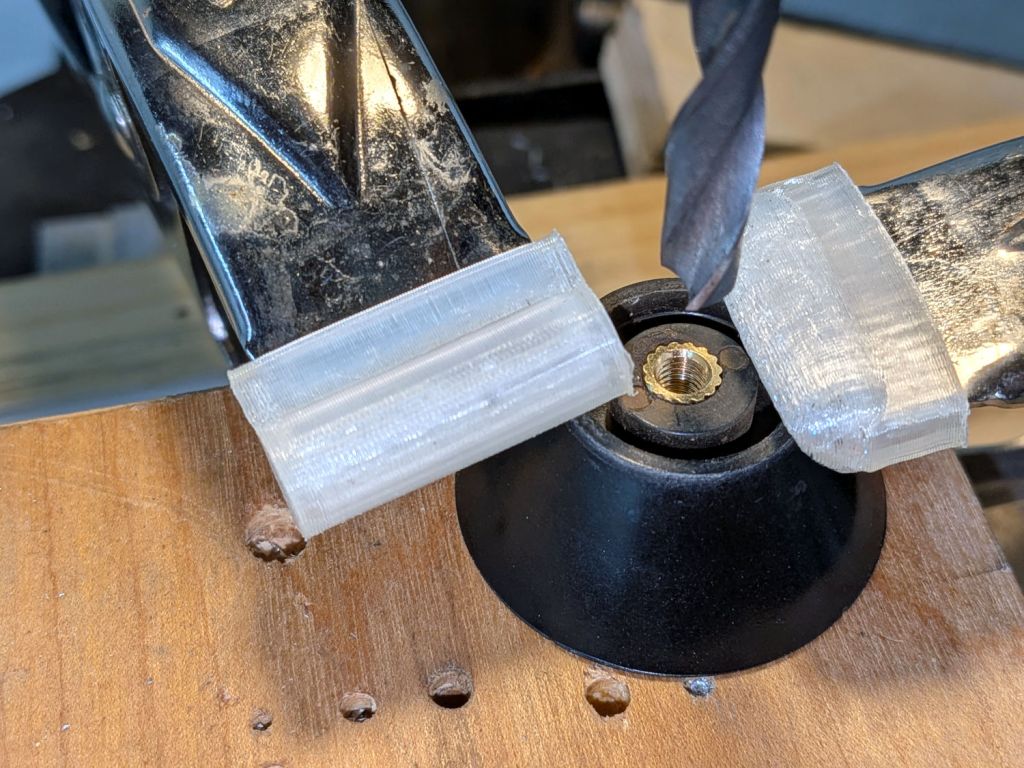
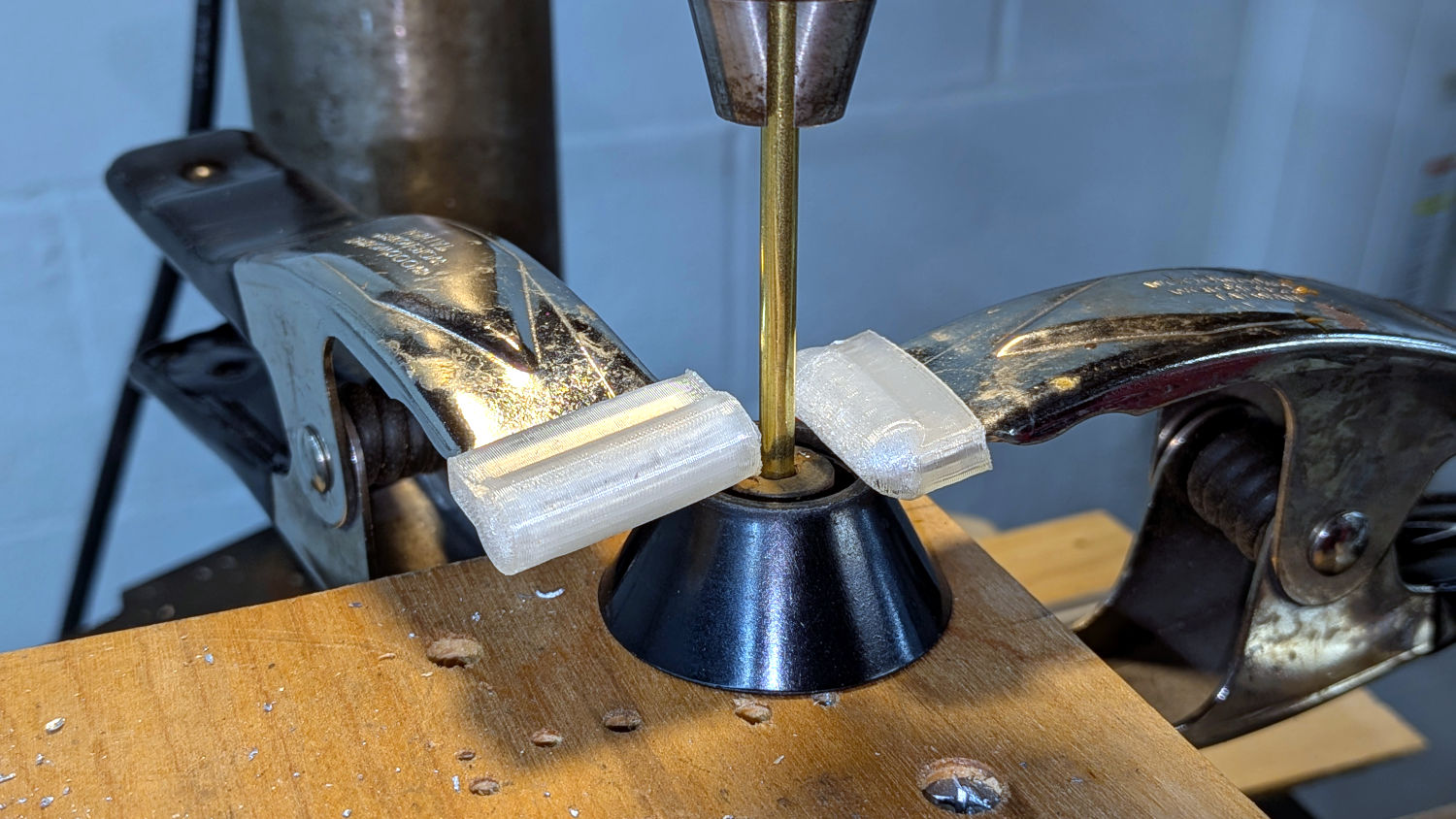
The OEM screw had a self-tapping thread, but I’d rather use a machine screw with an insert. Start by lining up the existing screw hole on the drill press and clamping the knob firmly in position:
Canning pot lid knob – hole alignment
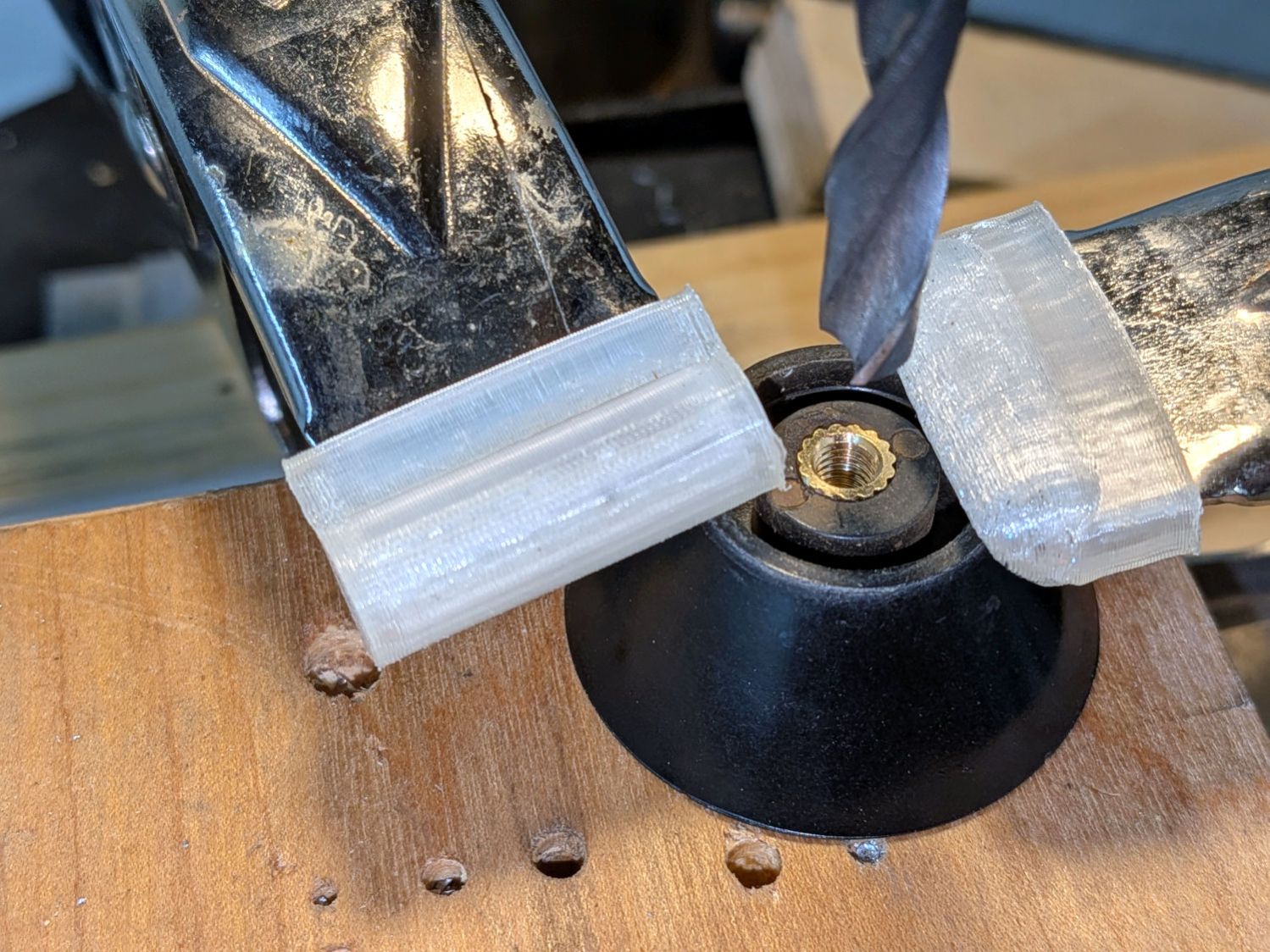
Then drill to fit an M5 brass insert, while testing the hole depth:
Canning pot lid knob – insert test fit
Slather the insert with JB Weld epoxy, seat it in the hole, cure overnight, assemble in reverse order, and the lid was ready for the next canning session:
Canning pot lid handle – in use
Yes, those are jars. The process is called canning:
One of Mary’s garden neighbors recently started biking, she recommended he needed a helmet mirror, and I handed her a spare from the Bag o’ Mirrors:
Helmet Mirror Ball Mount – on helmet
So I built another one:
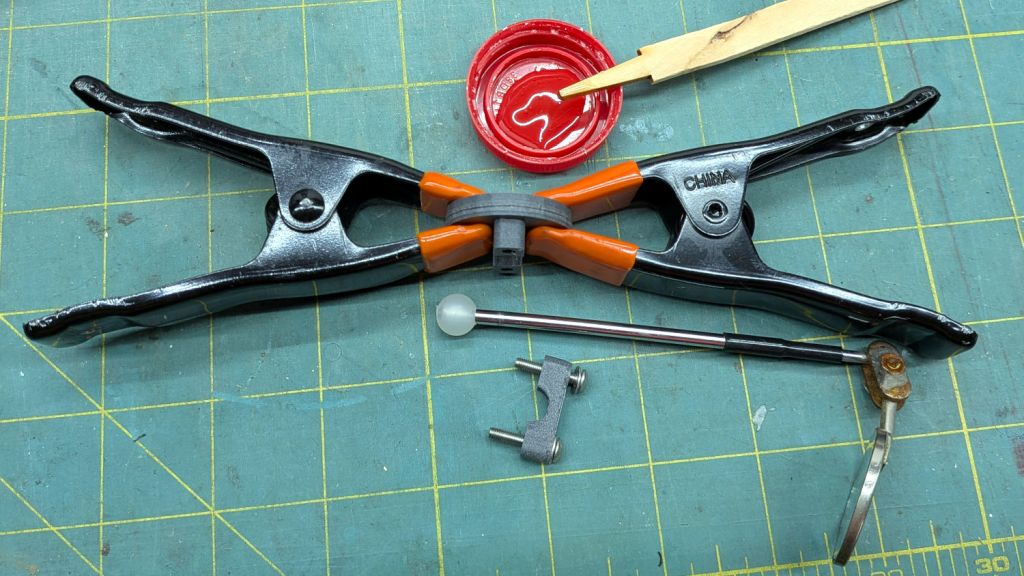
Helmet Mirror Ball Mount – epoxy clamping
Fortunately, the Bag also had that (slightly rusted) mirror with a drilled ball, so all I needed was a new printed mount with two brass inserts and screws.
Now we have two spares against future need:
Helmet Mirror Ball Mount – ready spares
They’re much better than the old yellow Az-El mount, but I couldn’t have made the ball mounts without that experience.
Both versions outlasted all the commercial versions we’ve had over the decades, so that’s a 3D printing success story right there.
Print that on fancy paper, drop it into the Letter cutting fixture, align the printed targets with the layout using the same technique as with the punched cards:
Position the laser head at the center of a target in the LightBurn workspace
Skootch the fixture to put the corresponding printed target under the red dot pointer
Position the laser head at another target
Skootch the other printed target to match
Iterate until both align properly
I find that’s faster / easier / no less accurate than Print and Cut.
Then Fire The Laser:
Page 5 – Test piece – cutting
That’s cut over honeycomb, rather than empty space, because there’s not much paper left when the cutting is done and the remaining pieces distort the lacework:
Page 5 – Test piece – as cut
That layer (with binary code 0001) goes under the top black mask hiding the remaining colors on the lacework. The wing feathers and details seemed too small for slots cut into paper, so printing them finessed the issue.
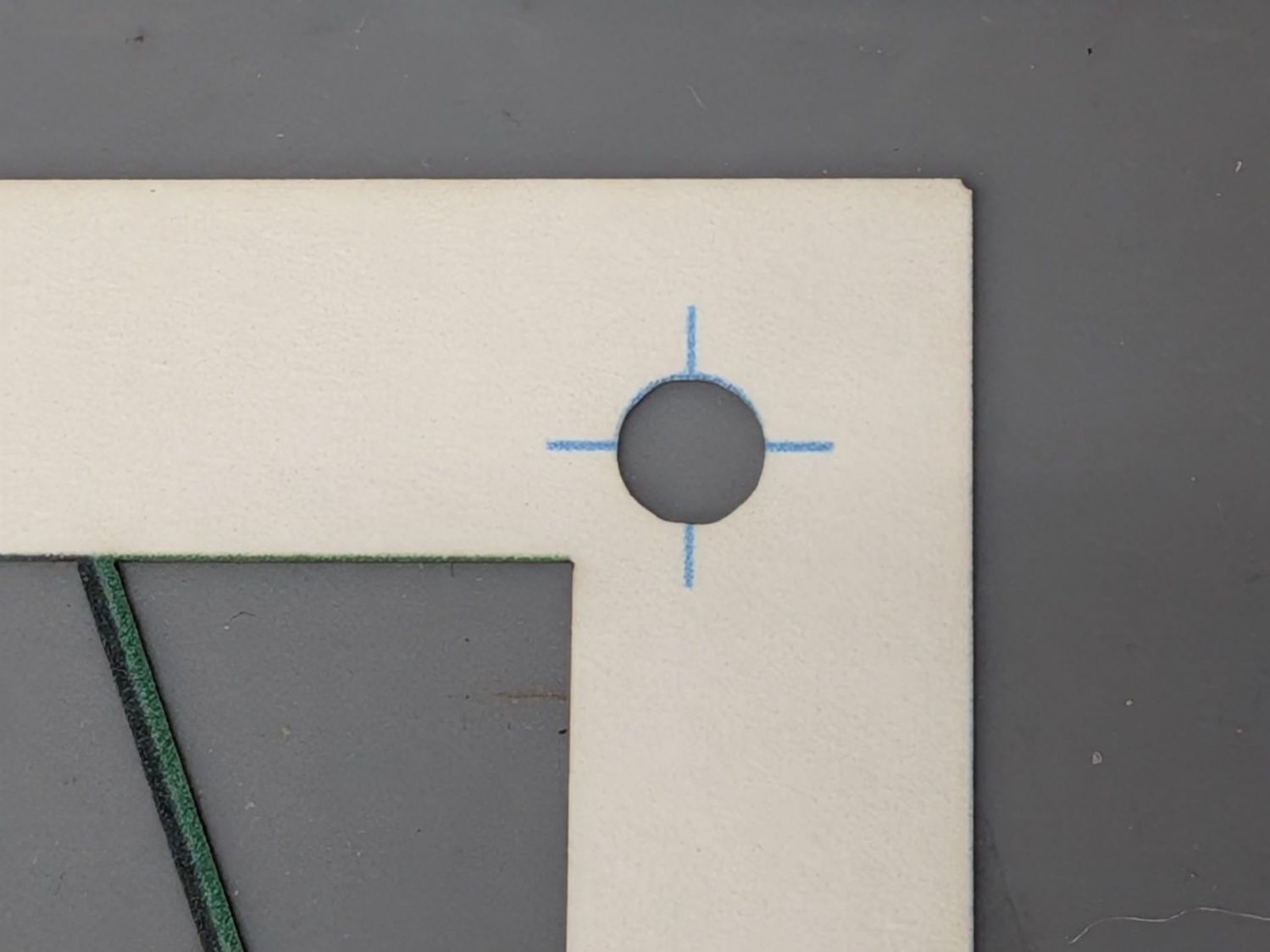
I had aligned the fixture at the upper-right target:
Page 5 – Printed page test piece – cut top-right
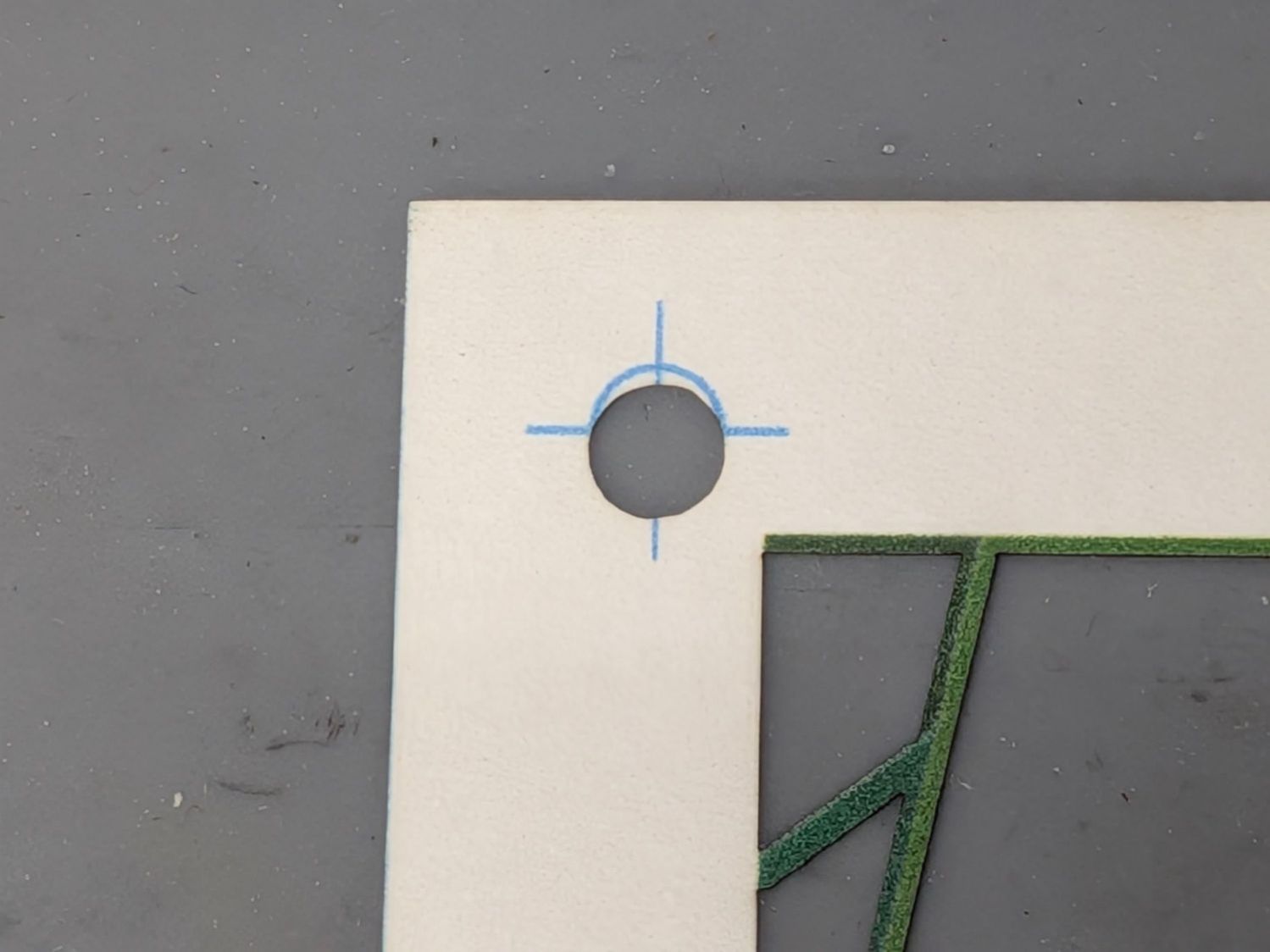
And the lower-left target:
Page 5 – Printed page test piece – cut bottom-left
The printed lines are about 0.3 mm wide, so the cut alignment is off by that much in both X and Y.
The lower-right target is spot on:
Page 5 – Printed page test piece – cut bottom-right
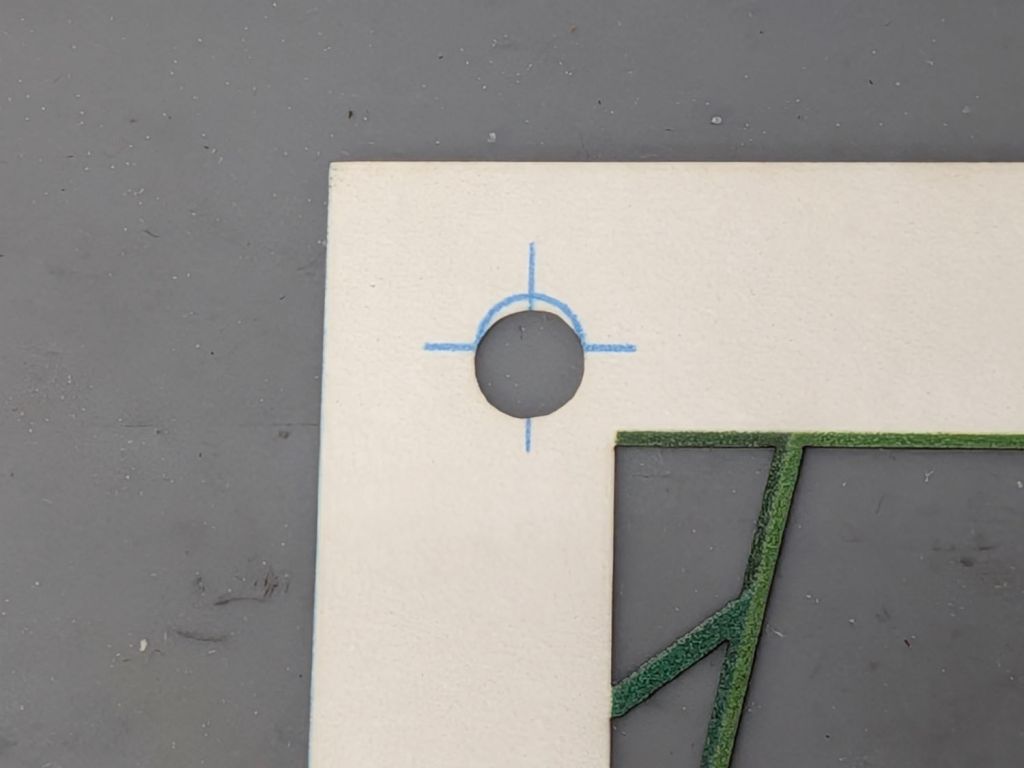
But the upper-left target is off by nearly a millimeter in Y:
Page 5 – Printed page test piece – cut top-left
As well as I can measure, the printed image is slightly distorted, perhaps by the printer’s feed rollers skewing the paper slightly on its way through the printer. The laser-cut holes are, again as well as I can measure, dead on.
The punched card process required scaling the composited PNG image by 97%×97.9% so the image matched the laser-evaporated holes. This distortion seems different, but different paper and printer settings surely affect the outcome.
On the whole, though, the first test piece came out OK:
Somewhat absorbent chipboard liners for the small trays / dishes under all the kitchen supplies in daily use:
Cupboard tray liners – installed
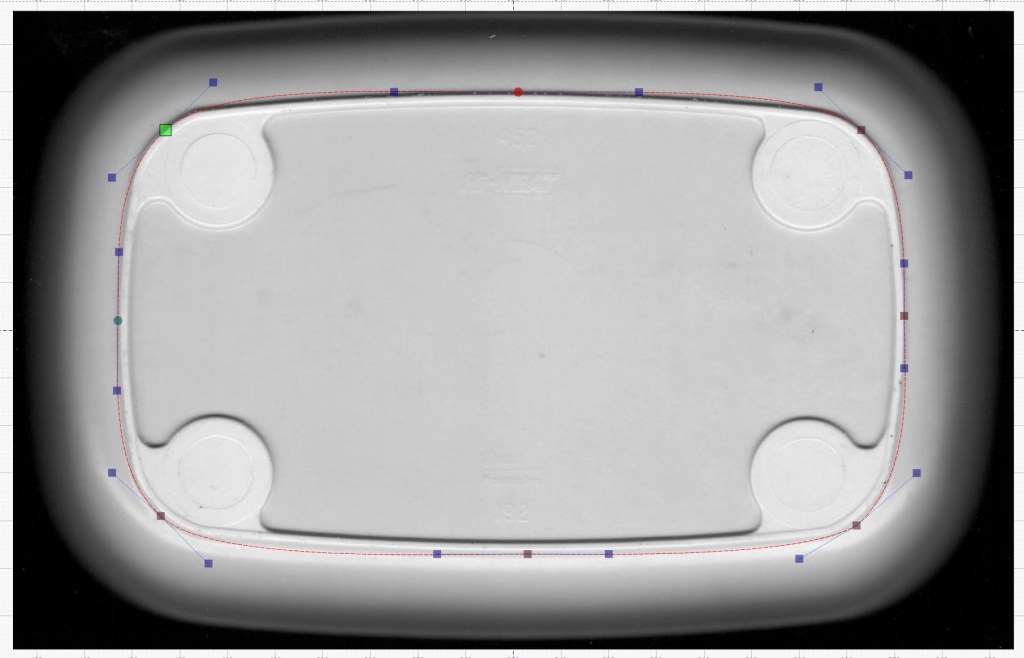
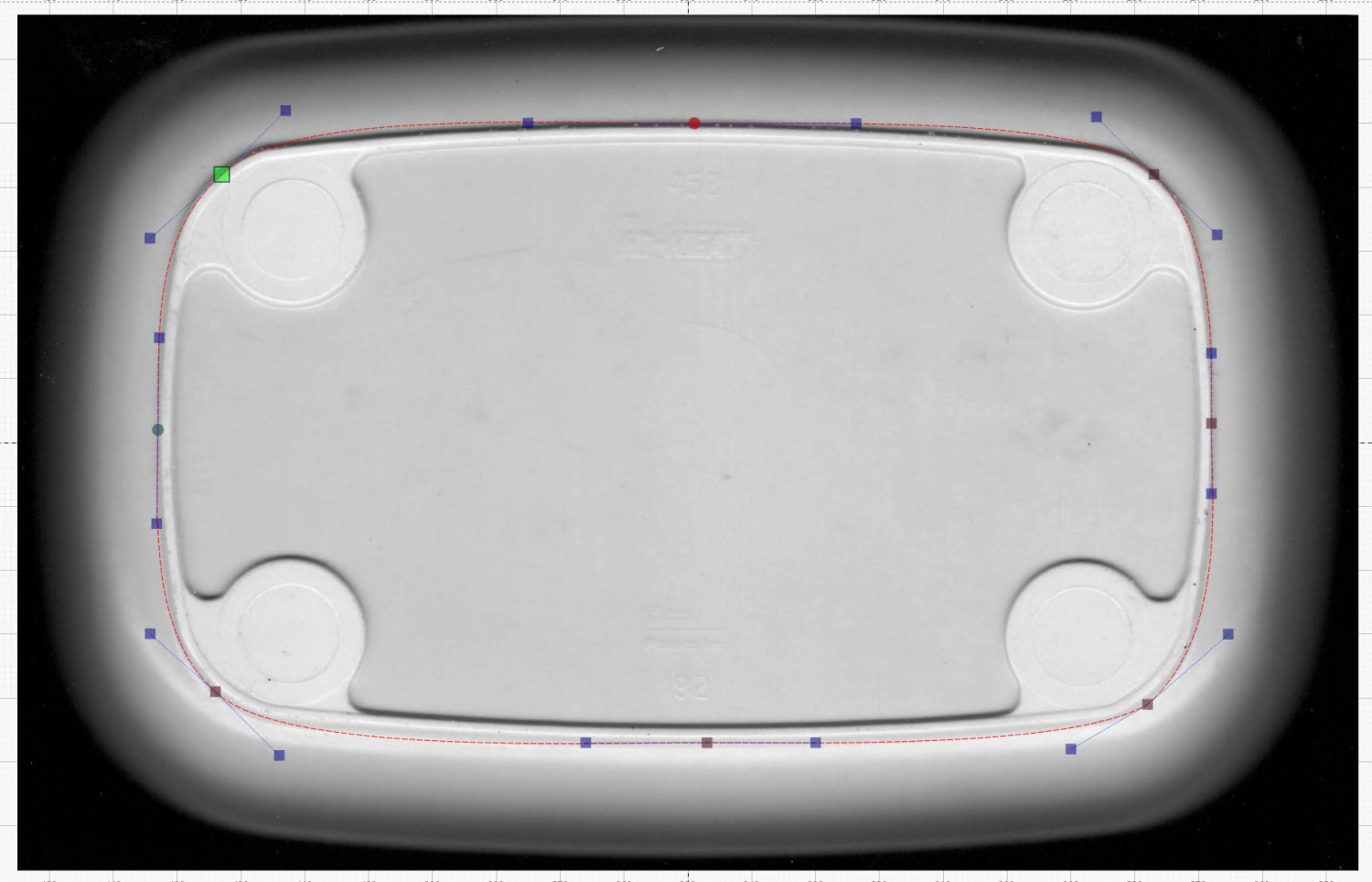
The tray bottom matched the flat surface of the top closely enough to let me lay a curve around the perimeter, with some attention to symmetry:
Cupboard Tray – LightBurn curve fit
Then Fire The Laser and it’s done!
For applications where actual symmetry matters, you’d want to lay a quarter of the curve and duplicate it across the midlines. In this case, however, an eyeballometric fit was entirely Close Enough™.
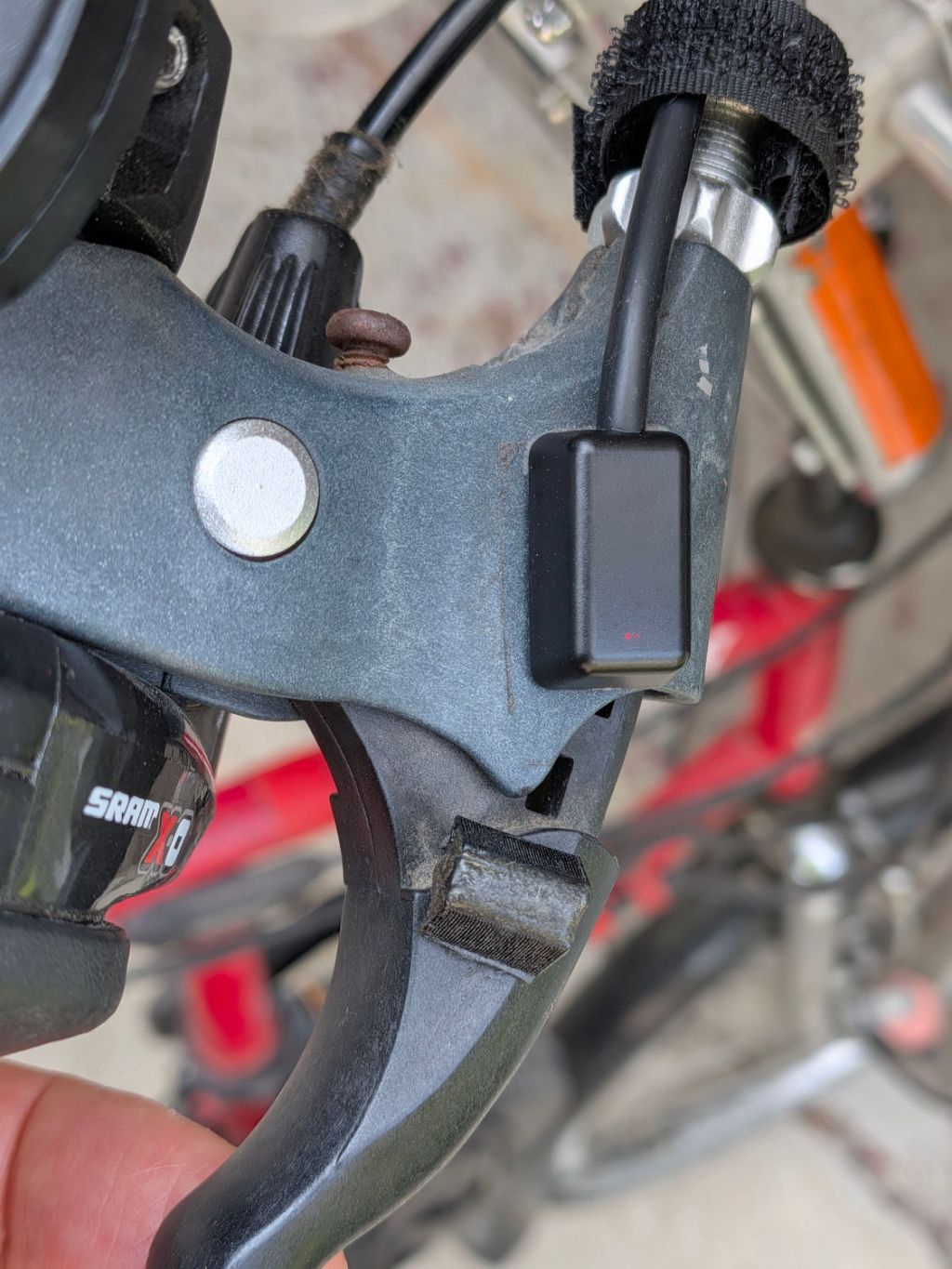
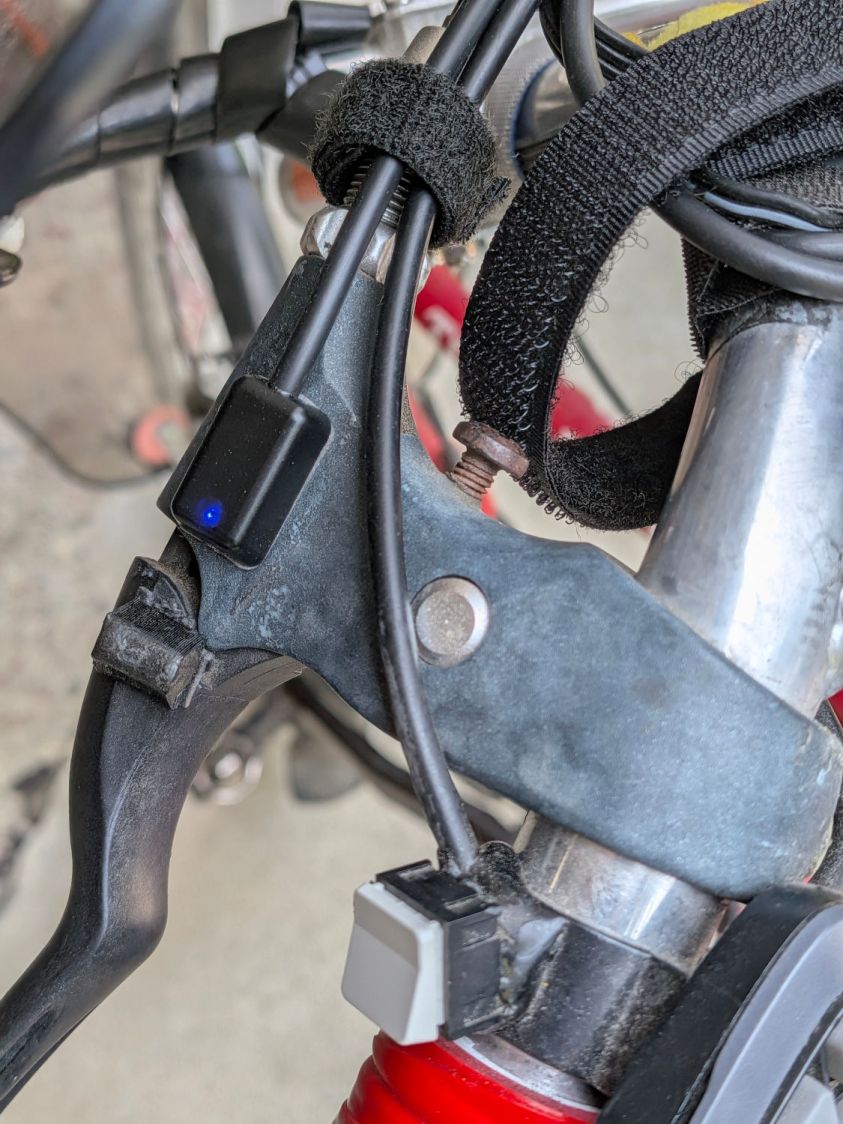
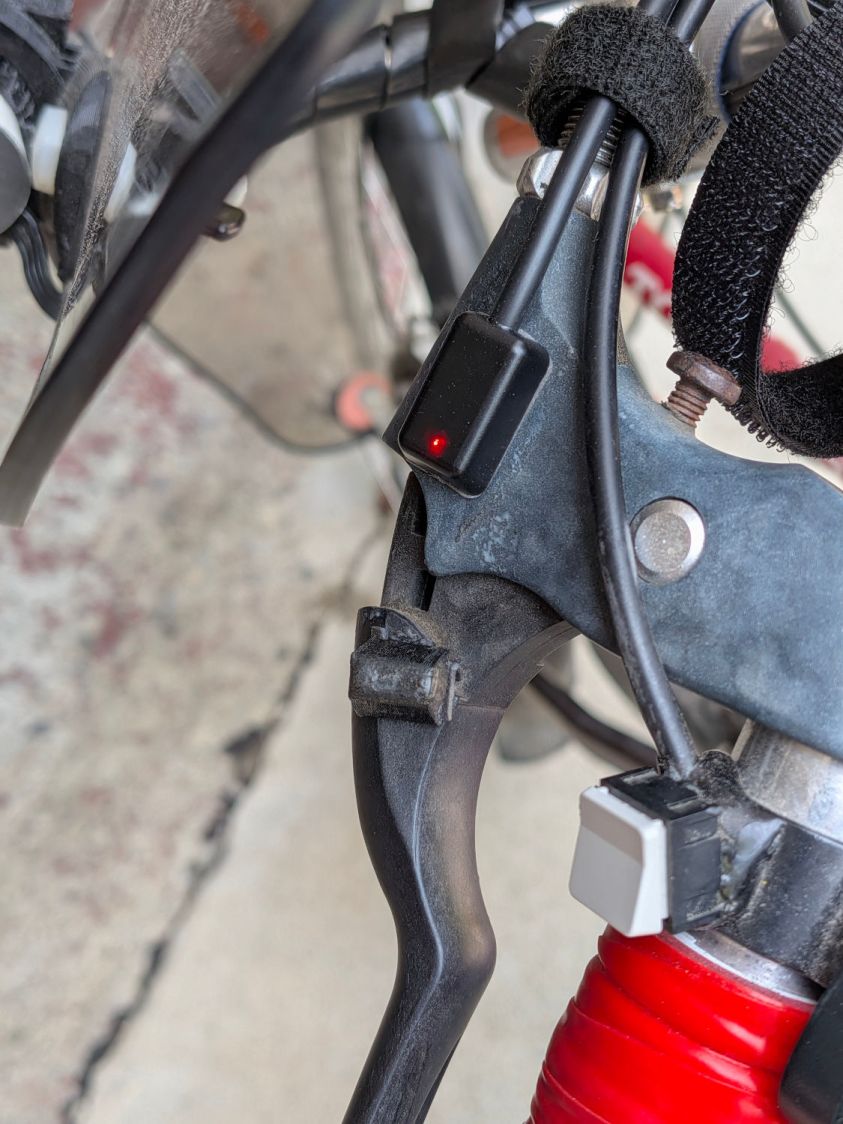
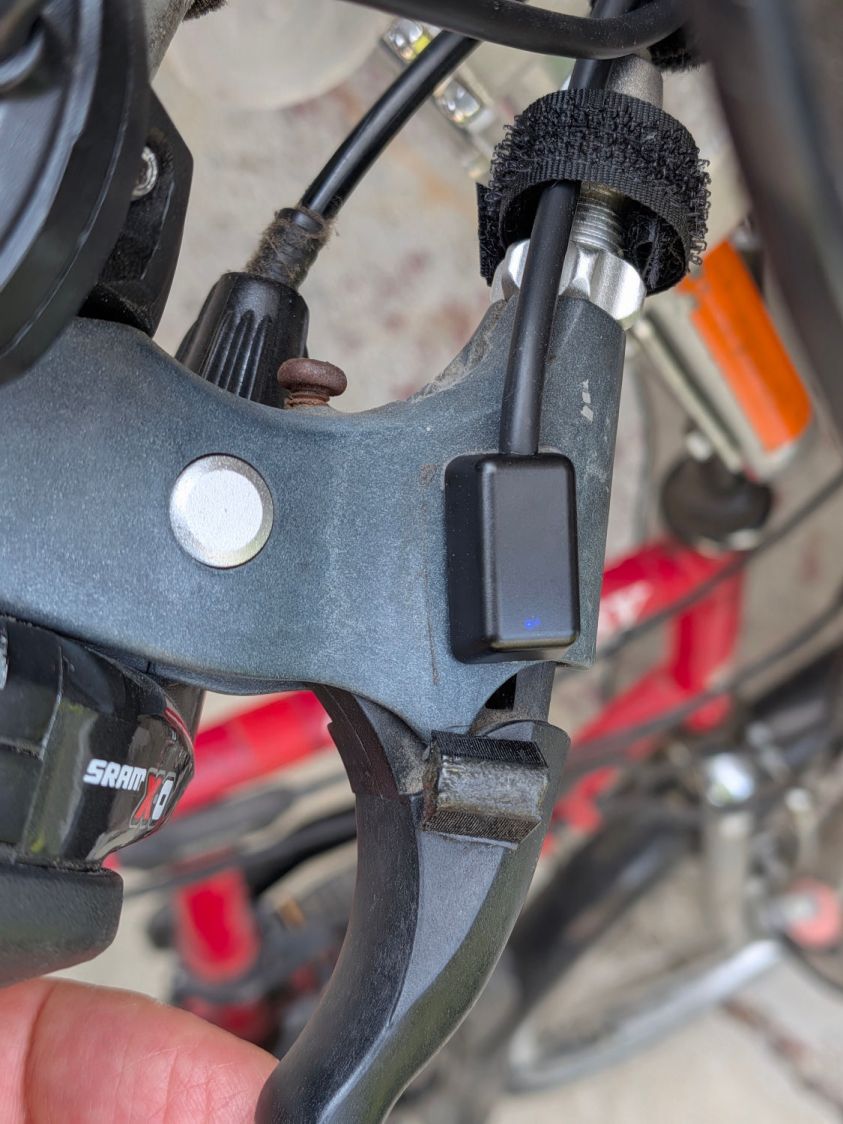
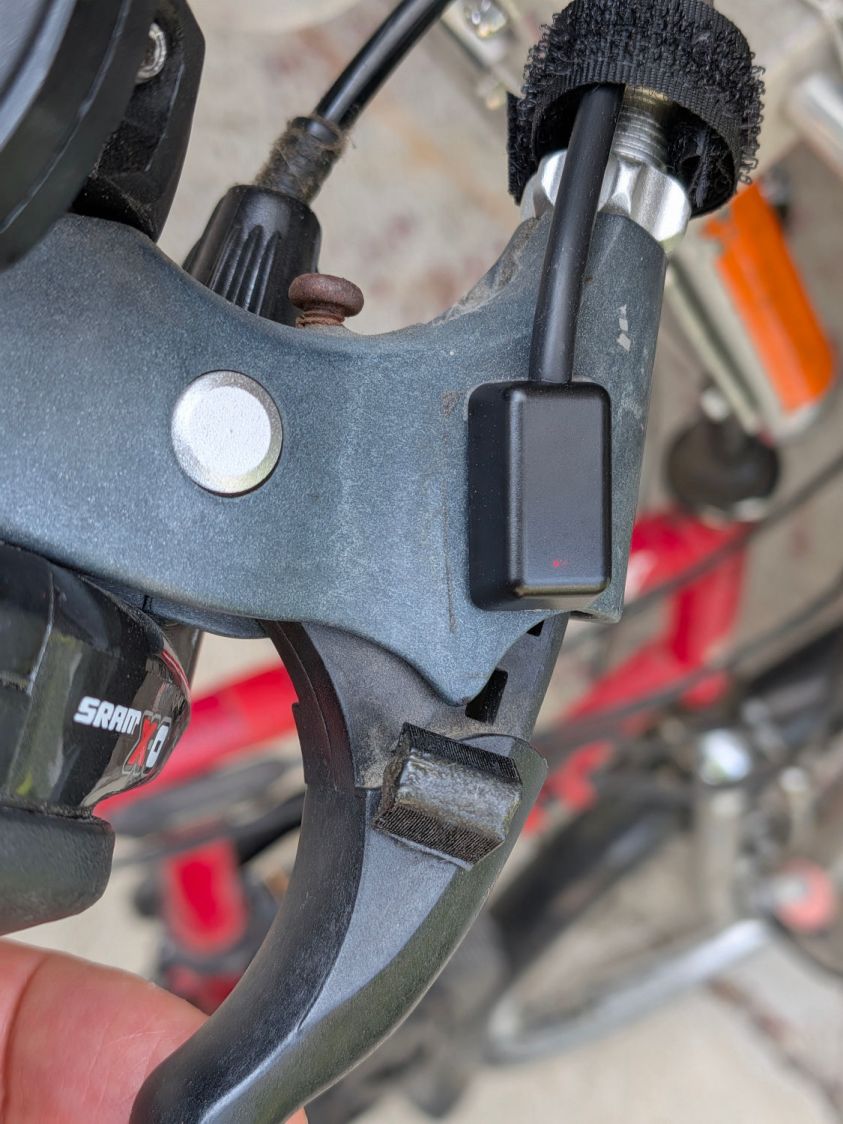
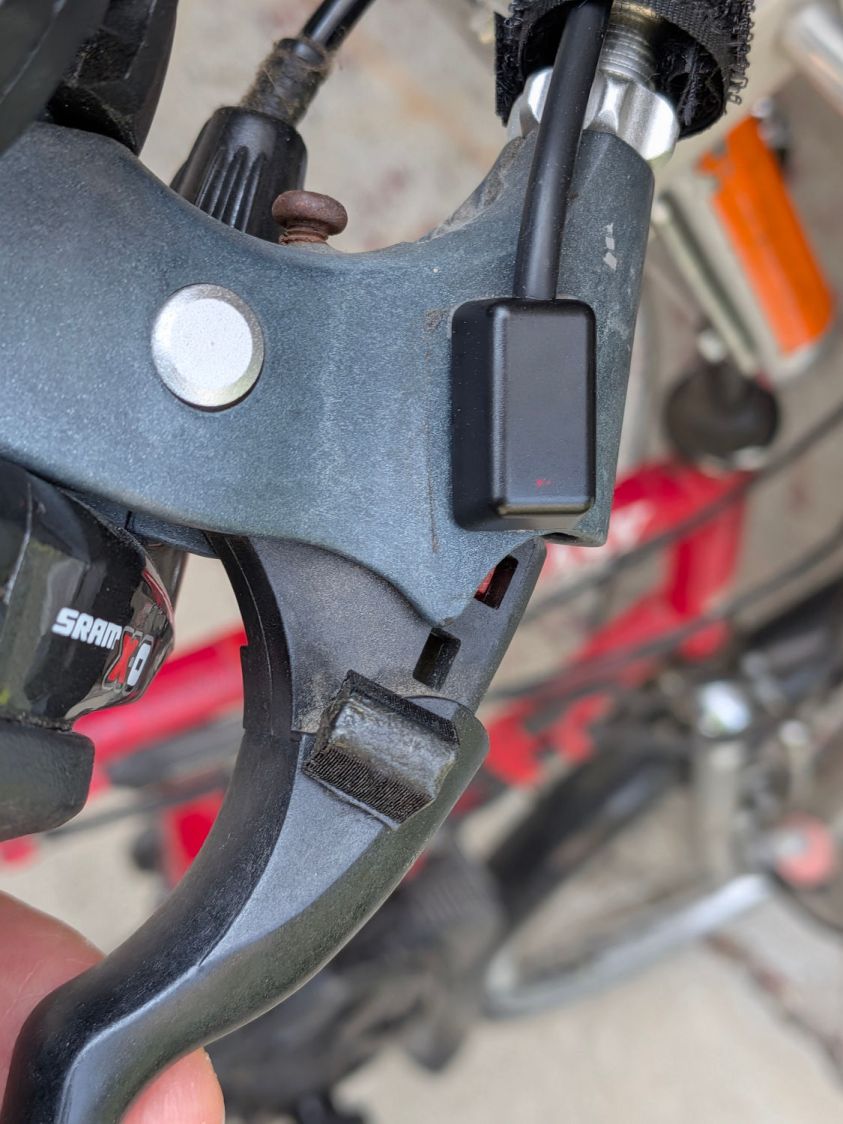
Having verified the brake sensors work and with some idea of their actuation distances, installing them on Mary’s Tour Easy involved no more than:
Remove the fairing
Unwrap three spiral looms from All The Cables
Wrestle the Julet connectors apart
Plug in the new sensors
Stick the sensors in the proper locations
Verify proper brake operation
Rewrap the looms
Install the fairing
The “proper location” put the actuation point about halfway between the brake lever’s released and pulled positions. Given that the previous sensors lacked indicators, I don’t know where their actuation point might have been, other than likely too close to their released position.
A slideshow of the front brake lever positions:
Tour Easy LED brake sensor – front released
Tour Easy LED brake sensor – front activated
Tour Easy LED brake sensor – front pulled
Similarly for the rear brake lever positions:
Tour Easy LED brake sensor – rear released
Tour Easy LED brake sensor – rear activated
Tour Easy LED brake sensor – rear pulled
Obviously, the rear brake lever sensor has the “dim” LEDs.
There’s not much to go wrong and the first ride was uneventful, so we’ll declare victory until the sensors or magnets shift their position, despite the wraps holding their wires to the brake cables.
The magnets come from power toothbrush heads, encased in urethane adhesive in 3D printed mounts.
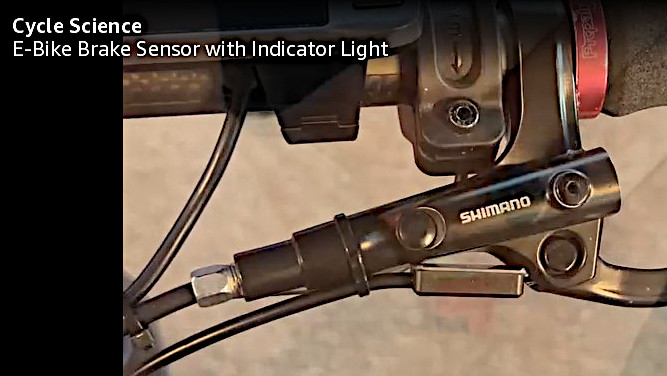
Stipulated: I sometimes over-do things.
However, I am absolutely not going to back down from saying the lashup shown in this screen grab from the sensor installation video is utterly and completely wrong:
It being once again time to tweak the mini-lathe’s cross slide and compound backlash …
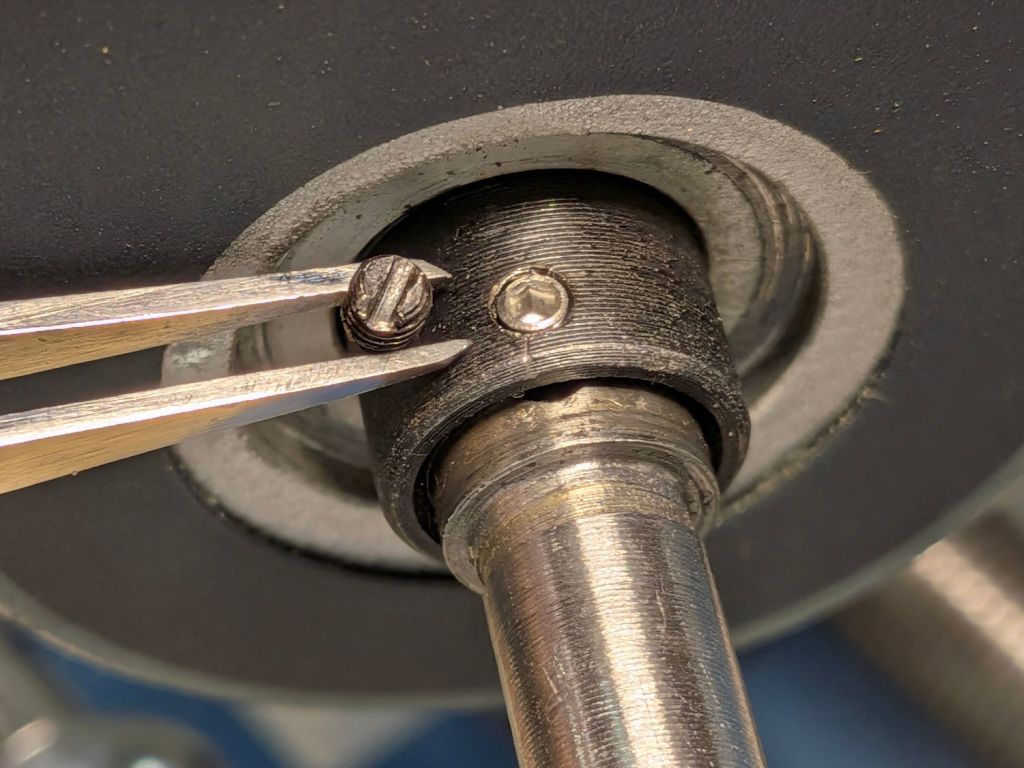
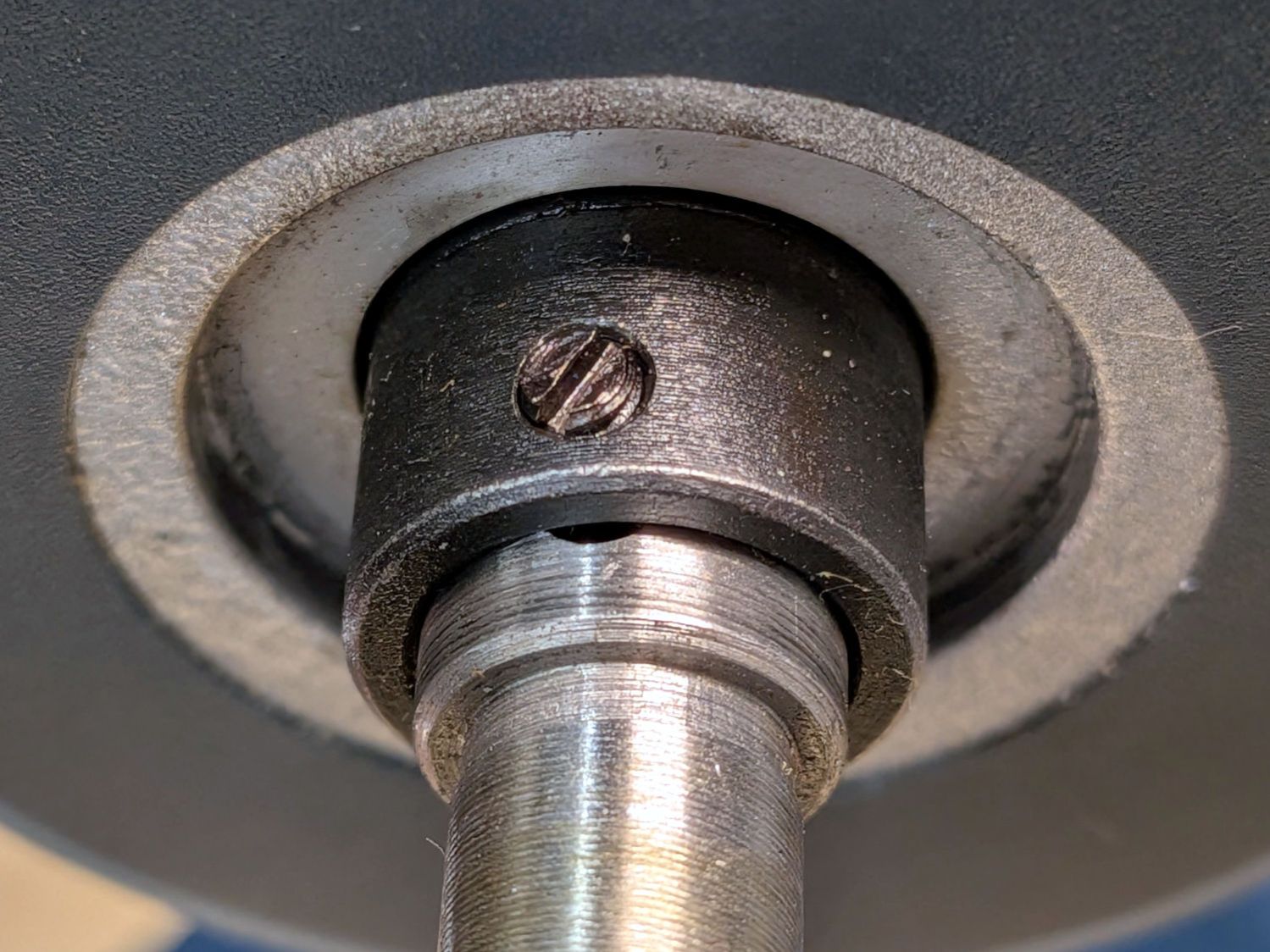
The M3 slotted setscrew locking the cross slide’s DRO collar to the feed screw shaft had come loose:
Mini-lathe – DRO slotted setscrew
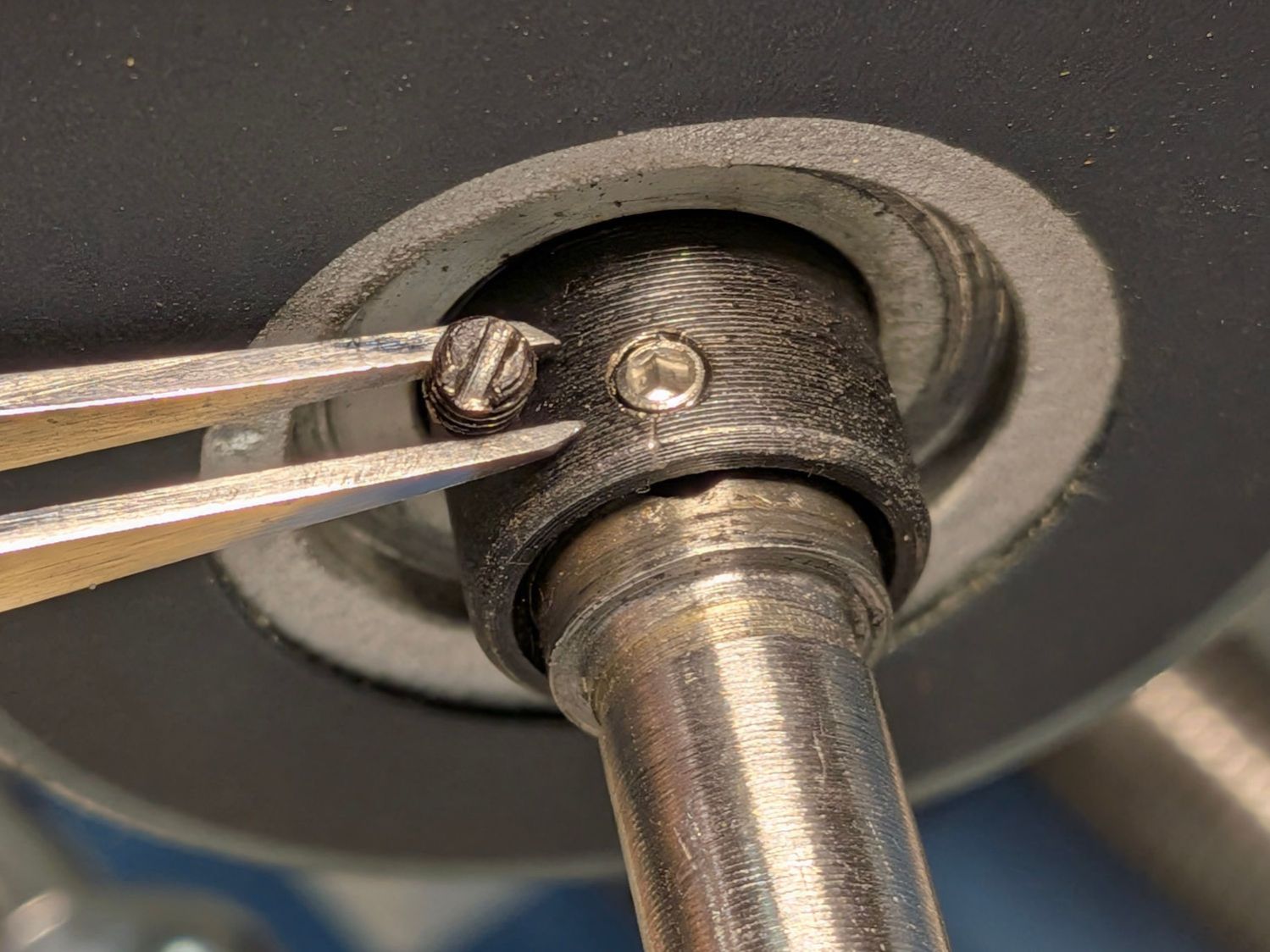
Although it has a cone point, presumably to center the slot in the feed screw, an M3 cup point hex setscrew works just fine:
Mini-lathe – DRO hex setscrew
A hex socket is much easier to tighten securely.
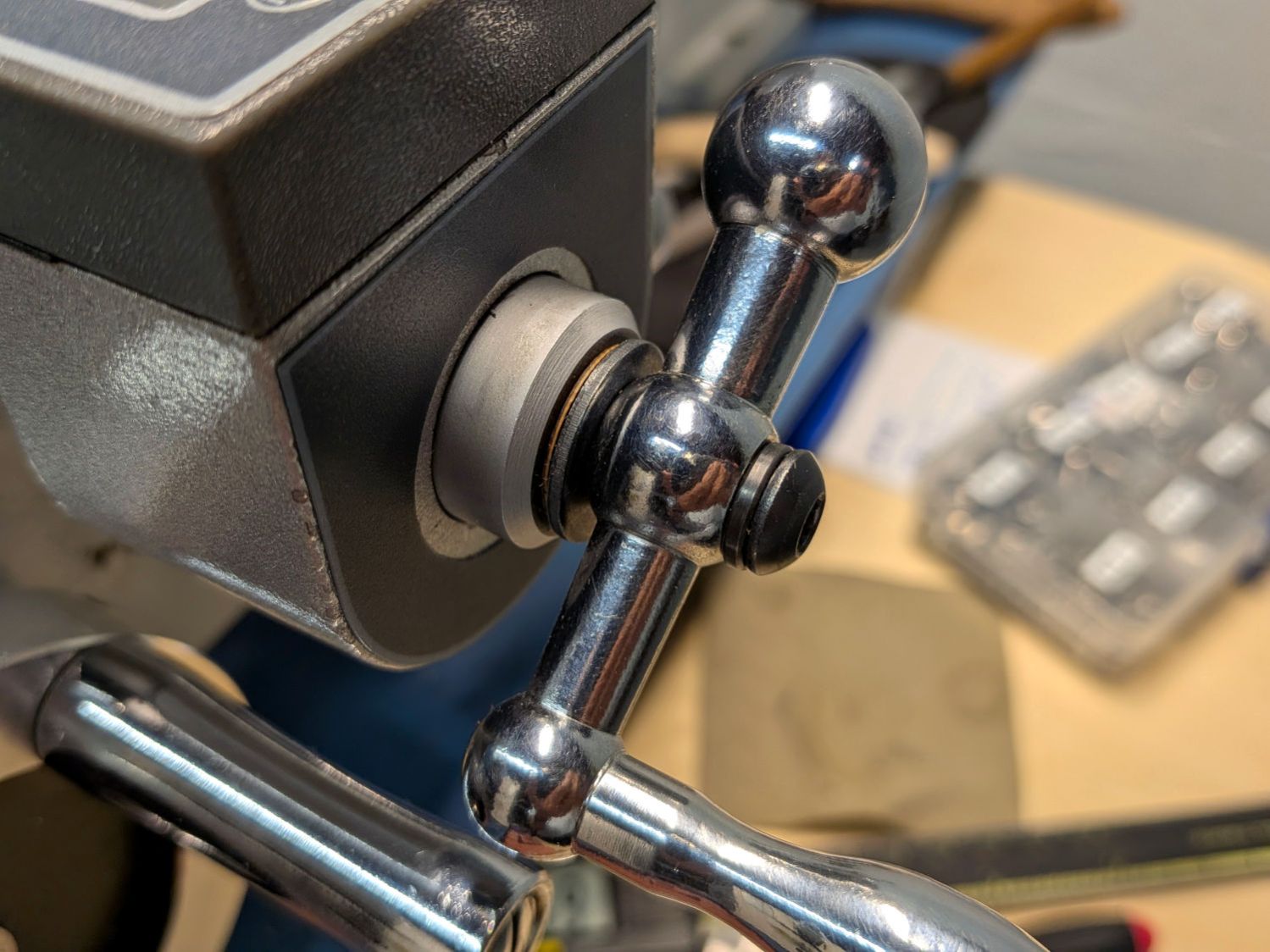
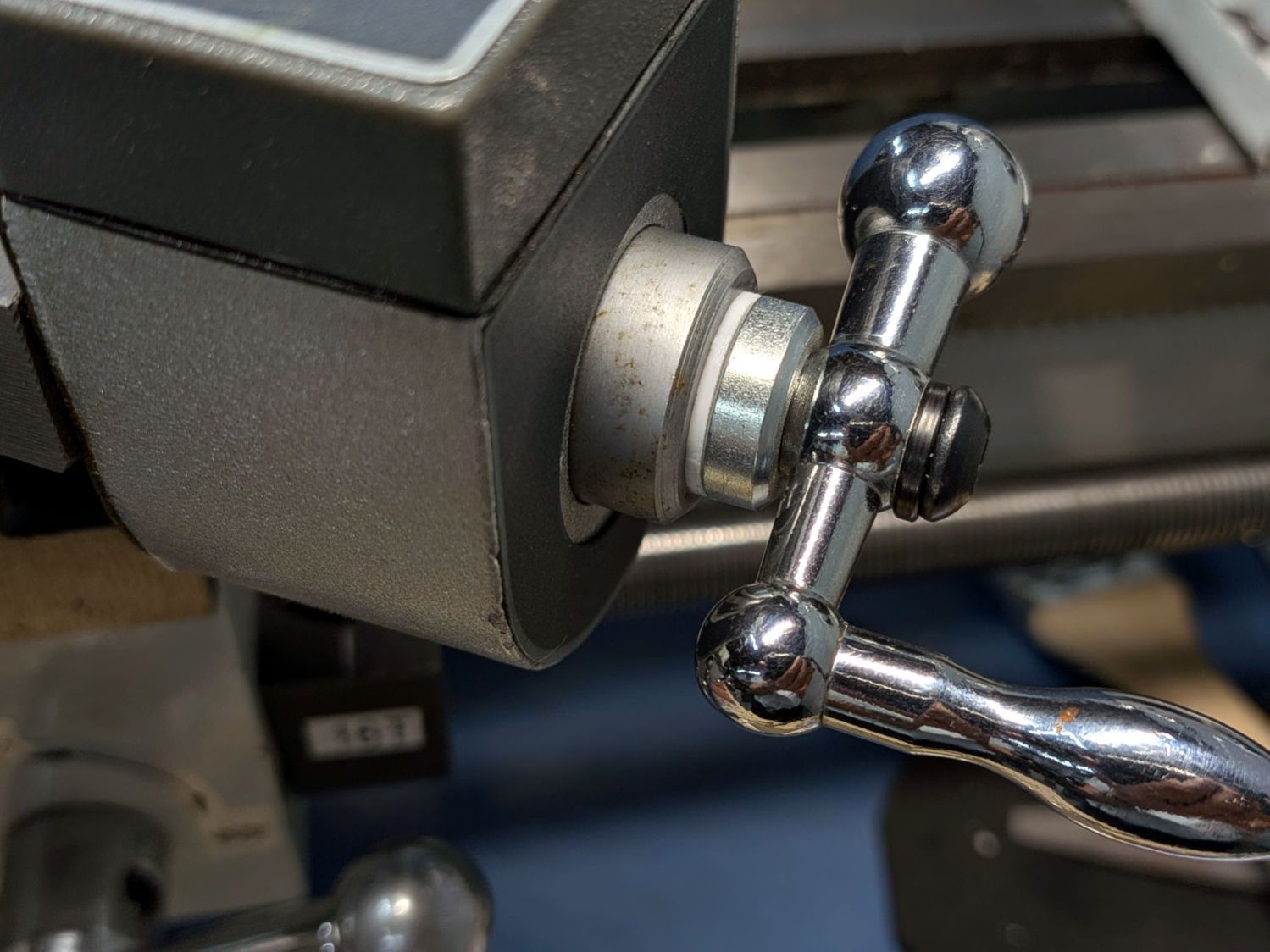
The handle sits against a black washer that looks like it should rest against the aluminum spacer covering the DRO shaft, but it doesn’t. Contrary to what I originally thought, that gap doesn’t contribute to the backlash (given a tight setscrew!), but a filler shim makes it look less like an afterthought:
Mini-lathe – cross slide handle shim
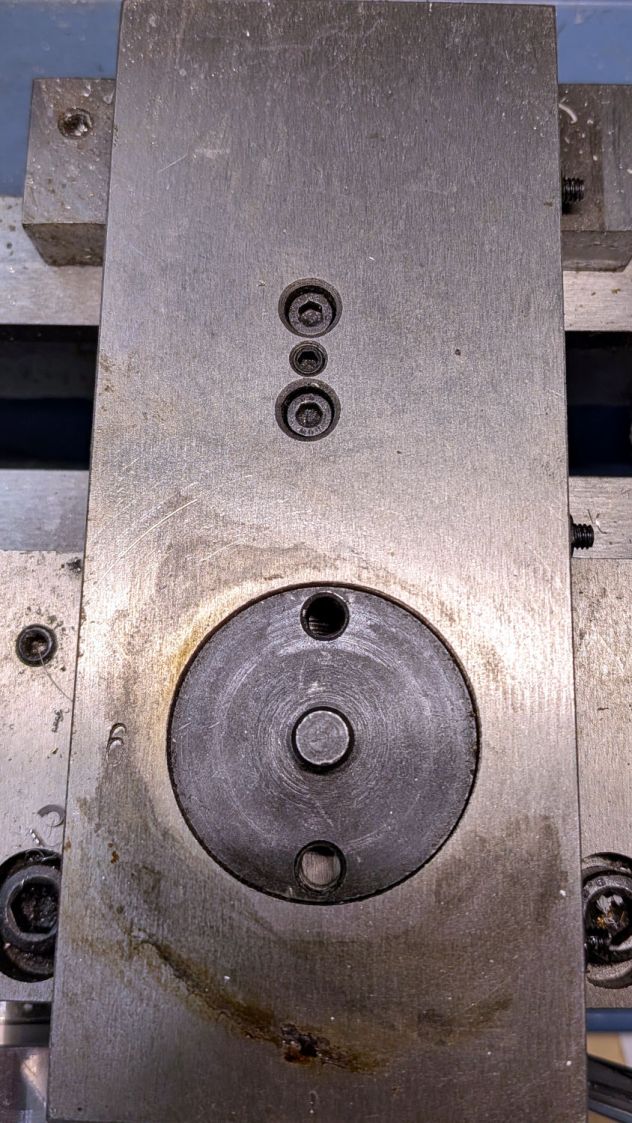
What does contribute to the backlash is a loose adjusting screw holding the follower nut against the feed screw:
Mini-lathe – cross slide backlash screws
The mini-lathe manual (page 17) and online references give the tedious process required to adjust the two cap screws and the setscrew to remove (nearly all of) the backlash. While I had the screws out, I took the opportunity to dribble oil through the cap screw holes onto the feed screw along as much of its length as was reachable.
Adjusting the gib screws is also a good idea, as is renewing the oil along the ways.
With all that done, the cross slide moves easily without slop and the backlash is a tolerable 0.1 mm.
The compound feed screw does not have any backlash adjustment, so fitting a suitable shim between the handle and the DRO spacer is essential:
Mini-lathe – compound handle shim
That one looked nice, but was somewhat too thick.
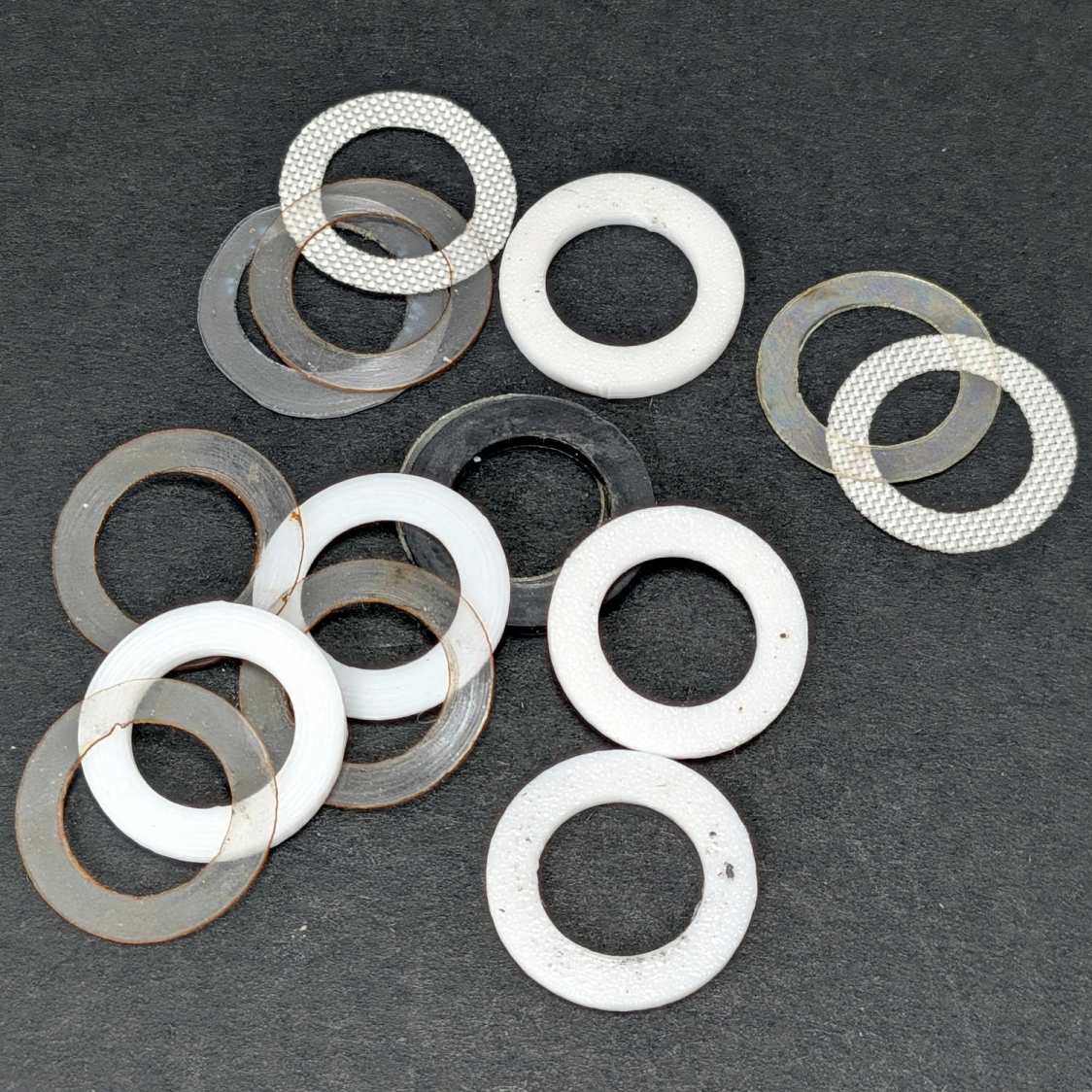
This time around I could laser-cut and 3D print shims (16 mm OD, 10 mm ID) in a variety of thicknesses, some combination of which would surely fill the gap without binding:
Mini-lathe – handle backlash shims
The gnarly clear rings over on the left are the original punched-and-trimmed PETG shims. The fabric-looking ones are PTFE sheets intended for heat-press transfer machines, which Mary has used as a slider sheet to let fabric move easily over her sewing machines. The black one in the middle is 1.5 mm acrylic.
The bright white rings are 3D printed from a few lines of OpenSCAD code:
Washers = [0.5,0.6,0.7,0.8,1.2];

for (i = [0:len(Washers)-1])
  right(i*20.0 - 40.0)
    tube(Washers[i],od=16.0,id=(10.0 + HoleWindage),anchor=BOTTOM);
Print them with 0.1 mm layers in PETG, add a PTFE shim or two, and fiddle about enough to get minimum backlash with reasonable turning force.
The compound feed screw now has 0.16 mm of backlash, which is as good as it’s going to get.
Right now, the only thing preventing the handle from turning on the shaft is the chunky lockwasher gouging both the handle and the cap screw in the end of the shaft, with the side effect of putting far too much pressure on the spacer shims. I want setscrews in the handles bearing on flats filed in the feed screw shafts to put those awful screws + lockwashers out of business, which seems like a good Sherline project.
An embiggened version of the 8×8 inch fixture, built with MDF for improved durability & flatness:
Layered Paper 8×10in Gluing Fixture – block
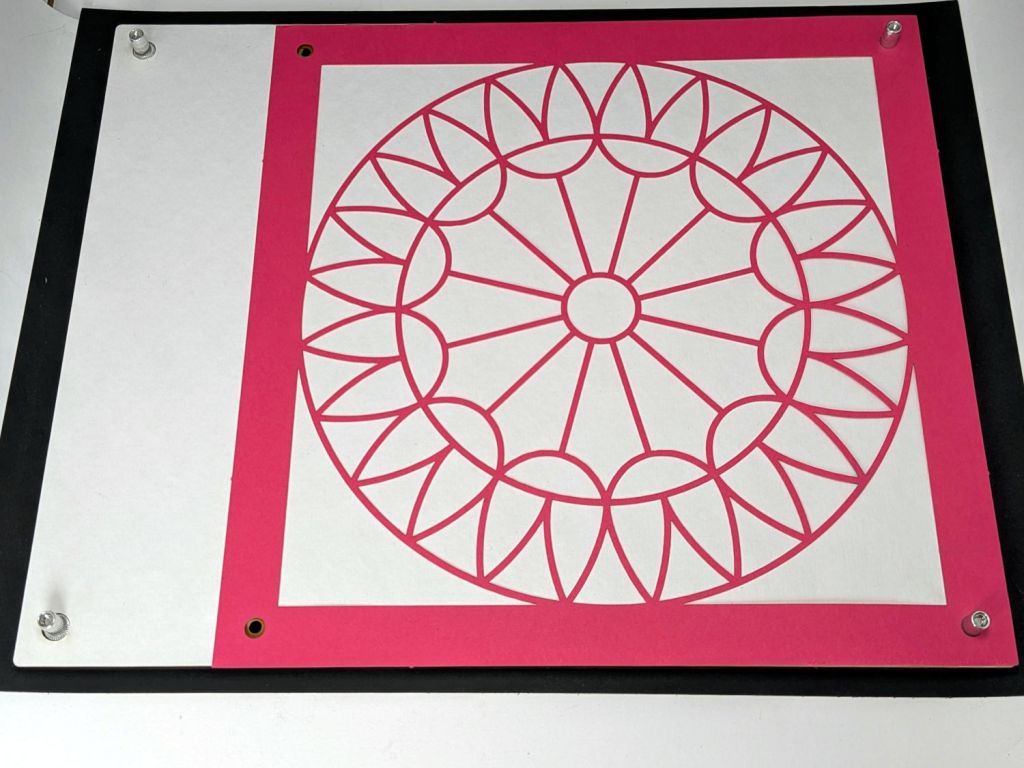
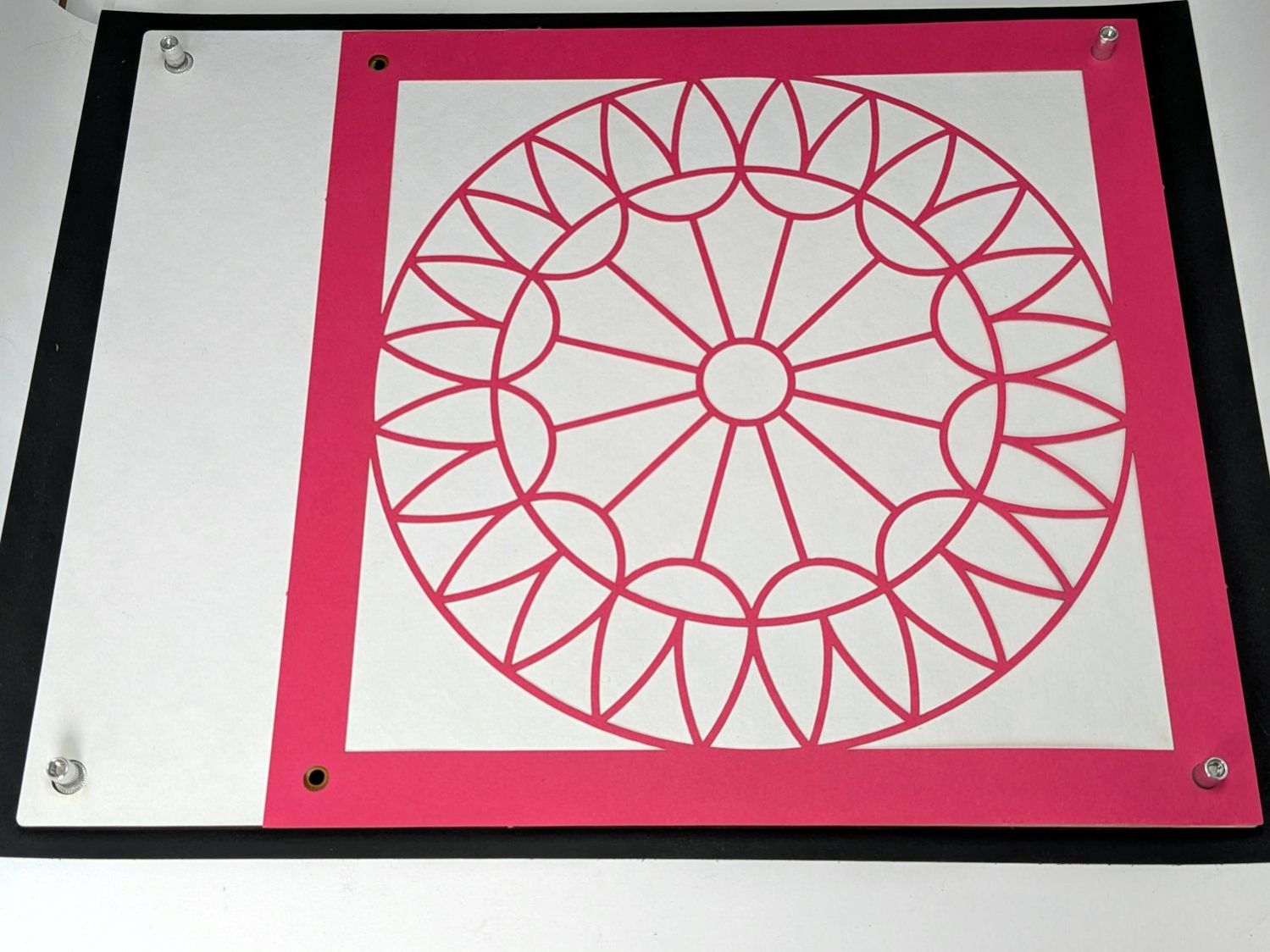
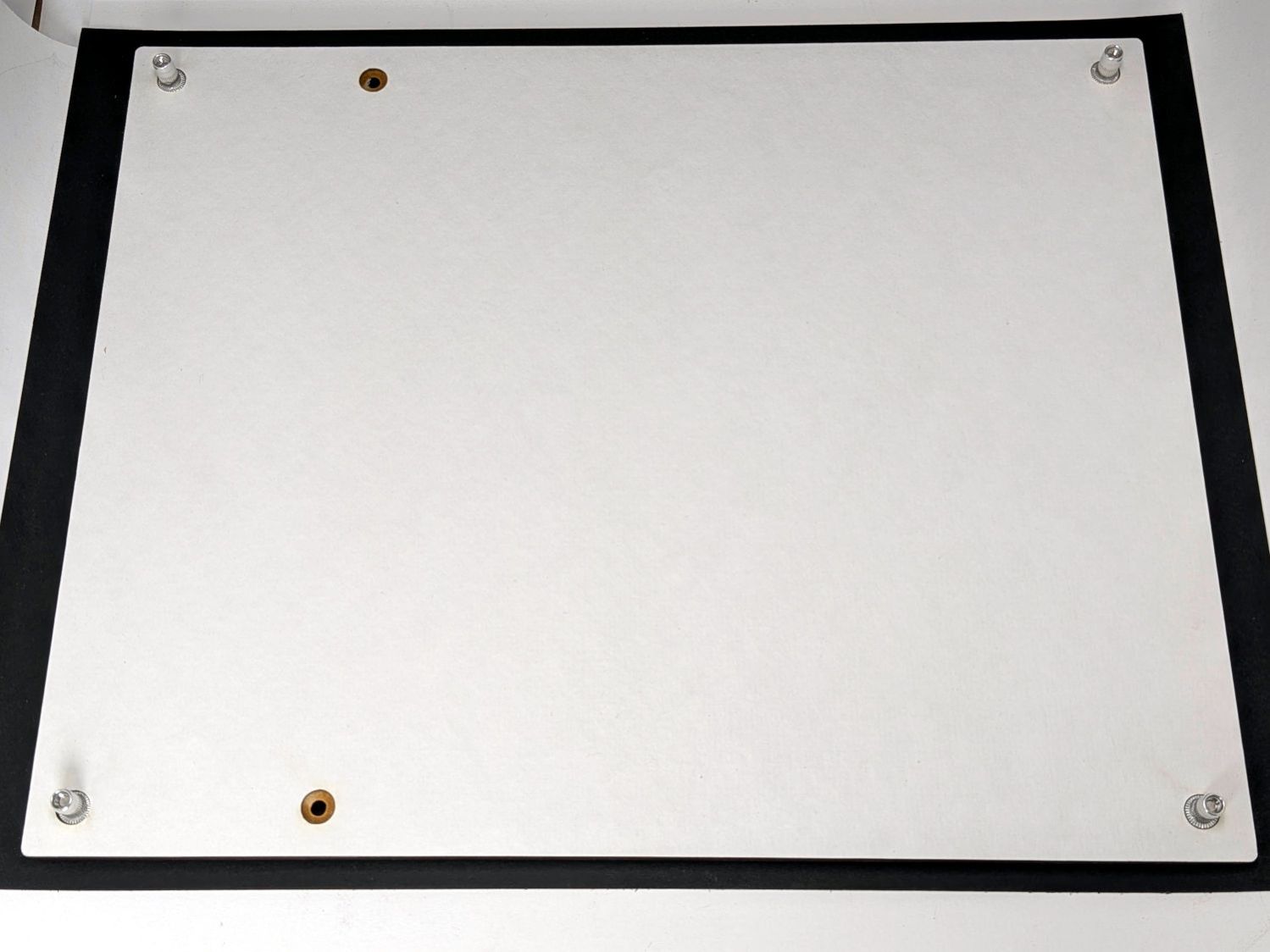
That’s an 8×8 quilt pattern as a quick fit check. Should I cut more of those, I’d install rivnuts in the obvious locations:
Layered Paper 8×10in Gluing Fixture – front overview
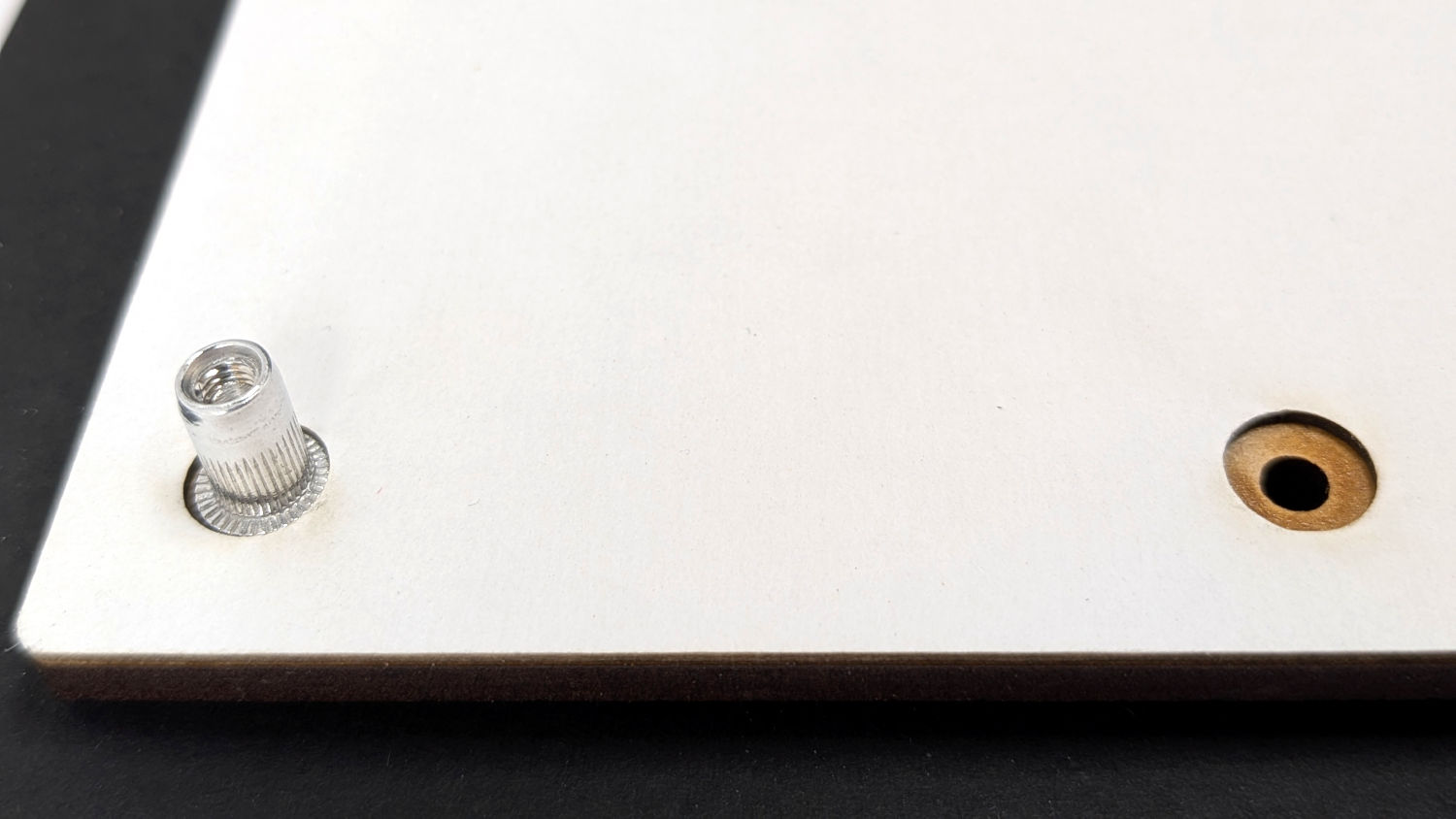
The white layer is 1 mm thick chipboard with the rivnut heads flush at its surface:
Layered Paper 8×10in Gluing Fixture – front detail
The perspective makes the fit look much worse than it is.
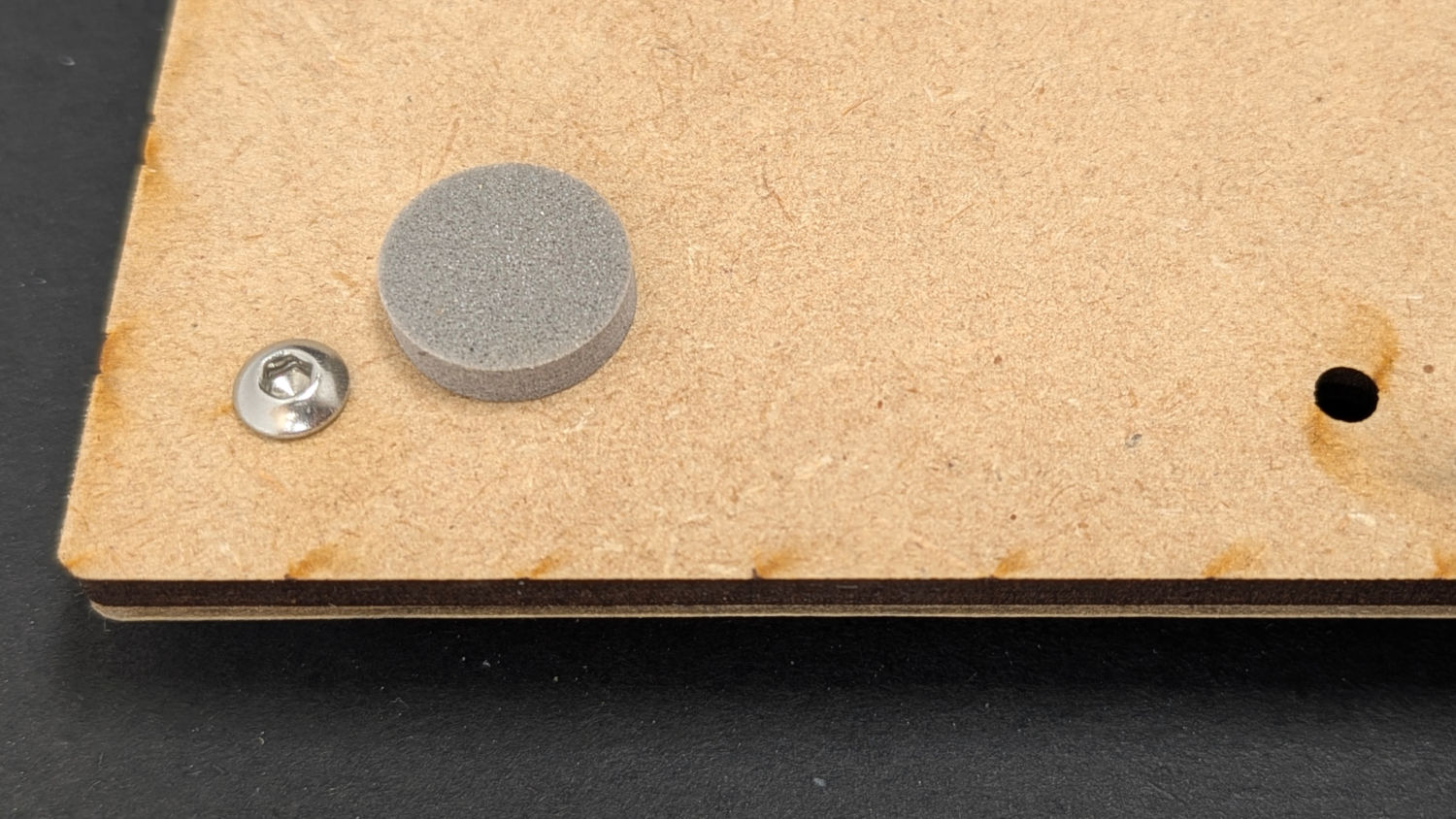
The back side has squishy foam feet keeping the M3 screws off the table:
Layered Paper 8×10in Gluing Fixture – back detail
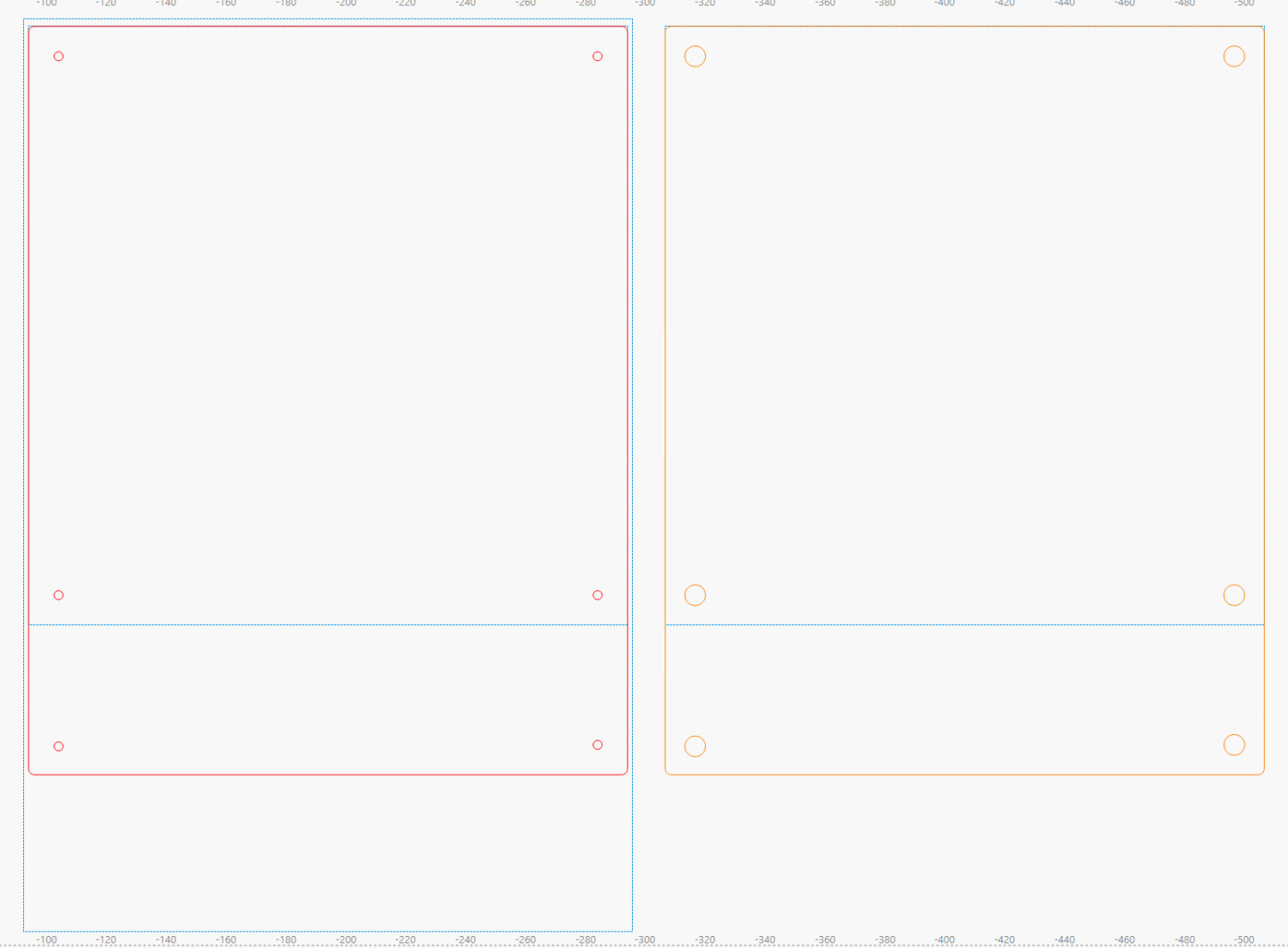
The large rectangle on the LightBurn tool layer helped align the 8×12 inch MDF stock. The smaller squares show where the 8×8 inch square will fit and confirmed the hole locations:
Gluing Fixture – 200×200-250mm – LightBurn layout
The LightBurn SVG layout is a GitHub Gist, which also includes the template layout for cutting Letter pages to fit the fixture.