Having admired the paper craft at RavensBlight and with some experience in simple paper cuttery, I had to try my hand at the Ghost Truck. Rather than using an X-Acto knife and straight edge around the perimeter, I set it up for laser cutting.
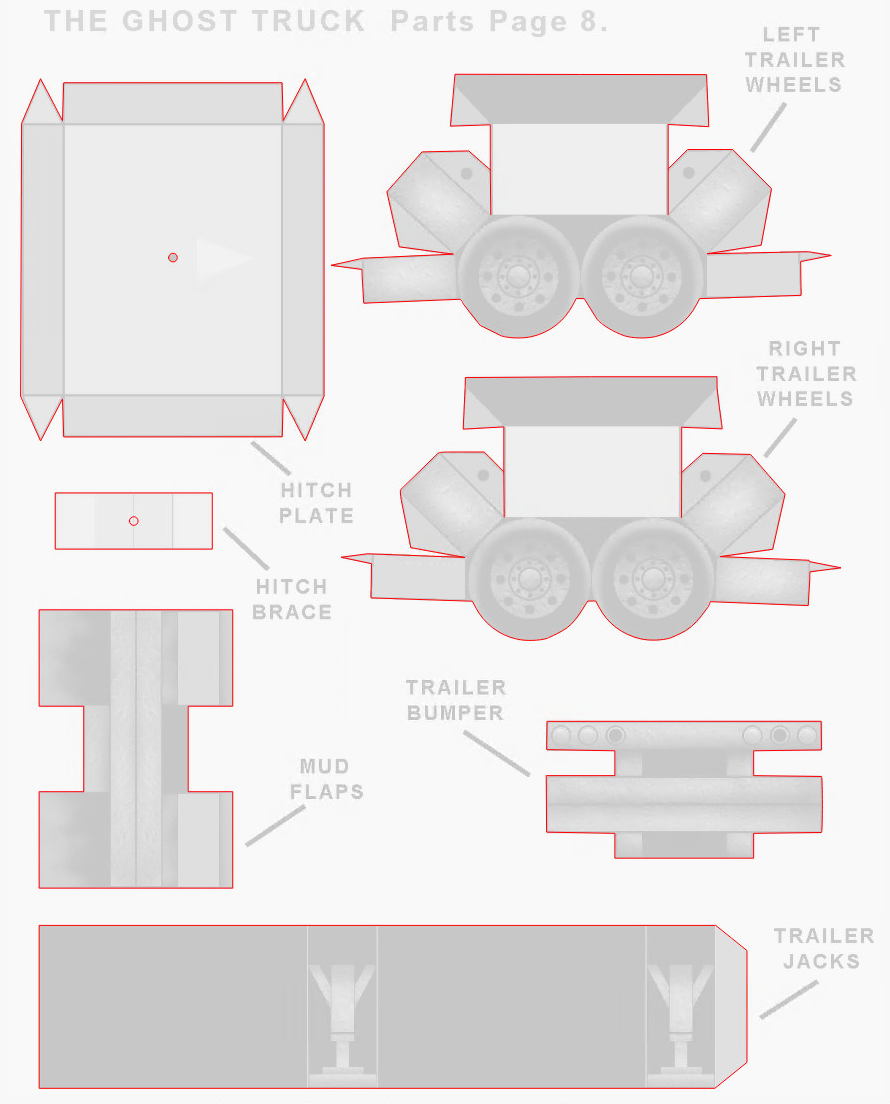
The instructions & layouts are images in PDF files, so it’s straightforward to import them into LightBurn and trace the outlines:
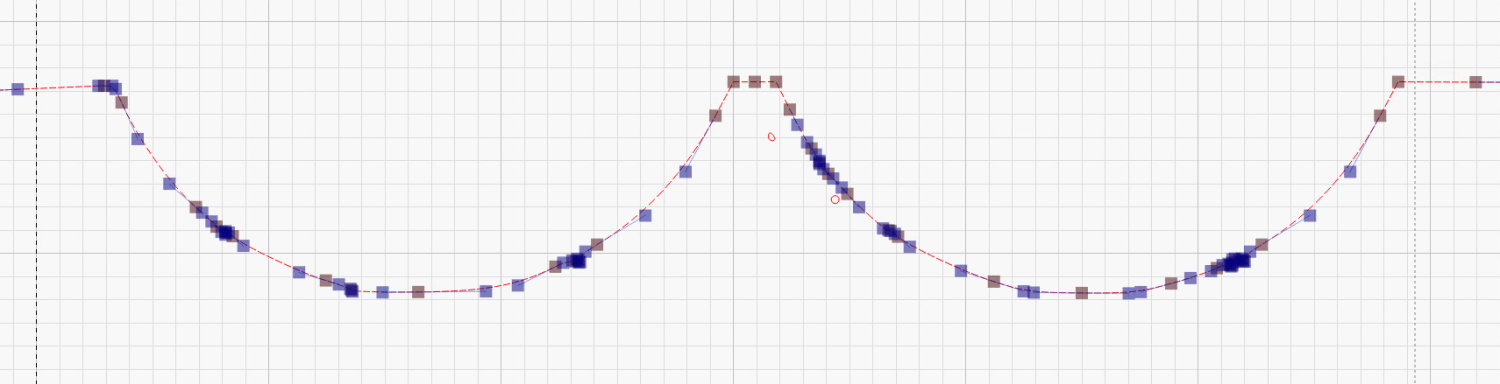
Tracing produces short vectors and irregular curves:
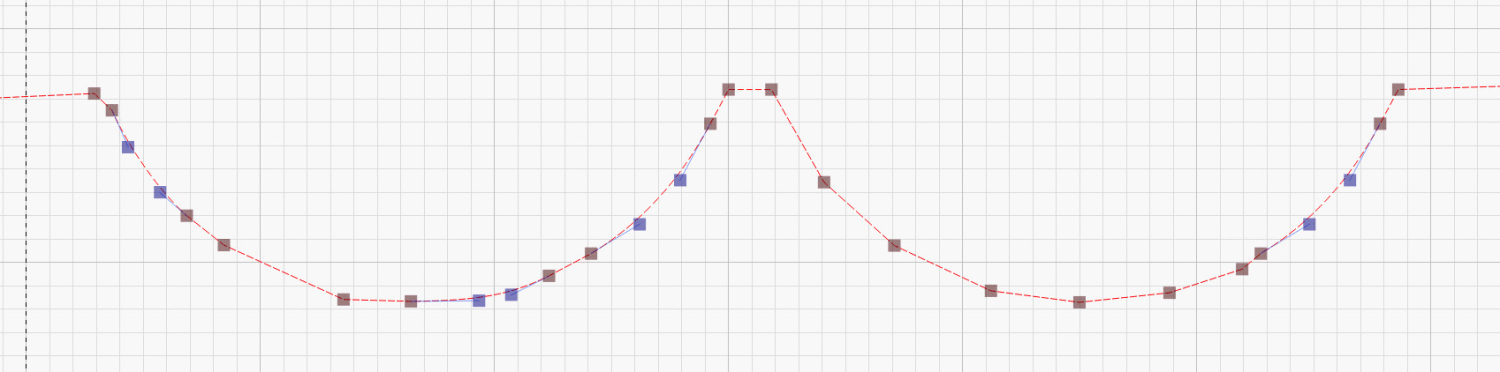
The Optimize Shapes tool and a little manual intervention clean things up:
You must manually add any cuts buried in the pattern, as in the Trailer Wheels parts shown above, so pay attention to the instructions.
Use the Move Laser tool to put the laser head at an obvious point on the layout, then skootch the printed page (in a Letter size fixture) to put that point under the beam. Repeat for another point, iterate until satisfied, then Fire The Laser:
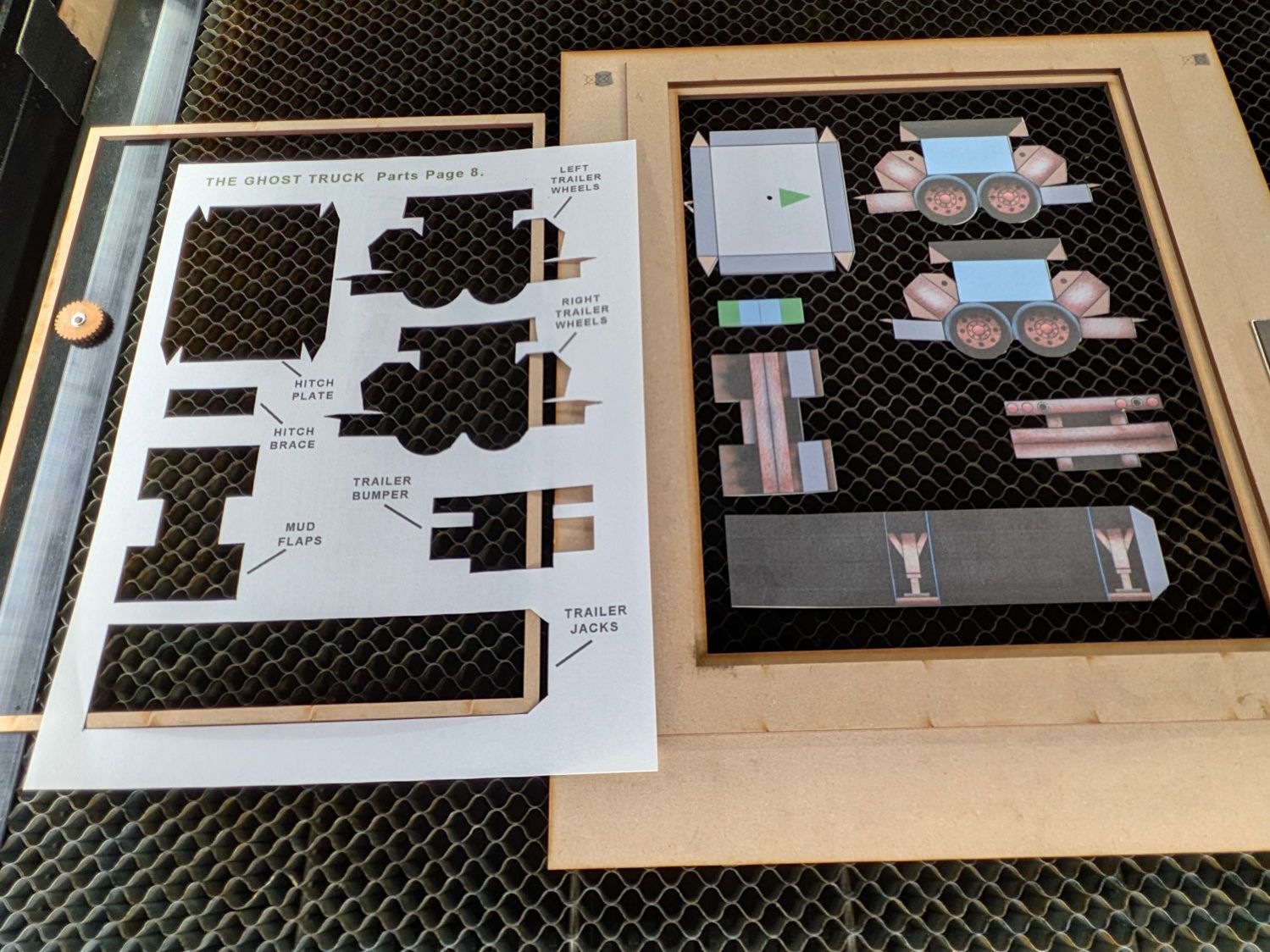
Some irregularities peek around the edges:
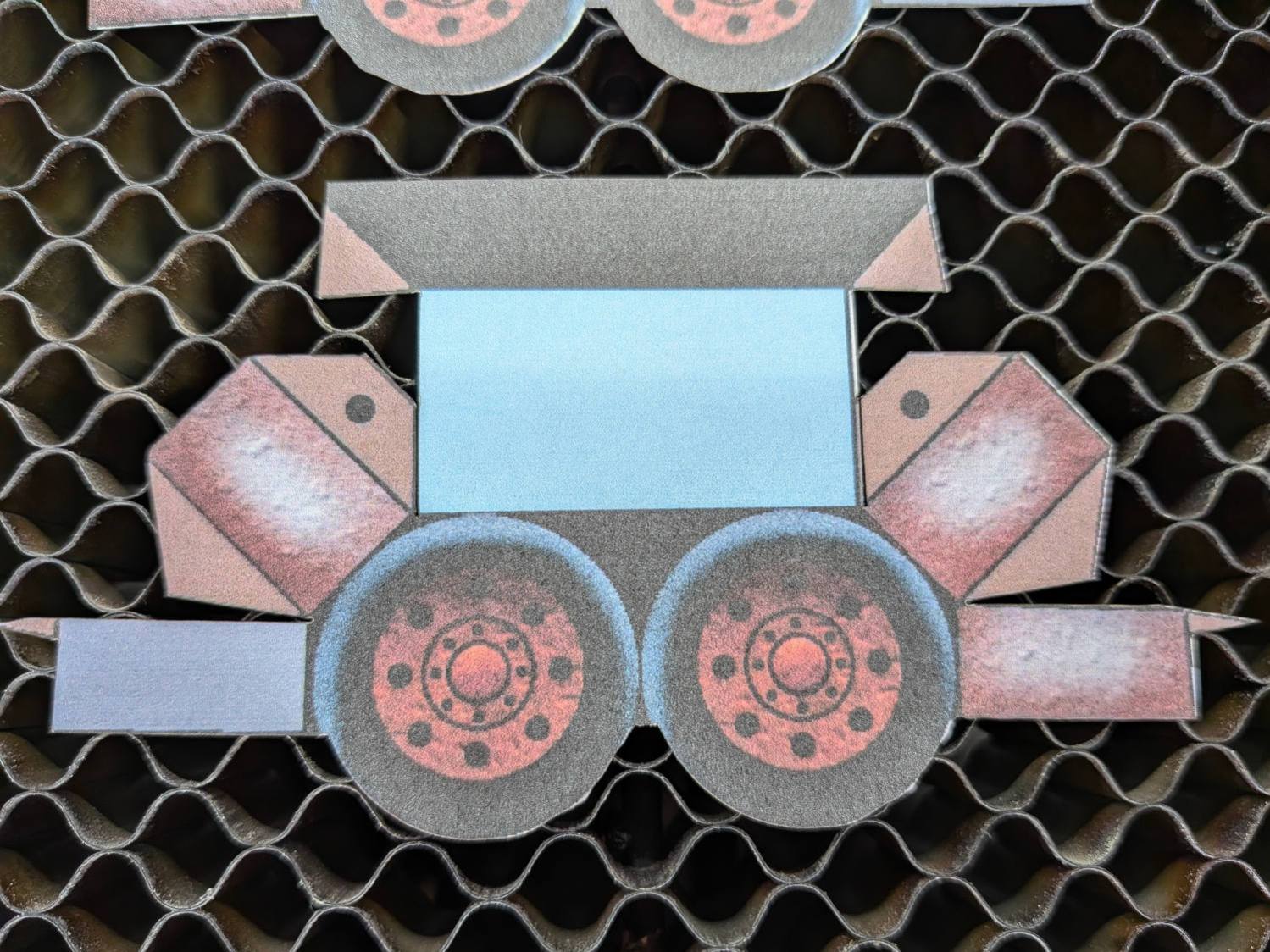
On the whole, it’s much better than I could do with a knife.
Repeat for the other seven pages of parts:
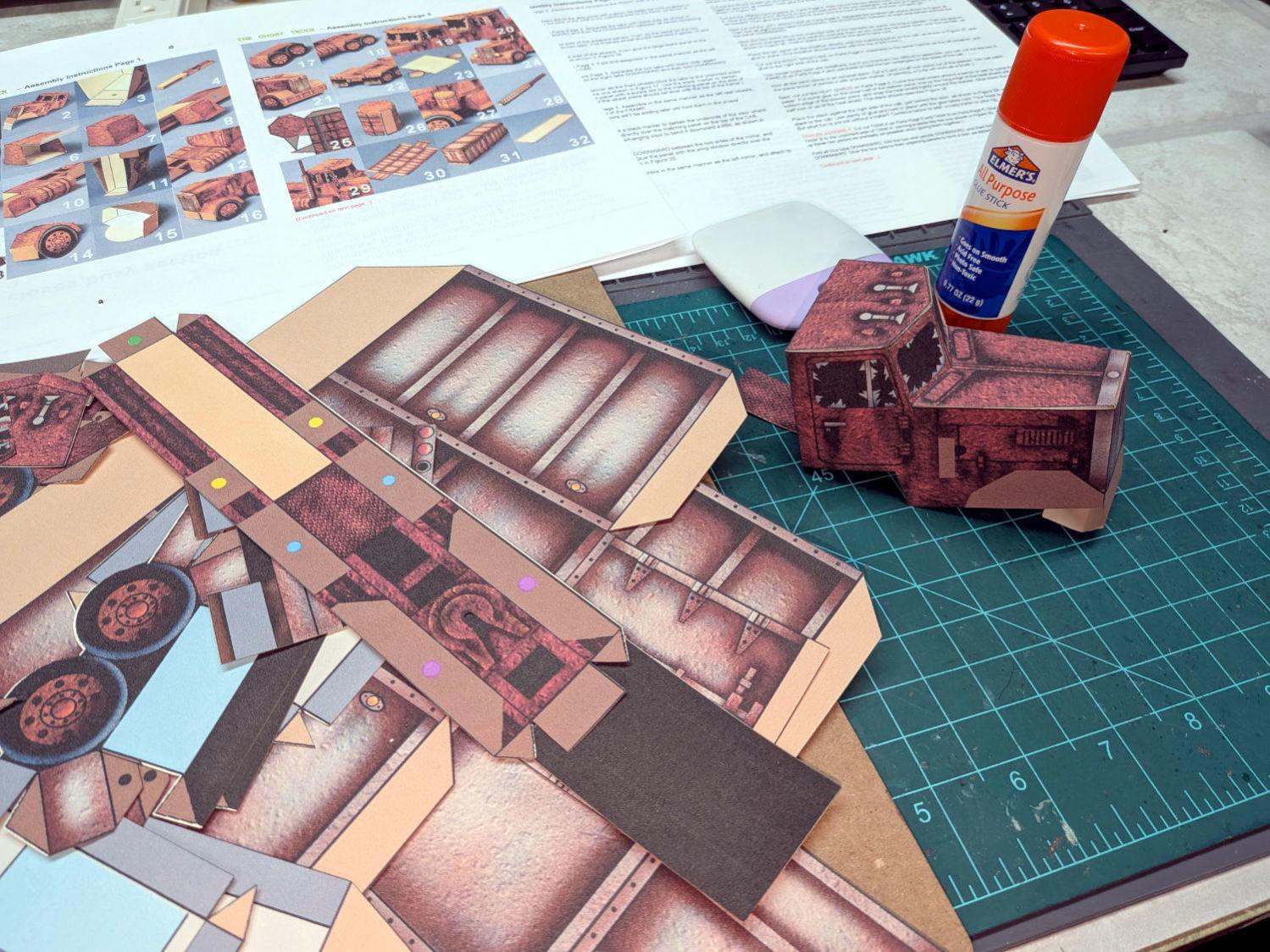
With some diligence I may have it ready for All Hallows Eve …

