Ed Nisley's Blog: Shop notes, electronics, firmware, machinery, 3D printing, laser cuttery, and curiosities. Contents: 100% human thinking, 0% AI slop.
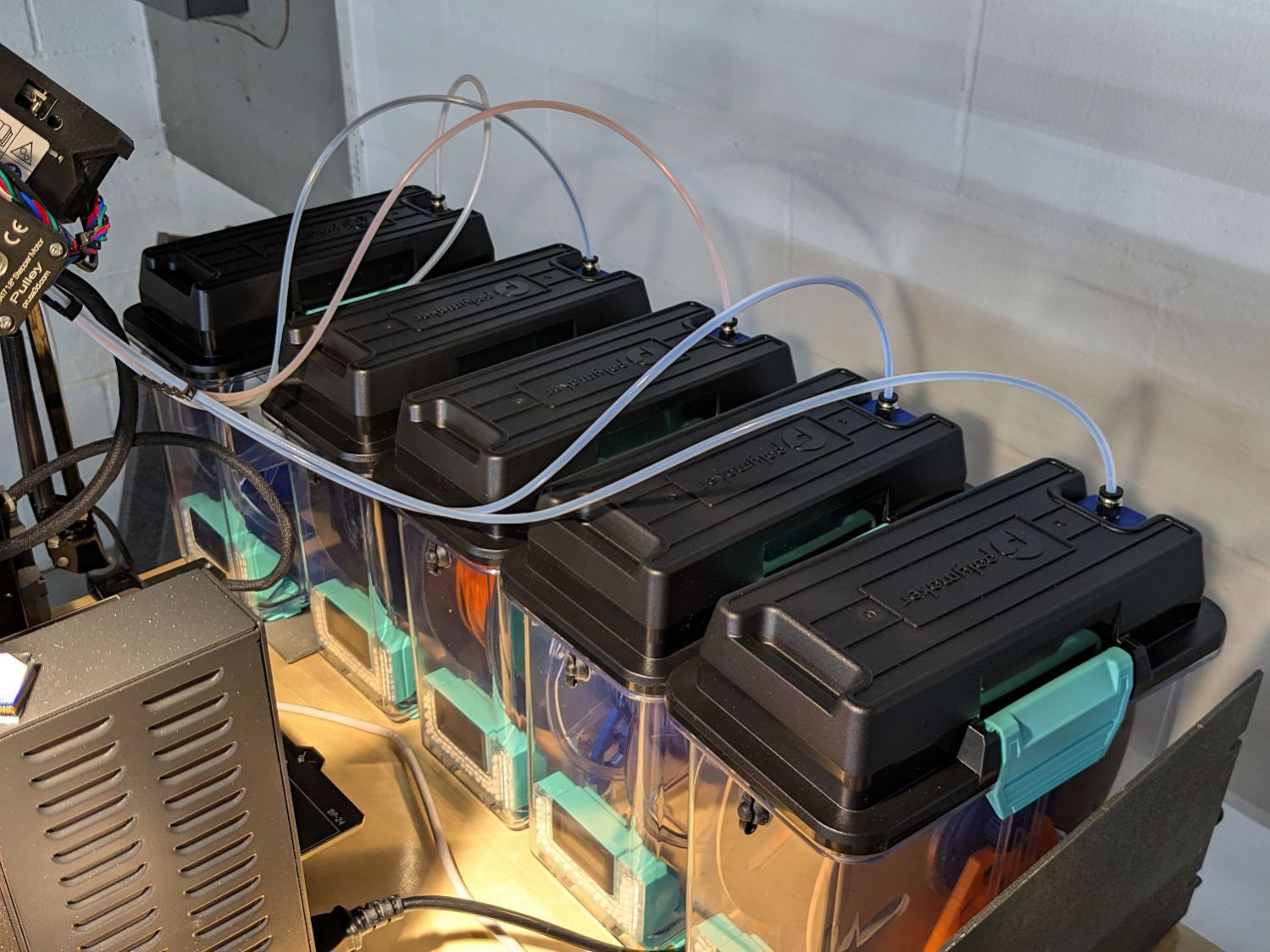
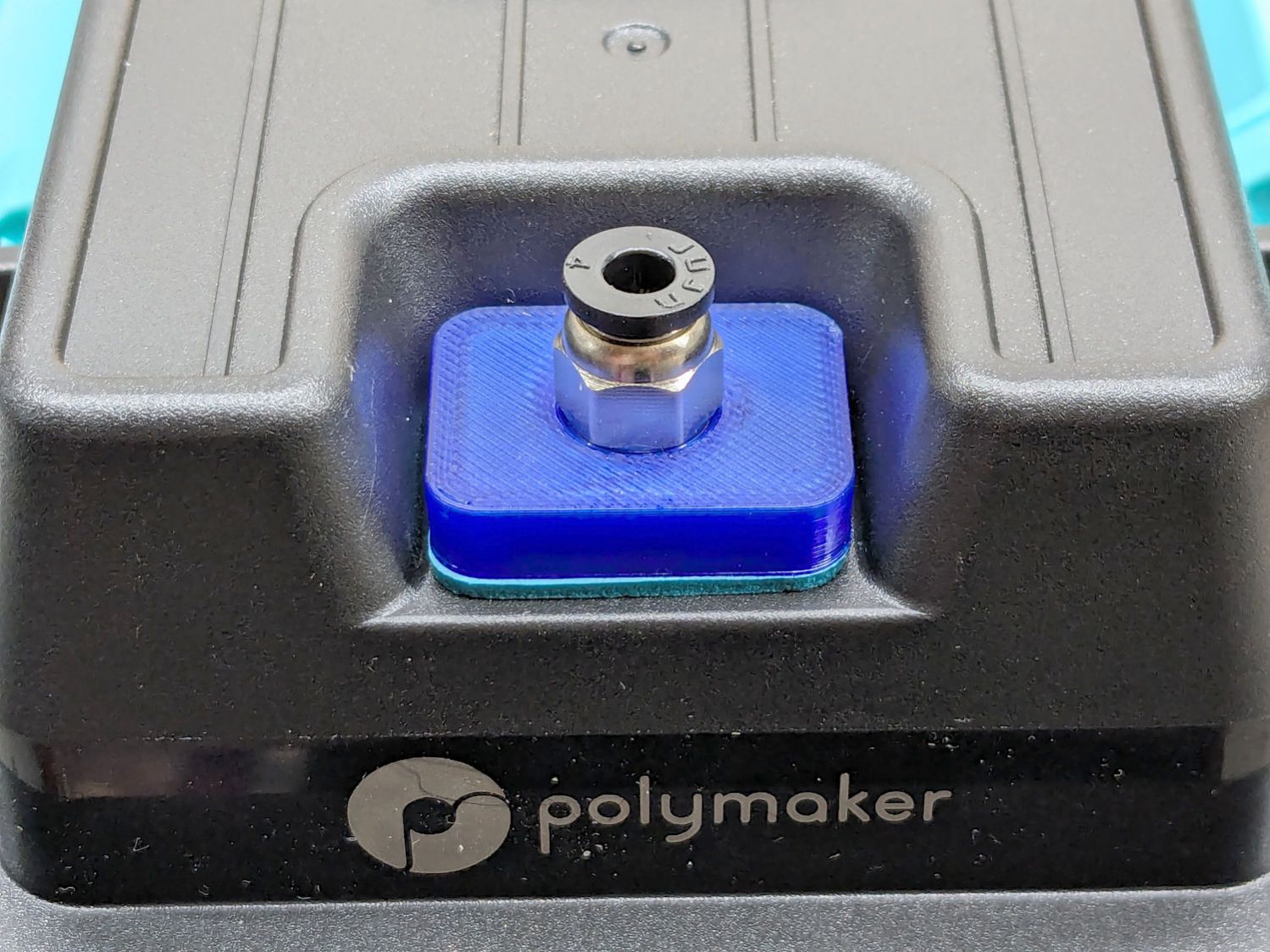
Their rubbery port covers work best with 6 mm OD PTFE tubes, but let the MMU3’s 4 mm tubes slide into / out of the boxes under normal filament extrusion / retraction forces, so I conjured an adapter for PC4-M10 pneumatic fittings:
PolyDryer PC4 Fitting – installed
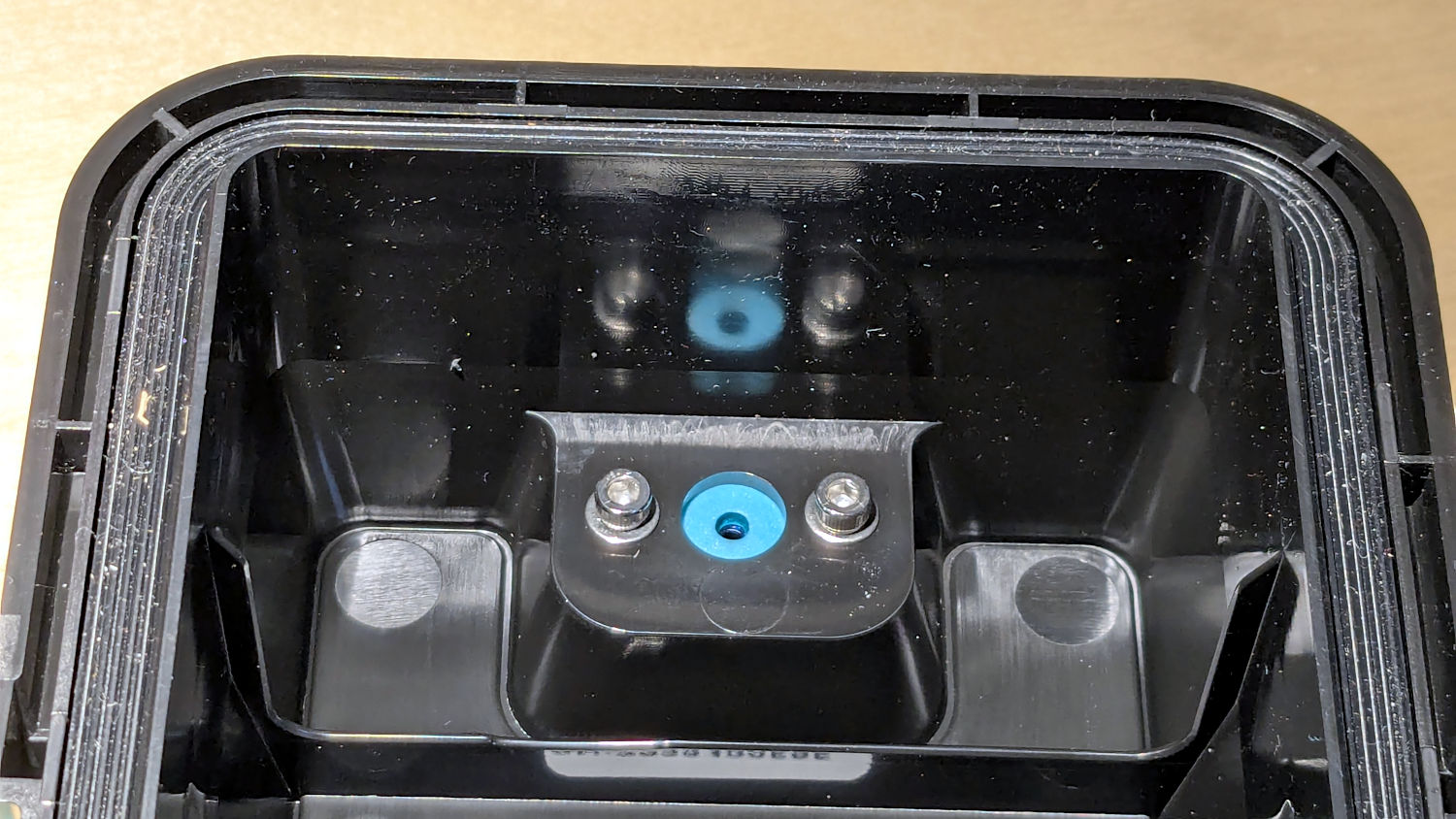
A pair of M3 screws hold the adapter plate in place, with an EVA foam gasket sealing against the cover:
PolyDryer PC4 Fitting – interior view
The PC4-M10 fittings let the 4 mm tubing slide right through, so the adapter has a 0.5 mm bottom sheet to block the tube, with a small hole for the filament:
PC4 Fitting Plates – bottom – solid model
You could use PC4-M6 fittings to block the tubing, but the 2 mm lumen on the fittings I have barely pass 1.75 mm nominal filament. Comments found elsewhere suggest identical PC4-M6 fittings have smaller lumens that snag the filament as it moves in one direction or the other.
The two blind holes get heat-staked 4×4mm M3 brass inserts.
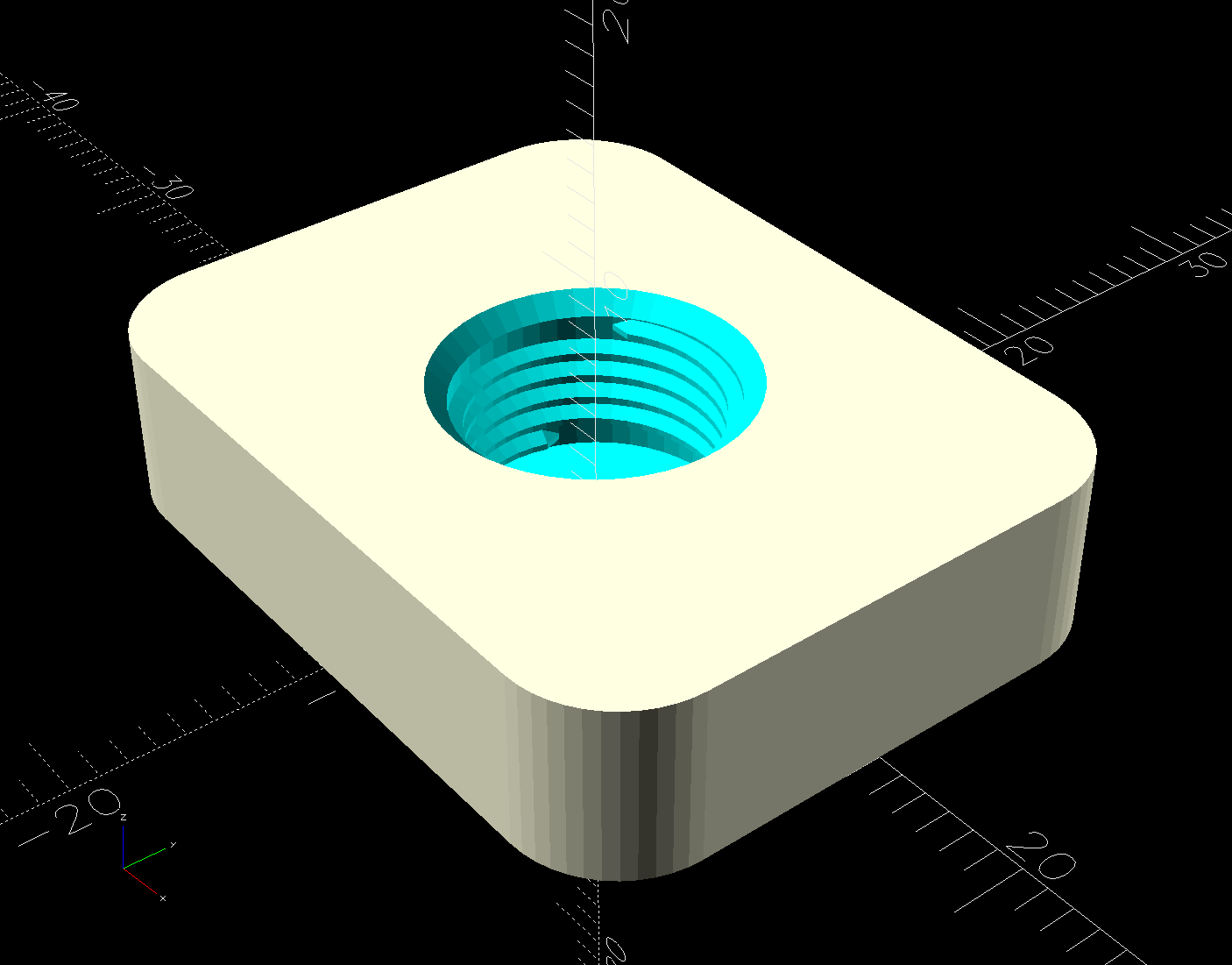
The top has a threaded hole for the fitting:
PC4 Fitting Plates – top – solid model
Despite what the description says, the thread is not an M10 metric straight thread: it is a tapered pipe thread used for gas- and liquid-tight fittings. Considerable measurement & searching suggested a ⅛BSP-28 thread, because:
British Standard Pipe threads are used everywhere in the world except the USA
Both my metric tap sets have a ⅛BSP-28 tap along with all their hard-metric straight taps
The thread is painfully close to ⅛NPT-27, which would probably work in a pinch if it was the only tap you had.
Those PC4-M6 fittings might sport 1/16BSP-28 threads, but you’re on your own.
Further searching suggests nobody uses the corresponding tapered female pipe threads and everybody goes with a straight internal thread, so I conjured a stumpy threaded rod using the BOSL2 library and removed it from the adapter plate:
The 9.7 mm diameter is the ⅛BSP-28 “major diameter”, rather than its “gauge diameter”, simply because it produced a good fit. The beveled top guides the fitting into the hole, but I still managed to cross-thread one.
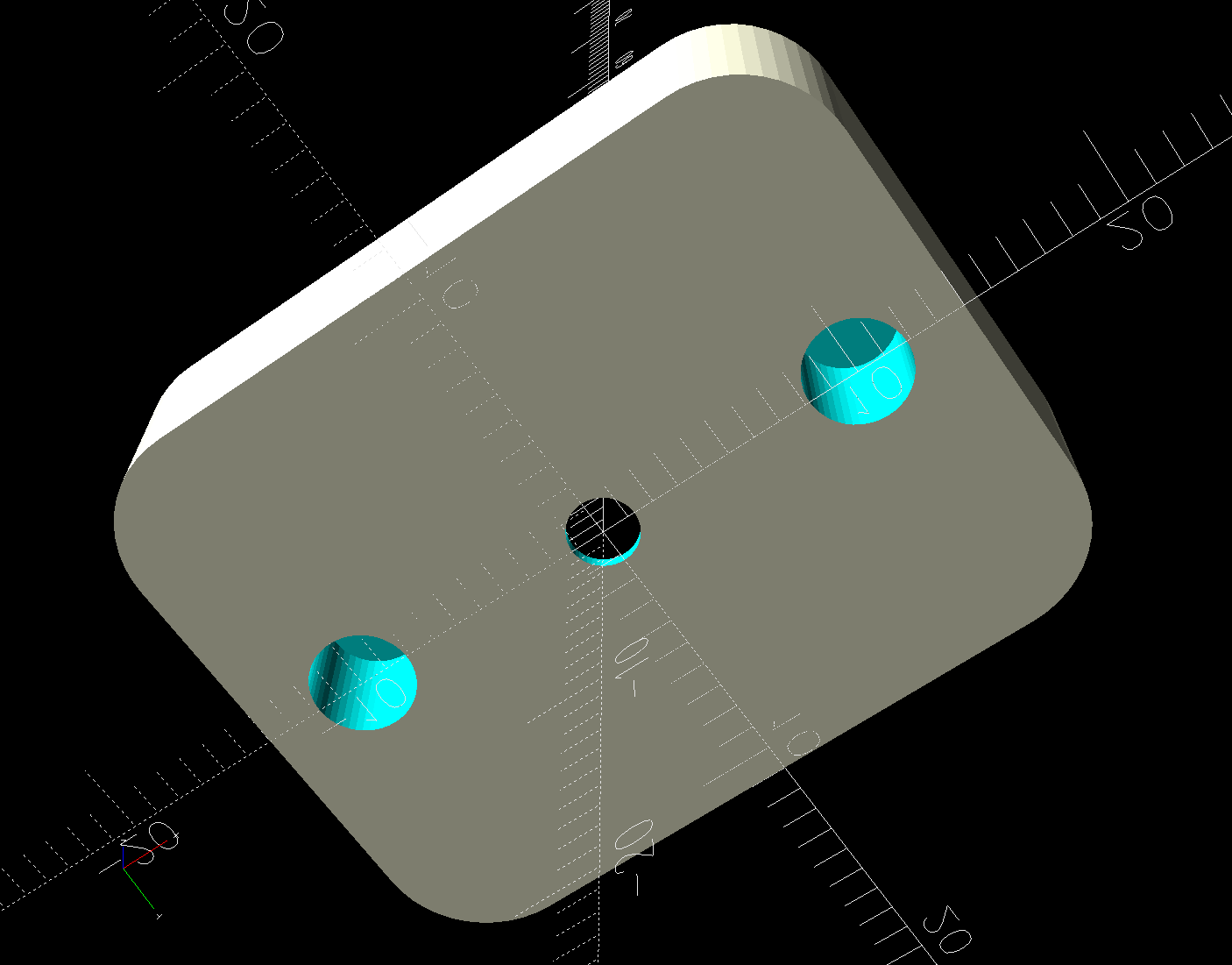
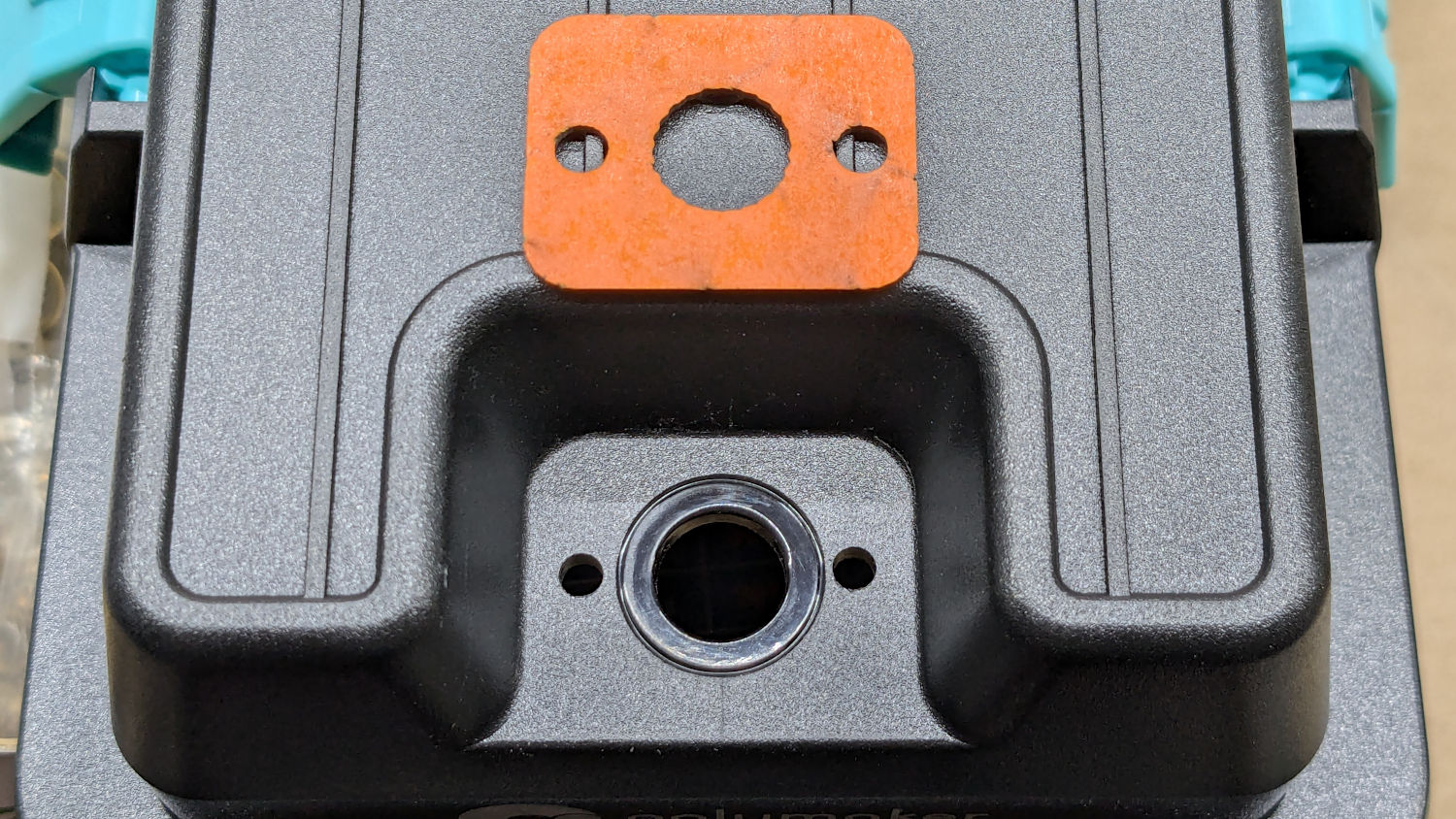
The OpenSCAD code also produces SVG files to laser-cut the foam gasket and a drill template:
PolyDryer PC4 Fitting – drill template
The holes were step-drilled to ⅛ inch (which has a historic relation to the ⅛BSP-28 size, because iron pipe) for a generous fit around the M3 screws.
That was way more complicated than I expected and I’m really glad to live in the future where this is a 3D printer project, not a metalworking project involving an actual tap in, say, steel.
This file contains hidden or bidirectional Unicode text that may be interpreted or compiled differently than what appears below. To review, open the file in an editor that reveals hidden Unicode characters.
Learn more about bidirectional Unicode characters
The switch on the Anker LC-40 flashlight serving as a running light on my Tour Easy became slightly intermittent before I replaced it with a 1 W amber LED, but it was still good enough to become the troubleshooting flashlight in the tray next to the Prusa Mk 4 printer. Eventually, of course, it failed completely and Something Had To Be Done.
Although I knew an exact replacement switch had to be available from the usual sources, I could not come up with a set of keywords capable of pulling them out of the chaff.
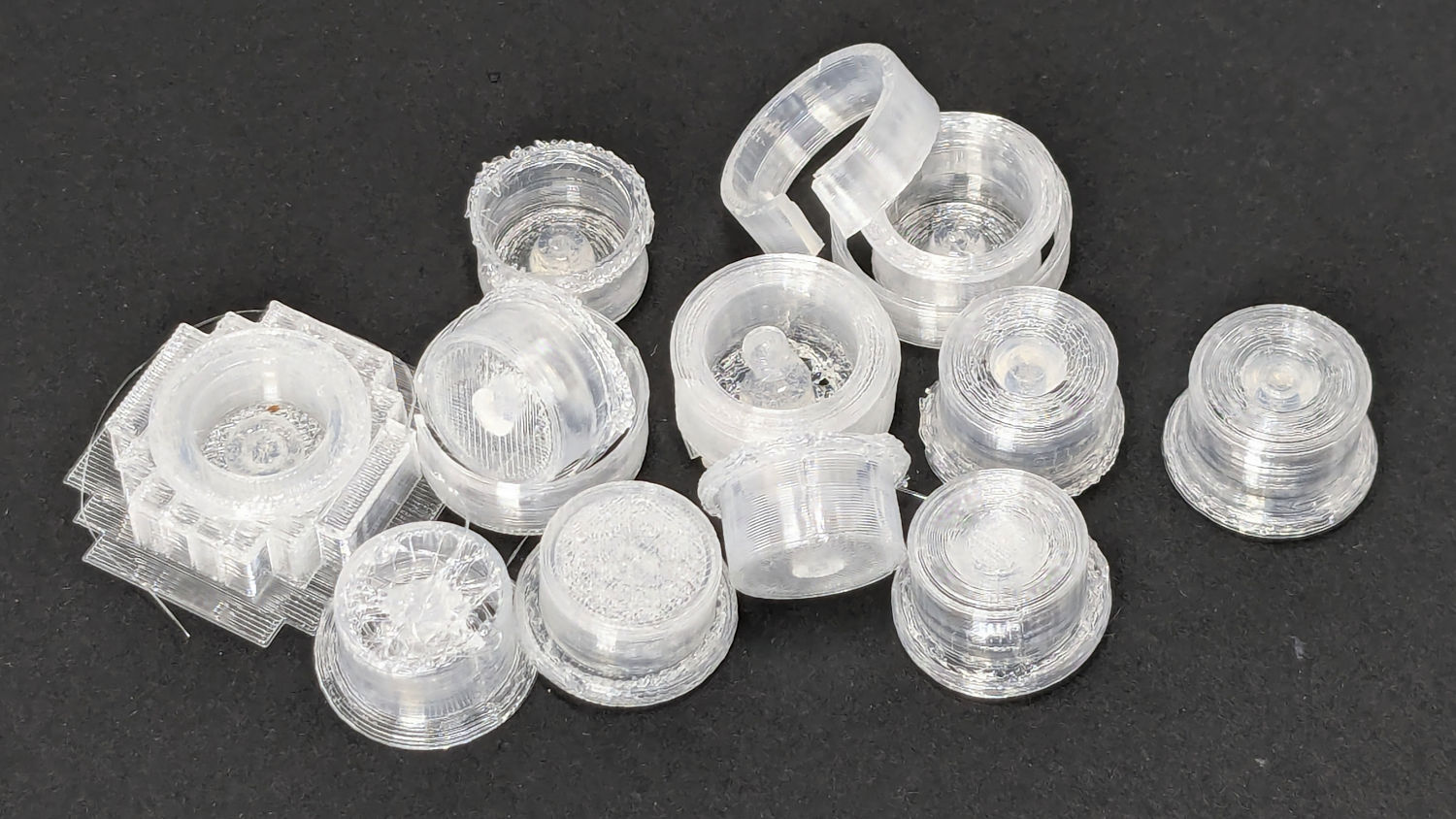
Which turned into a multi-dimensional search over cap geometry, TPU extrusion speeds & feeds, and various impossible-to-directly-measure sizes:
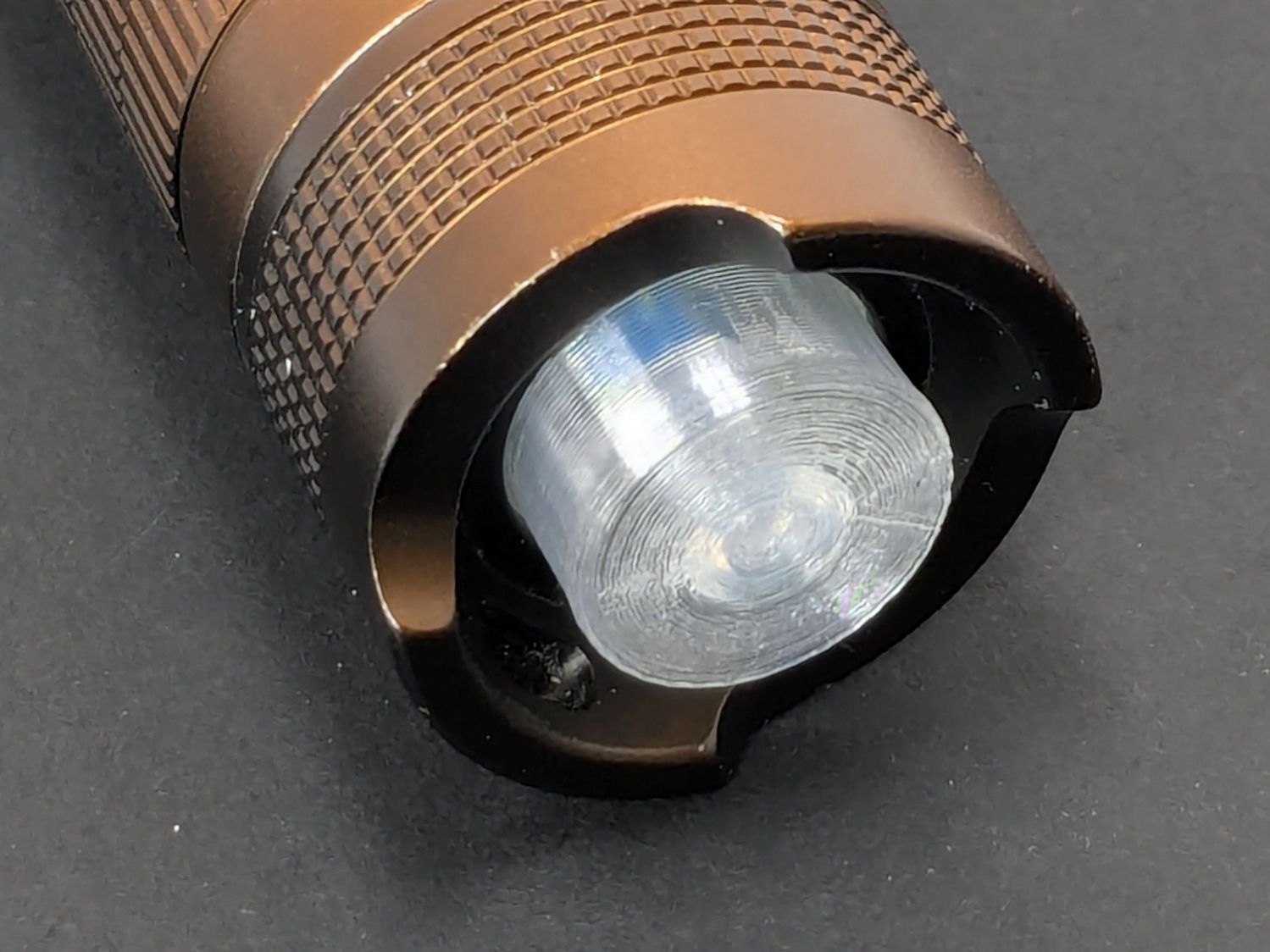
Anker LC-40 Flashlight – TPU cap iterations
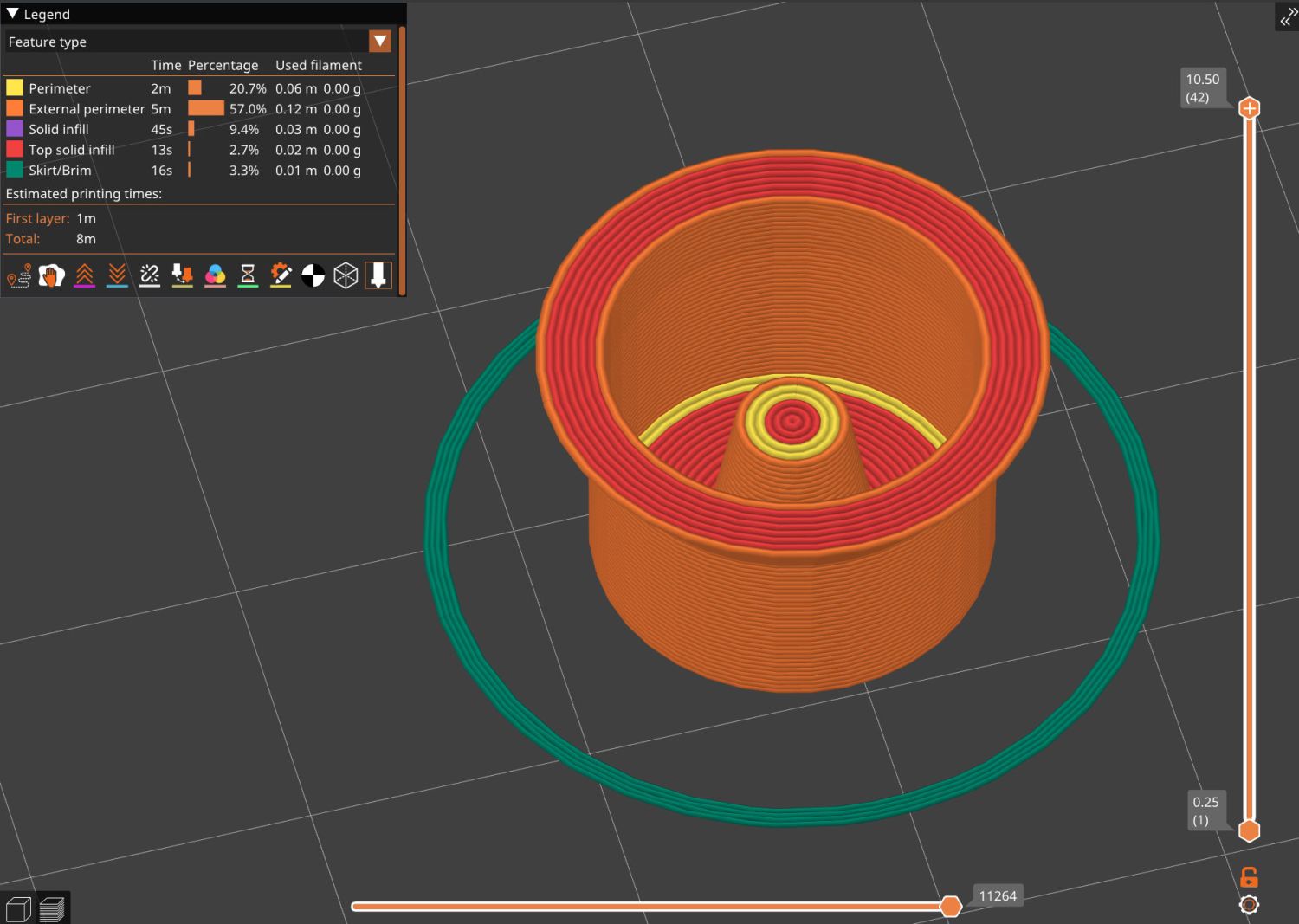
The squarish block over on the left is PrusaSlicer’s version of a support structure wrapped around the first cap version; if human lives depended on it, I could surely extract the cap, but it would take a while.
The remaining debris samples occured while discovering:
An extruder temperature of 230 °C, not 250 °C, works well
A conical shape of the lip around the open end to eliminate the support structure
TPU doesn’t bridge well, so the closed end must be down
Length of the central pillar to barely touch the switch stem when released
Cap length and wall thickness so the TPU shell can collapse enough to actuate and release the switch stem
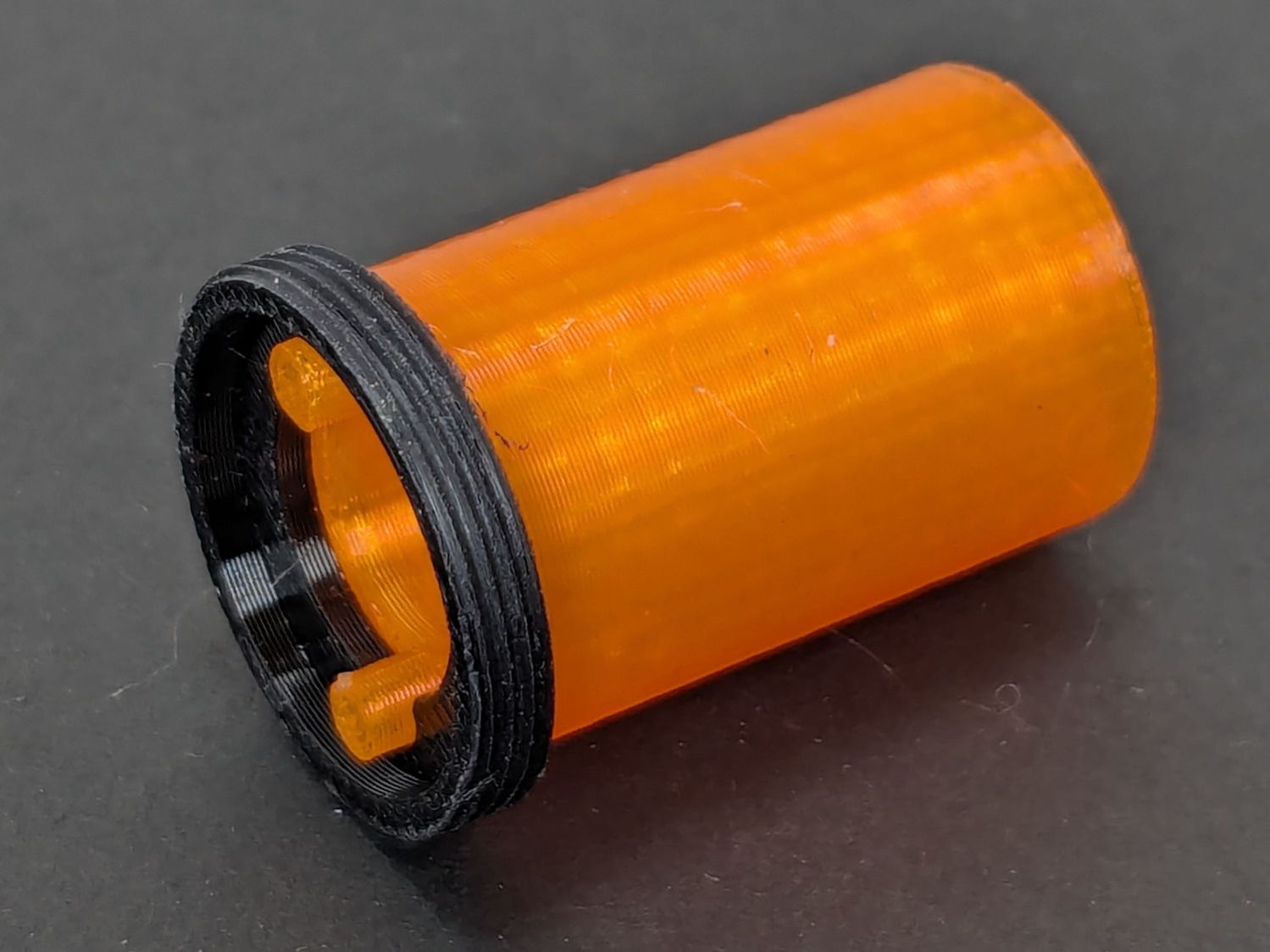
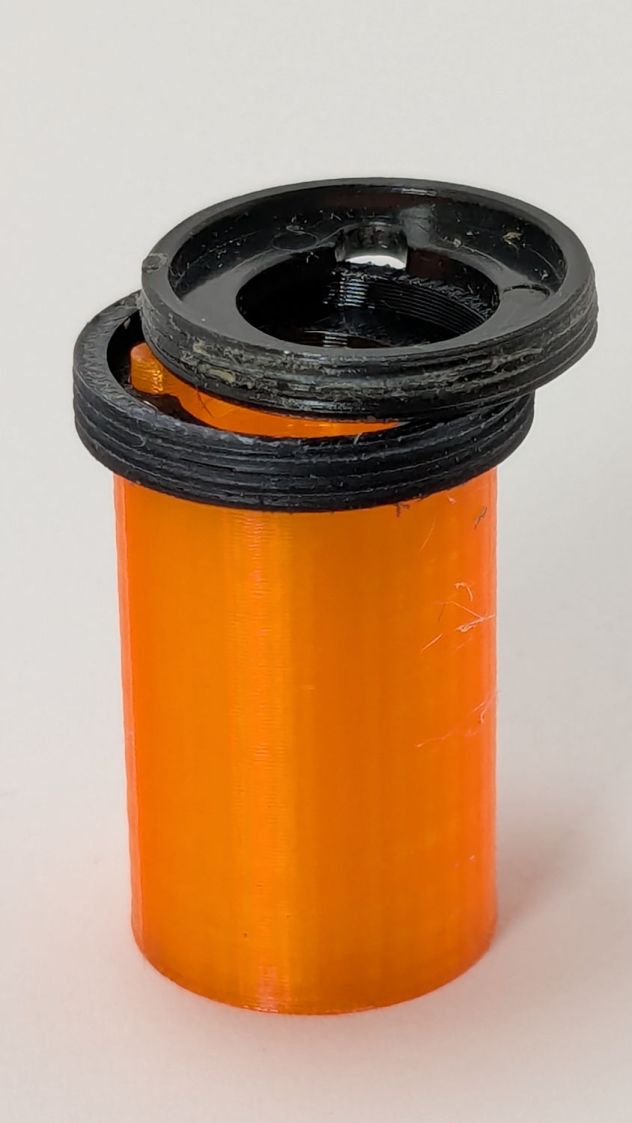
Because I expected this would be an easy job, I used snap ring pliers to unscrew and rescrew the threaded retaining ring holding the switch PCB in place. Because the pliers didn’t have a stable grip on the ring, the threads eventually became just a bit goobered.
This was not a problem, because I have a(nother) 3D printer:
Anker LC-40 Flashlight Retainer – show view
The gray thing on the right is a simple pin wrench fitting both the original and the replacement retaining rings, so I can orient the rings properly while unscrewing & rescrewing:
Anker LC-40 Flashlight – pin wrench in place
The threads have a 0.75 mm pitch and, while it’s possible to print screw threads, even a tedious 0.1 mm layer height would define each turn of the thread with only 7-½ layers.
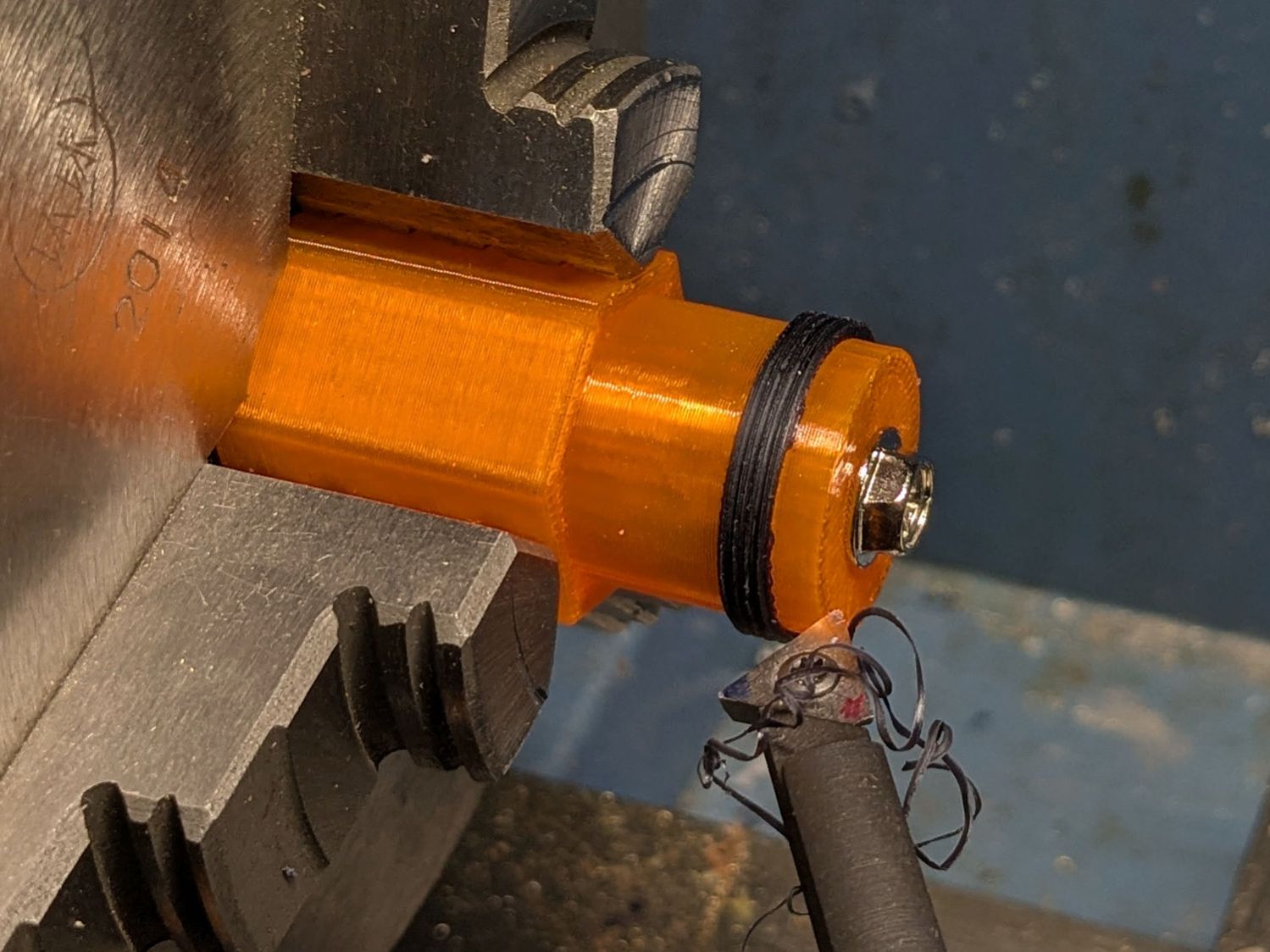
This was not a problem, because I have a mini-lathe:
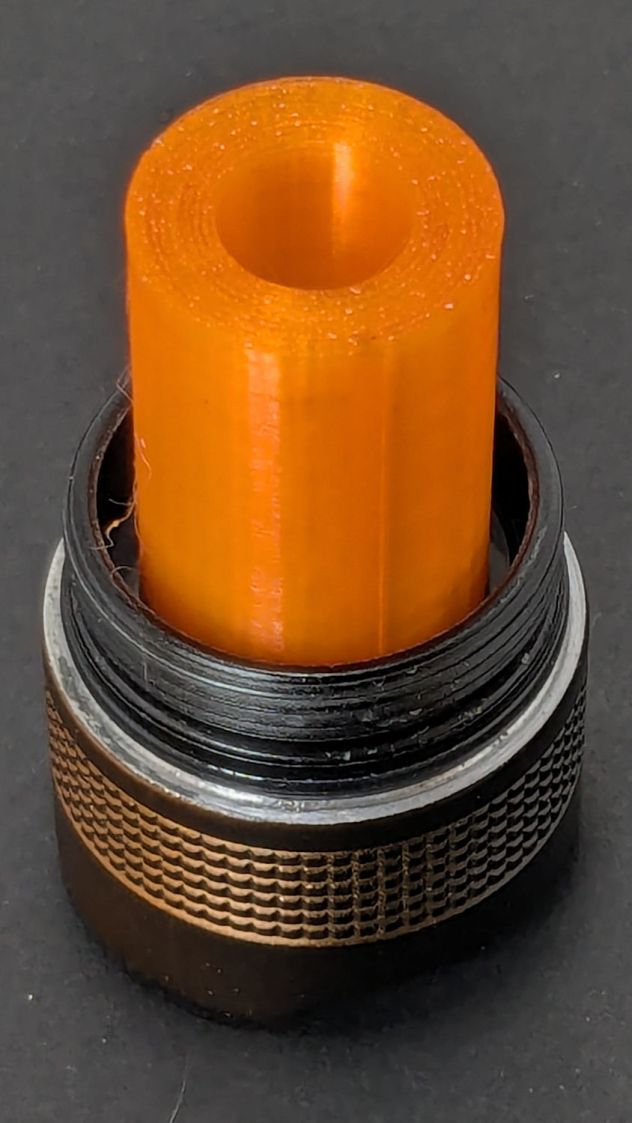
Anker LC-40 Flashlight – thread cutting
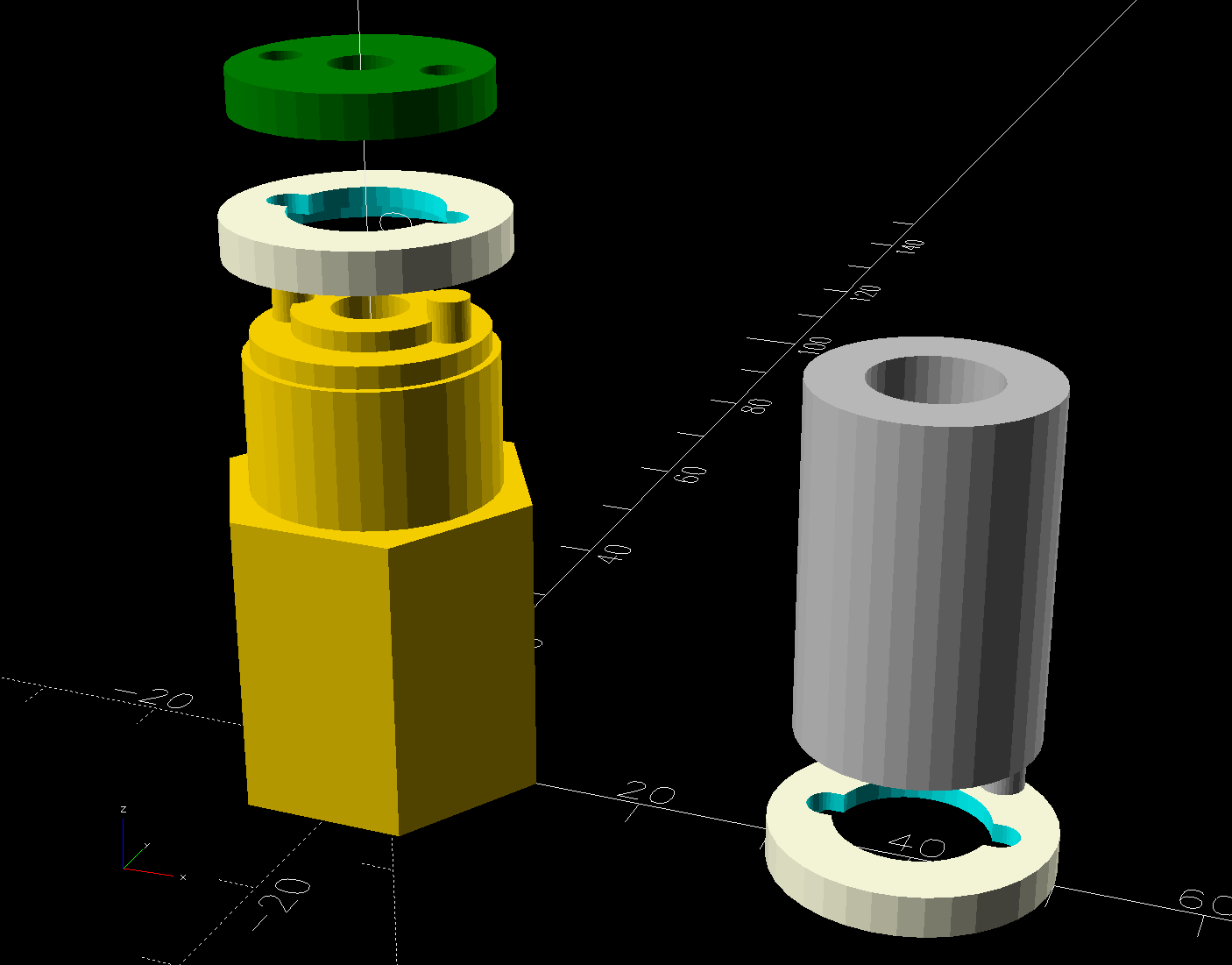
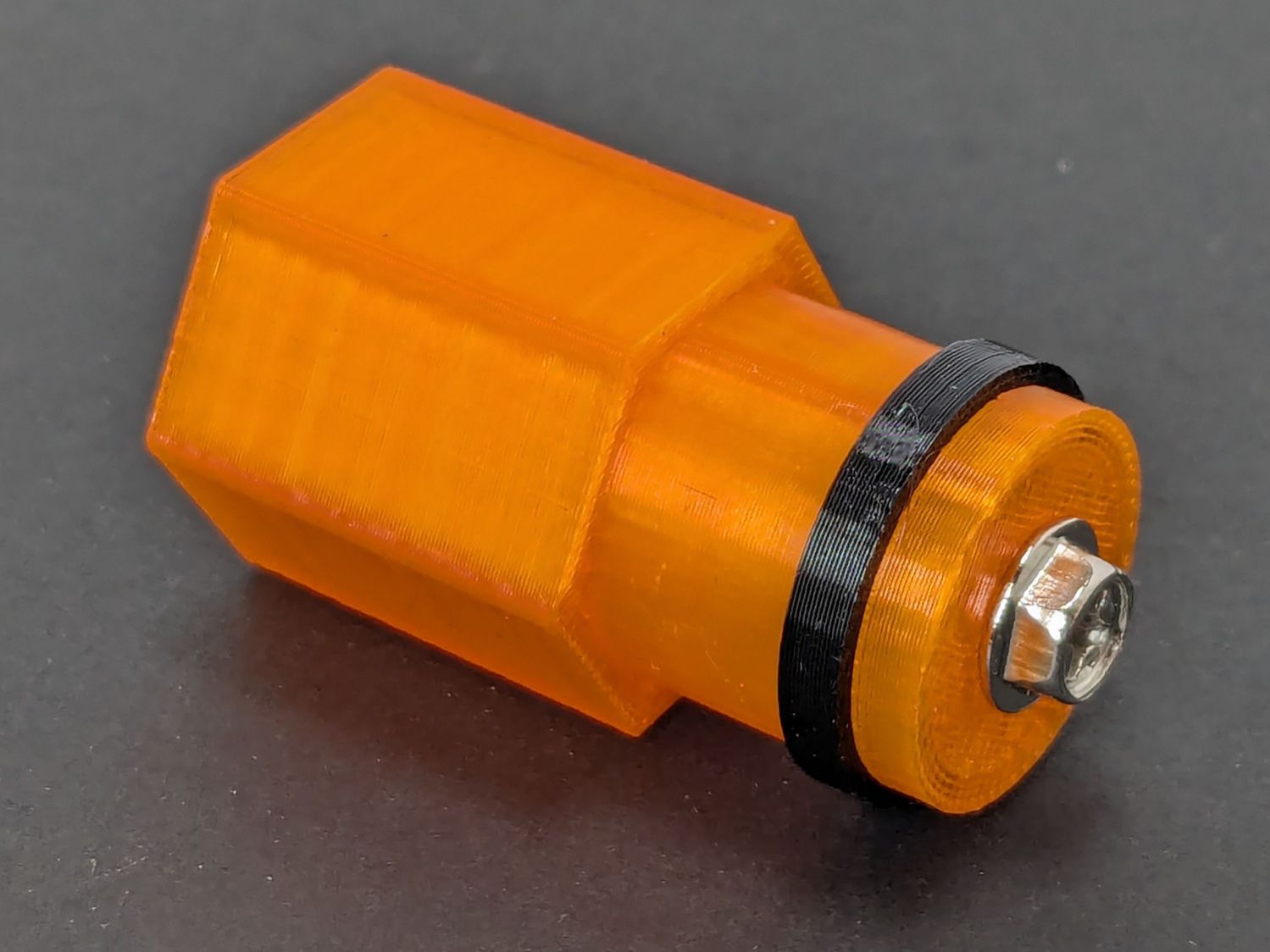
The yellow & green things on the left of those solid models are the fixture holding a retaining ring for threading and the washer applying pressure to keep the ring in place:
Anker LC-40 Flashlight – lathe fixture – detail
The alert reader will note that washer lacks holes for the alignment pins I added after seeing the washer sit not quite concentric on the fixture. I could call it continuous product improvement, although I doubt I’ll print another one.
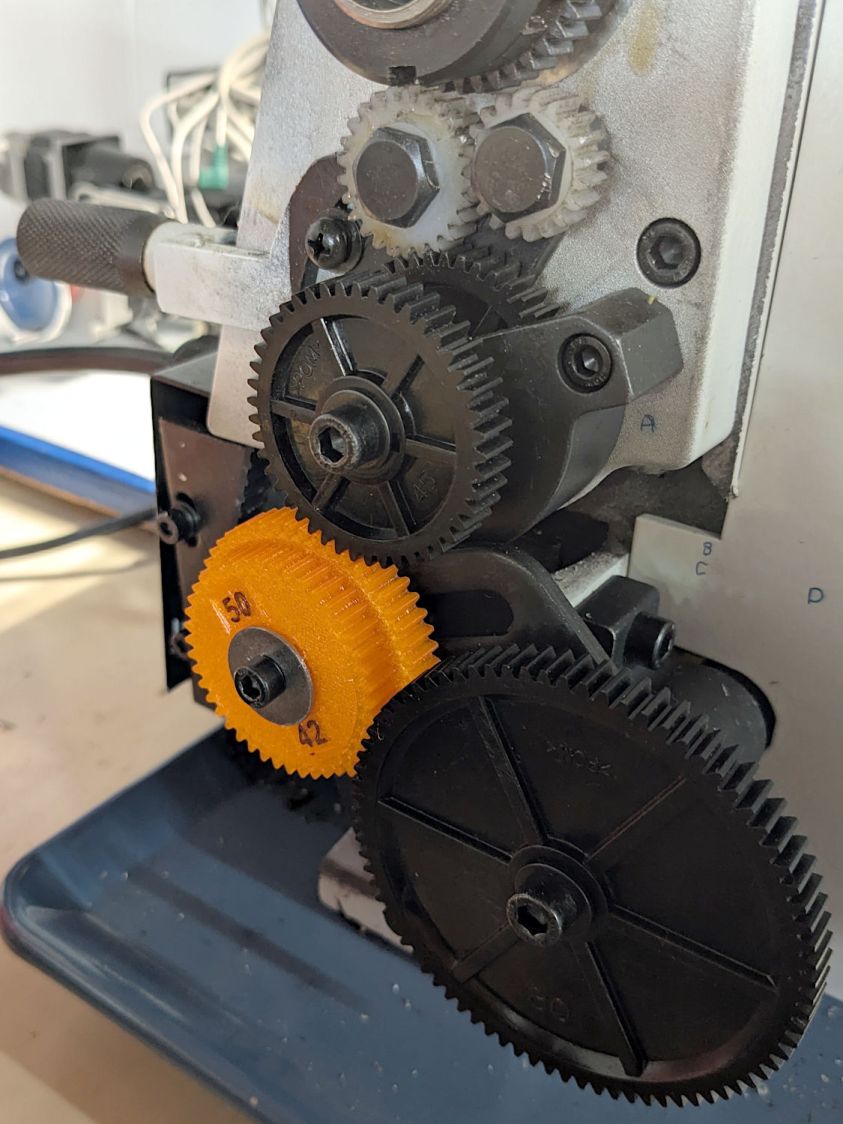
Setting up the lathe involved finding the proper set of change gears, including the vital 42-50 stacked gear I made a while ago to print metric threads on a hard-inch lathe:
Anker LC-40 Flashlight – lathe change gear train
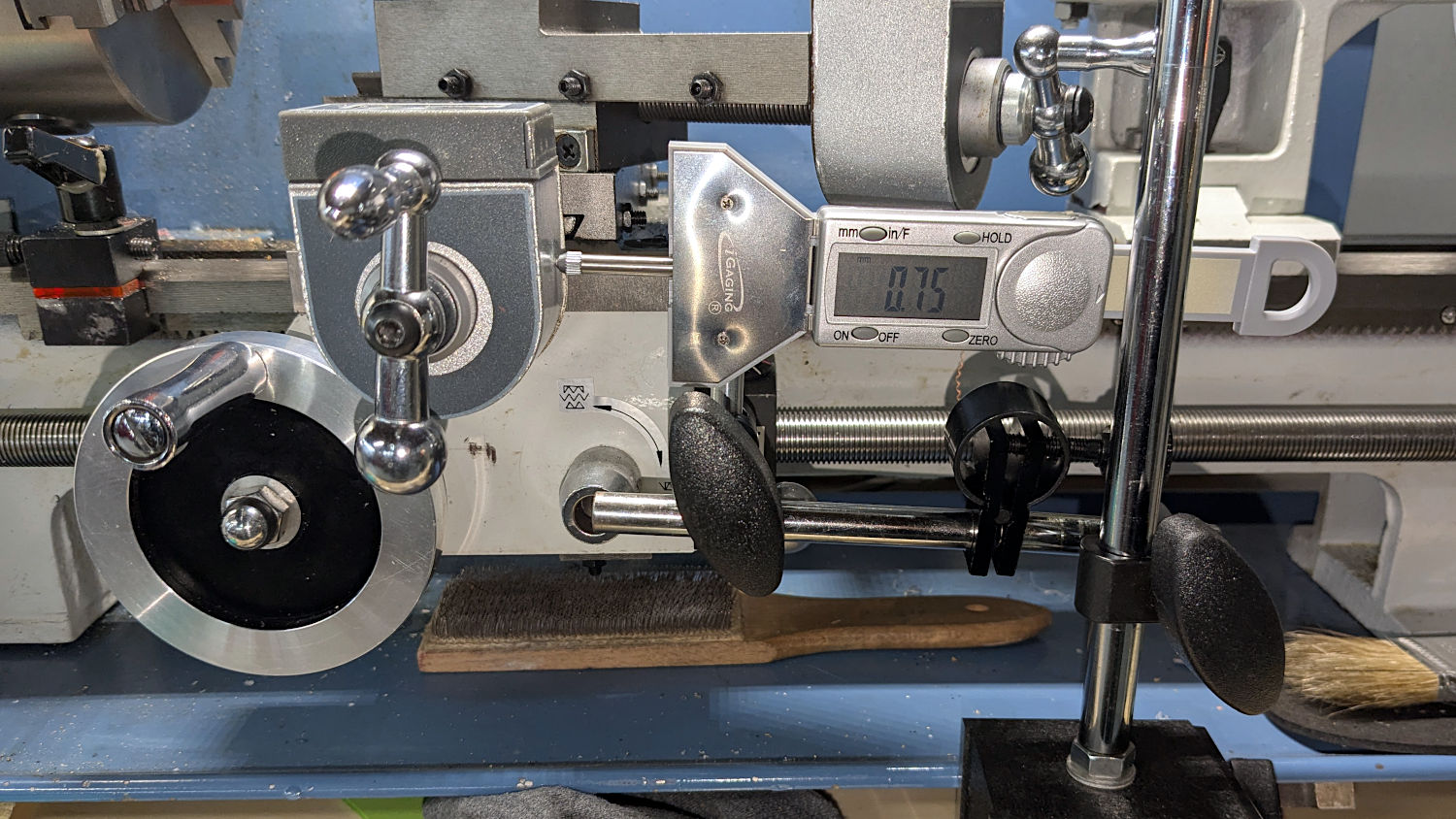
Although you’re supposed to measure the thread spacing on a skim pass, I find it’s easier to just measure the carriage movement for one spindle rotation:
Anker LC-40 Flashlight – lathe gear check
A few passes produced a fine retaining ring:
Anker LC-40 Flashlight – OEM vs lathe-cut threads
Sporting much nicer looking threads than the goobered original:
Anker LC-40 Flashlight – OEM vs lathe-cut threads
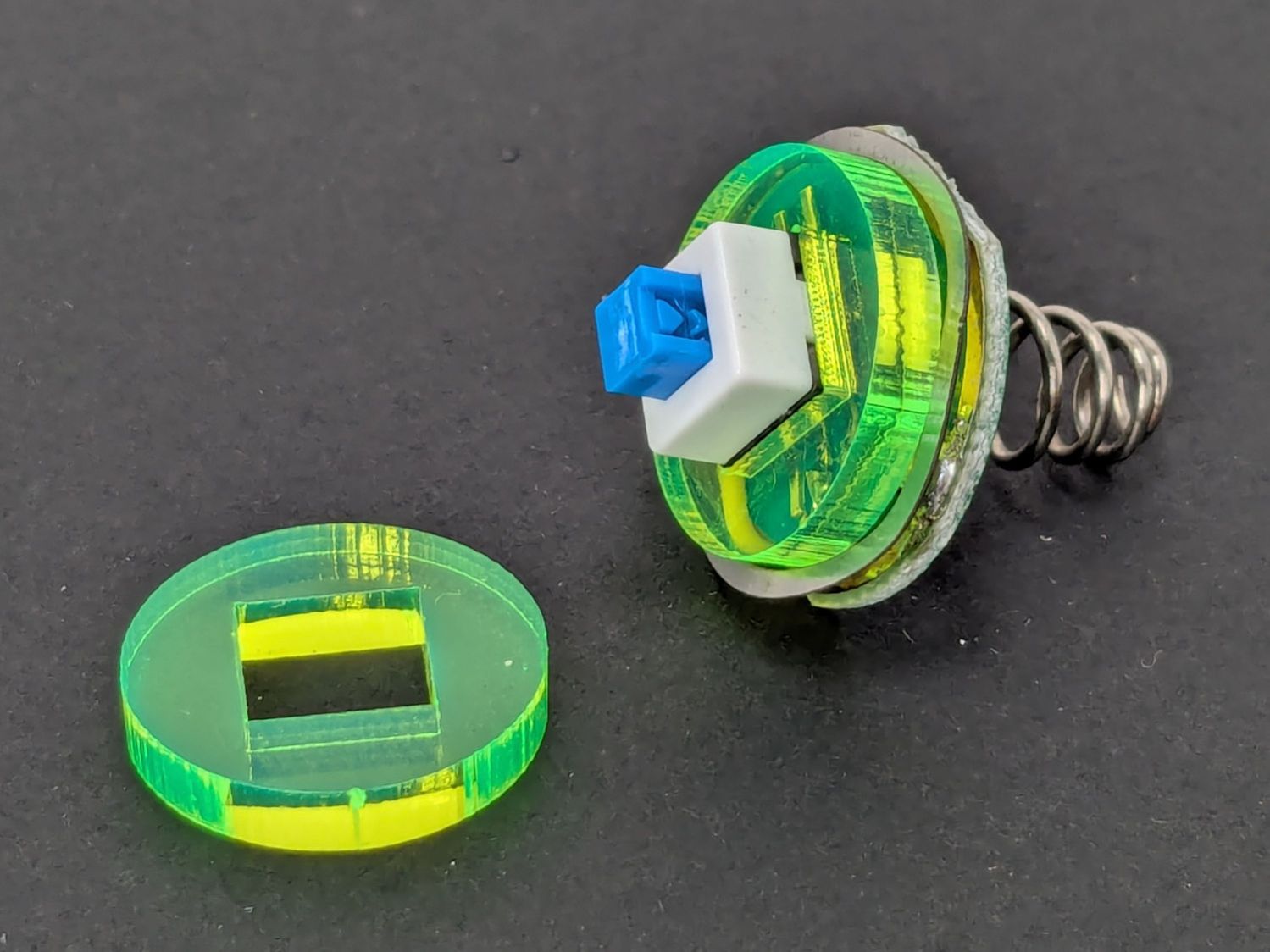
The original switch had a stabilizing ring around the body to prevent it from wobbling under the original rubber cap.
This was not a problem, because I have a laser cutter:
Anker LC-40 Flashlight – new switch in stabilizer
Those came from a scrap of fluorescent acrylic.
The wave washer behind the acrylic stabilizer improves the contact between the PCB trace around the rim and the flashlight tailcap, with the current passing through the body to the “light engine” up front. The retaining ring provides enough pressure to compress the wave washer, which is why it’s so easily goobered without a close-fitting pin wrench.
With everything assembled in reverse order, the flashlight worked pretty much as it did back when it was new:
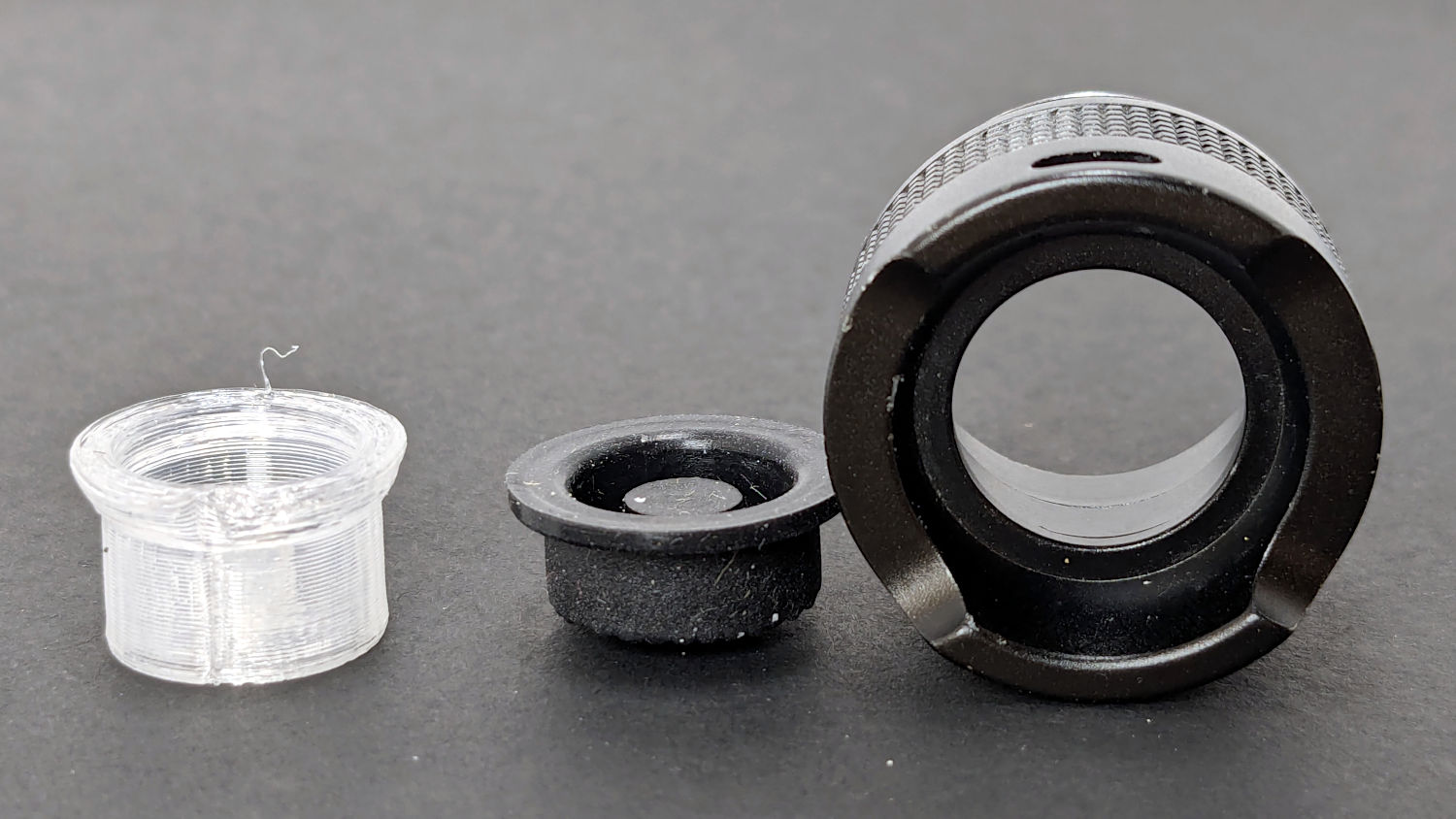
Anker LC-40 Flashlight – TPU cap installed
However, after describing this during a recent SquidWrench meeting, I discovered that adding “latching” to my keywords surfaced a bodacious assortment of flashlight switches, so (a few days later) I removed the not-quite-right switch and replaced it with an identical twin of the OEM switch requiring just a little lead forming to fit the PCB.
Even better, using the 3D printed pin wrench to screw the original retaining ring into the flashlight’s aluminum threads a few times re-formed (unrelated to recent electrolytic capacitor reforming) its goobered threads well enough to fit and work perfectly again.
So I have:
… reassembled the flashlight with more-or-less original components
… a repair tool kit ready when another LC-40 fails
… re-learned the lesson that any time spent making a fixture or a special tool is not deducted from one’s allotment
This file contains hidden or bidirectional Unicode text that may be interpreted or compiled differently than what appears below. To review, open the file in an editor that reveals hidden Unicode characters.
Learn more about bidirectional Unicode characters
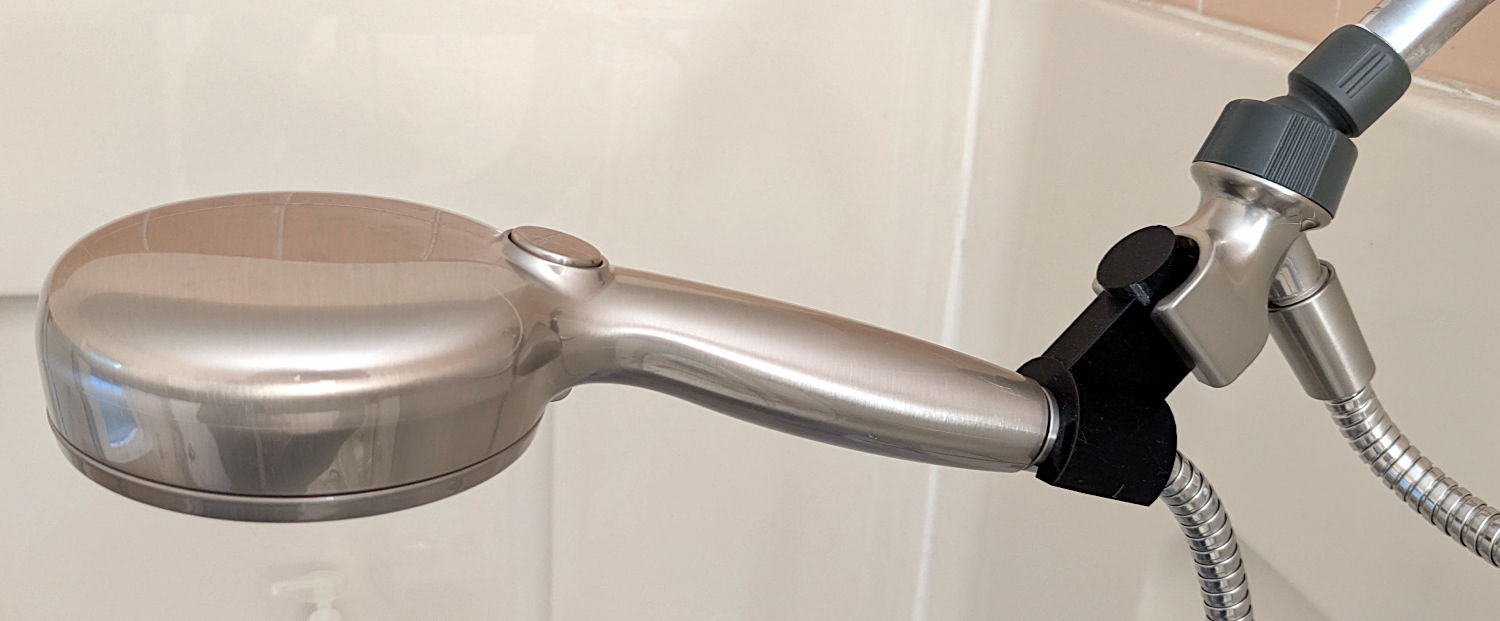
The original shower head being too far overhead for Mary’s reach, I installed a Delta ProClean Shower Head which would also be too high. It has a hose, which means I can adjust the height:
Delta shower head holder extension – installed
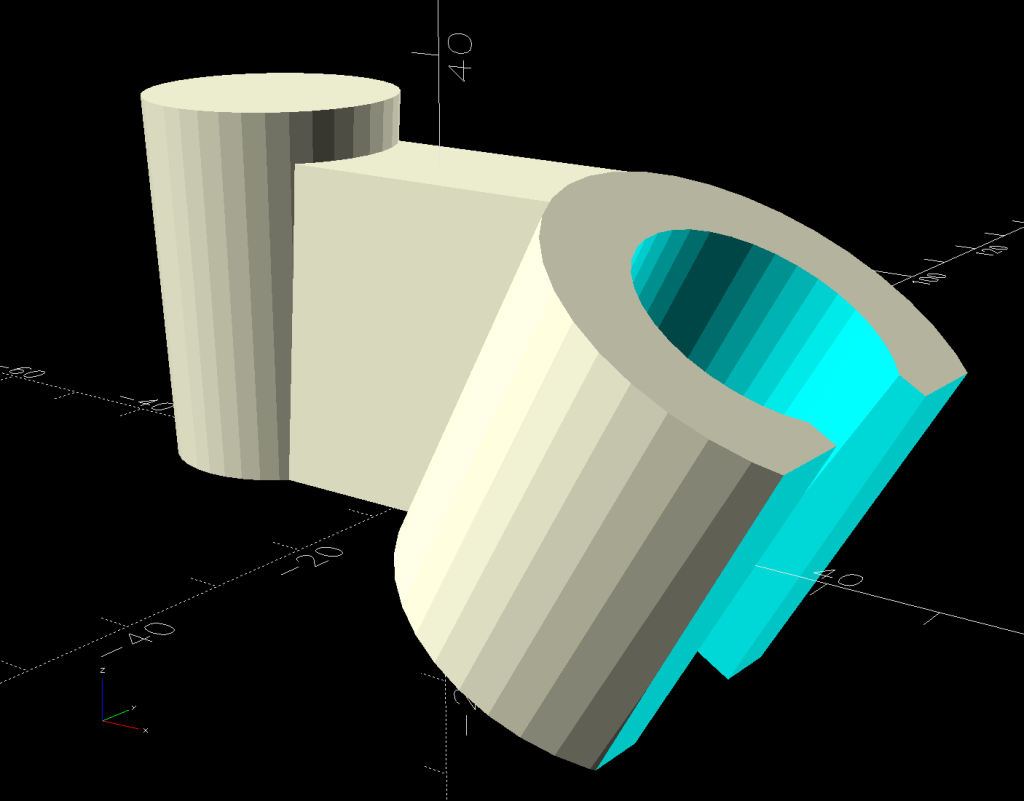
The InterWebs offer several 3D-printable versions of such a thing, but Delta offers many different shower heads, some of which are visually (to my eyes, anyway) indistinguishable from the 75740SN you see here. The model I tried did not fit the holder I have, so I conjured one from the vasty digital deep:
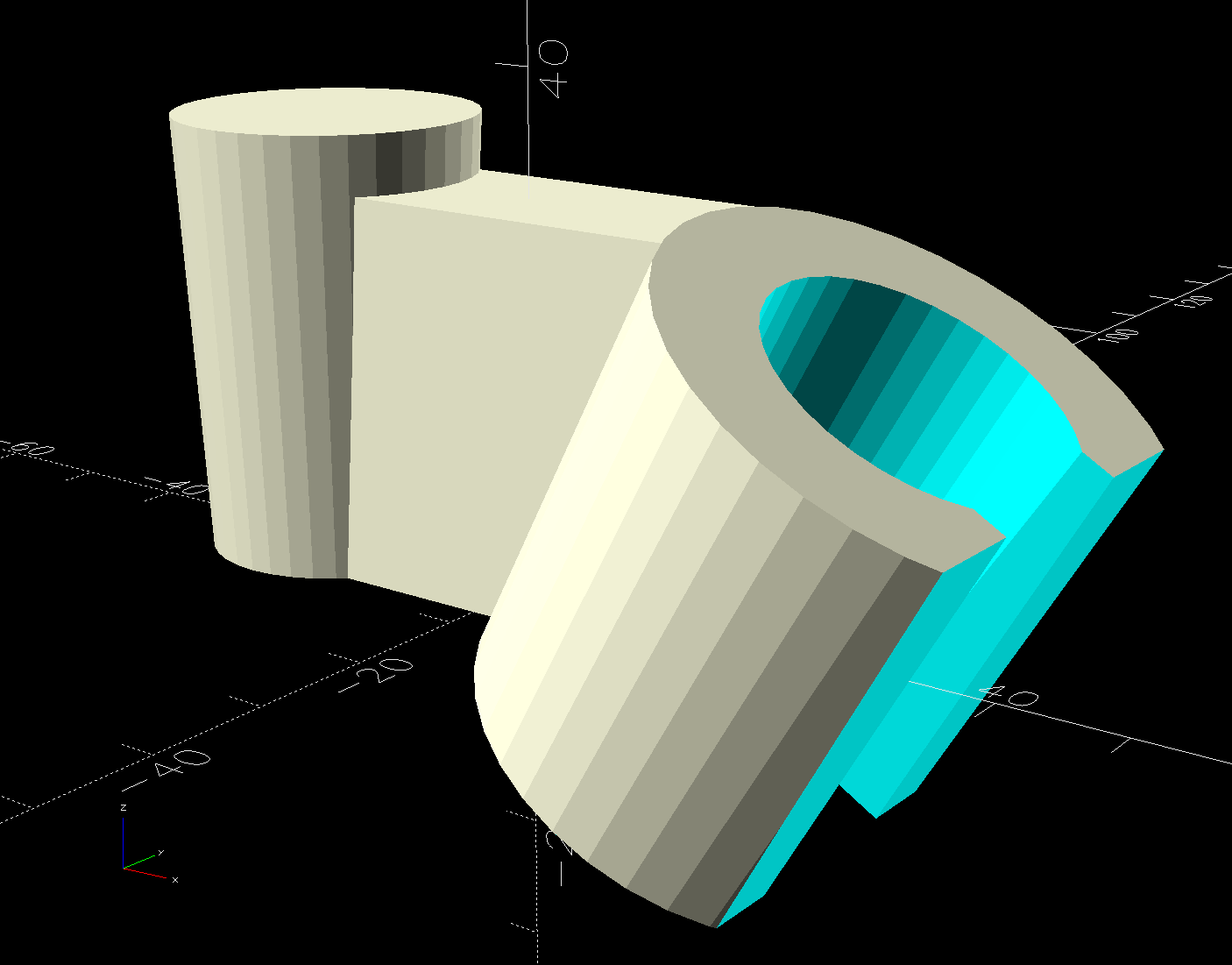
Delta shower head holder extension – solid model
It builds standing on that tidy cutoff:
Delta shower head holder extension – PrusaSlicer warning
Despite PrusaSlicer’s kvetching about the “collapsing overhang” inside the socket, it came out fine.
The shower head is still slightly too high for her, but now I can print another one with a longer offset and a slightly smaller plug to fit deeper in the OEM socket.
Worst case, there’s a wall-mounted holder to put the shower head at shoulder height.
This file contains hidden or bidirectional Unicode text that may be interpreted or compiled differently than what appears below. To review, open the file in an editor that reveals hidden Unicode characters.
Learn more about bidirectional Unicode characters
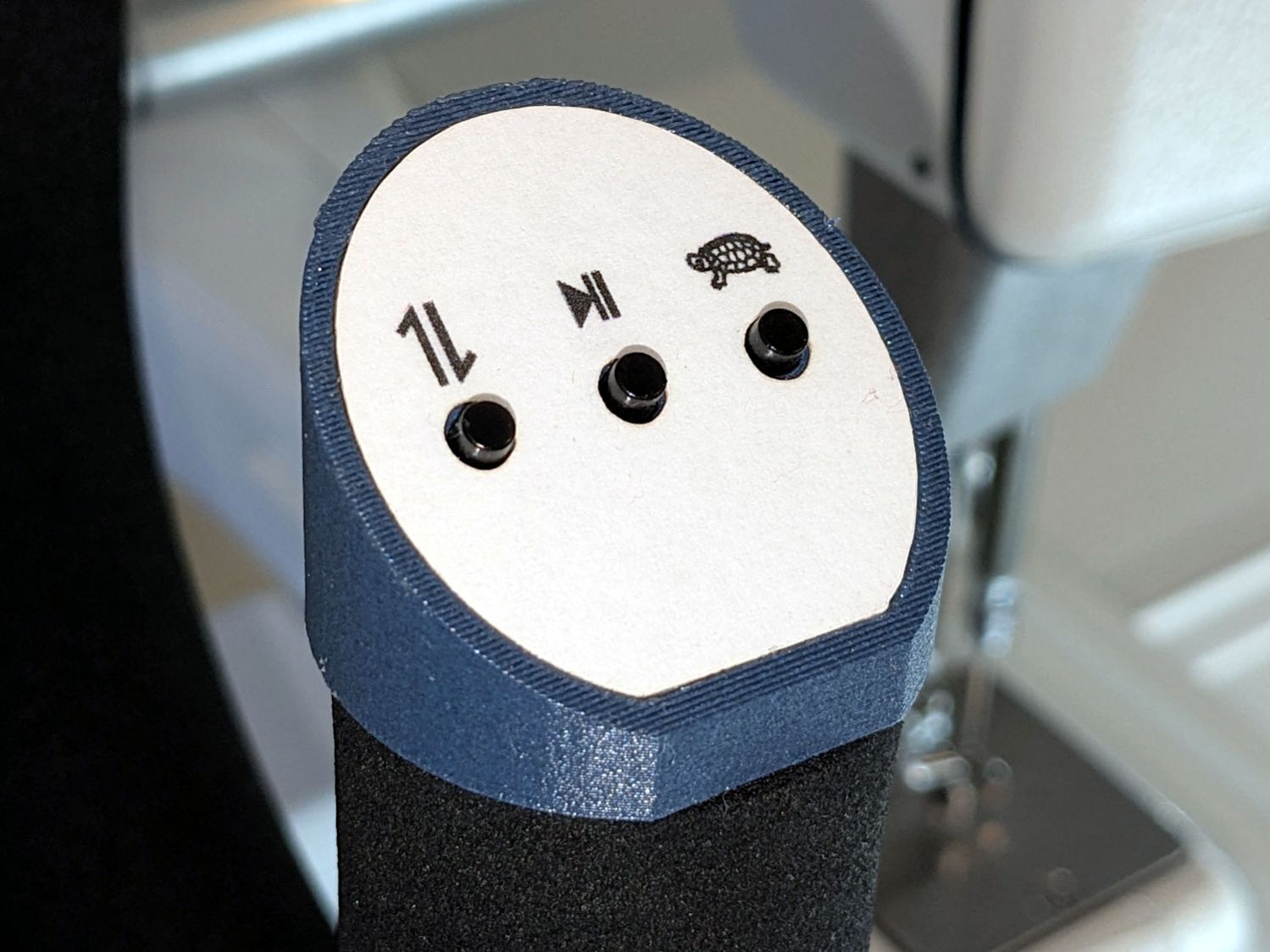
The new control caps on the HQ Sixteen’s handlebars have three switches apiece:
HQ Sixteen – grip cap installed – left
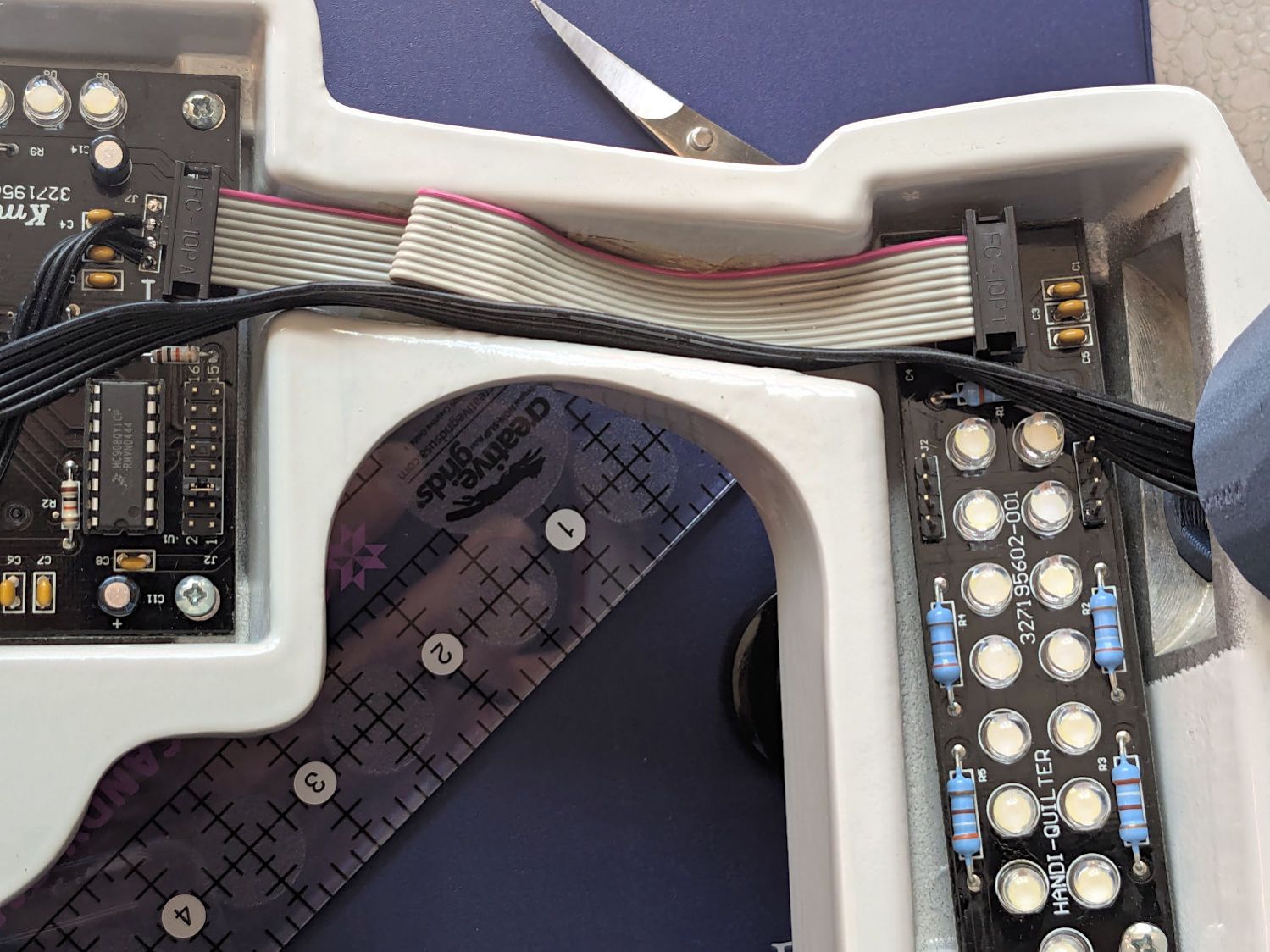
A six-conductor ribbon cable brings those switch terminal through the handlebars, across the smaller PCBs where the original switches plugged in, and atop the main PCB behind / under the LCD panel where they get wired together:
HQ Sixteen – Control Button switch cable
The gray ribbon cable carries power for the LEDs and returns the original switch signals formerly plugged into one of the four-pin headers on the right PCB. The same PCB is used on the other side and the switches over there plug into the other header.
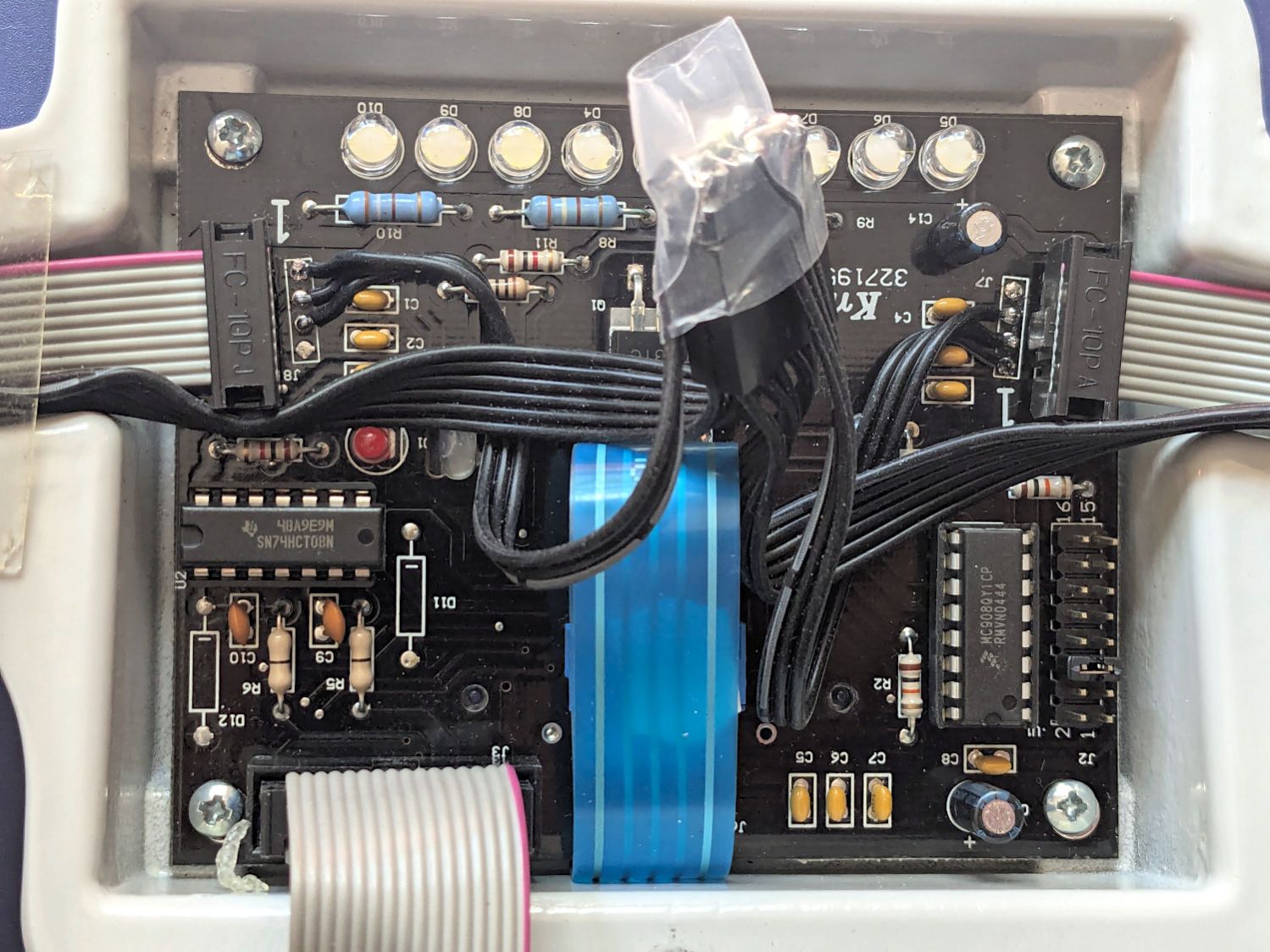
The central PCB is also used for the rear handlebars, which do not have the smaller PCBs, and those switch cables plug directly into four-pin headers mounted instead of the headers for the gray ribbon cables:
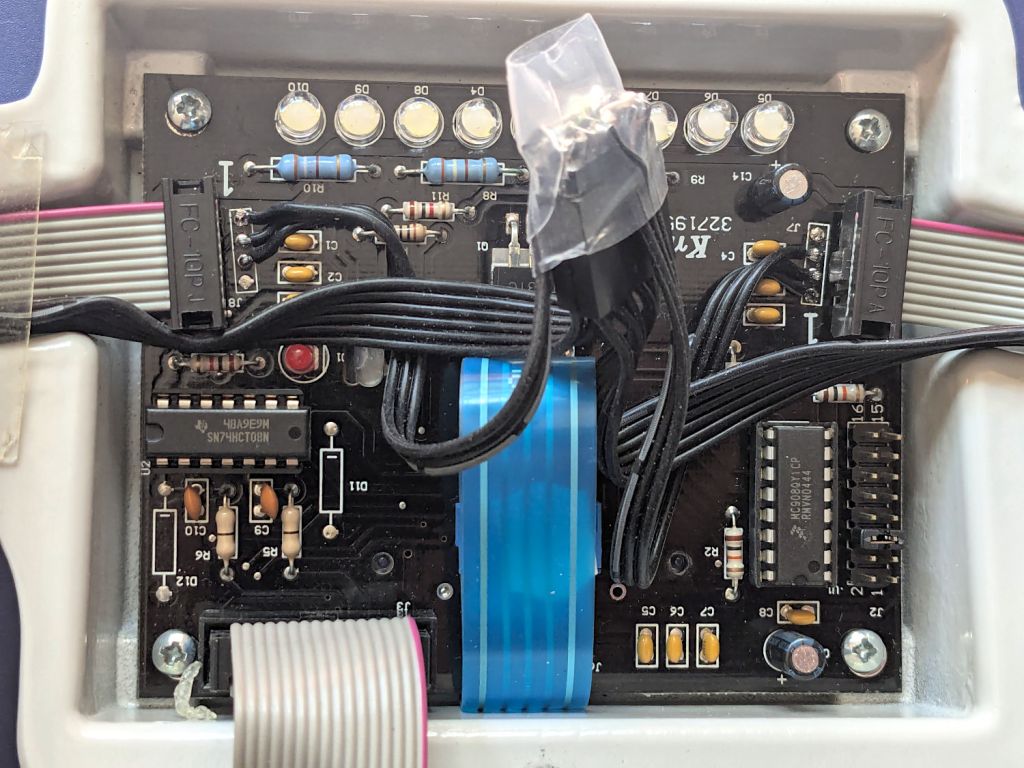
HQ Sixteen – Control Button central PCB
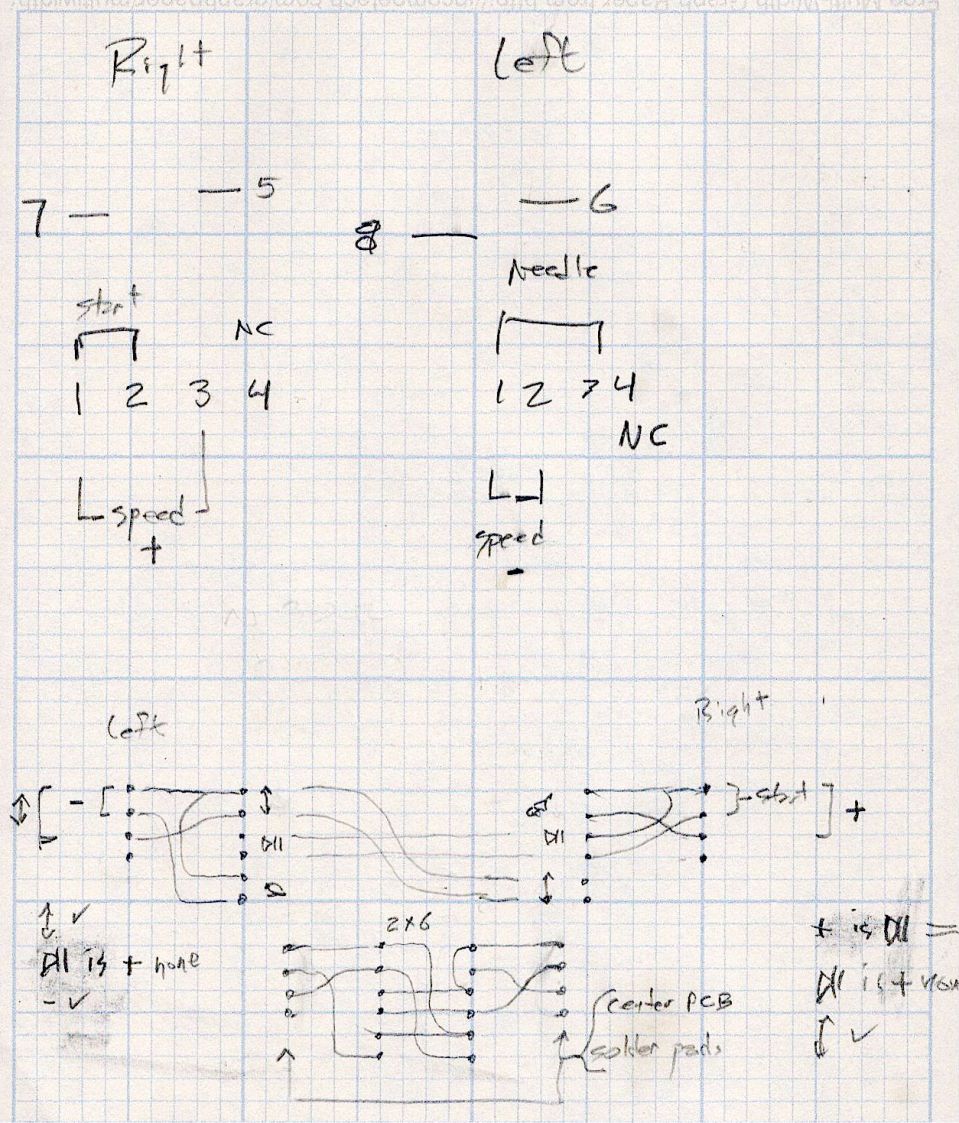
Some probing and doodling produced a diagram of the switch connections:
HQ Sixteen – Control Button Wiring
Working with the handlebars either inverted or flipped left-for-right on the workbench makes this far more confusing than it really should be.
In any event, the bottom diagram shows the connections between the two four-pad header positions on the central PCB and the two six-pin headers for the new switches. I used a 2×6 pin header block to plug in the new switches, connected the pins with soldered Wire-Wrap wire, and used three-wire ribbon cable to the PCB pads.
The general idea was to duplicate the Start-Stop and Needle Up/Down switches on both sides, while maintaining the same relative positions of the Fast / Slow switches. In effect, the two new switches on each side are wired in parallel to the original switch pads on the PCB.
Surprisingly, I got the three-wire ribbon cables from the four-pad headers right on the second try, which involved flipping it over. The top and bottom pads on those headers are connected together, so the three-wire cable can go on either way to reverse the positions of the other two wires.
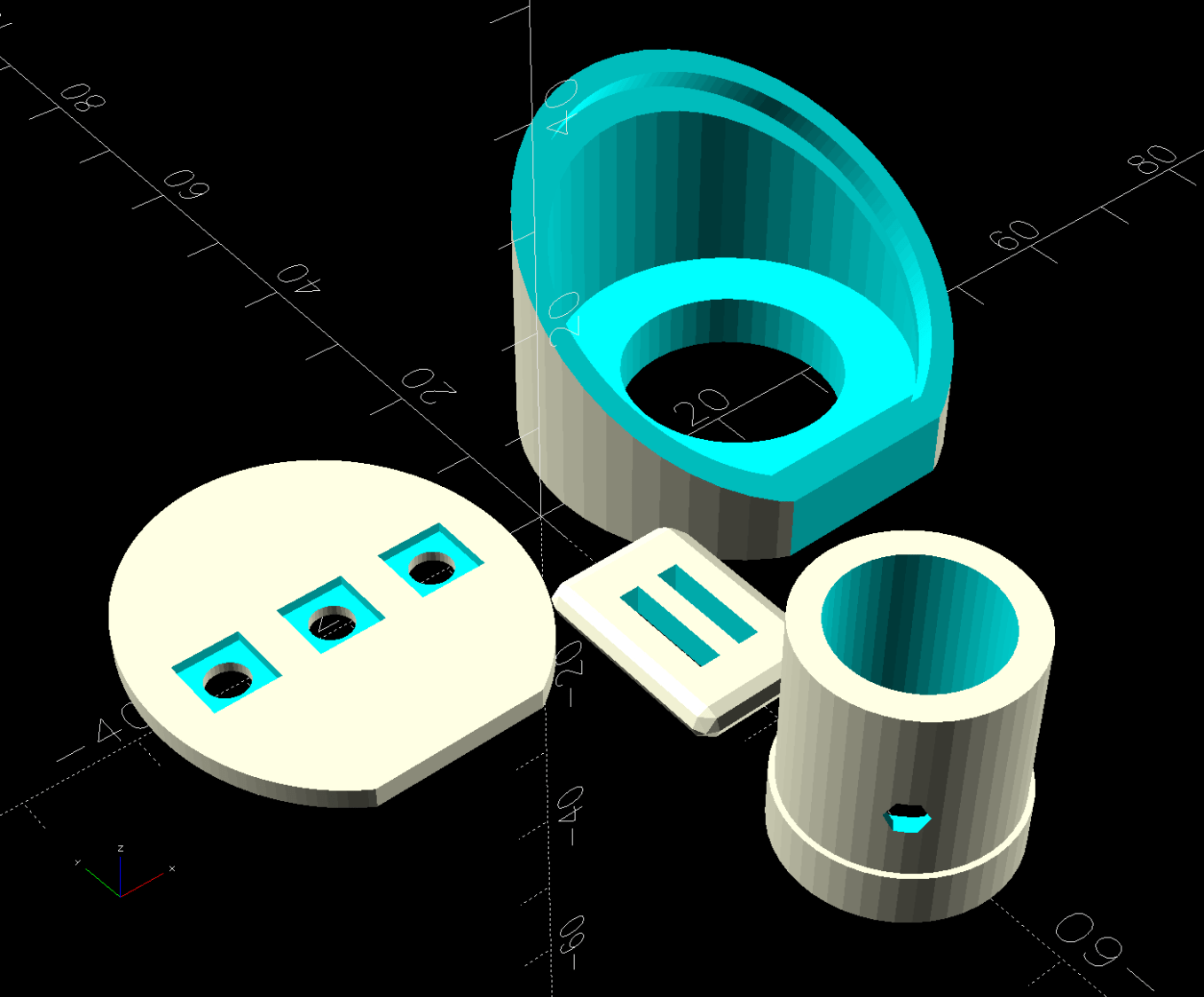
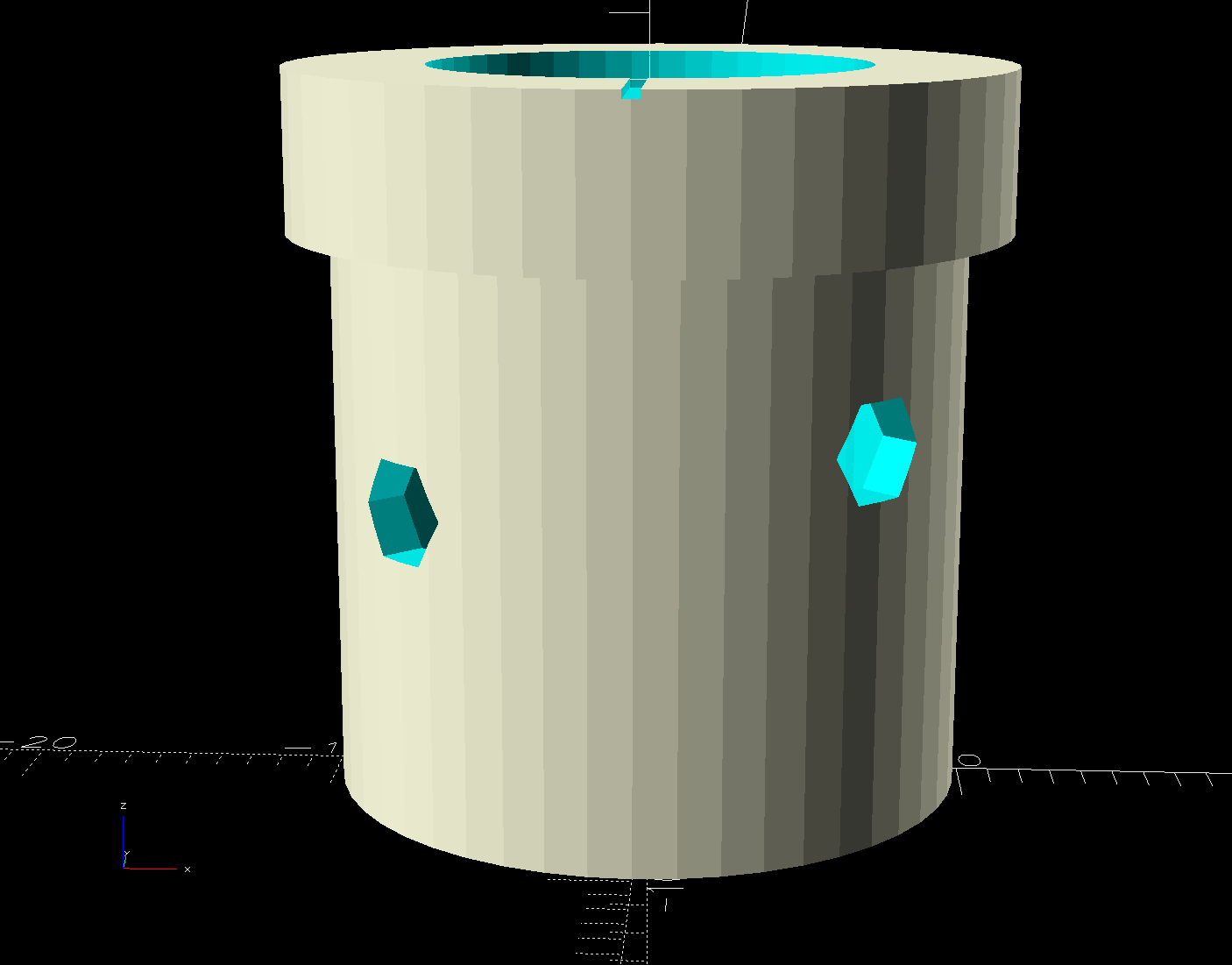
My version of the Handi-Quilter HQ Sixteen grip control caps requires some assembly:
Control Button Caps – solid model – build view
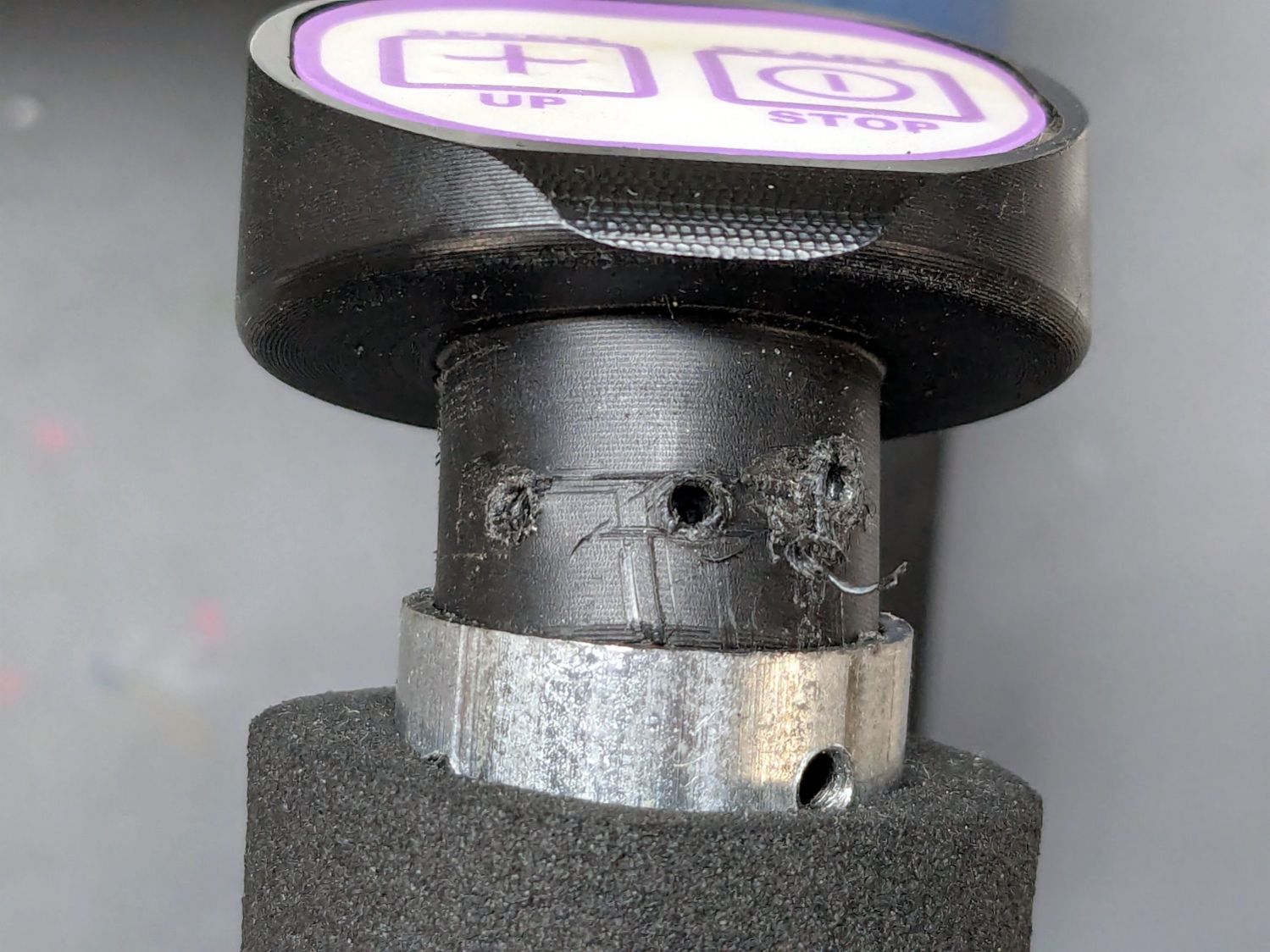
Getting the OEM caps off the handlebars required carefully applying torque through a strap wrench, but they eventually came free:
HQ Sixteen – OEM grip cap – screw holes
I don’t know what the unused screw hole between the two gnarly holes was for; perhaps they discovered one hole was inadequate.
The alert reader will note the two screw holes are not the same distance from the end of the tube, which required rebuilding the plug model to match:
Control Button Caps – solid model – plug holes
Which is why I didn’t glue the plug into the cap before I got the OEM caps off.
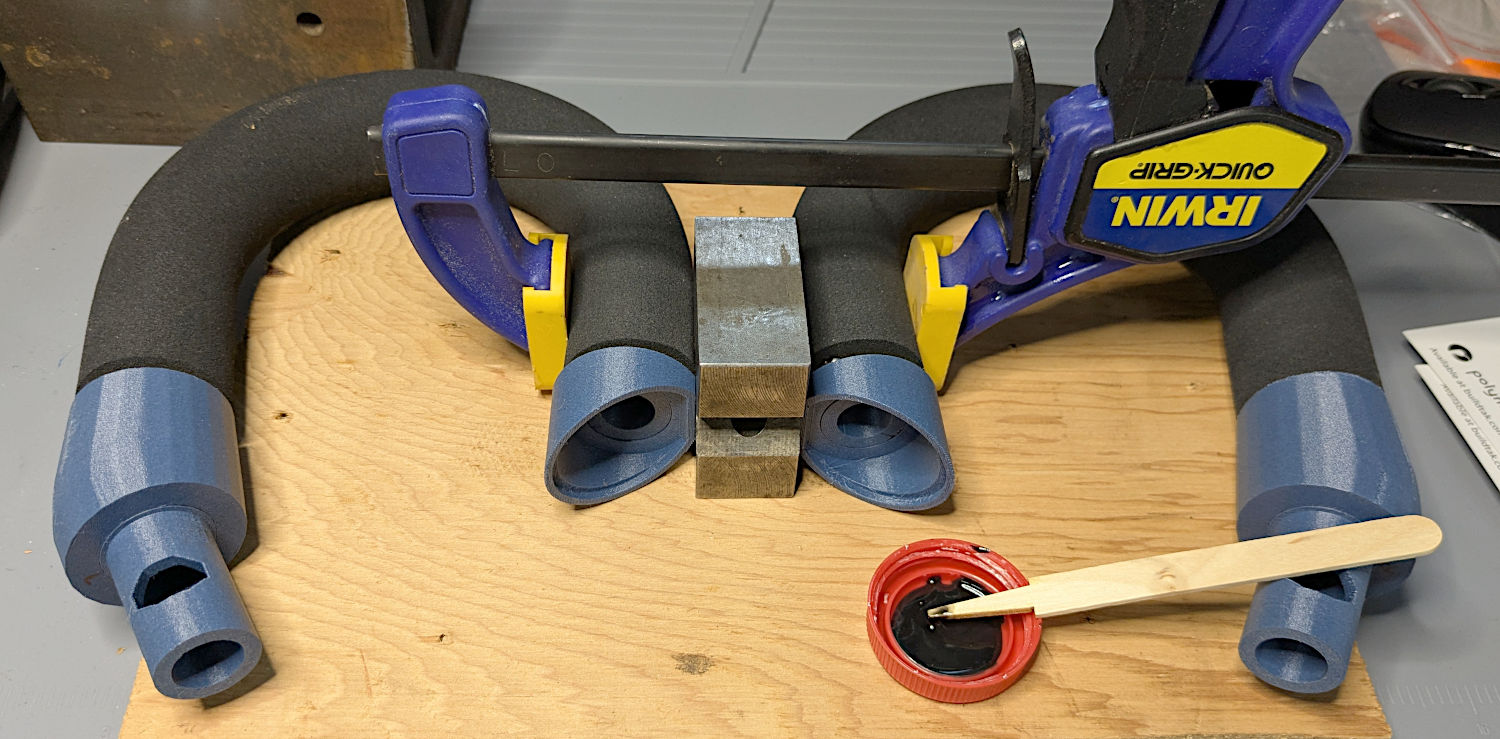
Redrill the tube holes to 3 mm, file the burrs from both the OEM and my drilling, smooth the edges, and the plug fit perfectly. Then I seated the M3 square nuts behind those hole and, after installing the new plugs in the handlebars, glued the caps in place with a simple fixture to ensure the front faced forward:
– HQ Sixteen – grip cap faceplate gluingHQ Sixteen – grip cap gluing
The clamp gently compresses the foam enough to hold the flats against the bench block while the JB Plastic Bonder cures.
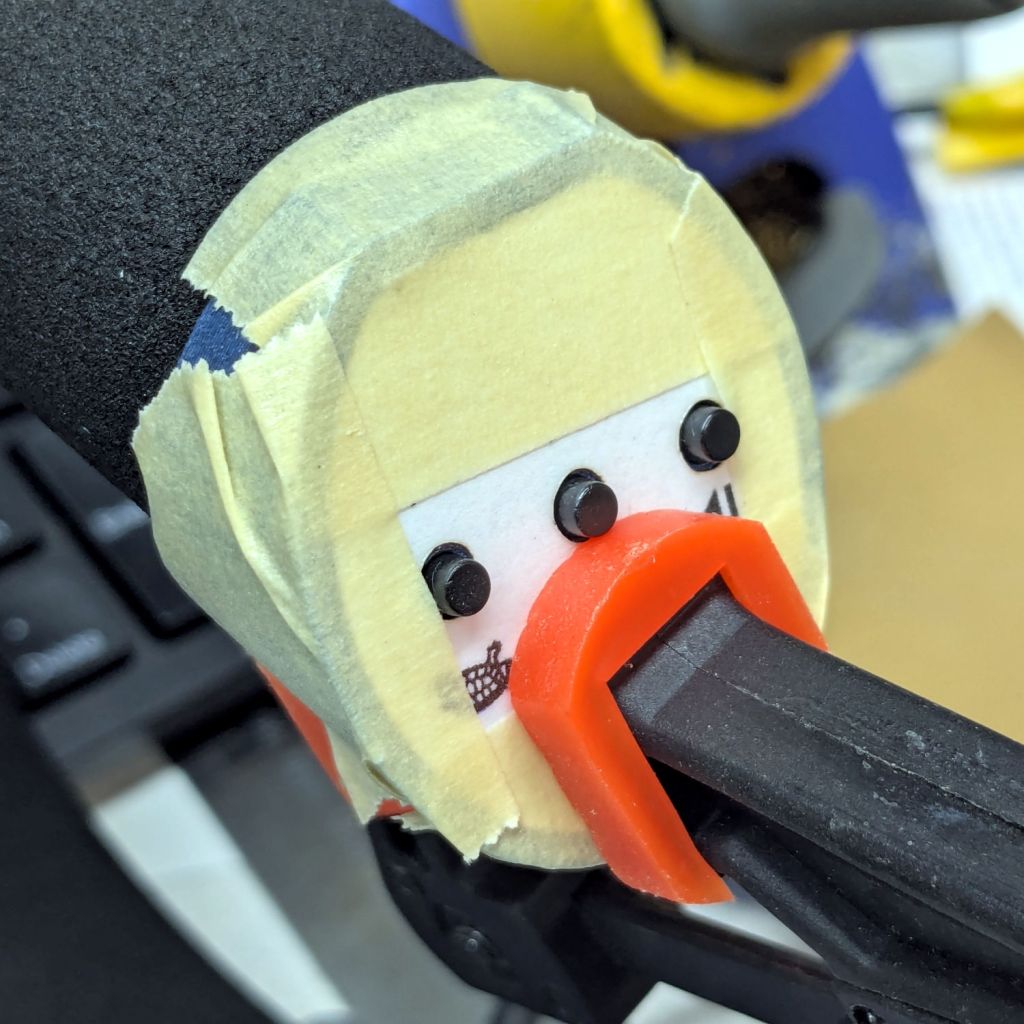
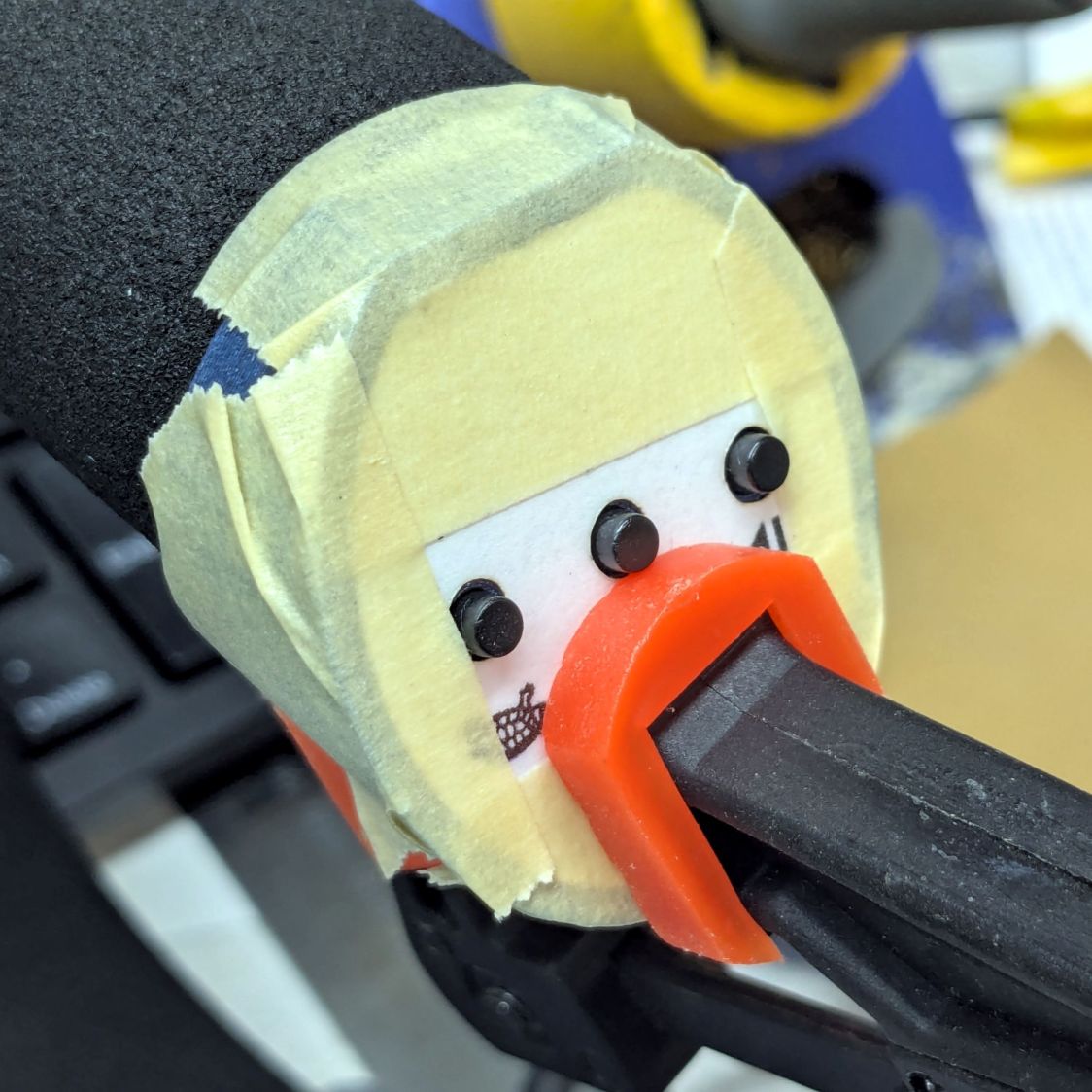
After verifying all the buttons worked, I glued the faceplates to the cap bodies:
HQ Sixteen – grip cap faceplate gluing
The tape held the faceplate in place while I snugged the clamps.
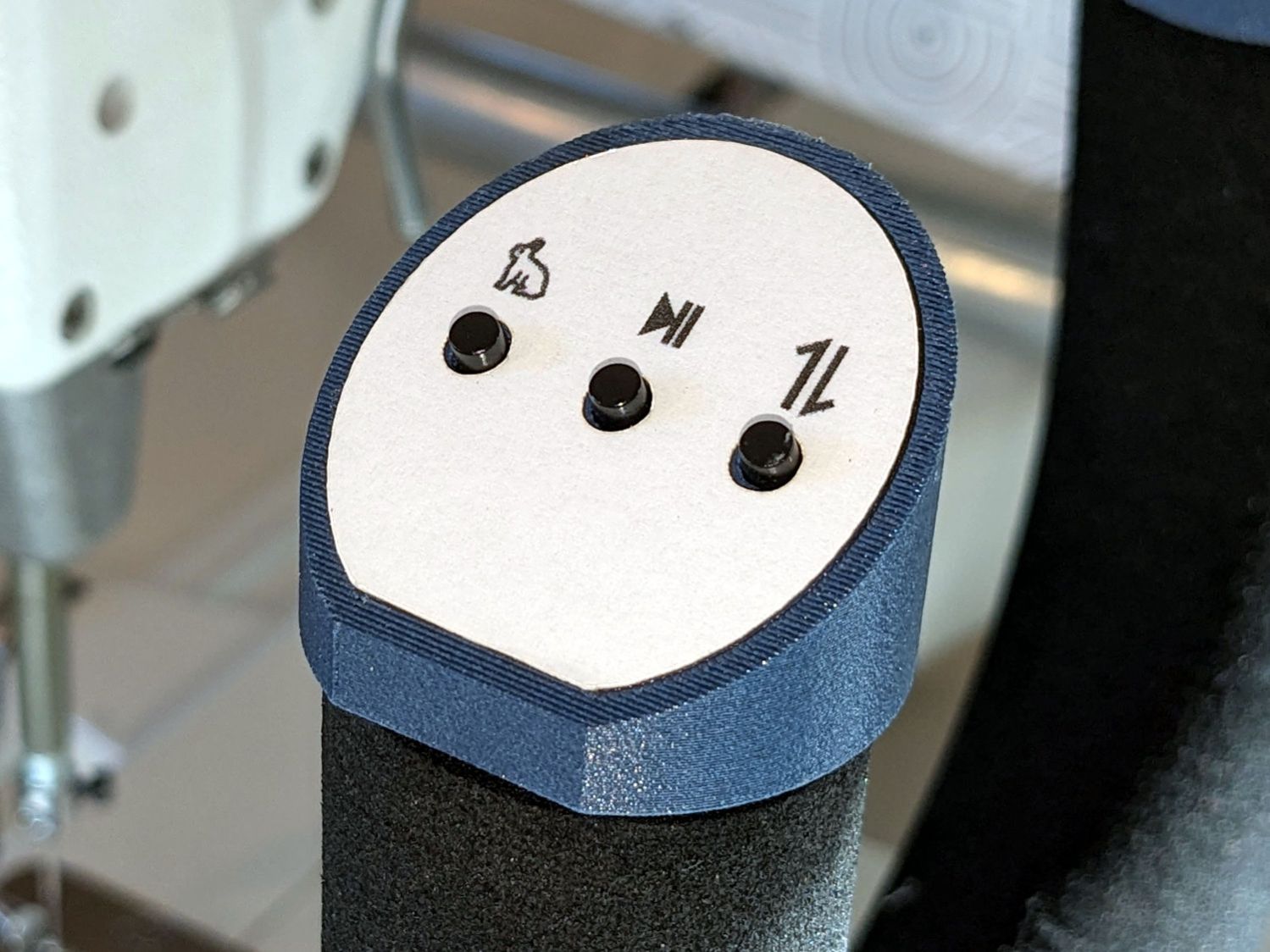
Modulo my weak graphic design skills, the caps look pretty good:
HQ Sixteen – grip cap installed – right
And, after a bit of wiring yet to be described, the buttons do exactly what their legends suggest:
HQ Sixteen – grip cap installed – left
The white sheet with feeble graphics can be peeled off, so I have another chance to tart it up.
The overall idea was to replace the failing Start/Stop switch while duplicating that switch on both caps. While I was at it, I also duplicated the Needle Up/Down button, because who wants asymmetric caps?
Mary is assembling another quilt and the new switches will get plenty of action …
Setting up the Makergear M2 to print TPU (eSun 95A) involved a cold pull to get the remaining PETG out of the nozzle, some manual flushing, then printing test cubes to figure out a reasonable speed / temperature combination:
Makergear M2 – first TPU test cube
A 10 mm solid cube came out overstuffed and the first 20 mm cube lacked enough infill to hold its top up, but the third cube looked surprisingly good at 230 °C and 30 mm/s with 15% 3D Honeycomb infill:
Makergear M2 – TPU test cubes
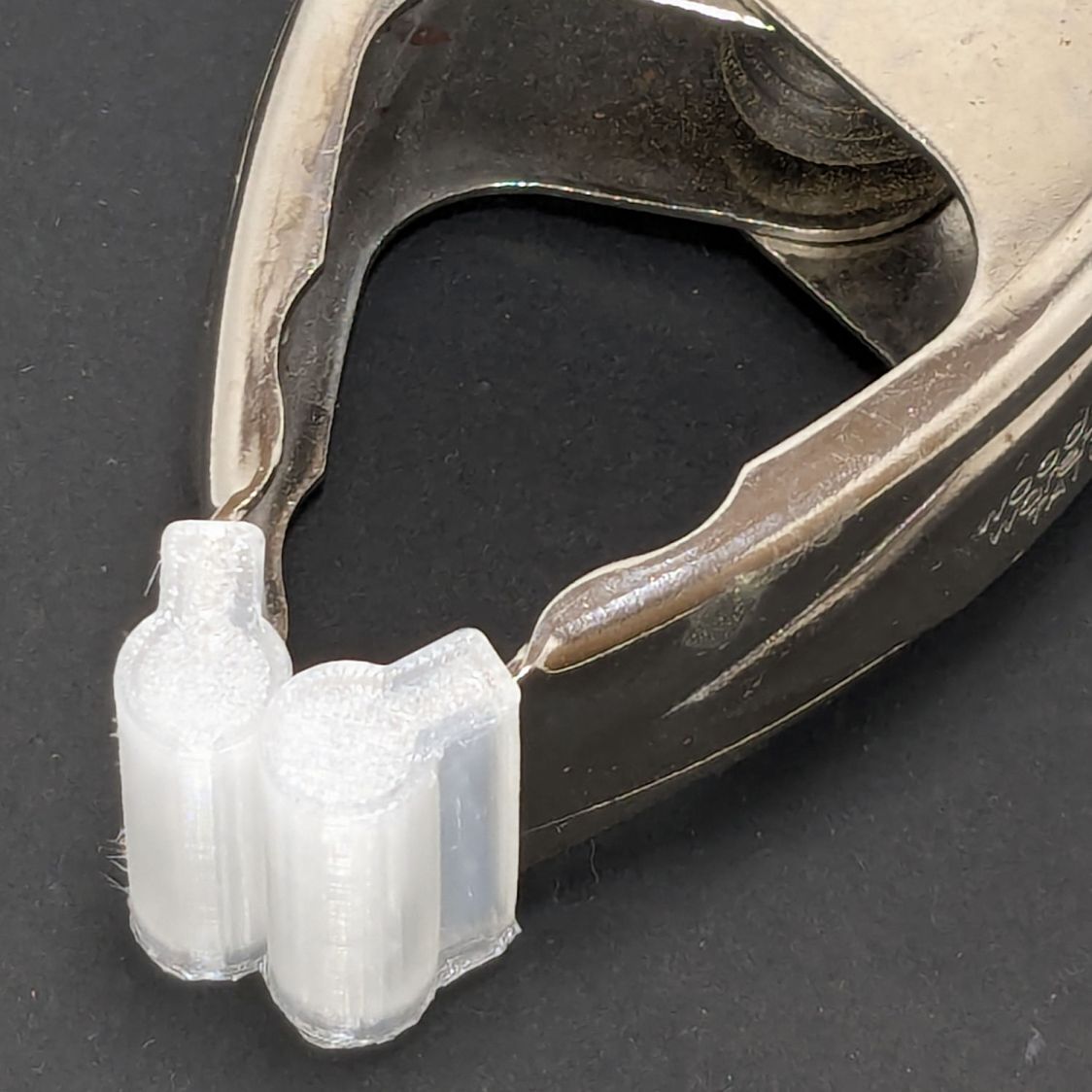
With that settled, I conjured pairs of soft (-ish) jaw pads for the far-too-many metal spring clamps having worn out their vinyl pads:
Spring clamp jaws – installed
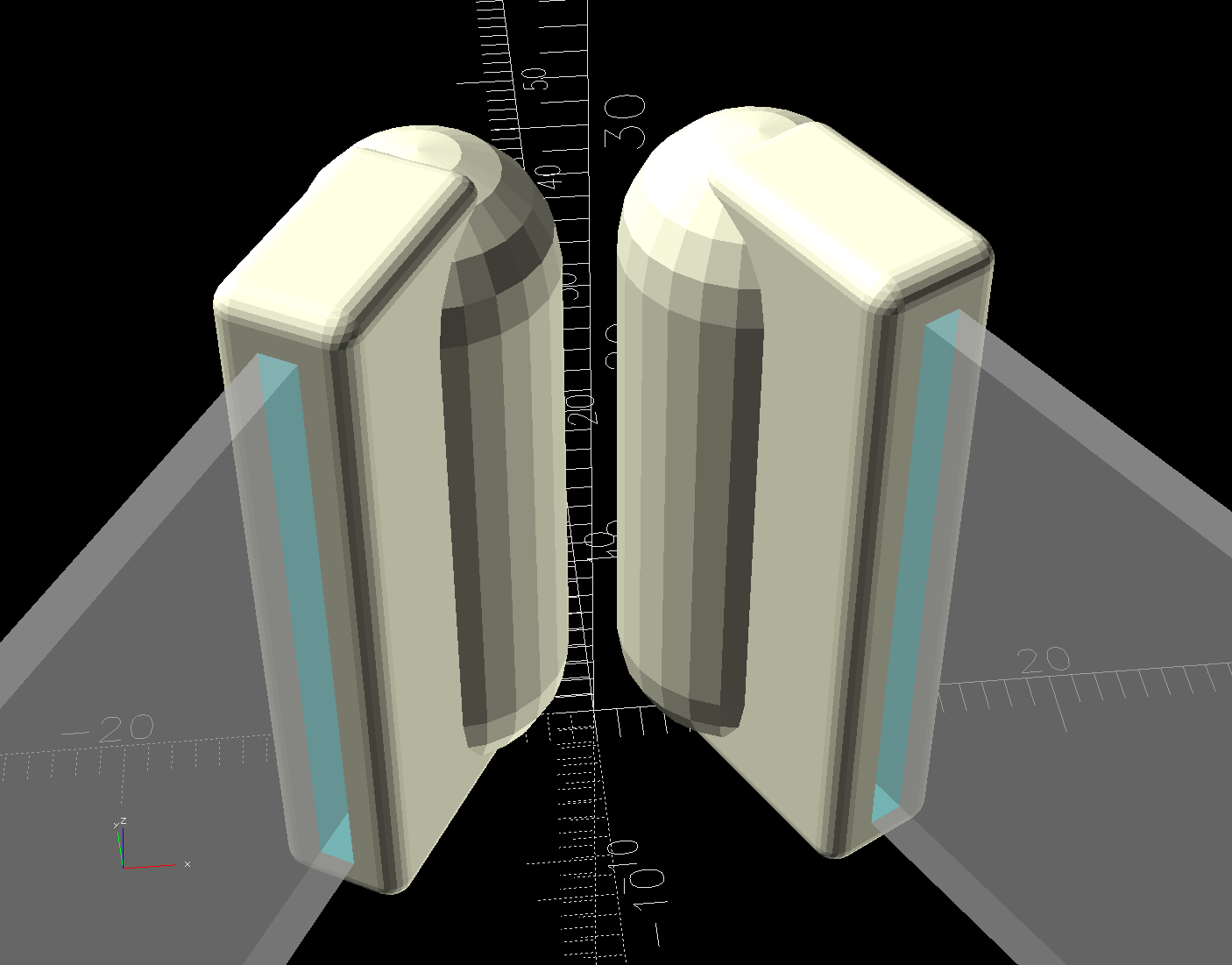
Those were the first attempt and worked well enough to suggest nicely rounded endcaps instead of flat cylinders:
Spring Clamp Jaws – show view
Unlike the first version, they now build standing on their rectangular clamp jaw opening:
Spring Clamp Jaws – show view
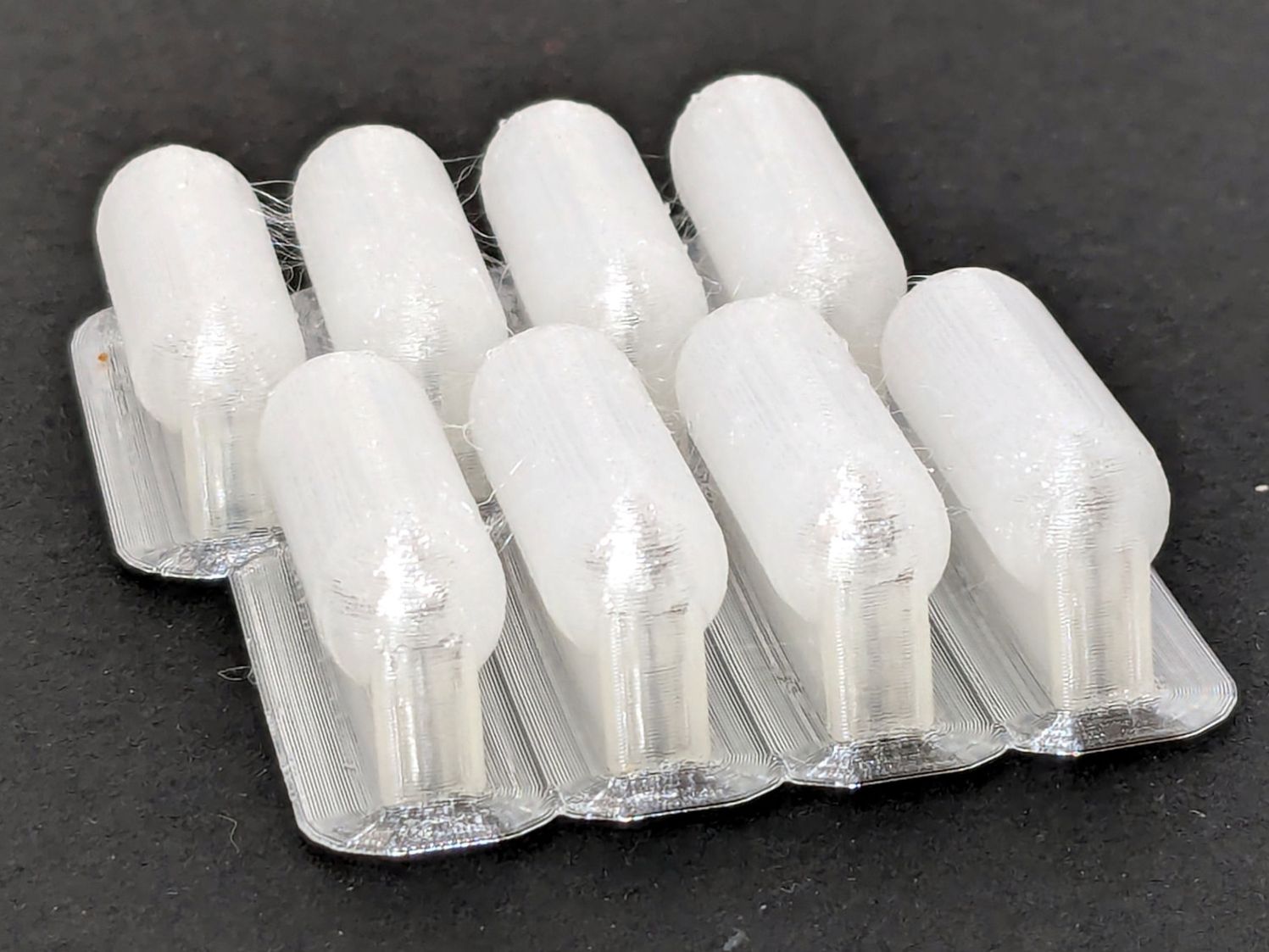
Those two groups have different lengths (1 inch and 1-⅛ inch) with PrusaSlicer combining the OpenSCAD program’s output.
The as-built pads are essentially un-photographable:
Spring clamp jaws – group build
TPU is tough enough to make the single-layer brim un-tearable, but they’re easy enough to separate & trim with scissors. Even the 5 mm brim has a tenuous grip on glass + Suave hair “spray” applied from a dropper bottle, so I should try a BuildTak sheet that’s been on the to-do pile for far too many years.
Similarly, TPU is flexy enough to make a precise fit unnecessary: push firmly to force the pads onto the jaws and you’re done.
This file contains hidden or bidirectional Unicode text that may be interpreted or compiled differently than what appears below. To review, open the file in an editor that reveals hidden Unicode characters.
Learn more about bidirectional Unicode characters
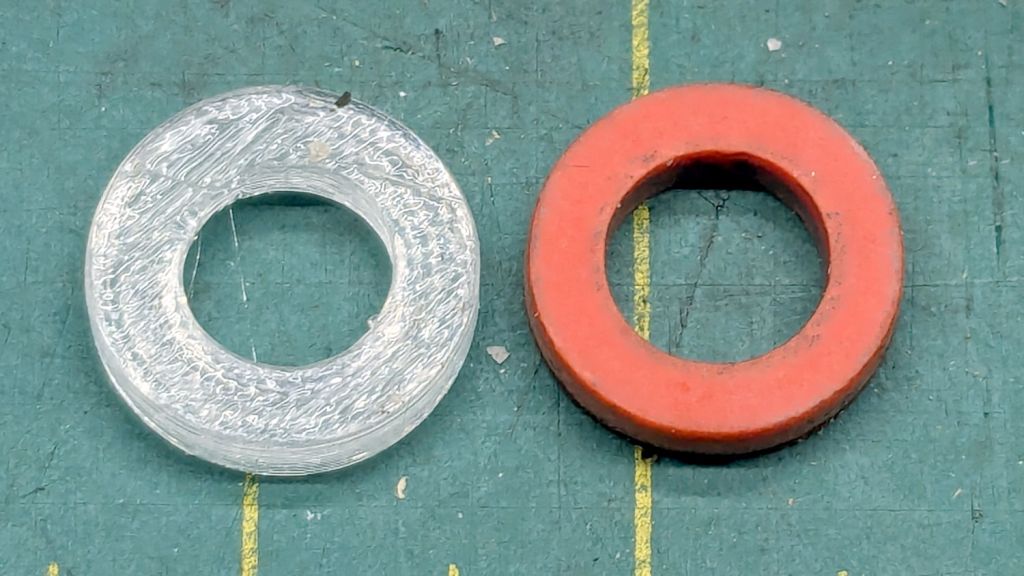
There being nothing like a good new problem to take one’s mInd off one’s old problems, I set the Makergear M2 to printing TPU and made a washer for the Champion Hose Nozzle:
Champion hose nozzle – TPU vs rubber washers
It turns out PrusaSlicer can produce models for simple shapes using the Shape Gallery. Subtracting a 7.5 mm cylinder (as a “negative shape”) from a 12.7 mm = ½ inch cylinder does the trick, with the washer all of 2.5 mm thick.
The ID of the thread inside the nozzle is slightly smaller than 12.7 mm, but TPU is bendy enough to let me push it through sideways and reorient it against the front of the nozzle.
The conical part of the nozzle seals against the washer, leaving only a very slight ooze of water, and opens far enough to produce a jet. The TPU is solid enough to not vibrate in the flow and the nozzle no longer howls at low flow rates.
None of the other nozzles in the box have a washer up in there, so they all depend on a much better machined fit than I achieved.
At least the Champion nozzle is once again usable, should it ever emerge from the bottom of the box.






 The Smell of Molten Projects in the Morning