Ed Nisley's Blog: Shop notes, electronics, firmware, machinery, 3D printing, laser cuttery, and curiosities. Contents: 100% human thinking, 0% AI slop.
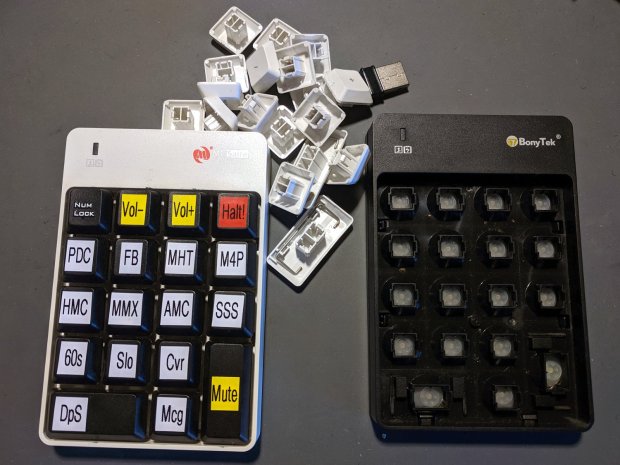
I swapped the Frankenpad + receiver to the least-conspicuous streamer and, someday, I’ll update all the labels on all the keypads to match the current streams. Until then, the white keycaps shall remain in the same bag as the defunct black keypad, tucked into the Big Box o’ USB mice & suchlike.
Along the same lines as the MPCNC pen holder, I now have one for the 3018:
CNC3018 – Collet pen holder – assembled
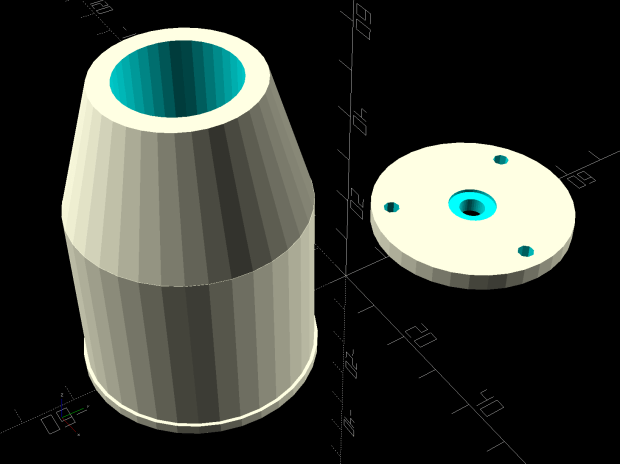
The body happened to be slightly longer than two LM12UU linear bearings stacked end-to-end, which I didn’t realize must be a constraint until I was pressing them into place:
CNC 3018-Pro Collet Holder – LM12UU – solid model
In the unlikely event I need another one, the code will sprout a max() function in the appropriate spot.
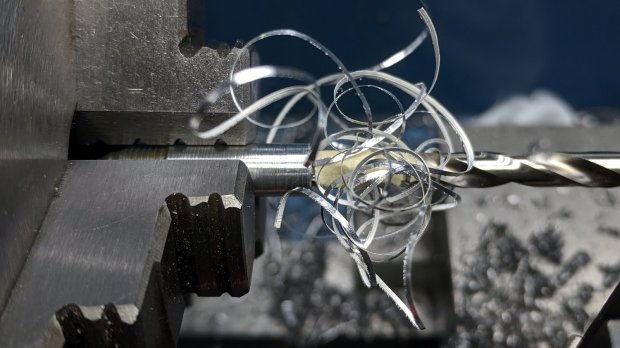
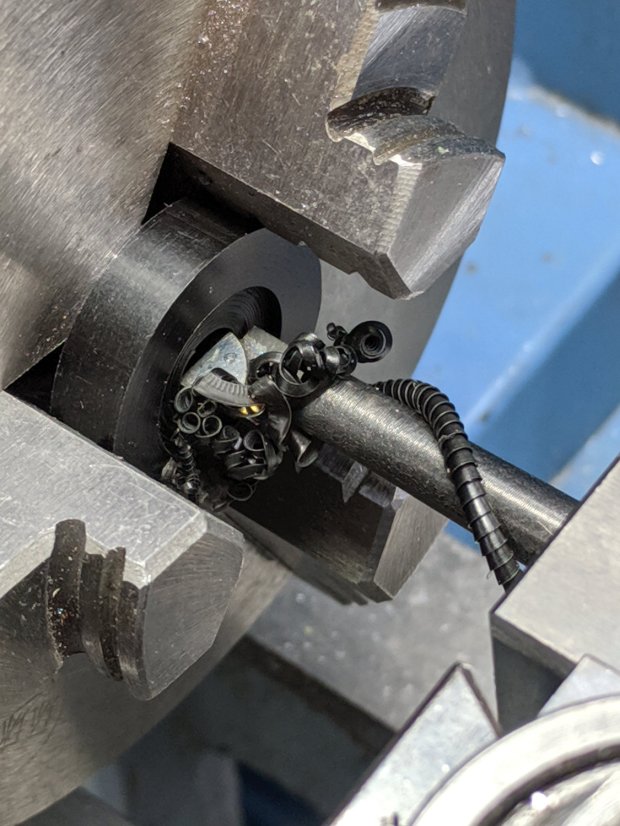
Drilling the aluminum rod for the knurled ring produced a really nice chip:
CNC3018 – Collet pen holder – drilling knurled ring
Yeah, a good drill will produce two chips, but I’ll take what I can get.
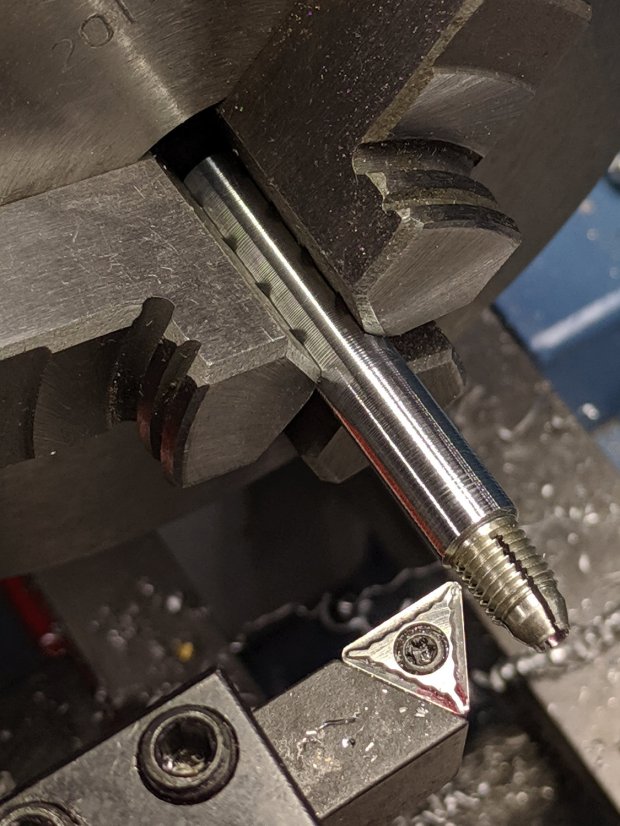
There’s not much left of the original holder after turning it down to 8 mm so it fits inside the 12 mm rod:
CNC3018 – Collet pen holder – turning collet OD
Confronted by so much shiny aluminum, I realized I didn’t need an 8 mm hole through the rod, so I cut off the collet shaft and drilled out the back end to clear the flanges on the ink tubes:
CNC3018 – Collet pen holder – drilling out collet
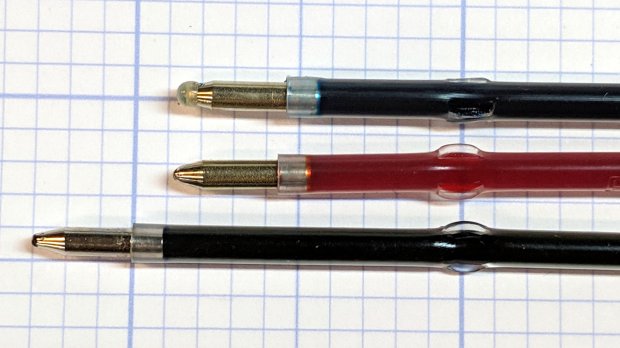
I figured things would eventually go badly if I trimmed enough ink-filled crimps:
This file contains hidden or bidirectional Unicode text that may be interpreted or compiled differently than what appears below. To review, open the file in an editor that reveals hidden Unicode characters.
Learn more about bidirectional Unicode characters
While washing our ancient electric crock pot (“slow cooker”), I wondered how corroded the inside of the steel shell had become. A simple nut secured the base plate and unscrewed easily enough, whereupon what I thought was a stud vanished inside the shell.
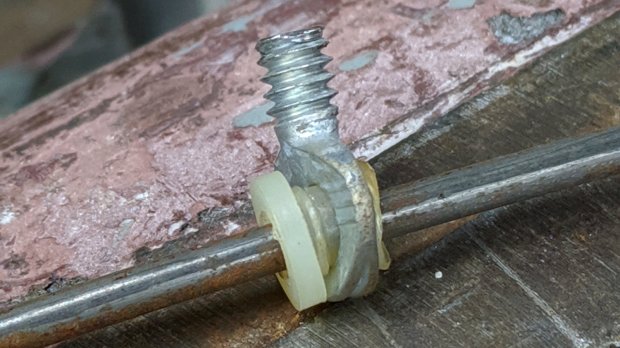
The shell wasn’t rusty enough to worry about, but the stud turned out to be a crudely chopped-off thumbscrew on a springy rod pulling the base toward the ceramic pot:
Crock Pot Base – OEM thumbscrew
Evidently, they pulled the thumbscrew through the base, tightened the nut, then cut off the thumbscrew flush with the nut.
I desperately wanted to drill a hole in a new thumbscrew and repeat the process, but I no longer have a small drawer full of assorted thumbscrews. So I must either lengthen the existing thread just enough to complete the mission or build a screw from scratch.
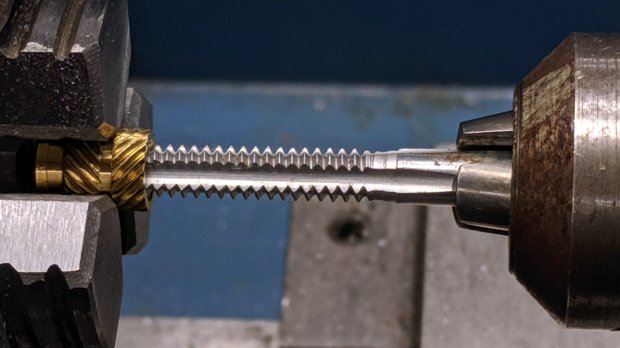
The thumbscrew is threaded 10-24, I have a bunch of 10-32 threaded inserts, so pretend they have the same thread diameter and tap one end to 10-24:
Crock Pot Base – tapping insert
Jam the new threads on the thumbscrew and jam a 10-32 setscrew into the un-wrecked end:
Crock Pot Base – thumbscrew extender
You can see the surface rust in there, right?
Make a Delrin bushing to fit around the insert poking through the base:
Crock Pot Base – drilling Delrin button
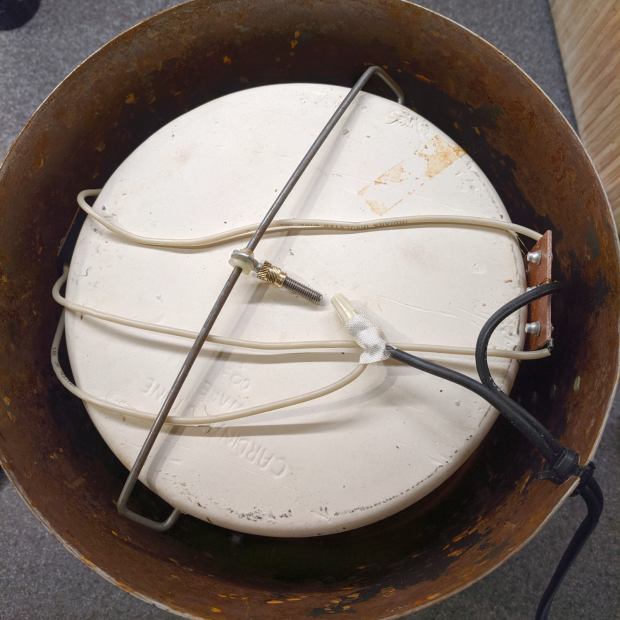
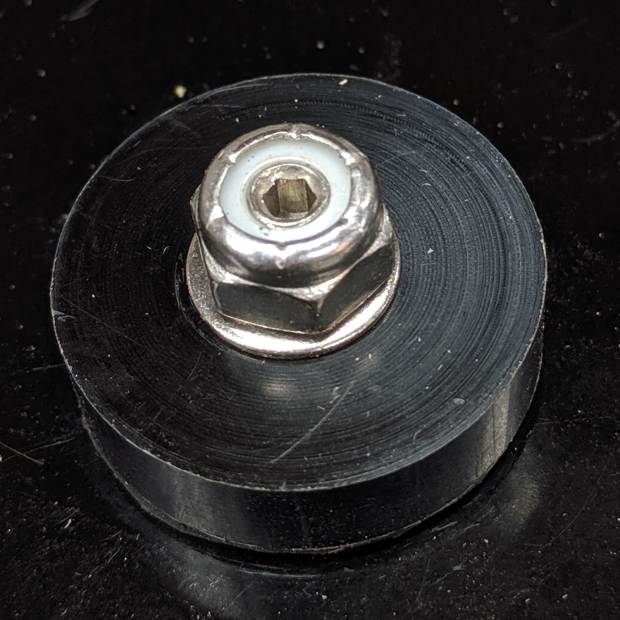
Reassemble the internal bits with permanent Loctite, top with a nyloc nut, and it’s only a little taller than the original nut:
Crock Pot Base – assembled
The setscrew let me hold the new “stud” in place while torquing the nut, plus it looks spiffy.
Memo to Self: If it ain’t broke, don’t look inside. Hah!
Surprisingly, both Amazon and eBay lack useful thumbscrew assortments …
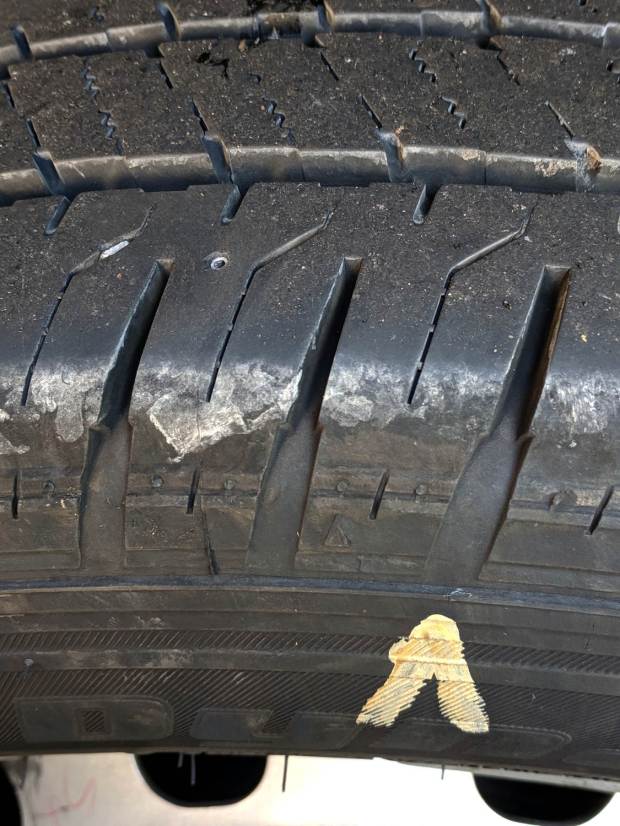
We rented a van to haul our bikes on a vacation trip, but the tire pressure warning alarm sounded when I turned into the driveway. Measuring the tire pressures showed the left rear tire was at 51 psi, far below the 72 psi shown on the doorframe sticker, and a quick check showed a possible problem:
Tire FOD – in place
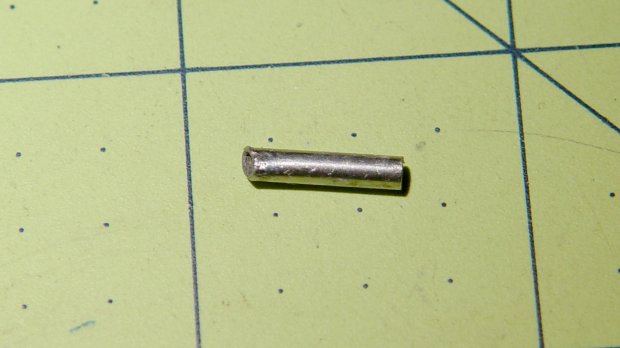
The small circle in the tread to the left of that mark turned out to be a metal tube:
Tire FOD object
Their tire contractor determined the tire wasn’t leaking, the metal tube hadn’t punctured the carcass, and all was right with the world. After, of course, two hours when we expected to be loading the van.
The rental company was good about it, perhaps because I reported they sent the van out with the other rear tire grossly overinflated to 86 psi (!); obviously, their prep didn’t include checking the tires. Somewhat to my surprise, the space under the passenger seat for a jack was empty.
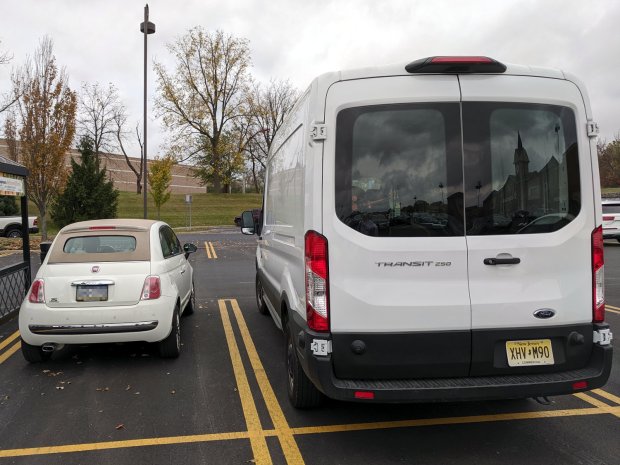
During the trip, the van laid an egg:
Transit Van with Egg
A good time was had by all, but our next bicycling vacation will definitely have much more bicycling and much less driving!
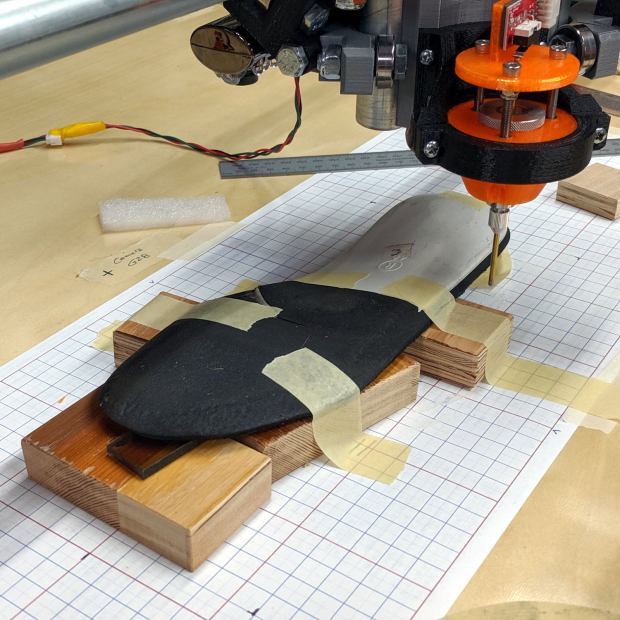
I set up an orthotic shoe insert on the MPCNC and unleashed the Z-Axis height probe on it:
Orthotic – bottom probing
In principle, the grid keeps the object aligned with the machine axes and the blocks put the upper surface more-or-less parallel with the platform. The XY origin, at the G28 location I’ve been using for tool changes, is on the midline of the sole, with Z touched off by probing the platform beside the sole.
The only interesting part of the orthotic is the rigid white plastic plate, which extends about 20 mm into a pocket in the black foam, so the probe area excludes the bendy part.
I’m abusing the bCNC Auto-level probe routine to get the height map, because it produces a tidy file of XYZ coordinates with three header lines describing the overall probe area:
The first two lines give the X and Y coordinate ranges and number of samples. The third line is the Z axis range and probe speed (?). After that, it’s just probed XYZ coordinates, all the way down.
Meshlab can import ASC files consisting of XYZ coordinates, with the ability to skip a specific number of header lines:
Meshlab ASC file import – header lines
If you don’t skip those three lines, then you get three additional points, far off in XYZ space, that will confuse the next step.
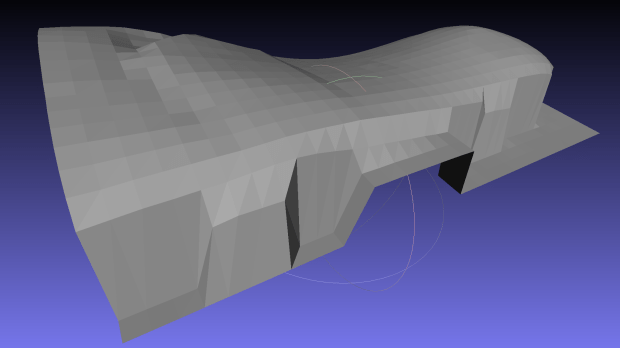
Checking the Grid Triangulation box (the default) produces a nicely lofted sheet:
Orthotic – R bottom triangulated
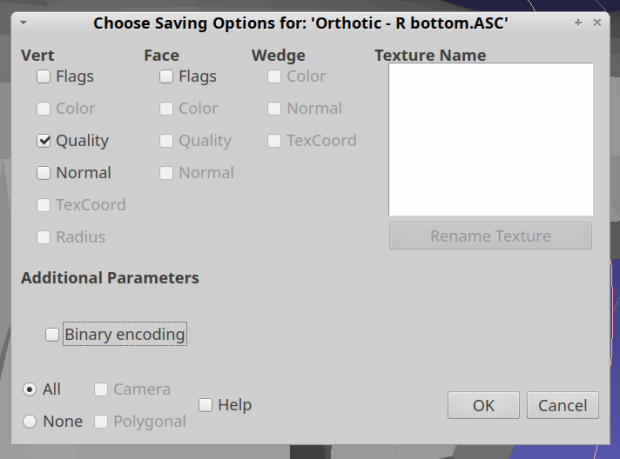
It is, however, a single-sided sheet, not a manifold 3D object. After a few days of screwing around, I’m unable to find any (automatic, reliable, non-manual) way to solidify the thing in Meshlab, so just save it as a PLY file in ASCII format:
Import it into Meshmixer, Ctrl-A to select the whole thing, click (Select →) Edit → Extrude, pick Y-Axis and Flat EndType, then extrude a convenient base in the negative direction:
Meshmixer – Y-Axis extrusion
For whatever reason, some 3D programs show machine-tool coordinates with Z pointing upward and others aim the Z axis at your face. Both must have made sense at the time, because Meshmixer defaults to swapping the Y and Z coordinates on import / export.
The Density slider controls the number of generated faces in the extruded section, so tune for best results.
I have no idea what Harden does.
Accept the result and you have a solid object suitable for further modeling.
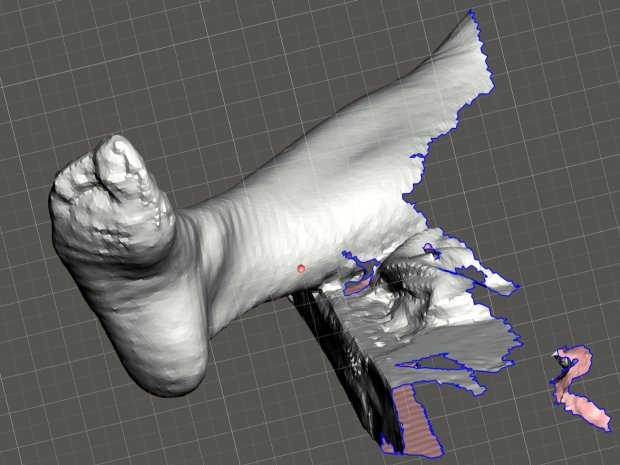
The Poughkeepsie Library makes a 3DSystems Sense scanner (V1) available to patrons and, after a bit of to-and-fro, I managed to get a not-awful scan of Mary’s right leg:
Mary – R foot – complete
This was accomplished under field conditions in a cramped room hosting a Spanish-language “introduction to computers” class. We propped her leg across the edge of a table with her sock as a cushion.
The depth image resolution seems to be 1 mm and the software attempts to stitch multiple views from different angles into a consistent 3D model. The scanner requires a steady hand and a steady model to successfully glue new data onto the existing model; what seem small misalignments derail the matching.
The software has several presets, of which “Head” produces the best results. I have no idea what the algorithm thinks of her foot; maybe it’s been trained on some truly ugly faces.
Exporting the solid model as either STL or PLY allows import into (Windows-only) Meshmixer, wherein I sawed off the pieces we won’t need:
Mary R foot trimmed
If only I had a foot fetish …
The 3DSystems software requires a fairly specific Windows 8 (or 10, which is so not happening) + Intel hardware configuration, which recently arrived as a $250 off-lease Dell Latitude 7250 laptop. It works fine through VNC, so I can use it from the Comfy Desk.
However, using a 3D scanner in your own home isn’t actually private:
3D Systems may also automatically collect and report back to 3D Systems information about the Software and Licensee’s usage along with limited information about the Device, 3D Printer, and/or other third-party applications. If 3D Systems implements automated data collection practices then Licensee may opt out of providing such data if Licensee has a license that authorizes Commercial Use.
Oh, and then you must activate the software before using it. The library IT folks tell me I can install & activate the scanner on my system without derailing their setup. I have my doubts, but we’ll see how it goes.
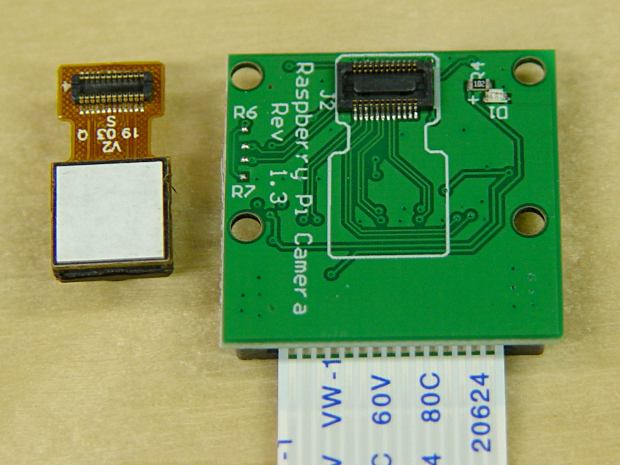
I picked up a pair of Raspberry Pi V1 cameras, both of which arrived unstuck to their breakout board:
RPi V1 camera adhesive
Requiring the customer to peel off the white layer and stick the camera to the PCB helps keep costs low. They’re $4 if you’re willing to wait two months or $7 from a “USA Seller”.






 The Smell of Molten Projects in the Morning