The Smell of Molten Projects in the Morning

Ed Nisley's Blog: Shop notes, electronics, firmware, machinery, 3D printing, laser cuttery, and curiosities. Contents: 100% human thinking, 0% AI slop.

Category: Machine Shop

Mechanical widgetry

  • Vectorized Classic Tektronix Logo

    Vectorized Classic Tektronix Logo

    The Tektronix Circuit Computer sports the most ancient of many Tektronix logos:

    Tek CC Logo - scanned
    Tek CC Logo – scanned

    It’s a bitty thing, with the CRT about 0.7 inch long, scanned directly from my original Tek CC.

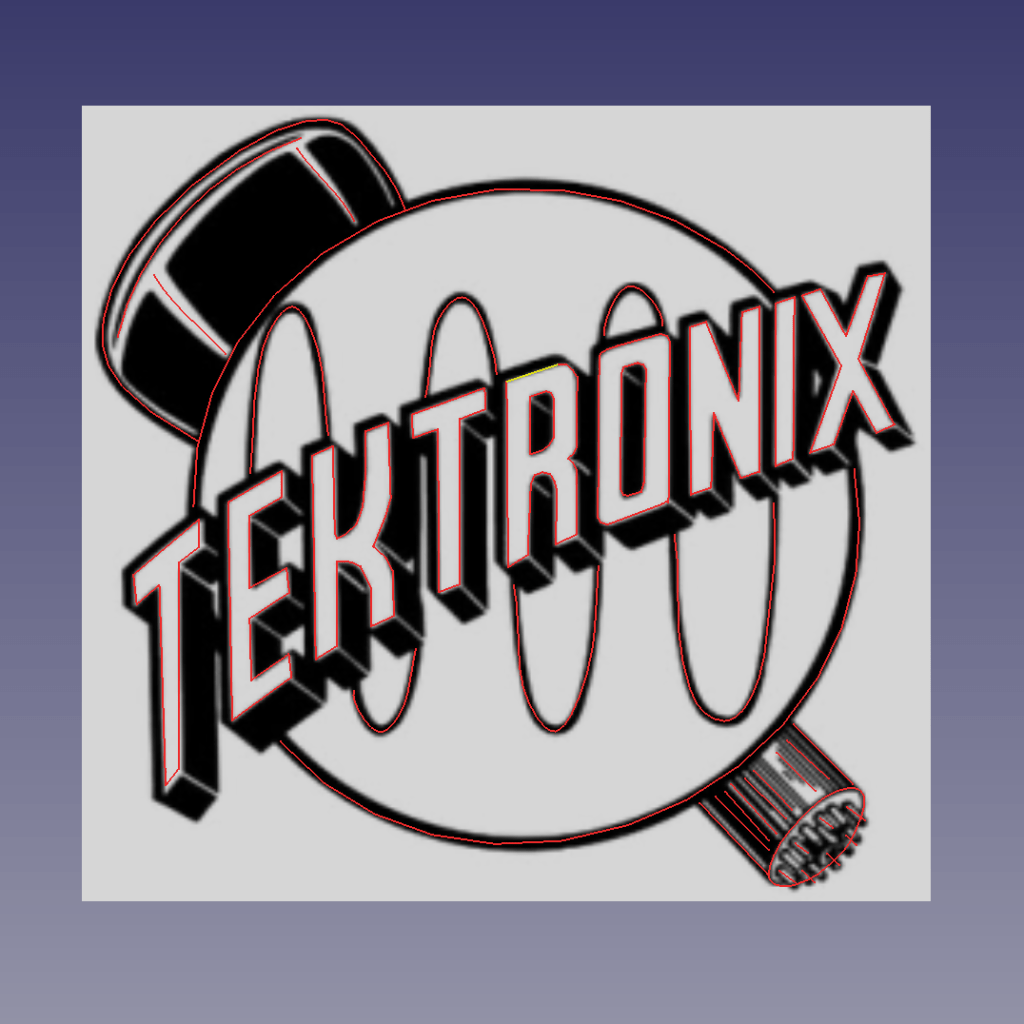
    Import the PNG image into FreeCAD at 0.2 mm below the XY plane, resize it upward a smidge so the CRT is maybe 0.8 inch long, then trace “wires” all over it:

    Tek Logo - FreeCAD tracing - overlay
    Tek Logo – FreeCAD tracing – overlay

    Given FreeCAD’s default gradient background, the wires definitely don’t stand out by themselves:

    Tek Logo - FreeCAD tracing - vectors
    Tek Logo – FreeCAD tracing – vectors

    Several iterations later, the vectorized logo sits at the correct angle and distance from the origin at the center:

    Tek Logo - FreeCAD tracing - rotated
    Tek Logo – FreeCAD tracing – rotated

    The cheerful colors correspond to various “groups” and make it easier to find errant vectors.

    Rather than figure out how to coerce FreeCAD into converting wires into proper G-Code, export the vectors into a DXF file and slam it into DXF2GCODE:

    Tek Logo - DXF2GCODE vectors
    Tek Logo – DXF2GCODE vectors

    Export as G-Code, iterate around the whole loop a few times to wring out the obvious mistakes, indulge in vigorous yak shaving, eventually decide it’s Good Enough™ for the moment.

    Protip: set DFX2GCODE to put “0” digits before the decimal point to eliminate spaces between the coordinate axes and the numeric values which should not matter in the least, but which confuse NCViewer into ignoring the entire file.

    Tinker the script running the GCMC source code to prepend the logo G-Code to the main file and it all comes out in one run:
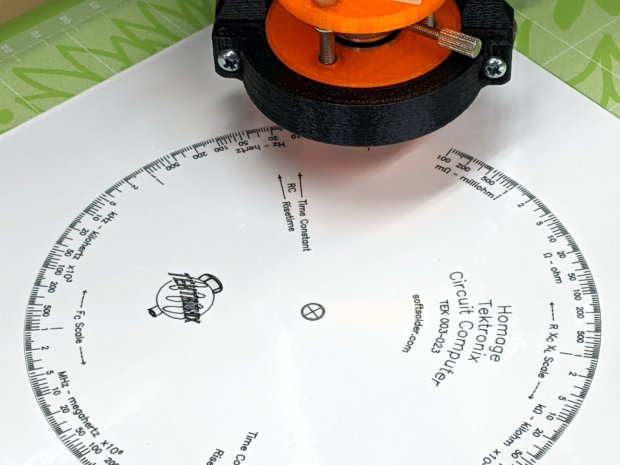
    Tek CC - with vectorized logo - cutting
    Tek CC – with vectorized logo – cutting

    That’s the top deck, laminated in plastic, affixed to a Cricut sticky mat on the MPCNC platform, ready for drag-knife cutting.

    Assembled with a snappy red hairline:

    Tek CC - Classic Tek Logo vectorized - red hairline
    Tek CC – Classic Tek Logo vectorized – red hairline

    Isn’t it just the cutest thing you’ve seen in a while?

    It needs more work, but it’s pretty close to right.
  • Homage Tektronix Circuit Computer: Minimally Viable Product, Pickett Variation

    Homage Tektronix Circuit Computer: Minimally Viable Product, Pickett Variation

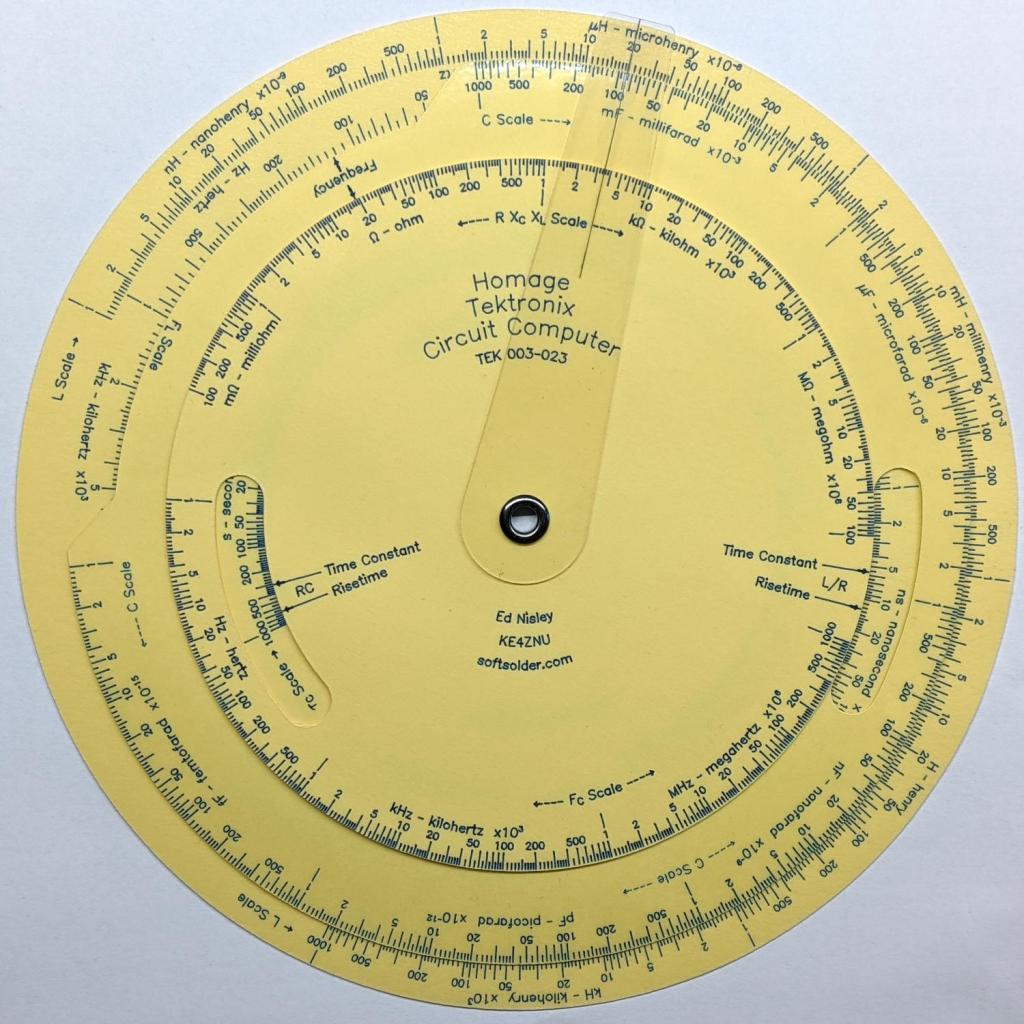
    This one came out just about perfect:

    Tek Circuit Computer - MVP - Pickett Edition - front
    Tek Circuit Computer – MVP – Pickett Edition – front

    The yellow decks may not be authentic, but they definitely look nice; think of it as an homage to Pickett’s Eye-Saver Yellow slipsticks.

    The rear has my how-to-operate hints:

    Tek Circuit Computer - MVP - Pickett Edition - back
    Tek Circuit Computer – MVP – Pickett Edition – back

    Laser-printing on “inkjet” paper worked fine, although this isn’t fancy Gloss-coated Brochure paper, and the text looks like it should.

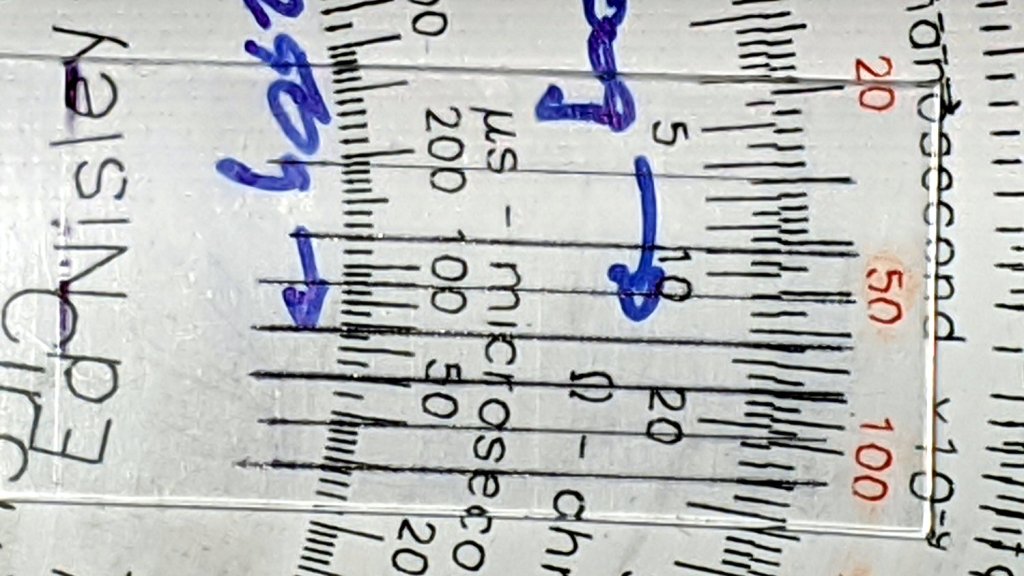
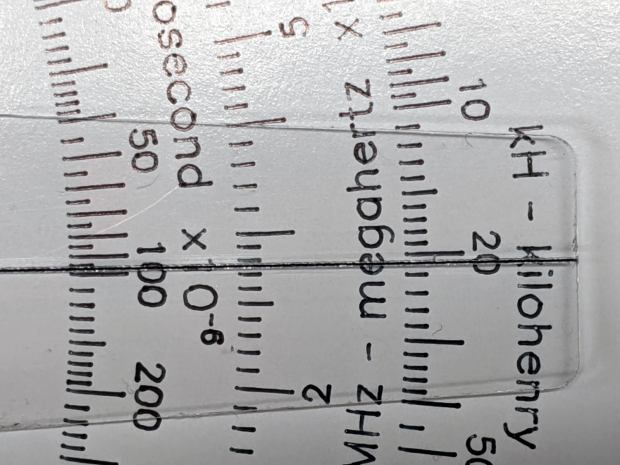
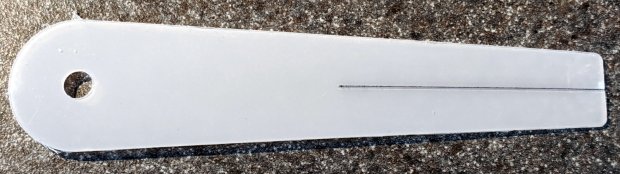
    The cursor sports a two-pass hairline scribed at 330 g and filled with Lacquer-Stick paint:

    Tek CC - Milled PETG cursor - Lacquer-Stik hairline
    Tek CC – Milled PETG cursor – Lacquer-Stik hairline

    This time, I had the clear film on top!

    Although the picture doesn’t do it justice, the scales are in blue ink, which looks better against the yellow background. I suppose I could do custom colors:

    Pilot V5RT cartridge - ink levels
    Pilot V5RT cartridge – ink levels

    The line width has decreased as the ink level drops: 0.3 mm on yellow card stock and 0.2 mm on glossy white brochure paper. I don’t know if they’re supposed to work like that, but, for this application, narrower lines are definitely better.

  • Tek Circuit Computer: Paper Matters, Redux

    Tek Circuit Computer: Paper Matters, Redux

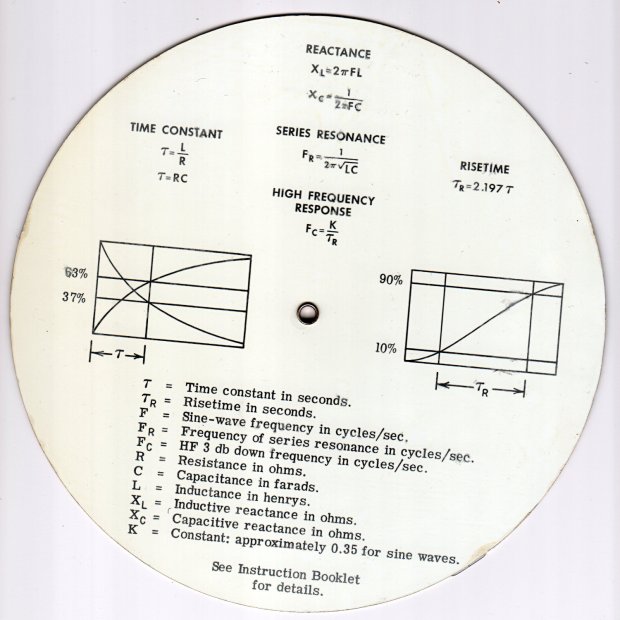
    The back of a Tektronix Circuit Computer’s bottom deck carries instructions and information:

    Tektronix Circuit Computer - rear
    Tektronix Circuit Computer – rear

    A separate instruction manual told you how to use the thing, under the reasonable assumption you’d be intimately familiar with slide rules.

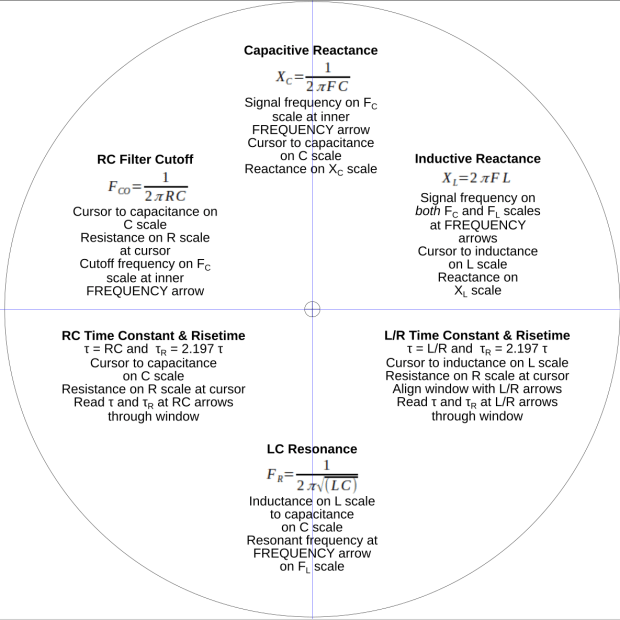
    In this day and age, the back should carry how-to-use instructions, so I summarized the manual into half a dozen lists:

    Tek CC - instructions - first pass
    Tek CC – instructions – first pass

    Which looked fine & dandy & ready to print, thereby exposing various typos / inconsistencies / misalignments:

    Tek CC - test print - HP Brochure vs ordinary copy paper
    Tek CC – test print – HP Brochure vs ordinary copy paper

    Whereupon I (re)discovered just how much paper matters.

    The HP Brochure Glossy inkjet paper on the left produces wonderful results with a 0.5 mm Pilot V5RT ball point pen and has coating on both sides. It’s intended for handouts, brochures, and suchlike; the Pilot pens produce identical results on either side.

    The same text, printed on plain old 22 pound “multipurpose” paper on the right, looks much better and makes the HP paper looks like something done with crayon on paper towel.

    I could try a font with finer strokes, but … ick.

    It’s unclear whether Brochure Matte paper would make any difference, nor whether running coated “inkjet” paper through a laser printer would have an … infelicitous … outcome.

    Past experience shows the unsteady ziggurat of Linux printing doesn’t respond well to tweakage: when the default settings don’t work, there’s no easy / predictable way to change any particular setting.

    For future reference, print the instruction on what will become the back of the bottom deck, mark the center point, tape it to the CNC 3018 platform, touch off XY = 0 at the center, and draw the front scales: everything lines up perfectly without extra fuss & bother.

  • PETG Diamond Drag Engraving Tests

    PETG Diamond Drag Engraving Tests

    The hairline on the second machined cursor looks pretty good:

    Tek CC - Milled cursor - unlaminated bottom deck
    Tek CC – Milled cursor – unlaminated bottom deck

    Based on manually scratching some acrylic, the GCMC code retraced the hairline four times to help the Sharpie stick to the groove. Maybe fewer passes would be better?

    Affix a PETG scrap to the milling fixture for some manual CNC action:

    PETG - engrave through film
    PETG – engrave through film

    Just to see what happened, I made the first scratch through the protective film and, because it’s hard to tell which side is up, the scratch went through the white film.

    Repeat several times with variations in number of passes & downforce:

    PETG - engraving test - overview
    PETG – engraving test – overview

    Manual jogging FTW:

    • 2 passes, 300 g, through film
    • 2 passes, 300 g, no film
    • 1 pass, 300 g
    • 3 passes, 300 g
    • 4 passes, 300 g
    • 1 pass, 260 g
    • 1 pass, 330 g

    A closer look through the PETG sheet, as you’d see finished hairline, with the scratches in the same order as above:

    PETG - engraving test - detail grid
    PETG – engraving test – detail grid

    They may be easier to see against a blank background:

    PETG - engraving test - detail plain
    PETG – engraving test – detail plain

    Or in a hairline’s natural environment:

    PETG - engraving test vs Testors sample
    PETG – engraving test vs Testors sample

    The absolute best-looking line is at the top, with the diamond point scribing through the (white) protective plastic film.

    Multiple passes average out the waves / glitches / irregularities, at the cost of broadening the hairline.

    The bottom hairline suggests a single pass with more downforce produces a broader groove and a finer line of Sharpie ink at the bottom; the top appears more rounded and the bottom more ragged.

    Doing one pass with enough pressure to cut through the thinner (?) transparent(-ish) film may produce a better overall result. This will require me to get the orientation right.

    The Real Hairline in my K&E Deci-Lon slipstick is a smoothly engraved, neatly half-cylindrical, channel with a smooth thread of red (!) ink / paint / pigment laid along the middle. Obviously, my engraving hand is weak …

    The nightmare scenario: engraving a smooth hairline groove, completely backfilling it with paint, sanding (that side of) the cursor smooth to leave the groove’s paint flush with the surface, then polishing the plastic back to full transparency. Even I agree that’s crazy talk, at least for a circular slide rule made with laminated paper decks.

  • Cheese Slicer Re-wiring

    Cheese Slicer Re-wiring

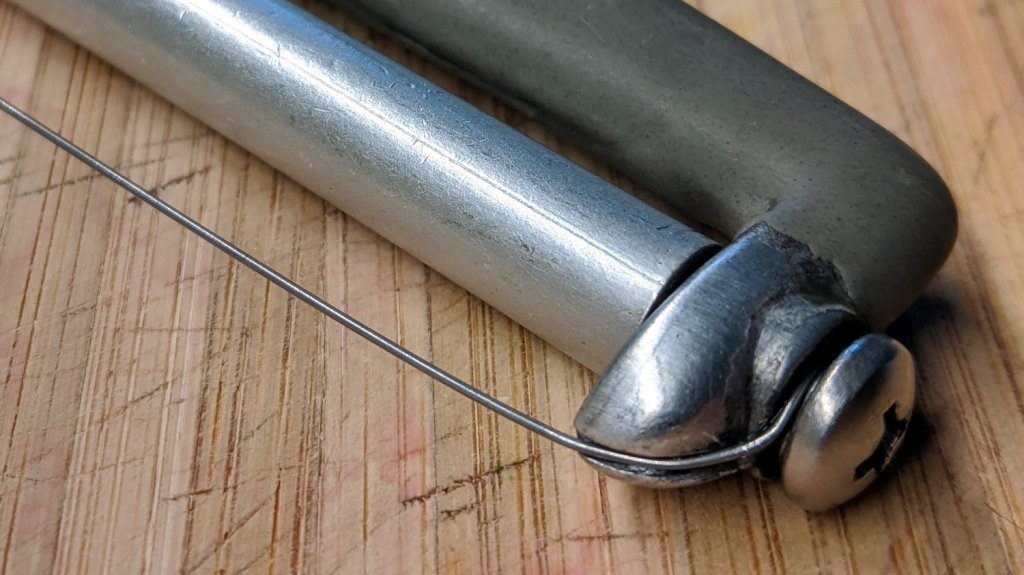
    This happens occasionally:

    Cheese slicer - snapped wire
    Cheese slicer – snapped wire

    Repairing it with a length of 20 mil = 0.5 mm music wire didn’t take long:

    Cheese slicer - new wire
    Cheese slicer – new wire

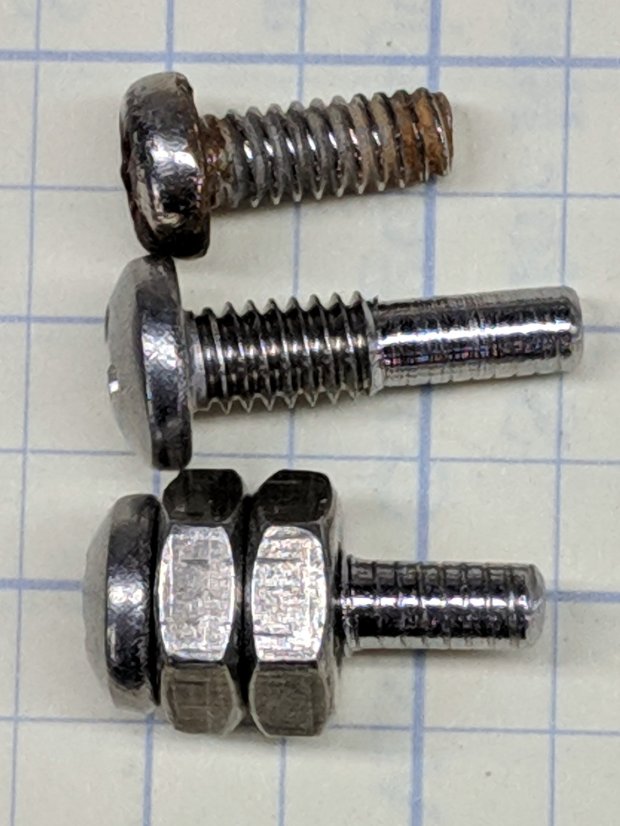
    What did take a while was removing one of the screws, turning off another millimeter of thread, and sticking it back in again. The new wire is slightly thinner, stacks up just slightly less under the screw head (maybe I used two turns instead of three?), and let the thread stick into the Delrin bushing I put inside the aluminum roller.

    Imagine the middle screw with a slightly longer smooth end and you’ve got the idea:

    Cheese slicer - screw shafts
    Cheese slicer – screw shafts

    That was easy …

    It’s worth noting the JB Weld epoxy coating remains in as-applied condition after well over a year.

  • Hose Fitting vs. Lawn Mower

    Hose Fitting vs. Lawn Mower

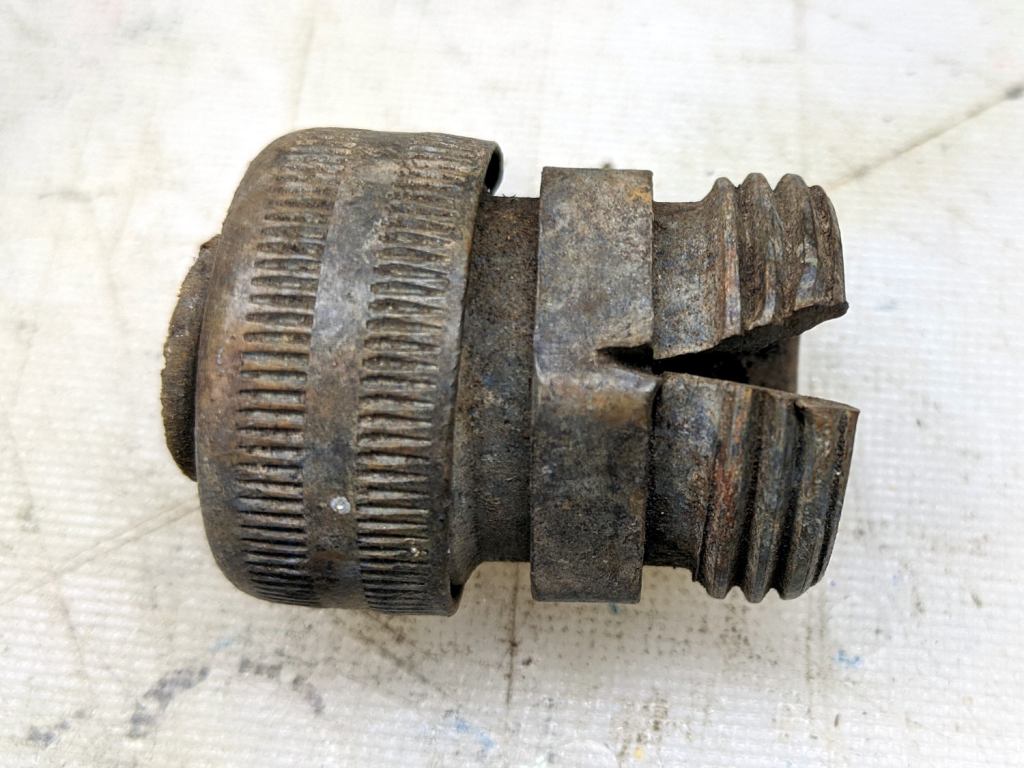
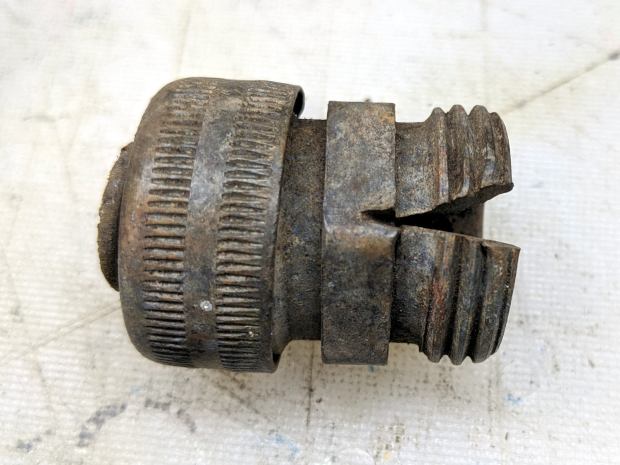
    This appeared while we uprooted a row of forsythia along the north border:

    Brass hose fitting vs lawnmower
    Brass hose fitting vs lawnmower

    Although FOD has killed a good share of my lawn mowers and blades over the decades, this happened long before my administration and I can’t take credit for the precision targeting.

  • Tek Circuit Computer: Cursor Fixture Adhesion

    Tek Circuit Computer: Cursor Fixture Adhesion

    After removing debris, flattening the top surface, and generally paying more attention to detail, the PETG sheet has much better adhesion to the fixture:

    Tek CC - Milled cursor - cleaned fixture
    Tek CC – Milled cursor – cleaned fixture

    This time, I traced the inside of a drag-knife cut cursor to extract the blank from the stock and, yes, used new double-sided tape under the lower white protective film on the PETG.

    Fewer air bubbles means better adhesion:

    Tek CC - Milled cursor - fixture adhesion
    Tek CC – Milled cursor – fixture adhesion

    Spinning the 1/8 inch end mill at about 5000 RPM produced finer swarf at the Sherline’s maximum 609 mm/min = 24 inch/min pace, with less uplift. I suspect Moah RPMs! would be even better, constrained by melting the plastic into heartache & confusion.

    Scribe the hairline with the diamond tool, ease the finished cursor off the fixture, scribble Sharpie into the scratch, and wipe

    Tek CC - Milled cursor - second try
    Tek CC – Milled cursor – second try

    It’s Pretty Good™ when seen against an un-laminated bottom deck drawn with a Pilot V5RT pen:

    Tek CC - Milled cursor - unlaminated bottom deck
    Tek CC – Milled cursor – unlaminated bottom deck

    The diamond point tears a slightly gritty path through the PETG, which then looks a bit more granular than a real hairline. I’ve been using four passes for emphasis; perhaps fewer would be better.