Ed Nisley's Blog: Shop notes, electronics, firmware, machinery, 3D printing, laser cuttery, and curiosities. Contents: 100% human thinking, 0% AI slop.
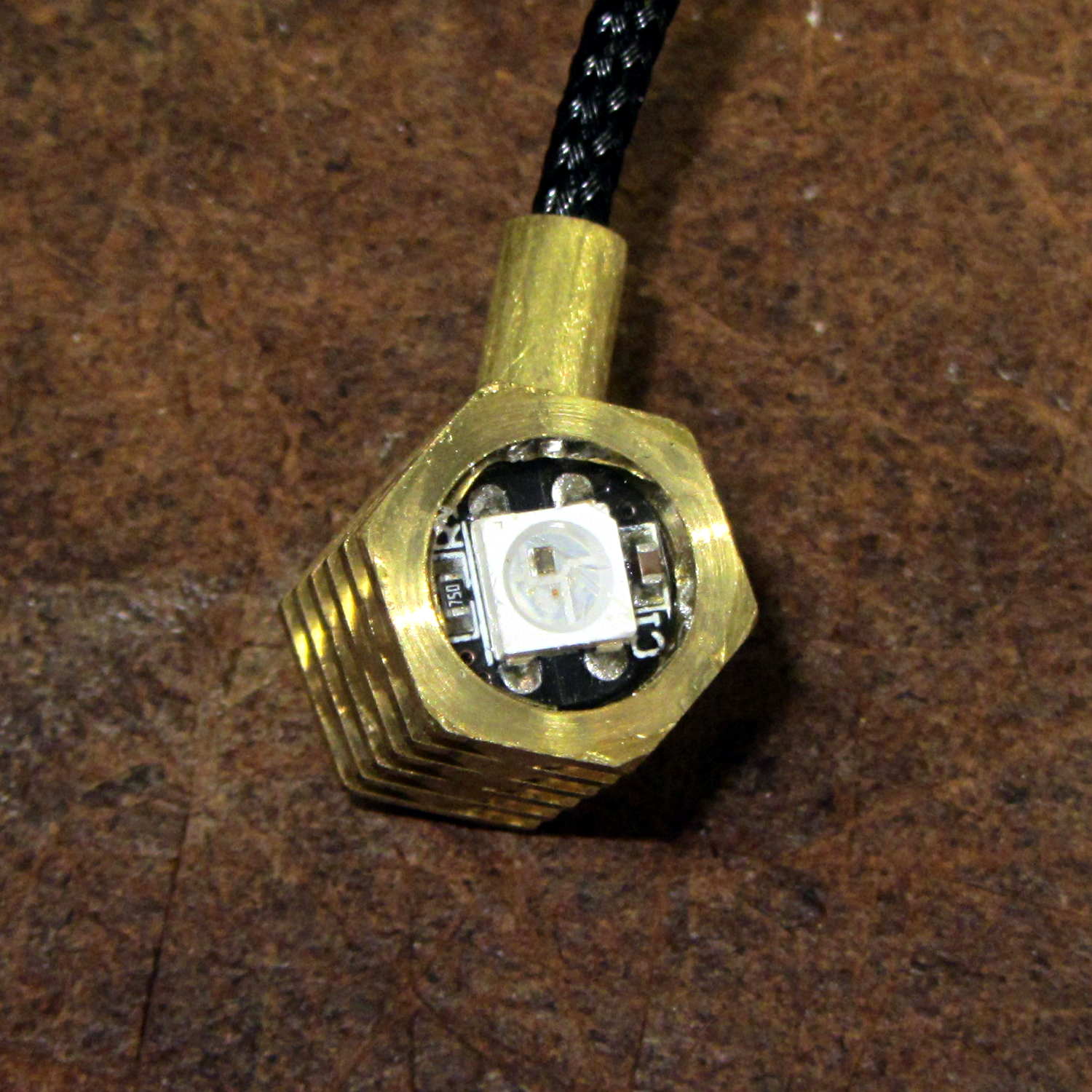
After replacing the WS2812 LED in the 21HB5A socket, I drilled out the hole in the disk platter for a 3.5 mm stereo jack, wired a nice knurled metal plug onto the plate lead, and it’s all good:
21HB5A – Audio plug cable
The plug had a rather large cable entry that cried out for a touch of brass:
Audio plug – brass trim turning
Fancy plugs have a helical spring strain relief insert about the size & shape of that brass snout; might have to buy me some fancy plugs.
This time, I got the alignment right by clamping everything in the lathe while the epoxy cured:
Audio plug – brass trim gluing
I flipped the drill end-for-end, which was surely unnecessary.
It’s now sitting on the kitchen table, providing a bit of light during supper while I wait for a WS2812 controller failure. Again.
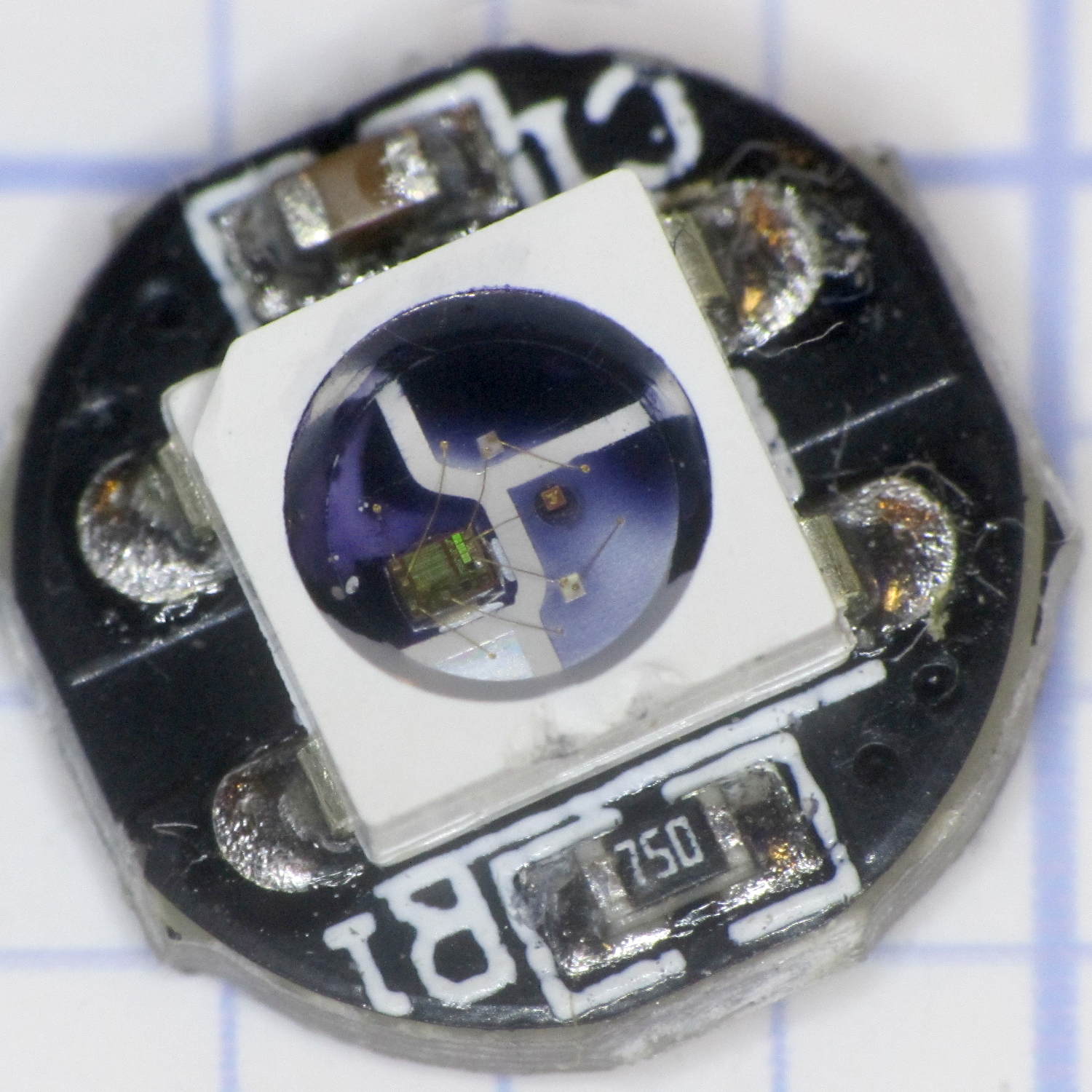
The other side shows where the ink stopped seeping under the silicone:
Failed WS2812 LED – leak view 1
I don’t know if I melted the side of the LED or if it came that way, but, oddly, there’s no leakage on that side.
This LED matches the layout of Josh’s “crappy” LEDs, as does the entire lot below, although I suspect that’s more coincidence than anything else; there aren’t that many different layouts around.
Flushed with success, so to speak, I ran the Sharpie around all the unused LEDs from that order:
WS2812 LEDs – leak test
I tested the process on the three LEDs in front, then wiped the ink off with denatured alcohol.
A closer look shows the ink all around the silicone-to-case border, with plenty of opportunity to seep in:
WS2812 LEDs – leak test – detail
After wiping the ink off, none of the 31 unused LEDs showed any sign of poor sealing.
I haven’t been keeping good records of the failures, but right now I have twelve functional WS2812 LEDs attached to various glass doodads. That leaves 7-ish failed LEDs out of the 15-ish with long term use (not counting four recent replacements).
In round numbers, that’s a 50% failure rate…
I should wire up the remaining sheet of LEDs as a test fixture, let them cook for a while, and see what happens.
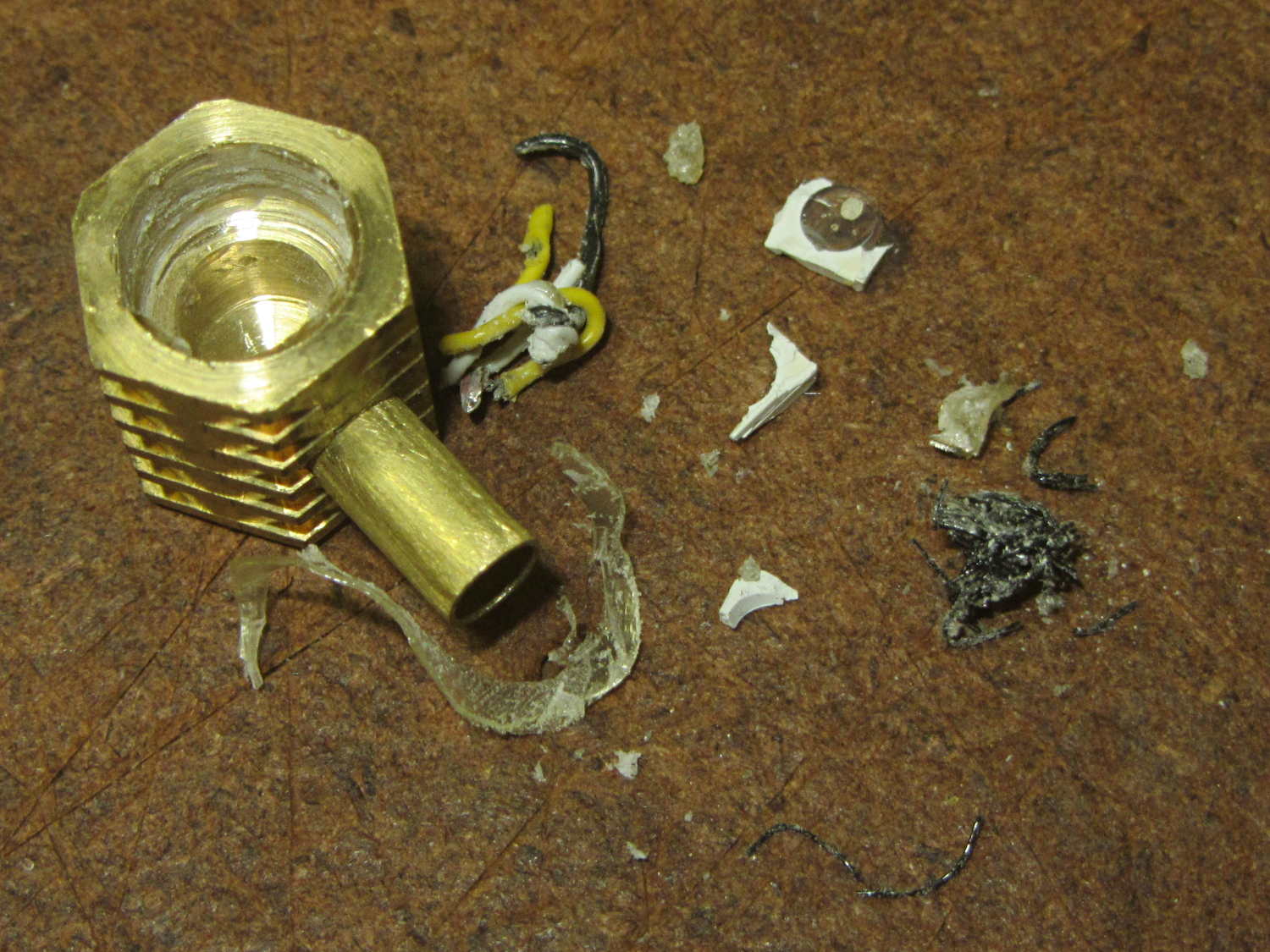
I wrapped the halogen bulb in a shop towel, laid the ersatz heatsink against an anvil (actually, it was a microwave transformer on the Squidwrench operating table), whacked a chisel into the epoxy joint, and met with complete success:
Failed WS2812 LED – ersatz heatsink
Having epoxied the PCB and braid in place, there was nothing for it but to drill the guts out of the brass cap:
Failed WS2812 LED – drilling
Which produced a pile of debris in addition to the swarf:
Failed WS2812 LED – debris
The brass cap emerged unscathed, which was just about as good as I could possibly hope for.
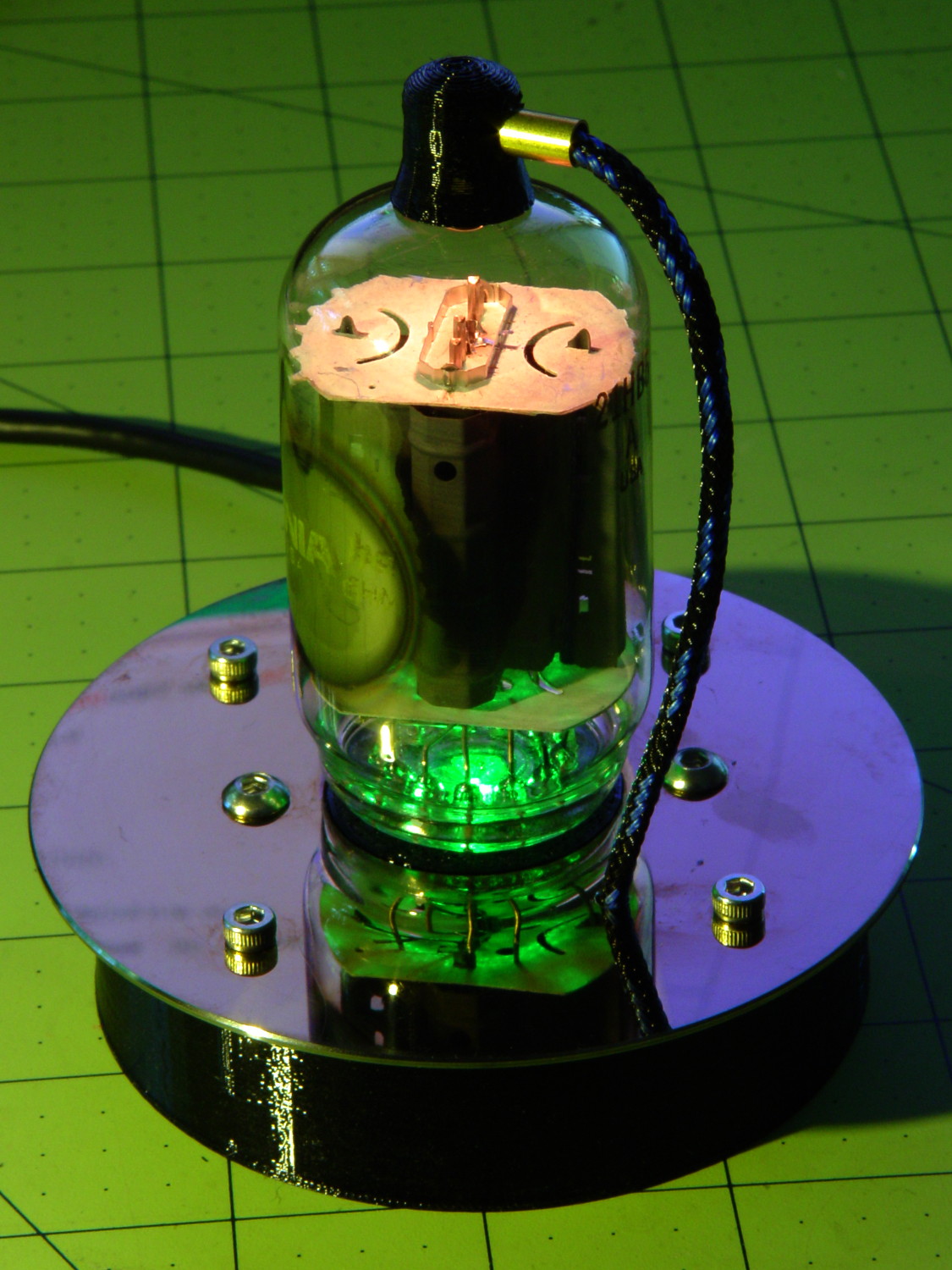
The base LED in this 21HB5A also failed:
21HB5A on platter – orange green
Soooo I had to unsolder the plate lead and Arduino connections to extract the bottom PCB; fortunately, that was just a press-fit into the base.
I should mount a 3.5 mm stereo jack on the platter and run the plate lead into a nice, albeit cheap, knurled metal plug, so I can dismount both the tube and the plate lead without any hassle. Right now, the tube can come out of the socket, but the plate lead passes through the platter.
For whatever it’s worth, all of the dead WS2812 LEDs pass the Josh Sharpie Test, so these failures don’t (seem to) involve poor encapsulation.
AnotherX10 RF transciever, this one made for IBM (!) a long time ago, emerged from the heap with its case falling apart: the plastic bosses that should anchor the screws had broken off, then cracked radially. Given that I was probably going to toss it anyway, for reasons that will soon be obvious, I tried repairing the bosses just for practice.
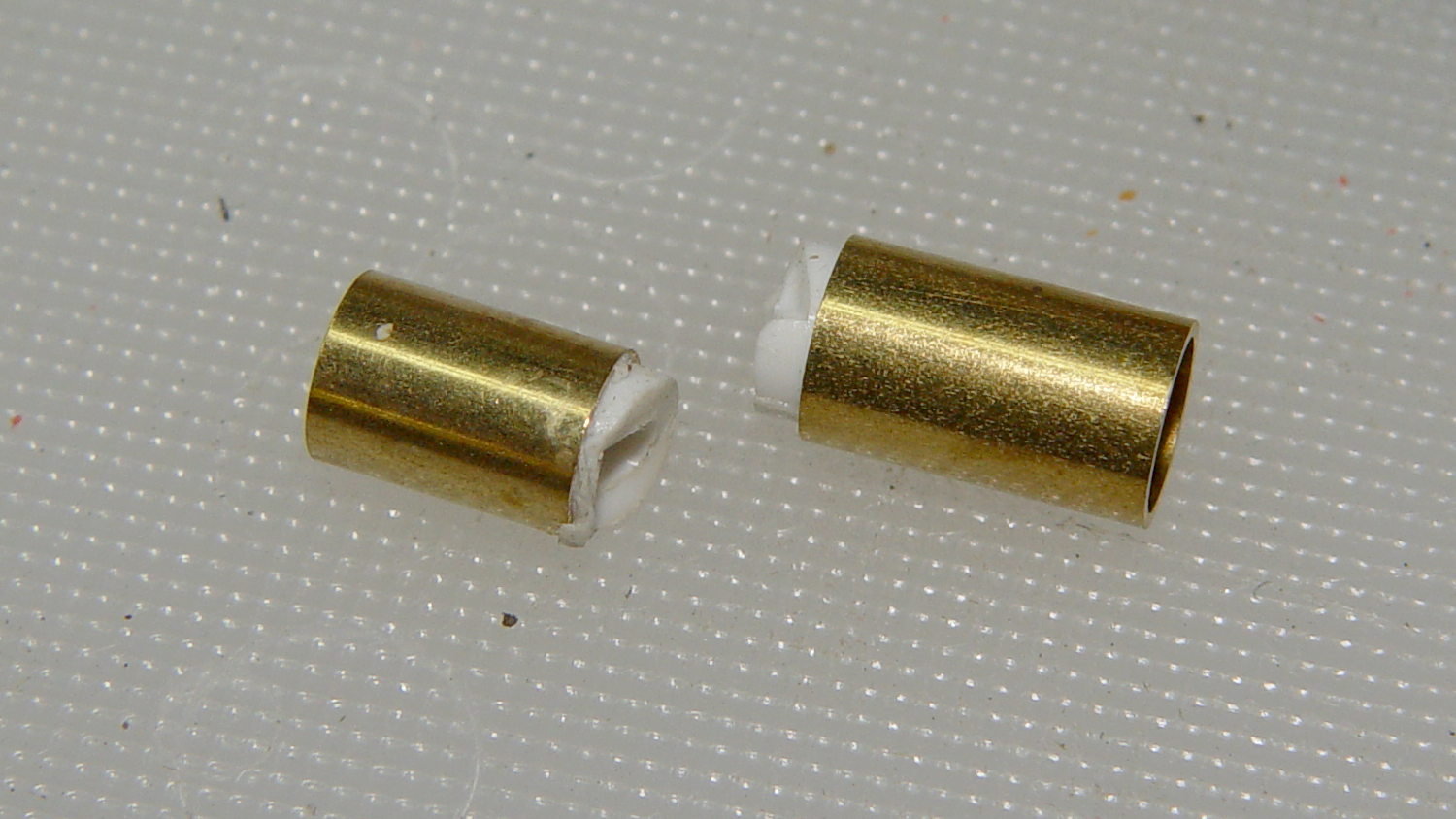
Stuffing the boss fragments into close-fitting brass tubes, with a dash of IPS #3 on the broken faces, put them back together reasonably well:
HD501 X10 Transceiver – plastic boss gluing
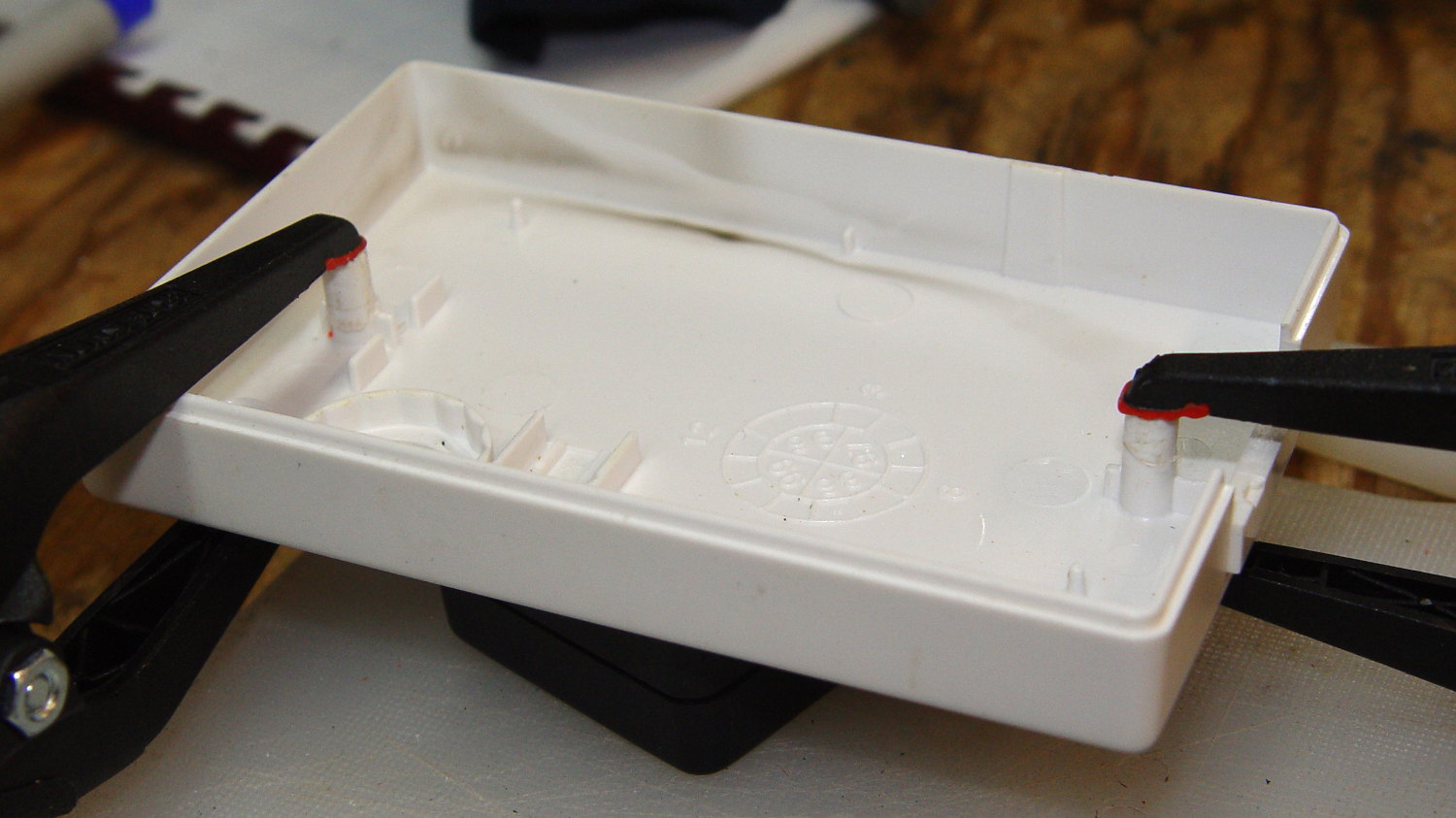
More IPS #3 and a pair of clamps stuck the bosses back on the case:
HD501 X10 Transceiver – plastic boss assembly
Note the dark smudge on the inside of the case. Even though nothing on the PCB looked particularly overheated, Soot Is Sign of Bad Electrical Health.
And it turned out neither the bonds nor the plastic were up to the task. A day after successfully reassembling the transceiver, the bosses failed along new cracks and crumbled into different fragments.
I applied a Kapton tape belly band around the case halves, verified that the transceiver no longer produced reliable X10 commands, and executed ++recycle_pile.
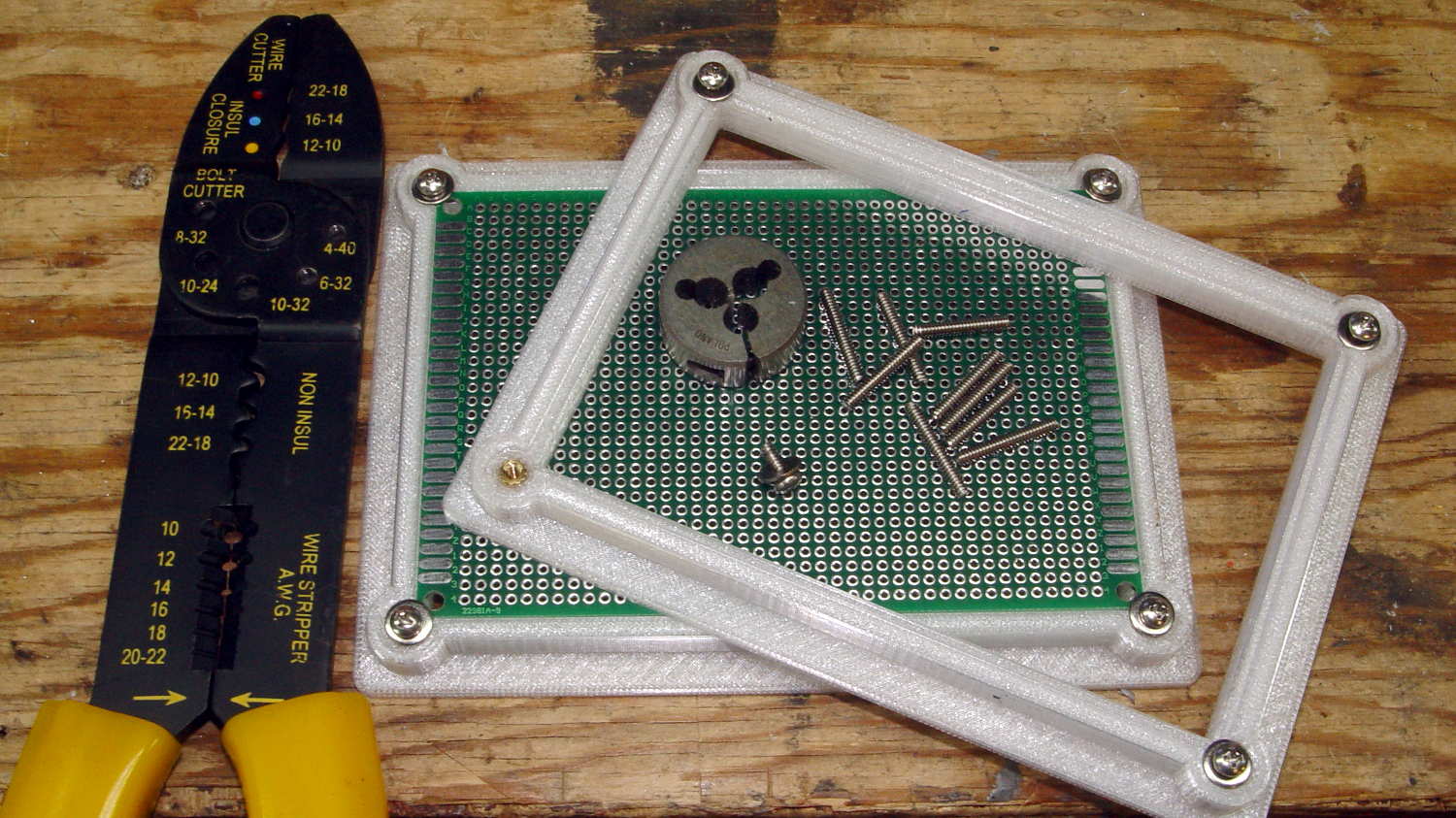
Another stack of proto boards arrived, this time 80×120 mm, and I ran off another pair of holders:
Proto Board Holder – 80×120 – tooling
Not wanting to, ahem, screw around with the lathe, the screws got themselves shortened the old-fashioned way: by hand, with the screw cutter, then filed and passed through a 4-40 die to clean up the threads.
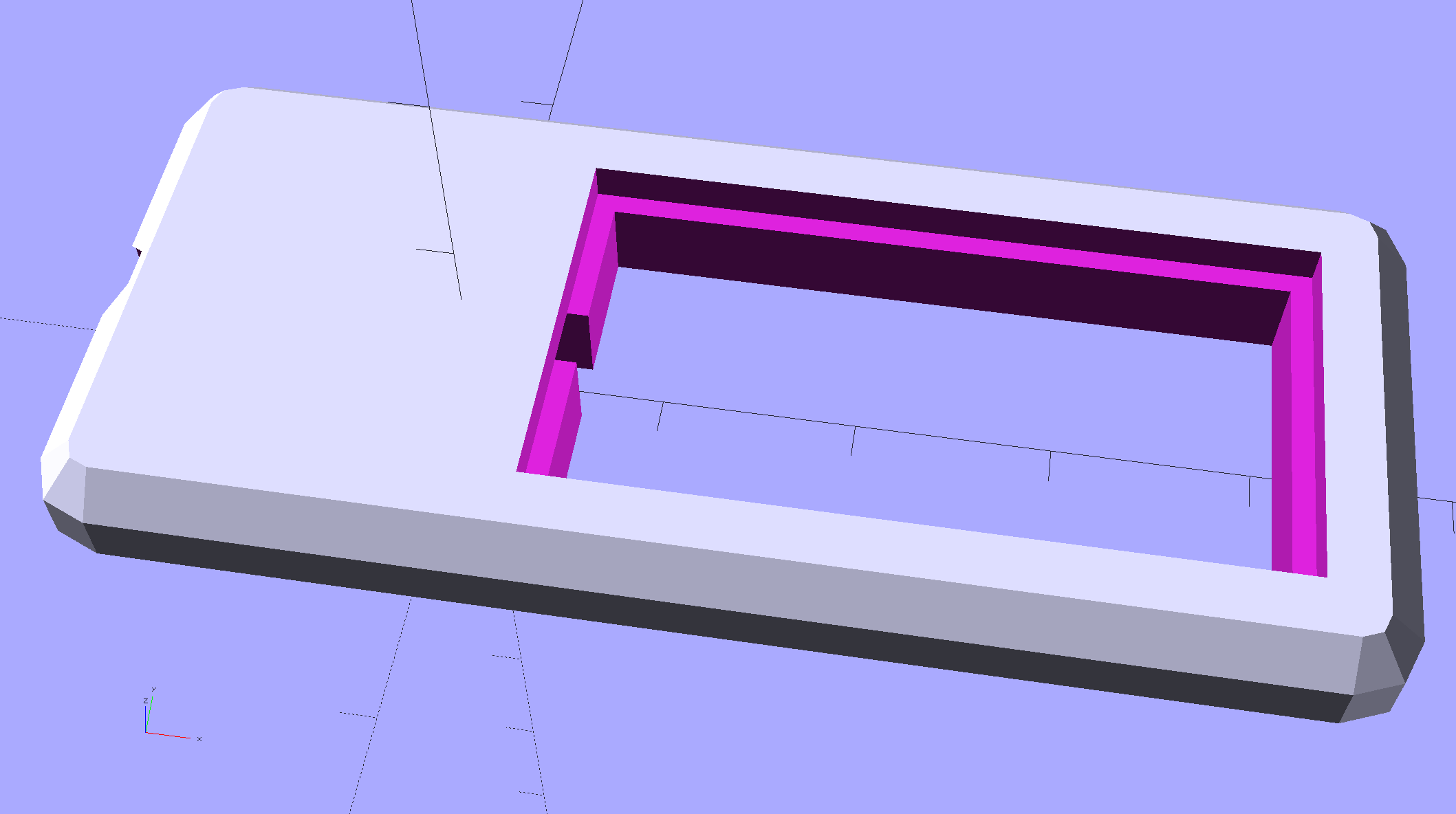
Chip On Board Heatsink Mount – Bandsaw Lamp – solid model
That fits half of a random heatsink, bandsawed just to the far side of the middle fin and milled flat.
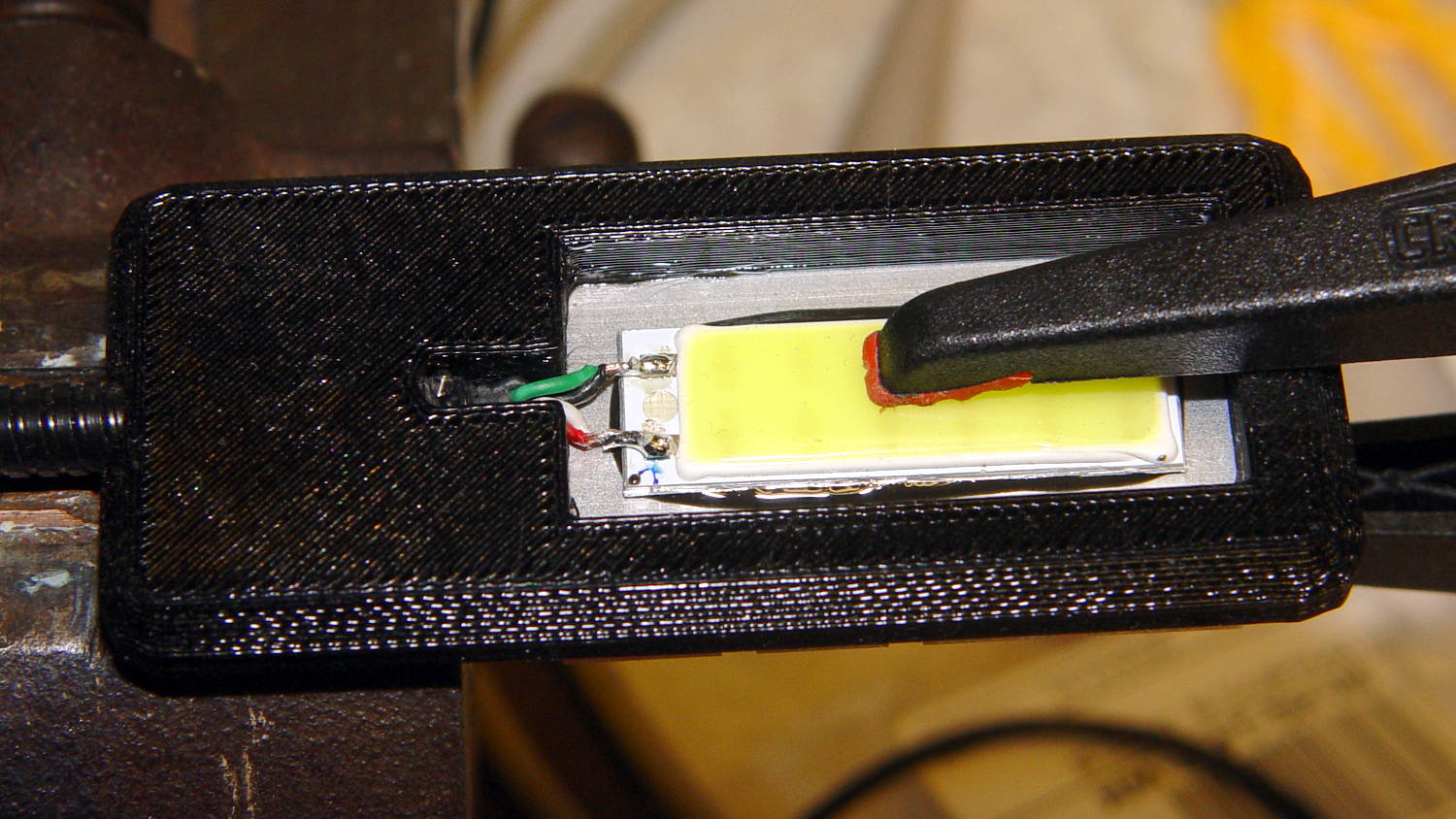
Ream out the 5 mm hole with a #8 drill for a snug fit around the gooseneck, jam gooseneck in place, dab epoxy on the corners of the recess, mash the heatsink in place, solder wires to LED, smear epoxy on the aluminum backplate, clamp while curing:
USB Gooseneck – LED assembly
And it looks pretty good, if I do say so myself:
USB Gooseneck – on bandsaw
The hook-n-loop tape holding the cable to the bandsaw gotta go, but should suffice until I conjure a better mount.
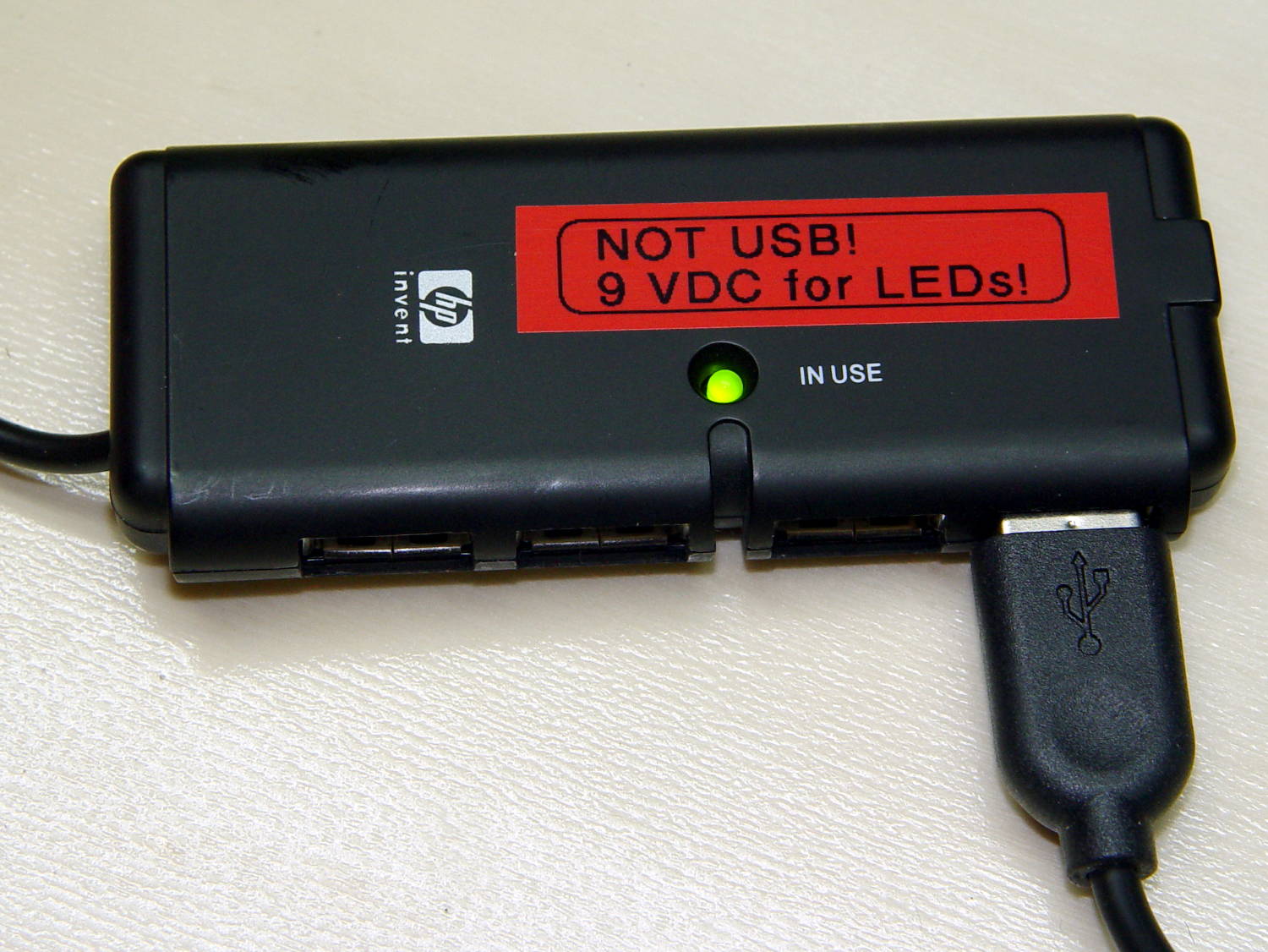
The alert reader may wonder how a 9 V COB LED runs from a 5 V USB cable with nary a trace of a voltage booster to be seen. Well, that’s not really a USB cable any more; I paralleled the red+white and black+green wires for lower resistance, then hacked a 9 VDC power supply into an old USB hub:
Hacked USB hub – PCB mods
I ripped out the upstream USB plug, hotwired the 9 V supply where the 5 V USB wires used to be, soldered jumpers on the downstream sockets to short the outer two pin pairs together, razor-knifed the power leads going into the epoxy-blobbed USB controller, and declared victory:
Hacked USB hub – in use
Admittedly, that “In Use” LED runs a bit brighter now.
I have a few other tools on that bench in need of LED lights; when I build ’em, they can all plug into this hub. No reason to invent new connectors & cables & all that. It may need a power switch.
This file contains hidden or bidirectional Unicode text that may be interpreted or compiled differently than what appears below. To review, open the file in an editor that reveals hidden Unicode characters.
Learn more about bidirectional Unicode characters
The USB gooseneck extension consists of a spring-steel helix with an aluminum filler strip to smooth the outside:
USB Gooseneck – filler unwound
A pin vise holds the intact part of the gooseneck.
The filler unwinds easily, but the spring required several bashes with a drift punch to loosen the first coil. The pin vise can’t apply enough grip to immobilize the spring, so you (well, I) bashed more-or-less radially outward, rather than at a tangent; that’s almost as difficult to do as to describe.
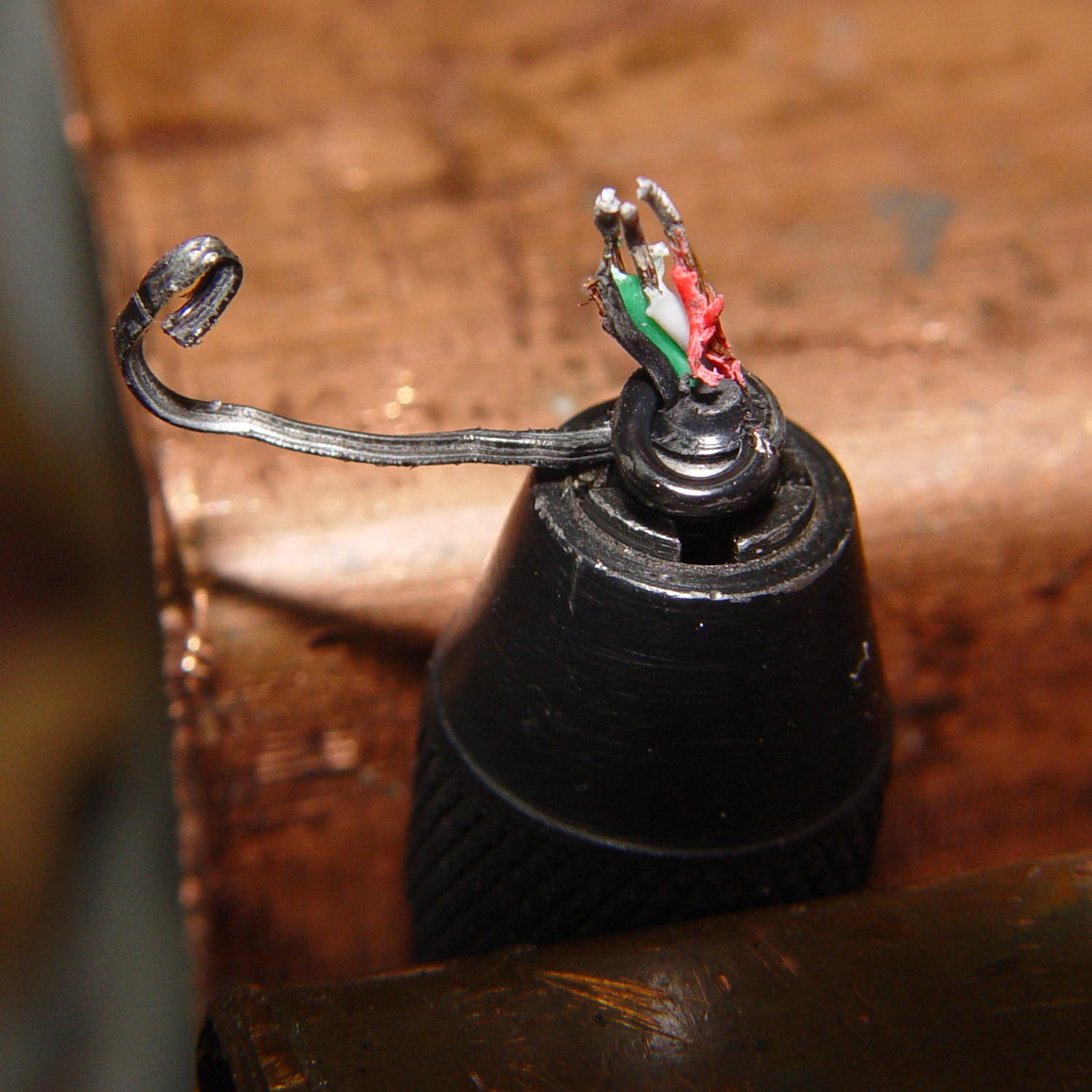
After enough bashing to get a grip with sturdy needlenose pliers, the spring unwound in short sections, again applying force radially to avoid turning the gooseneck in the pin vise:
USB Gooseneck – spring unwinding
The black helix aimed off to the side seems to be plastic from the USB shell injection-molded around the connector hardware.
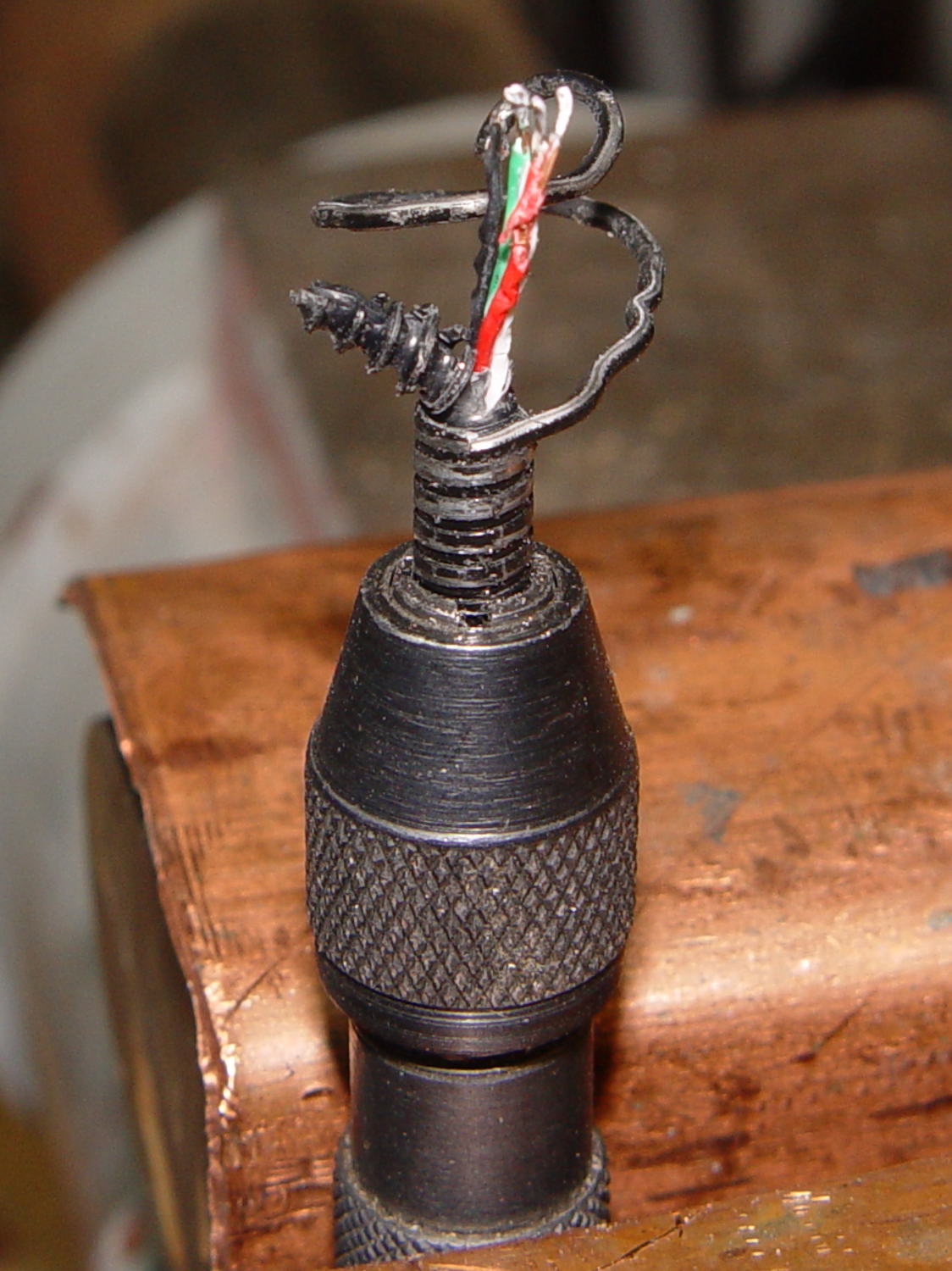
Chopping the spring with the tip of a hardened diagonal cutter (don’t do this with a copper-wire dike!) and bashing the tail ends back around the wire core produced a passable result:
USB Gooseneck – reshaped ends
The black thing sticking out beyond the spring seems to be the jacket around the wires.