Ed Nisley's Blog: Shop notes, electronics, firmware, machinery, 3D printing, laser cuttery, and curiosities. Contents: 100% human thinking, 0% AI slop.
The garage door opener just ate another rough-duty bulb, so let’s see how a $7 LED bulb fares:
Walmart 60 W LED Bulb – garage door opener
It has no external heatsink fins and the color temperature looks just like the old-school incandescent bulb it’s replacing, so they’re getting a clue about what’s acceptable to ordinary folks.
That’s equivalent to a 60 W incandescent bulb, too, at least according to the package:
Walmart 60 W LED Bulb – package data
I love the “Return the package and reciept for replacement or money back” part…
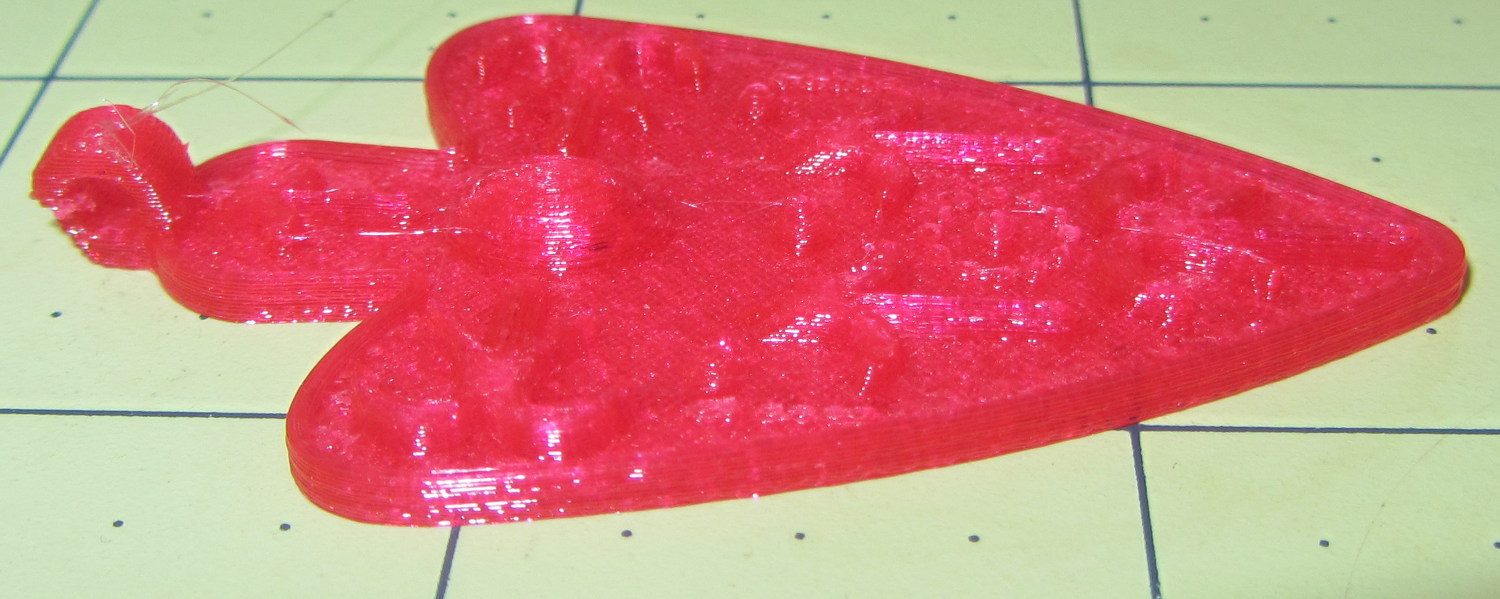
Changing from PLA to PETG with a V4 hot end and 24 V power required several slicing adjustments, some of which weren’t at all obvious. It’s not all settled down, but what you see here comes from a bunch of test objects and tweaks that you’ll see over the next few days; this is basically a peek into the future.
M2 V4 Calibration Objects
The obvious changes:
Extrusion temperature: 250 °C
Platform temperature: 90 °C
Hot PETG seems rather sticky and produces hair-fine strings that aren’t due to poor retraction. Running at 230 °C is possible, but the strings are nasty. The V4 hot end shouldn’t run over 250 °C; fortunately, some tests suggest the stringing doesn’t Go Away at 260 °C, so moah powah! isn’t required.
Hair spray on glass works well above 90 °C and not at all below 80 °C. A stick of Elmer’s Washable Glue Stick, chosen because it was on the Adhesive Shelf, produced exactly zero adhesion at any platform temperature I was willing to use. Its “washable” nature surely contributed to the failure; you want something that’s gonna stick with you forever.
The eSun PETG filament diameter varies from 1.63 to 1.72 mm, which seems like a lot compared to the MakerGear PLA I’d been using; I’ve told Slic3r to run with 1.70 mm. In practice, it doesn’t seem to matter; the average over a meter works out to 1.70, I haven’t seen any abrupt bulges, and the objects come out fine. This spool arrived late last year, early in eSun’s production, so perhaps they’ve smoothed things out by now.
A few iterations of thinwall box building put the Extrusion Multiplier at 1.11, producing a spot-on 0.40 mm thread width at either 0.20 or 0.25 mm thread thickness.
Infill:
Infill overlap: 10%
Max infill: 40%
Infill pattern: 3D Honycomb
Top/bottom pattern: Hilbert Curve
Combine infill: 3 layers
The first attempt at a solid box (left of center, first row) became so overstuffed I canceled the print; the top bulges upward. A few parameter tweak iterations produced the perfect 100% filled solid box to its right, but in actual practice a 40% 3D Honeycomb will be entirely strong enough for anything I build.
Reducing the overlap from 15% to 10% reduced the obviously overstuffed junction just inside the perimeter threads.
Cooling:
Fan for layers below 20 s
Minimum layer time: 10 s
Minimum speed: 10 mm/s
PETG wants to go down hot, but printing a single thinwall box requires that much cooling to prevent slumping. Might be excessive; we shall see.
Speeds:
First layer: 15 mm/s
External perimeters: 25 mm/s
Perimeters: 50 mm/s
Infill: 75 mm/s
Travel: 300 mm/s
Slower XY speeds seem to produce better results, although those values aren’t based on extensive experience.
The first layer doesn’t work well at higher speeds, with acute corners and edges pulling up as the nozzle moves away. Using the Hilbert Curve pattern not only looks pretty, but also ensures the nozzle spends plenty of time in the same general area. Higher platform temperatures work better, too, and I may goose the 40 V supply a bit to improve the 0.2 °C/s warmup rate.
The travel speed went up from 250 mm/s in an attempt to reduce stringing, but it may be too aggressive for the Y axis with the new 24 V supply. On very rare occasions, the Y axis stalls during homing, despite not changing the speeds in the startup G-Code, and I’m still accumulating experience with that.
Bridging isn’t nearly as clean as PLA. After some tinkering, a bridge speed of 25 mm/s and flow of 0.90 seems to work, but some chain mail patches suggest there’s plenty of room for improvement.
Mechanically, PETG is softer and more resilient than PLA, with a much higher glass transition temperature. Larger objects with 40% infill are essentially rigid and smaller objects are bendy, rather than brittle.
On the whole, PETG seems like it will work well for the stuff I build, although magenta isn’t my favorite color…
CAUTION: Don’t use this Slic3r configuration unless:
After installing things like imagemagick and mjpg_streamer on the Raspberry Pi, I exhumed a quartet of Logitech cameras from the heap to see how they worked. None bear any identification, apart from a tag on the cable, so here’s what I found out for later reference.
They’re all reasonably good for still pictures, if you don’t mind terrible initial exposures. The default program works OK:
fswebcam -d /dev/video0 -r 320x240 image.jpg
On the other hand, getting any streaming video requires searching through the parameter space, which wasn’t helped by the total lack of documentation. The Arch Linux wiki has a useful summary of camera & drivers, with pointers to additional lists-of-lists. The OctoPrint repo documents the mjpg-streamer plugin parameters.
So, we begin…
This camera, one of two identical cameras in the heap, has a clip that used to fit on the upper edge of a laptop display:
Logitech QuickCam for Notebook Plus – front
One has a tag:
Logitech QuickCam for Notebook Plus – tag
To make the tag data more useful for search engine inquiries:
M/N: V-UBG35
P/N: 861228-0000
PID: CE64105
From lsusb:
Bus 001 Device 008: ID 046d:08d8 Logitech, Inc. QuickCam for Notebook Deluxe
With Raspbian on the RPi, 640×480 video tears and stutters, leaving 320×240 as the least-worst alternative:
The cameras don’t support YUYV at all and the video quality is mediocre, at best, but they do have a manual focus ring that lets you snuggle the camera right up against the subject.
This ball camera:
Logitech QuickCam Pro 5000 – on tripod
Has a tag:
Logitech QuickCam Pro 5000 – tag
Which reads:
M/N: V-UAX16
P/N: 861306-0000
PID: LZ715BQ
From lsusb:
Bus 001 Device 009: ID 046d:08ce Logitech, Inc. QuickCam Pro 5000
It requires YUYV at 320×240 (on the Pi) and nothing else works at all:
It produces even worse video than the Notebook camera.
This HD 720p camera has C130 scrawled on the front in my handwriting:
Logitech HD Webcam C510 – front
And a tag:
Logitech HD Webcam C510 – tag
Bearing this text:
M/N: V-U0016
P/N: 860-000261
PID: LZ114SF
The scrawled C130 doesn’t match up with what lsusb reports:
Bus 001 Device 010: ID 046d:081d Logitech, Inc. HD Webcam C510
It produces very nice results in many resolutions, using YUYV mode, although I think its native resolution is 1280×720 and that works perfectly on the Pi:
Now, with the V4 hot end and fans installed, I popped a 24 V supply brick off the heap and connected another set of Powerpoles:
M2 – Powerpole connector block
The 24 V supply now powers everything on the RAMBo board, with the platform heater running from the 40 V supply through the DC-DC solid state relay.
Unfortunately, wiring the LED panels to the RAMBo MOSFET driving the fans didn’t quite work. Turns out that the extruder PWM pulses produce corresponding LED blinks; the V4 hot end draws 1.5 A and that’s enough to flicker the lights. So they’re back on the wall wart and glow steadily again.
For whatever it’s worth, the panels don’t have limiting resistors, just eight 150 mA LED emitters in series…
The NOOBS setup configures the HDMI video parameters to work with the worst possible display, so edit the /boot/config.txt (per the Official Doc):
Comment out all the NOOBS auto-configuration entires at the bottom
Set disable_overscan=1
The highest mutually compatible setting for the U2711 monitor was 1920×1080@60Hz, which turned out to be CEA Mode 16 and was automagically selected as the monitor’s “native” mode. Disabling overscan lets the X session use the entire monitor screen, rather than being confined within the (huge) black overscan borders.
That requires a power off-on cycle to take effect. Shut down properly with sudo shutdown -H now or just sudo halt.
To set the default size of the lxterminal window so that it’s big enough to be useful, edit the Exec entry (down near the bottom) in /usr/share/raspi-ui-overrides/applications/lxterminal.desktop to read:
Exec=lxterminal --geometry=80x60
The Droid font family seems more readable than the default selection.
Create a user for yourself, just so SSH will eventually work the way it does for all the other boxes. The group list comes from the default pi user:
sudo adduser ed
sudo usermod -a -G pi,adm,dialout,cdrom,sudo,audio,video,plugdev,games,users,netdev,input,spi,gpio ed
Regrettably, the default pi user has the same numeric ID as the one I use on all the other boxes, which leads to problems with file sharing permissions. I may need to swap numeric IDs to make this work out correctly.
To set a static IP, edit /etc/network/interfaces thusly:
#iface eth0 inet dhcp <-- comment this out to stop DHCP
auto eth0
iface eth0 inet static
address 192.168.1.9 <-- obviously, pick your own
gateway 192.168.1.1
netmask 255.255.255.0
network 192.168.1.0
broadcast 192.168.1.255
Change the hostname in /etc/hostname and /etc/hosts.
Set up SSH for public-key access on an unusual port by editing /etc/ssh/sshd_config:
Port 12345 <— choose your own
PermitRootLogin no
PasswordAuthentication no
Create the ~/.ssh directory and put your own public key in it, which you can do from the remote system:
scp ~/.ssh/id_rsa.pub octopi-1:.ssh/authorized_keys
# a dummy line to reveal underscores in the previous line
Twiddle ~/.ssh/config on the remote box to include the Pi and specify the unusual port:
Host octopi-1 thisone thatone anotherone
ForwardX11 yes
Port 12345 <--- pick your own
User ed
Using ssh-agent -t 4h helps relieve the tedium of typing your passphrase all the time. Then sudo service ssh restart on the pi will require you to use your key passphrase; it’s a Good Idea to remain signed in through Port 22 with the original authorization while you fiddle with this stuff, then sign out when it all works.
Update with the usual routine:
sudo apt-get update
sudo apt-get upgrade
sudo apt-get dist-upgrade <-- for system-level update
sudo apt-get clean <-- flushes /var/cache/apt/archives to save space
Given that I’m throwing all the balls in the air at once:
V4 hot end / filament drive
24 VDC motor / logic power supply
PETG filament
It seemed reasonable to start with the current Marlin firmware, rather than the MakerGear version from long ago. After all, when you file a bug report, the first question is whether it happens with the Latest Version.
Marlin has undergone a Great Refactoring that moved many of the constants around. I suppose I should set up a whole new Github repository, but there aren’t that many changes and I’ve gotten over my enthusiasm for forking projects.
Anyhow, just clone the Marlin repo and dig in.
In Marlin_main.cpp, turn on the Fan 1 output on Arduino pin 6 that drives the fans on the extruder and electronics box:
pinMode(6,OUTPUT); // kickstart Makergear M2 extruder fan
digitalWrite(6,HIGH);
You could use the built-in extruder fan feature that turns on when the extruder temperature exceeds a specific limit. I may try that after everything else works; as it stands, this shows when the firmware gets up & running after a reset.
In Configuration_adv.h, lengthen the motor-off time and set the motor currents:
I missed the max & min position settings on the first pass (they’re new!), which matter because I put the origin in the middle of the platform, rather than the front-left corner. Marlin now clips coordinates outside that region, so the first thinwall calibration box only had lines in Quadrant 1…
We don’t have a good picture of the square table, but it had that same crater open to the central hole.
Other pictures show the topmost 14+ inches from that storm consisted of lovely, fluffy snow that cleared well, although I’d have settled for a bit less.
It’s winter in the Northeast US. Snow happens on a regular basis. I enjoy the shapes, not the shoveling…