Although Mary’s name in the base of the Clover Mini Iron holder was readable in person, I wondered what filling the characters with epoxy would do. A bit of tinkering produced a name plate:
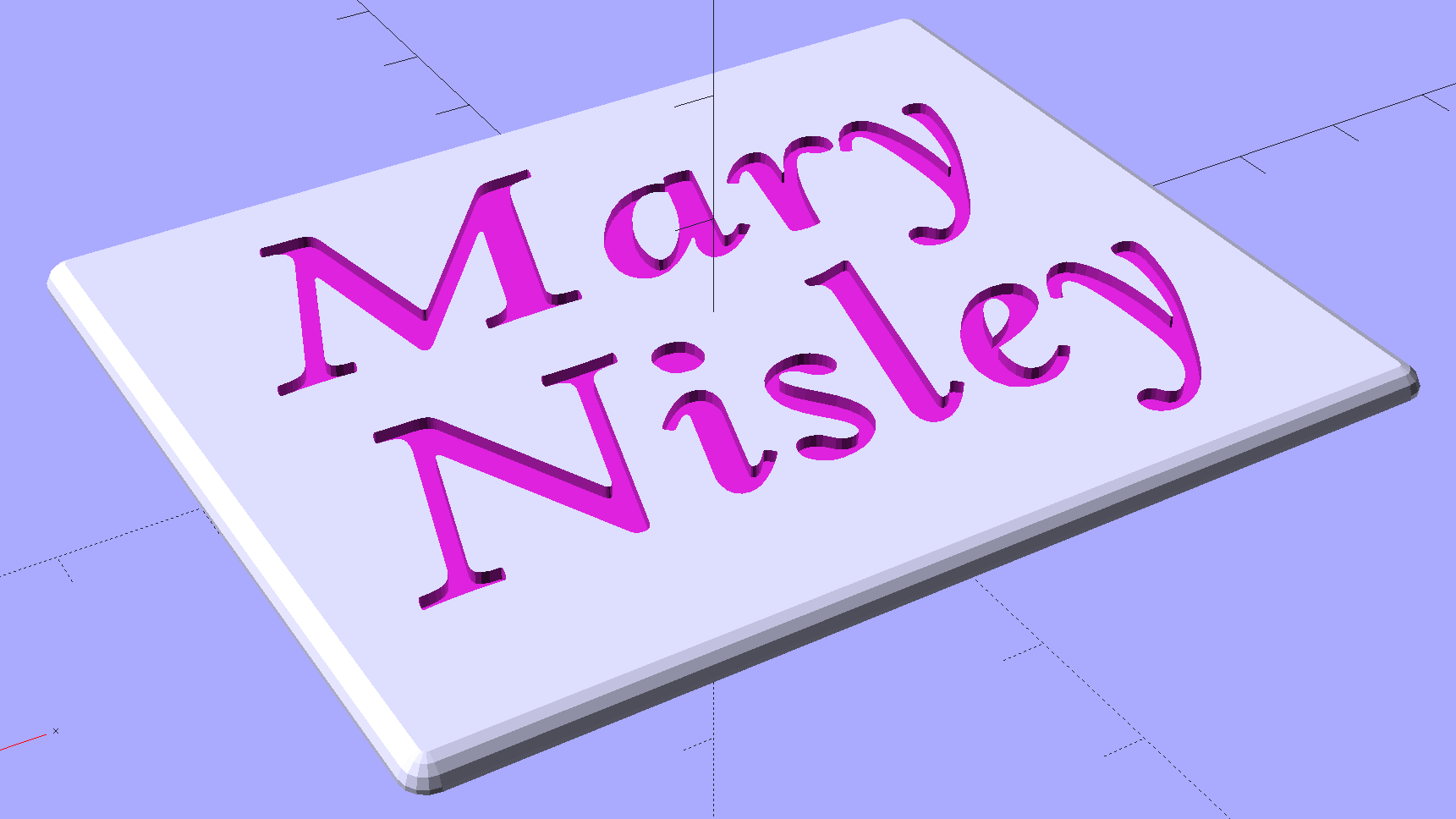
Which is more readable in person, but magenta PETG renders it basically unreadable here:
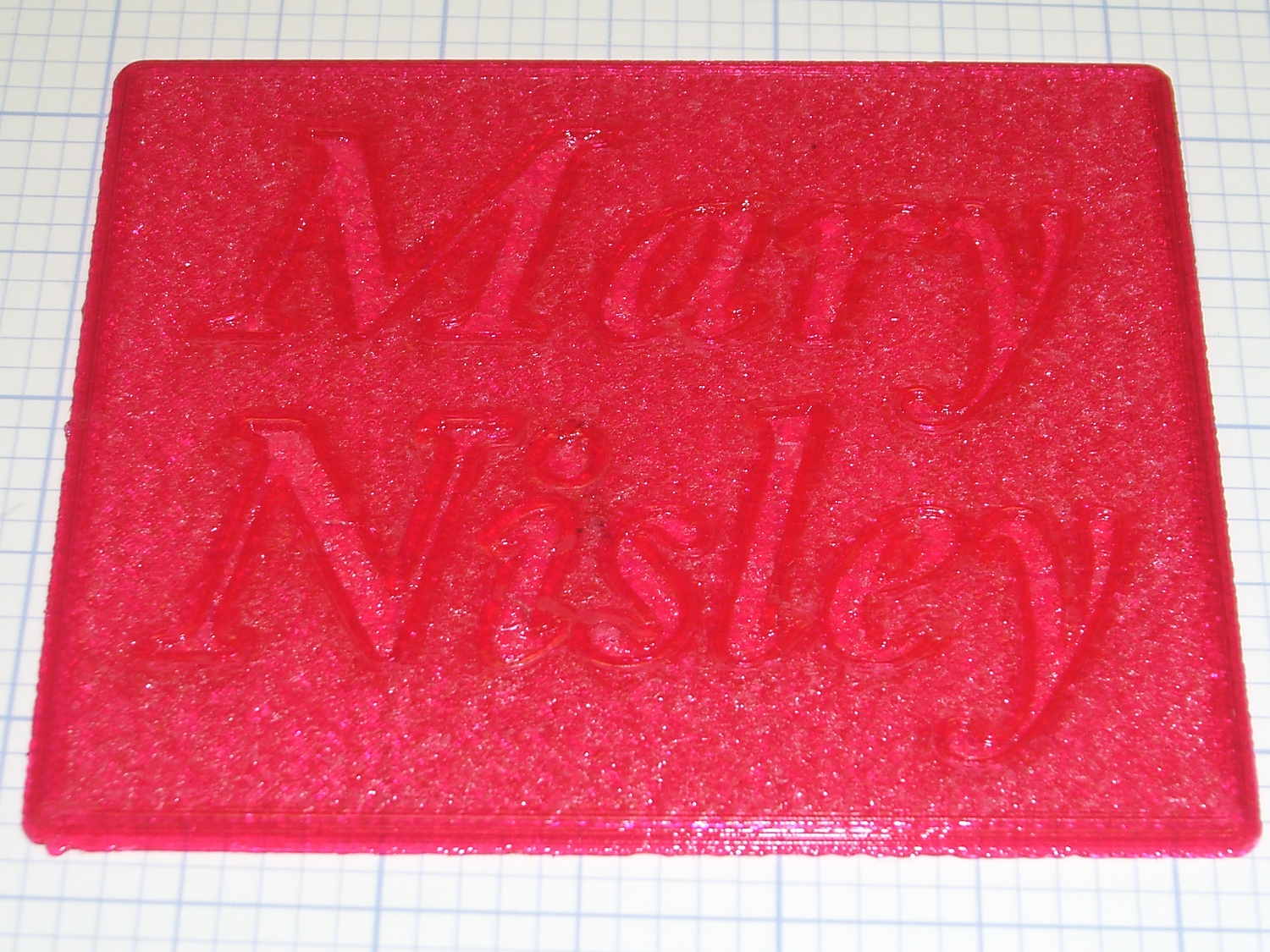
The intent of this was not to produce a lovely name block, but to see what various epoxy fills and techniques produced. Think of this as the one you must build to throw away…
I tediously filled the first line with straight JB Weld epoxy, deliberately ruining the least functional of my 1 ml syringes to ease a strand of epoxy into each letter, then poking the goo into place with a pointed rod:
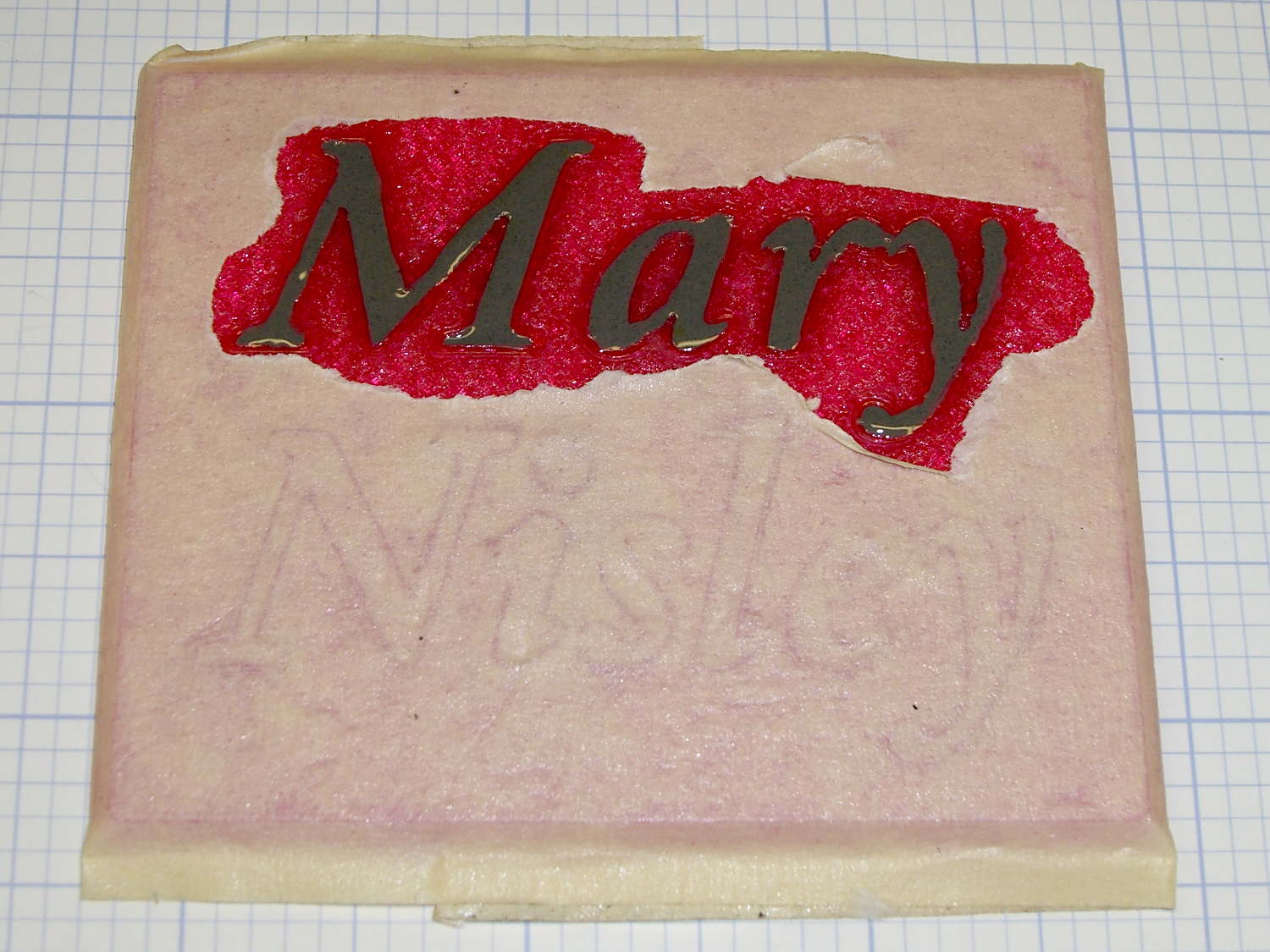
That was way tedious.
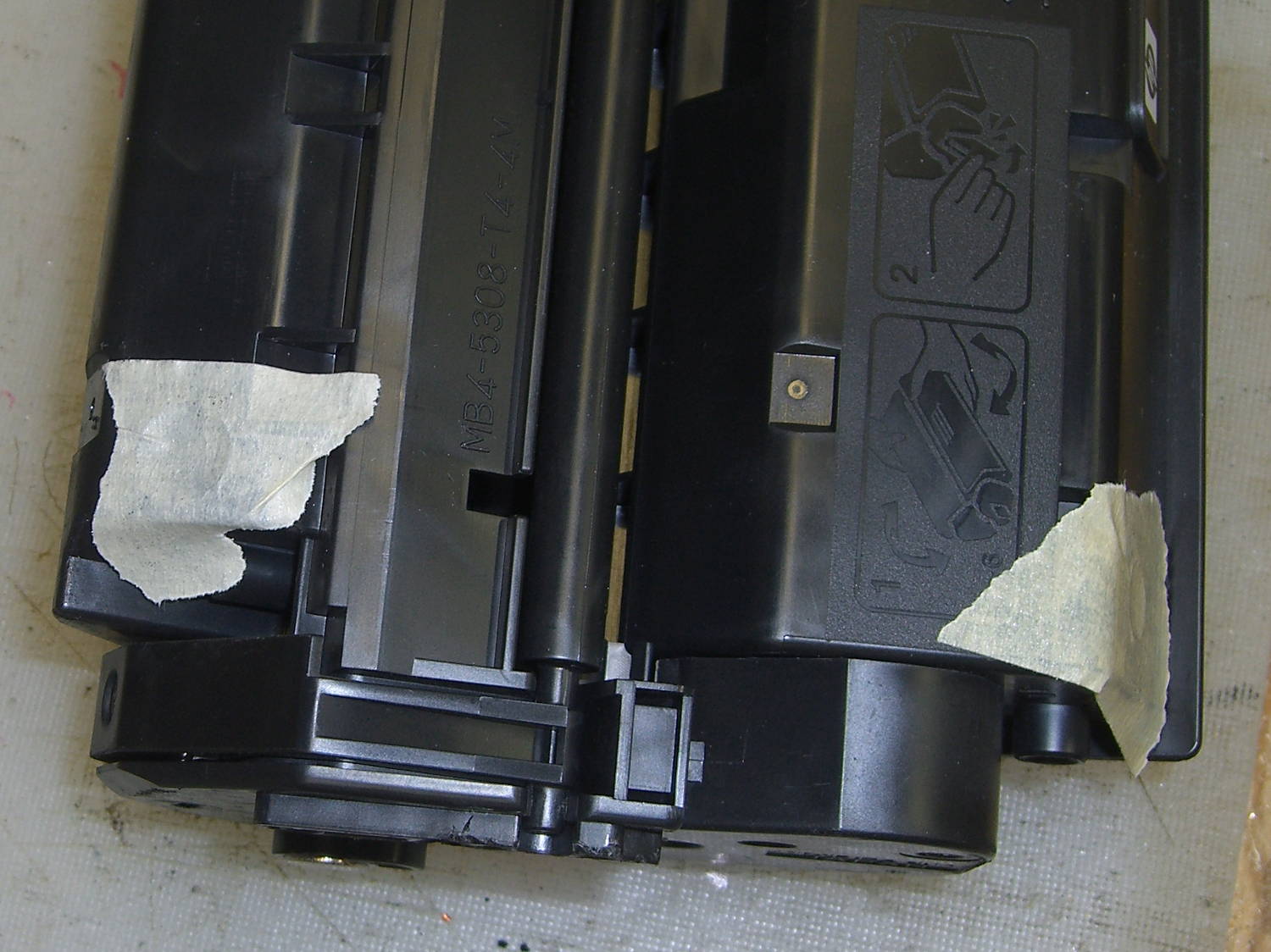
Having recently replaced the cartridge in our trusty HP Laserjet 1200, I had no qualms about step-drilling the “empty” cartridge to get the toner. For future reference, here’s where you drill into a 7115X cartridge:
I probably used too much toner, but one heaping pile on that wooden stick didn’t seem like a lot at the time:
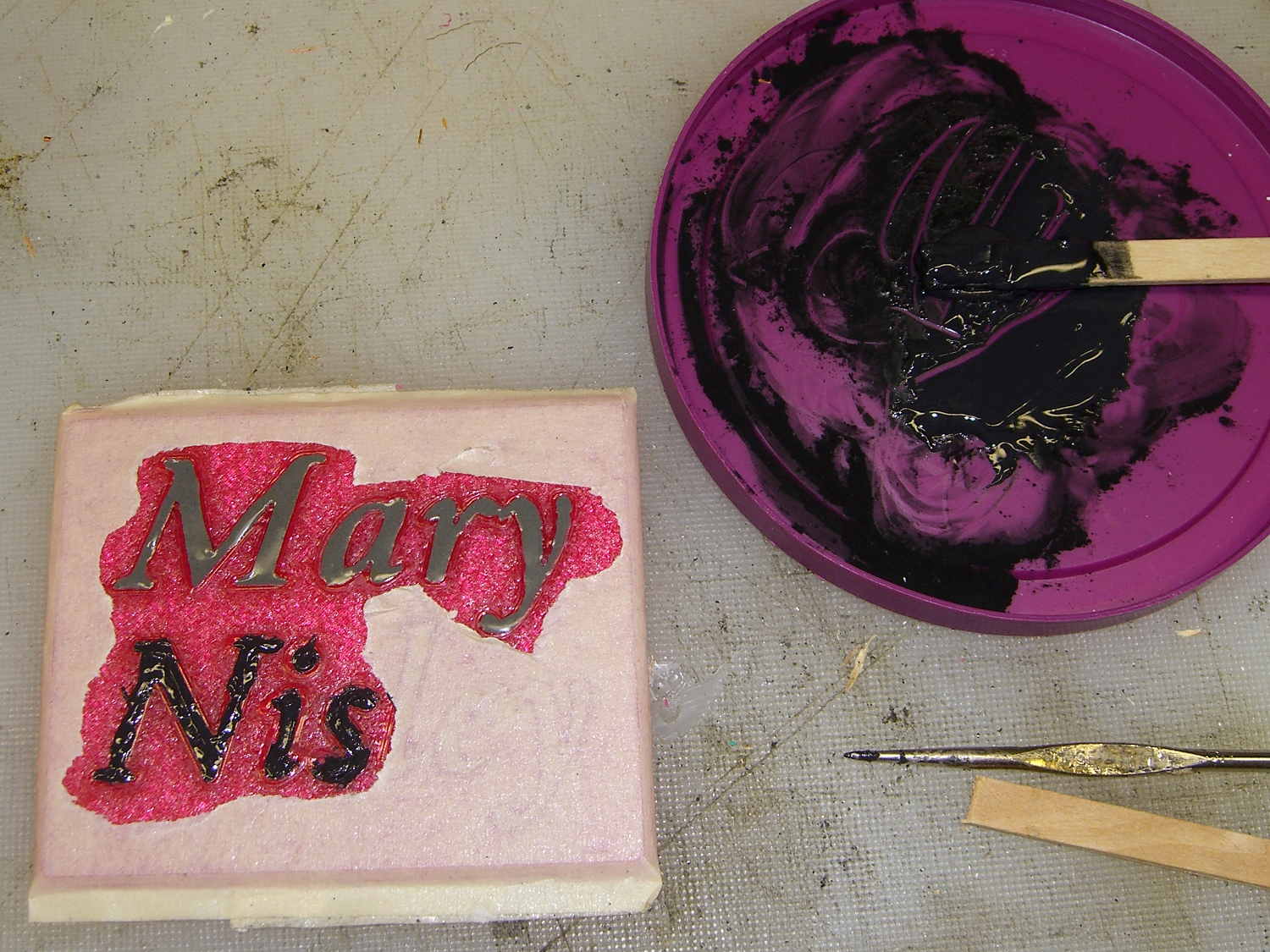
This turned the epoxy rather thick and pasty; it didn’t ease into the letters very well at all. After the usual day, it cured into a slightly rubbery solid, quite unlike the usual rock-solid epoxy blob.
Some rummaging in the Basement Laboratory Warehouse Wing turned up two containers of aluminum powder from an Etch-a-Sketch; I mixed some into another batch of epoxy, to very little effect. With both blends, I just squished the epoxy into the letters and didn’t worry too much about slobbering any over the surface of the block.
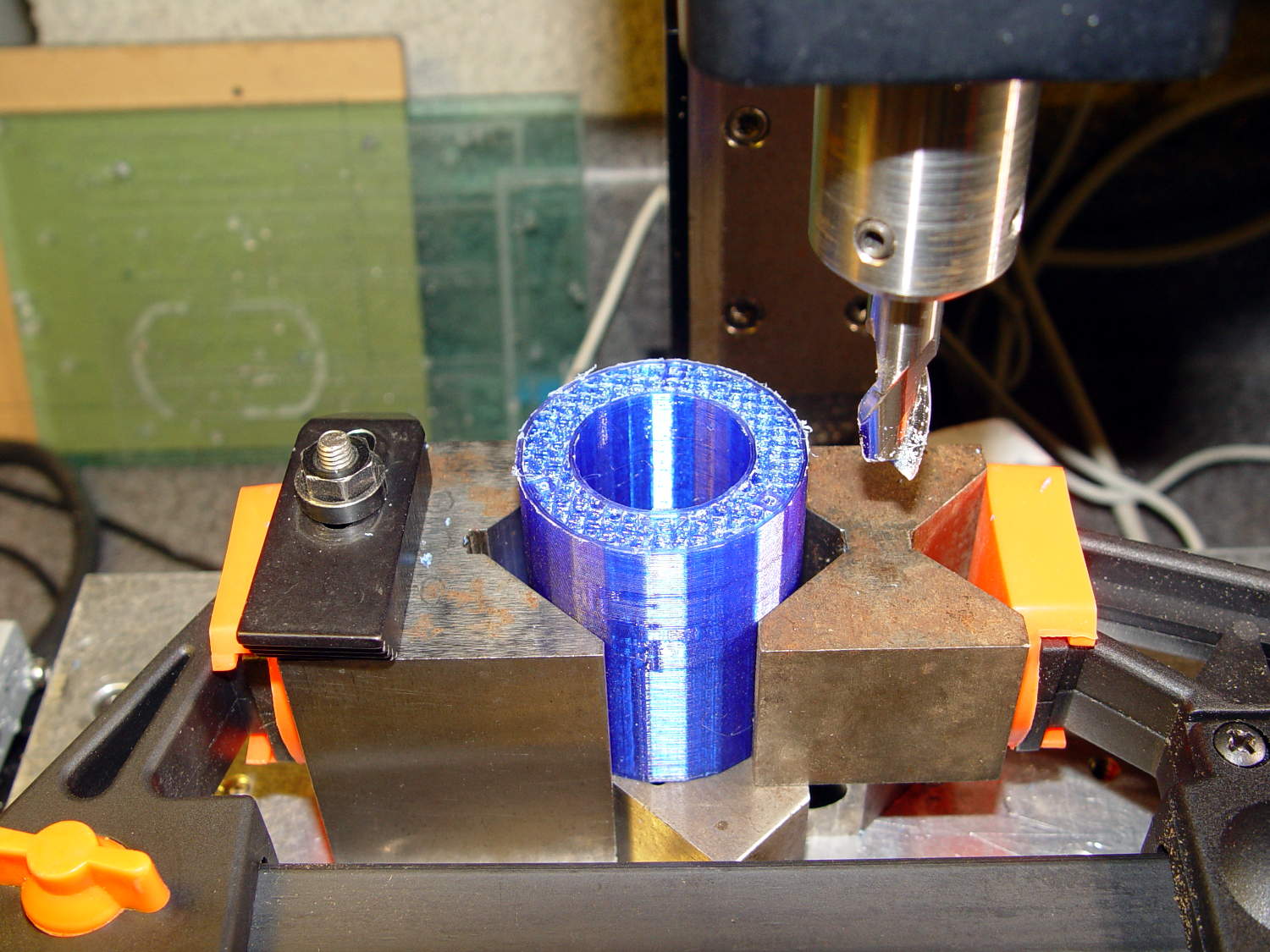
To even off the top surface, I affixed the block to the Sherline’s tooling plate with tapeless sticky (basically double-sided tape without the tape):
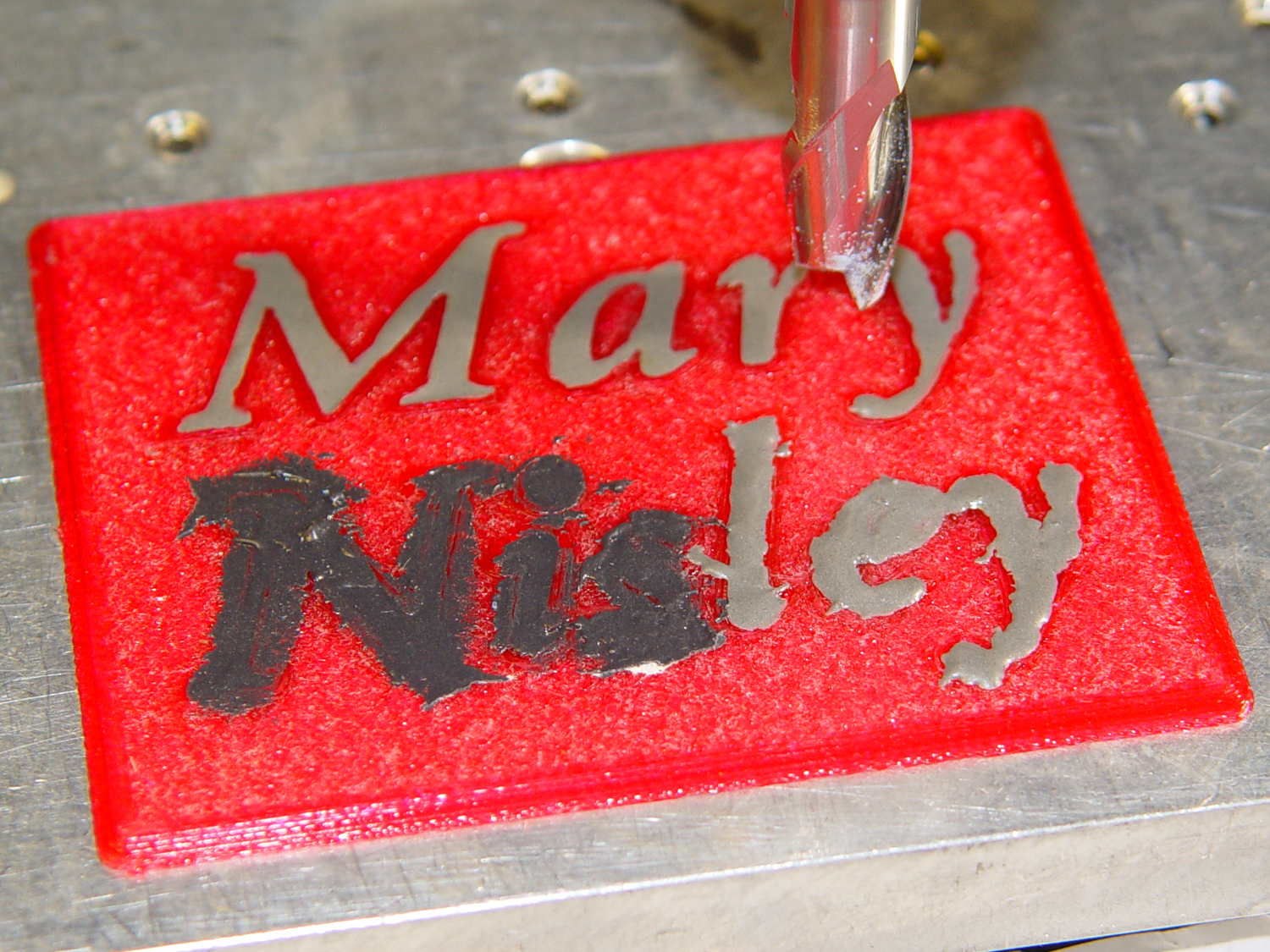
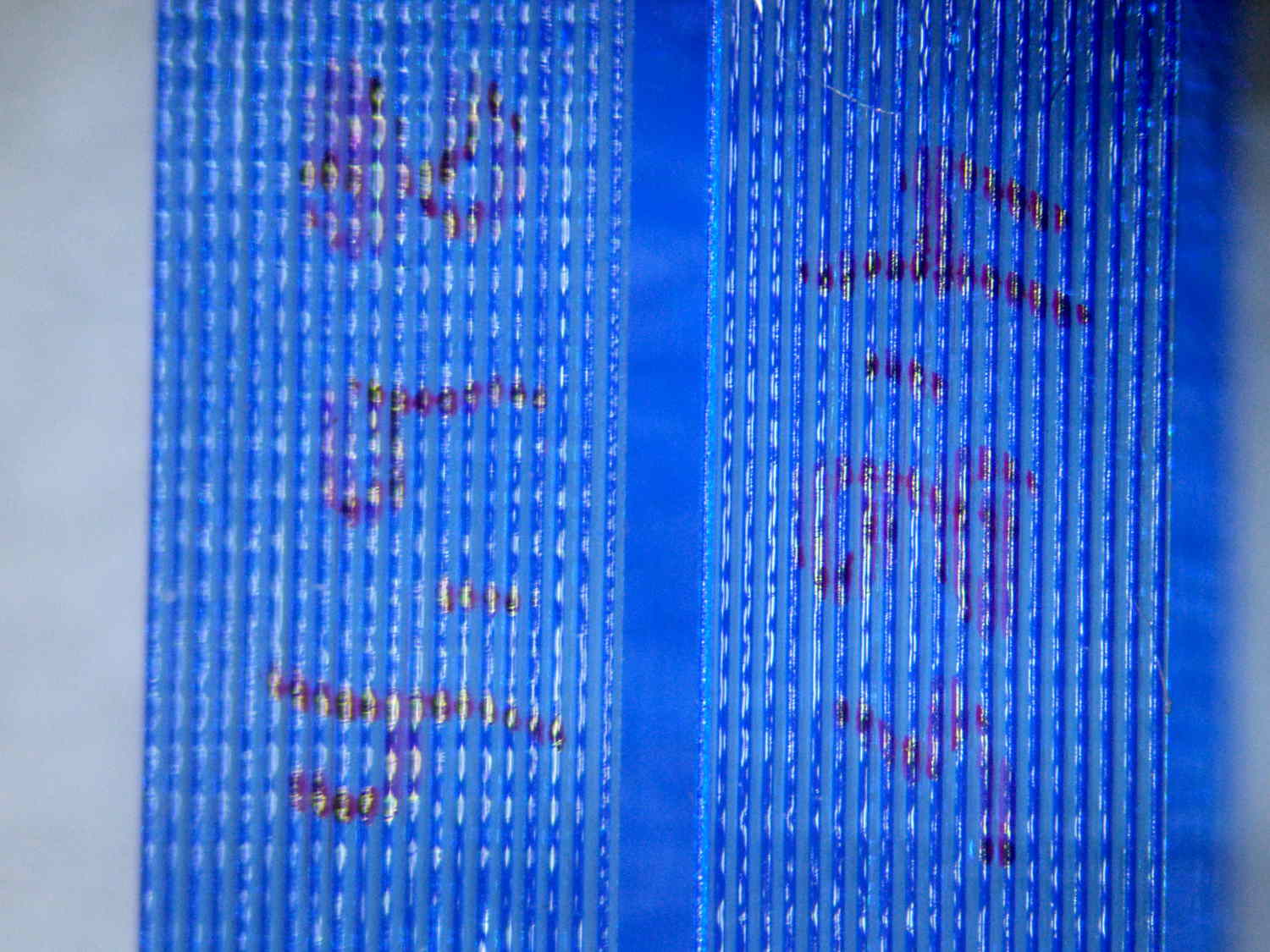
Manually traversing the surface (3 k rpm, 24 inch/min) and stepping downward about 0.1 mm per pass gradually crisped up the letters. I expected the excess epoxy to vanish after going 0.1 mm or so into the top layer, but it actually required removing the entire 0.25 mm Hilbert-curve-filled surface layer to get rid of the epoxy that soaked into / through the tiny gaps. This is 0.4 mm down from the first pass, maybe 0.1 mm into the plastic:
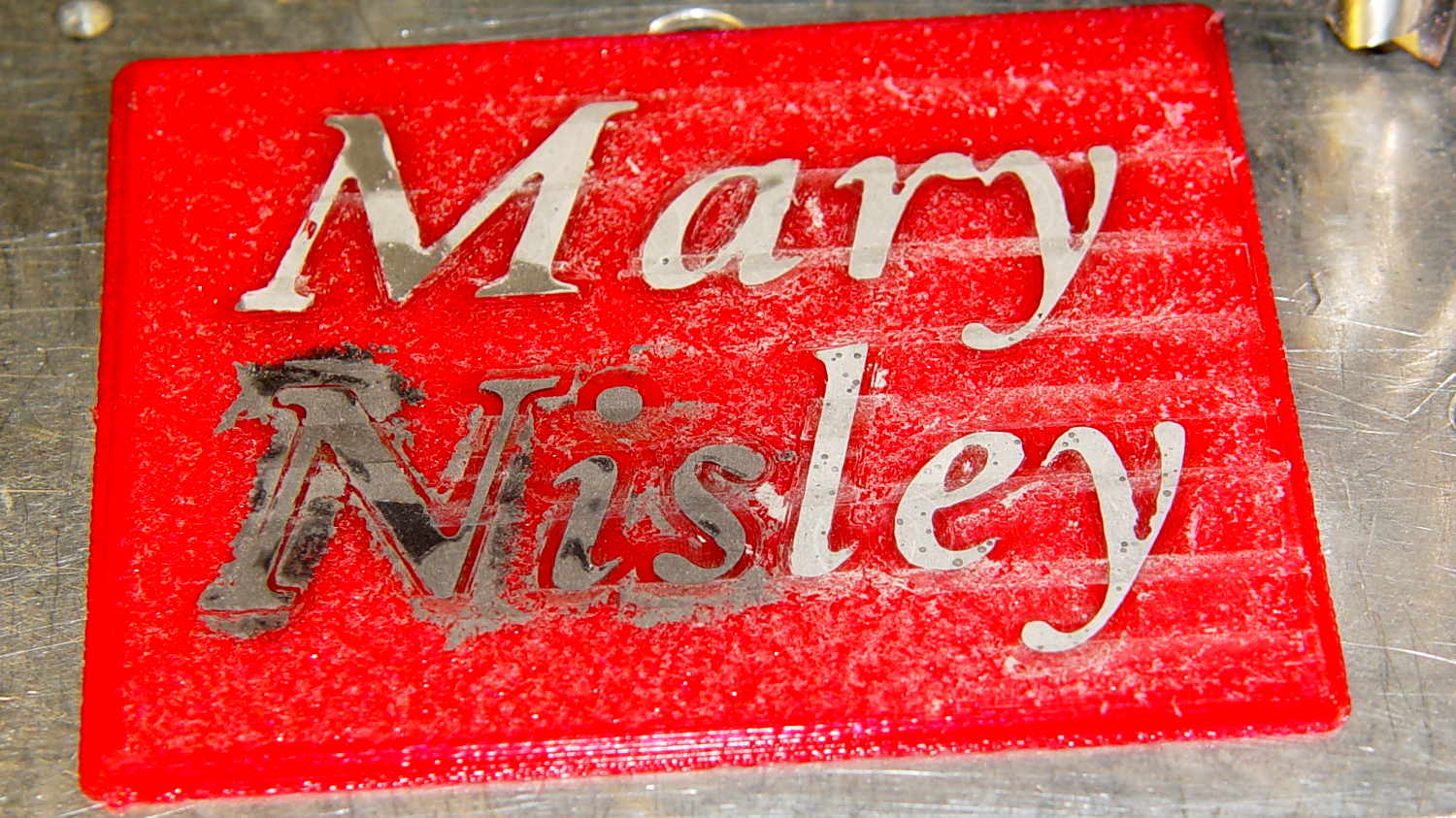
With the top layer gone, it looked rather gnarly, so I applied a sanding block that didn’t do much at all: smoother, still gnarly. Spreading maybe 0.3 ml of IPS 4 solvent adhesive over the sanded surface smoothed it a bit:

Perhaps a topcoat of clear epoxy, along the lines of XTC-3D, would produce better results.
The small black dots in the top line are holes from bubbles in the epoxy. The missing section of the M started out as a bubble (just visible at 0.4 mm) and gradually enlarged as pieces tore out of the recess. There’s another bubble breaking the right stroke of the “y”.
The small dots in the “ley” are plastic spheres that carried the aluminum powder in the Etch-a-Sketch; they’re cross-sectioned and perfectly flat. The epoxy color is marginally lighter than the top line, but not enough to notice.
Backlit on a window, nearly all of the ugly fades away:
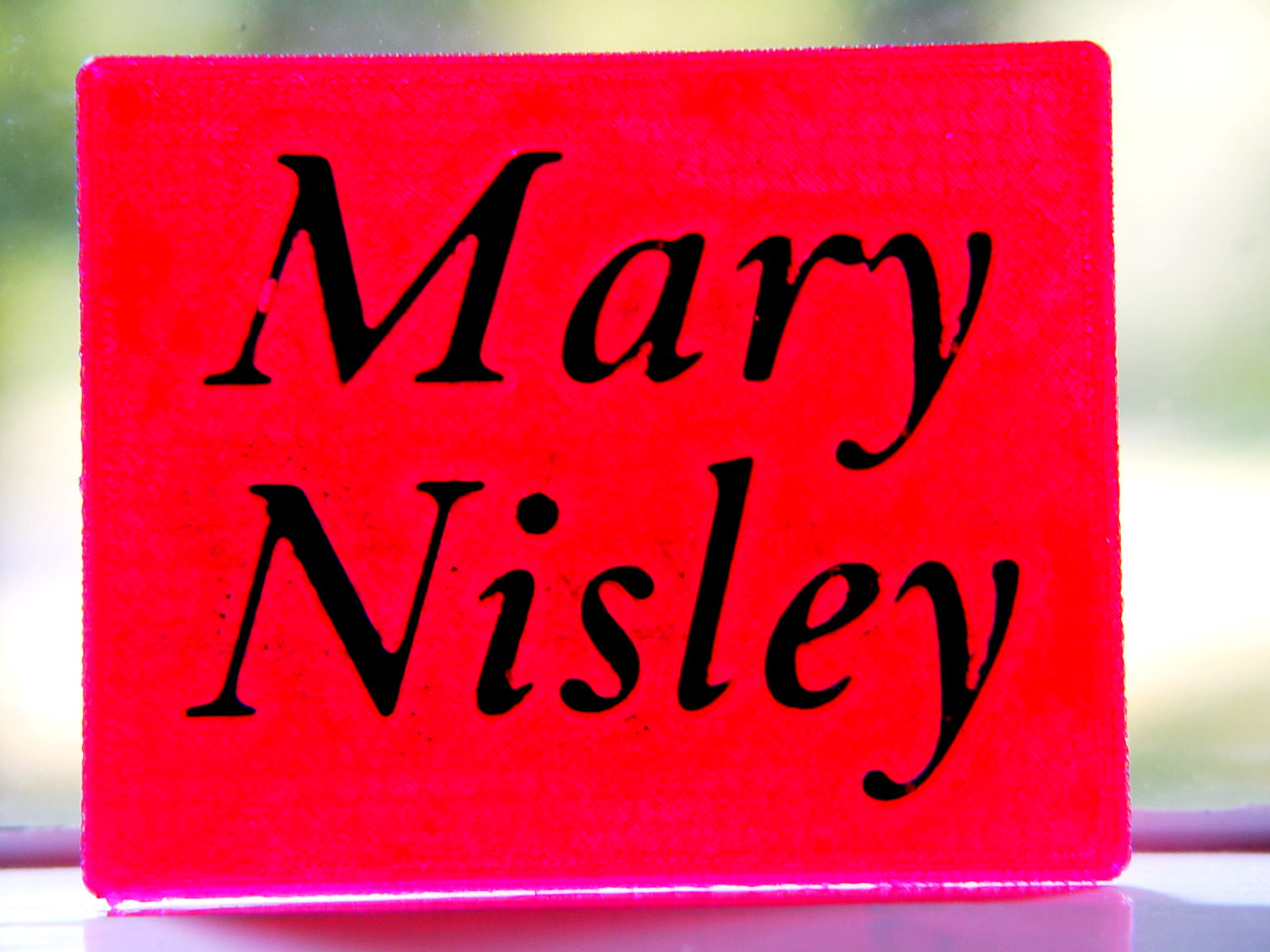
It’s definitely not presentation quality, that’s for sure, and I won’t attempt to fill the Mini Iron holder…
The OpenSCAD source code, which can also produce the soldering iron holder:
// Clover MCI-900 Mini Iron holder
// Ed Nisley KE4ZNU - August 2015

Layout = "Text";					// Iron Holder Show Text

//- Extrusion parameters - must match reality!

ThreadThick = 0.25;
ThreadWidth = 0.40;

function IntegerMultiple(Size,Unit) = Unit * ceil(Size / Unit);

Protrusion = 0.1;

HoleWindage = 0.2;

inch = 25.4;

Tap10_32 = 0.159 * inch;
Clear10_32 = 0.190 * inch;
Head10_32 = 0.373 * inch;
Head10_32Thick = 0.110 * inch;
Nut10_32Dia = 0.433 * inch;
Nut10_32Thick = 0.130 * inch;
Washer10_32OD = 0.381 * inch;
Washer10_32ID = 0.204 * inch;

//------
// Dimensions

CornerRadius = 4.0;

CenterHeight = 25;							// center at cord inlet on body

BodyLength = 110;							// cord inlet to body curve at front flange

Incline = 10;								// central angle slope

FrontOD = 29;
FrontBlock = [20,1.5*FrontOD + 2*CornerRadius,FrontOD/2 + CenterHeight + BodyLength*sin(Incline)];

CordOD = 10;
CordLen = 10;

RearOD = 22;
RearBlock = [15 + CordLen,1.5*RearOD + 2*CornerRadius,RearOD/2 + CenterHeight];

PlateWidth = 2*FrontBlock[1];

TextDepth = 4*ThreadThick;

ScrewOC = BodyLength - FrontBlock[0]/2;
ScrewDepth = CenterHeight - FrontOD/2 - 5;

echo(str("Screw OC: ",ScrewOC));

BuildSize = [200,250,200];					// largest possible thing

module PolyCyl(Dia,Height,ForceSides=0) {			// based on nophead's polyholes

  Sides = (ForceSides != 0) ? ForceSides : (ceil(Dia) + 2);

  FixDia = Dia / cos(180/Sides);

  cylinder(r=(FixDia + HoleWindage)/2,
           h=Height,
	   $fn=Sides);
}

// Trim bottom from child object

module TrimBottom(BlockSize=BuildSize,Slice=CornerRadius) {

	intersection() {
		translate([0,0,BlockSize[2]/2])
			cube(BlockSize,center=true);
		translate([0,0,-Slice])
			children();
	}
}

// Build a rounded block-like thing

module RoundBlock(Size=[20,25,30],Radius=CornerRadius,Center=false) {

	HS = Size/2 - [Radius,Radius,Radius];
	translate([0,0,Center ? 0 : (HS[2] + Radius)])
	hull() {
		for (i=[-1,1], j=[-1,1], k=[-1,1]) {
			translate([i*HS[0],j*HS[1],k*HS[2]])
				sphere(r=Radius,$fn=4*4);
		}
	}
}

// Create a channel to hold something
// This will eventually be subtracted from a block
// The offsets are specialized for this application...

module Channel(Dia,Length) {

	rotate([0,90,0])
		linear_extrude(height=Length)
			rotate(90)
				hull() {
					for (i=[-1,1])
						translate([i*Dia,2*Dia])
							circle(d=Dia/8);
					circle(d=Dia,$fn=8*4);
				}
}

// Iron-shaped series of channels to be removed from blocks

module IronCutout() {

	union() {
		translate([-2*CordLen,0,0])
			Channel(CordOD,2*CordLen + Protrusion);
		Channel(RearOD,RearBlock[0] + Protrusion);
		translate([BodyLength - FrontBlock[0]/2 - FrontBlock[0],0,0])
			Channel(FrontOD,2*FrontBlock[0]);

	}

}

module TextBlock() {
	translate([2,10,0])
		linear_extrude(height=TextDepth + Protrusion,convexity=2)		// rendering glitches for convexity > 1
//			text("Mary",font="Ubuntu:style=Bold Italic",halign="center",valign="center");
			text("Mary",font="Junicode:style=Bold Italic",halign="center",valign="center",size=20,spacing=1.05);

	translate([2,-15,0])
		linear_extrude(height=TextDepth + Protrusion,convexity=2)
			text("Nisley",font="Junicode:style=Bold Italic",halign="center",valign="center",size=20,spacing=1.05);

}

//- Build it

if (Layout == "Iron")
	IronCutout();

if (Layout == "Holder" || Layout == "Show")
	difference() {
		union() {
			translate([(BodyLength + CordLen)/2 - CordLen,0,0])
				TrimBottom()
					RoundBlock(Size=[(CordLen + BodyLength),PlateWidth,CornerRadius]);

			translate([(RearBlock[0]/2 - CordLen),0,0])
				TrimBottom()
					RoundBlock(Size=RearBlock);

			translate([BodyLength - FrontBlock[0]/2,0,0]) {
				TrimBottom()
					RoundBlock(Size=FrontBlock);
			}
		}

		translate([0,0,CenterHeight])
			rotate([0,-Incline,0])
				if (Layout == "Show")
#					IronCutout();
				else
					IronCutout();

		translate([0,0,-Protrusion])
			PolyCyl(Tap10_32,ScrewDepth + Protrusion,6);

		translate([ScrewOC,0,-Protrusion])
			PolyCyl(Tap10_32,ScrewDepth + Protrusion,6);

		translate([(RearBlock[0] - CordLen) + BodyLength/2 - FrontBlock[0],0,CornerRadius - TextDepth])
			TextBlock();

	}

if (Layout == "Text")
	difference() {
		translate([0,0,0])
			TrimBottom(Slice=8*ThreadThick)
				RoundBlock(Size=[80,65,8*ThreadThick],Radius=8*ThreadThick);
#		translate([-2,2,8*ThreadThick - TextDepth])
			TextBlock();

	}









 The Smell of Molten Projects in the Morning