Ed Nisley's Blog: Shop notes, electronics, firmware, machinery, 3D printing, laser cuttery, and curiosities. Contents: 100% human thinking, 0% AI slop.
Mary’s new half-gallon sprayer arrived with a kink in the hose just below the handle, which is about what you’d expect from a non-reinforced plastic tube jammed into the smallest possible box containing both the sprayer and its wand. Fortunately, the Box o’ Springs had one that just fit the hose and jammed firmly into the handle:
Sprayer hose with kink-resisting spring
The kink slowly worked its way out after being surrounded by the spring and shouldn’t come back.
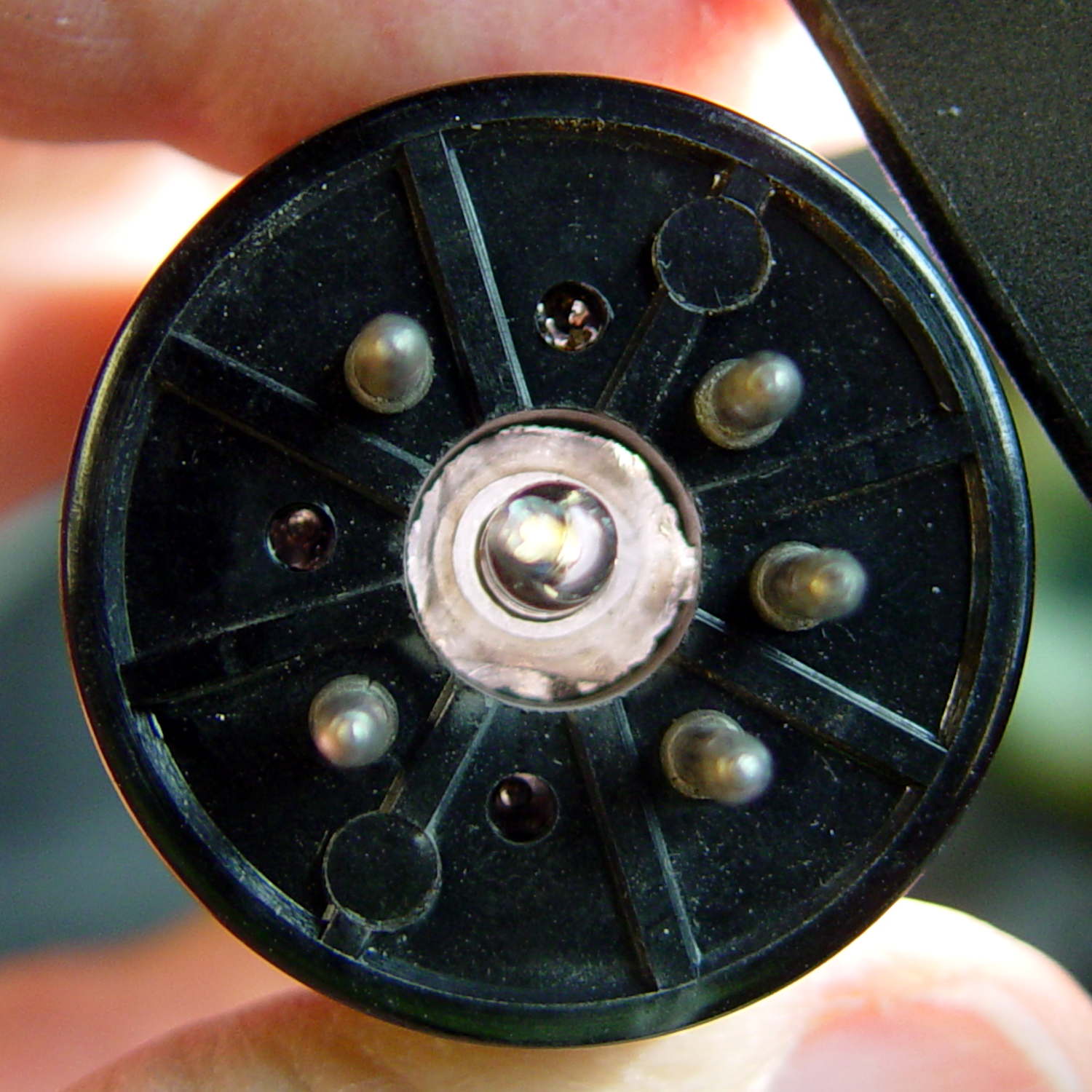
The evacuation tip nearly touched the inside end of the base spigot!
I had to cut the shaft and half the body off the shell drill in order to fit it into the space above the tube base and below the chuck:
5U4GB – base shell drilling
A slightly larger shell drill would still fit within the pin circle, but the maximum possible hole diameter in the base really isn’t all that much larger:
5U4GB – base opening
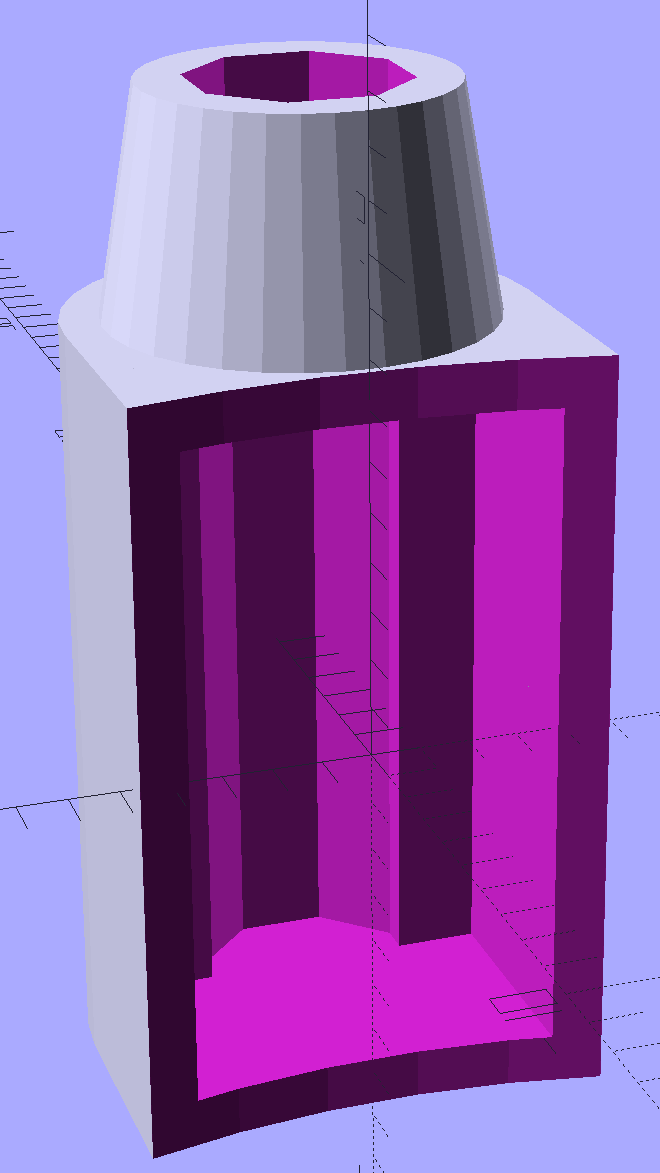
The getter flash covers the entire top of this tube, so I conjured a side light for a rectangular knockoff Neopixel:
Vacuum Tube Lights – side light – solid model
There’s no orientation that doesn’t require support:
Vacuum Tube Lights – side light support – Slic3r preview
A little prying with a small screwdriver and some pulling with a needlenose pliers extracted those blobs. All the visible surfaces remained undamaged and I cleaned up the curved side with a big rat-tail file.
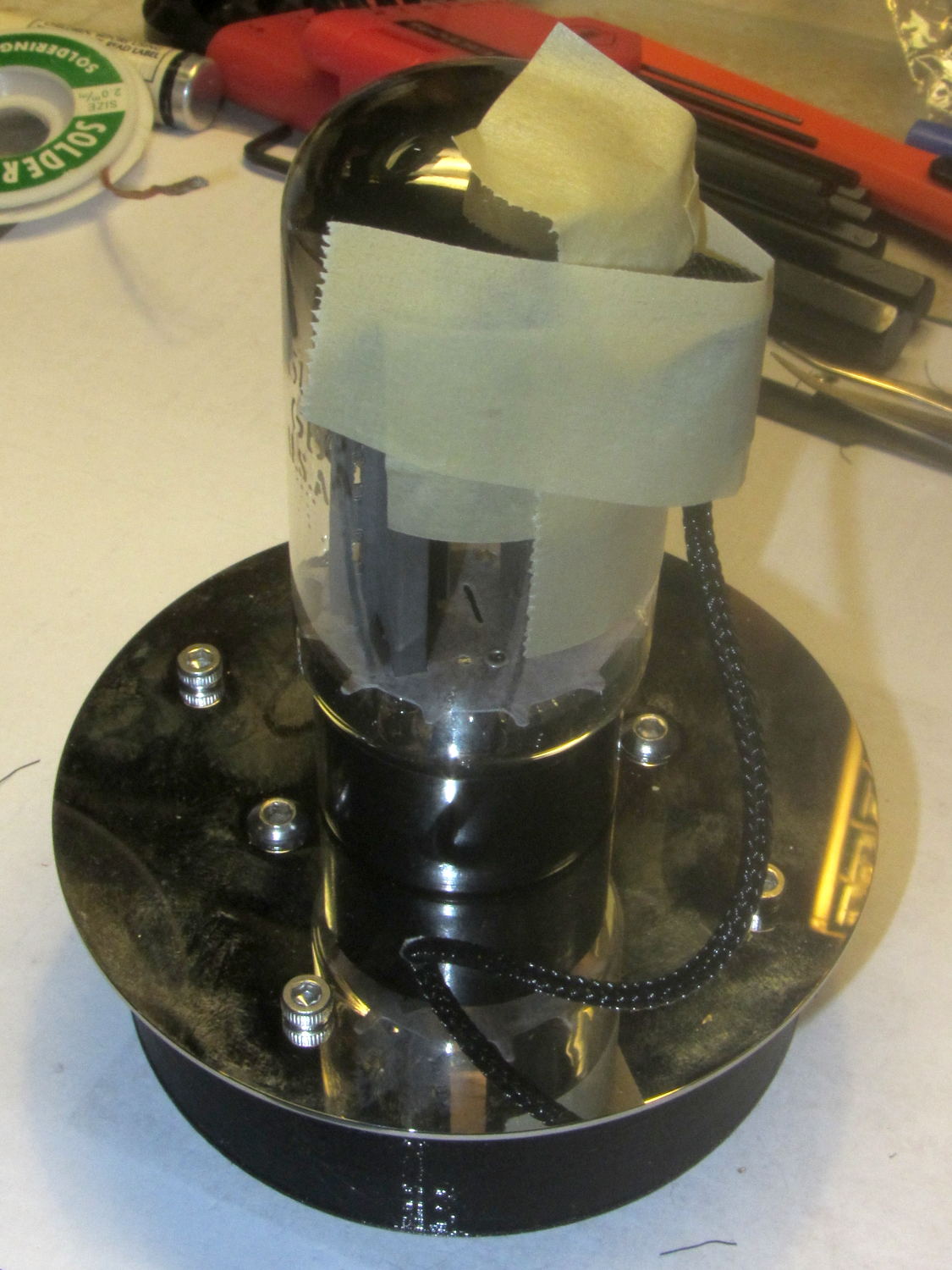
I wired the Arduino and Neopixels, masked a spot on the side of the tube (to improve both alignment and provide protection from slobbered epoxy), applied epoxy, and taped it in place until it cured:
5U4GB – sidelight epoxy curing
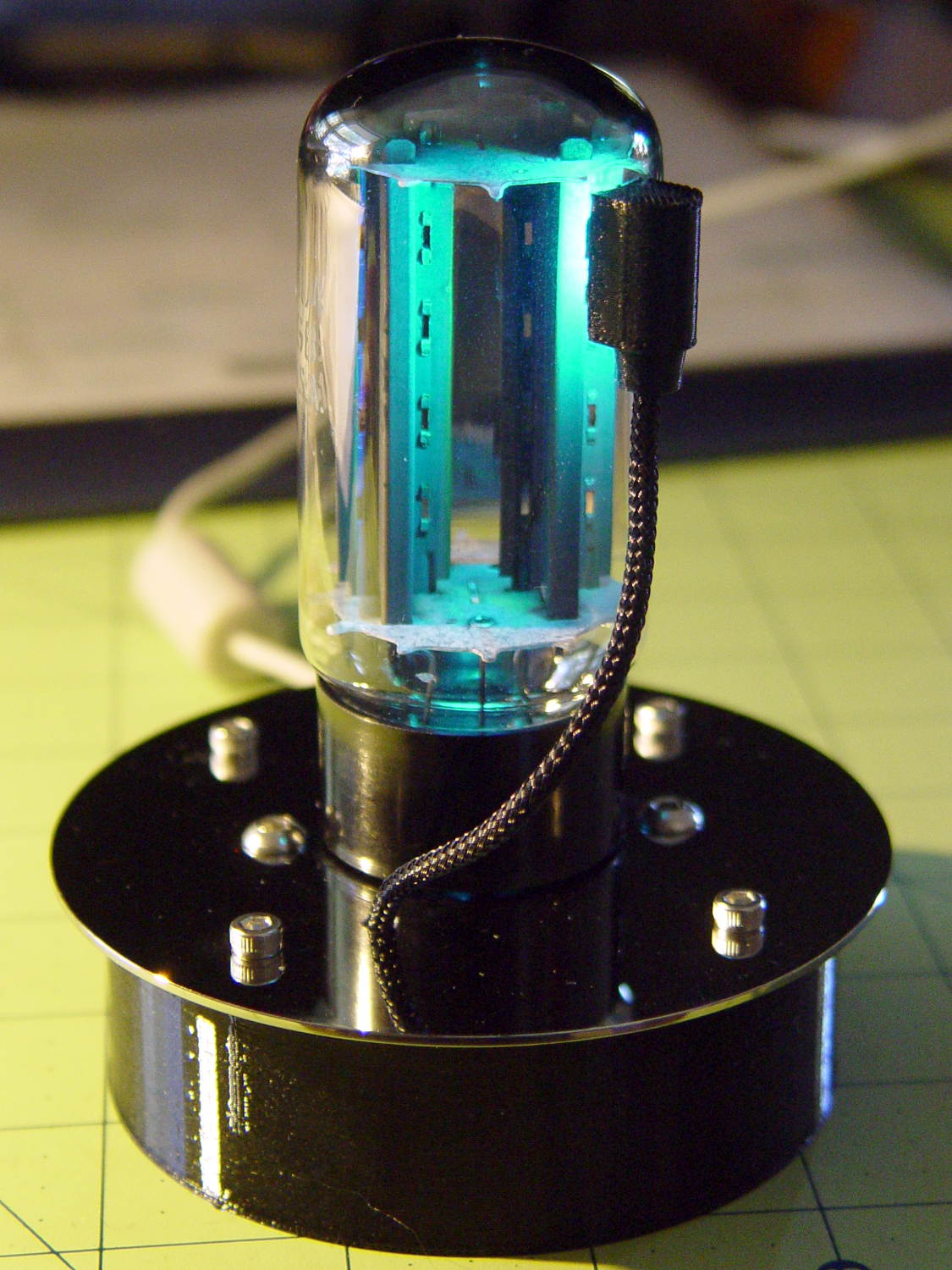
The end result looks great:
5U4GB Full-wave vacuum rectifier – side and base illumination
It currently sends Morse code through the base LED, but it’s much too stately for that.
It seems everybody must disassemble an American Standard kitchen faucet to replace the spout seal O-rings, as my description of How It’s Done has remained in the top five most popular posts since I wrote it up in 2009.
About two years ago, I replaced the valve cartridge with a (presumably) Genuine Replacement; unlike the O-rings, the original valve lasted for nigh onto a decade. A few weeks ago, the replacement valve began squeaking and dribbling: nothing lasts any more. Another (presumably) Genuine Replacement, this time from Amazon, seems visually identical to the previous one and we’ll see how long it lasts.
I always wondered what was inside those faucets and, after breaking off the latching tabs in the big housing to the upper right, now I know:
American Standard Faucet – disassembled
You get a bunch of stuff for twelve bucks! The stainless steel valve actuator is off to the right, still grabbed in the bench vise.
The valve action comes from those two intricate ceramic blocks with a watertight sliding fit:
American Standard Faucet – ceramic valve parts
In fact, you (well, I) can wring the slabs together, just like a pair of gauge blocks. That kind of ultra-smooth surface must be useful for some other purpose, even though I can’t imagine what it might be…
Both of us began sniffling and sneezing in early October, long after the outdoor flowers faded away, and finally remembered to check the Mother In Law’s Tongue:
Mother In Law Plant – flowering
It’s that time of the year again: we’re both wildly allergic to a houseplant with weird flowers. Even after cutting the stalk off and deporting it outdoors, we’re still sniffly.
The blossoms produce so much nectar that the droplets near the base of each flower eventually fall off, making a mess on the floor if the stalk tilts over far enough.
We kept it when we helped Mom move out of the Ancestral House, long ago, and it’s still going strong.
A friend asked why Norwegians point their satellite dishes at the ground. After maneuvering Google Streetview around Vadsø for a while, I found a dish in profile:
TV satellite dish – Vadso Norway
Turns out geostationary orbit is way low, as seen from the top of the world. A bit of doodling shows it’s only 11° above the horizon at 70° N:
TV Satellite Dish – Horizon Angle at 70° N
TV satellite antennas have an offset-fed reflector, with the receiver in the lump at the end of the spine sticking out from the bottom of the dish, so as to not obstruct the signal entering the dish. Even though the plane of the reflector points downward, the signal reflected to the receiver comes in from above.
My Raspberry Pi-based streaming radio player generally worked fine, except sometimes the keypad / volume control knob would stop responding after switching streams. This being an erratic thing, the error had to be a timing problem in otherwise correct code and, after spending Quality Time with the Python subprocess and select doc, I decided I was abusing mplayer’s stdin and stdout pipes.
This iteration registers mplayer’s stdout pipe as Yet Another select.poll() Polling Object, so that the main loop can respond whenever a complete line arrives. Starting mplayer in quiet mode reduces the tonnage of stdout text, at the cost of losing the streaming status that I really couldn’t do anything with, and eliminates the occasional stalls when mplayer (apparently) dies in the middle of a line.
The code kills and restarts mplayer whenever it detects an EOF or stream cutoff. That works most of the time, but a persistent server or network failure can still send the code into a sulk. Manually selecting a different stream (after we eventually notice the silence) generally sets things right, mainly by whacking mplayer upside the head; it’s good enough.
It seems I inadvertently invented streaming ad suppression by muting (most of) the tracks that produced weird audio effects. Given that the “radio stations” still get paid for sending ads to me, I’m not actually cheating anybody out of their revenue: I’ve just automated our trips to the volume control knob. The audio goes silent for a few seconds (or, sheesh, a few minutes) , blatting a second or two of ad noise around the gap to remind us of what we’re missing; given the prevalence of National Forest Service PSAs, the audio ad market must be a horrific wasteland.
This file contains hidden or bidirectional Unicode text that may be interpreted or compiled differently than what appears below. To review, open the file in an editor that reveals hidden Unicode characters.
Learn more about bidirectional Unicode characters
The original SuperFormula equation produces points in polar coordinates, which the Chiplotle library converts to the rectilinear format more useful with Cartesian plotters. I’ve been feeding the equation with 10001 angular values (10 passes around the paper, with 1000 points per pass, plus one more point to close the pattern), which means the angle changes by 3600°/10000 = 0.36° per point. Depending on the formula’s randomly chosen parameters, each successive point can move the plotter pen by almost nothing to several inches.
On the “almost nothing” end of the scale, the plotter slows to a crawl while the serial interface struggles to feed the commands. Given that you can’t see the result, why send the commands?
Computing point-to-point distances goes more easily in rectilinear coordinates, so I un-tweaked my polar-modified superformula function to return the points in rectangular coordinates. I’d originally thought a progressive scaling factor would be interesting, but it never happened.
The coordinate pruning occurs in the supershape function, which now contains a loop to scan through the incoming list of points from the superformula function and add a point to the output path only when it differs by enough from the most recently output point:
The first and last points always go into the output list; the latter might be duplicated, but that doesn’t matter.
Note that you can’t prune the list by comparing successive points, because then you’d jump directly from the start of a series of small motions to their end. The idea is to step through the small motions in larger units that, with a bit of luck, won’t be too ugly.
The width and height values scale the XY coordinates to fill either A or B paper sheets, with units of “Plotter Units” = 40.2 PU/mm = 1021 PU/inch. You can scale those in various ways to fit various output sizes within the sheets, but I use the defaults that fill the entire sheets with a reasonable margin. As a result, the magic number 60 specifies 60 Plotter Units; obviously, it should have a suitable name.
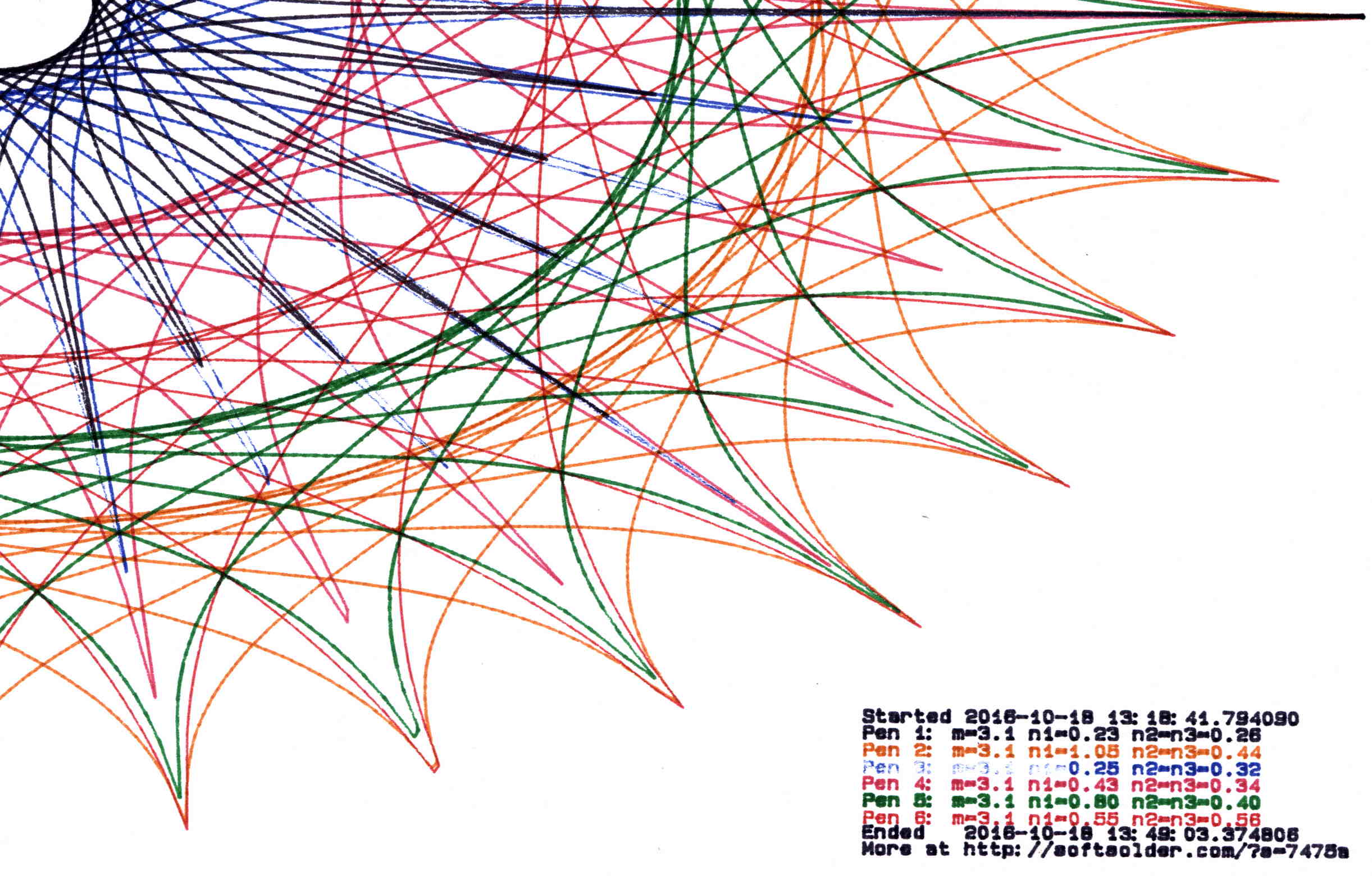
Pruning to 40 PU = 1.0 mm (clicky for more dots, festooned with over-compressed JPEG artifacts):
Plot pruned to 40 PU
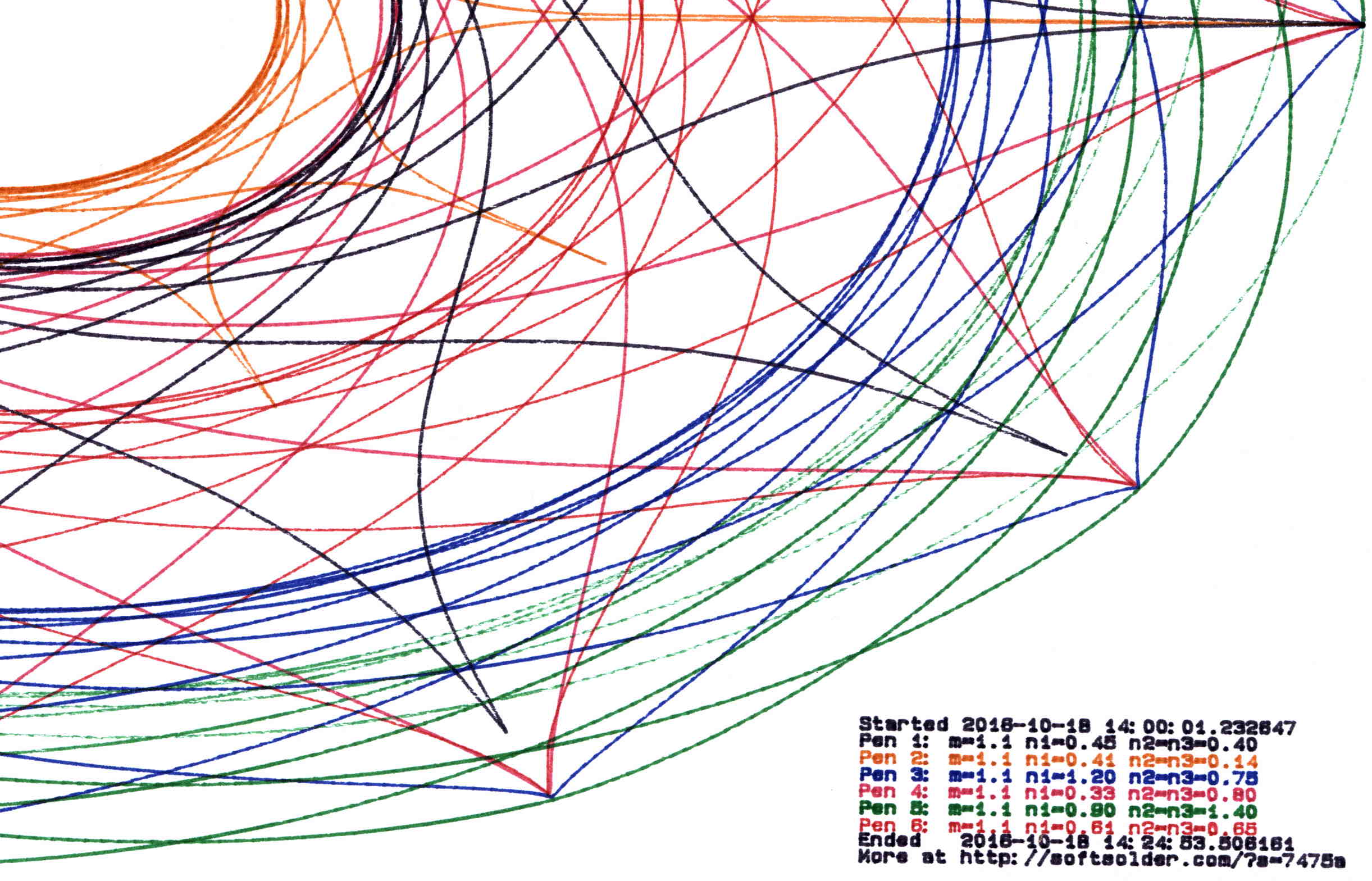
Pruning to 60 PU = 1.5 mm:
Plot pruned to 60 PU
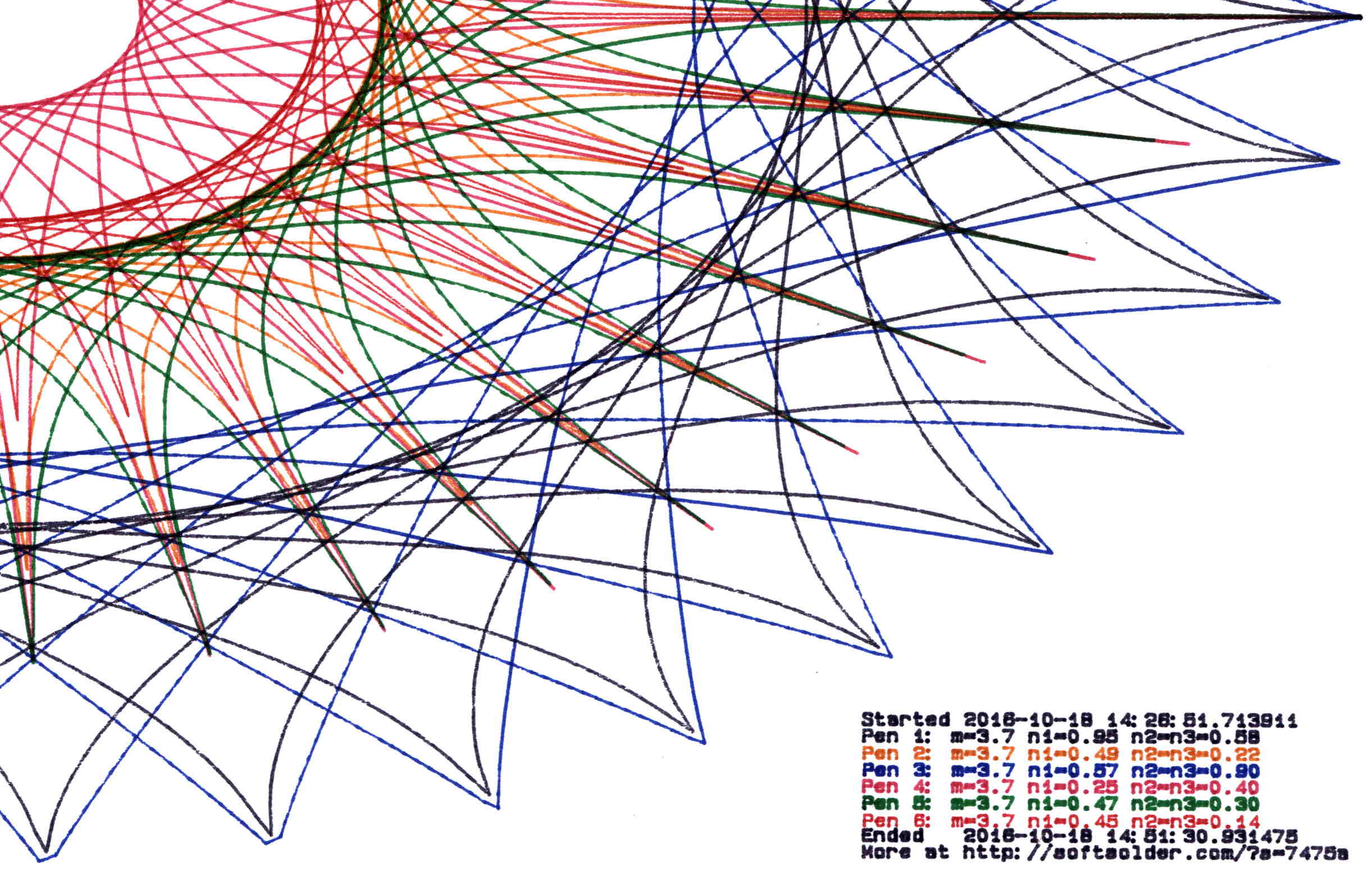
Pruning to 80 PU = 2.0 mm:
Plot pruned to 80 PU
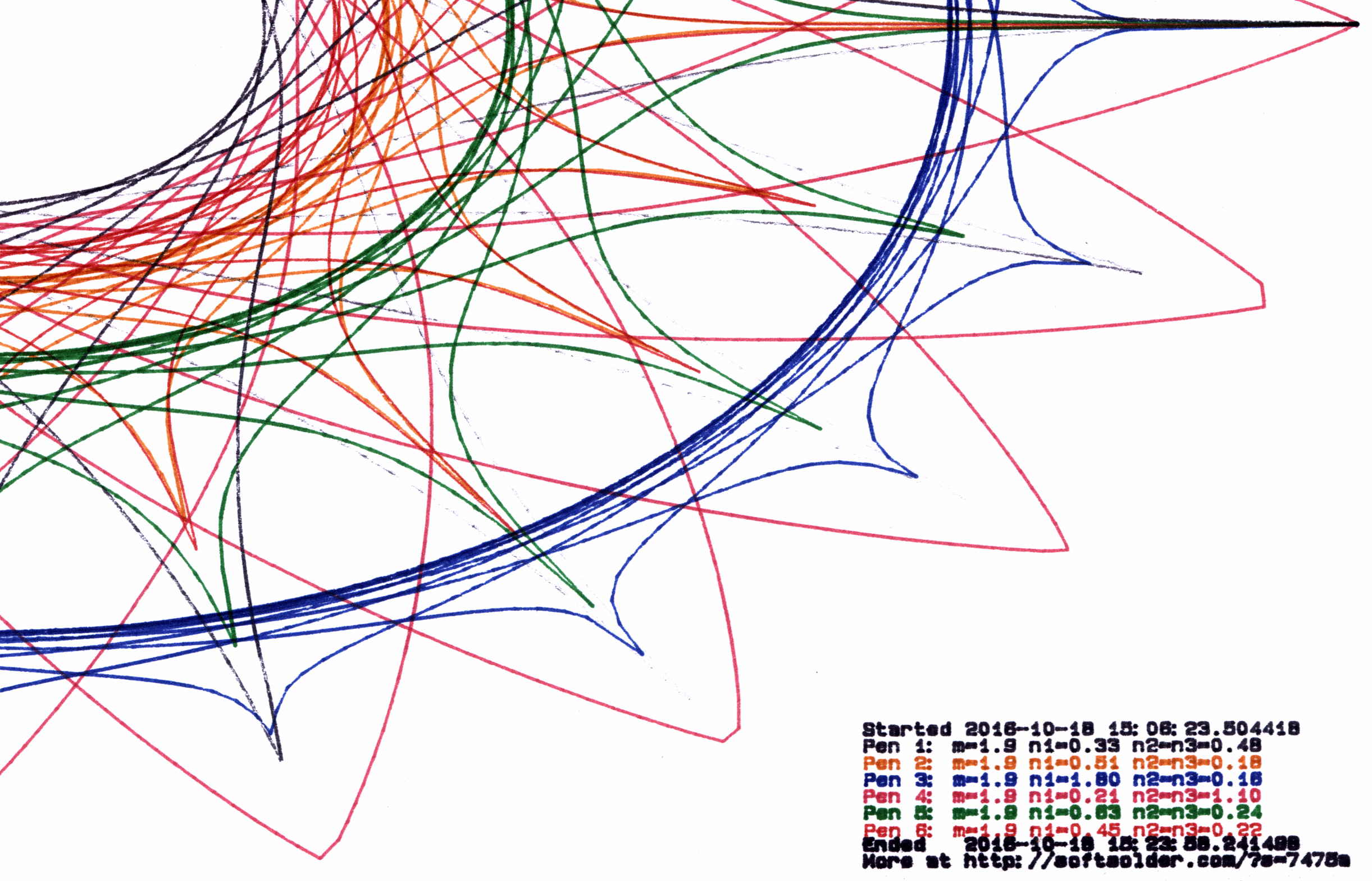
Pruning to 120 PU = 3.0 mm:
Plot pruned to 120 PU
All four of those plots have the same pens in the same order, although I refilled a few of them in flight.
By and large, up through 80 PU there’s not much visual difference, although you can definitely see the 3 mm increments at 120 PU. However, the plotting time drops from just under an hour for each un-pruned plot to maybe 15 minutes with 120 PU pruning, with 60 PU producing very good results at half an hour.
Comparing the length of the input point lists to the pruned output path lists, including some pruning values not shown above:
Eyeballometrically, 60 PU pruning halves the number of plotted points, so the average data rate jumps from 9600 b/s to 19.2 kb/s. Zowie!
Most of the pruning occurs near the middle of the patterns, where the pen slows to a crawl. Out near the spiky rim, where the points are few & far between, there’s no pruning at all. Obviously, quantizing a generic plot to 1.5 mm would produce terrible results; in this situation, the SuperFormula produces smooth curves (apart from those spikes) that look just fine.
This file contains hidden or bidirectional Unicode text that may be interpreted or compiled differently than what appears below. To review, open the file in an editor that reveals hidden Unicode characters.
Learn more about bidirectional Unicode characters








 The Smell of Molten Projects in the Morning