Ed Nisley's Blog: Shop notes, electronics, firmware, machinery, 3D printing, laser cuttery, and curiosities. Contents: 100% human thinking, 0% AI slop.
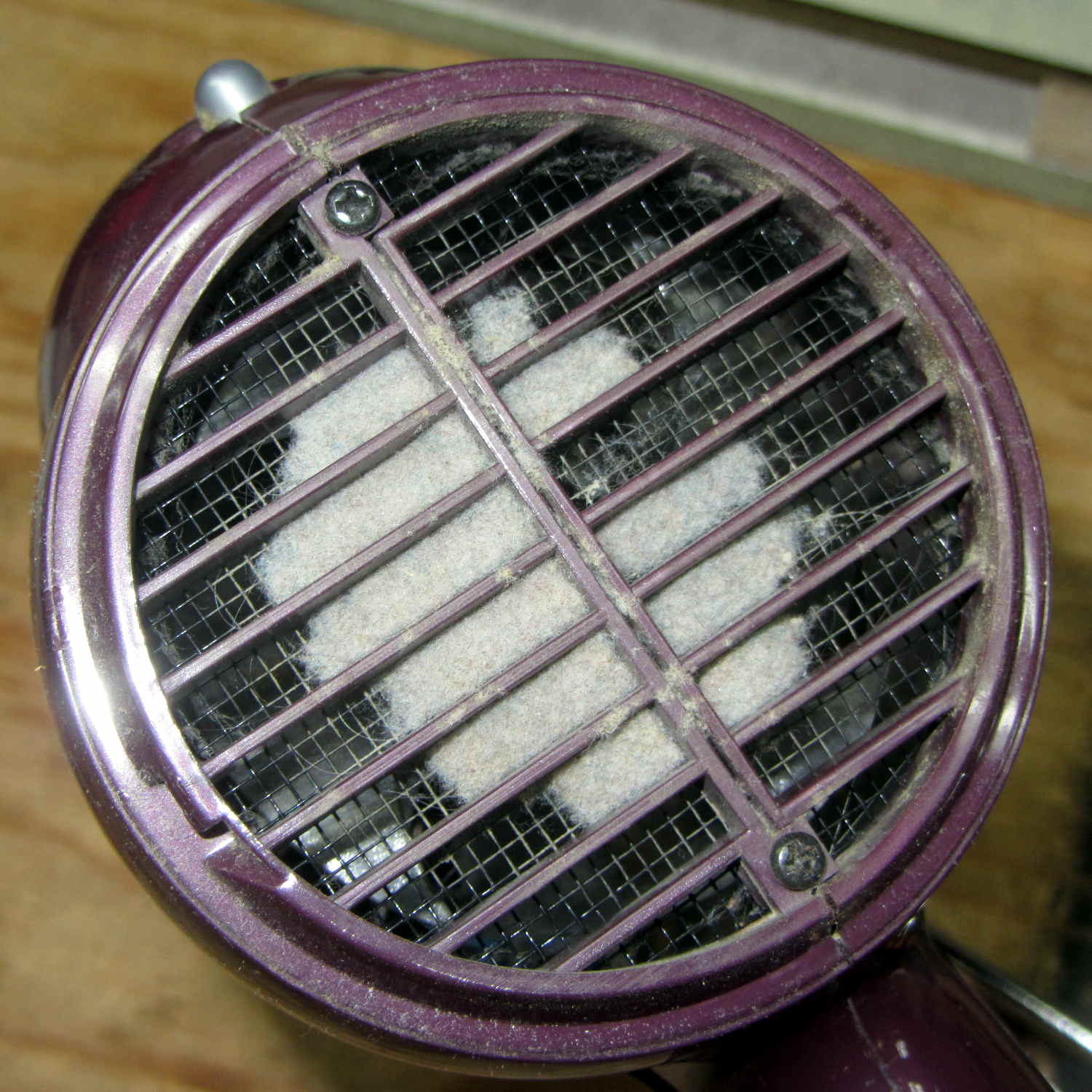
Mary reported that her hair dryer didn’t have nearly as much oomph as in the Good Old Days. After a struggle to remove the rear cover (with no affordance to turn in the direction required to release the hidden latches), this appeared:
Hair dryer inlet fuzz
One snort from the shop vacuum returned it to the Good Old Days.
For reasons not relevant here, I had a PDF made from scanned page images with far too much whitespace around the Good Stuff. As with all scanned pages, the margins contain random artifacts that inhibit automagic cropping, so manual intervention was required.
Extract the images as sequentially numbered JPG files:
pdfimages -j mumble.pdf mumble
Experimentally determine how much whitespace to remove, then:
for f in mumble-0??.jpg ; do convert -verbose $f -shave 225x150 ${f%%.*}a.jpg ; done
You could use mogrify to shave the images in-place. However, not modifying the files simplifies the iteration process by always starting with the original images.
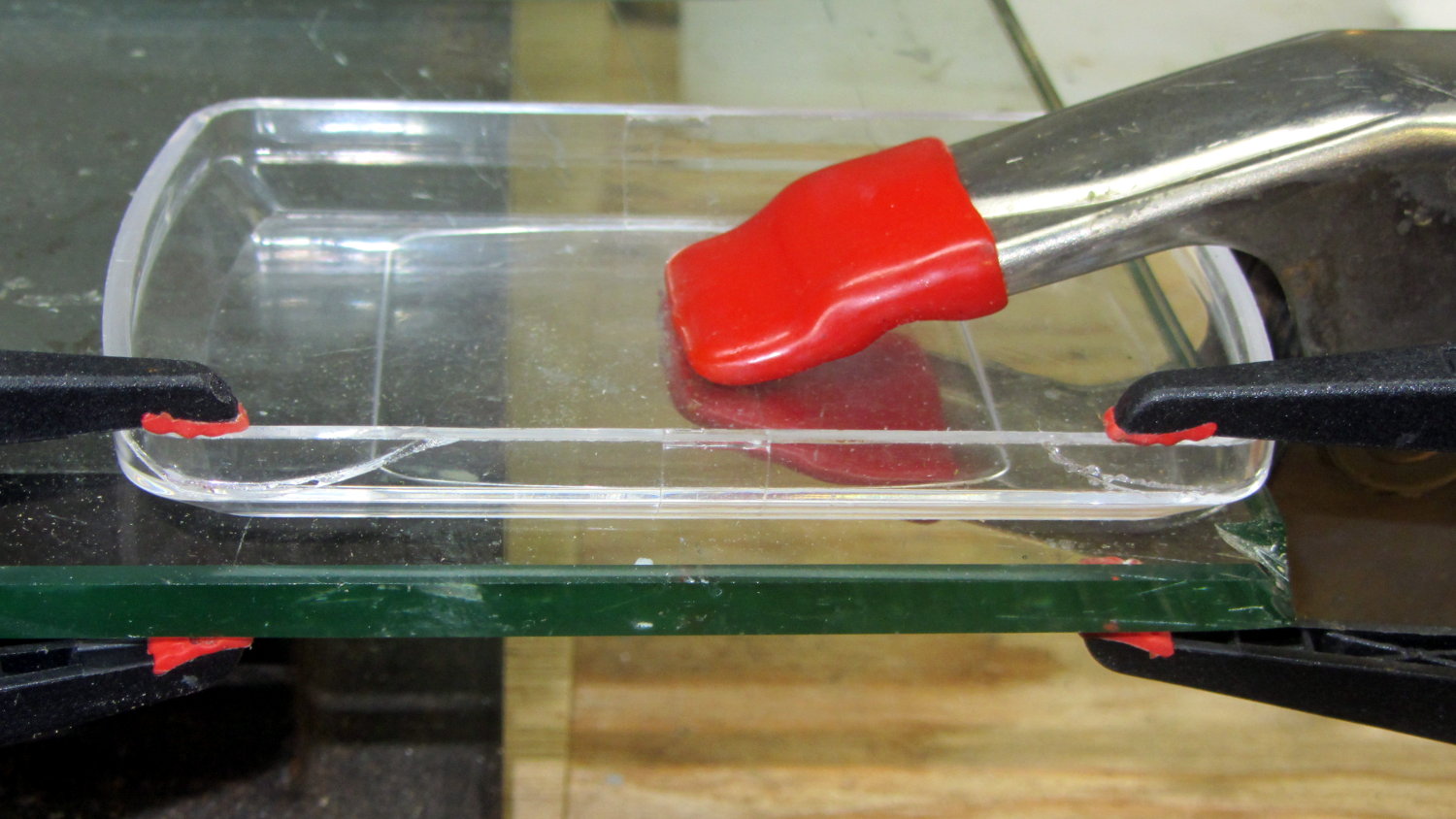
You can only drop a small kitchen scale so many times before the plastic cover / weighing tray breaks:
Magnum scale cover – glued and clamped
The trick was to anchor the cover to the glass plate with the big clamp so that the smaller clamps could exert force straight down on the edge, without flipping the lid due to the bevel. With that all set up: apply IPS #4 to the broken edges, insert pieces, apply clamps, wait overnight.
For the record, my morning mug o’ green tea starts with 4 (-0.0 +0.4) g of leaves…
Then you can insert Unicode characters without memorizing their hex values. Of course, you must memorize the Compose key sequences. Fortunately, they’re more-or-less mnemonic for the ones I occasionally use, which are hereby cherrypicked from that list.
Press-and-release the Compose key (right-Win), then type the characters as shown to get the symbol in quotes:
Producing Greek letters requires a “dead_greek” key, so it’s easier to start with bare hex Unicode values at U0391 (Α) and U03b1 (α) and work upward until you find what you need:
U03A3 Σ uppercase sigma
U03a9 Ω uppercase omega
U03C3 σ lowercase sigma
U03c9 ω lowercase omega
U03c4 τ lowercase tau
U03c0 π lowercase pi
U0394 Δ uppercase delta
U03F4 ϴ uppercase theta
U03B8 θ lowercase theta
U03D5 ϕ phi math symbol
U03A6 Φ uppercase phi
U03C6 φ lowercase phi
Odds and ends:
U00a0 | | non-breaking space
U2007 | | figure space (invisible digit space)
U202F | | narrow space
U2011 ‑ non-breaking hyphen
U2030 ′ prime (not quote)
U2033 ″ double-prime (not double-quote)
U2018 ‘ left single quote
U2019 ’ right single quote
U201C “ left double quote
U201D ” right double quote
U2245 ≅ approximately equal
U2264 ≤ less-than or equal
U2265 ≥ greater-than or equal
U221A √ square root
U221B ∛ cube root
U221C ∜ fourth root (yeah, right)
U221D ∝ proportional to
U2300 ⌀ diameter
U25CA ◊ lozenge
If you set the keyboard layout to US International With Dead Keys, maybe you (definitely not I) could remember all the dead keys.
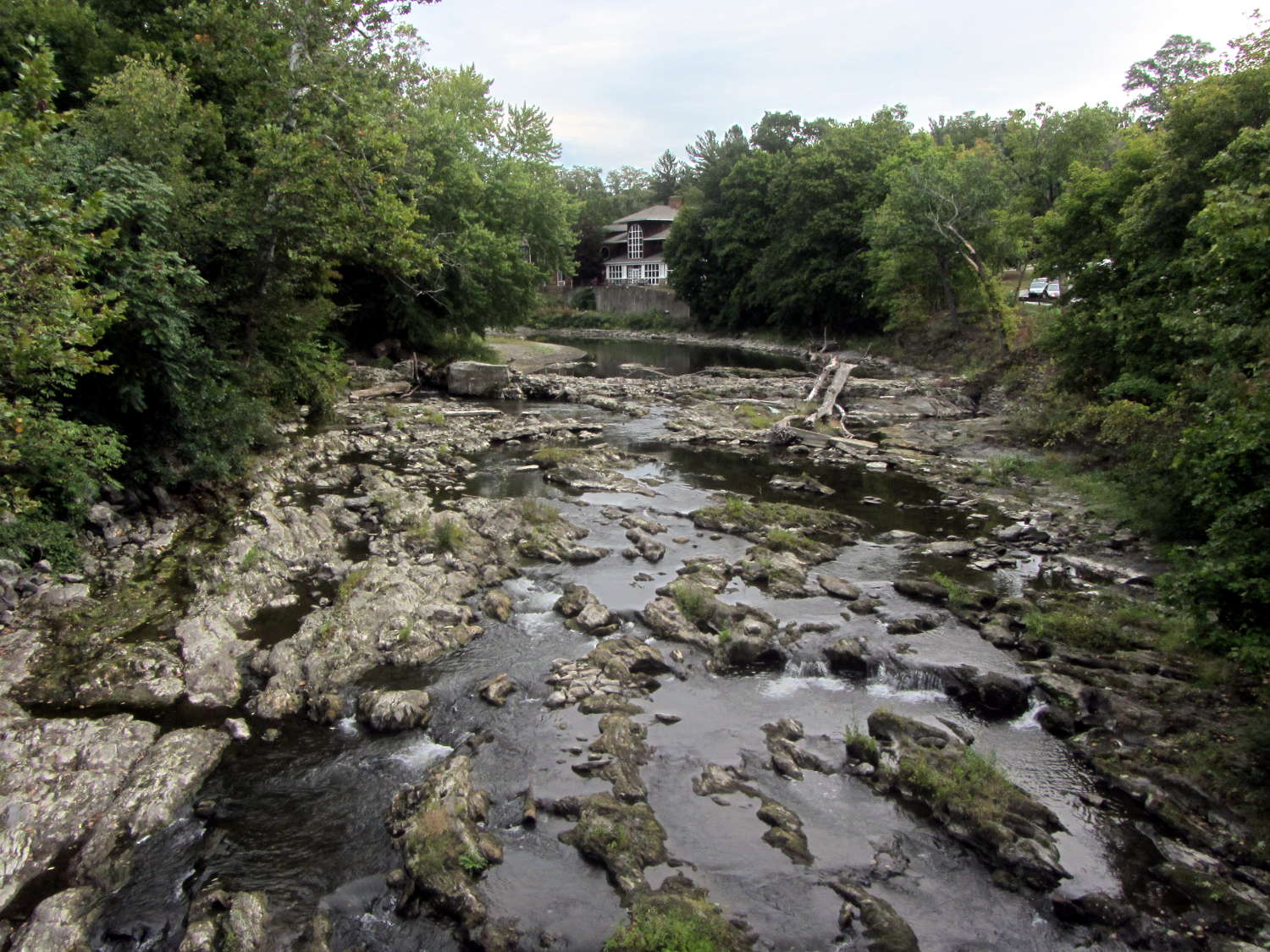
The Mighty Wappinger Creek runs low after months with very little rain and we saw more of the rocky streambed than any time in recent memory:
Wappinger Creek – streambed at Red Oaks Mill – 2016-09-23
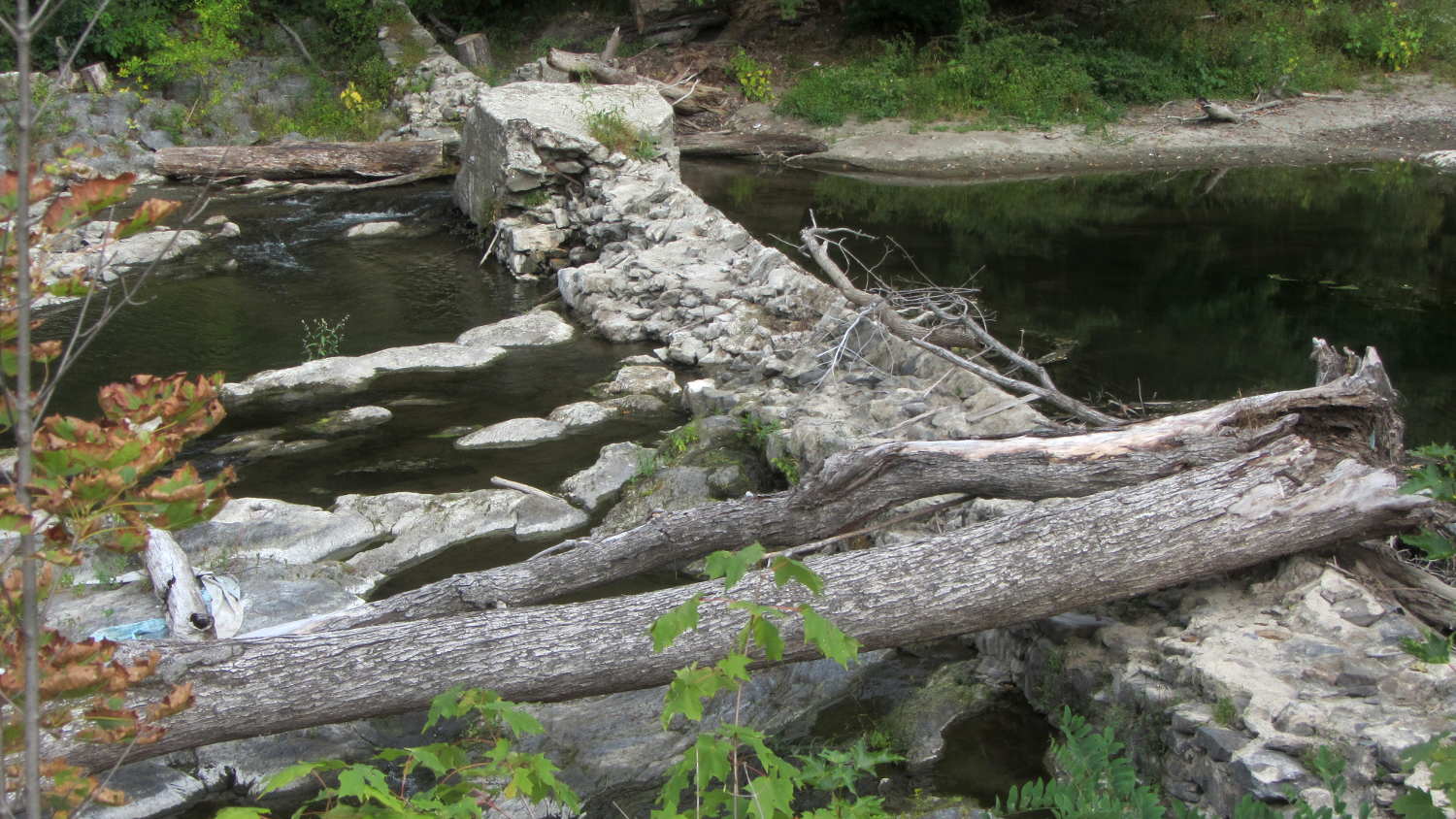
Much of the deteriorated Red Oaks Mill Dam stands high and dry:
Wappinger Creek – Red Oaks Mill Dam – 2016-09-23
Just upstream from the bridge, you can see how water carves potholes into the rock:
This slideshow requires JavaScript.
Back in the day, my parents took us to see the far more impressive Susquehanna River potholes (*) near Harrisburg. They range from finger-size pits up to craters large enough to comfortably hold an adult. I’m sure one of their photo albums, now tucked in our closet, contains similar pictures of those holes.
Searching for red oaks mill dam will turn up previous posts and pictures for comparison.
(*) Exploration of the pages linked there will show how, with sufficient mental effort, one can force-fit a non-erosion-based explanation of eroded potholes to match a pre-conceived timeline and narrative. Your opinion of that narrative and the effort required to fit evidence into it may differ from mine.
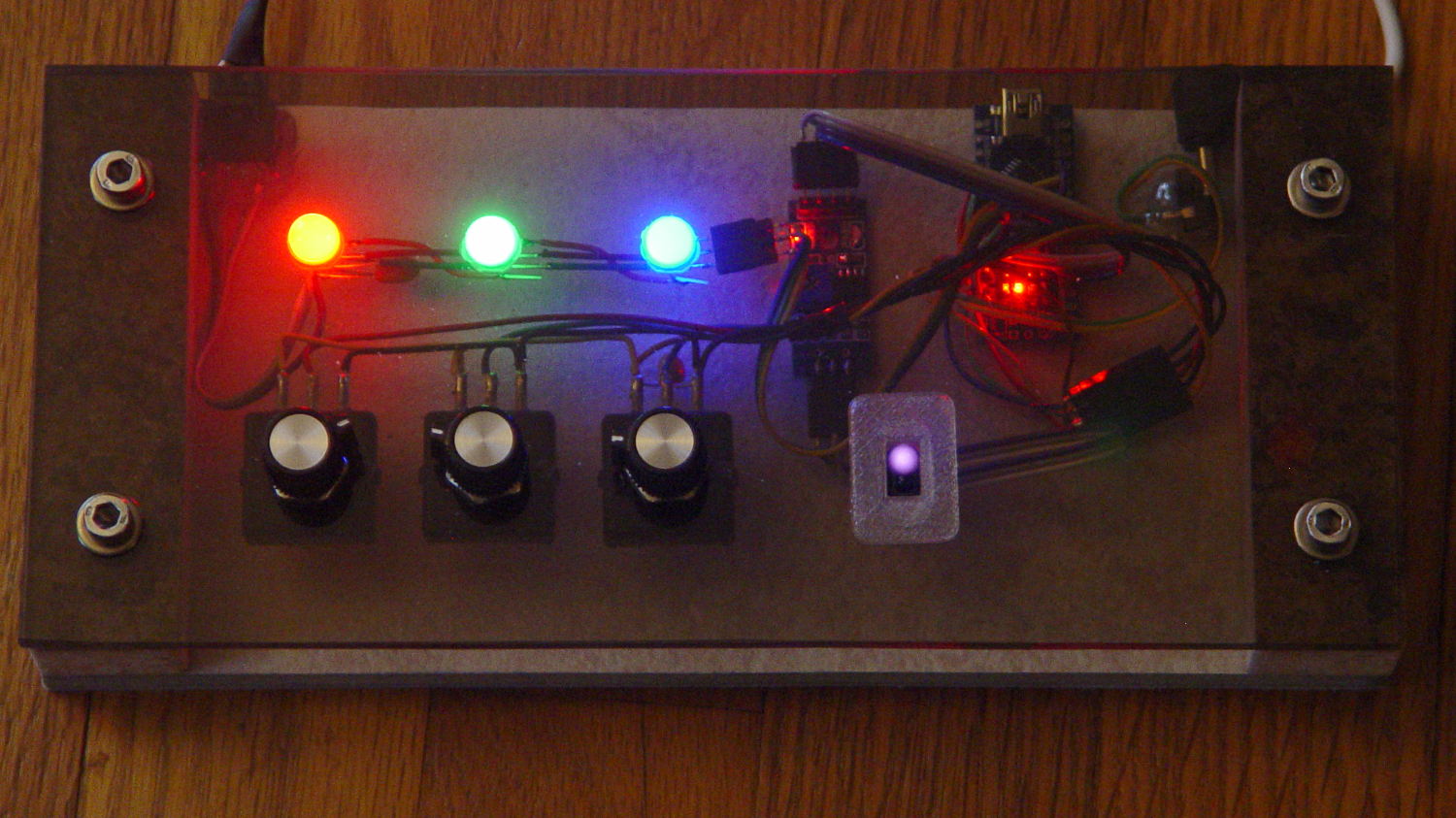
Having a few TCRT5000 proximity sensors lying around, I used one for the Color Mixer so folks could just wave a finger to flip the LED colors, rather than pound relentlessly on the top plate:
Color mixer – controls
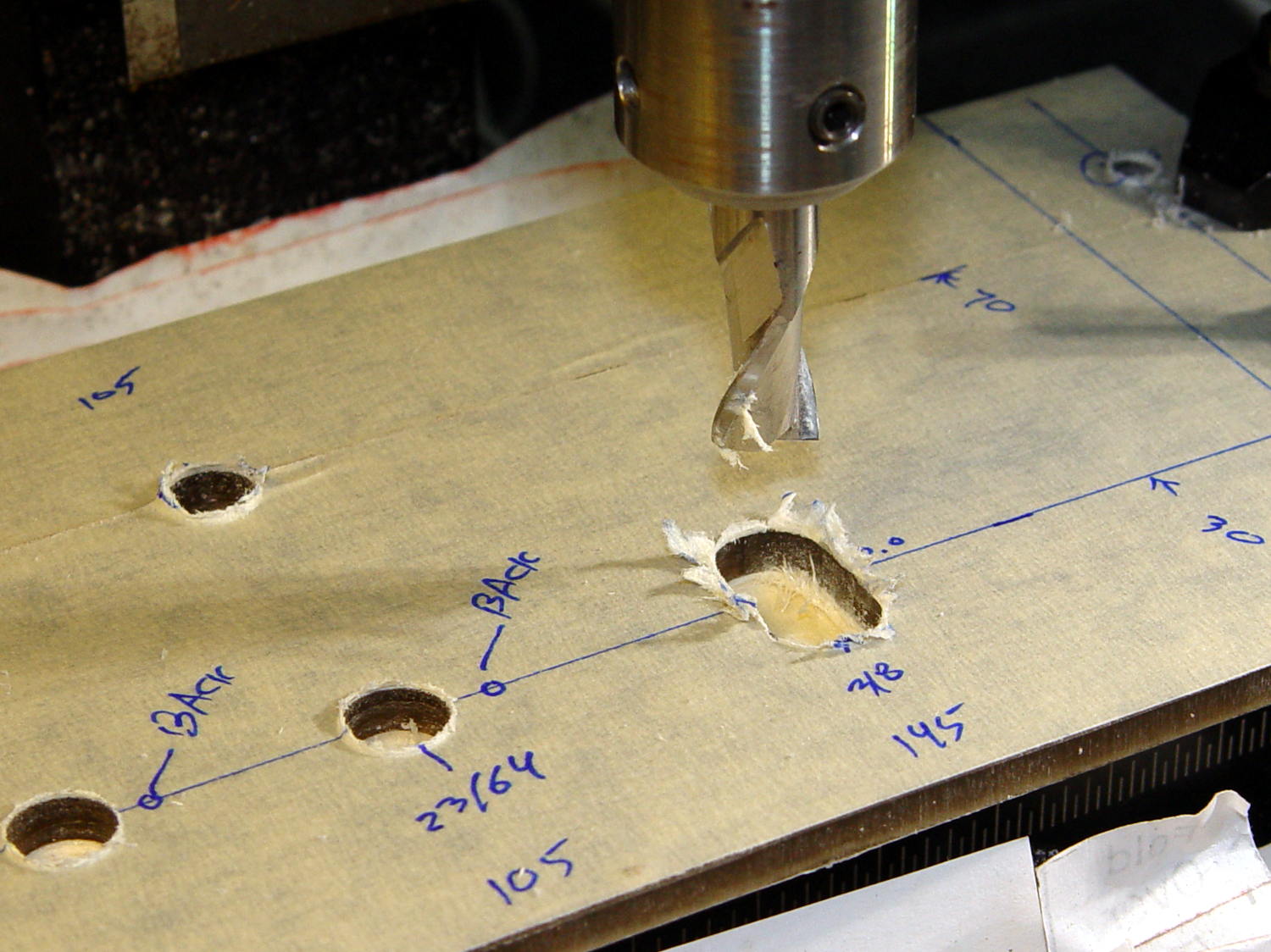
The stem fits into a slot made with a 3/8 inch end mill:
Prox Sensor Bezel – Slic3r preview
You move the cutter by the length of the sensor (10.0 mm will work) to make the slot. In practical terms, drill a hole at the midpoint, insert the cutter, then move ±5.0 mm from the center:
Prox sensor panel cut
A bead of epoxy around the stem on the bottom of the panel should hold it in place forevermore.
The rectangular inner hole came out a tight push fit for the TCRT5000 sensor, so I didn’t bother gluing it in place and, surprisingly, it survived the day unscathed!
This file contains hidden or bidirectional Unicode text that may be interpreted or compiled differently than what appears below. To review, open the file in an editor that reveals hidden Unicode characters.
Learn more about bidirectional Unicode characters
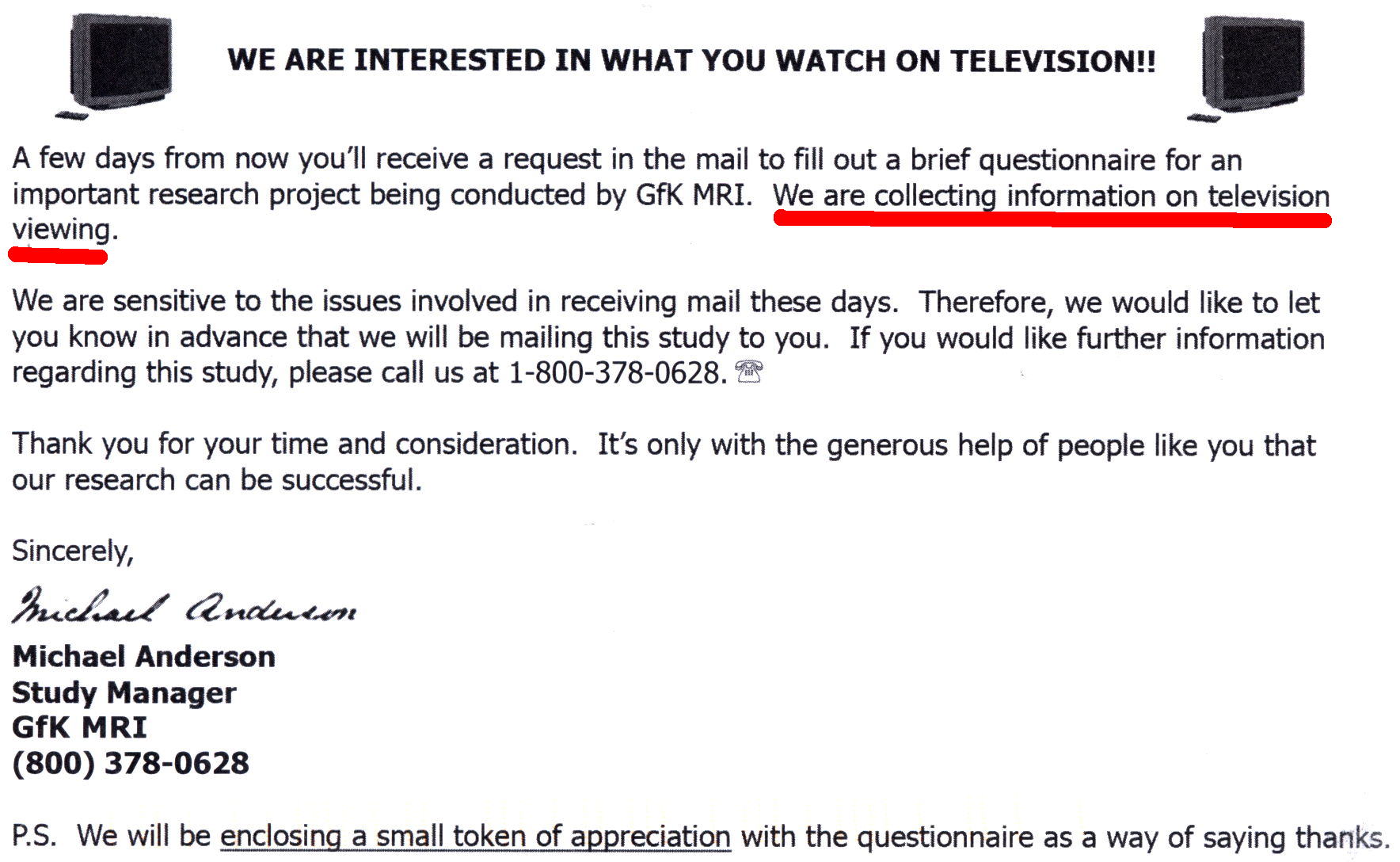
You cannot imagine my excitement when the actual survey arrived, complete with a crisp $5 bill:
GfK MRI Survey
These folks are cheapskates; Nielsen paid better, although I haven’t gotten anything further from them.
It didn’t take long to fill out; my fat Sharpie slashed through the NO columns at a pretty good clip. I did attach a note saying we didn’t have a TV and regarded all TV programs as crap, just in case they didn’t get the message.
Now they know.
FWIW, I did not fill out the form that would enter us in a drawing for one of five $500 prizes, because that would let them associate my name with my response without fattening my wallet. The survey itself probably encodes my identity, even though it didn’t have any obvious bar codes or other ID; they could simply print the questions in a unique order in each survey.



 The Smell of Molten Projects in the Morning