The Smell of Molten Projects in the Morning

Ed Nisley's Blog: Shop notes, electronics, firmware, machinery, 3D printing, laser cuttery, and curiosities. Contents: 100% human thinking, 0% AI slop.

Author: Ed

  • Kenmore 158 Sewing Machine: COB LEDs Redux

    Kenmore 158 Sewing Machine: COB LEDs Redux

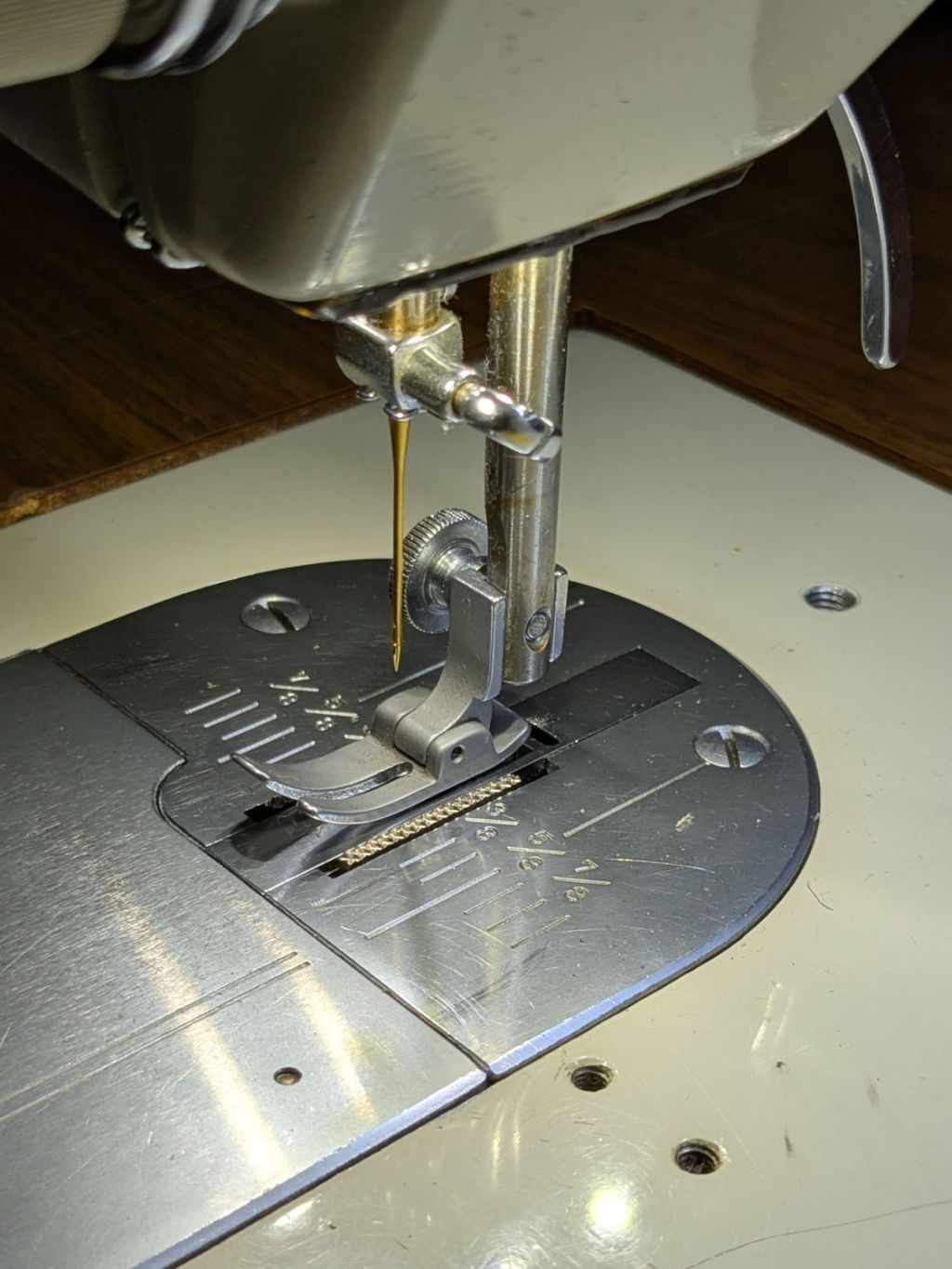
    Having harvested the COB LED lighting from the Kenmore 158 Mary gave to a friend, I took advantage of a sewing pause to install the hardware on the 158 she now uses:
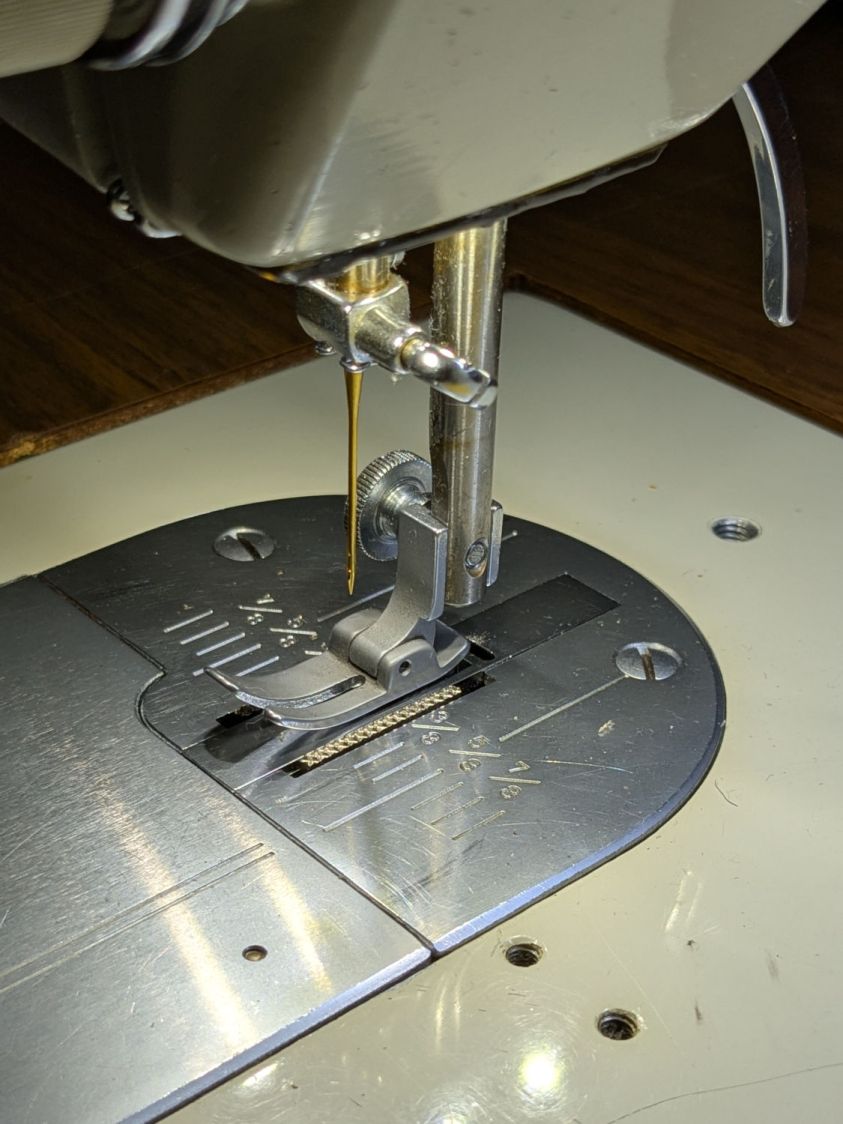
    Kenmore 158 - needle light detail
    Kenmore 158 – needle light detail

    That’s the sandblasted presser foot atop the original glare-y metal plates.

    For the record, this is inside the machine’s power connector:
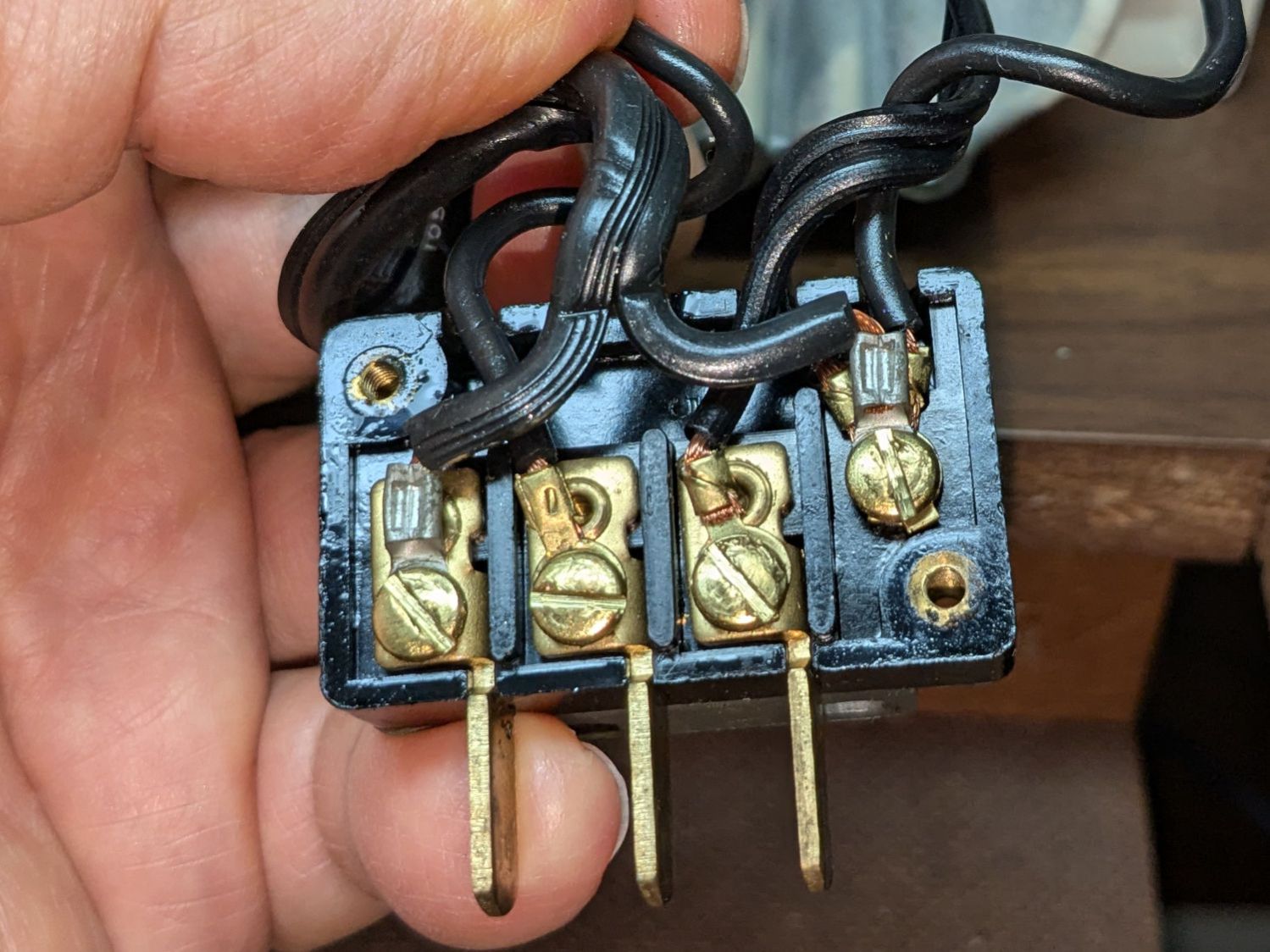
    Kenmore 158 - power connector wiring
    Kenmore 158 – power connector wiring

    Power for the original glowworm incandescent light comes from the two rightmost terminals: 120 VAC switched by the machine’s power button. Those terminals now go to a new, much more flexy, cable for the 12 VDC power supply, with a step-up supply for the needle LEDs.

    An overview of the wire routing:
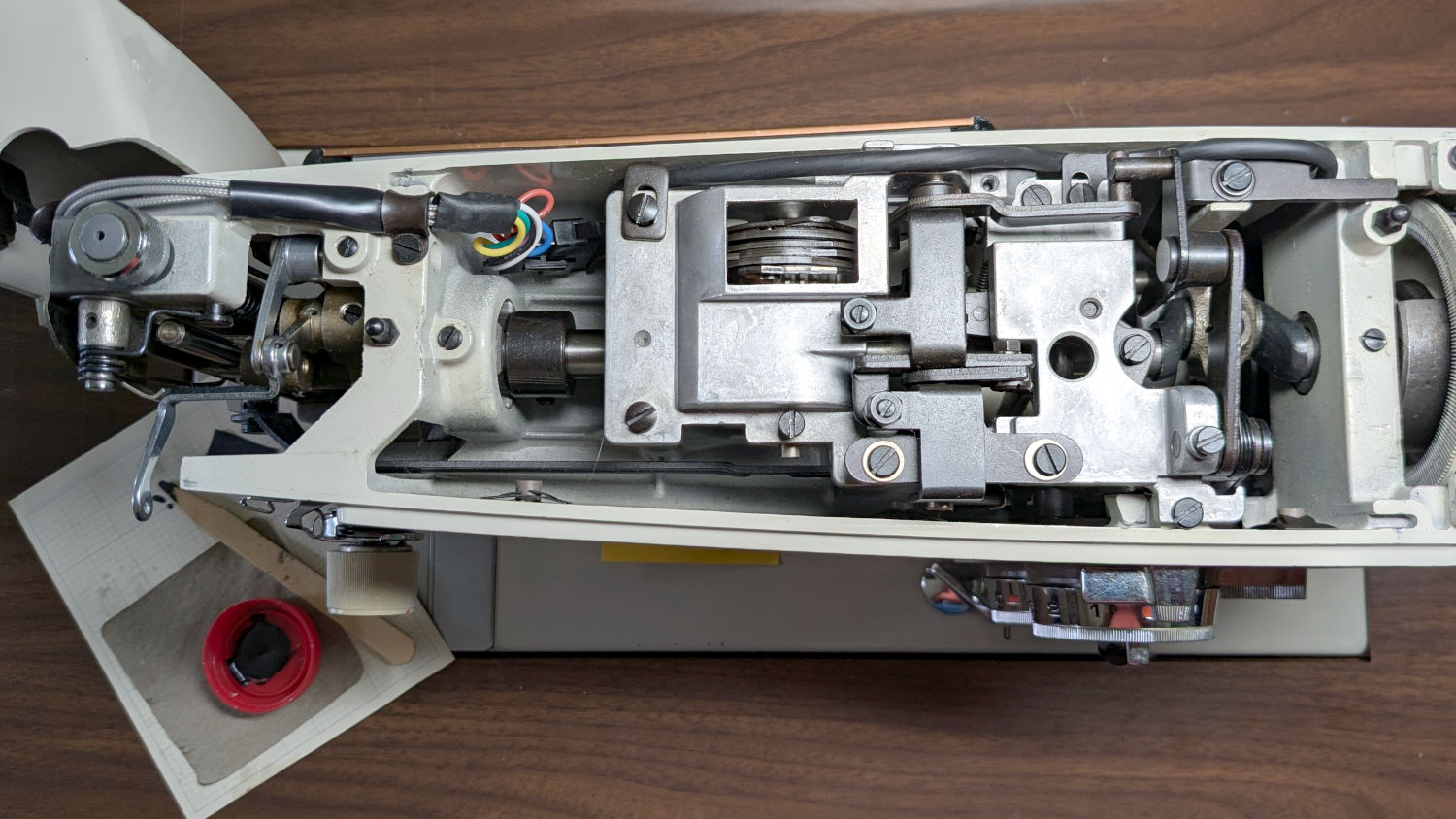
    Kenmore 158 - COB LED wire routing
    Kenmore 158 – COB LED wire routing

    There’s now a 9-pin JST SM connector between the repurposed serial cable and the LEDs, mostly so I can add another light bar to the front in the unlikely event it becomes necessary.

    The rear light bar wire once again burrows into the machine above the presser foot lever:
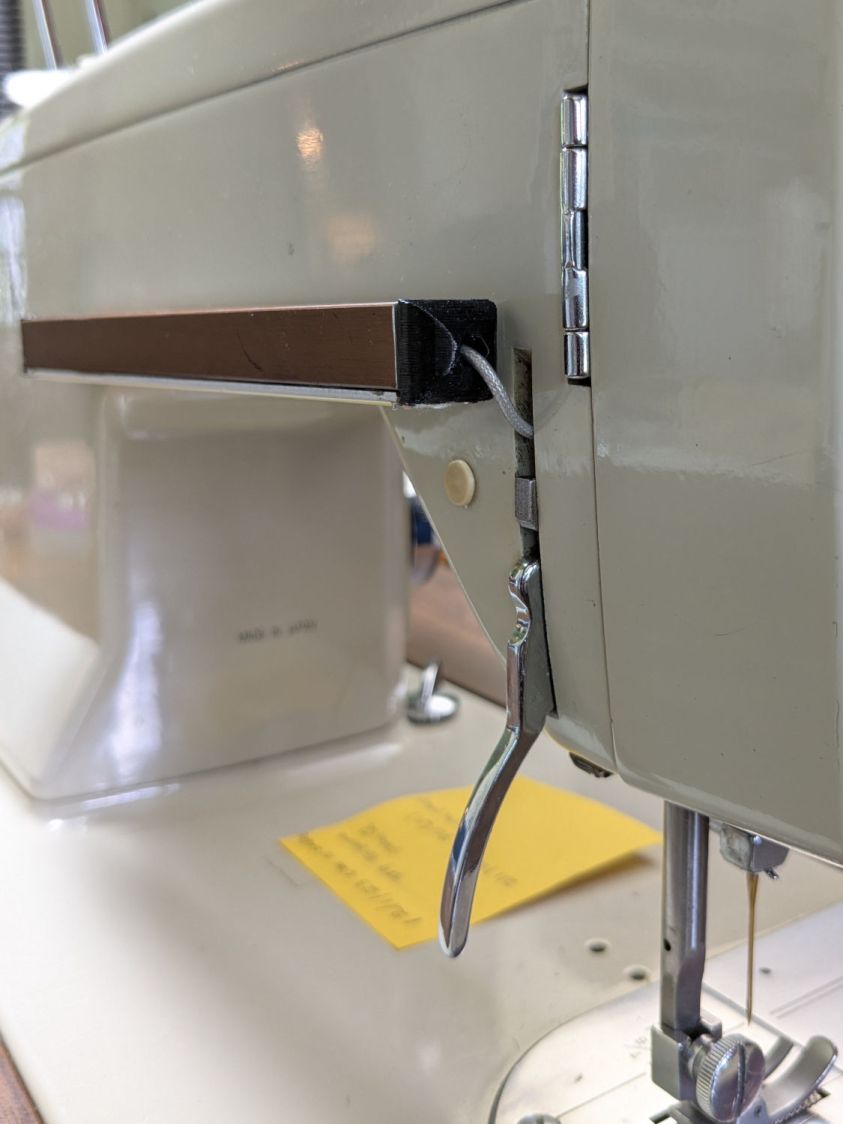
    Kenmore 158 - COB LED bar wire routing
    Kenmore 158 – COB LED bar wire routing

    All the LED wiring fans out through the endcap:
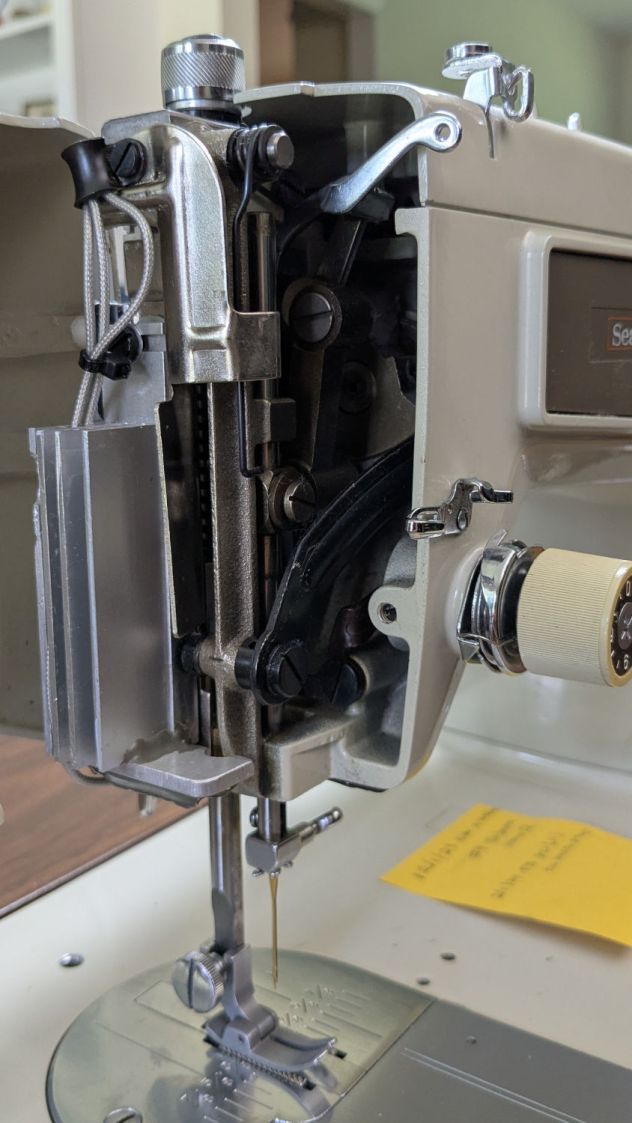
    Kenmore 158 - COB LED needle heatsink
    Kenmore 158 – COB LED needle heatsink

    You can just barely see the edge of the strip of LEDs epoxied to the bottom of the machine nose, on the right of the needle.

    If I were inclined to rebuild the needle LEDs, I’d use flexy silicone wiring instead of the Teflon insulated coax. The black insulation wouldn’t be nearly as pretty, but it’d be *way* easier to cut to length and solder.

    The patient survived the operation and sewing should resume shortly …
  • Be Careful Where You Hide

    Be Careful Where You Hide

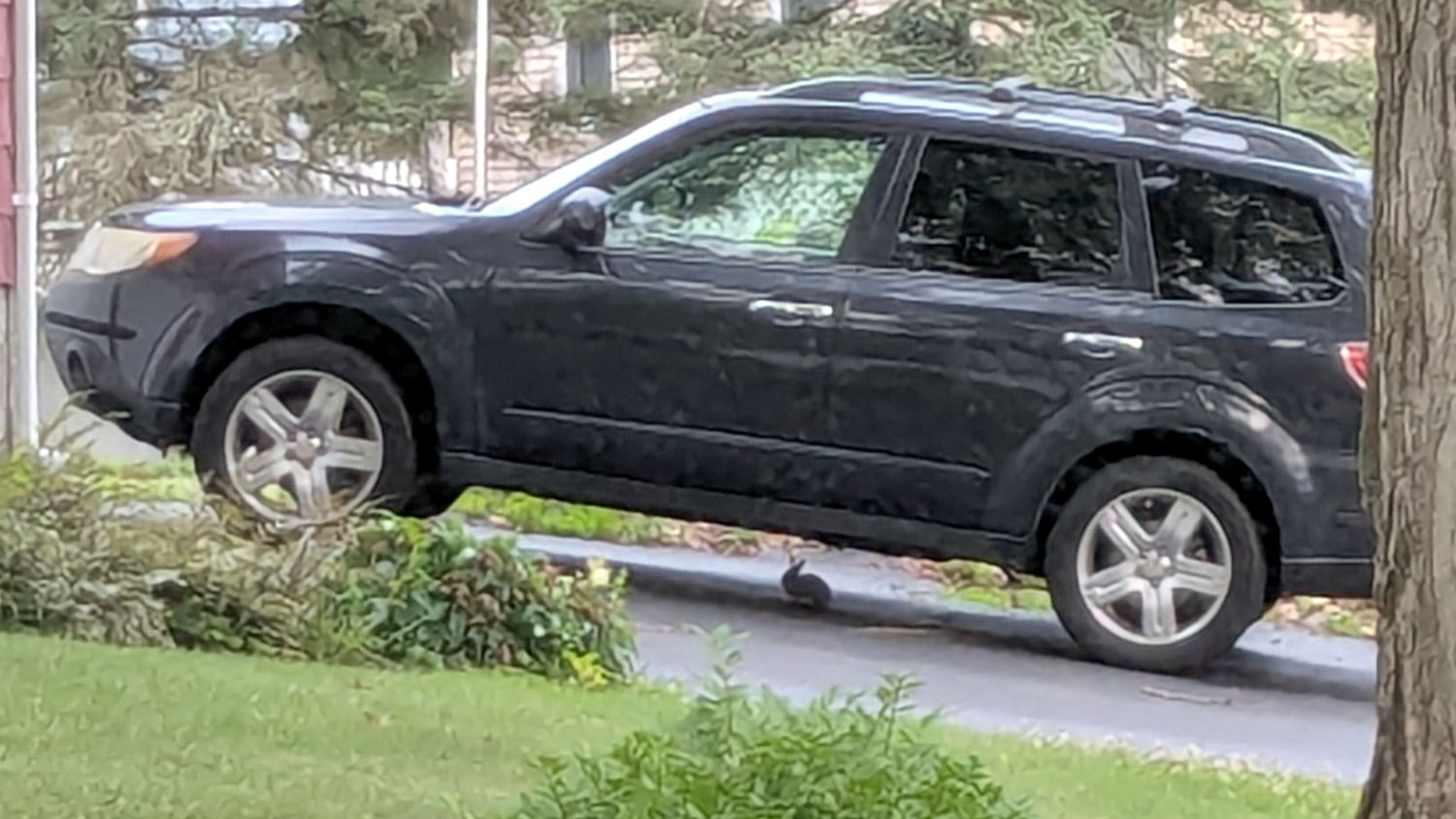
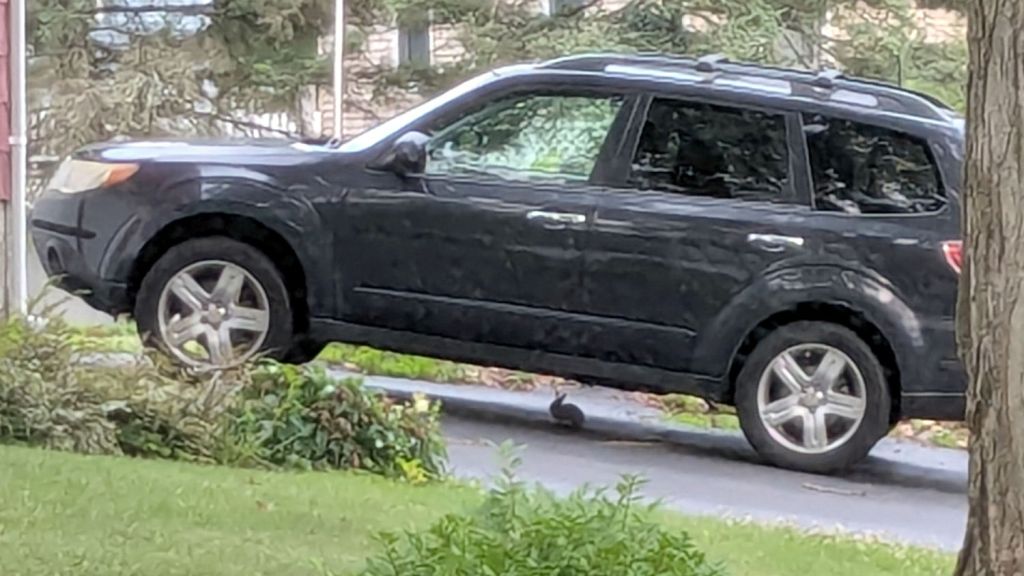
    We’ve seen several new rabbits munching greenery in the back yard, but this little one may be studying auto repair under our neighbor’s car:

    Rabbit - automotive hiding place
    Rabbit – automotive hiding place

    Unlike mice, even a small rabbit won’t take up residence in the air cleaner.

    The weird granulated look comes from a Pixel 6a camera zoomed all the way tight through two layers of 1960-era window glass at an acute angle. The bad camera you have is always better than the good camera you don’t.

  • CNC-3018XL: Foam Feet

    CNC-3018XL: Foam Feet

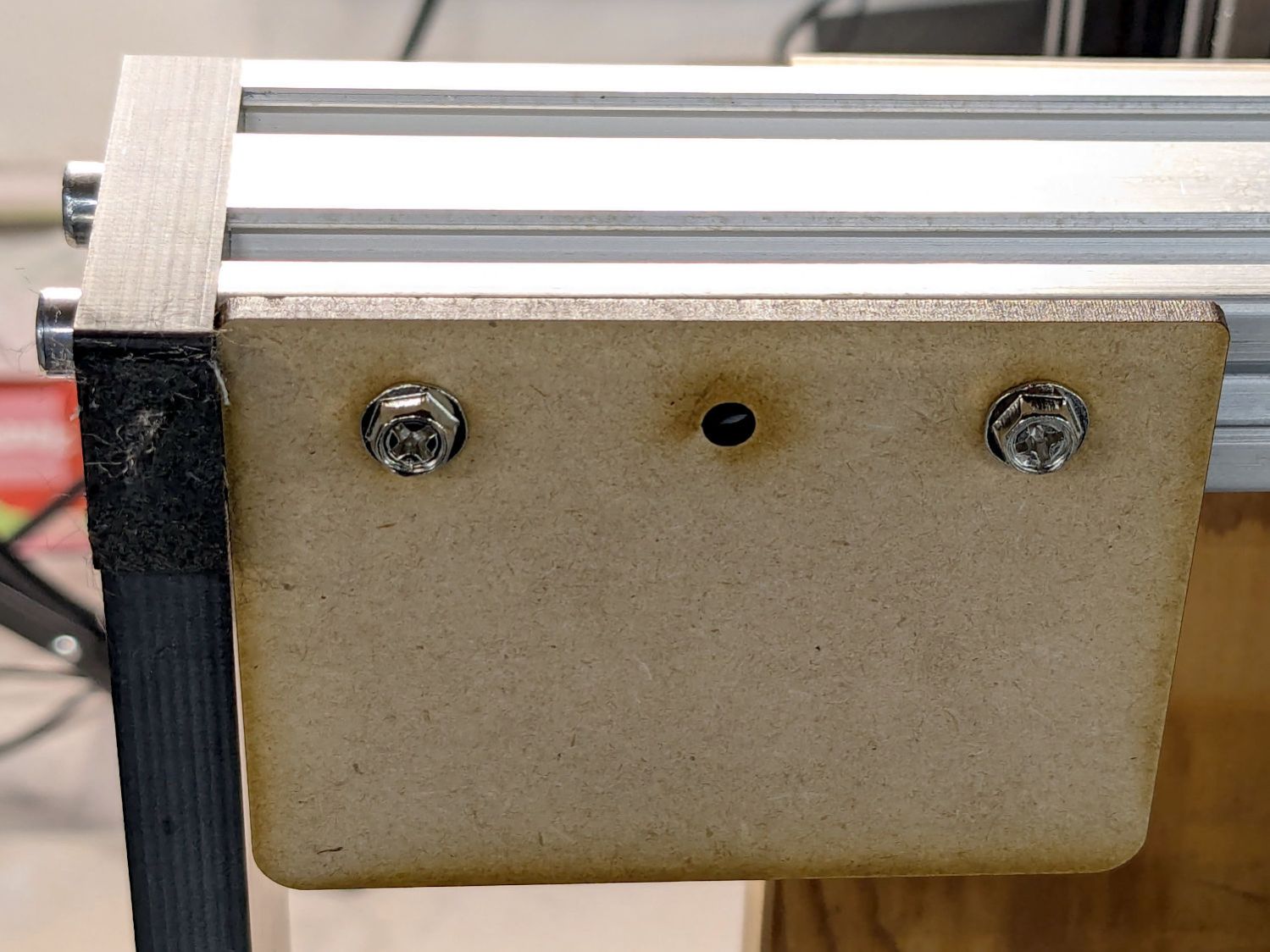
    The 3018XL plotter now lives on a different bench than it grew up on and the stepper motors resonate the plywood benchtop wonderfully well. After finding the machine weighs enough to flatten small foam blocks under the Official Feet, I cut out four 60×80 mm foot pad brackets:

    3018XL - foam foot pad bracket
    3018XL – foam foot pad bracket

    They’re attached to the 2040 frame extrusions with M4 screws into tee nuts; the third hole is there just in case it became necessary. I’m not sure whether MDF will bend under that offset load, but having all four brackets perfectly fit into two pieces of MDF left over from previous projects was a compelling justification.

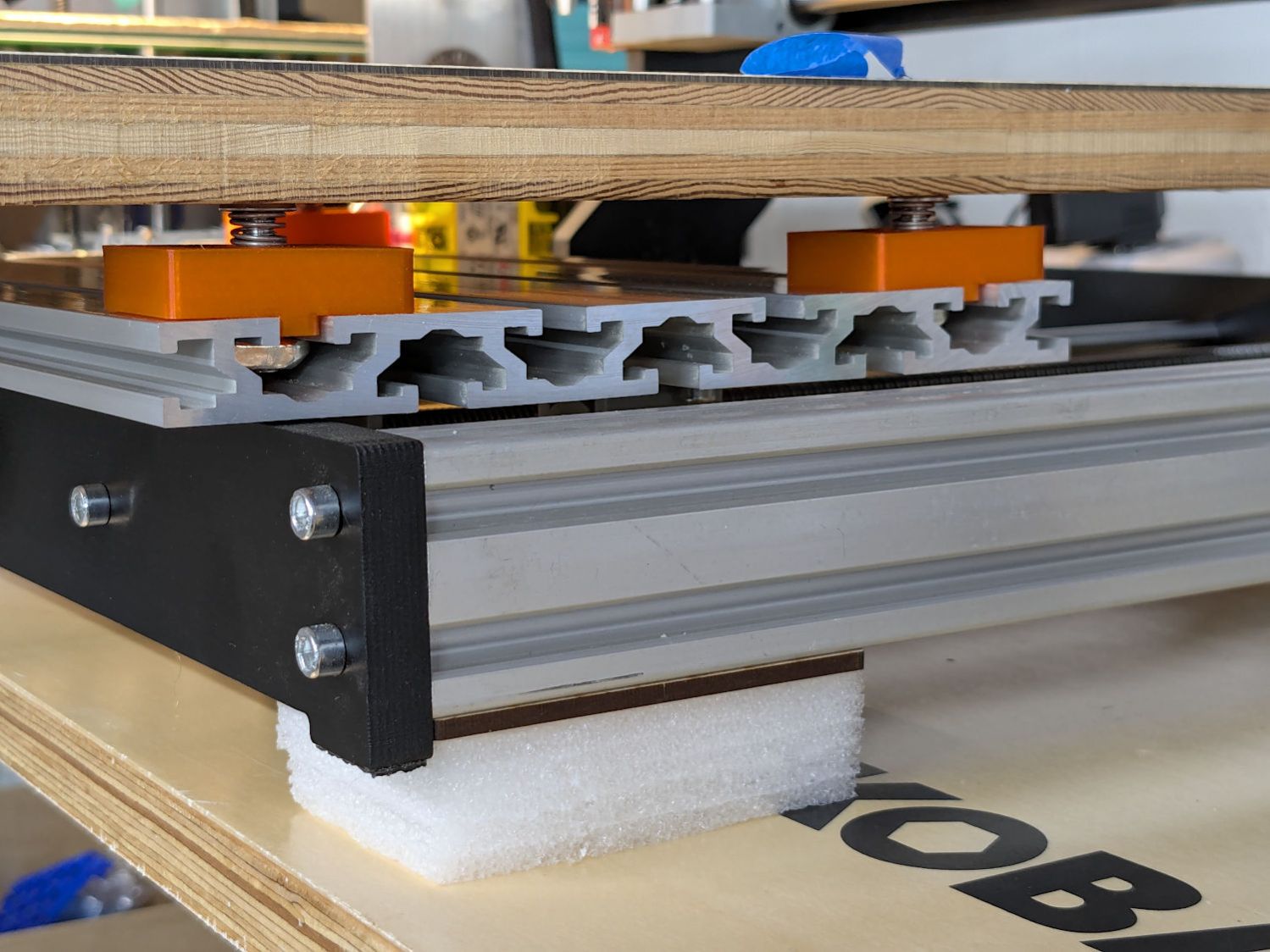
    Some utility knife work produced the foam pads from a big sheet of polyethylene packing material:

    3018XL - foam foot pad - installed
    3018XL – foam foot pad – installed

    A piece of double-sided duct tape with amazingly gooey adhesive joins foam and bracket.

    If the resonance was annoying to my deflicted hearing, it must have been pretty bad. Now, even Mary thinks it sounds OK.

    Now, to discover whether the machine’s weight squashes those big foam blocks.

  • Snowflake Coaster: One Year Later

    Snowflake Coaster: One Year Later

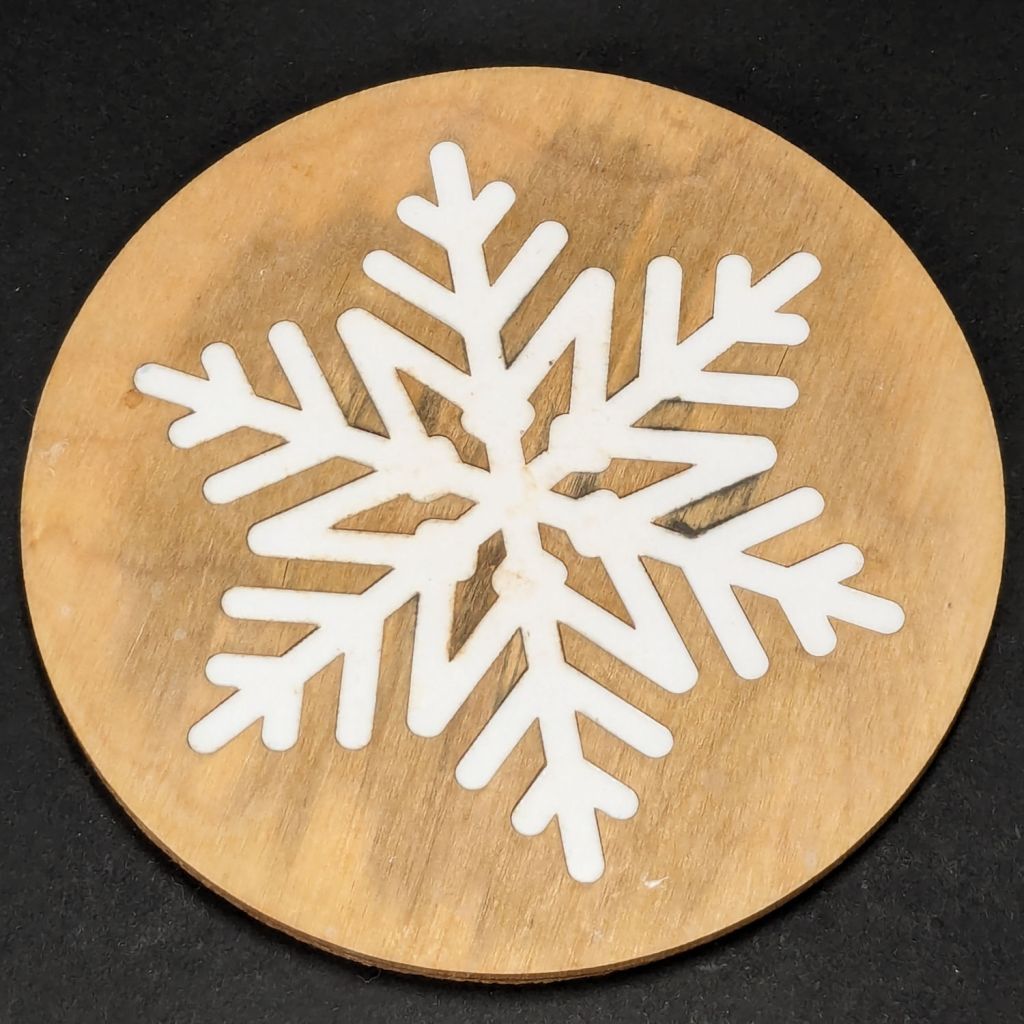
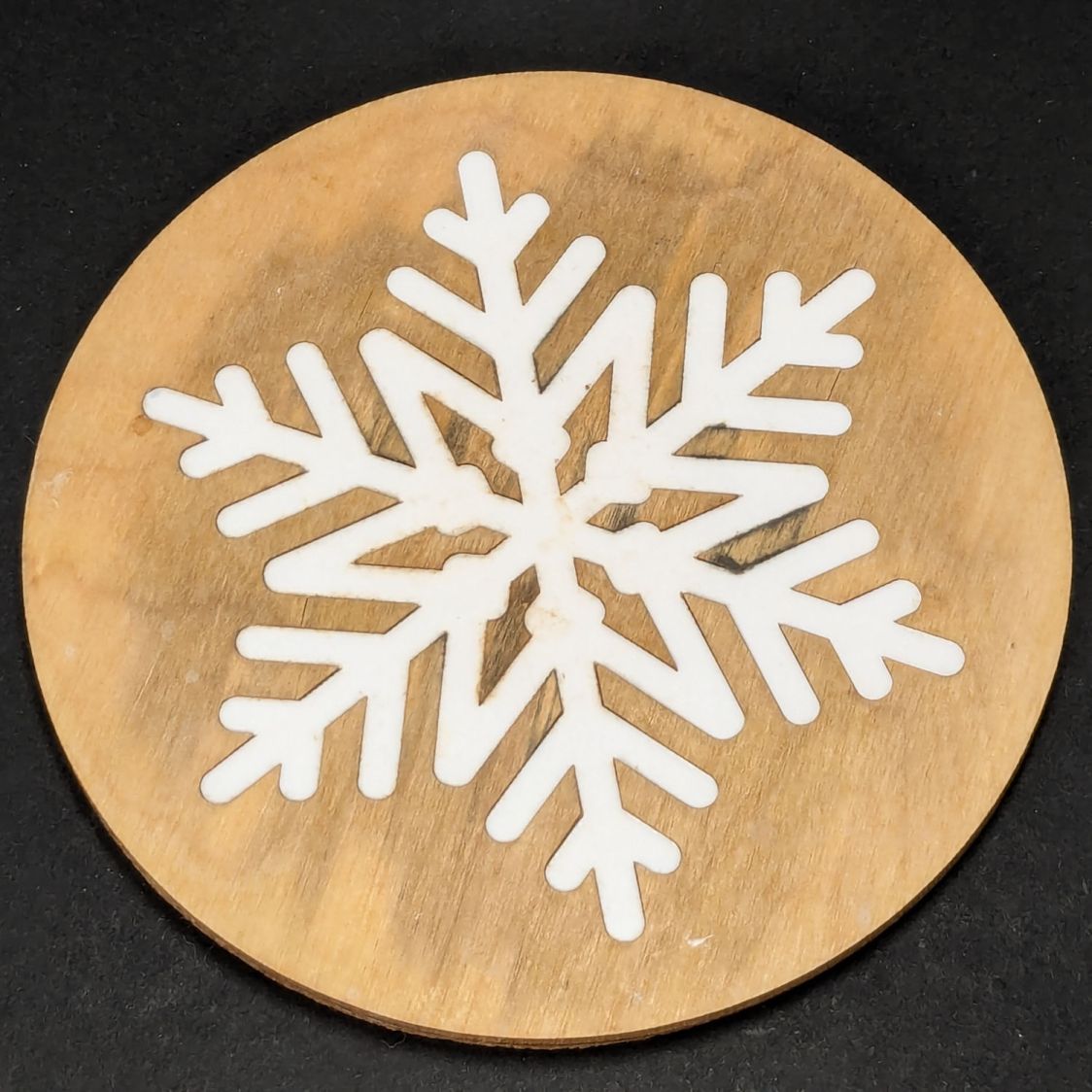
    After more-or-less constant use under a cup in the bathroom, a Snowflake Coaster has reached the end of its life:

    Snowflake coaster - 1 yr use
    Snowflake coaster – 1 yr use

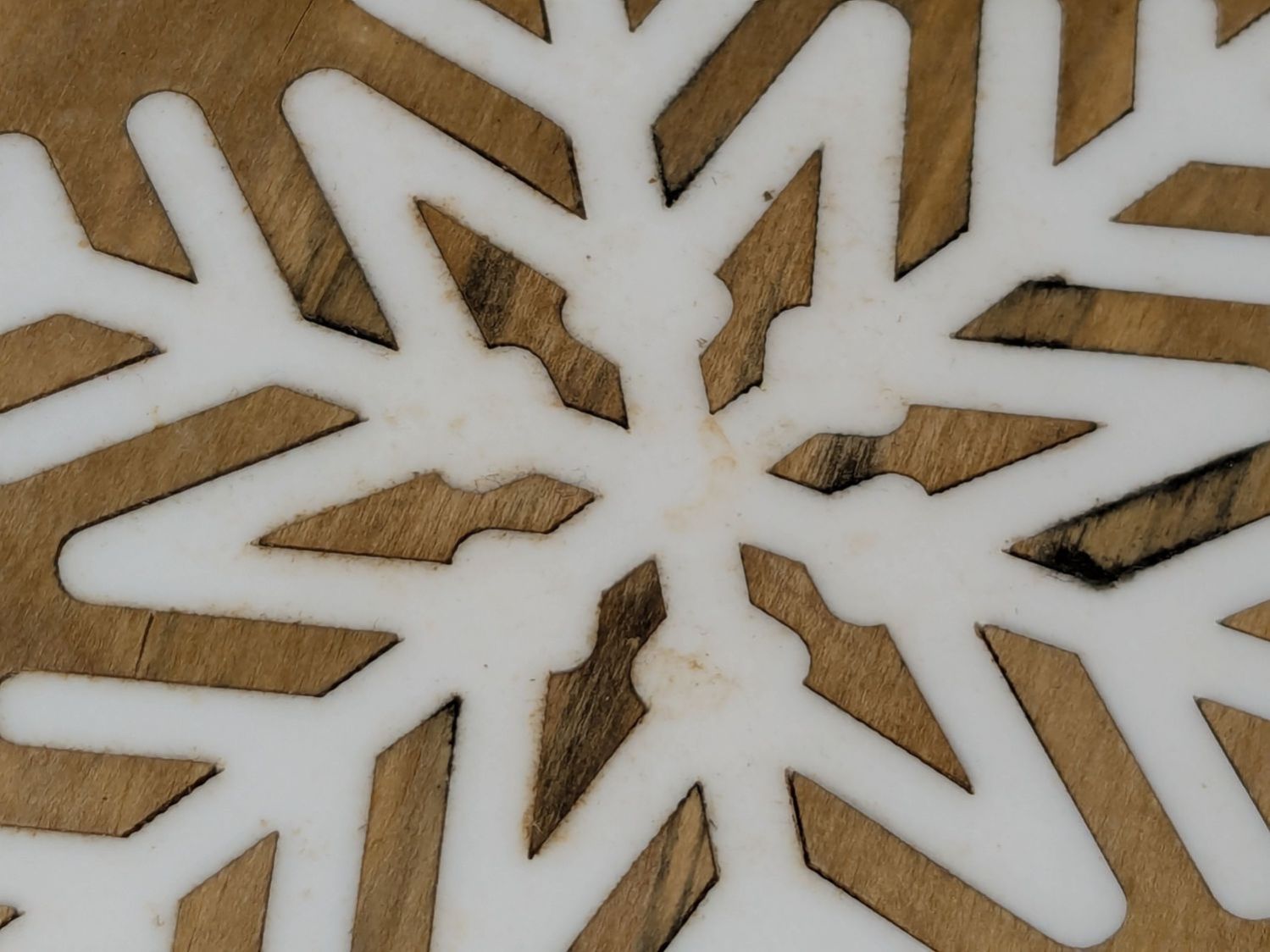
    The acrylic flake is fine, but the wood has mildewed:

    Snowflake coaster - 1 yr use - detail
    Snowflake coaster – 1 yr use – detail

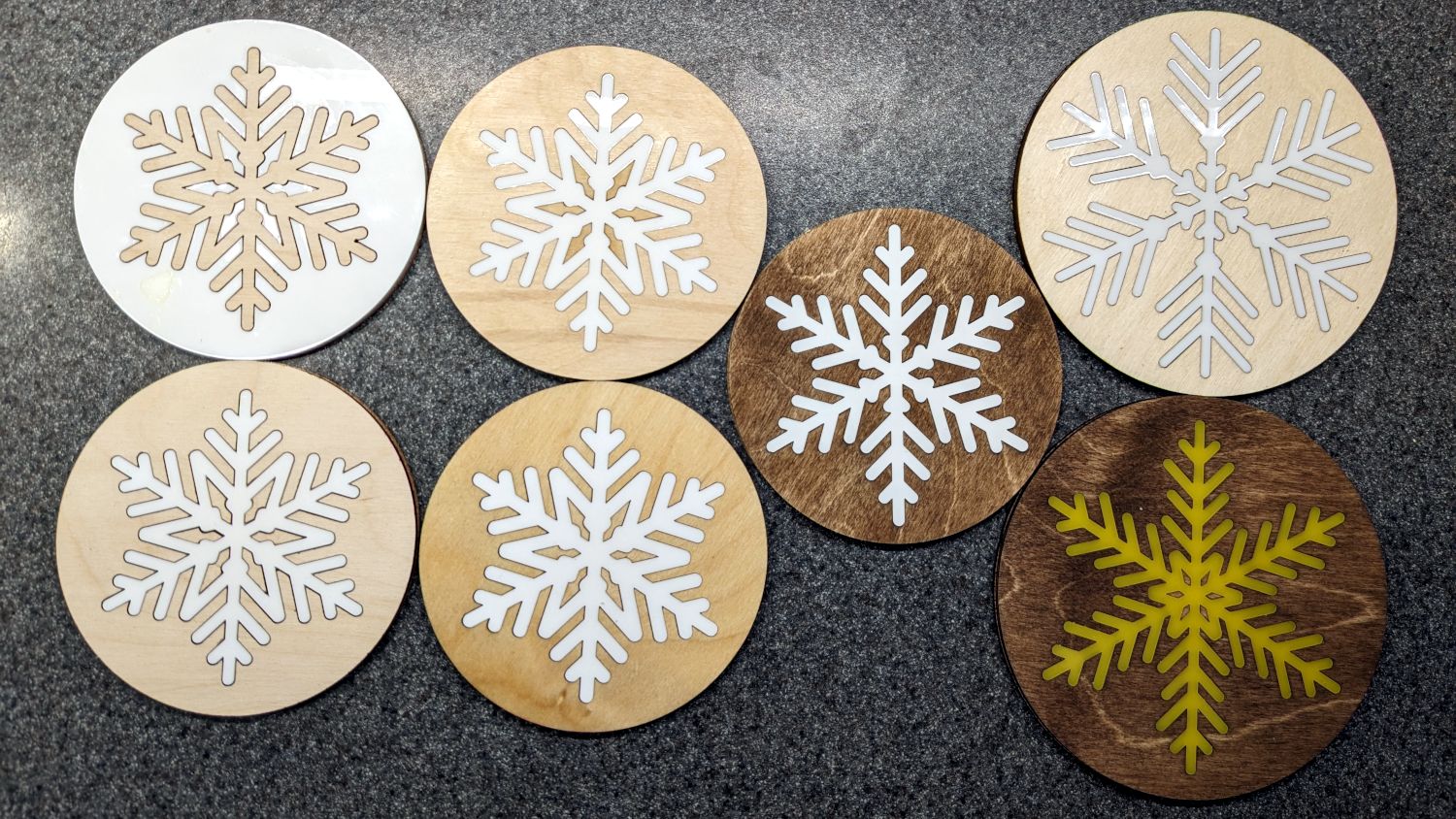
    It’s second from the left in the bottom row:

    Snowflake Coaster - assortment
    Snowflake Coaster – assortment

    All except the pair in the left column had a coat or two of rattlecan clear, which suggests wood-ish coasters need something much more durable, along the lines of clearcoat epoxy. No surprise there!

  • Optimum Internet: Wall o’ Words

    Optimum Internet: Wall o’ Words

    So. Many. Tiny. Words.:

    Optimum flyer fine print
    Optimum flyer fine print

    For the record, the typeface in that block of Fine Print is 1 mm tall = 3 point, which I find barely readable without magnification and impossible to follow without a pointer.

    I’ve come to realize being a “valued customer” does not mean what businesses want me to think it means.

  • Dutchess Rail Trail: Brush Trimming & Pruner Repair

    Dutchess Rail Trail: Brush Trimming & Pruner Repair

    The bushes & trees along the Dutchess Rail Trail were reaching out to touch us again, so I took some slow rides with many stops.

    Maple Oak trees along Page Park Drive:

    DCRT Brush Trimming - oak - 2025-07
    DCRT Brush Trimming – oak – 2025-07

    Blackthorn encroaching through the fence at Overocker:

    DCRT Brush Trimming - blackthorn - 2025-07
    DCRT Brush Trimming – blackthorn – 2025-07

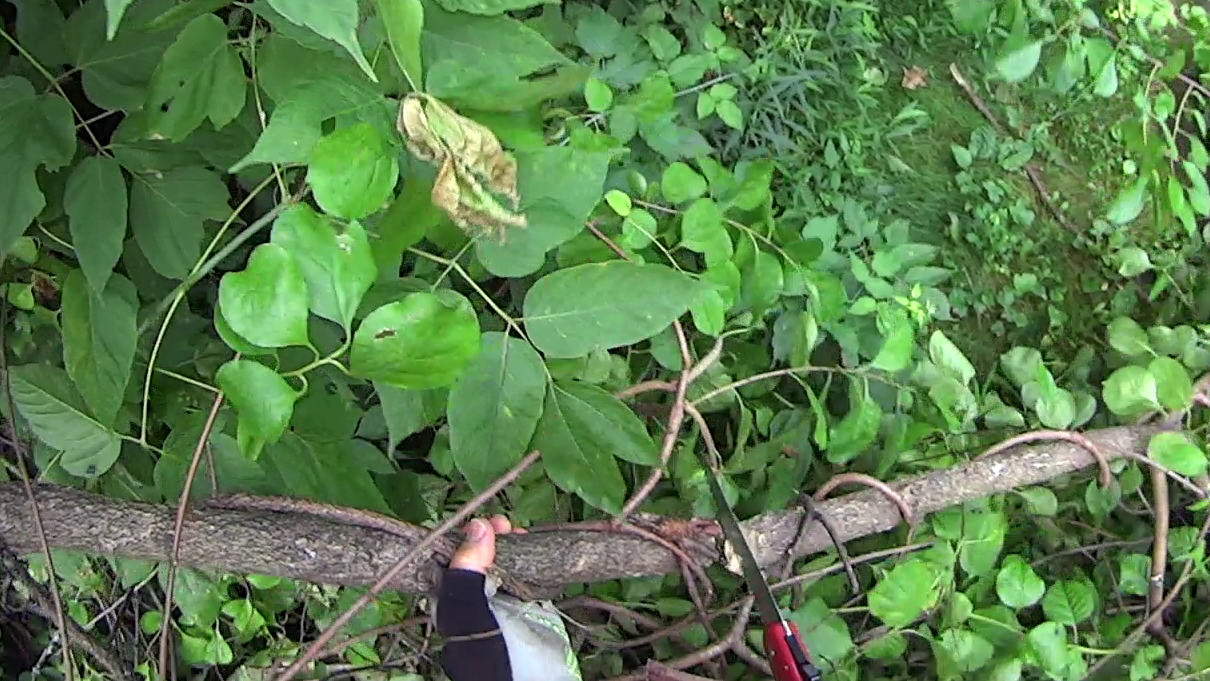
    A tree somebody tossed down the trail bank near Morgan Lake:

    DCRT Brush Trimming - discarded tree - 2025-07
    DCRT Brush Trimming – discarded tree – 2025-07

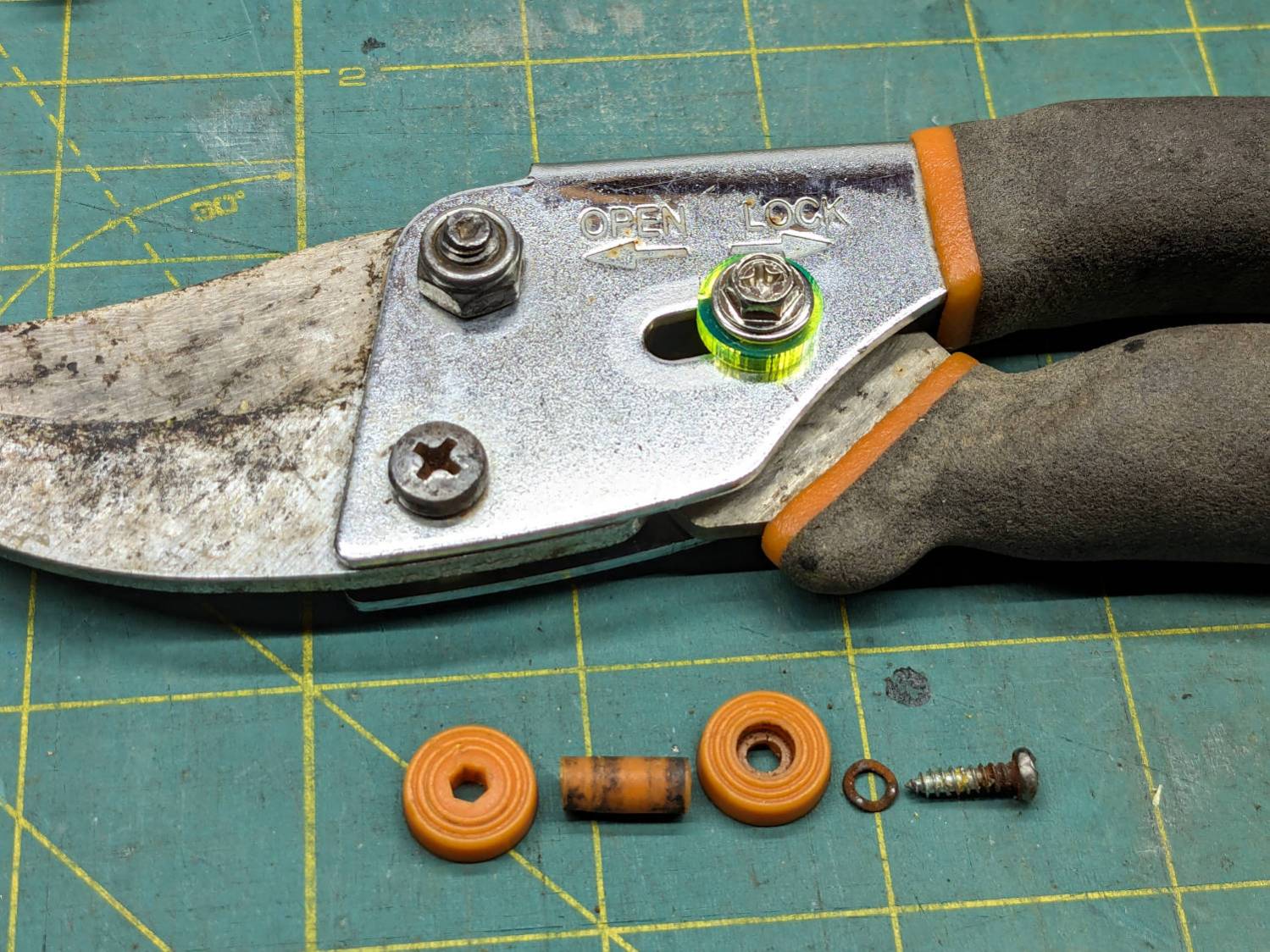
    The slide lock on my trusty rehabilitated Fiskars bypass pruner worked loose and began sliding into the LOCK position when held overhead, then fell apart during disassembly:

    Fiskars pruner - lock rebuild
    Fiskars pruner – lock rebuild

    The lock now consists of:

    • An M4 × 12 mm nut from a Chicago Screw that exactly matched the 5 mm OD cylinder passing through the pruner body
    • A laser-cut fluorescent acrylic disk for thumb grippiness
    • A washer just because
    • An M4 hex-head screw
    • A dab of Loctite bonding screw to nut

    Clean the blades with alcohol and it’s ready for the rest of the season.

    I should have put a wave washer in the stack for some springiness, but it works surprisingly well for what it is.

    Now: discover how long acrylic lasts out there in the wild.

    Update: Yeah, the lock needed a wave washer for more friction, which became apparent after the first overhead branch.

  • CNC-3018XL Setup: Table Riser Blocks

    CNC-3018XL Setup: Table Riser Blocks

    After fixing the X axis drive, the CNC-3018XL table moved properly again, so I measured its overall alignment:

    3018CNC - table height measurement
    3018CNC – table height measurement

    The +Y side (on the left in the photo, keeping in mind I’ve rotated the axes) turned out to be 0.7 mm too low, so I made a set of riser blocks to level the tabletop:

    Table Riser - solid model
    Table Riser – solid model

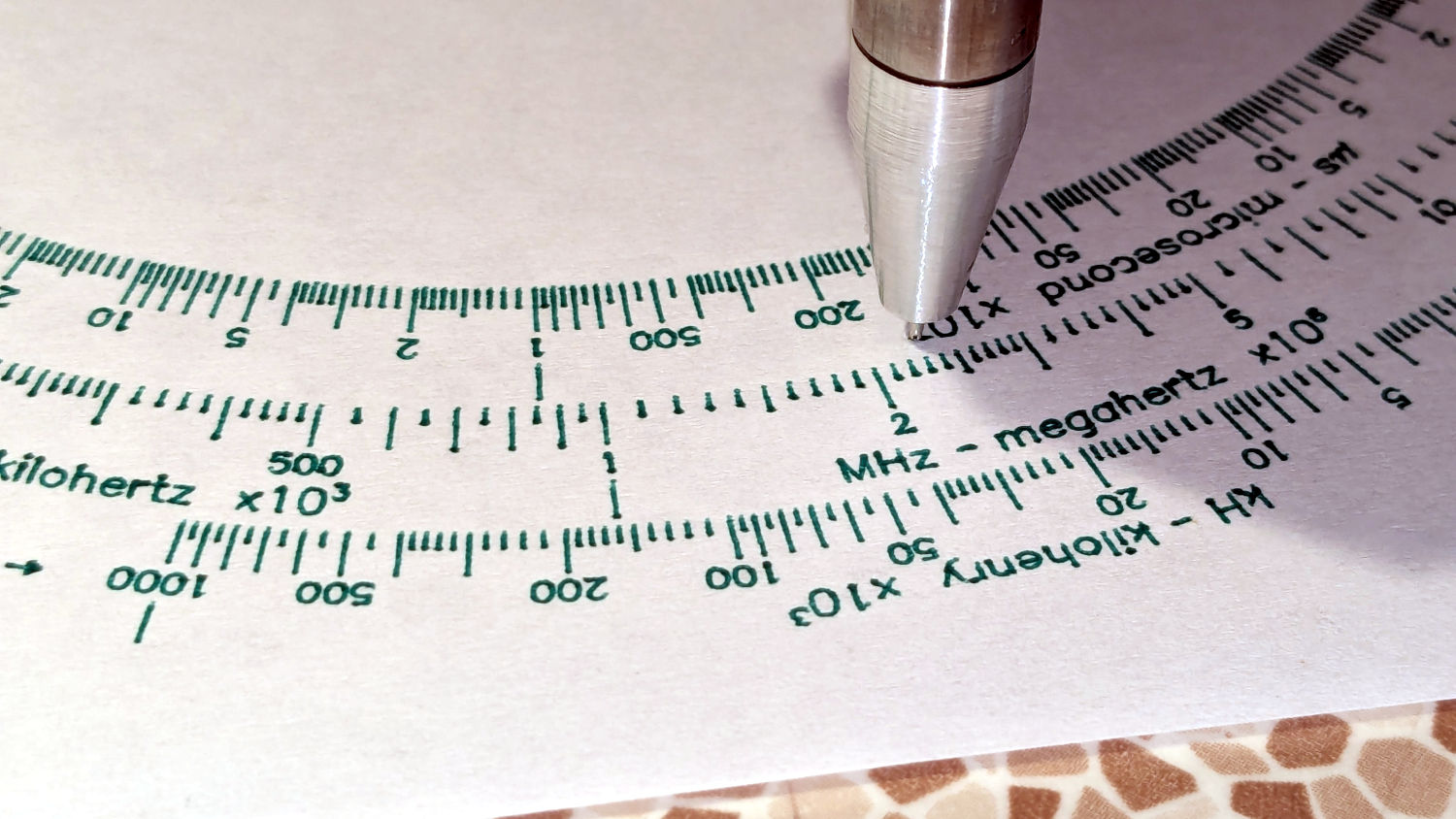
    The 10 mm height would ram the tip of a Pilot pen about 10 mm below the tabletop surface, were it not for the spring-loaded pen holder:

    Pilot V5RT holder - installed
    Pilot V5RT holder – installed

    The 0.7 mm difference in height levels the tabletop:

    CNC3018XL - table riser positions
    CNC3018XL – table riser positions

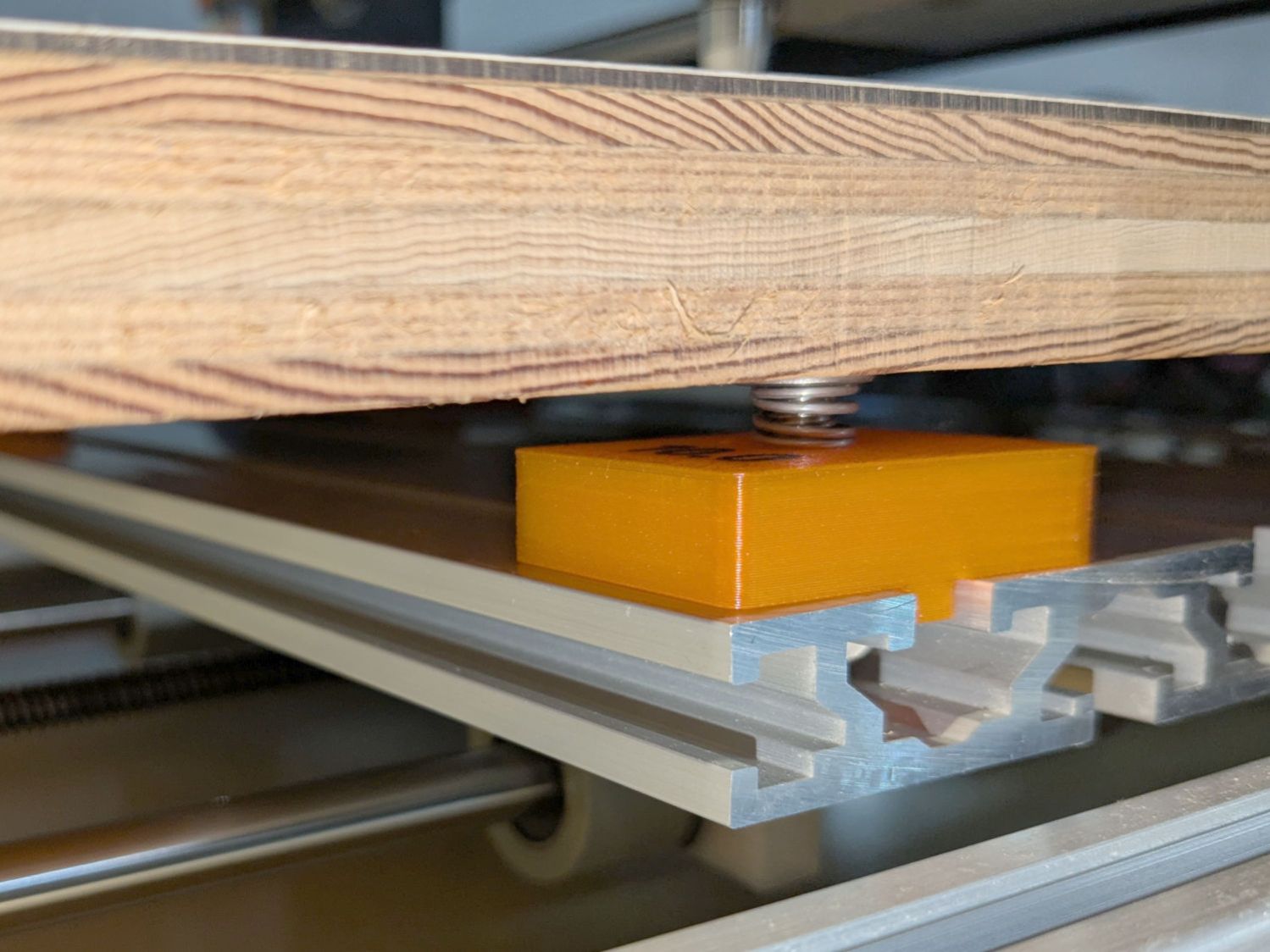
    The OpenSCAD code produces an SVG outline I intended to use for a foam pad, but then I found a quartet of springs that worked even better:

    CNC3018XL - table spring mount
    CNC3018XL – table spring mount

    So it’s now aligned within ±0.3-ish mm across the surface, with the unflatness of a slab cut from a 1955-era Formica kitchen countertop accounting for most of the difference in a swale from Quadrant III across the origin to Quadrant I.

    Which a check plot using an old file shows will be Flat Enough for my simple needs:

    CNC3018XL - test plot
    CNC3018XL – test plot

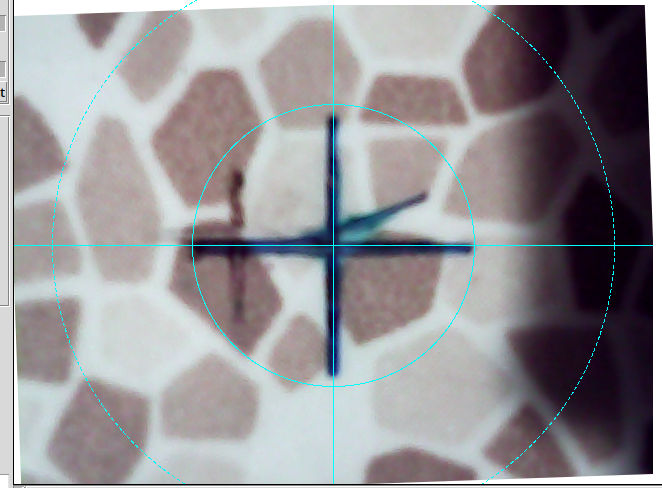
    Having the camera alignment remain exactly spot on came as a pleasant surprise:

    Camera Alignment check
    Camera Alignment check

    The faded cross to the left came from the table’s previous position; there’s no positive index between the countertop slab and the underlying T-slots.

    Part of the motivation for these blocks was to verify PrusaSlicer automagically handles filament / color changes between two objects, as long as OpenSCAD hasn’t unioned them as part of a common transformation. Not having to cut out the socket around the text simplifies the code from what I’d been doing with previous objects.

    The OpenSCAD source code as a GitHub Gist:

    // CNC 3018 table riser blocks
    // Ed Nisley – KE4ZNU
    // 2025-06-29
    include <BOSL2/std.scad>
    Layout = "Show"; // [Show,Build,Outlines]
    /* [Hidden] */
    HoleWindage = 0.2;
    Protrusion = 0.1;
    BlockOA = [40.0,30.0,10.0]; // riser block size
    SlotBlock = [8.0,BlockOA.y,3.0]; // alignment in slot
    BoltOD = 6.0 + HoleWindage; // central bolt
    LogoFont = "Fira Sans Condensed:style=SemiBold";
    LogoSize = 7.5;
    LogoColor = "Red";
    LogoThick = 0.4;
    //———-
    // Define Shapes
    module Riser(thick=1,matl="Block") {
    LogoText = format_fixed(thick,1);
    if (matl == "Text" || matl == "All")
    right(BlockOA.x/4) zrot(90)
    color(LogoColor)
    up(thick + SlotBlock.z + ((matl == "All") ? 0.01 : 0))
    text3d(LogoText,LogoThick + ((matl == "All") ? 0.01 : 0),LogoSize,LogoFont,
    anchor=TOP,atype="ycenter");
    if (matl == "Block" || matl == "All")
    difference() {
    cuboid(SlotBlock,$fn=8*3,anchor=BOTTOM,rounding=2.0,except=[BOTTOM,TOP]) position(TOP)
    cuboid(BlockOA,$fn=8*3,anchor=BOTTOM,rounding=2.0,except=[BOTTOM,TOP]);
    down(Protrusion)
    zrot(180/6)
    cyl(2*BlockOA.z,d=BoltOD,$fn=6,anchor=BOTTOM,circum=true);
    }
    }
    //———-
    // Build things
    if (Layout == "Show")
    down(SlotBlock.z)
    Riser(BlockOA.z,matl="All");
    if (Layout == "Outlines") {
    projection(cut=false)
    Riser(BlockOA.z,matl="Block");
    }
    if (Layout == "Build") {
    up(BlockOA.z + SlotBlock.z) xrot(180)
    Riser(BlockOA.z,matl="Block");
    up(BlockOA.z + SlotBlock.z) xrot(180)
    Riser(BlockOA.z,matl="Text");
    }