Stipulated: A chuck rotary doesn’t need a home switch.
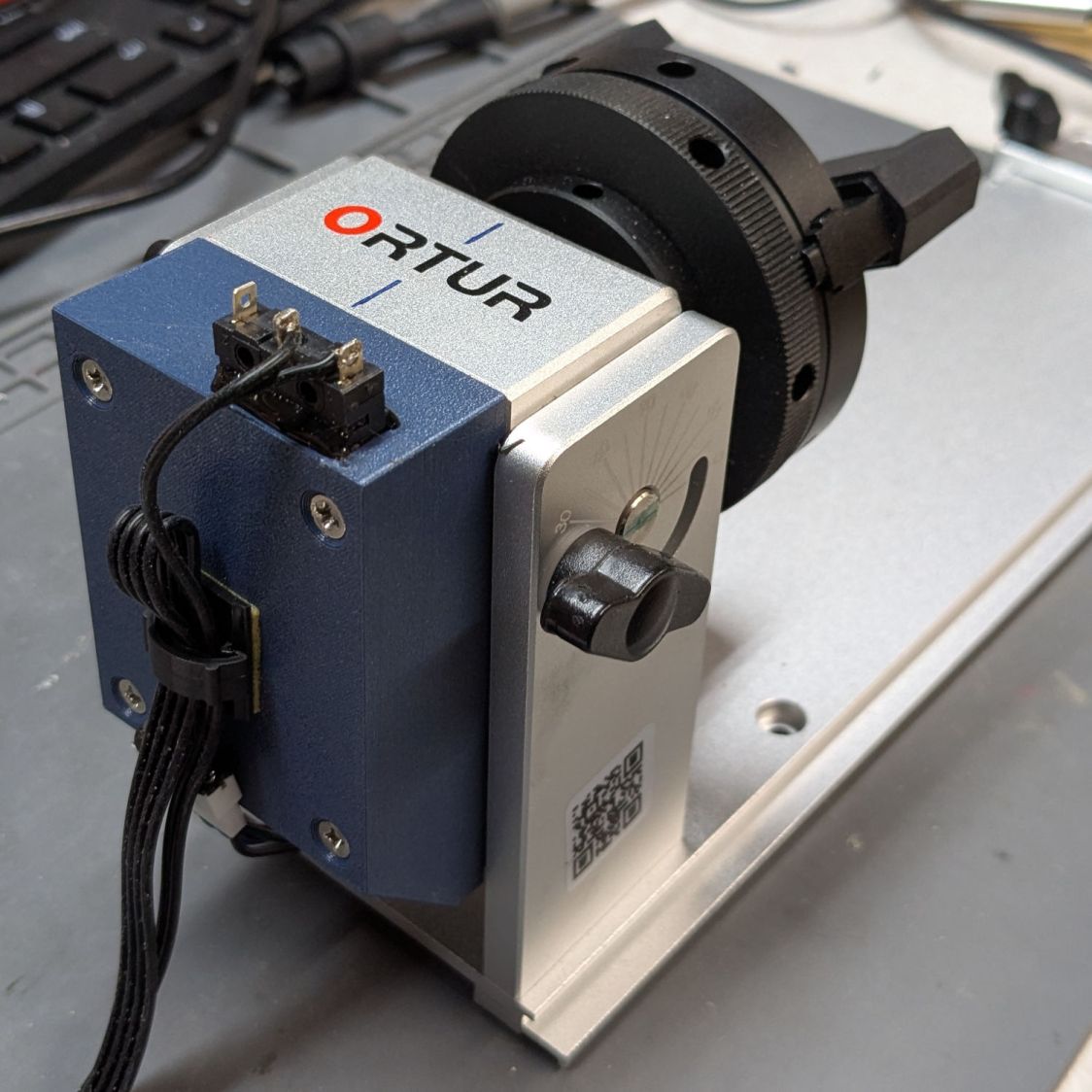
With that in mind, a home switch seemed like it might come in handy and this is the simplest workable design:
The cover mimics the size & shape of the Ortur cover, minus the stylin’ rounding & chamfering along the edges:
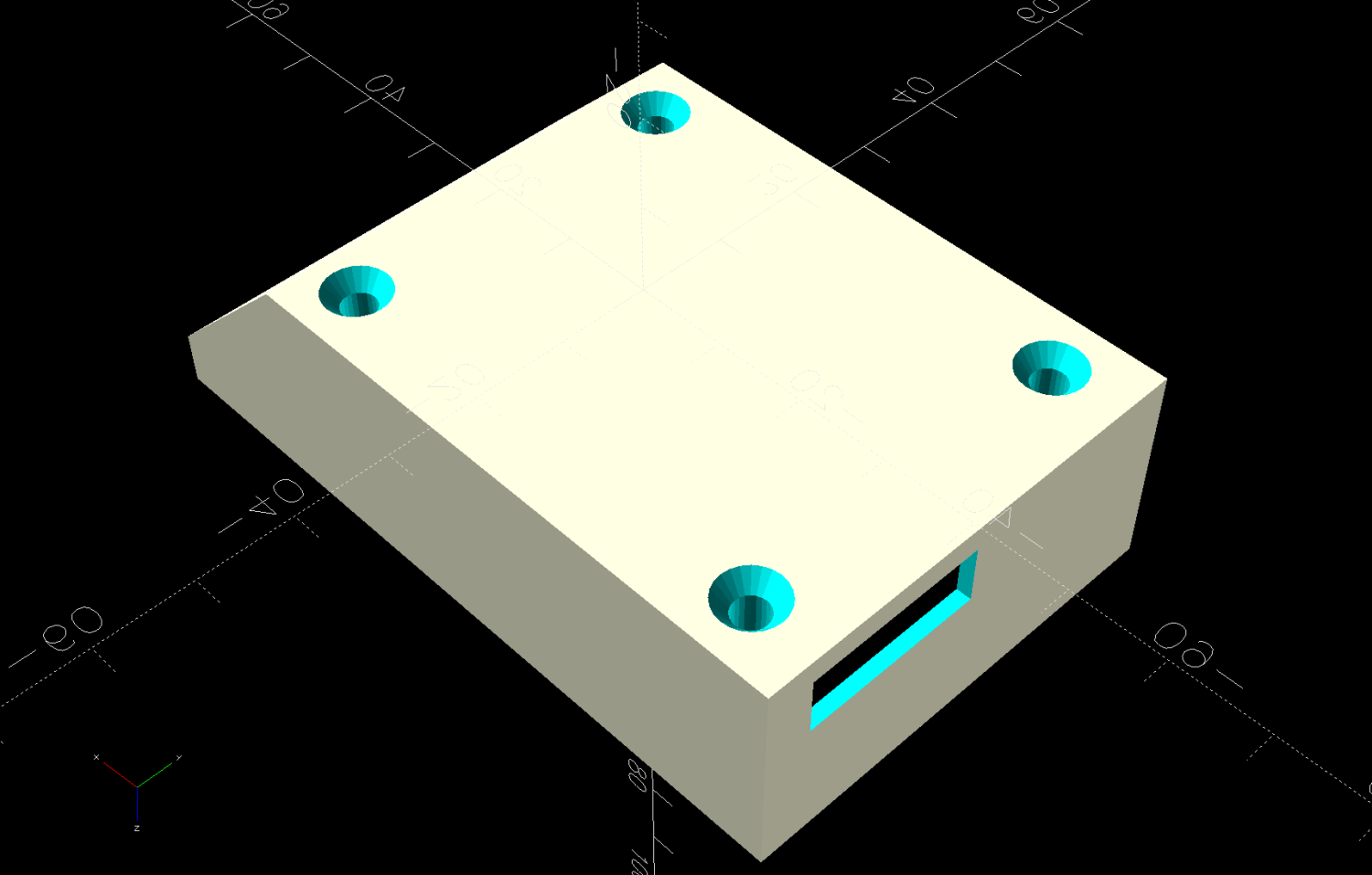
It has a certain Cybertruck aspect, doesn’t it?
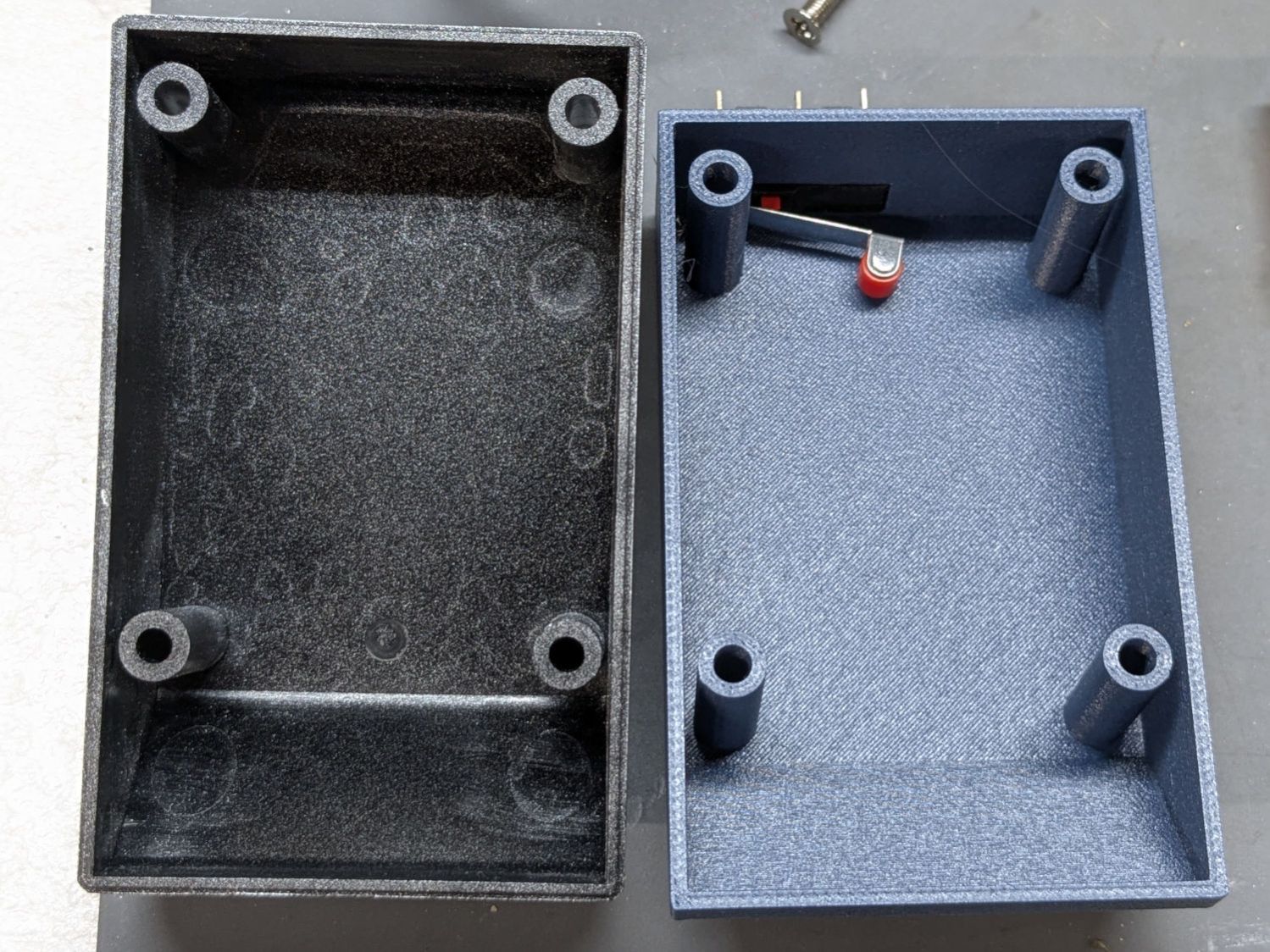
Two beads of hot melt glue hold the switch flush along the cover’s inside surface:
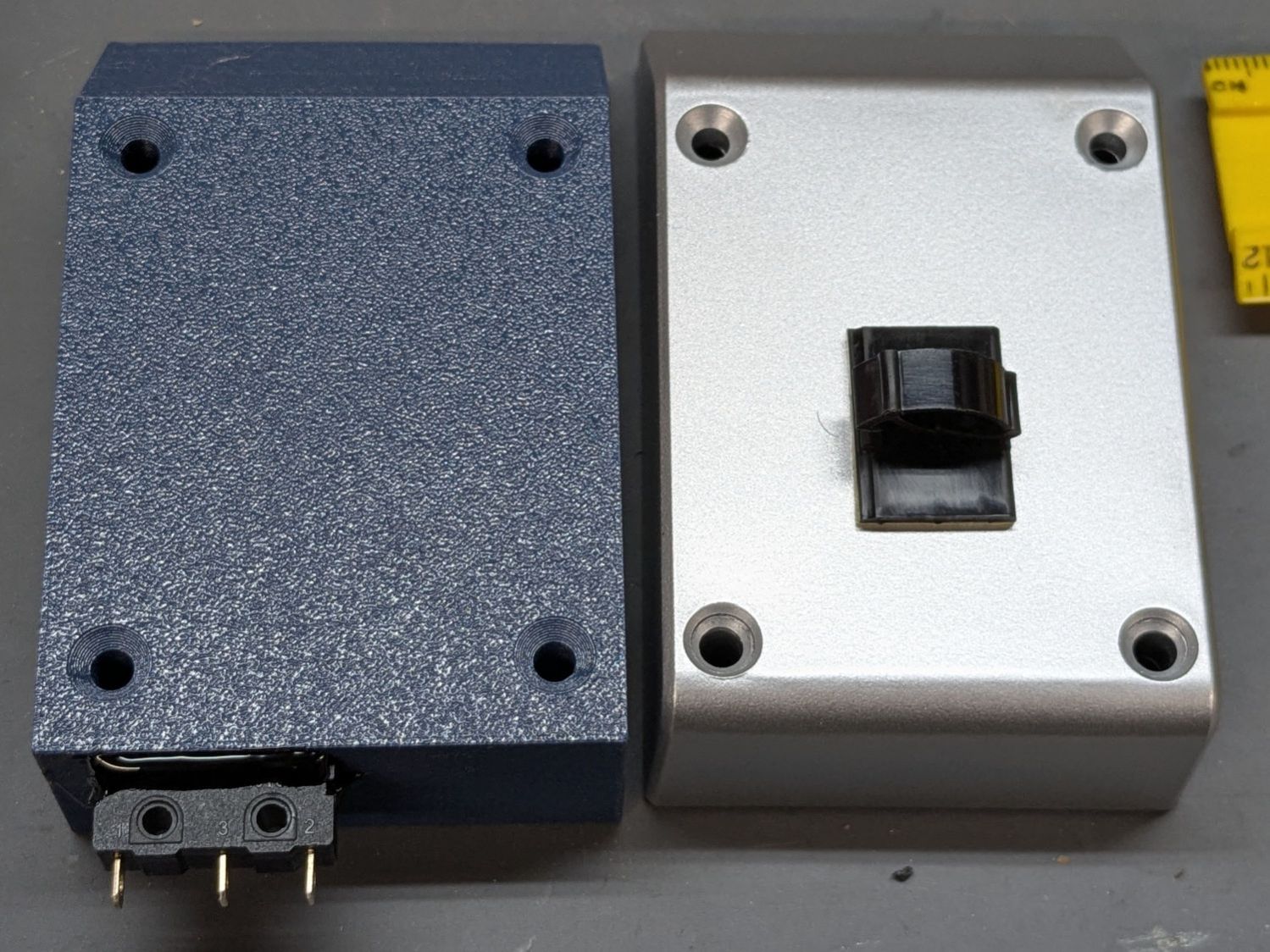
One might argue for a tidy cover over those terminals.
While contemplating the layout by holding the switch here & there, seeing the switch roller neatly centered on the pulley hub told me the Lords of Cosmic Jest favored this plan:
A simple cam lifts the roller:
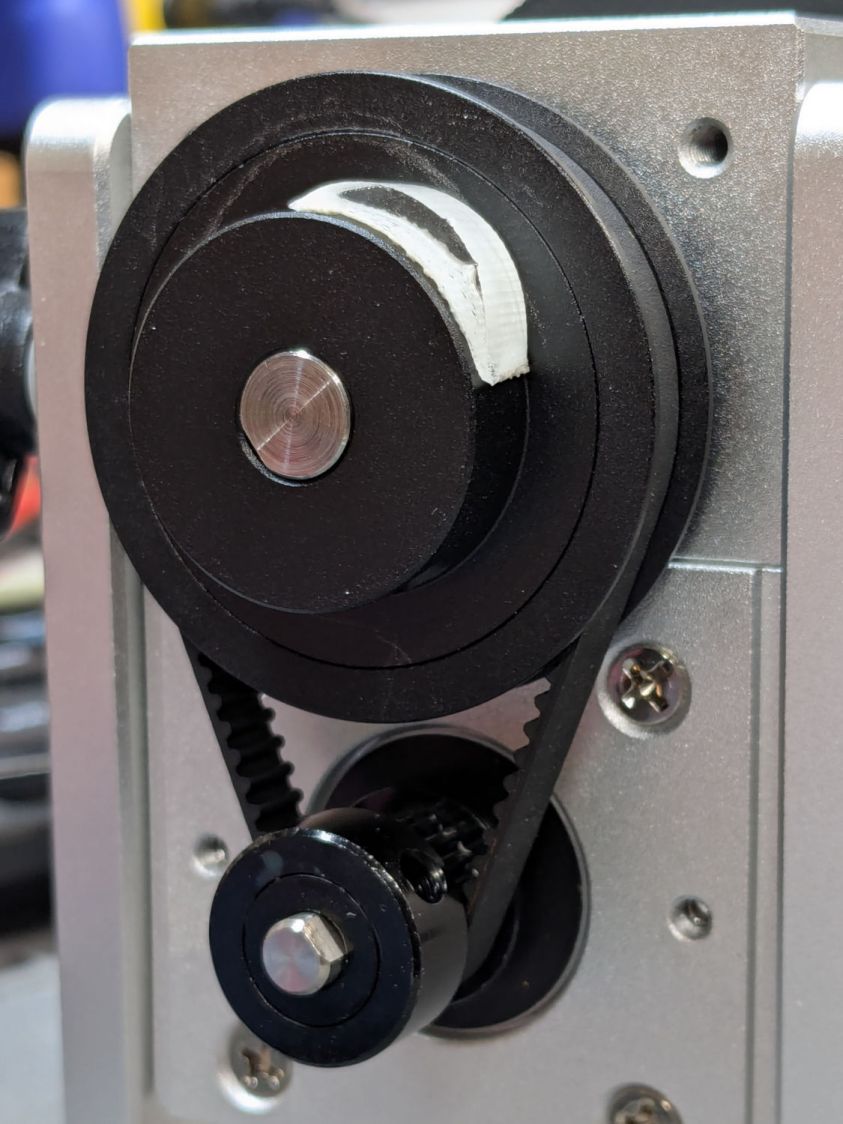
That’s obviously laser-cut acrylic sitting on double-sided tape.
Edit: The pulley ratio is 1:3, so the step/rev value is three times the DIP switch setting on the stepper driver.
Some finicky repositioning put the #1 chuck jaw on top after homing:
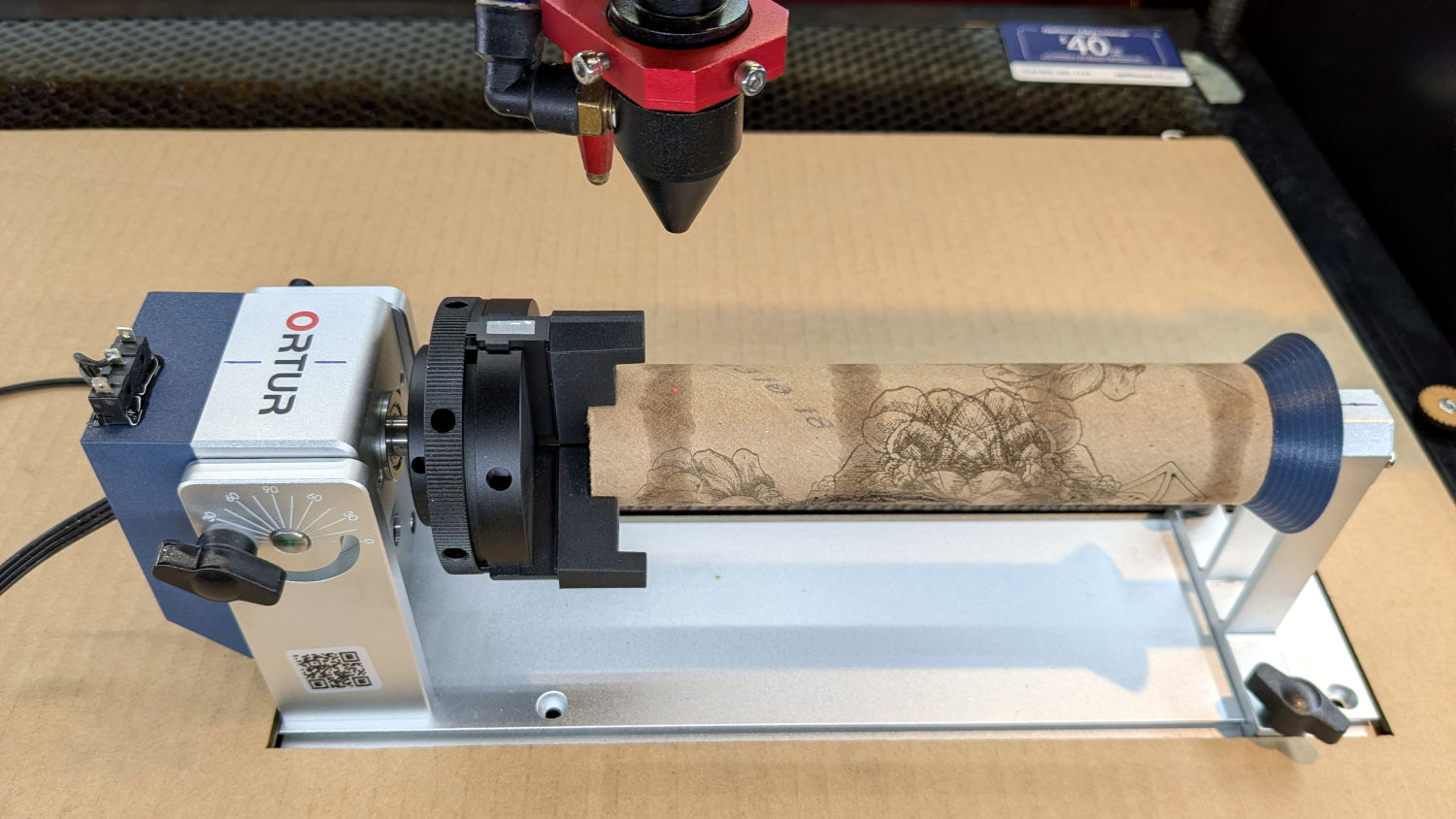
A more permanent adhesive under the cam may be in order.
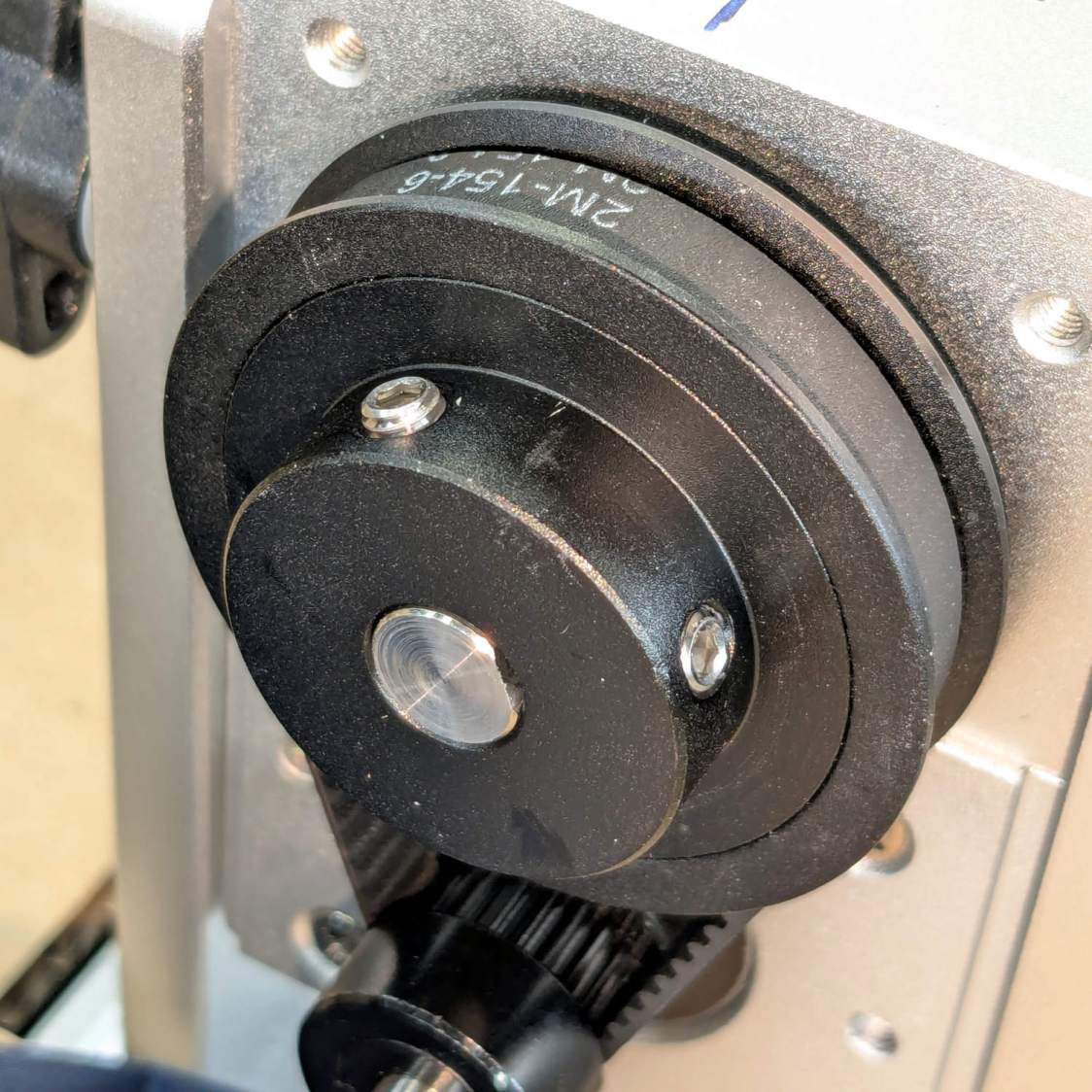
Update: The switch triggers more reliably with a simple setscrew standing proud of the pulley hub:
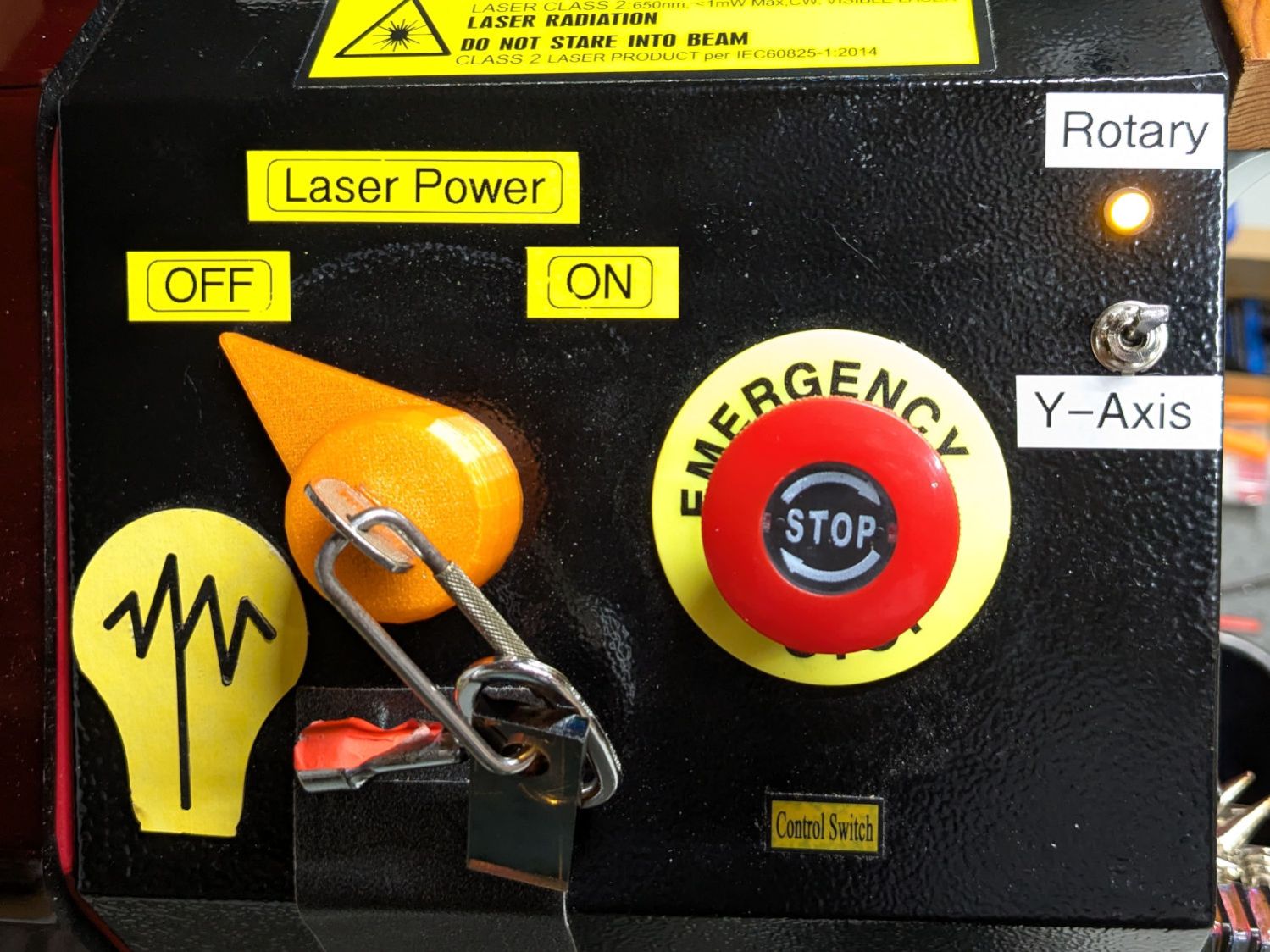
Wiring the normally open switch contacts in parallel with the existing Y axis home switch lets both the gantry and the rotary trigger the controller. The front-panel switch ensures only one of those two can move:
With all that in place and the switch flipped, the chuck rotates happily and homes properly with the controller in normal linear mode.
Spoiler: A Ruida-ish KT332N controller ignores the Y-axis Home enable setting with Rotary mode enabled, because everybody knows a rotary has no need for a home switch.
The OpenSCAD code as a GitHub Gist:
| // Ortur Rotary belt cover | |
| // Ed Nisley – KE4ZNU | |
| // 2025-12-23 | |
| include <BOSL2/std.scad> | |
| Layout = "Show"; // [Show,Build,Block,Shell] | |
| /* [Hidden] */ | |
| ID = 0; | |
| OD = 1; | |
| LENGTH = 2; | |
| HoleWindage = 0.2; | |
| Protrusion = 0.1; | |
| NumSides = 2*3*4; | |
| $fn=NumSides; | |
| Gap = 5.0; | |
| WallThick = 1.6; // OEM wall | |
| CoverOA = [81.5,50.5,23.0]; // open side down | |
| CoverRadius = 4.0; | |
| CoverTrimZ = 6.0; | |
| CoverTrimAngle = 45; | |
| BreakX = (CoverOA.z – CoverTrimZ)/tan(CoverTrimAngle); | |
| ScrewOC = [51.0,38.0]; | |
| ScrewHoleID = 3.5; | |
| ScrewHeadRecess = [ScrewHoleID,7.0,1.8]; | |
| ScrewOffset = 8.0; // cover edge to hole centerline | |
| SwitchOA = [21.0,20.0,6.5]; // X = body + roller, excludes terminals | |
| SwitchOffset = [0,0,17.0]; // nominal end = roller at centerline | |
| //—– | |
| // Overall cover shape | |
| module CoverBlock() { | |
| cuboid([CoverOA.x,CoverOA.y,CoverTrimZ],anchor=BOTTOM) position(TOP+LEFT) | |
| prismoid(size1=[CoverOA.x,CoverOA.y],size2=[CoverOA.x – BreakX,CoverOA.y], | |
| height=CoverOA.z – CoverTrimZ,shift=[-BreakX/2,0],anchor=BOTTOM+LEFT); | |
| } | |
| // Cover shell | |
| module CoverShell() { | |
| difference() { | |
| CoverBlock(); | |
| down(Protrusion) | |
| resize(CoverOA – [2*WallThick,2*WallThick,WallThick – Protrusion]) | |
| CoverBlock(); | |
| } | |
| } | |
| // The complete cover | |
| module Cover() { | |
| difference() { | |
| union() { | |
| CoverShell(); | |
| left((CoverOA.x – ScrewOC.x)/2 – ScrewOffset) | |
| for (i = [-1,1], j=[-1,1]) | |
| translate([i*ScrewOC.x/2,j*ScrewOC.y/2,0]) | |
| cyl(CoverOA.z,d=ScrewHoleID + 2*WallThick,anchor=BOTTOM); | |
| } | |
| left((CoverOA.x – ScrewOC.x)/2 – ScrewOffset) down(Protrusion) | |
| for (i = [-1,1], j=[-1,1]) | |
| translate([i*ScrewOC.x/2,j*ScrewOC.y/2,0]) { | |
| cyl(CoverOA.z + 2*Protrusion,d=ScrewHoleID + HoleWindage,anchor=BOTTOM); | |
| up(CoverOA.z – ScrewHeadRecess[LENGTH]) | |
| cyl(ScrewHeadRecess[LENGTH] + 2*Protrusion, | |
| d1=ScrewHeadRecess[ID] + HoleWindage,d2=ScrewHeadRecess[OD] + HoleWindage, | |
| anchor=BOTTOM); | |
| } | |
| translate(SwitchOffset) left(CoverOA.x/2 – WallThick – Protrusion) | |
| cuboid(SwitchOA,anchor=RIGHT+FWD); | |
| } | |
| } | |
| //—– | |
| // Build things | |
| if (Layout == "Block") { | |
| CoverBlock(); | |
| } | |
| if (Layout == "Shell") { | |
| CoverShell(); | |
| } | |
| if (Layout == "Show") { | |
| Cover(); | |
| } | |
| if (Layout == "Build") { | |
| up(CoverOA.z) | |
| xrot(180) | |
| Cover(); | |
| } | |
 The Smell of Molten Projects in the Morning
Spam comments get trashed, so don’t bother. Comment moderation may cause a delay.