Ed Nisley's Blog: Shop notes, electronics, firmware, machinery, 3D printing, laser cuttery, and curiosities. Contents: 100% human thinking, 0% AI slop.
For a round patio table, although you can’t tell from the picture:
Round patio table feet – installed
Also despite appearances, that’s 3D printed from clear-ish TPU, with its black appearance due to internal reflections from the leg’s dark interior.
The original hard-white-plastic feet had eroded enough to let the aluminum legs scrape the deck paint:
Round patio table feet – old vs new
The only way to extract each old foot was to hack out a segment with a razor knife, after which it slid out easily.
The ring around the top of the sections provides enough griptivity inside the leg to hold the foot in place:
Round Patio Table Foot – solid model
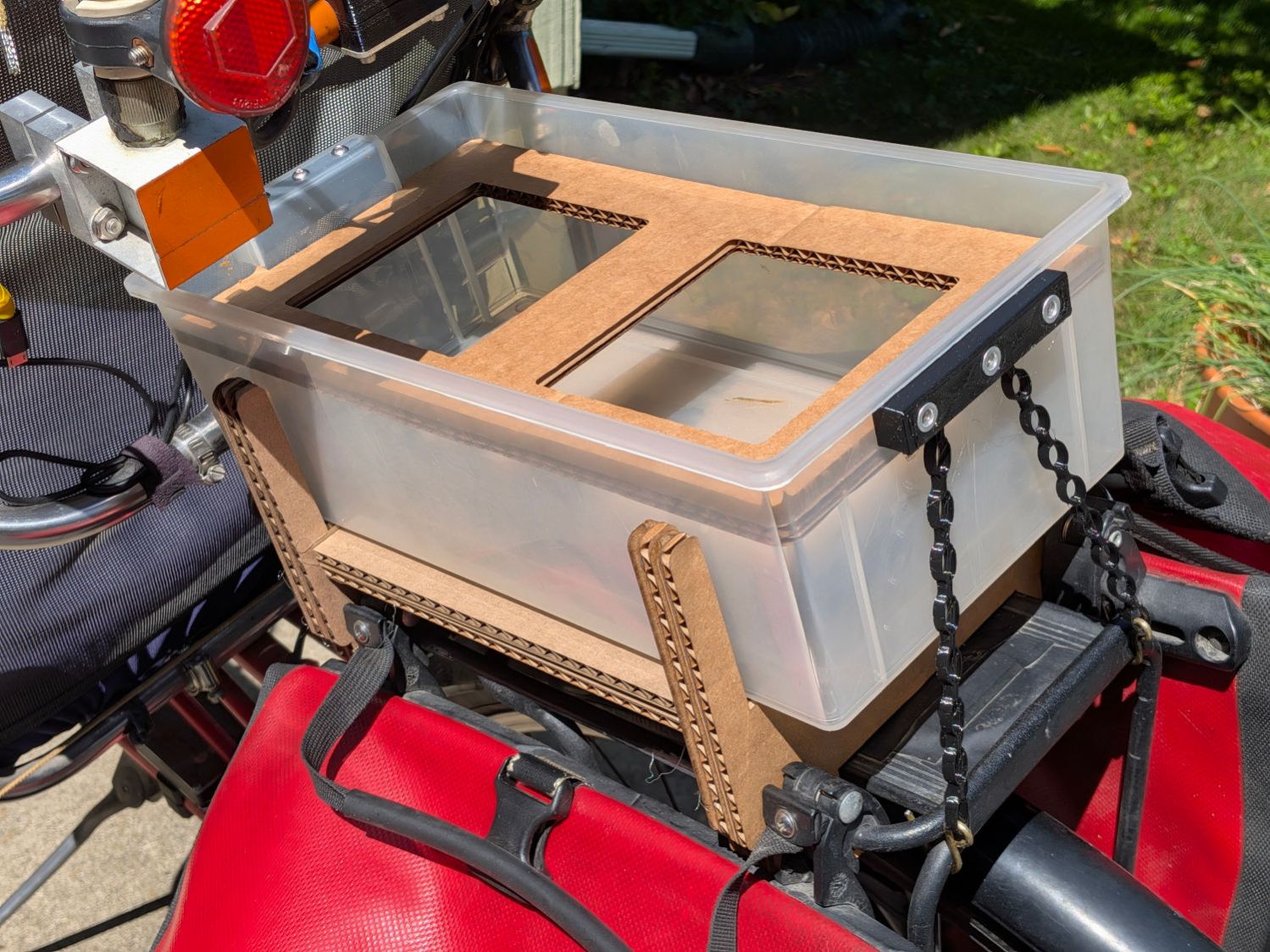
As with the TPU chains on the bike rack tray holder, I expect the compressed / bent segments will gradually relax inside the legs, but the feet ought not fall out in normal use.
The OpenSCAD source code isn’t quite a one-liner, but it’s close:
// Patio Table Foot - round legs
// Ed Nisley - KE4ZNU
// 2026-05-29
include <BOSL2/std.scad>
/* [Hidden] */
ID = 0;
OD = 1;
LENGTH = 2;
HoleWindage = 0.2;
Protrusion = 0.01;
NumSides = 4*3*2*4;
Gap = 5.0;
$fn=NumSides;
PadOA = [8.0,1*INCH,3.0];
SleeveOA = [13.0,21.7 - HoleWindage,12.0];
Kerf = 2.5;
//-----
// Build it
difference() {
union() {
tube(PadOA[LENGTH],od=PadOA[OD],id=PadOA[ID],anchor=BOTTOM) position(TOP)
tube(SleeveOA[LENGTH],od=SleeveOA[OD],id=SleeveOA[ID],anchor=BOTTOM);
up(PadOA[LENGTH] + SleeveOA[LENGTH] - 1.0)
torus(d_maj=SleeveOA[OD],r_min=(PadOA[OD] - SleeveOA[OD])/2,anchor=TOP);
}
up(PadOA[LENGTH])
for (a = [0,60,120])
zrot(a)
cuboid([PadOA[OD],Kerf,2*SleeveOA[LENGTH]],anchor=BOTTOM);
}
Except for having the bungee cord run across the middle of the tray where it blocks access for larger trays and tends to bend the taller leaves.
Well, I can fix that:
Bike Rack Tray Holder – straps – rear
The front tiedown is similar:
Bike Rack Tray Holder – straps – front
They’re printed from TPU: rectangular blocks and chains, ending in wire hooks bashed from a coat hanger. The M4 button-head screws thread into (uncrushed) rivnuts, which seemed easier to manage than square nuts in this situation.
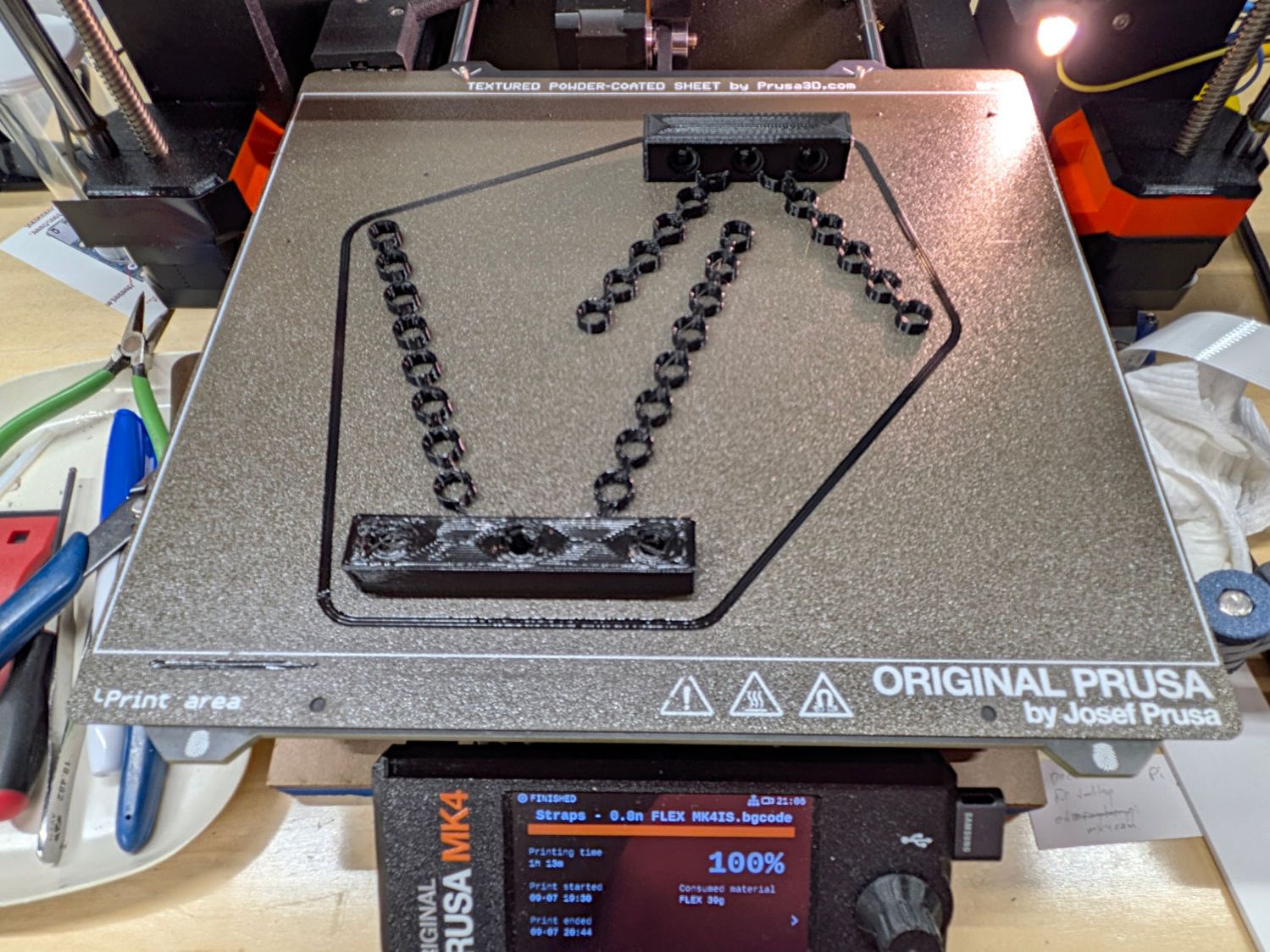
The chains are just thick circles, with half of the top links sunk into the blocks:
Stretchy Straps – build layout
You’d (well, I’d) want to build them one at a time, because sometimes this happens:
Bike Rack Tray Holder – bad platform adhesion
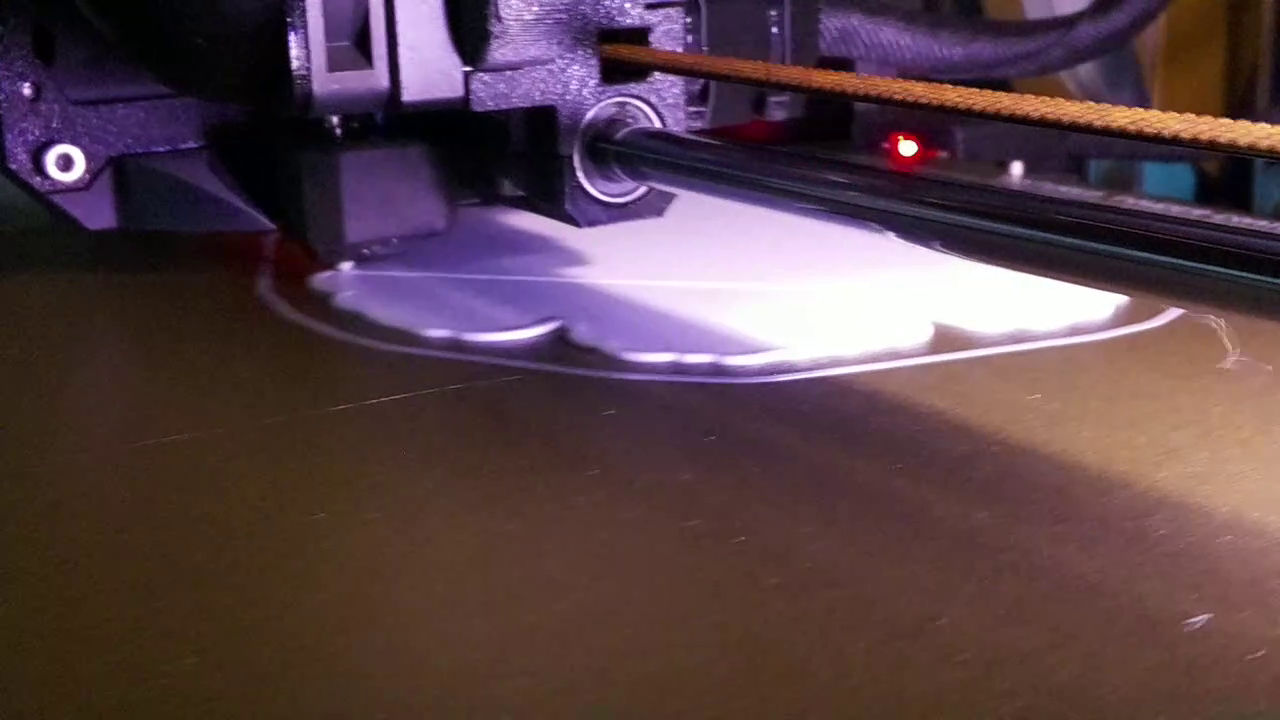
Based on those measurements, I raised the extruder by 0.1 mm, but apparently did a poor job of cleaning / flattening the cold TPU on the nozzle and got it wrong. As a result, the first layer didn’t get squooshed properly onto the BuildTak, came unstuck, and produced art . The track down the middle of the photo shows traces of a previous, badly over-squooshed test chain.
The stretched TPU relaxes enough to leave very little tension after a day, as shown by the unhooked right chain:
Bike Rack Tray Holder – straps – relaxing
However, that make the chains exactly the right length, so they require even more force to get the hooks off the rack. After relaxing for another day, the stretched chains return to roughly their original lengths, so it’s all good.
This file contains hidden or bidirectional Unicode text that may be interpreted or compiled differently than what appears below. To review, open the file in an editor that reveals hidden Unicode characters.
Learn more about bidirectional Unicode characters
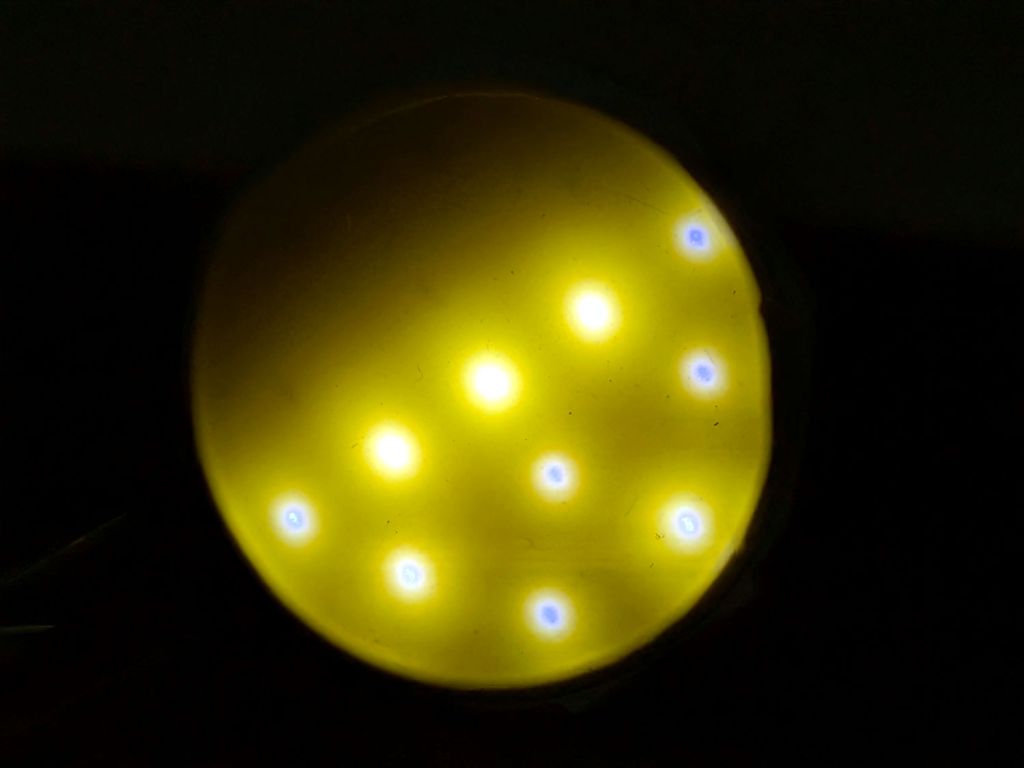
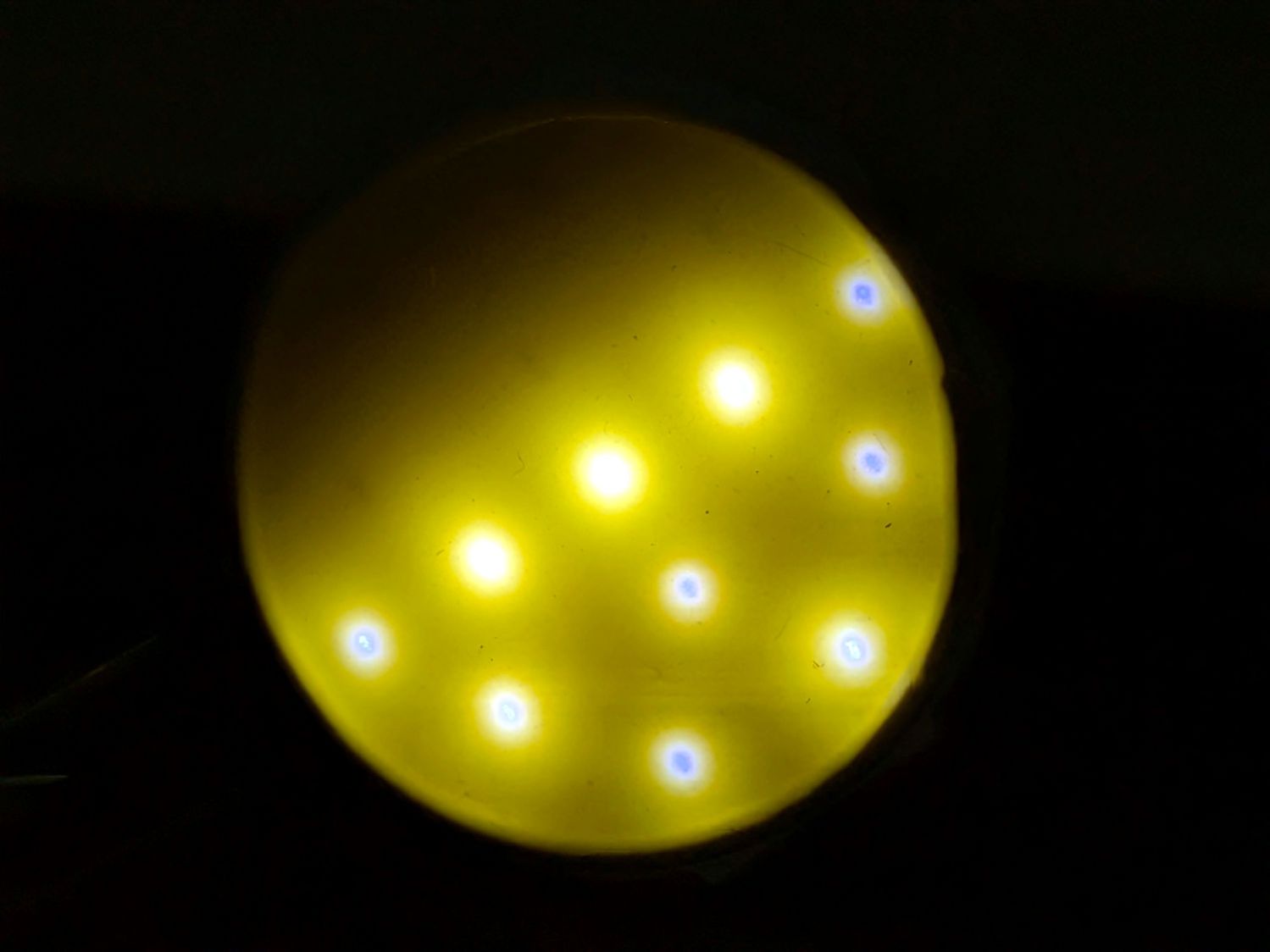
There’s also not much room for a lighting fixture on the printer where it must mount, so I modified a trio of nominally 12 V / 4 W COB LED panels:
Prusa MK4 – Extruder sidelight – COB LEDs
Their “4 W” rating seems aspirational, at best, as a 12 VDC supply pushes only 75 mA through the panel, so they tick along at 900 mW. If you expect cheap eBay / Amazon components to live up to their specs, dream on.
The modifications:
Unsolder the pins
Crunch off the surprisingly precise 27.4 Ω SMD resistor
Clean up the rubble
Wire the panels directly in series, ignoring their bridge rectifiers
The 15 LEDs on each panel are arranged in five parallel chains of three LEDs for a total forward drop of 8.3 V, so putting three panels in series works with the MK4’s 24 V power supply.
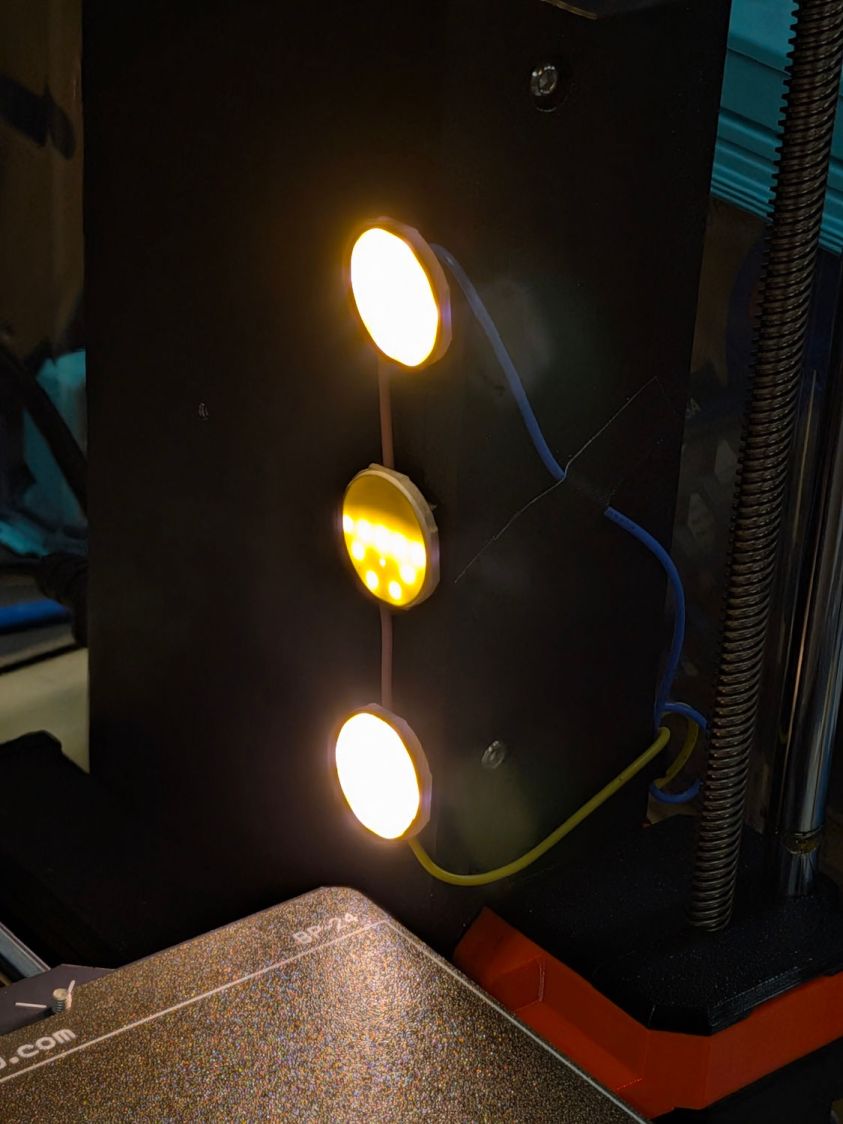
Stick them onto the MK4 power supply case with foam tape and wire them directly to the 24 V terminals:
Prusa MK4 – Extruder sidelight – installed
There’s very little clearance between the machine frame and the X Axis carriage on the threaded rod. Putting the LEDs in a 3D printed case and routing the wires lower on the column would be nice touches:
Prusa MK4 – Extruder sidelight – front view
The panels start at 30 mA when cold and drop to 25 mA as they warm up in the 63 °F = 17 °C Basement Shop. Each panel dissipates 250 mW: bright enough for the task, dim enough to avoid overpowering the camera’s limited dynamic range, and definitely within whatever power rating they should have.
Looking over the camera’s shoulder in normal shop lighting suggests it’s about right:
The camera will benefit from better lighting, but it has a great view of the proceedings and gets the job done:
RPi Camera Mount – image
The Standardized Link holes clear an M6 bolt, but the Thumb Remix models use M5×25 hex-head screws (the doc says M4) and they work fine. I printed the (turn-able) bolt knobs in blue PETG-CF to distinguish them from the (fixed) nut knobs, which really don’t need knurling.
The camera ball mount has a threaded socket for the original plastic screws, but the stem isn’t quite thick enough for an M5 insert. Heat-setting an M4 brass insert into the hole and epoxying an M4×25 hex-head screw into one of the Remix knobs worked fine.
One Snap Fit Cable Management Clip holds the ribbon cable to a link. I think the RPi can fit under the platform inside the MK4 frame, with another clip or two routing the cable below the mount and frame. Adding another layer to the foam foot pads may improve the clearance.
The mount attaches to the MK4 frame with a 3030 adapter and a 45° link on the top. If I were in the mood, I’d make the 3030 adapter link longer for enough clearance beyond the M4 socket-head cap screws to get a ball-end hex wrench in there.
The small figure on the platform is a Articulated Grim Reaper done in black and white as an MMU3 test.
Now I can keep an eye on the proceedings from the Comfy Chair …
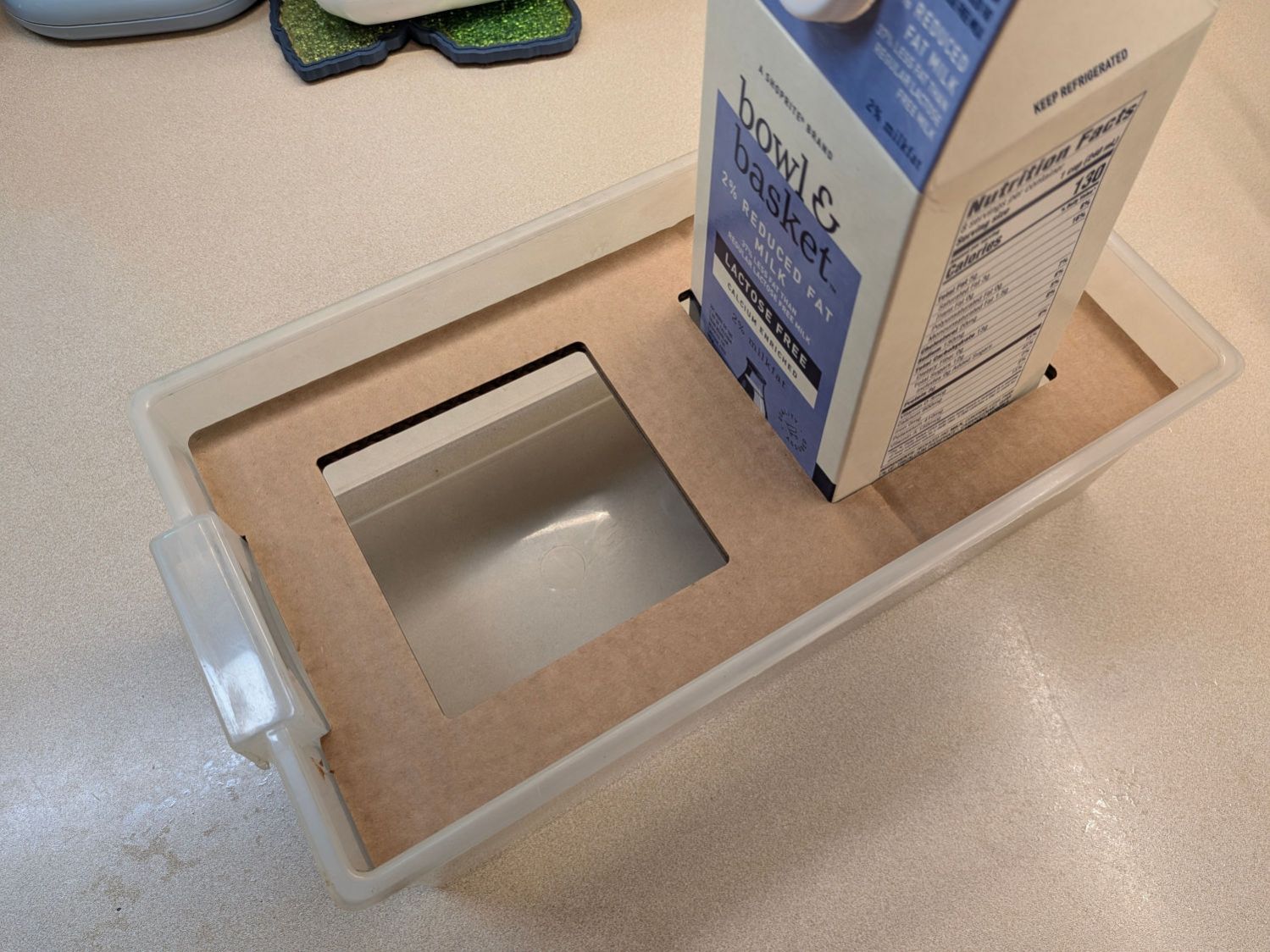
Over the winter, my Prusa MK4 printer occasionally coughed up a MINTEMP error when its platform heater cannot maintain the 90 °C called for by PETG. I finally added a cardboard insulating layer under the PCB heater:
Prusa MK4 Headbed – cardboard insulation
Yes, the blue tool layer rectangle marking the centers of the corner cutouts is offset 2.5 mm to the left:
Heatbed Insulation – LightBurn layout
The layout is not symmetric, because Prusa wanted to prevent you from installing the PCB incorrectly, so I needed three tries to get it right.
The alert reader will note the lack of the front-corner chamfers in the picture letting your fingers get under the corners to remove the steel sheet. I cut ’em off with a utility knife and you get the benefit of hindsight.
Whether this minimal insulation will solve the problem shall remain unknown until the coldest days of next winter, but eliminating drafts around the thermistor taped to the bottom of the PCB can’t possibly be a Bad Thing™.
The LightBurn layout exported to an SVG image as a GitHub Gist:
Although the blade clamp is a snug fit in its socket, it has enough stick-out cantilever to move slightly even under minimal force from the diamond tools.
I added a thin cardboard shim, cut with a utility knife (!) and stuck on with a craft adhesive sheet, as the block was about half a millimeter upward with the clamp turned this-a-way and half a millimeter downward the other way. Your mileage / setup will certainly differ.
I like the sharpener, but it’s much fiddlier than I expected.
Mary suggested converting wild bamboo up the hill into tunnel nests (per a xerces.org paper) for native bees buzzing around flowers in the yard, so:
Bee Tunnel Nest – downspout installation
I hung bundles of larger tubes in trees out back, in hopes of attracting huge carpenter bees.
3D printed mounts hold smaller bundles on the windows to let us keep an eye on the proceedings:
Bee Tunnel Nest Mount – installed
Which look better when not seen though two layers of glass in desperate need of Spring Cleaning:
Bee Tunnel Nest Mounts
The tabs provide a bit of pressure to hold the mounts in place, although I don’t know if they have enough springiness or will survive contact with the elements:
Bee Tunnel Nest Mount – tab section – solid model
The key advantage of not building bigger bee motels: these little bundles don’t need annual cleaning / maintenance and will eventually fall apart.
If the bees find them suitable, more power to ’em!
And I realized the cut-off ends fit in the rotary. Witticisms engraved on bamboo could become the New Hotness:
Laser engraved bamboo
Stipulated: I’m barely half-right about being a wit …
This file contains hidden or bidirectional Unicode text that may be interpreted or compiled differently than what appears below. To review, open the file in an editor that reveals hidden Unicode characters.
Learn more about bidirectional Unicode characters