The Smell of Molten Projects in the Morning

Ed Nisley's Blog: Shop notes, electronics, firmware, machinery, 3D printing, laser cuttery, and curiosities. Contents: 100% human thinking, 0% AI slop.

Tag: Improvements

Making the world a better place, one piece at a time

  • Laser Cutter: New 24 V Power Supply

    Laser Cutter: New 24 V Power Supply

    Unlike the OEM 24 V supply in the laser, the “new” supply from my heap does not have mounting flanges; it’s intended to be attached to a mounting plate from the back side. It turns out the laser does have a mounting plate with All The Things screwed onto it, but there is no way I am going to disconnect all the wiring just to drill four more holes in that plate.

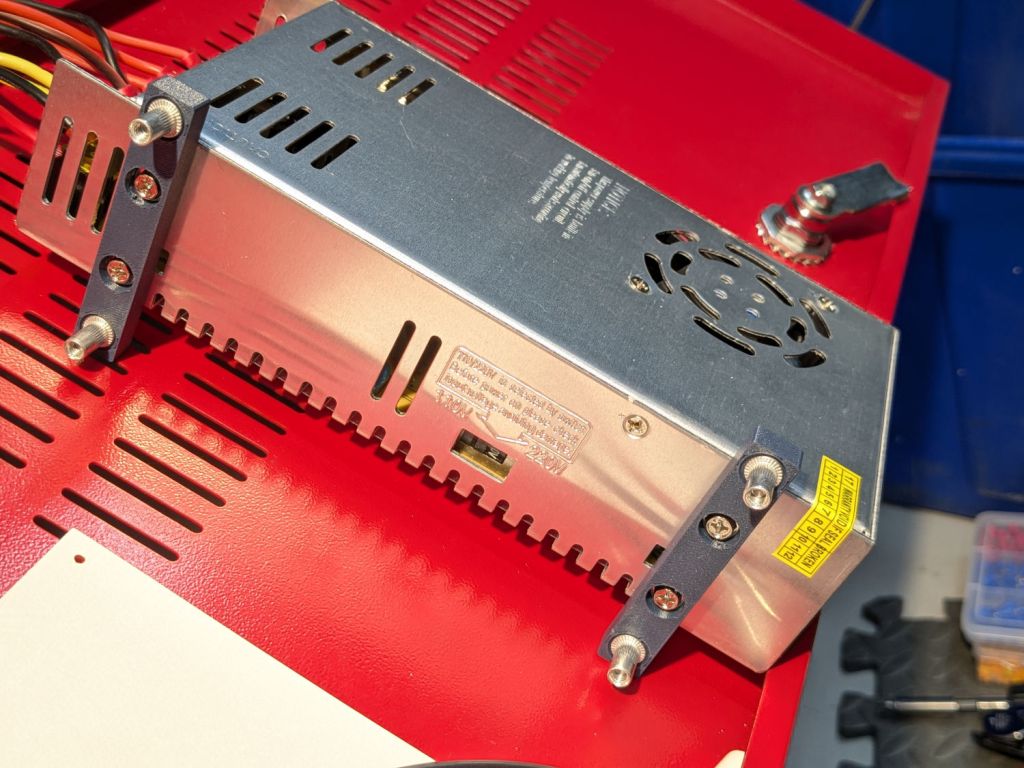
    So I made a pair of brackets to screw into the back of the supply and then into suitable holes in the mounting plate:
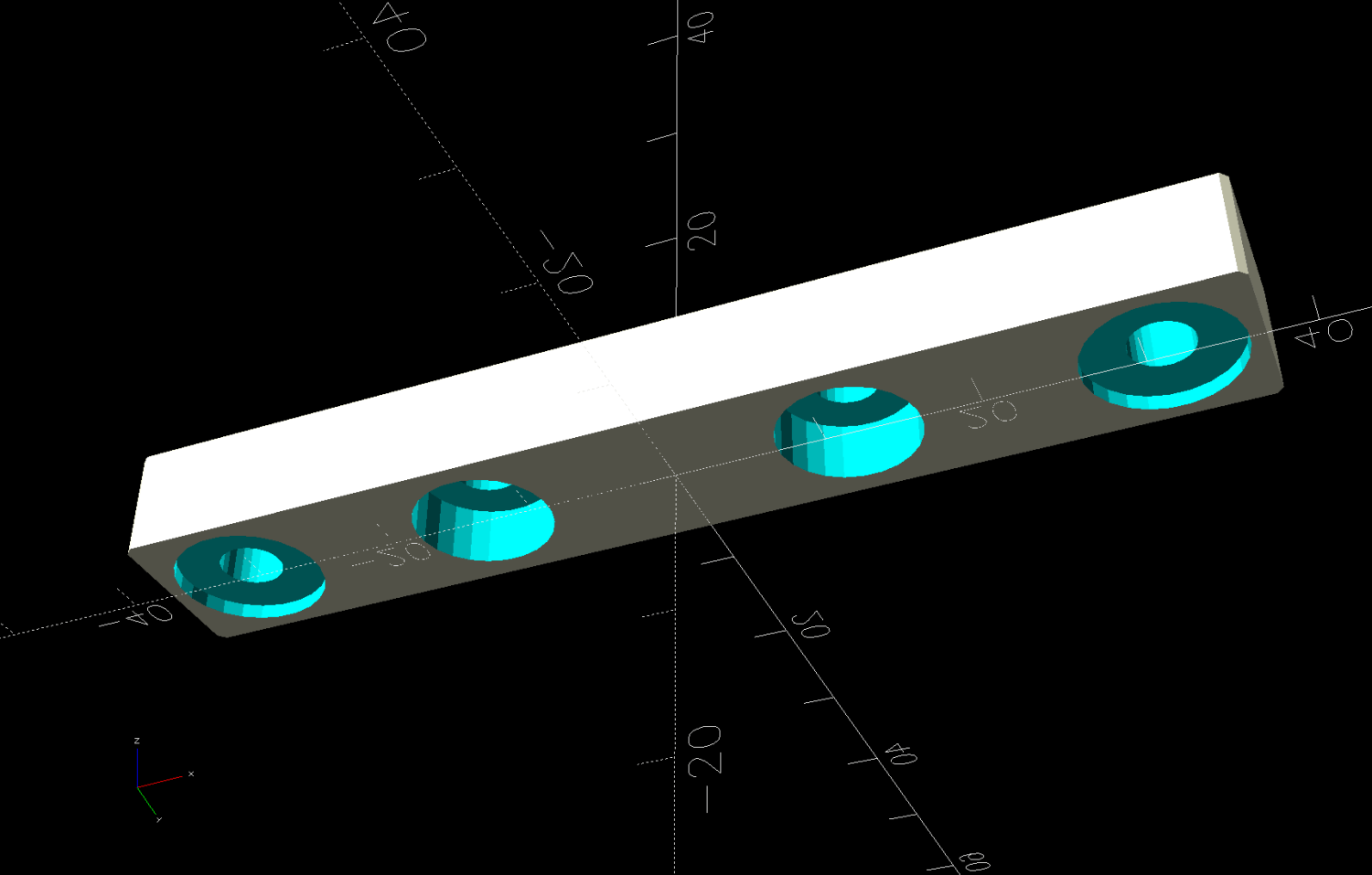
    Laser 24V Power Supply Mount - solid model
    Laser 24V Power Supply Mount – solid model

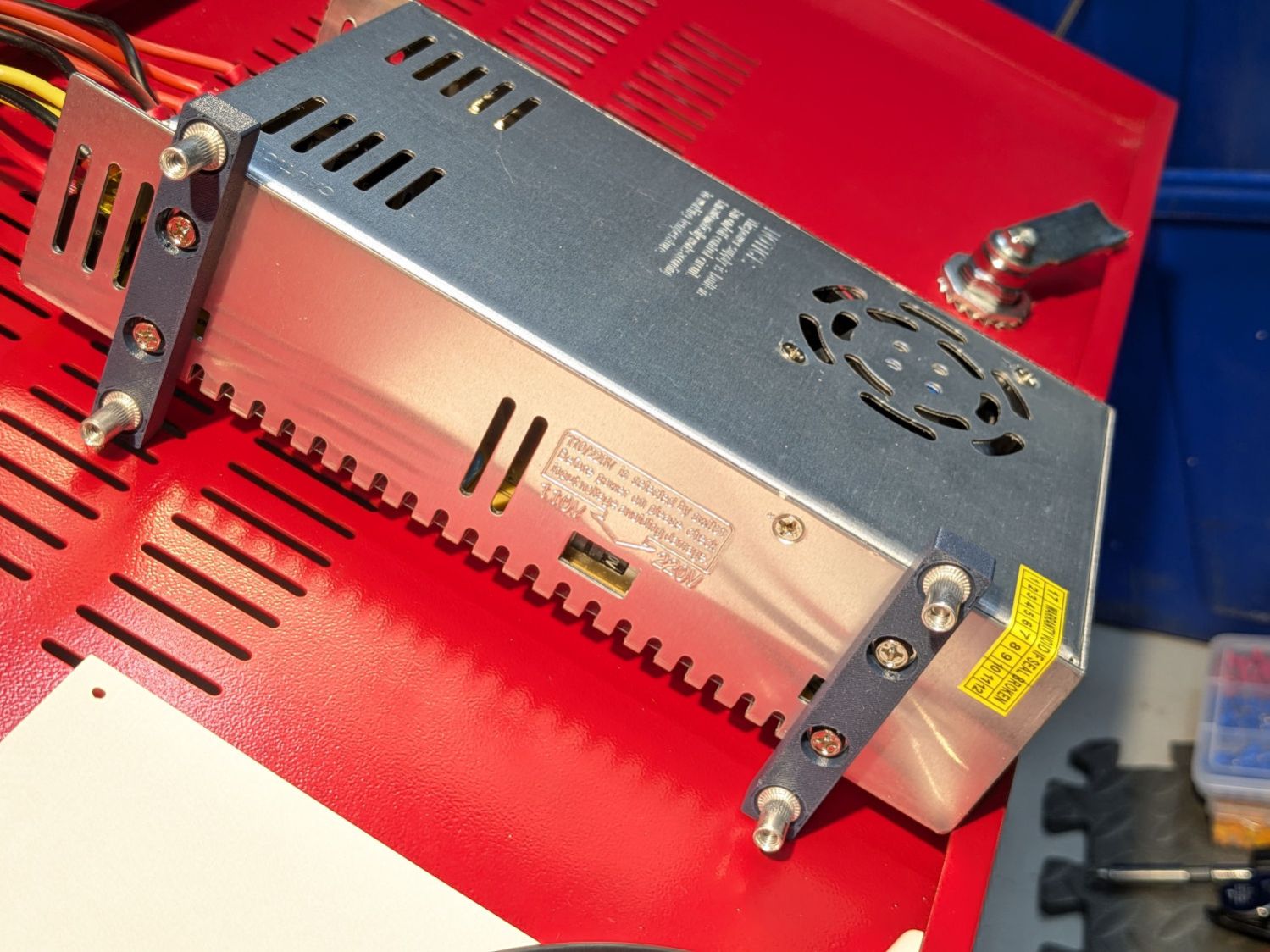
    Which look like this in real life:

    Laser 24V Power Suppy - mounts installed
    Laser 24V Power Suppy – mounts installed

    Those M4 rivnuts just beg for 6 mm holes in the mounting plate.

    However, it turns out that their unsquished length exceeds the distance behind the panel, which means there’s no way to install them flush to the panel with the proper backside squish.

    So:

    • Loosen the four nuts holding the panel to the bolts welded to the machine frame
    • Ease it forward a bit
    • Tuck 6 mm acrylic scraps behind all four corners
    • Snug the nuts again to hold the plate against the acrylic with plenty of room behind it

    The OpenSCAD code generates a simpleminded drill template:
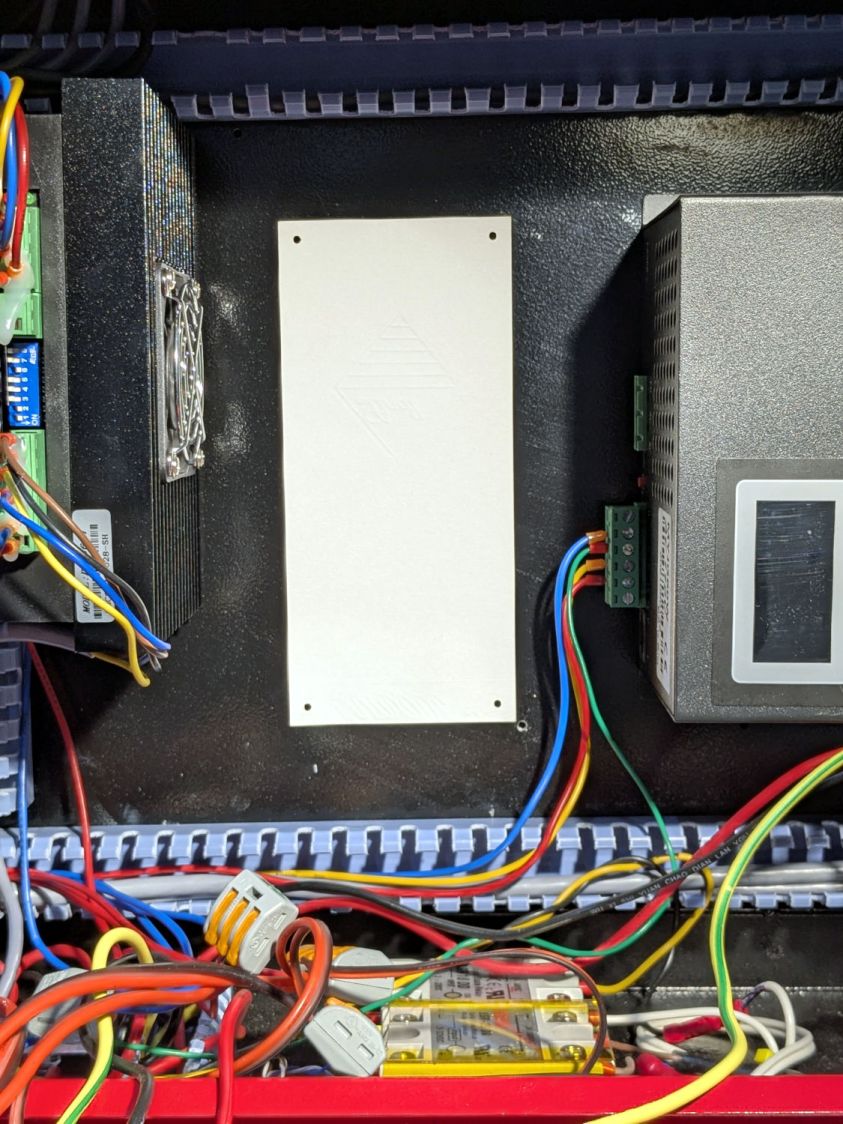
    Laser 24V Power Suppy - drill template
    Laser 24V Power Suppy – drill template

    Press a scrap of rubber firmly against the plate to dampen vibrations and thwack each hole with an automatic center punch set to stun. Deploy a succession of drills up through 6 mm, catching most of the swarf in tape strips:
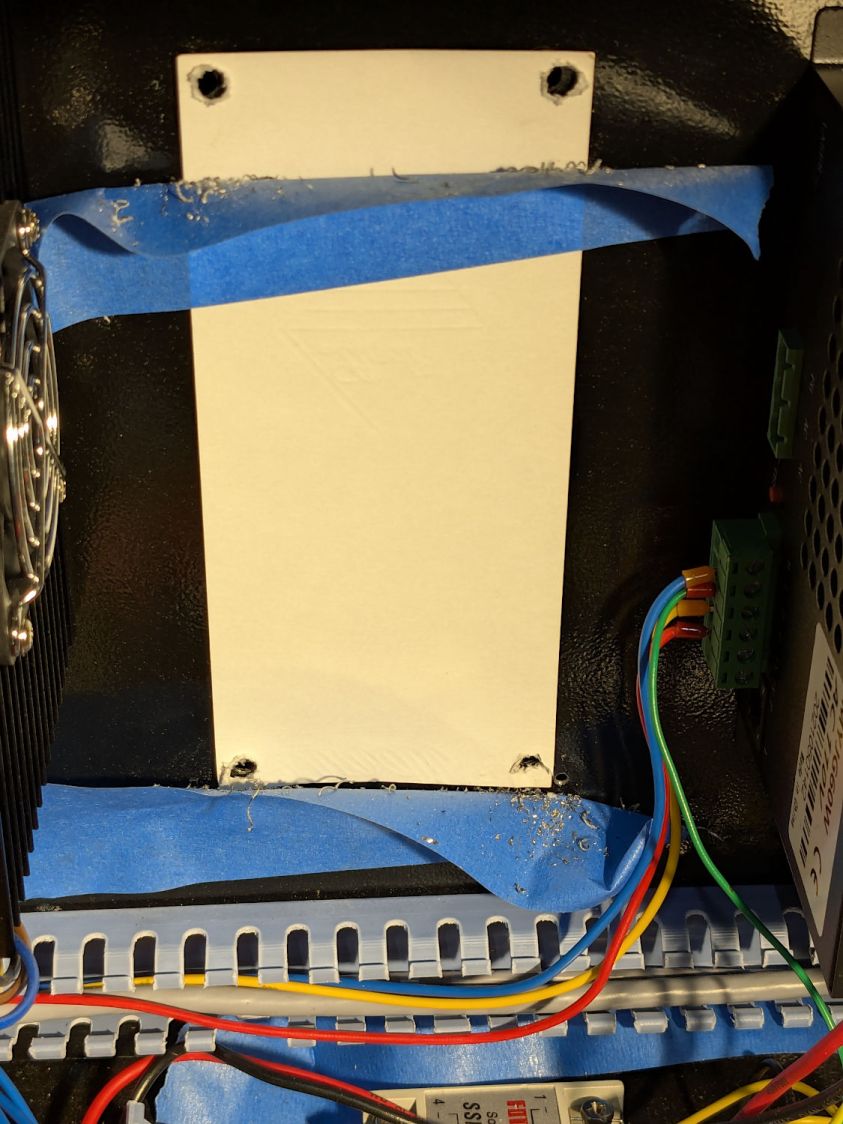
    Laser 24V Power Suppy - drill chip catchers
    Laser 24V Power Suppy – drill chip catchers

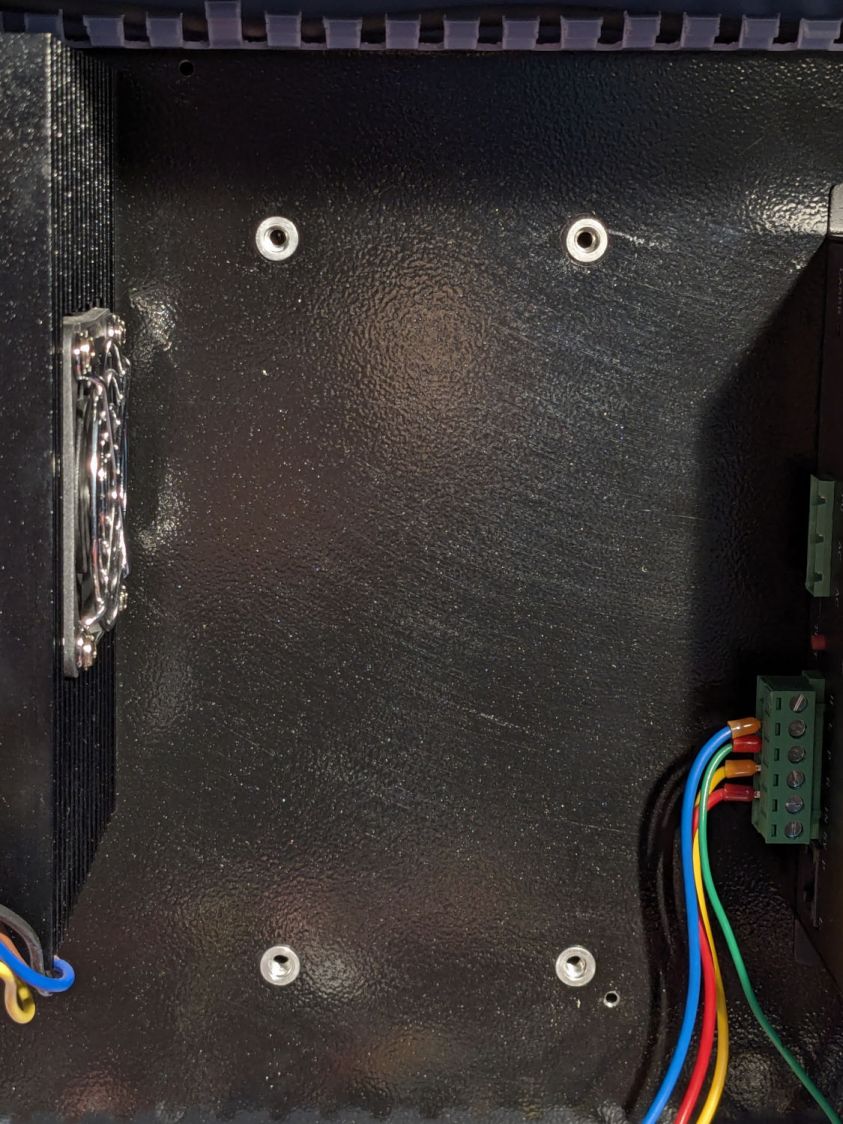
    Squish the rivnuts in place:

    Laser 24V Power Suppy - rivnuts in place
    Laser 24V Power Suppy – rivnuts in place

    The small, vaguely tapped hole on the lower right was the “good” screw for the OEM power supply; the “bad” screw hole is invisible to the upper left, just under the raceway.

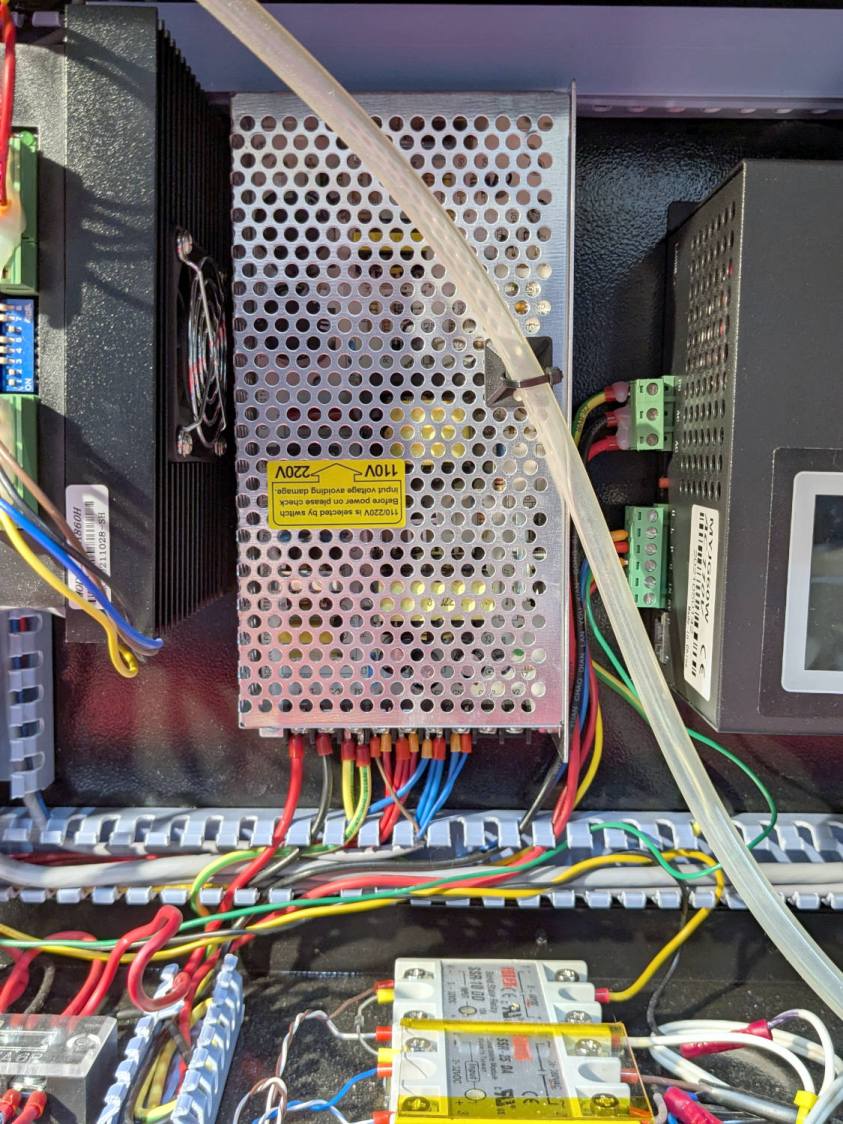
    Remove the plastic spacers, snug the nuts holding the plate again, install the power supply, and it looks like it grew there:
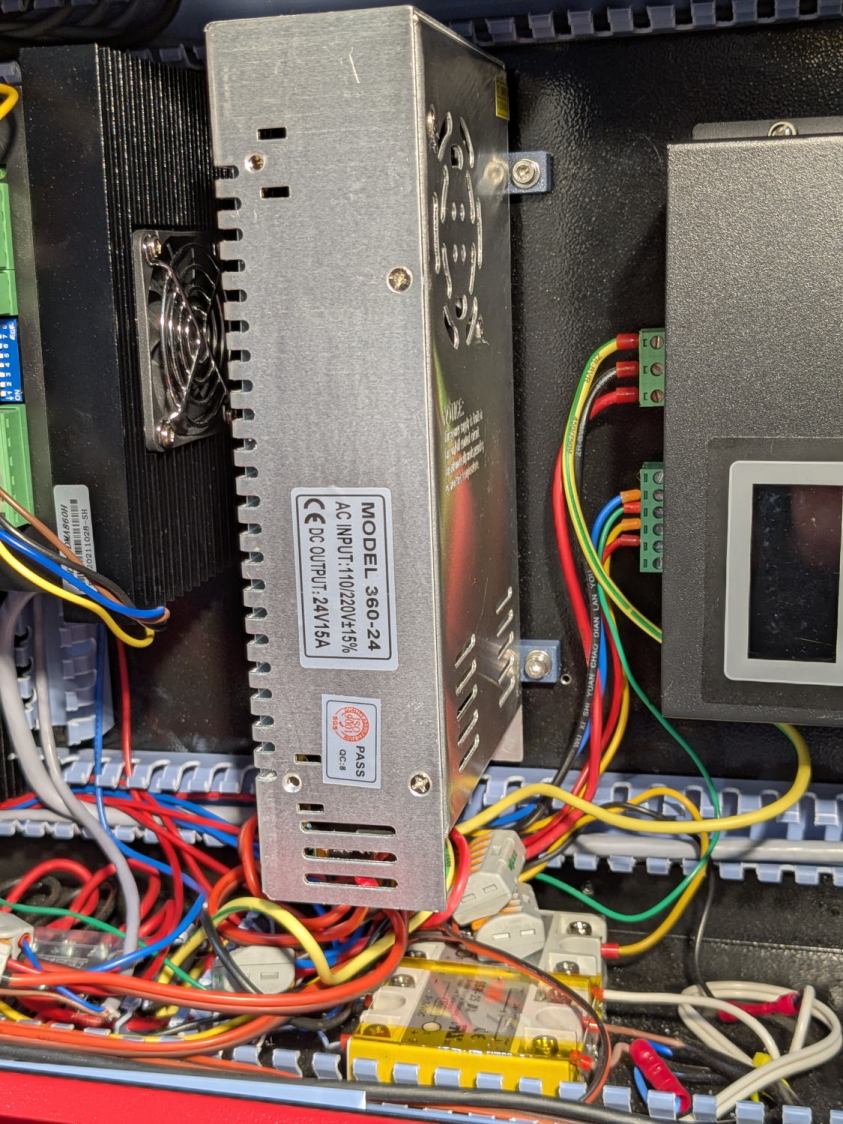
    Laser 24V Power Suppy - installed
    Laser 24V Power Suppy – installed

    The wires and Wago connectors scrunched underneath aren’t anything to be proud of, but longer wires didn’t seem likely to improve the outcome.

    The OpenSCAD source code as a GitHub Gist:

    // Mount for 24 V laser power supply
    // Ed Nisley – KE4ZNU
    // 2025-12-07
    include <BOSL2/std.scad>
    Layout = "Show"; // [Show,Build,Guide,Block]
    /* [Hidden] */
    ID = 0;
    OD = 1;
    LENGTH = 2;
    HoleWindage = 0.2;
    Protrusion = 0.1;
    NumSides = 2*3*4;
    $fn=NumSides;
    Gap = 5.0;
    Rivnut = [4.0,6.0,9.0]; // body + head OD
    RivnutHead = [6.0,10.0,1.0]; // flat head
    WallThick = 6.0; // a bit more than half rivnut head OD
    SupplyCase = [50.0,215.0,112.0]; // power supply case size
    SupplyOC = [25.0,150.0,0]; // power supply mounting screw centers
    SupplyOffset = -1.0; // the screws are not centered on the case!
    SupplyScrew = [4.0,9.0,4.0]; // … LENGTH outside supply case
    MountOC = SupplyCase.x + 2*WallThick;
    MountScrewLength = 8.0; // … head-to-baseplate
    MountRadius = 0.5;
    BlockOA = [MountOC + 2*WallThick, 2*WallThick, MountScrewLength];
    GuideOD = 2.0;
    //—–
    // Single mounting block
    module MountBlock() {
    difference() {
    cuboid(BlockOA,chamfer=MountRadius,except=BOTTOM,anchor=BOTTOM);
    for (i = [-1,1]) {
    right(i*MountOC/2) {
    cyl(2*RivnutHead[LENGTH],d=RivnutHead[OD],circum=true,anchor=CENTER);
    cyl(2*BlockOA.z,d=Rivnut[ID] + HoleWindage,circum=true,anchor=BOTTOM);
    }
    right(i*SupplyOC.x/2 + SupplyOffset) {
    down(SupplyScrew[LENGTH])
    cyl(BlockOA.z,d=SupplyScrew[OD] + HoleWindage,circum=true,anchor=BOTTOM);
    cyl(2*BlockOA.z,d=SupplyScrew[ID] + HoleWindage,circum=true,anchor=BOTTOM);
    }
    }
    }
    }
    //—–
    // Guide holes in a 2D layout
    module DrillGuide() {
    difference() {
    square([BlockOA.x,SupplyOC.y + BlockOA.y],center=true);
    for (j=[-1,1])
    fwd(j*SupplyOC.y/2)
    for (i = [-1,1]) {
    right(i*MountOC/2) {
    circle(d=GuideOD);
    }
    }
    }
    }
    //—–
    // Build things
    if (Layout == "Block")
    MountBlock();
    if (Layout == "Guide")
    DrillGuide();
    if (Layout == "Show") {
    for (j=[-1,1])
    fwd(j*SupplyOC.y/2)
    MountBlock();
    color("Gray",0.5)
    up(BlockOA.z)
    cuboid(SupplyCase,anchor=BOTTOM);
    }
    if (Layout == "Build") {
    for (j=[-1,1])
    fwd(j*(BlockOA.y/2 + Gap/2))
    up(BlockOA.z) zflip()
    MountBlock();
    }

  • Laser Cutter: OEM 24 V Power Supply Annoyances

    Laser Cutter: OEM 24 V Power Supply Annoyances

    In the process of replacing the laser cutter’s OEM 24 V 6 A power supply with a 15 A supply, one of the two screws holding it in place remained stuck in the underlying sheet metal plate:

    Laser OEM 24V Power Suppy - installed
    Laser OEM 24V Power Suppy – installed

    You can’t see either of the screws from that position, but they’re in the upper-left and lower-right corners. The offending screw is, of course, on the top, tucked between the top of the supply and the wire raceway. The bottom screw came out easily and I could maneuver the supply out of the way.

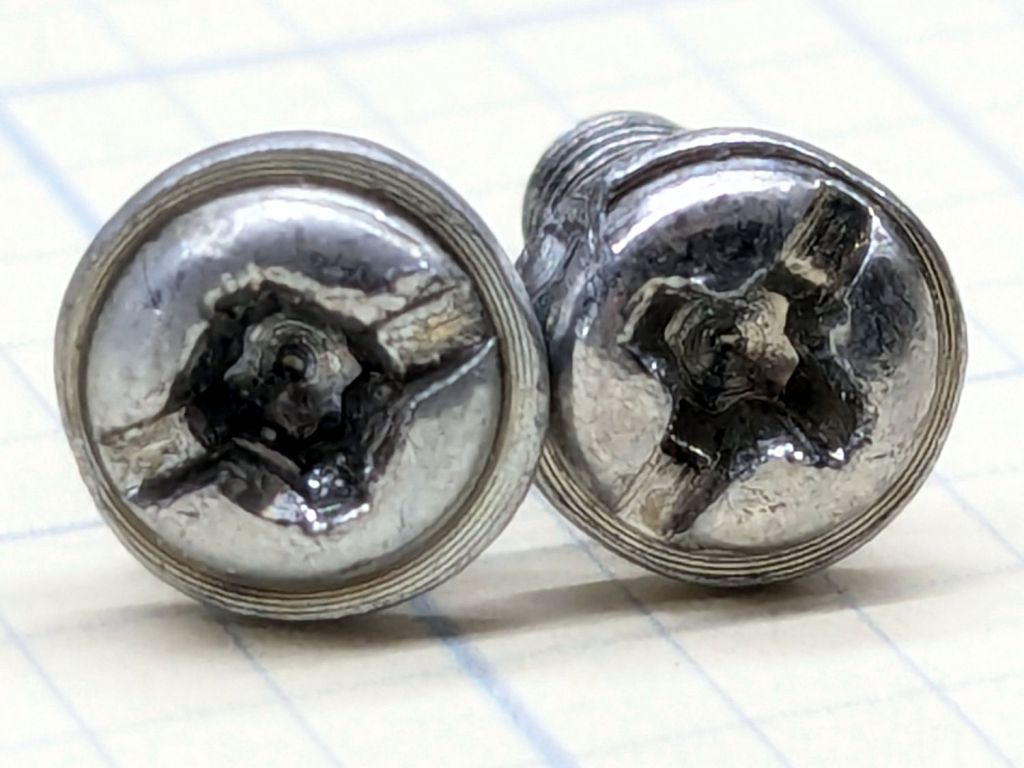
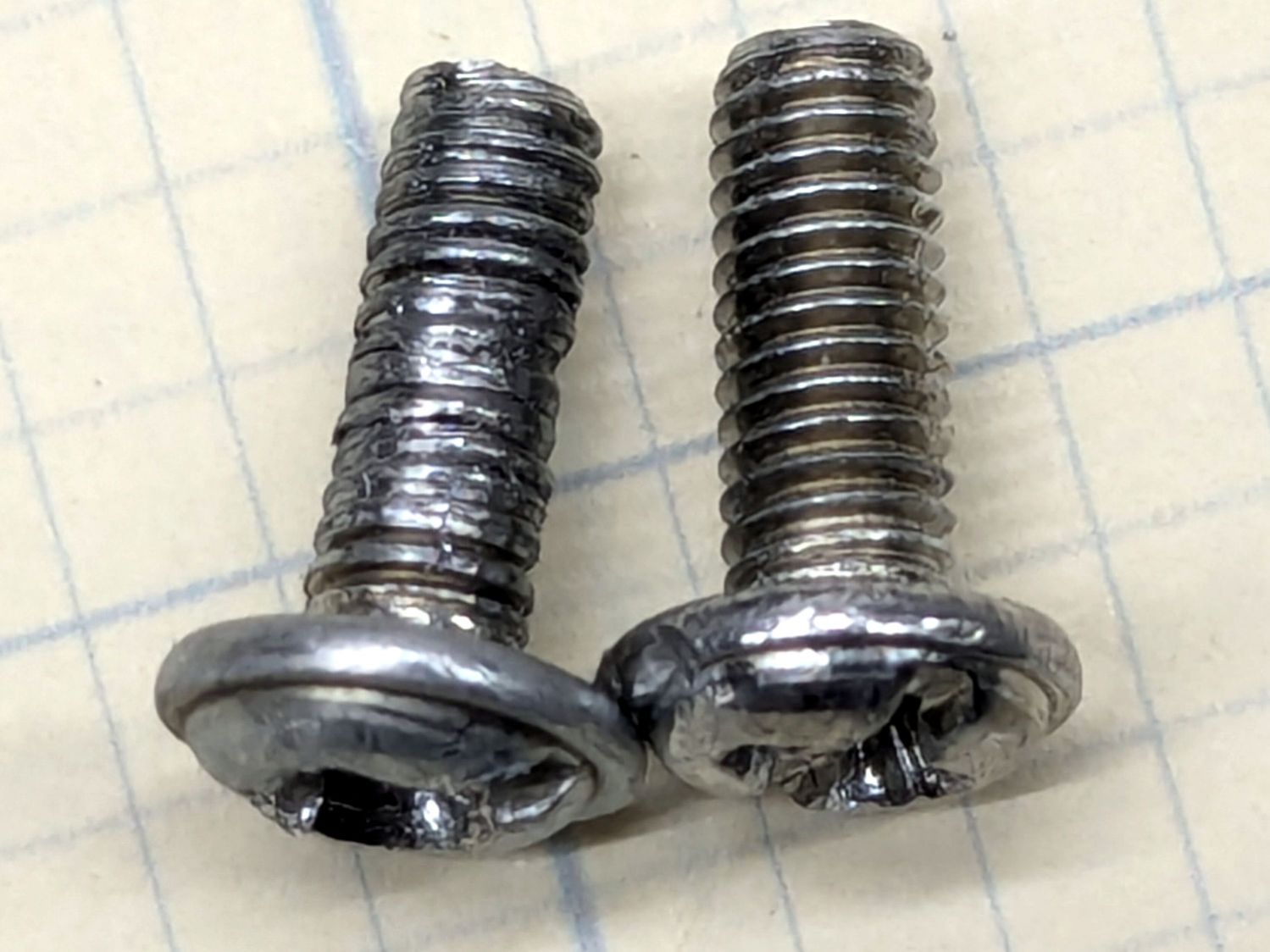
    Vigorous persuasion involving a bent-nose pliers and muttering got the screw out and revealed the problem:

    Laser OEM 24V Power Suppy - stripped screw
    Laser OEM 24V Power Suppy – stripped screw

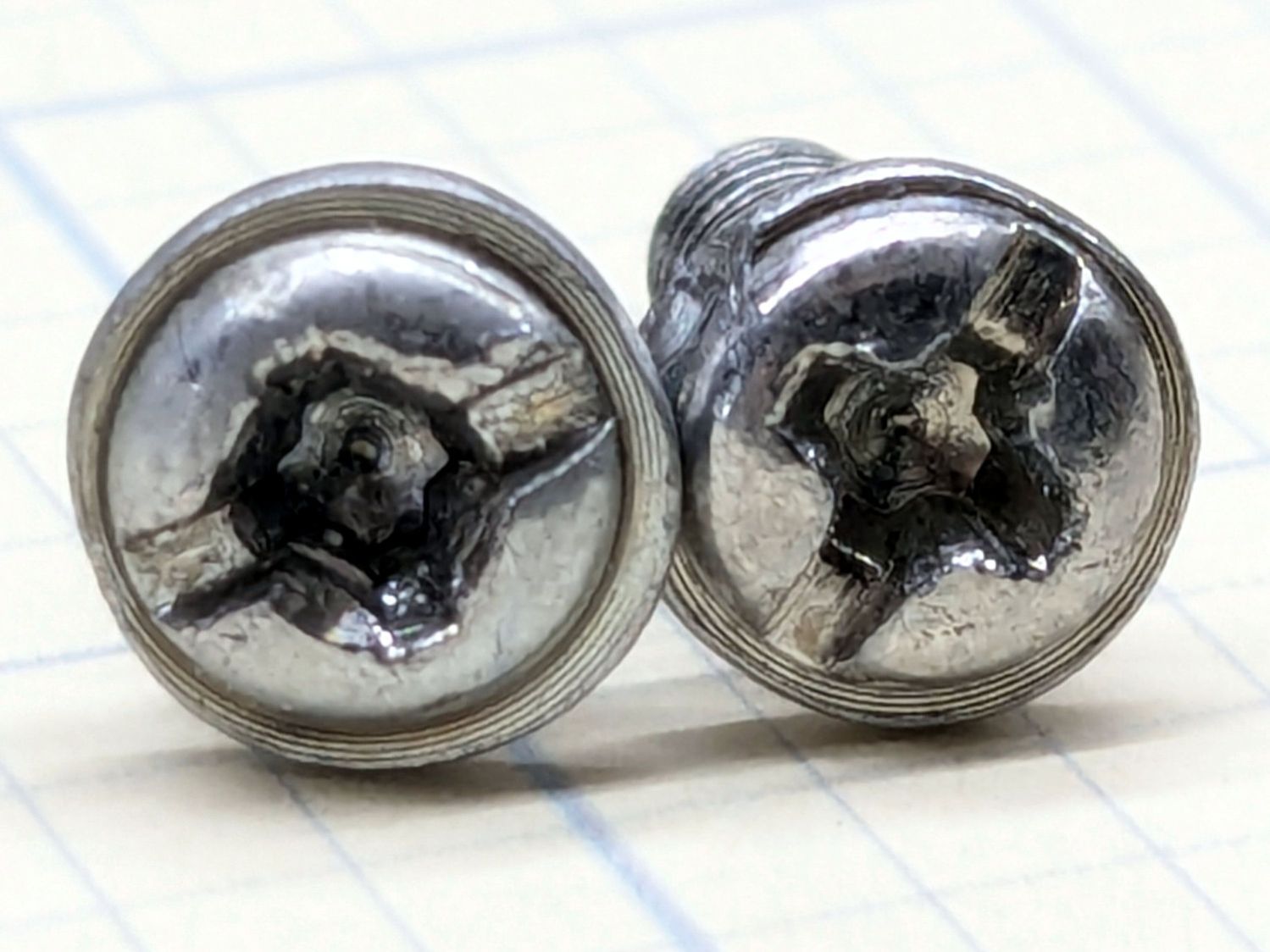
    The reason why the screwdriver didn’t get much traction in the head also became obvious:

    Laser OEM 24V Power Suppy - goobered screw head
    Laser OEM 24V Power Suppy – goobered screw head

    Folks on the LightBurn forum seem astonished when they discover their fresh-from-the-factory has loose screws, missing screws, and occasionally the wrong screws.

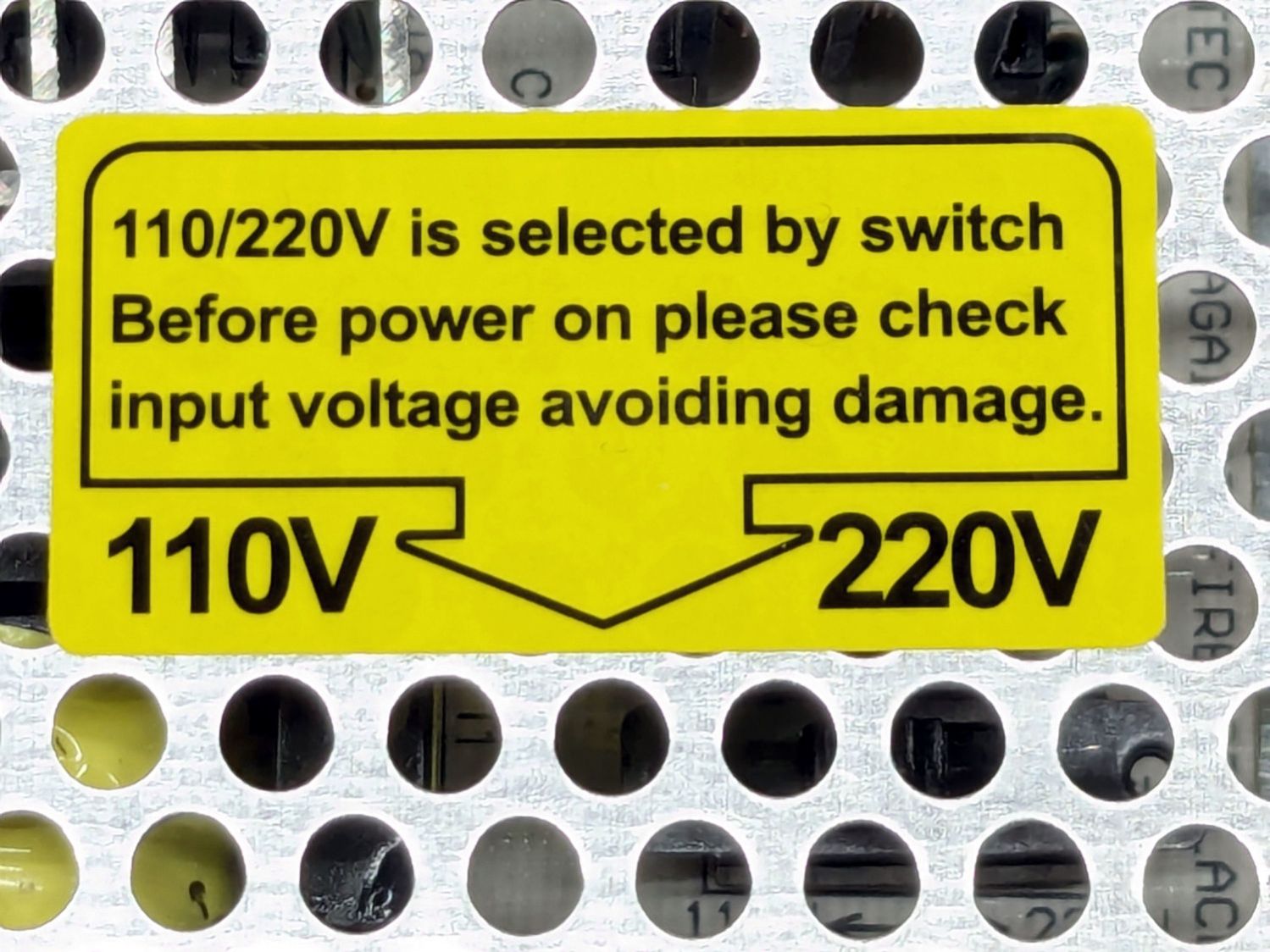
    I always wondered where the switch pointed to by the conspicuous label might be:

    Laser OEM 24V Power Suppy - voltage label
    Laser OEM 24V Power Suppy – voltage label

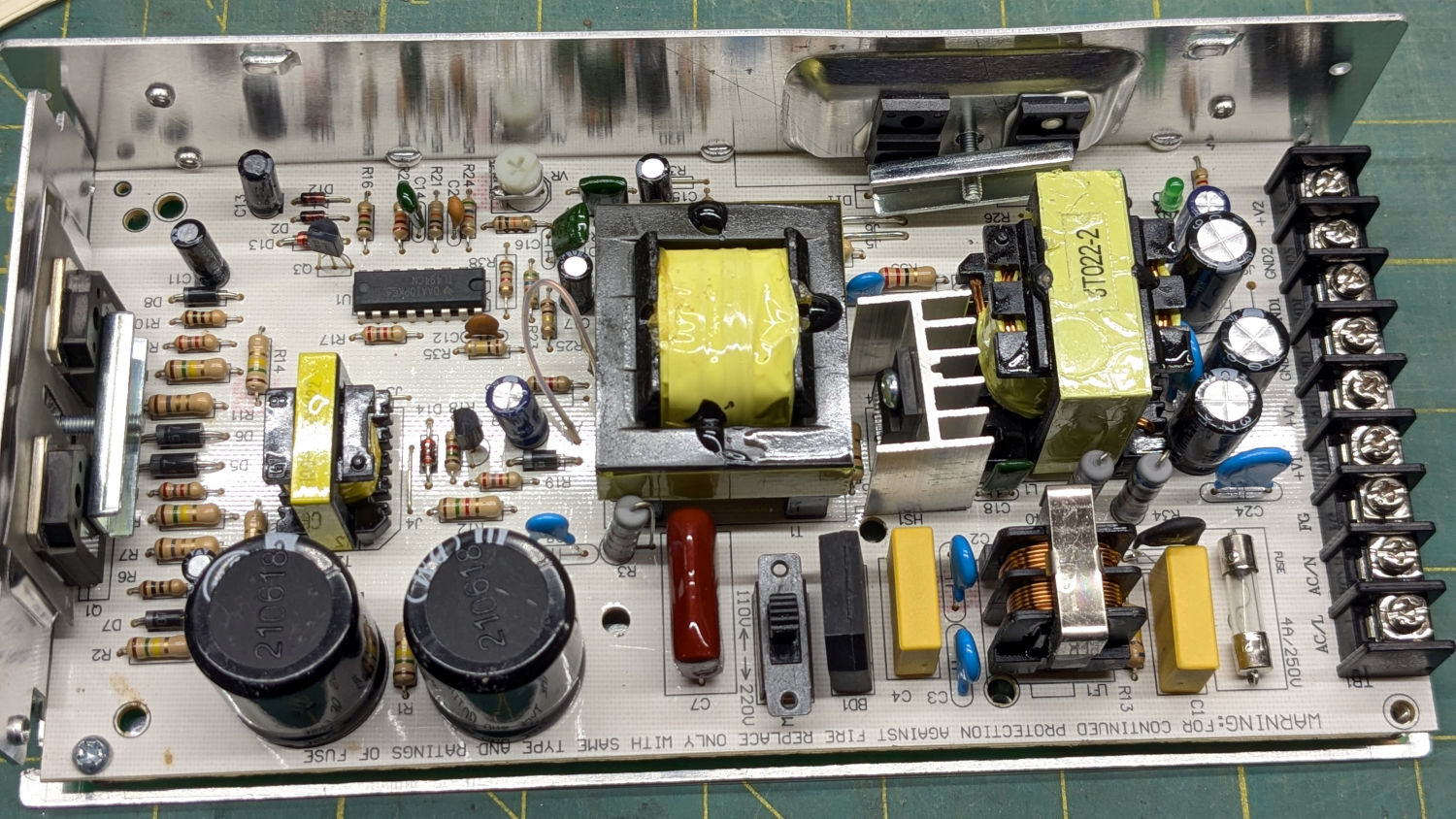
    Unlike most supplies, it’s inside the case:

    Laser OEM 24V Power Suppy - voltage switch
    Laser OEM 24V Power Suppy – voltage switch

    After you spot it, you can also find it just below the tip of the arrow in the previous picture. I suppose putting it inside the case prevents it from being inadvertently flipped, but somebody had to dismantle All. The. Supplies. to flip that switch for the USA-ian market.

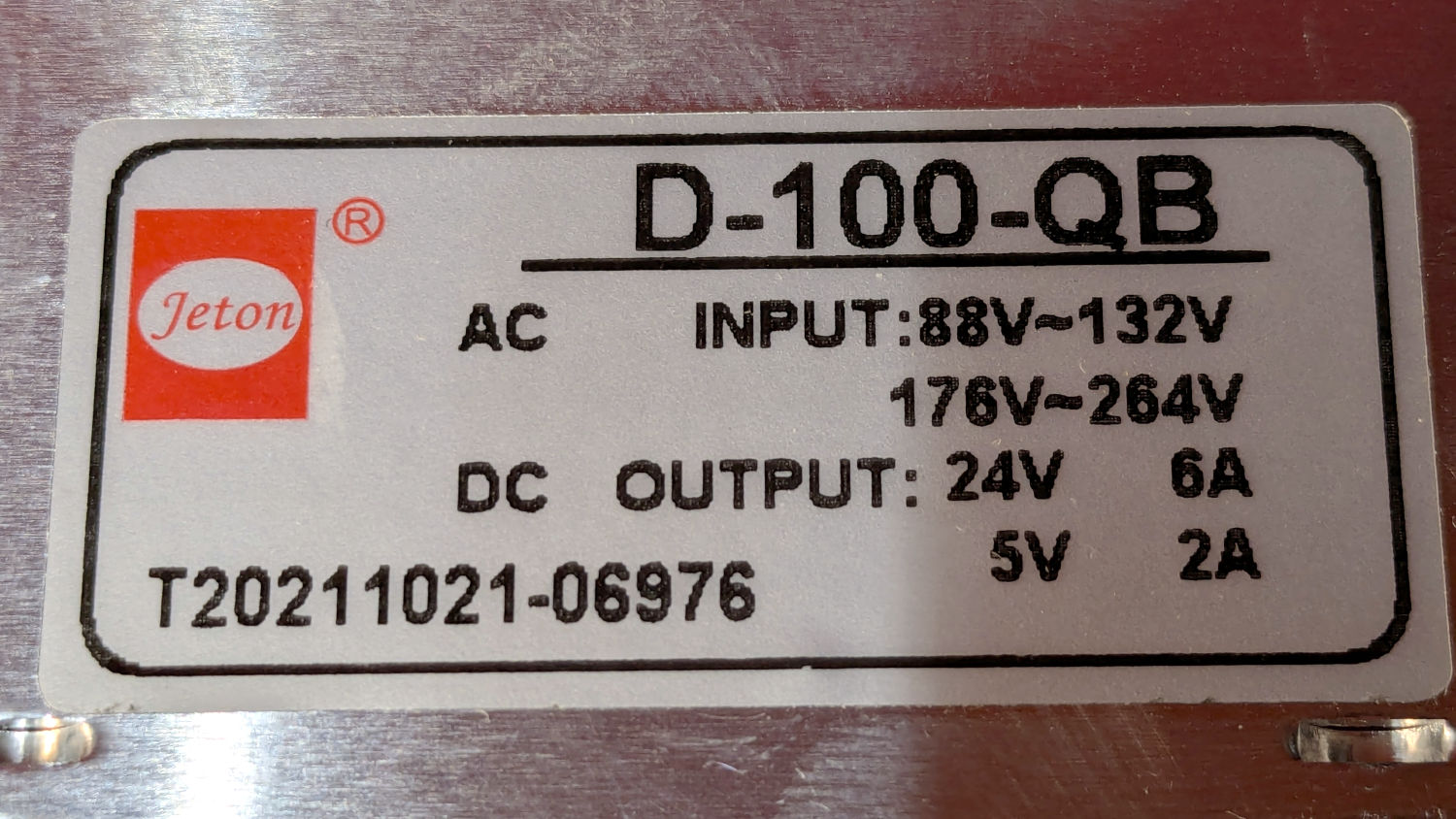
    The dataplate also became visible:

    Laser OEM 24V Power Suppy - dataplate
    Laser OEM 24V Power Suppy – dataplate

    You’ll recall the 5 V 2 A output was dedicated to the red-dot pointer drawing about 20 mA.

    In contrast, the 24 V 6 A output handled:

    • X axis stepper driver: 3.5 A peak
    • Y axis stepper driver: 3.5 A peak
    • U axis stepper driver: 5.1 A peak
    • KT332N controller &c: 1 or 2 A
    • Gantry LED strip: 0.25 A

    The stepper drivers are set to drop the motor current by half when they’re idle, which means their load would be only around 6 A. That’s as delivered to the motor windings, with the power supply’s average current being lower by roughly the ratio between the motor’s rated voltage and the power supply voltage. The instantaneous peak current, however, is the sum of all those currents.

    At some point I must measure all that, but for now I want to shoehorn a bigger supply in there to take care of the additional load of the rotary stepper driver, plus the existing platform lighting and improved electronics bay blower.

  • Dryer Vent Filter Snout: More Warping

    Dryer Vent Filter Snout: More Warping

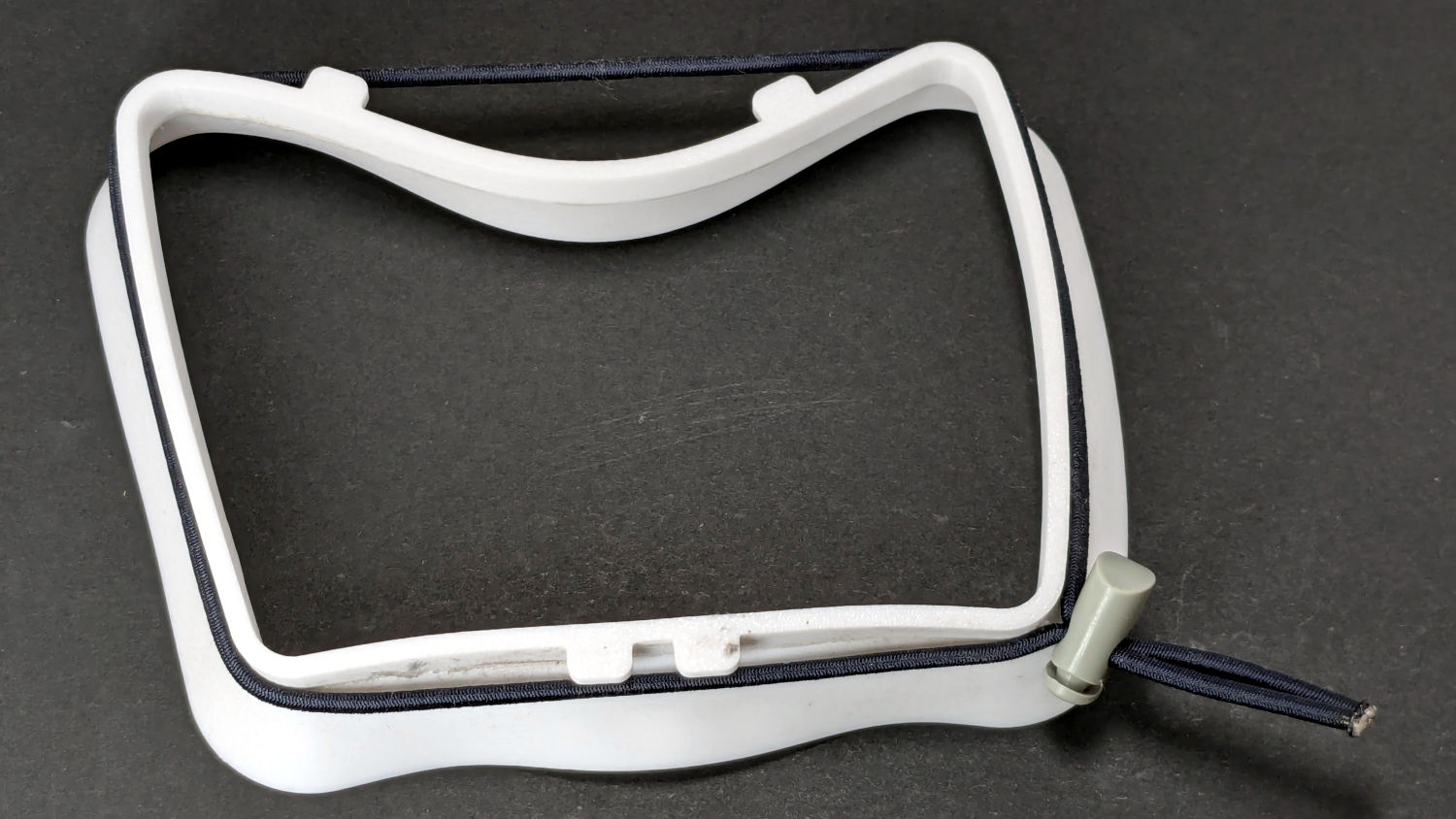
    I have unfairly maligned the TPU snout, because the PETG snout failed the same way:

    Clothes Dryer Vent Filter Snout - warped PETG
    Clothes Dryer Vent Filter Snout – warped PETG

    Seen with the shock cord in place, it’s obvious that combining moderately high temperature with steady compression sufficed to bend the PETG enough to pop those tabs loose from the vent.

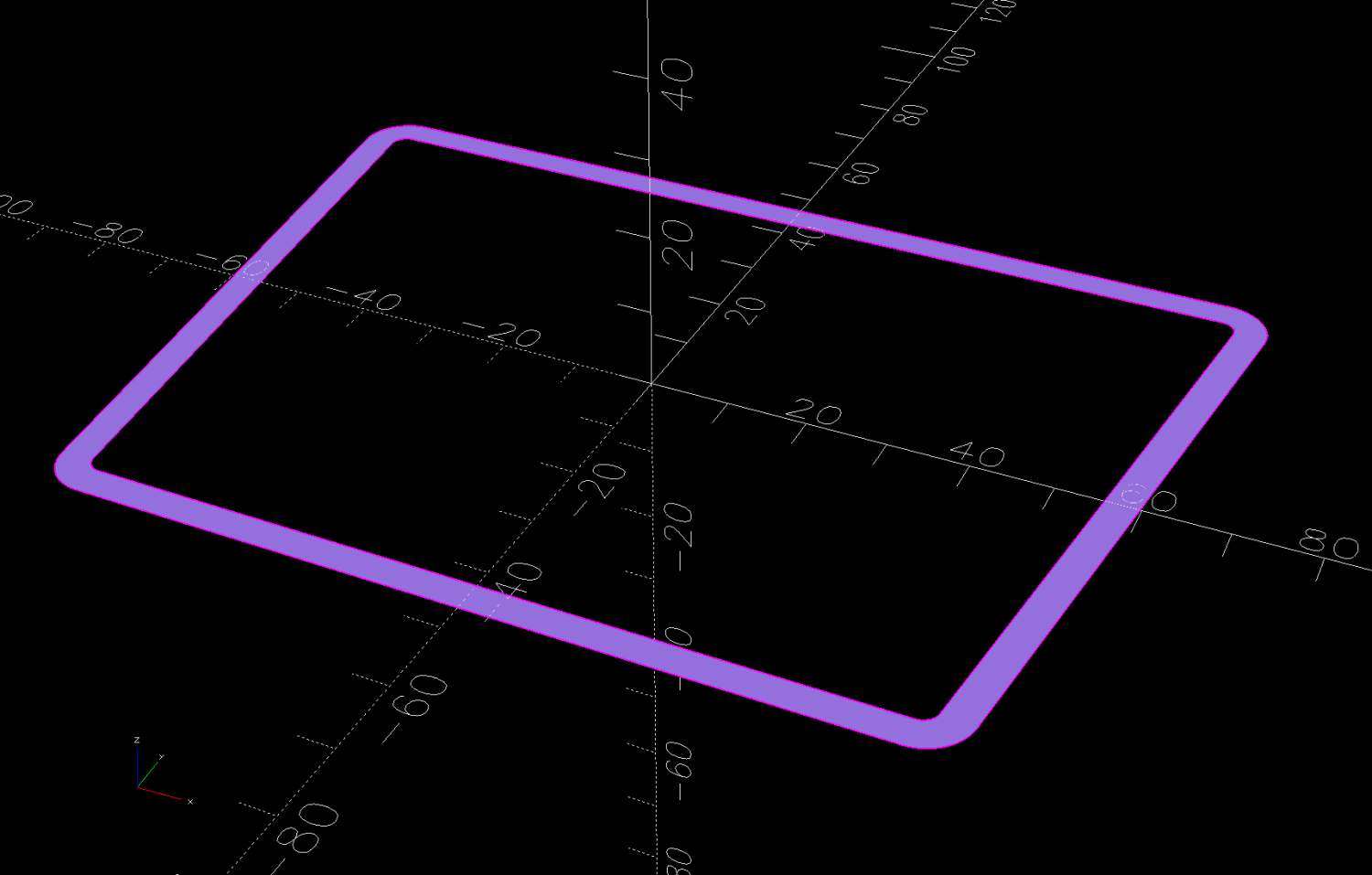
    So the OpenSCAD model now produces a stiffening ring to be laser-cut from acrylic:

    Clothes Dryer Vent Filter Snout - OpenSCAD stiffener
    Clothes Dryer Vent Filter Snout – OpenSCAD stiffener

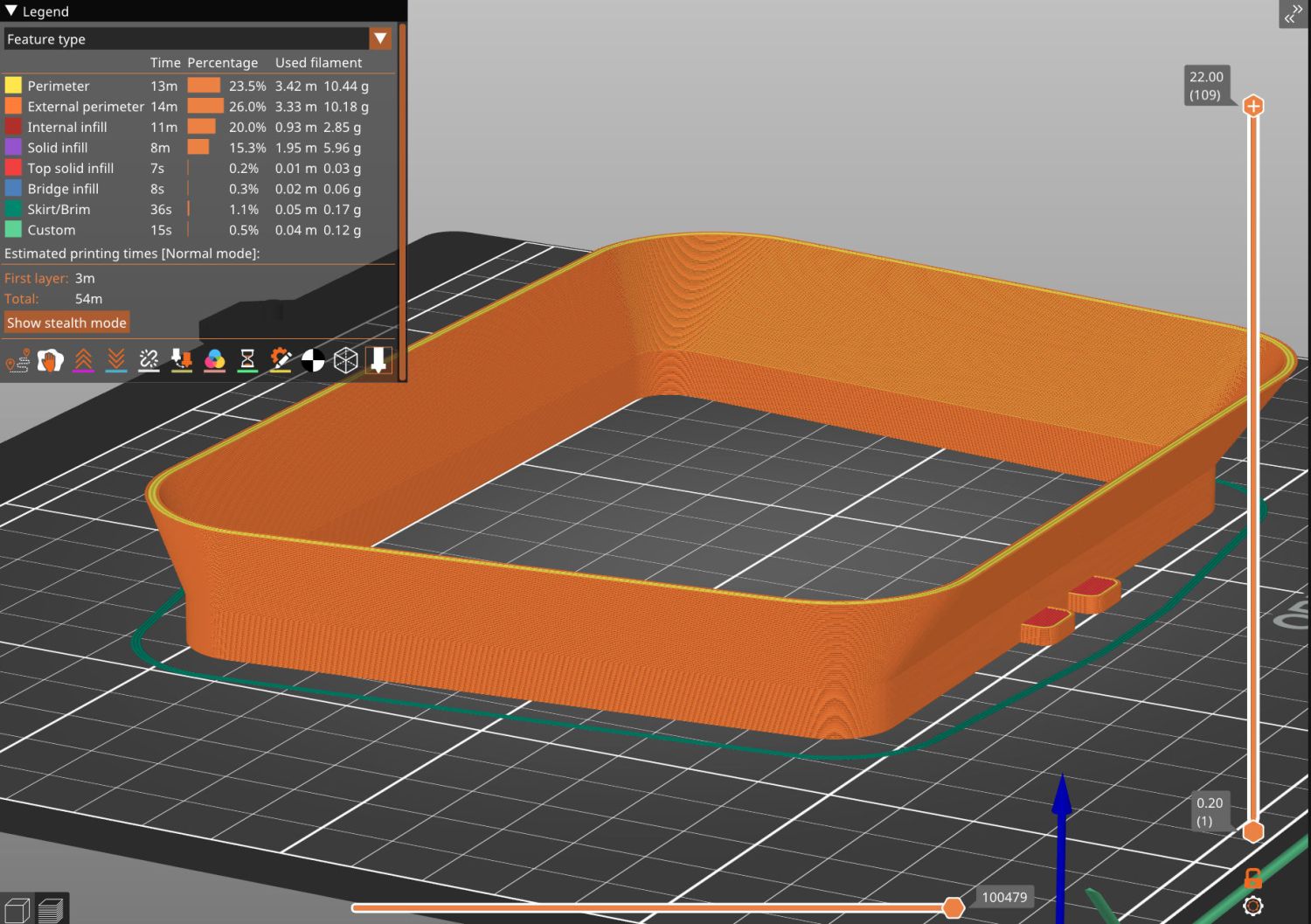
    The whole snout builds as a single unit in the obvious orientation:

    Clothes Dryer Vent Filter Snout - V2 - slicer
    Clothes Dryer Vent Filter Snout – V2 – slicer

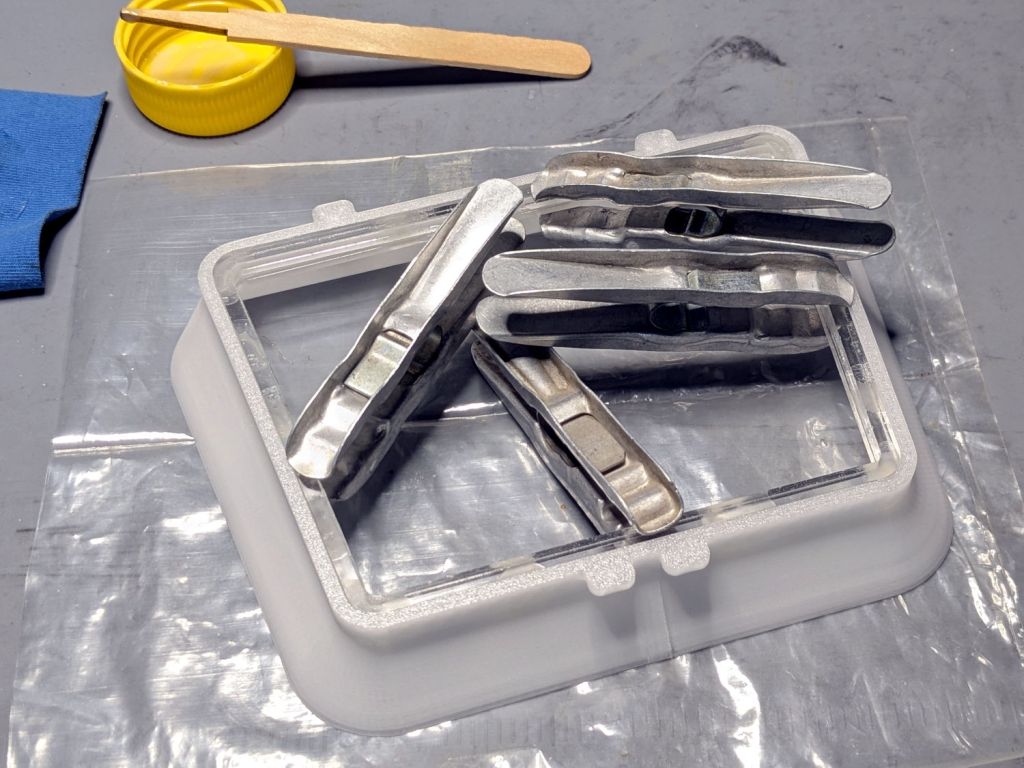
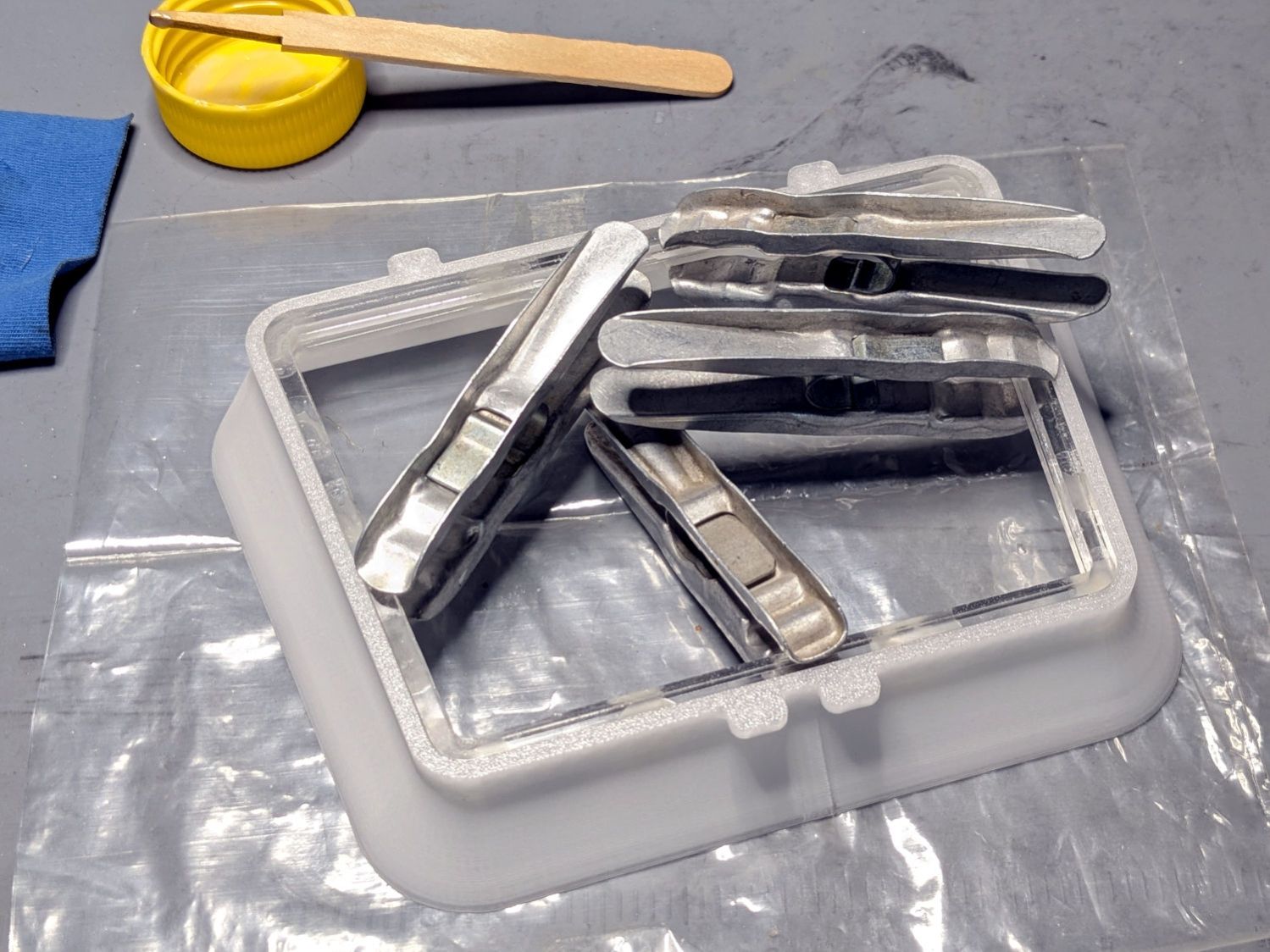
    Because the part of the snout with the tabs is 7 mm tall, I glued a 4 mm acrylic ring to a 3 mm ring, with both of them glued to the snout:

    Clothes Dryer Vent Filter Snout - acrylic gluing
    Clothes Dryer Vent Filter Snout – acrylic gluing

    That’s “natural” PETG, which I expected to be somewhat more transparent, but it’s definitely not a dealbreaker.

    Mary will sew up another cheesecloth filter and we’ll see what happens to this setup.

    As the saying goes, “Experience is what you get when you don’t get what you want.”

    Fortunately, living in the future makes it easy to iterate on the design & implementation until experience produces what should have been obvious at the start.

  • OMTech 60 W Laser: Revised Red-Dot Pointer Power

    OMTech 60 W Laser: Revised Red-Dot Pointer Power

    The OMTech 60 W laser has a 24 V + 5 V power supply for the stepper motors and, I had always assumed, the feeble LED strip light on the gantry:

    OMTech 60W laser - OEM lighting
    OMTech 60W laser – OEM lighting

    The stepper motor driver settings, plus a few amps for the controller and suchlike, added up to something over 12 A, far more than the 24 V supply’s 6 A spec should produce. When I added the COB strip lights around the platform, I dropped a 24 V wall wart into the electronics bay to avoid abusing that poor supply:

    OMTech 60W laser - COB LED strips
    OMTech 60W laser – COB LED strips

    For reasons to be described later, it’s now time to upgrade that 24 V power supply to a 15 A supply that’s been on the shelf for far too long. However, it does not have a 5 V output, so it’s also time to figure out how much 5 V power the laser really needs.

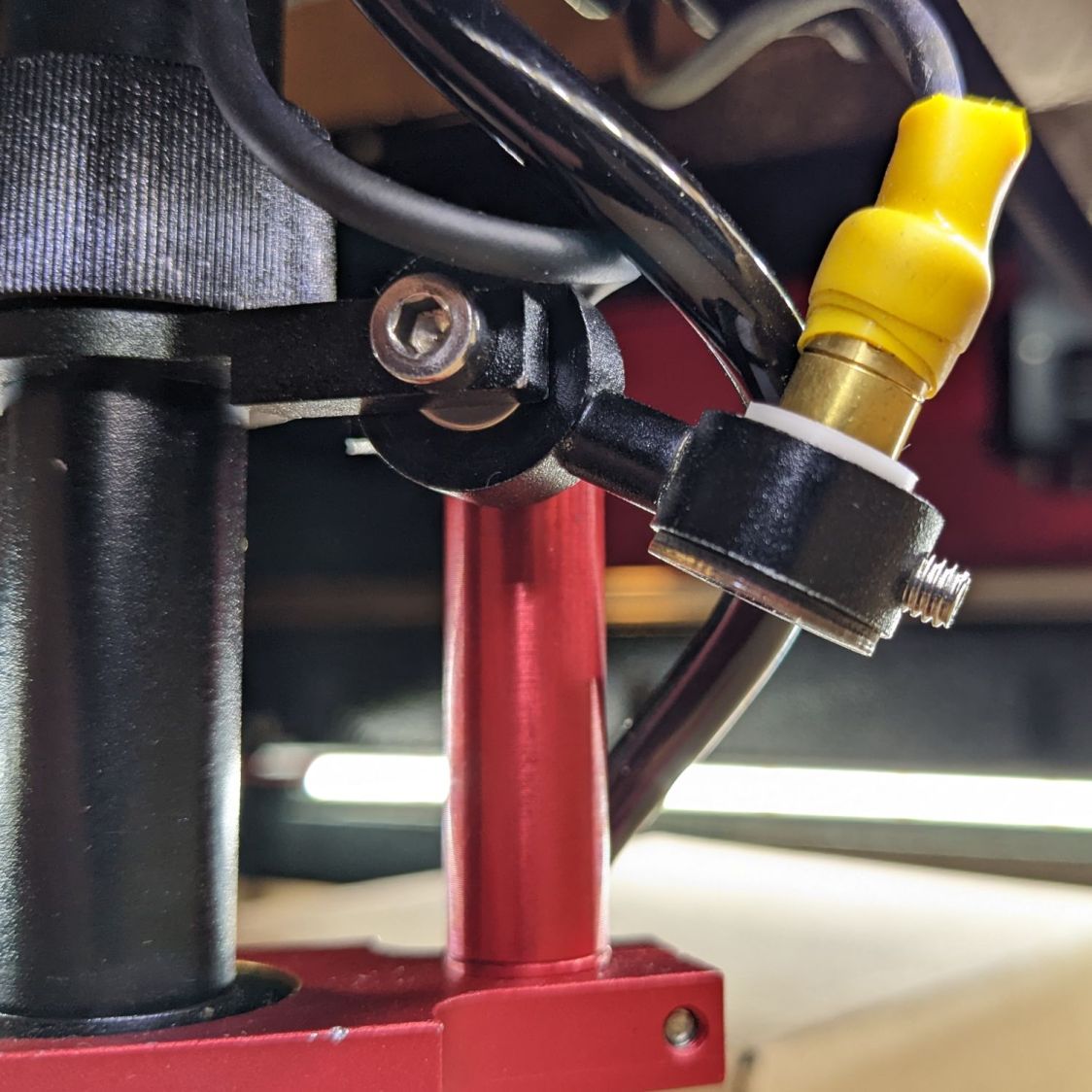
    A quick measurement suggested the 5 V output delivered 20 mA to something. After convincing myself the multimeter was working and that the gantry LED strip was still lit, I finally tracked the wire pair to the red-dot pointer:

    OMTech red dot pointer - polarizing filter installed
    OMTech red dot pointer – polarizing filter installed

    Yeah, a whole dual-output power supply for one red-dot laser module.

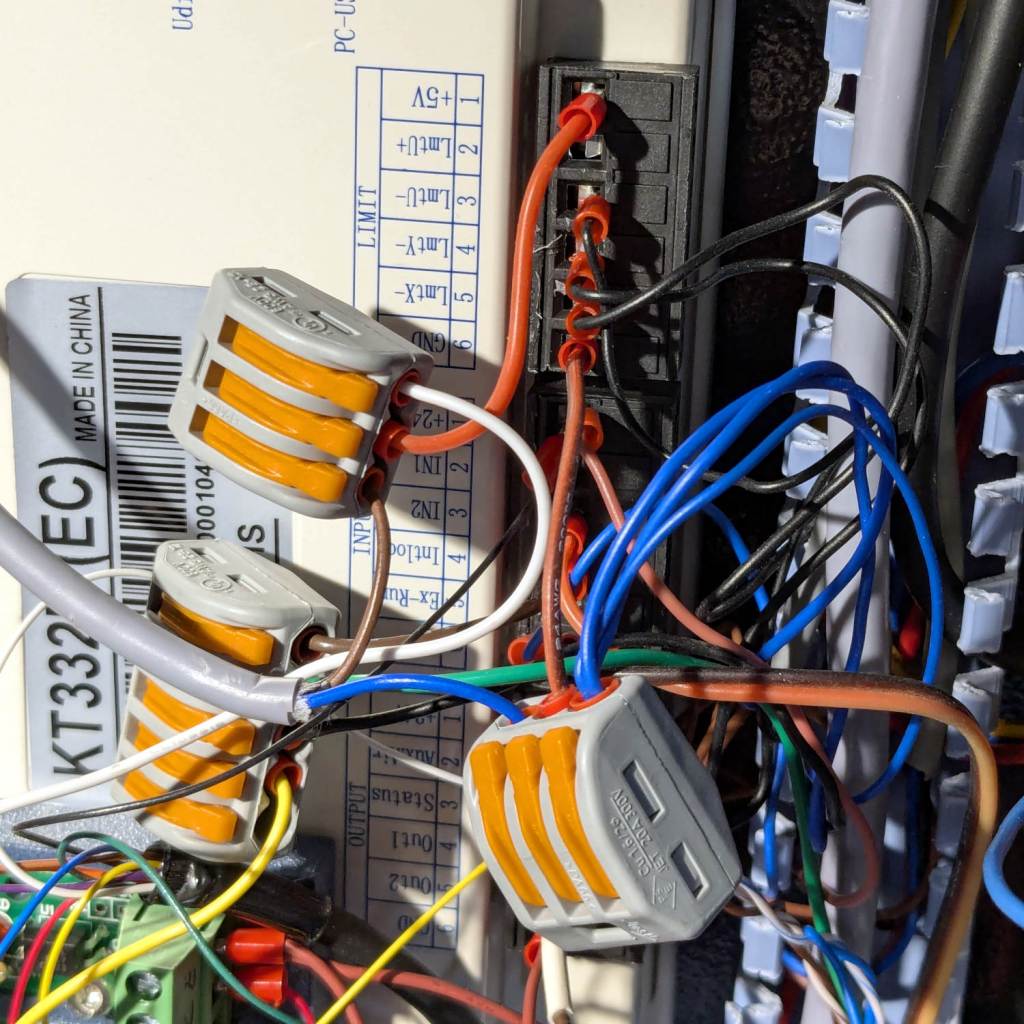
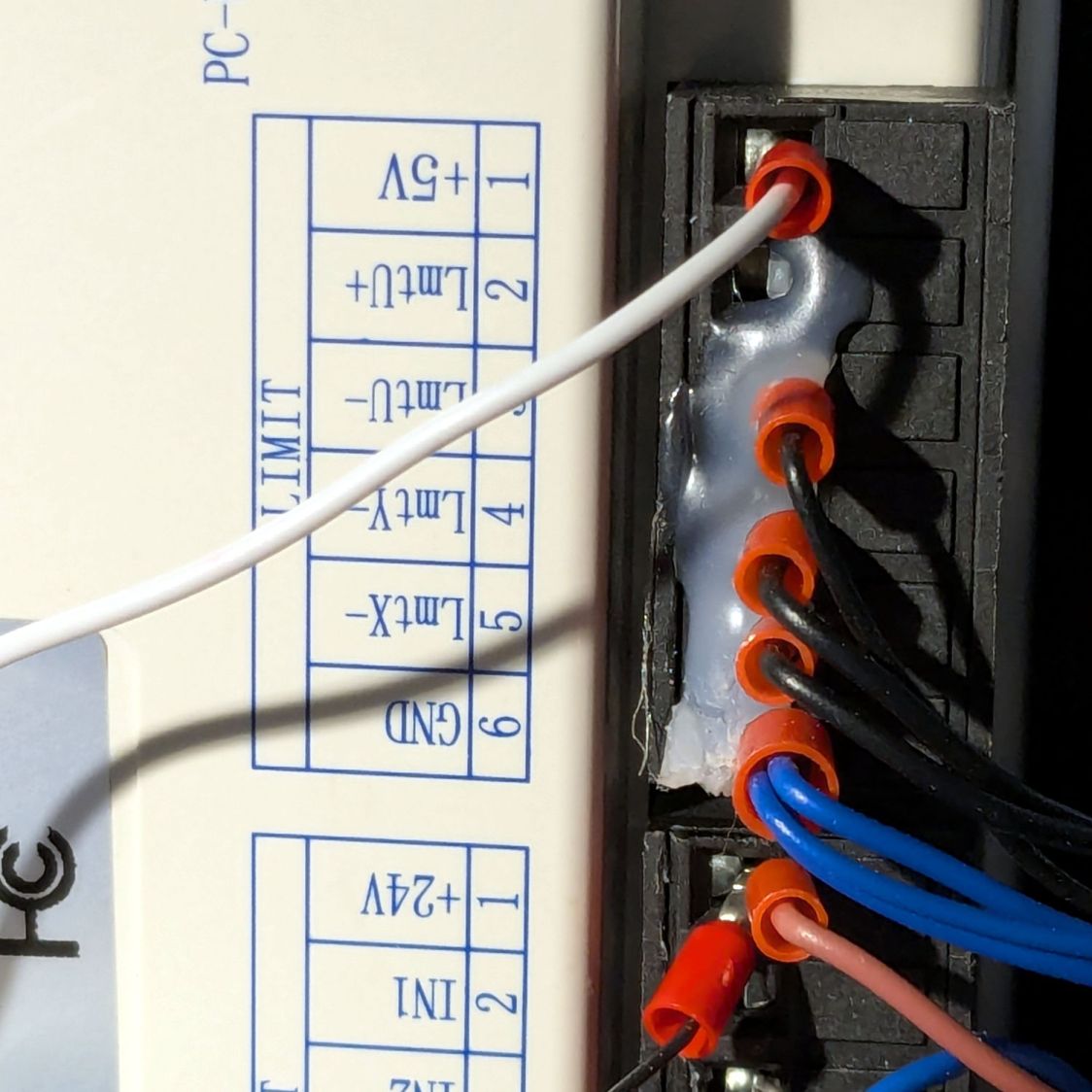
    Conveniently, the KT332N controller has several 5 V outputs and the LIMIT terminal block even has a GND terminal on the other end:

    KT332N Limit Terminals - OEM
    KT332N Limit Terminals – OEM

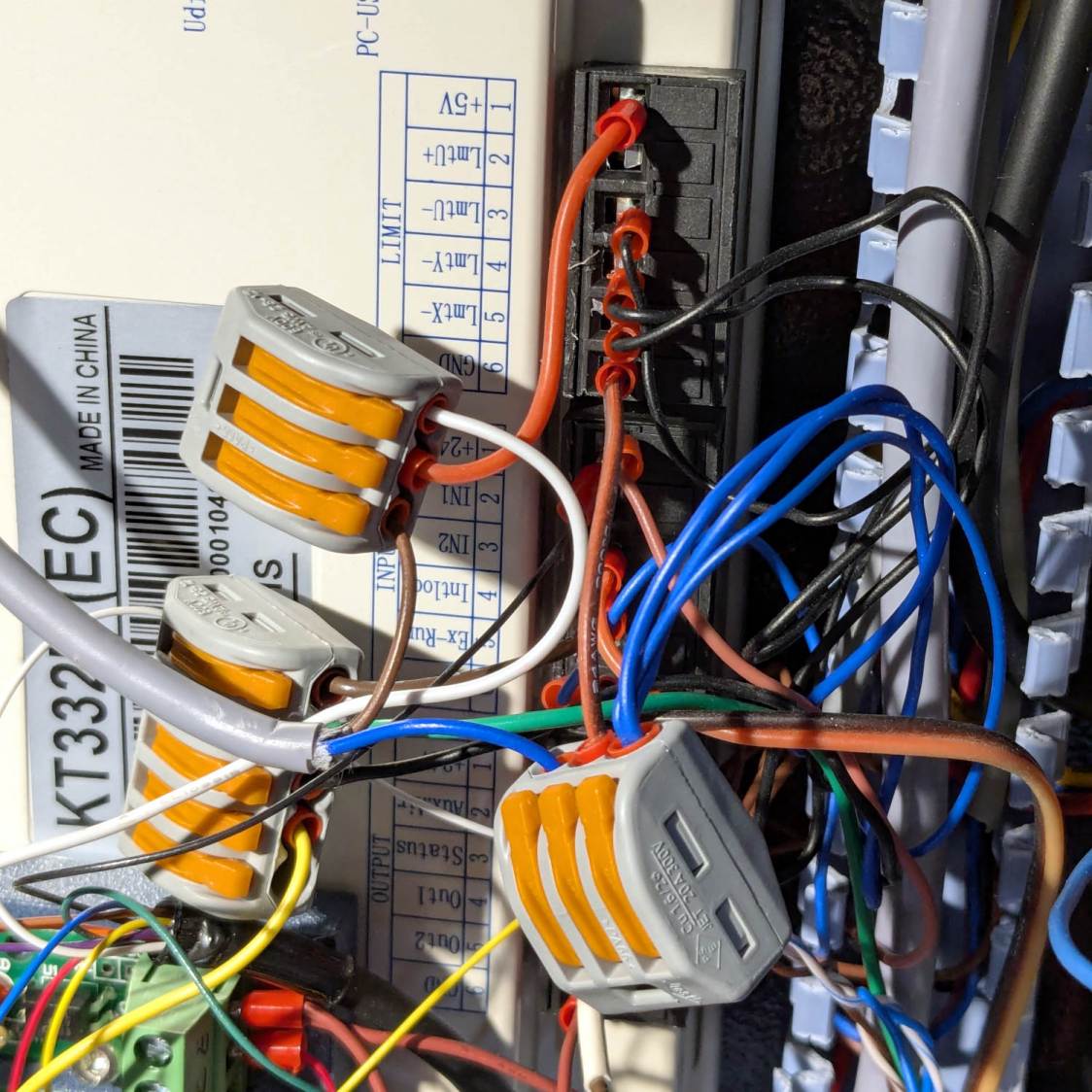
    Prying off the hot melt glue, extracting the red-dot pointer wiring from the raceway, crimping ferrules on a couple of jumpers, and deploying a pair of Wago connectors:

    KT332N Limit Terminals - red dot wiring
    KT332N Limit Terminals – red dot wiring

    I am still not accustomed to the color code:

    • Black = signal
    • Brown = power
    • Blue = GND

    But it’s like that and that’s the way it is.

    The red dot lit right up, the gantry LED strip obviously uses 24 V power, and I must shoehorn a slightly larger 24 V supply into the space currently occupied by the old supply.

  • Mini-lathe Change Gear Generator: Redux

    Mini-lathe Change Gear Generator: Redux

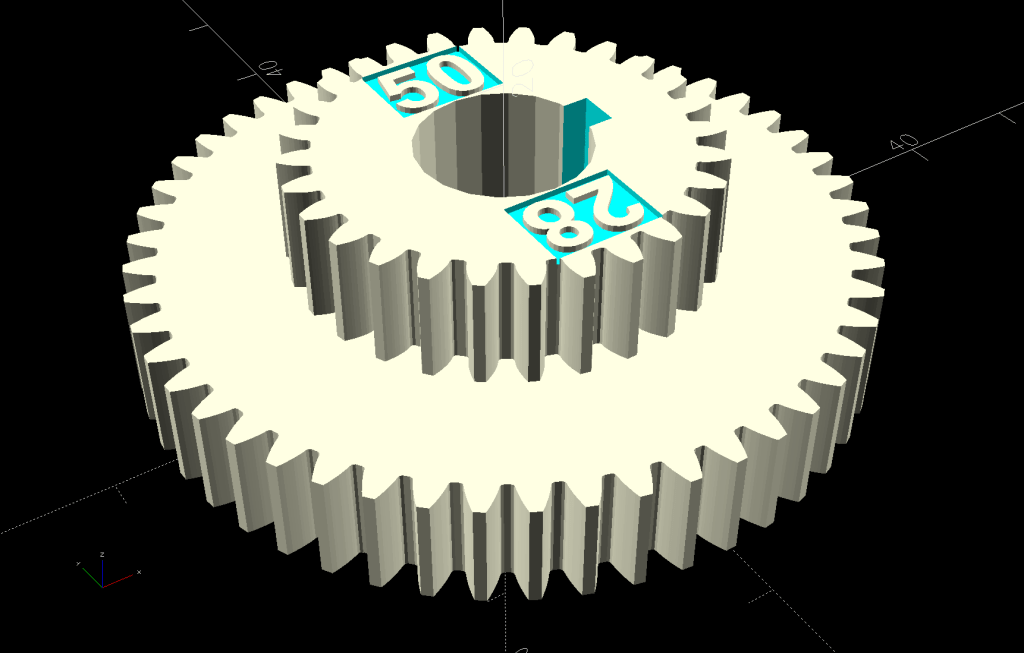
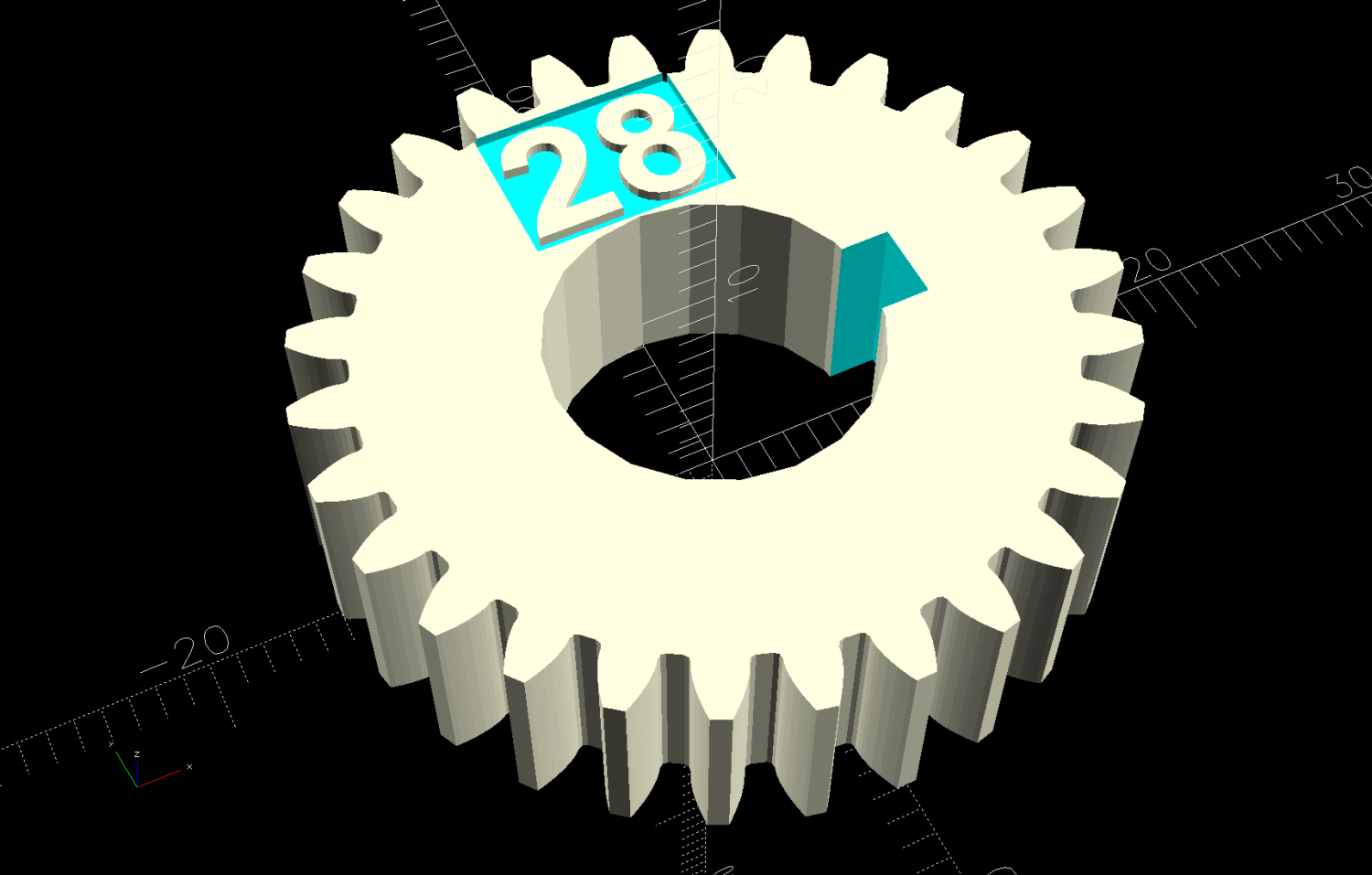
    Because the BOSL2 library includes a gear generator, I can now avoid creating a gear outline in Inkscape and importing it into my stacked change gear generator.

    The labels now snuggle closer to the shaft and (barely) fit on smaller gears:

    Mini-lathe stacked change gears - 28T - solid model
    Mini-lathe stacked change gears – 28T – solid model

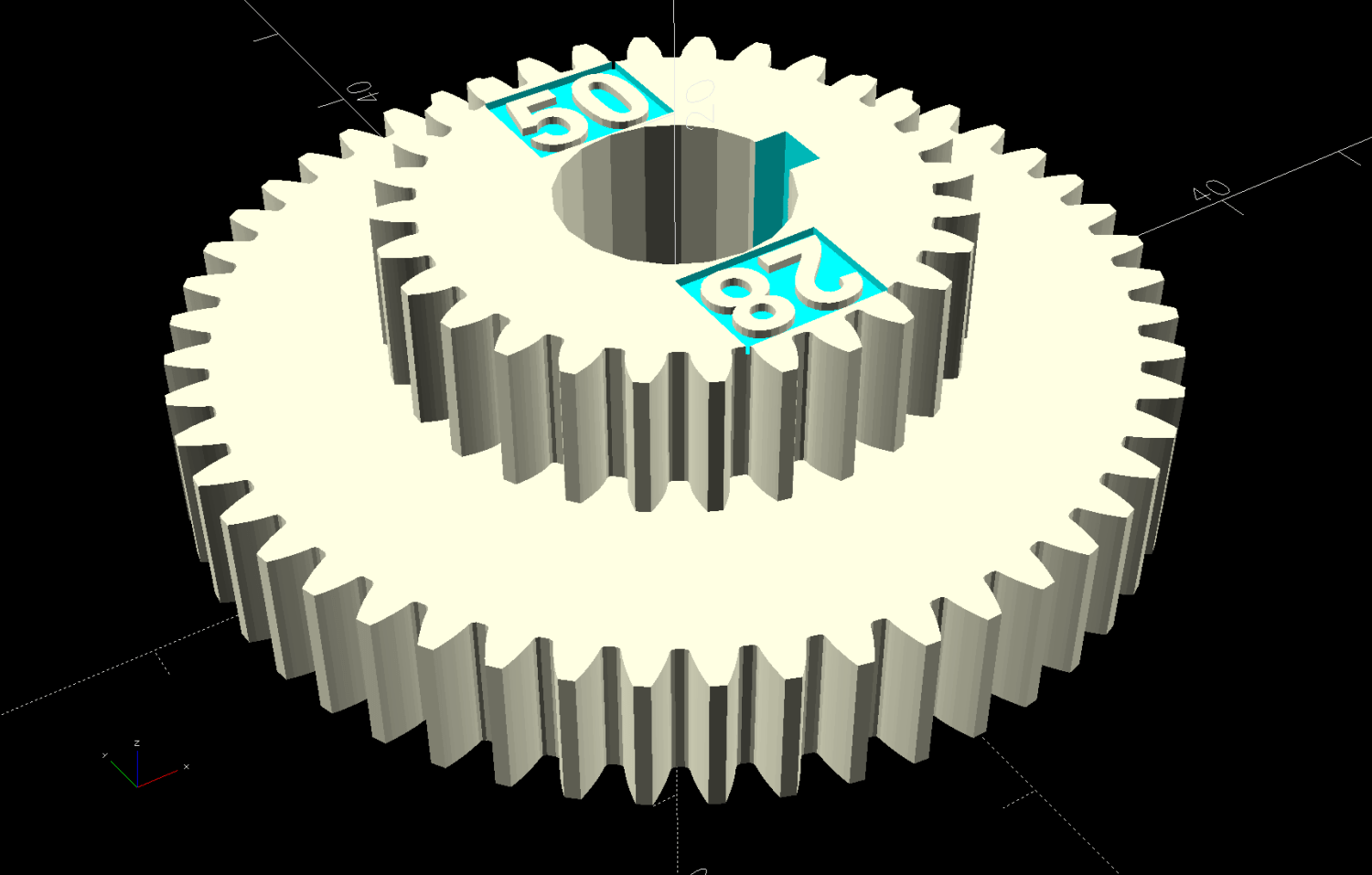
    The stacked B-C gears for the jack shaft work as before, with both labels on the top gear:

    Mini-lathe stacked change gears - 28-50T - solid model
    Mini-lathe stacked change gears – 28-50T – solid model

    The admittedly flimsy motivation for all this was to make a 28 tooth gear to cut a 0.9 mm pitch, thus filling an obvious hole in the gear table.

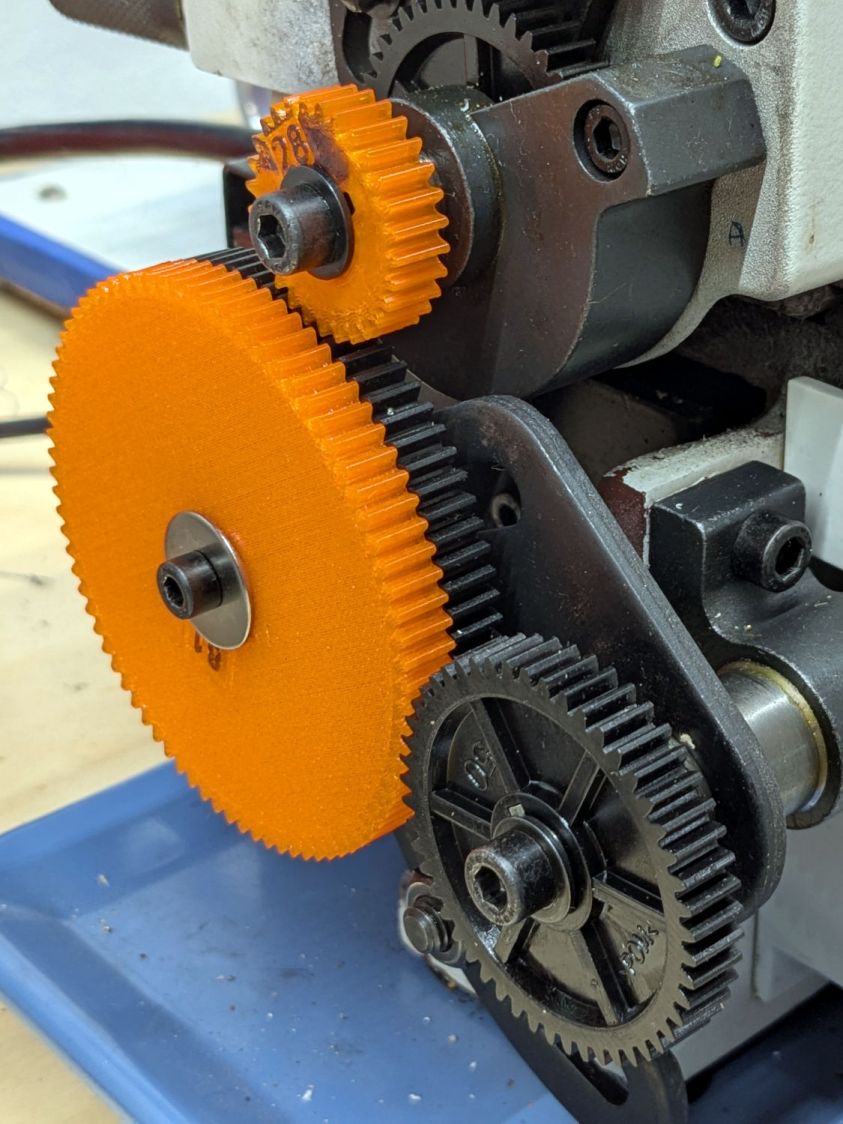
    My collection of gears could do 21-60-81-50, but the 81 T gear collides with the screw holding the 21 T gear. Rearranging it to 21-50-81-60 showed the B-C gears exceeded the space available.

    Because it’s all ratios and a 28 T gear is 4/3 bigger than 21 T, reducing the rest of the train by 3/4 should work. In fact, it produced a reasonable 28-80-81-50 chain:

    Mini-lathe change gears - 28T installed
    Mini-lathe change gears – 28T installed

    The fact that I do not anticipate ever needing to cut a 0.9 mm pitch has nothing whatsoever to do with it; that gear will surely come in handy for something.

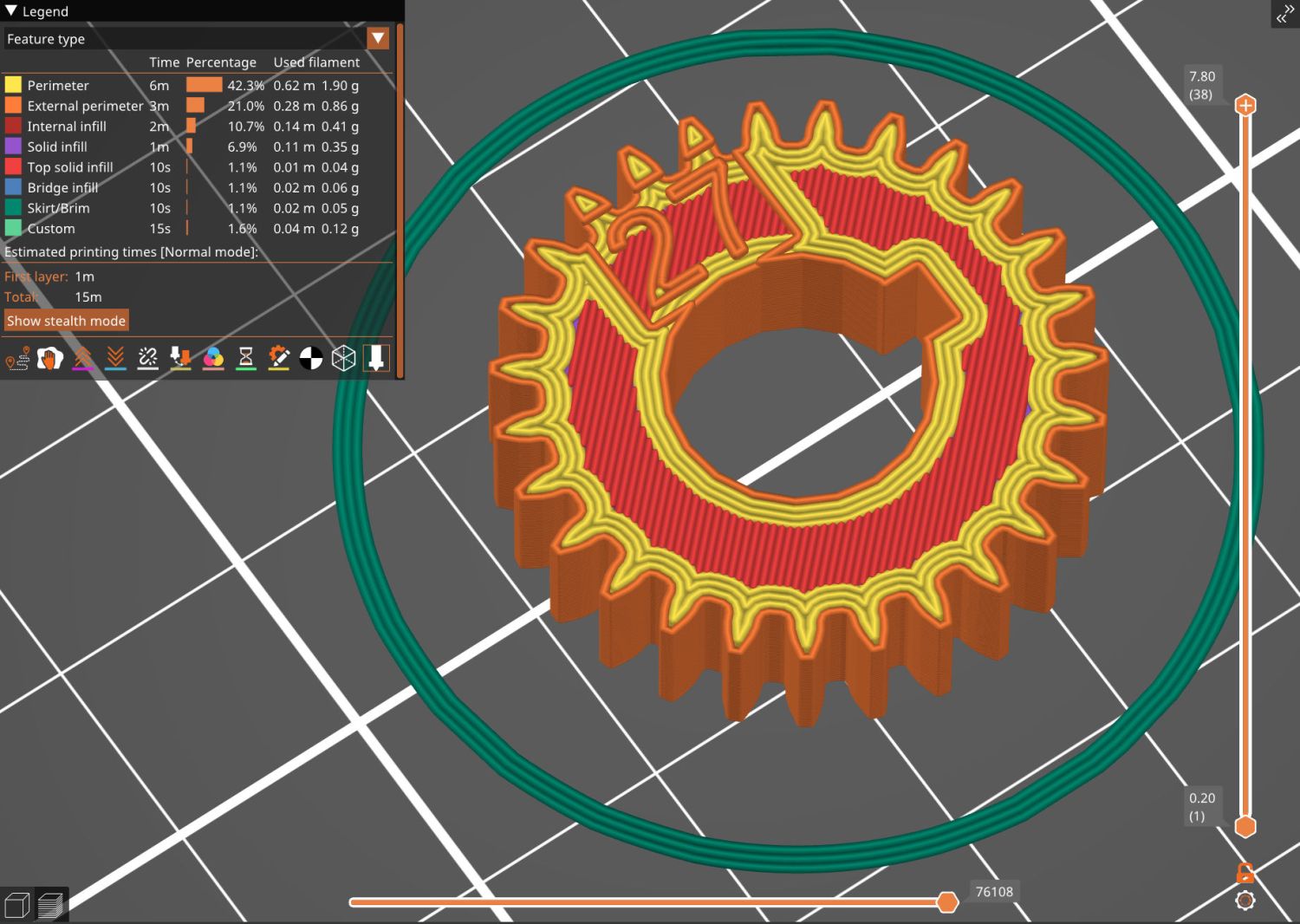
    While I was at it, I made a 27 T gear, because 27 = 21 × 9/7:

    Mini-lathe stacked change gears - 27T - PrusaSlicer preview
    Mini-lathe stacked change gears – 27T – PrusaSlicer preview

    You can never have enough change gears. Right?

    The OpenSCAD source code as a GitHub Gist:

    // LMS Mini-Lathe
    // Change gears with stacking
    // Ed Nisley – KE4ZNU
    // 2020-05 use Inkscape SVG gears
    // 2025-12 use BOSL2 gear generator
    include <BOSL2/std.scad>
    include <BOSL2/gears.scad>
    /* [Gears] */
    TopGear = 0; // zero for single gear
    BottomGear = 28;
    /* [Hidden] */
    ThreadThick = 0.20;
    HoleWindage = 0.2;
    Protrusion = 0.1; // make holes end cleanly
    /* [Dimensions] */
    ShaftOD = 12.0;
    GearThick = 7.75;
    Keyway = [3.5,3.0,3*GearThick]; // x on radius, y on perim
    LegendEnable = (TopGear == 0 && BottomGear > 27) || (TopGear > 27);
    LegendThick = 2*ThreadThick;
    LegendZ = (TopGear ? 2*GearThick : GearThick) – LegendThick;
    LegendSize = 5;
    LegendRecess = [8,6,LegendThick];
    LegendOffset = [0,LegendRecess.y/2 + ShaftOD/2 + HoleWindage,LegendZ + LegendRecess.z/2];
    //———————–
    // Build it!
    union() {
    difference() {
    union() {
    spur_gear(mod=1,teeth=BottomGear,thickness=GearThick,shaft_diam=ShaftOD + HoleWindage,anchor=BOTTOM);
    if (TopGear)
    spur_gear(mod=1,teeth=TopGear,thickness=2*GearThick,shaft_diam=ShaftOD + HoleWindage,anchor=BOTTOM);
    }
    right(ShaftOD/2)
    down(Protrusion)
    cube(Keyway,anchor=CENTER+BOTTOM);
    if (LegendEnable) {
    translate(LegendOffset)
    cube(LegendRecess + [0,0,Protrusion],anchor=CENTER);
    if (TopGear)
    zrot(180)
    translate(LegendOffset)
    cube(LegendRecess + [0,0,Protrusion],anchor=CENTER);
    }
    }
    if (LegendEnable)
    translate([0,0,LegendZ – Protrusion])
    linear_extrude(height=LegendThick + Protrusion,convexity=10) {
    translate([LegendOffset.x,LegendOffset.y])
    text(text=str(BottomGear),size=LegendSize,font="Arial:style:Bold",halign="center",valign="center");
    if (TopGear)
    zrot(180)
    translate([LegendOffset.x,LegendOffset.y])
    text(text=str(TopGear),size=LegendSize,font="Arial:style:Bold",halign="center",valign="center");
    }
    }
  • Mini-lathe Change Gear Banjo Shim

    Mini-lathe Change Gear Banjo Shim

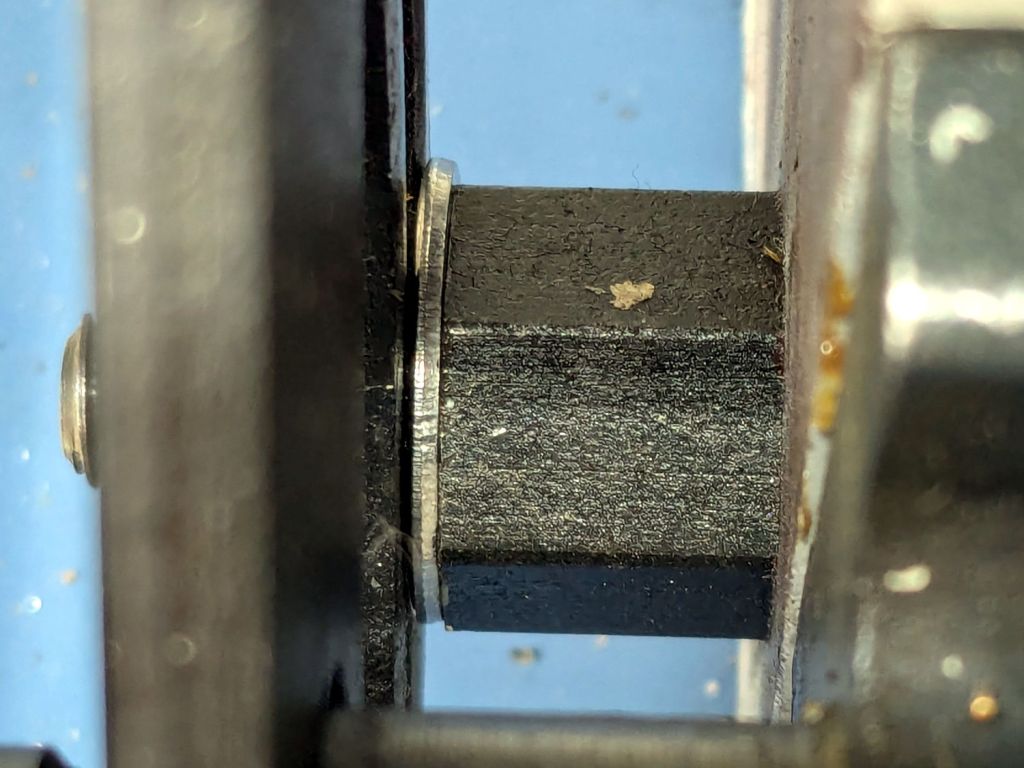
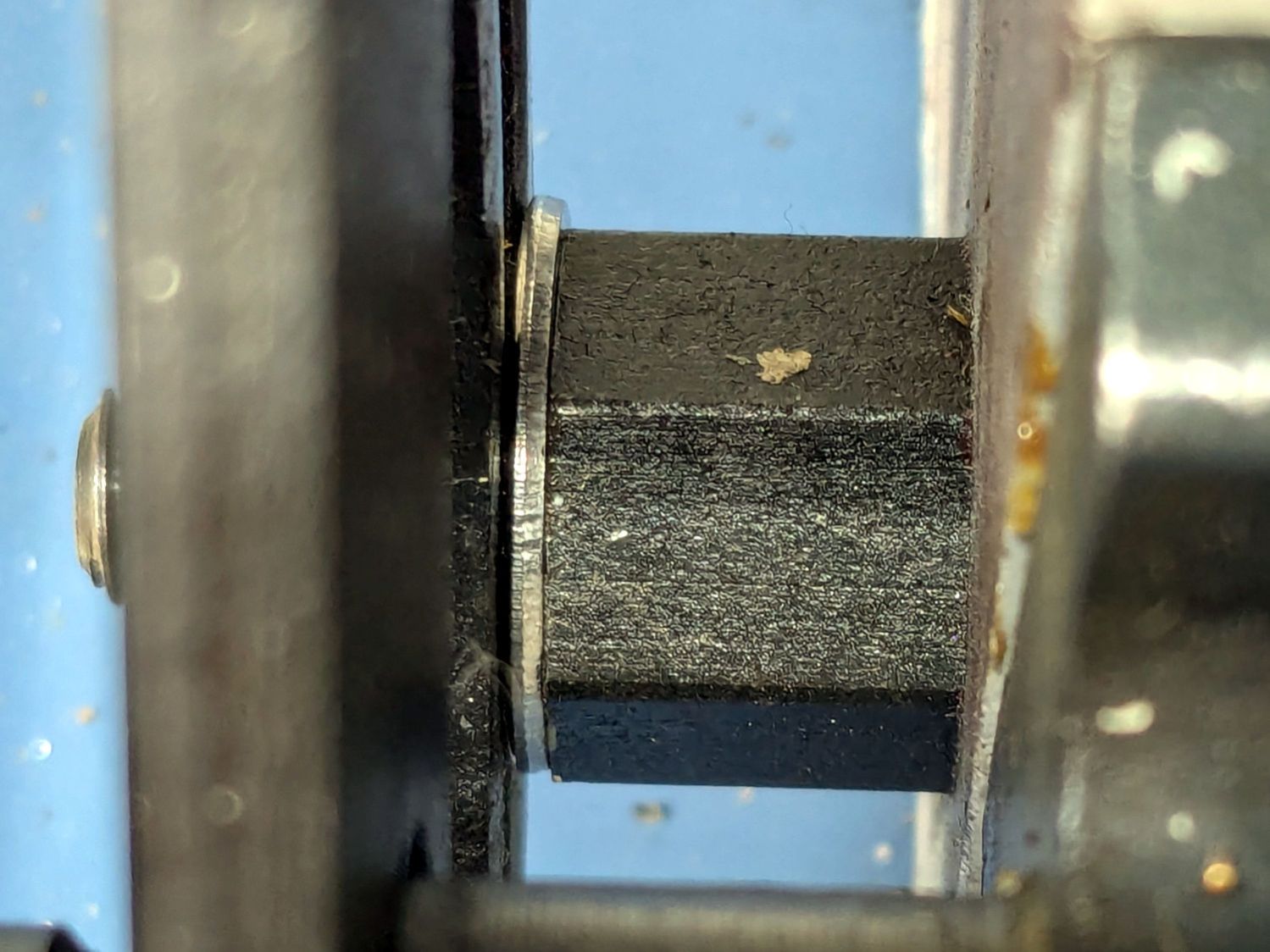
    I intended to single-point a few turns on an 8 mm axle to ease running an M8-1.25 die over it, thus making a thread for a nut securing a wheel (about which, more later). This required selecting the change gears for a 1.25 mm thread pitch, the installation of which proved sufficiently awkward to give me the opportunity to discover a washer spacing the banjo just a little farther outward would improve the gear alignment:

    Mini-lathe change gear banjo - shim detail
    Mini-lathe change gear banjo – shim detail

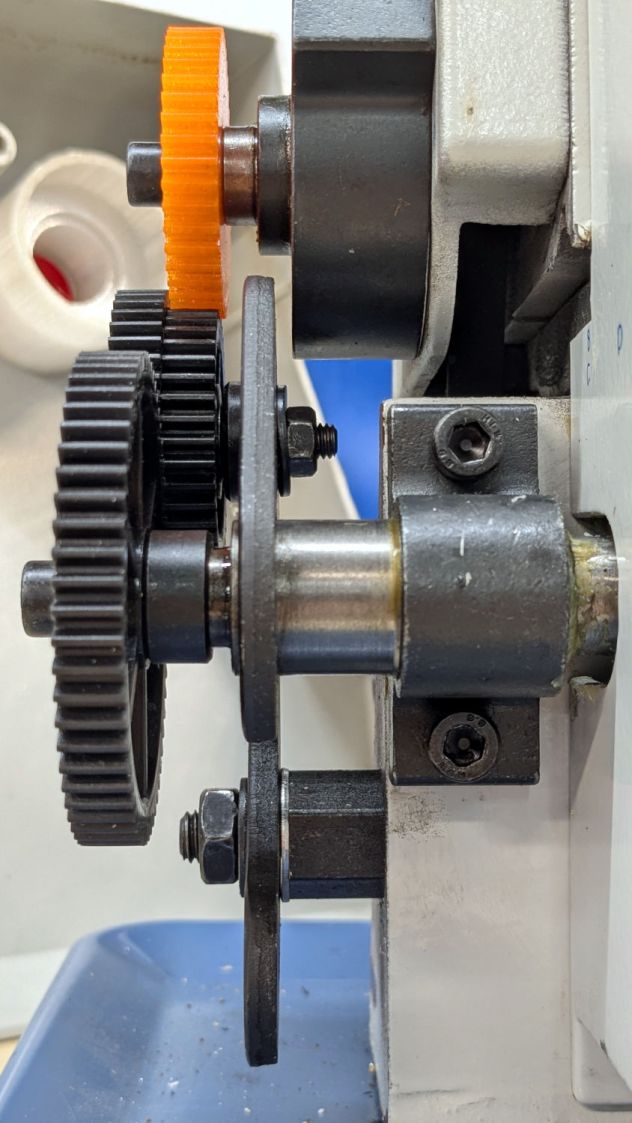
    The overview shows how moving the whole banjo just a bit leftward better aligned black Gear B with respect to orange Gear A:

    Mini-lathe change gear banjo - shim overview
    Mini-lathe change gear banjo – shim overview

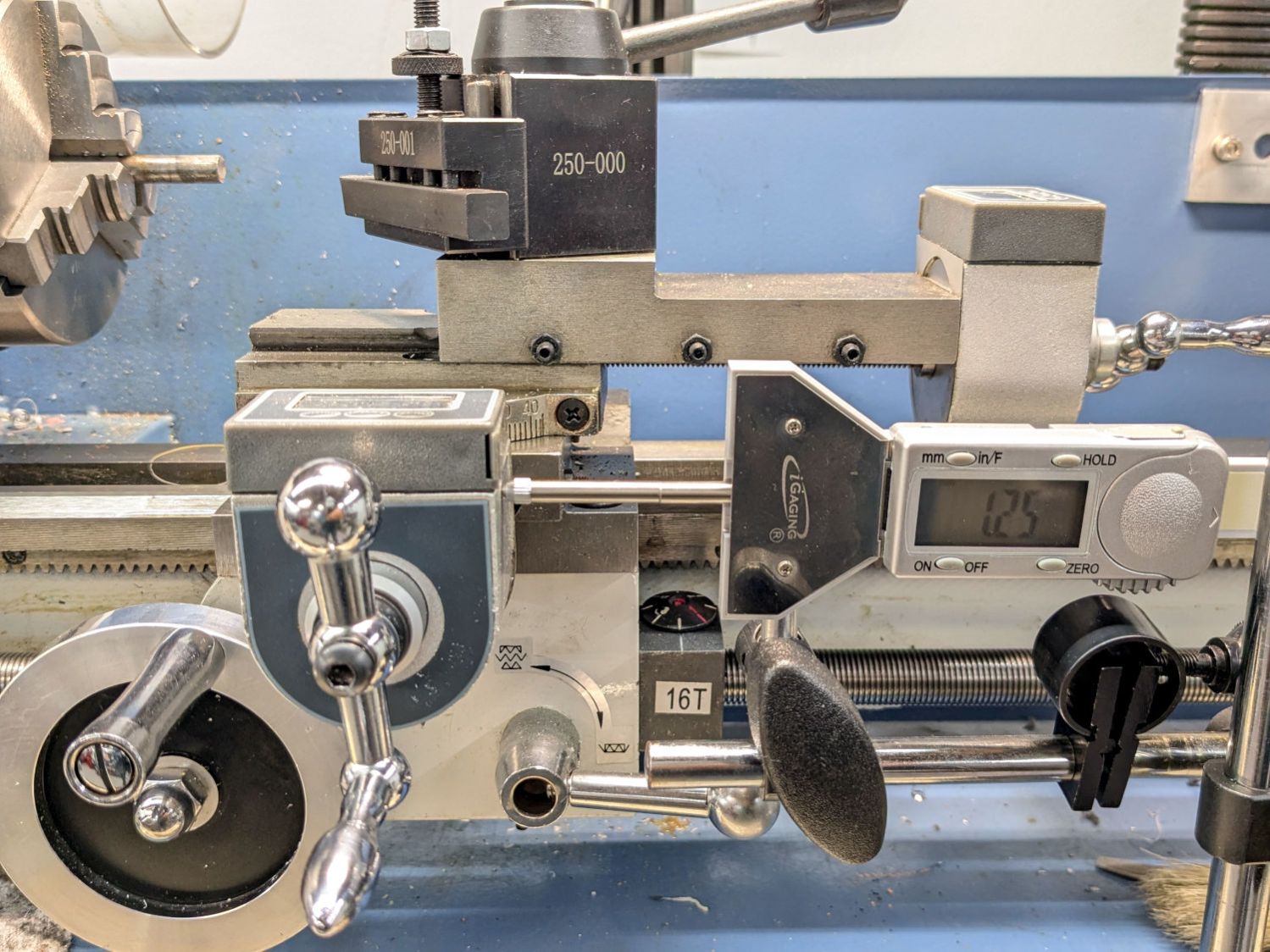
    From A to D, a 1.25 mm pitch uses 42 40 45 60 tooth gears. The 42 tooth gear supplies the magic required to convince a hard-inch 16 TPI leadscrew to produce good-enough metric pitches.

    In addition to the usual hassle, the main reason the process took so long is doing having to do it twice. After I swapped Gear C and Gear B on the jockey shaft in the middle, the leadscrew produced the correct 1.25 mm motion for one turn of the chuck:

    Mini-lathe change gear banjo - thread pitch check
    Mini-lathe change gear banjo – thread pitch check

    Measure twice, cut once …

  • Marquetry Test Piece

    Marquetry Test Piece

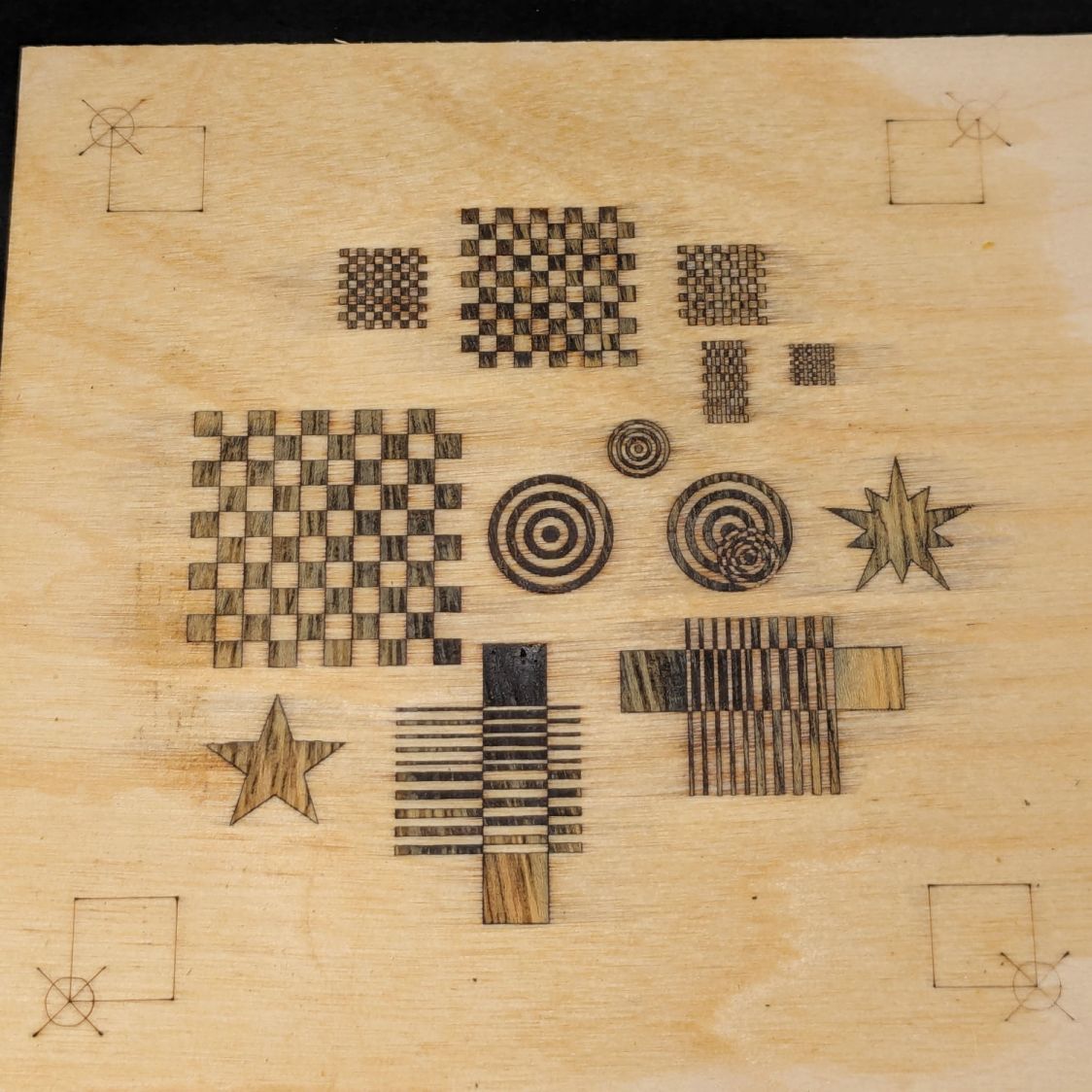
    Based on several examples from the LightBurn forum which I cannot find, this emerged:

    Marquetry test - finished
    Marquetry test – finished

    It’s ordinary laser-grade 3 mm plywood with another wood inlay, sanded flat and covered with polyurethane sealer.

    The key attraction: not fiddling with tiny veneer bits.

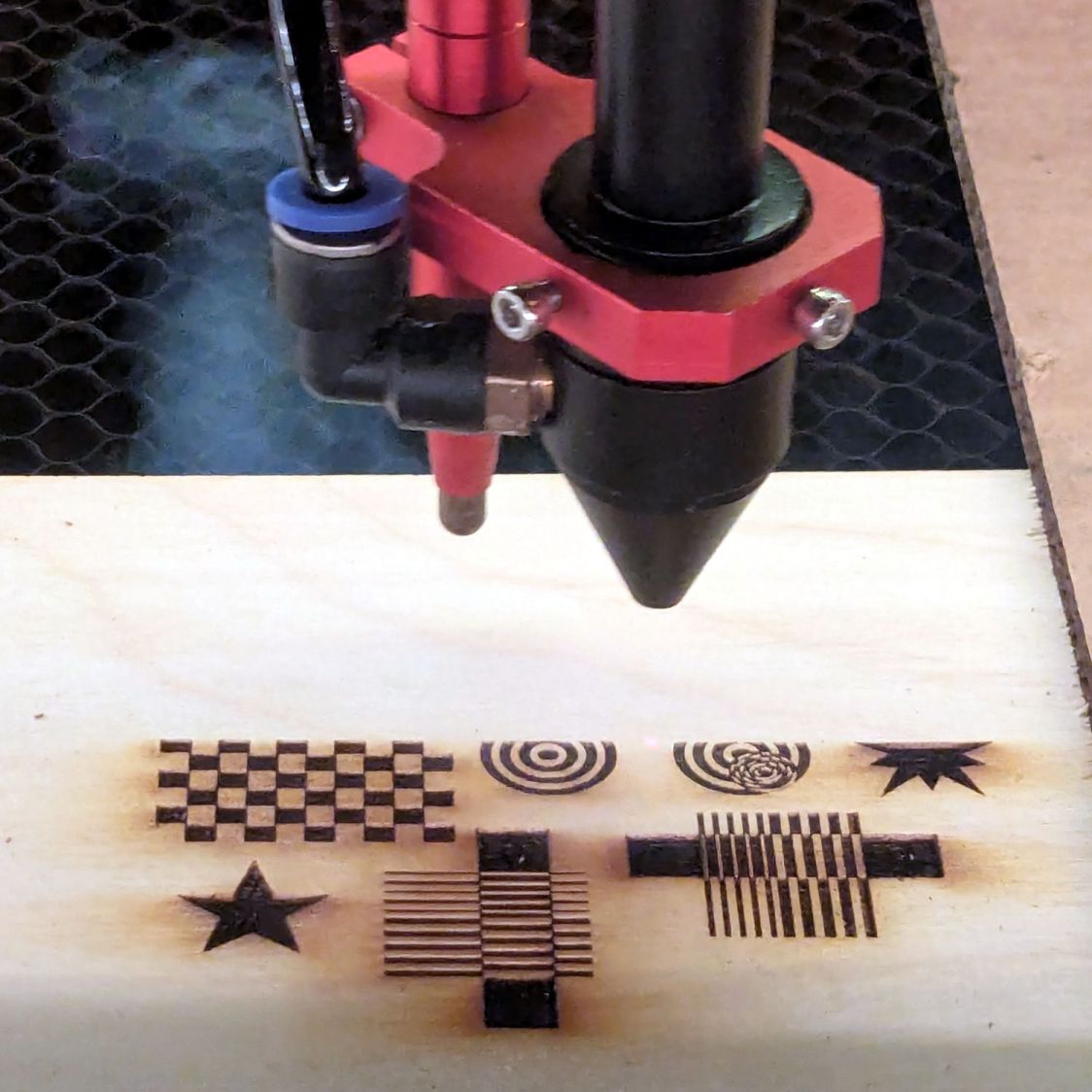
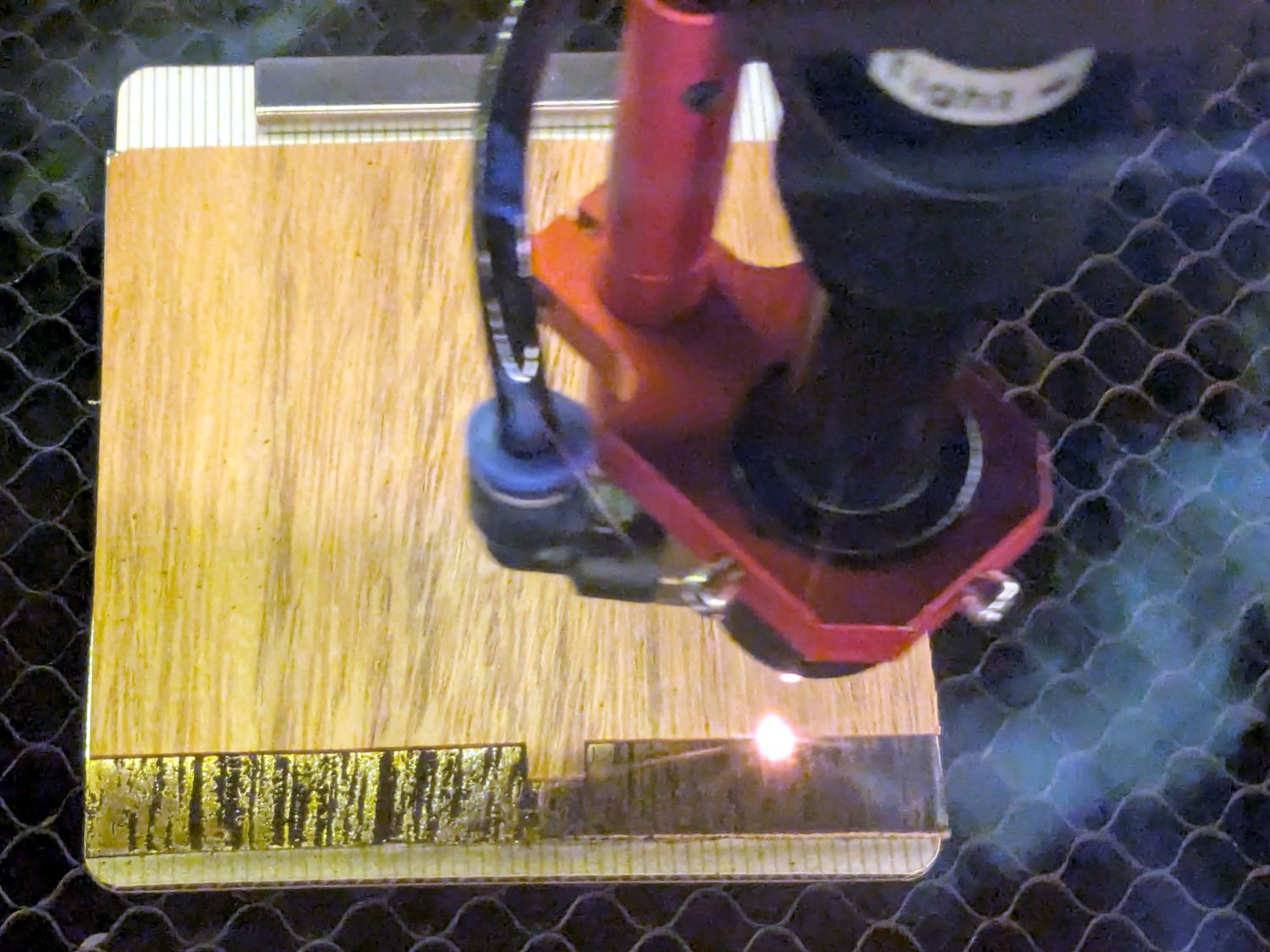
    Cut the recesses in one pass with enough energy to make them at least as deep as the veneer thickness:

    Marquetry test - plywood cutting
    Marquetry test – plywood cutting

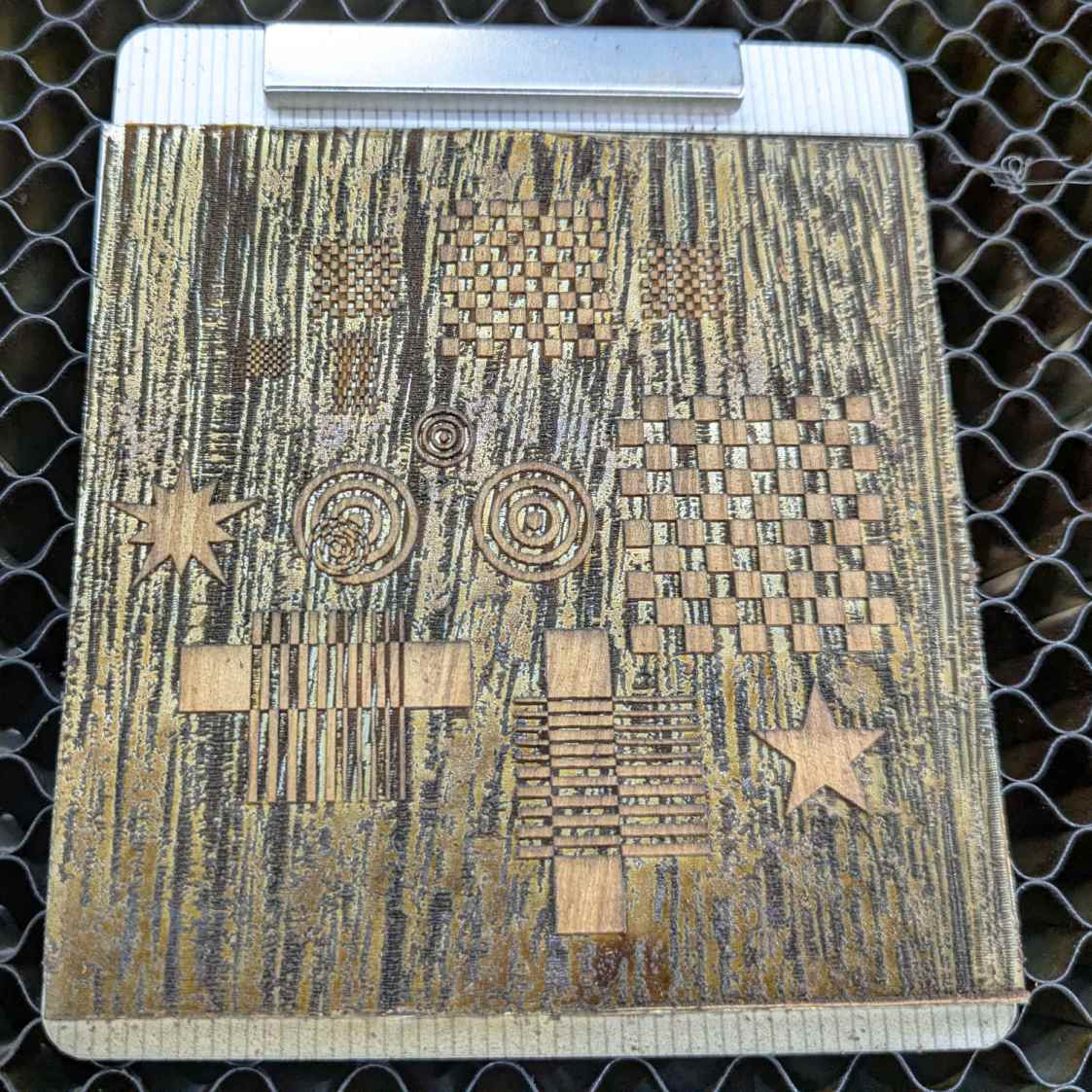
    Press the veneer onto aluminum tape, taking care to avoid wrinkles and folds, and cut away everything that doesn’t go into those recesses:

    Marquetry test - veneer cutting
    Marquetry test – veneer cutting

    Which looks gnarly when you’re done:

    Marquetry test - veneer on tape
    Marquetry test – veneer on tape

    I cut the aluminum tape to fit within the corner targets around the plywood layout, thus simplifying making possible aligning the positive veneer shapes with the negative plywood shapes while being unable to see either of them.

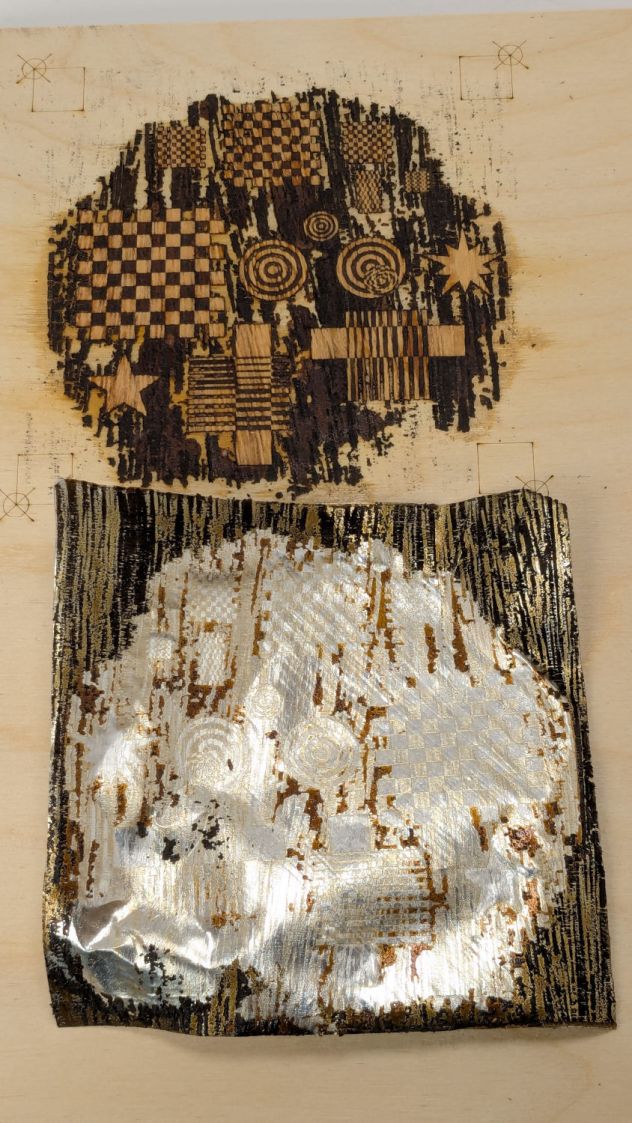
    Slather wood glue over the plywood, make sure even the tiniest recesses are filled, align the aluminum, clamp the two firmly together, wait for a few days while the glue cures in that airless space, then peel off the aluminum:

    Marquetry test - peeled
    Marquetry test – peeled

    Which looked so awful I thought that was a disaster, not least because the veneer stood proud of the plywood, so it remained on the back of the bench for far too long.

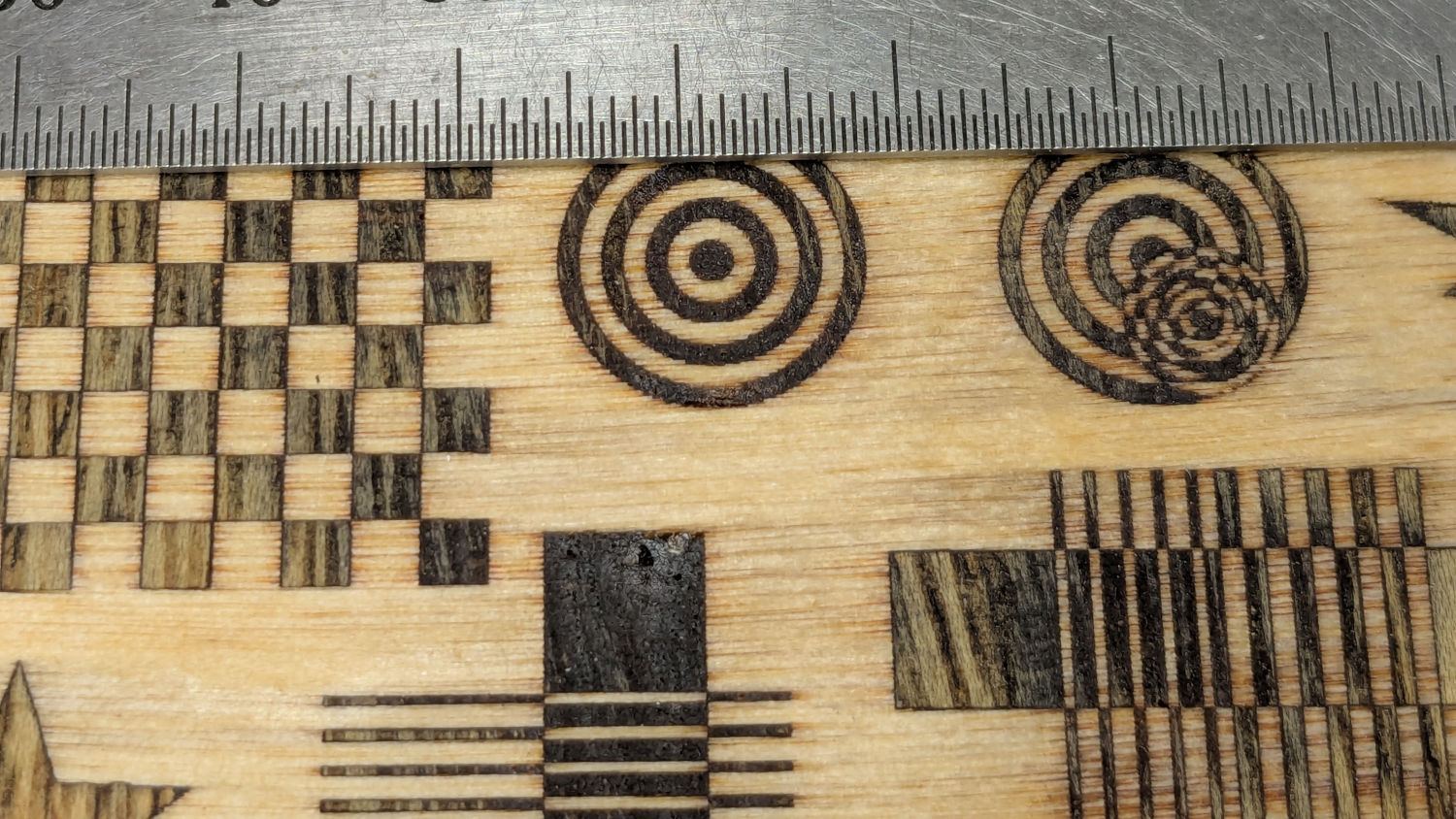
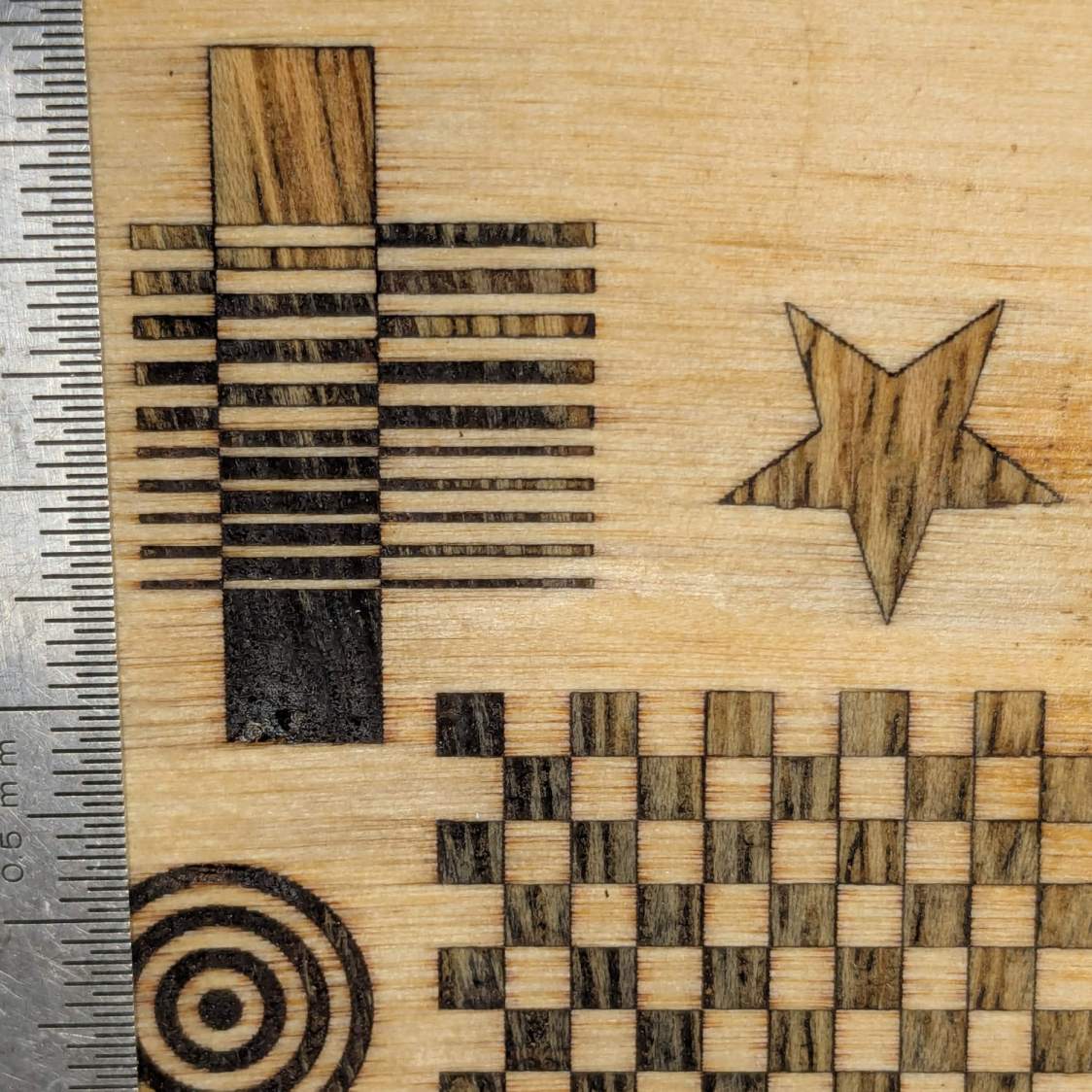
    Eventually, having deployed the sander for another project, I sanded the veneer flush with the plywood to reveal the nearly perfect results in the lead picture. There’s a bit of smoke stain left in the grain, but the tiniest recesses have at least some veneer fill and the surface is entirely smooth.

    The overlaid circles worked out:

    Marquetry test - detail 1
    Marquetry test – detail 1

    The darkest block and the smaller lines are badly smoke-stained veneer, as they have wood grain visible under magnification. I think those may not have fully entered their recesses and we’re seeing a very thin veneer layer soaked with soot-filled wood glue.

    Another view:

    Marquetry test - detail 2
    Marquetry test – detail 2

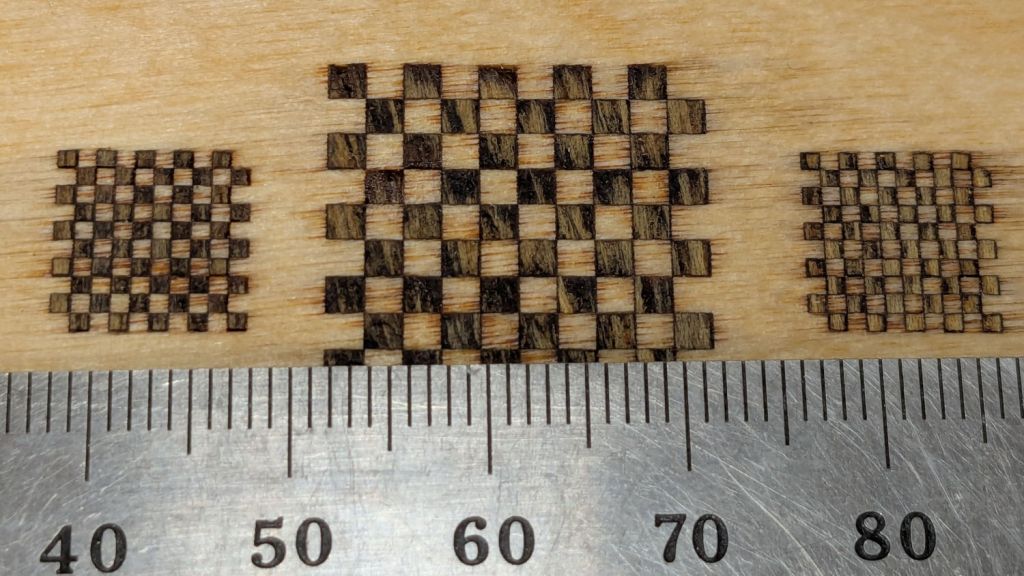
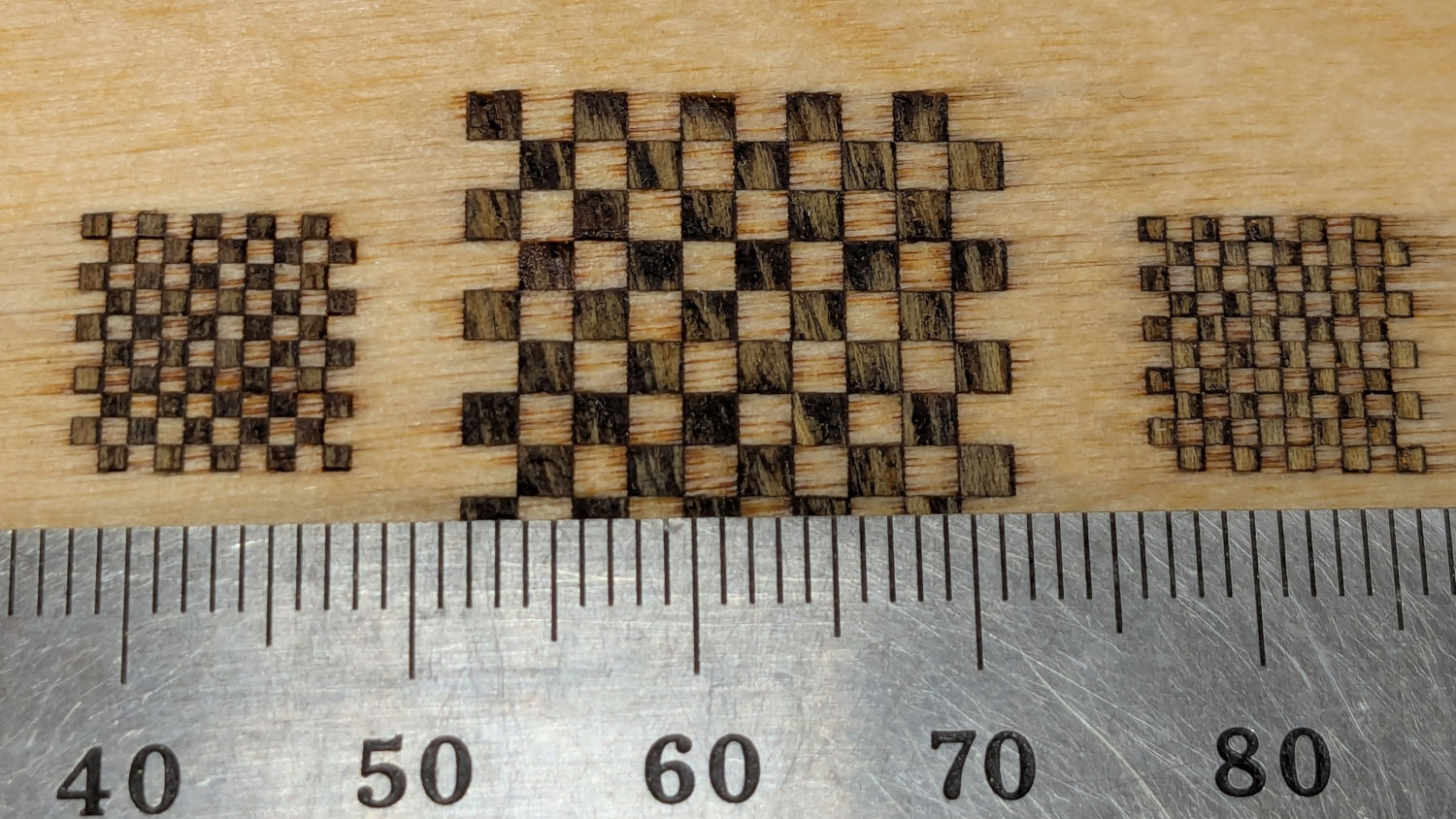
    The checkerboard squares worked well;

    Marquetry test - squares 1
    Marquetry test – squares 1

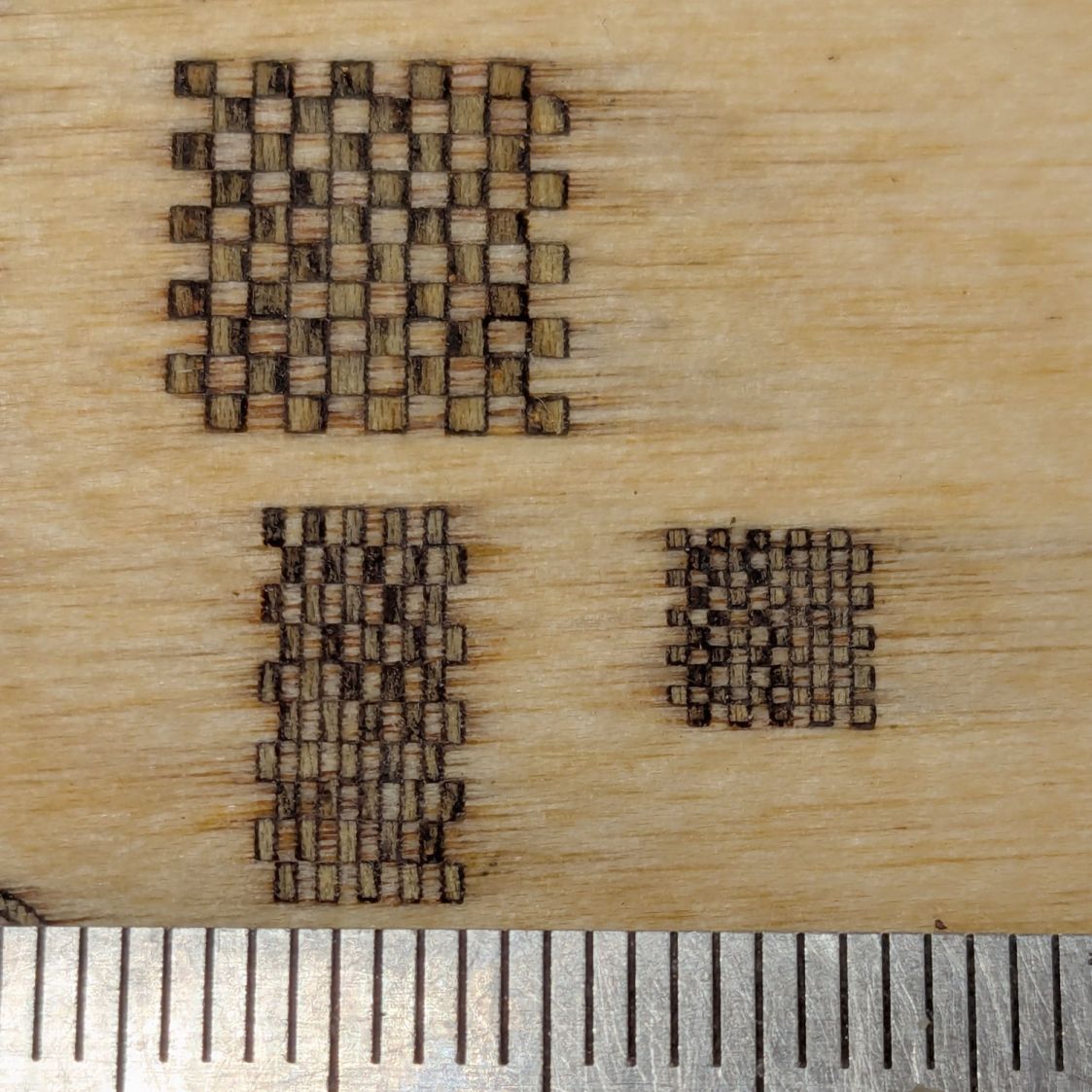
    To my astonishment, even the 0.5 mm squares have some veneer inside, as do the 0.5×1.0 mm rectangles on the left:

    Marquetry test - squares 2
    Marquetry test – squares 2

    Not knowing any better, there’s no kerf offset on any of the figures and they’re separated by about the 0.2 mm width of the focused spot.

    Aligning the veneer to the recesses was tricky and I was not at all sure it had happened. I think larger shapes would be much easier and might give off a confirming squish as they meet their sockets.

    Gotta try that again without the benefit of beginner’s luck.