The Smell of Molten Projects in the Morning

Ed Nisley's Blog: Shop notes, electronics, firmware, machinery, 3D printing, laser cuttery, and curiosities. Contents: 100% human thinking, 0% AI slop.

Tag: Art-ish

They might be Art

  • AI Artistry

    AI Artistry

    My techie news feed spat out a reference to an AI text-to-image generator, so I figured I’d try it out.

    The caption is the prompt producing the image, with the style in parentheses …

    steam engine black and white engraving full page detailed
    steam engine black and white engraving full page detailed (art)

    Much wheel! Such hinge! Crazy piston! Also, where do the red cowcatcher and amber headlight come from in a “black and white engraving”?

    diesel engine black and white detailed
    diesel engine black and white detailed (photorealistic)

    Well, it is an “engine”.

    diesel engine black and white detailed
    diesel engine black and white detailed (anime)

    Now, that is a manly engine, but with red widgets.

    steam boiler black and white engraving full page detailed
    steam boiler
    black and white engraving full page detailed (anime)

    It has the appearance of an old catalog page, until you look closely.

    OK, let’s try for some wildlife …

    pileated woodpecker line drawing, black and white, on tree
    pileated woodpecker line drawing, black and white, on tree (art)

    So. Many. Legs.

    stained glass window bird motif
    stained glass window bird motif (photorealistic)

    Not bad. Not bad at all.

    coloring book chickadee on twig
    coloring book chickadee on twig (art)

    Chickadees seem like relentlessly cheerful little birds, but that oddly spherical critter is definitely having a hard time.

    phoebe sketch, black and white, detailed, full frame
    phoebe sketch, black and white, detailed, full frame (art)

    Oops.

    phoebe bird sketch, black and white, detailed, full frame
    phoebe bird sketch, black and white, detailed, full frame (art)

    That must be a mil-spec phoebe, because it definitely doesn’t resemble any phoebe I’ve ever seen.

    Bottom line: Although the pictures are much better drawn than I can do, the (in)accuracy of the content prevents it from solving any problems I have.

  • Little Fairy Electric Sparklers

    Little Fairy Electric Sparklers

    From back when “electric” was the new hotness:

    Little Fairy Electric Sparklers - box front
    Little Fairy Electric Sparklers – box front

    The back of the box gets downright multilingual, although there’s no English-language mention of “magnesium” anywhere on the box:

    Little Fairy Electric Sparklers - box back
    Little Fairy Electric Sparklers – box back
    Little Fairy Electric Sparklers - box right
    Little Fairy Electric Sparklers – box right
    Little Fairy Electric Sparklers - box left
    Little Fairy Electric Sparklers – box left

    They are most assuredly not electric, which means they have no batteries to corrode and they still work fine:

    Little Fairy Electric Sparklers - test firing
    Little Fairy Electric Sparklers – test firing

    They emerged from a box of my father’s memorabilia, most likely packed away by his parents, so they date back to the early part of the previous century. The American Sparkler Company is long defunct, but the Internet never forgets.

    You can (maybe) buy sparklers or concoct your own. I donated the remainder to our Young Engineer, who promised to dispose of them in a safe manner.

  • CD / DVD Coasters: Foam vs. Cork Backing

    CD / DVD Coasters: Foam vs. Cork Backing

    Up to this point, I’d been making coasters with a layer of cork on the bottom, held in place with wood glue (for MDF or plywood tops) or an adhesive sheet (for acrylic or glass). Doing that with a CD produced the bottom coaster:

    Laser cut CDs - Foam vs MDF-cork backing - detail
    Laser cut CDs – Foam vs MDF-cork backing – detail

    Although the Mariner’s Compass pattern looks like it extends over the edge, you’re looking through the transparent polycarbonate at the deep pits burned nearly through the entire disc at the corners of the triangles where the laser head slows.

    Although the MDF layer makes the coaster exceedingly stiff, it also makes it entirely too thick and much too fiddly to assemble.

    The top coaster is a Guilloche-patterned CD stuck to an EVA foam disk with an adhesive sheet. A small foam disk fills the hub hole and, not incidentally, covers the adhesive that would otherwise be exposed:

    Laser cut CDs - Foam coaster backing
    Laser cut CDs – Foam coaster backing

    It’s stiffer than I expected and works well unless the mug / glass / cup has a wet bottom. Alas, the small channels cut into the CD’s surface fill up with the liquid sealing the coaster to the mug, so it sticks firmly and follows the mug upward off the table.

    But they’re kinda pretty, inexpensive, and easy to assemble, which counts for something.

  • CD / DVD Data Destruction: Fixturing

    CD / DVD Data Destruction: Fixturing

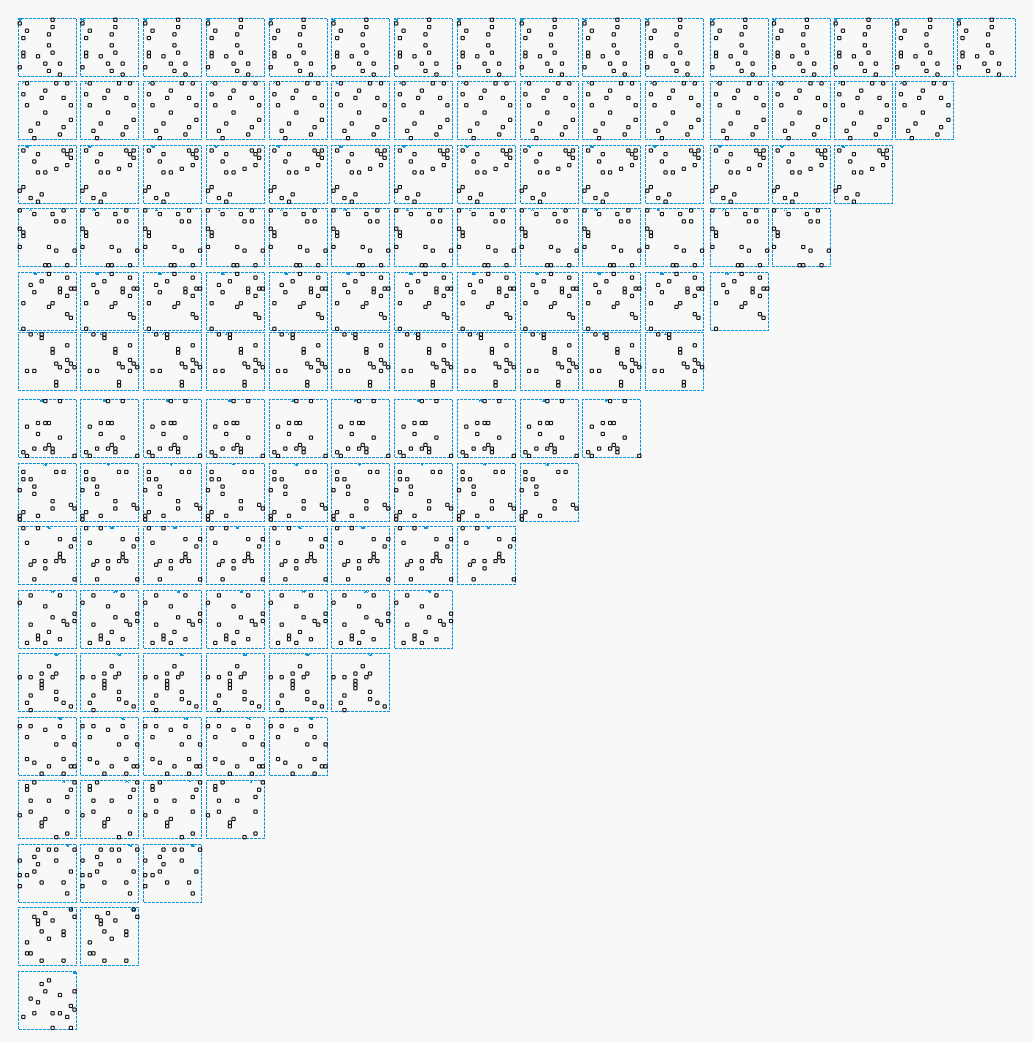
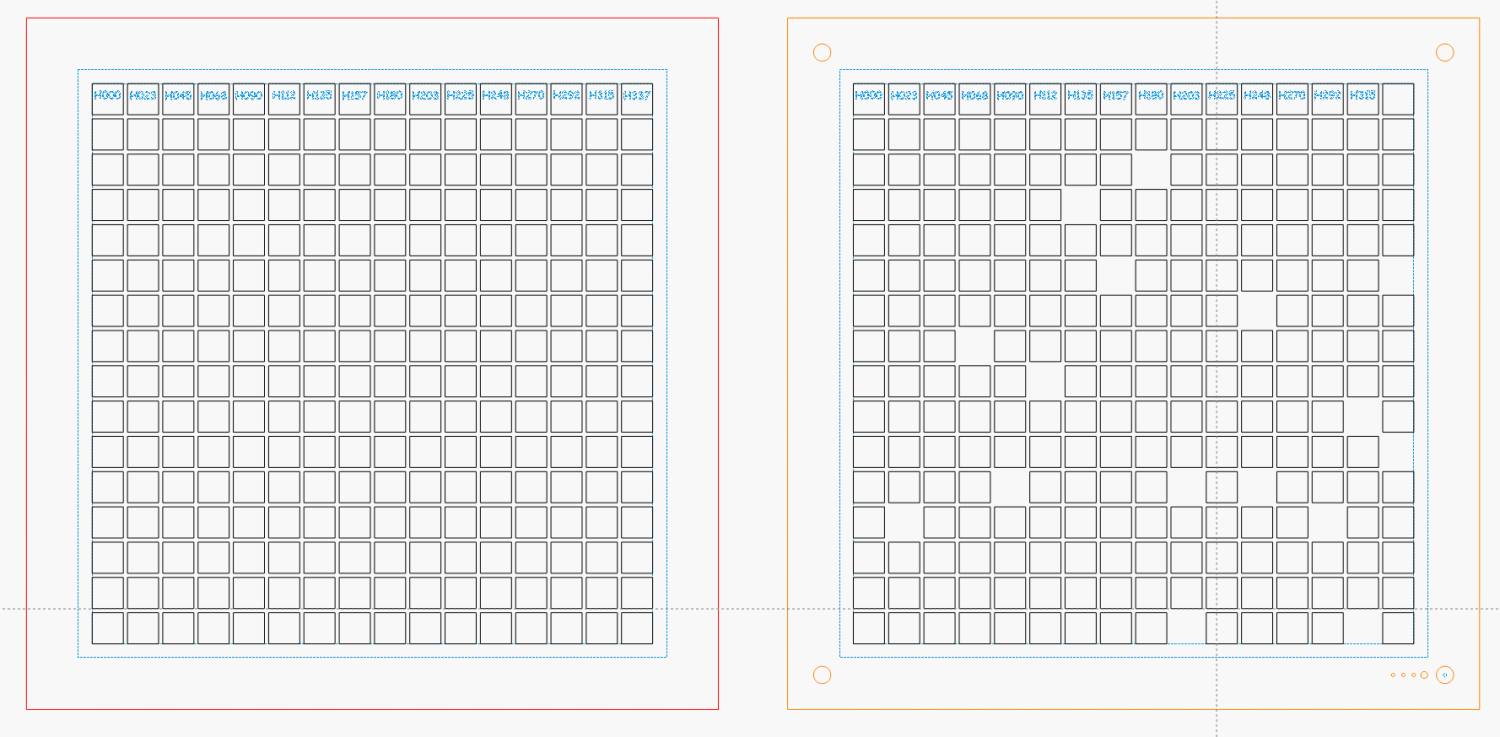
    Cutting an array of 120 mm holes in chipboard produces a fixture for wrecking CDs:

    Laser-engraved CD fixture - loaded
    Laser-engraved CD fixture – loaded

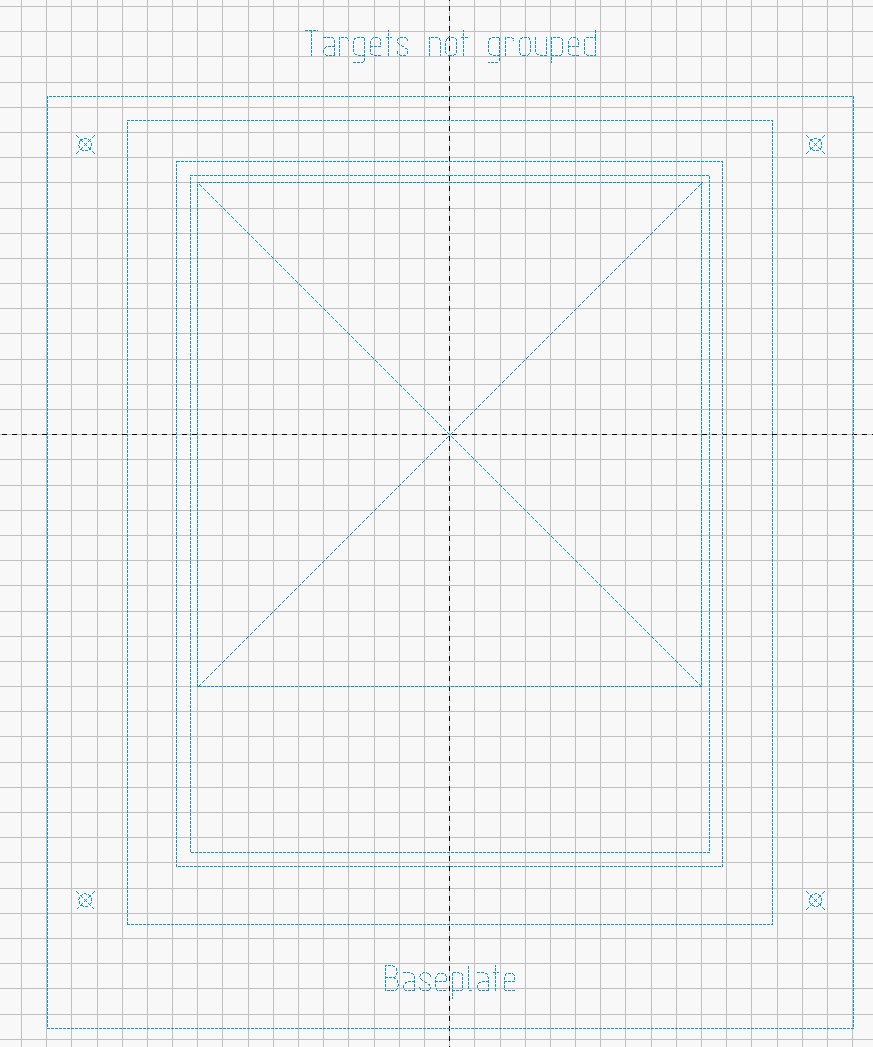
    In addition to the obvious cutouts, the fixture has four corner targets:

    CD 5×3 Fixture
    CD 5×3 Fixture

    Which you use with LightBurn’s Print-and-Cut alignment:

    Laser-engraved CD fixture - alignment
    Laser-engraved CD fixture – alignment

    With fifteen Guilloche swirly patterns imported and snapped into the template and the template aligned to the fixture, Fire The Laser:

    Laser-engraved CD fixture - legend
    Laser-engraved CD fixture – legend

    The whole process takes a bit under 25 minutes:

    Laser-engraved CD fixture - complete
    Laser-engraved CD fixture – complete

    Which produces a stack of glittery proto-coasters:

    Laser-engraved CD fixture - results
    Laser-engraved CD fixture – results

    Although they’re all pretty-like, turning them into Real Coasters requires a cork base, MDF in the middle, wood glue, and adhesive sheets, all of which seems entirely too much like work.

    There ought to be an easier way …

  • Laser Cutter: High Power Vectors vs. CD-Rs

    Laser Cutter: High Power Vectors vs. CD-Rs

    Just to see what happens, I tried cutting a shape from a scrap CD-R:

    Laser cut CD - in progress
    Laser cut CD – in progress

    Cutting polycarbonate is a terrible idea, because that cloud consists primarily of The Big Stink™. AFAICT, the cutting fumes are not much more toxic than what burns off acrylic / wood / whatever, but they definitely smell much worse.

    In any event, the laser produces a clean cut:

    Laser cut CD - on platform
    Laser cut CD – on platform

    Modulo the charred edges and discoloration:

    Laser cut CD - finished
    Laser cut CD – finished

    Some of that buffs right out, but overall it’s not worth the effort unless you really need tiny diffraction gratings.

  • Laser Cutter: Low Power Vectors vs. CD-Rs

    Laser Cutter: Low Power Vectors vs. CD-Rs

    Wrecking scrap discs led to experimenting with the low-power behavior of my nominal 60 W CO₂ laser. I used the same inset version of the Mariner’s Compass quilting pattern as before:

    Mariners Compass - stacked insets - LB layout
    Mariners Compass – stacked insets – LB layout

    The KT332N controller is set to a 7% minimum power, as the tube simply doesn’t fire below that level. The power levels shown below are the minimum and maximum for the layer.

    The cuts are on CD-R discs with the same general appearance, although I can’t say whether they all came from the same manufacturing lot. All of the cuts are on the clear side of the disc, with the data side flat against the platform. Unless otherwise noted, the pictures are from the clear side, looking down into the trenches carved into the surface, and you can see reflections of the cuts in the aluminized data layer.

    Power 7 to 10%:

    CD-R vector cut - clear side - 7-10pct
    CD-R vector cut – clear side – 7-10pct

    Because the controller uses the minimum power at lower speeds, the laser fails to fire near the corners of the pattern.

    Power 8 to 10%:

    CD-R vector cut - clear side - 8-10pct
    CD-R vector cut – clear side – 8-10pct

    The patterns generally begin in their upper-right corner where the laser has little enough power to prevent melting. However, the tube now continues firing as the laser slows for two other corners and melts a gouge into the surface.

    Power 7.5 to 10%:

    CD-R vector cut - clear side - 7.5-10pct
    CD-R vector cut – clear side – 7.5-10pct

    The gouges are less prominent, but not by much.

    Power 7.1 to 10%:

    CD-R vector cut - clear side - 7.1-10pct
    CD-R vector cut – clear side – 7.1-10pct

    Reducing the minimum power to just over the 7% absolute minimum reduces the size of (most of) the blobs, but also causes gaps in some of the lines and at the corners.

    Power 7.1 to 7.5%:

    CD-R vector cut - clear side - 7.1-7.5pct start
    CD-R vector cut – clear side – 7.1-7.5pct start

    Reducing the maximum power causes the tube to not fire at all for some vectors; it doesn’t fire at all with the maximum power set to 7.1%.

    However, the firing is very sensitive to the tube temperature, as that picture is for the first pattern around the disc rim with the cooling water temperature at 20.5 °C.

    The last pattern (which is just to the right of the first) looks much better with the coolant at 20.7 °C:

    CD-R vector cut - clear side - 7.1-7.5pct end
    CD-R vector cut – clear side – 7.1-7.5pct end

    It’s still not complete, but you can see the tube power has increased enough to melt blobs into the surface similar to those at higher maximum powers.

    Power 7.5 to 8%:

    CD-R vector cut - clear side - 7.5-8pct
    CD-R vector cut – clear side – 7.5-8pct

    Although the tube now fires continuously throughout the pattern, you can see thinner sections in the longer vectors over on the left.

    All of the pictures above are using assist air at 12 l/min, so there’s a stiff breeze blowing the smoke away from the laser beam. Turning the assist air off reduces the flow to 2 l/min and produces a much larger cloud of fumes over the surface that seems to deposit more crud around the vectors:

    CD-R vector cut - 2l-min assist air
    CD-R vector cut – 2l-min assist air

    The small MDF stops jammed in the honeycomb platform let me put all the CD-Rs at the same spot and reuse the same pattern with slight power variations and no realignment. It’s not perfect, but it’s pretty good.

    Power 7.5 to 8%, 2 l/min assist air:

    CD-R vector cut - clear side - 7.5-8pct low air
    CD-R vector cut – clear side – 7.5-8pct low air

    Notice the smudges to the left of center.

    Cleaning the surface with a soft cloth and a vigorous circular motion improves the result:

    CD-R vector cut - clear side - 7.5-8pct low air cleaned
    CD-R vector cut – clear side – 7.5-8pct low air cleaned

    If you’re being fussy about cleanliness, you might avoid scratching the otherwise pristine surface.

    I also burned the data side of a disc to wreck the lacquer and aluminized layer, rather than just the clear polycarbonate.

    Power 7.5 to 8% on data side, as seen from the data side:

    CD-R vector cut - data side - 7.5-8pct data side
    CD-R vector cut – data side – 7.5-8pct data side

    The same pattern on the same disc, seen from the clear side:

    CD-R vector cut - data side - 7.5-8pct clear side
    CD-R vector cut – data side – 7.5-8pct clear side

    Burning through the lacquer and aluminum produces a narrower trench and slightly smaller blobs at the junctions.

    Running near the tube’s minimum power produces unpredictable results, because the tube temperature matters. Variations of a few tenths of a degree can prevent the tube from firing, either intermittently or completely, so keeping the minimum layer power well above the minimum tube power is a Good Idea™ unless you can afford considerable scrap.

    It’s a slow way to wreck discs, but a nice way to produce suncatching coasters:

    Mariners Compass Coaster - CD data side finished
    Mariners Compass Coaster – CD data side finished
  • Smashed Glass Clutter Collector: Better Adhesive

    Smashed Glass Clutter Collector: Better Adhesive

    Pretty much as expected, the cheap craft adhesive sheet turned out to be inadequate to the task of holding the thin upper border ring onto the clutter collector:

    Layered Acrylic Desk Junk Collector - overview
    Layered Acrylic Desk Junk Collector – overview

    So I stripped the adhesive off with naptha and arranged a cut in a 3M 300LSE acrylic adhesive sheet:

    Desk clutter plate - 300LSE adhesive sheet
    Desk clutter plate – 300LSE adhesive sheet

    Four small tabs held that ring to the central piece while I stuck the acrylic ring on it, which turned out to be easy enough. Then I cut the tabs, peeled the paper off the other side, stuck the ring to the plate, and it’s once again ready for clutter.

    The bond is visibly better when viewed through the top of the ring, so I think the 300LSE adhesive is thicker and gooier than the craft sheet adhesive, which isn’t surprising at all.