Ed Nisley's Blog: Shop notes, electronics, firmware, machinery, 3D printing, laser cuttery, and curiosities. Contents: 100% human thinking, 0% AI slop.
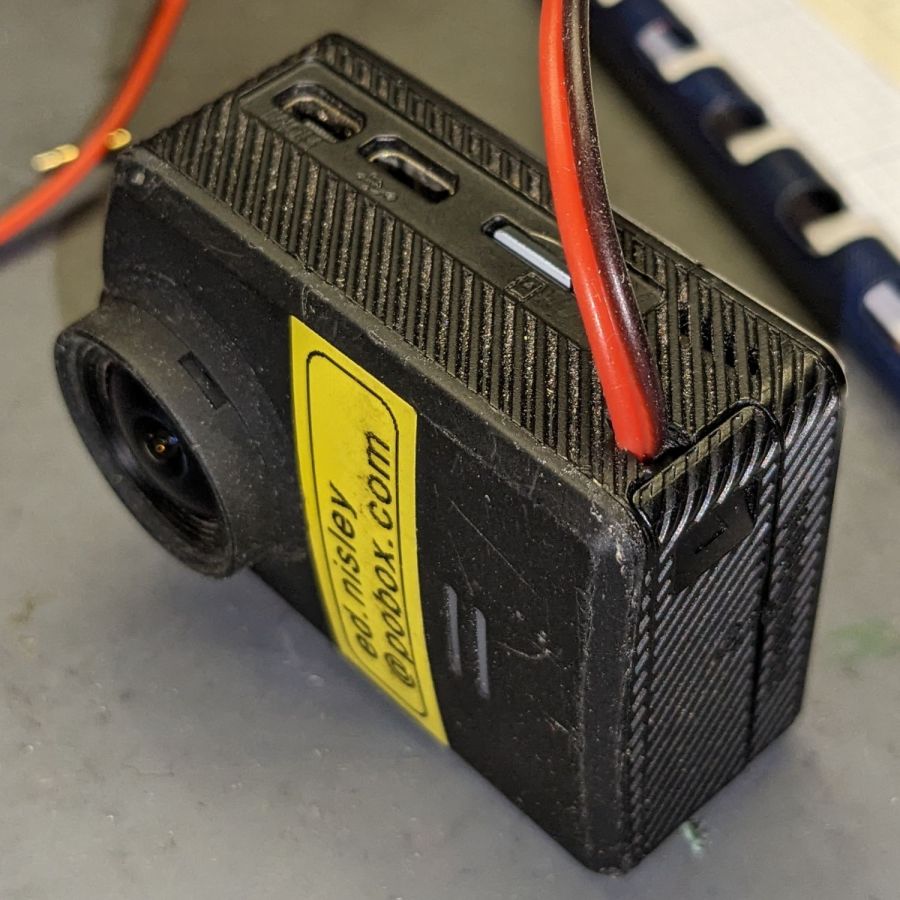
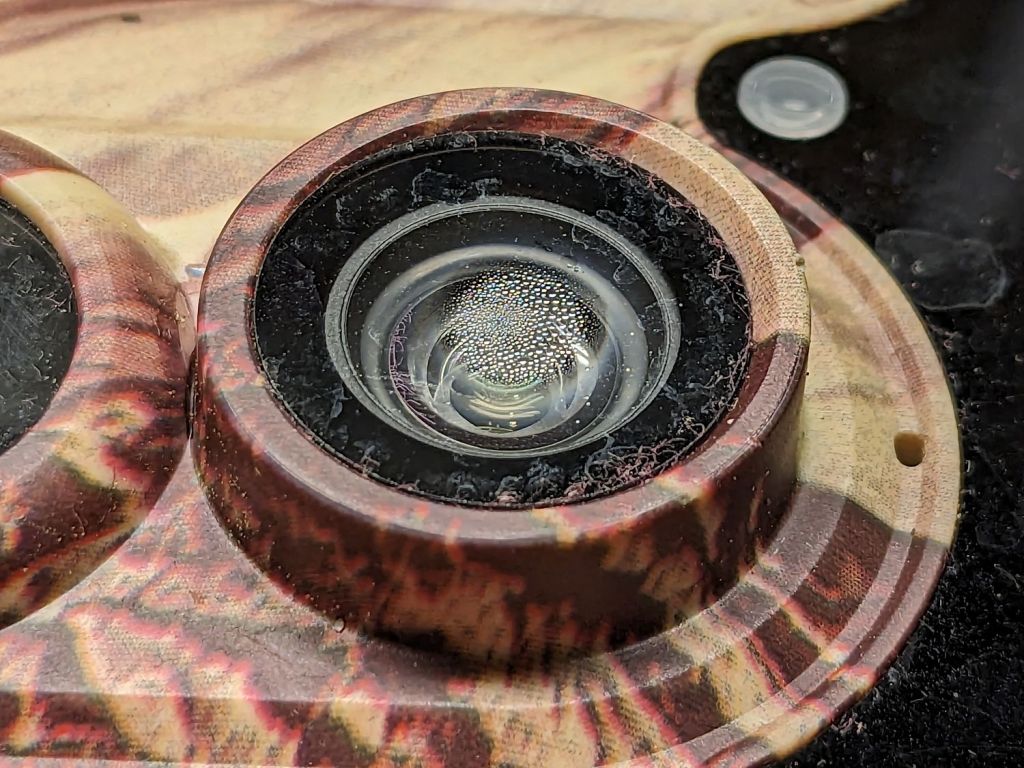
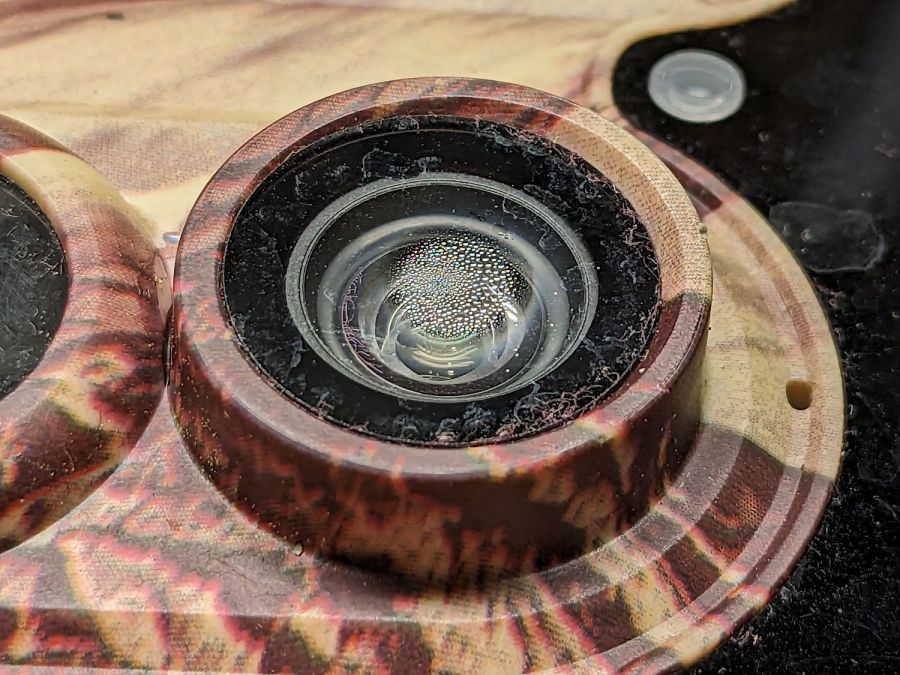
It turns out the camera’s case seal isn’t quite up to the task:
SJCam M50 camera condensation – detail
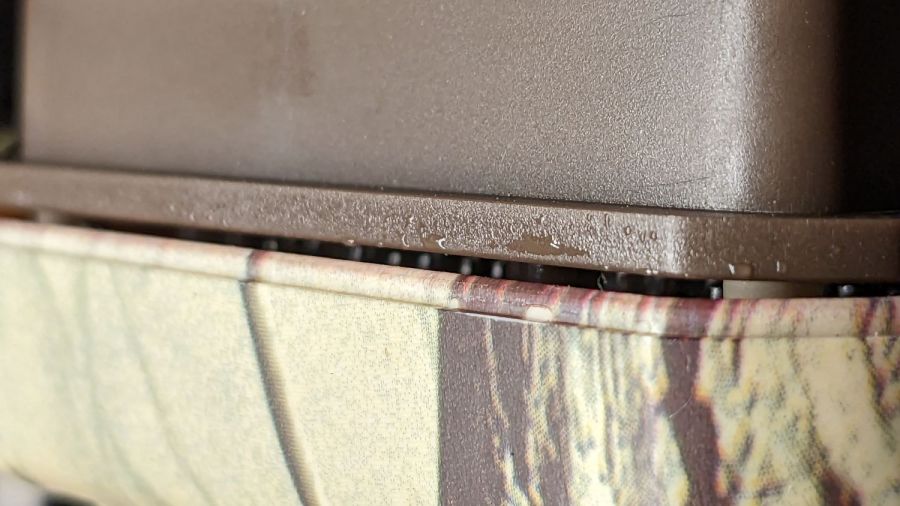
The lip around the front half of the case presses against a rubber gasket around the rear half, which means the water on the electronics chassis is inside the camera case:
SJCam M50 camera condensation – case edge
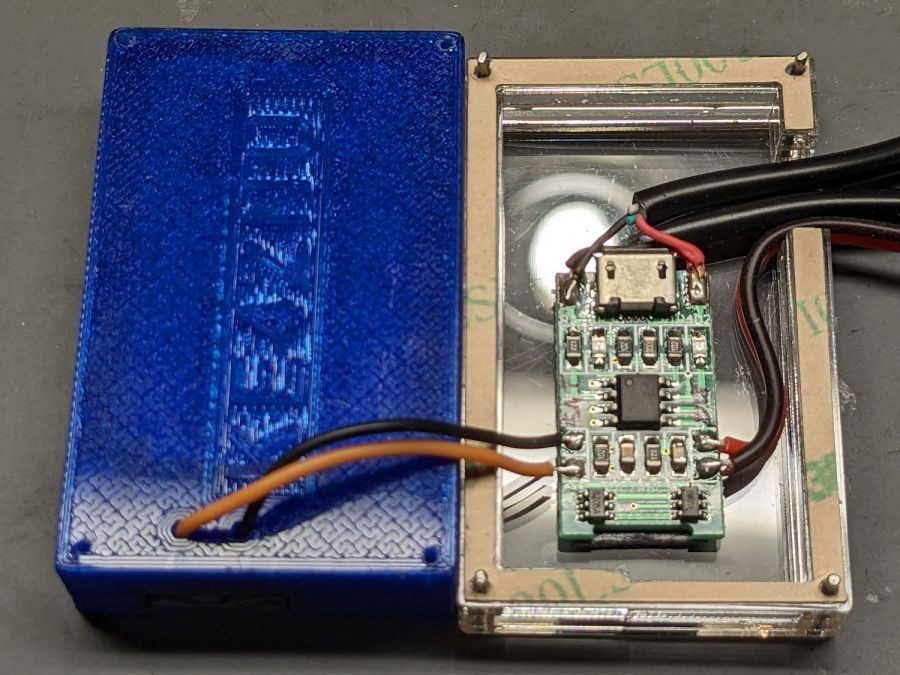
Fortunately, the water condensed on the inside of the glass lens protector, rather than on the camera itself:
SJCam M50 camera condensation – interior
I let the whole thing dry out on the bench for a few days and all seems right again.
The leak does make me think leaving it out in the rain is a Bad Idea™, which isn’t the sort of thought one should have about a trail camera.
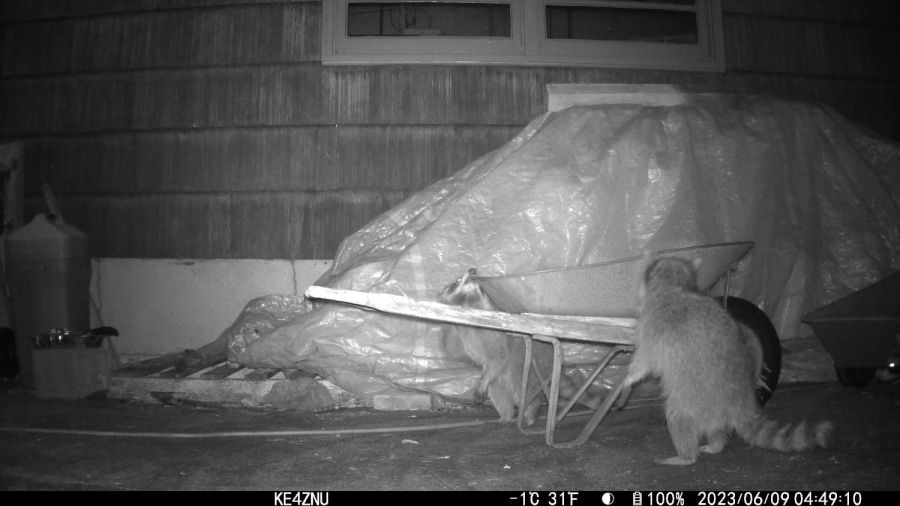
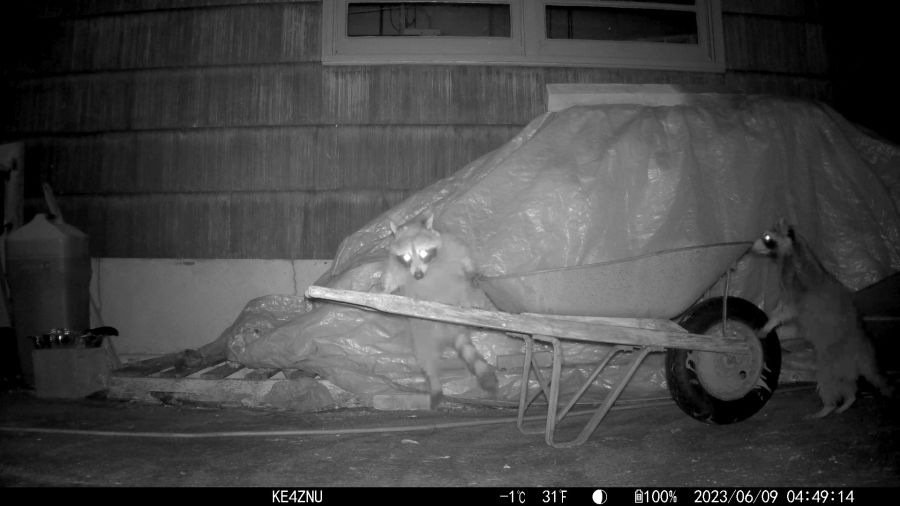
The only reason we haven’t seen a standing raccoon is because we’re not awake when it happens:
Raccoons vs wheelbarrow – 2023-06-09
The glowing dot over on the far right is a third raccoon!
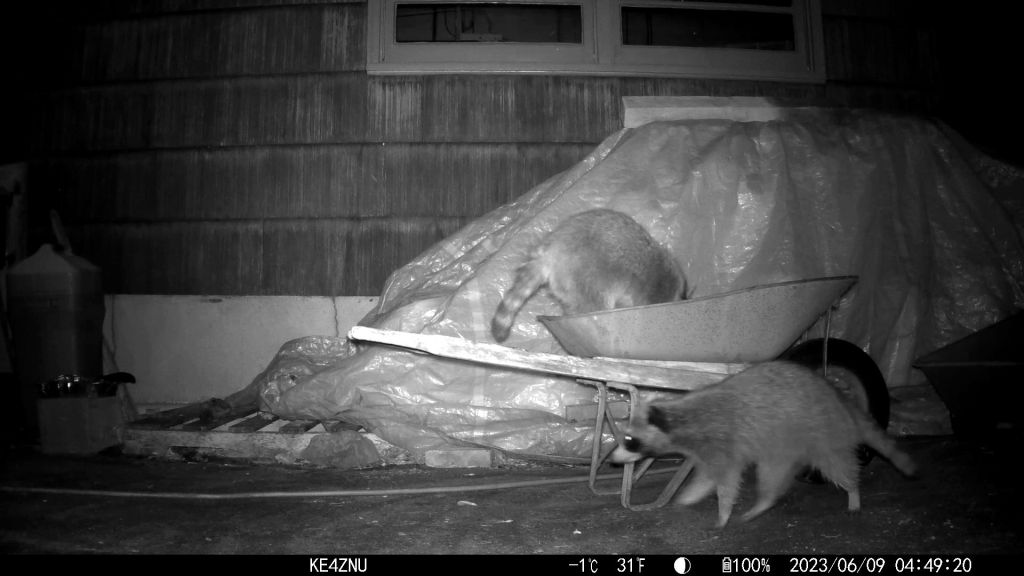
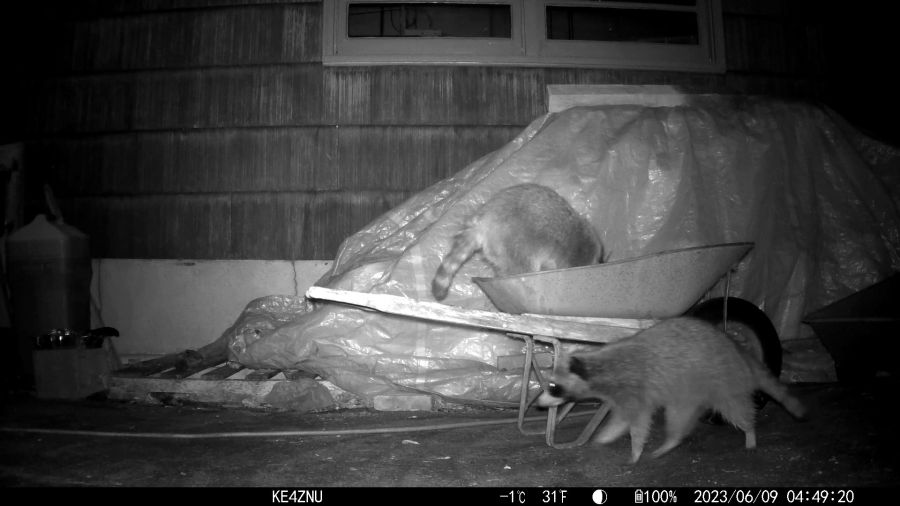
They are athletic critters:
Raccoons in wheelbarrow – 2023-06-09
Mary puts garden clippings in the wheelbarrow before hauling them over the hill to our organic dumping ground. Something must smell pretty good in there:
Raccoons around wheelbarrow – 2023-06-09
The wire mesh over the new plantings in the garden seems to be holding them at bay, but it must come off before it snares the growing plants. We hope whatever is in the fertilizer will have worn off by then!
Using Bash arrays is an exercise in masochism, but I got to recycle most of the oddities from the previous script, so it wasn’t a dead loss.
The cameras use individually unique / screwy / different filesystem layouts, so the script must have individual code to both copy the file and decapitalize the file extensions. This prevents using a single tidy function, although laying out the code in case statements keyed by the camera name helps identify what’s going on.
My previous approach identified the MicroSD cards by their UUIDs, which worked perfectly right up until the camera reformats the card while recovering from a filesystem crash and installs a randomly generated UUID. Because there’s no practical way to modify an existing UUID on a VFAT drive, I’m switching to the volume label as needed:
In particular, note the two UUIDs for the M20 camera: there’s a crash and reformat in between those two lines. The two C100 cameras started out with labels because the M20 taught me the error of my ways.
The script simply iterates through a list array of the cameras and tries to mount the corresponding MicroSD card for each one: the mount points are cleverly chosen to match the camera names in the array. Should the mount succeeds, an asynchronous rsync then slurps the files onto the bulk video drive.
With all the rsync operations running, the script waits for all of them to complete before continuing. I don’t see much point in trying to identify which rsync just finished and fix up its files while the others continue to run, so the script simply stalls in a loop until everything is finished.
All in all, the script scratches my itch and, if naught else, can serve as a Bad Example™ of how to get the job done.
A picture to keep WordPress from reminding me that readers respond positively to illustrated posts:
This file contains hidden or bidirectional Unicode text that may be interpreted or compiled differently than what appears below. To review, open the file in an editor that reveals hidden Unicode characters.
Learn more about bidirectional Unicode characters
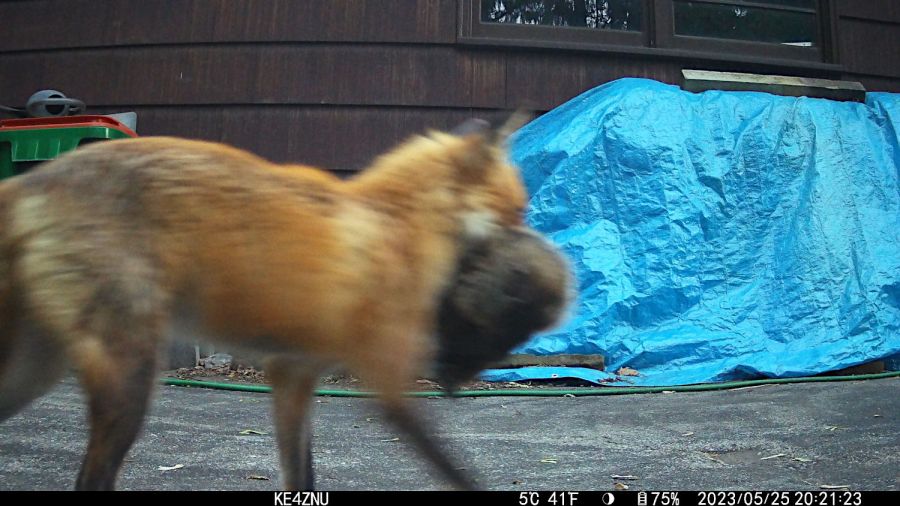
The fox caught what looks like a small groundhog for supper:
IM_00307 – Fox with supper – 2023-05-25
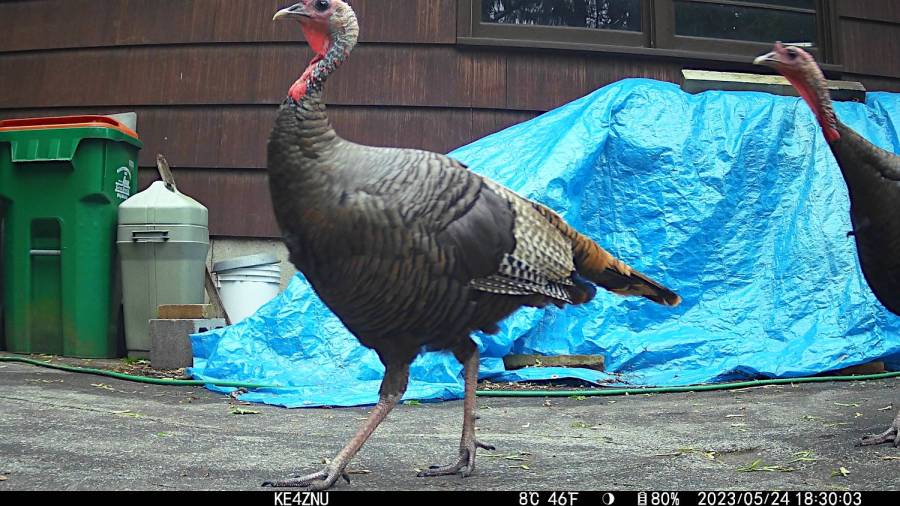
The tom turkeys have been forming and re-forming their groups:
IM_00178 – Turkey parade – 2023-05-24
The gray cat may have spotted breakfast out there in the yard:
IM_00112 – Gray Cat – 2023-05-23
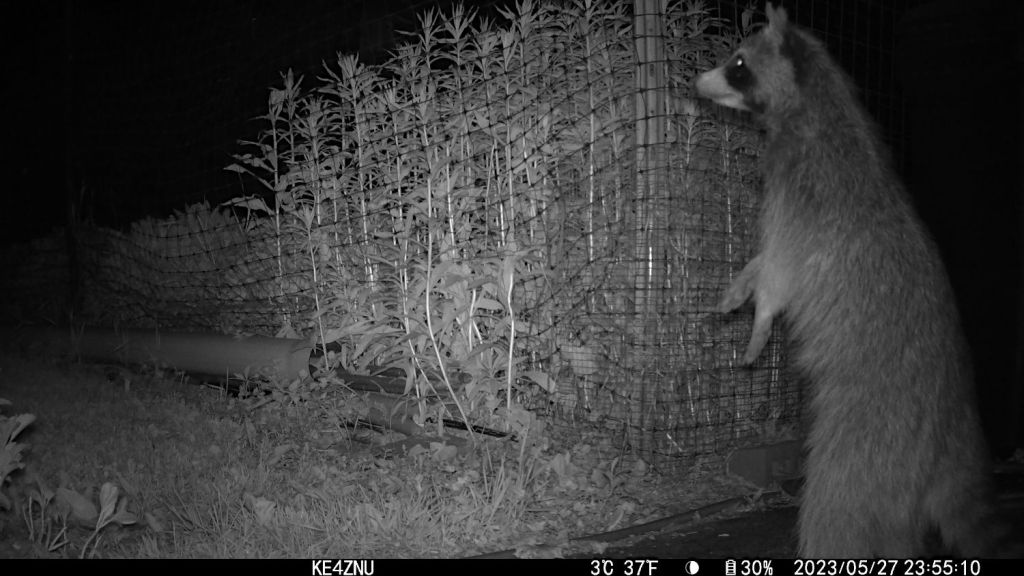
We haven’t seen a raccoon stand up like this before, so something must be very interesting out there:
IM_00089 – Standing raccoon – 2023-05-27
Off to its far right, Mary had fertilized a new pepper planting, which evidently smelled good enough to motivate vigorous digging. None of the plants sustained damage, despite being tossed around, but dexterous paws were surely involved!
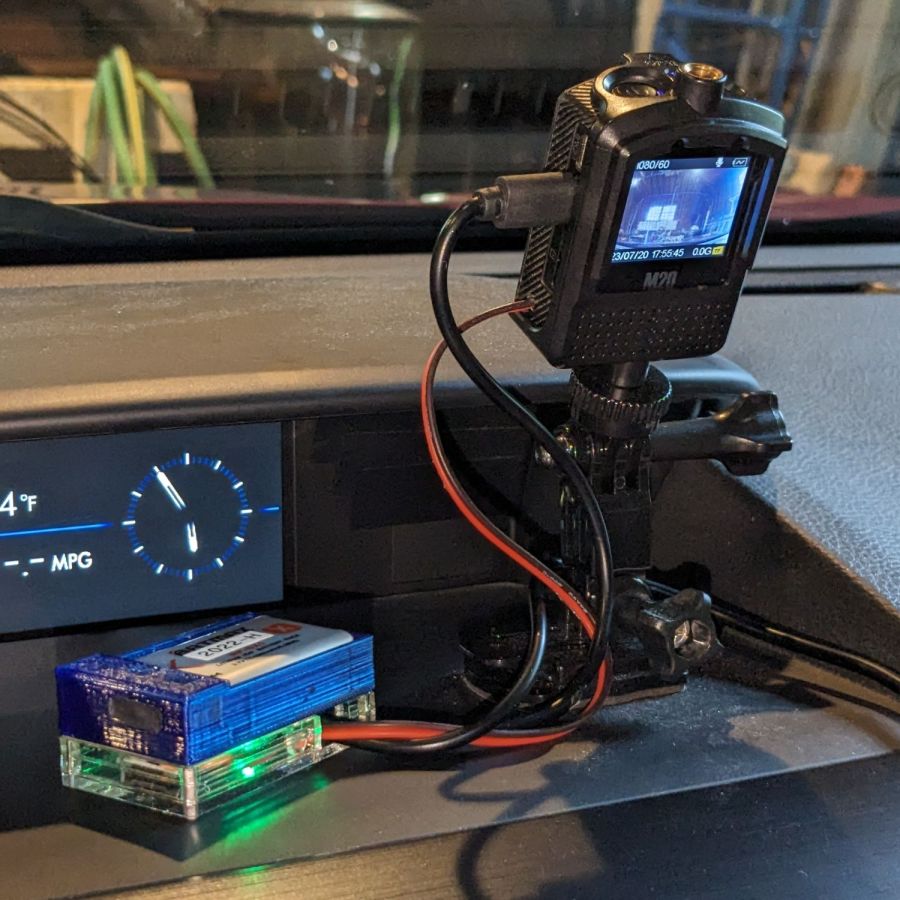
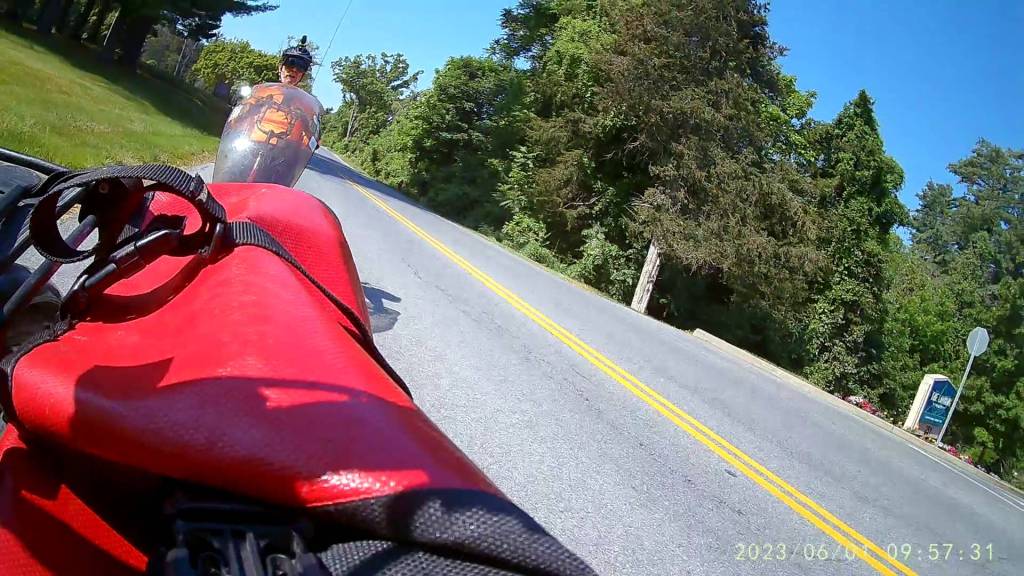
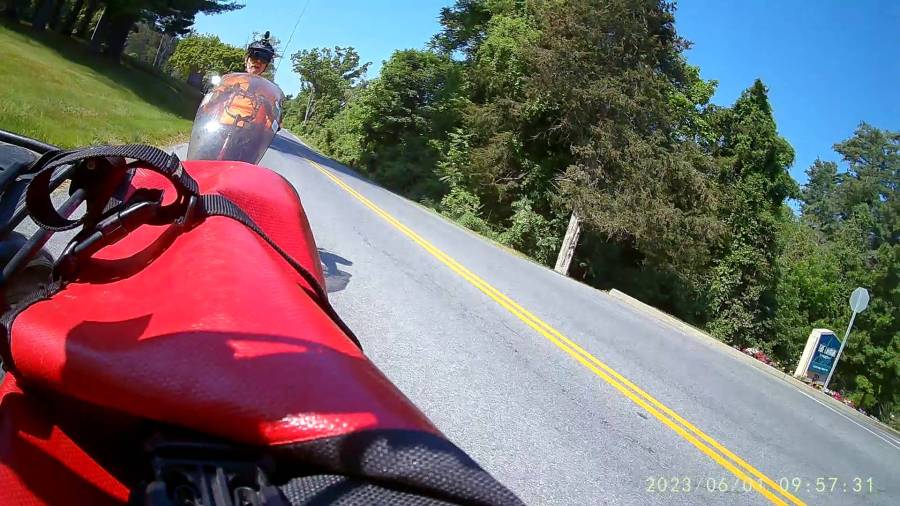
As expected, the internal battery does not last for our usual hour-long rides, so the cameras now operate in “car mode”: recording starts when we plug in the USB battery pack and stops shortly after unplugging.
I started with the waterproof case on my bike:
Tour Easy – SJCAM C100 mount – installed
Which (obviously) does not allow for an external battery, so they’re now in the “frame” mount. The hatch covering the MicroSD card and USB Micro-B connector (and a Reset button!) is on the bottom of the camera, but (fortunately) the whole affair mounts up-side-down and the settings include an image flip mode.
The ergonomics / user interface of this whole setup is terrible:
The camera’s flexible hatch is recessed inside the frame far enough that it cannot be opened without using a small & sharp screwdriver
The USB jack is slightly off-center, so lining the plug up with the camera body doesn’t align it with the jack
The MicroSD card is in a push-to-release socket, but its raised ridge faces the hatch flap and cannot be reached by a fingernail. I added a small tab that helps, but it’s difficult to grasp.
Extracting the video files from the camera through the app is an exercise in frustration. Having already figured out how to do this for the other cameras in the fleet, it’s easier to fumble with the MicroSD card.
I devoutly hope we never really need any of the videos.